

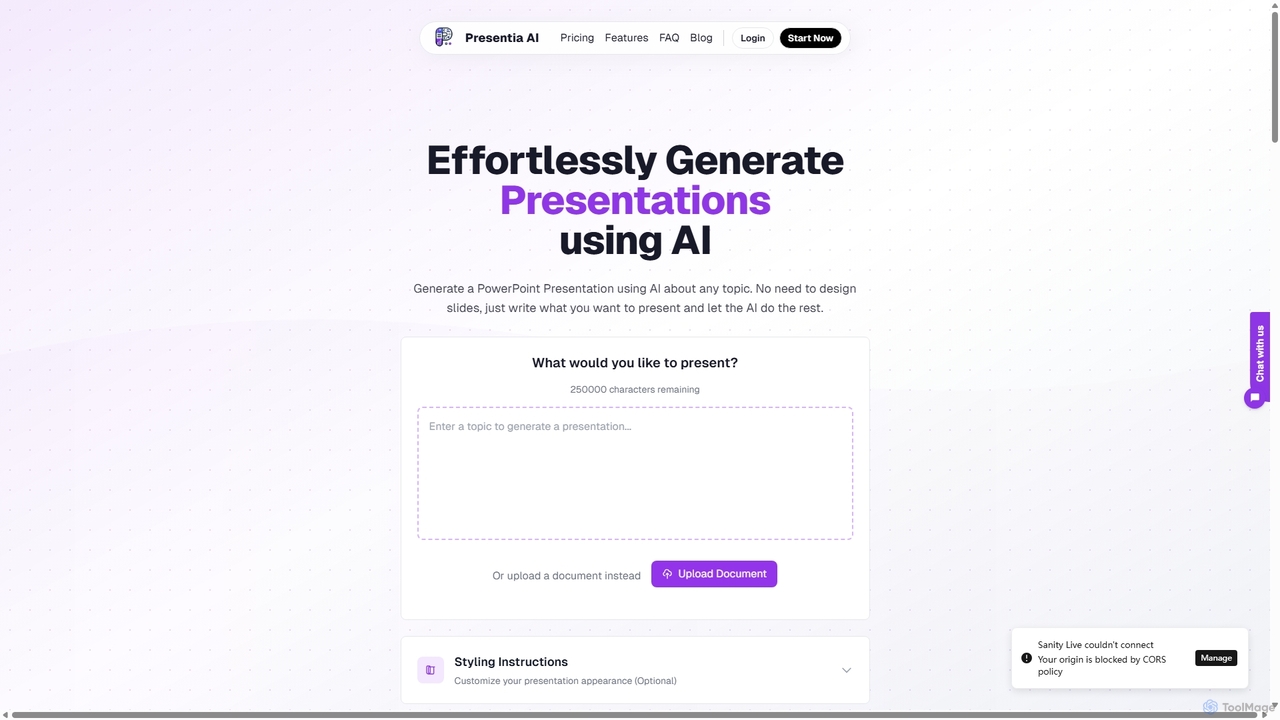
Presentia AI Overview
Presentia AI (found at vozpod.com) is a revolutionary tool designed to automate and streamline the presentation creation process. Leveraging powerful artificial intelligence, it transforms simple text prompts, detailed documents (like PDFs and Word files), or raw ideas into fully-designed, professional PowerPoint presentations in mere seconds. This platform is a game-changer for students, educators, business professionals, marketers, and anyone who needs to create compelling visual content without spending hours on design and content structuring. It eliminates the tedious manual work of slide creation, allowing users to focus on their core message.
How to use Presentia AI
Creating a presentation with Presentia AI is a straightforward, three-step process:
- Provide Input: Start by typing your presentation topic or a detailed prompt into the text box. For summarizing existing content, you can alternatively upload a PDF or Word document directly to the platform.
- Customize Style (Optional): Before generation, you can provide styling instructions to guide the AI on the desired look and feel, ensuring the output aligns with your brand or personal preference.
- Generate with AI: With a single click, Presentia AI's engine analyzes your input, structures the content logically, writes the slide text, and selects relevant AI-generated images to create a cohesive presentation.
- Download and Refine: The generated presentation is available for download as a standard PowerPoint file (.pptx). You can then open it in Microsoft PowerPoint, Google Slides, or other compatible software to make final edits and adjustments.
Core Features of Presentia AI
- AI-Powered Content Generation: The AI intelligently understands your topic to create relevant, engaging, and well-structured content for each slide, from titles to bullet points.
- Document to Presentation Conversion: Seamlessly convert lengthy Word documents and PDFs into concise, easy-to-digest PowerPoint presentations. The AI extracts key points and summarizes the information automatically.
- Global Language Support: Break down communication barriers by creating presentations in multiple languages. The AI maintains context and nuance, making it ideal for international teams and global audiences (available in Pro and Business plans).
- AI-Generated Images: Each presentation is enhanced with relevant, high-quality images generated by AI, making your slides more visually appealing and impactful.
- Customizable Themes and Styling: Tailor the appearance of your presentations to match your branding or specific requirements with customizable themes and styling options.
- Save and Manage Presentations: Users can save their generated presentations within the platform for future access and editing.
Use Cases for Presentia AI
Presentia AI is versatile and can be used across various fields:
- Business Professionals: Quickly create sales pitches, project proposals, team meeting updates, and business reports from existing documents or brief outlines.
- Students & Educators: Transform lecture notes, research papers, and study guides into engaging presentations for classes, assignments, and seminars.
- Marketers & Content Creators: Generate compelling presentations for webinars, product showcases, content marketing materials, and social media campaigns.
- Solopreneurs & Founders: Effortlessly craft investor pitches and company overview decks, saving valuable time and resources.
Advantages of Presentia AI
- Efficiency and Speed: Reduce presentation creation time from hours to minutes. Generate a complete deck in the time it would take to design a single slide manually.
- Professional Quality: Access professionally designed templates and layouts without needing any design skills. The AI ensures a polished and consistent look.
- Ease of Use: The platform features an intuitive interface that is accessible to users of all skill levels. No complex software or training is required.
- Scalability: With plans offering up to 600 slides per month, the tool can support the needs of individuals and large businesses alike.
Pricing and Plans
Presentia AI offers a subscription-based model with three distinct tiers:
- Basic Plan: $4.99 per month. Includes up to 50 slides per month, AI-generated images, the ability to save presentations, and theme customization.
- Pro Plan: $9.99 per month. Includes up to 110 slides per month, all features of the Basic plan, plus support for multiple languages and upcoming team sharing features.
- Business Plan: $49.99 per month. Includes up to 600 slides per month, all features of the Pro plan, plus priority support, a commercial use license, and access to advanced design templates.
Traffic
Latest traffic
Status
Monthly traffic trend
- 2025-9: 2.0K
- 2026-1: 809
- 2026-2: 1.4K
- 2026-3: 1.1K
- 2026-4: 285
- 2026-5: 522
Geography
Top 5 countries / regions
- 🇵🇪Peru64.6%
- 🇺🇸United States35.4%
Top keywords
| Keyword | Cost per click |
|---|---|
| presentia | $0.00 |
| presentia ai | $0.00 |
Presentia AI Alternatives
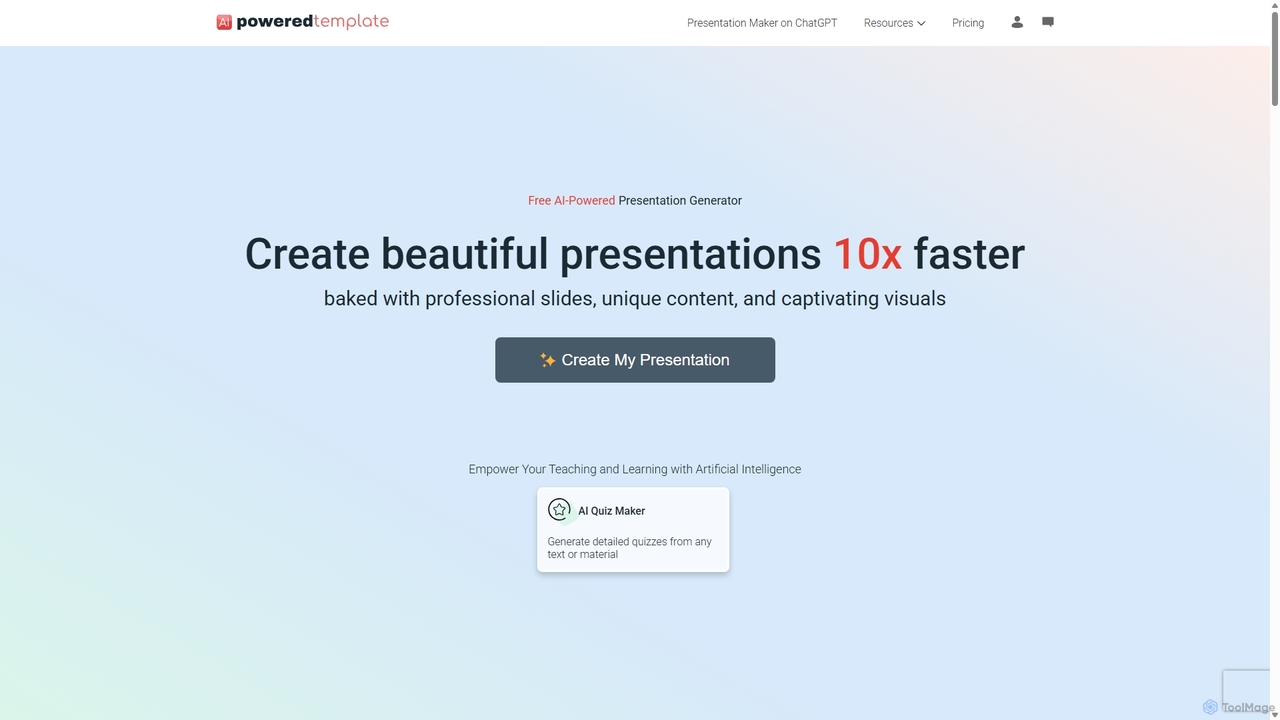
PoweredTemplate AI Presentation Maker
PoweredTemplate AI Presentation Maker is a free, AI-powered tool that transforms your ideas and text into stunning, professional presentations 10x faster. Instantly generate high-quality slides with unique content and captivating visuals for business, education, and marketing. It supports export to PowerPoint, Google Slides, and PDF, offering extensive customization through a vast library of templates and stock media.
Proposals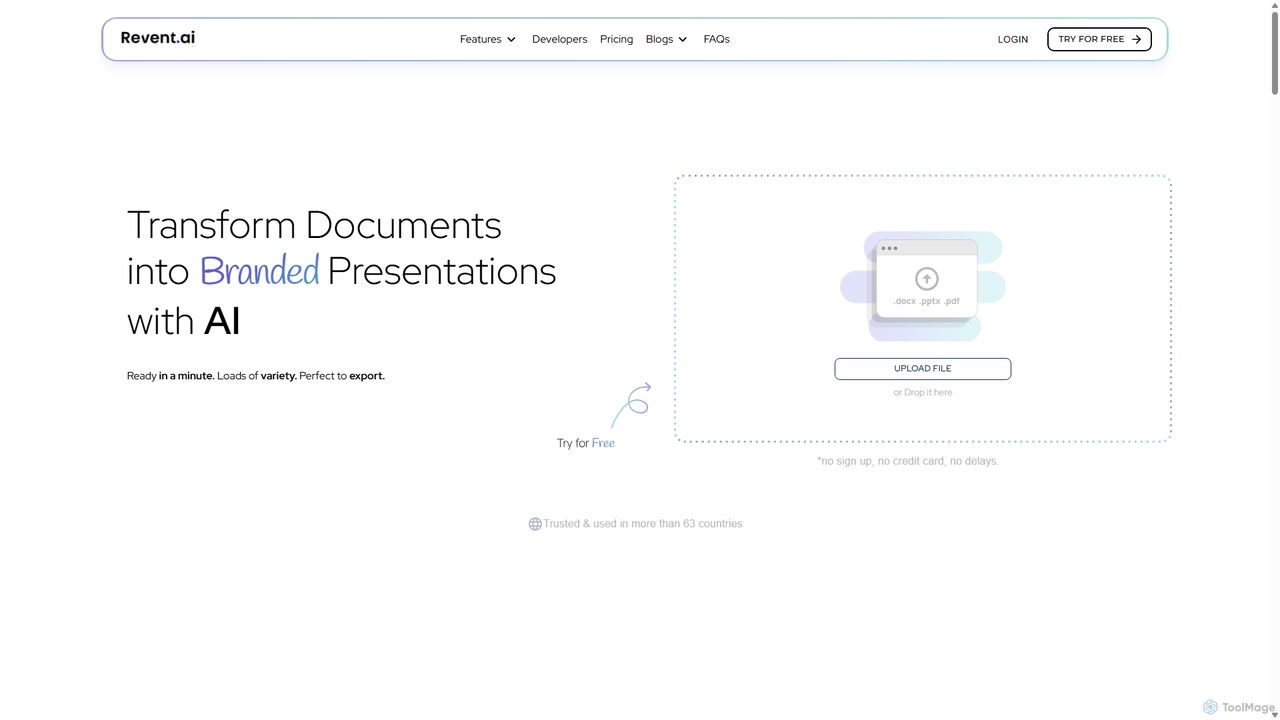
Revent
Revent is an AI-powered presentation design tool that instantly transforms documents like PDFs, Word files, and plain text into professionally designed, branded presentations. It automates slide creation, ensures brand consistency by mirroring your website's design, and offers a vast library of smart templates to streamline your workflow and produce stunning decks in minutes.
Document Management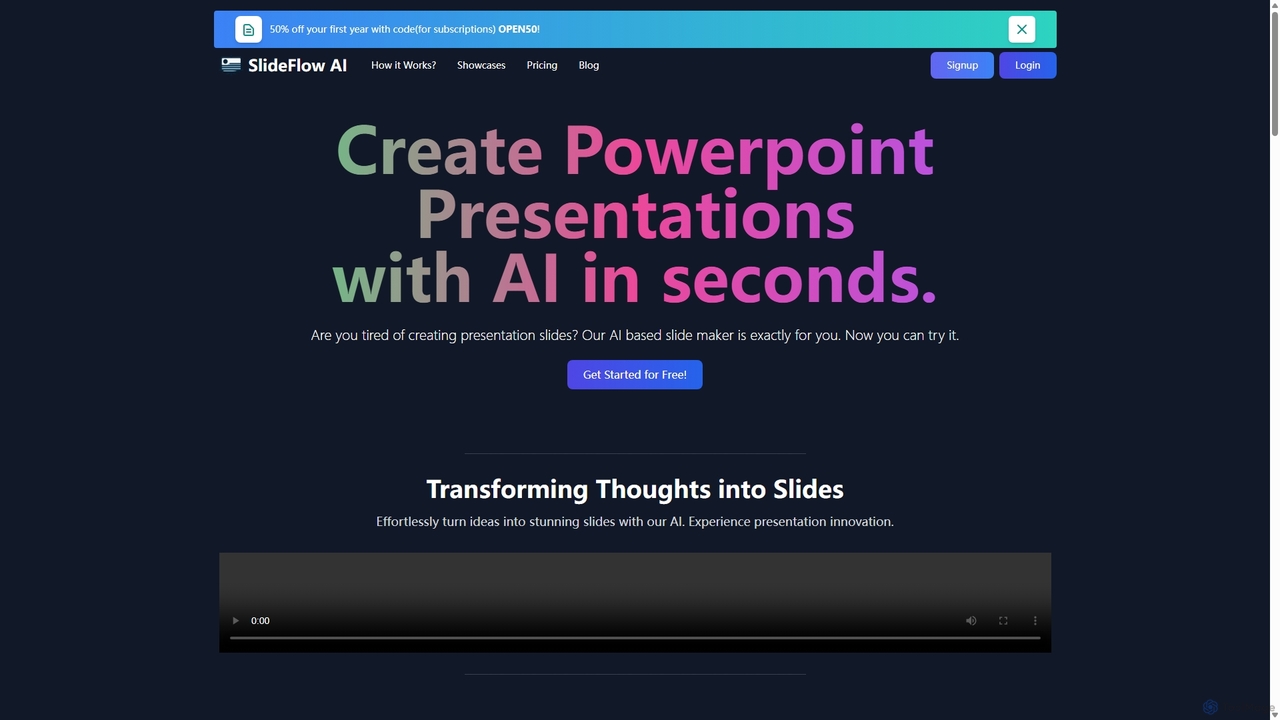
SlideFlow
SlideFlow is an AI-powered presentation maker that transforms your text and ideas into professional PowerPoint slides in seconds. It features a Magic Writer for content refinement, a vast library of background images, and supports over 85 languages. Ideal for students, professionals, and anyone looking to save hours on presentation design.
Marketing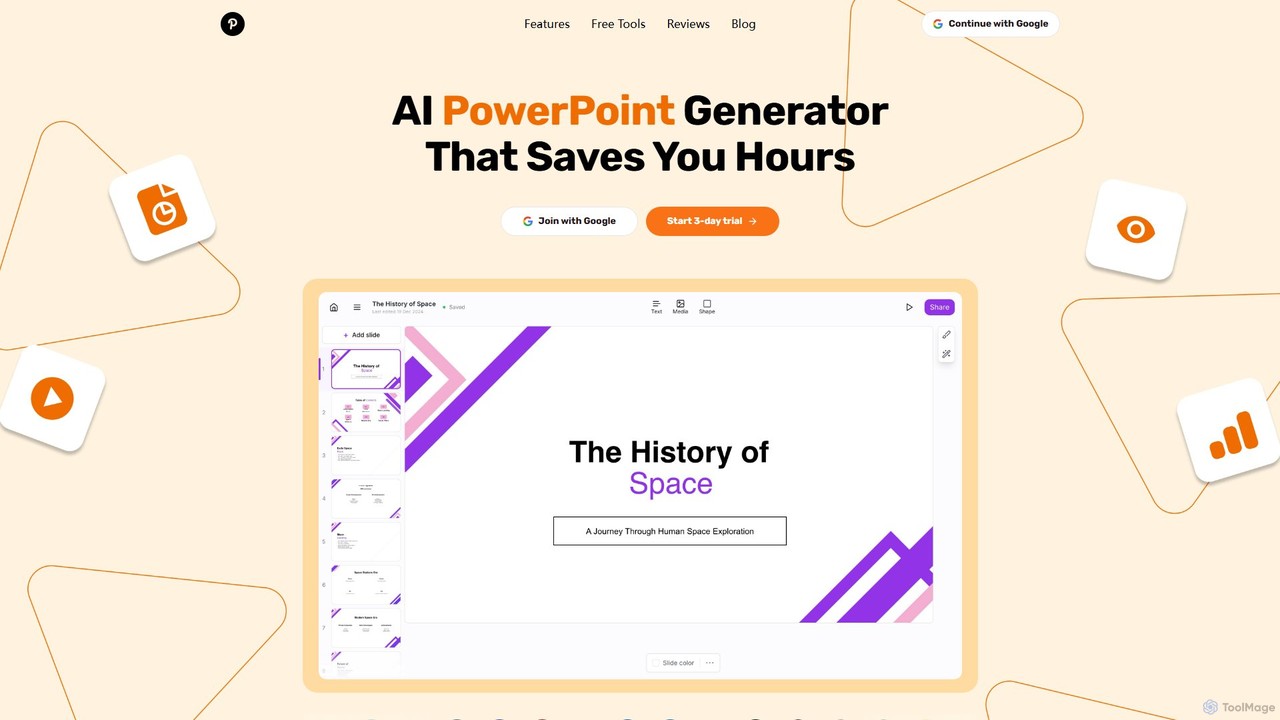
GenPPT
GenPPT is an AI-powered presentation generator that creates professional PowerPoint slides from simple text prompts in minutes. It's designed for professionals, marketers, and students to save hours on slide creation, focusing on logical structure, compelling content, and sleek design without needing any design skills.
Sales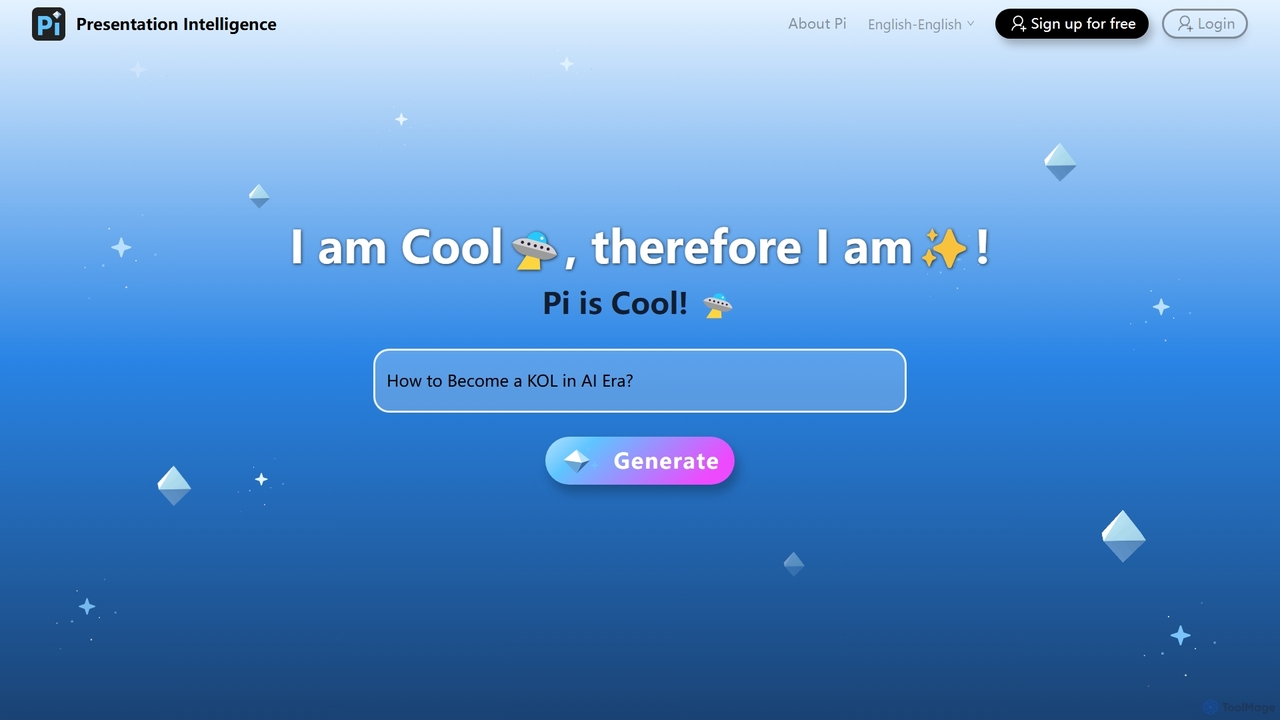
Pi
Pi (Presentation Intelligence) is an AI-native platform that transforms content creation. It uses advanced multi-modal AI and design engineering to automatically generate stunning presentations and documents from simple prompts, PDFs, websites, or data. Pi intelligently structures content, designs layouts, visualizes information, and ensures a seamless, fluid experience on any device, making professional design accessible to everyone.
Generative ArtPresentia AI Categories
Presentia AI Jobs
Presentia AI Embed Widget
Copy this embed code to place the badge on your blog, article, or product site and send readers directly to this ToolMage detail page.

Related AI tools
PoweredTemplate AI Presentation Maker
PoweredTemplate AI Presentation Maker is a free, AI-powered tool that transforms your ideas and text into stunning, professional presentations 10x faster. Instantly generate high-quality slides with unique content and captivating visuals for business, education, and marketing. It supports export to PowerPoint, Google Slides, and PDF, offering extensive customization through a vast library of templates and stock media.
ProposalsRevent
Revent is an AI-powered presentation design tool that instantly transforms documents like PDFs, Word files, and plain text into professionally designed, branded presentations. It automates slide creation, ensures brand consistency by mirroring your website's design, and offers a vast library of smart templates to streamline your workflow and produce stunning decks in minutes.
Document Management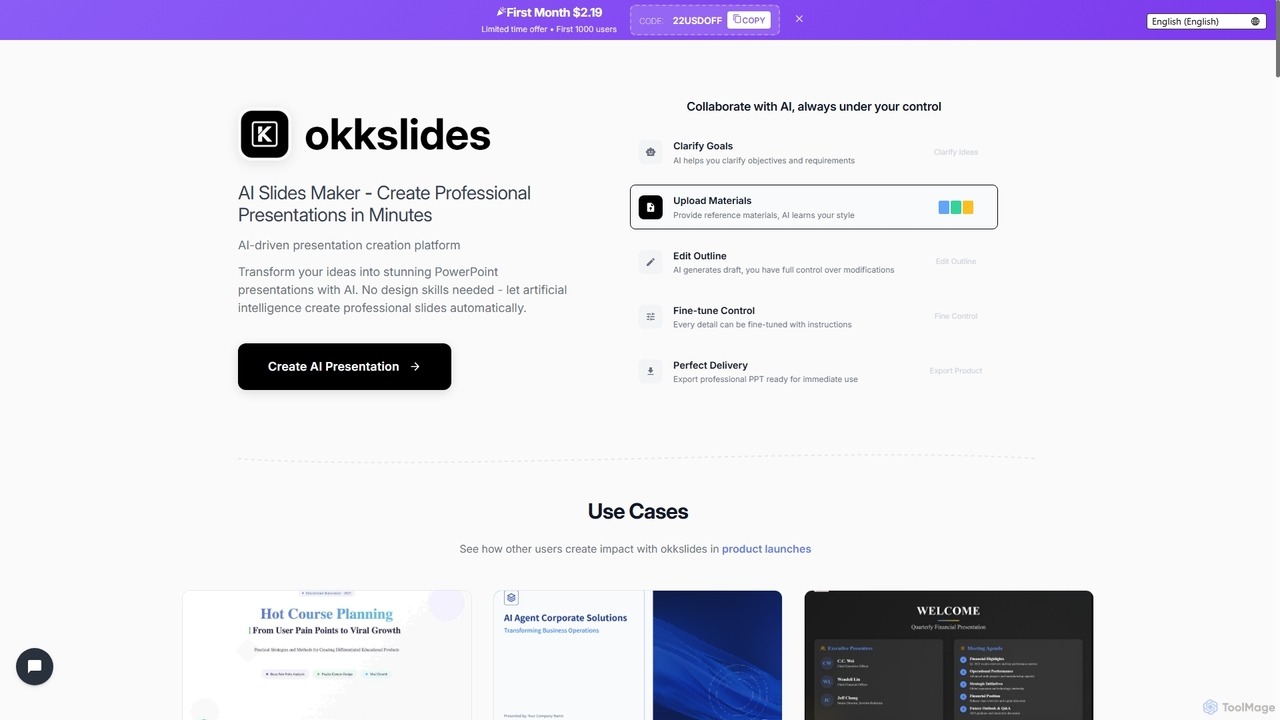
Okkslides
Okkslides is an AI-driven presentation creation platform that transforms your ideas into stunning PowerPoint presentations in minutes. It eliminates the need for design skills, offering intelligent content organization and continuous AI collaboration to produce professional slides for various business and educational needs.
Marketing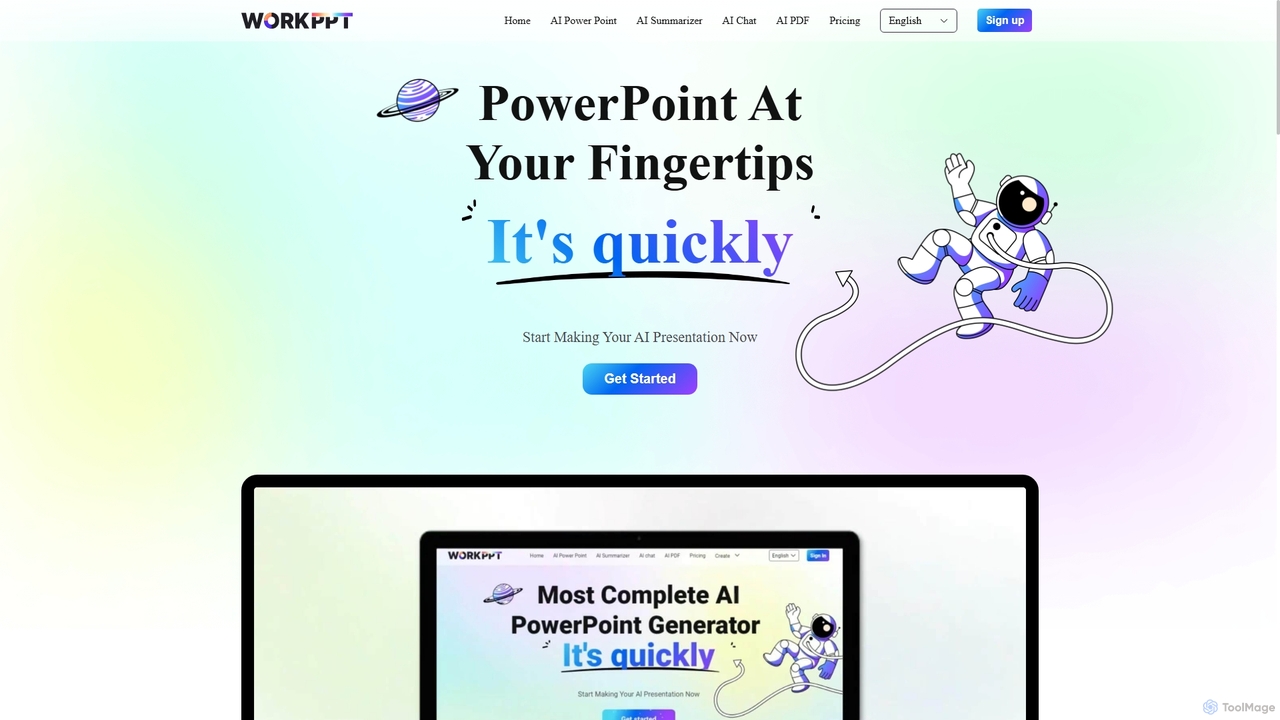
Workppt
Workppt is an AI-powered presentation generator that creates professional PowerPoint slides, websites, and summaries in seconds. Simply provide a title or upload a document, and the AI will generate a complete presentation with relevant content and design, saving you hours of manual work.
Marketing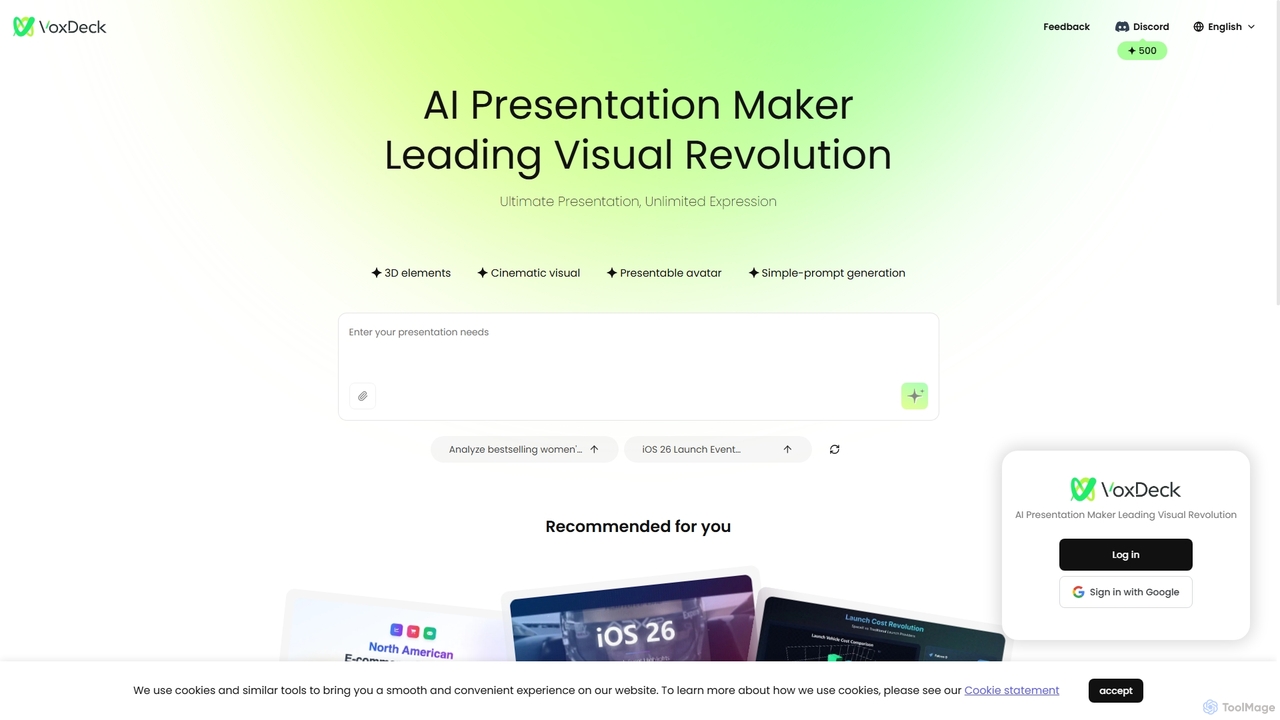
VoxDeck
VoxDeck is an AI-powered presentation maker that transforms simple text prompts into visually stunning, cinematic presentations. It leverages 3D elements, dynamic visuals, and presentable avatars to create engaging and professional slides, leading a new revolution in visual storytelling and communication.
GraphicsSlideFlow
SlideFlow is an AI-powered presentation maker that transforms your text and ideas into professional PowerPoint slides in seconds. It features a Magic Writer for content refinement, a vast library of background images, and supports over 85 languages. Ideal for students, professionals, and anyone looking to save hours on presentation design.
Marketing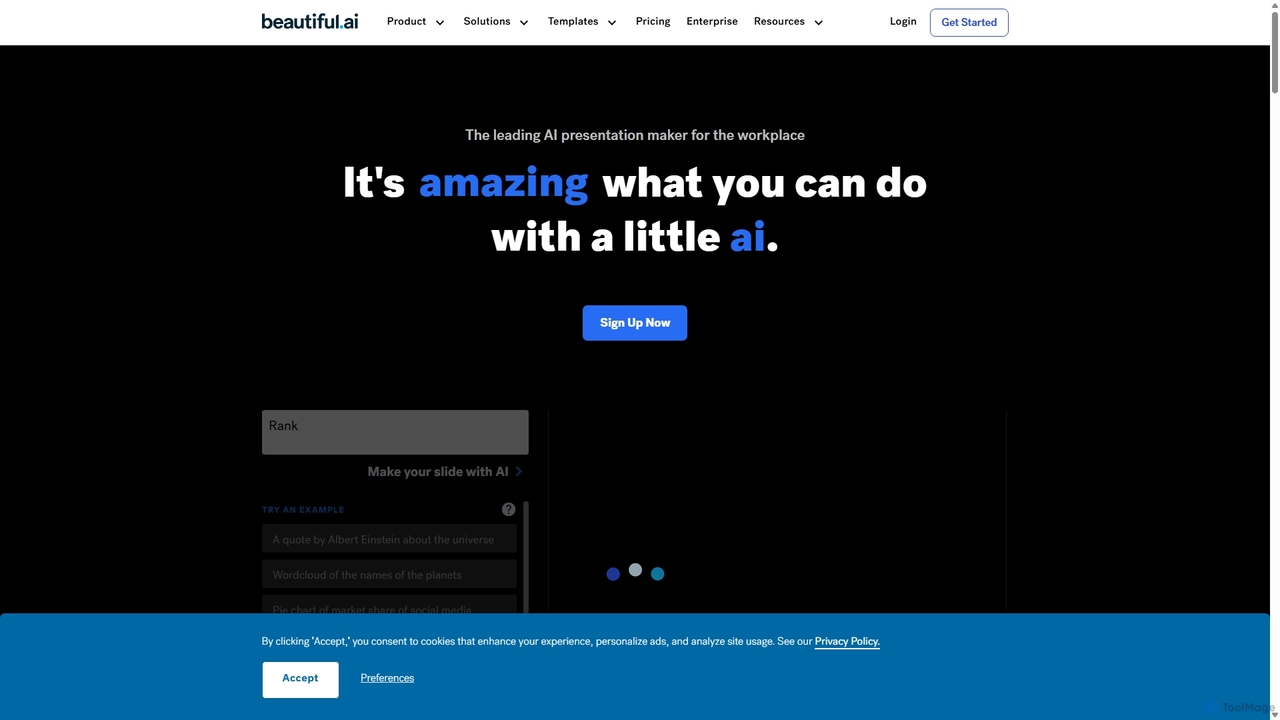
Beautiful.ai
Beautiful.ai is an AI-powered presentation maker that automates design, enabling users to create stunning, professional presentations 10x faster. It offers smart templates, real-time slide adaptation, and robust team collaboration features to ensure brand consistency and boost productivity for businesses and individuals.
Graphics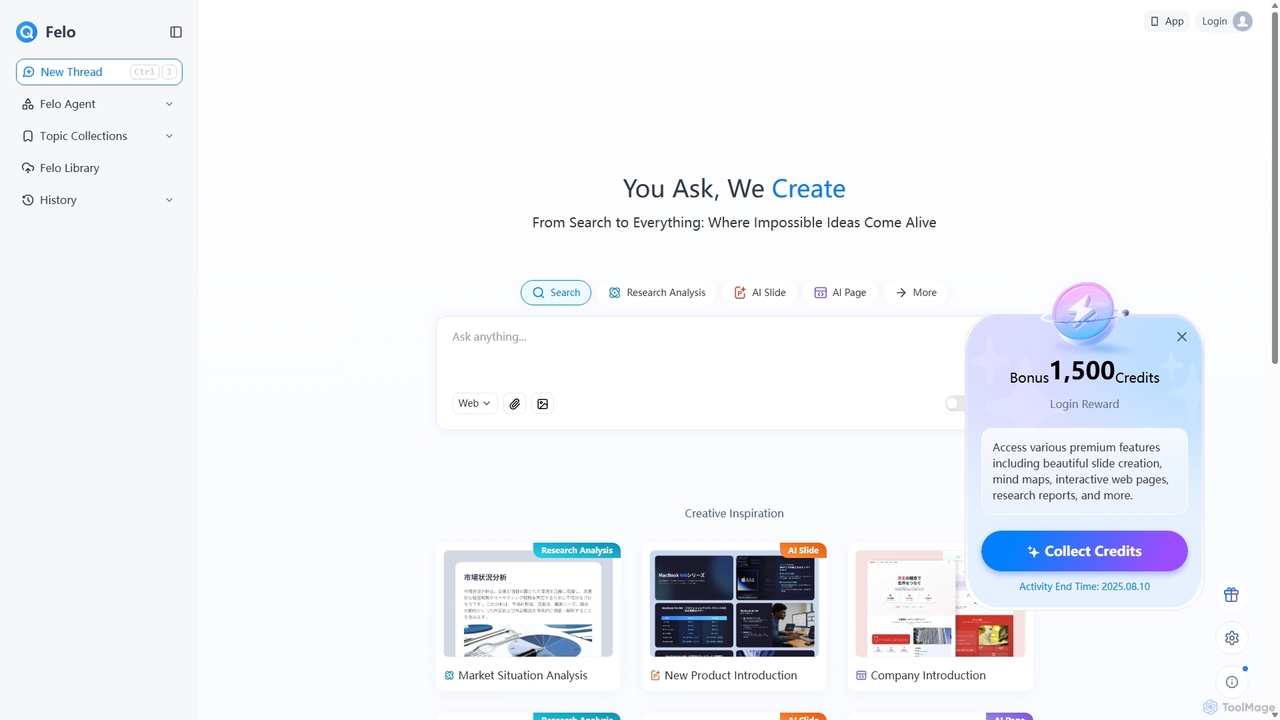
Felo
Felo is an all-in-one AI platform that transforms search into a comprehensive creation and analysis engine. It utilizes intelligent agents to automate research, generate insightful reports, create stunning presentations, and build interactive web pages from a simple query or uploaded files, significantly boosting productivity for professionals.
Presentations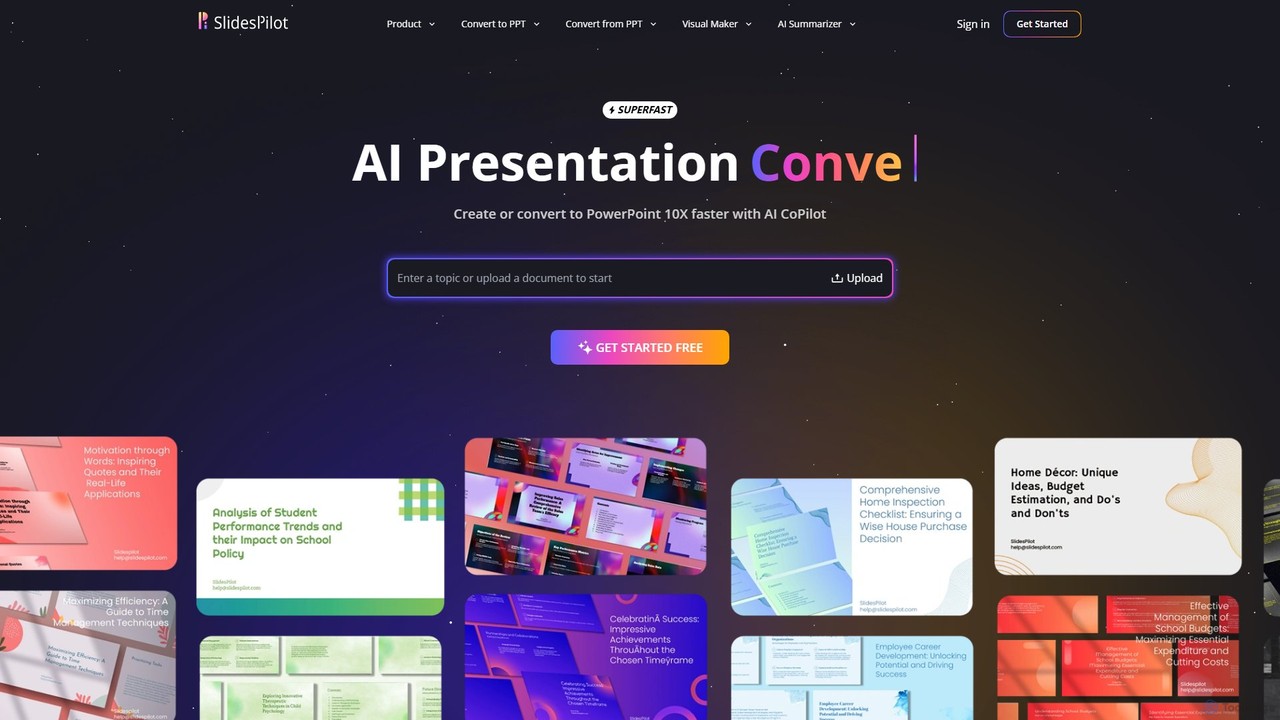
SlidesPilot
SlidesPilot is an AI-powered presentation generator that creates professional PowerPoint and Google Slides 10x faster. It can generate presentations from a topic, convert documents (PDF, Word), text, YouTube videos, and webpages into slides, and features an AI Copilot for real-time editing, image generation, and content rewriting.
Document Management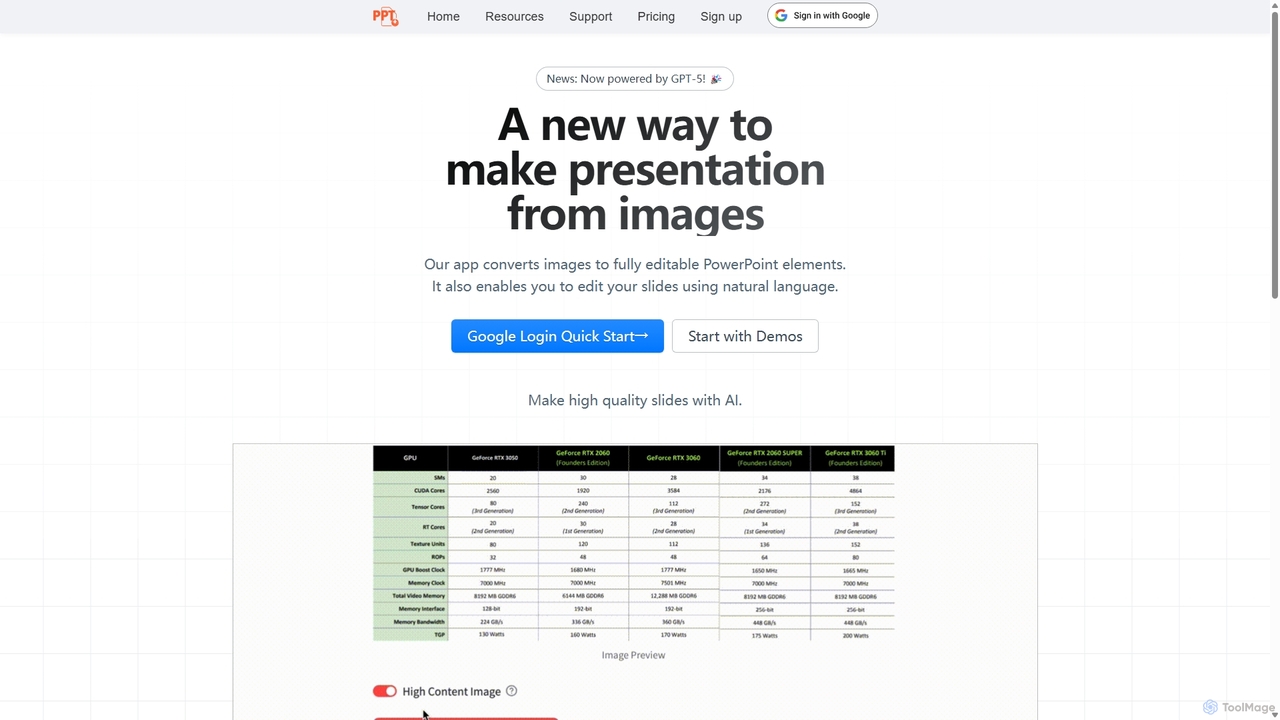
Edit in PPT
Edit in PPT is an AI-powered tool that converts images, screenshots, and static slides into fully editable PowerPoint presentations. It uses advanced vision models to recognize text, charts, and shapes, saving users hours of manual recreation. The tool also features natural language commands for editing slides, streamlining the entire presentation creation process.
Automation
iMini
iMini is an all-in-one AI assistant and creation platform that integrates various AI agents for image generation, video creation, presentation slides, deep research, and document writing. It streamlines workflows, boosts productivity, and offers a unified chat interface for diverse creative and professional tasks.
Multifunctional Assistant
Jyek
Jyek is an AI agent platform that understands objectives, creates execution plans, uses tools, and delivers verifiable results for complex, multi-step tasks.
AutomationGenPPT
GenPPT is an AI-powered presentation generator that creates professional PowerPoint slides from simple text prompts in minutes. It's designed for professionals, marketers, and students to save hours on slide creation, focusing on logical structure, compelling content, and sleek design without needing any design skills.
Sales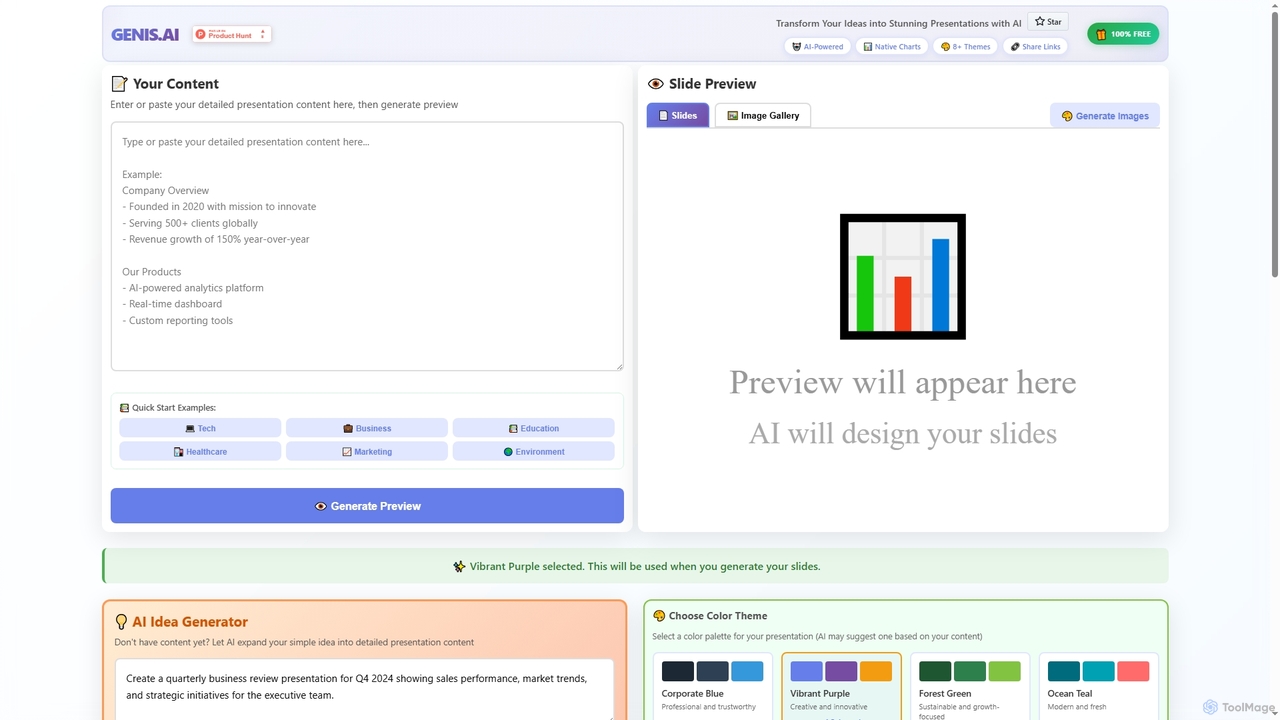
Genis
Genis is a free AI-powered presentation generator that transforms ideas and content into stunning, professional slides in seconds. It offers native charts, diverse themes, and flexible AI model integration, including free access to Amazon Bedrock, making high-quality presentation creation accessible to everyone.
Data Visualization
Tenorshare AI
Tenorshare AI is a comprehensive suite of AI-powered tools designed to enhance productivity and creativity. It features an AI humanizer to bypass AI detection, an AI writer with over 120 tools for content creation, an AI PDF/DOC summarizer for quick document analysis, and an AI presentation maker to generate slides instantly. It's built for students, writers, marketers, and professionals to streamline their workflows.
Presentation
Presentia AI Comments (0)
Sign in to comment.
Sign inNo comments yet.