

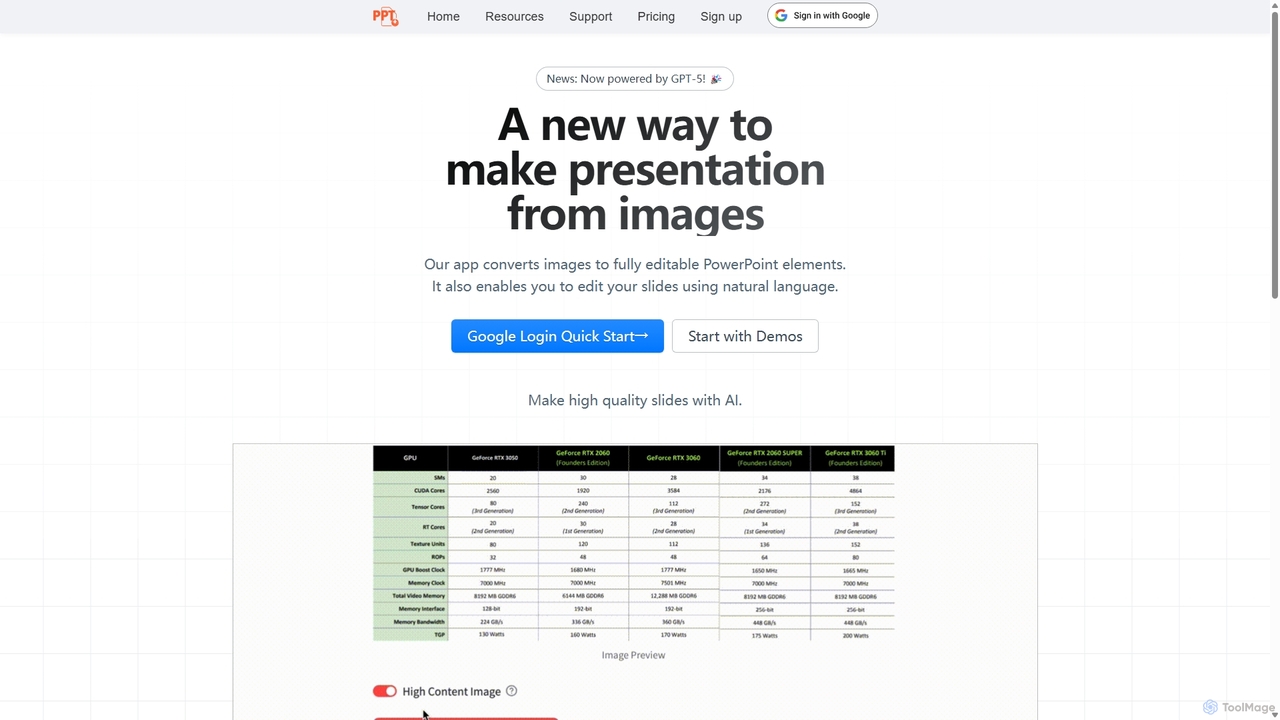
Edit in PPT Overview
Edit in PPT is a revolutionary AI tool designed to transform the way professionals and students create and edit presentations. It addresses a common and time-consuming problem: recreating PowerPoint slides from static images, screenshots, or PDF documents. Powered by cutting-edge vision AI models, including the claimed GPT-5, this application intelligently analyzes the content of an image and converts it into a fully editable PowerPoint (.pptx) file. This means that text boxes, charts, tables, and graphical elements are not just copied as images, but are reconstructed as native, editable PowerPoint objects.
The platform was born out of a need to streamline the slide-making process, eliminating the tedious task of manual data entry and design replication. It allows users to focus on the content and delivery of their presentations rather than the mechanics of slide creation. With a clean, user-friendly interface, Edit in PPT makes this powerful technology accessible to everyone, regardless of their technical expertise.
How to use Edit in PPT
Using Edit in PPT is a straightforward process designed for maximum efficiency:
- Sign Up and Log In: Create a free account to get started. New users receive complimentary credits each month.
- Upload Your Image: Drag and drop or select an image file (e.g., a screenshot of a slide, a photo of a presentation screen, or a page from a PDF) that you want to convert.
- AI Processing: The tool's AI engine analyzes the image, identifying different elements like text, titles, lists, charts, and shapes. Users can choose from different AI models based on the complexity of the image, which may affect the credit cost.
- Download the Editable File: Once the conversion is complete, you can download a fully editable .pptx file.
- Edit in PowerPoint: Open the file in Microsoft PowerPoint or any compatible software. All elements will be editable—you can change the text, adjust chart data, resize shapes, and modify the layout as if you had created the slide from scratch.
- Edit with Natural Language: The tool also offers an innovative feature to edit slides using simple text commands, further speeding up the workflow.
Core Features of Edit in PPT
- Image-to-Slide Conversion: The primary function that transforms static images into high-resolution, fully editable PowerPoint slides.
- High-Fidelity Element Recognition: Accurately identifies and recreates various slide components, including text blocks, tables, charts, icons, and shapes, maintaining the original layout.
- Natural Language Editing: Allows users to make changes to their slides by typing commands in plain English, such as "change the title to 'Q3 Financial Report'" or "make all headings blue."
- AI-Powered Chart Modification: Intelligently reconstructs charts from images, making the underlying data editable within PowerPoint.
- AI Slide Translation: Provides capabilities to translate the text content of slides into different languages while preserving the original formatting.
- User-Friendly Interface: A simple and intuitive design that makes the conversion process quick and effortless.
Use Cases for Edit in PPT
Edit in PPT is a versatile tool valuable for a wide range of users:
- Business Professionals: Quickly update old presentations where only PDF or image versions are available. Incorporate slides from external sources or webinars into their own decks seamlessly.
- Students and Educators: Convert lecture notes, textbook pages, or research paper figures into editable slides for study guides or class presentations.
- Consultants: Recreate and standardize client-provided slides (often shared as screenshots) to fit their company's branding and template.
- Marketing and Sales Teams: Repurpose marketing materials, infographics, and report snapshots into dynamic presentations for pitches and meetings.
Advantages of Edit in PPT
The main advantage of Edit in PPT is the massive amount of time and effort it saves. Instead of spending hours manually recreating a single complex slide, users can get an editable version in seconds. This leads to a significant boost in productivity. Furthermore, the tool ensures high-quality output, preserving the clarity and detail of the original image. By making content from static formats accessible and editable, it unlocks new possibilities for collaboration and information reuse. The freemium model with monthly credits makes it accessible for casual users, while the option to earn more credits encourages wider adoption.
Pricing and Plans
Edit in PPT operates on a freemium, credit-based model:
- Free Plan: Registered users receive 5 free credits every month. These credits can be used to perform conversions.
- Credit System: Conversions consume credits. The number of credits required may vary depending on the complexity of the image and the AI model selected (more advanced models for better results on complex slides may cost more credits).
- Earning Credits: Users can earn additional credits by inviting friends to register using their unique promotion code.
- Purchasing Credits: While not explicitly detailed, it is implied that users will be able to purchase credit packs to accommodate higher usage needs, a standard practice for such services.
Traffic
Latest traffic
Status
Monthly traffic trend
- 2025-9: 2.6K
- 2026-1: 1.1K
- 2026-2: 2.8K
- 2026-3: 3.8K
- 2026-4: 3.6K
- 2026-5: 1.8K
Geography
Top 5 countries / regions
- 🇺🇸United States33.6%
- 🇮🇳India33.2%
- 🇫🇷France20.2%
- 🇮🇹Italy7.0%
- 🇲🇦Morocco6.0%
Top keywords
| Keyword | Cost per click |
|---|---|
| beautiful powerpoint template free | $0.00 |
| music google slides theme | $1.60 |
| pp.gptsci.com | $0.00 |
| ppt gpt sci | $0.00 |
| symbols to be used in ppt for bullet points | $0.00 |
Edit in PPT Alternatives
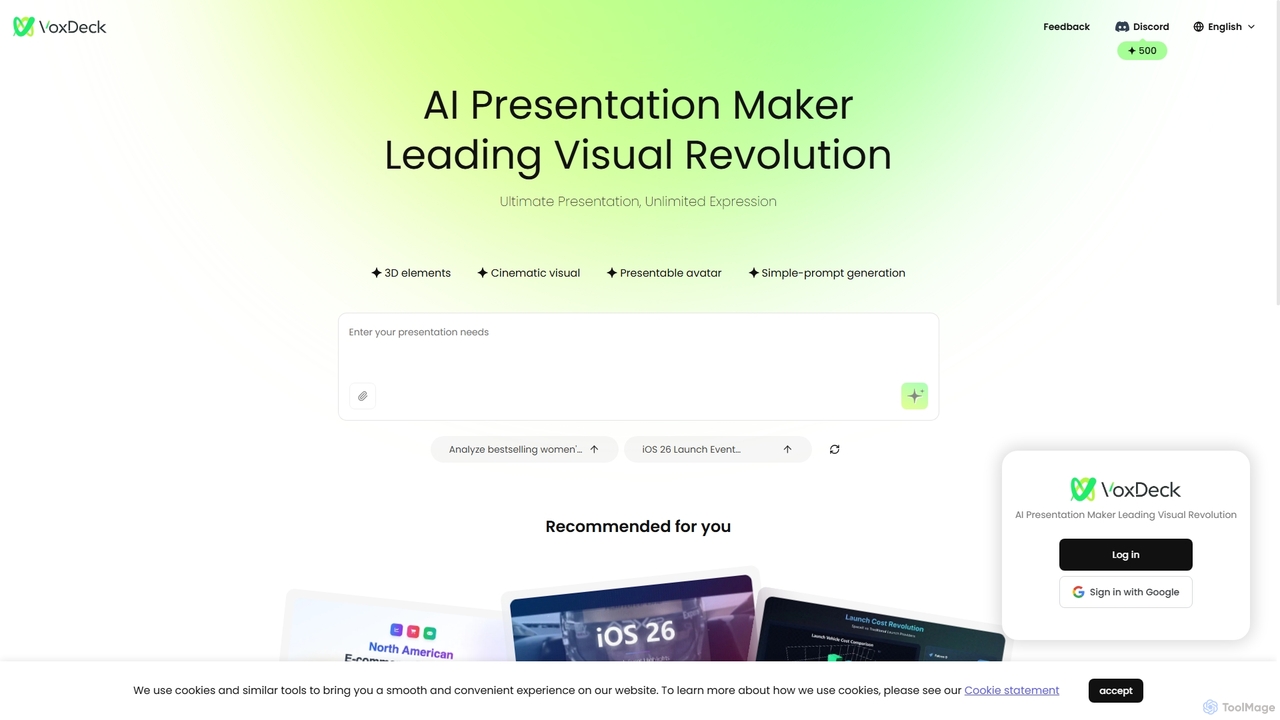
VoxDeck
VoxDeck is an AI-powered presentation maker that transforms simple text prompts into visually stunning, cinematic presentations. It leverages 3D elements, dynamic visuals, and presentable avatars to create engaging and professional slides, leading a new revolution in visual storytelling and communication.
Graphics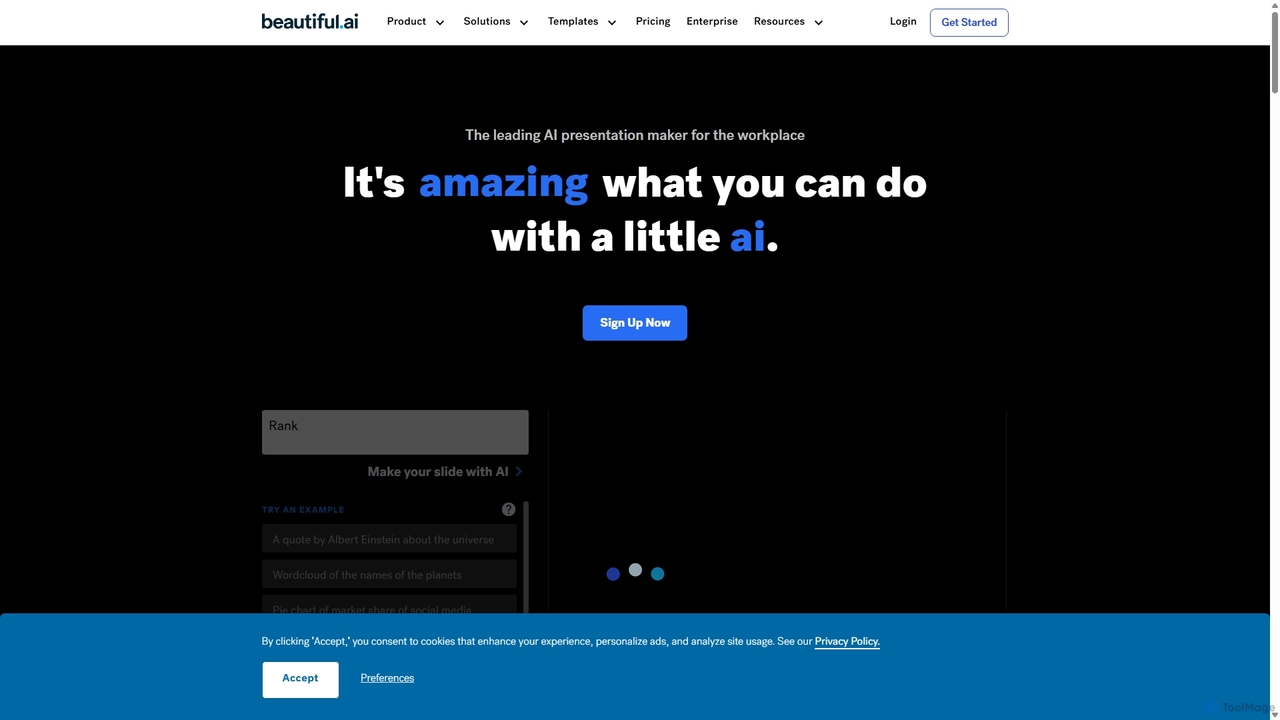
Beautiful.ai
Beautiful.ai is an AI-powered presentation maker that automates design, enabling users to create stunning, professional presentations 10x faster. It offers smart templates, real-time slide adaptation, and robust team collaboration features to ensure brand consistency and boost productivity for businesses and individuals.
Graphics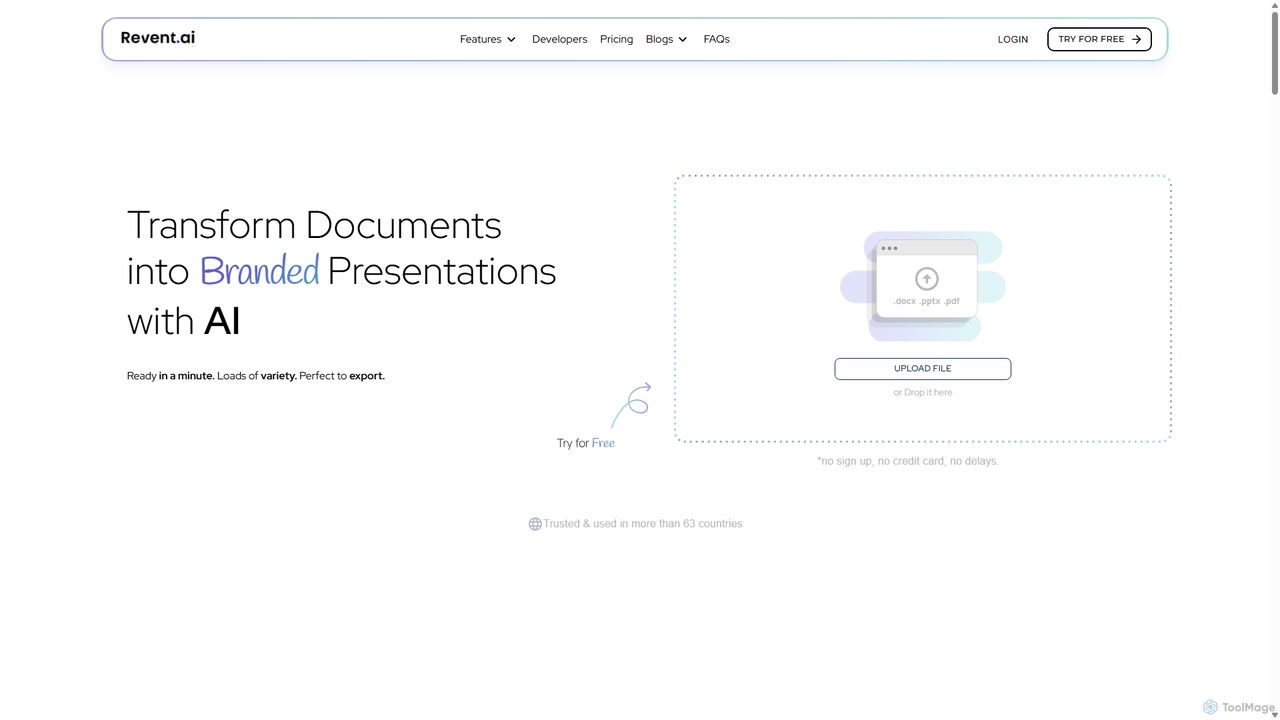
Revent
Revent is an AI-powered presentation design tool that instantly transforms documents like PDFs, Word files, and plain text into professionally designed, branded presentations. It automates slide creation, ensures brand consistency by mirroring your website's design, and offers a vast library of smart templates to streamline your workflow and produce stunning decks in minutes.
Document Management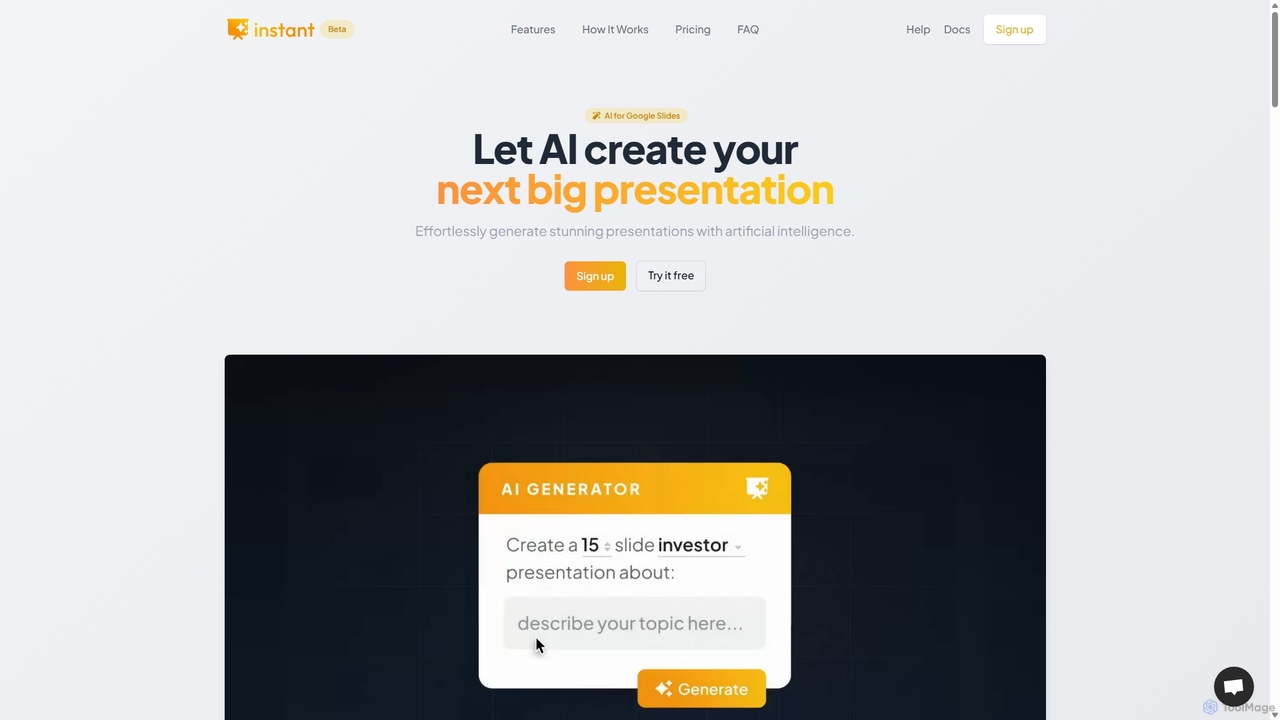
Instant
Instant is an AI-powered presentation generator designed as a Google Slides extension. It enables users to create visually stunning, fully-editable presentations directly within their familiar workflow. By combining advanced AI with a library of over 100 expert-designed templates, Instant excels at generating engaging slides with infographics, diagrams, and flowcharts, moving beyond simple text and bullet points. It automates content creation, outline generation, and layout design, saving time and effort while producing professional-grade results.
Learning
Pitch
Pitch is a collaborative presentation software designed for modern teams. It combines smart design features, AI-powered generation, real-time collaboration, and powerful analytics to help users create, share, and track stunning presentations. With over 100 expert-designed templates and seamless integrations, Pitch streamlines the entire workflow from creation to delivery, enabling teams to close deals, win clients, and communicate ideas effectively.
SalesEdit in PPT Categories
Edit in PPT Jobs
Edit in PPT Embed Widget
Copy this embed code to place the badge on your blog, article, or product site and send readers directly to this ToolMage detail page.

Related AI tools
Revent
Revent is an AI-powered presentation design tool that instantly transforms documents like PDFs, Word files, and plain text into professionally designed, branded presentations. It automates slide creation, ensures brand consistency by mirroring your website's design, and offers a vast library of smart templates to streamline your workflow and produce stunning decks in minutes.
Document ManagementInstant
Instant is an AI-powered presentation generator designed as a Google Slides extension. It enables users to create visually stunning, fully-editable presentations directly within their familiar workflow. By combining advanced AI with a library of over 100 expert-designed templates, Instant excels at generating engaging slides with infographics, diagrams, and flowcharts, moving beyond simple text and bullet points. It automates content creation, outline generation, and layout design, saving time and effort while producing professional-grade results.
LearningVoxDeck
VoxDeck is an AI-powered presentation maker that transforms simple text prompts into visually stunning, cinematic presentations. It leverages 3D elements, dynamic visuals, and presentable avatars to create engaging and professional slides, leading a new revolution in visual storytelling and communication.
Graphics
Baidu Wenku AI
Baidu Wenku AI is an all-in-one intelligent document productivity platform powered by Baidu's ERNIE LLM. It transforms the traditional document library into a dynamic creation suite, enabling users to instantly generate PPTs, write articles, summarize complex documents, conduct AI-powered web searches, and chat with their files for quick insights. It's designed to streamline workflows for students, professionals, and researchers.
Presentation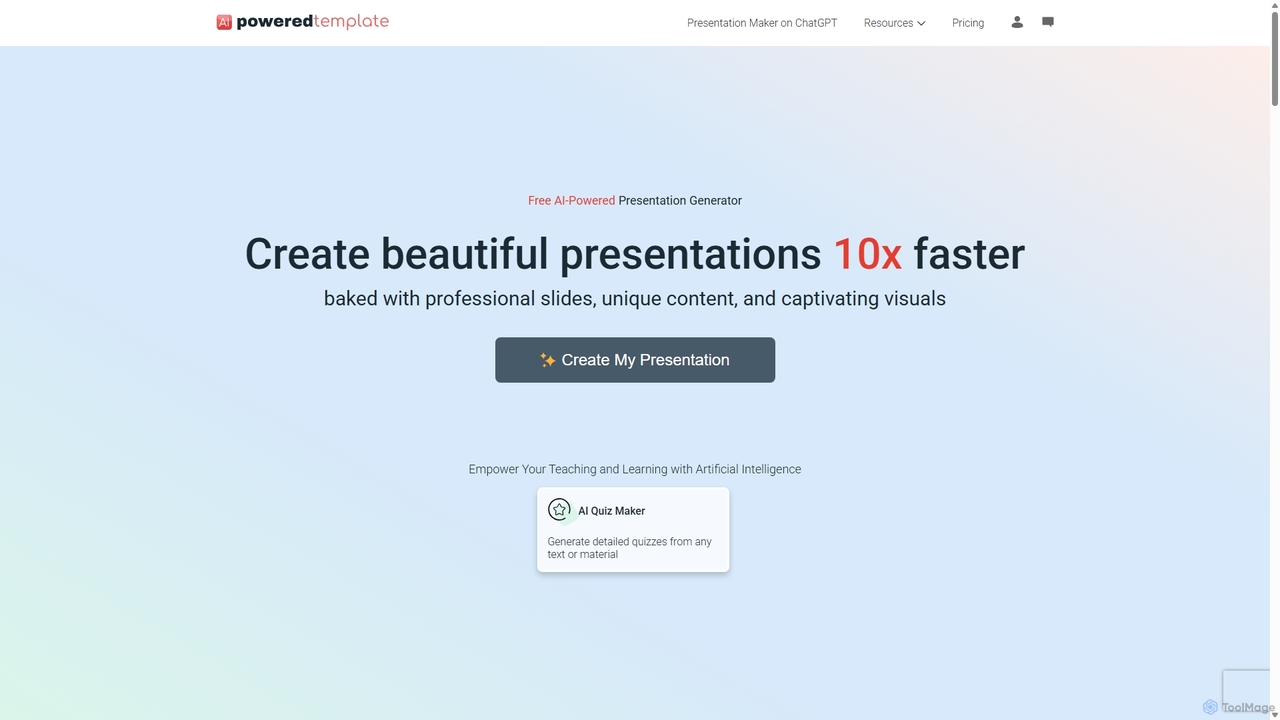
PoweredTemplate AI Presentation Maker
PoweredTemplate AI Presentation Maker is a free, AI-powered tool that transforms your ideas and text into stunning, professional presentations 10x faster. Instantly generate high-quality slides with unique content and captivating visuals for business, education, and marketing. It supports export to PowerPoint, Google Slides, and PDF, offering extensive customization through a vast library of templates and stock media.
Proposals
Jyek
Jyek is an AI agent platform that understands objectives, creates execution plans, uses tools, and delivers verifiable results for complex, multi-step tasks.
Automation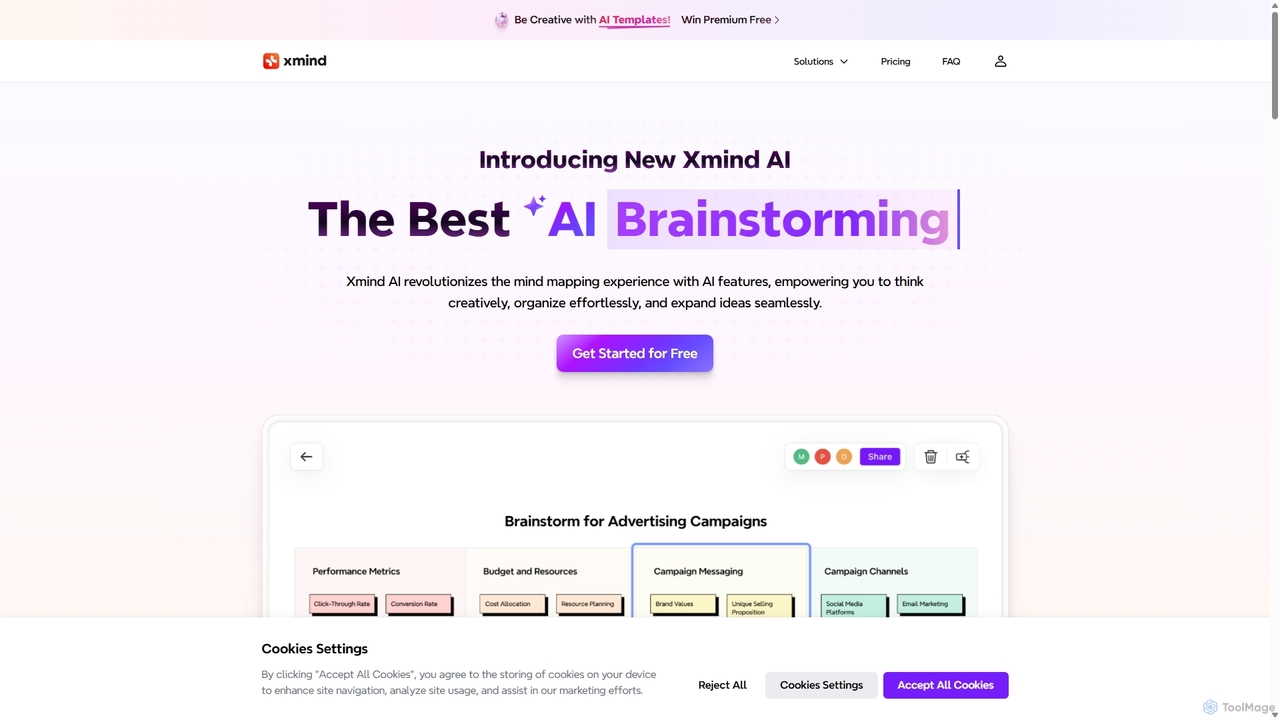
Xmind AI
Xmind AI is an advanced AI-powered mind mapping and brainstorming tool designed to enhance creativity and productivity. It helps users visualize thoughts, organize complex information, and collaborate with teams in real-time. With features like AI-driven idea generation, content summarization, and automated to-do lists, Xmind AI transforms abstract concepts into structured, actionable plans.
TeamworkBeautiful.ai
Beautiful.ai is an AI-powered presentation maker that automates design, enabling users to create stunning, professional presentations 10x faster. It offers smart templates, real-time slide adaptation, and robust team collaboration features to ensure brand consistency and boost productivity for businesses and individuals.
Graphics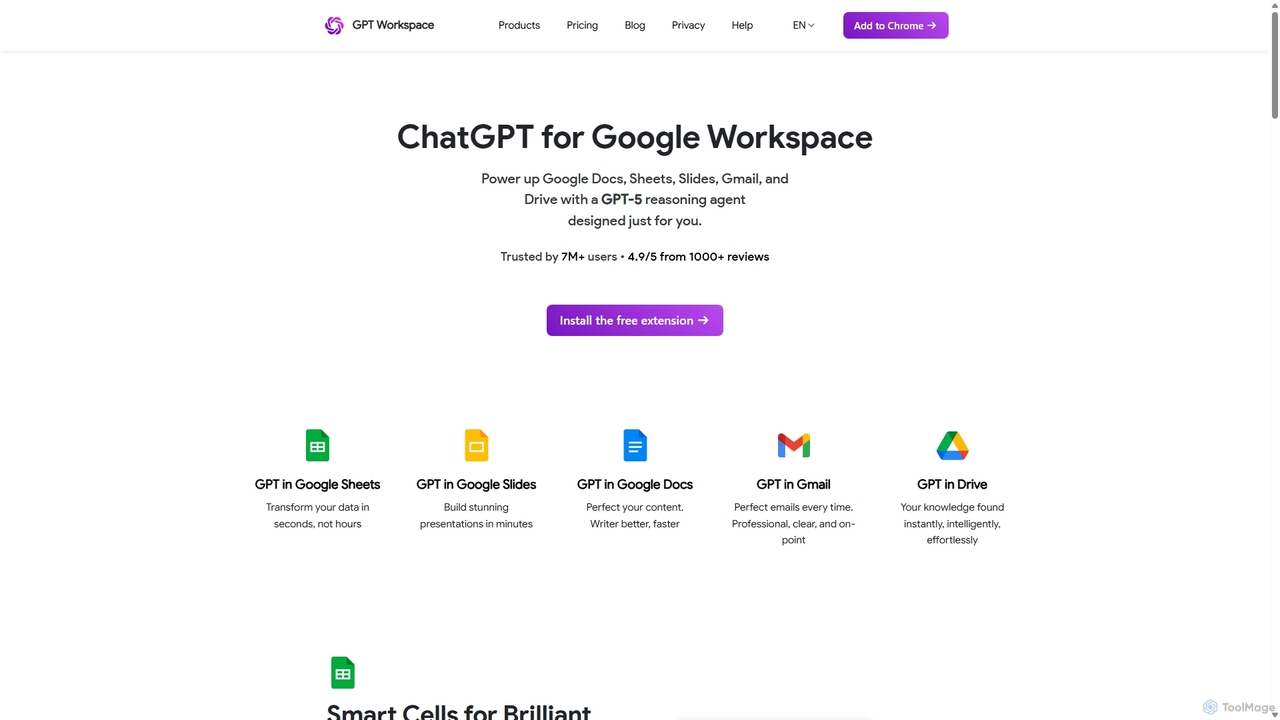
GPT Workspace
GPT Workspace integrates AI-powered features directly into Google Workspace applications like Docs, Sheets, Slides, and Gmail. It enhances productivity by automating content creation, data analysis, email drafting, and document editing, allowing users to leverage the power of models like GPT-4o seamlessly within their existing workflow.
Document Management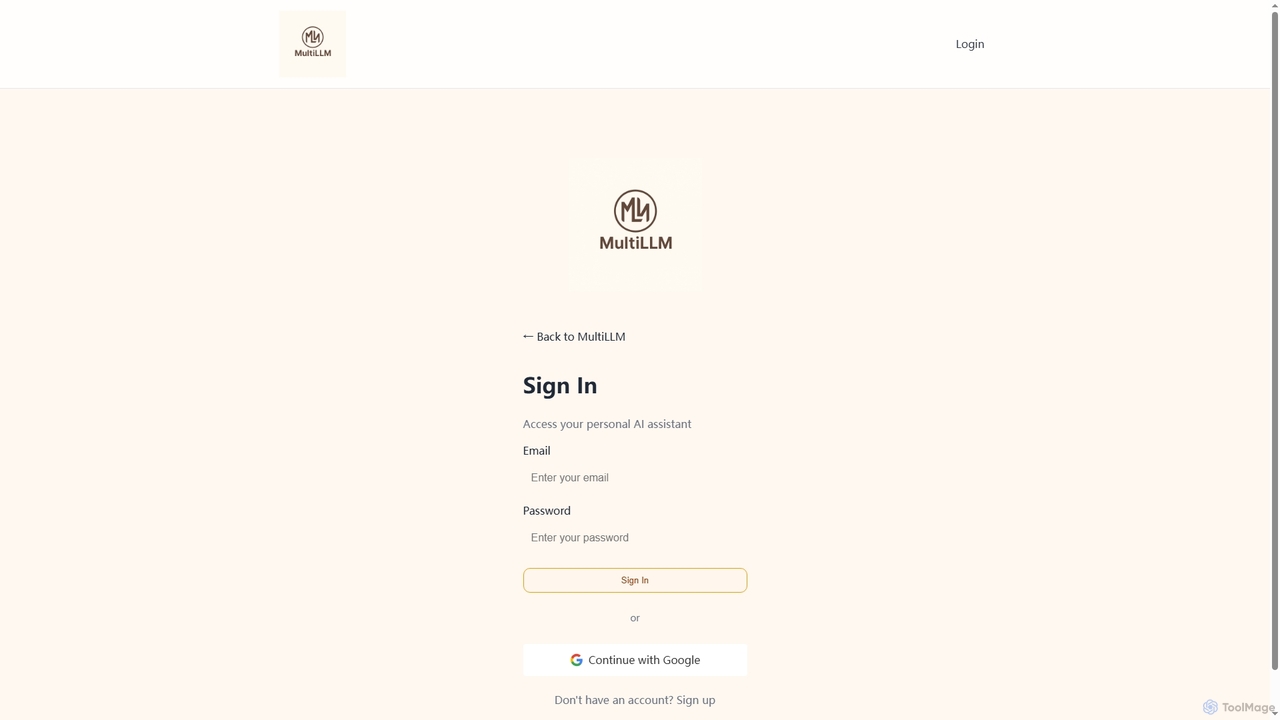
MultiLLM
MultiLLM is a web-based platform designed to provide users with a personal AI assistant experience. It offers a centralized hub to access and manage various AI models, potentially integrating plugins and knowledge bases for enhanced productivity and personalized interactions. Users can sign in via email or Google to leverage its capabilities.
Automation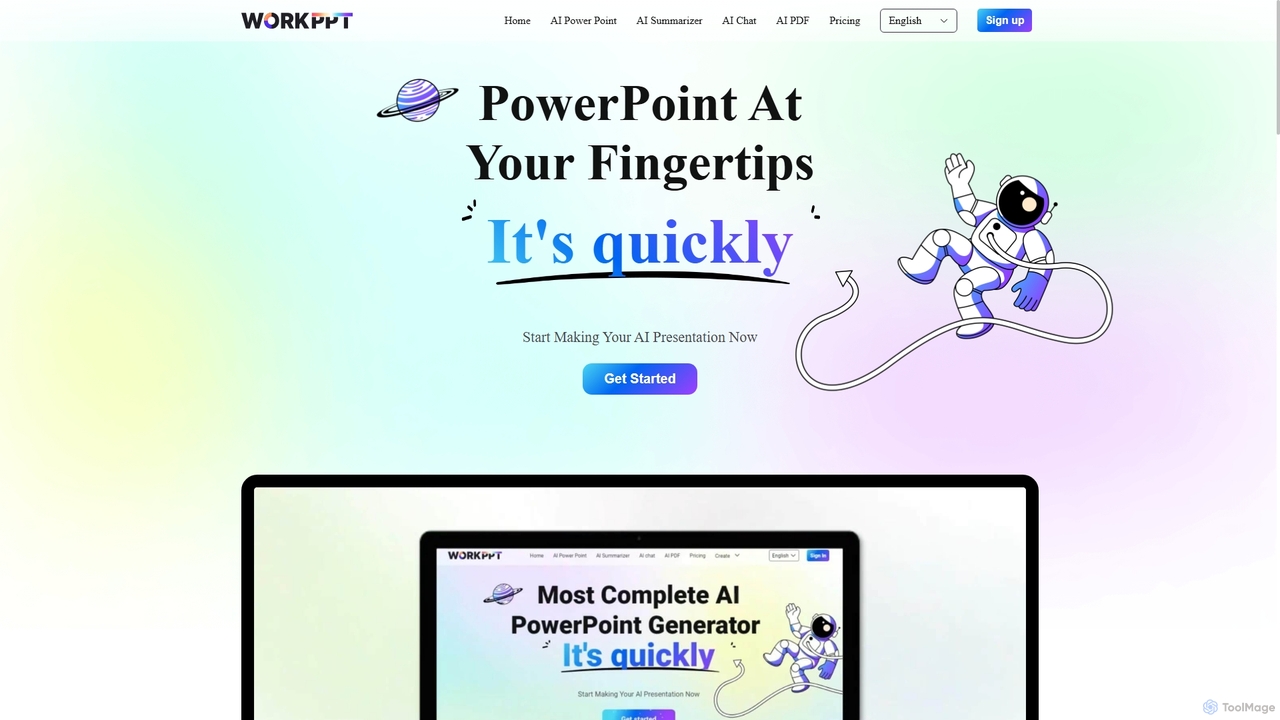
Workppt
Workppt is an AI-powered presentation generator that creates professional PowerPoint slides, websites, and summaries in seconds. Simply provide a title or upload a document, and the AI will generate a complete presentation with relevant content and design, saving you hours of manual work.
Marketing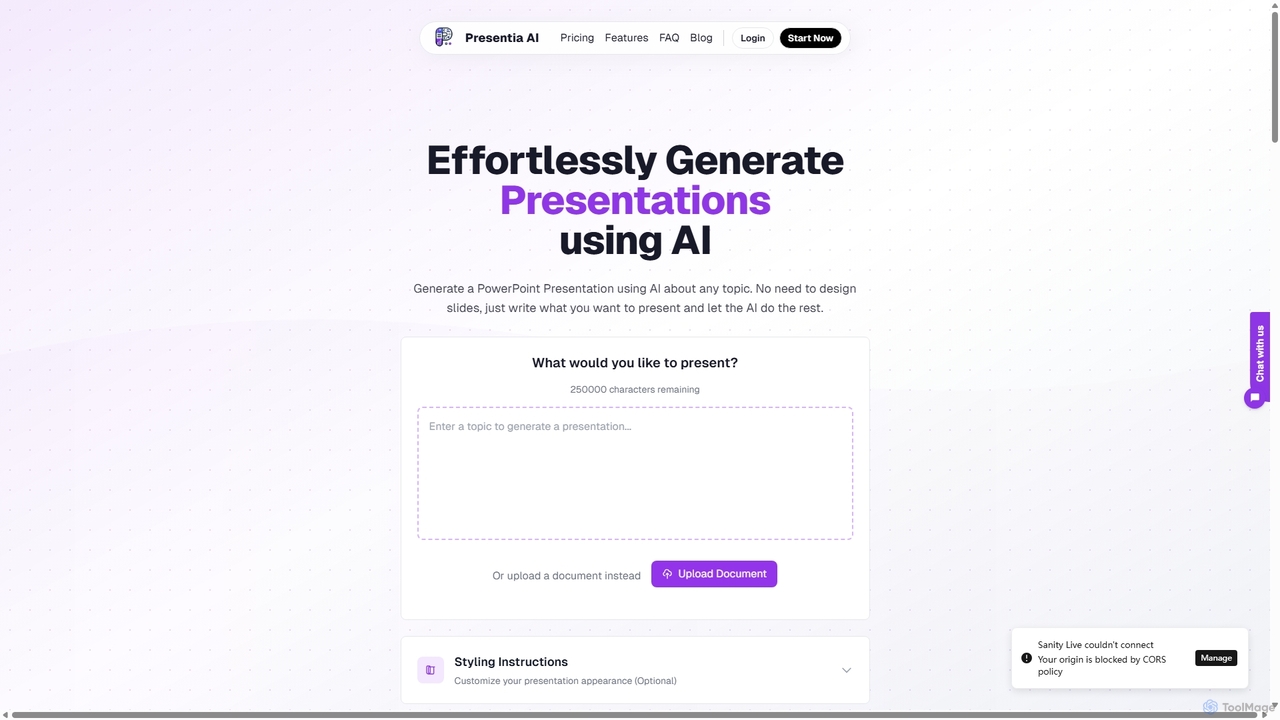
Presentia AI
Presentia AI is an advanced AI presentation maker that automatically generates professional PowerPoint slides from text prompts or documents. Simply input your topic or upload a PDF/Word file, and the AI will create a complete, visually appealing presentation with text and images in seconds, supporting multiple languages and custom styling.
Student Tools
Raycast
Raycast is a blazingly fast, extensible launcher for macOS that supercharges your productivity. It acts as a central command bar to control your tools, with integrated AI, an extensive extension store, and powerful built-in features like window management and clipboard history. It's designed to reduce context switching and keep you in the flow.
Personal Assistant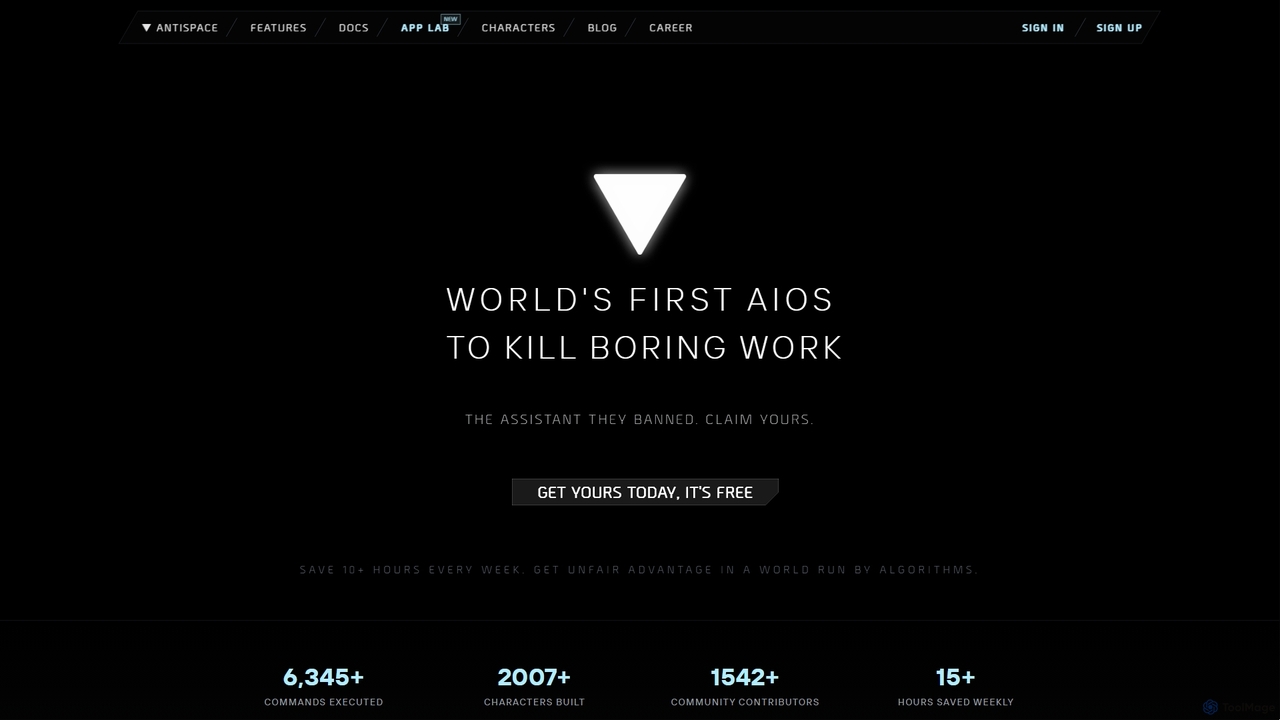
Antispace
Antispace is the world's first AI Operating System (AIOS) designed to eliminate boring work. It provides users with customizable AI sidekicks, each with a unique personality, to proactively manage emails, calendars, notes, and tasks. By predicting and executing the best actions, Antispace saves users over 10 hours per week and reduces decision fatigue.
Scheduling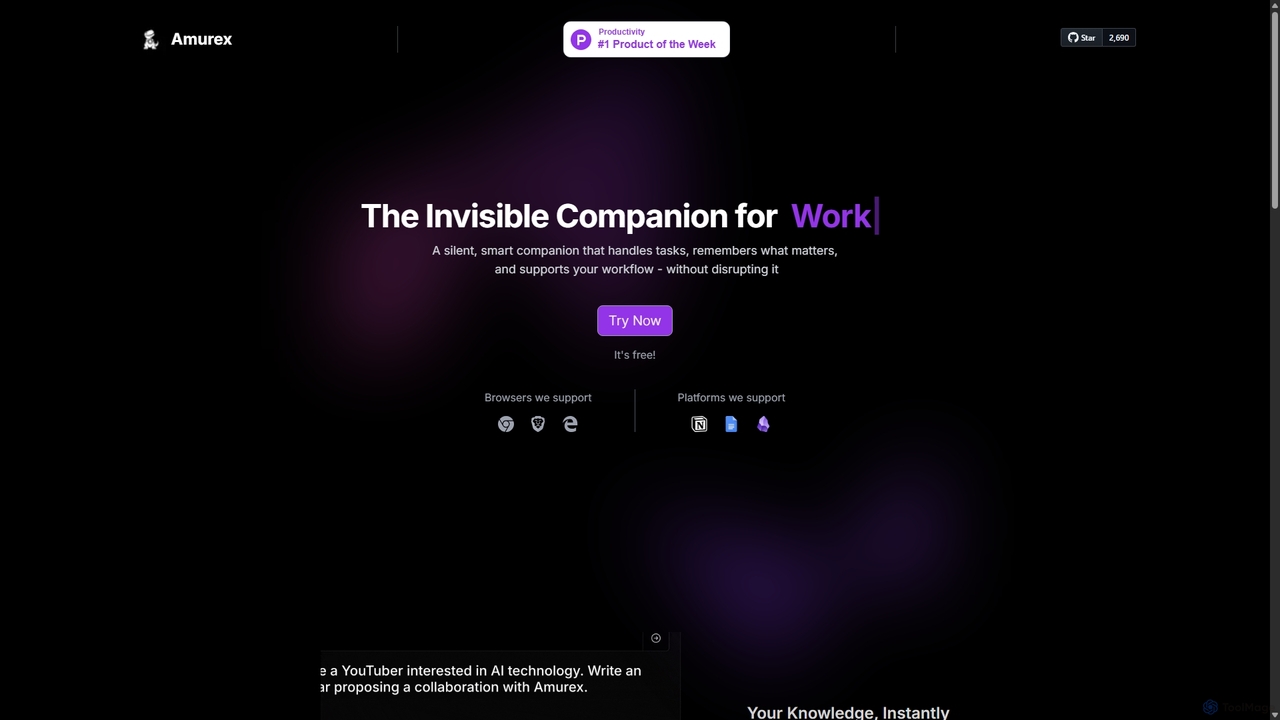
Amurex
Amurex is an open-source AI invisible companion that works silently in the background to streamline your workflow. It integrates with your existing apps like Notion, Google Drive, and Obsidian to create a searchable knowledge base, automates meeting transcriptions and summaries, and intelligently categorizes your inbox.
Automation
Edit in PPT Comments (0)
Sign in to comment.
Sign inNo comments yet.