

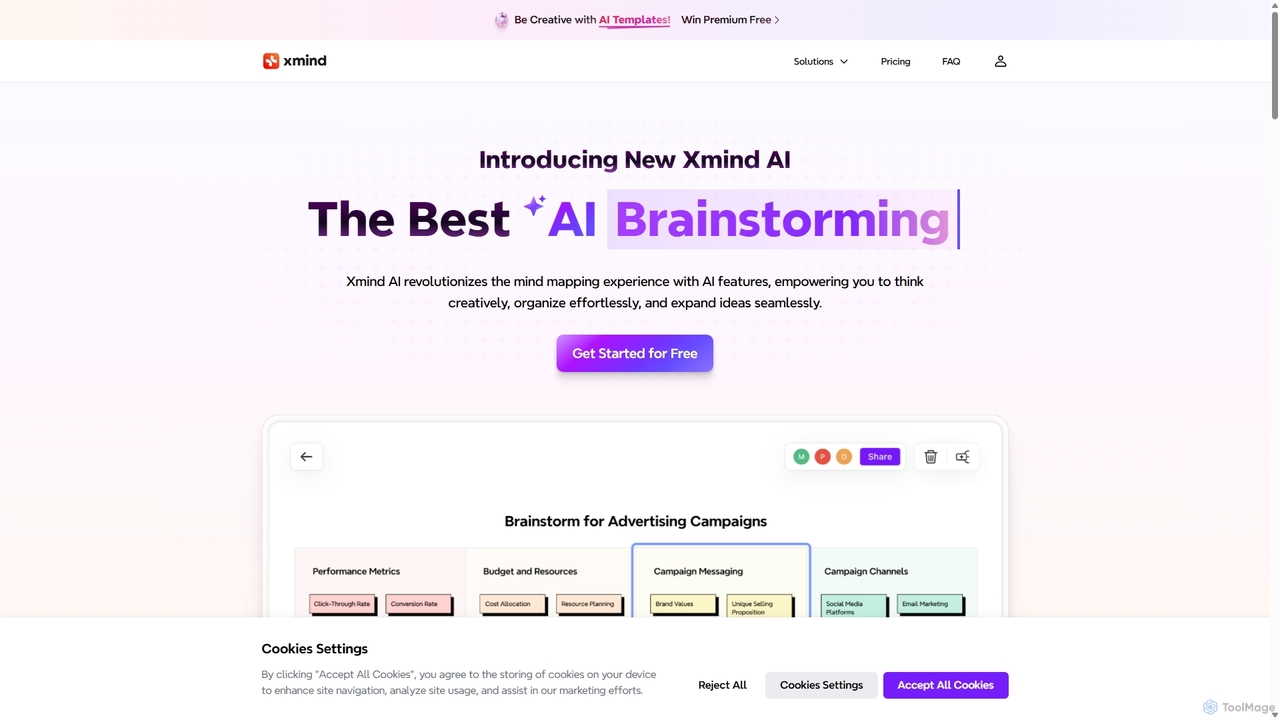
Xmind AI Overview
Xmind AI revolutionizes the traditional mind mapping experience by integrating powerful artificial intelligence features. It's a comprehensive online platform designed for individuals and teams to think creatively, organize ideas effortlessly, and expand concepts seamlessly. Whether you're brainstorming for a new project, planning a complex strategy, or studying for an exam, Xmind AI provides the tools to structure your thoughts visually and transform them into actionable outcomes. It merges the beloved functionalities of classic Xmind with cutting-edge AI support, cloud storage, and real-time multiplayer collaboration, creating a dynamic workspace for innovation.
How to use Xmind AI
Getting started with Xmind AI is intuitive and streamlined to maximize your workflow:
- Start Your Map: Begin with a blank canvas or choose from a variety of pre-built AI Templates for specific tasks like project planning, research, or career development.
- Input Your Core Idea: Enter your central topic or question into the mind map to serve as the foundation.
- Grow Ideas with AI: Select a topic and use the "Grow Ideas" feature. The AI will automatically generate related sub-topics and expand your map, helping you explore different angles and overcome creative blocks.
- Use AI Copilot: Summarize any text, webpage link, or file directly into a structured mind map in seconds. This is perfect for accelerating research and content analysis.
- Get Deeper Insights: Use the "AI Explain" function on any topic to get detailed explanations and insights, fostering a deeper understanding of the subject matter.
- Organize and Refine: Use the one-click "Reorganize" button to tidy up scattered ideas. Enhance your map with images (with automatic background removal), topic links, boundaries, and summaries for better clarity.
- Create Action Plans: Convert your brainstormed ideas into a clear, prioritized to-do list with the "AI-Generated To-Dos" feature, bridging the gap between ideation and execution.
- Collaborate and Share: Invite team members to co-create in real-time. Share your mind map via a link, embed it on a website, or export it in various formats like PNG, SVG, or Markdown.
- Present Your Work: Use the "Pitch" mode to automatically generate beautiful, engaging slides from your mind map, making it easy to present your ideas to an audience.
Core Features of Xmind AI
- AI-Powered Brainstorming Hub: Generate, categorize, and refine ideas individually or as a team in a structured environment.
- Grow Ideas with AI: Automatically expand on any topic to discover new connections, possibilities, and perspectives.
- AI Copilot: Instantly convert unstructured text, webpage links, or files into organized and easy-to-digest mind maps.
- AI Explain: Get instant, detailed explanations for any selected topic to deepen your understanding and support further thinking.
- AI-Generated To-Do Lists: Transform your mind map branches into actionable task lists to kickstart projects and track progress.
- AI Templates: Quickly start projects with pre-designed, AI-powered templates for various use cases, saving time and effort.
- Real-time Collaboration: Work simultaneously with your team on the same mind map, tracking each other's contributions and feedback in real-time.
- Pitch Mode: Automatically create and present professional-looking slides based on your mind map's structure.
- Advanced Customization: Features like automatic background removal for images, bi-directional topic linking, colored branches, and more to create visually appealing and functional maps.
- Cloud Storage & Version History: Securely store your work in the cloud and easily explore or restore past versions of your mind maps.
- Multiple Export Options: Export your work to PNG, SVG, Markdown, OPML, Textbundle, Excel, and Word to integrate with other tools.
Use Cases for Xmind AI
Xmind AI is a versatile tool suitable for a wide range of applications:
- Project Management: Outline project scopes, create work breakdown structures, assign tasks, and track progress visually.
- Business Strategy: Brainstorm growth strategies, conduct SWOT analysis, map out business plans, and organize market research.
- Education & Research: Organize research notes, summarize academic papers and articles, and create comprehensive study guides.
- Content Creation: Structure articles and blog posts, plan video scripts, and organize marketing campaign ideas from concept to completion.
- Team Meetings: Facilitate collaborative brainstorming sessions, capture meeting minutes visually, and define clear action items.
- Personal Productivity: Plan personal goals, organize daily tasks, take structured notes from books or lectures, and manage personal projects.
Advantages of Xmind AI
Xmind AI offers significant benefits to its users:
- Boosts Creativity: Overcomes mental blocks with AI-powered idea generation and expansion, ensuring a continuous flow of creative thought.
- Enhances Productivity: Automates tedious tasks like summarization, organization, and task creation, saving valuable time and mental energy.
- Seamless Collaboration: Enables teams to work together in a shared visual space, fostering better alignment, shared understanding, and collective innovation.
- Improved Clarity: Transforms complex information and scattered thoughts into clear, structured, and easy-to-understand visual diagrams.
- Versatile and Flexible: Adapts to a wide range of tasks, from simple brainstorming to detailed project planning and professional presentations.
Pricing and Plans
Xmind AI offers a flexible pricing structure to suit different needs:
- Free Plan: Ideal for casual users. Includes 10 maps, 10 trial AI credits, unlimited viewers, 3-day version history, and 5 trial slides in Pitch mode.
- Premium Plan (For Individuals): Priced at $99 per year. Includes everything in the Free plan, plus unlimited maps, 500 AI credits per month, AI-generated to-do lists, 30-day version history, unlimited slides, and advanced export options (SVG, Markdown, Word, etc.).
- Team Plans (Business & Enterprise): Designed for professional teams. Includes all Premium features plus real-time collaboration, unlimited shared storage, and centralized team management.
- Credits Add-on: Users can purchase an additional 500 credits for $3.99. Subscription credits reset monthly, but purchased credits do not expire.
Traffic
Latest traffic
Status
Monthly traffic trend
- 2025-9: 444.6K
- 2026-1: 100.0K
- 2026-2: 70.2K
- 2026-3: 88.5K
- 2026-4: 116.2K
- 2026-5: 106.7K
Geography
Top 5 countries / regions
- 🇺🇿Uzbekistan24.7%
- 🇻🇳Vietnam23.3%
- 🇺🇸United States20.0%
- 🇷🇺Russia16.2%
- 🇰🇿Kazakhstan15.8%
Top keywords
| Keyword | Cost per click |
|---|---|
| mindmap ai | $0.66 |
| x mind | $0.23 |
| xmind | $0.49 |
| xmind ai | $0.31 |
| xmind software | $0.48 |
Xmind AI Videos on YouTube





The Opentensor Foundation | Bittensor TAO


Xmind AI Alternatives

MindmapAI
MindmapAI is an advanced AI-powered platform that transforms ideas, PDFs, YouTube videos, and web URLs into structured, visual mind maps. It automates information analysis and organization, enabling users to quickly grasp complex topics, brainstorm effectively, and collaborate with teams in real-time. Ideal for students, professionals, and creators looking to enhance productivity and clarity.
Project Management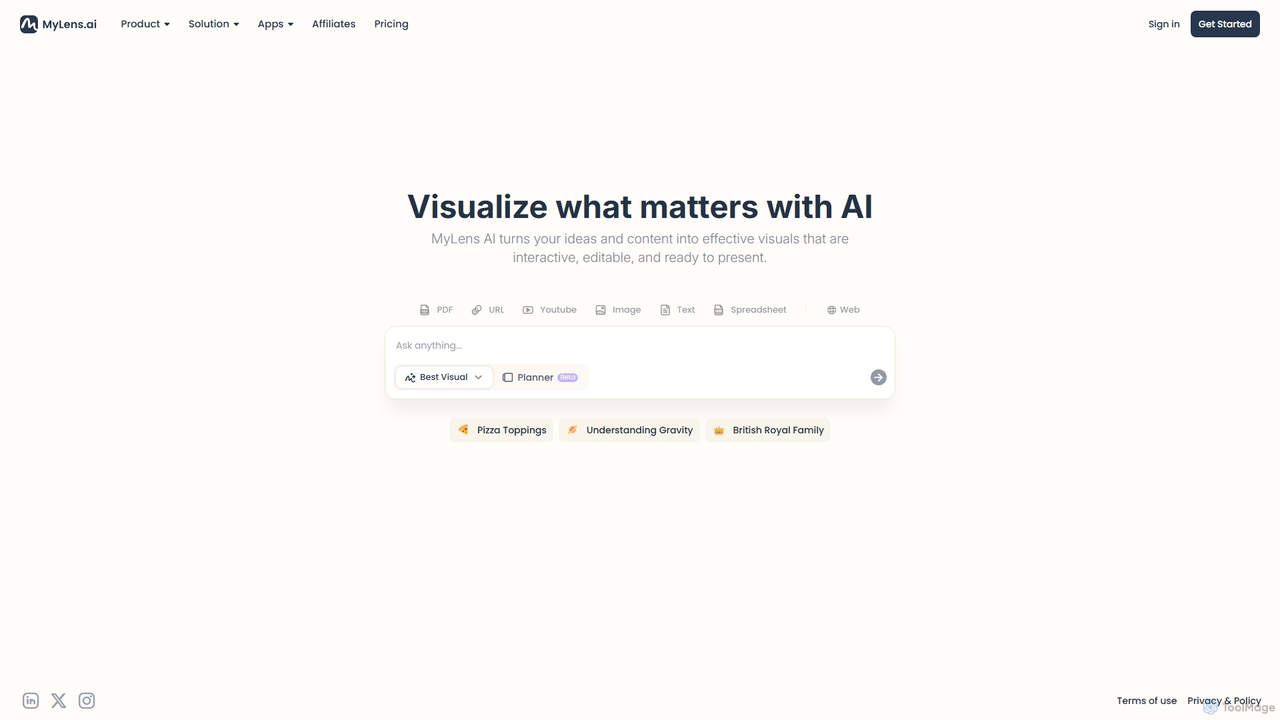
MyLens
MyLens is an AI-powered visualization tool that transforms your ideas and various content formats—like PDFs, URLs, text, and videos—into clear, interactive, and editable diagrams. With a single click, it helps you understand complex information, brainstorm effectively, and create presentation-ready visuals, acting as your personal visual planner.
Visualization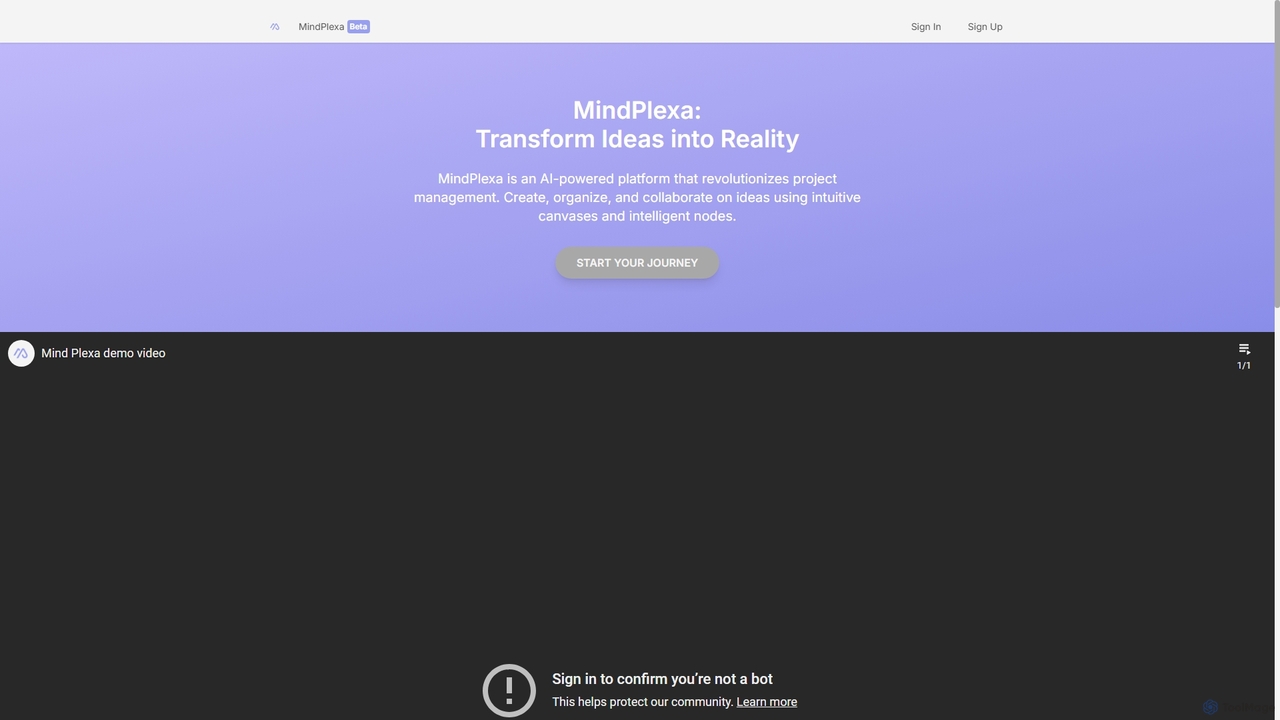
MindPlexa
MindPlexa is an AI-powered productivity platform that transforms ideas into actionable projects. It combines visual mind mapping with intelligent project management, allowing users to create, organize, and collaborate on ideas using intuitive canvases and smart nodes. The AI assistant helps generate project layouts, suggest tasks, and streamline workflows, making it an ideal tool for teams and individuals looking to boost creativity and efficiency.
Teamwork
MindMap AI
MindMap AI is an intelligent tool that instantly transforms your ideas, documents, and multimedia files into structured mind maps. Featuring an interactive AI Copilot, it facilitates dynamic brainstorming, idea expansion, and visual organization. It supports a wide range of input formats, including text, PDF, audio, and video, making it a versatile solution for students, professionals, and creatives to visualize and structure information effortlessly.
Brainstorming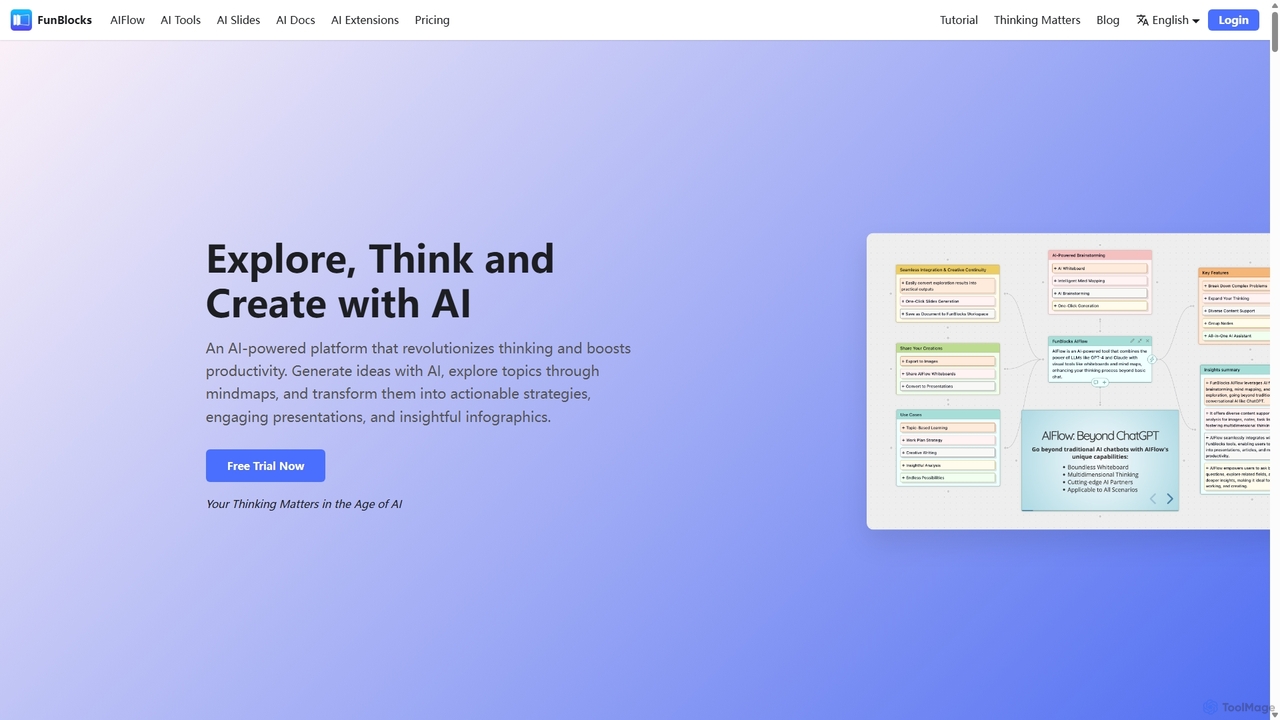
FunBlocks
FunBlocks is an all-in-one AI workspace designed to revolutionize thinking and boost productivity. It seamlessly integrates AI-powered tools for mind mapping (AIFlow), document creation (AI Docs), slide generation (AI Slides), and web research (Browser Extension). From brainstorming complex ideas visually to producing polished documents and presentations with a single click, FunBlocks supports the entire knowledge workflow, enhancing creativity and critical thinking for students, professionals, and teams.
PresentationsXmind AI Categories
Xmind AI Jobs
Xmind AI Embed Widget
Copy this embed code to place the badge on your blog, article, or product site and send readers directly to this ToolMage detail page.

Related AI tools
MindmapAI
MindmapAI is an advanced AI-powered platform that transforms ideas, PDFs, YouTube videos, and web URLs into structured, visual mind maps. It automates information analysis and organization, enabling users to quickly grasp complex topics, brainstorm effectively, and collaborate with teams in real-time. Ideal for students, professionals, and creators looking to enhance productivity and clarity.
Project Management
Jyek
Jyek is an AI agent platform that understands objectives, creates execution plans, uses tools, and delivers verifiable results for complex, multi-step tasks.
AutomationMyLens
MyLens is an AI-powered visualization tool that transforms your ideas and various content formats—like PDFs, URLs, text, and videos—into clear, interactive, and editable diagrams. With a single click, it helps you understand complex information, brainstorm effectively, and create presentation-ready visuals, acting as your personal visual planner.
VisualizationFunBlocks
FunBlocks is an all-in-one AI workspace designed to revolutionize thinking and boost productivity. It seamlessly integrates AI-powered tools for mind mapping (AIFlow), document creation (AI Docs), slide generation (AI Slides), and web research (Browser Extension). From brainstorming complex ideas visually to producing polished documents and presentations with a single click, FunBlocks supports the entire knowledge workflow, enhancing creativity and critical thinking for students, professionals, and teams.
Presentations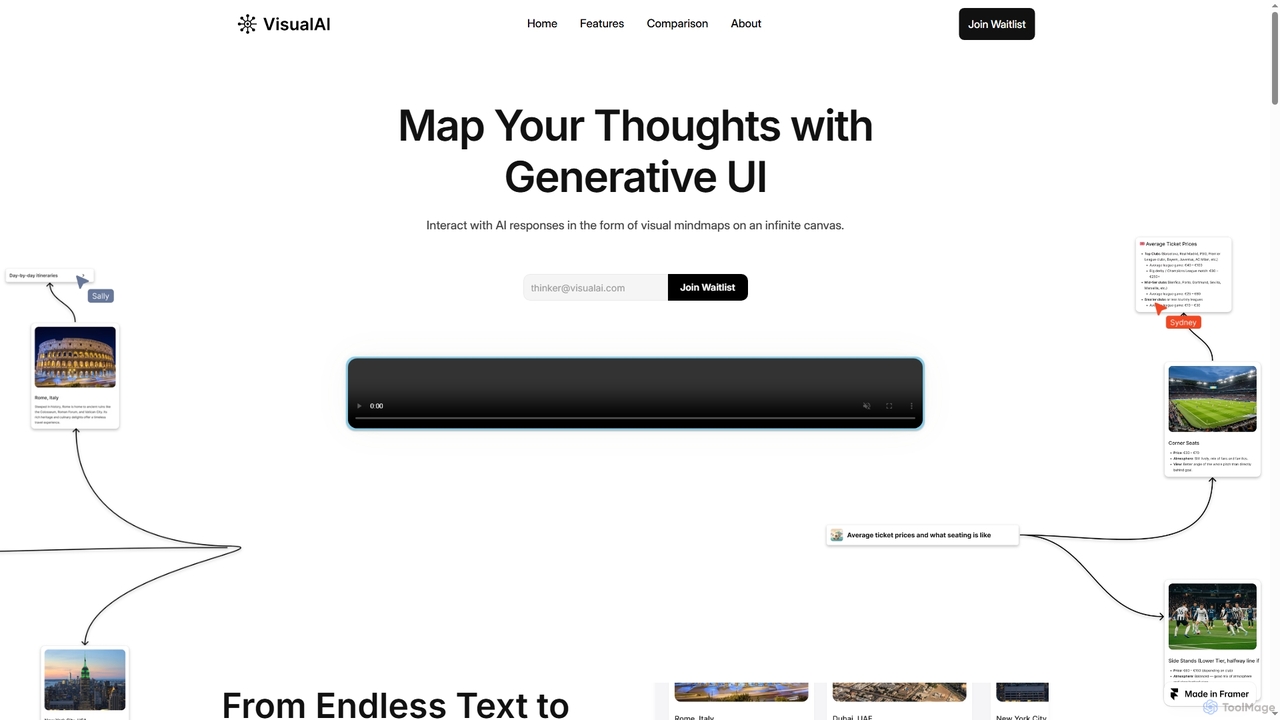
Visual AI
Visual AI is an innovative platform that transforms linear AI text responses into dynamic, visual clarity. It automatically structures information into interconnected nodes, enriching data with relevant visuals to enhance understanding and retention. Designed for non-linear thinkers, it offers an infinite collaborative workspace for brainstorming, prototyping, and evolving ideas.
BrainstormingMindPlexa
MindPlexa is an AI-powered productivity platform that transforms ideas into actionable projects. It combines visual mind mapping with intelligent project management, allowing users to create, organize, and collaborate on ideas using intuitive canvases and smart nodes. The AI assistant helps generate project layouts, suggest tasks, and streamline workflows, making it an ideal tool for teams and individuals looking to boost creativity and efficiency.
TeamworkMindMap AI
MindMap AI is an intelligent tool that instantly transforms your ideas, documents, and multimedia files into structured mind maps. Featuring an interactive AI Copilot, it facilitates dynamic brainstorming, idea expansion, and visual organization. It supports a wide range of input formats, including text, PDF, audio, and video, making it a versatile solution for students, professionals, and creatives to visualize and structure information effortlessly.
Brainstorming
mapmindai
mapmindai is an AI-powered mind mapping tool that transforms your ideas, notes, and documents into clear, beautiful visual diagrams. Simply provide a central topic or text, and our AI will automatically generate a structured mind map, helping you brainstorm, organize thoughts, and plan projects with unprecedented speed and ease. It's perfect for students, professionals, and creatives looking to unlock their full potential.
Planning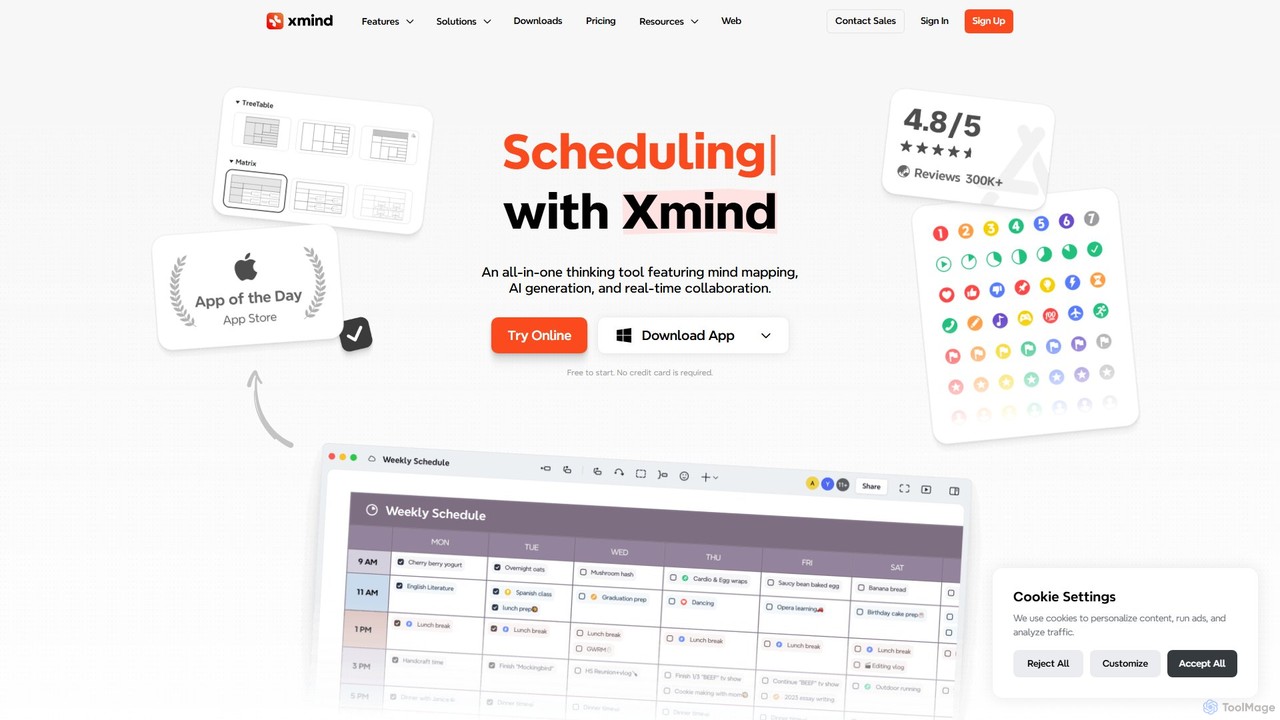

TreeMind
TreeMind is a next-generation AI-powered mind mapping tool that allows users to generate, organize, and visualize ideas effortlessly. It supports creating mind maps from a single sentence, images, or documents, and offers real-time collaboration, cross-platform synchronization, and a vast library of templates and design assets.
Generative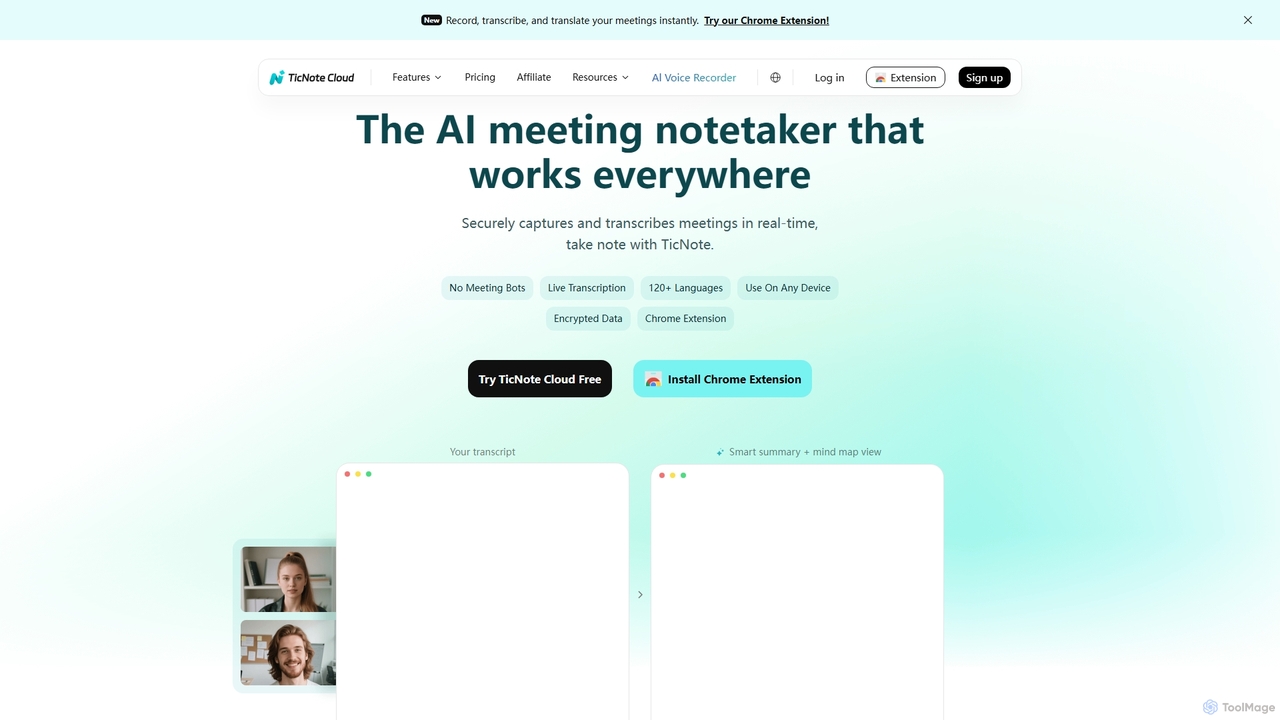
TicNote
TicNote is an AI-powered meeting notetaker that transcribes, summarizes, and organizes conversations in real-time across 120+ languages. It uses on-device AI to generate smart summaries, mind maps, and action items without meeting bots, enhancing productivity and knowledge management for professionals.
Language Processing
WiseMap
WiseMap is an AI-powered mind mapping tool that transforms your text prompts into structured, visual diagrams. Leveraging AI like ChatGPT, it helps you brainstorm, plan projects, and organize ideas effortlessly. Start with a simple idea and let the AI expand it into a comprehensive map, which you can then manually edit, customize, and share.
Brainstorming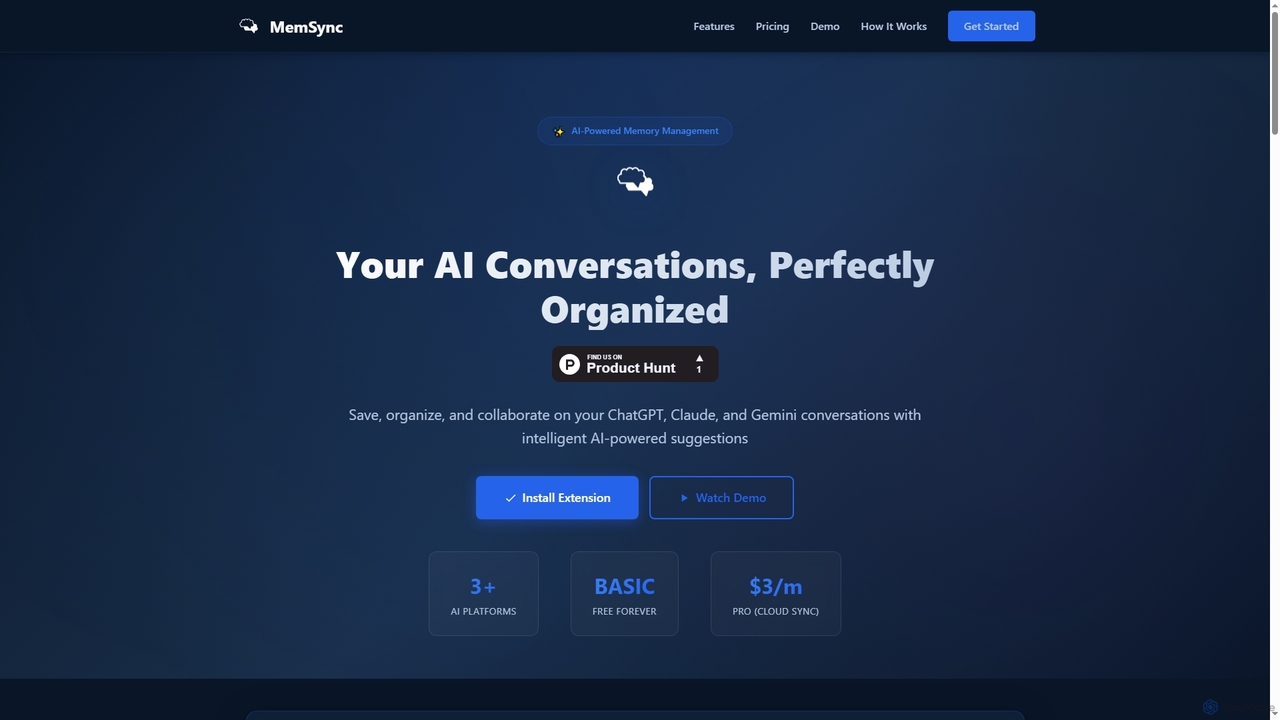
MemSync
MemSync is an AI-powered browser extension designed to effortlessly save, organize, and collaborate on your AI conversations from platforms like ChatGPT, Claude, and Gemini. It offers smart memory saving, AI-driven organization suggestions, and seamless cloud synchronization.
Conversation Tools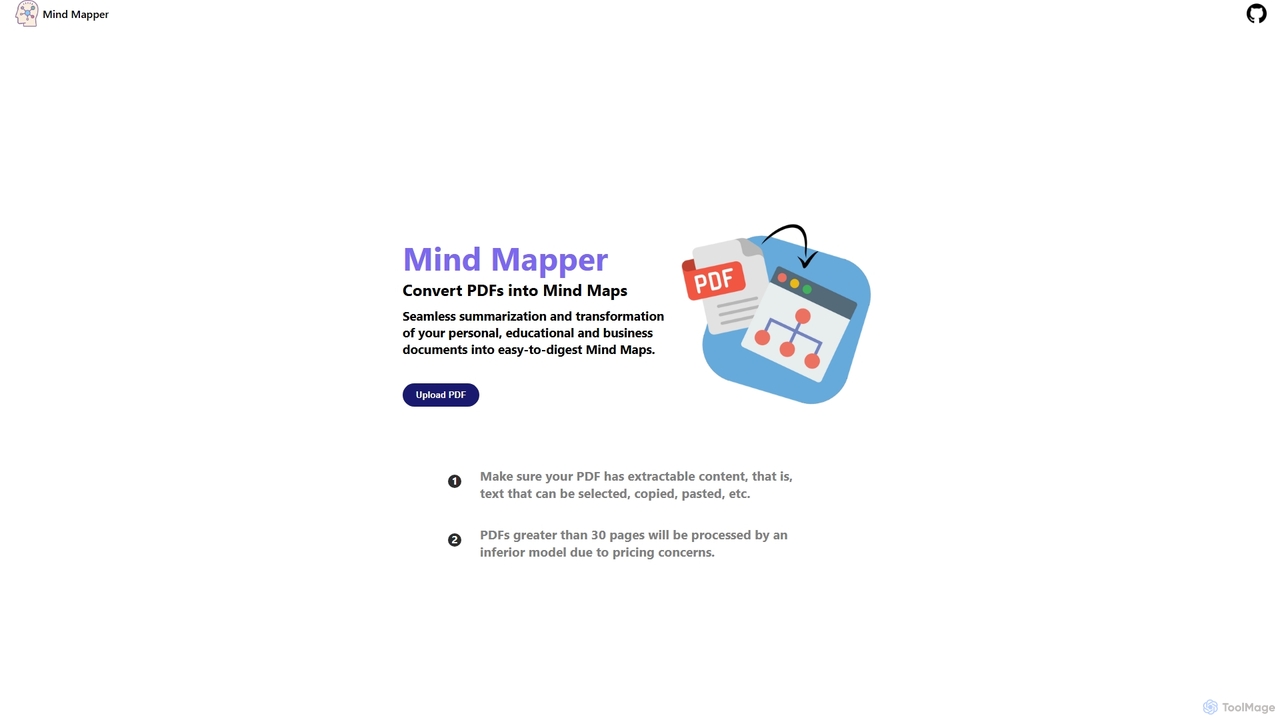
MindmapAI
MindmapAI is an AI-powered tool that transforms PDF documents into clear, structured mind maps. Using Google's Gemini AI, it automatically summarizes and visualizes complex information, making it ideal for students, researchers, and professionals to quickly grasp key concepts from dense texts.
Document Management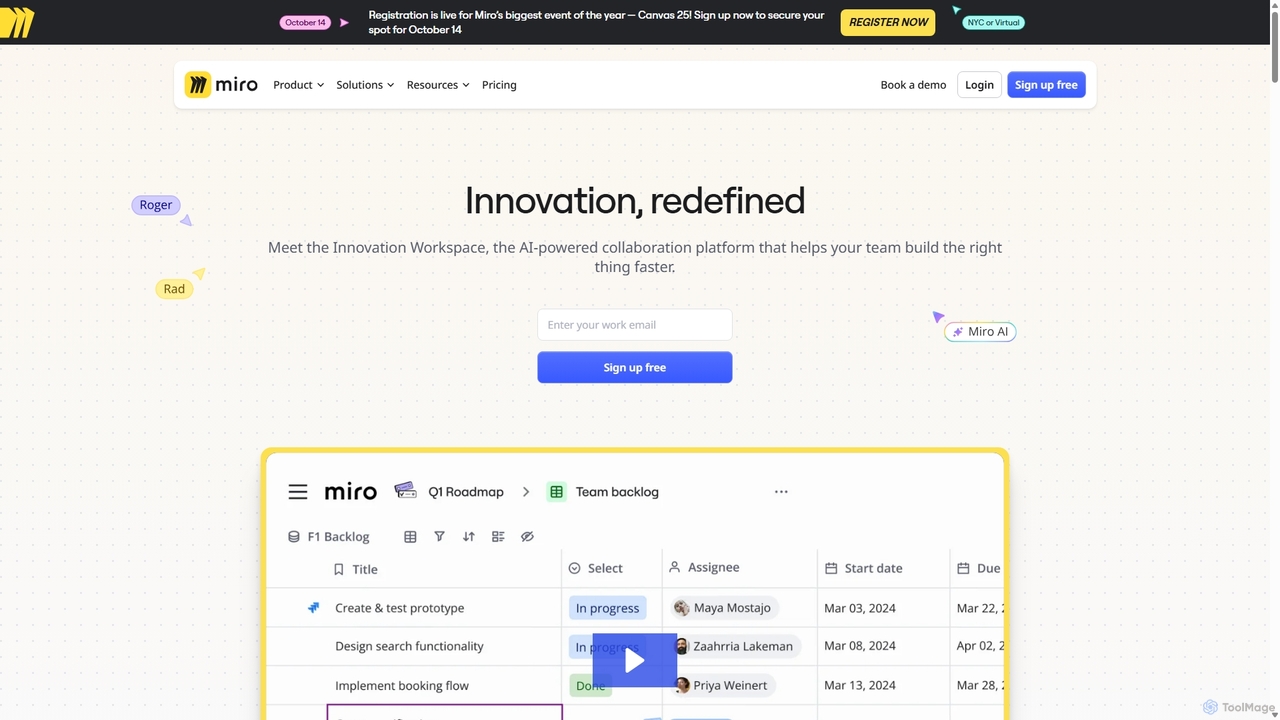
Miro
Miro is an AI-powered online collaborative whiteboard platform designed for modern teams. It provides an infinite canvas for brainstorming, planning, designing, and managing projects in real-time. With a vast template library, powerful integrations, and AI-driven features, Miro helps teams centralize communication and accelerate innovation from idea to execution.
Brainstorming
Xmind AI Comments (0)
Sign in to comment.
Sign inNo comments yet.