
WiseMap Overview
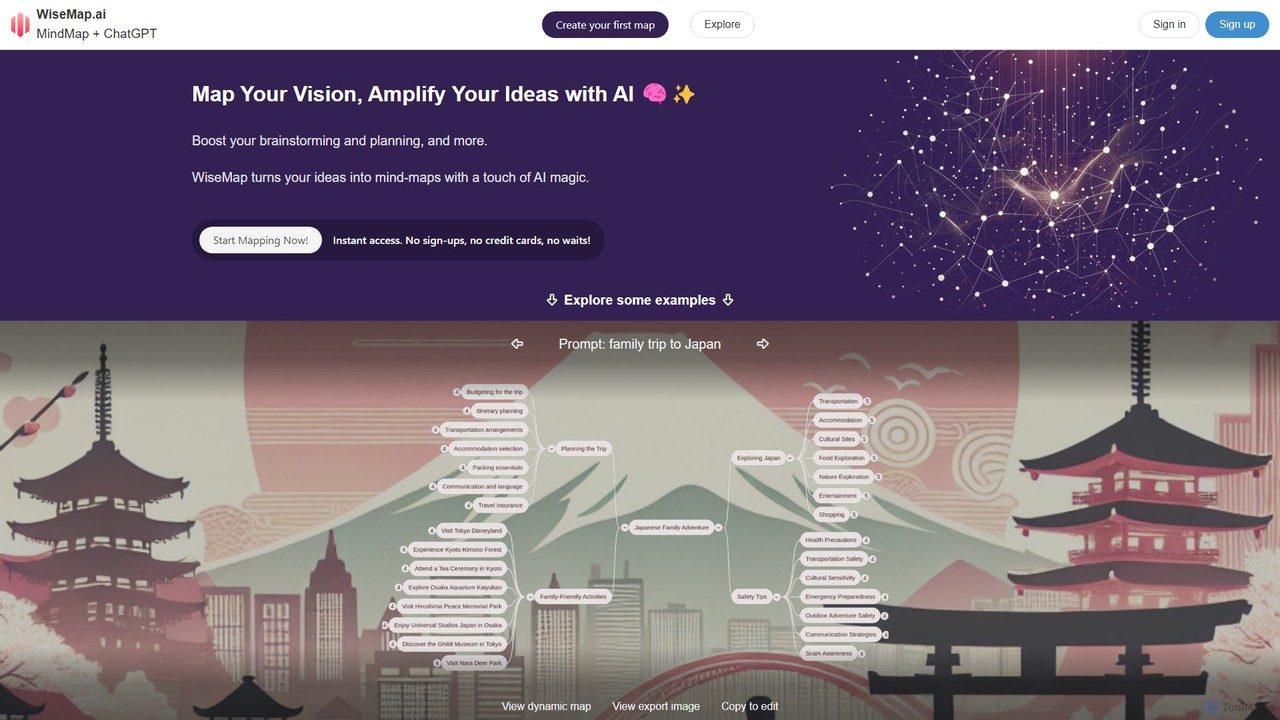
WiseMap is an innovative online tool that merges the intuitive structure of mind mapping with the generative power of artificial intelligence, effectively acting as 'MindMap + ChatGPT'. It is designed to help users visualize, structure, and amplify their ideas with unprecedented ease and speed. By simply entering a keyword or a descriptive prompt, users can instantly generate a foundational mind map, which serves as a starting point for deeper exploration. This makes it an ideal solution for professionals, students, and creatives who need to quickly organize their thoughts for brainstorming, project management, learning, or personal planning.
The platform is built for accessibility, allowing users to start creating immediately without the need for sign-ups or credit card information. The AI not only crafts the initial structure but can also be prompted to expand on any node, adding related ideas and creating more detailed branches in seconds. This dynamic interaction between user input and AI suggestion streamlines the creative process, overcoming mental blocks and fostering a more comprehensive exploration of topics.
How to use WiseMap
Using WiseMap is a straightforward and intuitive process designed for immediate productivity:
- Start with a Prompt: Go to the WiseMap website. You'll find a text box where you can enter your central idea, a question, or a few keywords. For example, 'launching a new eco-friendly product line' or 'planning a family trip to Japan'.
- AI-Powered Generation: Click the 'Start Mapping' button. The AI will process your prompt and automatically generate an initial mind map with a central topic and several related main branches.
- Expand and Refine: Click on any node in the map. You'll have options to ask the AI to expand on that specific idea, generating further sub-nodes and details. This allows you to progressively build out your map's complexity.
- Manual Customization: You have full control to manually edit the map. You can add, delete, or rename nodes, change colors, and rearrange the structure to perfectly match your vision. The mind map is your canvas.
- Enhance with Visuals: WiseMap's AI can also generate a unique background image for your map, adding a personalized and professional touch.
- Share Your Creation: Once your map is complete, you can share it with others. You can set its visibility to public (discoverable in a gallery), unlisted (accessible only via a link), or private (only for you). Registered users can even earn credits when others copy their public maps.
Core Features of WiseMap
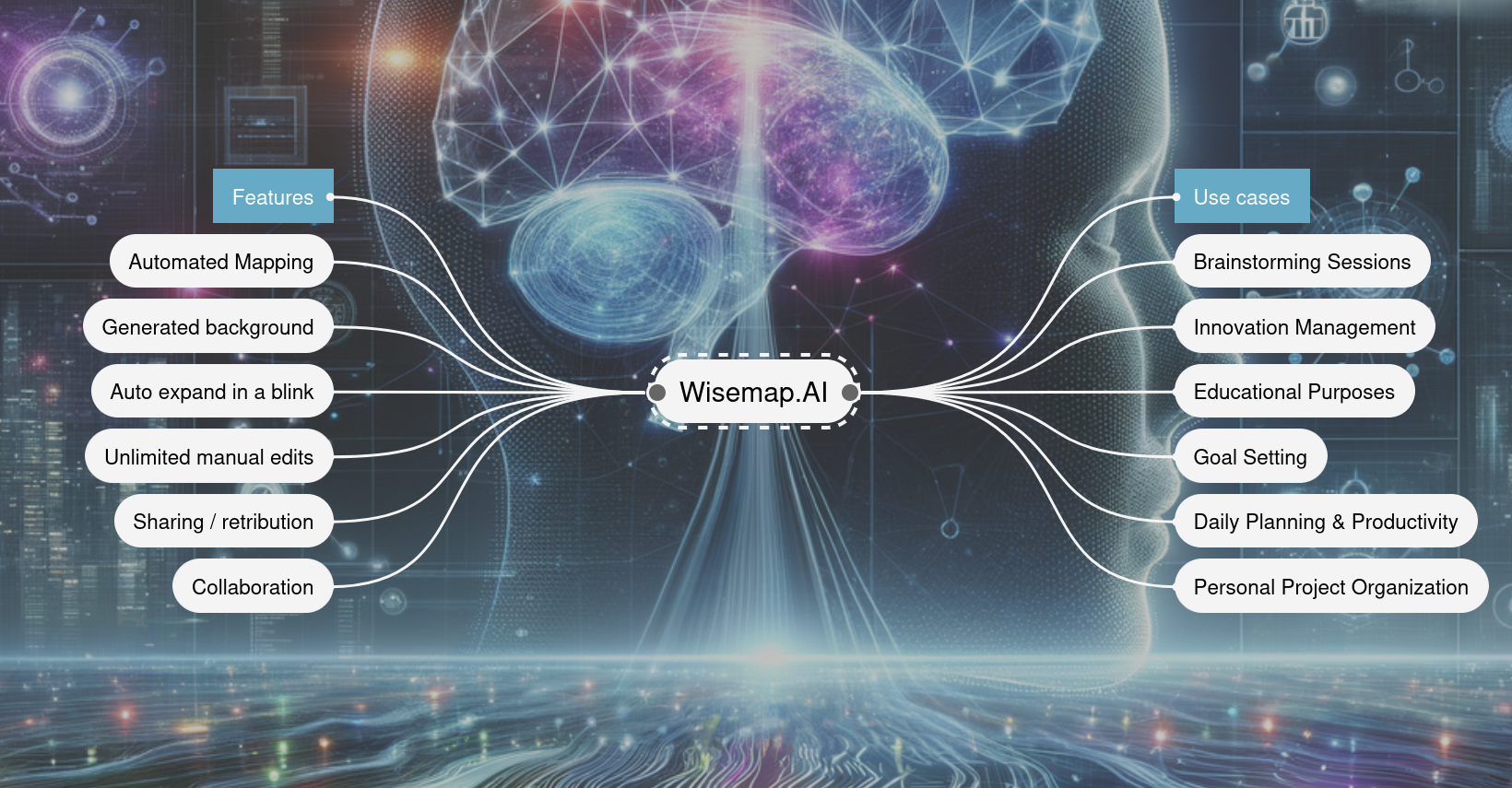
- Automated AI Mapping: Generates a structured mind map from a simple text prompt using models like GPT-4o mini and GPT-4.1.
- AI-Powered Expansion: Instantly expand any part of your mind map with contextually relevant ideas suggested by the AI.
- AI Background Generation: Create unique, AI-generated background images to customize the look and feel of your maps.
- Unlimited Manual Edits: Full freedom to manually adjust, add, delete, and reorganize every element of the mind map.
- Flexible Sharing Options: Share maps publicly, via a private link (unlisted), or keep them completely private.
- Earn Credits: Registered users can earn credits when their shared maps are copied by others, which can be used for AI actions.
- No-Signup Access: Start mapping immediately as a guest without needing to create an account.
Use Cases for WiseMap
WiseMap is a versatile tool applicable across various domains:
- Brainstorming Sessions: Facilitate dynamic team brainstorming by instantly visualizing ideas and using AI to suggest new avenues of thought.
- Project Planning: Outline project lifecycles, map out tasks, define milestones, and sequence activities. For example, planning a 'website project lifecycle' or a 'tech conference'.
- Educational Purposes: Students and educators can create study guides, summarize complex topics, and organize research notes visually.
- Goal Setting: Visually map out personal or professional goals, breaking down long-term aspirations into actionable steps.
- Content Strategy: Plan multi-platform content strategies, outlining themes, topics, and distribution channels.
- Personal Organization: Plan personal projects like home renovations, trip itineraries, or healthy eating plans with AI-suggested steps and considerations.
Advantages of WiseMap
WiseMap stands out with several key advantages. Its primary strength is the seamless integration of AI, which significantly accelerates the initial, often challenging, phase of mind mapping. The ability to start without an account removes friction and encourages immediate use. The freemium model, combined with the unique ability to earn credits through sharing, provides a generous free tier and rewards community contribution. Furthermore, the use of advanced AI models ensures high-quality, relevant suggestions, making it a powerful assistant rather than just a static tool.
Pricing and Plans
WiseMap operates on a freemium model based on credits for AI actions.
- Guest: Start with 100 credits and a 1-map limit. No sign-up required.
- Free Registered User: Signing up increases your limit to 3 maps and refreshes your balance to 200 credits.
- Paid Plans (unlock unlimited maps):
- Standard Subscription: $5/month for 2,000 credits added each month.
- Premium Subscription: $20/month for 10,000 credits added each month.
- One-Time Packs: Buy a pack of 2,000 credits for $6 or 10,000 credits for $24. These credits do not expire.
- Credit Usage: Actions have different credit costs. For example, creating a base map with GPT-4o mini costs 20 credits, while AI node expansion costs 5 credits. Generating a high-quality AI image costs 25 credits. Manual edits are always free.
Traffic
Latest traffic
Status
Monthly traffic trend
- 2025-9: 1.2K
- 2026-1: 2.9K
- 2026-2: 857
- 2026-3: 108
- 2026-4: 156
- 2026-5: 360
Geography
Top 5 countries / regions
- 🇮🇹Italy100.0%
Top keywords
| Keyword | Cost per click |
|---|---|
| wise mapa | $0.00 |
| wisemapping | $0.44 |
| wisemapping/wisemapping:latest | $0.00 |
| wise maps | $0.00 |
WiseMap Alternatives
MindMap AI
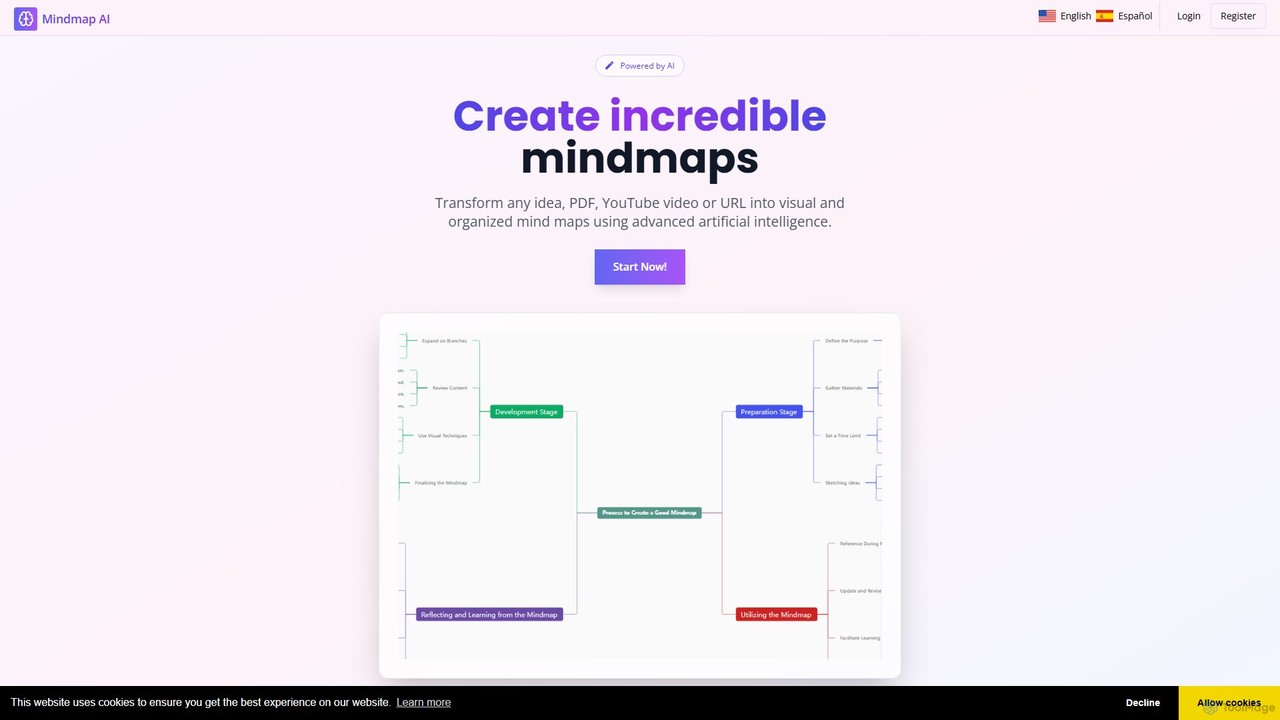
MindMap AI is an intelligent tool that instantly transforms your ideas, documents, and multimedia files into structured mind maps. Featuring an interactive AI Copilot, it facilitates dynamic brainstorming, idea expansion, and visual organization. It supports a wide range of input formats, including text, PDF, audio, and video, making it a versatile solution for students, professionals, and creatives to visualize and structure information effortlessly.
Brainstorming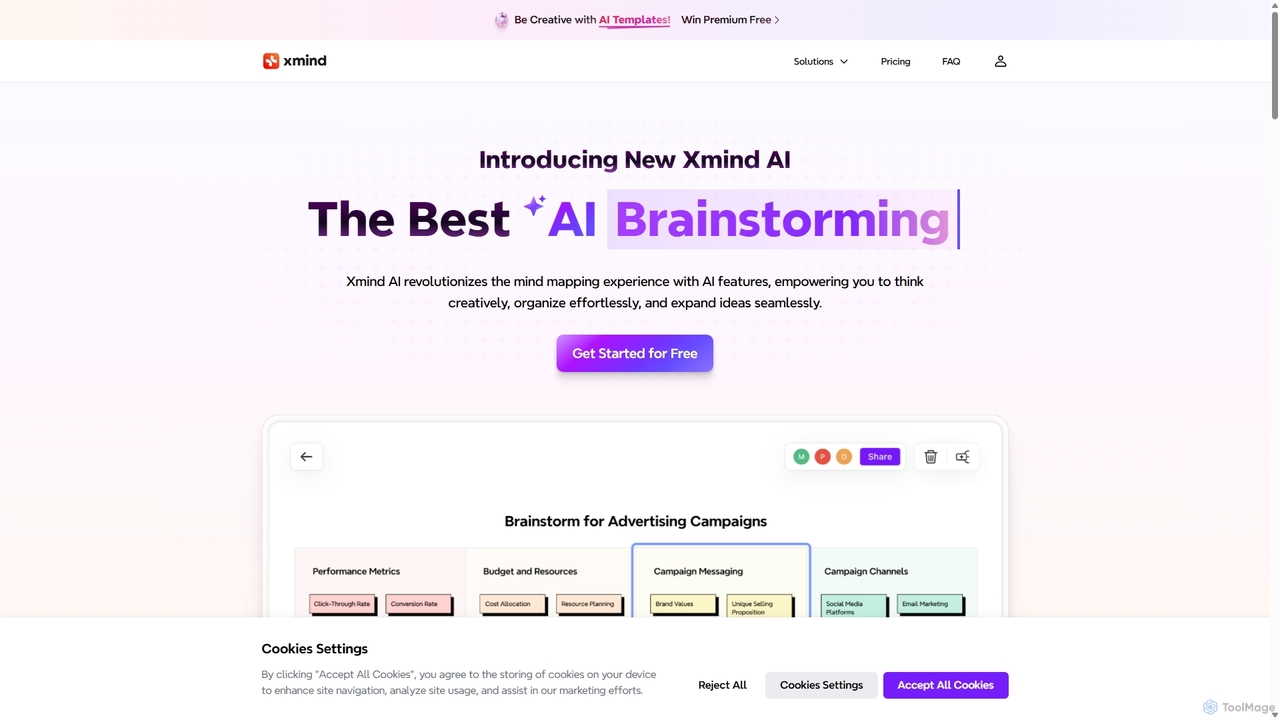
Xmind AI
Xmind AI is an advanced AI-powered mind mapping and brainstorming tool designed to enhance creativity and productivity. It helps users visualize thoughts, organize complex information, and collaborate with teams in real-time. With features like AI-driven idea generation, content summarization, and automated to-do lists, Xmind AI transforms abstract concepts into structured, actionable plans.
Teamwork
mapmindai
mapmindai is an AI-powered mind mapping tool that transforms your ideas, notes, and documents into clear, beautiful visual diagrams. Simply provide a central topic or text, and our AI will automatically generate a structured mind map, helping you brainstorm, organize thoughts, and plan projects with unprecedented speed and ease. It's perfect for students, professionals, and creatives looking to unlock their full potential.
Planning
VisualMind
VisualMind is an AI-powered tool that transforms your questions and ideas into interactive mind maps. By combining a conversational chatbot with dynamic visualization, it helps you learn complex topics 10x faster, brainstorm effectively, and organize your thoughts with ease. Simply type in a prompt, and watch as VisualMind builds a comprehensive, structured diagram, making it the perfect assistant for students, professionals, and creative thinkers.
Brainstorming
MyMap
MyMap is an AI-native diagramming tool that transforms text, files, and web content into visual formats like mind maps, flowcharts, and presentations. Simply chat with the AI to generate, edit, and collaborate on diagrams in real-time. It's designed for visual thinkers to quickly structure ideas, plan projects, and create engaging content without manual design work.
PlanningWiseMap Categories
WiseMap Embed Widget
Copy this embed code to place the badge on your blog, article, or product site and send readers directly to this ToolMage detail page.

Related AI tools
MindMap AI
MindMap AI is an intelligent tool that instantly transforms your ideas, documents, and multimedia files into structured mind maps. Featuring an interactive AI Copilot, it facilitates dynamic brainstorming, idea expansion, and visual organization. It supports a wide range of input formats, including text, PDF, audio, and video, making it a versatile solution for students, professionals, and creatives to visualize and structure information effortlessly.
BrainstormingXmind AI
Xmind AI is an advanced AI-powered mind mapping and brainstorming tool designed to enhance creativity and productivity. It helps users visualize thoughts, organize complex information, and collaborate with teams in real-time. With features like AI-driven idea generation, content summarization, and automated to-do lists, Xmind AI transforms abstract concepts into structured, actionable plans.
Teamworkmapmindai
mapmindai is an AI-powered mind mapping tool that transforms your ideas, notes, and documents into clear, beautiful visual diagrams. Simply provide a central topic or text, and our AI will automatically generate a structured mind map, helping you brainstorm, organize thoughts, and plan projects with unprecedented speed and ease. It's perfect for students, professionals, and creatives looking to unlock their full potential.
Planning
TreeMind
TreeMind is a next-generation AI-powered mind mapping tool that allows users to generate, organize, and visualize ideas effortlessly. It supports creating mind maps from a single sentence, images, or documents, and offers real-time collaboration, cross-platform synchronization, and a vast library of templates and design assets.
Generative
Nodeland
Nodeland is an AI-powered platform that transforms your notes, ideas, and documents into interactive mind maps and concept maps. It uses a non-linear, connection-based model to help you visualize information, enhance learning, and boost creativity. With its AI assistant, you can automatically generate maps, summarize texts, and explore topics in depth, making it an ideal tool for students, professionals, and creative thinkers.
Note Taking
Jyek
Jyek is an AI agent platform that understands objectives, creates execution plans, uses tools, and delivers verifiable results for complex, multi-step tasks.
AutomationVisualMind
VisualMind is an AI-powered tool that transforms your questions and ideas into interactive mind maps. By combining a conversational chatbot with dynamic visualization, it helps you learn complex topics 10x faster, brainstorm effectively, and organize your thoughts with ease. Simply type in a prompt, and watch as VisualMind builds a comprehensive, structured diagram, making it the perfect assistant for students, professionals, and creative thinkers.
Brainstorming
AmyMind
AmyMind is an AI-powered mind mapping tool that instantly transforms text, documents (PDF, Word, Markdown), and ideas into clear, organized mind maps, flowcharts, and UML diagrams. It features AI-assisted exploration for deeper insights, one-click export to multiple formats like PowerPoint and PDF, and a versatile online whiteboard. Ideal for students, professionals, and creatives looking to visualize information and streamline their workflow.
Diagramming
MindGenie
MindGenie is an AI-powered mind mapping and brainstorming platform designed to help users visualize, organize, and expand their ideas. It uses generative AI to suggest new concepts, create detailed branches, and transform thoughts into structured plans, boosting creativity and productivity.
Study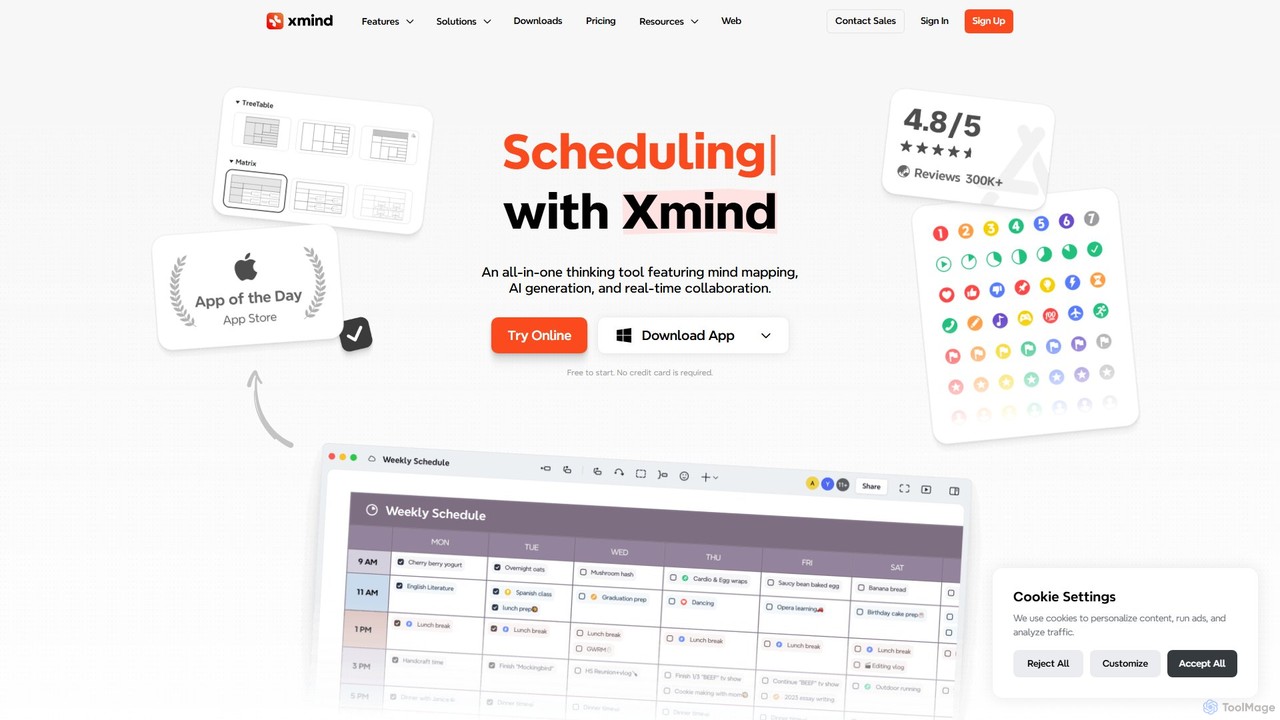

Kuse AI
Kuse AI is an intelligent visual collaboration platform that uses AI to supercharge brainstorming, mind mapping, and project planning. It provides an infinite canvas where teams can generate, organize, and develop ideas in real-time with the help of an AI assistant.
Mind MappingMyMap
MyMap is an AI-native diagramming tool that transforms text, files, and web content into visual formats like mind maps, flowcharts, and presentations. Simply chat with the AI to generate, edit, and collaborate on diagrams in real-time. It's designed for visual thinkers to quickly structure ideas, plan projects, and create engaging content without manual design work.
Planning
MindmapAI
MindmapAI is an advanced AI-powered platform that transforms ideas, PDFs, YouTube videos, and web URLs into structured, visual mind maps. It automates information analysis and organization, enabling users to quickly grasp complex topics, brainstorm effectively, and collaborate with teams in real-time. Ideal for students, professionals, and creators looking to enhance productivity and clarity.
Project Management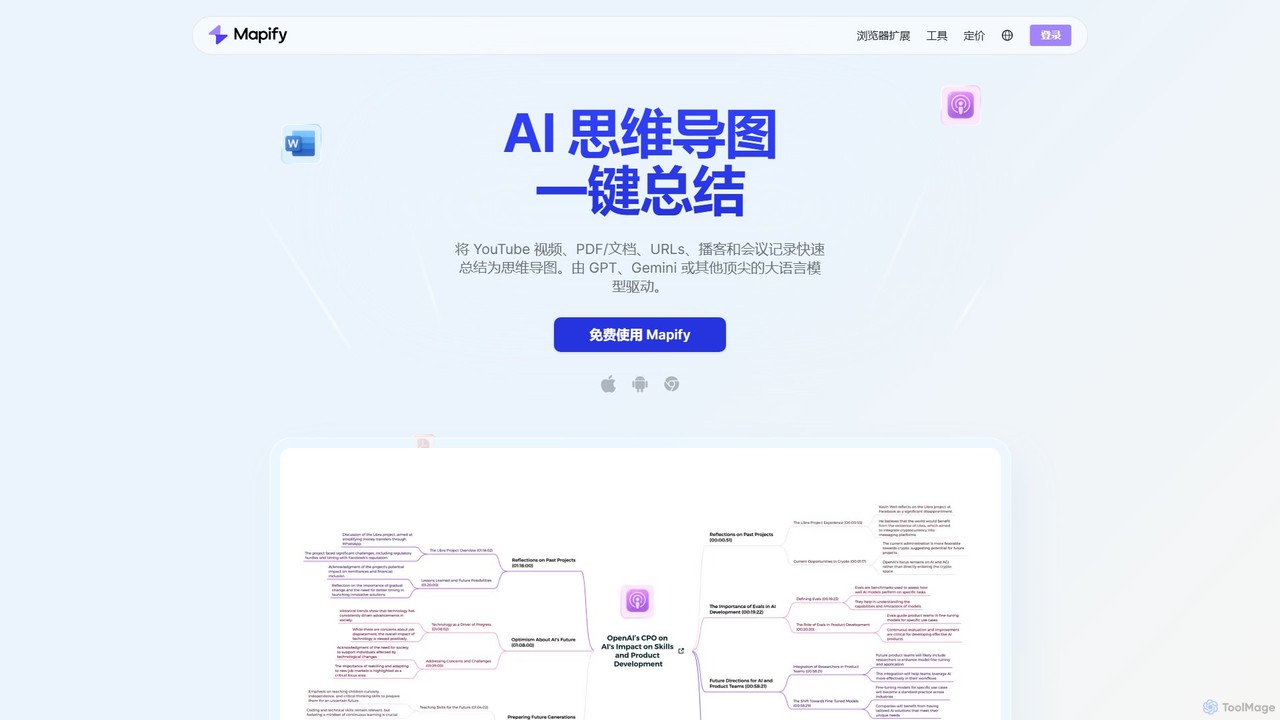
Mapify
Mapify is an AI-powered tool that instantly transforms YouTube videos, PDFs, web pages, audio, and text into structured, interactive mind maps. It leverages top LLMs like GPT and Gemini to summarize complex information, helping users learn faster, brainstorm effectively, and enhance productivity.
Study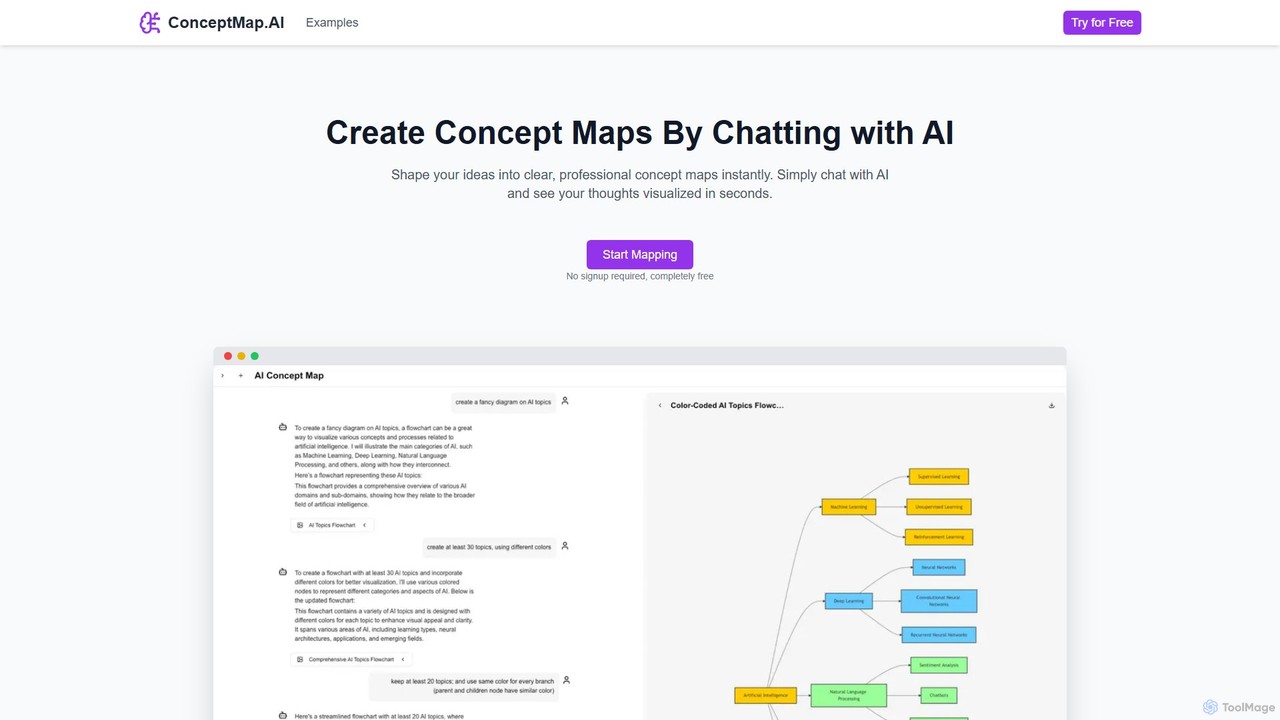
ConceptMap AI
A free, chat-based AI tool that instantly transforms your conversations and ideas into professional concept maps, mind maps, and flowcharts. Ideal for knowledge workers, students, and researchers to organize complex information, brainstorm, and plan projects without any manual diagramming.
Learning
WiseMap Comments (0)
Sign in to comment.
Sign inNo comments yet.