

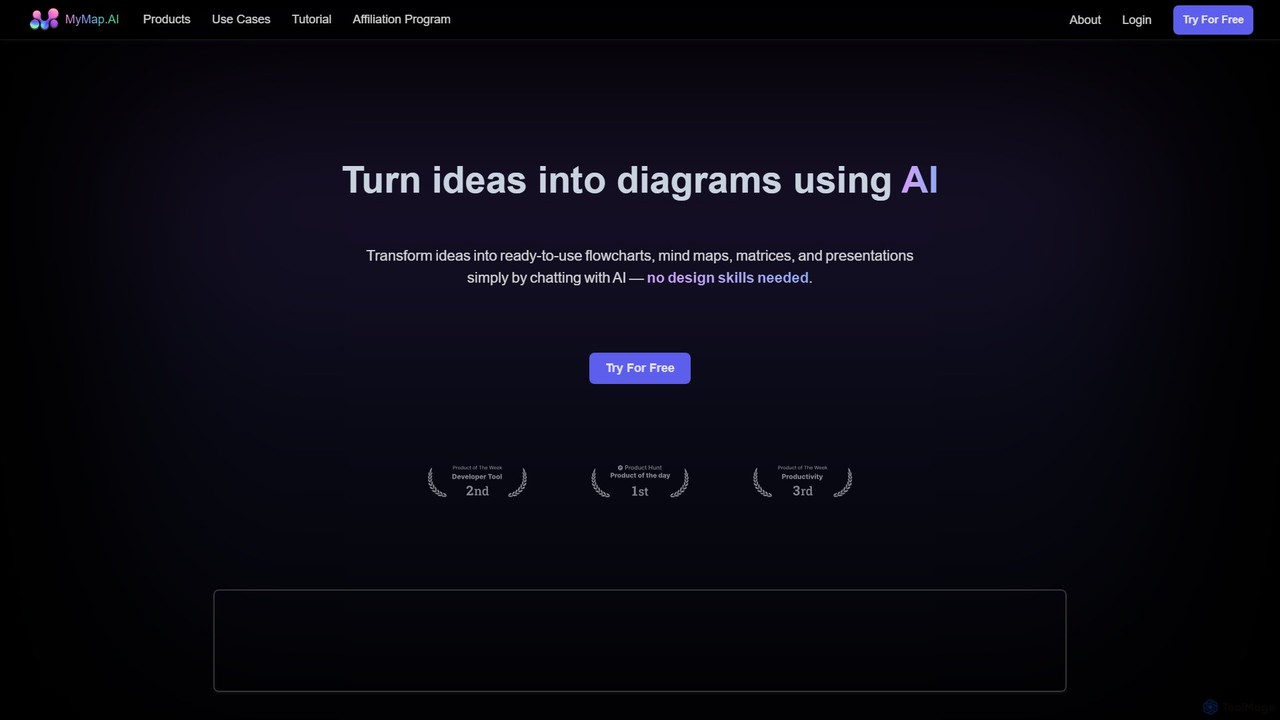
MyMap Overview
MyMap is a revolutionary AI-native platform designed to transform the way we visualize information. It serves as a visual, non-linear alternative to text-based AI like ChatGPT, allowing users to effortlessly convert ideas, documents, and even conversations into clear, structured diagrams. By simply chatting with the AI, you can generate ready-to-use flowcharts, mind maps, matrices, and presentations without any prior design experience. This makes it an indispensable tool for anyone who thinks visually and wants to organize complex information with speed and clarity.
The platform is built on the principle of conversational creation. Instead of grappling with complex toolbars and manual adjustments, users engage in a natural language dialogue with the AI. This AI-native approach not only simplifies the process but also enhances creativity, as the tool can intelligently interpret requests, suggest layouts, and even enrich diagrams with real-time information from the web. Whether you're brainstorming a new project, studying for an exam, or preparing a business presentation, MyMap streamlines the entire workflow from concept to a polished visual asset.
How to use MyMap
Using MyMap is an intuitive and straightforward process centered around conversation. Here’s a typical workflow:
- Provide Input: Start by giving the AI your content. You can do this in several ways: type a topic or idea, paste text from an article, upload a file (like lecture notes or a research paper), or provide a URL for the AI to analyze.
- Chat to Create: Engage in a conversation with the MyMap AI. For example, you could say, "Create a mind map of the main themes in this document," or "Generate a flowchart for this project plan." The AI will instantly produce a visual diagram based on your request.
- Refine and Expand: The initial diagram is just the starting point. Continue the conversation to make changes. You can ask the AI to "add a branch for marketing strategies," "change the color scheme to blue," or "reorganize this section into a matrix." The diagram updates in real-time with each command.
- Collaborate with Your Team: Invite colleagues or classmates to work on the same map simultaneously. The real-time collaboration feature ensures everyone is on the same page, allowing teams to build and refine ideas together.
- Present and Share: Once your diagram is complete, you can use the built-in presentation mode, which functions like a dynamic, map-based slideshow. You can also export your creation as a high-quality PNG or PDF image, or share it with others via a public link.
Core Features of MyMap
- AI-Native Conversational Interface: The core of MyMap. Generate and edit diagrams simply by chatting in natural language, eliminating the need for manual design skills.
- Multiple Input Formats: Accepts a wide range of inputs, including direct text entry, file uploads (PDFs, documents), and website URLs, providing maximum flexibility.
- Live Web Search: The AI can perform live Google or Bing searches to gather up-to-date information and incorporate it into your diagrams, ensuring your content is always relevant and context-rich.
- Versatile Diagram Types: Create a variety of visual formats, including mind maps for brainstorming, flowcharts for processes, matrices for comparison, and even full presentations.
- Real-Time Collaboration: Work with team members on the same diagram simultaneously, making it a powerful tool for group projects, meetings, and workshops.
- Integrated Presentation Mode: Seamlessly switch to a presentation mode to showcase your ideas in a dynamic, non-linear format that is more engaging than traditional slides.
- Easy Sharing and Exporting: Share your work effortlessly with a public URL or export your diagrams to standard formats like PNG and PDF for use in reports, websites, or other documents.
Use Cases for MyMap
MyMap is trusted by over a million users across various fields:
- Students & Researchers: Quickly summarize dense research papers or lecture notes into mind maps. Visualize complex scientific processes or historical timelines with flowcharts. Organize study materials and connect key concepts for better retention.
- Professionals: Map out project plans, define workflows, and create organizational charts. Brainstorm marketing strategies and visualize customer journeys. Transform meeting notes and discussions into actionable visual plans for the entire team.
- Content Creators: Outline blog posts, video scripts, or book chapters with visual storyboards. Design infographics by inputting data and letting the AI generate the visuals. Plan a content calendar and map out narrative flows for complex stories.
Advantages of MyMap
MyMap offers a significant competitive edge over traditional diagramming tools and text-based AI. Its primary advantage is the fusion of conversational AI with visual creation, which boosts productivity by up to 10x. It democratizes design, allowing anyone to create professional-looking diagrams. The integration of live web search provides a depth of context that static tools cannot match. Furthermore, its collaborative and presentation features make it an all-in-one solution for ideation, planning, and communication.
Pricing and Plans
MyMap operates on a freemium model, making it accessible to everyone. The platform offers a Free Plan which is great for individuals and casual users, providing access to basic features with certain limitations, such as a cap on the number of maps and monthly AI credits. For more demanding users and teams, the Pro Plan unlocks the full power of the platform, offering unlimited maps, a generous allocation of AI credits, access to advanced AI models (like GPT-4), file upload capabilities, web search integration, and priority customer support.
Traffic
Latest traffic
Status
Monthly traffic trend
- 2025-9: 1.0M
- 2026-1: 492.6K
- 2026-2: 445.0K
- 2026-3: 323.0K
- 2026-4: 160.2K
- 2026-5: 182.7K
Geography
Top 5 countries / regions
- 🇮🇳India29.7%
- 🇨🇴Colombia23.9%
- 🇵🇪Peru18.2%
- 🇺🇸United States17.2%
- 🇪🇸Spain11.1%
Traffic sources
| Source type | Percentage |
|---|---|
Direct | 90.7% |
Referral | 9.3% |
Top keywords
| Keyword | Cost per click |
|---|---|
| crear un diagrama de procesos | $0.00 |
| mymap | $1.51 |
| mymap ai | $0.30 |
| the best ai tool to create a study plan | $0.00 |
| ジェノグラム 無料 ダウンロード | $0.00 |
MyMap Videos on YouTube

Computer Classes by Dr. Santosh Sir
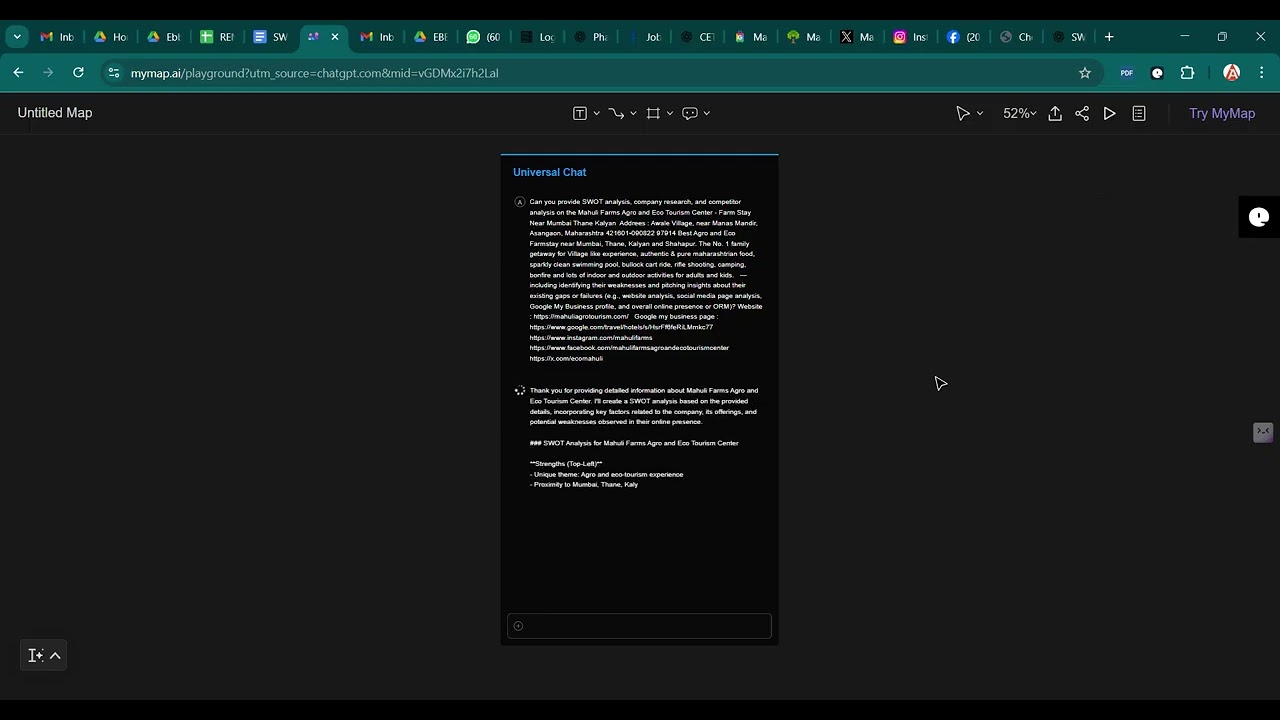
E-BUSINESS BAZAAR

Pro Assistant
MyMap Alternatives
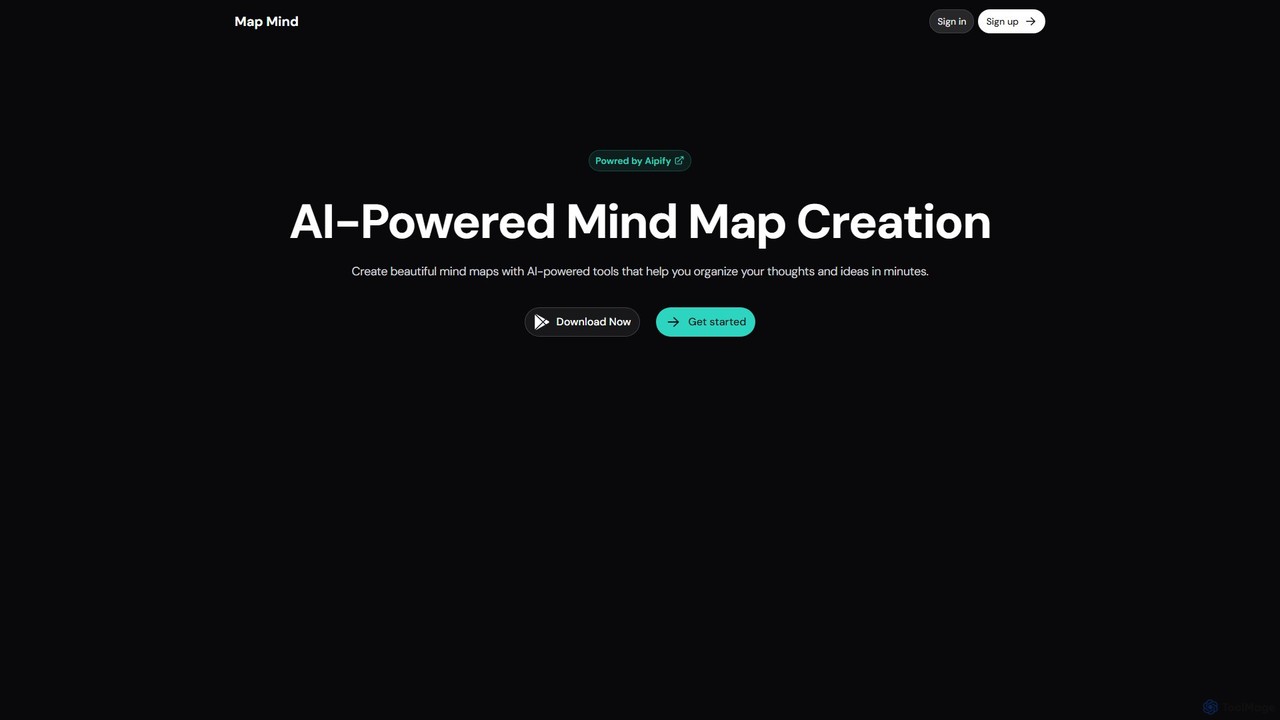
mapmindai
mapmindai is an AI-powered mind mapping tool that transforms your ideas, notes, and documents into clear, beautiful visual diagrams. Simply provide a central topic or text, and our AI will automatically generate a structured mind map, helping you brainstorm, organize thoughts, and plan projects with unprecedented speed and ease. It's perfect for students, professionals, and creatives looking to unlock their full potential.
Planning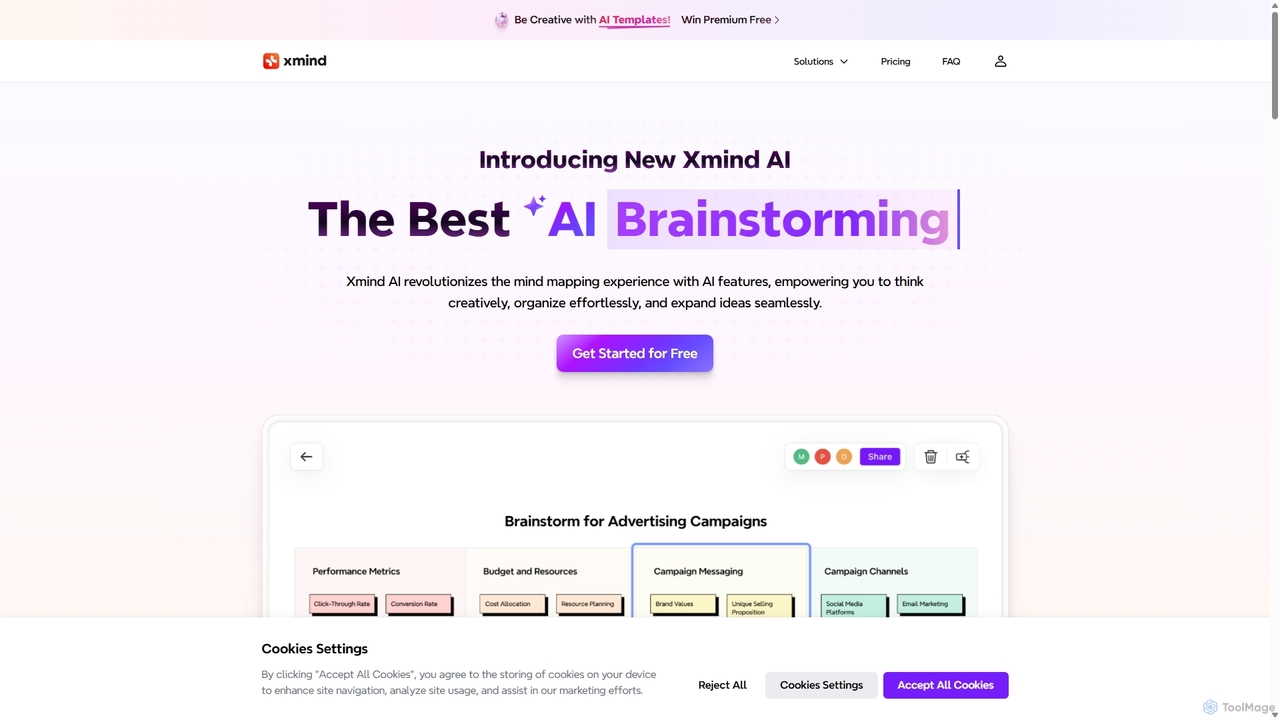
Xmind AI
Xmind AI is an advanced AI-powered mind mapping and brainstorming tool designed to enhance creativity and productivity. It helps users visualize thoughts, organize complex information, and collaborate with teams in real-time. With features like AI-driven idea generation, content summarization, and automated to-do lists, Xmind AI transforms abstract concepts into structured, actionable plans.
Teamwork
MindmapAI
MindmapAI is an advanced AI-powered platform that transforms ideas, PDFs, YouTube videos, and web URLs into structured, visual mind maps. It automates information analysis and organization, enabling users to quickly grasp complex topics, brainstorm effectively, and collaborate with teams in real-time. Ideal for students, professionals, and creators looking to enhance productivity and clarity.
Project Management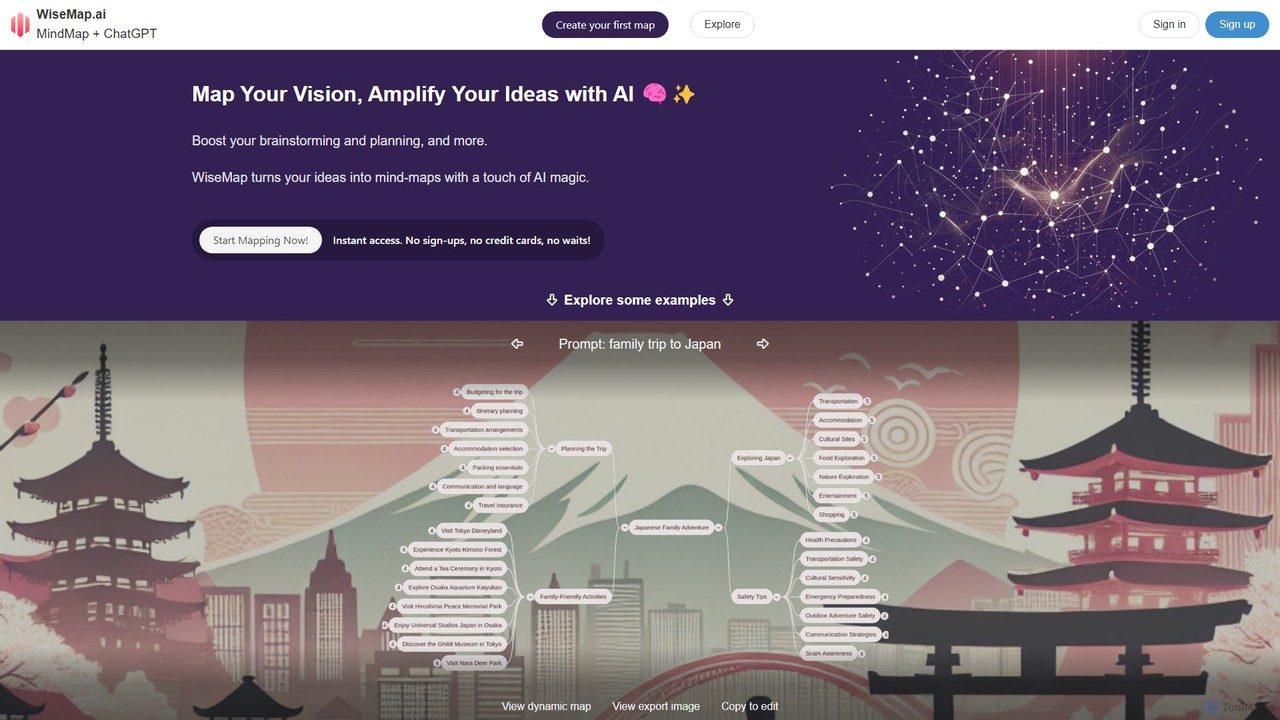
WiseMap
WiseMap is an AI-powered mind mapping tool that transforms your text prompts into structured, visual diagrams. Leveraging AI like ChatGPT, it helps you brainstorm, plan projects, and organize ideas effortlessly. Start with a simple idea and let the AI expand it into a comprehensive map, which you can then manually edit, customize, and share.
Brainstorming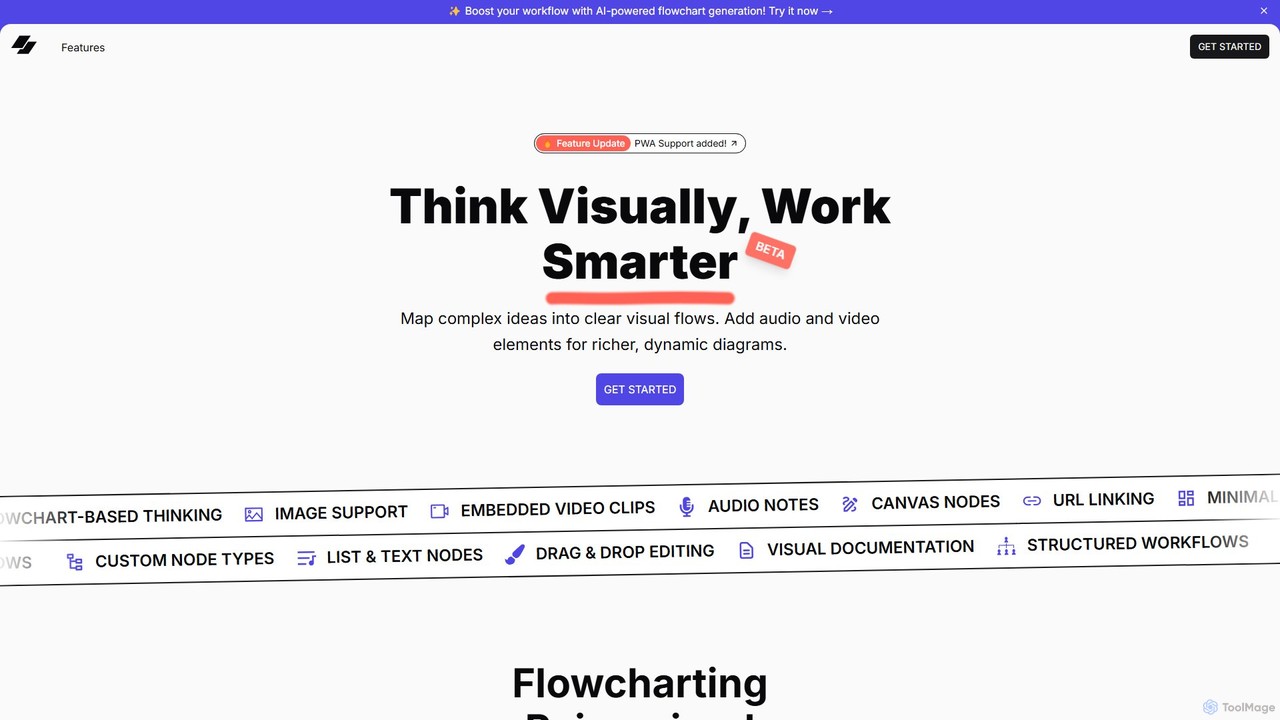
VisFlow
VisFlow is an AI-powered visual workspace that redefines flowcharting and mind mapping by integrating rich multimedia. It allows users to embed images, audio, and video directly into their diagrams, fostering a more dynamic and contextual way to brainstorm, plan, and collaborate. With a focus on privacy through local-first storage and an intuitive drag-and-drop interface, VisFlow is designed for creatives, educators, and teams who think visually.
WhiteboardMyMap Categories
MyMap Embed Widget
Copy this embed code to place the badge on your blog, article, or product site and send readers directly to this ToolMage detail page.

Related AI tools
Xmind AI
Xmind AI is an advanced AI-powered mind mapping and brainstorming tool designed to enhance creativity and productivity. It helps users visualize thoughts, organize complex information, and collaborate with teams in real-time. With features like AI-driven idea generation, content summarization, and automated to-do lists, Xmind AI transforms abstract concepts into structured, actionable plans.
Teamwork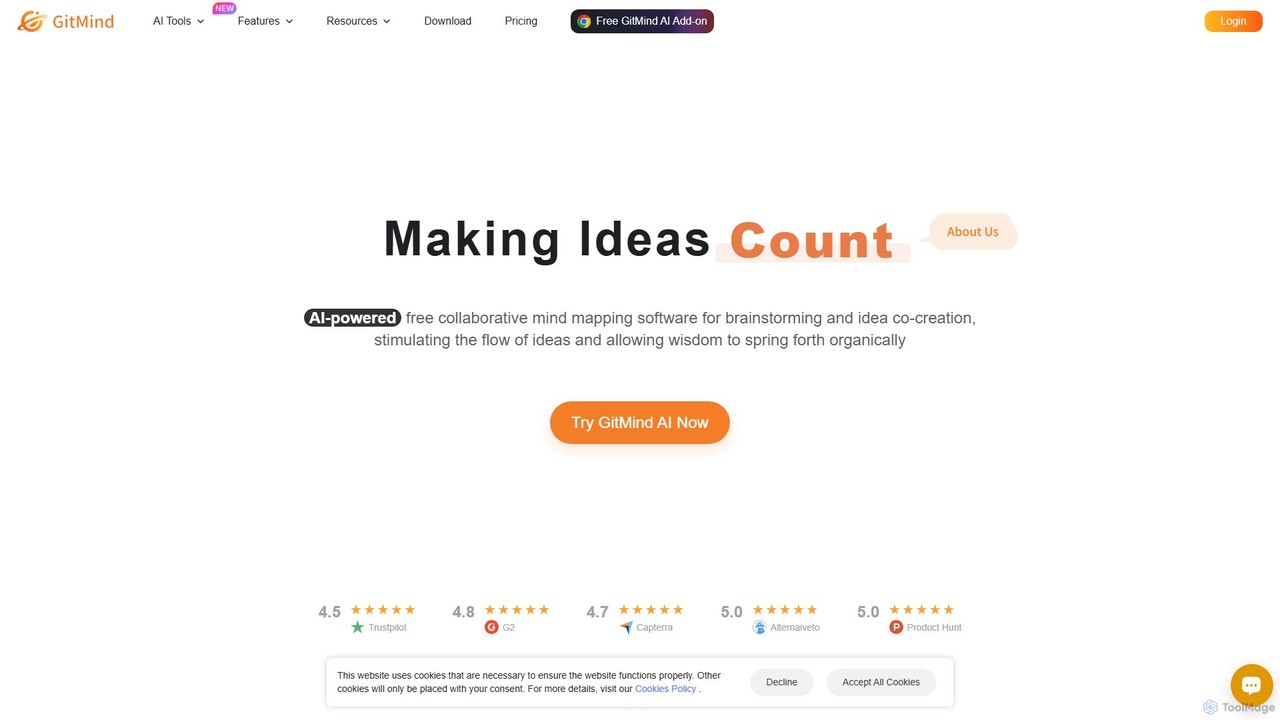
GitMind
GitMind is an AI-powered collaborative mind mapping and brainstorming tool. It enables users to create mind maps, flowcharts, org charts, and other diagrams with ease. Featuring AI-driven content generation, summarization of documents and videos, and real-time co-editing, GitMind helps individuals and teams visualize ideas, streamline workflows, and enhance productivity. With cross-platform availability and a rich template library, it transforms complex information into clear, organized visuals.
Project Management
iMiaoban
iMiaoban is an AI-powered collaborative online whiteboard designed to enhance team productivity. It allows users to instantly create various diagrams, including flowcharts and mind maps, using text prompts. With a vast library of templates and real-time collaboration features, it simplifies the process of visualizing ideas and workflows.
Whiteboardmapmindai
mapmindai is an AI-powered mind mapping tool that transforms your ideas, notes, and documents into clear, beautiful visual diagrams. Simply provide a central topic or text, and our AI will automatically generate a structured mind map, helping you brainstorm, organize thoughts, and plan projects with unprecedented speed and ease. It's perfect for students, professionals, and creatives looking to unlock their full potential.
Planning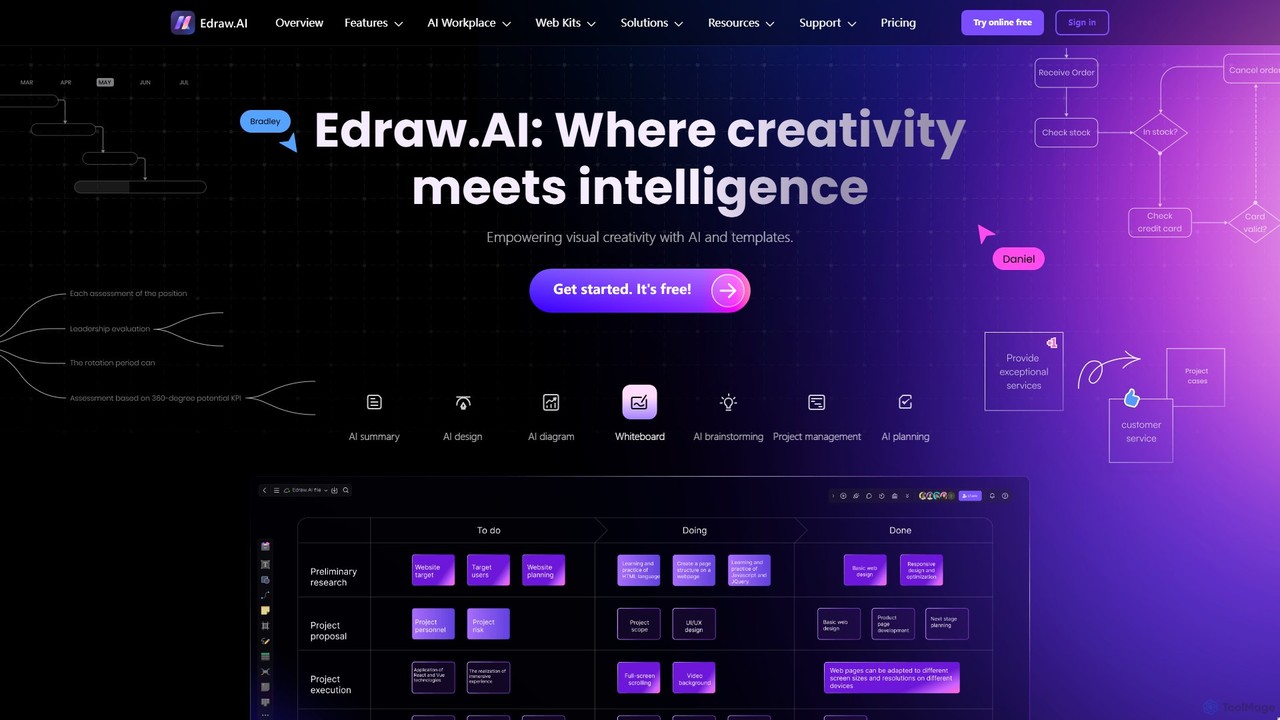
Edraw.AI
Edraw.AI is an AI-powered visual collaboration platform that enables users to create diagrams, mind maps, flowcharts, and other visuals with ease. It combines a user-friendly interface with powerful AI tools for generation, analysis, and design. Featuring real-time collaboration, an extensive library of templates and symbols, it's designed to boost productivity for teams in project management, IT, marketing, education, and more. Get started for free and transform your ideas into professional visuals.
VisualizationMindmapAI
MindmapAI is an advanced AI-powered platform that transforms ideas, PDFs, YouTube videos, and web URLs into structured, visual mind maps. It automates information analysis and organization, enabling users to quickly grasp complex topics, brainstorm effectively, and collaborate with teams in real-time. Ideal for students, professionals, and creators looking to enhance productivity and clarity.
Project ManagementWiseMap
WiseMap is an AI-powered mind mapping tool that transforms your text prompts into structured, visual diagrams. Leveraging AI like ChatGPT, it helps you brainstorm, plan projects, and organize ideas effortlessly. Start with a simple idea and let the AI expand it into a comprehensive map, which you can then manually edit, customize, and share.
BrainstormingVisFlow
VisFlow is an AI-powered visual workspace that redefines flowcharting and mind mapping by integrating rich multimedia. It allows users to embed images, audio, and video directly into their diagrams, fostering a more dynamic and contextual way to brainstorm, plan, and collaborate. With a focus on privacy through local-first storage and an intuitive drag-and-drop interface, VisFlow is designed for creatives, educators, and teams who think visually.
Whiteboard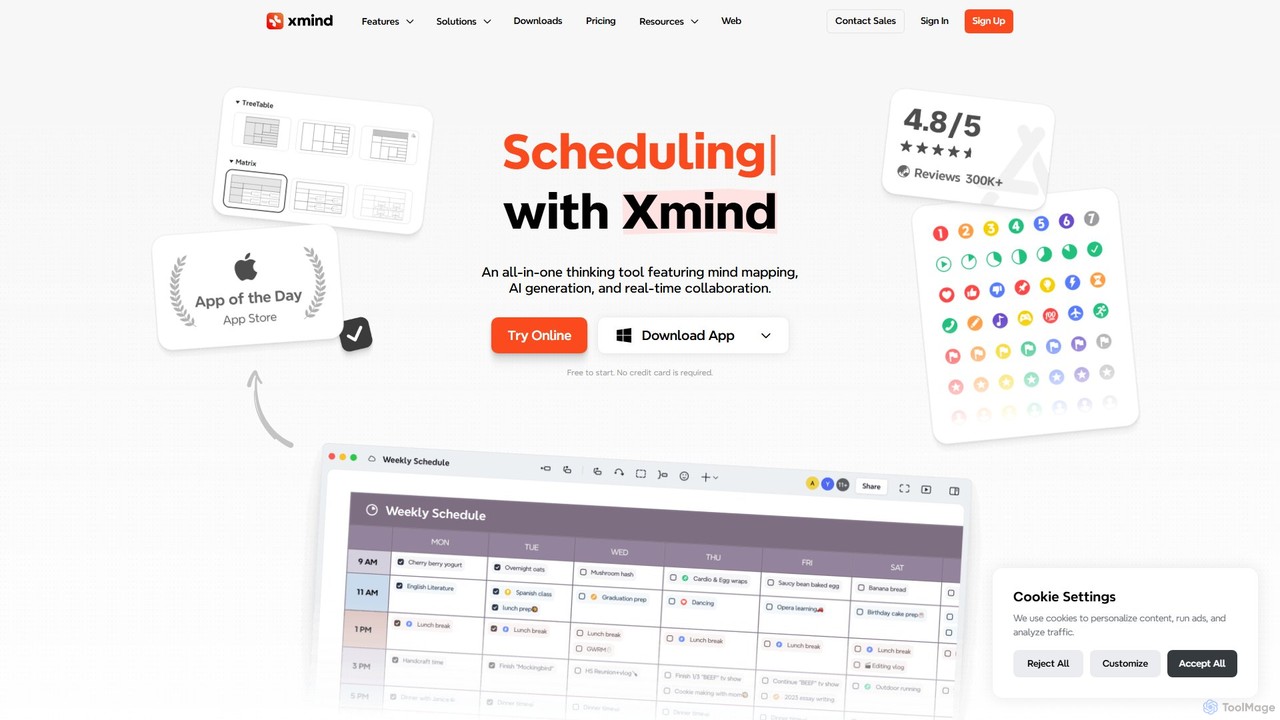
TreeMind
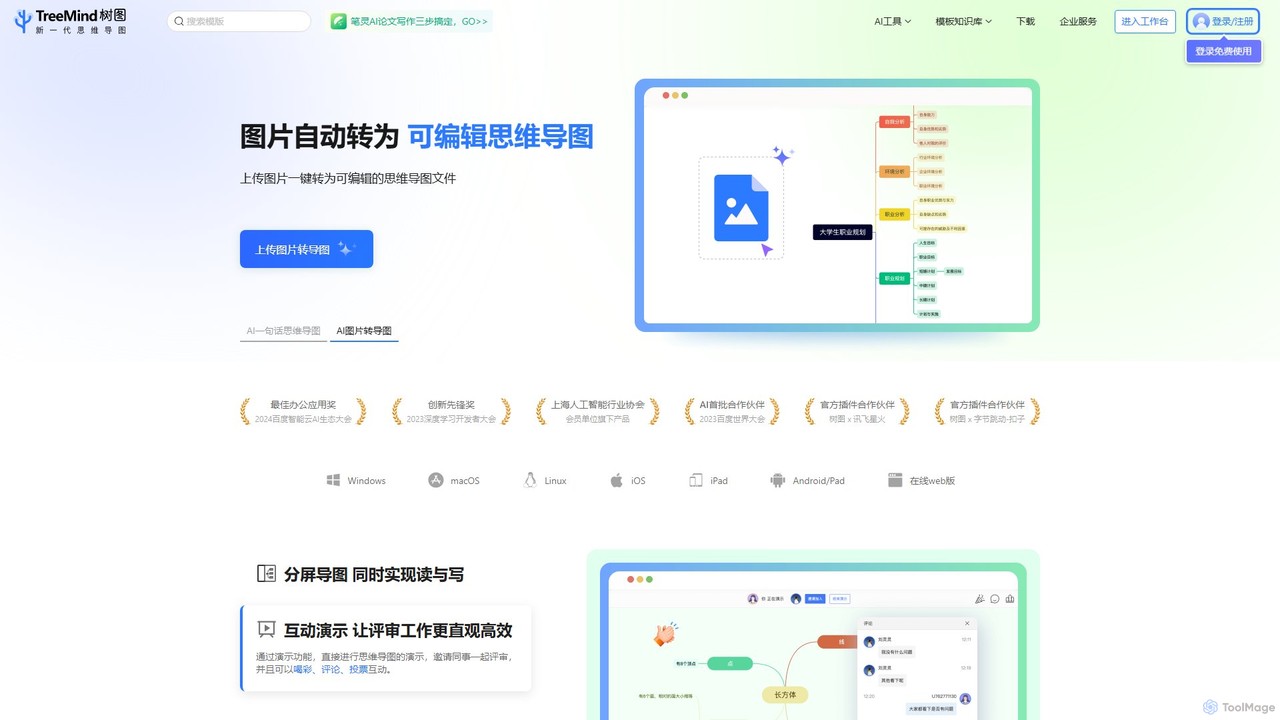
TreeMind is a next-generation AI-powered mind mapping tool that allows users to generate, organize, and visualize ideas effortlessly. It supports creating mind maps from a single sentence, images, or documents, and offers real-time collaboration, cross-platform synchronization, and a vast library of templates and design assets.
Generative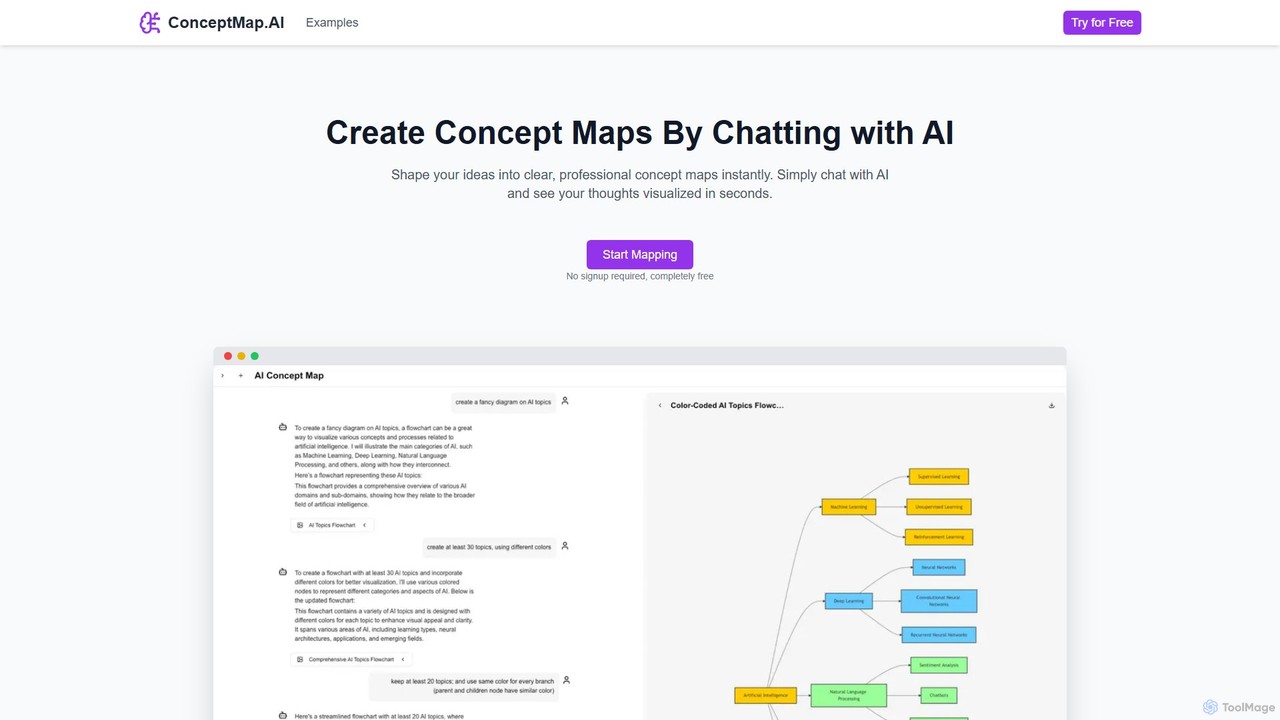
ConceptMap AI
A free, chat-based AI tool that instantly transforms your conversations and ideas into professional concept maps, mind maps, and flowcharts. Ideal for knowledge workers, students, and researchers to organize complex information, brainstorm, and plan projects without any manual diagramming.
Learning
AmyMind
AmyMind is an AI-powered mind mapping tool that instantly transforms text, documents (PDF, Word, Markdown), and ideas into clear, organized mind maps, flowcharts, and UML diagrams. It features AI-assisted exploration for deeper insights, one-click export to multiple formats like PowerPoint and PDF, and a versatile online whiteboard. Ideal for students, professionals, and creatives looking to visualize information and streamline their workflow.
Diagramming
Kuse AI
Kuse AI is an intelligent visual collaboration platform that uses AI to supercharge brainstorming, mind mapping, and project planning. It provides an infinite canvas where teams can generate, organize, and develop ideas in real-time with the help of an AI assistant.
Mind Mapping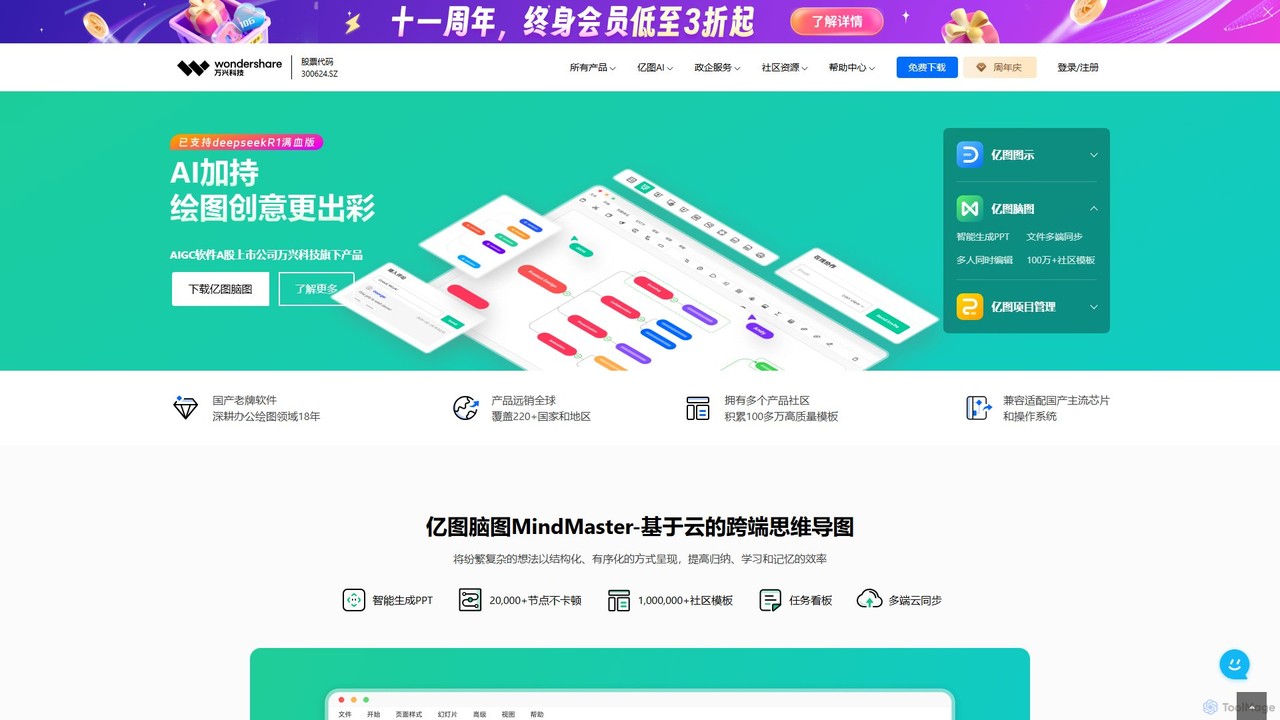
Edrawsoft
Edrawsoft is a comprehensive suite of AI-powered visual tools for diagramming, mind mapping, and project management. It includes EdrawMax for all-in-one diagram creation, EdrawMind for brainstorming, and EdrawProj for Gantt charts. With AI assistance, users can automatically generate flowcharts, org charts, and more from text, beautify designs with a single click, and collaborate seamlessly across platforms. It's a powerful Visio alternative for individuals, teams, and enterprises.
Project Management
Flux AI
Flux AI is an intelligent collaborative whiteboard that transforms text prompts into complex diagrams. It empowers teams to visualize ideas, design workflows, and create flowcharts or mind maps in seconds, streamlining the entire planning and brainstorming process.
Whiteboard
MyMap Comments (0)
Sign in to comment.
Sign inNo comments yet.