
GitMind Overview
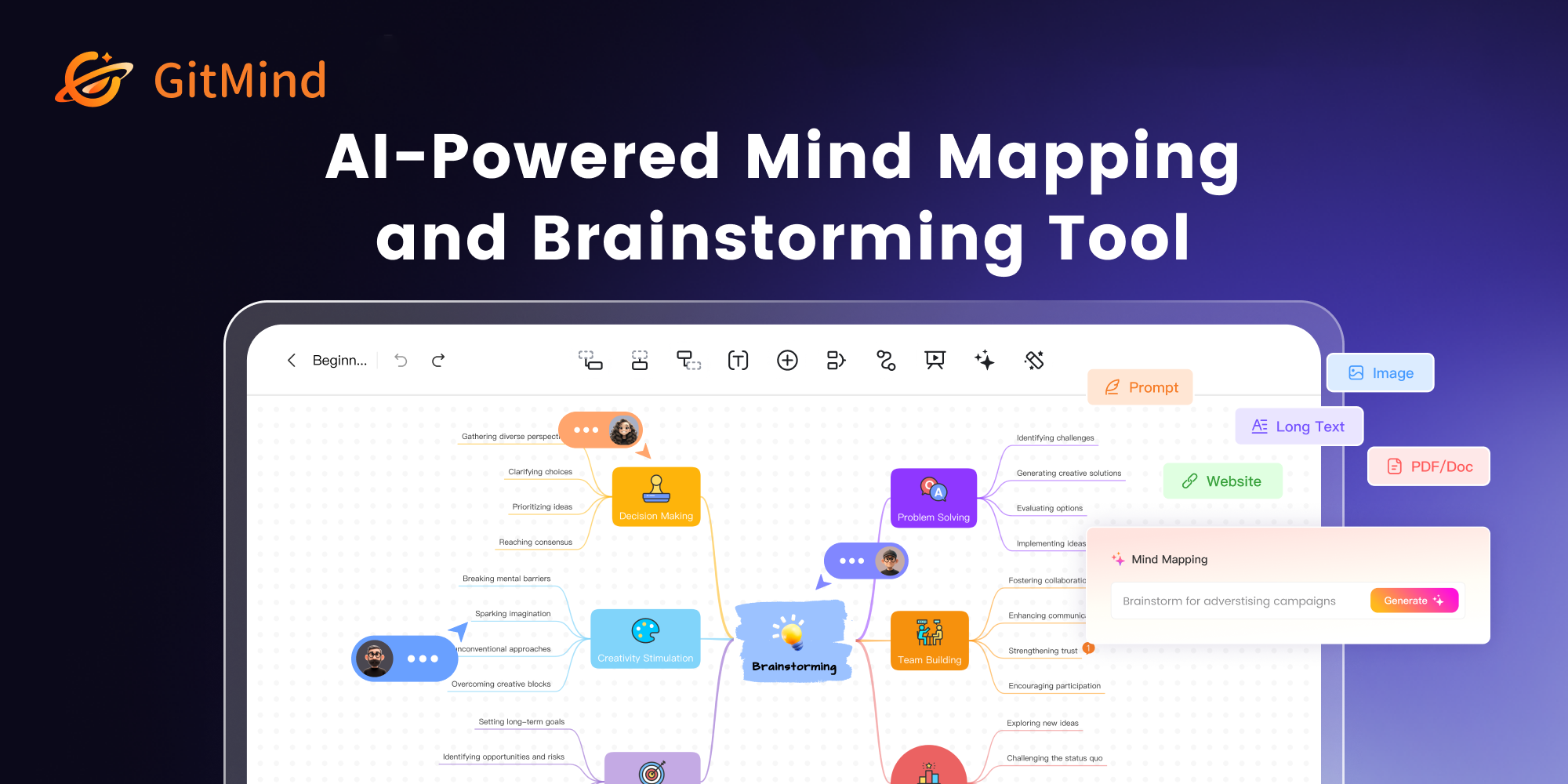
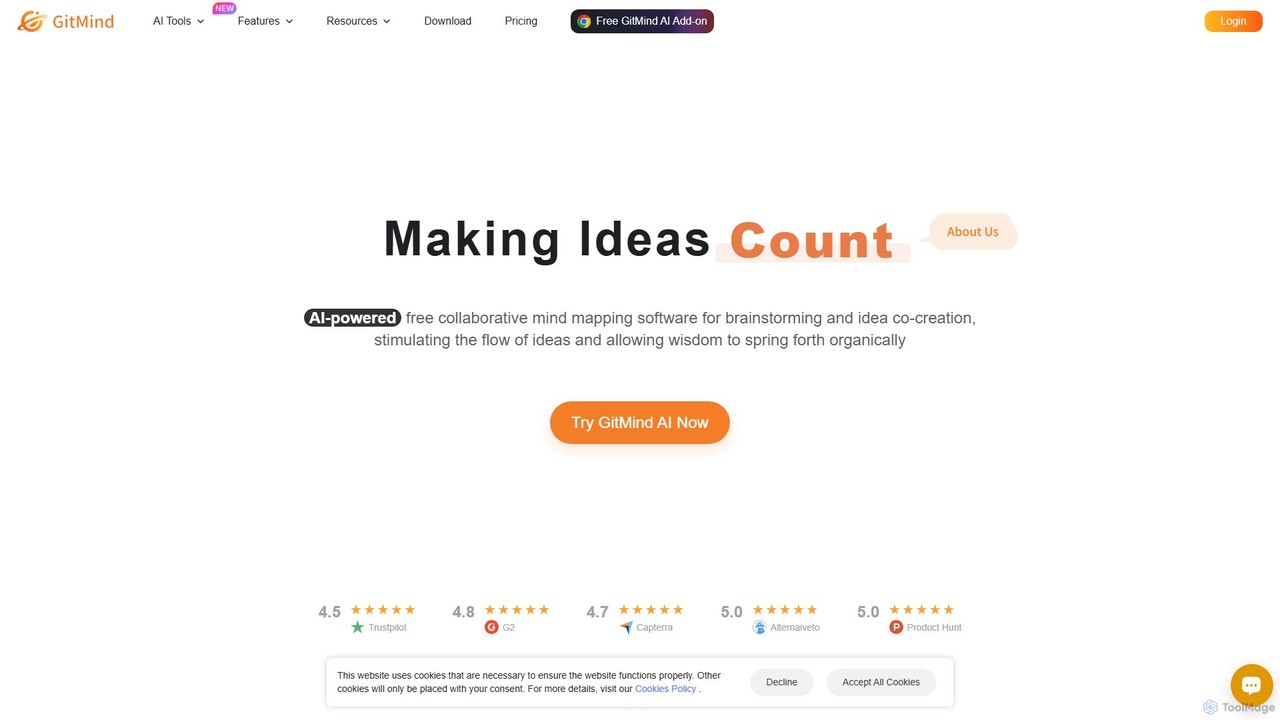
GitMind is a comprehensive, AI-powered visual thinking platform designed to help users capture, organize, and share ideas through mind maps, flowcharts, and a variety of other diagrams. It positions itself as more than just a mapping tool, aiming to foster deep thinking and creativity by integrating artificial intelligence into the brainstorming process. GitMind is built for individuals and teams across various sectors, including business, education, and project management, offering a seamless, collaborative environment to turn abstract concepts into structured, actionable plans.
The platform's core philosophy is to redefine mind mapping by moving beyond static structures. It encourages a fluid, divergent thinking process, allowing ideas to flow naturally. With its powerful AI assistant, users can automate tedious tasks, generate new perspectives, and summarize complex information from multiple sources, effectively creating a 'second brain' to augment their intellectual capabilities.
How to use GitMind
Getting started with GitMind is intuitive and user-friendly. Here’s a typical workflow:
- Choose Your Creation Method: You can start a new project from a blank canvas, select one of the many pre-built templates for specific tasks like SWOT analysis or project timelines, or leverage the AI by entering a prompt to automatically generate a complete mind map on your topic.
- Build and Customize: Add nodes, branches, and connections with simple keyboard shortcuts or drag-and-drop actions. Customize the look and feel of your diagram with a wide selection of themes, layouts, colors, and illustrations to make it visually appealing and easy to understand.
- Integrate AI Features: Enhance your workflow by using GitMind AI. Chat with the AI assistant to get ideas or information, or use the summarization feature to upload a document (PDF, Doc), paste a URL, or provide a YouTube link, and the AI will extract key points and generate a mind map automatically.
- Collaborate in Real-Time: Invite team members to your project by sharing a simple link. Everyone can edit the diagram simultaneously, add comments, and see changes as they happen, making it perfect for remote team meetings and collaborative sessions.
- Present and Export: Once your diagram is complete, you can instantly switch to Presentation Mode to turn your mind map into a dynamic slideshow. You can also export your work in various high-quality formats, including PDF, PNG, JPG, and Word, for easy sharing and integration into reports or other documents.
Core Features of GitMind
- AI-Powered Mind Mapping: Generate comprehensive mind maps from a single text prompt, saving hours of manual work.
- AI Assistant Chat: An integrated chatbot that assists with brainstorming, information retrieval, and content expansion directly within the mapping interface.
- Multi-Format AI Summarization: Automatically analyze and summarize content from documents (PDF, Doc), webpages, YouTube videos (with or without subtitles), audio files, and even images, converting them into structured mind maps.
- Versatile Diagramming Tools: Create not only mind maps but also flowcharts, organizational charts, concept maps, fishbone diagrams, and more.
- Real-Time Collaboration: Work with your team on the same canvas simultaneously, with changes synced instantly across all devices.
- Presentation Mode: Convert any mind map or flowchart into an engaging, animated presentation with a single click.
- Rich Template and Asset Library: Access a vast collection of professional templates, themes, and illustrations to kickstart your projects.
- Cross-Platform Synchronization: Use GitMind on the web, or via its dedicated desktop and mobile apps (iOS & Android), with all your files synced in the cloud.
- High Security Standards: Ensures data protection with ISO/IEC 27001, ISO/IEC 27701, and GDPR compliance.
Use Cases for GitMind
GitMind is versatile enough for a wide range of applications:
- Business & Strategy: Develop business plans, conduct SWOT analyses, create organizational charts, and map out marketing strategies.
- Project Management: Outline project scopes, create work breakdown structures (WBS), design workflows with flowcharts, and track progress.
- Education & Learning: Students can take visual notes, summarize textbooks and lectures, and prepare for exams. Teachers can create engaging lesson plans and explain complex topics.
- Brainstorming & Creativity: Teams and individuals can capture and organize ideas during creative sessions, fostering innovation and problem-solving.
- Meeting Management: Create meeting agendas, take visual notes during discussions, and share clear action items and summaries afterward.
Advantages of GitMind
GitMind stands out for its powerful combination of usability and advanced features. Its intuitive interface makes it accessible to beginners, while its robust AI capabilities provide significant value for power users. The seamless real-time collaboration and cross-platform availability make it an excellent tool for modern, distributed teams. The all-in-one nature of the platform, combining various diagram types with AI, eliminates the need for multiple separate tools, streamlining workflows and boosting overall productivity.
Pricing and Plans
GitMind operates on a freemium model, offering several tiers to suit different needs:
- Free Plan: Includes up to 10 files, 500MB cloud storage, and standard export options. A great way to get started.
- Basic Plan ($4.08/month, billed annually): Offers unlimited files, 10GB cloud storage, HD export, premium themes, and allows inserting up to 500 images per map.
- Pro Plan ($5.75/month, billed annually): Includes all Basic features plus 2,000 AI credits per month for using features like file summarization, AI chat, and prompt-to-map generation.
- Ultra Plan ($11.58/month, billed annually): For heavy AI users, this plan includes everything in Pro but increases AI credits to 5,000 per month and cloud storage to 50GB.
- Business Plan ($170.00/month for 10 seats, billed annually): Designed for teams, this plan includes 50,000 shared AI credits per month, team management features, dedicated technical support, and flexible sizing.
Traffic
Latest traffic
Status
Monthly traffic trend
- 2025-9: 1.4M
- 2026-1: 871.7K
- 2026-2: 779.6K
- 2026-3: 865.7K
- 2026-4: 780.2K
- 2026-5: 742.8K
Geography
Top 5 countries / regions
- 🇹🇼Taiwan34.6%
- 🇯🇵Japan30.6%
- 🇵🇪Peru12.4%
- 🇺🇸United States11.4%
- 🇨🇴Colombia11.0%
Traffic sources
| Source type | Percentage |
|---|---|
Direct | 79.2% |
Referral | 19.3% |
Email | 1.6% |
Top keywords
| Keyword | Cost per click |
|---|---|
| gitmind | $0.27 |
| gitmind ai | $0.25 |
| resumir videos de youtube | $0.25 |
| youtube mp4 | $0.38 |
| youtube ダウンロード | $0.36 |
GitMind Videos on YouTube


GitMind Alternatives
TreeMind
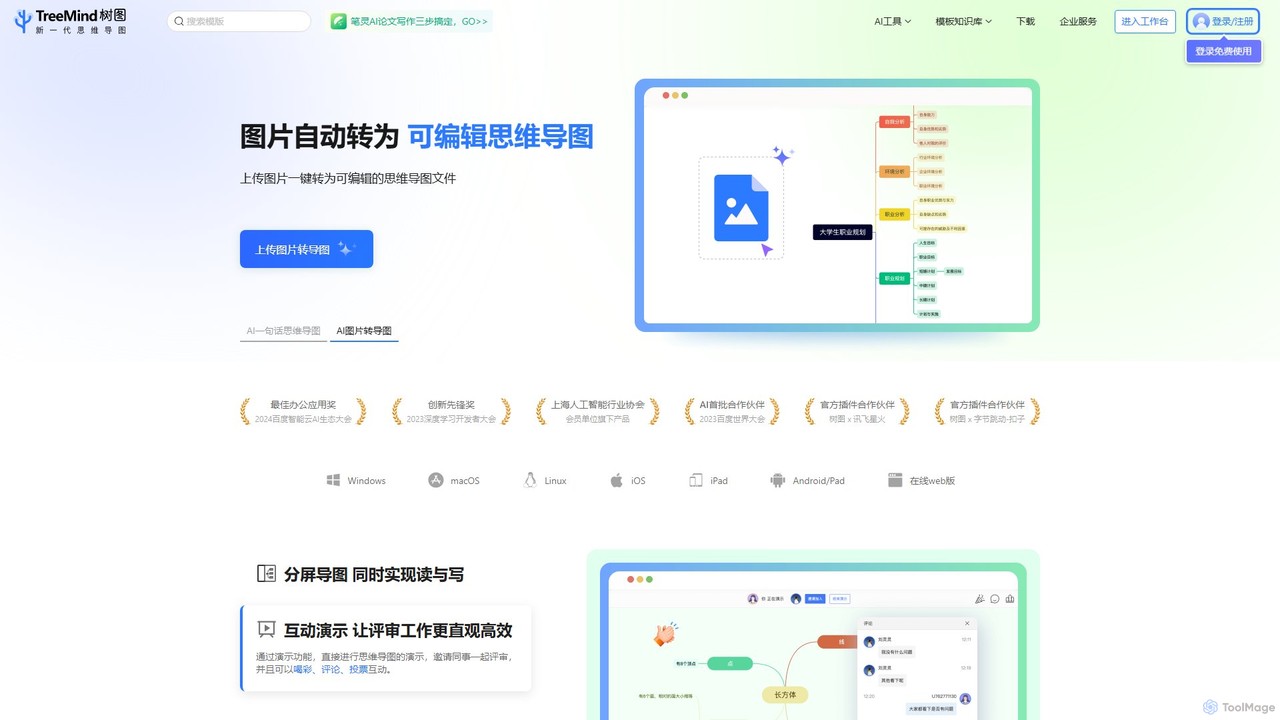
TreeMind is a next-generation AI-powered mind mapping tool that allows users to generate, organize, and visualize ideas effortlessly. It supports creating mind maps from a single sentence, images, or documents, and offers real-time collaboration, cross-platform synchronization, and a vast library of templates and design assets.
Generative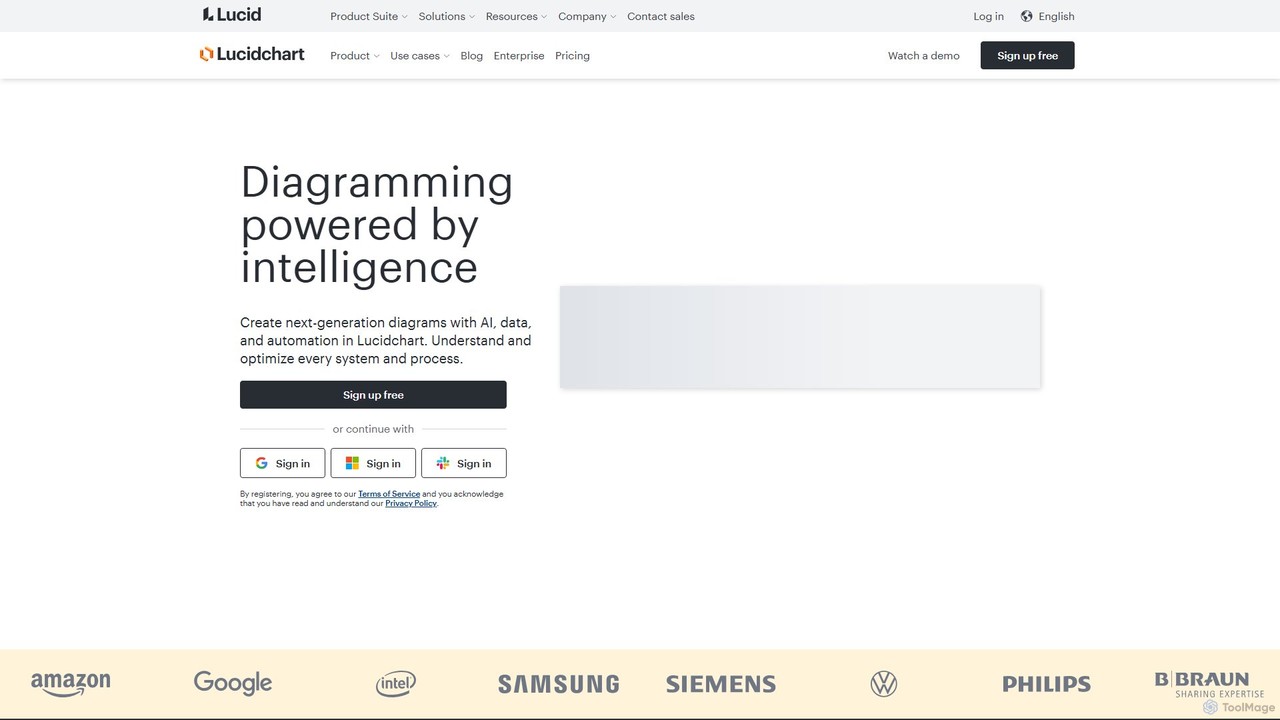
Lucidchart
Lucidchart is an intelligent diagramming and visual collaboration platform that uses AI, data automation, and real-time teamwork to help users visualize complex systems, processes, and ideas. It enables teams to create professional flowcharts, org charts, network diagrams, and more, fostering clarity and driving innovation.
Project Management
DGM
DGM is an AI-powered online platform for creating professional sketchnotes and visual diagrams. It combines a flexible digital canvas with intelligent tools to help users capture, organize, and share ideas visually. Ideal for meetings, brainstorming, and learning, DGM facilitates real-time collaboration and transforms complex information into clear, engaging visual notes.
Collaboration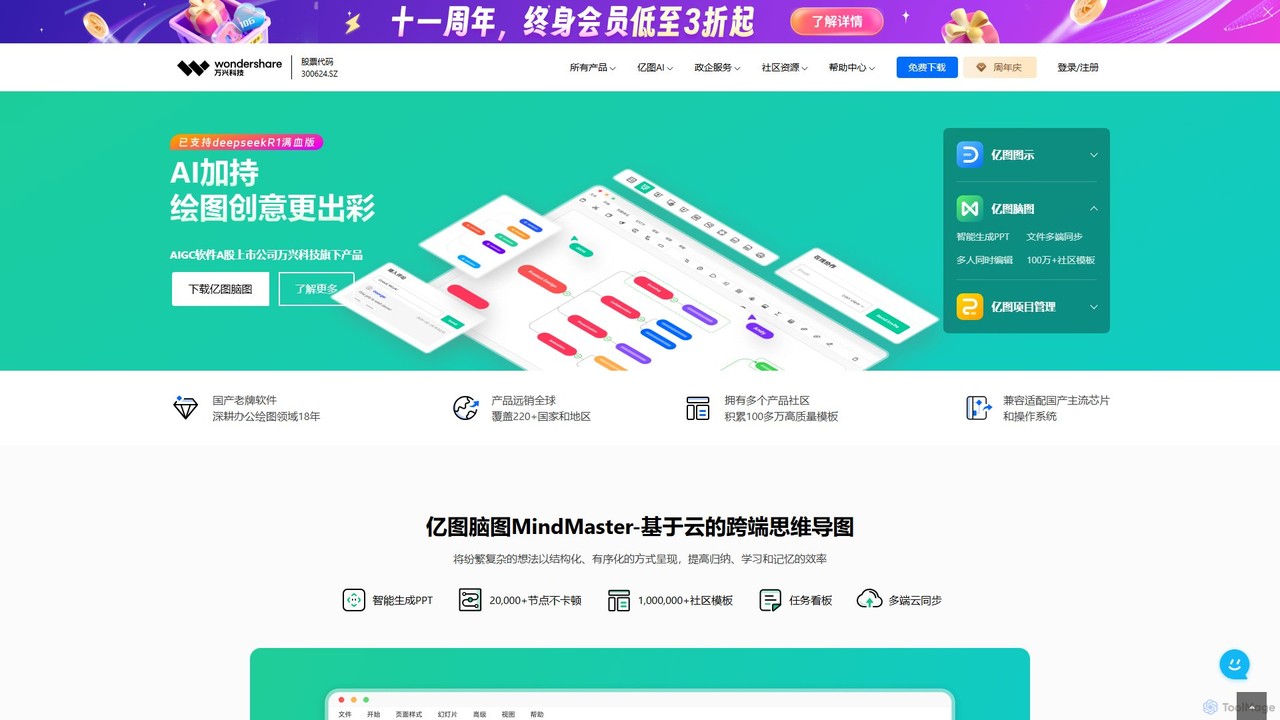
Edrawsoft
Edrawsoft is a comprehensive suite of AI-powered visual tools for diagramming, mind mapping, and project management. It includes EdrawMax for all-in-one diagram creation, EdrawMind for brainstorming, and EdrawProj for Gantt charts. With AI assistance, users can automatically generate flowcharts, org charts, and more from text, beautify designs with a single click, and collaborate seamlessly across platforms. It's a powerful Visio alternative for individuals, teams, and enterprises.
Project ManagementGitMind Categories
GitMind Embed Widget
Copy this embed code to place the badge on your blog, article, or product site and send readers directly to this ToolMage detail page.

Related AI tools
MyMap
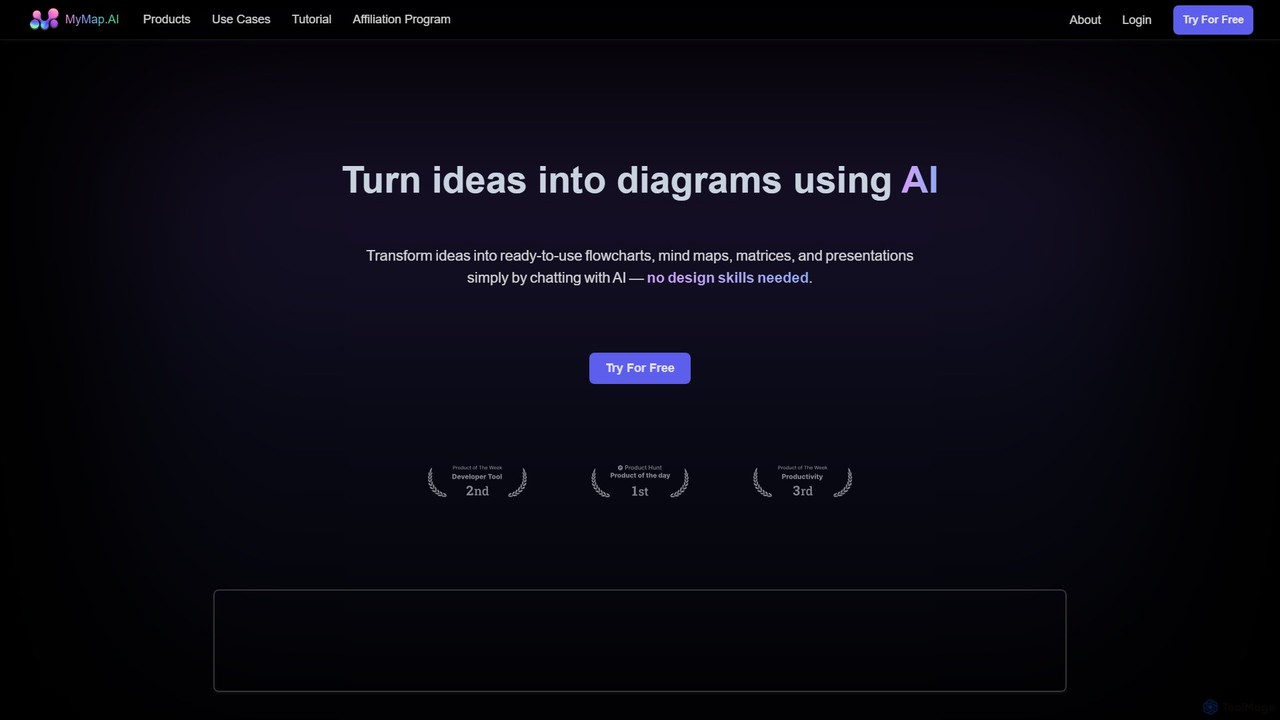
MyMap is an AI-native diagramming tool that transforms text, files, and web content into visual formats like mind maps, flowcharts, and presentations. Simply chat with the AI to generate, edit, and collaborate on diagrams in real-time. It's designed for visual thinkers to quickly structure ideas, plan projects, and create engaging content without manual design work.
Planning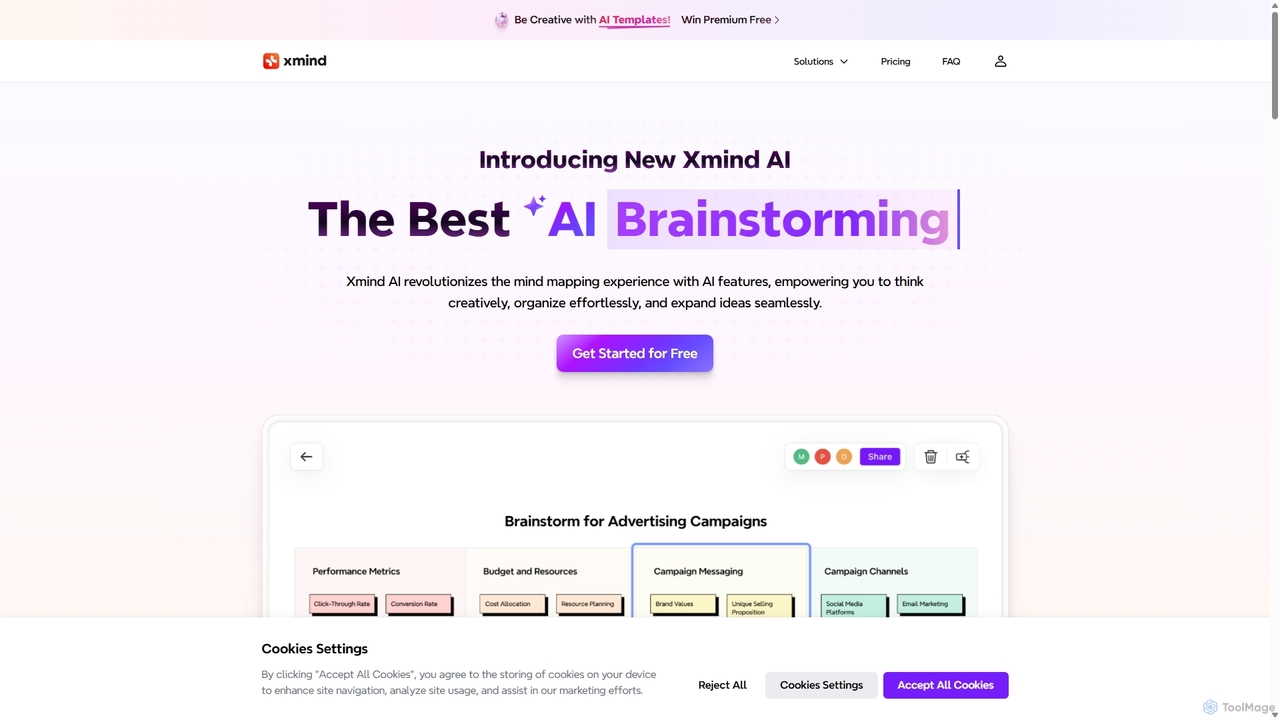
Xmind AI
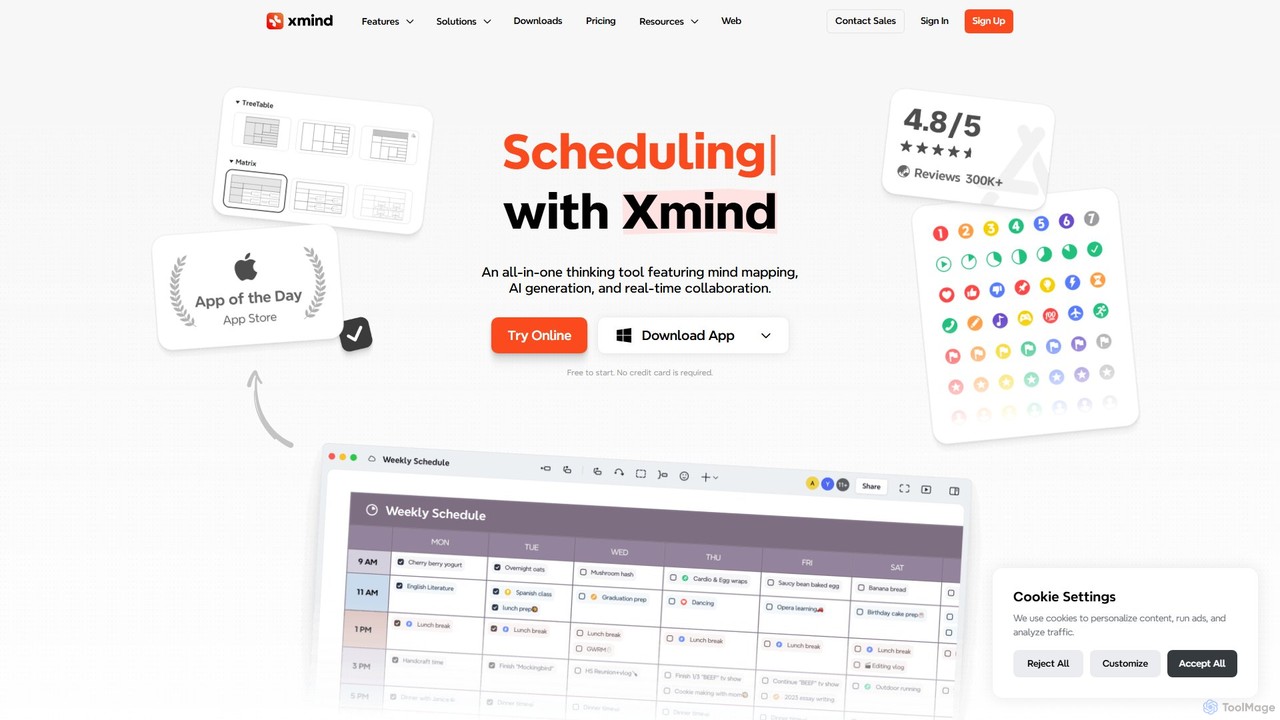
Xmind AI is an advanced AI-powered mind mapping and brainstorming tool designed to enhance creativity and productivity. It helps users visualize thoughts, organize complex information, and collaborate with teams in real-time. With features like AI-driven idea generation, content summarization, and automated to-do lists, Xmind AI transforms abstract concepts into structured, actionable plans.
TeamworkTreeMind
TreeMind is a next-generation AI-powered mind mapping tool that allows users to generate, organize, and visualize ideas effortlessly. It supports creating mind maps from a single sentence, images, or documents, and offers real-time collaboration, cross-platform synchronization, and a vast library of templates and design assets.
Generative
boardmix
boardmix is an AI-powered collaborative online whiteboard designed to enhance team creativity and productivity. It integrates AIGC, mind mapping, flowcharts, and real-time collaboration tools into a single, infinite canvas, making it an all-in-one solution for brainstorming, project management, and visual communication.
Project Management
Minduck
Minduck is an AI-powered platform that transforms idea generation and research by using visual mind maps. It allows users to structure their thoughts visually, guiding the AI to produce organized, coherent content and knowledge maps, moving beyond the limitations of traditional chat-based interfaces.
Research Assistant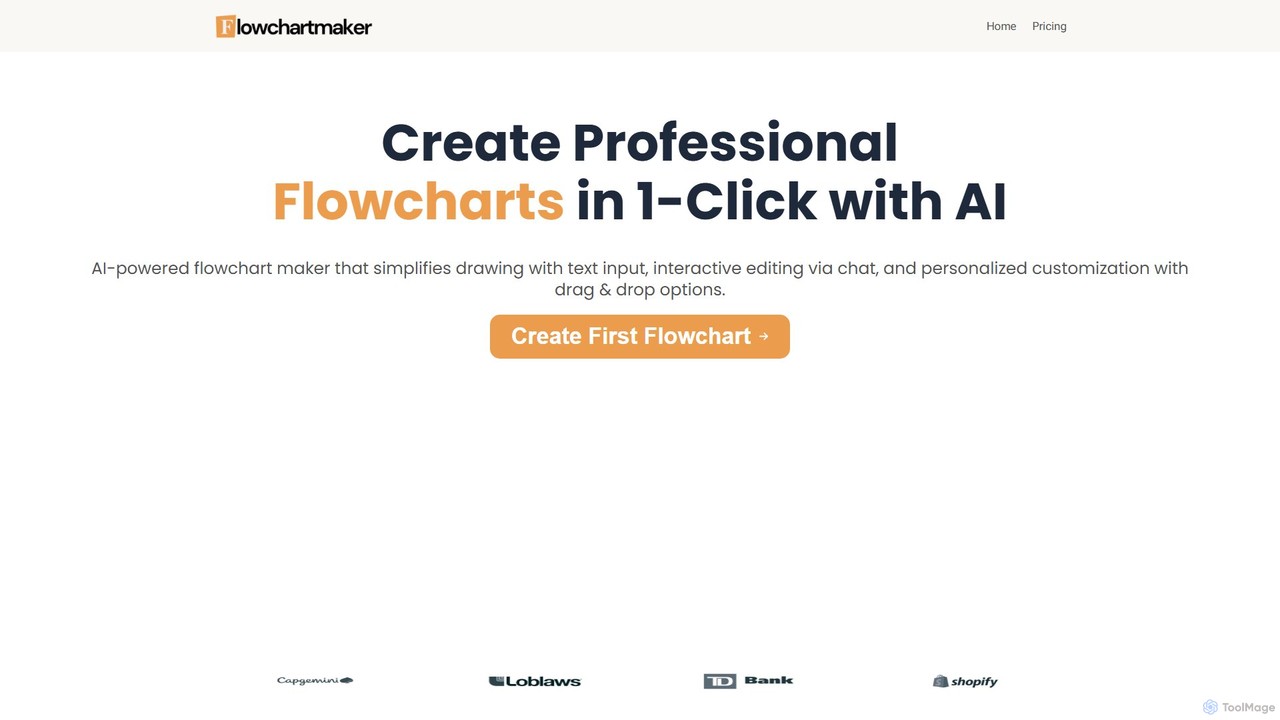
Flowchartmaker
An AI-powered tool that instantly creates professional flowcharts from simple text descriptions. It features interactive editing via a chat interface and full customization with drag-and-drop options, streamlining the process of visualizing workflows and ideas.
Process Management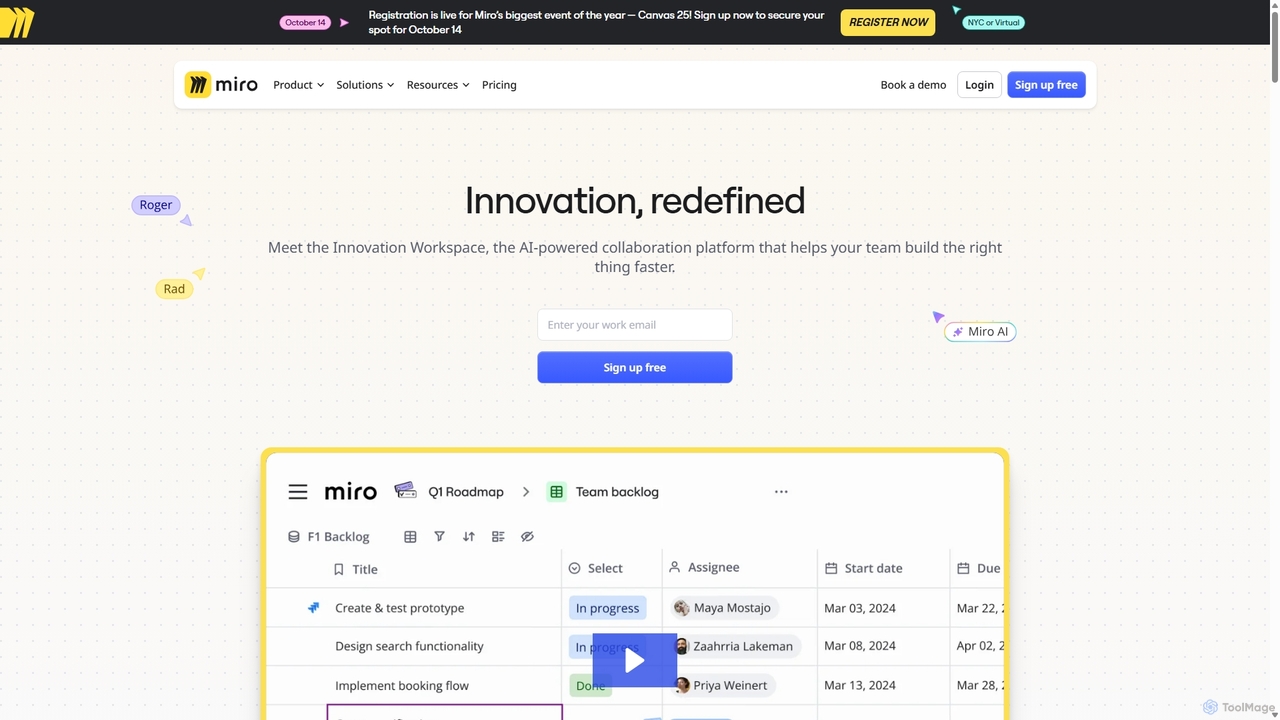
Miro
Miro is an AI-powered online collaborative whiteboard platform designed for modern teams. It provides an infinite canvas for brainstorming, planning, designing, and managing projects in real-time. With a vast template library, powerful integrations, and AI-driven features, Miro helps teams centralize communication and accelerate innovation from idea to execution.
Brainstorming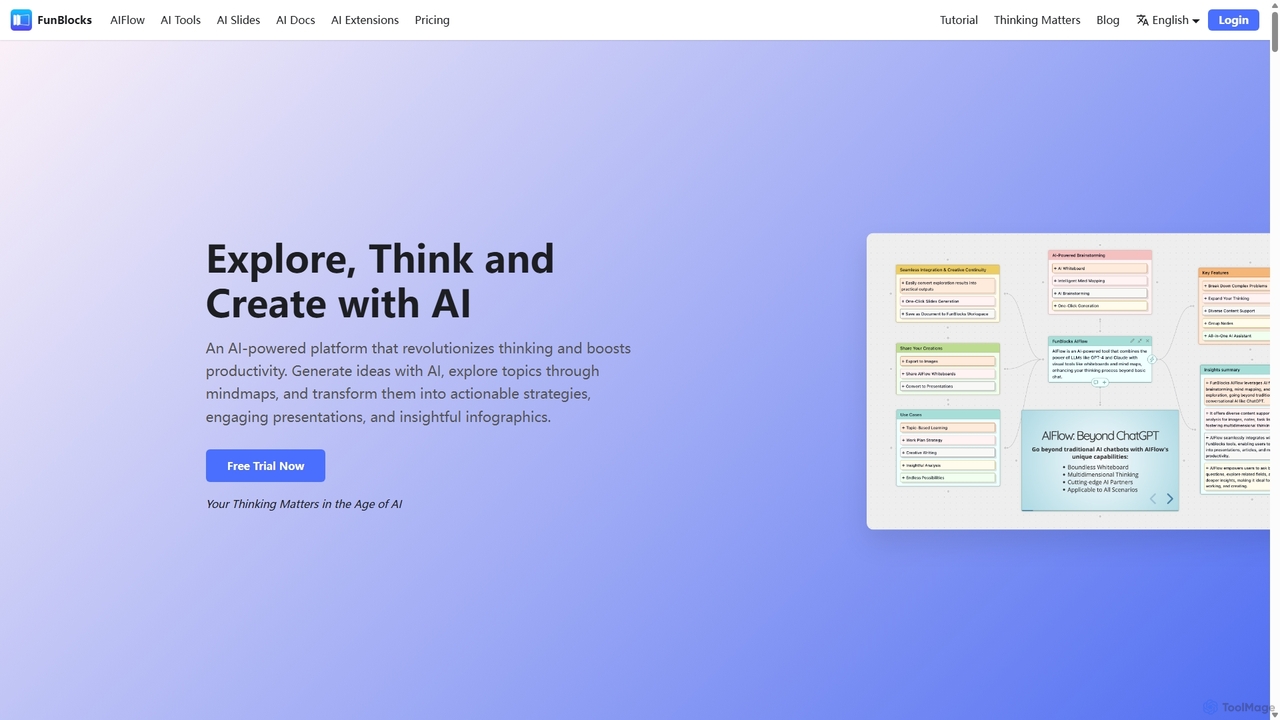
FunBlocks
FunBlocks is an all-in-one AI workspace designed to revolutionize thinking and boost productivity. It seamlessly integrates AI-powered tools for mind mapping (AIFlow), document creation (AI Docs), slide generation (AI Slides), and web research (Browser Extension). From brainstorming complex ideas visually to producing polished documents and presentations with a single click, FunBlocks supports the entire knowledge workflow, enhancing creativity and critical thinking for students, professionals, and teams.
Presentations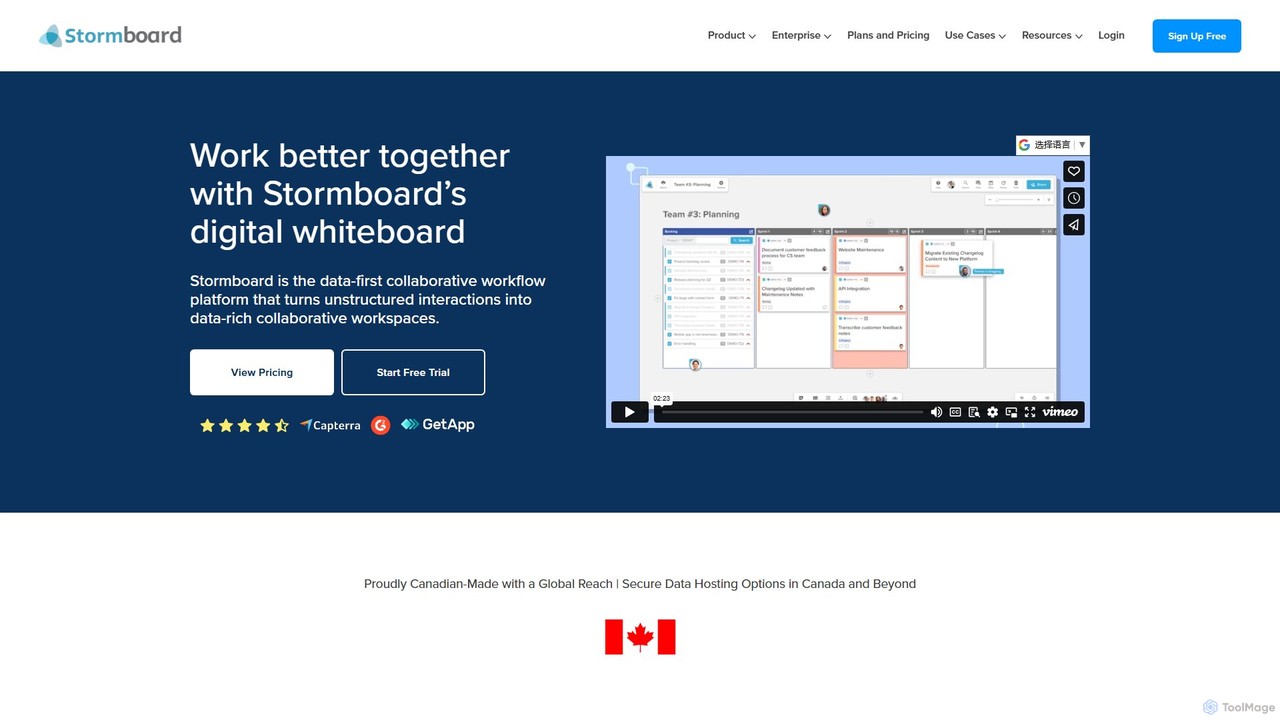
Stormboard
Stormboard is a data-first, AI-powered digital whiteboard and collaborative workflow platform. It transforms unstructured team interactions into organized, data-rich workspaces, enhancing brainstorming, agile planning, and decision-making for remote, hybrid, and in-office teams with powerful integrations and enterprise-grade security.
Brainstorming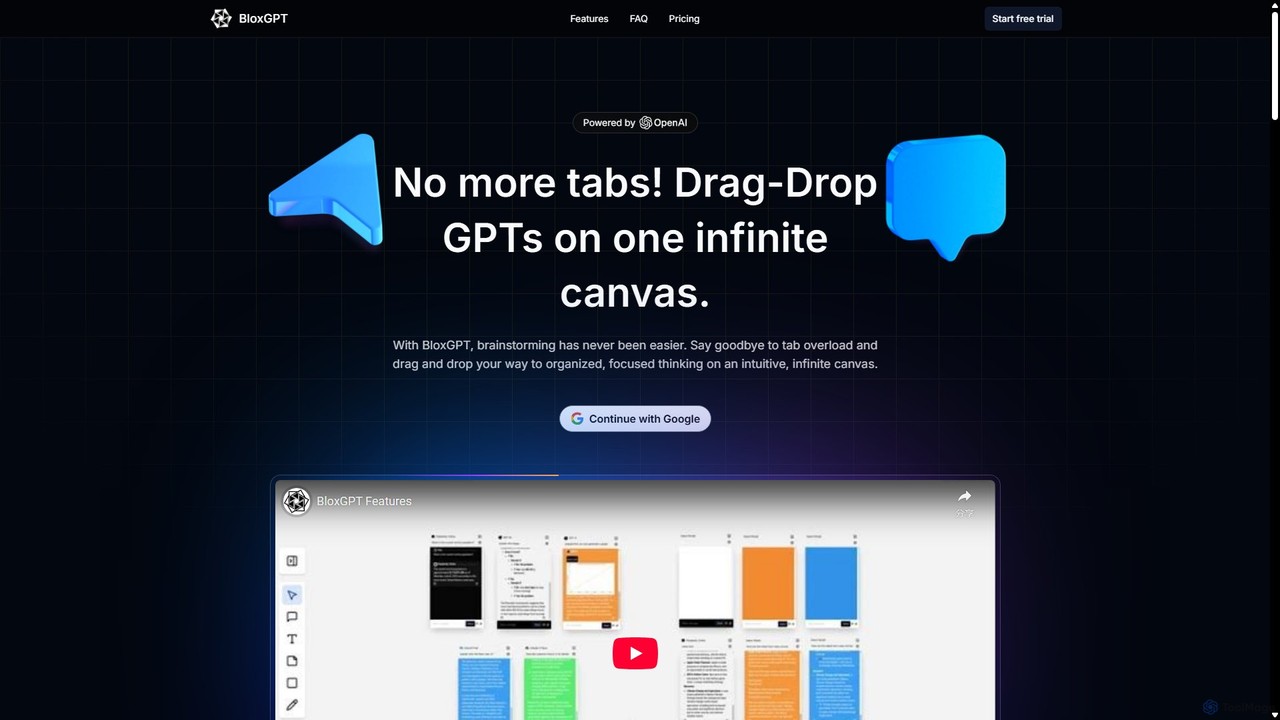
BloxGPT
BloxGPT is an AI-powered collaborative workspace that replaces tab clutter with a single, infinite canvas. Users can drag and drop GPT instances, brainstorm ideas, create diagrams, and collaborate with teams in real-time. It's designed for visual thinking, project planning, and enhanced productivity.
Wireframing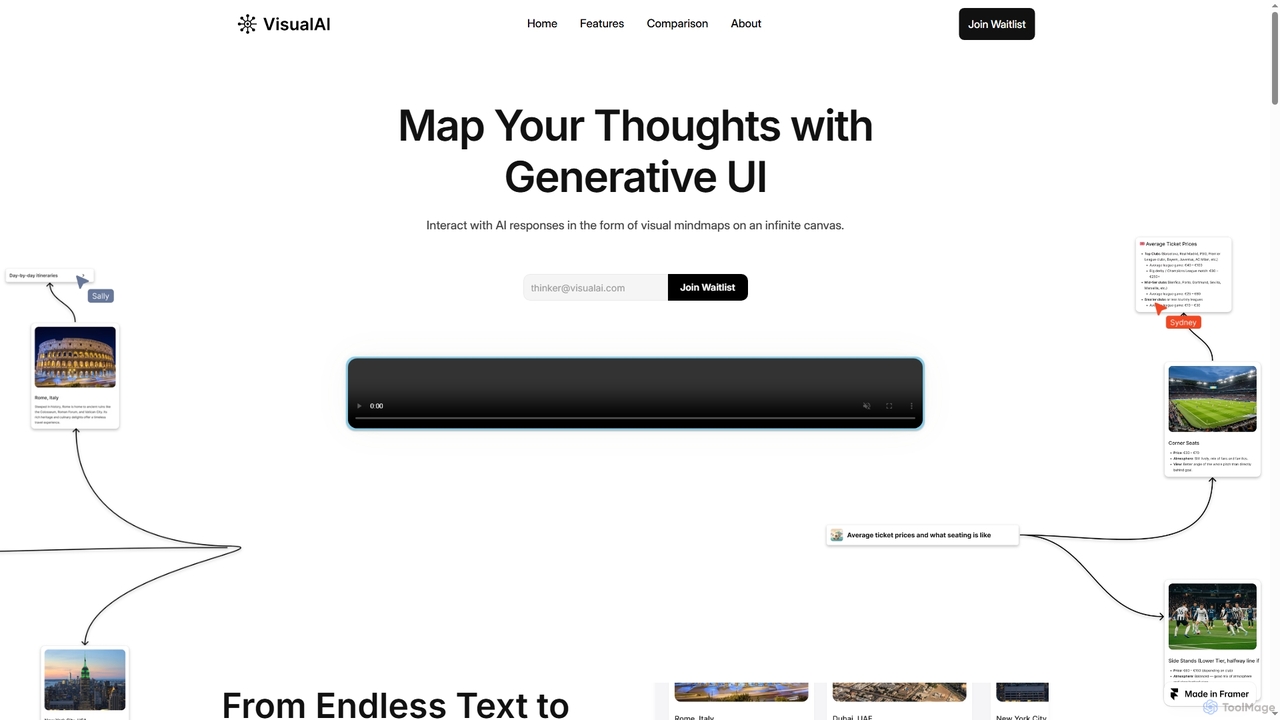
Visual AI
Visual AI is an innovative platform that transforms linear AI text responses into dynamic, visual clarity. It automatically structures information into interconnected nodes, enriching data with relevant visuals to enhance understanding and retention. Designed for non-linear thinkers, it offers an infinite collaborative workspace for brainstorming, prototyping, and evolving ideas.
Brainstorming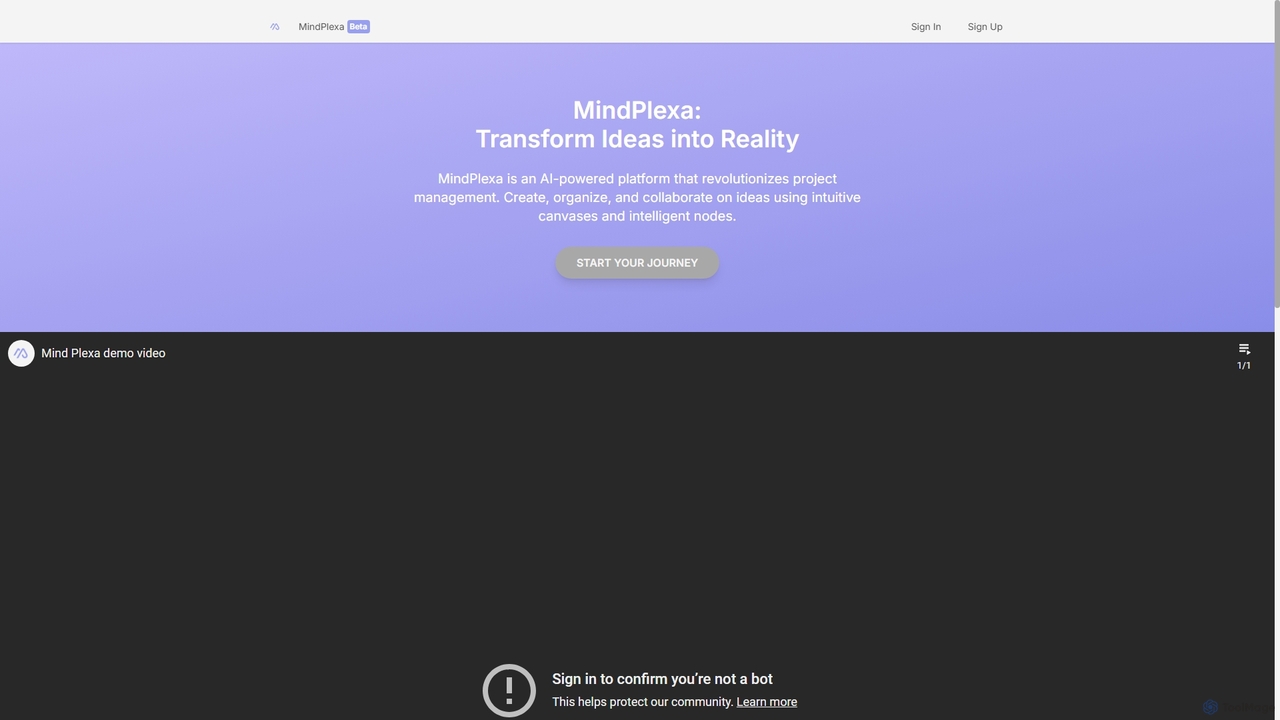
MindPlexa
MindPlexa is an AI-powered productivity platform that transforms ideas into actionable projects. It combines visual mind mapping with intelligent project management, allowing users to create, organize, and collaborate on ideas using intuitive canvases and smart nodes. The AI assistant helps generate project layouts, suggest tasks, and streamline workflows, making it an ideal tool for teams and individuals looking to boost creativity and efficiency.
TeamworkLucidchart
Lucidchart is an intelligent diagramming and visual collaboration platform that uses AI, data automation, and real-time teamwork to help users visualize complex systems, processes, and ideas. It enables teams to create professional flowcharts, org charts, network diagrams, and more, fostering clarity and driving innovation.
Project ManagementDGM
DGM is an AI-powered online platform for creating professional sketchnotes and visual diagrams. It combines a flexible digital canvas with intelligent tools to help users capture, organize, and share ideas visually. Ideal for meetings, brainstorming, and learning, DGM facilitates real-time collaboration and transforms complex information into clear, engaging visual notes.
Collaboration
GitMind Comments (0)
Sign in to comment.
Sign inNo comments yet.