

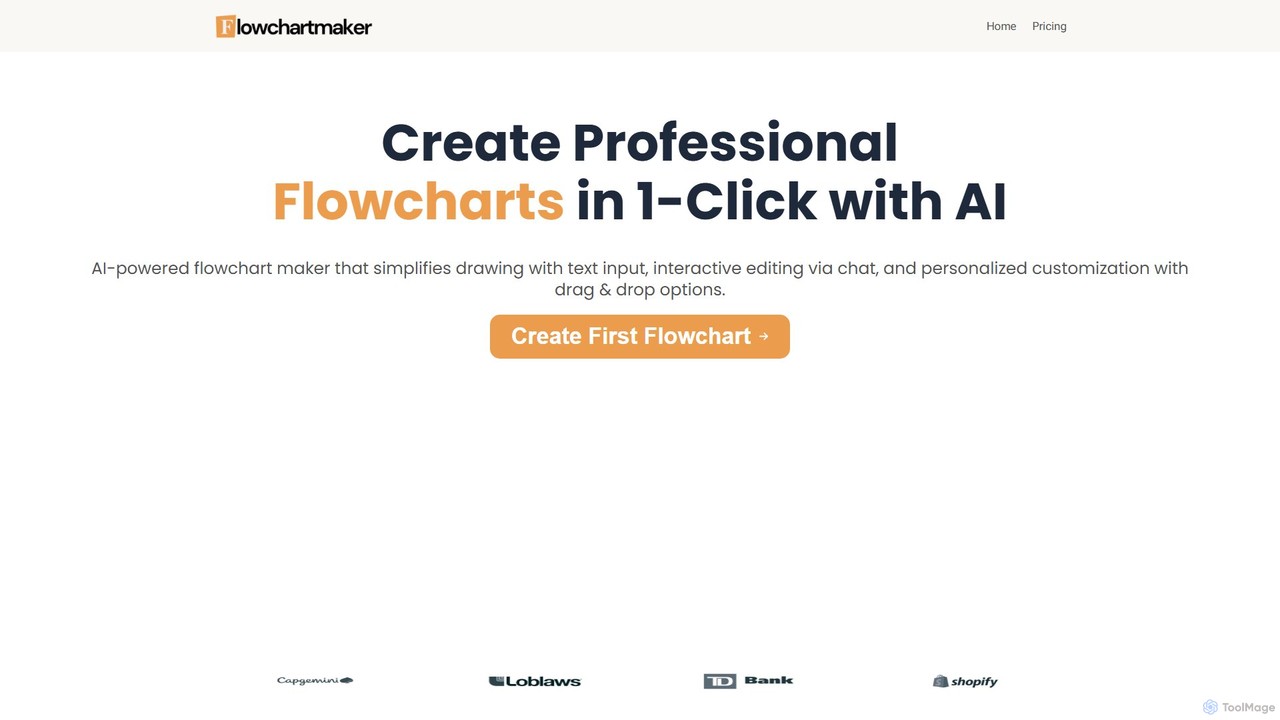
Flowchartmaker Overview
Flowchartmaker is a revolutionary AI-powered tool designed to eliminate the tedious and time-consuming process of manually creating flowcharts. By simply providing a text description of a process, users can generate beautiful, accurate, and professional-looking flowcharts in seconds. This innovative approach bypasses the steep learning curve of traditional diagramming software, making it accessible to everyone, from project managers and developers to educators and consultants. The platform combines the power of AI generation with intuitive user controls, including a unique chat-based editing interface and a flexible drag-and-drop canvas, ensuring that the final output is both quickly produced and perfectly tailored to your needs.
How to use Flowchartmaker
Using Flowchartmaker is a simple, three-step process designed for maximum efficiency:
- Describe Your Process: Start by typing a simple text description of the workflow, process, or idea you want to visualize. For example, you could write, "User logs in. If login is successful, redirect to the dashboard. If it fails, show an error message."
- Generate and Edit with AI Chat: The AI will instantly generate a flowchart based on your text. You can then refine it using the interactive chat interface. Simply type commands like "Change the color of the 'login' box to blue," "Add a step between 'dashboard' and 'logout'," or "Make this a decision point." The AI understands your requests and updates the diagram in real-time.
- Personalize and Finalize: For final adjustments, use the drag-and-drop editor to move shapes, resize elements, or change connections. This gives you complete creative control to perfect the layout and appearance. Once you are satisfied, you can download the flowchart (Pro feature).
Core Features of Flowchartmaker
- AI-Powered Text-to-Flowchart Generation: Converts natural language descriptions into structured flowcharts in seconds.
- Interactive Chat-Based Editing: Modify and refine your diagrams by having a conversation with the AI, making the editing process intuitive and fast.
- Drag-and-Drop Customization: Offers a full-featured editor for manual adjustments, allowing you to personalize every aspect of your flowchart.
- Instant Visualization: Quickly turn complex processes, ideas, and narratives into clear, easy-to-understand visual diagrams.
- Downloadable Formats: Pro users can download their finished flowcharts for use in presentations, documents, or other materials.
- Chrome Extension (Coming Soon): A planned browser extension will further streamline the workflow for Pro users.
Use Cases for Flowchartmaker
Flowchartmaker is a versatile tool trusted by professionals across various industries:
- Project Management: Sarah L., a Project Manager, uses it to quickly visualize project plans and workflows, calling it a "total game-changer."
- Software Development: Developers like David R. and Ryan S. streamline their workflow by instantly generating flowcharts from requirements, mapping user journeys, and visualizing algorithms.
- Business and Operations: Plant Manager Mike T. and Logistics Manager Alex W. use it to map manufacturing procedures and plan complex operations from rough overviews.
- Compliance and Documentation: Compliance Officer Tammy F. turns pages of dense regulations into clear visual flows in minutes.
- Corporate Training & Education: Corporate Trainer Kyle M. finds it invaluable for creating understandable training materials for complex processes.
- Consulting: Business Consultant Anna K. rapidly turns client narratives into polished flowchart visualizations, adding immense value to her services.
Advantages of Flowchartmaker
The primary advantage of Flowchartmaker is its incredible speed and efficiency, saving users hours of manual labor. Its natural language interface removes the technical barriers associated with traditional flowchart software, making it accessible to non-technical users. The tool is praised for its ability to accurately interpret descriptions and map them into logical, detailed diagrams. This combination of AI automation and manual control provides a uniquely flexible and powerful diagramming experience.
Pricing and Plans
Flowchartmaker offers a simple and straightforward pricing structure:
- Free Plan: $0. This plan includes 1 flowchart generation with a limit of up to 3 shapes per flowchart. It also provides access to the drag-and-drop editor.
- Pro Plan: $49 (one-time payment). This plan offers lifetime access with unlimited flowchart generation, unlimited shapes per flowchart, drag-and-drop editing, the ability to download flowcharts, priority email support, and access to future features like the Chrome extension.
Flowchartmaker Alternatives

ai_flowchart
ai_flowchart is an AI-powered tool that transforms natural language descriptions into professional flowcharts and diagrams instantly. Leveraging advanced NLP, it allows users to simply describe a process, and the AI generates a visually appealing and structured diagram. It's designed for developers, project managers, and business analysts, featuring customization, collaboration, and multiple export options. Ideal for software architecture, business process mapping, and project planning.
Process Management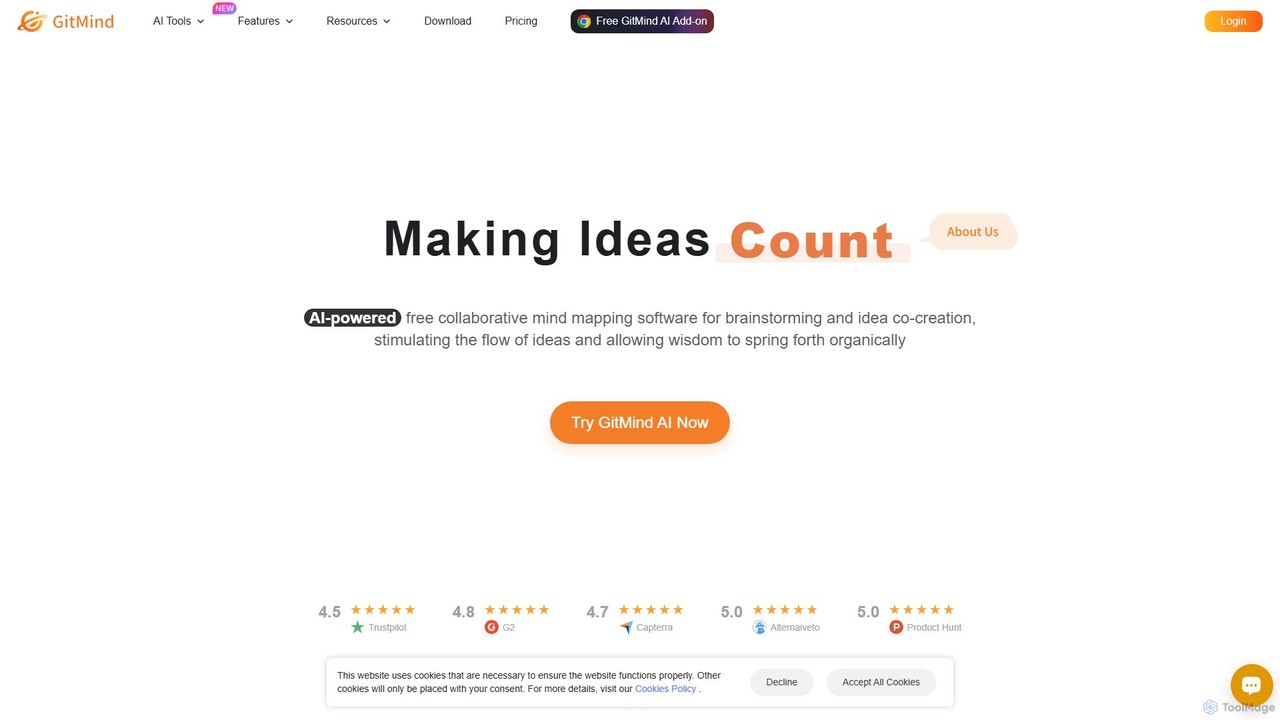
GitMind
GitMind is an AI-powered collaborative mind mapping and brainstorming tool. It enables users to create mind maps, flowcharts, org charts, and other diagrams with ease. Featuring AI-driven content generation, summarization of documents and videos, and real-time co-editing, GitMind helps individuals and teams visualize ideas, streamline workflows, and enhance productivity. With cross-platform availability and a rich template library, it transforms complex information into clear, organized visuals.
Project Management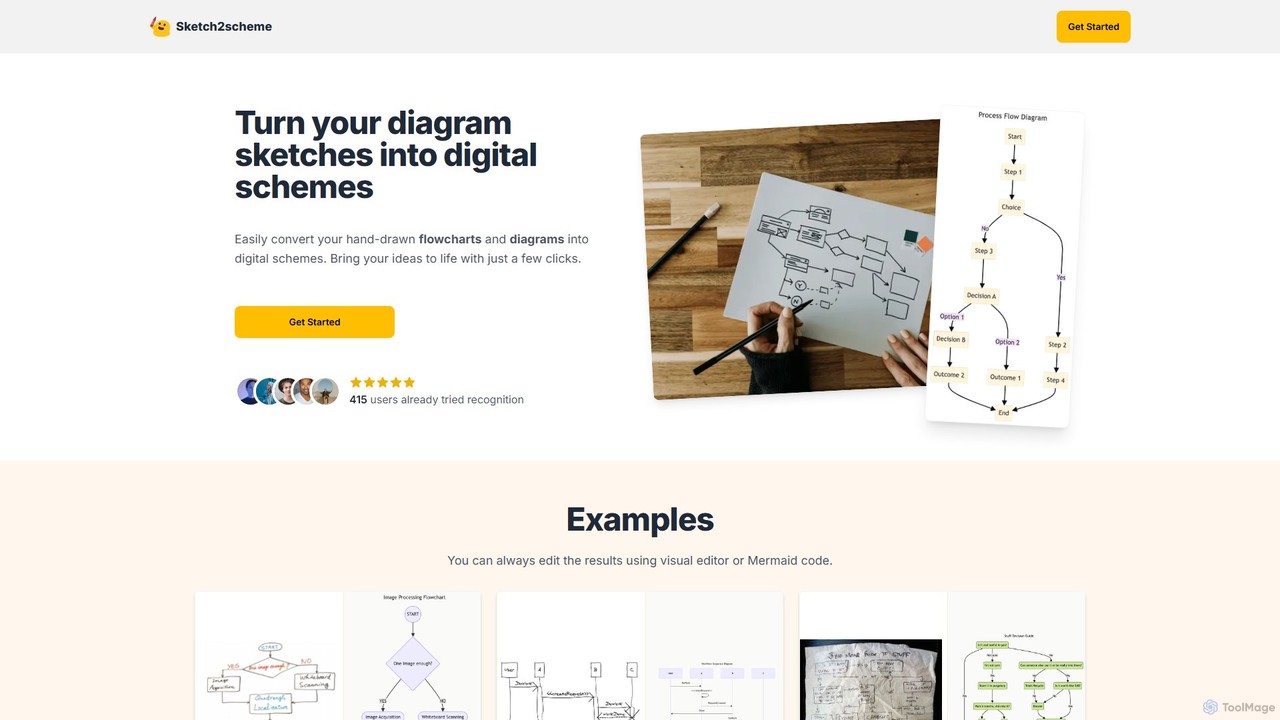
Sketch2scheme
Sketch2scheme is an AI-powered tool that effortlessly converts your hand-drawn diagram sketches into polished, editable digital schemes. Simply upload a picture of your flowchart or diagram, and the AI will recognize nodes, connections, and text, transforming your analog ideas into digital assets in seconds. It's perfect for developers, project managers, and students who want to bridge the gap between paper brainstorming and digital implementation.
Prototyping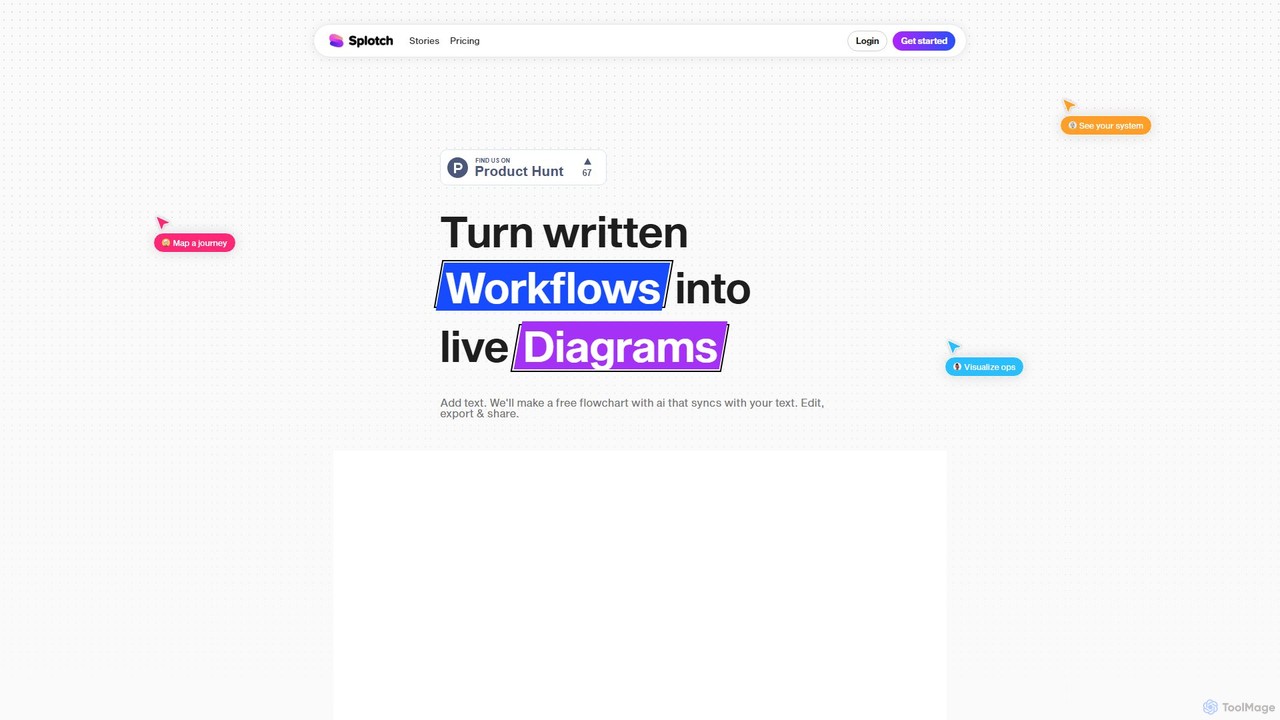
splotch
splotch is an AI-powered diagramming tool that automatically converts written text, processes, and workflows into clear, editable flowcharts and diagrams. It features a unique two-way sync, ensuring your text and visuals are always aligned, streamlining communication and process documentation.
Process Management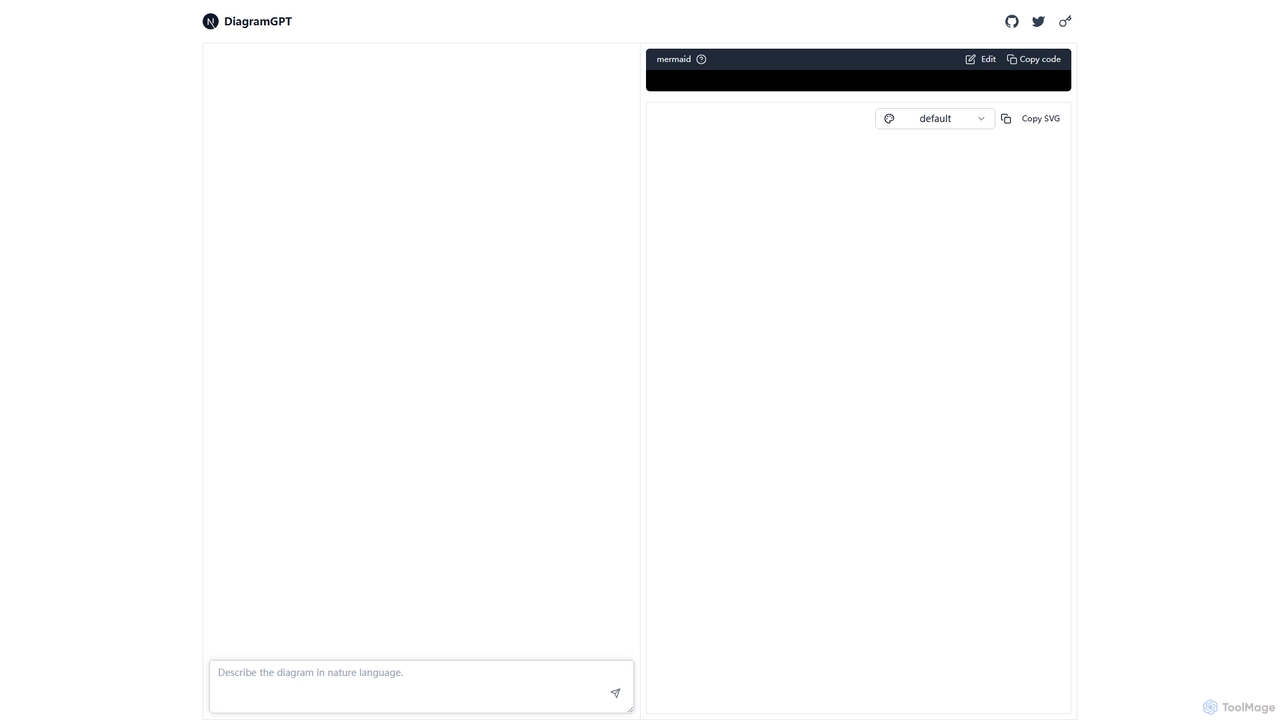
DiagramGPT
DiagramGPT is an AI-powered tool that transforms natural language text prompts into various diagrams. By leveraging GPT technology and Mermaid syntax, it allows users to effortlessly generate flowcharts, sequence diagrams, and more, simply by describing what they want to visualize. It's an ideal solution for developers, project managers, and students who need to create professional diagrams quickly without manual drawing.
Process ManagementFlowchartmaker Categories
Flowchartmaker Embed Widget
Copy this embed code to place the badge on your blog, article, or product site and send readers directly to this ToolMage detail page.

Related AI tools
ai_flowchart
ai_flowchart is an AI-powered tool that transforms natural language descriptions into professional flowcharts and diagrams instantly. Leveraging advanced NLP, it allows users to simply describe a process, and the AI generates a visually appealing and structured diagram. It's designed for developers, project managers, and business analysts, featuring customization, collaboration, and multiple export options. Ideal for software architecture, business process mapping, and project planning.
Process ManagementGitMind
GitMind is an AI-powered collaborative mind mapping and brainstorming tool. It enables users to create mind maps, flowcharts, org charts, and other diagrams with ease. Featuring AI-driven content generation, summarization of documents and videos, and real-time co-editing, GitMind helps individuals and teams visualize ideas, streamline workflows, and enhance productivity. With cross-platform availability and a rich template library, it transforms complex information into clear, organized visuals.
Project ManagementSketch2scheme
Sketch2scheme is an AI-powered tool that effortlessly converts your hand-drawn diagram sketches into polished, editable digital schemes. Simply upload a picture of your flowchart or diagram, and the AI will recognize nodes, connections, and text, transforming your analog ideas into digital assets in seconds. It's perfect for developers, project managers, and students who want to bridge the gap between paper brainstorming and digital implementation.
Prototyping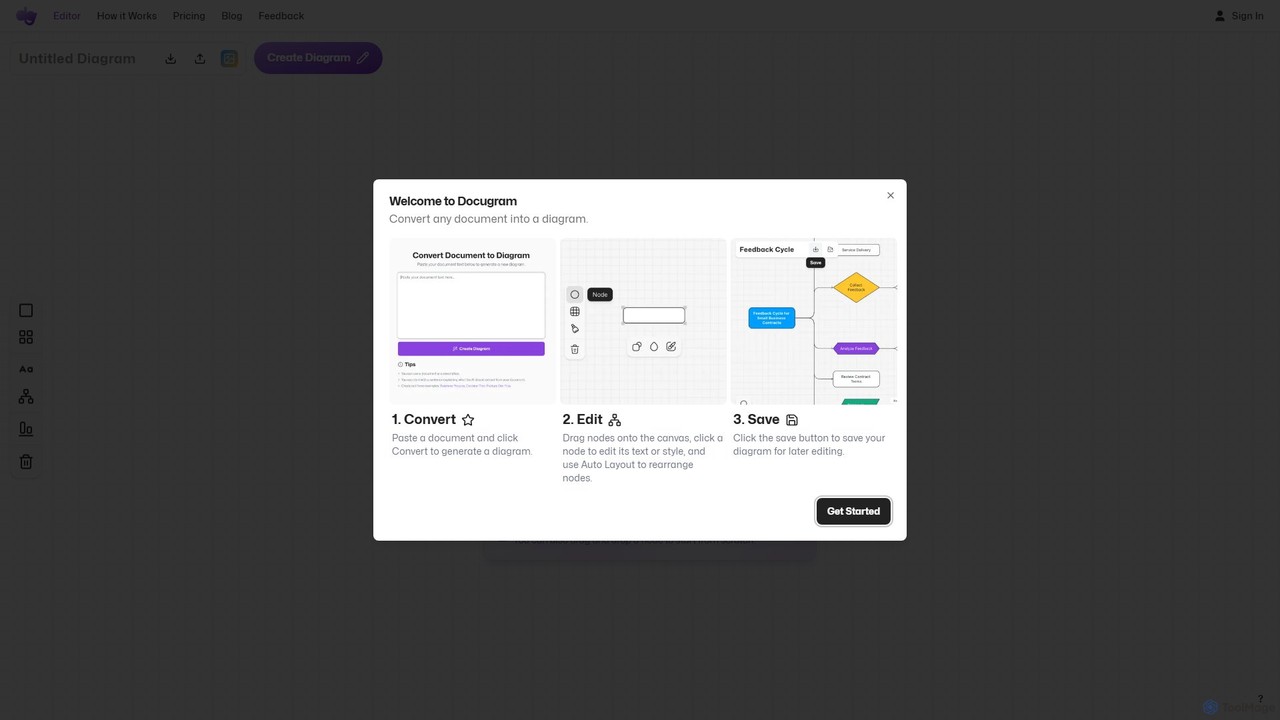
Docugram
Docugram is an AI-powered tool that instantly transforms text documents, notes, and prompts into clear, editable diagrams and flowcharts. It streamlines workflows by converting complex information from formats like Word, Excel, and PDF into visual maps, enhancing productivity for professionals in project management, development, and business analysis.
Project Management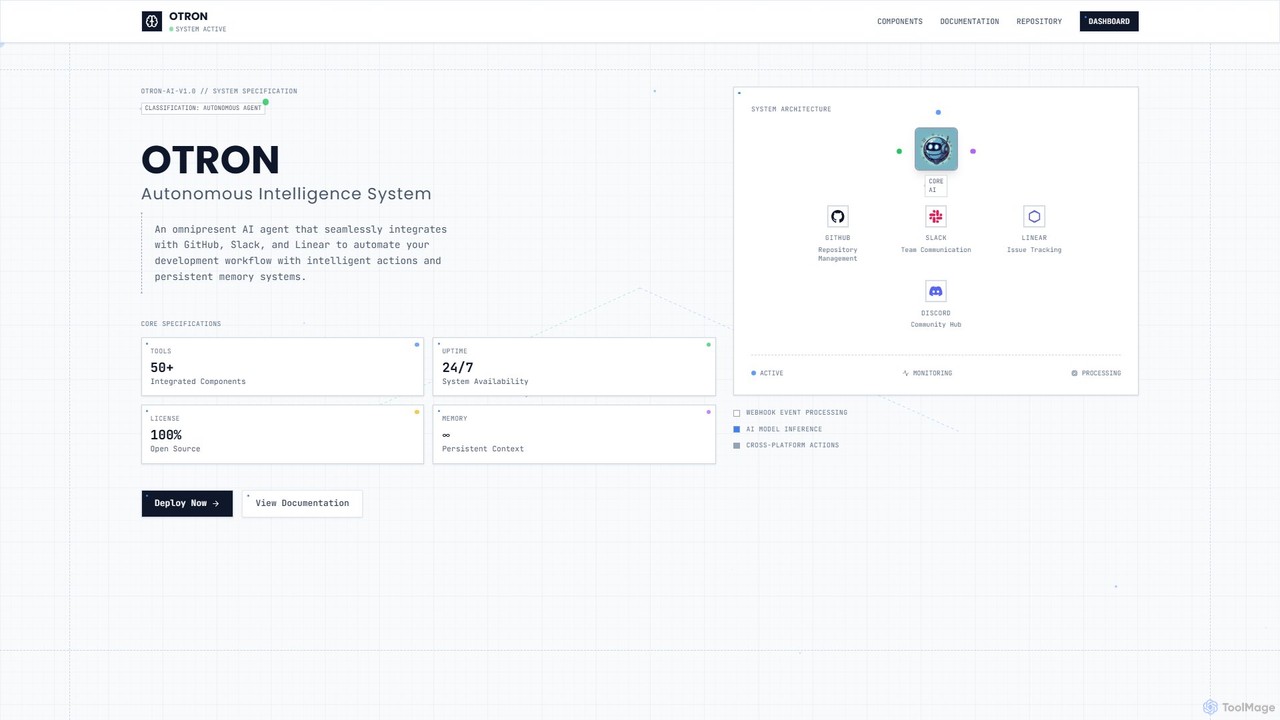
Otron
Otron is an open-source, autonomous AI development agent designed to streamline your software development lifecycle. It seamlessly integrates with GitHub, Slack, and Linear to automate workflows, manage code, handle project tasks, and facilitate team communication, all powered by advanced AI models like Claude and GPT-4.
Code Assistant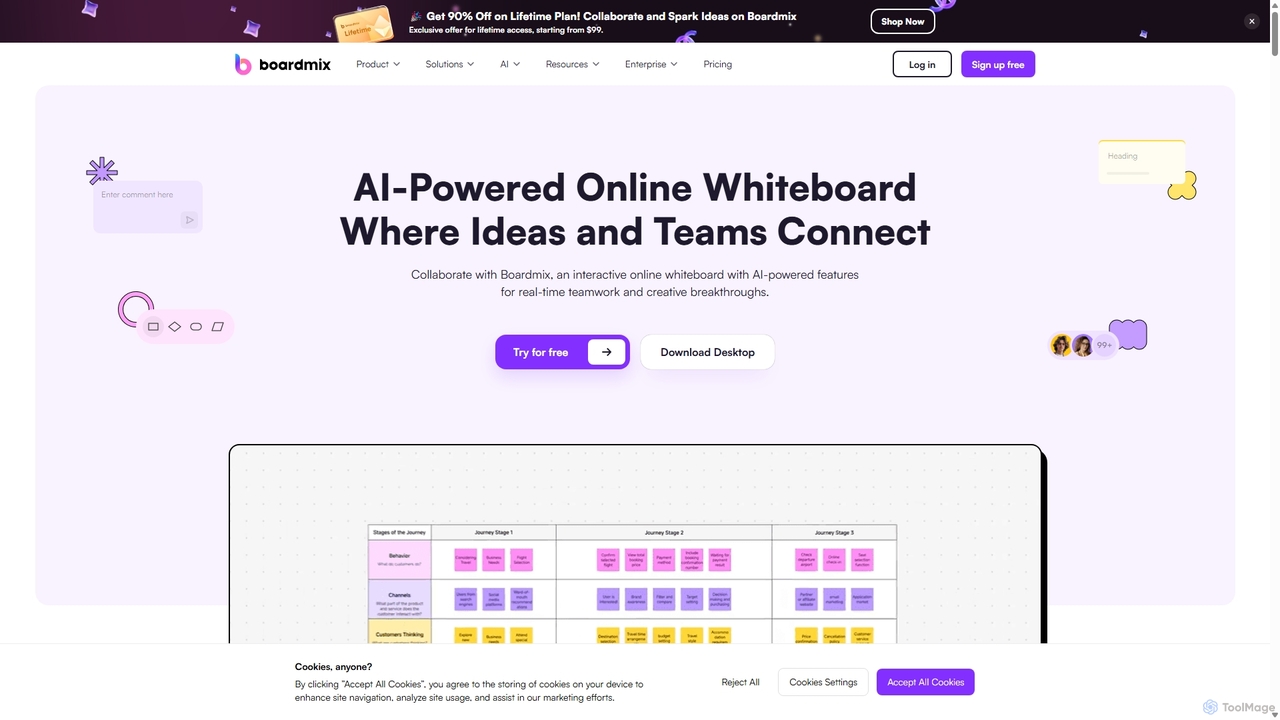
Boardmix
Boardmix is an AI-powered online collaborative whiteboard designed to connect ideas and teams. It integrates tools for mind mapping, diagramming, brainstorming, and project management into a single infinite canvas, facilitating real-time teamwork and creative breakthroughs for various professional teams.
Project Management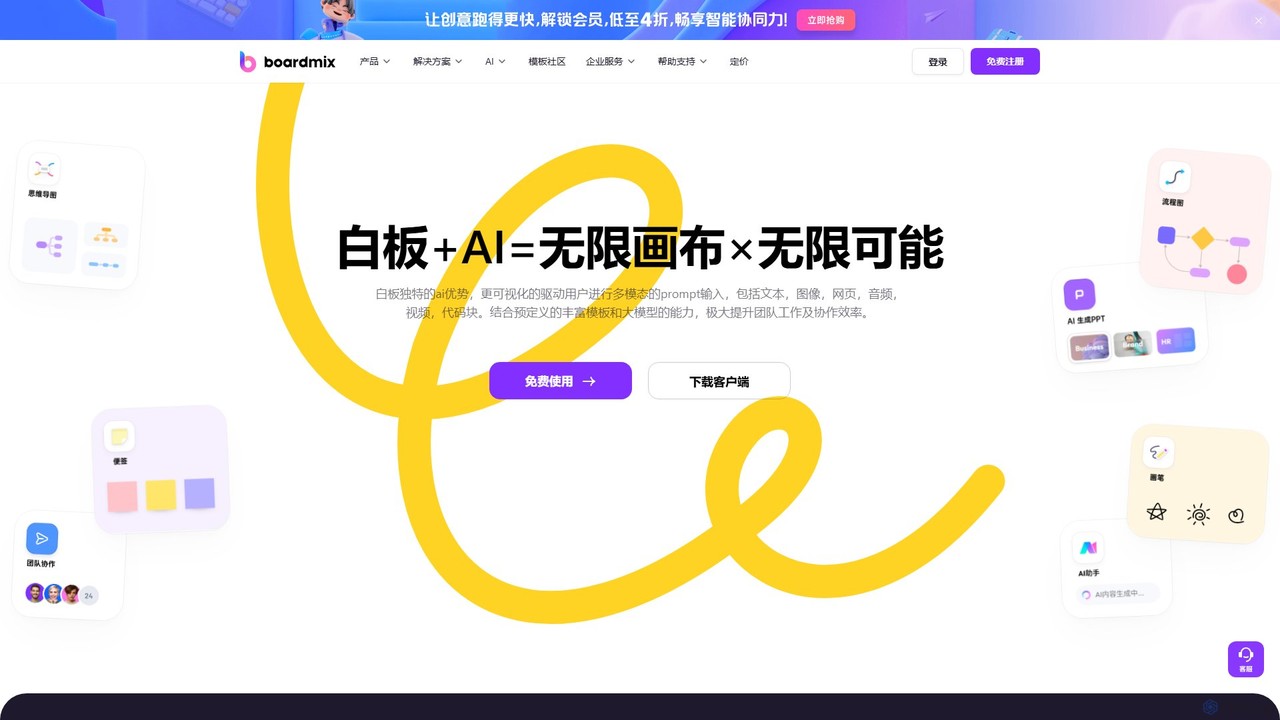
boardmix
boardmix is an AI-powered collaborative online whiteboard designed to enhance team creativity and productivity. It integrates AIGC, mind mapping, flowcharts, and real-time collaboration tools into a single, infinite canvas, making it an all-in-one solution for brainstorming, project management, and visual communication.
Project Management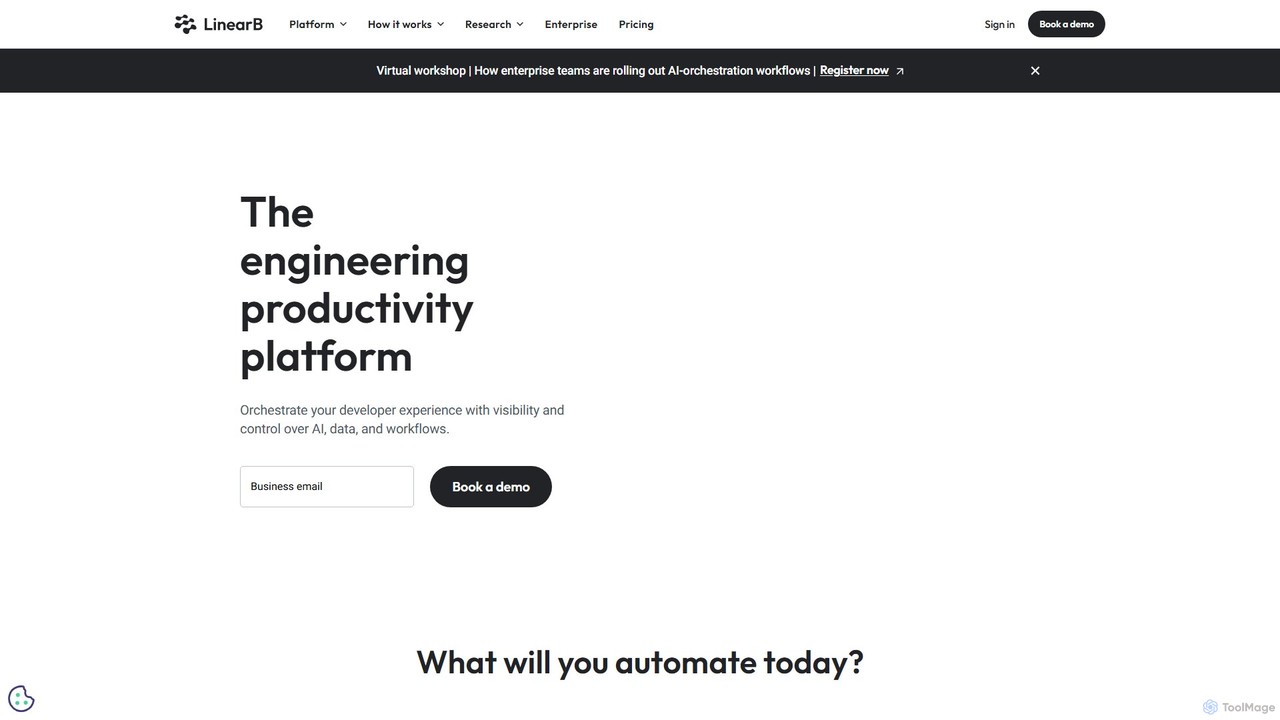
LinearB
LinearB is an AI-powered engineering productivity platform that provides visibility and control over the entire software development lifecycle. It helps teams measure performance with DORA & SPACE metrics, automate workflows like AI code reviews, and align engineering efforts with business outcomes, ultimately enhancing developer experience (DevEx).
Business Intelligence
Jyek
Jyek is an AI agent platform that understands objectives, creates execution plans, uses tools, and delivers verifiable results for complex, multi-step tasks.
Automation
Kypso
Kypso is an AI platform for engineering teams that automates software development operations. It uses pre-built and custom AI agents, called "champions," to handle tasks like code reviews, scrum management, incident response, and backlog grooming. By integrating with your existing tools, Kypso helps teams increase productivity and focus on delivering value.
Code Review
Cloud Hero
Cloud Hero offers dual AI-powered solutions: digital modernization and automation for businesses to boost growth, and a SaaS platform for individuals to enhance creativity and productivity. It provides custom websites, apps, AI integrations, and workflow automation to streamline operations and maximize revenue.
Automation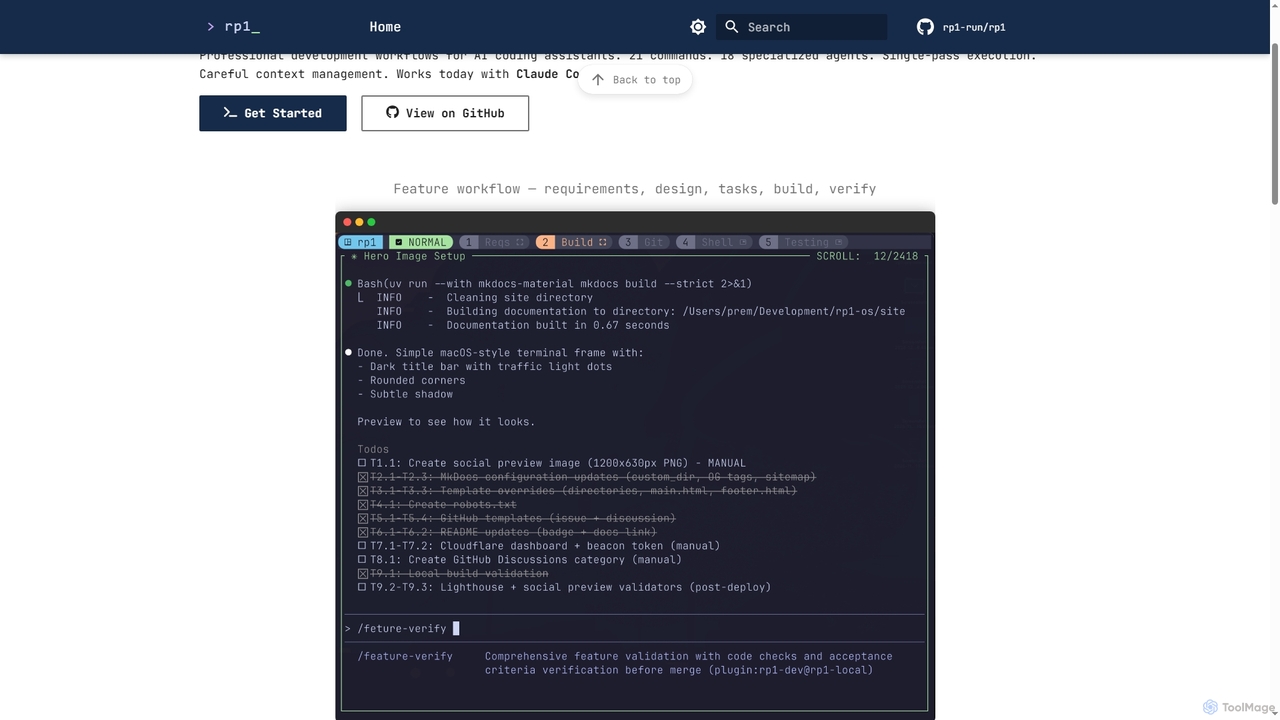
Rp1
Rp1 is a professional development workflow tool for AI coding assistants, designed to streamline software creation from requirements to deployment. It offers 21 commands and 18 specialized agents for efficient, single-pass execution of complex coding tasks, ensuring structured outputs and deep codebase awareness.
Ai Assistant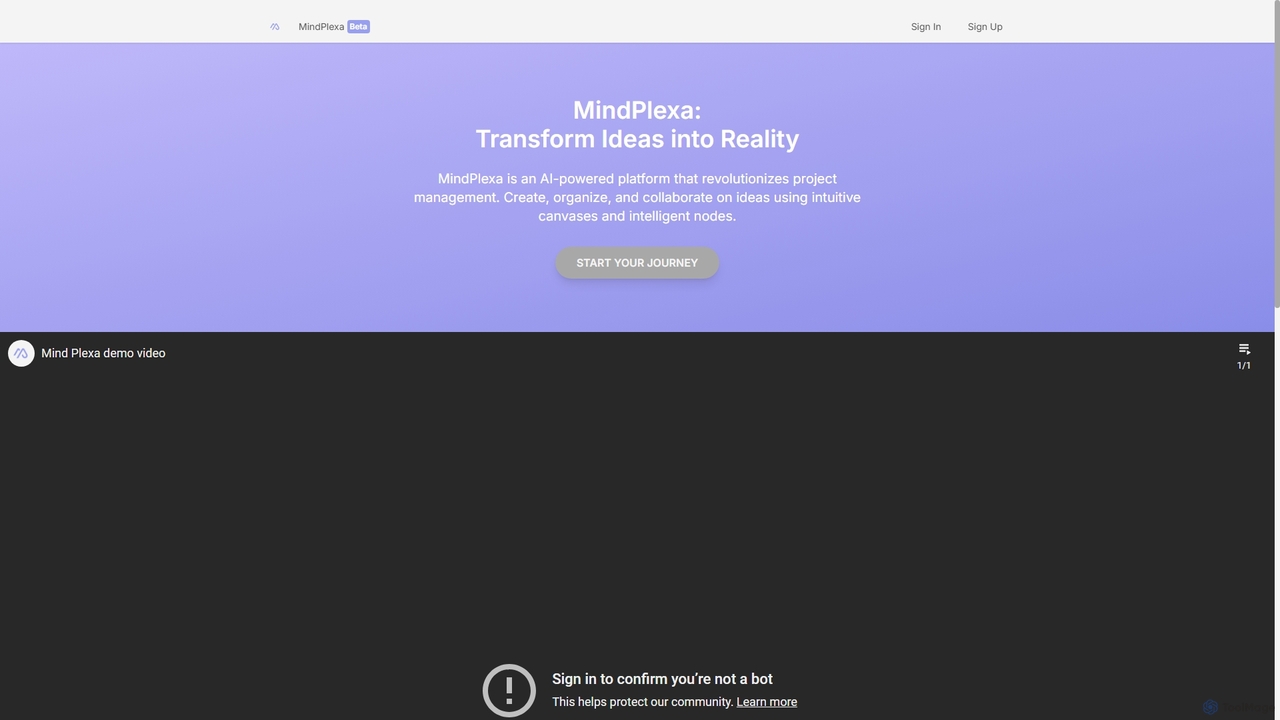
MindPlexa
MindPlexa is an AI-powered productivity platform that transforms ideas into actionable projects. It combines visual mind mapping with intelligent project management, allowing users to create, organize, and collaborate on ideas using intuitive canvases and smart nodes. The AI assistant helps generate project layouts, suggest tasks, and streamline workflows, making it an ideal tool for teams and individuals looking to boost creativity and efficiency.
Teamwork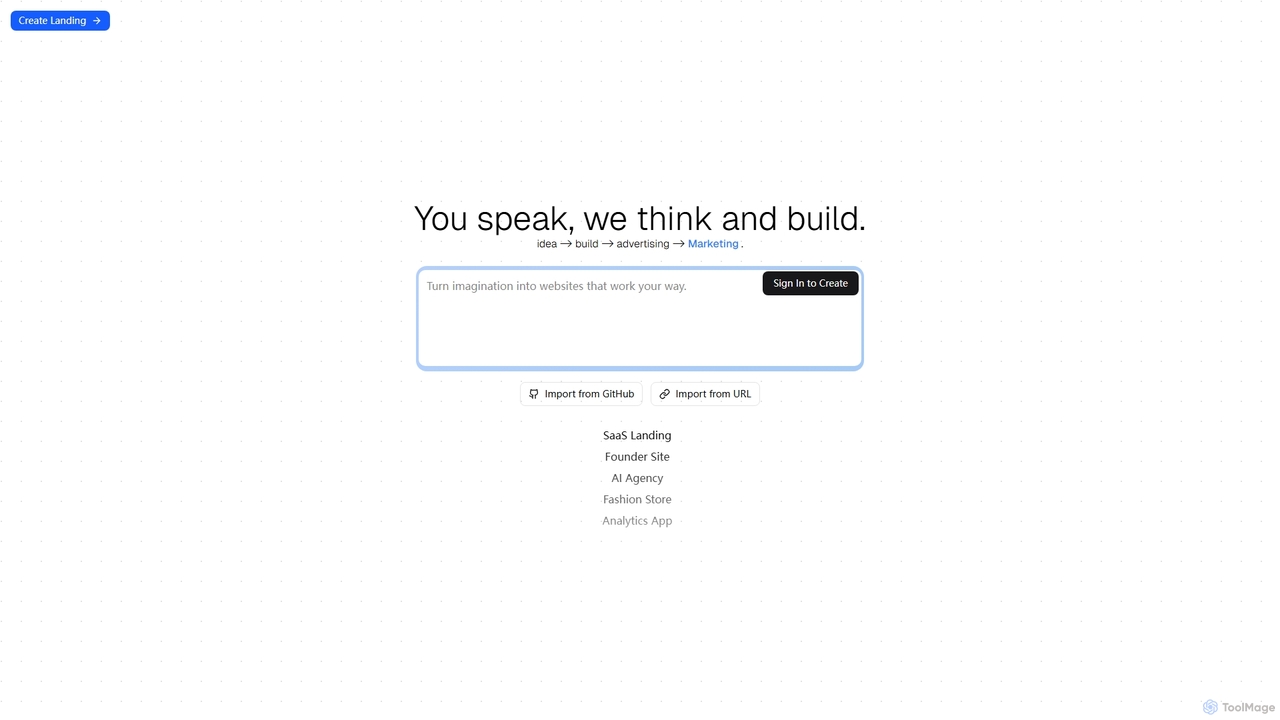
Pentrix
Pentrix is an AI-powered platform designed to streamline the entire product development and marketing lifecycle, from initial idea generation to advertising and market launch. It acts as an intelligent assistant, transforming concepts into tangible outputs and facilitating efficient content creation. With capabilities to import data from GitHub and URLs, Pentrix integrates seamlessly into existing workflows for developers, marketers, and innovators.
Ideation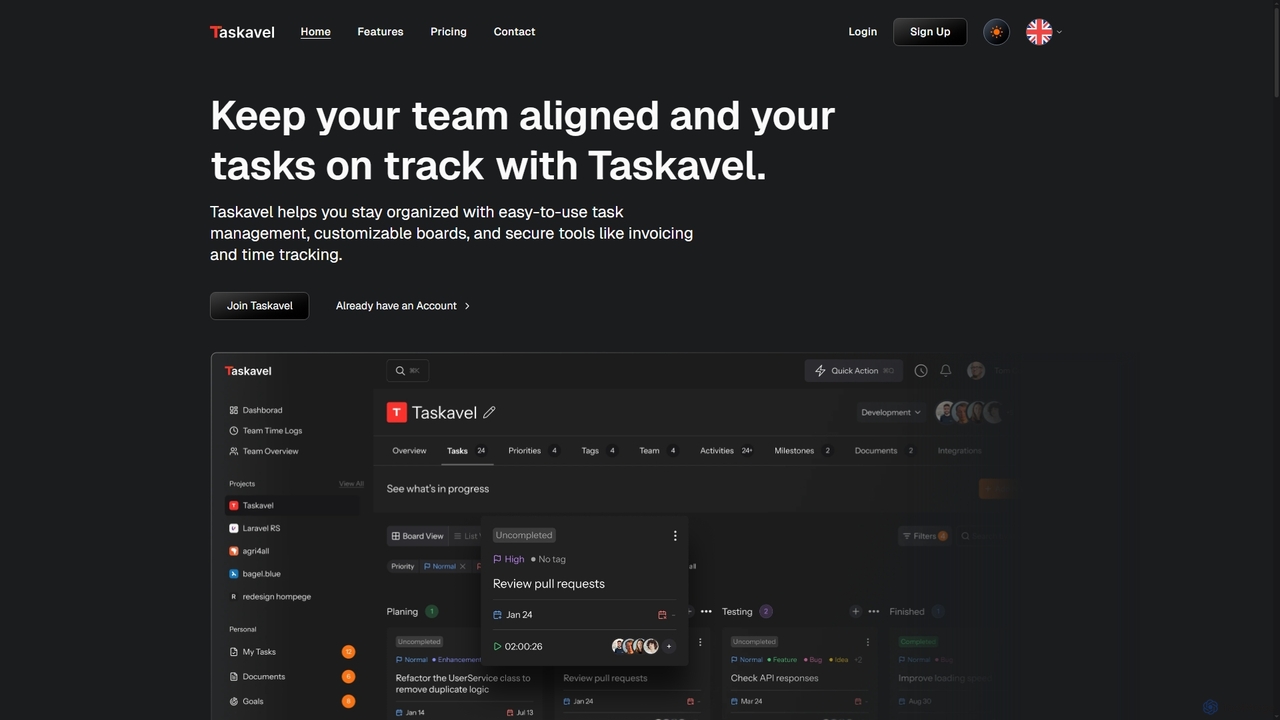
Taskavel
Taskavel is a comprehensive task and project management platform designed to keep teams aligned and tasks on track. It offers intuitive tools like customizable Kanban boards, integrated time tracking, invoicing, and robust collaboration features, especially tailored for developers and agile teams.
Workflow Automation
Flowchartmaker Comments (0)
Sign in to comment.
Sign inNo comments yet.