

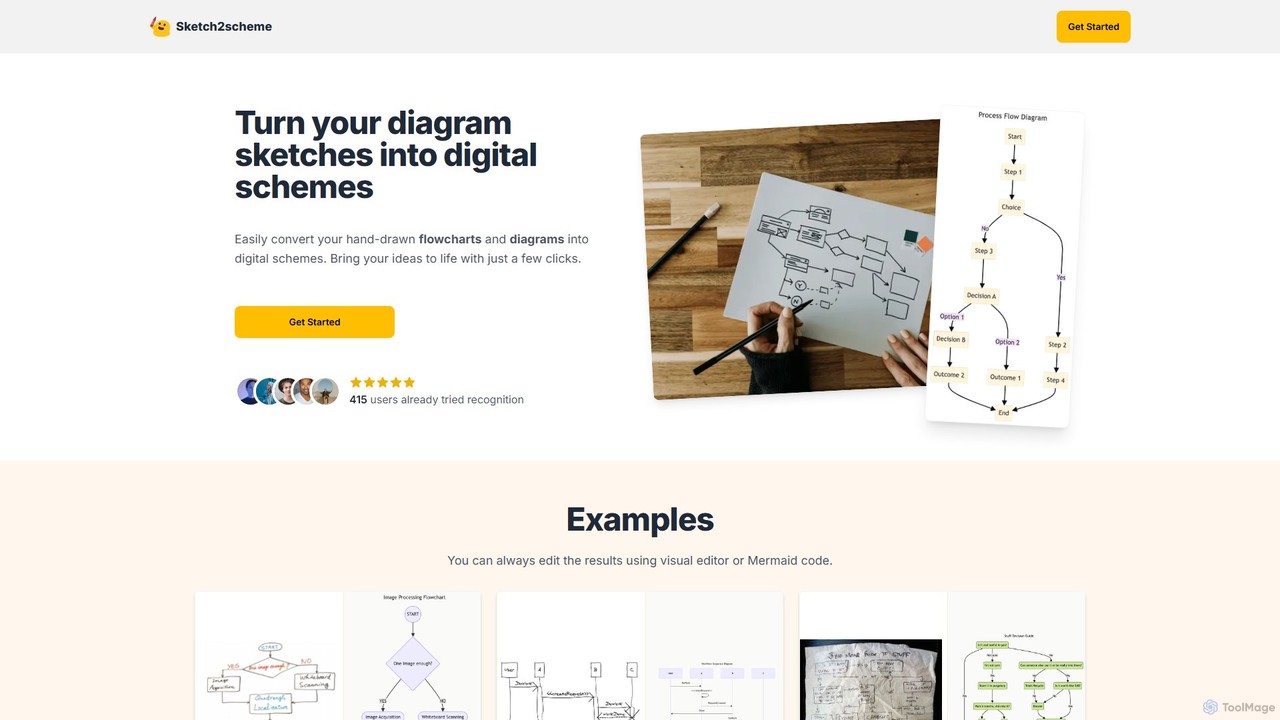
Sketch2scheme Overview
Sketch2scheme is an innovative AI-driven platform designed to streamline the process of digitizing hand-drawn diagrams. It addresses a common pain point for professionals and students who prefer brainstorming on paper but need to present or collaborate on their ideas digitally. By leveraging advanced AI recognition technology, Sketch2scheme automatically interprets sketches of flowcharts, mind maps, and other diagrams, converting them into clean, structured, and editable digital formats. This eliminates the tedious and time-consuming task of manually recreating diagrams from scratch on a computer, allowing users to focus on refining their ideas rather than on repetitive data entry.
The platform is built for efficiency and flexibility. Once a sketch is converted, users are not left with a static image. Instead, they get a fully interactive diagram that can be modified using either a user-friendly visual editor or a more technical Mermaid code editor. This dual-editing capability caters to a wide range of users, from those who prefer drag-and-drop interfaces to developers who are comfortable with code. The tool automatically arranges and aligns elements for a professional look, saving even more time and effort.
How to use Sketch2scheme
Using Sketch2scheme is a simple, three-step process designed for maximum efficiency:
- Sketch & Capture: Begin by brainstorming and drawing your flowchart, system architecture, or process map on paper or a whiteboard. Once you're satisfied, take a clear photo or scan of your sketch.
- Upload & Convert: Navigate to the Sketch2scheme website and upload your image file. The AI engine will immediately start analyzing the sketch, identifying shapes as nodes, lines as connections, and handwritten text as labels.
- Edit & Export: Within moments, a digital version of your diagram will be generated. You can then fine-tune the layout, text, and connections using the intuitive visual editor or by editing the underlying Mermaid code. Once your digital scheme is perfect, you can export it in various formats, including PNG, SVG, PDF, or a format compatible with Diagrams.net (draw.io), for easy integration into your documents, presentations, or development workflows.
Core Features of Sketch2scheme
- AI-Powered Sketch Recognition: Automatically detects and interprets nodes, connections, and handwritten text from an image of a sketch.
- Instant Digital Conversion: Transforms rough sketches into clean, editable digital diagrams in seconds.
- Dual Editing Modes: Offers both a simple visual (drag-and-drop) editor and a powerful Mermaid code editor for advanced customization.
- Automatic Arrangement & Alignment: Intelligently organizes diagram elements for a clean, professional, and easy-to-read layout.
- Multiple Export Options: Supports exporting diagrams to high-quality formats like PNG, SVG, and PDF.
- Diagrams.net Compatibility: Provides an export format that can be directly imported and edited in Diagrams.net (formerly draw.io).
- API Access: The Agency plan offers API access for integrating Sketch2scheme's conversion capabilities into other applications and workflows.
Use Cases for Sketch2scheme
Sketch2scheme is a versatile tool applicable across various fields:
- Software Development: Developers and system architects can quickly digitize user flow diagrams, system architecture sketches, and database schemas from whiteboard sessions.
- Project Management: Project managers can convert process workflows, organizational charts, and project timelines sketched during team meetings into shareable digital assets.
- Business Analysis: Business analysts can transform complex business process models sketched in workshops into formal documentation for stakeholders.
- Education and Academia: Students and researchers can easily convert handwritten notes, concept maps, and scientific process diagrams into clean figures for reports and presentations.
- UI/UX Design: Designers can quickly turn low-fidelity wireframe sketches into a digital format for early-stage prototyping and sharing.
Advantages of Sketch2scheme
The primary advantage of Sketch2scheme is the massive time savings it offers. By automating the conversion process, it eliminates the redundant work of manually redrawing diagrams. This allows for a more fluid and uninterrupted workflow, seamlessly connecting the creative, free-form stage of brainstorming on paper with the structured, collaborative stage of digital work. The AI-driven recognition enhances accuracy by correctly interpreting text and connections, while the auto-arrangement feature ensures a professional output without manual tweaking. Its flexibility through multiple export formats and compatibility with popular tools like Diagrams.net makes it a valuable addition to any modern toolkit.
Pricing and Plans
Sketch2scheme operates on a credit-based payment model, ensuring users only pay for what they use.
- Regular Plan: Priced at $3.99 (often discounted from $5.99), this plan provides 10 recognition credits. It includes full access to the visual and code editors and allows for exporting in multiple formats. This plan is ideal for individuals or small teams with occasional diagramming needs.
- Agency Plan: This is a custom-priced plan designed for businesses and power users. It includes all the features of the Regular plan but with raised or unlimited recognition credits and, most importantly, API access to integrate the technology into custom platforms. Interested parties are encouraged to contact sales for a quote.
Traffic
Latest traffic
Status
Monthly traffic trend
- 2025-9: 2.5K
- 2026-1: 4.5K
- 2026-2: 2.2K
- 2026-3: 2.5K
- 2026-4: 2.2K
- 2026-5: 2.1K
Geography
Top 5 countries / regions
- 🇺🇸United States57.4%
- 🇮🇳India42.6%
Top keywords
| Keyword | Cost per click |
|---|---|
| convert hand drawn diagram to digital | $0.00 |
| dawr by pensile flow chart and then convert to actual | $0.00 |
| sketch2scheme | $0.00 |
| snapdiagram | $0.00 |
| whats the best way to make a digital version of a hand drawn schmetaic | $0.00 |
Sketch2scheme Alternatives
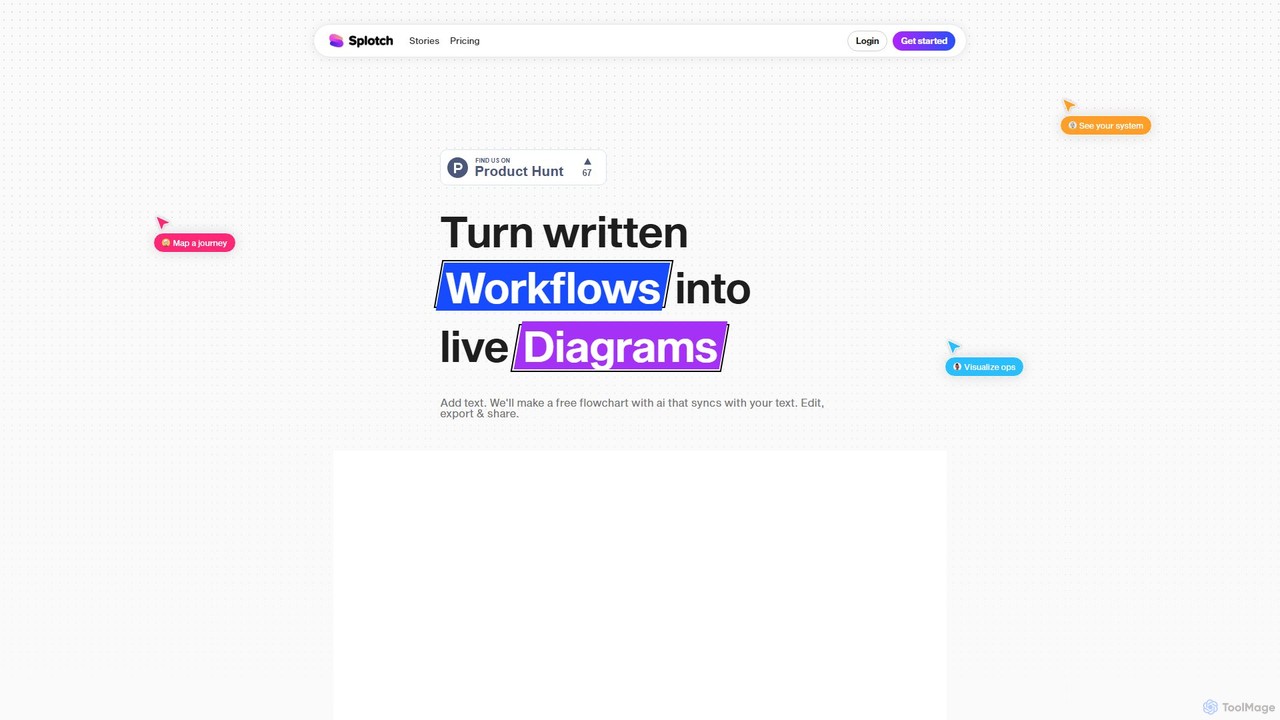
splotch
splotch is an AI-powered diagramming tool that automatically converts written text, processes, and workflows into clear, editable flowcharts and diagrams. It features a unique two-way sync, ensuring your text and visuals are always aligned, streamlining communication and process documentation.
Process Management
Lucidchart
Lucidchart is an intelligent diagramming and visual collaboration platform that uses AI, data automation, and real-time teamwork to help users visualize complex systems, processes, and ideas. It enables teams to create professional flowcharts, org charts, network diagrams, and more, fostering clarity and driving innovation.
Project Management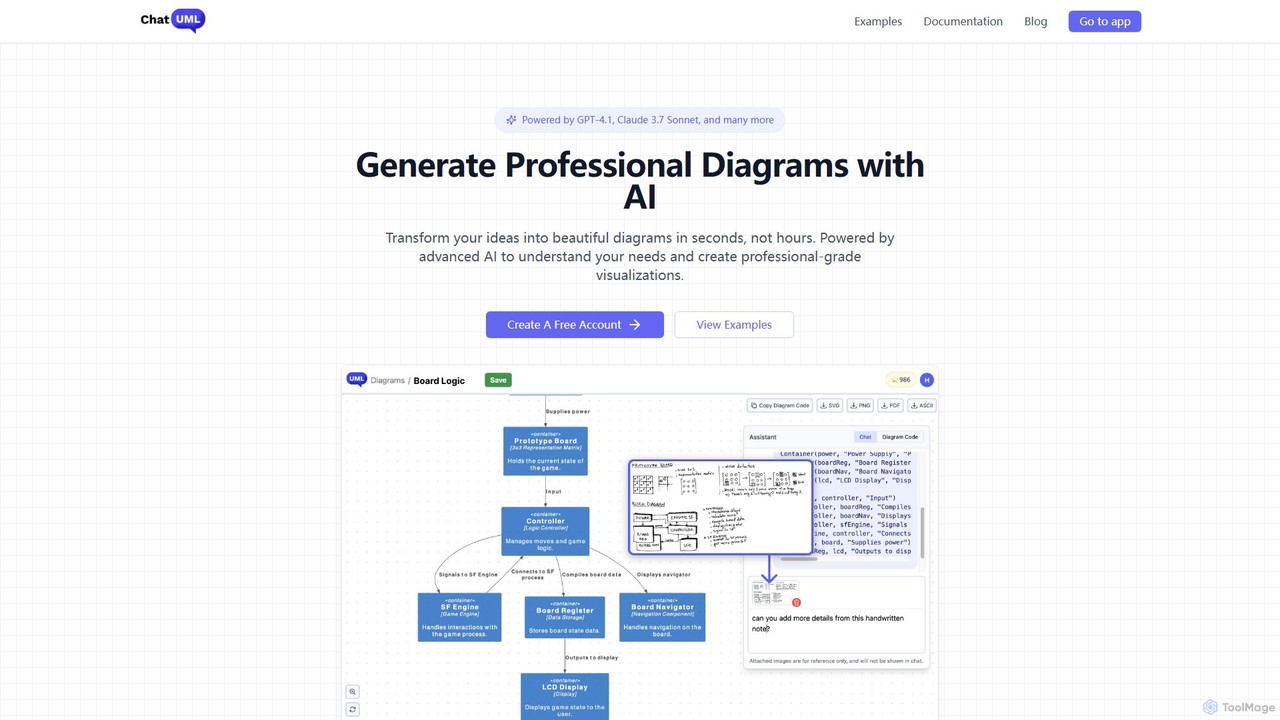
ChatUML
ChatUML is an AI-powered diagram generator that transforms text descriptions, hand-drawn sketches, and even website content into professional diagrams in seconds. Leveraging models like GPT-4.1 and Claude 3, it supports various formats including UML, C4 architecture, mind maps, and more, streamlining the visualization process for developers, project managers, and creative teams.
Planning
Mermaid Chart
Mermaid Chart is an AI-powered diagramming tool that enables teams to create complex visuals like flowcharts, sequence diagrams, and mind maps using markdown-style code, natural language prompts, or a visual editor. It's designed for faster, smarter diagramming and seamless collaboration.
Code Generation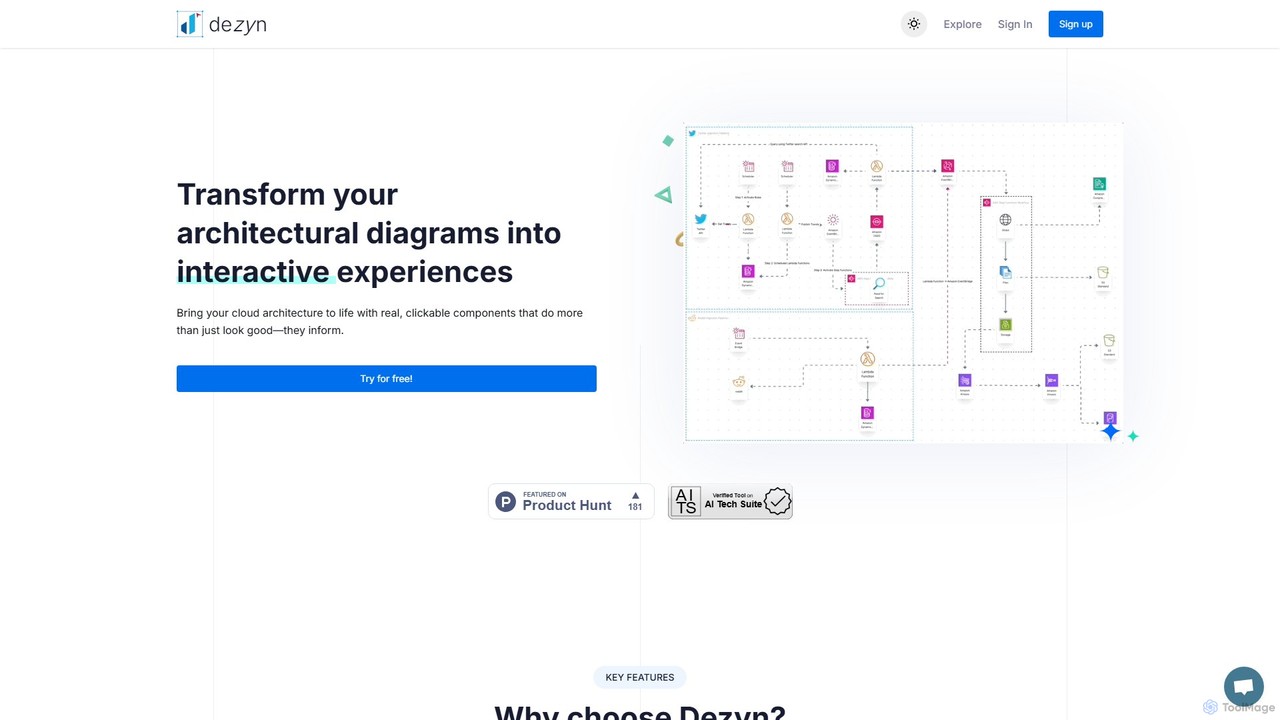
Dezyn
Dezyn is an AI-powered platform for creating interactive, data-rich architectural diagrams and flowcharts. It transforms text prompts, hand-drawn sketches, or wireframes into professional diagrams. Ideal for engineers, developers, and tech creators to visualize complex cloud systems (AWS, Azure, GCP) and collaborate effectively.
FlowchartSketch2scheme Categories
Sketch2scheme Embed Widget
Copy this embed code to place the badge on your blog, article, or product site and send readers directly to this ToolMage detail page.

Related AI tools
Lucidchart
Lucidchart is an intelligent diagramming and visual collaboration platform that uses AI, data automation, and real-time teamwork to help users visualize complex systems, processes, and ideas. It enables teams to create professional flowcharts, org charts, network diagrams, and more, fostering clarity and driving innovation.
Project ManagementChatUML
ChatUML is an AI-powered diagram generator that transforms text descriptions, hand-drawn sketches, and even website content into professional diagrams in seconds. Leveraging models like GPT-4.1 and Claude 3, it supports various formats including UML, C4 architecture, mind maps, and more, streamlining the visualization process for developers, project managers, and creative teams.
PlanningMermaid Chart
Mermaid Chart is an AI-powered diagramming tool that enables teams to create complex visuals like flowcharts, sequence diagrams, and mind maps using markdown-style code, natural language prompts, or a visual editor. It's designed for faster, smarter diagramming and seamless collaboration.
Code GenerationDezyn
Dezyn is an AI-powered platform for creating interactive, data-rich architectural diagrams and flowcharts. It transforms text prompts, hand-drawn sketches, or wireframes into professional diagrams. Ideal for engineers, developers, and tech creators to visualize complex cloud systems (AWS, Azure, GCP) and collaborate effectively.
Flowchart
Jyek
Jyek is an AI agent platform that understands objectives, creates execution plans, uses tools, and delivers verifiable results for complex, multi-step tasks.
Automation
Flowchartmaker
An AI-powered tool that instantly creates professional flowcharts from simple text descriptions. It features interactive editing via a chat interface and full customization with drag-and-drop options, streamlining the process of visualizing workflows and ideas.
Process Management
boardmix
boardmix is an AI-powered collaborative online whiteboard designed to enhance team creativity and productivity. It integrates AIGC, mind mapping, flowcharts, and real-time collaboration tools into a single, infinite canvas, making it an all-in-one solution for brainstorming, project management, and visual communication.
Project Managementsplotch
splotch is an AI-powered diagramming tool that automatically converts written text, processes, and workflows into clear, editable flowcharts and diagrams. It features a unique two-way sync, ensuring your text and visuals are always aligned, streamlining communication and process documentation.
Process Management
Miro
Miro is an AI-powered online collaborative whiteboard platform designed for modern teams. It provides an infinite canvas for brainstorming, planning, designing, and managing projects in real-time. With a vast template library, powerful integrations, and AI-driven features, Miro helps teams centralize communication and accelerate innovation from idea to execution.
Brainstorming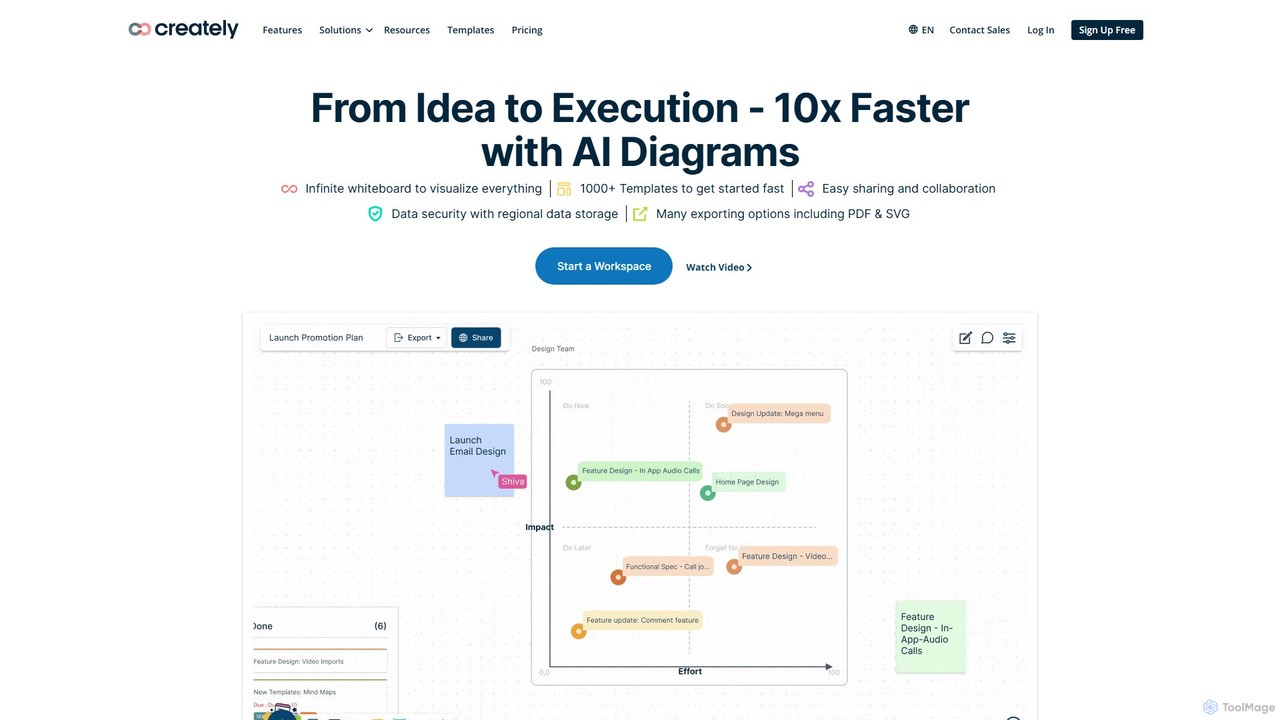
Creately
Creately is an AI-powered visual collaboration and work management platform. It combines intelligent diagramming, online whiteboarding, and data-driven project management on a single smart canvas, helping teams brainstorm, plan, and execute projects more effectively.
Planning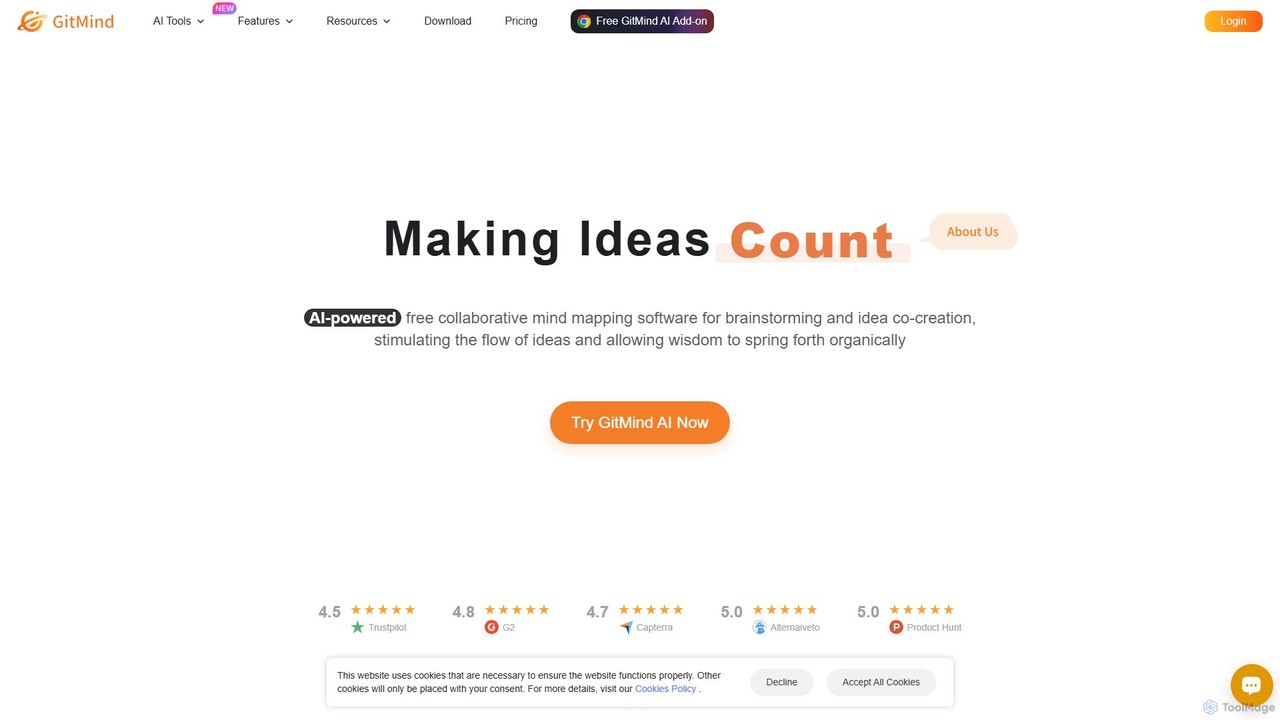
GitMind
GitMind is an AI-powered collaborative mind mapping and brainstorming tool. It enables users to create mind maps, flowcharts, org charts, and other diagrams with ease. Featuring AI-driven content generation, summarization of documents and videos, and real-time co-editing, GitMind helps individuals and teams visualize ideas, streamline workflows, and enhance productivity. With cross-platform availability and a rich template library, it transforms complex information into clear, organized visuals.
Project Management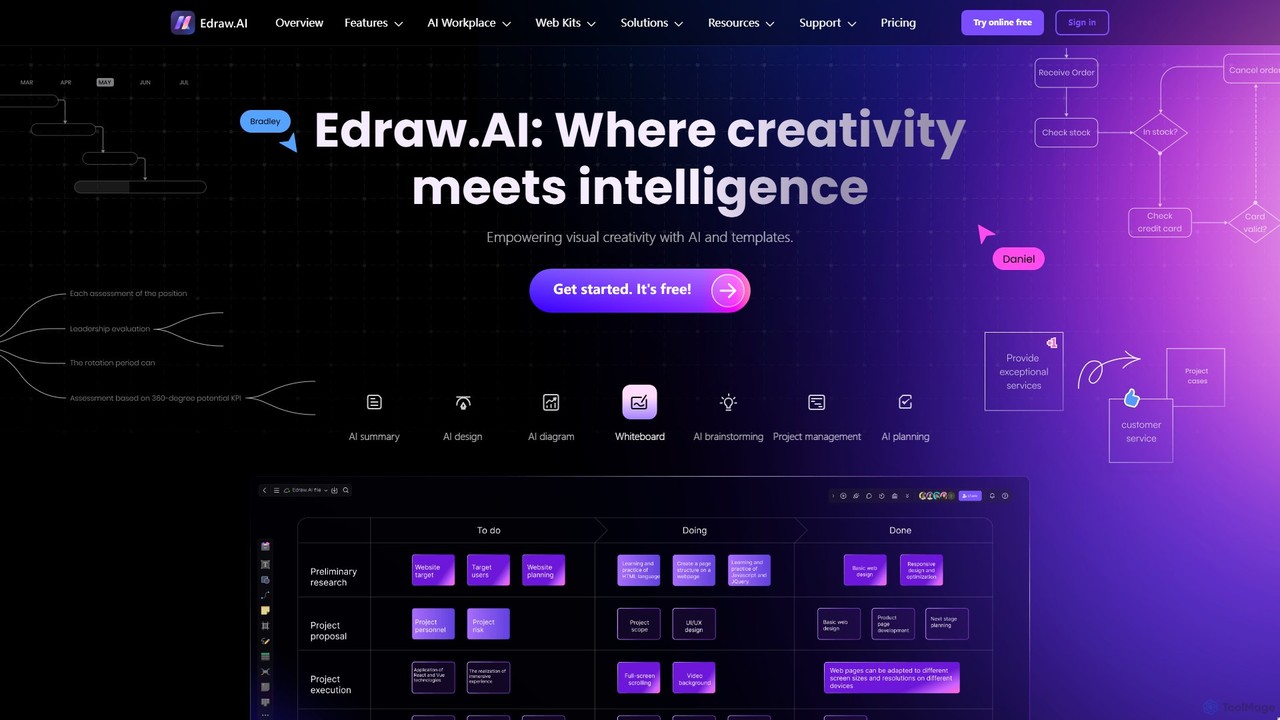
Edraw.AI
Edraw.AI is an AI-powered visual collaboration platform that enables users to create diagrams, mind maps, flowcharts, and other visuals with ease. It combines a user-friendly interface with powerful AI tools for generation, analysis, and design. Featuring real-time collaboration, an extensive library of templates and symbols, it's designed to boost productivity for teams in project management, IT, marketing, education, and more. Get started for free and transform your ideas into professional visuals.
Visualization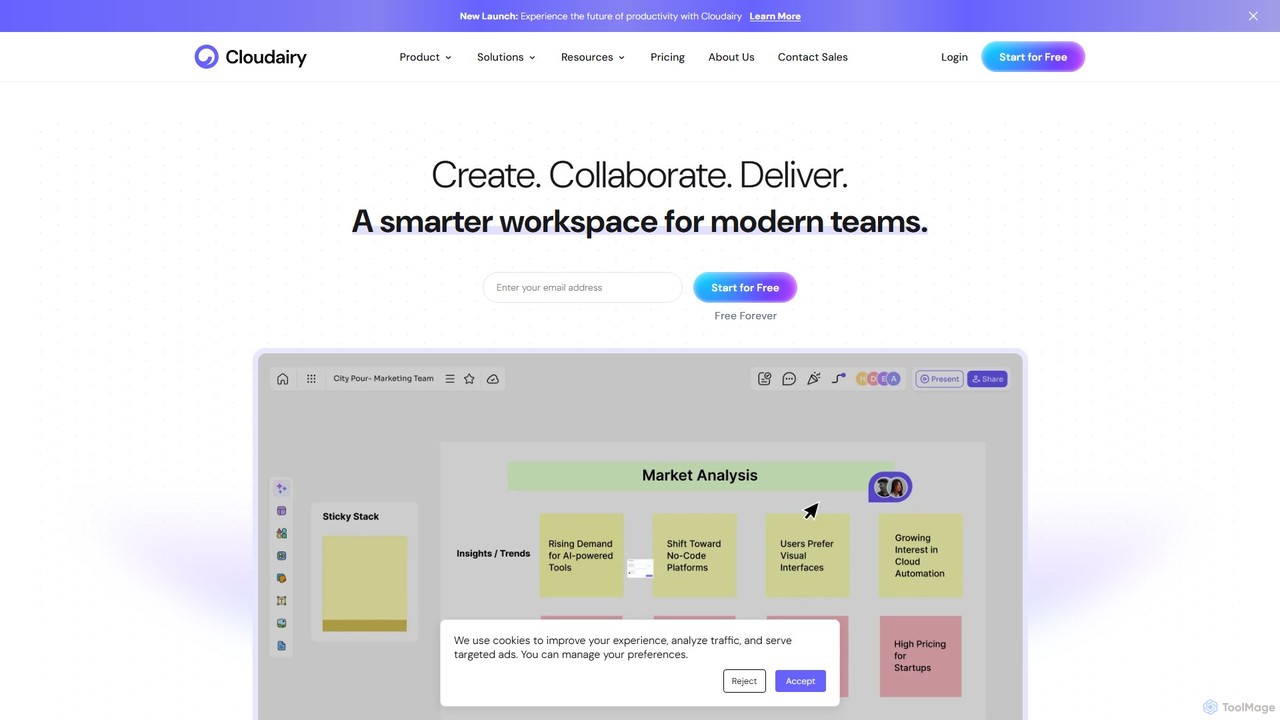
Cloudairy
Cloudairy is an AI-powered collaborative visual workspace designed for modern teams. It integrates AI-driven diagramming, mind mapping, image generation, and documentation tools into a single platform. It enables teams in engineering, sales, and project management to brainstorm, design, and deliver projects with enhanced efficiency and creativity.
Generative Art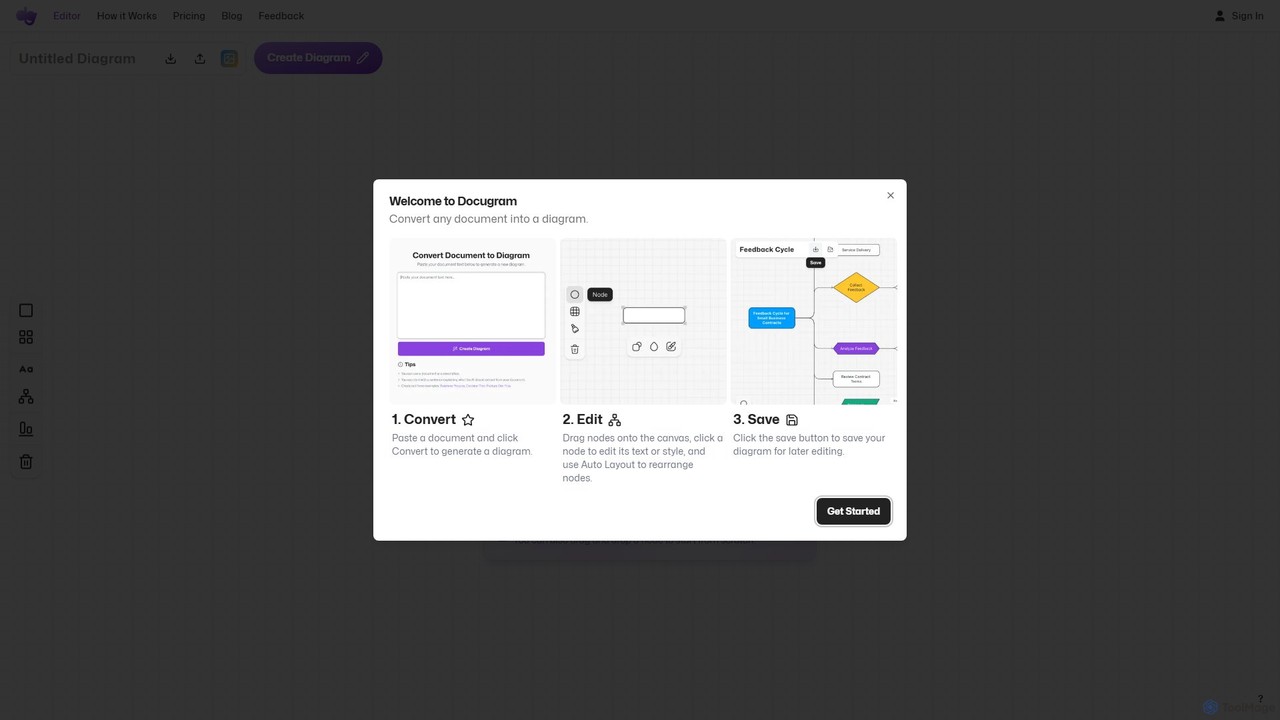
Docugram
Docugram is an AI-powered tool that instantly transforms text documents, notes, and prompts into clear, editable diagrams and flowcharts. It streamlines workflows by converting complex information from formats like Word, Excel, and PDF into visual maps, enhancing productivity for professionals in project management, development, and business analysis.
Project Management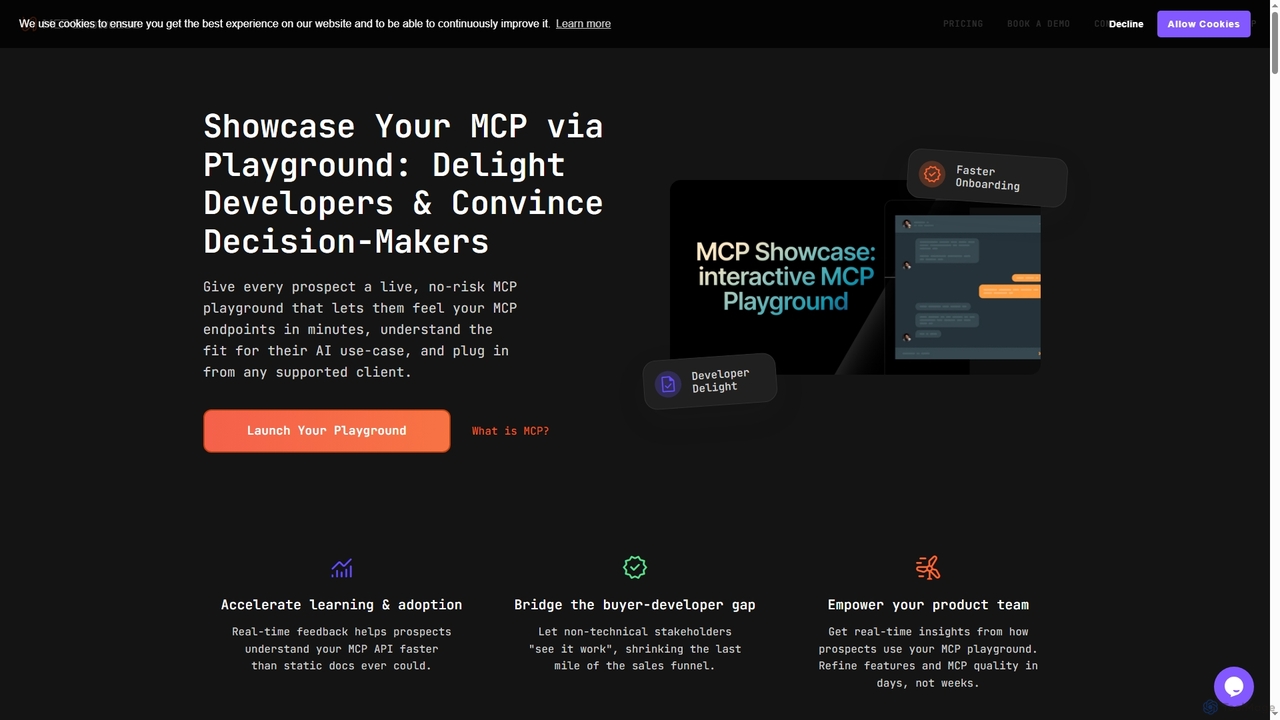
MCP Showcase
MCP Showcase is a pioneering platform demonstrating the Model Context Protocol (MCP), an open standard enabling AI assistants to seamlessly integrate with diverse external services like GitHub, Hugging Face, and Teamwork. It transforms complex API interactions into natural language conversations, empowering AI with real-time context and action capabilities across various domains.
Api Management
Sketch2scheme Comments (0)
Sign in to comment.
Sign inNo comments yet.