

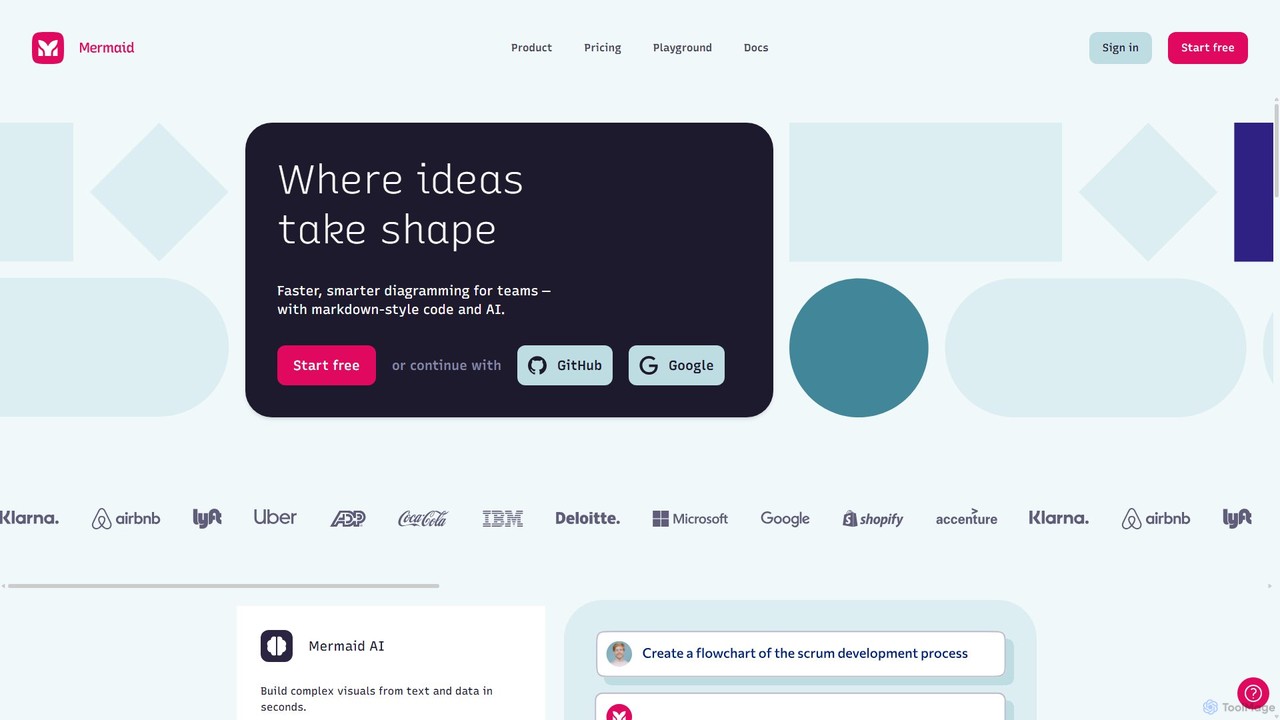
Mermaid Chart Overview
Mermaid Chart is a sophisticated and versatile diagramming platform designed to accelerate how teams visualize ideas and systems. Developed by the creators of the widely-acclaimed open-source Mermaid JS library, it extends the power of code-based diagramming with advanced AI capabilities, a collaborative whiteboard, and extensive integrations. This tool empowers both technical and non-technical users to create a wide array of professional diagrams with remarkable speed and efficiency.
At its core, Mermaid Chart allows you to generate visuals from simple text. Whether you're a developer comfortable with markdown-style syntax or a project manager who prefers to describe a process in plain English, the platform can translate your input into a polished diagram. This 'diagrams as code' approach not only streamlines creation but also makes diagrams easy to version control, share, and embed within documentation and development workflows.
How to use Mermaid Chart
Using Mermaid Chart is intuitive and flexible, catering to different user preferences. Here's a typical workflow:
- Choose Your Creation Method: You can start in three main ways. Use the 'Code Editor' to write Mermaid syntax directly for precise control. Use 'Mermaid AI' by typing a natural language prompt (e.g., "Create a flowchart for a user login process") and let the AI generate the diagram and code for you. Or, use the 'Mermaid Whiteboard' for a more traditional, visual drag-and-drop experience on an infinite canvas.
- Create and Refine: As you type code, a live preview of the diagram updates in real-time. The AI can also help 'repair' or modify existing diagrams to add new steps or correct logic. The visual editor allows for fine-tuning layouts, adding notes, and designing freely.
- Collaborate with Your Team: Invite colleagues to your projects. You can edit diagrams together in real-time, leave comments, and manage versions, ensuring everyone is aligned.
- Integrate and Share: Leverage the powerful plugin ecosystem to embed and edit your diagrams directly within your favorite tools like Confluence, Jira, VS Code, Google Docs, and Microsoft Word/PowerPoint. This keeps your documentation and diagrams always in sync.
Core Features of Mermaid Chart
- Mermaid AI: Generate complex diagrams from simple text prompts. It can also analyze and repair existing diagrams to improve their structure and clarity.
- Code-based Diagramming: Utilizes the popular Mermaid JS syntax to create diagrams from markdown-style text, making them easy to edit, share, and version control.
- Mermaid Whiteboard: An infinite digital canvas for freeform diagramming, brainstorming, and precise visual design.
- Extensive Diagram Support: Create Flowcharts, Sequence Diagrams, Class Diagrams, State Diagrams, Gantt Charts, Pie Charts, Mindmaps, C4 Diagrams for software architecture, and more.
- Real-time Collaboration: Supports multi-user editing, comments, and team-based projects to facilitate seamless teamwork.
- Version History: Automatically saves versions of your diagrams, allowing you to track changes and revert to previous states.
- Powerful Plugin Ecosystem: Deep integrations with essential tools including VS Code, GitHub Copilot, ChatGPT, Jira, Confluence, JetBrains IDEs, Google Docs, and Microsoft Office.
- Enterprise-Ready Features: Offers SSO/SAML for secure sign-on, custom integrations, and dedicated support for large organizations.
Use Cases for Mermaid Chart
Mermaid Chart is versatile enough for various professional scenarios:
- Software Engineering: Designing system architecture with C4 diagrams, modeling application logic with sequence diagrams, and defining database structures with entity-relationship diagrams.
- Project Management: Planning projects with Gantt charts, mapping out user journeys, and defining workflows with flowcharts.
- Business Analysis: Modeling and documenting business processes to share with stakeholders.
- Technical Documentation: Embedding live, version-controlled diagrams directly into Confluence pages, README files, or Google Docs.
- Team Onboarding: Visually explaining complex systems and processes to new team members efficiently.
Advantages of Mermaid Chart
The primary advantage of Mermaid Chart is its fusion of speed, flexibility, and collaboration. The AI and code-based approach dramatically reduces the time it takes to create and update diagrams compared to traditional drag-and-drop tools. Its 'diagrams as code' philosophy appeals to developers and ensures consistency. For non-coders, the AI and visual editor provide an accessible entry point, making it a tool for the entire organization. The extensive integrations ensure that diagramming becomes a natural part of your existing workflow, not a separate, cumbersome task.
Pricing and Plans
Mermaid Chart offers a freemium model with plans tailored to different needs:
- Free Plan: Includes a limited number of diagrams and basic features. Ideal for individual users or for trying out the platform.
- Pro Plan: Offers unlimited diagrams, unlimited AI usage, presentations, version history, private teams, and multi-user editing. This plan is designed for professionals and teams who need the full suite of features.
- Enterprise Plan: Includes all features of the Pro plan, plus advanced security options like SSO/SAML, custom integrations, dedicated support, and custom contracts. It is tailored for large organizations with specific security and support requirements.
Traffic
Latest traffic
Status
Monthly traffic trend
- 2025-9: 2.2M
- 2026-1: 1.0M
- 2026-2: 88.5K
- 2026-3: 55.0K
- 2026-4: 53.4K
- 2026-5: 1.6K
Geography
Top 5 countries / regions
- 🇺🇸United States94.4%
- 🇩🇪Germany4.1%
- 🇯🇵Japan1.5%
Top keywords
| Keyword | Cost per click |
|---|---|
| mermaid chart | $1.35 |
| mermaidchart | $4.54 |
| mermaid gantt | $3.14 |
| mermaid group edge example architecture | $0.00 |
| mermaid mindmap | $2.23 |
Mermaid Chart Alternatives
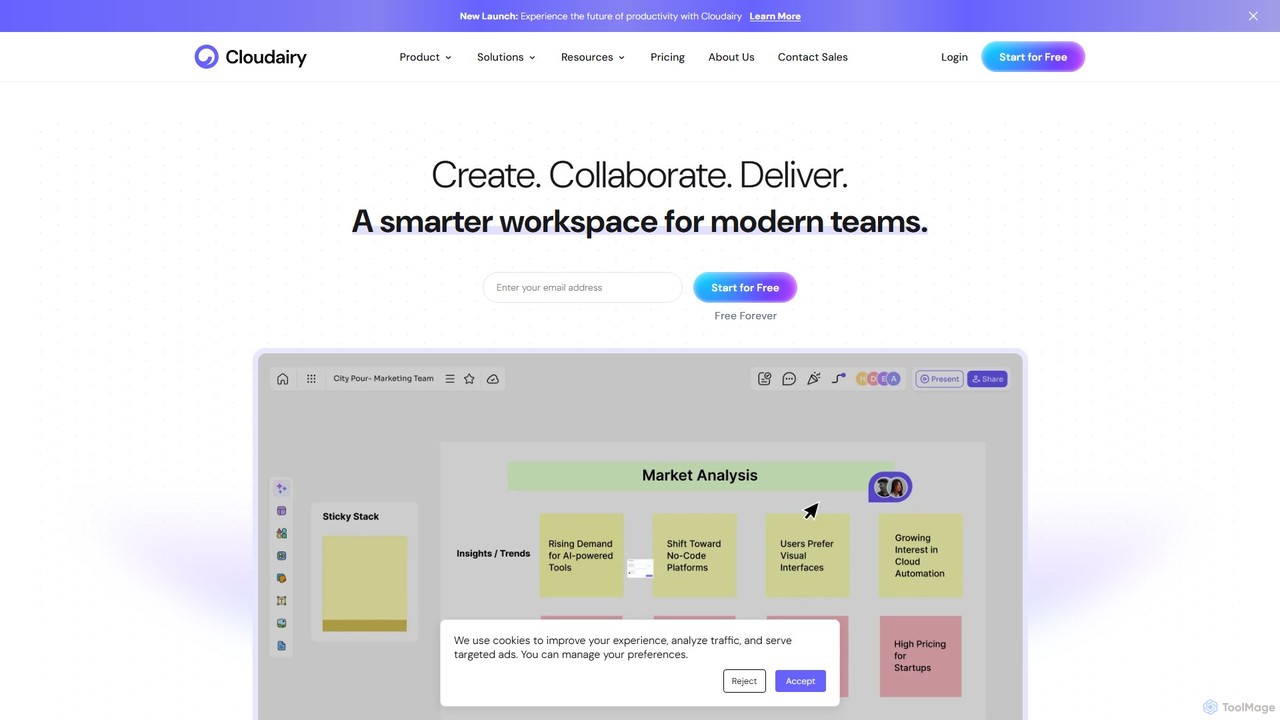
Cloudairy
Cloudairy is an AI-powered collaborative visual workspace designed for modern teams. It integrates AI-driven diagramming, mind mapping, image generation, and documentation tools into a single platform. It enables teams in engineering, sales, and project management to brainstorm, design, and deliver projects with enhanced efficiency and creativity.
Generative Art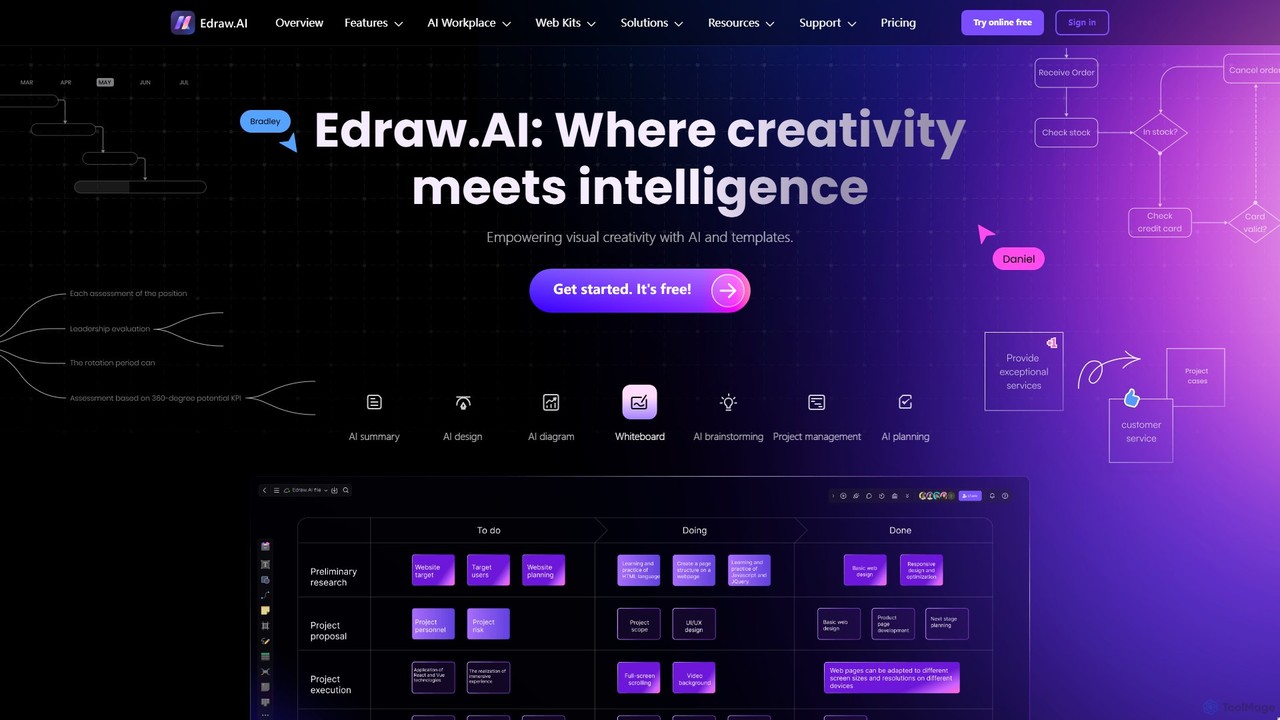
Edraw.AI
Edraw.AI is an AI-powered visual collaboration platform that enables users to create diagrams, mind maps, flowcharts, and other visuals with ease. It combines a user-friendly interface with powerful AI tools for generation, analysis, and design. Featuring real-time collaboration, an extensive library of templates and symbols, it's designed to boost productivity for teams in project management, IT, marketing, education, and more. Get started for free and transform your ideas into professional visuals.
Visualization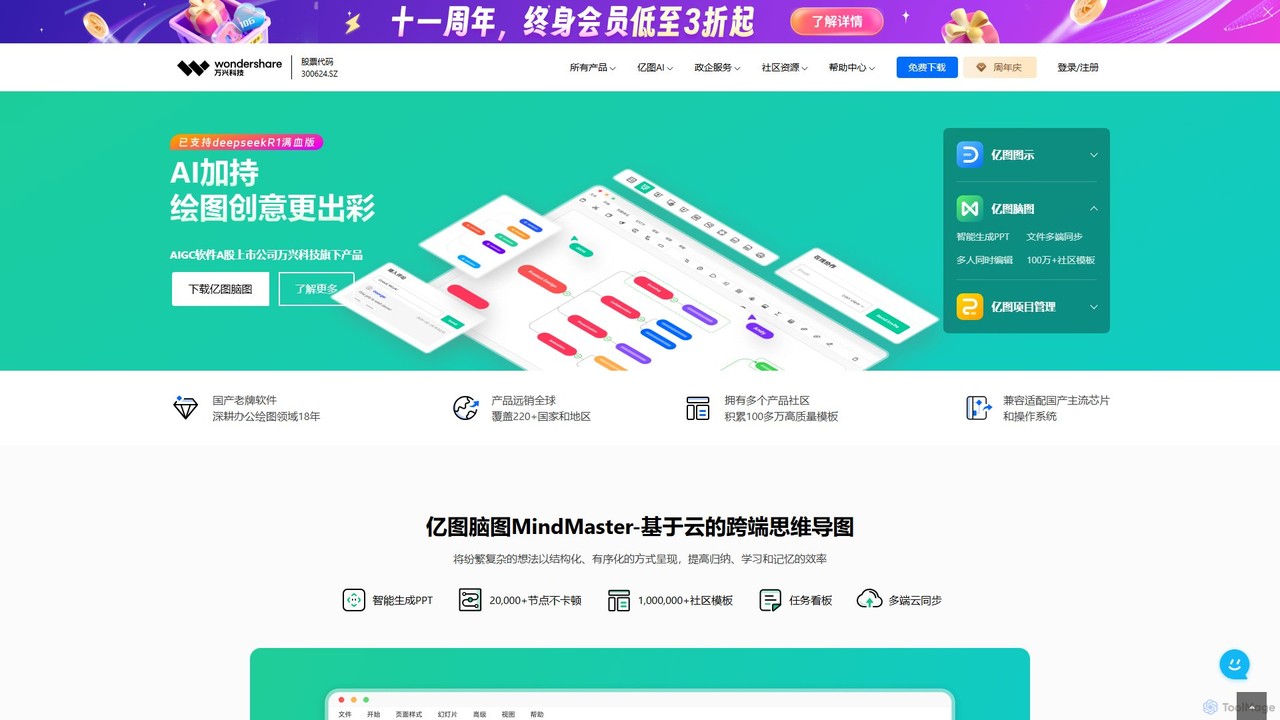
Edrawsoft
Edrawsoft is a comprehensive suite of AI-powered visual tools for diagramming, mind mapping, and project management. It includes EdrawMax for all-in-one diagram creation, EdrawMind for brainstorming, and EdrawProj for Gantt charts. With AI assistance, users can automatically generate flowcharts, org charts, and more from text, beautify designs with a single click, and collaborate seamlessly across platforms. It's a powerful Visio alternative for individuals, teams, and enterprises.
Project Management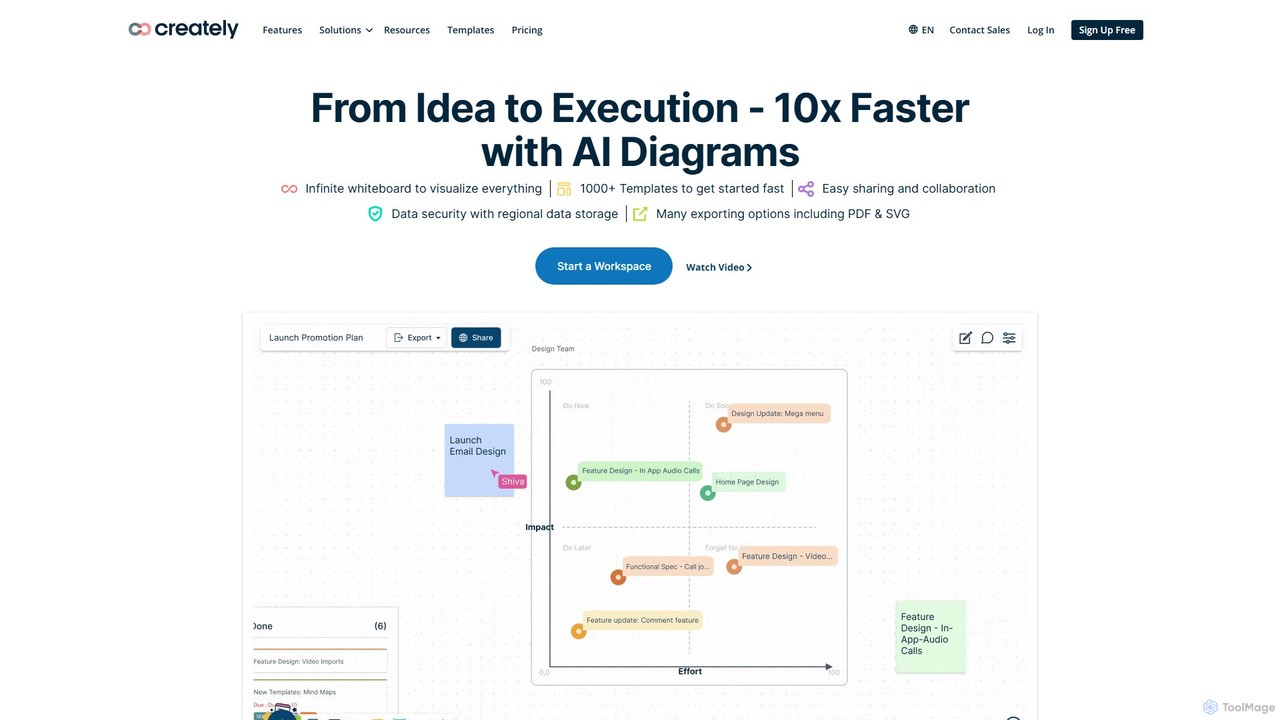
Creately
Creately is an AI-powered visual collaboration and work management platform. It combines intelligent diagramming, online whiteboarding, and data-driven project management on a single smart canvas, helping teams brainstorm, plan, and execute projects more effectively.
Planning
ai_flowchart
ai_flowchart is an AI-powered tool that transforms natural language descriptions into professional flowcharts and diagrams instantly. Leveraging advanced NLP, it allows users to simply describe a process, and the AI generates a visually appealing and structured diagram. It's designed for developers, project managers, and business analysts, featuring customization, collaboration, and multiple export options. Ideal for software architecture, business process mapping, and project planning.
Process ManagementMermaid Chart Categories
Mermaid Chart Embed Widget
Copy this embed code to place the badge on your blog, article, or product site and send readers directly to this ToolMage detail page.

Related AI tools
Edrawsoft
Edrawsoft is a comprehensive suite of AI-powered visual tools for diagramming, mind mapping, and project management. It includes EdrawMax for all-in-one diagram creation, EdrawMind for brainstorming, and EdrawProj for Gantt charts. With AI assistance, users can automatically generate flowcharts, org charts, and more from text, beautify designs with a single click, and collaborate seamlessly across platforms. It's a powerful Visio alternative for individuals, teams, and enterprises.
Project ManagementCloudairy
Cloudairy is an AI-powered collaborative visual workspace designed for modern teams. It integrates AI-driven diagramming, mind mapping, image generation, and documentation tools into a single platform. It enables teams in engineering, sales, and project management to brainstorm, design, and deliver projects with enhanced efficiency and creativity.
Generative ArtCreately
Creately is an AI-powered visual collaboration and work management platform. It combines intelligent diagramming, online whiteboarding, and data-driven project management on a single smart canvas, helping teams brainstorm, plan, and execute projects more effectively.
PlanningEdraw.AI
Edraw.AI is an AI-powered visual collaboration platform that enables users to create diagrams, mind maps, flowcharts, and other visuals with ease. It combines a user-friendly interface with powerful AI tools for generation, analysis, and design. Featuring real-time collaboration, an extensive library of templates and symbols, it's designed to boost productivity for teams in project management, IT, marketing, education, and more. Get started for free and transform your ideas into professional visuals.
Visualization
Lucidchart
Lucidchart is an intelligent diagramming and visual collaboration platform that uses AI, data automation, and real-time teamwork to help users visualize complex systems, processes, and ideas. It enables teams to create professional flowcharts, org charts, network diagrams, and more, fostering clarity and driving innovation.
Project Management
snapdiagram
SnapDiagram is an AI-powered tool that instantly transforms text descriptions into professional diagrams. Generate flowcharts, sequence diagrams, UML models, mind maps, and more with simple natural language prompts. It's designed to accelerate workflows for developers, business analysts, and project managers by automating the diagramming process.
Workflow Management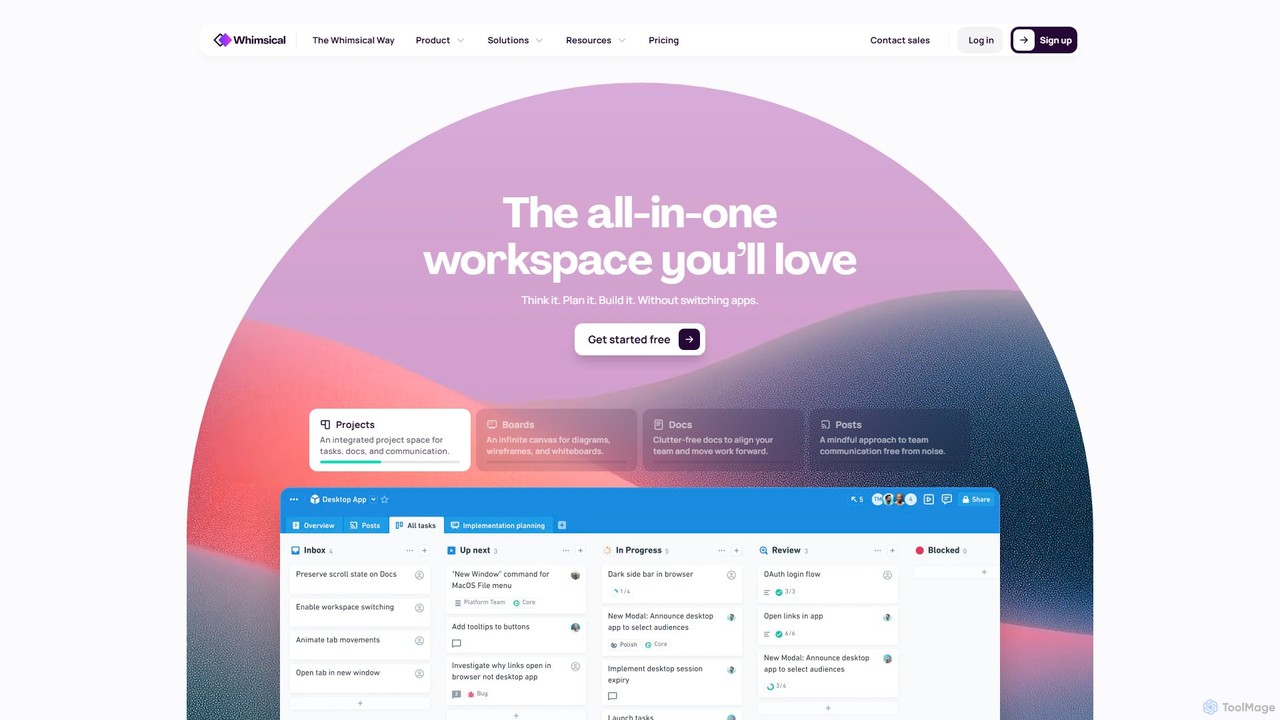
Whimsical
Whimsical is an all-in-one, AI-powered workspace that unifies visual collaboration, documentation, and project management. It combines whiteboards, mind maps, flowcharts, documents, and tasks to help teams streamline their entire workflow from initial idea to final execution in a single, interconnected platform.
Wireframing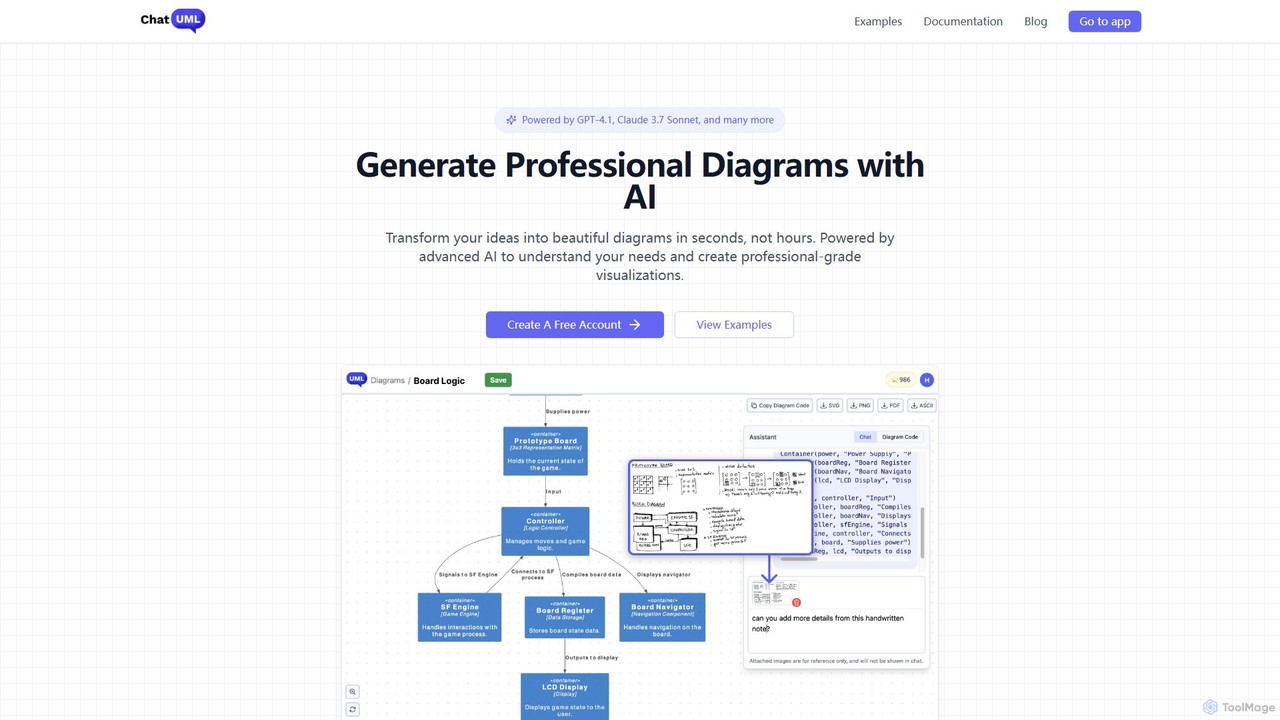
ChatUML
ChatUML is an AI-powered diagram generator that transforms text descriptions, hand-drawn sketches, and even website content into professional diagrams in seconds. Leveraging models like GPT-4.1 and Claude 3, it supports various formats including UML, C4 architecture, mind maps, and more, streamlining the visualization process for developers, project managers, and creative teams.
Planning
iMiaoban
iMiaoban is an AI-powered collaborative online whiteboard designed to enhance team productivity. It allows users to instantly create various diagrams, including flowcharts and mind maps, using text prompts. With a vast library of templates and real-time collaboration features, it simplifies the process of visualizing ideas and workflows.
Whiteboard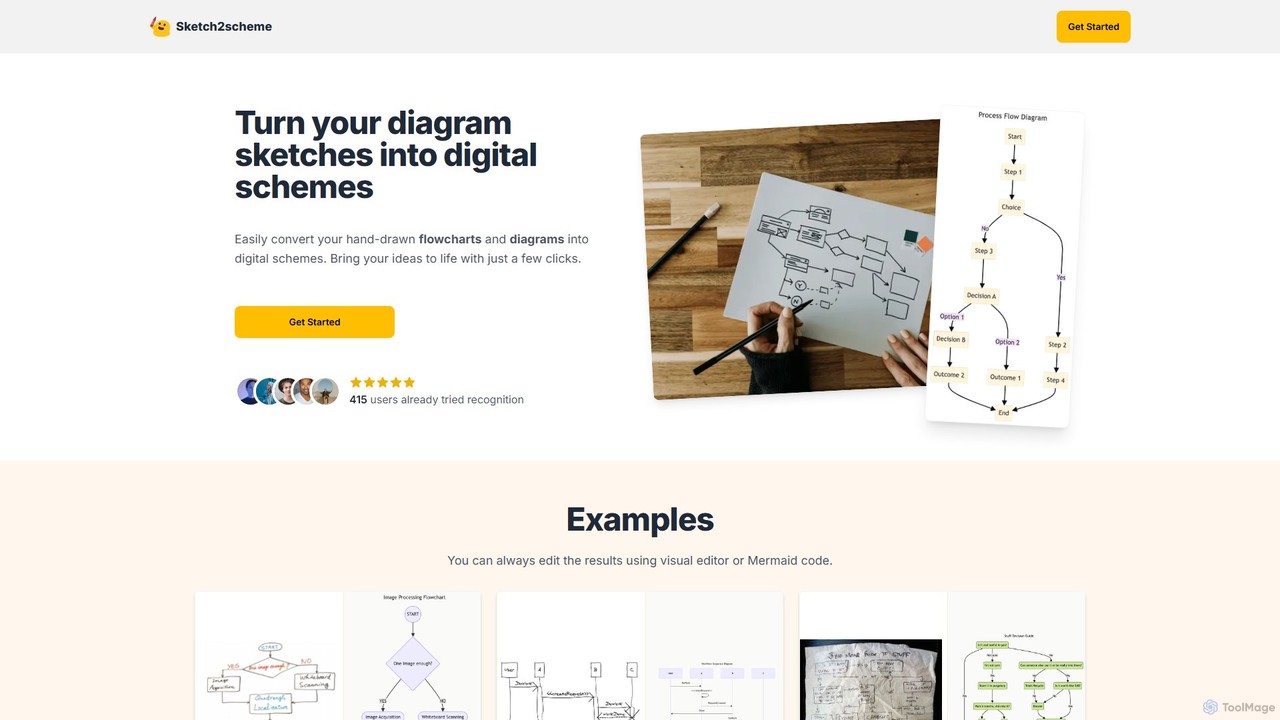
Sketch2scheme
Sketch2scheme is an AI-powered tool that effortlessly converts your hand-drawn diagram sketches into polished, editable digital schemes. Simply upload a picture of your flowchart or diagram, and the AI will recognize nodes, connections, and text, transforming your analog ideas into digital assets in seconds. It's perfect for developers, project managers, and students who want to bridge the gap between paper brainstorming and digital implementation.
Prototyping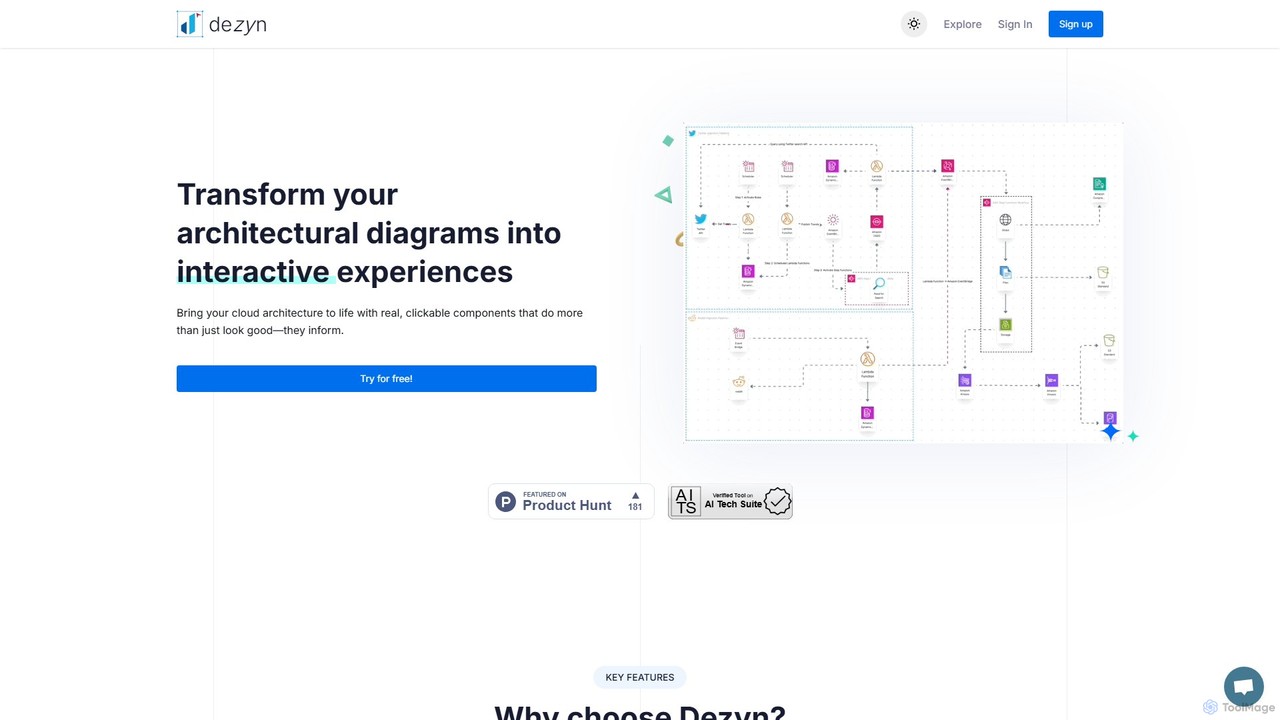
Dezyn
Dezyn is an AI-powered platform for creating interactive, data-rich architectural diagrams and flowcharts. It transforms text prompts, hand-drawn sketches, or wireframes into professional diagrams. Ideal for engineers, developers, and tech creators to visualize complex cloud systems (AWS, Azure, GCP) and collaborate effectively.
Flowchart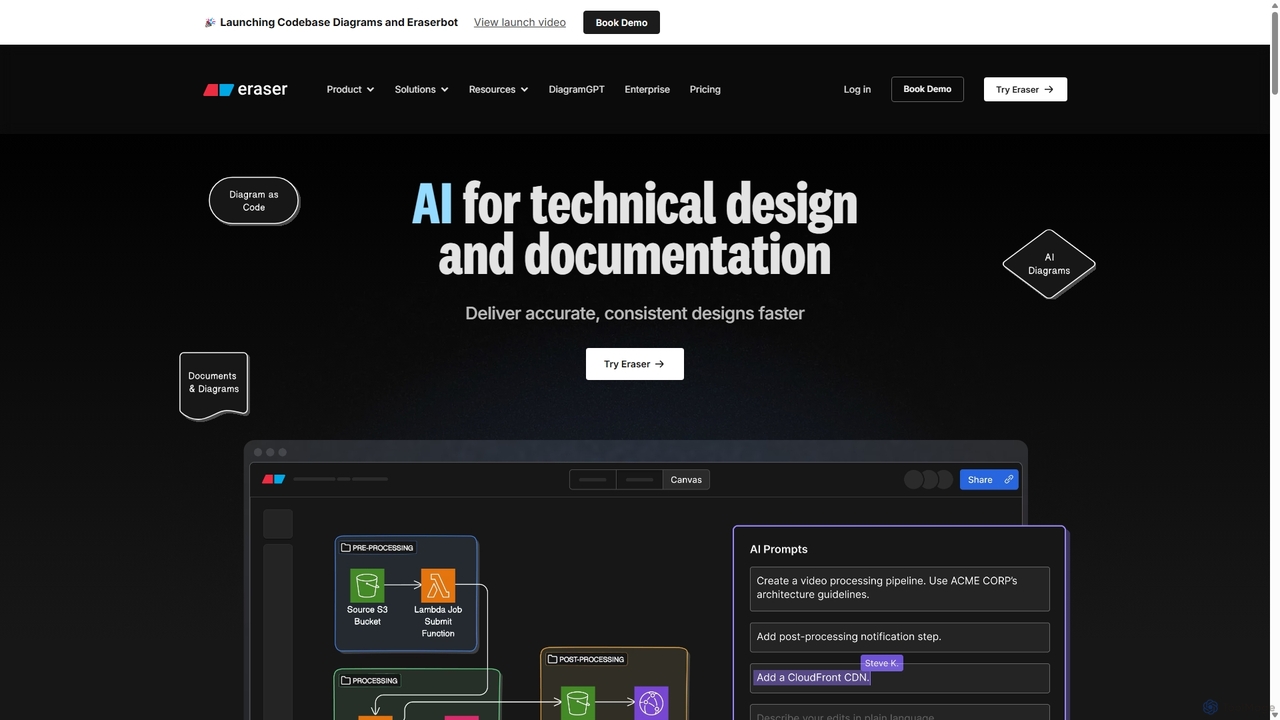
Eraser
Eraser is an AI-powered co-pilot for technical design and documentation, built for engineering teams. It enables users to generate and edit diagrams like architecture, flowcharts, and ERDs using natural language prompts. It combines a collaborative canvas with a markdown editor and diagram-as-code functionality to streamline the entire design process, from brainstorming to documentation.
Whiteboardai_flowchart
ai_flowchart is an AI-powered tool that transforms natural language descriptions into professional flowcharts and diagrams instantly. Leveraging advanced NLP, it allows users to simply describe a process, and the AI generates a visually appealing and structured diagram. It's designed for developers, project managers, and business analysts, featuring customization, collaboration, and multiple export options. Ideal for software architecture, business process mapping, and project planning.
Process Management
MindyGem
MindyGem is an AI-powered requirements management software designed for agile teams. It accelerates product development by transforming visions into standardized requirements, generating comprehensive documentation, and streamlining collaboration, helping teams build successful products 10x faster.
Collaboration
Jyek
Jyek is an AI agent platform that understands objectives, creates execution plans, uses tools, and delivers verifiable results for complex, multi-step tasks.
Automation
Mermaid Chart Comments (0)
Sign in to comment.
Sign inNo comments yet.