

Whimsical Overview
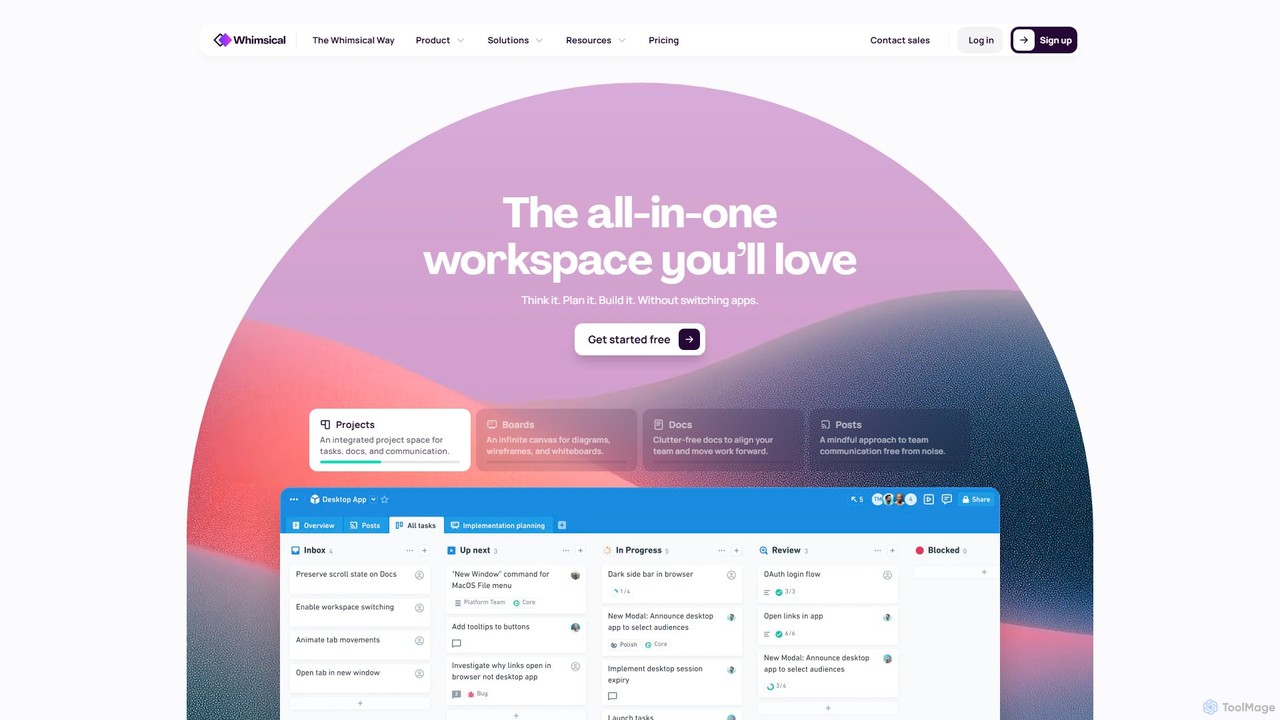
Whimsical is a comprehensive and integrated workspace designed to combat the chaos of modern work by unifying teams, tasks, and tools in one place. It offers a seamless environment where ideas can be conceived, planned, and built without the constant need to switch between different applications. This approach, dubbed 'The Whimsical Way,' promotes a calmer, more focused, and productive workflow by centralizing information, conversations, and project management.
The platform is built on four core, interconnected pillars: Boards, Docs, Projects, and Posts. With its recently integrated AI capabilities, Whimsical further accelerates workflows by automating tasks and generating ideas, making it a true 'bicycle for the mind' for millions of users, from startups to large enterprises.
How to use Whimsical
Getting started with Whimsical is intuitive. The workflow is designed to follow the natural progression of a project:
- Think & Brainstorm (Boards): Begin on an infinite canvas called a Board. Use tools like mind maps to explore ideas, flowcharts to map out processes, or wireframes to sketch product layouts. Collaborate in real-time with teammates using sticky notes, voting, and timers for workshops and retrospectives.
- Plan & Document (Docs): Transform your brainstormed ideas into concrete plans within Whimsical Docs. Write product requirement documents (PRDs), create shared notes, and embed your Boards directly into docs to provide visual context. Use Whimsical's AI to help draft content or summarize notes.
- Execute & Manage (Projects): Convert your plans into actionable work. Whimsical Projects is a thoughtfully designed project management tool. Create tasks directly from your docs, assign due dates, and track progress through statuses like Backlog, Active, and Closed. The AI can automatically generate task titles and descriptions from selected text.
- Communicate & Align (Posts): Keep everyone in sync with Posts. Share project updates, team check-ins, or requests for feedback. You can embed files and automatically share posts to Slack for broader visibility, ensuring purposeful communication without the noise of constant chat pings.
- Interlink Everything: Use the powerful '@' mention feature to link any file, task, or teammate across the entire workspace. This creates a deeply interconnected web of information, making context easily accessible. The 'Split View' feature allows you to work on two files side-by-side, such as referencing a flowchart while writing a spec doc.
Core Features of Whimsical
- AI-Powered Assistance: Automatically generate task titles and descriptions, create mind maps from prompts, and assist with content creation within docs.
- Whimsical Boards: An infinite canvas for visual collaboration, including mind maps, flowcharts, wireframes, sequence diagrams, and sticky notes.
- Whimsical Docs: Clutter-free, real-time collaborative documents with markdown support, image/video embedding, and the ability to embed live Whimsical files.
- Whimsical Projects: A fast and minimal project management tool with tasks, due dates, custom statuses, and deep integration with Docs and Boards.
- Whimsical Posts: A dedicated space for asynchronous team communication, updates, and announcements with Slack integration.
- Seamless Interconnectivity: Link any item to another using '@' mentions and display links as visual embeds.
- Split View: Open and work on multiple files side-by-side in the same window for enhanced productivity.
- Real-time Collaboration: Features multiplayer editing, comments, voting, and a notification inbox to keep collaboration focused.
- Integrations: Connect with essential tools like Slack, GitHub, and Front to streamline workflows.
- Desktop Apps: Focused, standalone desktop applications available for both Windows and macOS.
Use Cases for Whimsical
Whimsical is versatile and supports various teams and functions:
- Product Teams: Brainstorming features, creating user flows and wireframes, writing PRDs, and managing development sprints.
- Engineering Teams: Designing system architecture with flowcharts and sequence diagrams, planning technical specs, and tracking tasks.
- Design Teams: Low-fidelity wireframing, creating user journey maps, and collaborating on visual concepts.
- Marketing Teams: Planning campaigns with mind maps, outlining content strategies in docs, and managing project timelines.
- Operations & Leadership: Mapping business processes, creating organizational charts, and sharing high-level updates and strategies with Posts.
Advantages of Whimsical
The primary advantage of Whimsical is its unified and interconnected nature. By eliminating the need for multiple, disparate tools, it saves time, reduces subscription costs, and prevents information from being scattered. This leads to a 'calm work' environment where focus is prioritized over frenzy. The user interface is clean, fast, and delightful to use, lowering the barrier to adoption. Its AI features act as a smart assistant, further boosting productivity without adding complexity.
Pricing and Plans
Whimsical offers a freemium model with plans catering to different needs:
- Free Plan: $0/editor/month. Includes all Whimsical file types, unlimited members, 3 team boards, 100 team tasks, and 100 total AI actions per editor. Ideal for personal projects.
- Pro Plan: $10/editor/month (billed annually). Includes everything in Free, plus unlimited team boards and tasks, private teams, 100 custom templates, and 500 AI actions per editor/month. Best for small teams.
- Business Plan: $15/editor/month (billed annually). Includes everything in Pro, plus unlimited teams, SSO/SAML, and 1000 AI actions per editor/month. Suited for larger teams and organizations.
- Enterprise Plan: $20/editor/month (billed annually). Includes everything in Business, plus advanced security controls (SCIM), priority support, unlimited version history, and 2000 AI actions per editor/month.
Whimsical also provides special programs, including 12 months of the Pro plan for free for eligible startups, free access for students and teachers, and a 20% discount for non-profits.
Traffic
Latest traffic
Status
Monthly traffic trend
- 2025-9: 1.9M
- 2026-1: 1.6M
- 2026-2: 1.4M
- 2026-3: 1.5M
- 2026-4: 1.4M
- 2026-5: 1.4M
Geography
Top 5 countries / regions
- 🇮🇳India30.7%
- 🇺🇸United States29.0%
- 🇧🇷Brazil17.3%
- 🇮🇩Indonesia13.3%
- 🇻🇳Vietnam9.7%
Traffic sources
| Source type | Percentage |
|---|---|
Direct | 89.8% |
Referral | 7.8% |
Email | 2.4% |
Top keywords
| Keyword | Cost per click |
|---|---|
| flowchart maker | $2.47 |
| whimiscal | $3.36 |
| whimsical | $1.94 |
| whimsical ai | $0.37 |
| whinsical | $0.70 |
Whimsical Videos on YouTube



WoodenScale AI

AI Gone Viral

Learning Jam Club

Whimsical Alternatives

boardmix
boardmix is an AI-powered collaborative online whiteboard designed to enhance team creativity and productivity. It integrates AIGC, mind mapping, flowcharts, and real-time collaboration tools into a single, infinite canvas, making it an all-in-one solution for brainstorming, project management, and visual communication.
Project Management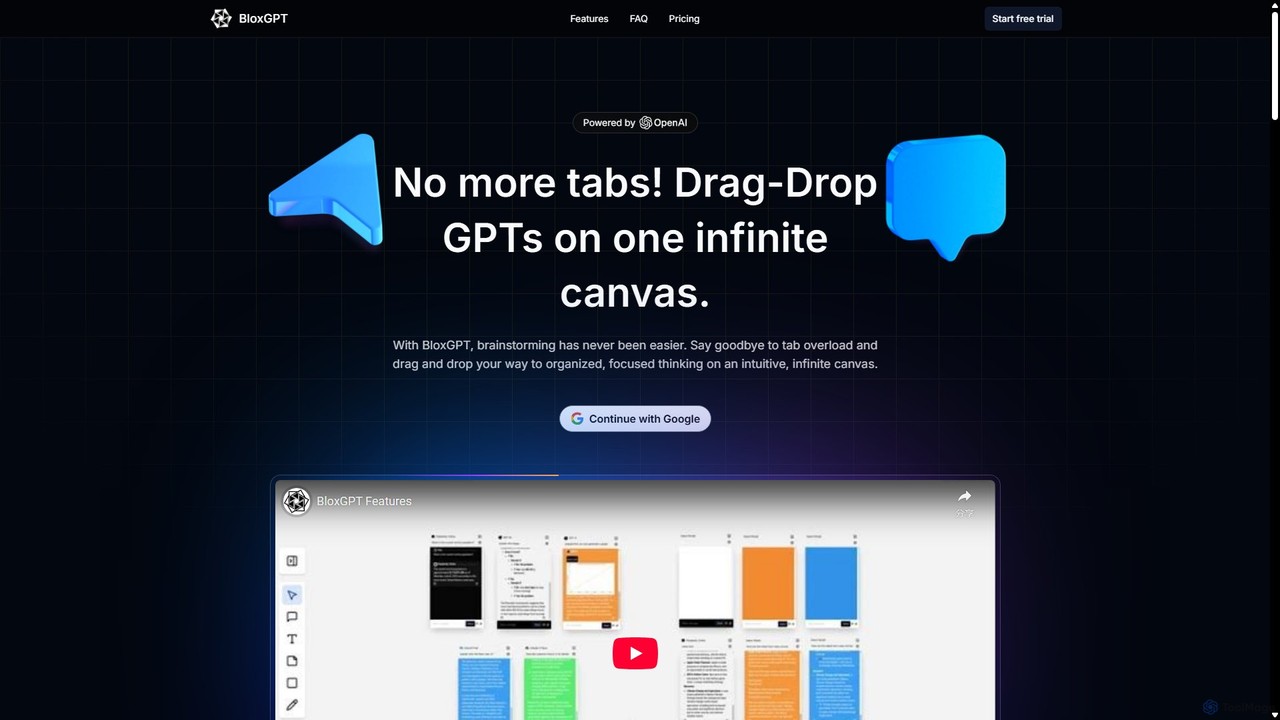
BloxGPT
BloxGPT is an AI-powered collaborative workspace that replaces tab clutter with a single, infinite canvas. Users can drag and drop GPT instances, brainstorm ideas, create diagrams, and collaborate with teams in real-time. It's designed for visual thinking, project planning, and enhanced productivity.
Wireframing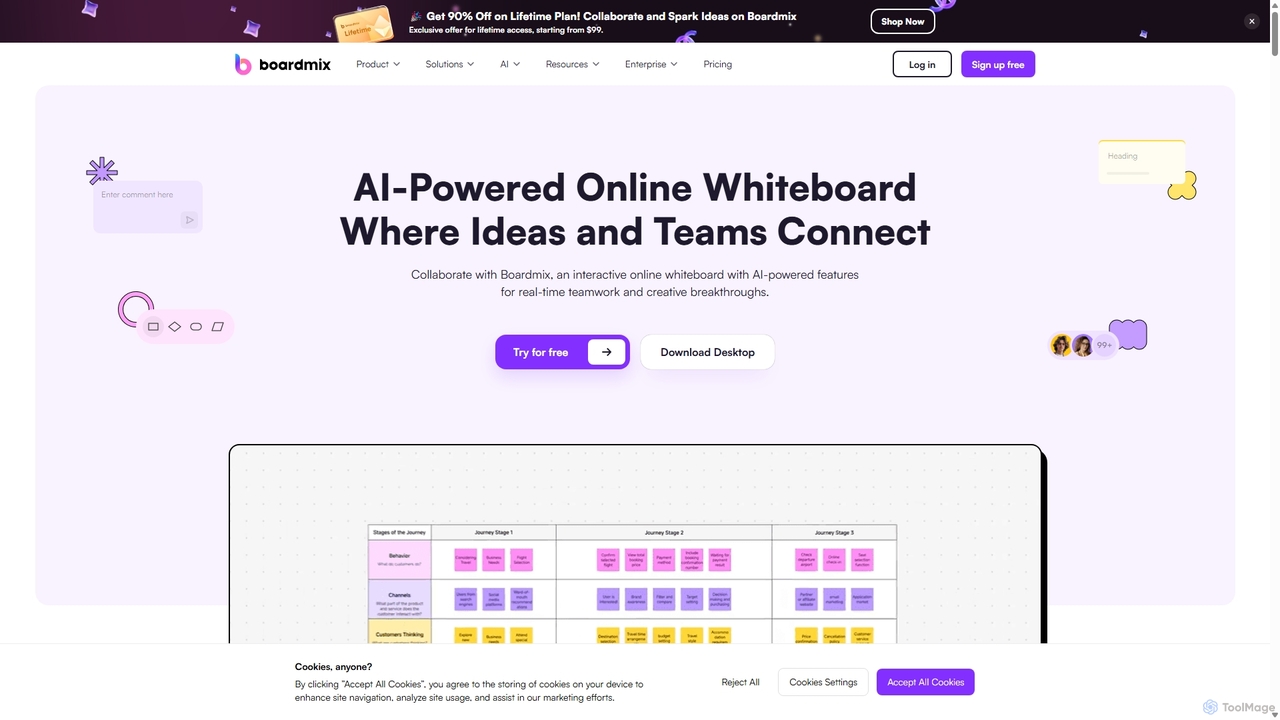
Boardmix
Boardmix is an AI-powered online collaborative whiteboard designed to connect ideas and teams. It integrates tools for mind mapping, diagramming, brainstorming, and project management into a single infinite canvas, facilitating real-time teamwork and creative breakthroughs for various professional teams.
Project Management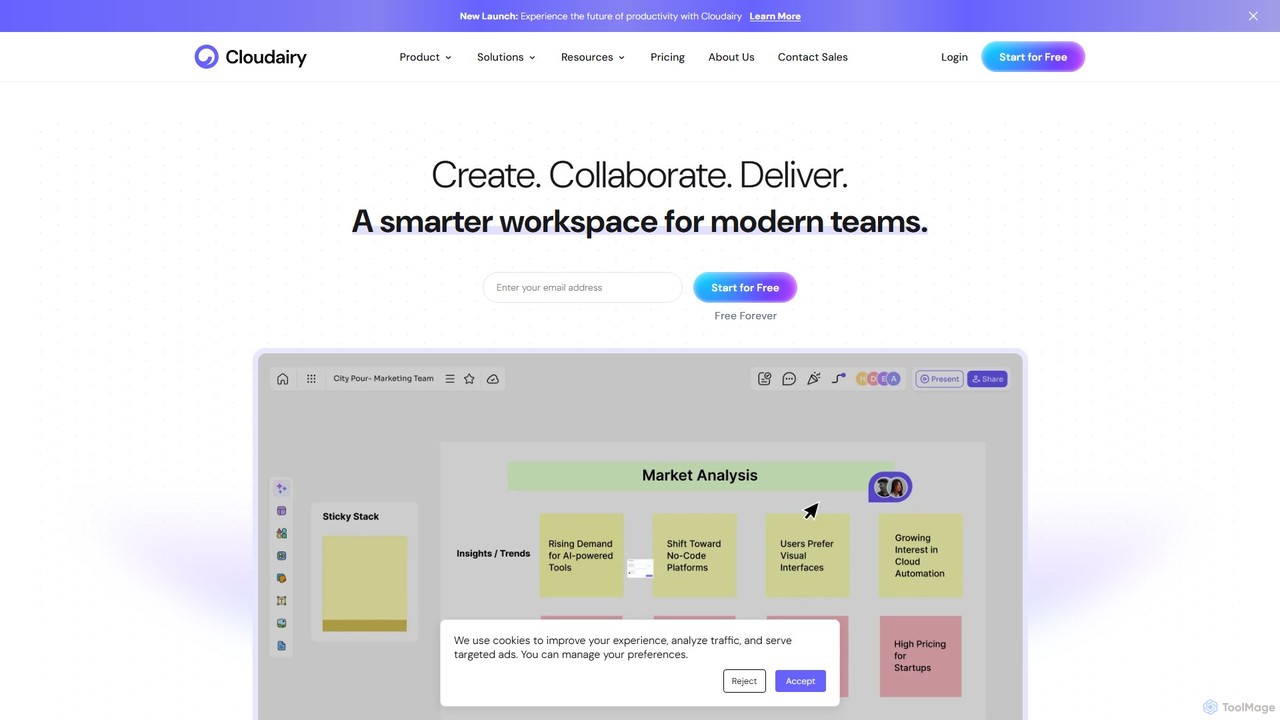
Cloudairy
Cloudairy is an AI-powered collaborative visual workspace designed for modern teams. It integrates AI-driven diagramming, mind mapping, image generation, and documentation tools into a single platform. It enables teams in engineering, sales, and project management to brainstorm, design, and deliver projects with enhanced efficiency and creativity.
Generative Art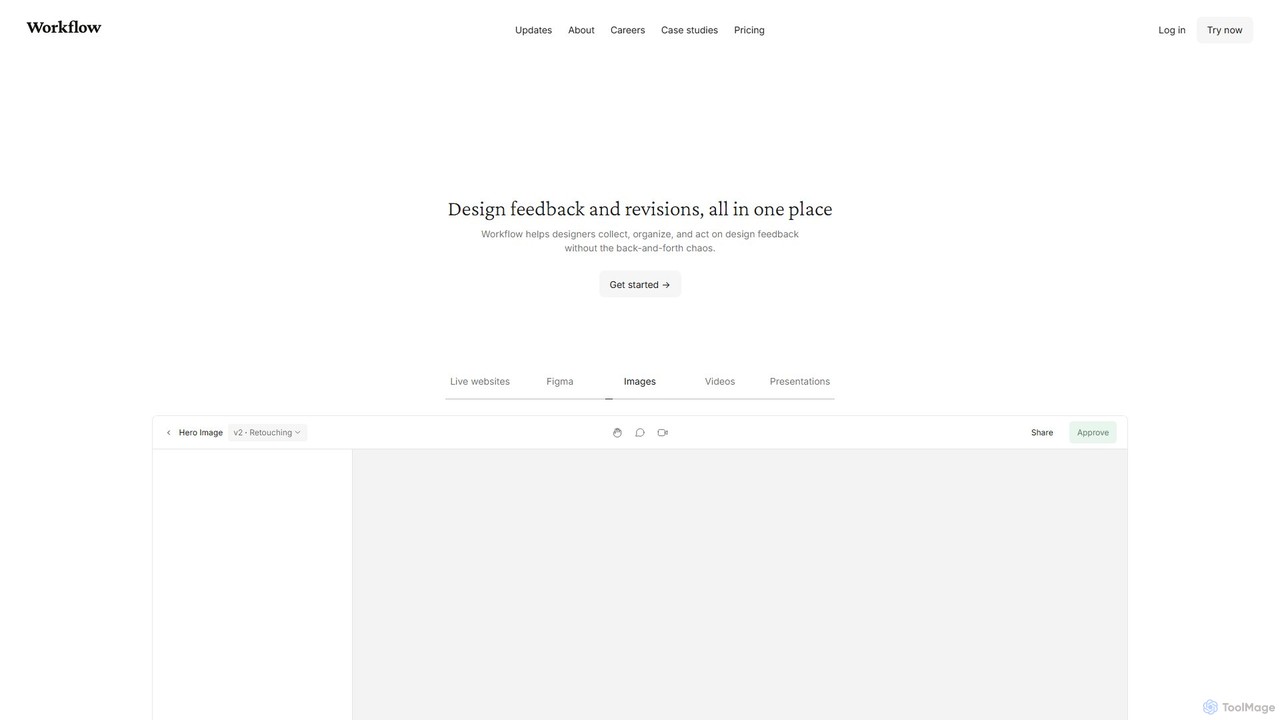
Workflow
Workflow is a collaborative design feedback and revision platform that streamlines the review process for designers and stakeholders. It allows users to leave contextual comments directly on live websites, Figma designs, videos, and images. By centralizing all feedback, versions, and approvals in one place, it eliminates chaotic email threads and simplifies project management, helping creative teams deliver projects faster.
FeedbackWhimsical Categories
Whimsical Embed Widget
Copy this embed code to place the badge on your blog, article, or product site and send readers directly to this ToolMage detail page.

Related AI tools
Creately
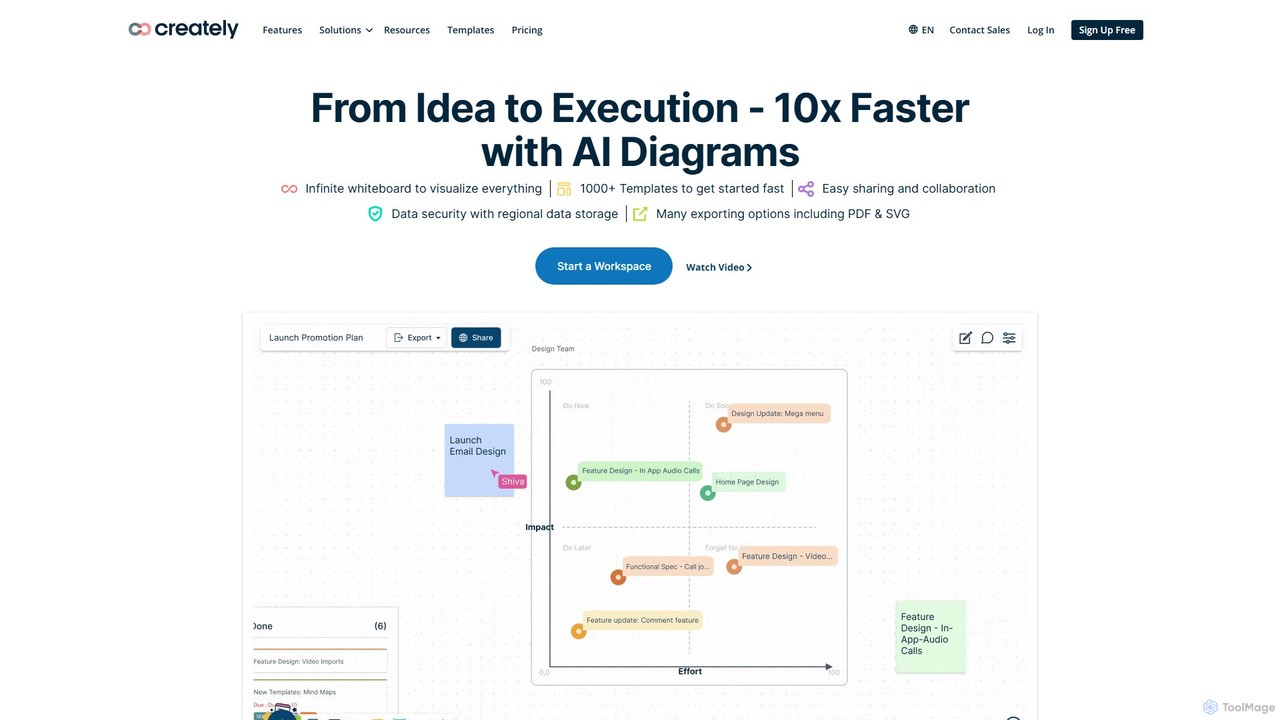
Creately is an AI-powered visual collaboration and work management platform. It combines intelligent diagramming, online whiteboarding, and data-driven project management on a single smart canvas, helping teams brainstorm, plan, and execute projects more effectively.
PlanningCloudairy
Cloudairy is an AI-powered collaborative visual workspace designed for modern teams. It integrates AI-driven diagramming, mind mapping, image generation, and documentation tools into a single platform. It enables teams in engineering, sales, and project management to brainstorm, design, and deliver projects with enhanced efficiency and creativity.
Generative Art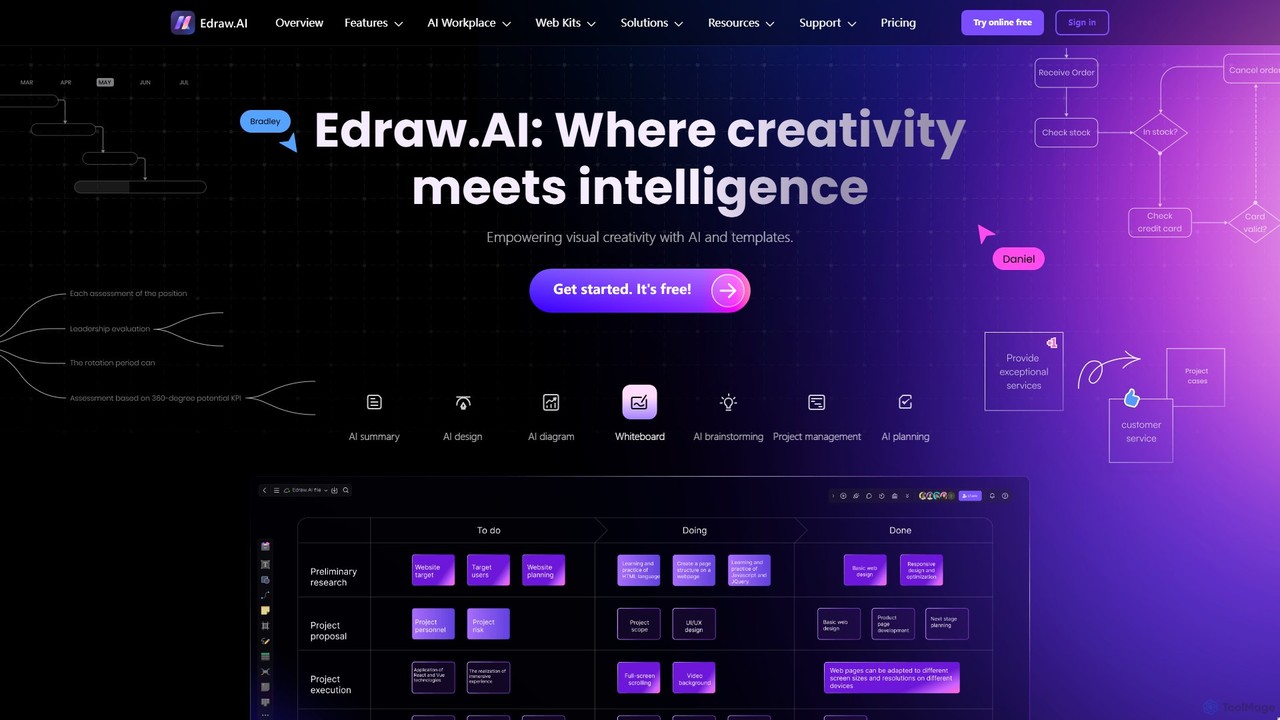
Edraw.AI
Edraw.AI is an AI-powered visual collaboration platform that enables users to create diagrams, mind maps, flowcharts, and other visuals with ease. It combines a user-friendly interface with powerful AI tools for generation, analysis, and design. Featuring real-time collaboration, an extensive library of templates and symbols, it's designed to boost productivity for teams in project management, IT, marketing, education, and more. Get started for free and transform your ideas into professional visuals.
Visualization
Kuse AI
Kuse AI is an intelligent visual collaboration platform that uses AI to supercharge brainstorming, mind mapping, and project planning. It provides an infinite canvas where teams can generate, organize, and develop ideas in real-time with the help of an AI assistant.
Mind Mapping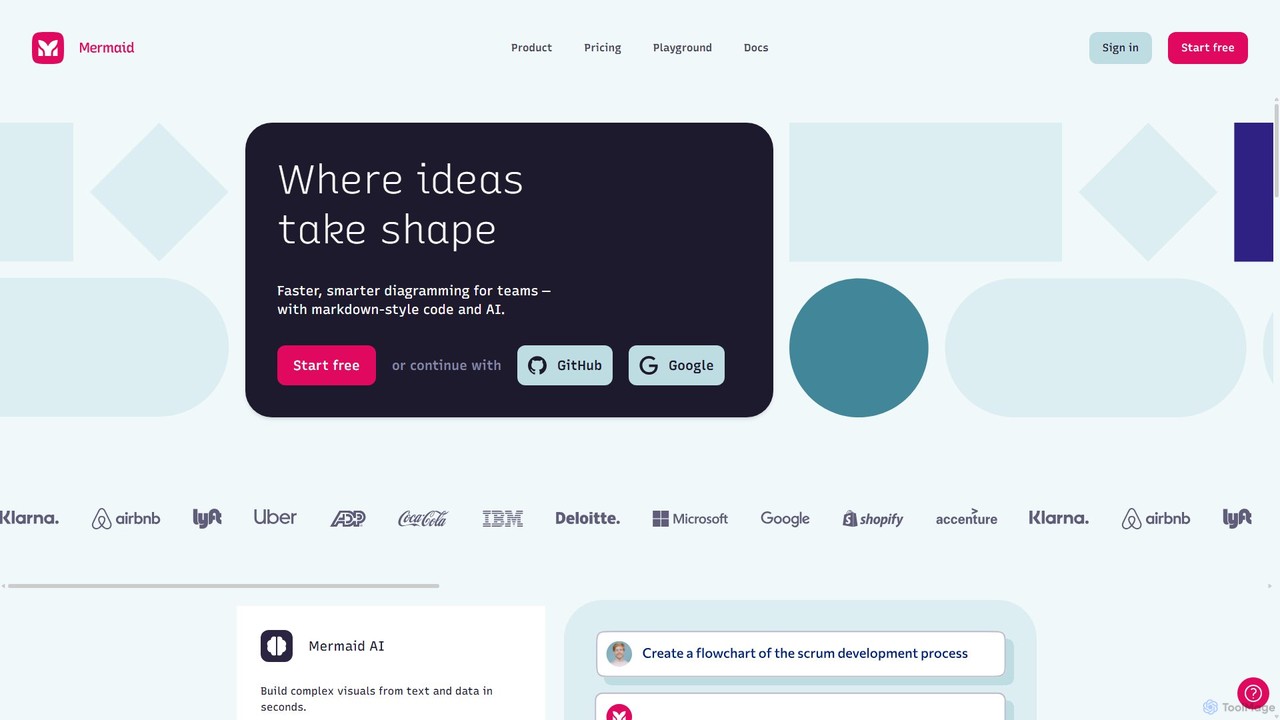
Mermaid Chart
Mermaid Chart is an AI-powered diagramming tool that enables teams to create complex visuals like flowcharts, sequence diagrams, and mind maps using markdown-style code, natural language prompts, or a visual editor. It's designed for faster, smarter diagramming and seamless collaboration.
Code Generation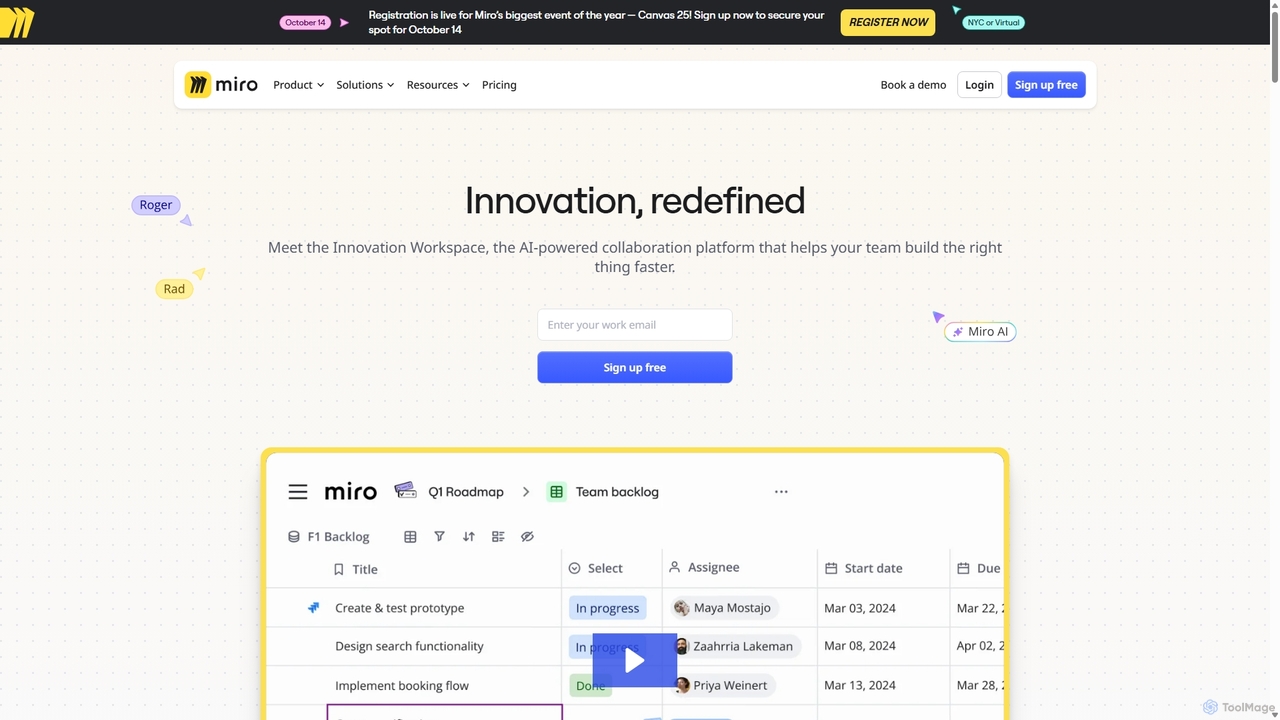
Miro
Miro is an AI-powered online collaborative whiteboard platform designed for modern teams. It provides an infinite canvas for brainstorming, planning, designing, and managing projects in real-time. With a vast template library, powerful integrations, and AI-driven features, Miro helps teams centralize communication and accelerate innovation from idea to execution.
Brainstorming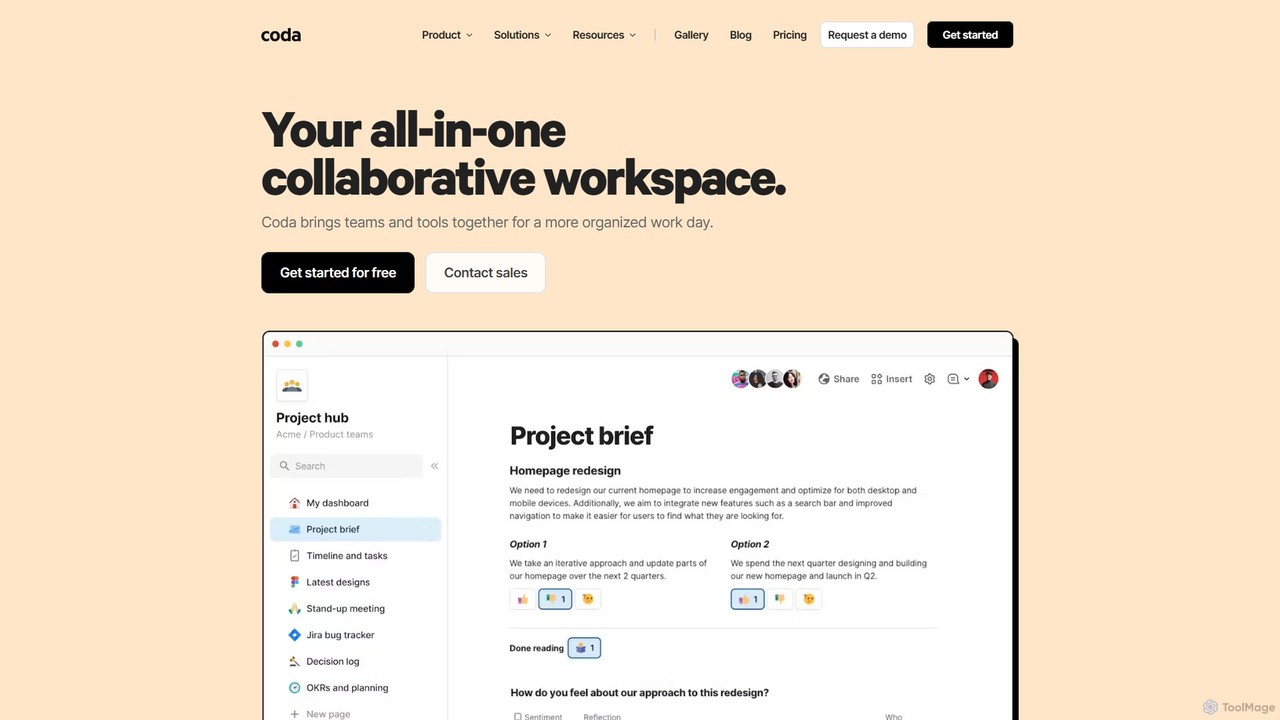
Coda
Coda is an all-in-one collaborative workspace that blends documents, spreadsheets, and applications into a single, flexible surface. Powered by Coda AI, it helps teams centralize information, automate workflows, and make faster decisions. Replace your scattered tool stack with a unified platform for writing, tracking, and building custom solutions.
Knowledge Base
Lucidchart
Lucidchart is an intelligent diagramming and visual collaboration platform that uses AI, data automation, and real-time teamwork to help users visualize complex systems, processes, and ideas. It enables teams to create professional flowcharts, org charts, network diagrams, and more, fostering clarity and driving innovation.
Project Management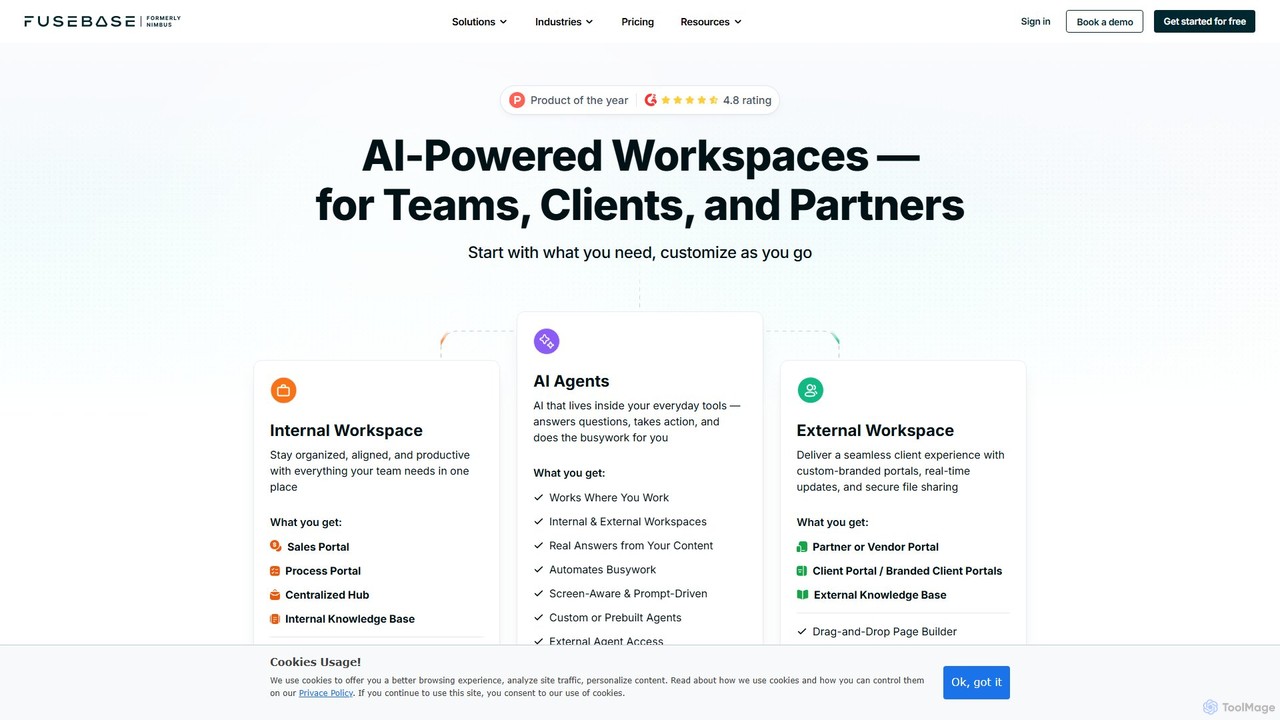
FuseBase
FuseBase is an all-in-one, AI-powered workspace designed for seamless internal and external collaboration. It helps businesses streamline workflows, manage projects, and enhance client communication through customizable client portals, intelligent AI agents, and a centralized knowledge base. Consolidate your tools, automate busywork, and accelerate your business growth with a single, unified platform.
Client Management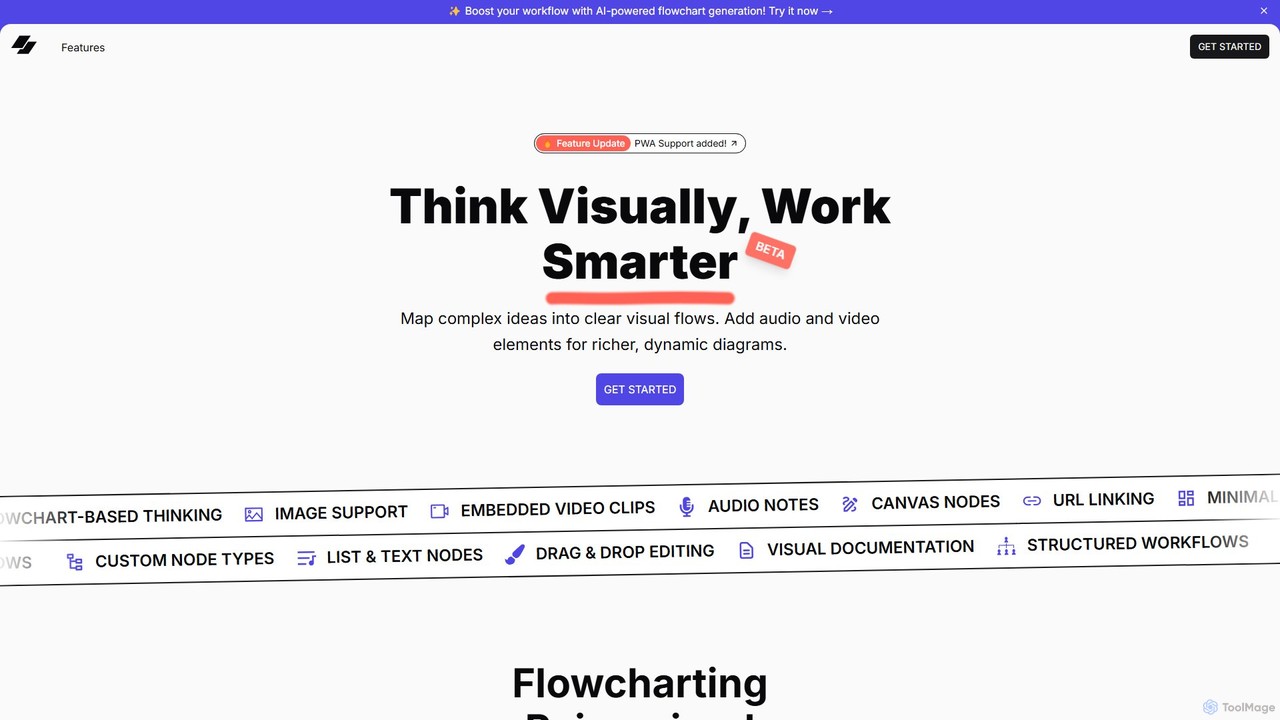
VisFlow
VisFlow is an AI-powered visual workspace that redefines flowcharting and mind mapping by integrating rich multimedia. It allows users to embed images, audio, and video directly into their diagrams, fostering a more dynamic and contextual way to brainstorm, plan, and collaborate. With a focus on privacy through local-first storage and an intuitive drag-and-drop interface, VisFlow is designed for creatives, educators, and teams who think visually.
Whiteboard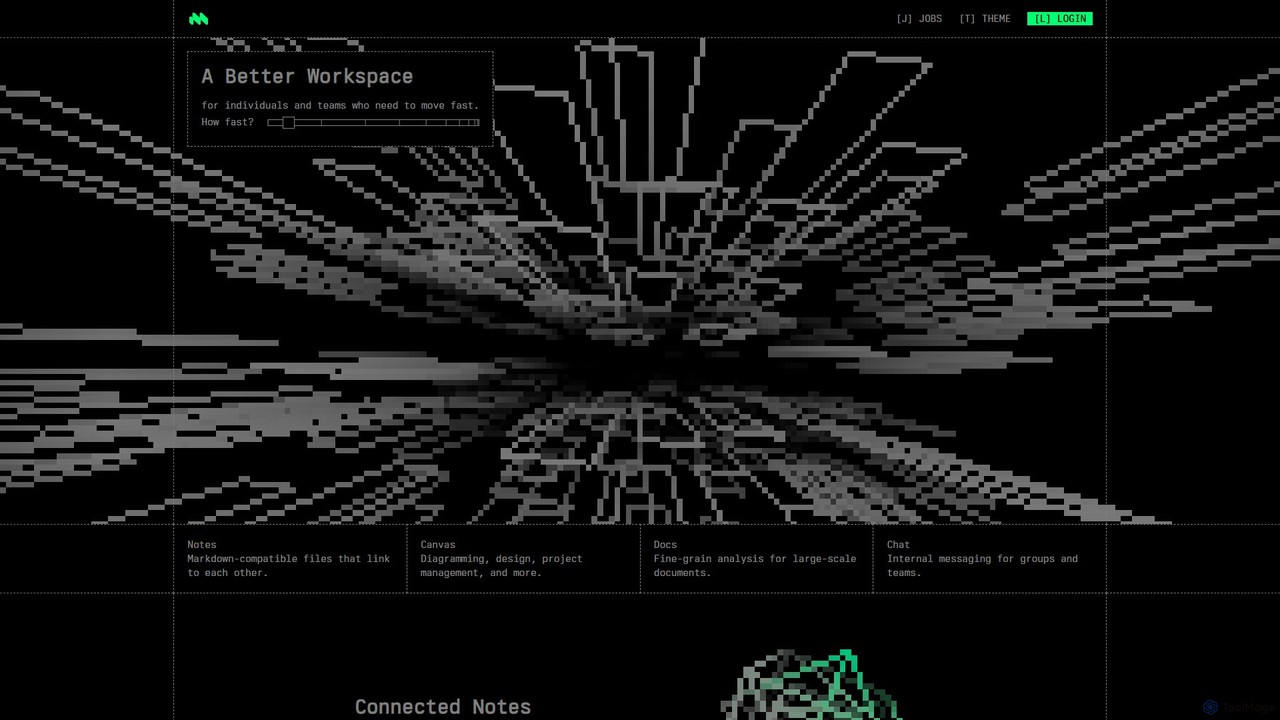
Macro
Macro is an AI-powered, unified workspace designed for speed and collaboration. It integrates linkable notes, an infinite canvas for brainstorming, intelligent document analysis, and threaded team chat into a single, secure, and enterprise-ready platform.
Ai Document Analysis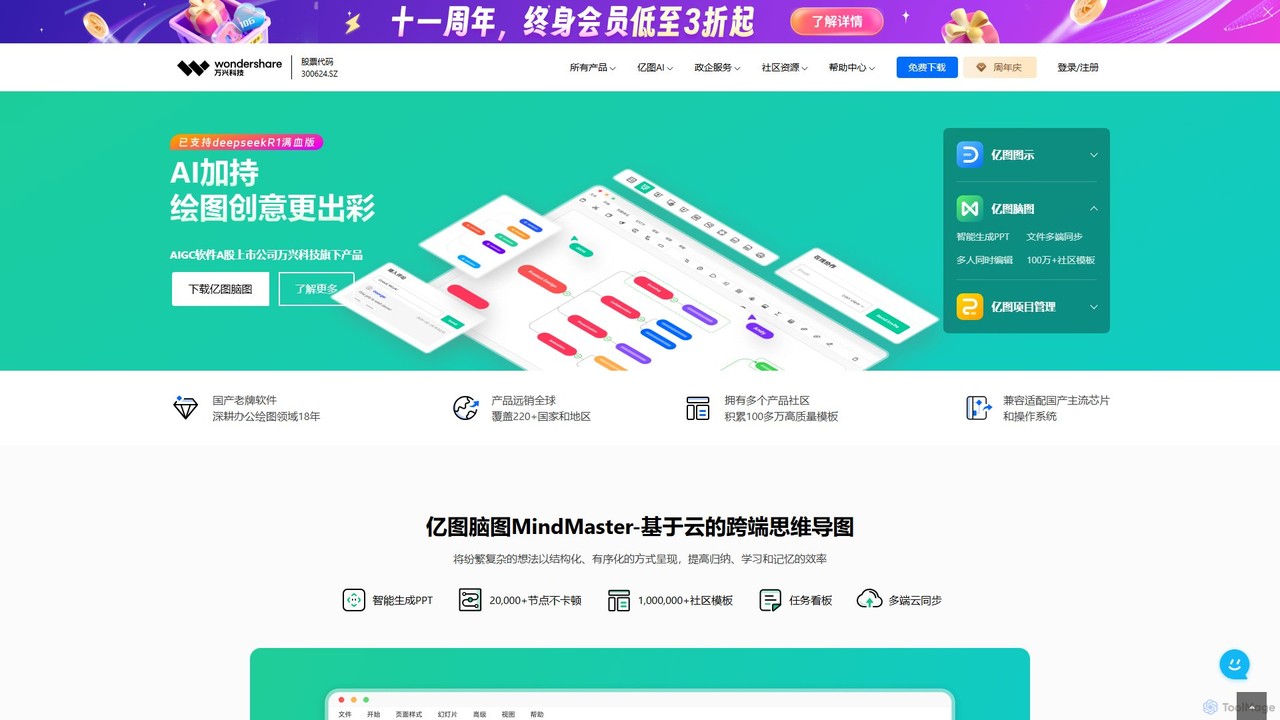
Edrawsoft
Edrawsoft is a comprehensive suite of AI-powered visual tools for diagramming, mind mapping, and project management. It includes EdrawMax for all-in-one diagram creation, EdrawMind for brainstorming, and EdrawProj for Gantt charts. With AI assistance, users can automatically generate flowcharts, org charts, and more from text, beautify designs with a single click, and collaborate seamlessly across platforms. It's a powerful Visio alternative for individuals, teams, and enterprises.
Project Management
Flux AI
Flux AI is an intelligent collaborative whiteboard that transforms text prompts into complex diagrams. It empowers teams to visualize ideas, design workflows, and create flowcharts or mind maps in seconds, streamlining the entire planning and brainstorming process.
Whiteboardboardmix
boardmix is an AI-powered collaborative online whiteboard designed to enhance team creativity and productivity. It integrates AIGC, mind mapping, flowcharts, and real-time collaboration tools into a single, infinite canvas, making it an all-in-one solution for brainstorming, project management, and visual communication.
Project ManagementBloxGPT
BloxGPT is an AI-powered collaborative workspace that replaces tab clutter with a single, infinite canvas. Users can drag and drop GPT instances, brainstorm ideas, create diagrams, and collaborate with teams in real-time. It's designed for visual thinking, project planning, and enhanced productivity.
Wireframing
Whimsical Comments (0)
Sign in to comment.
Sign inNo comments yet.