Choosier
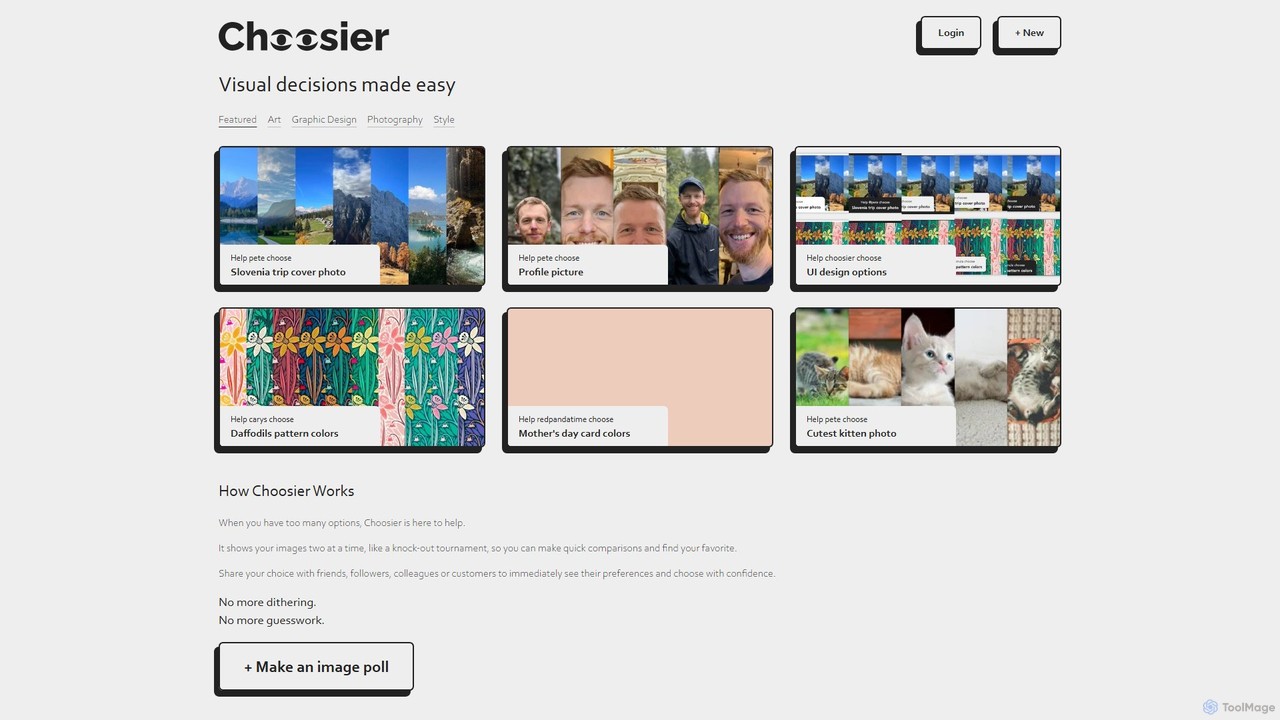
Choosier is a simple and intuitive online tool for creating image polls. It helps you make visual decisions …
Choosier is a simple and intuitive online tool for creating image polls. It helps you make visual decisions quickly by presenting options in a head-to-head, tournament-style format. Share your poll with a link and gather feedback from friends, colleagues, or customers to choose with confidence.
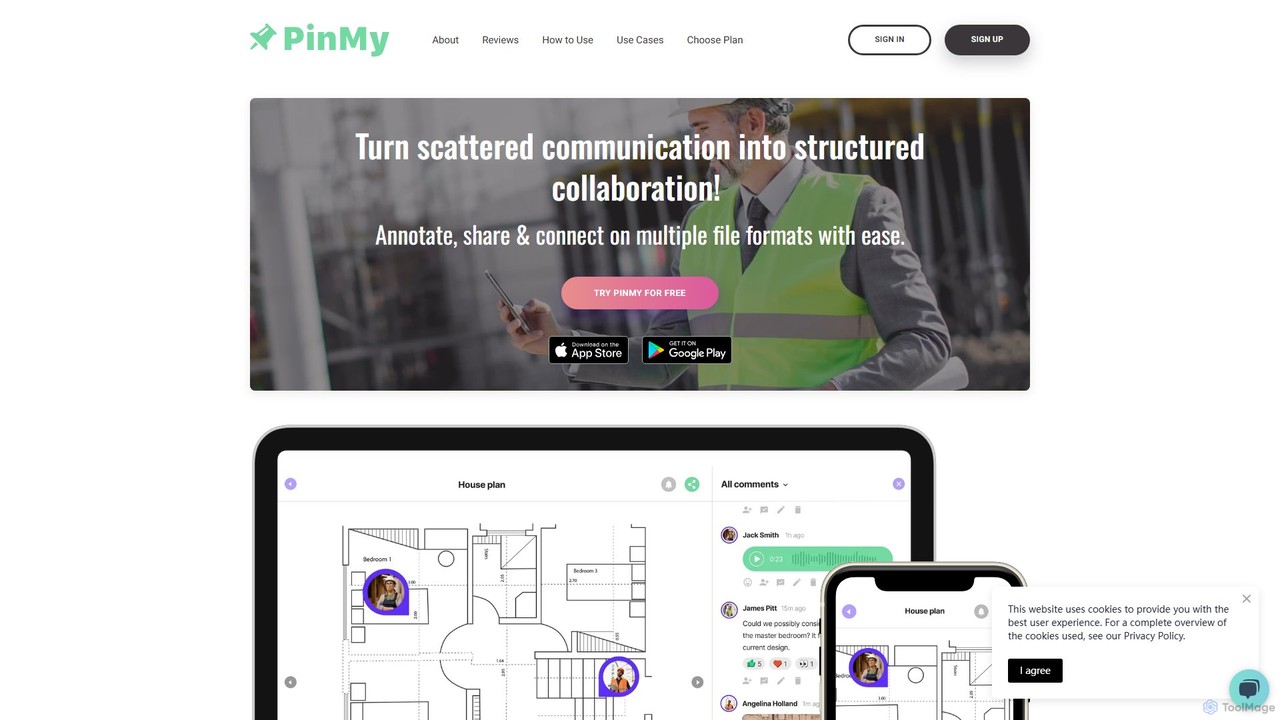
PinMy
PinMy is a visual collaboration platform designed to streamline feedback and communication for teams in construction, design, marketing, …
PinMy is a visual collaboration platform designed to streamline feedback and communication for teams in construction, design, marketing, and education. It allows users to pin comments, voice notes, and annotations directly onto images, PDFs, and videos, eliminating ambiguity and accelerating project workflows. It's an intuitive tool for precise, real-time feedback.
yayornay
An AI-powered platform for instant feedback and idea validation. Submit designs, concepts, or questions to get rapid "yay …
An AI-powered platform for instant feedback and idea validation. Submit designs, concepts, or questions to get rapid "yay or nay" responses and qualitative insights, helping you make faster, data-driven decisions.
Superflow
Superflow is an AI-powered collaborative review and approval platform for creative teams. It streamlines feedback on websites, videos, …
Superflow is an AI-powered collaborative review and approval platform for creative teams. It streamlines feedback on websites, videos, PDFs, and images with precise, contextual comments, task management, and integrations, accelerating creative workflows and centralizing communication for faster project delivery.
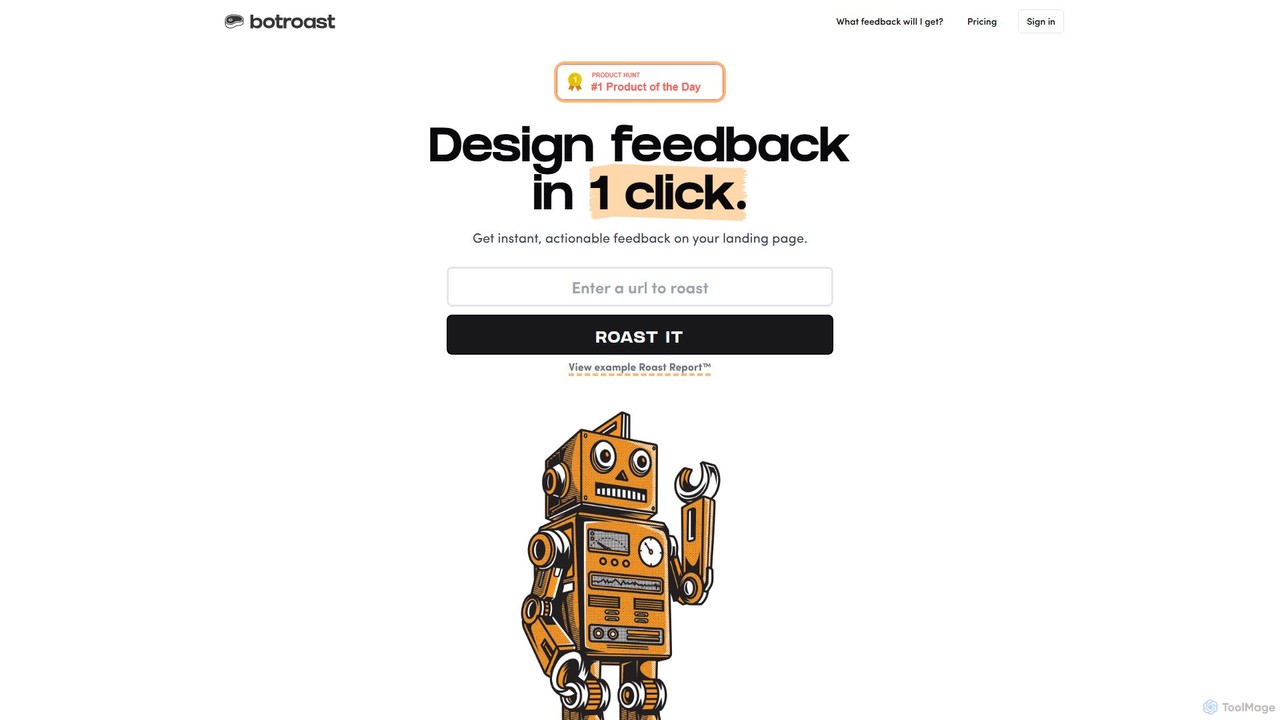
Botroast
Botroast is an AI-powered tool that provides instant, actionable feedback on your landing page designs. With a single …
Botroast is an AI-powered tool that provides instant, actionable feedback on your landing page designs. With a single click, it generates a comprehensive 'Roast Report™' analyzing key design principles like visual hierarchy, typography, color theory, and layout to help you improve user experience and conversion rates.
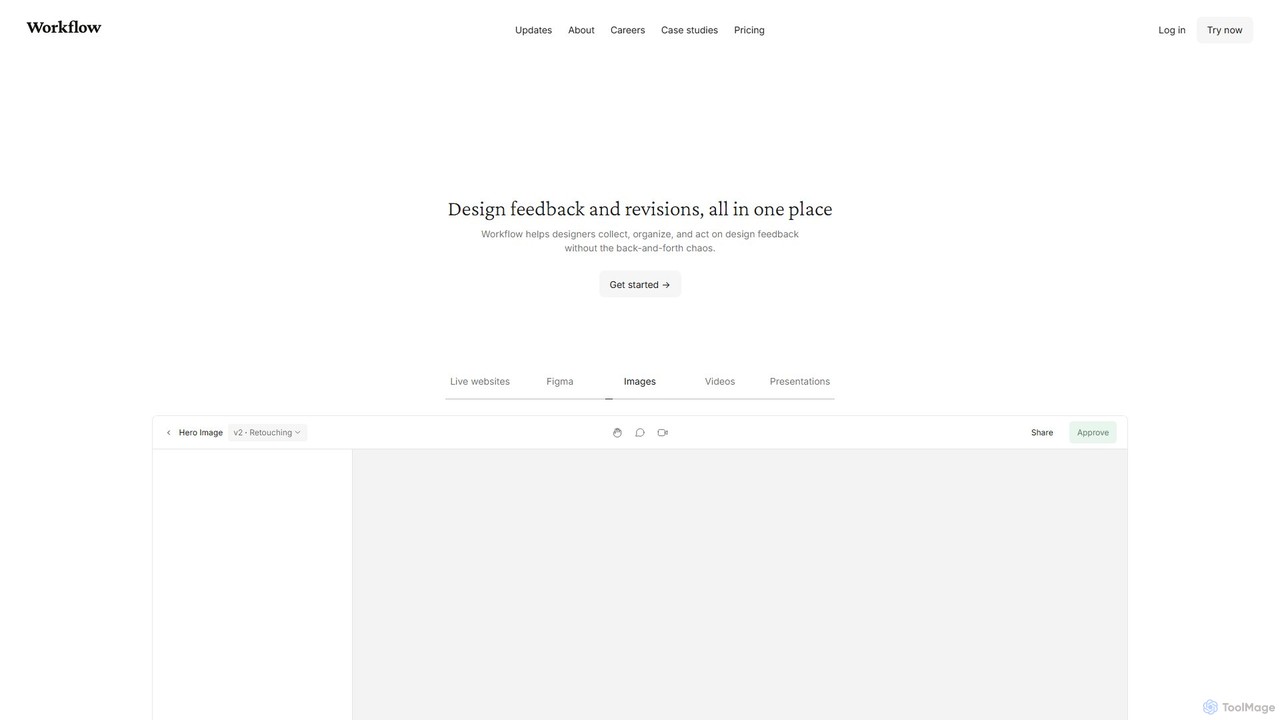
Workflow
Workflow is a collaborative design feedback and revision platform that streamlines the review process for designers and stakeholders. …
Workflow is a collaborative design feedback and revision platform that streamlines the review process for designers and stakeholders. It allows users to leave contextual comments directly on live websites, Figma designs, videos, and images. By centralizing all feedback, versions, and approvals in one place, it eliminates chaotic email threads and simplifies project management, helping creative teams deliver projects faster.
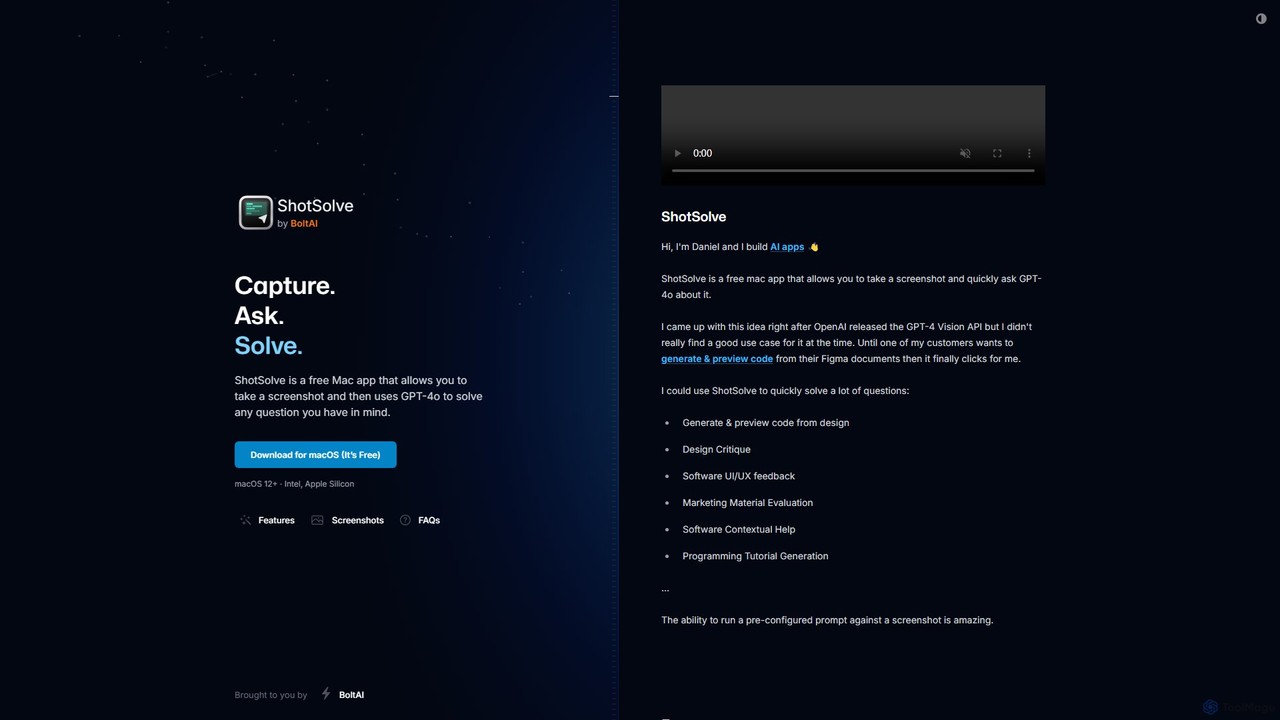
ShotSolve
ShotSolve is a free native Mac app that empowers users to instantly solve problems using AI. Simply take …
ShotSolve is a free native Mac app that empowers users to instantly solve problems using AI. Simply take a screenshot with a universal shortcut, ask a question, and get an answer from GPT-4o. It's perfect for developers, designers, and marketers for tasks like code generation from designs, UI/UX feedback, and contextual help. It's lightweight, privacy-focused, and requires your own OpenAI API key.
Toolbar
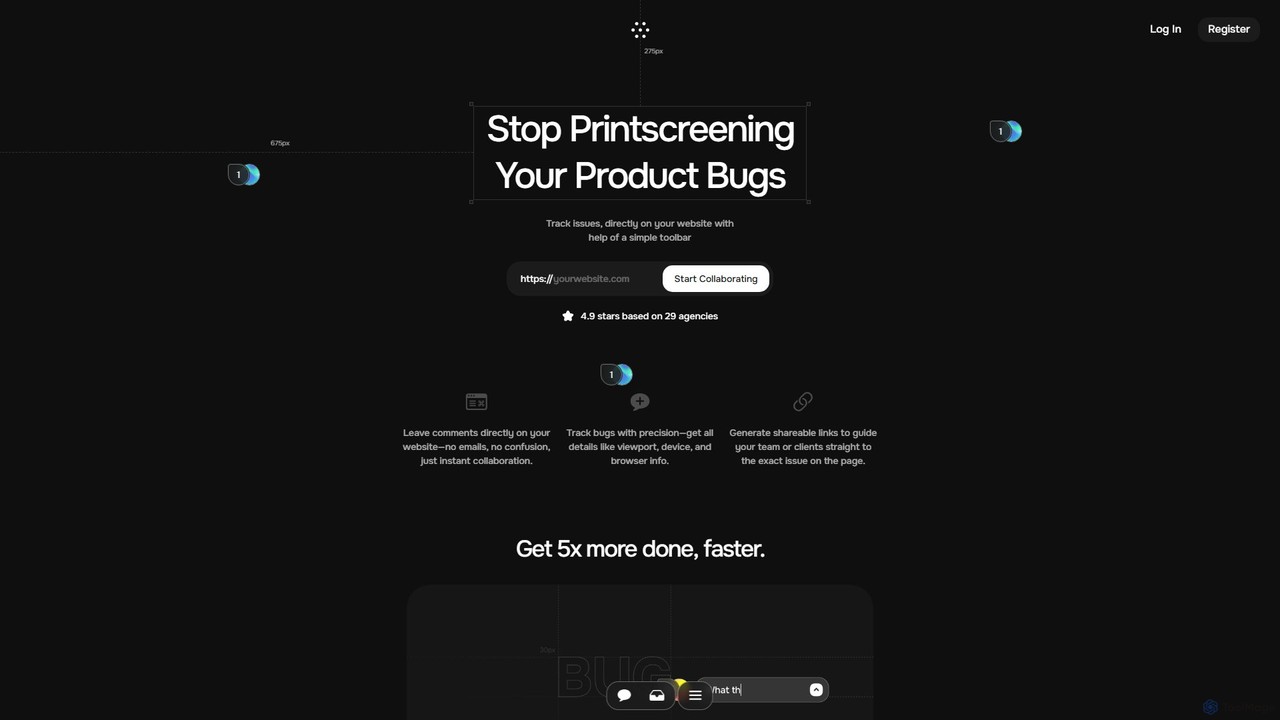
Toolbar is the fastest visual feedback and bug tracking tool designed for agencies and web development teams. It …
Toolbar is the fastest visual feedback and bug tracking tool designed for agencies and web development teams. It allows users to leave comments, report bugs with full context, and collaborate directly on any website, eliminating the need for screenshots and confusing email chains. AI-powered features help resolve tasks even faster.
NowKnow
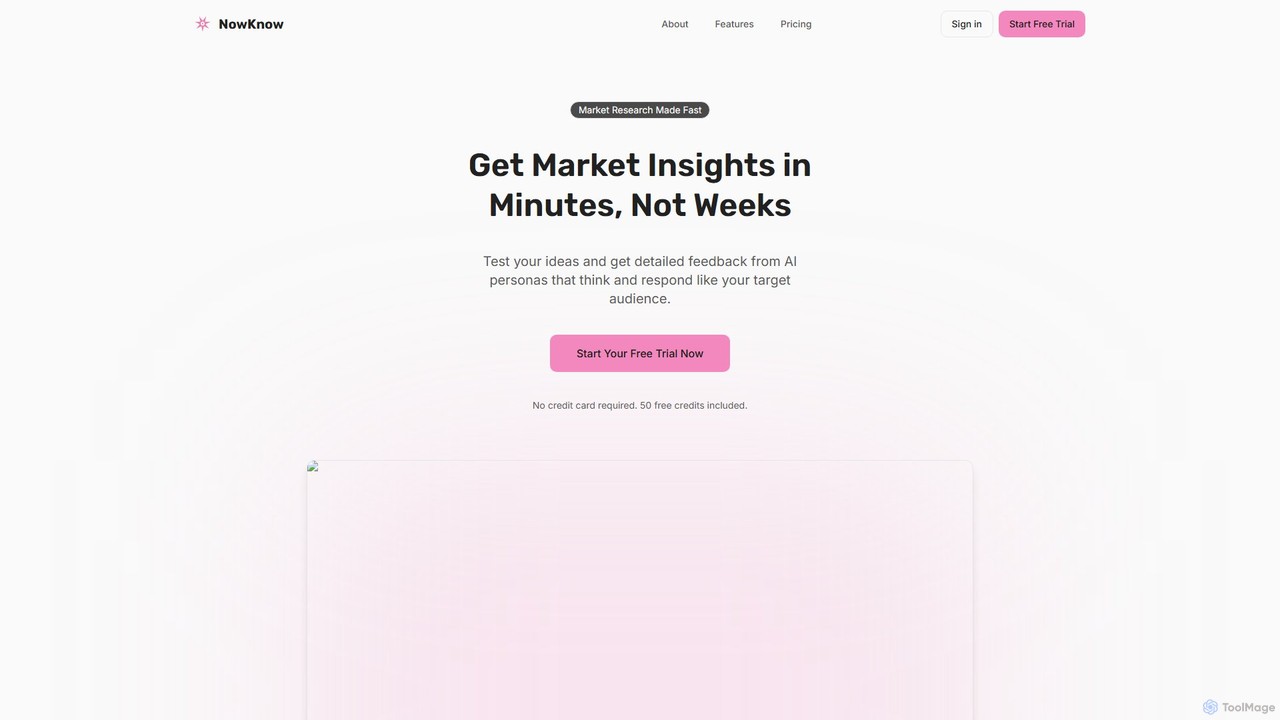
NowKnow is an AI-powered platform that provides rapid, real-time market insights. It enables businesses to test everything from …
NowKnow is an AI-powered platform that provides rapid, real-time market insights. It enables businesses to test everything from logos and UI/UX designs to marketing messages and product concepts with their target audience. By leveraging AI to create, distribute, and analyze surveys, NowKnow helps teams make data-driven decisions quickly and affordably, reducing time-to-insight from weeks to minutes.
About Feedback
AI Feedback tools are a specialized category of design software that uses artificial intelligence to collect, analyze, and synthesize user feedback on prototypes, websites, and applications. These tools leverage machine learning models, particularly Natural Language Processing (NLP), to automatically process vast amounts of qualitative data like comments, reviews, and interview transcripts. Their primary value lies in transforming unstructured user opinions into structured, actionable insights, significantly accelerating the design iteration cycle. This allows design and product teams to make data-driven decisions more efficiently.
Core Features
- Sentiment Analysis: Automatically classifies user comments as positive, negative, or neutral to quickly gauge overall user perception.
- Thematic Clustering: Groups thousands of unstructured comments into distinct themes or topics, identifying recurring pain points and feature requests.
- Visual Feedback & Heatmaps: Enables users to comment directly on design mockups or live websites, with AI generating heatmaps of clicks and attention.
- Automated Summarization: Condenses long user interviews, reviews, or feedback threads into concise, easy-to-digest summaries.
- Predictive Analytics: Analyzes feedback trends to forecast potential user churn or identify features with the highest impact on satisfaction.
Use Cases
These tools are primarily used by UX/UI designers, product managers, and user researchers. Common applications include analyzing usability test results from prototypes, consolidating feedback on new feature launches from app store reviews and support tickets, and identifying points of friction on live websites through session recordings and heatmaps.
How to Choose
When selecting an AI Feedback tool, consider its integration capabilities with your existing design stack (e.g., Figma, Adobe XD, Jira). Evaluate the types of data it can analyze (text, video, audio, clicks) and the depth of its AI analysis. Also, assess its collaboration features for sharing insights across teams and its scalability to handle your volume of user feedback.
FeedbackUse Cases
Optimizing Landing Page Conversion Before Launch
A marketing team is preparing to launch a new campaign with a dedicated landing page. Before investing in ad spend, the designer uploads the final mockup to an AI Feedback tool. The tool generates a predictive attention heatmap, revealing that users' eyes are drawn to a decorative image rather than the primary call-to-action (CTA) button. It also provides a clarity score of 65/100, suggesting the headline is ambiguous. Based on this instant feedback, the designer repositions the CTA for better visibility and rewrites the headline. This pre-launch optimization, completed in minutes, significantly increases the potential for higher conversion rates.
Analyzing Usability Testing Session Videos
A UX research team conducts remote usability tests for a new mobile banking app prototype. They upload ten hour-long video recordings of users thinking aloud while performing tasks. The AI Feedback tool automatically transcribes all sessions, identifies moments of user frustration or confusion through sentiment and tonal analysis, and clusters all verbal feedback into key themes like 'unclear transaction history' and 'difficulty finding transfer button'. This process reduces manual analysis time from over 40 hours to just a few, providing designers with a prioritized list of issues to fix before the next design sprint.
Ensuring UI/UX Accessibility Compliance
A UX designer is finalizing the design for a new mobile banking app feature. To ensure it is usable by everyone, including people with visual impairments, they run the design through an AI Feedback tool's accessibility audit. The AI instantly flags three critical issues: the color contrast between the text and background in the transaction history is below WCAG AA standards, the font size for error messages is too small, and an important icon lacks a text label. The designer receives specific recommendations, such as the exact hex codes for a compliant color palette. This automated check helps the team proactively fix accessibility barriers before they reach development, saving time and ensuring a more inclusive product.
Aggregating Visual Feedback on Figma Prototypes
A UI designer shares a new checkout flow design from Figma with 20 stakeholders across different departments. Instead of managing feedback from emails and Slack messages, they use an AI Feedback tool integrated with Figma. Stakeholders can click anywhere on the prototype and leave a comment. The tool organizes all comments visually on the design, automatically tags them by component (e.g., 'button', 'form field'), and generates a summary report highlighting the most commented-on screens and components. This streamlines the review process and ensures no feedback is lost.
Streamlining Design Feedback from Multiple Stakeholders
A product manager collects feedback on a new feature prototype from ten different stakeholders via comments in a Figma file. The comments are varied, ranging from UI suggestions to business logic questions. Instead of manually reading and categorizing each comment, the PM uses an AI Feedback tool that integrates with Figma. The tool automatically processes all comments, groups them into themes like 'Navigation Issues', 'Color Palette Concerns', and 'Feature Scope', and provides a summary of the most critical points. This saves the PM several hours of manual work and provides a clear, prioritized list of revisions for the design team.
Synthesizing App Store Reviews for Product Roadmapping
A product manager needs to prioritize features for the next quarter. They feed over 10,000 user reviews from the Apple App Store and Google Play Store into an AI Feedback tool. The AI automatically categorizes each review by topic (e.g., 'bug report', 'feature request', 'pricing issue') and sentiment. It identifies that the most frequent negative topic is 'slow performance on older devices' and the top feature request is 'dark mode'. This data provides a clear, quantitative basis for prioritizing performance optimization and dark mode development in the upcoming product roadmap.
Rapidly Comparing Design Variations
A UI designer is tasked with creating a new homepage layout and has developed two distinct versions (Version A and Version B). To get a quick, data-informed opinion on which is more effective, they submit both designs to an AI Feedback tool. The AI analysis shows that Version A has a higher clarity score and its primary CTA is predicted to receive 30% more attention than Version B's. The report also highlights that Version B's navigation menu is more confusing. Armed with this quantitative comparison, the designer can confidently present Version A as the stronger option to stakeholders, supported by predictive data rather than just personal preference.
Identifying User Friction with Session Replay Heatmaps
A conversion rate optimization (CRO) specialist notices a high drop-off rate on their e-commerce site's payment page. They use an AI Feedback tool that provides session replays and AI-generated heatmaps. The tool automatically identifies sessions where users exhibit 'rage clicks' (clicking repeatedly in the same spot out of frustration). The aggregated heatmaps clearly show that users are repeatedly clicking a non-interactive 'promo code' text label, expecting a pop-up. This insight leads the design team to change the label into an actual button, immediately improving the user experience and reducing page abandonment.
Improving Ad Creative Effectiveness
A graphic designer for an e-commerce brand creates three different visual concepts for a social media ad campaign. Before launching the ads and spending the budget, the marketing manager uses an AI Feedback tool to analyze the creatives. The tool's first impression analysis indicates that one ad evokes 'trust' and 'quality', while another is perceived as 'confusing'. The attention heatmaps also show which ad design does a better job of directing focus to the product image and discount code. This data helps the team select the most promising creative and refine it for maximum impact, improving the return on ad spend (ROAS).
Centralizing Cross-Channel Feedback for a Holistic View
A product team at a SaaS company receives user feedback through Intercom chats, Zendesk support tickets, and NPS survey comments. This feedback is siloed and difficult to analyze collectively. By integrating these sources with an AI Feedback tool, all data is funneled into a single repository. The AI deduplicates similar feedback, identifies overarching themes across all channels, and creates a unified dashboard. Now, the team can see that a feature request mentioned in an NPS survey is the same root cause as a common support ticket, providing a holistic view of user needs and prioritizing development work more effectively.
Validating Design System Component Usability
A design systems team is developing a new set of interactive components, including buttons, dropdowns, and forms. Before releasing them to the wider product teams, they use an AI Feedback tool to perform a heuristic evaluation. The AI analyzes each component for clarity, consistency, and potential usability flaws. For a dropdown component, it might flag that the clickable area is too small for mobile devices. For a form, it might highlight inconsistent label alignment. This objective, automated review helps the team catch and fix fundamental design issues early, ensuring that the components they provide are robust, user-friendly, and consistent across all products.
Validating New Design Concepts with AI-Powered Surveys
Before investing development resources, a design team wants to validate three different concepts for a new dashboard layout. They create a survey showing all three designs and ask open-ended questions like 'Which design do you prefer and why?'. The AI Feedback tool analyzes hundreds of free-text responses. It not only quantifies which design is preferred but also automatically surfaces the key reasons, clustering responses into themes like 'Concept A is cleaner', 'Concept B has better data hierarchy', and 'Concept C feels too cluttered'. This provides rich qualitative evidence to support the quantitative preference, enabling a confident design decision.