

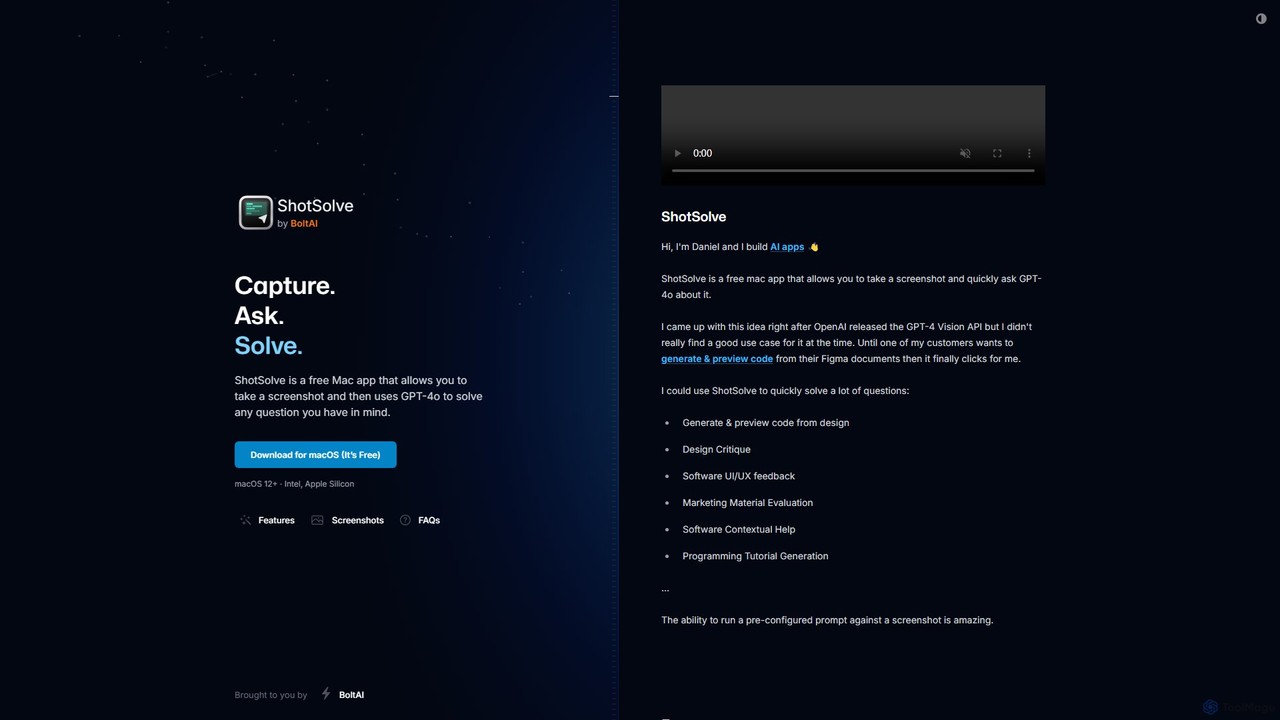
ShotSolve Overview
ShotSolve is a powerful and intuitive free Mac application designed to bridge the gap between visual information and AI-powered problem-solving. Developed by the creator of BoltAI, ShotSolve leverages the advanced capabilities of OpenAI's GPT-4o model to analyze screenshots and provide instant, context-aware answers. This native app is built with performance and user experience in mind, offering a lightweight and fast alternative to bulky Electron apps. It allows users to capture any part of their screen and immediately ask questions, making it an indispensable tool for a wide range of professionals, including developers, designers, marketers, and students.
The core idea behind ShotSolve is to make AI assistance seamless and visually driven. Instead of describing a problem verbally, you can show it. This visual context allows for far more accurate and relevant responses from the AI. Whether you're stuck on a piece of code, need feedback on a design mockup, or want to understand a complex diagram, ShotSolve provides a direct and efficient workflow to get the answers you need.
How to use ShotSolve
Using ShotSolve is designed to be incredibly simple and integrated into your daily workflow. Here’s a step-by-step guide:
- Download and Install: Get the free application from the official website and install it on your Mac.
- Set Up Your API Key: ShotSolve requires you to use your own OpenAI API key. You need to create a key from your OpenAI account and ensure you have a valid payment method on file for API usage. The app stores your key securely in the Apple Keychain.
- Capture a Screenshot: Use the default universal shortcut, Command + Shift + 1, to select an area of your screen. This will instantly open the ShotSolve interface with your screenshot loaded.
- Ask Your Question: A chat window will appear next to your screenshot. Simply type your question or prompt related to the captured image.
- Get Your Answer: GPT-4o will analyze both your text prompt and the image, providing a detailed response directly in the chat interface. You can then continue the conversation, regenerate answers, or edit messages as needed.
Core Features of ShotSolve
- GPT-4o Vision Integration: Utilizes the latest multimodal AI from OpenAI to understand and reason about images, providing highly accurate and contextual answers.
- Native Mac Experience: Built as a native macOS app, ensuring it is lightweight, fast, and highly optimized for Apple Silicon (M1/M2/M3 chips).
- Universal Shortcut: Instantly capture any part of your screen from anywhere in macOS with a simple keyboard shortcut.
- Intuitive Chat UI: Features a clean and familiar chat interface with support for both light and dark modes, custom fonts, and themed code blocks.
- Advanced OpenAI Configuration: Allows power users to customize their experience by setting a custom API host, adjusting the context limit, providing a custom system instruction, and tweaking advanced parameters like temperature and frequency penalty.
- Privacy First: Your OpenAI API key is stored securely in the Apple Keychain. All prompts and images are sent directly to the OpenAI server, and ShotSolve does not store or analyze any of your content.
- LaTeX Support: Natively renders LaTeX for clear display of mathematical formulas and scientific notations.
Use Cases for ShotSolve
ShotSolve's versatility makes it valuable across various domains:
- Code Generation & Debugging: Take a screenshot of a UI design from Figma or a website and ask the AI to generate the corresponding HTML/CSS, React, or Swift code. Screenshot an error message or a code snippet to get debugging help.
- Design & UX Feedback: Capture a part of your app or website's UI and ask for a design critique, suggestions for improvement, or feedback on user experience.
- Marketing Material Evaluation: Get instant feedback on ad copy, banner designs, or social media posts by screenshotting them and asking for an evaluation.
- Contextual Software Help: If you're unsure about a feature in any software, screenshot it and ask ShotSolve for an explanation or a tutorial.
- Learning and Research: Capture complex diagrams, charts, or formulas from articles or textbooks and ask for a simplified explanation.
Advantages of ShotSolve
ShotSolve stands out due to its focus on simplicity, performance, and power. Its main advantages include its seamless integration into the Mac ecosystem, its native performance which avoids the overhead of web-based or Electron apps, and its strong commitment to user privacy. By allowing users to bring their own API key, it offers a transparent and cost-effective model where you only pay OpenAI for what you use. It serves as a fantastic, free demonstration of the powerful engine that also drives the full-featured BoltAI application.
Pricing and Plans
ShotSolve is completely free to download and use. There is no subscription fee or account required to use the app itself. However, users must provide their own OpenAI API key. The cost of using the tool is therefore dependent on your usage of the GPT-4o API, which is billed directly by OpenAI. This model ensures you have full control over your spending and data.
Traffic
Latest traffic
Status
Monthly traffic trend
- 2025-8: 64
- 2025-9: 374
- 2026-2: 0
- 2026-3: 0
- 2026-4: 138
- 2026-5: 1.4K
Geography
Top 5 countries / regions
- 🇺🇸United States68.7%
- 🇮🇳India31.3%
Top keywords
| Keyword | Cost per click |
|---|---|
| how to screenshot ans ask ai on mac | $0.00 |
| screenshot problem solvers | $0.00 |
| screen shot solver | $0.00 |
| screenshot solver ai | $0.00 |
ShotSolve Alternatives
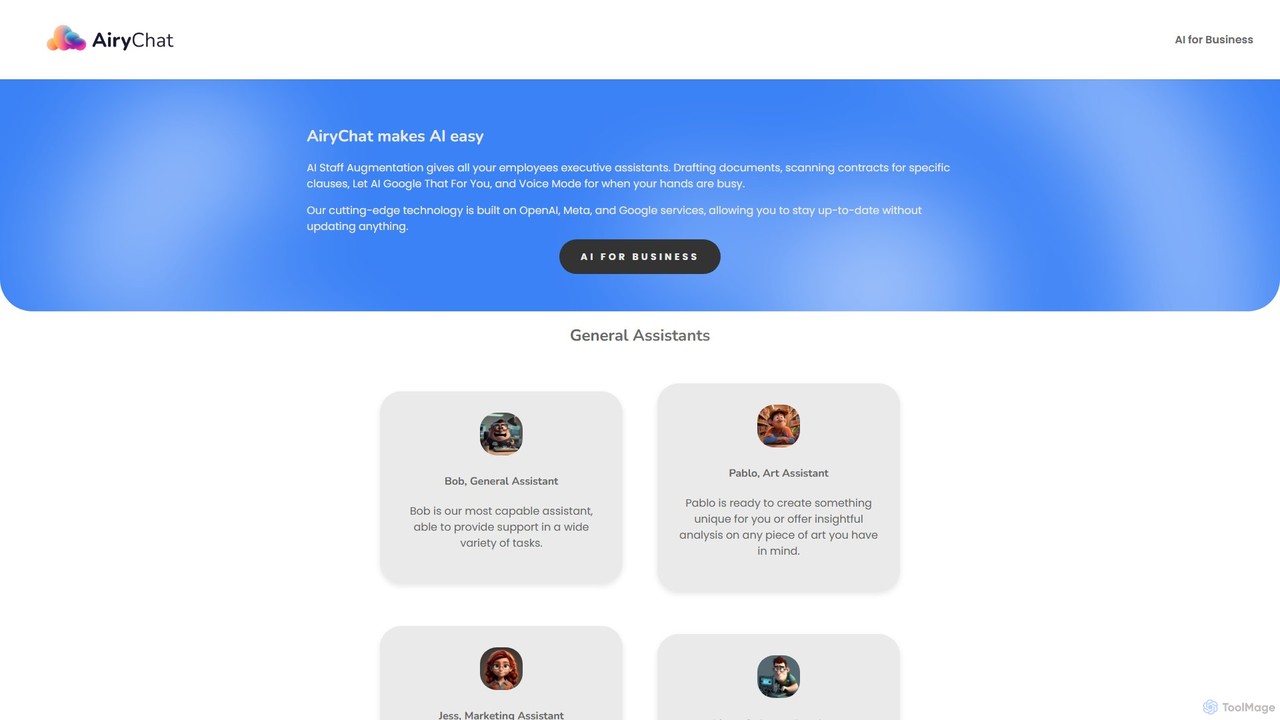
AiryChat
AiryChat provides AI staff augmentation for businesses, offering a suite of specialized AI assistants for tasks like marketing, software development, design, and general administration. It integrates document processing, web search, image generation, and voice mode into a single, business-class platform to enhance team productivity.
Team Collaboration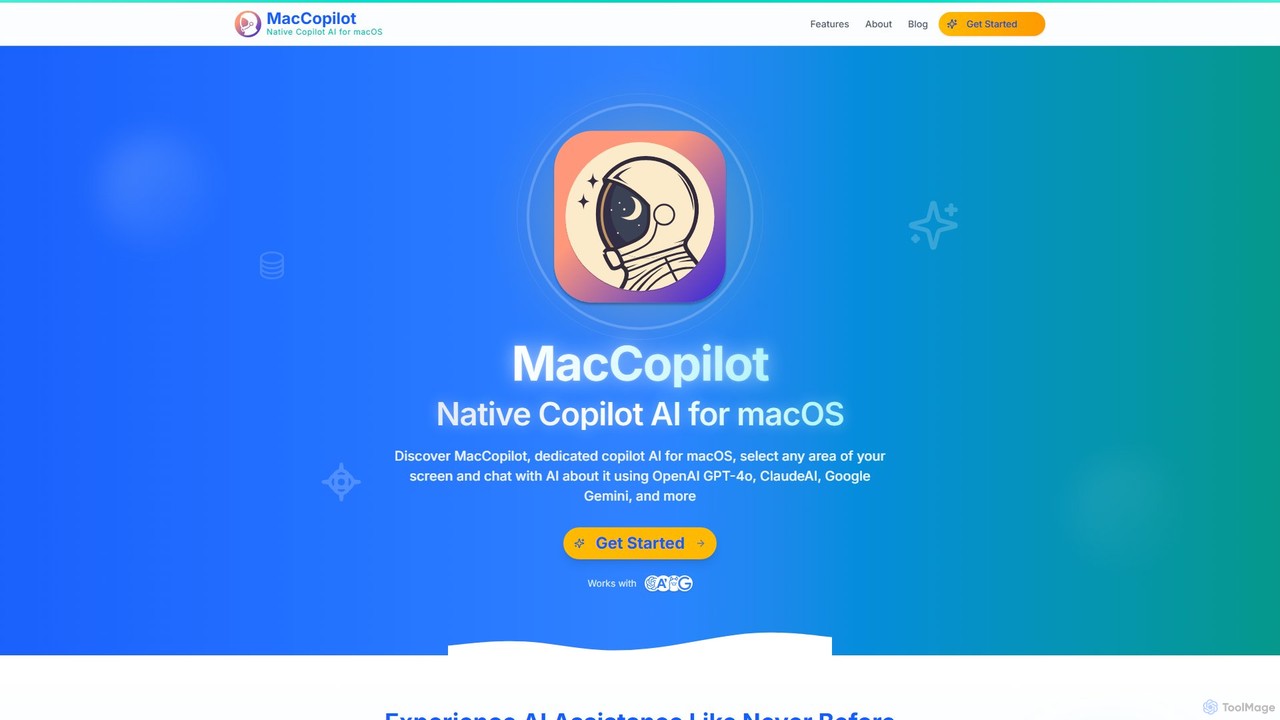
MacCopilot
MacCopilot is a native AI assistant for macOS that revolutionizes productivity. It allows you to select any area of your screen and instantly start a conversation with advanced AI models like GPT-4o, Claude 3.5, and Gemini. Get immediate insights, code explanations, email drafts, and more, without ever leaving your current window. It's a seamless bridge between your screen's content and powerful AI.
Code Assistant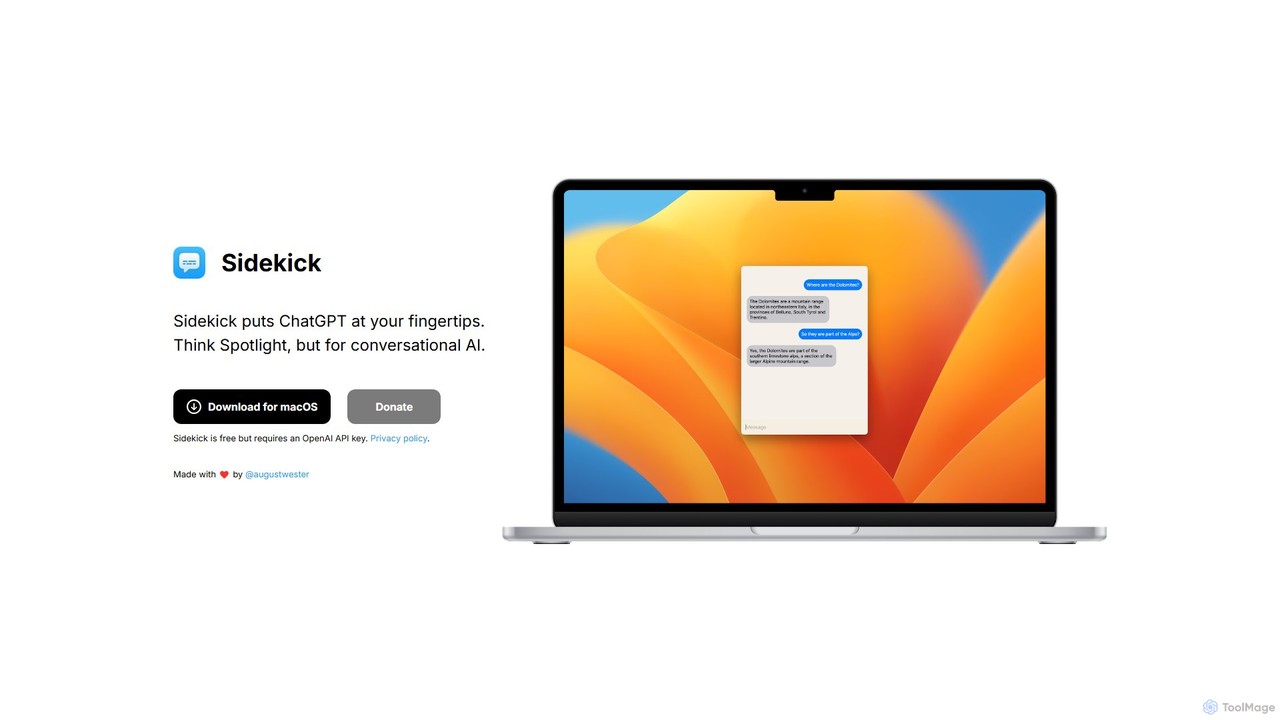
Sidekick
Sidekick is a free macOS application that provides instant access to ChatGPT from anywhere on your desktop. Functioning like Spotlight for conversational AI, it allows users to summon an AI assistant with a simple keyboard shortcut, streamlining workflows and boosting productivity without needing a browser.
Code Assistant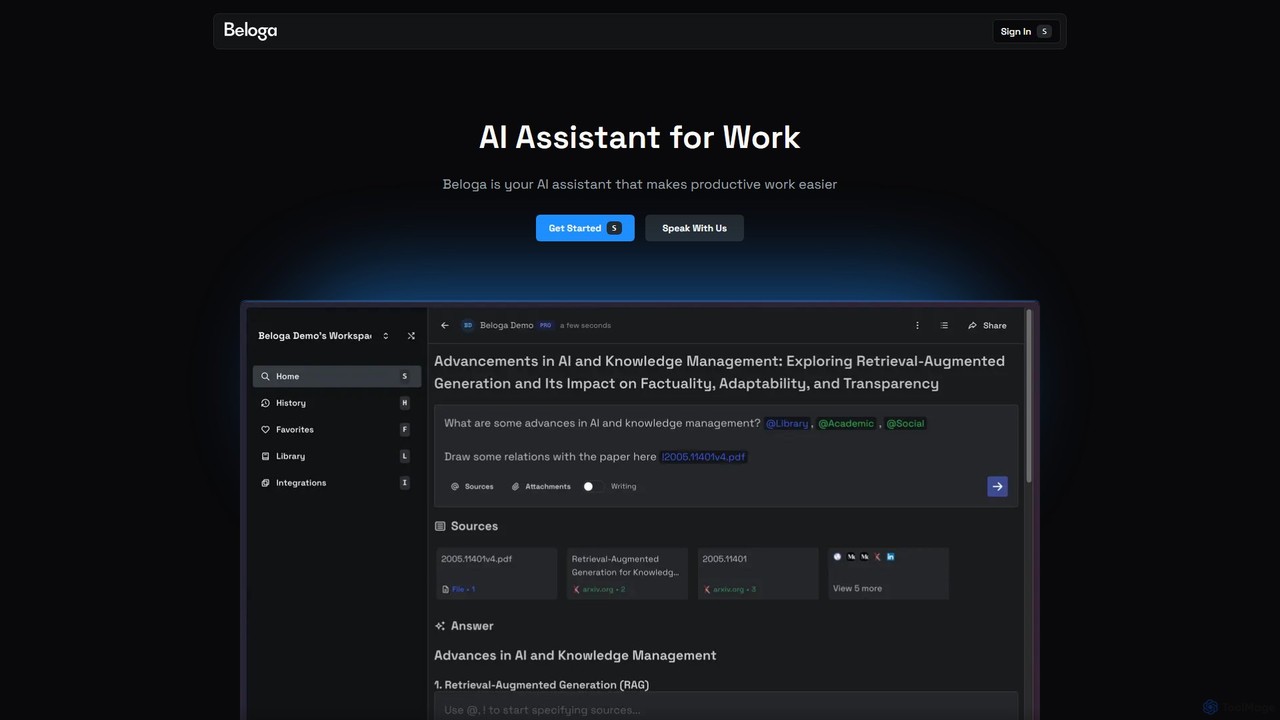
Beloga
Beloga is an AI-powered productivity platform that integrates multiple large language models (like GPT-4o, Claude 3, Gemini 1.5) into a seamless workflow. Through its command spotlight interface, users can perform intelligent searches, automate tasks, and access personalized knowledge bases, boosting efficiency for individuals and teams.
Code Assistant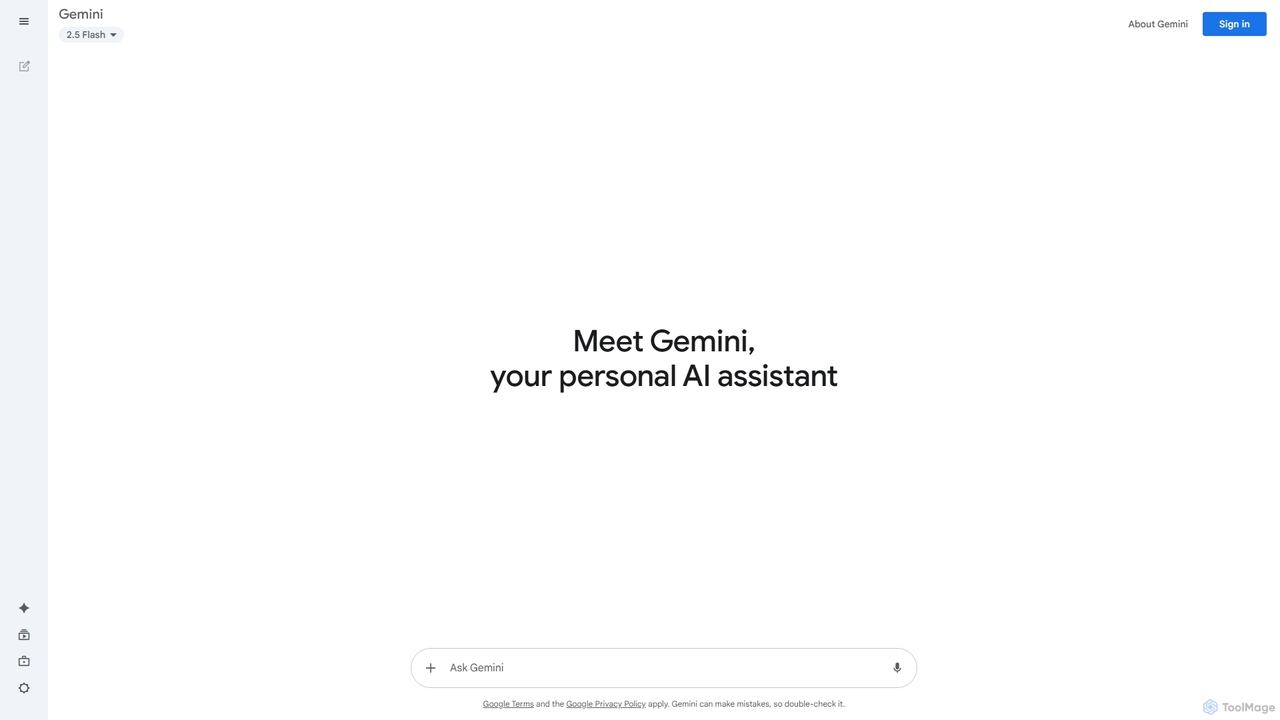
Google Gemini
Google Gemini is a powerful, multimodal AI assistant designed to enhance creativity and productivity. It can understand and process text, code, images, and video to help you write, plan, learn, and create. Integrated with Google's ecosystem, it offers features like advanced content generation, deep research, and seamless collaboration within Google apps.
Image GeneratorShotSolve Categories
ShotSolve Embed Widget
Copy this embed code to place the badge on your blog, article, or product site and send readers directly to this ToolMage detail page.

Related AI tools
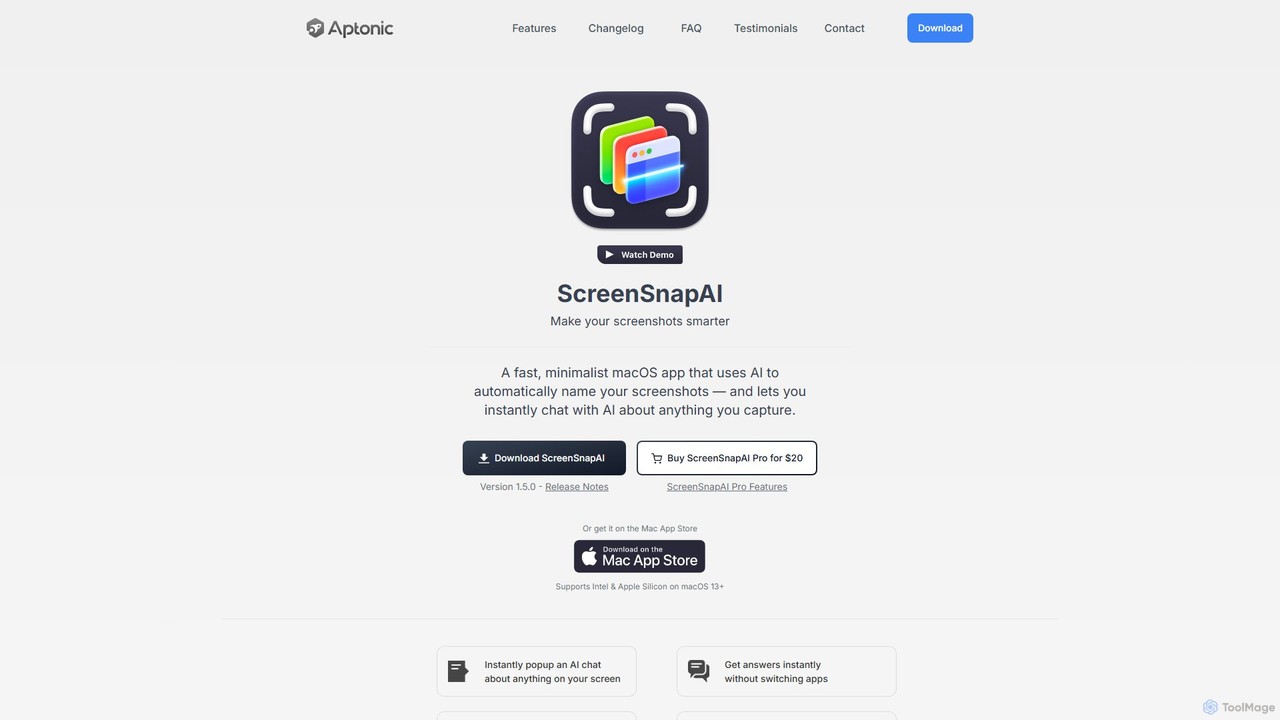
ScreenSnapAI
ScreenSnapAI is a smart macOS application that uses AI to automatically rename, tag, and organize your screenshots. It features an integrated AI assistant that allows you to instantly chat about, translate, or extract text and code from any captured image, dramatically improving productivity and workflow efficiency.
Code AssistantMacCopilot
MacCopilot is a native AI assistant for macOS that revolutionizes productivity. It allows you to select any area of your screen and instantly start a conversation with advanced AI models like GPT-4o, Claude 3.5, and Gemini. Get immediate insights, code explanations, email drafts, and more, without ever leaving your current window. It's a seamless bridge between your screen's content and powerful AI.
Code AssistantSidekick
Sidekick is a free macOS application that provides instant access to ChatGPT from anywhere on your desktop. Functioning like Spotlight for conversational AI, it allows users to summon an AI assistant with a simple keyboard shortcut, streamlining workflows and boosting productivity without needing a browser.
Code AssistantBeloga
Beloga is an AI-powered productivity platform that integrates multiple large language models (like GPT-4o, Claude 3, Gemini 1.5) into a seamless workflow. Through its command spotlight interface, users can perform intelligent searches, automate tasks, and access personalized knowledge bases, boosting efficiency for individuals and teams.
Code Assistant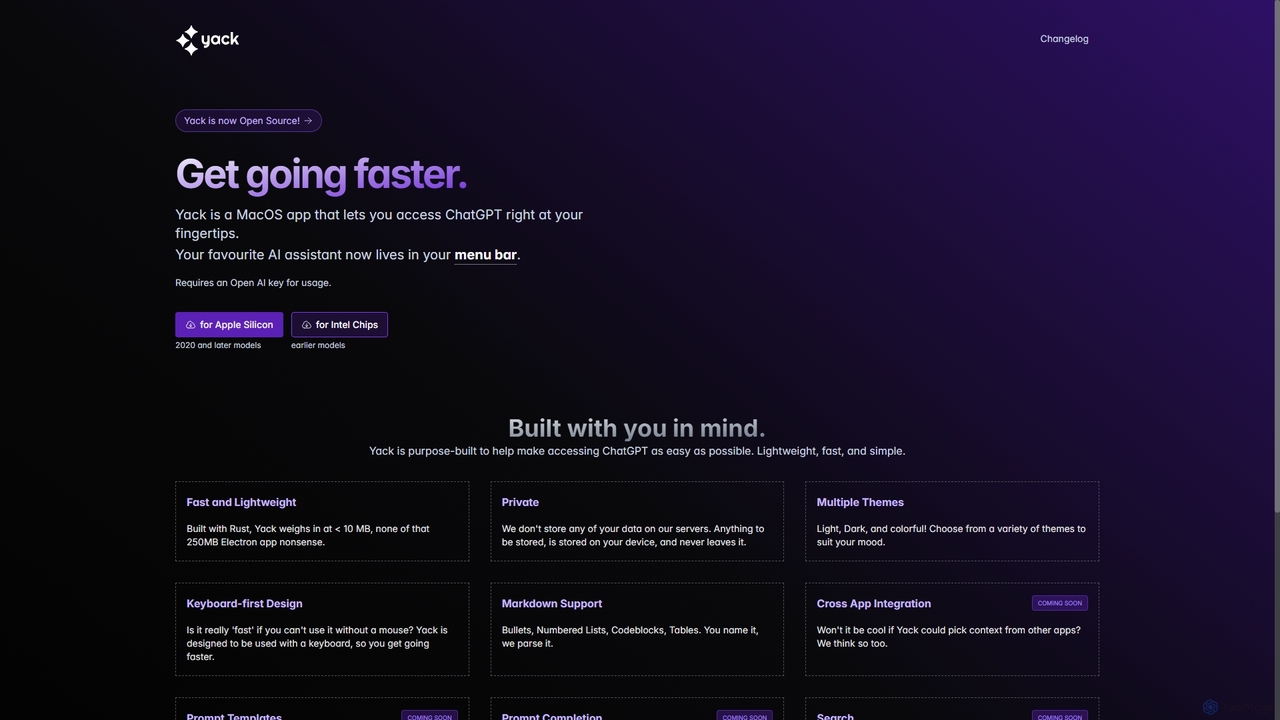
Yack
Yack is a lightweight, fast, and private open-source native macOS application that provides instant access to ChatGPT directly from your menu bar. Built with Rust, it's designed for efficiency with a keyboard-first approach, ensuring you can interact with AI without disrupting your workflow.
Api Client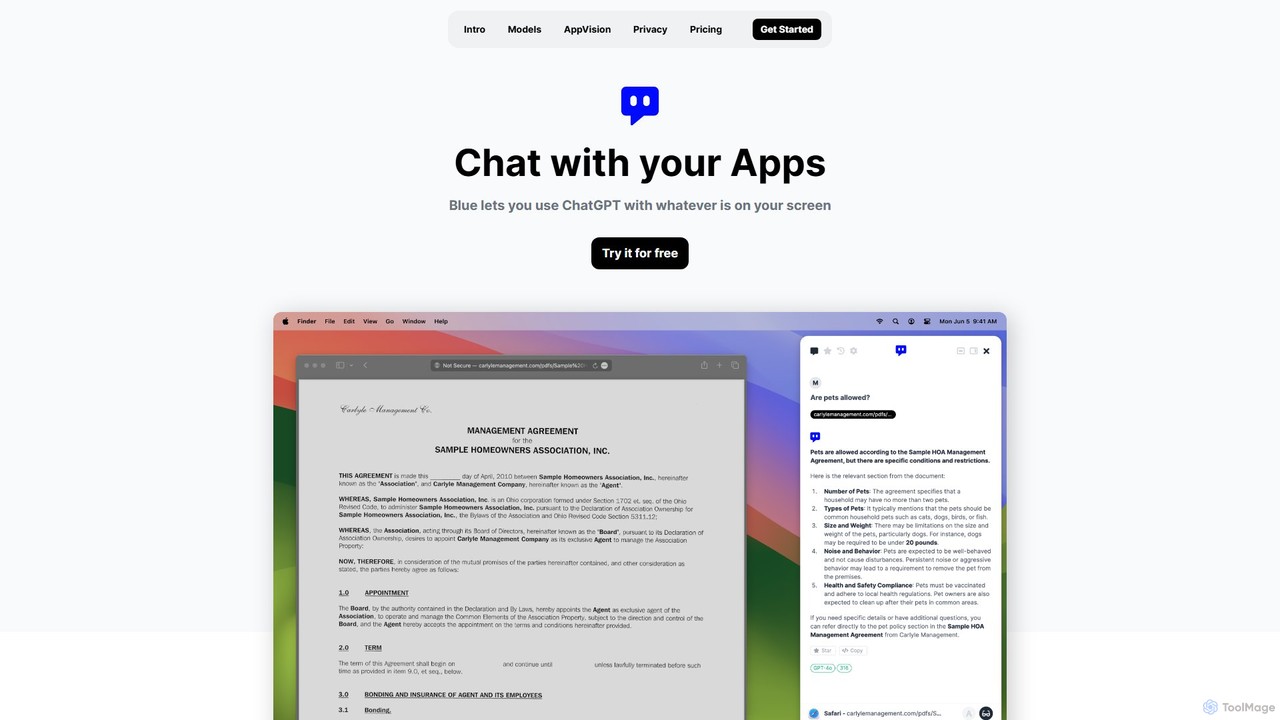
Blue
Blue is a native macOS AI assistant that integrates ChatGPT and other advanced AI models directly into your workflow. Featuring unique screen context awareness (AppVision) and a strong focus on privacy, it allows you to analyze, summarize, or create content in any app with a simple keyboard shortcut, boosting productivity for professionals.
Coding Assistant
Chaturji
Chaturji is a powerful, multi-modal AI workspace designed to help you work smarter. Interact with advanced AI models using text, documents, spreadsheets, and images to streamline data analysis, content creation, and complex problem-solving. Its transparent credit-based system ensures you only pay for what you use.
Business Intelligence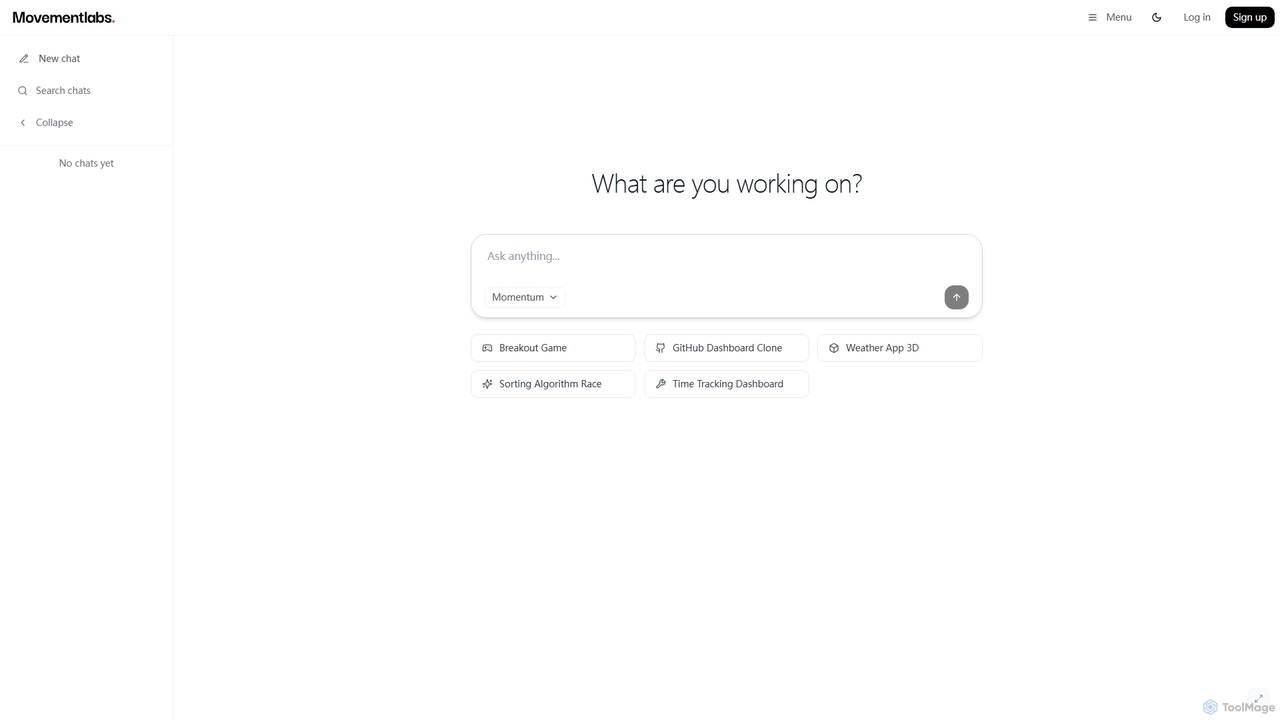
Momentum AI
Momentum AI, developed by Movement Labs, is a high-performance artificial intelligence platform renowned for its ultra-fast inference speeds, up to 20 times faster than competitors. Powered by the exclusive Movement Processing Unit (MPU), it delivers benchmark-leading performance for real-time AI applications, including advanced reasoning, code generation, and natural conversations, designed to serve humanity's long-term well-being.
Inference Optimization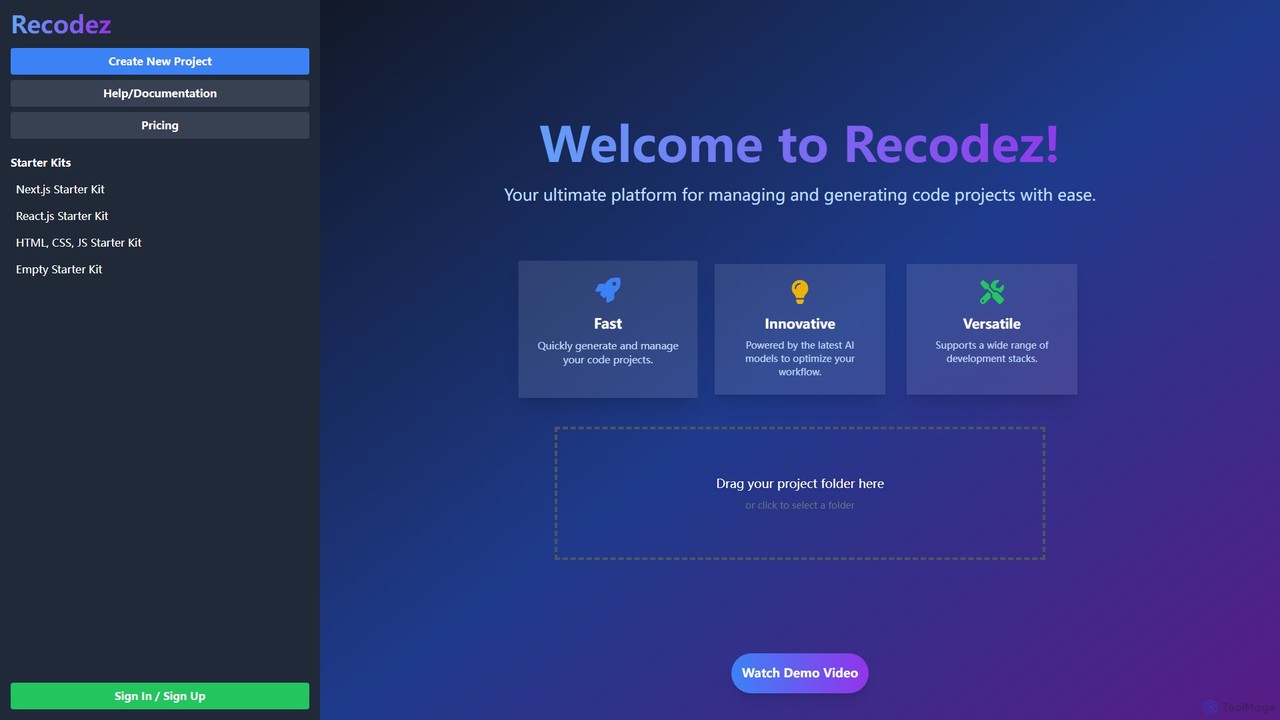
Recodez
Recodez is an AI-powered platform designed to streamline software development. It enables developers to generate, manage, and refactor code projects with ease, supporting various frameworks like Next.js and React. By leveraging advanced AI models, Recodez accelerates the entire development lifecycle, from project scaffolding to code optimization.
Code Assistant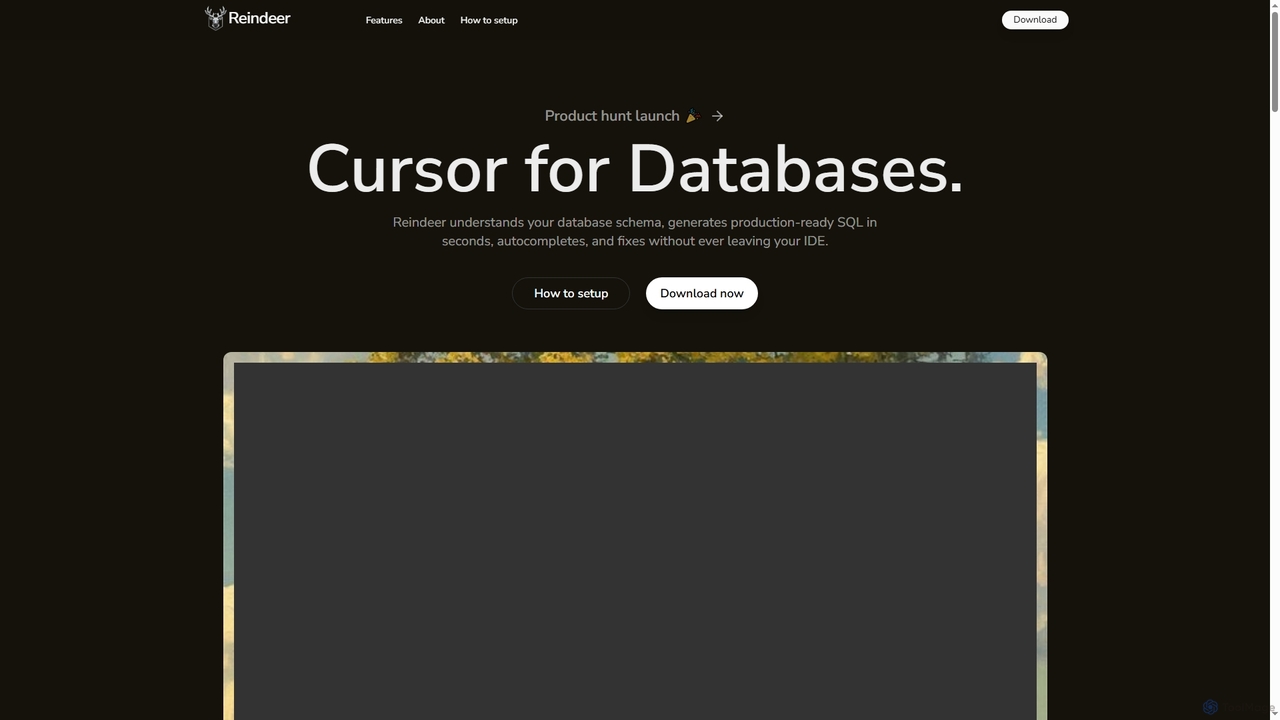
Reindeer
Reindeer is an AI-powered cursor for databases that integrates directly into your IDE. It understands your database schema, generates production-ready SQL, provides real-time autocomplete, and automatically fixes errors, significantly enhancing developer productivity.
Code Generation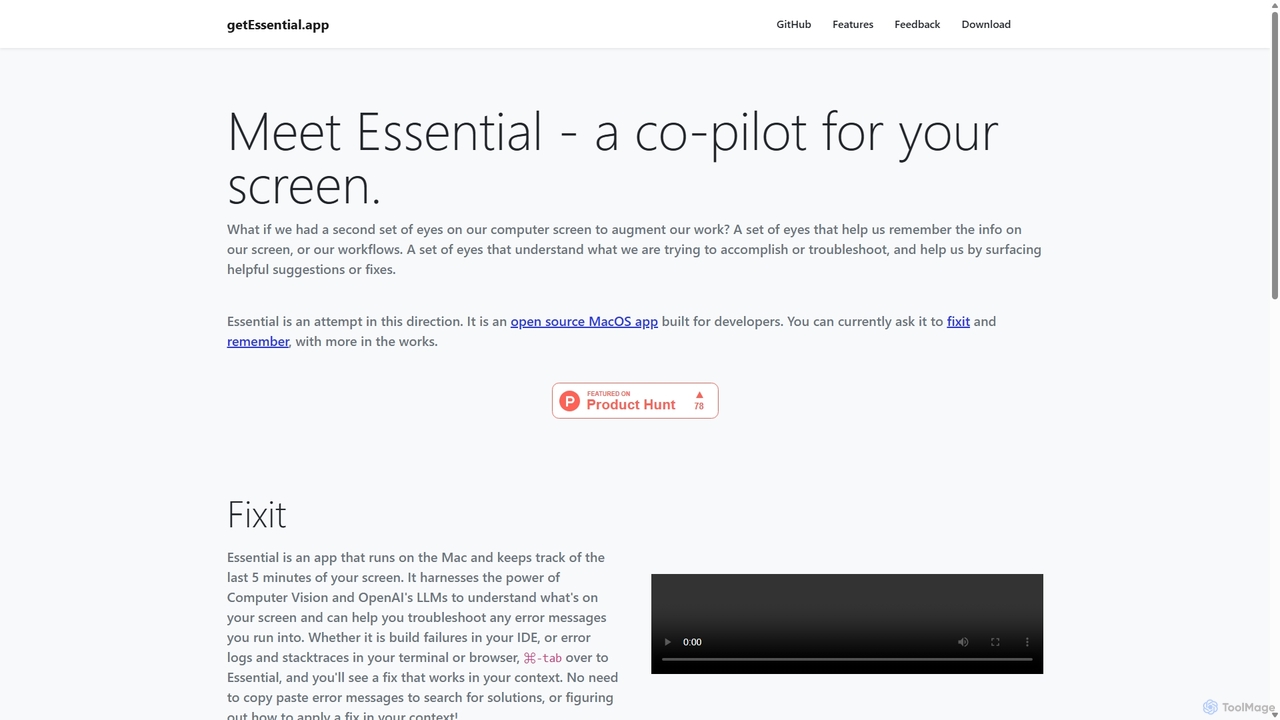
GetEssential
getEssential is an AI-powered Mac application that continuously records your screen to instantly troubleshoot errors. It uses Computer Vision and LLMs to analyze build failures, error logs, and stack traces, providing contextual fixes without manual searching. A productivity booster for developers and IT professionals.
Code AssistantGoogle Gemini
Google Gemini is a powerful, multimodal AI assistant designed to enhance creativity and productivity. It can understand and process text, code, images, and video to help you write, plan, learn, and create. Integrated with Google's ecosystem, it offers features like advanced content generation, deep research, and seamless collaboration within Google apps.
Image Generator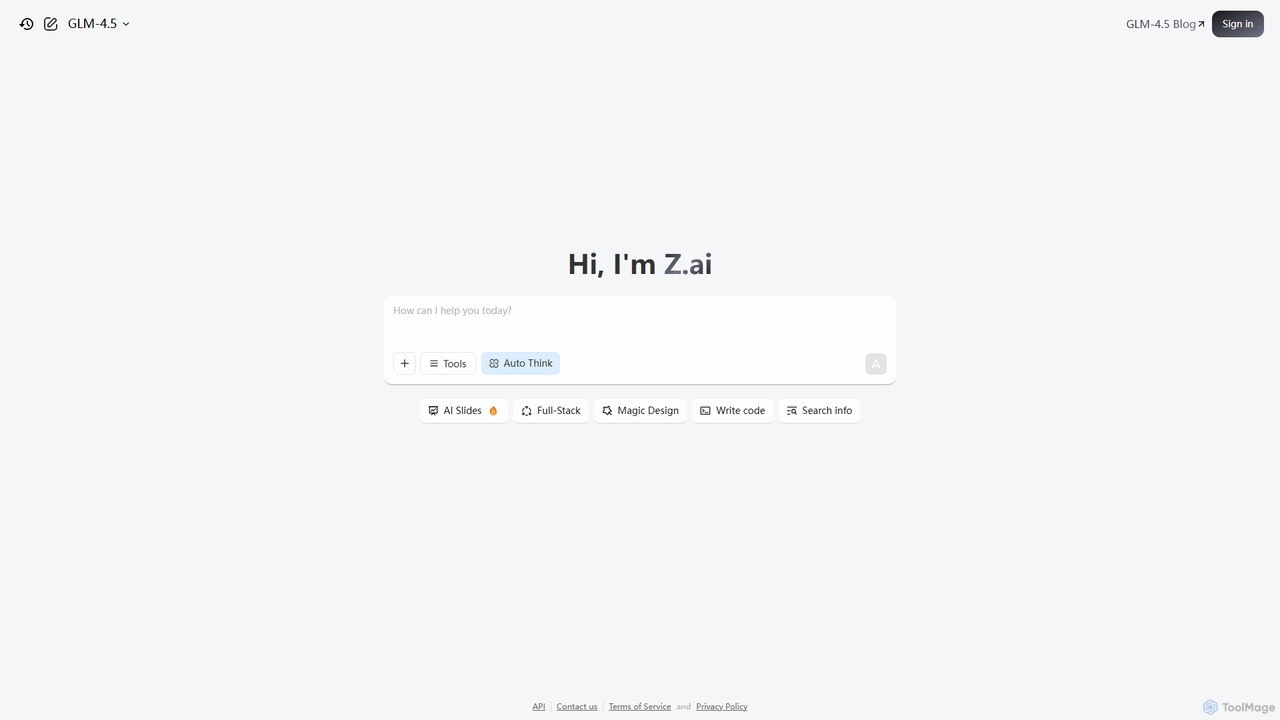
Z.ai
Z.ai is a powerful, free AI assistant powered by the advanced GLM-4.5 model. It's more than just a chatbot, offering a suite of integrated tools for coding, creating presentations, designing, and conducting research. Z.ai aims to be an all-in-one productivity platform, streamlining complex tasks through a simple conversational interface.
Code Assistant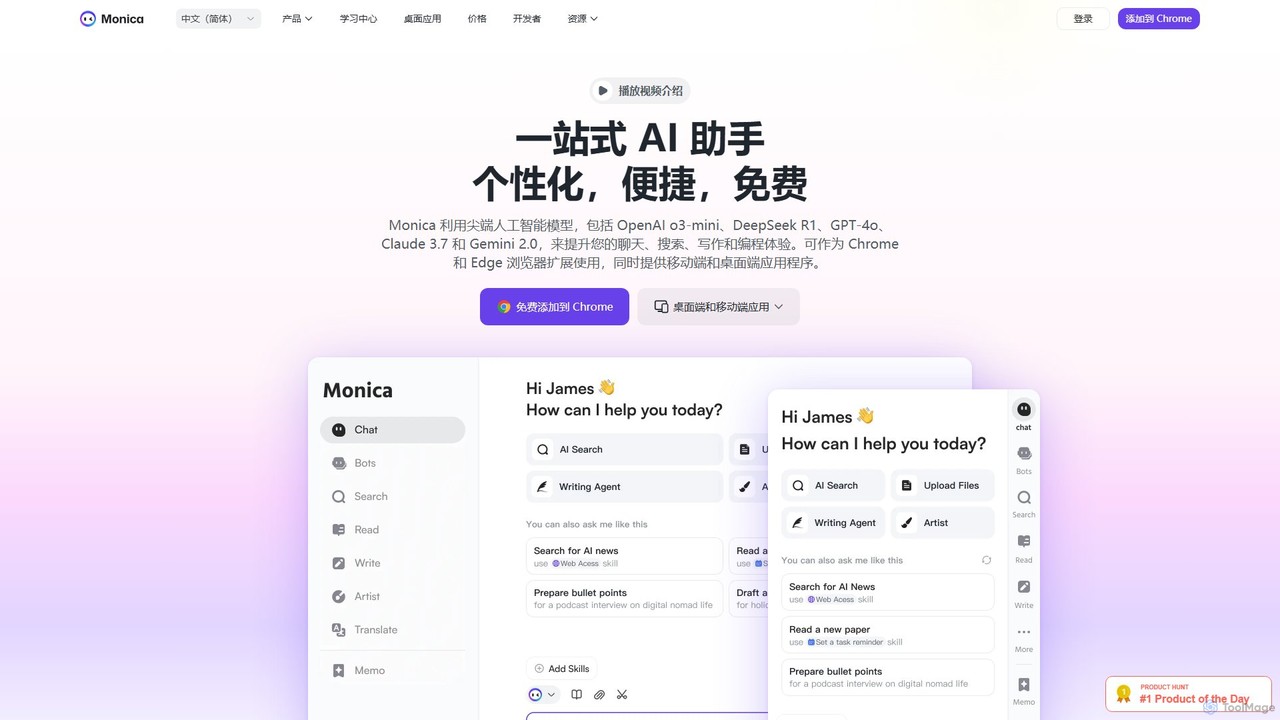
Monica
Monica is an all-in-one AI assistant powered by leading models like GPT-4o, Claude 3.7, and Gemini 1.5. It integrates seamlessly into your workflow as a browser extension, desktop, and mobile app, offering features for chat, search, writing, translation, and image creation to boost productivity.
Chrome Extensions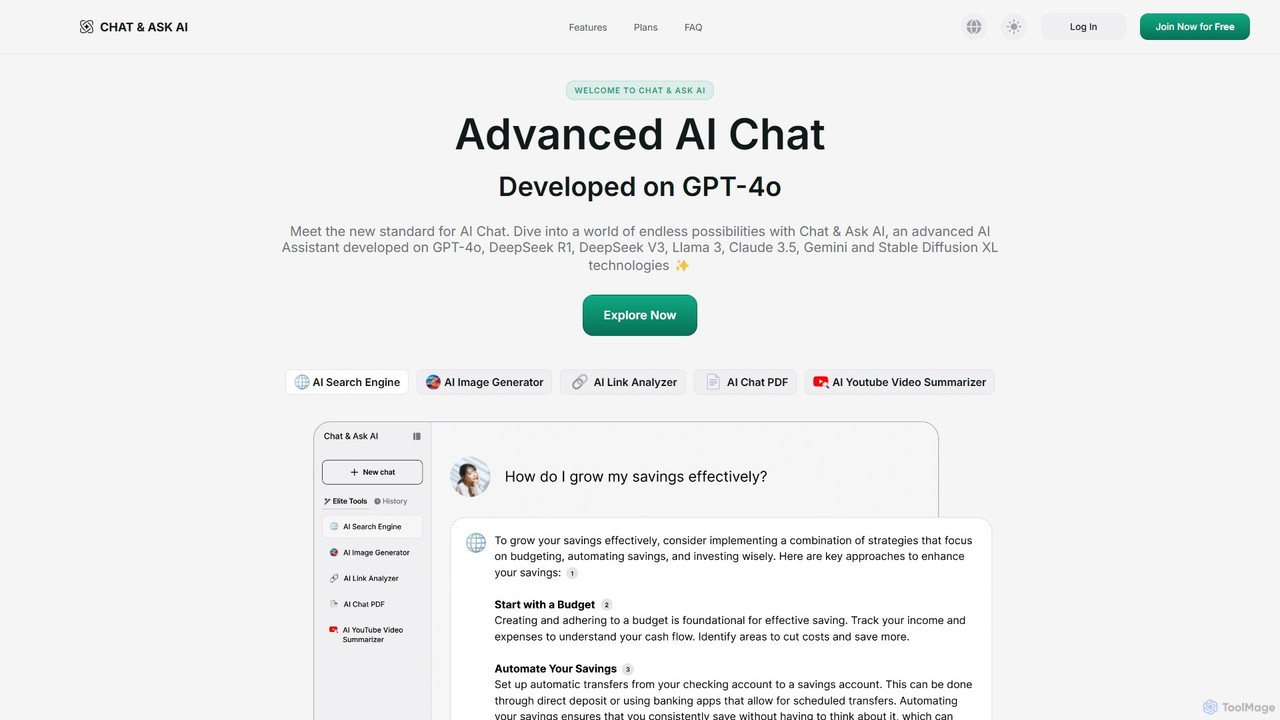
askaichat
askaichat is an all-in-one AI assistant powered by leading models like GPT-4o, Claude 3.5, and Llama 3. It integrates advanced AI chat with powerful tools for image generation, PDF and video summarization, web link analysis, and real-time search. It's designed to boost productivity and creativity for writers, researchers, and professionals by providing a single, versatile platform for diverse tasks.
Image Generator
ShotSolve Comments (0)
Sign in to comment.
Sign inNo comments yet.