

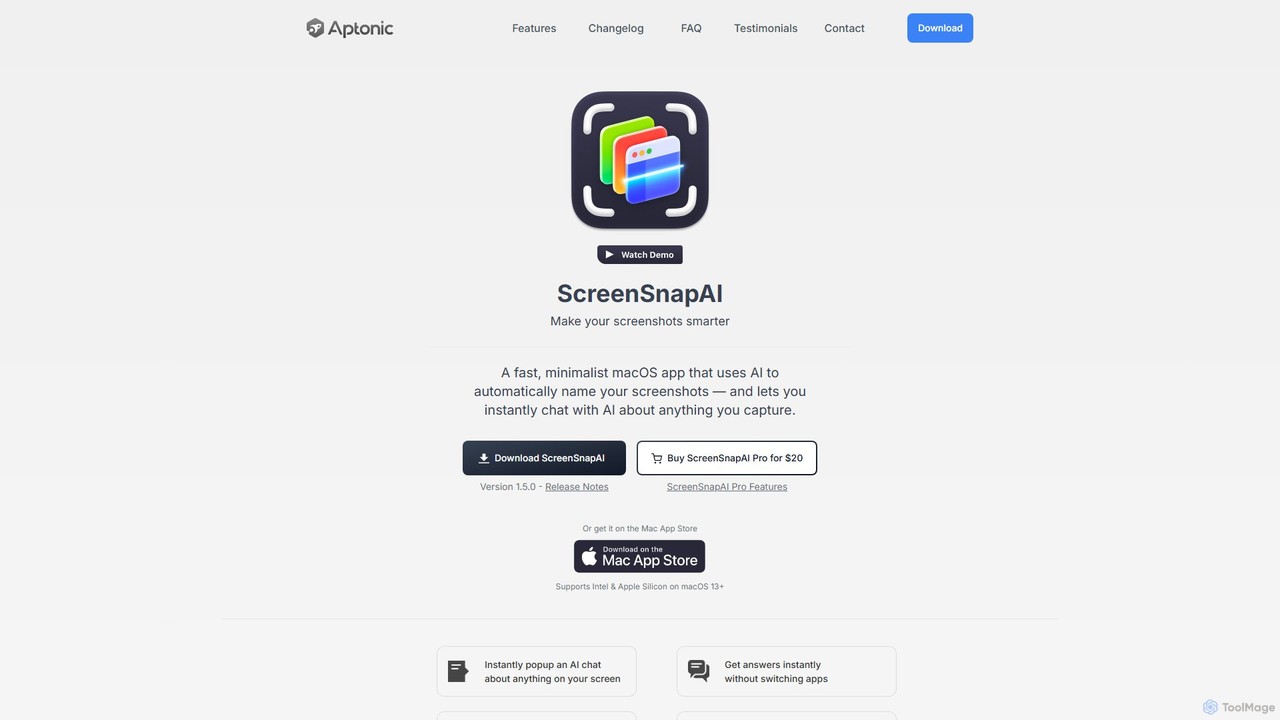
ScreenSnapAI Overview
ScreenSnapAI is a fast, minimalist native macOS application designed to revolutionize how you manage screenshots. It tackles the common problem of a cluttered desktop filled with generically named files like "Screen Shot 2024-10-26 at 10.30.00 AM.png". By leveraging artificial intelligence, the app automatically analyzes the content of each screenshot and suggests a descriptive, intelligent name, making your files instantly searchable and understandable.
Beyond just renaming, ScreenSnapAI integrates a powerful AI Assistant. This feature transforms your static screenshots into interactive sources of information. You can select any screenshot and immediately start a conversation with the AI about its content. Ask it to explain a complex diagram, summarize a block of text, translate foreign languages, or even extract and format code snippets. This eliminates the need to switch between multiple applications, creating a seamless and efficient workflow.
How to use ScreenSnapAI
Using ScreenSnapAI is designed to be intuitive and integrate smoothly into your existing macOS habits:
- Download and Install: Get the application from the official website or the Mac App Store and install it on your Mac (requires macOS 13+).
- Take a Screenshot: Use your standard macOS screenshot shortcut (e.g., Cmd + Shift + 4). ScreenSnapAI will automatically intercept the capture.
- AI-Powered Renaming: A pop-up will instantly appear with an AI-generated name suggestion based on the image's content. You can accept it or edit it as you wish.
- Interact with the AI Assistant: Open the ScreenSnapAI window to see your screenshot history. Select any image and use the AI Assistant panel to ask questions, request summaries, or perform actions like text extraction.
- Organize and Manage: The app automatically adds relevant tags to your screenshots. You can also organize them into custom folders for better project management.
- Customize Settings: In the settings, you can configure global shortcuts, connect your own API keys from providers like OpenAI or Anthropic, and customize the app's behavior to fit your needs.
Core Features of ScreenSnapAI
- Automatic AI Renaming: Intelligently names screenshots based on their visual content, from code snippets to UI designs.
- Integrated AI Assistant: Chat directly with your screenshots to get explanations, summaries, translations, and more, powered by models like GPT-4o.
- Optical Character Recognition (OCR): Select and copy text directly from any image or screenshot.
- Smart Tagging and Organization: Automatically generates relevant tags for each screenshot and allows for organization into folders.
- Developer-Friendly Tools: Features syntax highlighting for code blocks in the AI chat, making it perfect for capturing and discussing code.
- Custom AI Provider Support: Offers the flexibility to use your own API keys for OpenAI, Anthropic, or any OpenAI-compatible server.
- Native macOS Experience: A lightweight, fast application that supports both Intel and Apple Silicon, feeling like a natural extension of the OS.
- Image Import: Drag and drop existing images into the app to leverage its AI analysis and organization features.
Use Cases for ScreenSnapAI
ScreenSnapAI is a versatile tool for a wide range of professionals:
- Developers: Capture error messages, code snippets, or API documentation and instantly ask the AI for debugging help or explanations.
- Designers: Snap UI/UX inspiration, organize mood boards with descriptive names, and quickly extract text or color information.
- Students & Researchers: Capture charts, graphs, and key passages from academic papers and use the AI to summarize or explain complex concepts.
- Content Creators & Marketers: Grab interesting statistics, user comments, or design elements from the web and keep them neatly organized and searchable.
- Project Managers: Document progress, capture feedback from mockups, and maintain a clear, visual record of project development.
Advantages of ScreenSnapAI
The primary advantage of ScreenSnapAI is its ability to add a layer of intelligence and interactivity to the simple act of taking a screenshot. It saves significant time by automating file naming and organization. The integrated AI chat creates a powerful contextual workflow, allowing users to act on visual information immediately without leaving the app. Its native performance, customizability with personal API keys, and strong privacy focus make it a superior choice over generic screenshot tools.
Pricing and Plans
ScreenSnapAI is offered as a one-time purchase. The Pro version is available for a single payment of $20. This provides lifetime access to all Pro features. The application is available for purchase directly from the ScreenSnapAI website or through the Mac App Store. Users who wish to use their own AI provider API keys will be responsible for any associated costs from that provider (e.g., OpenAI, Anthropic).
Traffic
Latest traffic
Status
Monthly traffic trend
- 2025-9: 1.8K
- 2026-1: 1.0K
- 2026-2: 1.6K
- 2026-3: 2.5K
- 2026-4: 2.8K
- 2026-5: 2.3K
Geography
Top 5 countries / regions
- 🇺🇸United States100.0%
Top keywords
| Keyword | Cost per click |
|---|---|
| ai scan screen | $0.00 |
| automatic screenshotting ai snap | $0.00 |
| screensnap | $0.00 |
| screensnap pro | $0.00 |
| snap screen | $1.14 |
ScreenSnapAI Alternatives
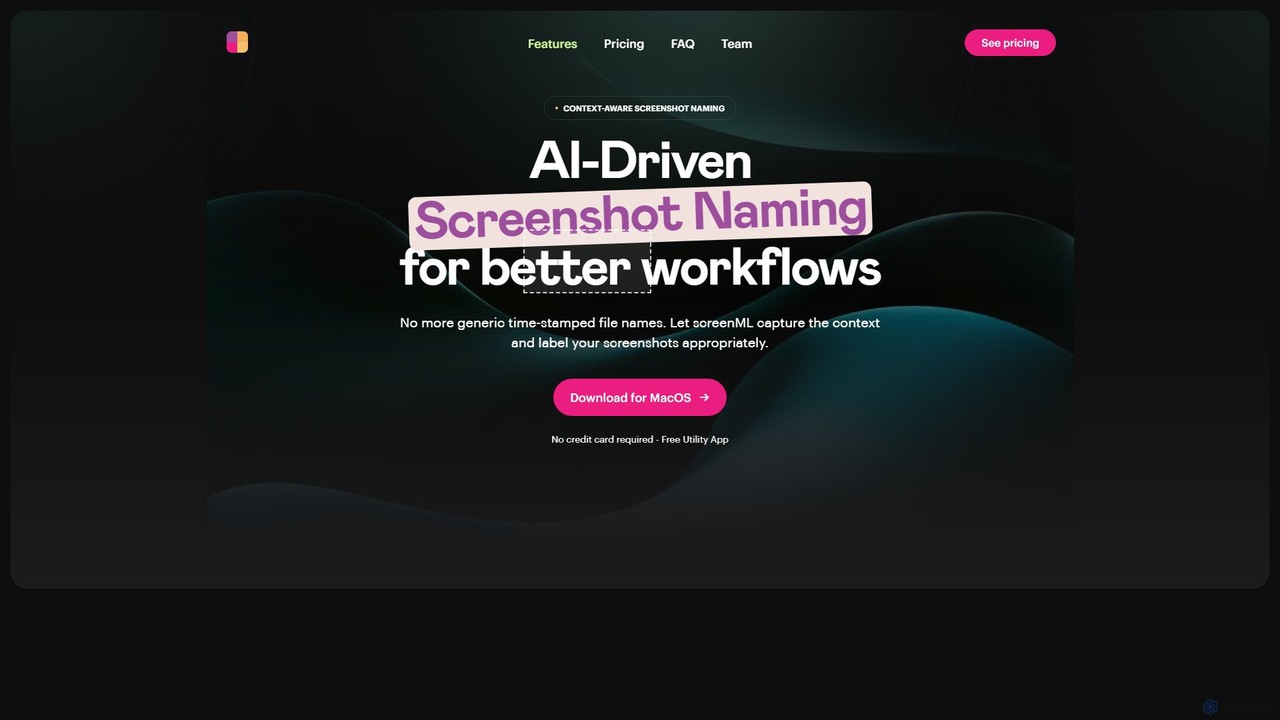
ScreenML
ScreenML is an AI-powered MacOS utility that automatically renames your screenshots with context-aware, descriptive filenames. It eliminates cluttered desktops and timestamped file names, making your screenshots organized, searchable, and easy to manage, streamlining your entire workflow.
Screenshot Tool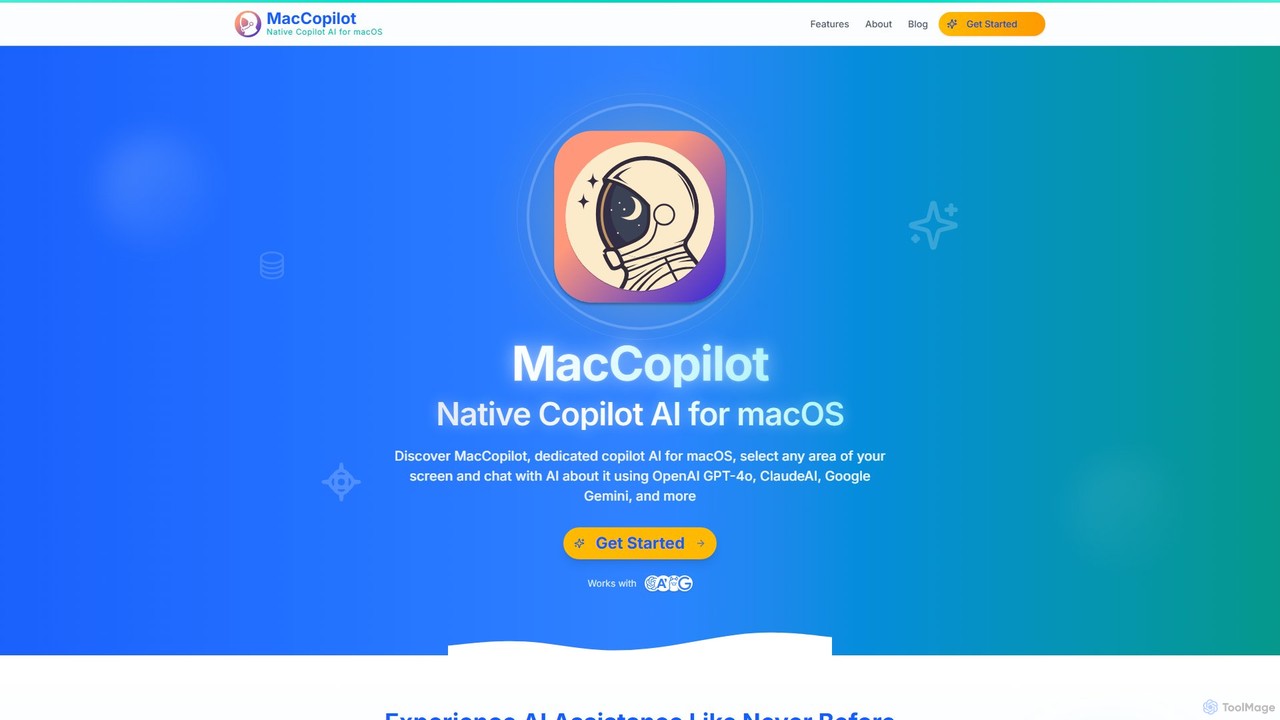
MacCopilot
MacCopilot is a native AI assistant for macOS that revolutionizes productivity. It allows you to select any area of your screen and instantly start a conversation with advanced AI models like GPT-4o, Claude 3.5, and Gemini. Get immediate insights, code explanations, email drafts, and more, without ever leaving your current window. It's a seamless bridge between your screen's content and powerful AI.
Code Assistant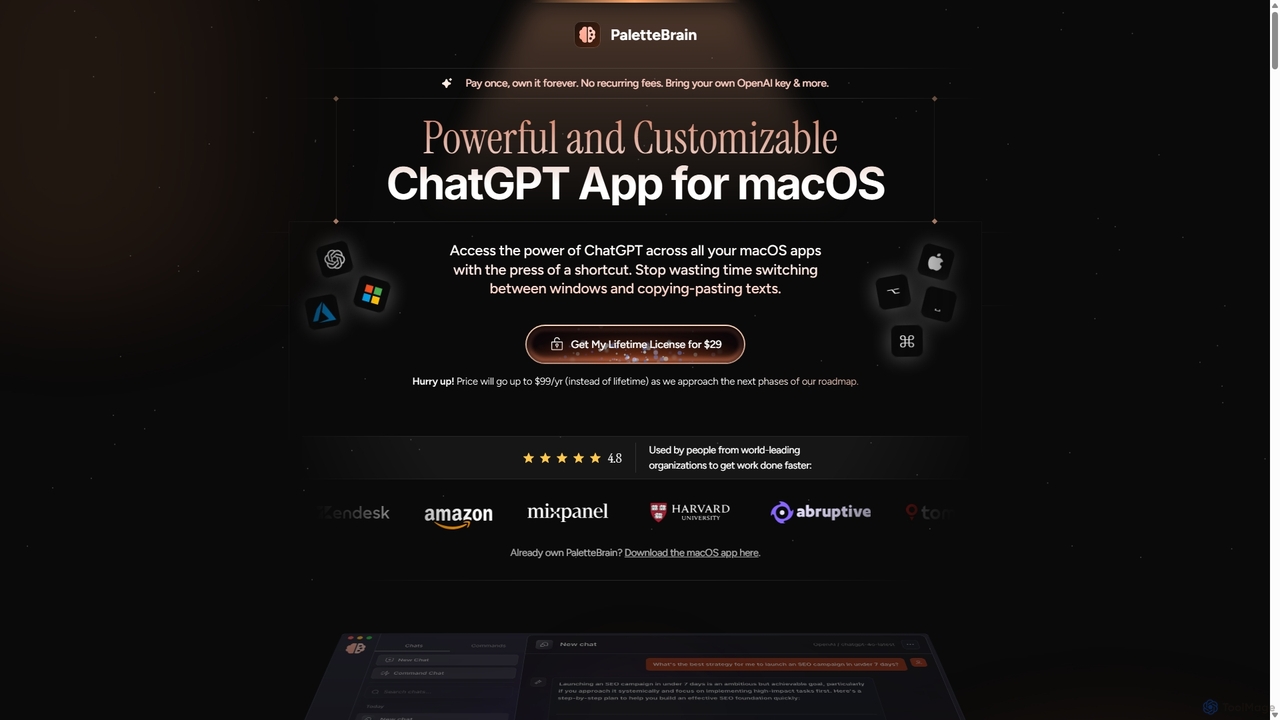
PaletteBrain
PaletteBrain is a native macOS application that integrates the power of ChatGPT directly into your workflow. With a simple keyboard shortcut, you can access AI commands on any selected text within any app, eliminating context switching. It offers customizable prompts, a one-time purchase model, and allows you to use your own OpenAI key for pay-as-you-go usage, making it a cost-effective and efficient productivity booster for writers, developers, and marketers.
Code Assistant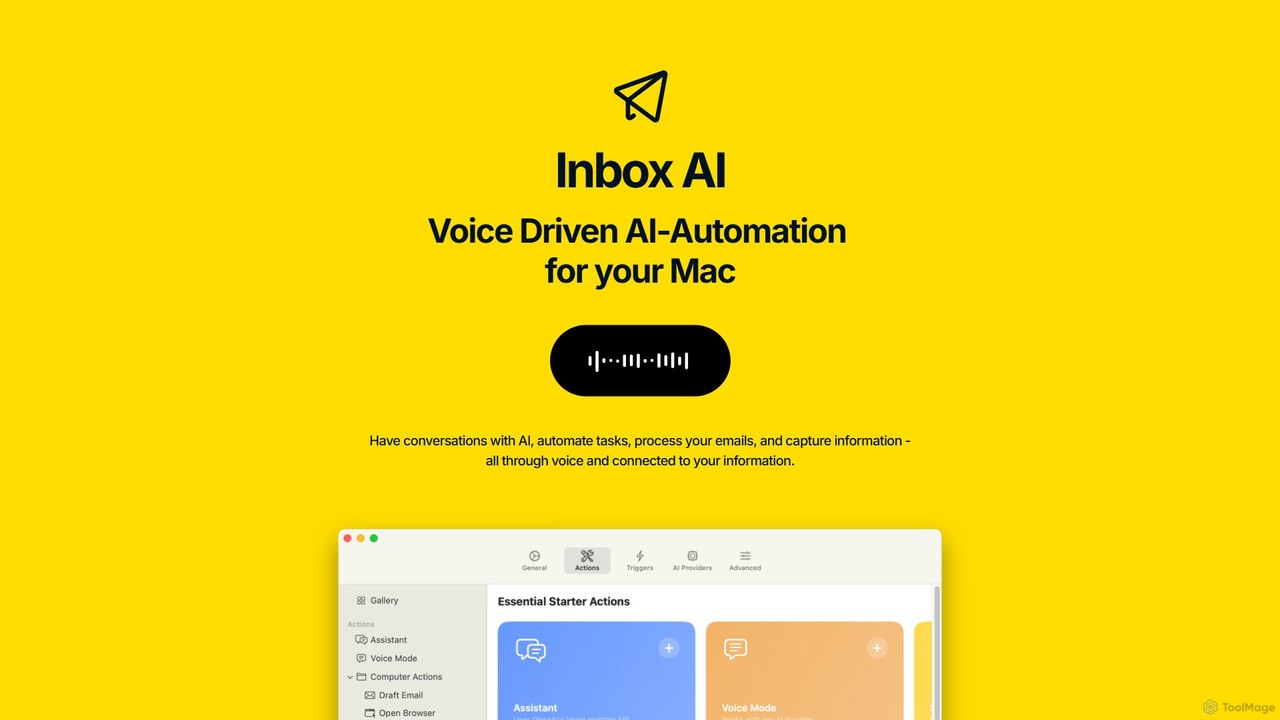
inbox_ai
inbox_ai is a powerful voice-driven AI automation tool for macOS. It allows you to create custom voice commands and build intelligent assistants to streamline your workflow. With features like on-screen quick capture, email filtering, and deep integration with native macOS apps and services like Raycast and PopClip, inbox_ai puts advanced AI capabilities at your fingertips. It operates entirely on-device, ensuring your data remains private and secure, with no login required.
Workflow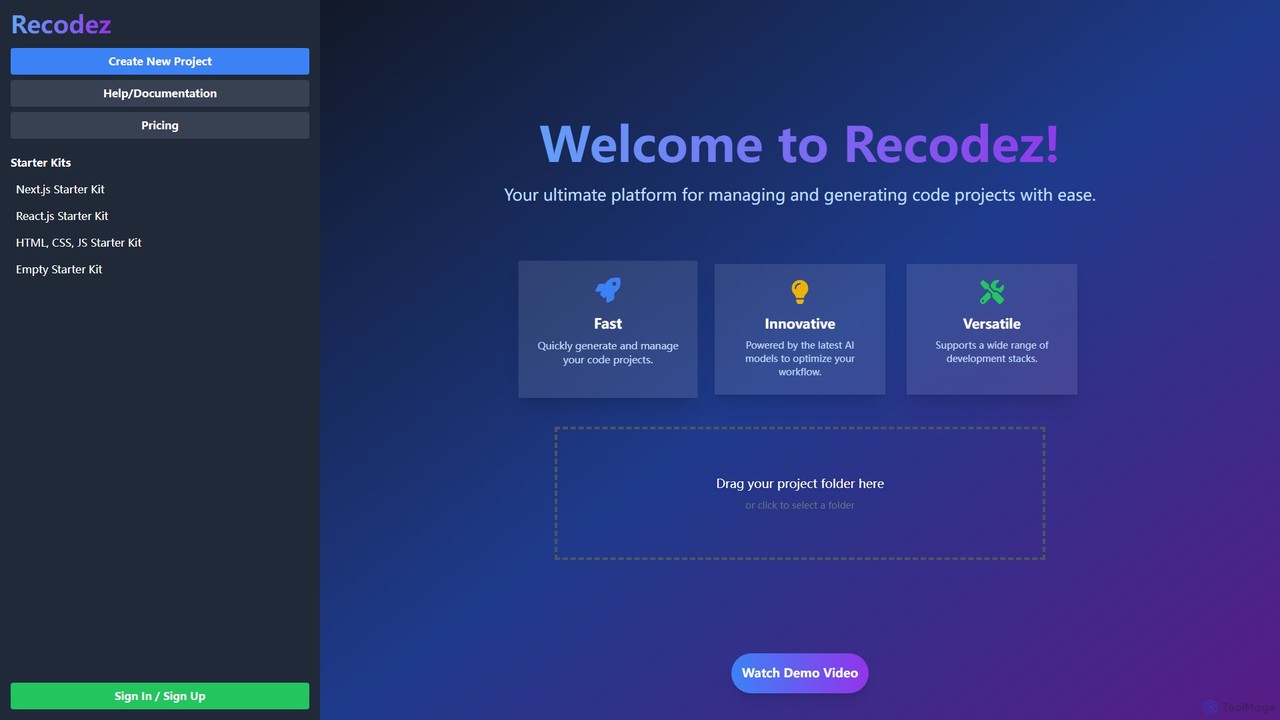
Recodez
Recodez is an AI-powered platform designed to streamline software development. It enables developers to generate, manage, and refactor code projects with ease, supporting various frameworks like Next.js and React. By leveraging advanced AI models, Recodez accelerates the entire development lifecycle, from project scaffolding to code optimization.
Code AssistantScreenSnapAI Categories
ScreenSnapAI Embed Widget
Copy this embed code to place the badge on your blog, article, or product site and send readers directly to this ToolMage detail page.

Related AI tools
MacCopilot
MacCopilot is a native AI assistant for macOS that revolutionizes productivity. It allows you to select any area of your screen and instantly start a conversation with advanced AI models like GPT-4o, Claude 3.5, and Gemini. Get immediate insights, code explanations, email drafts, and more, without ever leaving your current window. It's a seamless bridge between your screen's content and powerful AI.
Code AssistantScreenML
ScreenML is an AI-powered MacOS utility that automatically renames your screenshots with context-aware, descriptive filenames. It eliminates cluttered desktops and timestamped file names, making your screenshots organized, searchable, and easy to manage, streamlining your entire workflow.
Screenshot Tool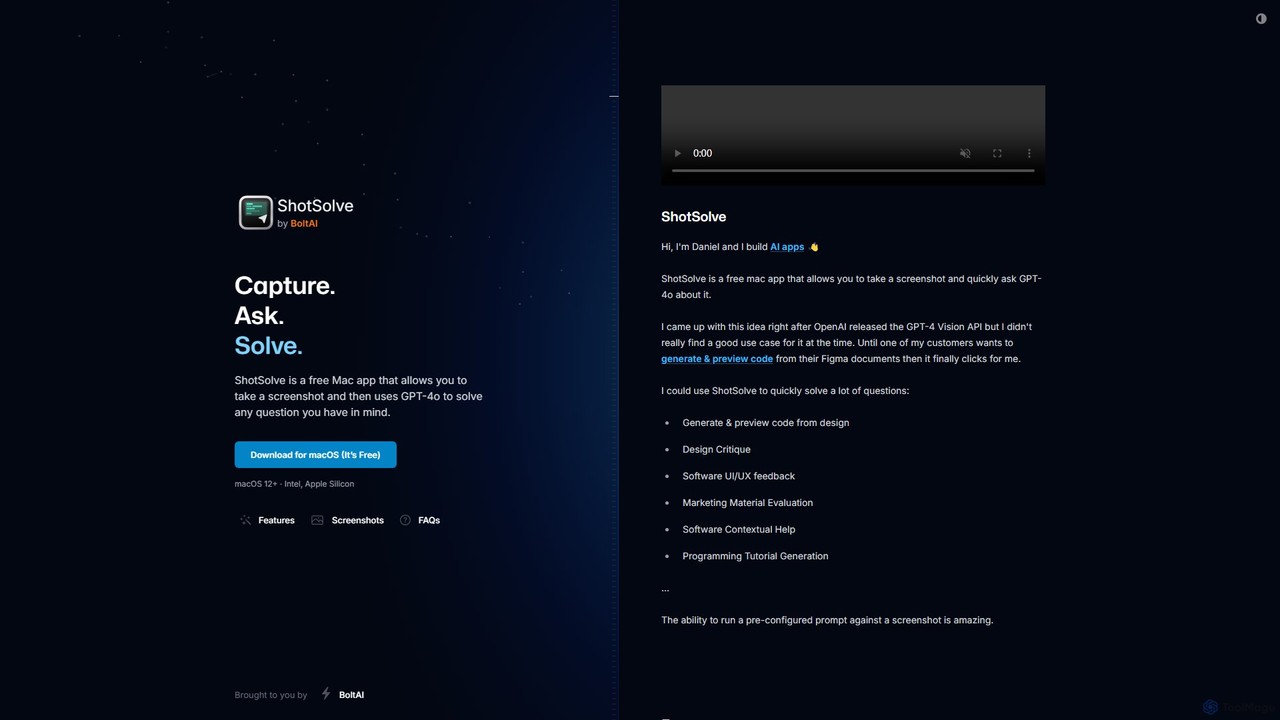
ShotSolve
ShotSolve is a free native Mac app that empowers users to instantly solve problems using AI. Simply take a screenshot with a universal shortcut, ask a question, and get an answer from GPT-4o. It's perfect for developers, designers, and marketers for tasks like code generation from designs, UI/UX feedback, and contextual help. It's lightweight, privacy-focused, and requires your own OpenAI API key.
Feedback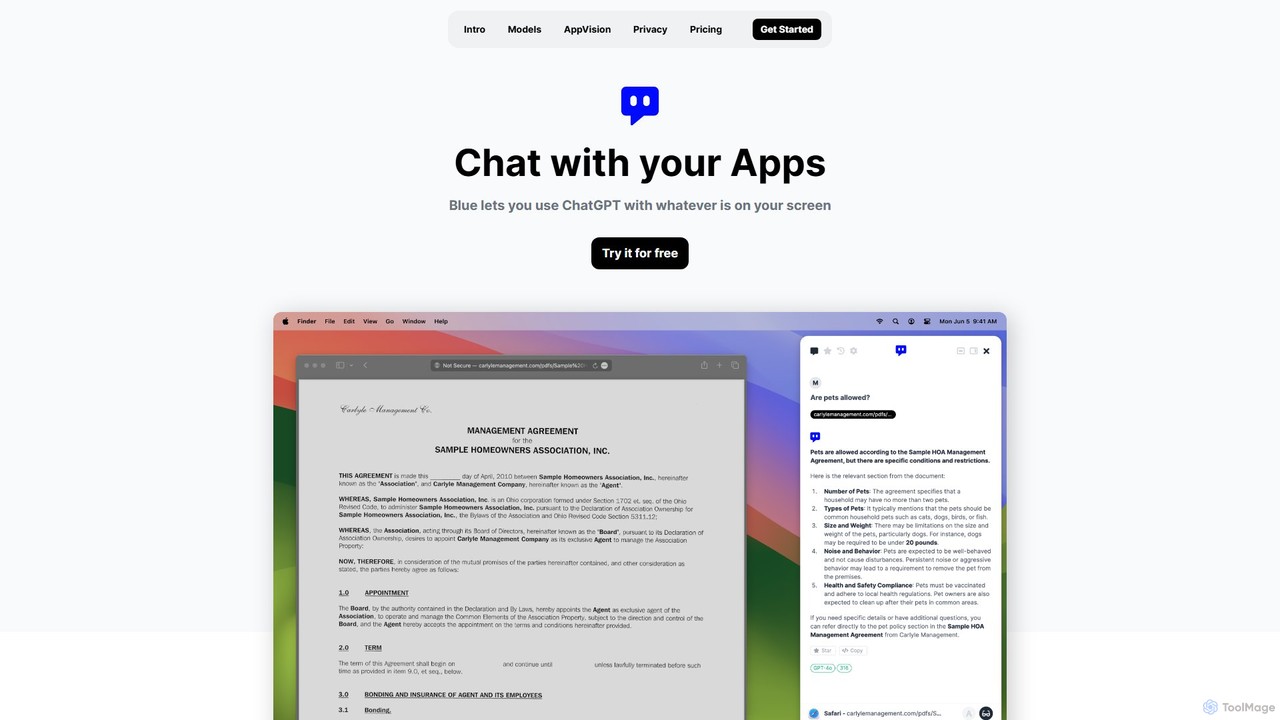
Blue
Blue is a native macOS AI assistant that integrates ChatGPT and other advanced AI models directly into your workflow. Featuring unique screen context awareness (AppVision) and a strong focus on privacy, it allows you to analyze, summarize, or create content in any app with a simple keyboard shortcut, boosting productivity for professionals.
Coding Assistant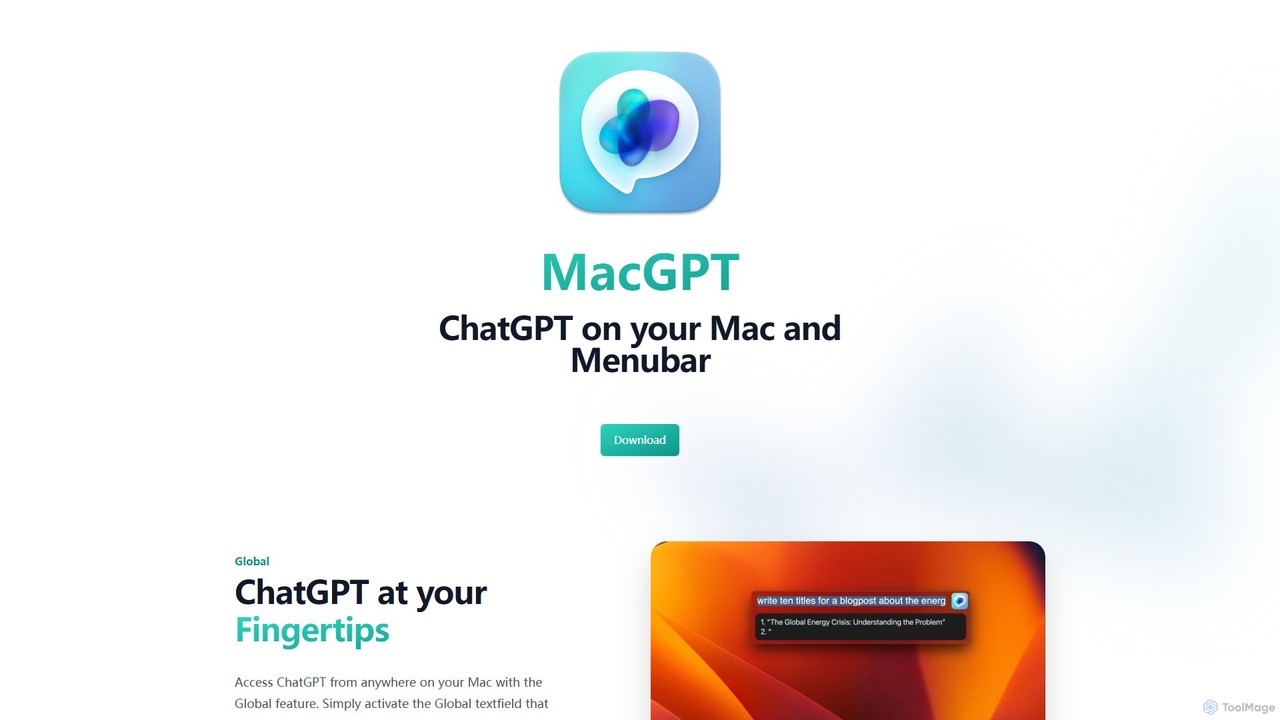
MacGPT
MacGPT brings the power of ChatGPT directly to your macOS desktop. Access OpenAI's models instantly from your menubar, use the Inline feature to write in any application, and switch between a native or web interface for ultimate flexibility and productivity.
Code Assistant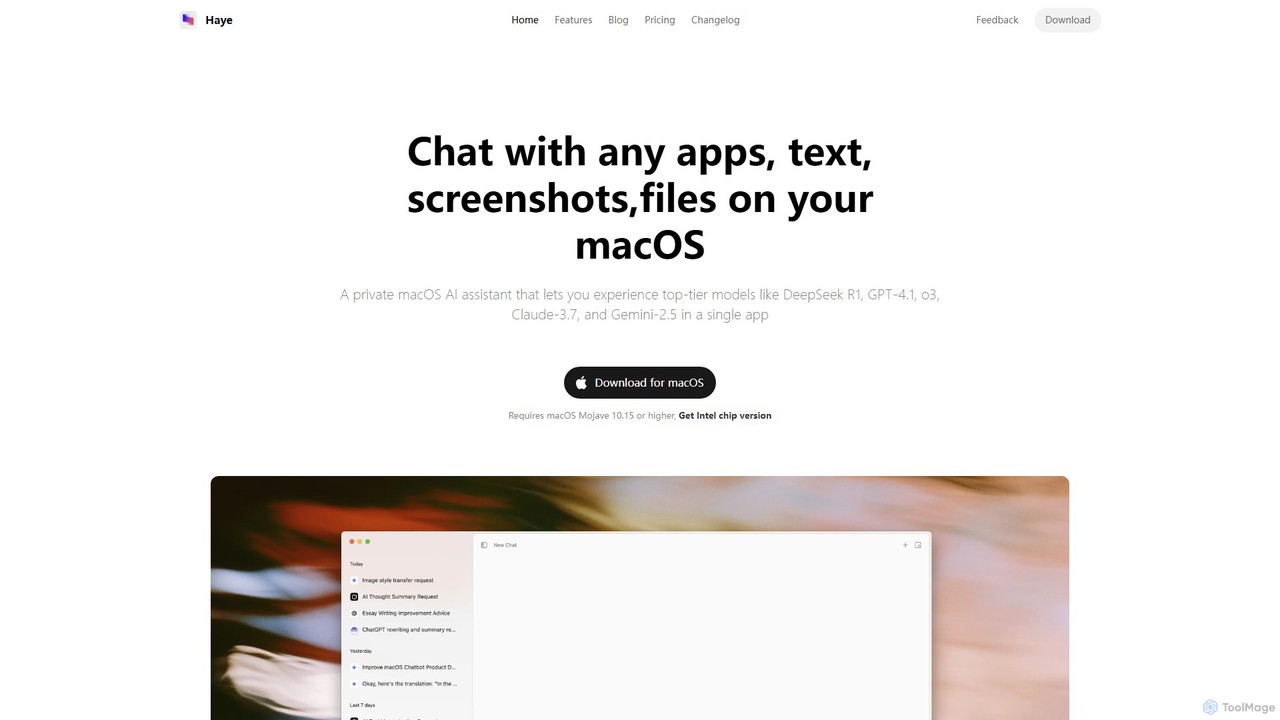
Haye
Haye is a powerful, all-in-one AI chat assistant for macOS, integrating top-tier models like GPT-4.1, Claude-3.7, and Gemini-2.5. It allows users to seamlessly interact with any app, text, screenshot, or file on their desktop, boosting productivity with features like AI search, document chat, and advanced customization.
Code Assistant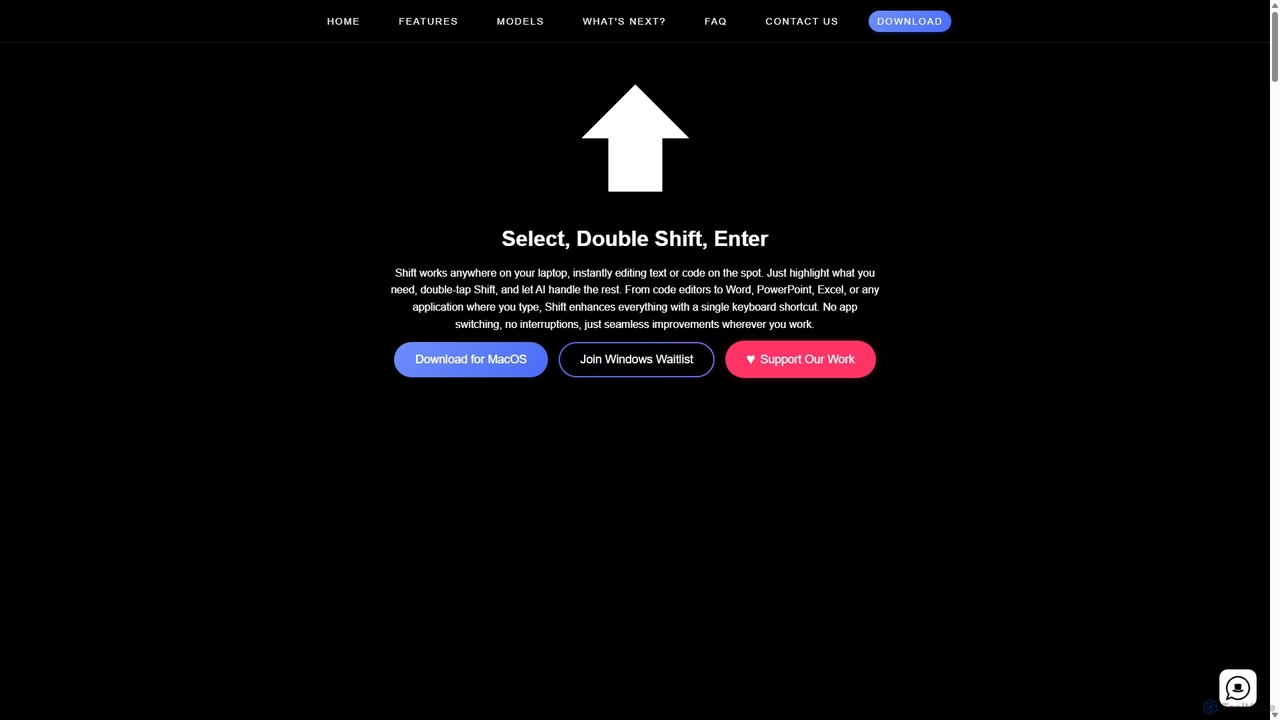
Shift
Shift is a system-wide AI assistant for macOS that enhances your workflow by allowing you to edit text and code anywhere with a simple keyboard shortcut. Just highlight text, double-tap Shift, and let the AI rewrite, debug, translate, or rephrase it instantly within any application.
Code Assistant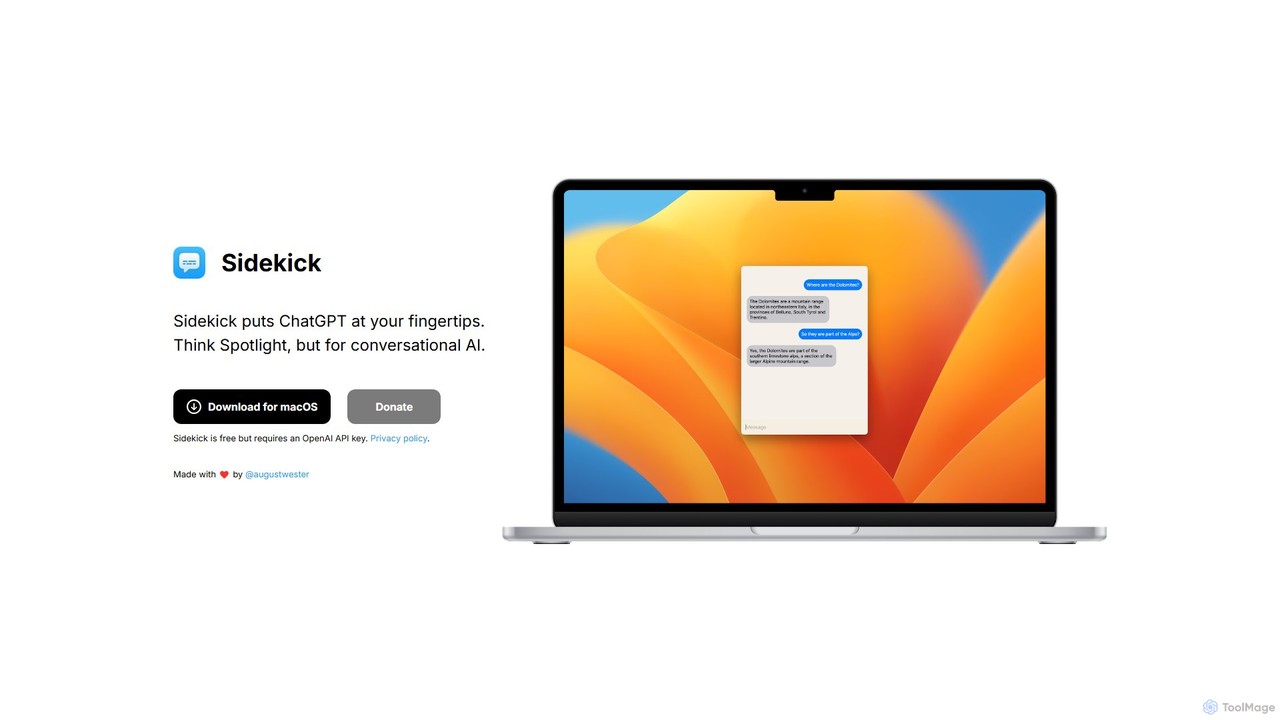
Sidekick
Sidekick is a free macOS application that provides instant access to ChatGPT from anywhere on your desktop. Functioning like Spotlight for conversational AI, it allows users to summon an AI assistant with a simple keyboard shortcut, streamlining workflows and boosting productivity without needing a browser.
Code Assistant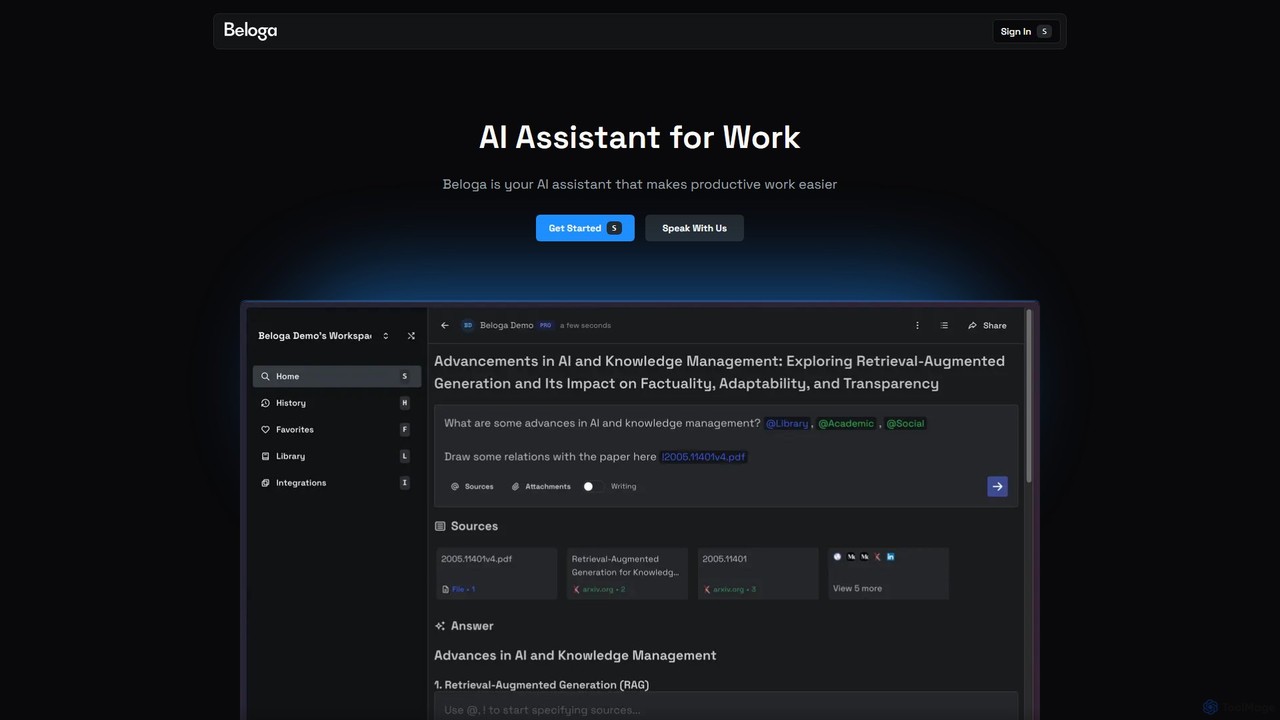
Beloga
Beloga is an AI-powered productivity platform that integrates multiple large language models (like GPT-4o, Claude 3, Gemini 1.5) into a seamless workflow. Through its command spotlight interface, users can perform intelligent searches, automate tasks, and access personalized knowledge bases, boosting efficiency for individuals and teams.
Code Assistant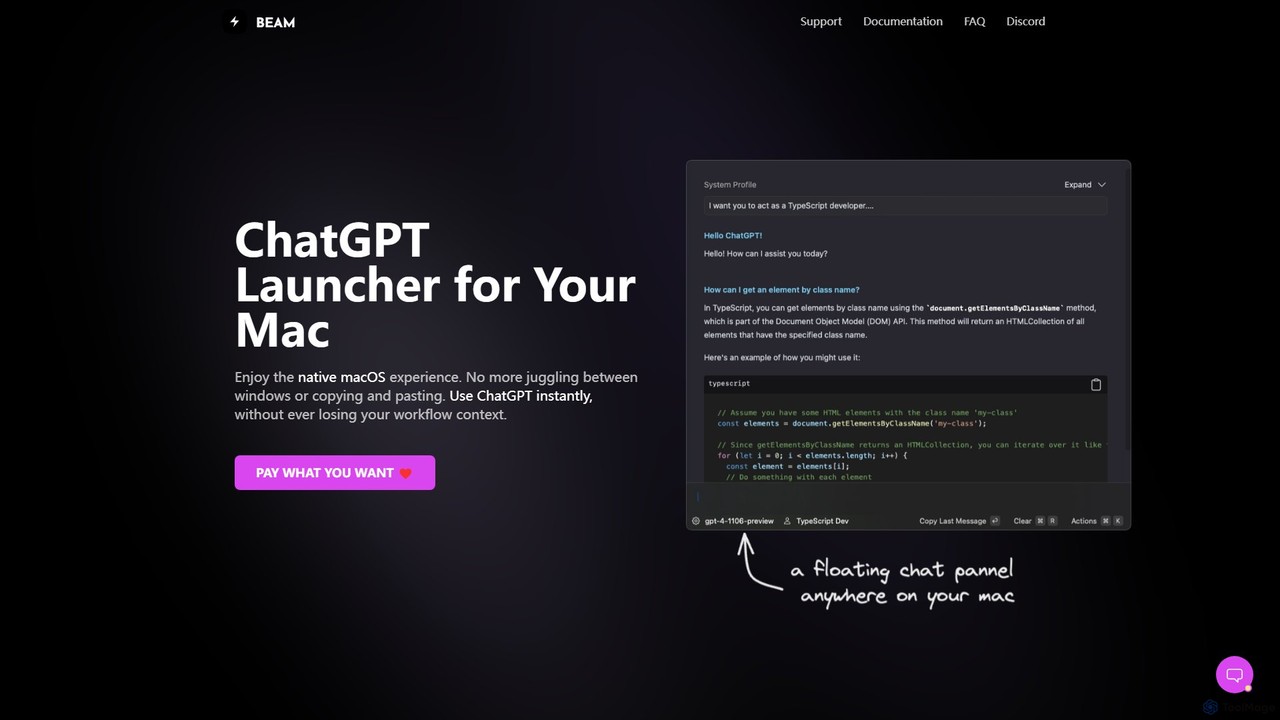
getbeam
A native macOS application that provides instant, system-wide access to ChatGPT. It enhances productivity with features like hotkey activation, contextual chat, screen interaction, and customizable templates. Beam integrates seamlessly into your workflow, allowing you to use AI without switching contexts, all within a secure, fast, and lightweight native interface.
Code Assistant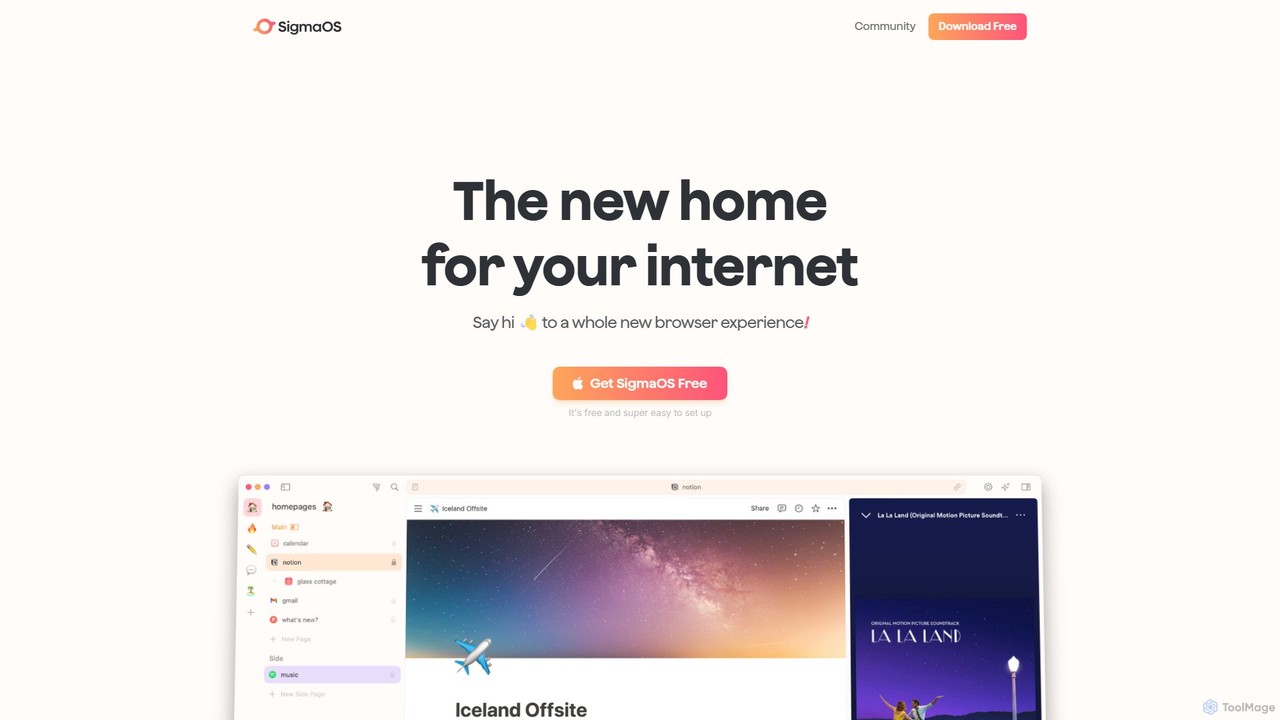
SigmaOS
SigmaOS is a revolutionary AI-powered web browser designed for work and productivity on macOS. It reimagines the browsing experience with features like workspaces for organization, vertical tabs managed as tasks, and an integrated AI assistant named Airis. It combines the speed and security of Safari's WebKit engine with the versatility of Chrome extensions, creating a focused, efficient, and intelligent environment for students, founders, and creatives.
Search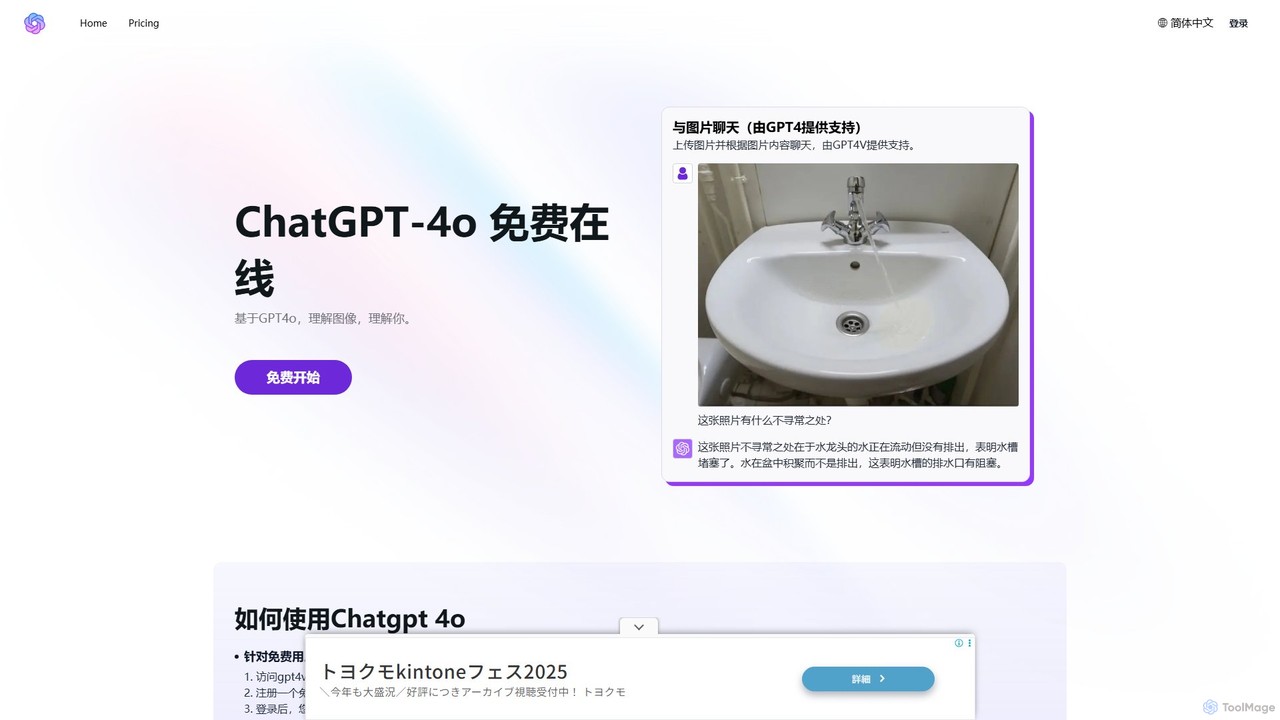
gpt4v.net
An accessible platform providing free and premium access to advanced AI models like GPT-4o, Claude 3.7, and DeepSeek. It specializes in multimodal interactions, allowing users to chat with images, and offers specialized tools like an AI Math Tutor for comprehensive problem-solving.
Tutoring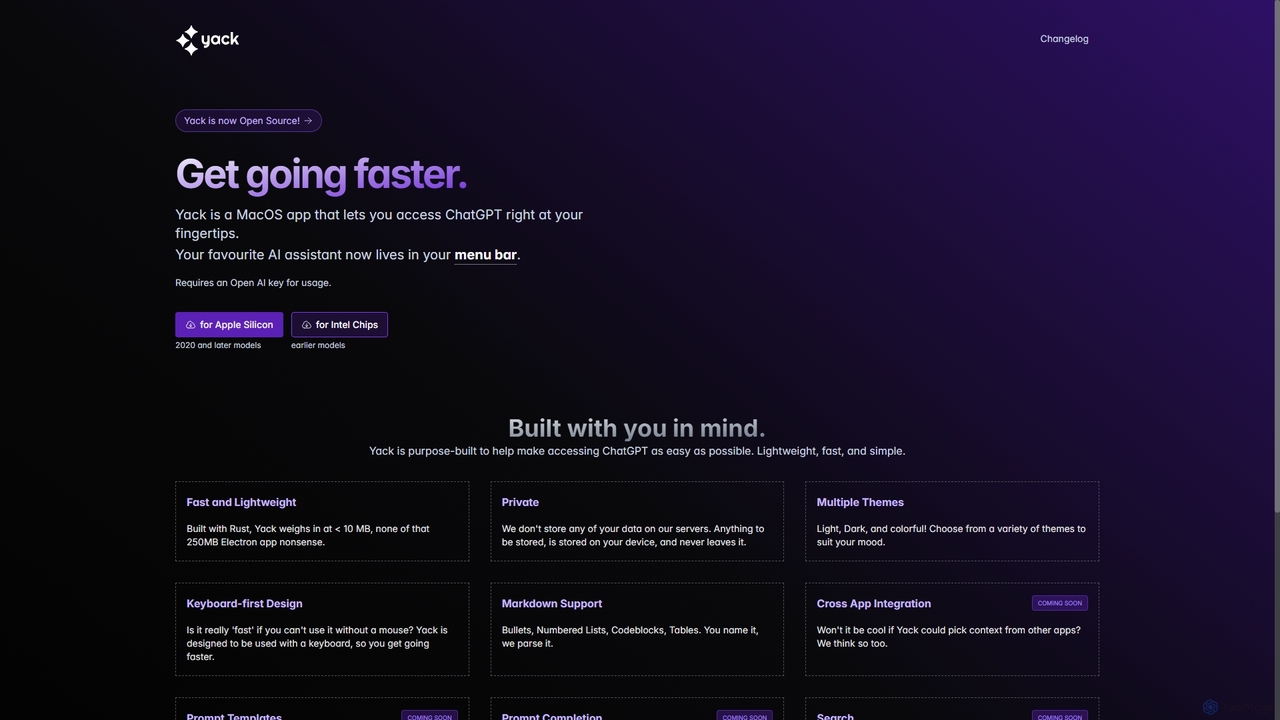
Yack
Yack is a lightweight, fast, and private open-source native macOS application that provides instant access to ChatGPT directly from your menu bar. Built with Rust, it's designed for efficiency with a keyboard-first approach, ensuring you can interact with AI without disrupting your workflow.
Api Client
Airlight
Airlight is a lightweight "superbrowser" for macOS that provides instant access to web apps like ChatGPT, Perplexity, and Claude via a Spotlight-like interface. Activated by a simple shortcut (option + space), it overlays on any screen, eliminating the need for constant tab switching and boosting productivity for developers, writers, and researchers.
Chat
Iris
Iris is a seamless AI assistant for macOS, designed to integrate into your workflow. It provides instant access to top AI models like GPT-4o and Claude 3.5, allowing you to chat, capture your screen for context, and get answers without ever leaving your current application. With intuitive gestures and powerful shortcuts, Iris is there when you need it and invisible when you don't.
Coding Assistant
ScreenSnapAI Comments (0)
Sign in to comment.
Sign inNo comments yet.