PaletteBrain
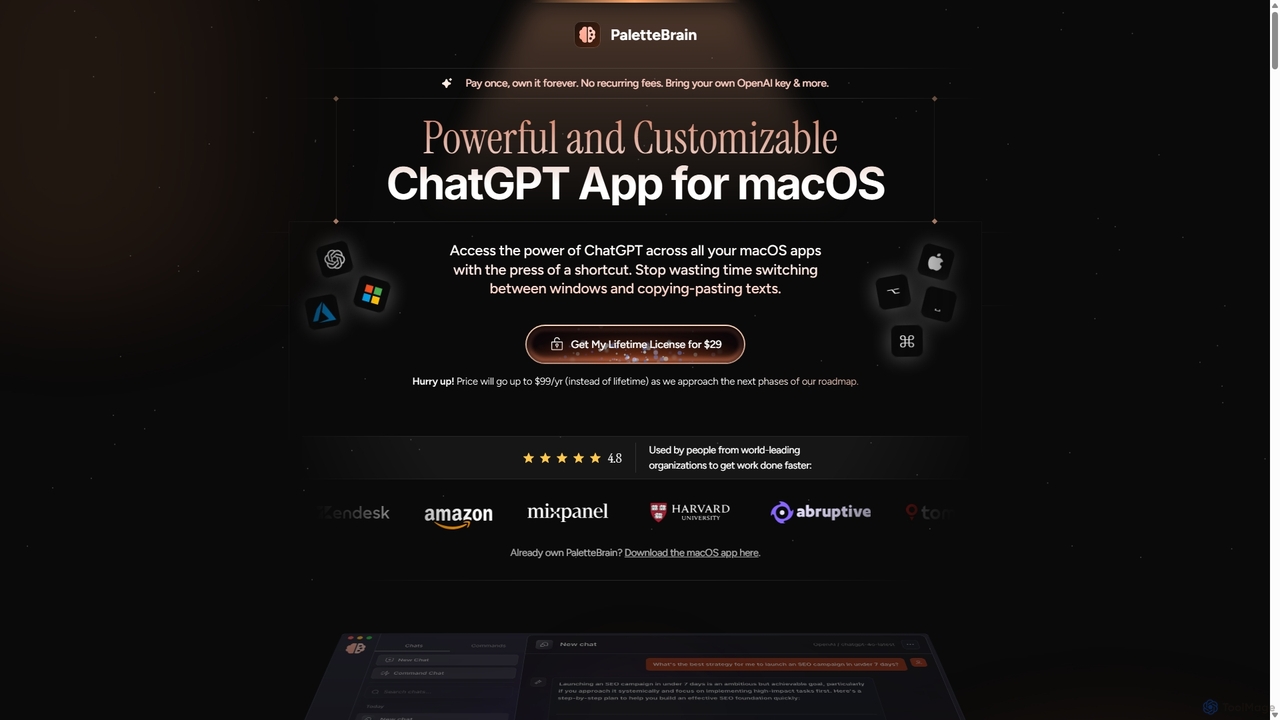
PaletteBrain is a native macOS application that integrates the power of ChatGPT directly into your workflow. With a …
PaletteBrain is a native macOS application that integrates the power of ChatGPT directly into your workflow. With a simple keyboard shortcut, you can access AI commands on any selected text within any app, eliminating context switching. It offers customizable prompts, a one-time purchase model, and allows you to use your own OpenAI key for pay-as-you-go usage, making it a cost-effective and efficient productivity booster for writers, developers, and marketers.
AquaSnap
AquaSnap is a powerful window management utility for Windows that dramatically enhances productivity. It allows users to efficiently …
AquaSnap is a powerful window management utility for Windows that dramatically enhances productivity. It allows users to efficiently snap, dock, tile, and organize application windows using simple drag-and-drop actions, mouse shortcuts, and keyboard hotkeys. It is especially useful for large or multiple monitor setups, making multitasking seamless and organized.
ScreenSnapAI
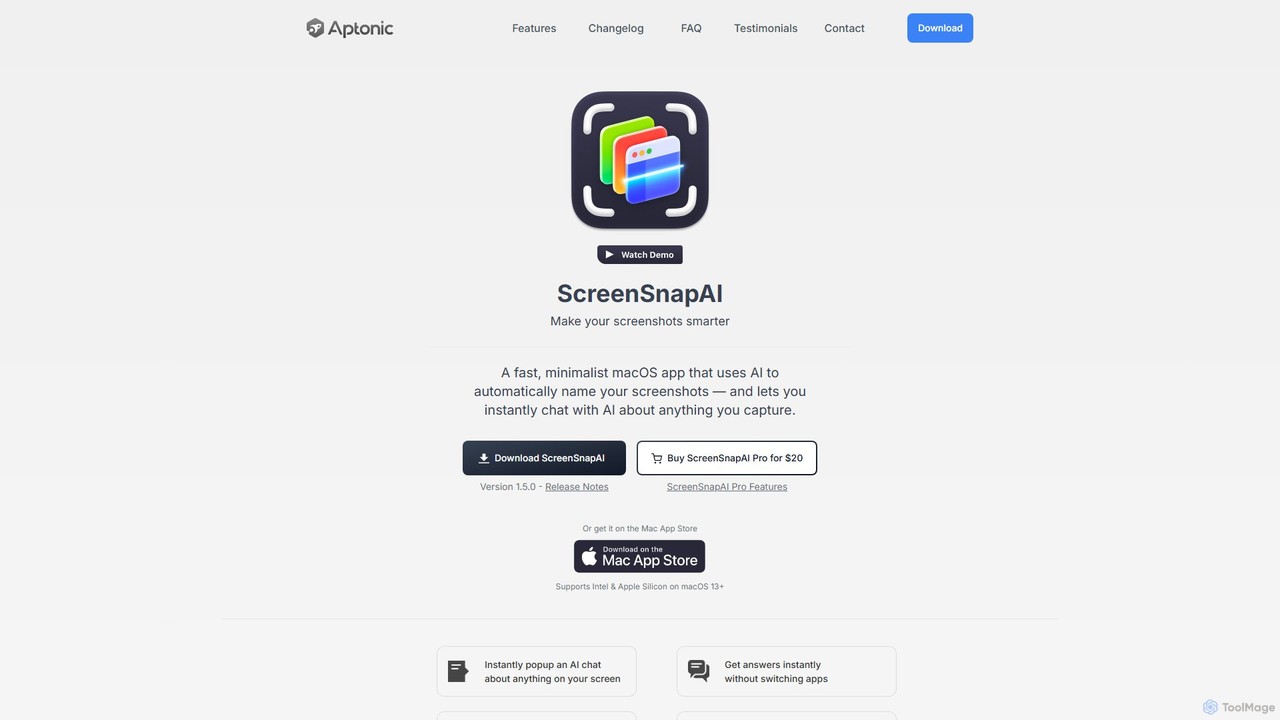
ScreenSnapAI is a smart macOS application that uses AI to automatically rename, tag, and organize your screenshots. It …
ScreenSnapAI is a smart macOS application that uses AI to automatically rename, tag, and organize your screenshots. It features an integrated AI assistant that allows you to instantly chat about, translate, or extract text and code from any captured image, dramatically improving productivity and workflow efficiency.
Reiden
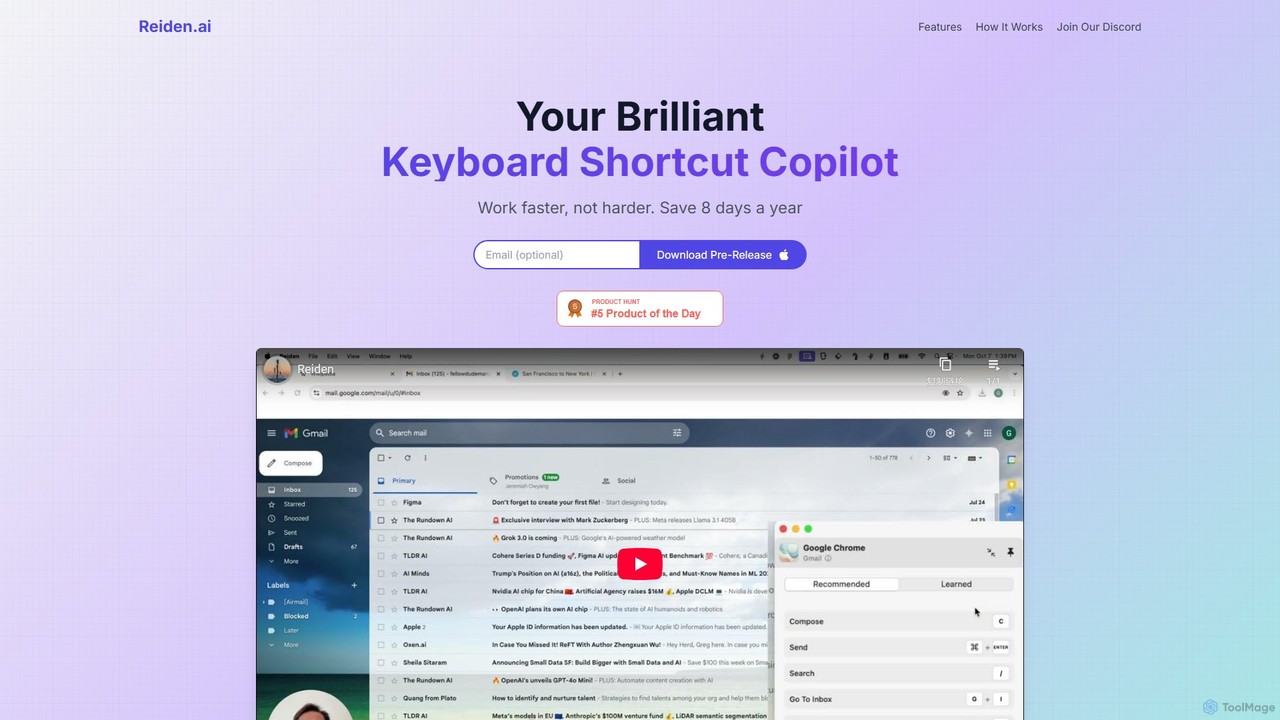
Reiden is an AI-powered productivity assistant that acts as your personal keyboard shortcut copilot. It runs in the …
Reiden is an AI-powered productivity assistant that acts as your personal keyboard shortcut copilot. It runs in the background, analyzes your workflow across 20+ applications, and provides real-time, personalized suggestions for keyboard shortcuts. By helping you replace repetitive mouse clicks with efficient key commands, Reiden saves you time, improves your ergonomic health, and boosts your overall productivity, making you work faster, not harder.
MacGaiver
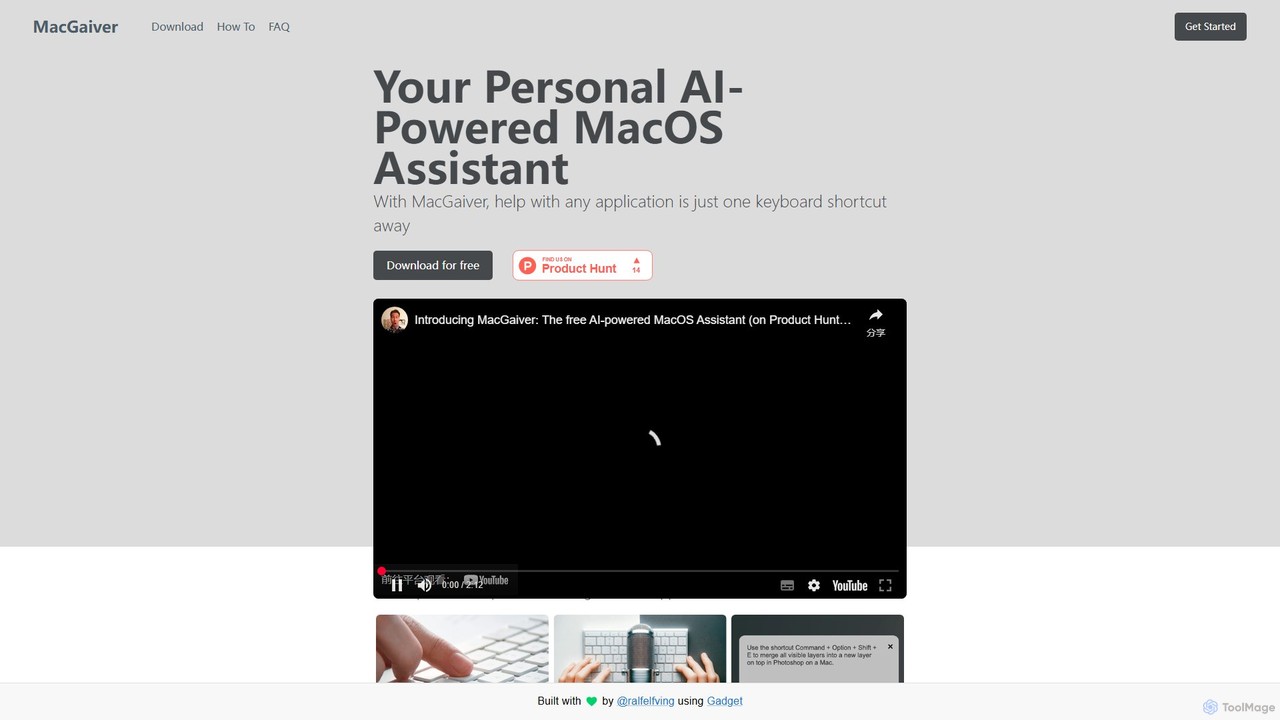
MacGaiver is a free, AI-powered assistant for MacOS that provides contextual help within any application. Using a simple …
MacGaiver is a free, AI-powered assistant for MacOS that provides contextual help within any application. Using a simple keyboard shortcut, it captures your screen and allows you to ask questions via voice or text. Powered by OpenAI's GPT-V, it delivers instant, relevant answers without interrupting your workflow, making it an essential tool for productivity and learning.
Raycast
Raycast is a blazingly fast, extendable launcher for macOS that supercharges your productivity. It replaces Spotlight with a …
Raycast is a blazingly fast, extendable launcher for macOS that supercharges your productivity. It replaces Spotlight with a powerful command-line interface to control your tools, search files, run scripts, and automate tasks. With an integrated AI assistant, a vast store of community-built extensions, and features like Clipboard History, Snippets, and Window Management, Raycast centralizes your workflow, saving you time and context-switching.
inbox_ai
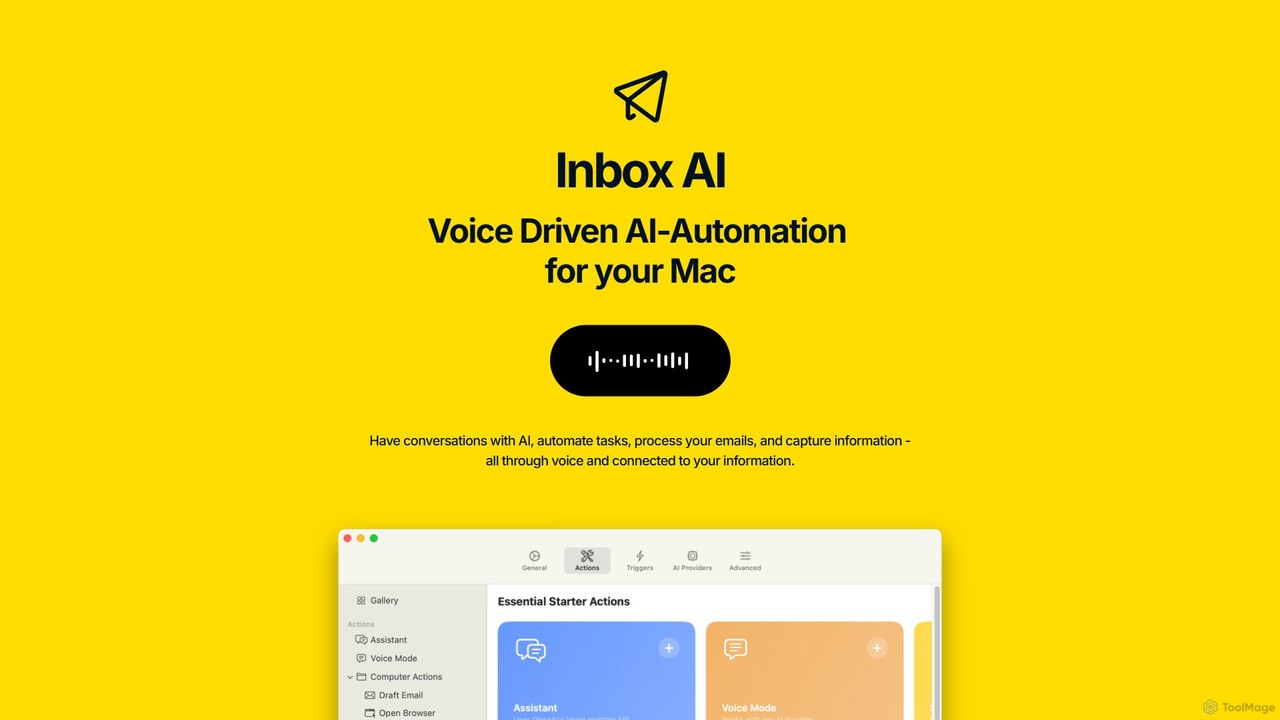
inbox_ai is a powerful voice-driven AI automation tool for macOS. It allows you to create custom voice commands …
inbox_ai is a powerful voice-driven AI automation tool for macOS. It allows you to create custom voice commands and build intelligent assistants to streamline your workflow. With features like on-screen quick capture, email filtering, and deep integration with native macOS apps and services like Raycast and PopClip, inbox_ai puts advanced AI capabilities at your fingertips. It operates entirely on-device, ensuring your data remains private and secure, with no login required.
ScreenML
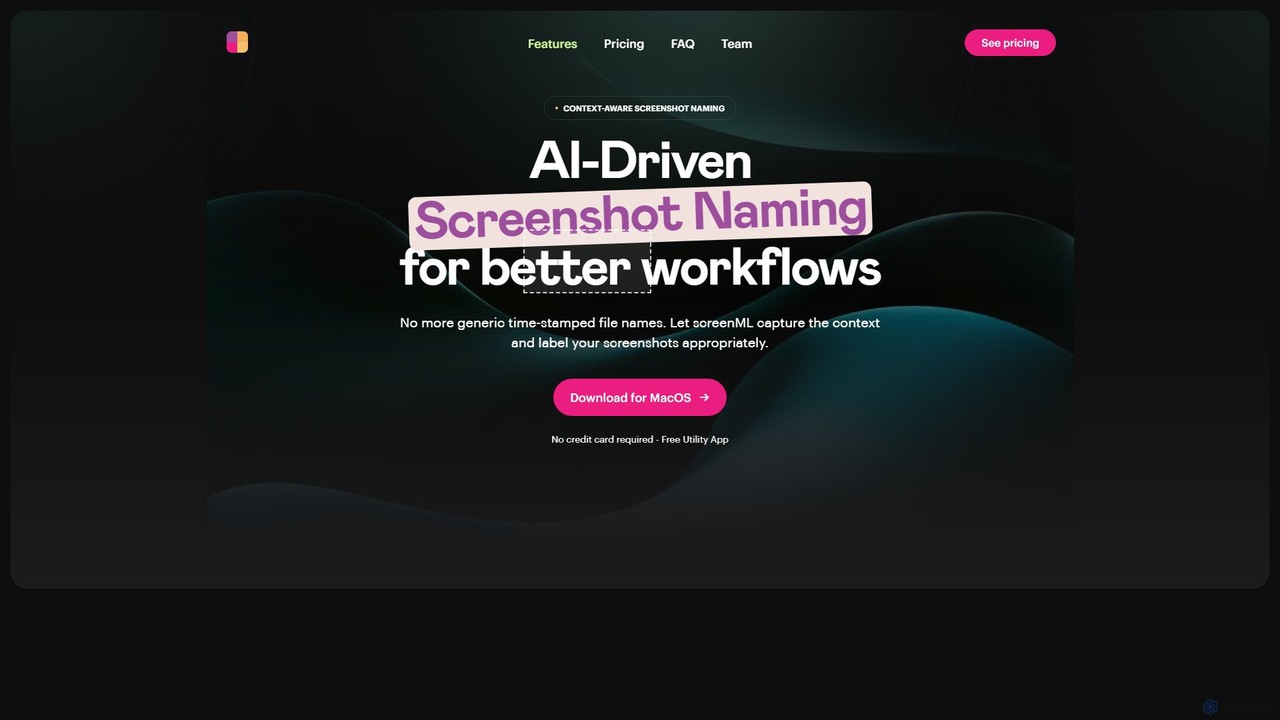
ScreenML is an AI-powered MacOS utility that automatically renames your screenshots with context-aware, descriptive filenames. It eliminates cluttered …
ScreenML is an AI-powered MacOS utility that automatically renames your screenshots with context-aware, descriptive filenames. It eliminates cluttered desktops and timestamped file names, making your screenshots organized, searchable, and easy to manage, streamlining your entire workflow.
About Utilities
AI Utilities are a class of specialized tools designed to perform specific, auxiliary tasks that support, automate, or optimize larger AI-driven workflows. Unlike comprehensive applications, these tools focus on solving singular, often technical, challenges within the broader system. They act as essential helpers, handling functions like data conversion, API management, or performance monitoring to enhance the efficiency and reliability of primary AI systems. Their value lies in streamlining repetitive processes and bridging gaps between different platforms or services.
Core Features
- Task Automation: Automates small, repetitive tasks such as data formatting, file conversion, or routine system checks.
- API Management: Simplifies the process of connecting to, managing, and monitoring various AI service APIs.
- Data Processing: Provides targeted functions for cleaning, structuring, anonymizing, or converting datasets for AI model consumption.
- Performance Monitoring: Offers tools to track and analyze the speed, accuracy, and resource usage of AI models or services.
- Prompt Engineering Aids: Includes tools for creating, testing, refining, and managing prompts for generative AI models.
Applicable Scenarios
AI Utilities are frequently used by developers, data scientists, and MLOps engineers to streamline development and deployment pipelines. For example, a developer might use a utility to manage API keys for multiple AI services, while a data scientist could use one to quickly anonymize a dataset before training. They are also valuable for power users who need to integrate AI capabilities into their custom workflows.
Selection Criteria
When choosing an AI Utility, first assess its specificity: does it solve your exact problem efficiently? Evaluate its integration capabilities with your existing tools and platforms. Consider its performance, reliability, and the quality of its documentation. Finally, review the pricing model to ensure it aligns with your usage frequency and budget, as many utilities are priced based on consumption or specific features.
UtilitiesUse Cases
Automated Data Anonymization for Compliance
A data analyst at a healthcare startup needs to prepare patient records for training a predictive AI model. To comply with privacy regulations like GDPR or HIPAA, all personally identifiable information (PII) must be removed. Instead of manually scrubbing thousands of records, the analyst uses an AI utility tool. They configure the tool to automatically detect and replace names, addresses, and social security numbers with placeholder tokens. This process reduces the time required from days to minutes, minimizes the risk of human error, and ensures the dataset is safe for use in a development environment.
Optimizing Prompts for Generative AI Content
A marketing team uses a large language model (LLM) to generate blog post ideas. However, the initial outputs are often generic. A content strategist uses an AI prompt optimization utility to improve the results. The tool allows them to create a base prompt and then generate dozens of variations by systematically changing variables like tone, target audience, and keyword focus. By comparing the outputs side-by-side, the strategist can identify the most effective prompt structure, leading to higher quality, more relevant content ideas and saving hours of manual trial-and-error.
Monitoring AI API Latency and Costs
An MLOps engineer is responsible for a customer service chatbot that relies on several third-party AI APIs. To ensure a smooth user experience and control costs, they use an AI utility designed for API monitoring. The tool acts as a proxy, routing all API calls and logging key metrics. The engineer can view a real-time dashboard showing the response time (latency), error rates, and token usage for each API. This allows them to quickly identify performance bottlenecks or unexpected cost spikes, ensuring the chatbot remains responsive and within budget.
Converting AI Model Output to Usable Formats
A business analyst uses an AI service to extract data from invoices, which returns the information in a complex JSON format. To perform analysis in Excel, the analyst needs this data in a simple CSV file. They use a data formatting utility that specializes in converting AI outputs. The analyst uploads the JSON file, maps the required fields to columns, and the tool instantly generates a clean, well-structured CSV. This eliminates the need for complex scripting or manual data entry, allowing the analyst to focus on interpreting the data rather than wrestling with file formats.
Detecting AI-Generated Text for Academic Integrity
An educator at a university is concerned about students submitting essays written by AI. To uphold academic integrity, they use an AI detection utility. Before grading, the educator pastes the text of each student's submission into the tool. The utility analyzes linguistic patterns, perplexity, and burstiness to provide a probability score indicating whether the text was likely written by a human or an AI. This gives the educator an objective data point to consider, helping them identify potential cases of academic dishonesty for further review and discussion with the student.
Securely Managing and Sharing API Keys
A freelance developer works on multiple client projects, each requiring access to different AI services like OpenAI, Anthropic, and Google AI. Managing dozens of API keys securely is a challenge. The developer uses an AI utility designed for secret management. This tool provides a centralized, encrypted vault to store all API keys. It allows the developer to grant temporary, role-based access to specific keys for collaborators without exposing the actual key. This practice enhances security, prevents accidental leaks, and simplifies the process of rotating keys across all projects when needed.