
PaletteBrain Overview
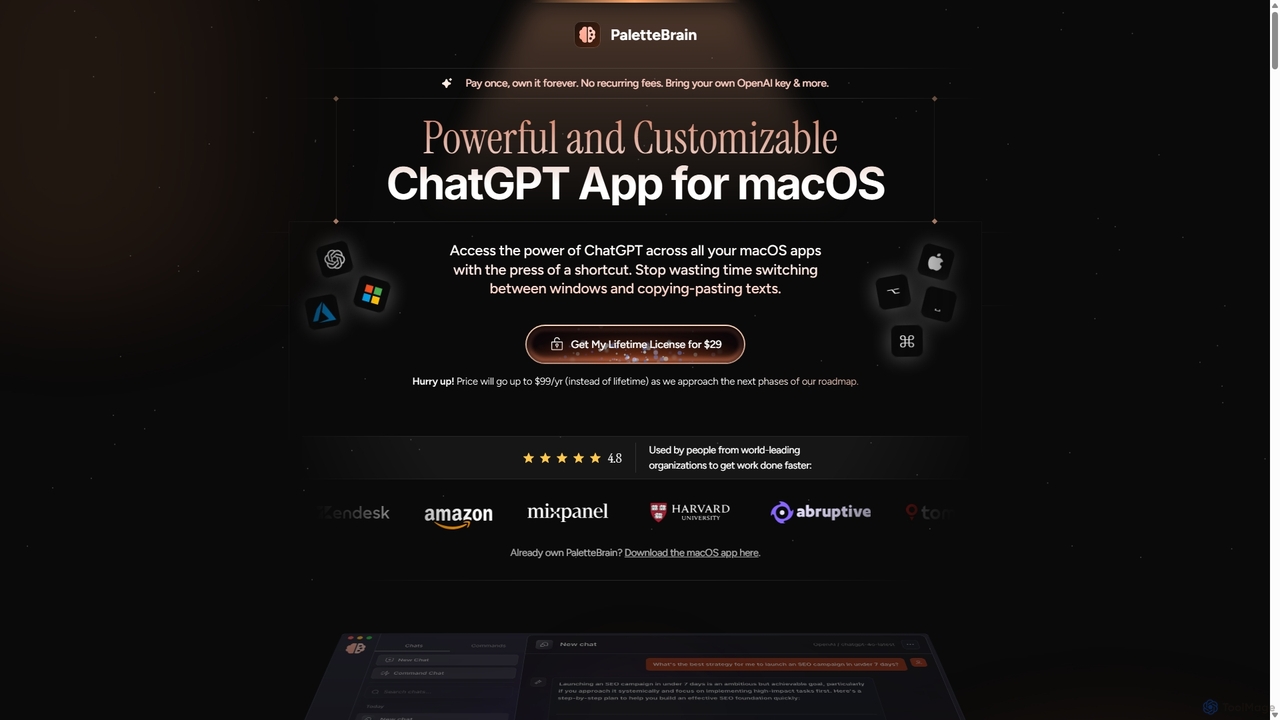
PaletteBrain is a powerful native macOS application designed to seamlessly integrate ChatGPT into your daily workflow, enhancing productivity across all your applications. It acts as a central AI hub on your Mac, allowing you to run AI commands on any selected text with a simple keyboard shortcut (⌥SPACE), eliminating the tedious process of switching windows, copying, and pasting. This tool is built for founders, creators, developers, and professionals who want to leverage AI's power without disrupting their flow. By bringing your own OpenAI or Microsoft Azure API key, you bypass expensive monthly subscriptions like ChatGPT Plus, paying only for what you use, which often amounts to less than $2 per month for the average user.
How to use PaletteBrain
Using PaletteBrain is designed to be intuitive and fast, integrating directly into your existing habits. The process is straightforward:
- Select Text: Highlight any text you want to work with in any application on your Mac—be it a browser, code editor, document, or messaging app.
- Activate PaletteBrain: Press the default shortcut ⌥SPACE to open the AI command palette. This palette appears right where you are working.
- Run a Command: Choose from a list of pre-configured commands (like 'Fix Grammar & Spelling', 'Summarize', 'Translate') or your own custom-created commands.
- Paste the Result: Once the AI generates a response, you can instantly paste it back into your original application by pressing ⌘⇧↵, replacing the selected text or inserting the new content.
- Customize Your Workflow: You can create your own commands with specific prompts and model settings, and even bind them to unique keyboard shortcuts for instant execution of your most frequent tasks.
Core Features of PaletteBrain
- Global macOS Integration: Use AI anywhere on your Mac. PaletteBrain works seamlessly within any app or website, including Notion, Google Docs, Slack, VS Code, and Gmail.
- Customizable AI Commands: Create, save, and manage your own prompts as commands. You have full control over the AI model (e.g., GPT-4, GPT-3.5-Turbo), creativity level, and other parameters for each command.
- Keyboard Shortcut Hub: Assign custom keyboard shortcuts to your most-used commands for lightning-fast execution, turning complex tasks into single-press actions.
- Bring Your Own API Key (BYOK): Connect your OpenAI or Microsoft Azure API key to pay for AI usage directly. This is significantly more cost-effective than fixed monthly subscriptions and gives you access to the latest models without a ChatGPT Plus subscription.
- Privacy-Focused: Your data and conversations are private, transmitted directly between your computer and OpenAI/Azure. There are no middlemen, tracking, or data logging by PaletteBrain.
- Conversation Management: All your AI interactions are saved and organized in one place, allowing you to search, manage, and revisit past conversations easily.
- One-Time Payment Model: Purchase a lifetime license with a single payment. No recurring subscription fees for the app itself, providing long-term value.
Use Cases for PaletteBrain
PaletteBrain is versatile and can be adapted to numerous professional and personal tasks:
- For Writers & Content Creators: Instantly correct grammar and spelling, rewrite sentences for clarity, summarize long articles into bullet points, translate text, or generate blog post outlines from a single idea.
- For Developers: Refactor code, explain complex code snippets, convert code between languages, write documentation, or debug errors directly within your code editor.
- For Marketers & Social Media Managers: Craft compelling ad copy, generate email marketing campaigns, create social media posts, and brainstorm content ideas without leaving your planning tools.
- For Students & Researchers: Summarize academic papers, explain difficult concepts, get help with homework problems, and improve the quality of written assignments.
- For Business Professionals: Draft professional emails, prepare meeting summaries from notes, and quickly analyze text-based data in spreadsheets or documents.
Advantages of PaletteBrain
PaletteBrain stands out from other AI tools with its unique focus on workflow integration and cost-efficiency. Its primary advantage is saving time and money by replacing multiple specialized subscriptions (like Grammarly Pro, DeepL, Jasper AI) with a single, versatile tool. The 'pay once, own forever' model is a significant financial benefit over the recurring fees of most SaaS products. Furthermore, its native macOS design ensures a smooth, fast, and resource-efficient experience that doesn't drain your battery. The commitment to privacy and active development ensures a secure, bug-free, and up-to-date tool that evolves with the AI landscape.
Pricing and Plans
PaletteBrain offers a lifetime license through a one-time purchase, with different tiers to suit various needs. All plans require a user-provided OpenAI/Azure API key for usage costs.
- Personal License: A one-time payment of $29 (Early Supporter price, future price $99/year). This license is for use on one macOS device and includes unlimited conversations, commands, and lifetime updates.
- Family License: A one-time payment of $99 (Early Supporter price, future price $299/year). This license covers up to five macOS devices, perfect for families or small teams.
- Team License: Custom pricing for teams and enterprises requiring deployment on an unlimited number of devices. This includes priority support.
Traffic
Latest traffic
Status
Monthly traffic trend
- 2025-9: 3.3K
- 2026-1: 1.6K
- 2026-2: 1.2K
- 2026-3: 1.3K
- 2026-4: 1.1K
- 2026-5: 1.5K
Top keywords
| Keyword | Cost per click |
|---|---|
| chatgpt download mac | $2.37 |
| chatgpt for mac | $2.20 |
| chatgpt mac | $3.04 |
| chatgpt mac app | $3.47 |
| chatgpt macos | $3.27 |
PaletteBrain Alternatives
Chat GPT Online
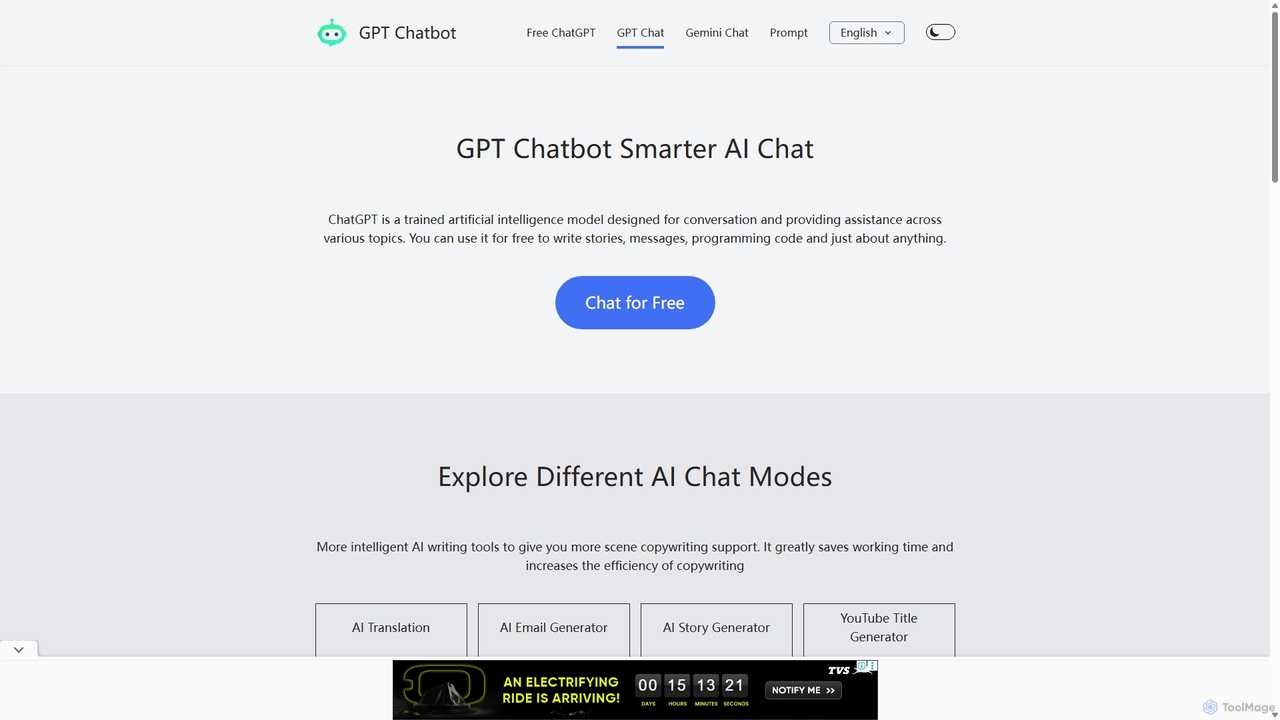
Chat GPT Online is a free-to-use AI chatbot platform powered by advanced language models. It provides a seamless conversational experience for answering questions, generating text, writing code, and more. The platform includes specialized tools like an AI translator, email generator, story creator, and YouTube title generator, making it a versatile assistant for students, writers, developers, and marketers without any cost or registration.
Generative Ai
RewriteBar
RewriteBar is a native macOS menu bar app that acts as your personal AI writing assistant. It works seamlessly across all applications, allowing you to instantly correct grammar, change tone, translate text, summarize content, and more with a simple keyboard shortcut. It supports over 12 AI providers, including local models for ultimate privacy, offering a powerful and flexible writing enhancement experience.
Code Assistant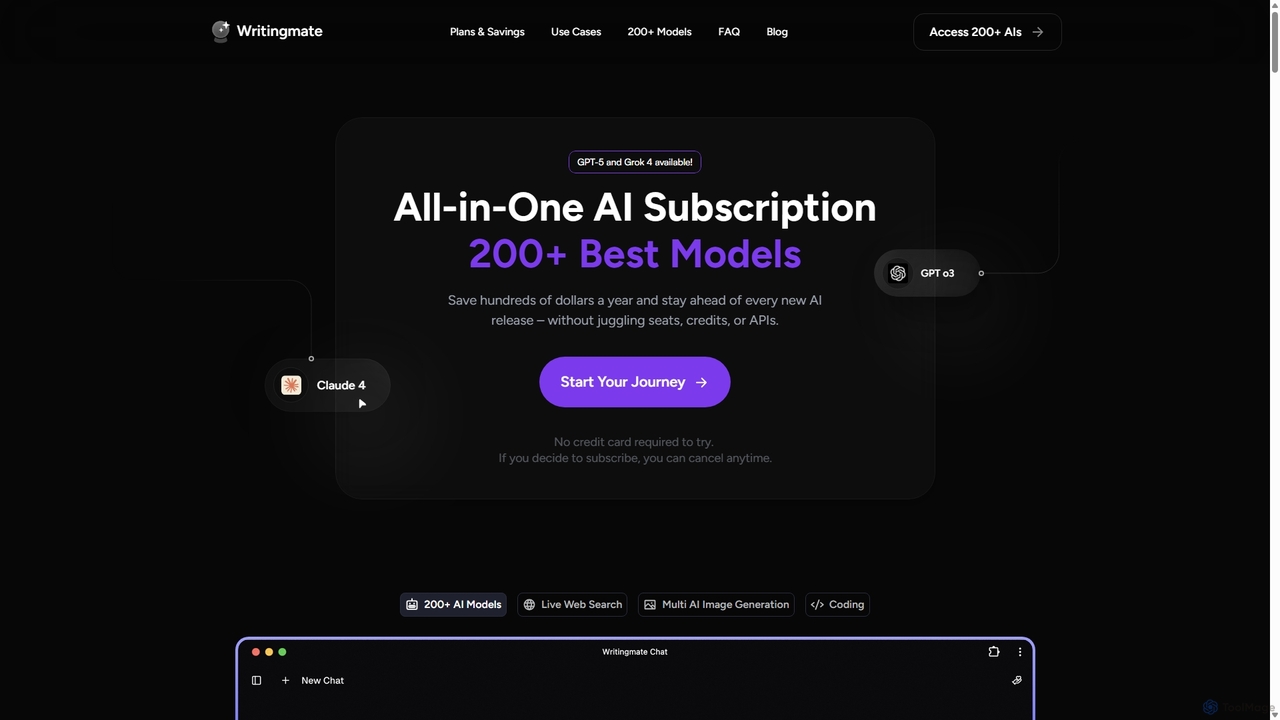
Writingmate
Writingmate is an all-in-one AI platform that provides access to over 200 of the best AI models, including GPT-5, Claude 4, and Grok 4, through a single subscription. It saves users money and time by eliminating the need to manage multiple AI tool subscriptions. Features include a model switcher, live web search, document chat, AI coding assistants, and multi-model image generation, catering to a wide range of professionals from developers to marketers.
Code Assistant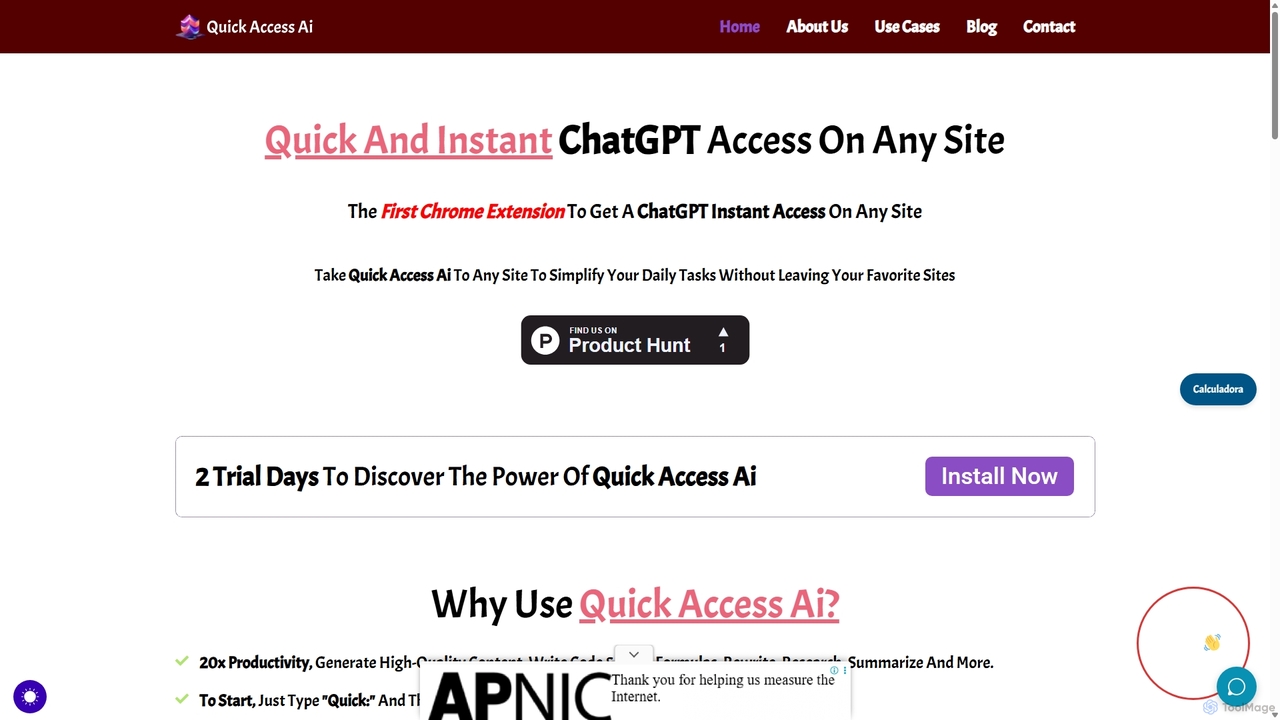
Quick Access Ai
Quick Access Ai is a Chrome extension that provides instant access to ChatGPT on any website. By simply typing a command, users can generate content, write code, summarize text, and perform research without switching tabs. It aims to boost productivity by integrating AI assistance directly into your existing workflow, making daily tasks faster and more efficient.
Code Assistant
Gpt All Star
Gpt All Star is an all-in-one AI platform providing access to a curated collection of specialized GPT agents. Select from a roster of 'all-star' assistants for tasks like writing, coding, marketing, and data analysis to get expert-level results from a single, user-friendly interface.
Code AssistantPaletteBrain Categories
PaletteBrain Jobs
PaletteBrain Embed Widget
Copy this embed code to place the badge on your blog, article, or product site and send readers directly to this ToolMage detail page.

Related AI tools
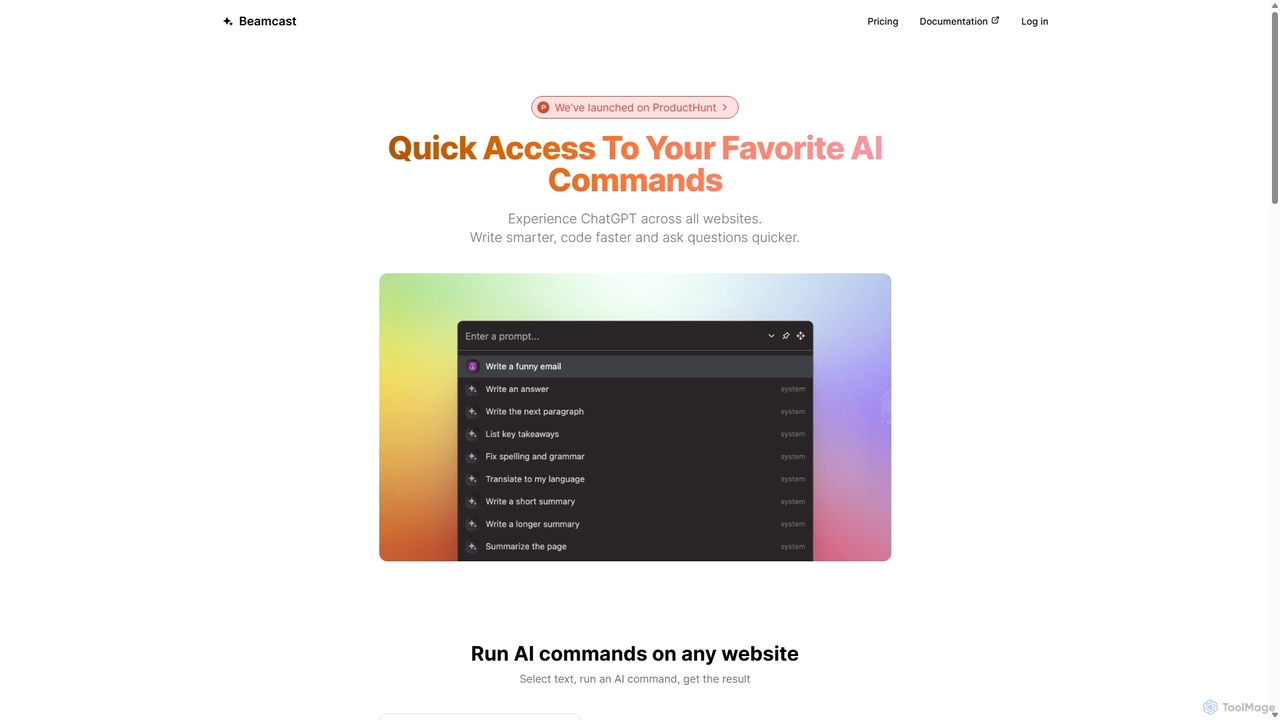
Beamcast
A browser extension that puts ChatGPT and Gemini at your fingertips. Select text on any website to run built-in or custom AI commands for writing, coding, and quick answers, streamlining your workflow and boosting productivity without ever leaving the page.
SearchChat GPT Online
Chat GPT Online is a free-to-use AI chatbot platform powered by advanced language models. It provides a seamless conversational experience for answering questions, generating text, writing code, and more. The platform includes specialized tools like an AI translator, email generator, story creator, and YouTube title generator, making it a versatile assistant for students, writers, developers, and marketers without any cost or registration.
Generative AiQuick Access Ai
Quick Access Ai is a Chrome extension that provides instant access to ChatGPT on any website. By simply typing a command, users can generate content, write code, summarize text, and perform research without switching tabs. It aims to boost productivity by integrating AI assistance directly into your existing workflow, making daily tasks faster and more efficient.
Code AssistantGpt All Star
Gpt All Star is an all-in-one AI platform providing access to a curated collection of specialized GPT agents. Select from a roster of 'all-star' assistants for tasks like writing, coding, marketing, and data analysis to get expert-level results from a single, user-friendly interface.
Code Assistant
Omnipilot
Omnipilot is a system-wide AI copilot for macOS, designed to integrate seamlessly into any application. It provides contextual assistance, allowing you to generate text, write code, and automate tasks in any text field, boosting productivity by eliminating the need to switch between apps. Note: Omnipilot has been acquired by and merged into Highlight AI.
Coding Assistant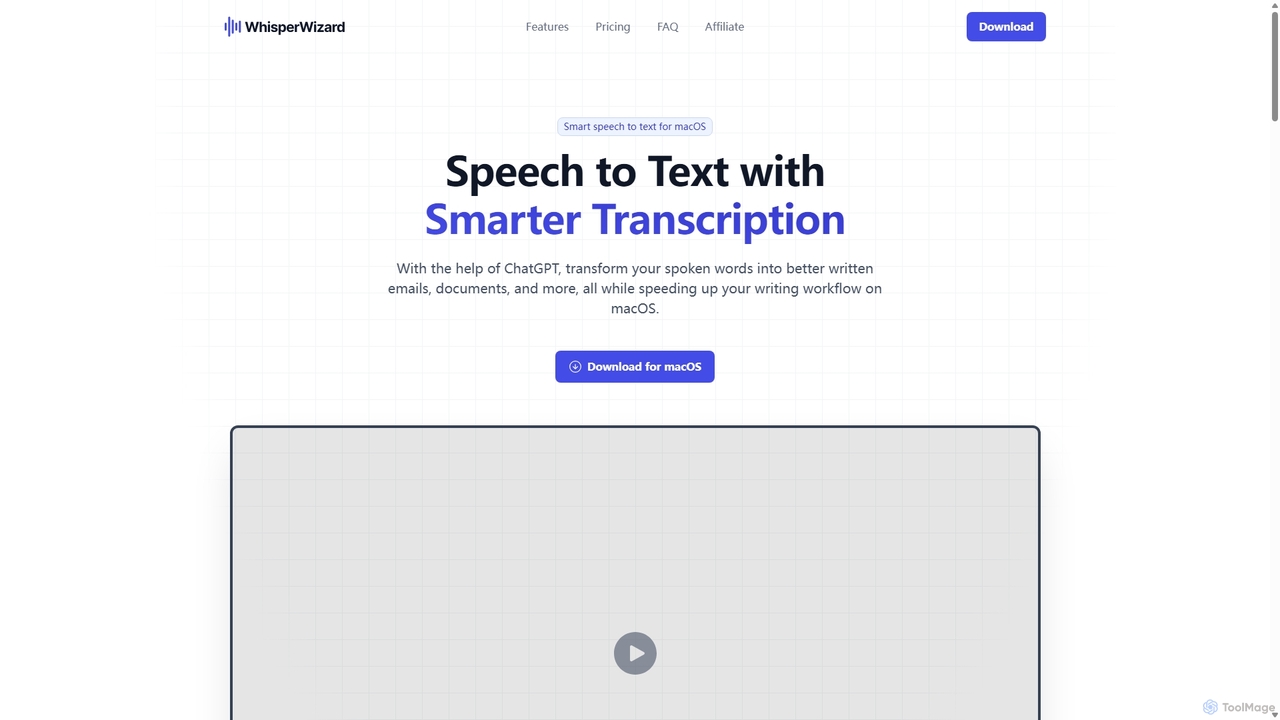
WhisperWizard
WhisperWizard is a powerful macOS application that transforms your speech into text with AI-powered enhancements. Leveraging ChatGPT, it not only transcribes your voice with high accuracy but also refines the output into well-structured emails, documents, and more. Create custom templates and shortcuts to streamline your writing workflow, making it faster and more efficient than ever to capture and perfect your ideas.
Speech To Text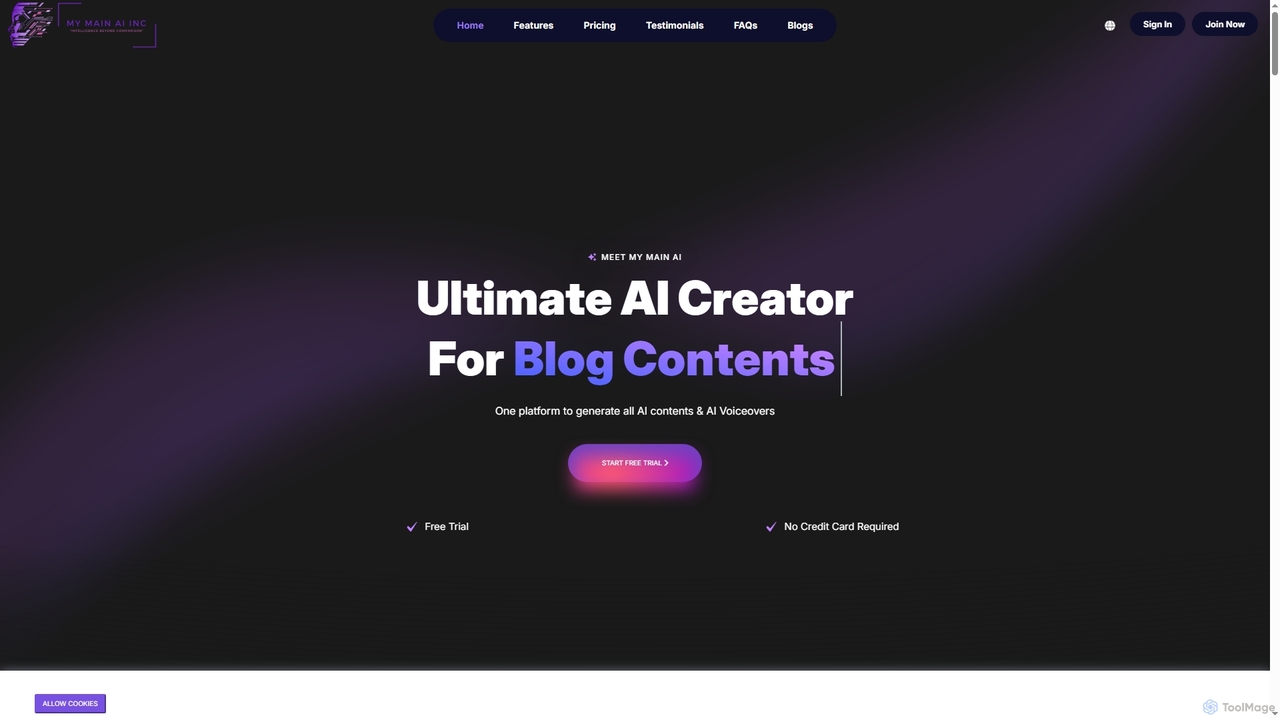
My Main AI
My Main AI is an all-in-one AI platform designed to accelerate content creation, image generation, voiceovers, speech-to-text, and code generation. It offers over 70 templates, multilingual support, and advanced AI models to streamline various tasks for individuals and businesses.
Chatbots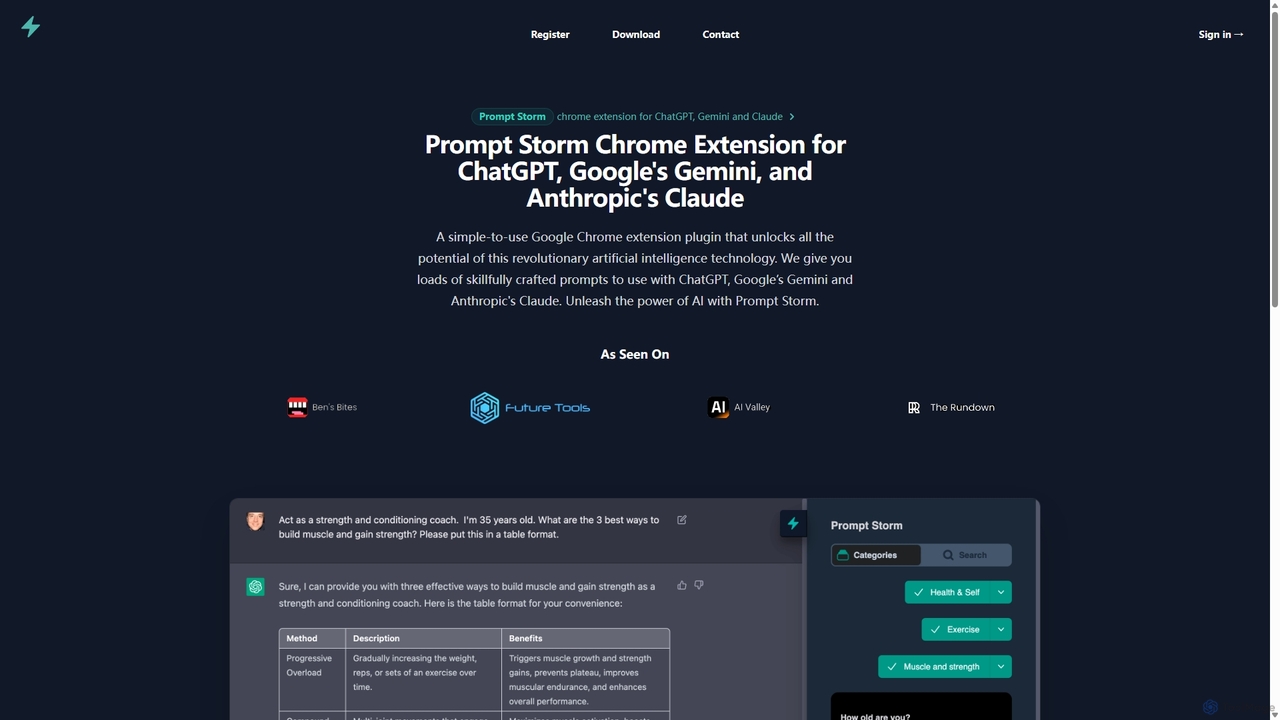
Prompt Storm
Prompt Storm is a powerful Chrome extension that enhances your interactions with ChatGPT, Google Gemini, and Anthropic's Claude. It provides a vast library of expertly crafted prompts, enabling users to unlock the full potential of AI for tasks like content creation, marketing, coding, and learning. Boost your productivity and get higher-quality AI responses with just a few clicks.
Code GenerationRewriteBar
RewriteBar is a native macOS menu bar app that acts as your personal AI writing assistant. It works seamlessly across all applications, allowing you to instantly correct grammar, change tone, translate text, summarize content, and more with a simple keyboard shortcut. It supports over 12 AI providers, including local models for ultimate privacy, offering a powerful and flexible writing enhancement experience.
Code Assistant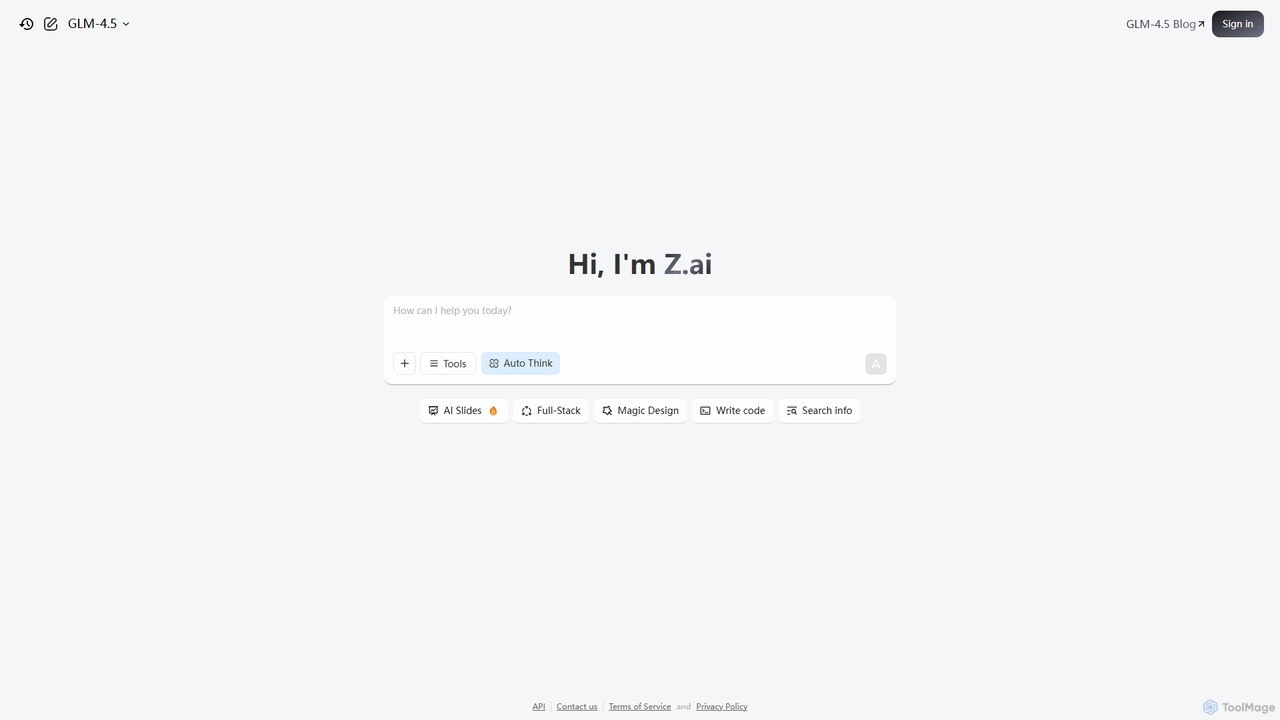
Z.ai
Z.ai is a powerful, free AI assistant powered by the advanced GLM-4.5 model. It's more than just a chatbot, offering a suite of integrated tools for coding, creating presentations, designing, and conducting research. Z.ai aims to be an all-in-one productivity platform, streamlining complex tasks through a simple conversational interface.
Code Assistant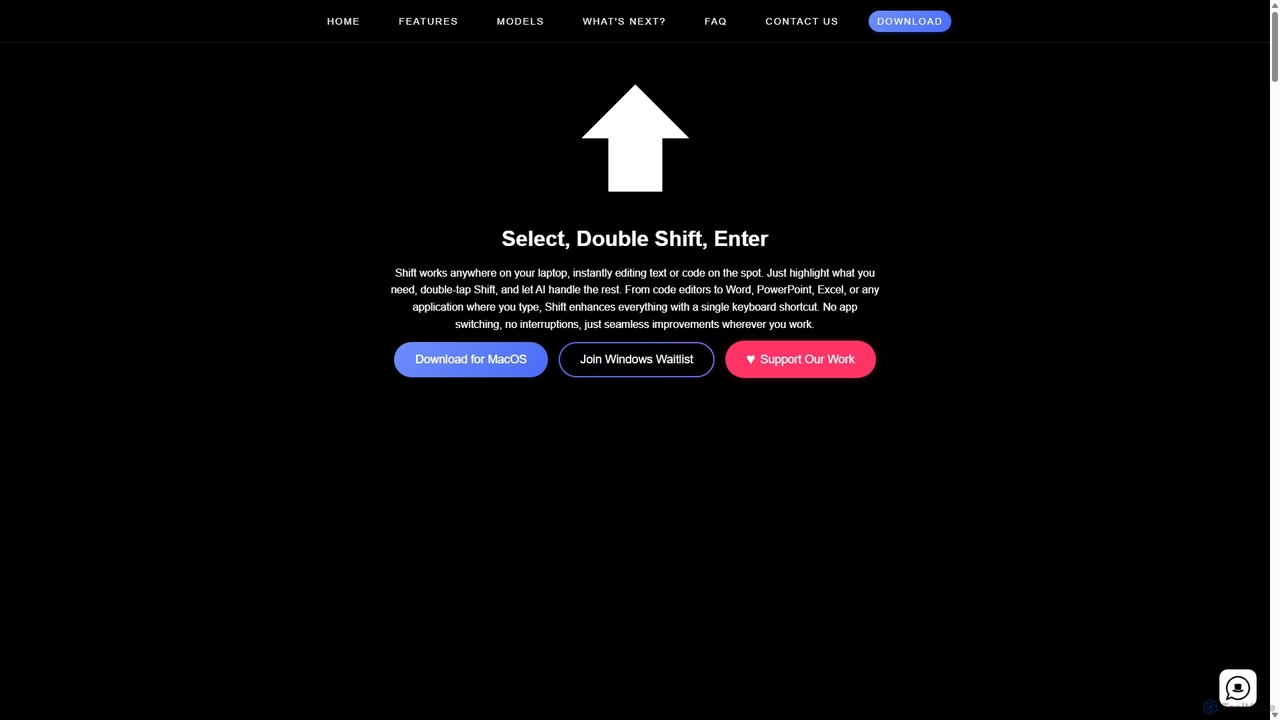
Shift
Shift is a system-wide AI assistant for macOS that enhances your workflow by allowing you to edit text and code anywhere with a simple keyboard shortcut. Just highlight text, double-tap Shift, and let the AI rewrite, debug, translate, or rephrase it instantly within any application.
Code Assistant
Gptturkey
Gptturkey offers a free, accessible gateway to advanced AI chat, powered by the latest OpenAI models. Requiring no registration, it provides a secure and private user experience. The platform is specially optimized for the Turkish language, understanding complex grammar and cultural nuances to deliver natural, human-like conversations and content generation for a wide range of tasks.
Code Assistant
Side Space
Side Space is a powerful AI assistant that integrates seamlessly into your desktop workflow. It operates from a convenient sidebar, providing instant access to AI-powered tools for writing, coding, and general productivity without ever leaving your current application. Enhance your efficiency with contextual actions on selected text and customizable commands.
Code Assistant
Iris
Iris is a seamless AI assistant for macOS, designed to integrate into your workflow. It provides instant access to top AI models like GPT-4o and Claude 3.5, allowing you to chat, capture your screen for context, and get answers without ever leaving your current application. With intuitive gestures and powerful shortcuts, Iris is there when you need it and invisible when you don't.
Coding Assistant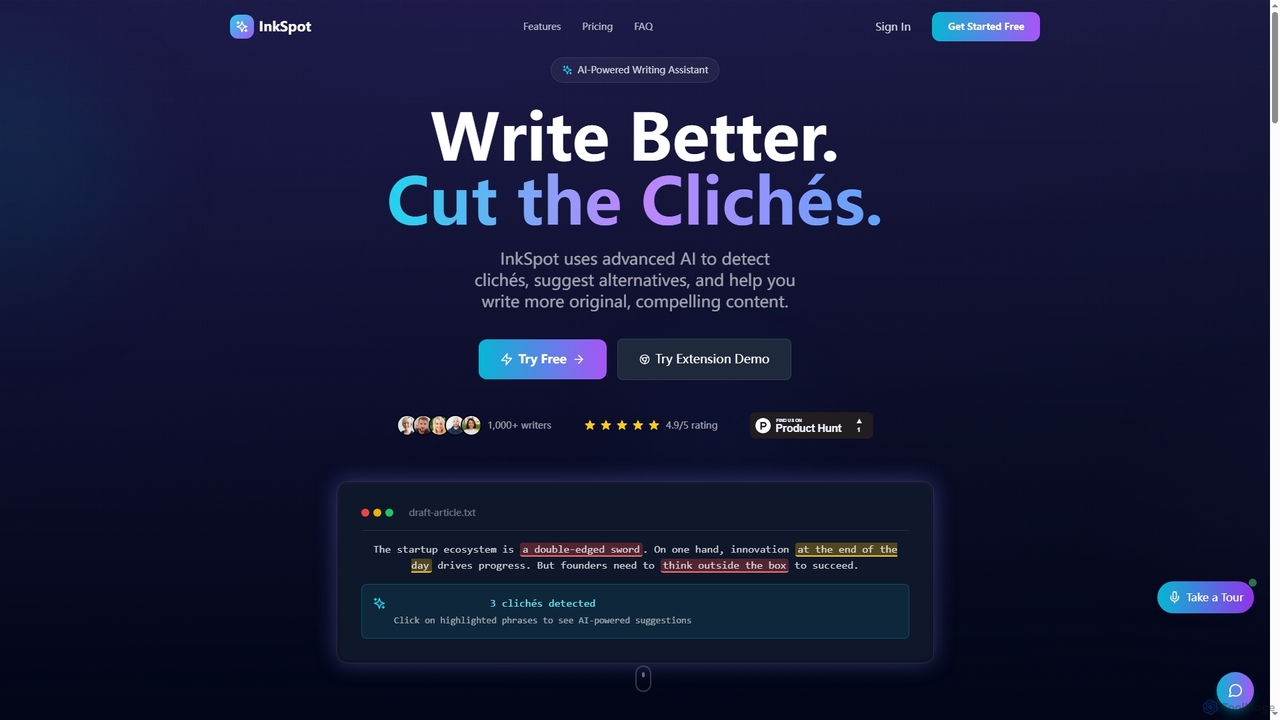
InkSpot
InkSpot is an AI-powered writing assistant that helps users eliminate clichés, improve clarity, and create more original, compelling content. It offers real-time detection, AI-powered suggestions, and multi-platform support to enhance writing efficiency and quality.
Editing
PaletteBrain Comments (0)
Sign in to comment.
Sign inNo comments yet.