

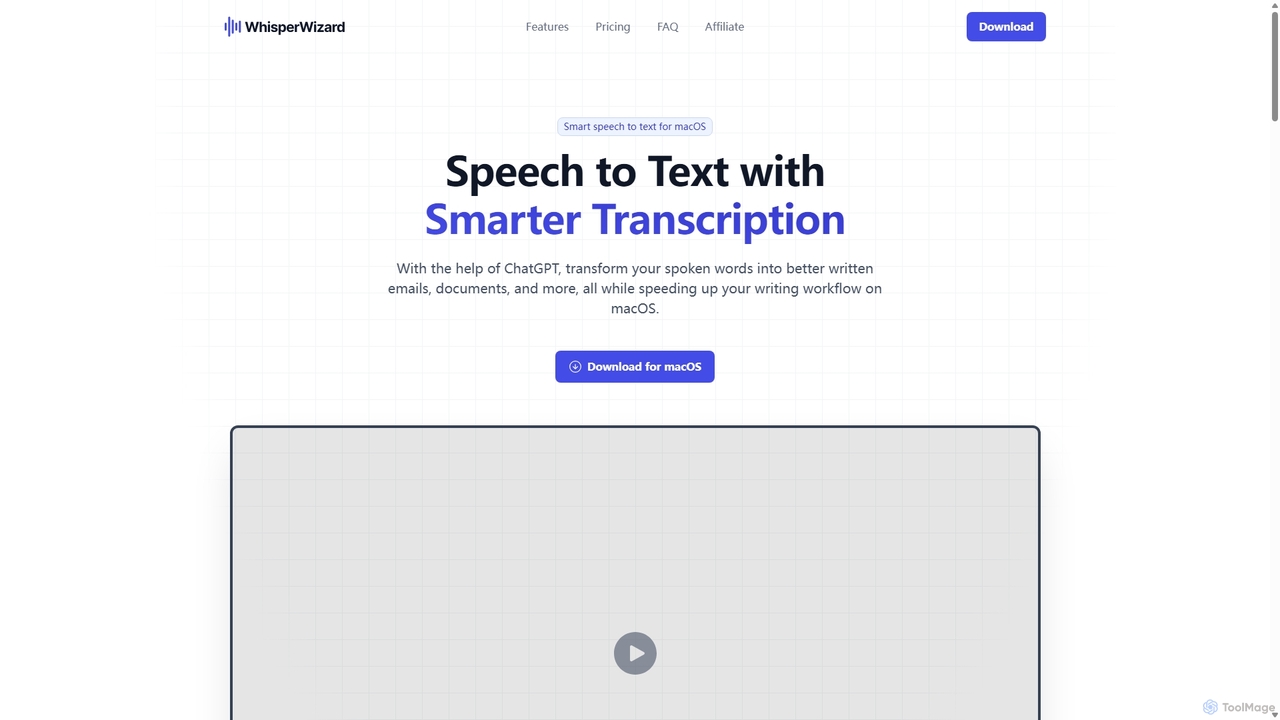
WhisperWizard Overview
WhisperWizard is an innovative macOS application designed to revolutionize your writing workflow by replacing typing with talking. It serves as a smart speech-to-text engine that not only transcribes your spoken words with high precision but also utilizes the power of ChatGPT to enhance and reformat the text for various purposes. This tool is perfect for professionals, writers, developers, and anyone looking to boost their productivity and overcome the limitations of manual typing.
By simply pressing a shortcut, you can capture your thoughts, ideas, or drafts instantly. The raw transcription can then be processed through customizable templates, allowing you to transform a simple voice note into a professionally formatted email, a concise summary, a translated text, or even a piece of code. WhisperWizard puts you in complete control, allowing you to save time, avoid typos, and focus on your ideas rather than the mechanics of writing.
How to use WhisperWizard
Using WhisperWizard is designed to be simple and intuitive, integrating seamlessly into your macOS environment. Here’s a step-by-step guide to get started:
- Installation and Setup: First, download and install the WhisperWizard application on your Mac (requires macOS 10.12 or newer). During setup, you will need to enter your WhisperWizard license key and your personal OpenAI API key.
- Start Recording: To begin capturing your voice, simply press the global shortcut ⌥Space (Option + Space). You can do this from any application, whether you're in a text editor, a browser, or your email client. Press the shortcut again to stop the recording.
- Instant Transcription: WhisperWizard immediately processes the audio and provides you with an accurate text transcription of what you said.
- Apply Smart Templates: This is where the magic happens. You can use pre-built or custom-created templates to process the raw text. For example, you could apply a template to "Correct grammar and spelling," "Format as a professional email," or "Translate to Japanese."
- Create Custom Templates: Navigate to the app's settings to create your own templates. Define a custom ChatGPT prompt, give it a name, and assign a unique shortcut for quick access. You can also control parameters like the AI model and creativity level.
- Access History: The application keeps a log of all your past recordings. You can easily revisit any recording to replay the audio, copy the original transcript, or apply a different template to it.
Core Features of WhisperWizard
- AI-Enhanced Transcription: Goes beyond standard speech-to-text by using custom ChatGPT prompts to edit, reformat, summarize, or translate your spoken words into polished written content.
- Customizable Templates & Shortcuts: Create an unlimited number of templates for your routine tasks. Whether it's drafting emails, writing code comments, or creating social media posts, you can build a library of commands and assign quick-access shortcuts to them.
- One-Click Global Recording: The simple ⌥Space shortcut allows you to start and stop recording from anywhere on your Mac, ensuring you can capture ideas the moment they strike.
- Complete Recording History: Never lose a thought again. WhisperWizard provides easy access to all past recordings, allowing you to replay audio, retrieve transcripts, and repurpose content effortlessly.
- Full Control Over AI Settings: For each template, you can fine-tune the AI's output by selecting the specific OpenAI model (e.g., GPT-4, GPT-3.5-Turbo) and adjusting the creativity level (temperature).
- Privacy-Focused: Your data is secure. All requests are sent directly to OpenAI's servers using your personal API key. WhisperWizard does not store your templates or activity logs on its servers.
Use Cases for WhisperWizard
WhisperWizard is a versatile tool suitable for a wide range of users:
- Professionals and Managers: Dictate meeting minutes, action items, and lengthy emails, then have the AI format them into professional, ready-to-send communications.
- Writers and Content Creators: Brainstorm ideas aloud, capture rough drafts for articles or scripts, and use templates to refine the structure and tone.
- Software Developers: Save time by dictating code comments, commit messages, technical documentation, or even simple code snippets.
- Students and Researchers: Record lecture notes or research thoughts and have them instantly transcribed and summarized for efficient studying and paper writing.
- Multilingual Users: Speak in one language and use a custom template to instantly translate the text into another, breaking down language barriers in communication.
Advantages of WhisperWizard
WhisperWizard offers several key advantages over traditional writing and other transcription tools:
- Increased Speed and Efficiency: Speaking is significantly faster than typing for most people. This tool dramatically accelerates the process of getting ideas from your head onto the page.
- Enhanced Accuracy and Quality: By leveraging ChatGPT, you can automatically correct typos and grammatical errors, improving the overall quality of your writing.
- Unmatched Customization: The ability to create custom templates tailored to your specific workflow makes WhisperWizard an incredibly flexible and powerful productivity tool.
- Cost-Effective Pricing Model: With a one-time purchase, you get lifetime usage of the application, which is a more economical choice in the long run compared to recurring subscription fees.
- Seamless macOS Integration: As a native macOS app, it offers a smooth, stable, and integrated experience with a minimal footprint.
Pricing and Plans
WhisperWizard offers a one-time purchase model for lifetime usage, with one year of updates included. All plans include full feature access.
- Essential Plan: $29 (one-time payment). Includes one license for use on 1 macOS device. Comes with email and chat support.
- Advanced Plan: $49 (one-time payment). Includes two licenses for use on 2 macOS devices. Comes with email and chat support.
- Ultimate Plan: $69 (one-time payment). Includes three licenses for use on 3 macOS devices. Comes with priority email and chat support.
All payments are securely processed by Lemon Squeezy. Prices are in USD, and VAT may apply depending on your region.
WhisperWizard Alternatives
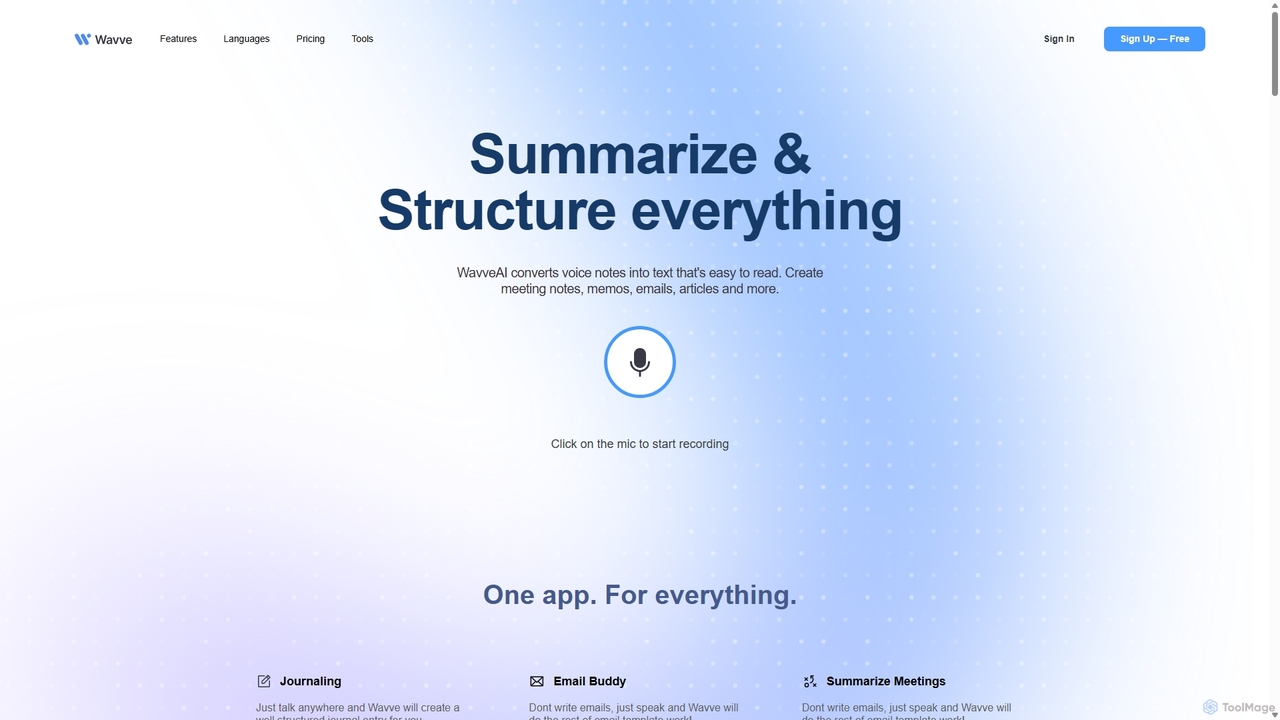
Wavve AI
Wavve AI is an intelligent tool that effortlessly records, transcribes, and summarizes voice notes. It transforms spoken ideas into structured text formats like meeting notes, emails, articles, and social media posts, supporting over 140 languages. Ideal for creators, professionals, and anyone looking to boost productivity by converting voice to content.
Speech To Text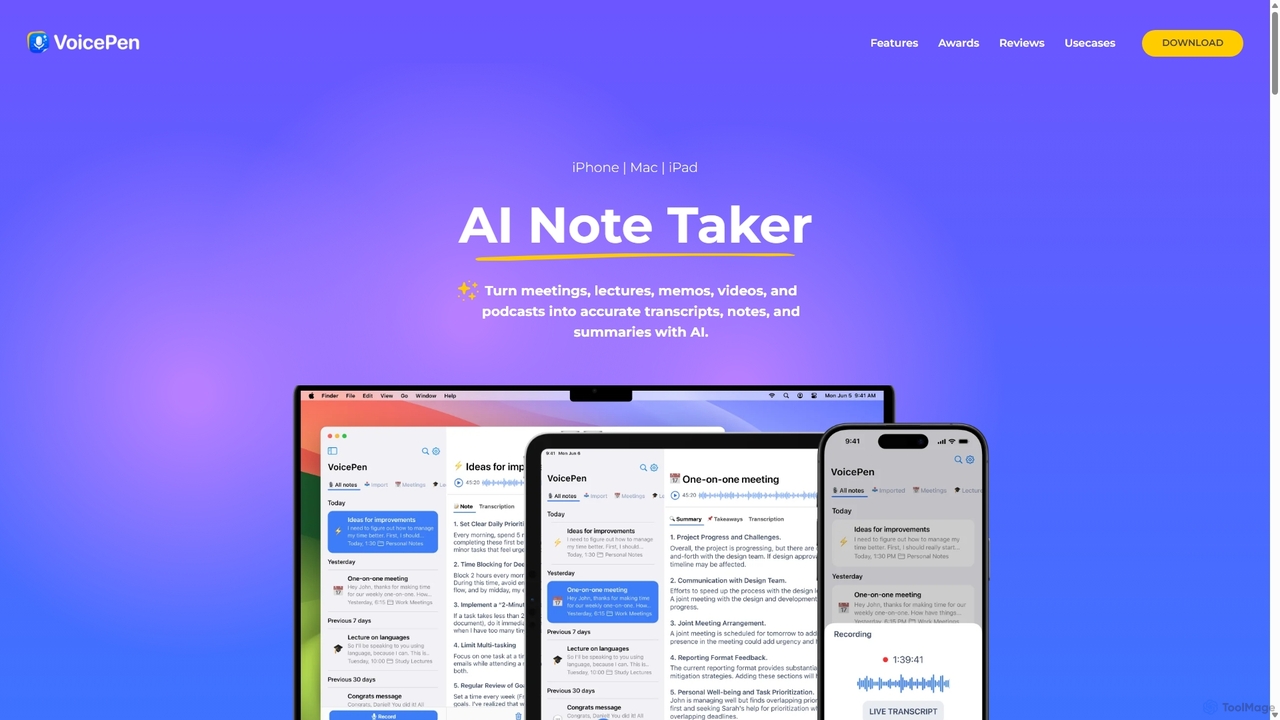
VoicePen
VoicePen is an AI-powered note-taking app for iPhone, Mac, and iPad that transforms meetings, lectures, and any audio/video into accurate transcripts, summaries, and structured notes. It features high-speed transcription, speaker separation, 80+ language support, and over 25 AI rewriting styles to boost your productivity.
Speech To Text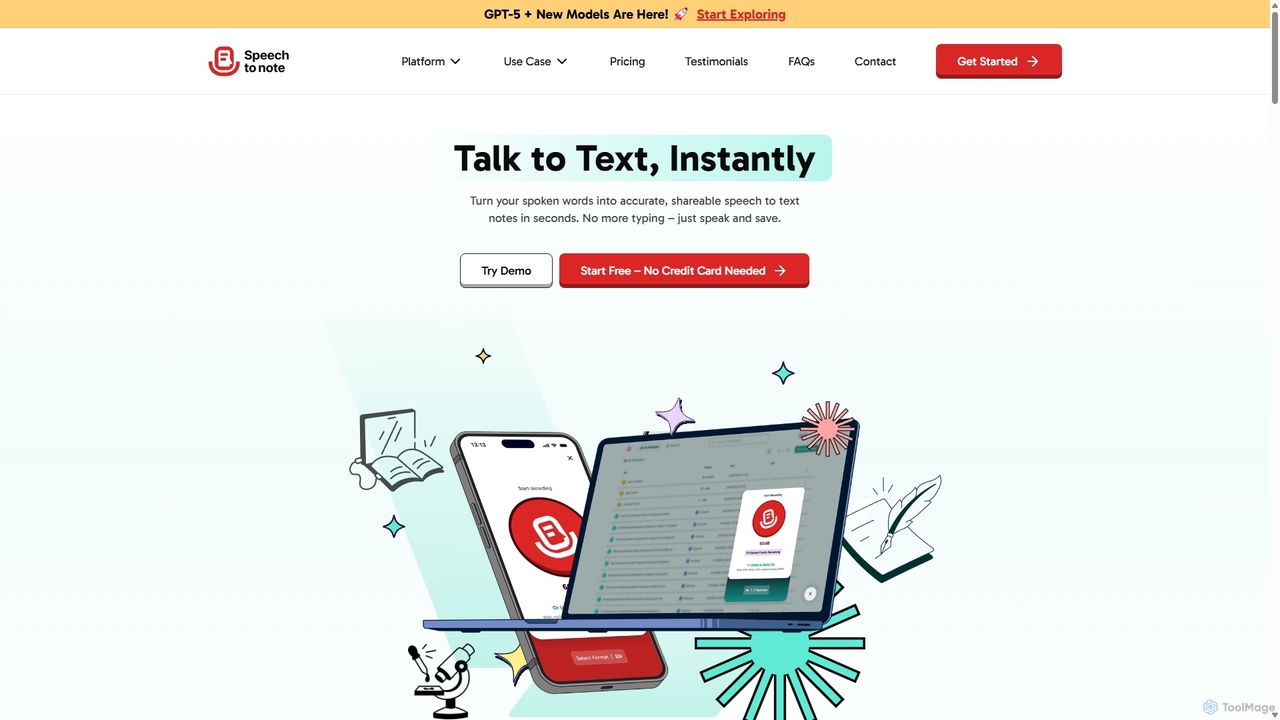
SpeechtoNote
SpeechtoNote is an AI-powered tool that instantly converts spoken words into accurate text notes. It supports over 40 languages and offers 30+ smart note formats, including summaries, emails, and to-do lists. Powered by advanced models like GPT-4o, it's designed for professionals, students, and creators to capture ideas, transcribe meetings, and streamline their workflow effortlessly.
Speech To Text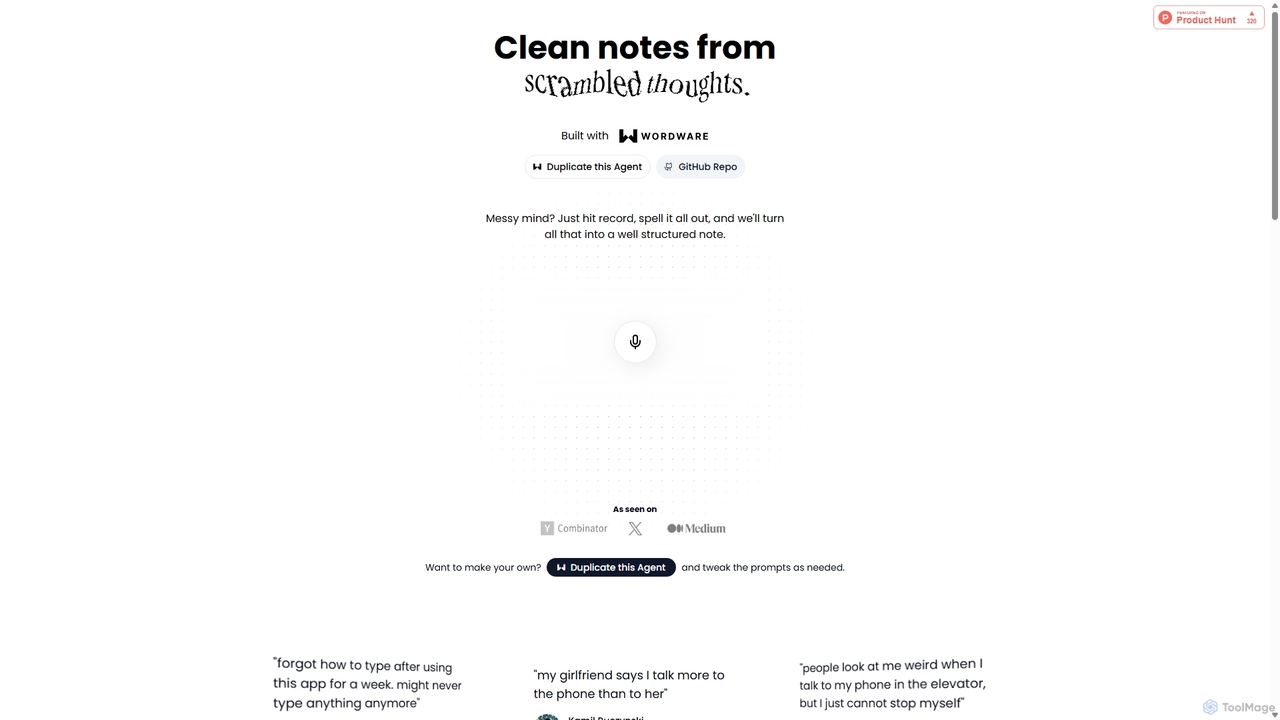
Audioscribe
Audioscribe is an AI-powered tool that transforms your messy, spoken thoughts into clean, well-structured notes. Simply record your voice, and the AI will transcribe, organize, and format your ideas into coherent text for project plans, emails, journals, and more, streamlining your workflow and boosting productivity.
Speech To Text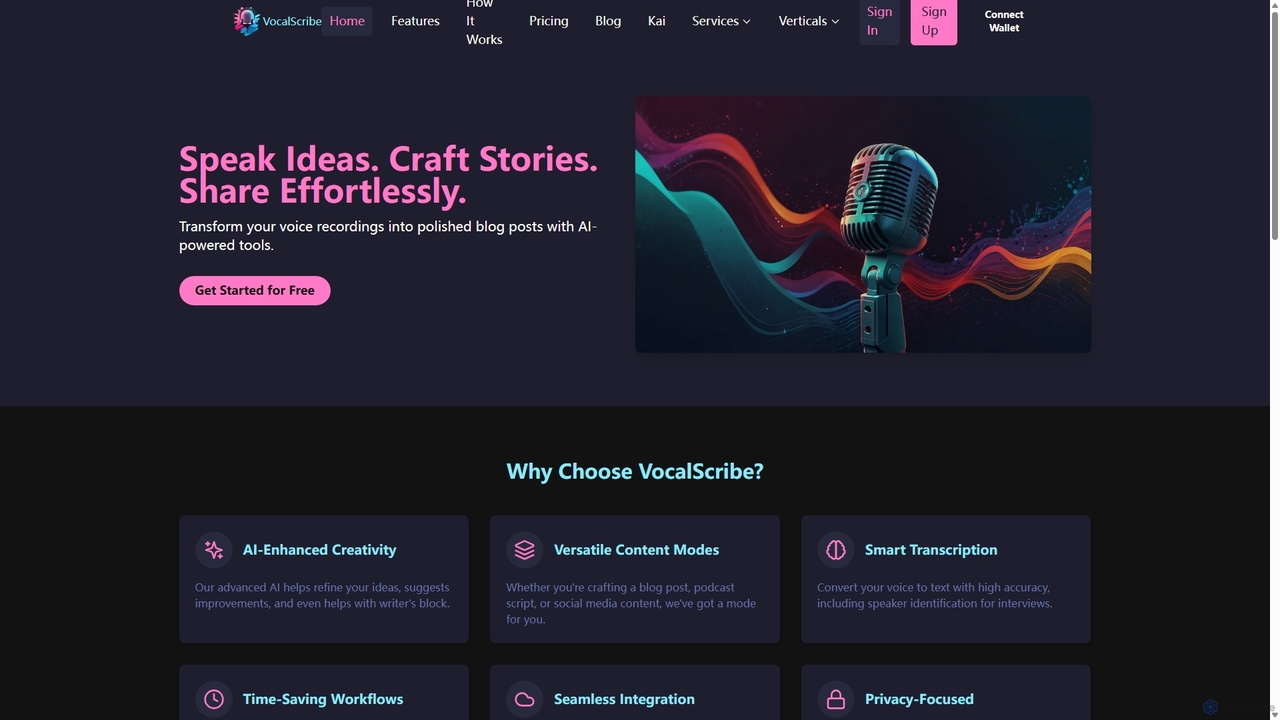
VocalScribe
VocalScribe is an AI-powered platform that transforms your voice recordings into polished, structured written content. Effortlessly convert spoken ideas, interviews, or notes into ready-to-publish blog posts, scripts, and social media updates. It features high-accuracy transcription, an AI editor, and an automatic outline generator to streamline your content creation workflow from ideation to publication.
Speech To TextWhisperWizard Categories
WhisperWizard Jobs
WhisperWizard Embed Widget
Copy this embed code to place the badge on your blog, article, or product site and send readers directly to this ToolMage detail page.

Related AI tools
Wavve AI
Wavve AI is an intelligent tool that effortlessly records, transcribes, and summarizes voice notes. It transforms spoken ideas into structured text formats like meeting notes, emails, articles, and social media posts, supporting over 140 languages. Ideal for creators, professionals, and anyone looking to boost productivity by converting voice to content.
Speech To TextVoicePen
VoicePen is an AI-powered note-taking app for iPhone, Mac, and iPad that transforms meetings, lectures, and any audio/video into accurate transcripts, summaries, and structured notes. It features high-speed transcription, speaker separation, 80+ language support, and over 25 AI rewriting styles to boost your productivity.
Speech To TextSpeechtoNote
SpeechtoNote is an AI-powered tool that instantly converts spoken words into accurate text notes. It supports over 40 languages and offers 30+ smart note formats, including summaries, emails, and to-do lists. Powered by advanced models like GPT-4o, it's designed for professionals, students, and creators to capture ideas, transcribe meetings, and streamline their workflow effortlessly.
Speech To Text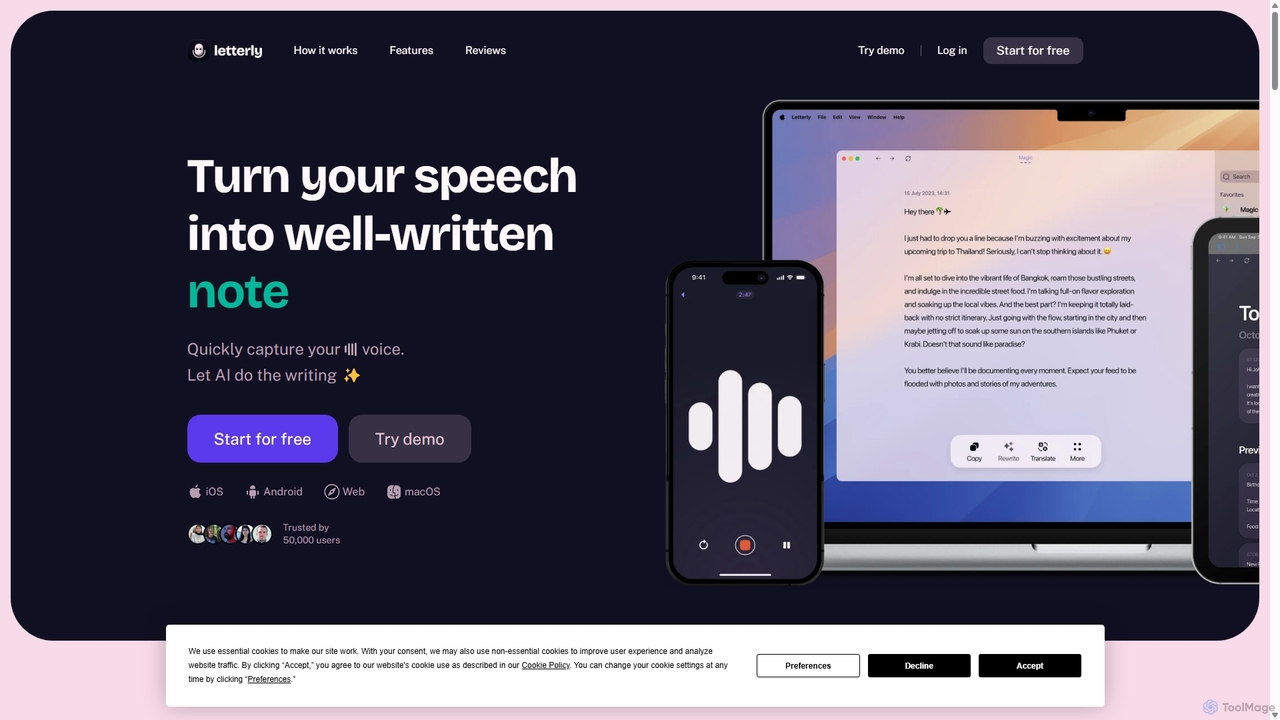
Letterly
Letterly is an AI-powered mobile and desktop app that transforms your spoken words into clear, well-written text. It's more than just transcription; it uses AI to structure, rewrite, and format your voice notes into ready-to-use emails, social media posts, journal entries, to-do lists, and more, supporting over 90 languages.
TranscriptionAudioscribe
Audioscribe is an AI-powered tool that transforms your messy, spoken thoughts into clean, well-structured notes. Simply record your voice, and the AI will transcribe, organize, and format your ideas into coherent text for project plans, emails, journals, and more, streamlining your workflow and boosting productivity.
Speech To TextVocalScribe
VocalScribe is an AI-powered platform that transforms your voice recordings into polished, structured written content. Effortlessly convert spoken ideas, interviews, or notes into ready-to-publish blog posts, scripts, and social media updates. It features high-accuracy transcription, an AI editor, and an automatic outline generator to streamline your content creation workflow from ideation to publication.
Speech To Text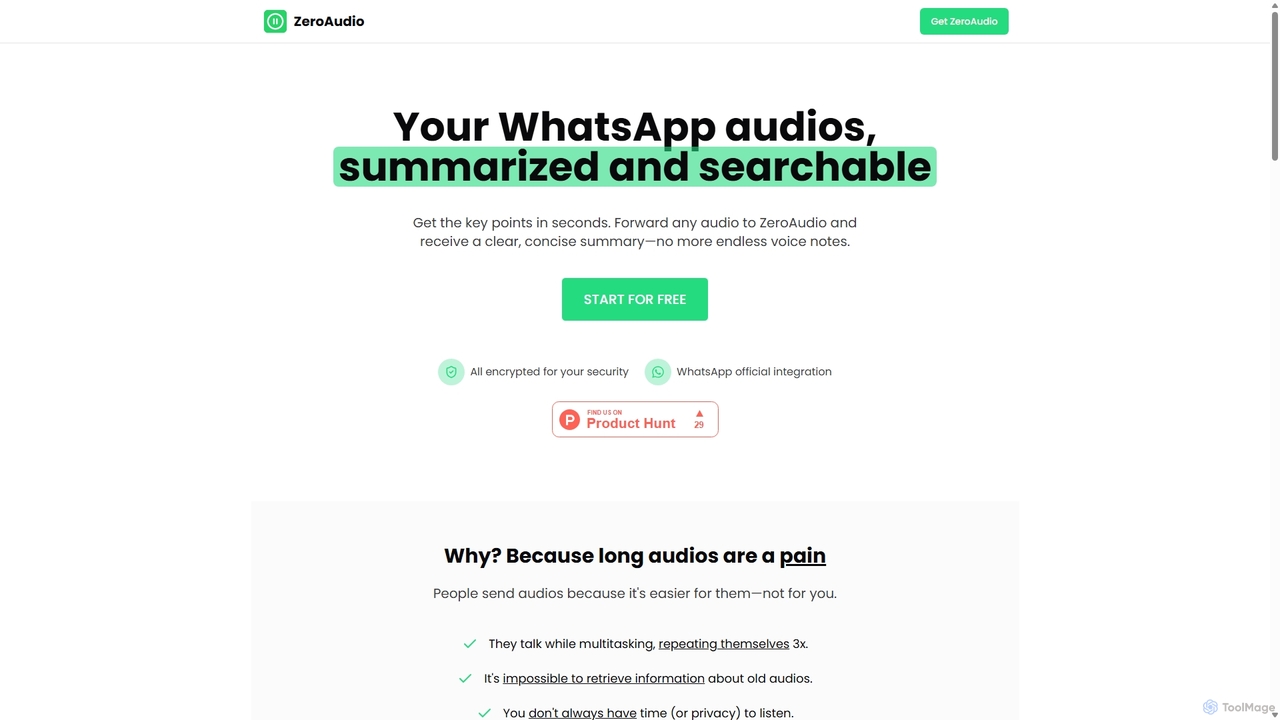
ZeroAudio
ZeroAudio is an AI-powered tool that integrates with WhatsApp to summarize long audio messages. Simply forward any voice note to ZeroAudio, and it will quickly provide a concise, text-based summary of the key points. This saves you time, allows you to "read" audios in private, and makes the information within them easily searchable, eliminating the need to listen to lengthy, rambling messages.
Speech To Text
rimo
Rimo is a human-centered AI writer that transforms your spoken ideas into structured, polished text. Through a conversational AI interview, it listens, asks clarifying questions, and instantly generates drafts for articles, reports, blogs, and more. It's designed to streamline content creation, allowing you to focus on your thoughts rather than the mechanics of writing.
Transcription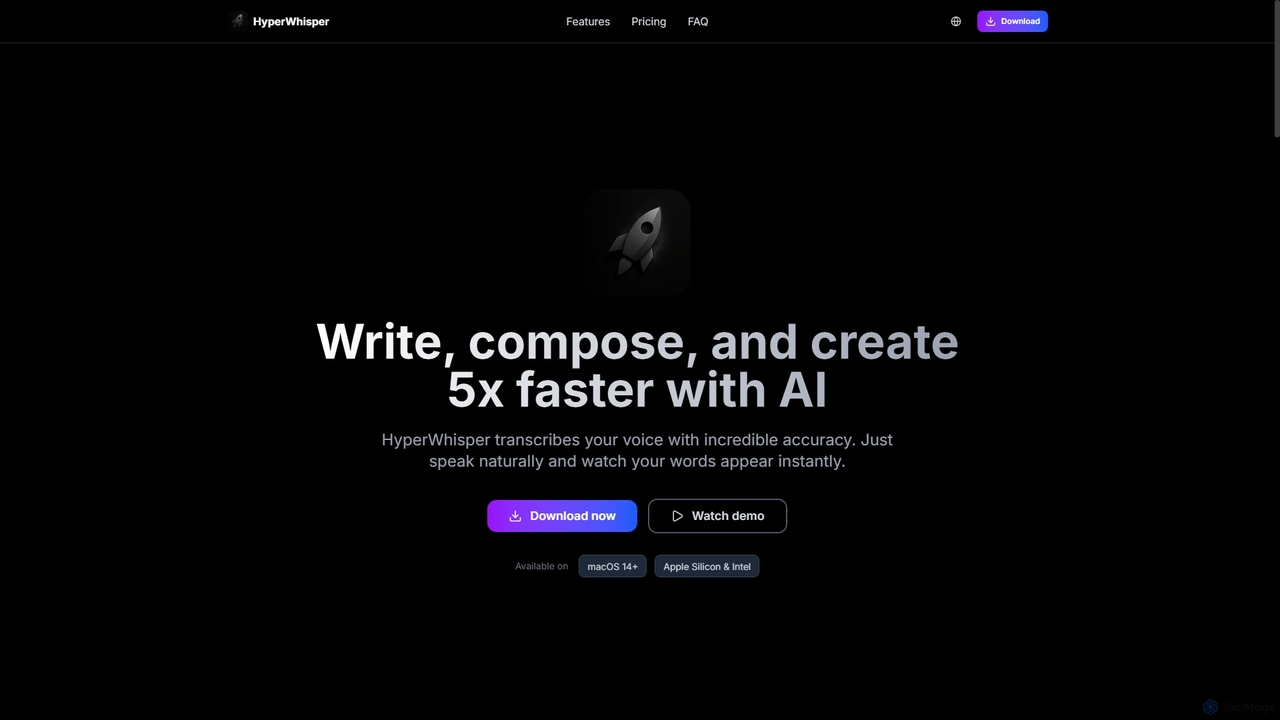
HyperWhisper
HyperWhisper is an AI-powered voice transcription application for macOS, designed to convert spoken words into text with exceptional accuracy and speed. It supports over 100 languages, offers robust offline capabilities, and prioritizes user privacy, making it ideal for professionals seeking efficient content creation and note-taking.
Coding Assistant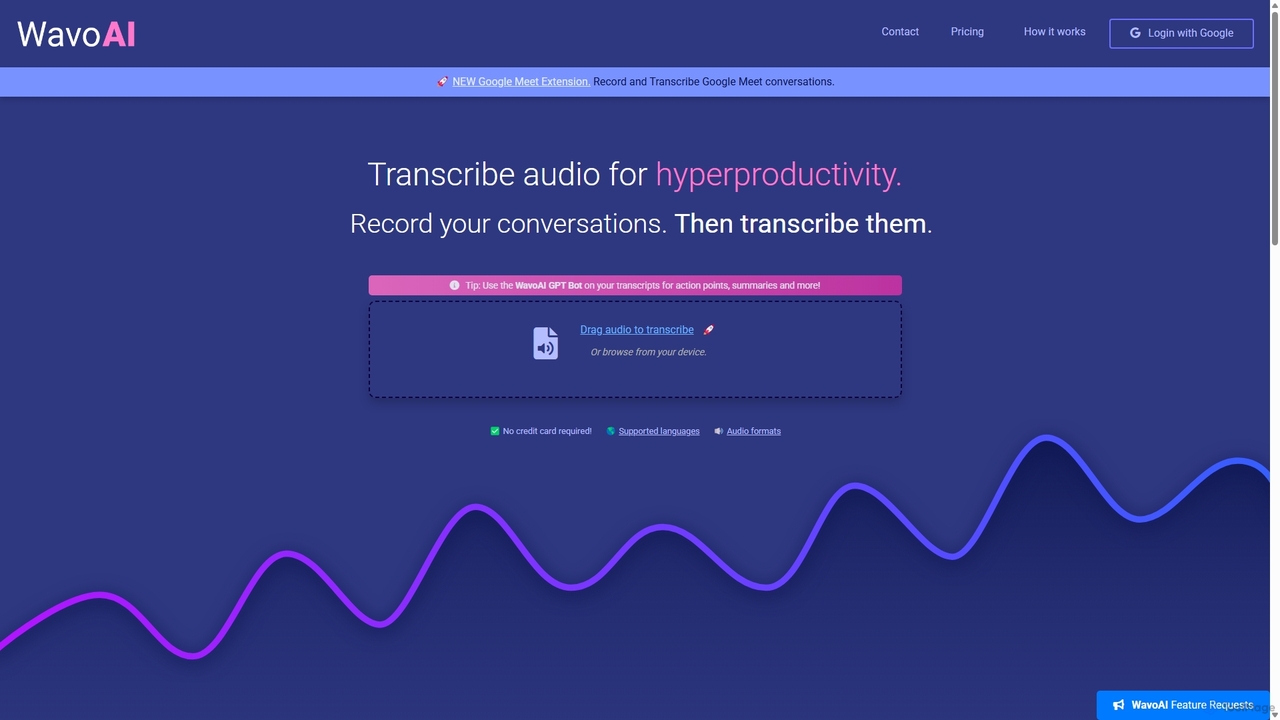
WavoAI
WavoAI is an AI-powered platform that transforms audio and conversations into highly accurate, actionable transcripts. It features speaker identification and an interactive GPT-like bot that allows you to summarize, analyze, and extract key insights like action points from your transcribed text, effectively turning your audio into structured, searchable data.
Speech To Text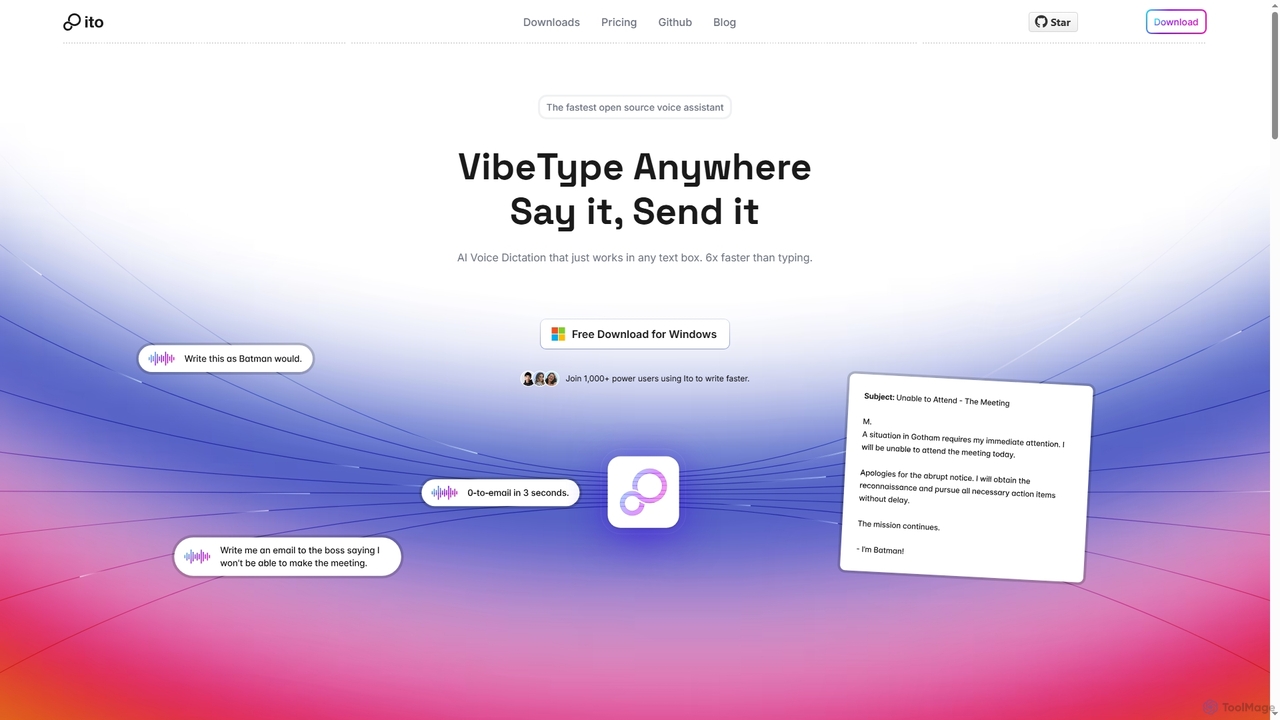
Ito
Ito is an open-source, voice-powered AI assistant for Mac and Windows that goes beyond simple dictation. Using "Vibe Typing," it understands your intent to generate polished text, smart responses, and even code, saving users significant time by allowing them to think, not type.
Email Assistant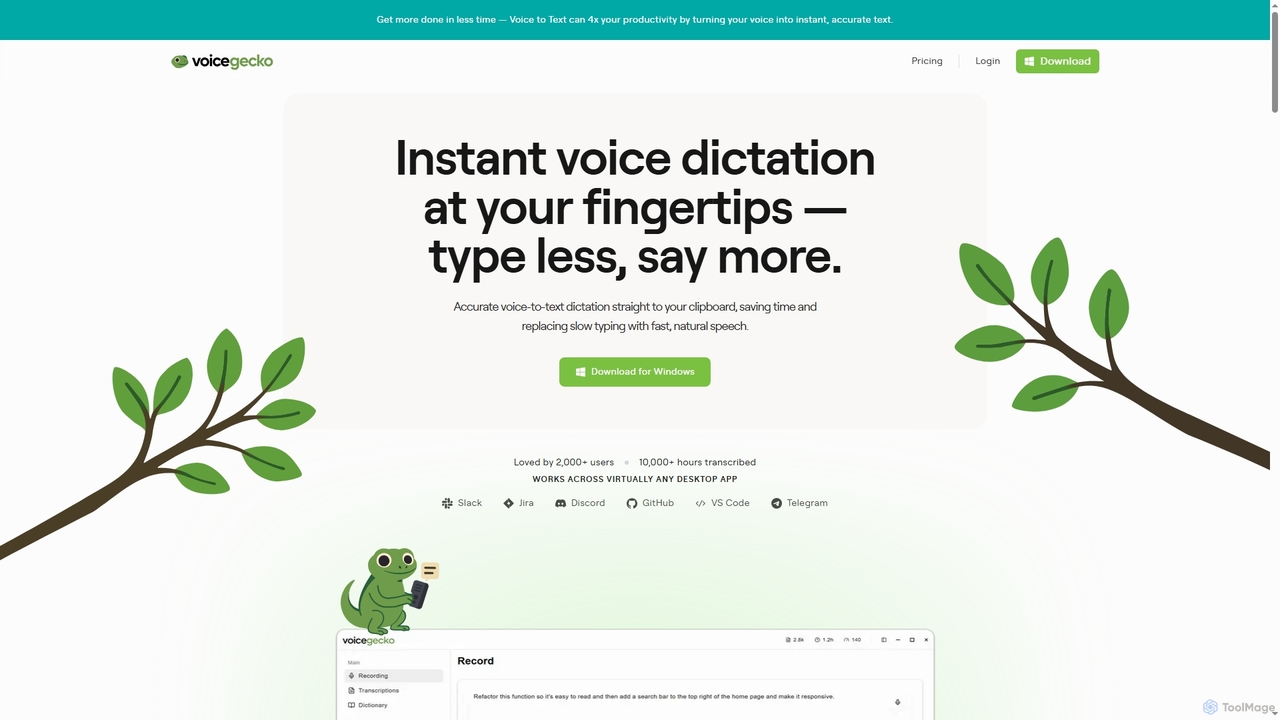
VoiceGecko
VoiceGecko is a desktop application providing instant, high-accuracy voice-to-text dictation. It works across virtually any app, allowing users to type with their voice to save time, reduce typos, and improve workflow, especially for developers and AI users.
Messaging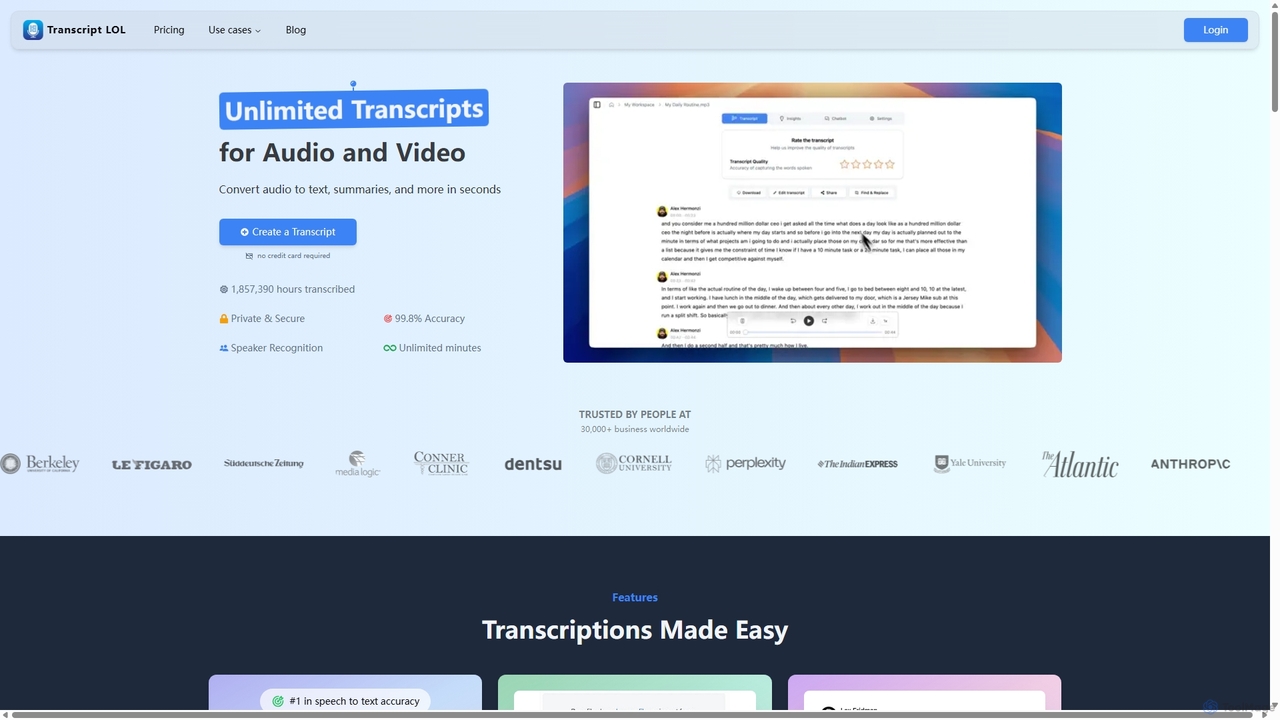
Transcript LOL
Transcript LOL is an AI-powered transcription service that rapidly converts audio and video files into accurate text. It offers unlimited transcriptions, speaker recognition, and advanced AI features to generate summaries, blog posts, social media content, and more, streamlining content creation and analysis workflows.
Speech To Text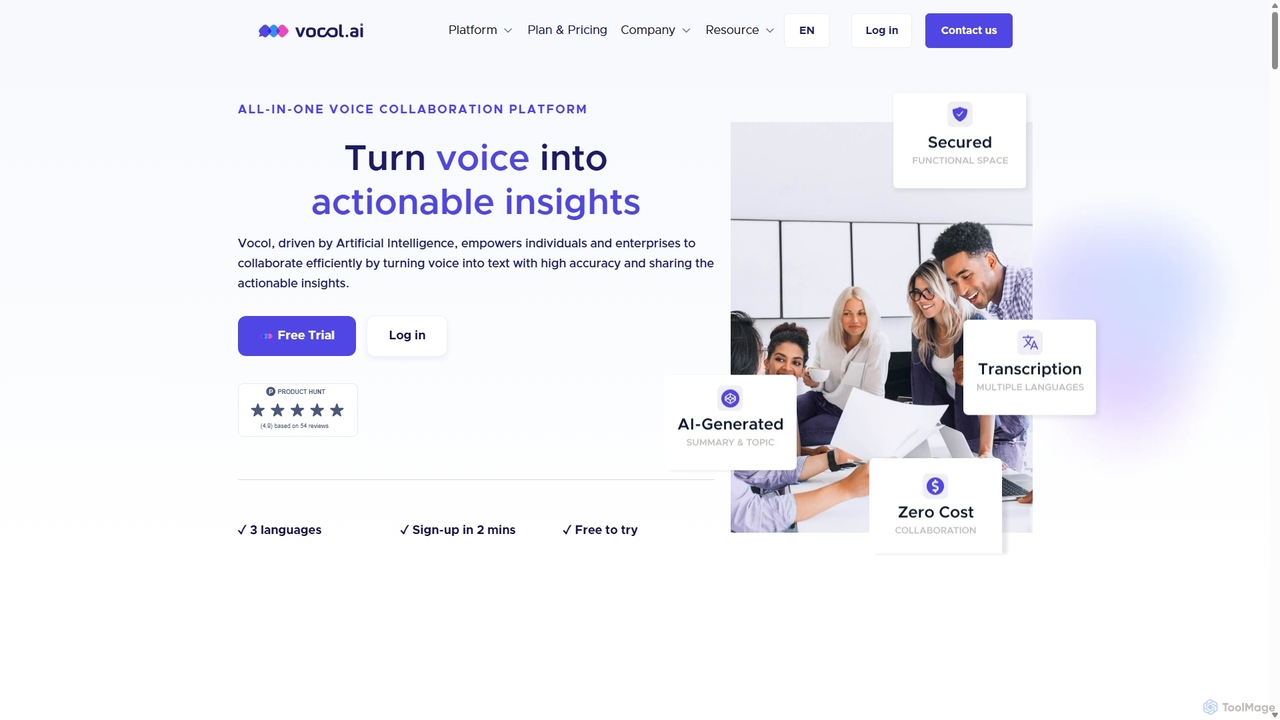
Vocol.ai
Vocol.ai is an all-in-one AI voice collaboration platform that transforms spoken conversations into actionable insights. It provides high-accuracy, multilingual transcription (English, Chinese, Japanese), AI-generated summaries, key topics, and action items. Designed for teams, it streamlines workflows, enhances collaboration, and boosts productivity by automating the manual work of note-taking and analysis for meetings, interviews, and lectures.
Speech To Text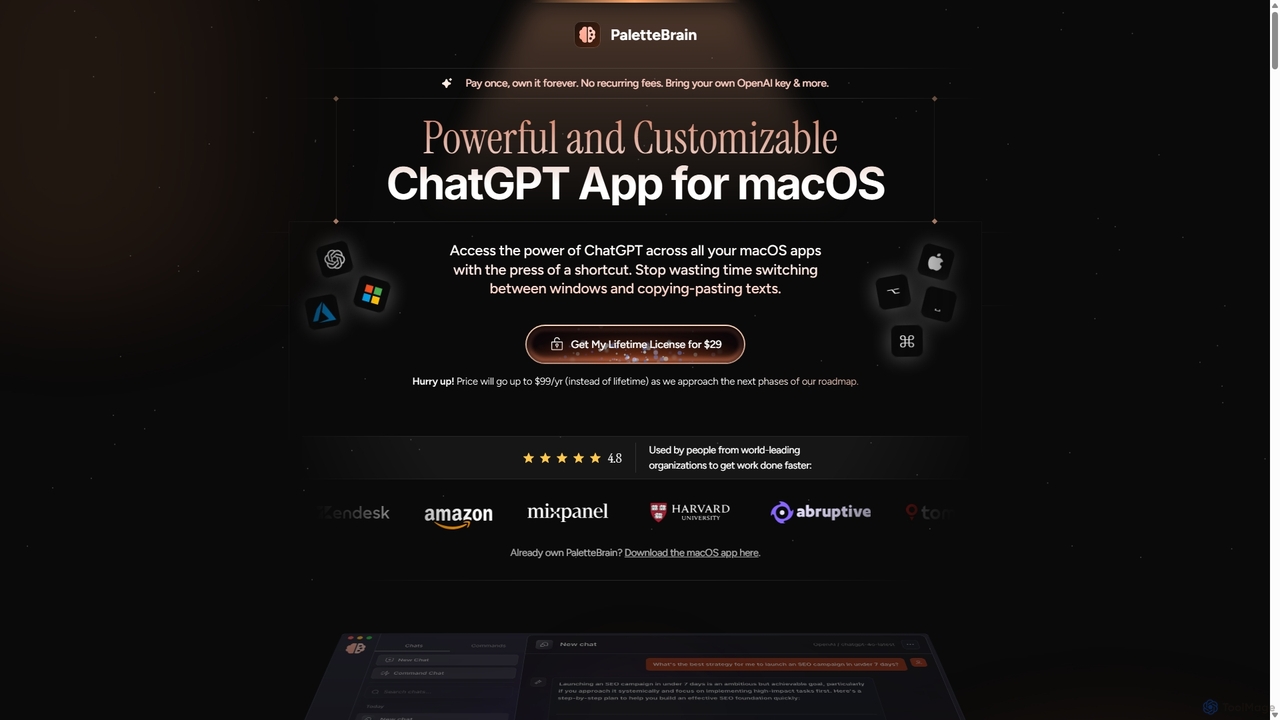
PaletteBrain
PaletteBrain is a native macOS application that integrates the power of ChatGPT directly into your workflow. With a simple keyboard shortcut, you can access AI commands on any selected text within any app, eliminating context switching. It offers customizable prompts, a one-time purchase model, and allows you to use your own OpenAI key for pay-as-you-go usage, making it a cost-effective and efficient productivity booster for writers, developers, and marketers.
Code Assistant
WhisperWizard Comments (0)
Sign in to comment.
Sign inNo comments yet.