

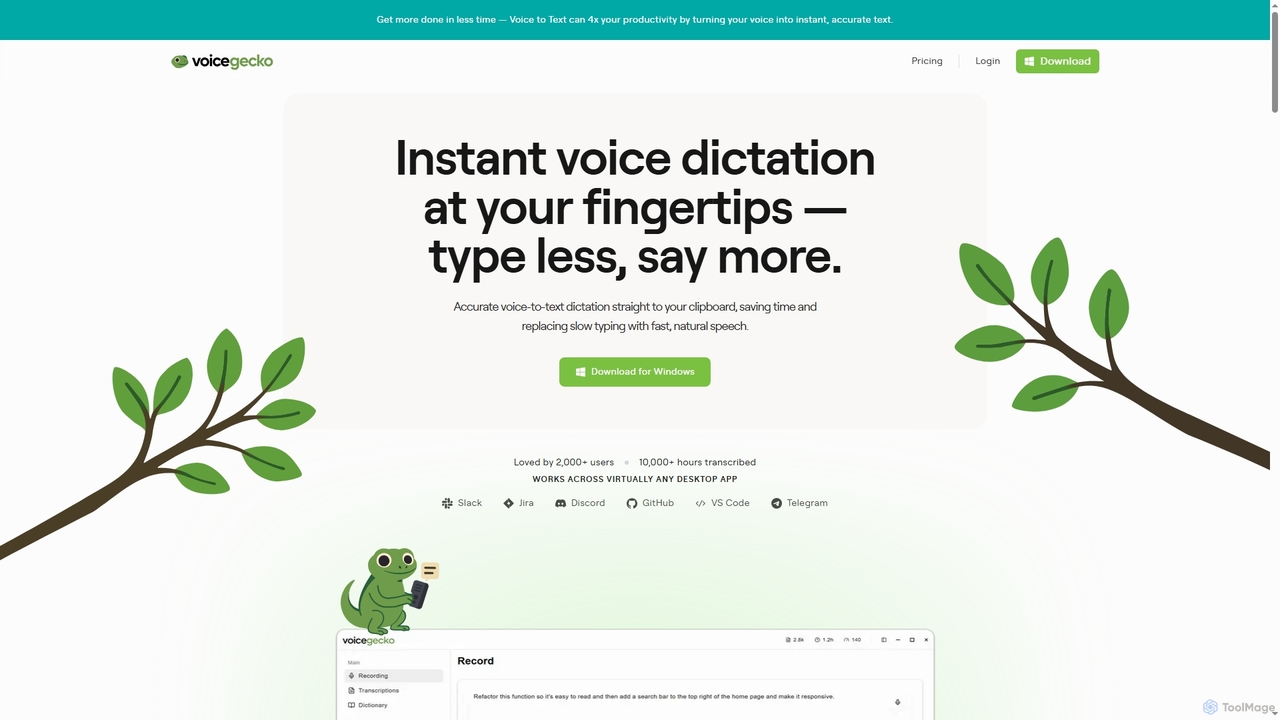
VoiceGecko Overview
VoiceGecko is a powerful desktop tool designed to replace slow manual typing with fast, natural speech. It offers instant and accurate voice-to-text transcription directly to your clipboard or active application, integrating seamlessly into your existing workflow. By capturing speech at an average of 200 words per minute, it is significantly faster than the average typing speed, helping users maintain their flow state without interruptions. The tool is particularly beneficial for developers, writers, and anyone who frequently interacts with AI, enabling them to articulate complex ideas, detailed prompts, or extensive documentation without the friction of typing.
How to use VoiceGecko
Using VoiceGecko is straightforward: 1. Download and install the application on your Windows desktop. 2. Activate dictation by clicking the persistent 'GeckoBar' on your screen or by using a custom-configured keyboard shortcut. 3. Begin speaking your thoughts, instructions, or notes. 4. Click stop or use your shortcut to end the recording. 5. The transcribed text is processed in seconds and is either automatically pasted into your current application or copied to your clipboard, ready for use.
Core Features of VoiceGecko
- Instant Voice-to-Text: Converts speech to text with high accuracy and speed, up to 5x faster than average typing.
- Universal Compatibility: Works across a wide range of desktop applications, including Slack, Jira, Discord, GitHub, and VS Code.
- GeckoBar Interface: A persistent, interactive on-screen bar for easy access to start and stop dictation.
- Custom Dictionary: Allows users to add specific words, names, or industry jargon (like 'SQL') for perfect transcription every time.
- Customizable Shortcuts: Set personal keyboard shortcuts to start and stop dictation without interrupting your workflow.
- Searchable History: Every dictation's text is saved in a searchable history for easy review and reuse. Raw audio is never stored to ensure privacy.
Use Cases for VoiceGecko
VoiceGecko is ideal for various professional scenarios. Developers can use it to write detailed feature specifications, describe edge cases, and outline architecture without cutting corners. When interacting with AI language models, users can speak rich, natural language prompts to get better, more contextual results. It's also perfect for drafting emails, writing documentation, taking meeting notes, or sending messages in communication apps, significantly boosting daily productivity.
Advantages of VoiceGecko
The primary advantage of VoiceGecko is its ability to dramatically increase efficiency by bridging the gap between thought and text. It eliminates typos and spelling errors, ensures no detail is lost due to the tediousness of typing, and helps users stay focused by reducing context switching. The customization options, such as the personal dictionary and shortcuts, allow the tool to adapt to individual workflows, making it an essential utility for power users and professionals.
Pricing and Plans
VoiceGecko offers a freemium model with clear, transparent pricing:
- Basic Plan: Free. Includes 2,000 words per week (resets on Monday), lightning-fast dictation, global shortcut access, and a basic custom dictionary.
- Pro Plan: $5.99/month or $4.79/month when billed yearly (a 20% saving). Offers unlimited dictations, priority processing for even faster results, an advanced custom dictionary, priority support, and early access to new features.
- Team Plan: $4.99/month per seat or $4.00/month per seat when billed yearly (minimum 3 seats). Includes all Pro features for each team member, plus centralized seat management.
VoiceGecko FAQ
VoiceGecko Alternatives
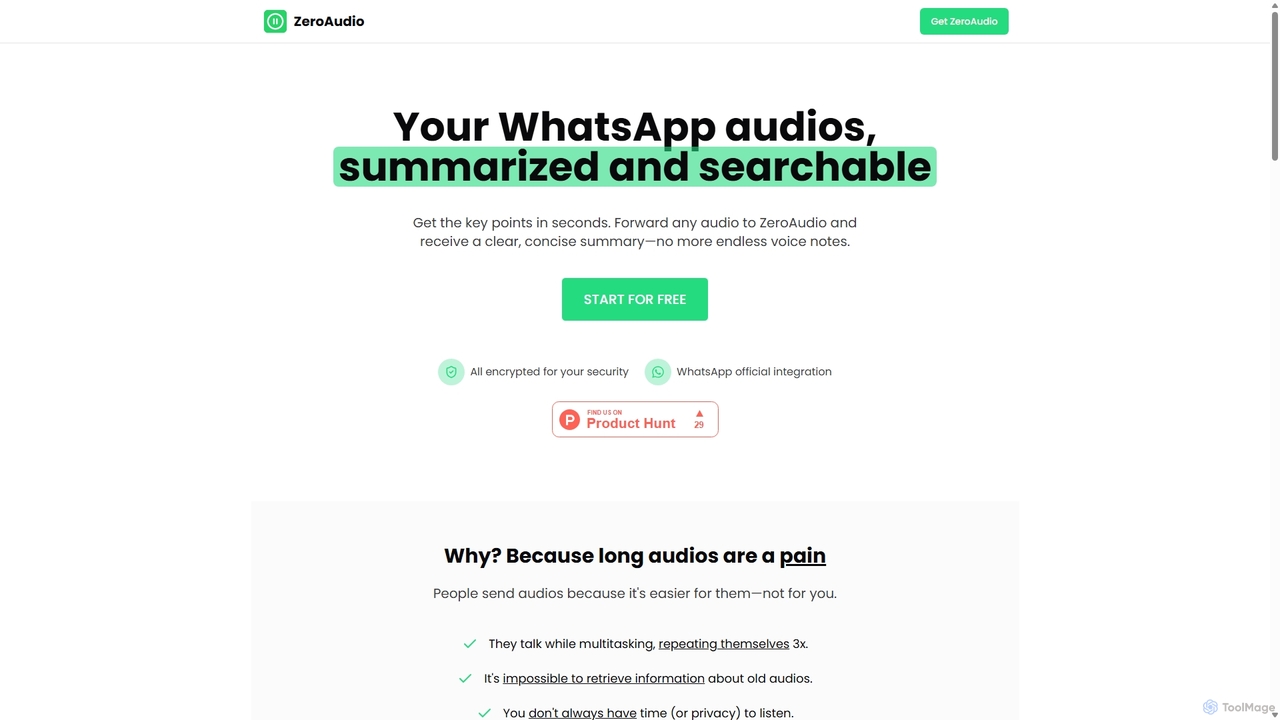
ZeroAudio
ZeroAudio is an AI-powered tool that integrates with WhatsApp to summarize long audio messages. Simply forward any voice note to ZeroAudio, and it will quickly provide a concise, text-based summary of the key points. This saves you time, allows you to "read" audios in private, and makes the information within them easily searchable, eliminating the need to listen to lengthy, rambling messages.
Speech To Text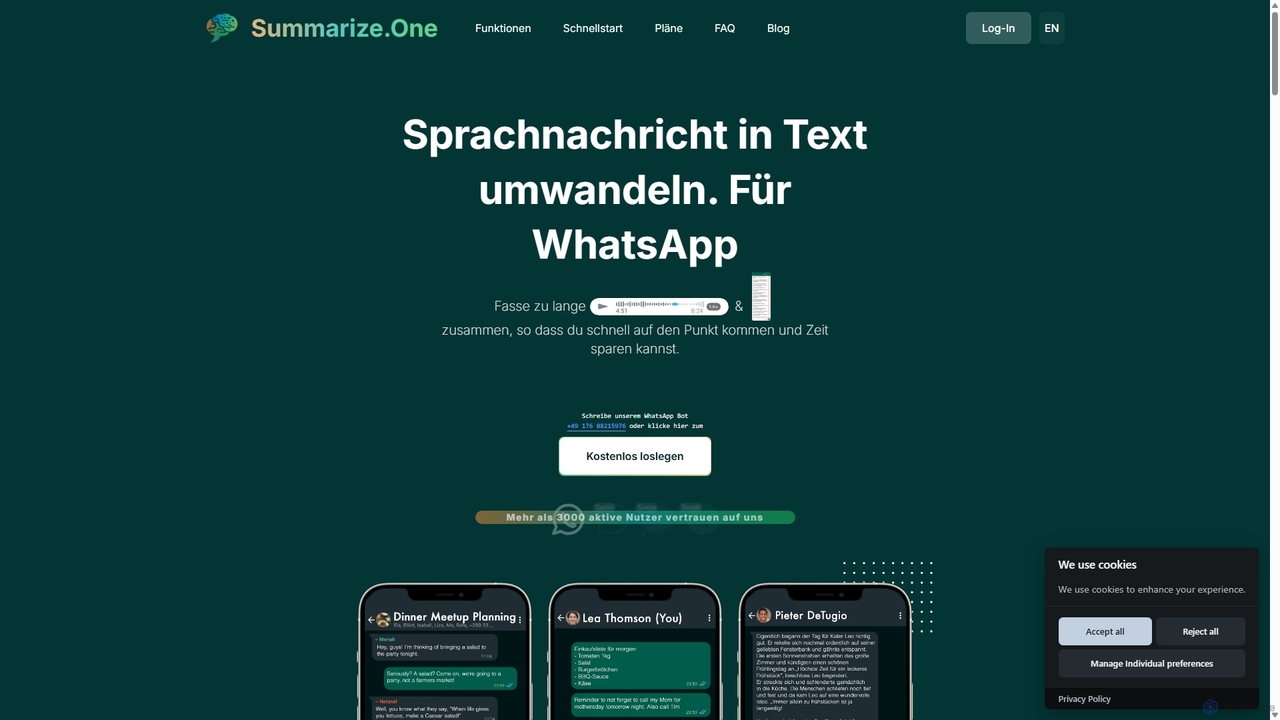
Summarize.one
An AI-powered WhatsApp bot that transcribes and summarizes long voice messages and chats. It helps you quickly grasp the key points without listening, saving time and ensuring privacy in any situation. Ideal for busy professionals, students, and anyone looking to improve communication efficiency.
Assistivetechnology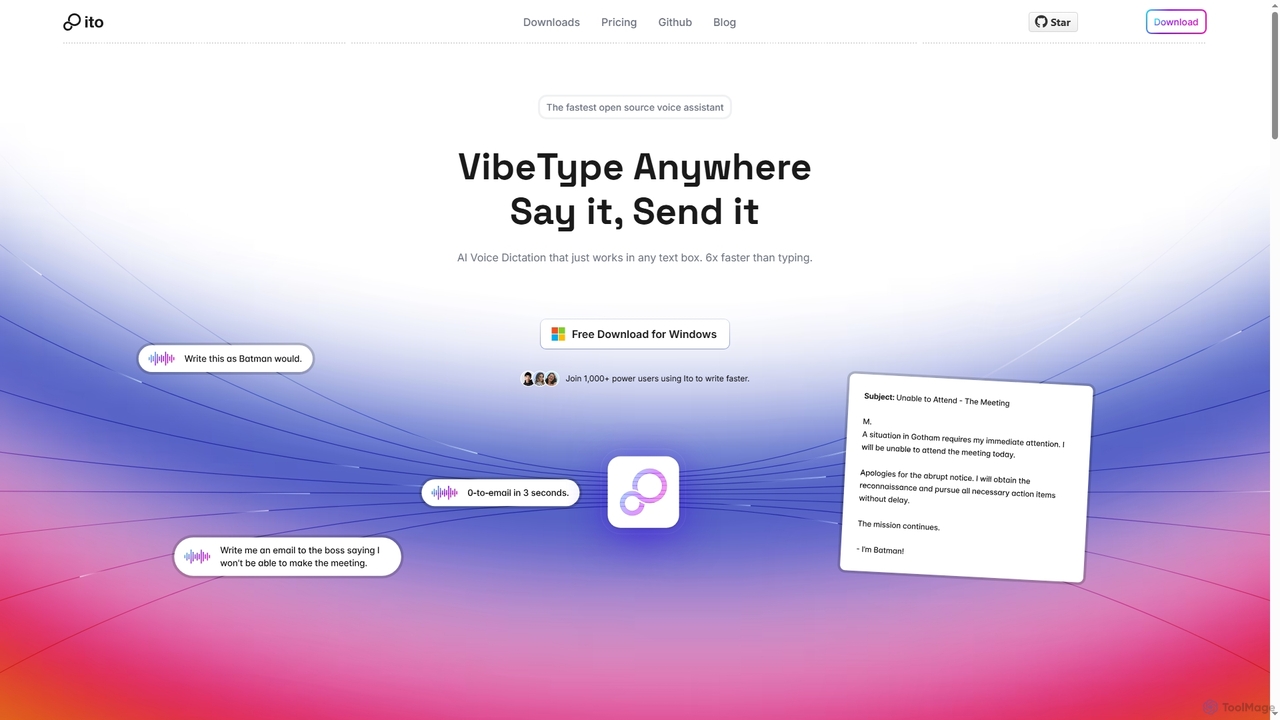
Ito
Ito is an open-source, voice-powered AI assistant for Mac and Windows that goes beyond simple dictation. Using "Vibe Typing," it understands your intent to generate polished text, smart responses, and even code, saving users significant time by allowing them to think, not type.
Email Assistant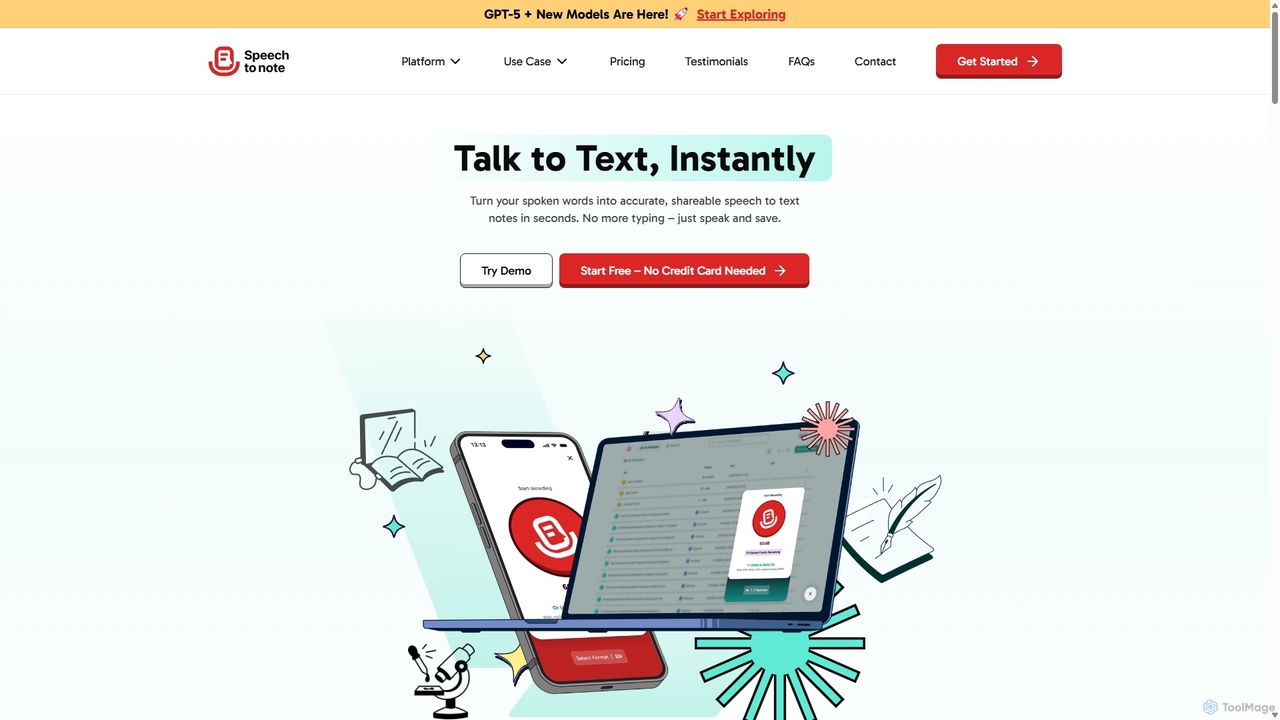
SpeechtoNote
SpeechtoNote is an AI-powered tool that instantly converts spoken words into accurate text notes. It supports over 40 languages and offers 30+ smart note formats, including summaries, emails, and to-do lists. Powered by advanced models like GPT-4o, it's designed for professionals, students, and creators to capture ideas, transcribe meetings, and streamline their workflow effortlessly.
Speech To Text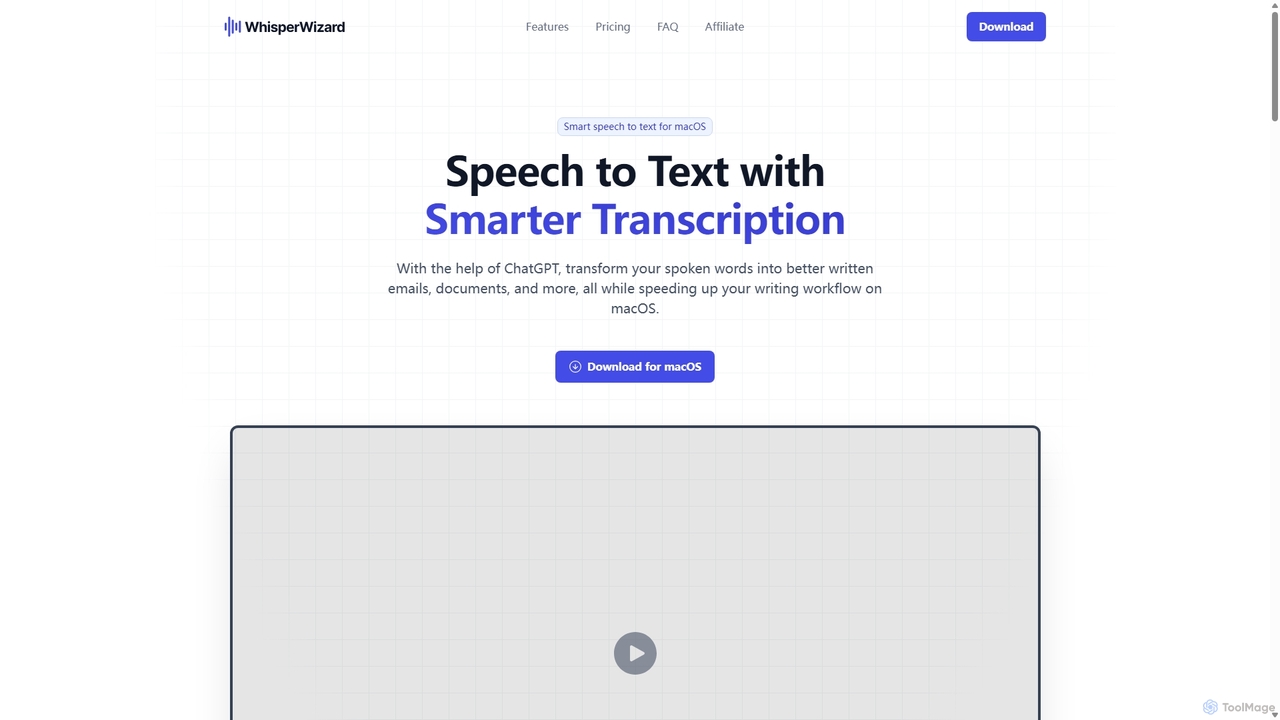
WhisperWizard
WhisperWizard is a powerful macOS application that transforms your speech into text with AI-powered enhancements. Leveraging ChatGPT, it not only transcribes your voice with high accuracy but also refines the output into well-structured emails, documents, and more. Create custom templates and shortcuts to streamline your writing workflow, making it faster and more efficient than ever to capture and perfect your ideas.
Speech To TextVoiceGecko Categories
VoiceGecko Jobs
VoiceGecko Embed Widget
Copy this embed code to place the badge on your blog, article, or product site and send readers directly to this ToolMage detail page.

Related AI tools
SpeechtoNote
SpeechtoNote is an AI-powered tool that instantly converts spoken words into accurate text notes. It supports over 40 languages and offers 30+ smart note formats, including summaries, emails, and to-do lists. Powered by advanced models like GPT-4o, it's designed for professionals, students, and creators to capture ideas, transcribe meetings, and streamline their workflow effortlessly.
Speech To TextWhisperWizard
WhisperWizard is a powerful macOS application that transforms your speech into text with AI-powered enhancements. Leveraging ChatGPT, it not only transcribes your voice with high accuracy but also refines the output into well-structured emails, documents, and more. Create custom templates and shortcuts to streamline your writing workflow, making it faster and more efficient than ever to capture and perfect your ideas.
Speech To TextIto
Ito is an open-source, voice-powered AI assistant for Mac and Windows that goes beyond simple dictation. Using "Vibe Typing," it understands your intent to generate polished text, smart responses, and even code, saving users significant time by allowing them to think, not type.
Email Assistant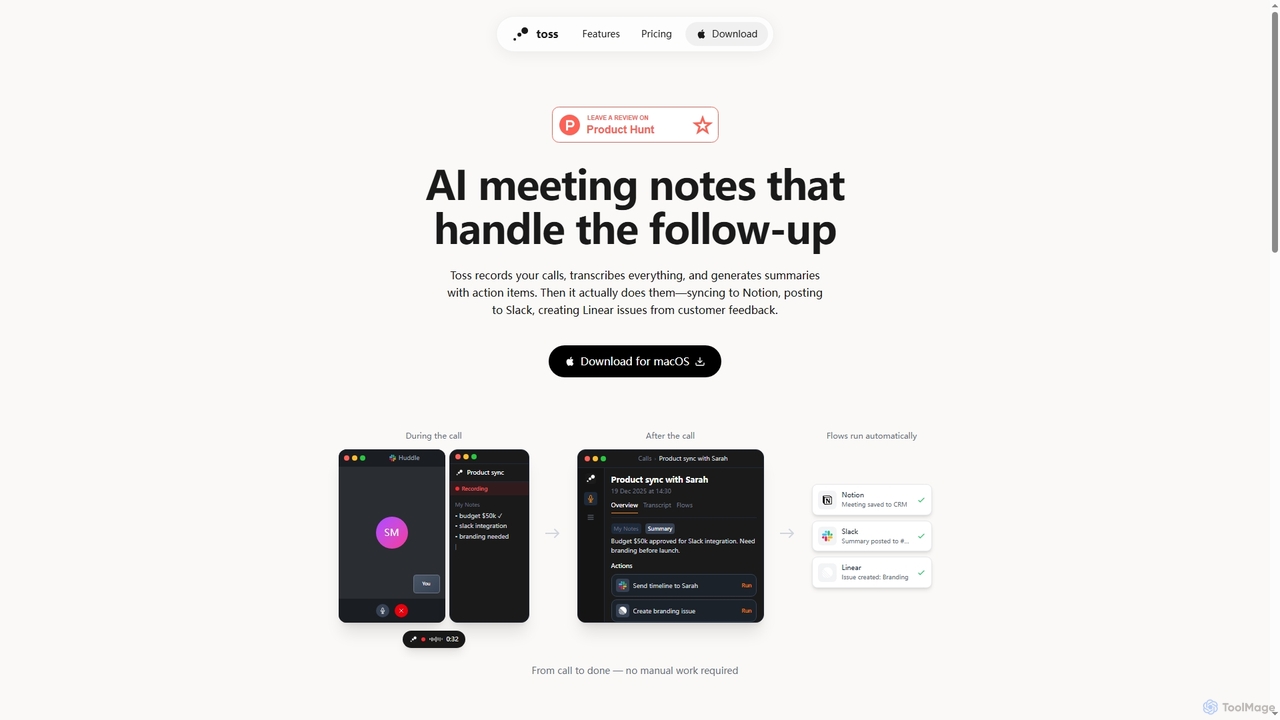
Toss
Toss is an AI-powered macOS application designed to automate meeting notes and follow-up actions. It records calls, transcribes discussions in real-time, generates summaries with actionable items, and automatically executes post-meeting tasks like syncing to Notion, posting to Slack, and creating issues in Linear, streamlining workflows and enhancing productivity for teams.
Dictation
Jyek
Jyek is an AI agent platform that understands objectives, creates execution plans, uses tools, and delivers verifiable results for complex, multi-step tasks.
AutomationZeroAudio
ZeroAudio is an AI-powered tool that integrates with WhatsApp to summarize long audio messages. Simply forward any voice note to ZeroAudio, and it will quickly provide a concise, text-based summary of the key points. This saves you time, allows you to "read" audios in private, and makes the information within them easily searchable, eliminating the need to listen to lengthy, rambling messages.
Speech To Text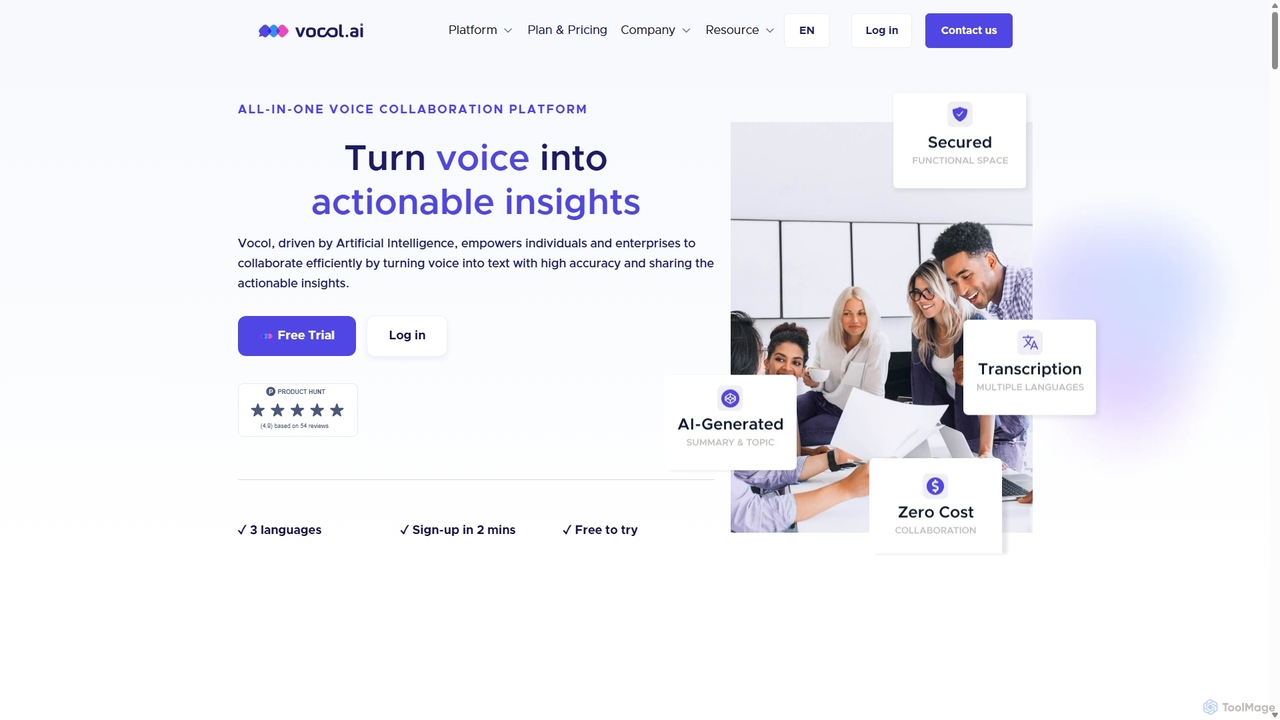
Vocol.ai
Vocol.ai is an all-in-one AI voice collaboration platform that transforms spoken conversations into actionable insights. It provides high-accuracy, multilingual transcription (English, Chinese, Japanese), AI-generated summaries, key topics, and action items. Designed for teams, it streamlines workflows, enhances collaboration, and boosts productivity by automating the manual work of note-taking and analysis for meetings, interviews, and lectures.
Speech To Text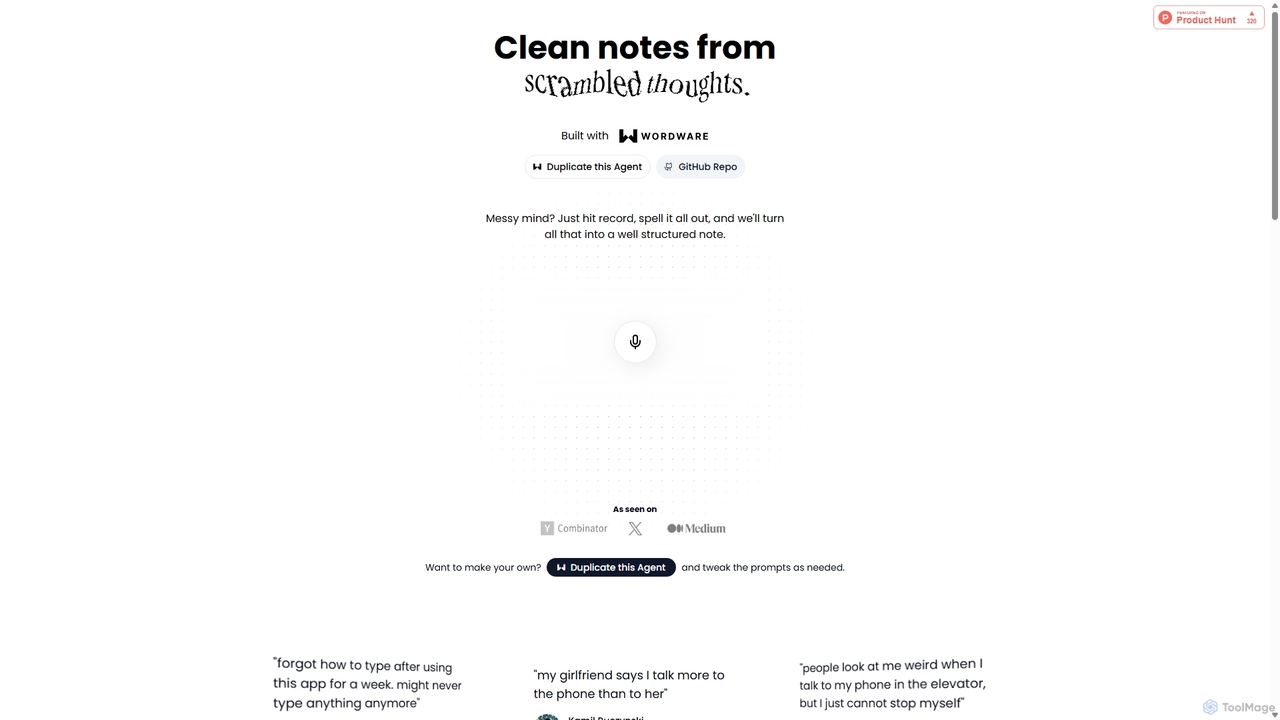
Audioscribe
Audioscribe is an AI-powered tool that transforms your messy, spoken thoughts into clean, well-structured notes. Simply record your voice, and the AI will transcribe, organize, and format your ideas into coherent text for project plans, emails, journals, and more, streamlining your workflow and boosting productivity.
Speech To Text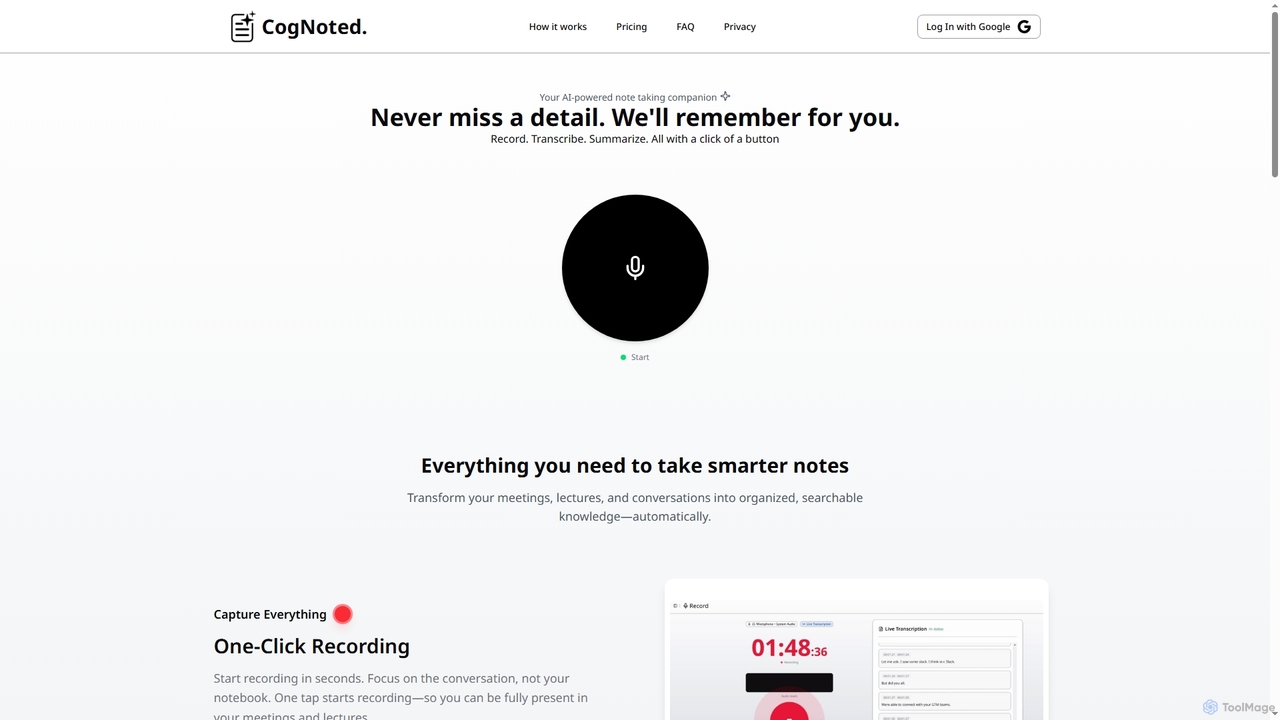
Cognoted
An AI-powered note-taking and transcription tool that transforms meetings, lectures, and conversations into organized, searchable knowledge. It offers one-click recording, real-time transcription, smart summaries, and an AI chat assistant to capture every detail and extract key insights effortlessly.
Meeting Assistant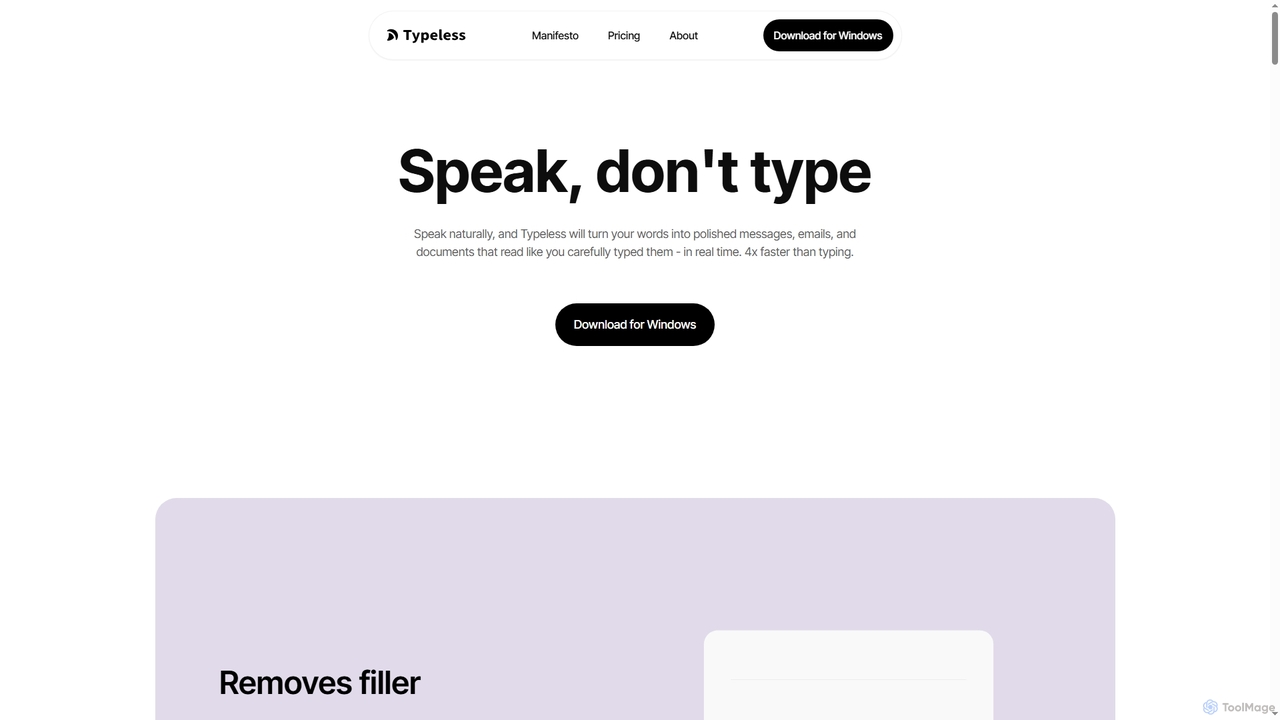
Typeless
Typeless is an intelligent AI voice dictation tool that transforms natural speech into polished, formatted text in real-time. It enhances productivity by automatically removing filler words, repetitions, and auto-correcting mid-sentence changes, making communication up to 4x faster than traditional typing.
AutomationSummarize.one
An AI-powered WhatsApp bot that transcribes and summarizes long voice messages and chats. It helps you quickly grasp the key points without listening, saving time and ensuring privacy in any situation. Ideal for busy professionals, students, and anyone looking to improve communication efficiency.
Assistivetechnology
RewriteBar
RewriteBar is a native macOS menu bar app that acts as your personal AI writing assistant. It works seamlessly across all applications, allowing you to instantly correct grammar, change tone, translate text, summarize content, and more with a simple keyboard shortcut. It supports over 12 AI providers, including local models for ultimate privacy, offering a powerful and flexible writing enhancement experience.
Code Assistant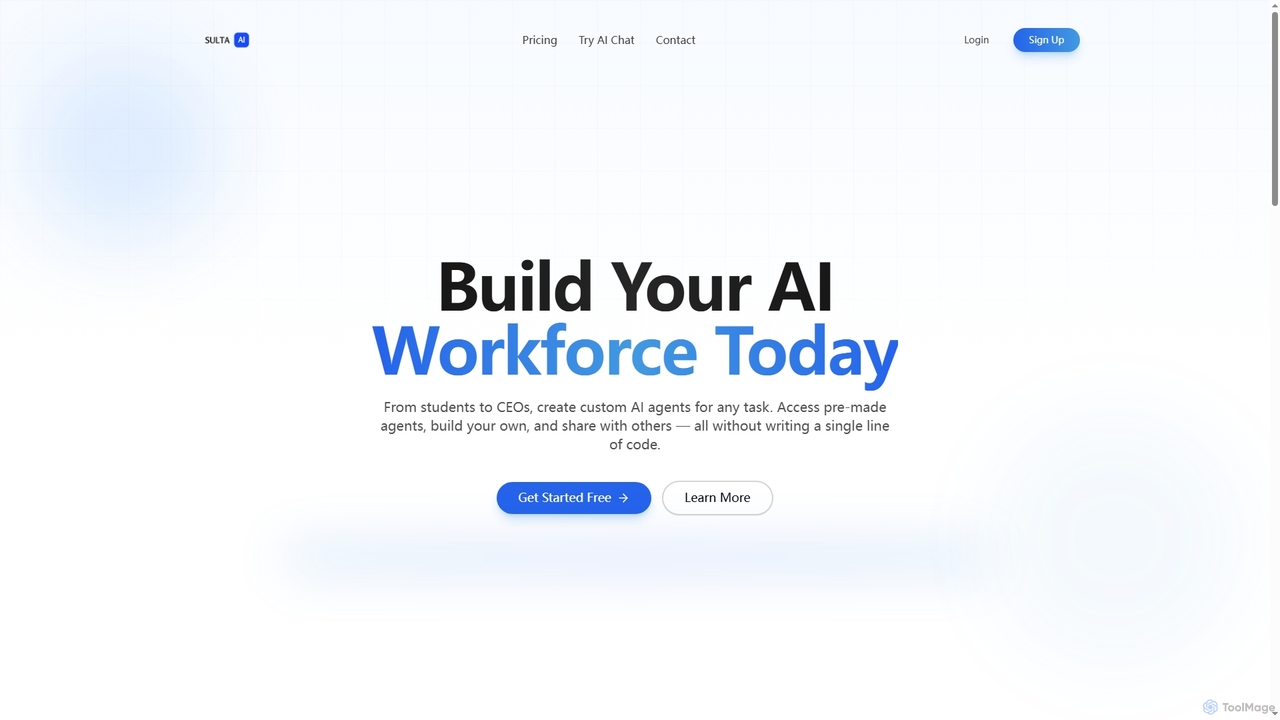
Sulta AI
Sulta AI is a no-code platform empowering users to build and deploy custom AI agents for any task, from student research to business operations. It offers a rich library of pre-built agents, community sharing, and data training capabilities to revolutionize individual and team workflows without writing a single line of code.
Content Generation
carlos_app
carlos_app is an intelligent AI personal assistant designed to streamline your workflow, manage tasks, automate scheduling, and enhance communication. It acts as your proactive partner, helping you focus on what truly matters by handling the administrative details.
Task Management
Side Space
Side Space is a powerful AI assistant that integrates seamlessly into your desktop workflow. It operates from a convenient sidebar, providing instant access to AI-powered tools for writing, coding, and general productivity without ever leaving your current application. Enhance your efficiency with contextual actions on selected text and customizable commands.
Code Assistant
VoiceGecko Comments (0)
Sign in to comment.
Sign inNo comments yet.