Writing Best in category 5 results Dictation AI Tool

Popular AI tools in the Dictation field of Writing include Typeless、VoiceInk、Ito、HyperWhisper、VoiceGecko, etc., helping you quickly improve efficiency.

Typeless

Typeless

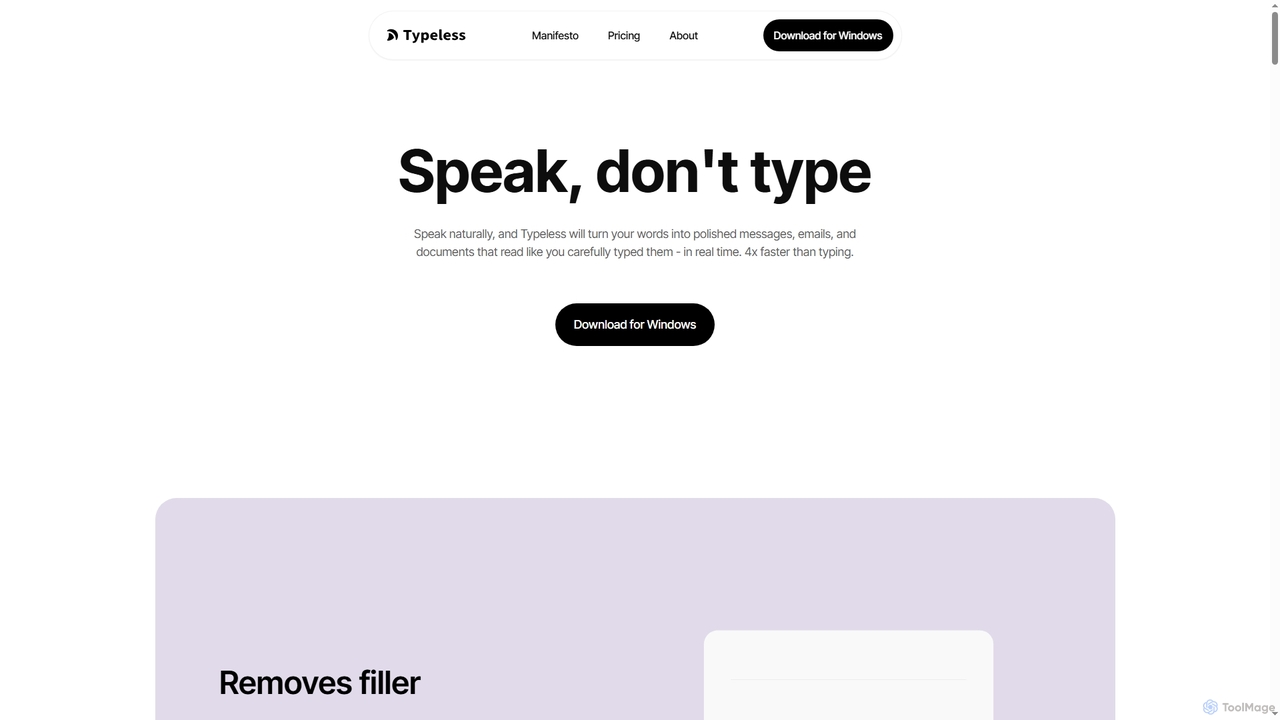
Typeless is an intelligent AI voice dictation tool that transforms natural speech into polished, formatted text in real-time. …

1.1M
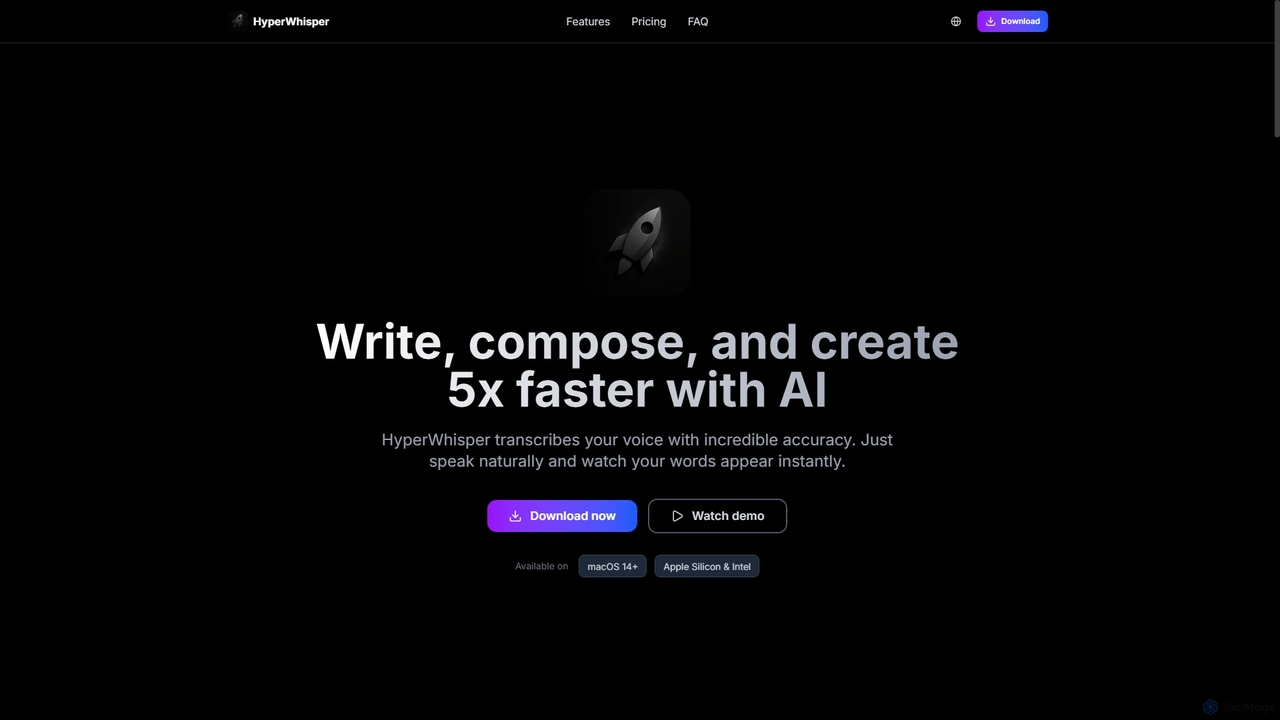
HyperWhisper

HyperWhisper

HyperWhisper is an AI-powered voice transcription application for macOS, designed to convert spoken words into text with exceptional …

7.9K
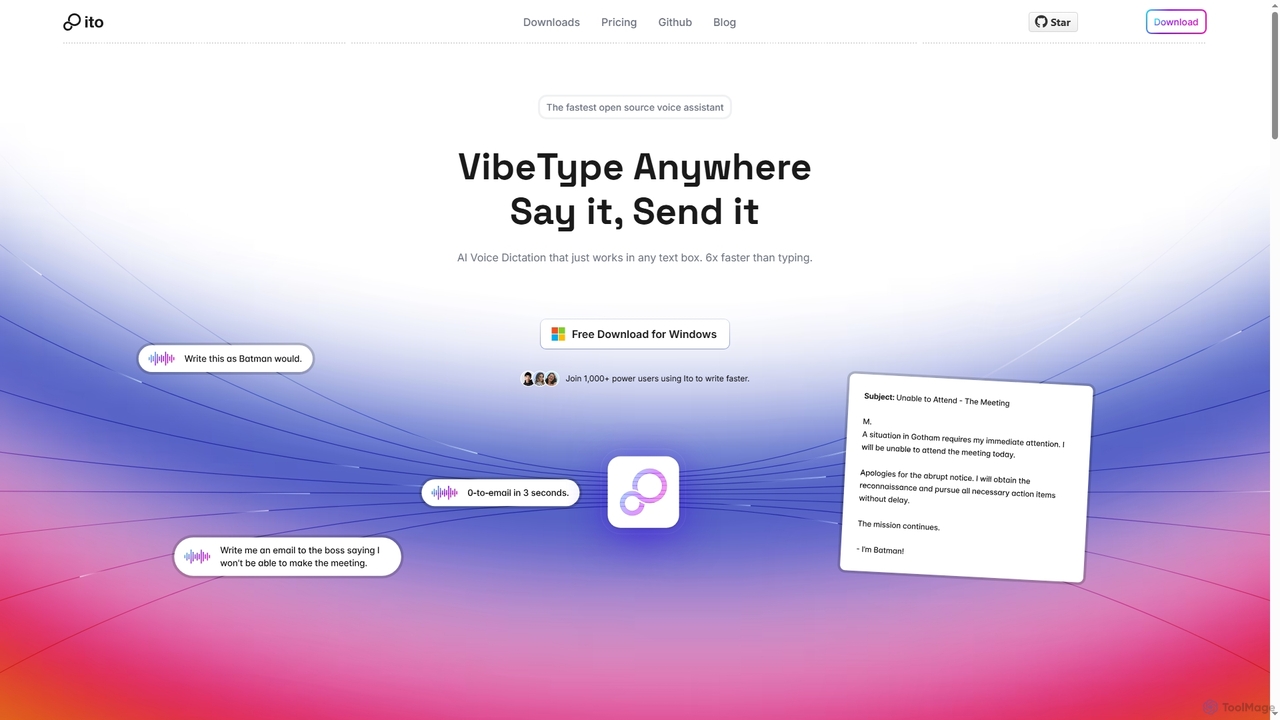
Ito

Ito

Ito is an open-source, voice-powered AI assistant for Mac and Windows that goes beyond simple dictation. Using "Vibe …

16.6K
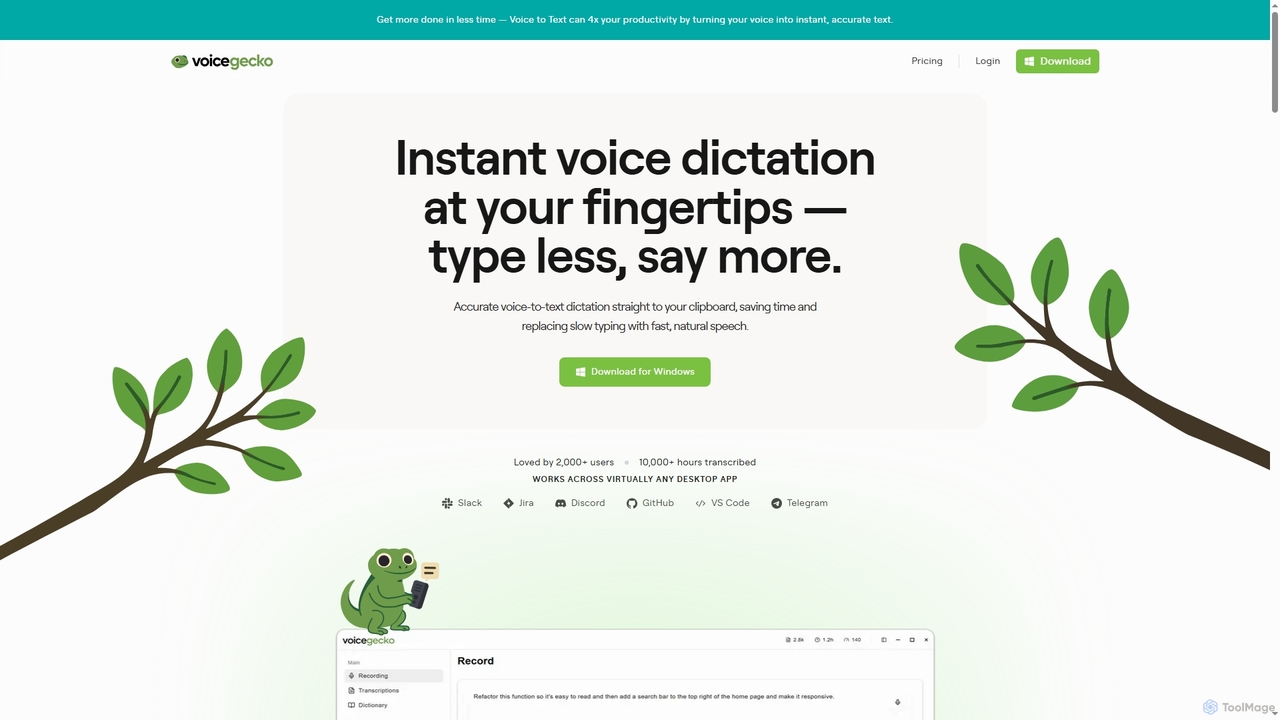
VoiceGecko

VoiceGecko

VoiceGecko is a desktop application providing instant, high-accuracy voice-to-text dictation. It works across virtually any app, allowing users …

2.8K
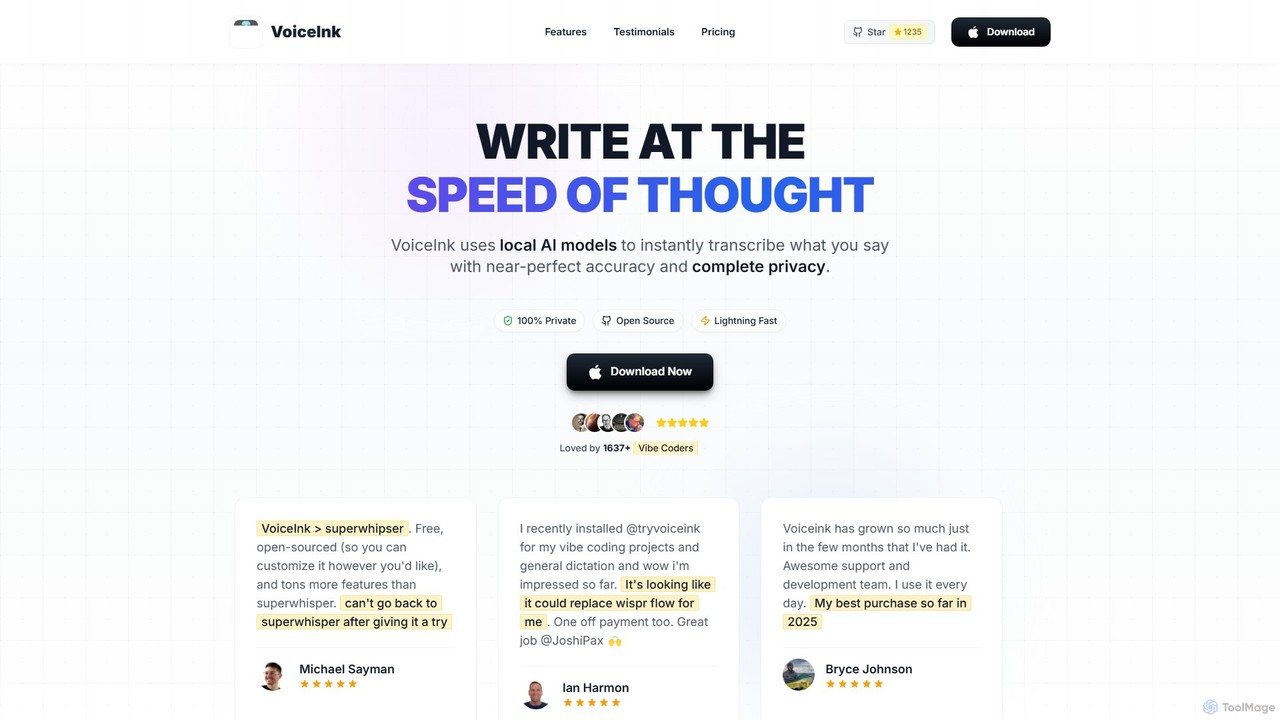
VoiceInk

VoiceInk

VoiceInk is a privacy-first, open-source AI dictation app for Mac. It uses local AI models for instant, highly …

119.2K

About Dictation

AI Dictation tools are a specialized category of writing software that converts spoken words into written text in real-time. Leveraging advanced speech recognition technology, these tools accurately capture voice input, including punctuation and formatting commands. They serve as a powerful alternative to traditional typing, enabling users to draft documents, compose emails, and take notes hands-free. This significantly boosts writing speed and provides a crucial accessibility solution for many users.

Core Features

  • Real-time Transcription: Instantly converts speech to text as you speak, creating a fluid writing experience.
  • Voice Commands: Allows for hands-free control of punctuation, formatting (e.g., "new paragraph"), and editing.
  • Custom Vocabulary: Enables users to add specific names, acronyms, and industry jargon for improved accuracy.
  • Multi-language Support: Accurately recognizes and transcribes speech in various languages and accents.
  • Application Integration: Works directly within word processors, email clients, and other professional software.

Use Cases

Dictation tools are widely used by professionals who produce large volumes of text, such as doctors dictating patient notes, lawyers drafting legal documents, and journalists capturing interviews. They are also invaluable for authors brainstorming ideas, students taking lecture notes, and executives composing messages on the go. Furthermore, they are essential accessibility tools for individuals with physical disabilities that make typing difficult.

How to Choose

When selecting an AI Dictation tool, prioritize transcription accuracy and its ability to handle your specific accent and vocabulary. Evaluate the richness of its voice command library for formatting and editing. Check for seamless integration with your primary applications, like Microsoft Word or Google Docs. For professional use, consider security policies and whether processing happens locally or in the cloud, especially when dealing with sensitive information.

DictationUse Cases

1

Drafting Medical Reports and Patient Notes

For physicians and healthcare providers, AI dictation tools streamline the creation of Electronic Health Records (EHR). Instead of typing, a doctor can dictate observations, diagnoses, and treatment plans directly into the patient's file after an examination. The tool's custom vocabulary can be trained to recognize complex medical terminology, ensuring high accuracy. This process significantly reduces administrative time, allowing clinicians to focus more on patient care and complete their documentation more efficiently.

2

Composing Legal Documents and Correspondence

Lawyers, paralegals, and legal assistants use dictation software to rapidly draft contracts, briefs, motions, and client emails. The precision required in legal writing is supported by high-accuracy speech recognition. By speaking naturally, legal professionals can articulate complex arguments without breaking their train of thought to type. This accelerates document creation, helps meet tight deadlines, and ensures that detailed case notes are captured accurately.

3

Writing Books and Articles Hands-Free

Authors, journalists, and content creators can overcome writer's block and increase their output using dictation tools. They can capture fleeting ideas by speaking into a mobile app or draft entire chapters while walking or pacing, a process that many find more natural than sitting at a keyboard. Voice commands for formatting allow for a fluid writing experience, making it easier to maintain a creative flow and translate thoughts directly into text, speeding up the first draft process considerably.

4

Enhancing Accessibility for Computer Use

For individuals with repetitive strain injuries, arthritis, or other physical disabilities that limit their ability to use a keyboard, dictation tools are essential assistive technology. They provide a reliable method for controlling a computer, writing documents, browsing the web, and communicating online using only their voice. This empowers users to maintain productivity in their professional and personal lives, ensuring equitable access to digital information and tools.

5

Taking Effective Meeting and Lecture Notes

Students and professionals can use dictation software to capture notes during lectures, meetings, or interviews without having to look down and type. This allows them to remain engaged with the speaker and observe visual cues. The real-time text output provides an immediate, searchable record of the discussion. Some tools can even handle basic speaker identification, making it easier to organize notes from conversations with multiple participants.

6

Managing Email and Communications Efficiently

Busy executives and managers can clear their inboxes faster by dictating replies to emails. Instead of typing out long responses on a small mobile keyboard or a laptop, they can speak their message clearly and concisely. This hands-free approach is particularly useful while multitasking or traveling. It allows for thoughtful, detailed communication without the time commitment of traditional typing, improving overall productivity and responsiveness.

DictationFrequently Asked Questions