VoiceGecko
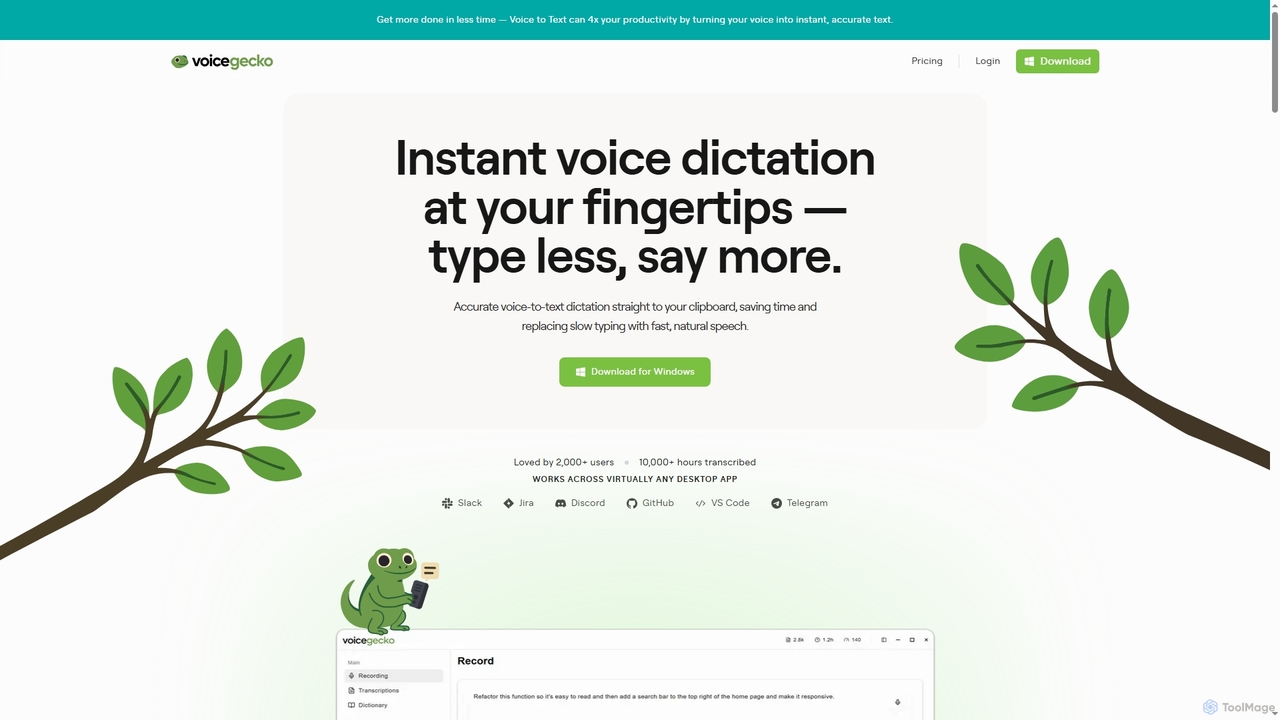
VoiceGecko is a desktop application providing instant, high-accuracy voice-to-text dictation. It works across virtually any app, allowing users …
VoiceGecko is a desktop application providing instant, high-accuracy voice-to-text dictation. It works across virtually any app, allowing users to type with their voice to save time, reduce typos, and improve workflow, especially for developers and AI users.
AquaSnap
AquaSnap is a powerful window management utility for Windows that dramatically enhances productivity. It allows users to efficiently …
AquaSnap is a powerful window management utility for Windows that dramatically enhances productivity. It allows users to efficiently snap, dock, tile, and organize application windows using simple drag-and-drop actions, mouse shortcuts, and keyboard hotkeys. It is especially useful for large or multiple monitor setups, making multitasking seamless and organized.
DeckAssistant
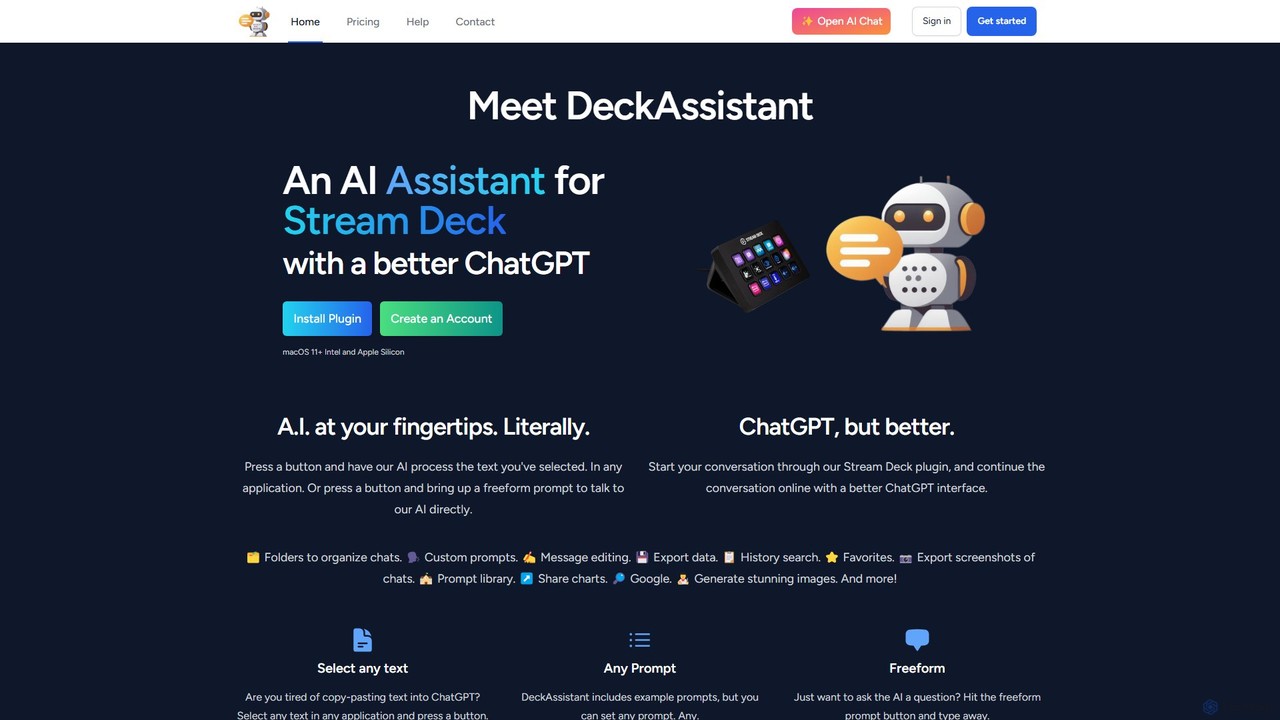
DeckAssistant is a powerful AI assistant that integrates directly with your Elgato Stream Deck. It allows you to …
DeckAssistant is a powerful AI assistant that integrates directly with your Elgato Stream Deck. It allows you to process selected text, generate content, or chat with an AI using a single button press, directly within any application on your macOS. This eliminates context switching and streamlines your workflow for tasks like writing, coding, and content creation.
Airlight
Airlight is a lightweight "superbrowser" for macOS that provides instant access to web apps like ChatGPT, Perplexity, and …
Airlight is a lightweight "superbrowser" for macOS that provides instant access to web apps like ChatGPT, Perplexity, and Claude via a Spotlight-like interface. Activated by a simple shortcut (option + space), it overlays on any screen, eliminating the need for constant tab switching and boosting productivity for developers, writers, and researchers.
inbox_ai
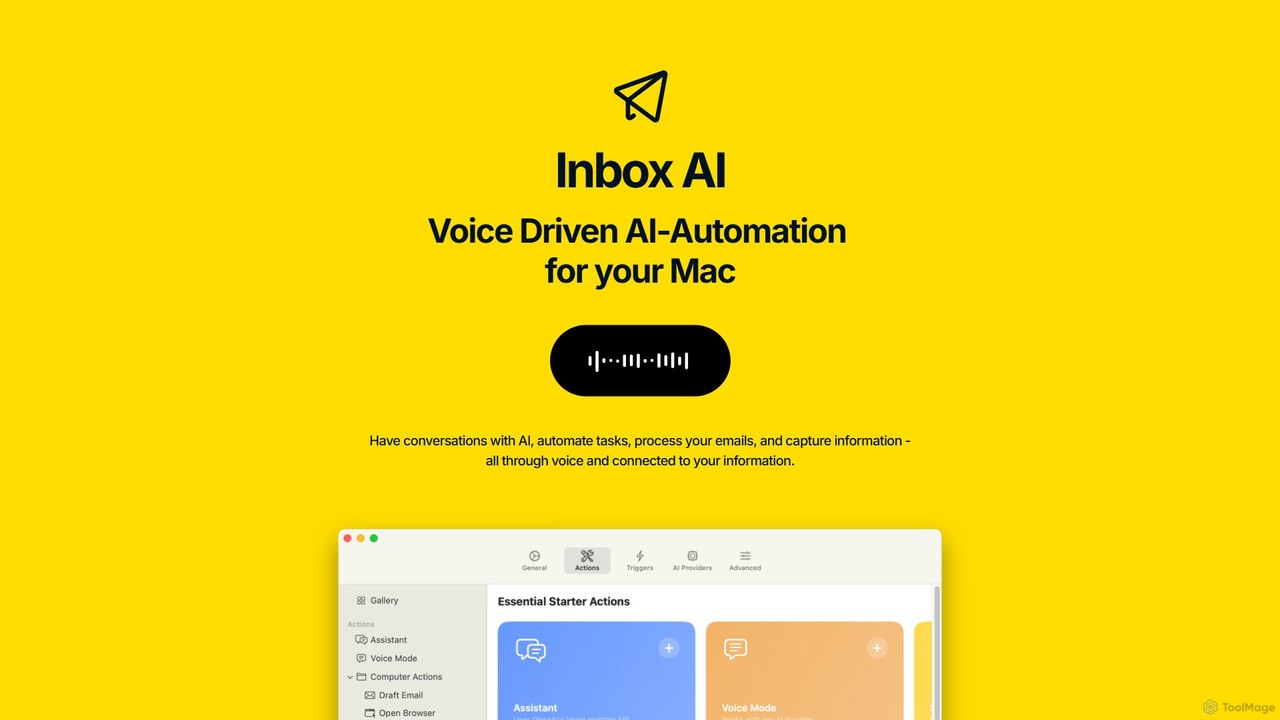
inbox_ai is a powerful voice-driven AI automation tool for macOS. It allows you to create custom voice commands …
inbox_ai is a powerful voice-driven AI automation tool for macOS. It allows you to create custom voice commands and build intelligent assistants to streamline your workflow. With features like on-screen quick capture, email filtering, and deep integration with native macOS apps and services like Raycast and PopClip, inbox_ai puts advanced AI capabilities at your fingertips. It operates entirely on-device, ensuring your data remains private and secure, with no login required.
SigmaOS
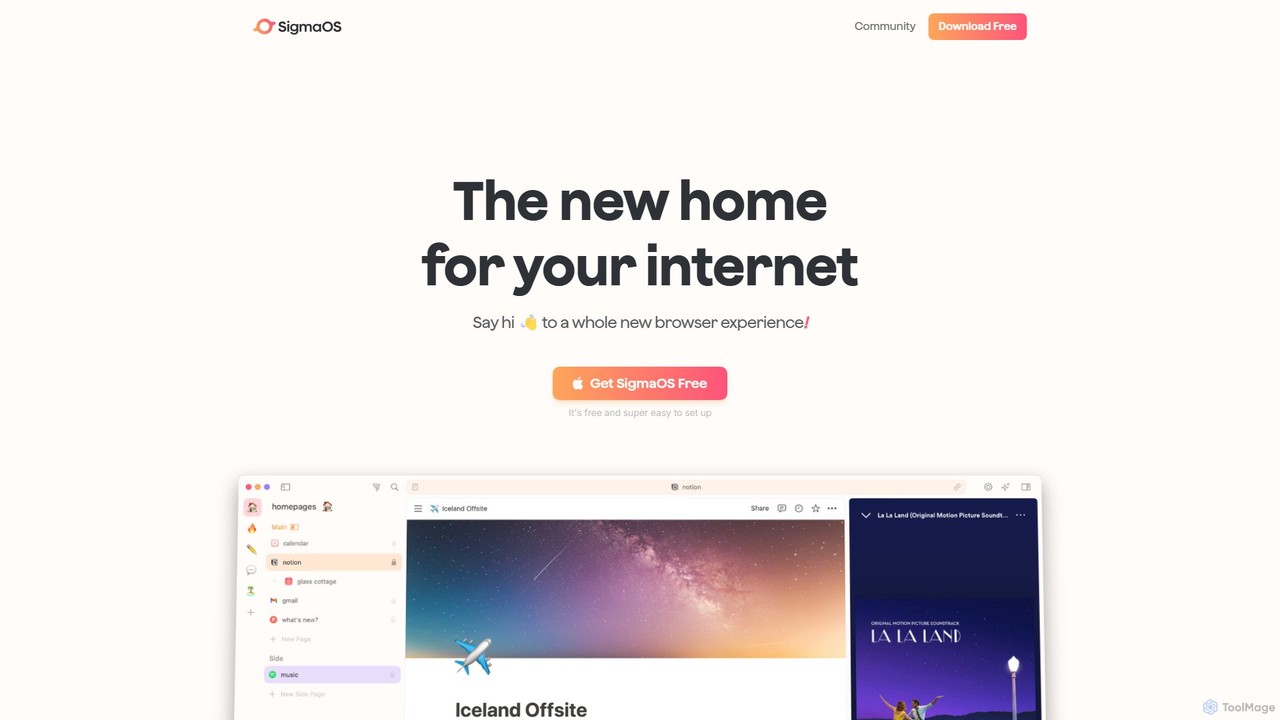
SigmaOS is a revolutionary AI-powered web browser designed for work and productivity on macOS. It reimagines the browsing …
SigmaOS is a revolutionary AI-powered web browser designed for work and productivity on macOS. It reimagines the browsing experience with features like workspaces for organization, vertical tabs managed as tasks, and an integrated AI assistant named Airis. It combines the speed and security of Safari's WebKit engine with the versatility of Chrome extensions, creating a focused, efficient, and intelligent environment for students, founders, and creatives.
About Workflow
AI Workflow tools are specialized developer platforms for designing, automating, and managing complex, multi-step processes powered by AI models. They function as an orchestration layer, connecting various AI services, APIs, and data sources into a single, coherent application. This enables the creation of sophisticated systems like autonomous agents, complex data processing pipelines, and interactive AI applications without needing to manually manage state, error handling, and execution logic. Many tools offer both visual builders for rapid prototyping and code-based SDKs for deep customization.
Core Features
- Visual Workflow Builder: Design and connect AI models, logic, and APIs using a drag-and-drop interface.
- State Management: Automatically tracks and persists the state of a workflow across multiple steps, even for long-running tasks.
- Model & API Integration: Provides pre-built connectors for popular LLMs, vector databases, and third-party services.
- Debugging & Observability: Offers tools to trace, monitor, and debug the execution of complex AI chains and agentic behaviors.
- Code-based SDKs: Allows for programmatic control over workflow creation and execution using languages like Python or TypeScript.
Use Cases
These tools are primarily used by developers and AI engineers. Common applications include building autonomous AI agents for research or task execution, creating multi-modal content generation pipelines (e.g., text to video), and automating internal business processes that require AI-driven decision-making, such as intelligent document processing or advanced customer support triage.
How to Choose
When selecting an AI Workflow tool, consider the primary interface: a visual builder may accelerate development, while a code-first SDK offers greater flexibility. Evaluate hosting options, choosing between self-hosted for data control or a managed cloud service for convenience. Ensure the platform has a robust ecosystem of integrations for the specific AI models and APIs you need. Finally, assess its scalability and performance to ensure it can handle your expected workload.
WorkflowUse Cases
Building an Autonomous Research Agent
An AI engineer needs to create an agent that can autonomously research a given topic, synthesize information from multiple web sources, and generate a structured report. Using an AI Workflow tool, they design a sequence that chains a search API call, a web scraping node, an LLM for summarization of individual articles, and a final LLM to compile all summaries into a coherent report. The tool manages the data flow and state between each step, ensuring the process runs reliably from start to finish. This automates a task that would manually take hours, delivering a comprehensive summary in minutes.
Automating Customer Support Ticket Triage
A backend developer is tasked with reducing the manual workload on the customer support team. They use an AI Workflow tool to build a process that triggers whenever a new support ticket is created. The workflow first uses an LLM to classify the ticket's category (e.g., 'Billing', 'Technical Issue') and sentiment. Based on the classification, it queries an internal knowledge base for a potential solution. If a match is found, it sends an automated reply; otherwise, it routes the ticket to the appropriate human agent's queue. This system provides instant initial responses and ensures tickets reach the right person faster.
Creating a Multi-Modal Content Generation Pipeline
A MarTech developer wants to create a service that generates short social media videos from a single text prompt. They use an AI Workflow tool to orchestrate a complex, multi-modal pipeline. The workflow starts with the user's prompt, sends it to a powerful LLM to generate a script, passes the script to a text-to-speech API for a voiceover, concurrently generates a series of relevant images with an image generation model, and finally combines the audio and images using a video editing API. The workflow tool manages the dependencies and parallel execution of these steps, turning a complex creative process into a single, automated action.
Intelligent Document Processing and Data Extraction
A data engineer at a financial firm needs to automate the extraction of key information from thousands of PDF invoices. Using an AI Workflow tool, they construct a pipeline that ingests a PDF, uses an OCR service to extract raw text, passes the text to an LLM fine-tuned for data extraction to identify fields like 'Invoice Number', 'Total Amount', and 'Due Date'. The final step formats this extracted data into a structured JSON object and inserts it into a database. The workflow tool handles error logging and retries for unreadable documents, creating a robust and scalable data entry automation system.
Developing a Conversational AI with Tool-Using Abilities
An AI application developer is building a sophisticated chatbot that can do more than just answer questions. It needs to access external tools, like checking a user's order status in a database or booking a meeting in a calendar. They use an AI Workflow tool to manage the conversational logic. The workflow receives a user's message, uses an LLM to determine the user's intent and whether a tool is needed. If so, a router node calls the appropriate API (e.g., CRM, Calendar). The API's response is then fed back into the LLM to generate a natural, context-aware response for the user. The tool's state management ensures the bot remembers conversation history.
CI/CD for LLM Prompts and Chains
An MLOps engineer is responsible for maintaining the reliability of LLM-based features in production. They use an AI Workflow tool to define prompt templates and complex agentic chains as version-controlled assets. When a developer pushes a change to a prompt in Git, a CI/CD pipeline is triggered. This pipeline uses the workflow tool's SDK to automatically deploy the updated chain to a staging environment, run an evaluation suite against a 'golden dataset' to check for regressions, and, if all tests pass, promotes the new version to production. This brings software engineering best practices to the world of prompt engineering.