
SigmaOS Overview
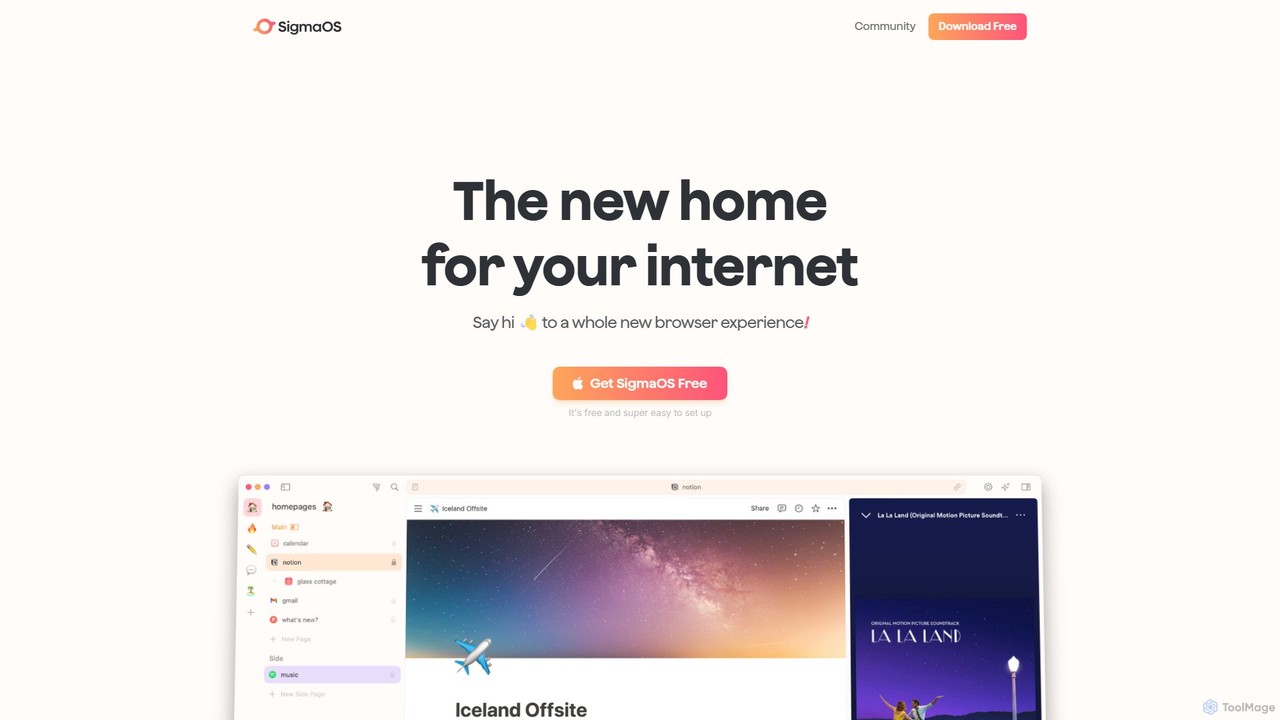
SigmaOS is a groundbreaking web browser meticulously engineered to enhance productivity and redefine how we interact with the internet. Built specifically for macOS, it moves away from the traditional tab-cluttered interface, introducing a structured and intuitive workspace-based system. The core philosophy of SigmaOS is to treat your web pages as tasks within a larger project, allowing for unparalleled organization and focus. It is powered by the A1 Kit, the first AI browser engine, which integrates advanced LLMs to understand context and assist you in your workflow.
How to use SigmaOS
Getting started with SigmaOS is a seamless process. After downloading the free application, you can instantly migrate all your bookmarks, history, and logins from your previous browser. The primary way to organize your work is through Workspaces. You can create separate workspaces for different projects, clients, or areas of life (e.g., 'Work', 'Personal', 'University'). Within each workspace, your tabs are displayed vertically, like a to-do list. You can open pages, group them, and once you're finished with a page, simply mark it as 'Done' by pressing the 'D' key. For multitasking, the Split Screen feature allows you to view two websites side-by-side. The most powerful interactions come from the AI assistant, Airis. Press the spacebar to activate Lazy Search to find anything across your tabs, history, or the web. You can also directly ask Airis to summarize a webpage, explain a complex paragraph, or research a topic for you using the 'Look it up' feature.
Core Features of SigmaOS
- Airis AI Assistant: An integrated AI companion that can chat with websites, summarize content, explain complex topics, and perform intelligent searches. Powered by models like GPT-4o.
- Workspaces: Organize tabs into distinct, collapsible lists to separate different contexts and projects, reducing clutter.
- Vertical Tabs as Tasks: Manage your tabs like a to-do list. Mark them as done to close them or lock them to keep them permanently in a workspace.
- Split Screen: Effortlessly view and work on two websites simultaneously within the same window.
- Lazy Search: A universal command bar to instantly search through open tabs, bookmarks, history, and the web.
- Simplify: A feature that transforms any cluttered webpage into a clean, interactive summary, allowing for focused reading and follow-up questions.
- WebKit Engine with Chrome Extension Support: The first browser to combine the performance, security, and battery efficiency of Safari's WebKit engine with support for your favorite Chromium extensions.
- Native macOS Experience: Built with SwiftUI for optimal performance, integration with Apple Keychain, and a design that feels at home on macOS.
- Ad-free Browsing: Comes with a fast, built-in ad blocker for a cleaner and faster web experience.
- Focus Mode: Hides all UI elements except for the current webpage, minimizing distractions.
Use Cases for SigmaOS
SigmaOS is versatile and built for anyone who spends significant time working on the web. For students, it's perfect for organizing research for different courses into separate workspaces, using the 'Look it up' feature to compile information for essays, and simplifying dense academic articles. Founders and entrepreneurs can manage their company's operations in one workspace and personal tasks in another, using separate logins for social media and work accounts. Creatives and researchers can use the split screen to compare inspiration sources side-by-side and use Airis to quickly gather and summarize information from multiple pages. For any professional, it streamlines workflows by turning the browser from a source of distraction into a powerful tool for focused work.
Advantages of SigmaOS
The primary advantage of SigmaOS is its opinionated design focused purely on productivity. Unlike traditional browsers, its workspace and task-based system enforces organization. The integration of the Airis AI directly into the browser workflow saves significant time on research and content consumption. It offers the best of both worlds: the speed, low RAM usage, and security of a WebKit-based browser like Safari, combined with the extensive ecosystem of Chrome extensions. Its native build ensures a smooth, responsive, and battery-efficient experience on Mac, making it a superior choice for users who value performance and a clean, focused interface.
Pricing and Plans
SigmaOS operates on a freemium model, ensuring core functionality is accessible to everyone.
- Basic (Free): Includes unlimited workspaces, a fast ad-blocker, and limited use of the Airis Assistant.
- Personal Pro ($20/month): Offers everything in the Basic plan, plus unlimited advanced Airis (GPT-4o), high usage of the 'Look it up' feature, and high usage of Interactive Summaries.
- Personal Max ($30/month): Includes all Pro features, plus access to more LLM models (like Llama, Claude), unlimited 'Look it up' queries, and unlimited Interactive Summaries.
A 50% discount is available for students and educators on the Pro plan.
Traffic
Latest traffic
Status
Monthly traffic trend
- 2025-9: 170.0K
- 2026-1: 154.3K
- 2026-2: 106.6K
- 2026-3: 126.4K
- 2026-4: 106.8K
- 2026-5: 83.1K
Geography
Top 5 countries / regions
- 🇺🇸United States49.9%
- 🇮🇳India20.0%
- 🇧🇷Brazil10.7%
- 🇩🇪Germany9.9%
- 🇬🇧United Kingdom9.6%
Traffic sources
| Source type | Percentage |
|---|---|
Referral | 55.2% |
Direct | 44.8% |
Top keywords
| Keyword | Cost per click |
|---|---|
| brave browser show private window tab | $0.00 |
| share web pages on firefox to mail app | $0.00 |
| sigma os | $4.31 |
| sigmaos | $2.74 |
| view request html on brave | $0.00 |
SigmaOS Videos on YouTube

There's An AI For That
SigmaOS Alternatives
Airlight
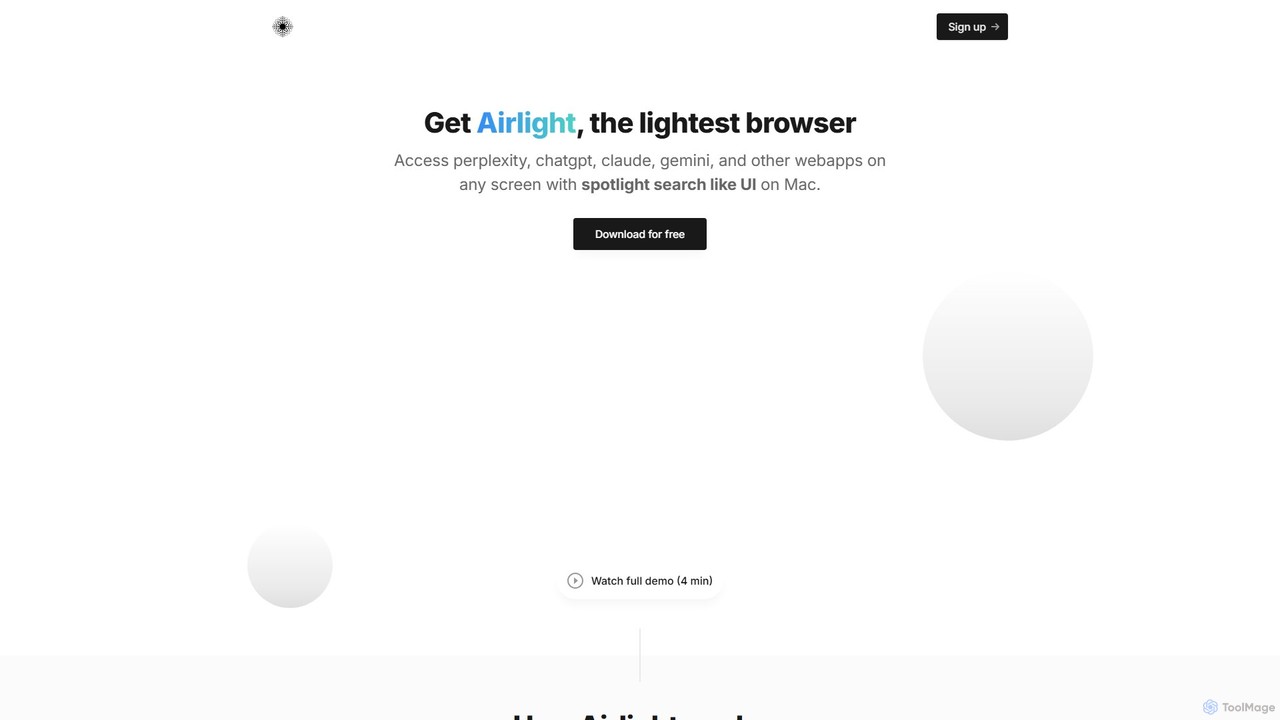
Airlight is a lightweight "superbrowser" for macOS that provides instant access to web apps like ChatGPT, Perplexity, and Claude via a Spotlight-like interface. Activated by a simple shortcut (option + space), it overlays on any screen, eliminating the need for constant tab switching and boosting productivity for developers, writers, and researchers.
Chat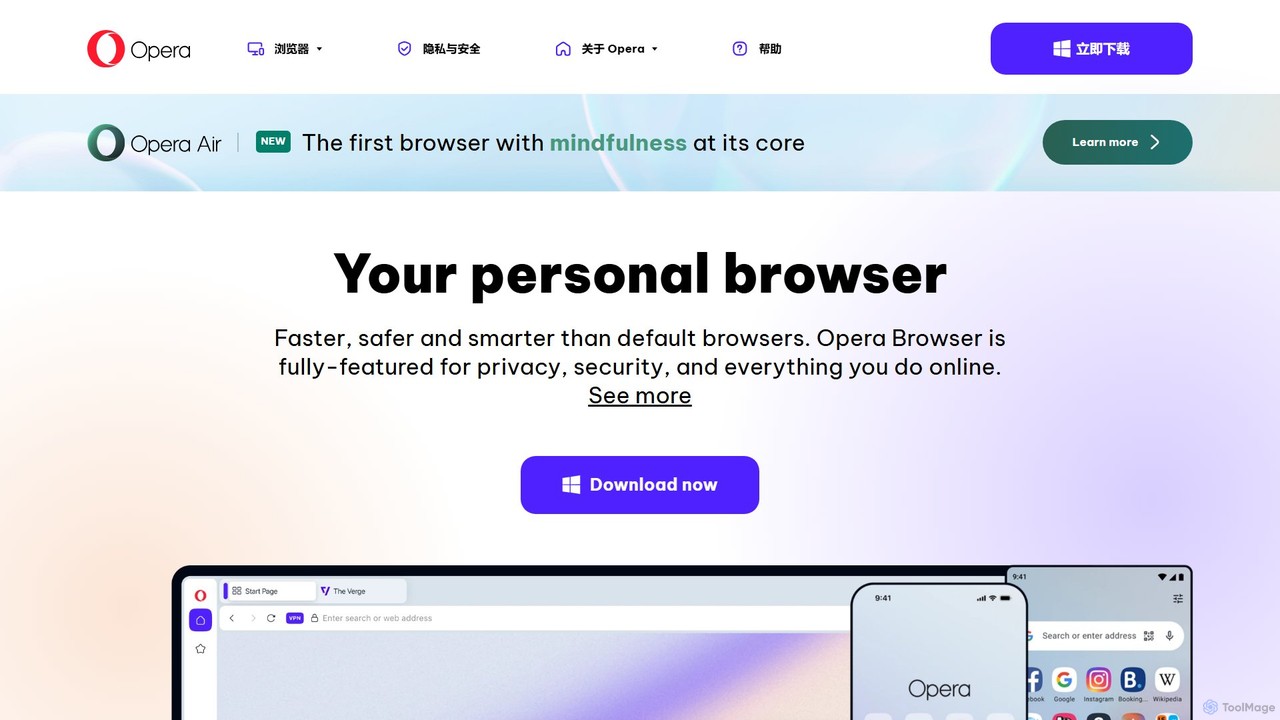
Opera
Opera is a smart, secure web browser with a native AI assistant, Aria. It offers innovative features like Tab Islands for organization, a free built-in VPN, and an ad blocker. Designed for speed and privacy, Opera provides a more productive and distraction-free browsing experience.
Browser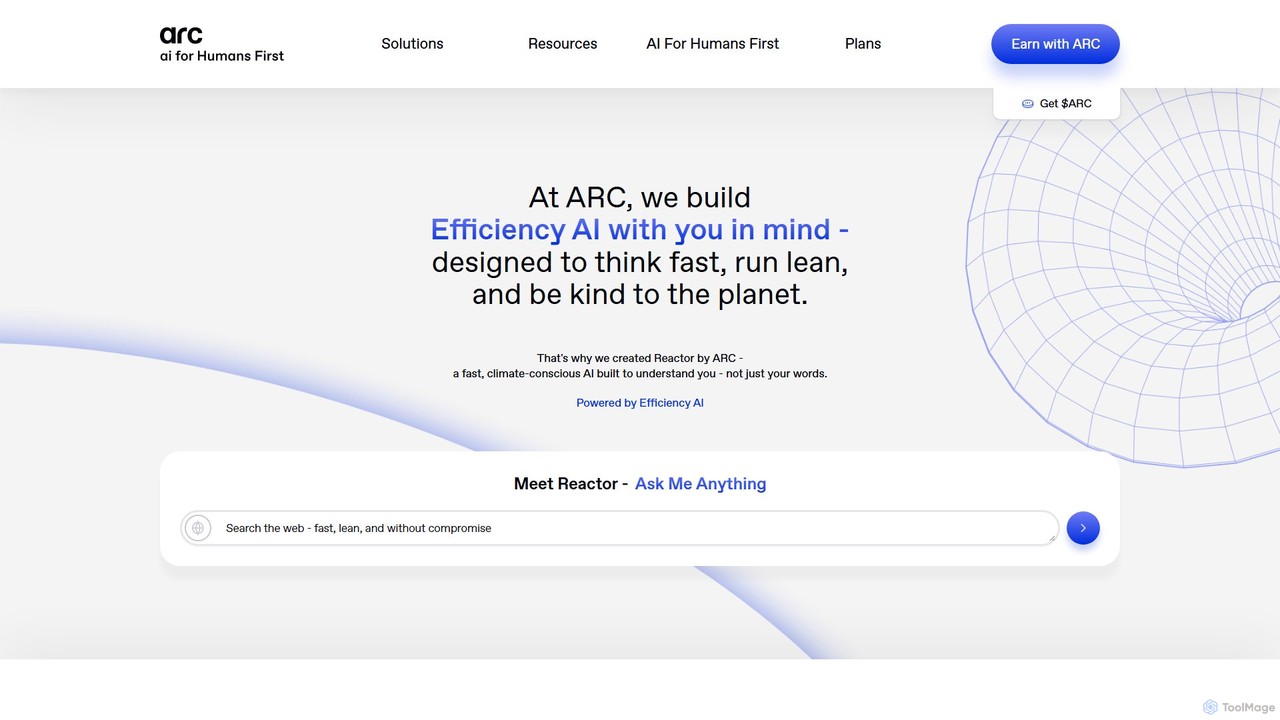
Arc
Arc is a revolutionary browser by The Browser Company, designed to be a smart, organized, and private alternative to Chrome. It integrates AI features to enhance productivity, offers unique organization tools like Spaces and Split View, and provides a seamless, ad-free experience across desktop and mobile.
Search Assistant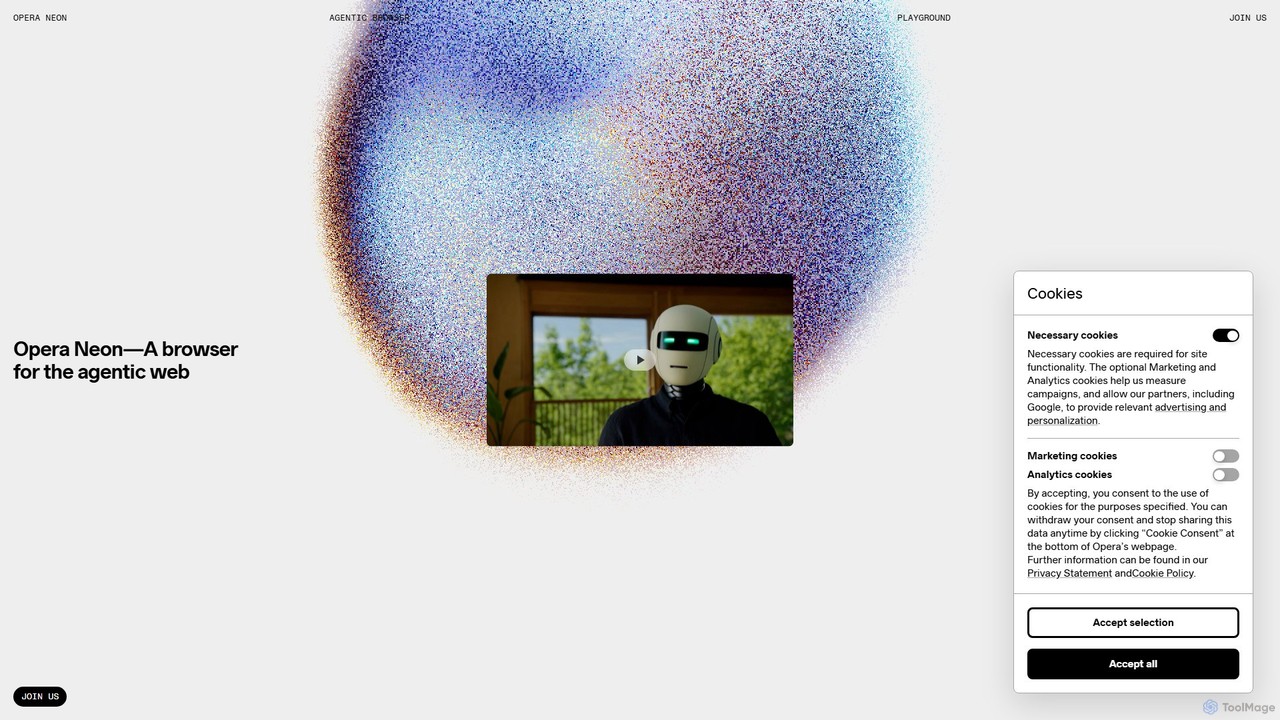
Opera Neon
Opera Neon is a next-generation agentic AI browser designed to understand user intent, automate complex tasks, and create digital content. It integrates AI chat, task automation, and creative generation into a single, seamless browsing experience, acting as a proactive digital assistant.
Low Code No Code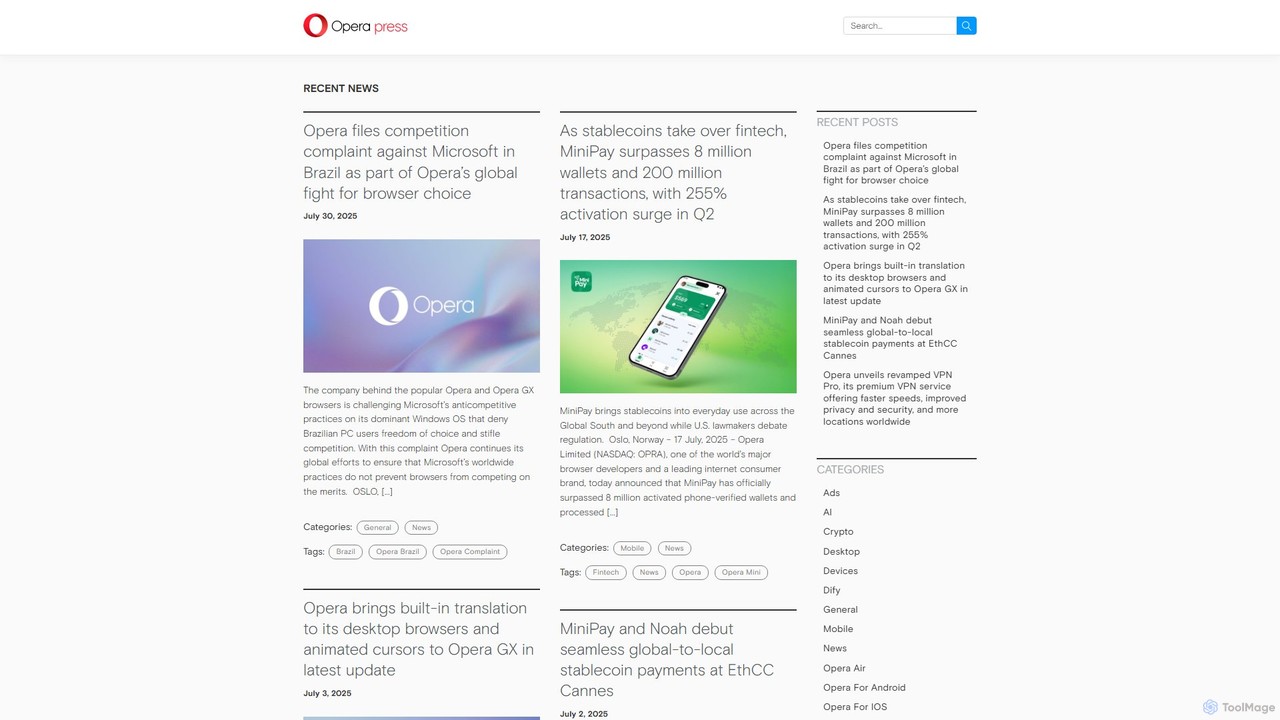
Opera
Opera is an innovative, multi-platform web browser supercharged with Aria, a native AI assistant. It offers a faster, safer, and smarter browsing experience with a free built-in VPN, ad blocker, and specialized versions like Opera GX for gamers. Aria provides real-time web information, image generation, and advanced productivity features, all integrated seamlessly.
AssistantSigmaOS Categories
SigmaOS Embed Widget
Copy this embed code to place the badge on your blog, article, or product site and send readers directly to this ToolMage detail page.

Related AI tools
Airlight
Airlight is a lightweight "superbrowser" for macOS that provides instant access to web apps like ChatGPT, Perplexity, and Claude via a Spotlight-like interface. Activated by a simple shortcut (option + space), it overlays on any screen, eliminating the need for constant tab switching and boosting productivity for developers, writers, and researchers.
Chat
Raycast
Raycast is a blazingly fast, extendable launcher for macOS that supercharges your productivity. It replaces Spotlight with a powerful command-line interface to control your tools, search files, run scripts, and automate tasks. With an integrated AI assistant, a vast store of community-built extensions, and features like Clipboard History, Snippets, and Window Management, Raycast centralizes your workflow, saving you time and context-switching.
Workflow Automation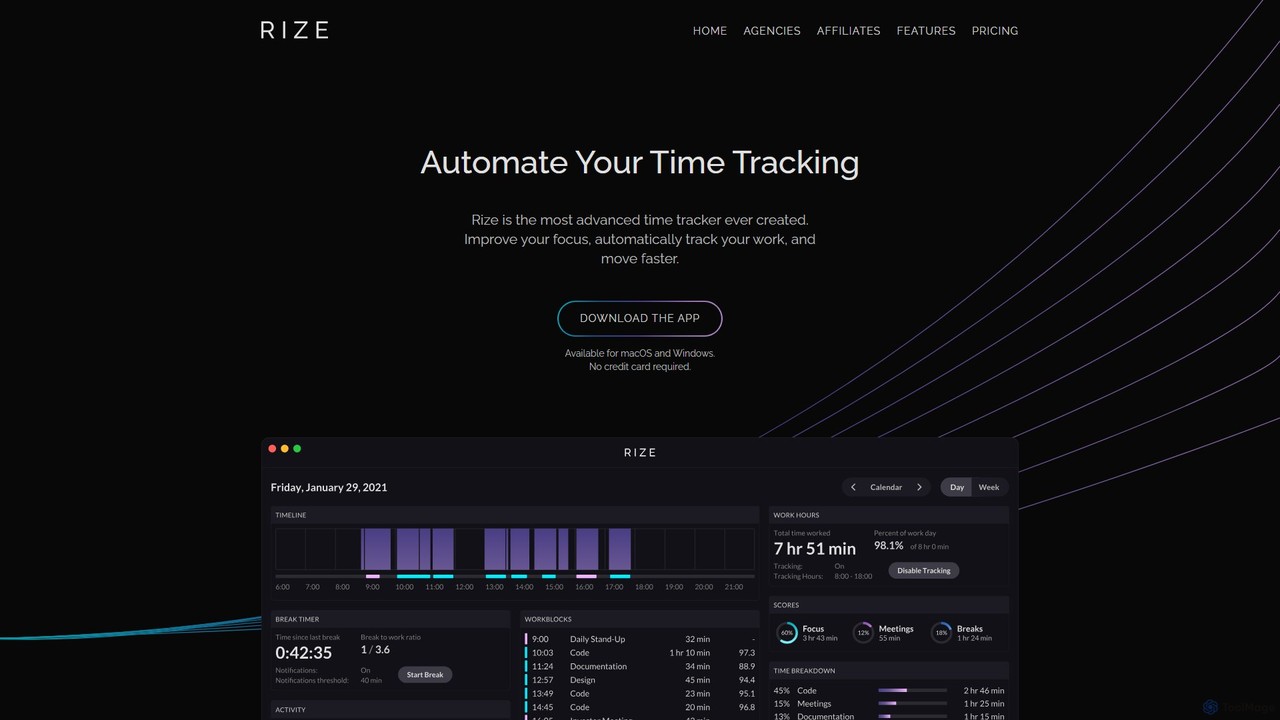
Rize
Rize is an intelligent, AI-powered time tracking application designed to boost your productivity and focus. It automatically monitors your computer activity without manual timers, providing deep insights into how you spend your time. Rize helps you build better work habits, prevent burnout with smart notifications, and achieve a healthier work-life balance. It's the ultimate fitness app for your productivity, tailored for founders, freelancers, managers, and anyone looking to optimize their workflow.
Personal Analytics
Omnipilot
Omnipilot, now part of Highlight, is a powerful AI assistant for Mac & Windows. It works across all your apps, providing context-aware assistance for writing, meetings, and tasks. It understands what's on your screen to reduce context switching and boost productivity without needing to copy-paste.
Utilities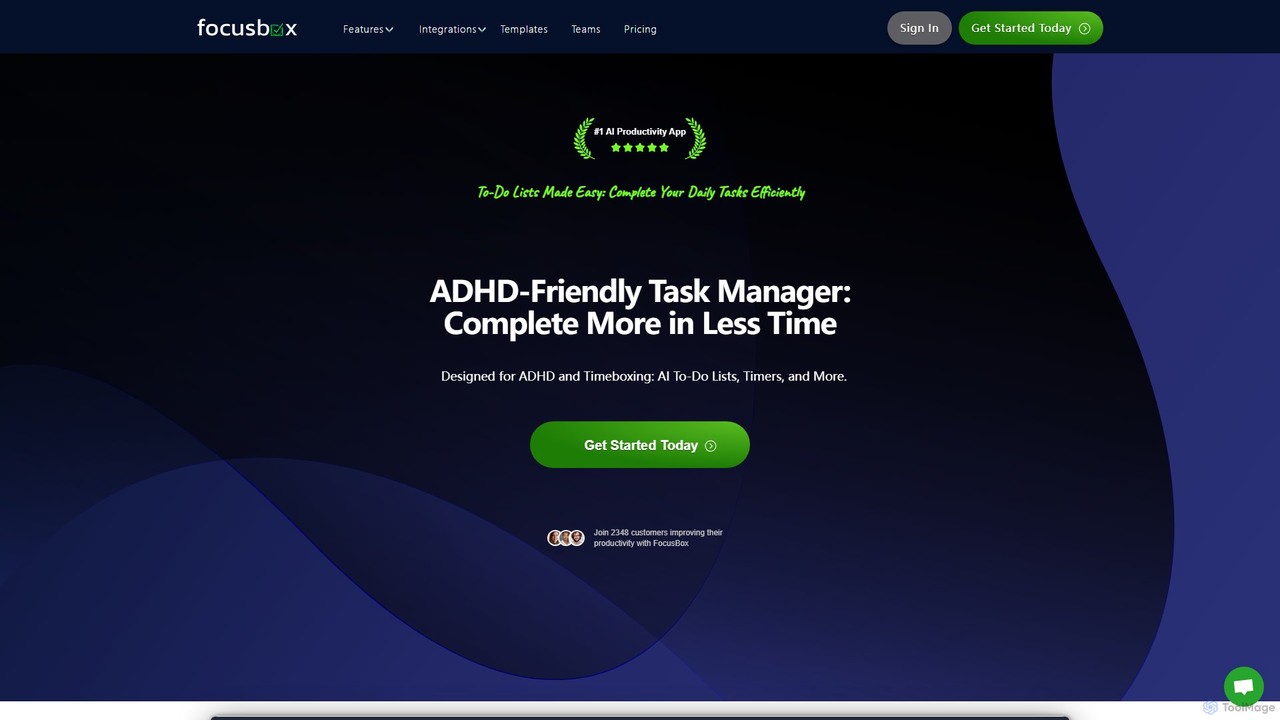
FocusBox
FocusBox is an AI-powered productivity app designed for ADHD and timeboxing. It creates smart to-do lists, uses timers to enhance focus, and offers features like ambient sounds and celebration modes to boost motivation. Ideal for individuals and teams looking to minimize distractions and complete tasks efficiently.
Mental Health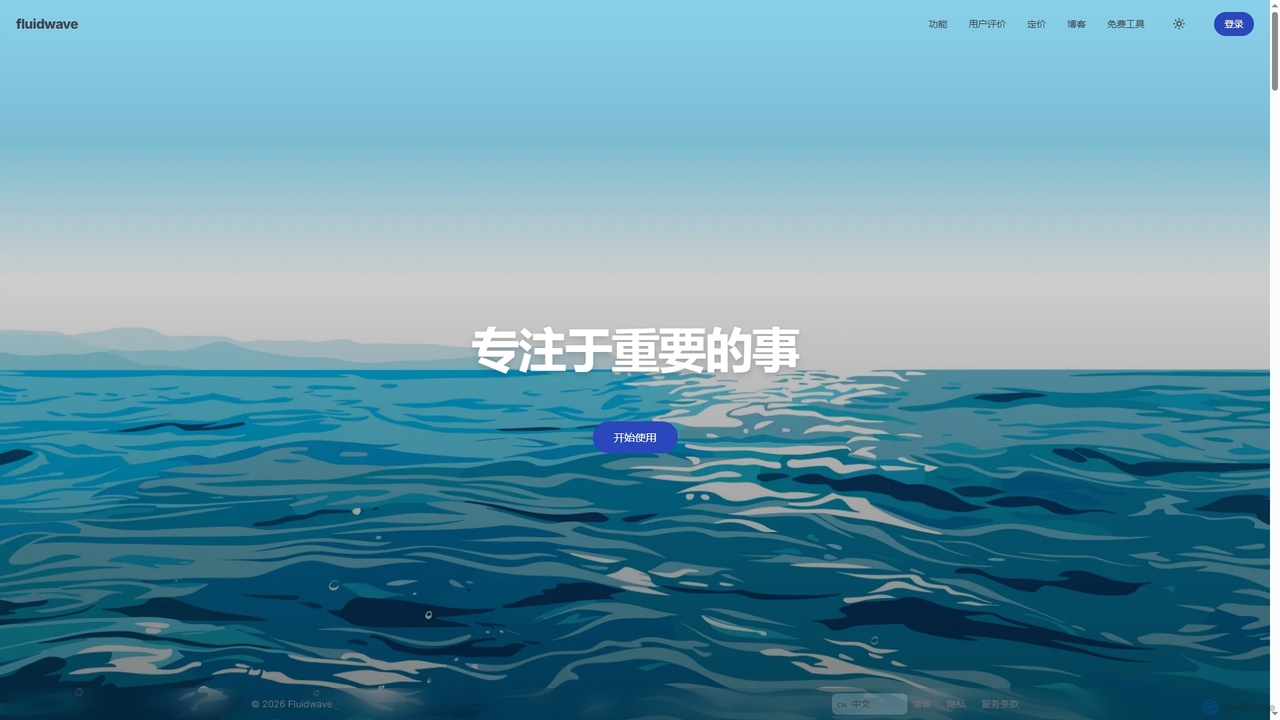
Fluidwave
Fluidwave is an AI-powered task management platform designed to boost productivity by intelligently organizing tasks, auto-prioritizing them, and connecting users with human virtual assistants for delegation. It helps individuals and teams stay focused and efficient.
Virtual Assistant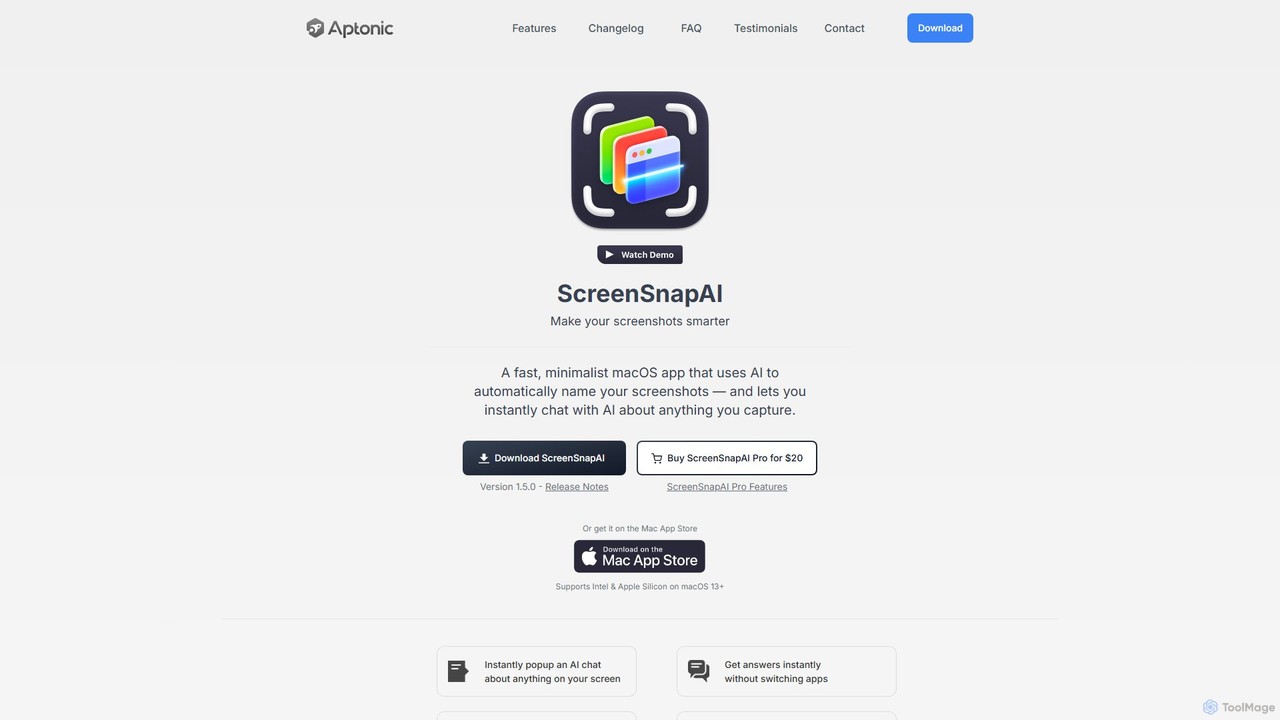
ScreenSnapAI
ScreenSnapAI is a smart macOS application that uses AI to automatically rename, tag, and organize your screenshots. It features an integrated AI assistant that allows you to instantly chat about, translate, or extract text and code from any captured image, dramatically improving productivity and workflow efficiency.
Code Assistant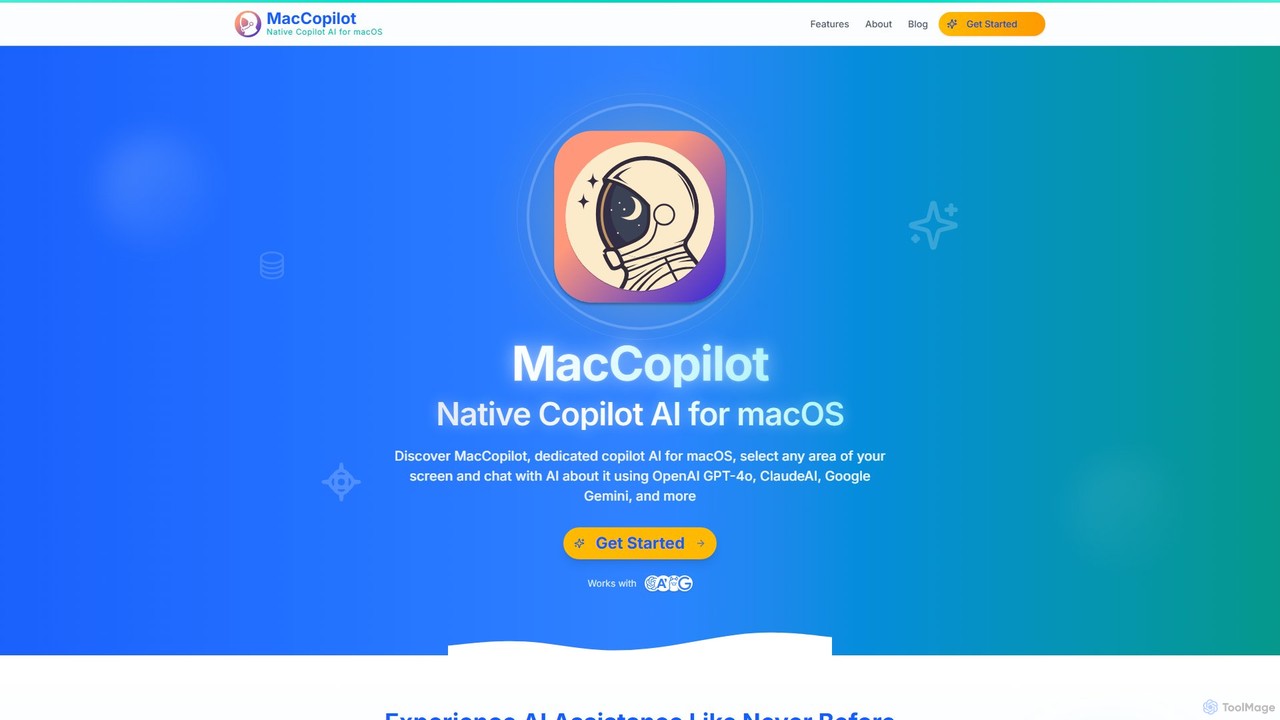
MacCopilot
MacCopilot is a native AI assistant for macOS that revolutionizes productivity. It allows you to select any area of your screen and instantly start a conversation with advanced AI models like GPT-4o, Claude 3.5, and Gemini. Get immediate insights, code explanations, email drafts, and more, without ever leaving your current window. It's a seamless bridge between your screen's content and powerful AI.
Code Assistant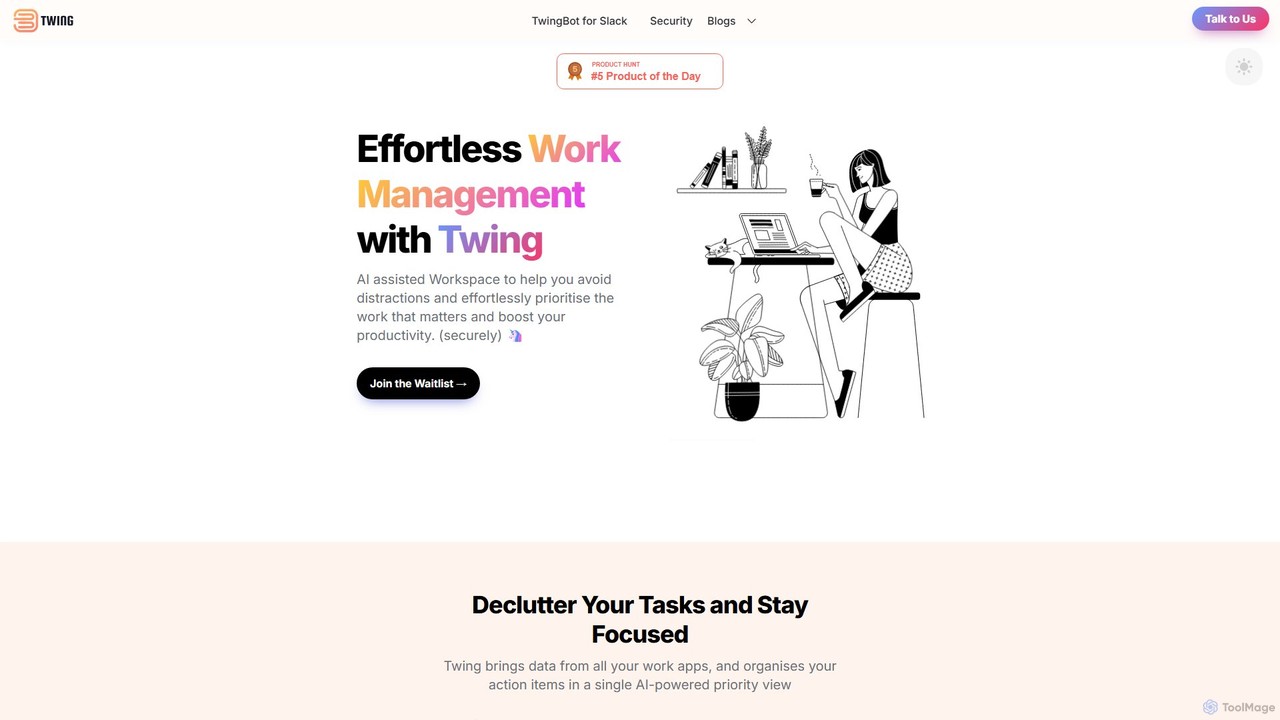
Twing
Twing is an AI-assisted workspace designed to combat information overload and distractions. It consolidates tasks, notifications, and communications from all your work apps into a single, intelligently prioritized view, helping you focus on what truly matters and boost your productivity.
Focus
timemaster
timemaster is an AI-powered, privacy-first time and productivity tracker for macOS. It automatically monitors your activities in the background, providing insightful analytics to help you understand your work habits, minimize distractions, and supercharge your focus to achieve more every day.
Analytics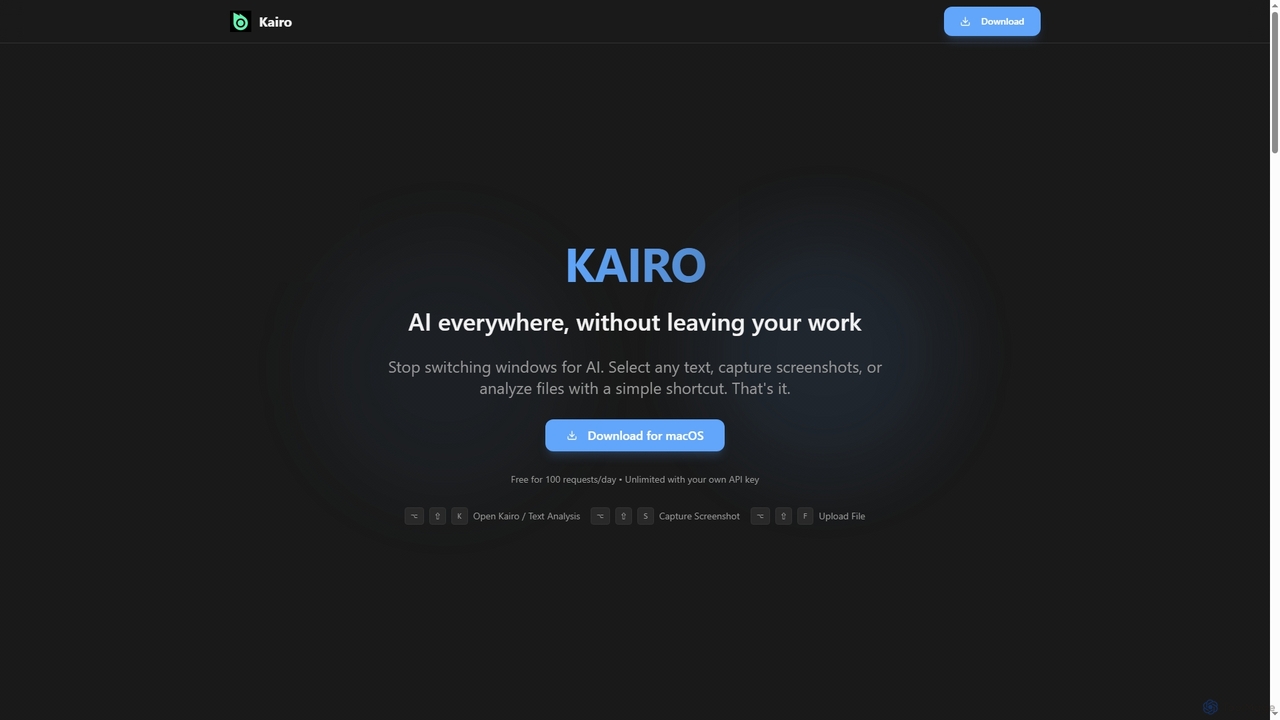
Kairo
Kairo is an AI-powered desktop assistant for macOS that integrates seamlessly into your workflow, eliminating the need to switch applications for AI tasks. It offers smart text transformation, visual analysis of screenshots, and deep analysis of files directly from any app using simple keyboard shortcuts.
Document Analysis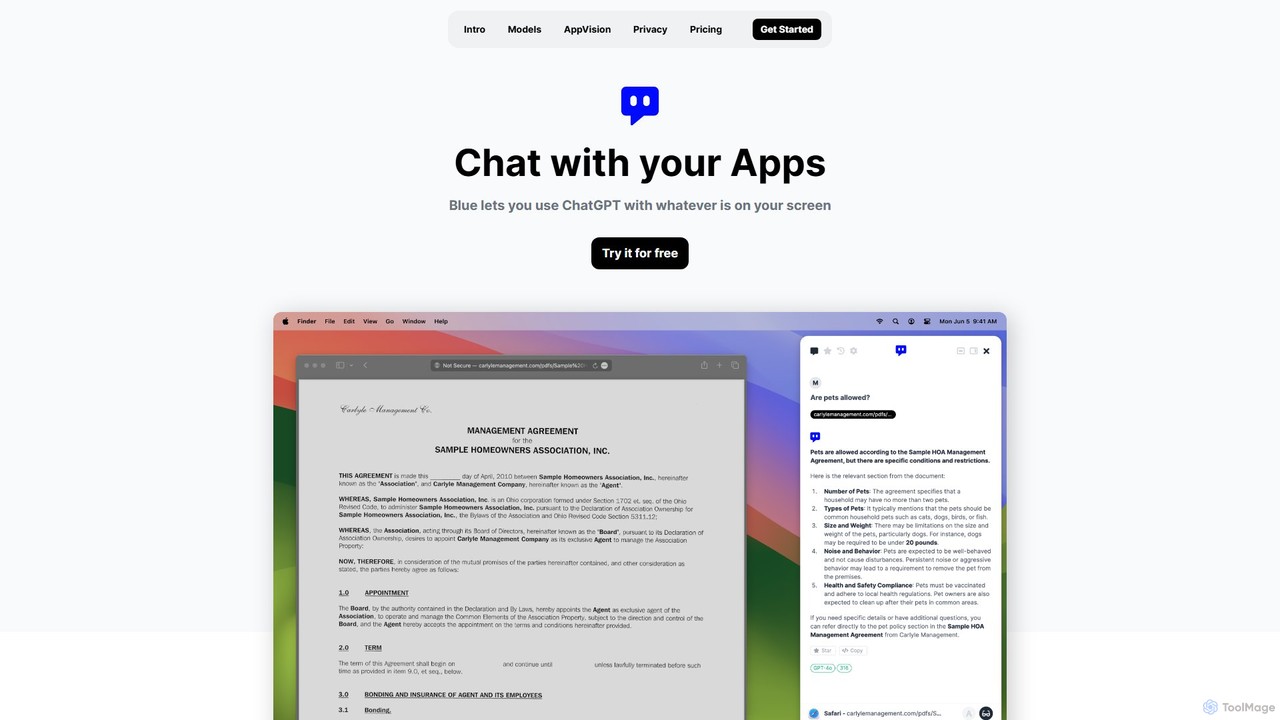
Blue
Blue is a native macOS AI assistant that integrates ChatGPT and other advanced AI models directly into your workflow. Featuring unique screen context awareness (AppVision) and a strong focus on privacy, it allows you to analyze, summarize, or create content in any app with a simple keyboard shortcut, boosting productivity for professionals.
Coding Assistant
Iris
Iris is a seamless AI assistant for macOS, designed to integrate into your workflow. It provides instant access to top AI models like GPT-4o and Claude 3.5, allowing you to chat, capture your screen for context, and get answers without ever leaving your current application. With intuitive gestures and powerful shortcuts, Iris is there when you need it and invisible when you don't.
Coding Assistant
nando
Nando is an AI-powered meeting assistant designed to streamline your entire meeting workflow. It automates scheduling, generates intelligent agendas, provides real-time transcription and summaries, and tracks action items, allowing your team to focus on collaboration instead of administration.
Task Management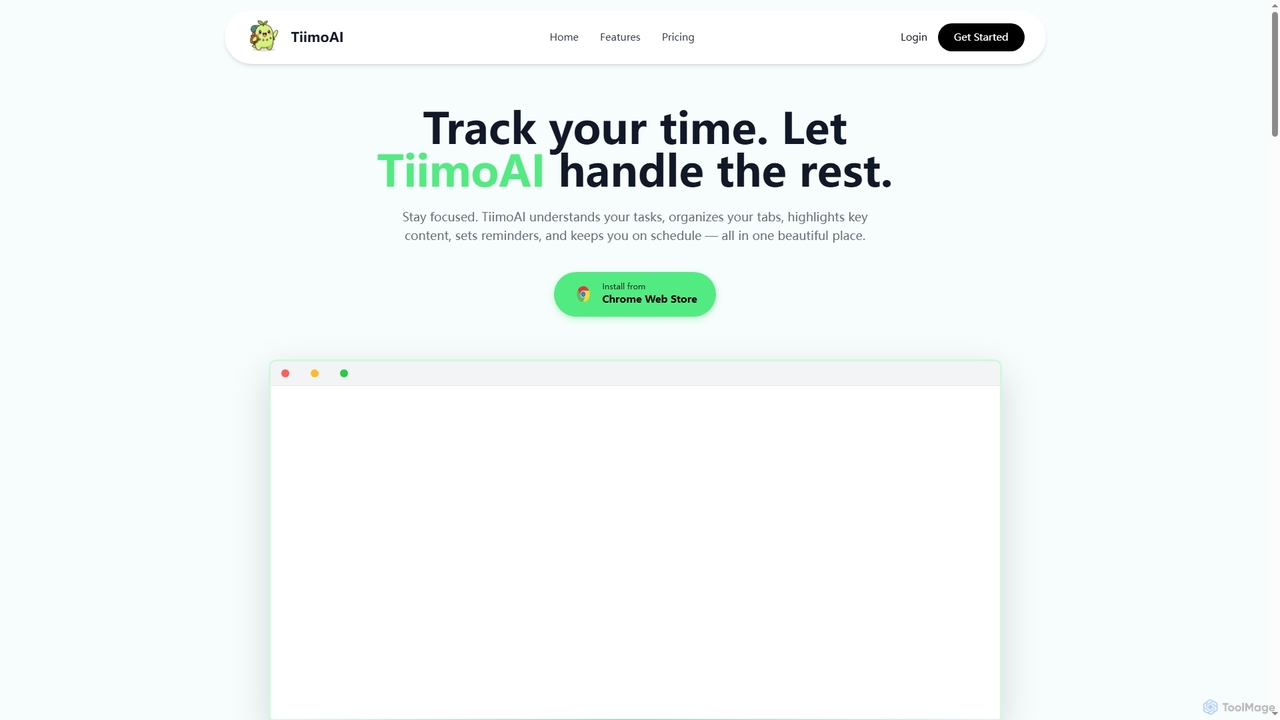
TiimoAI
TiimoAI is an AI-powered Chrome extension designed to enhance productivity by intelligently tracking time, organizing browser tabs, and fostering deep focus. It provides detailed analytics on work patterns, helping users understand and optimize their daily output and achieve long-term goals.
Productivity Tracking
SigmaOS Comments (0)
Sign in to comment.
Sign inNo comments yet.