ToolMage
Sign in

Best 42 Focus AI tools for Productivity

Popular Focus AI tools in Productivity include Brain.fm, brain.fm, Canopy, Endel, ImFeeling, FlowTunes, Focus Bear, centered, PlaylistRandomizer, and Tomo Cafe, helping you work more efficiently.

AI Brother
Freemium

AI Brother

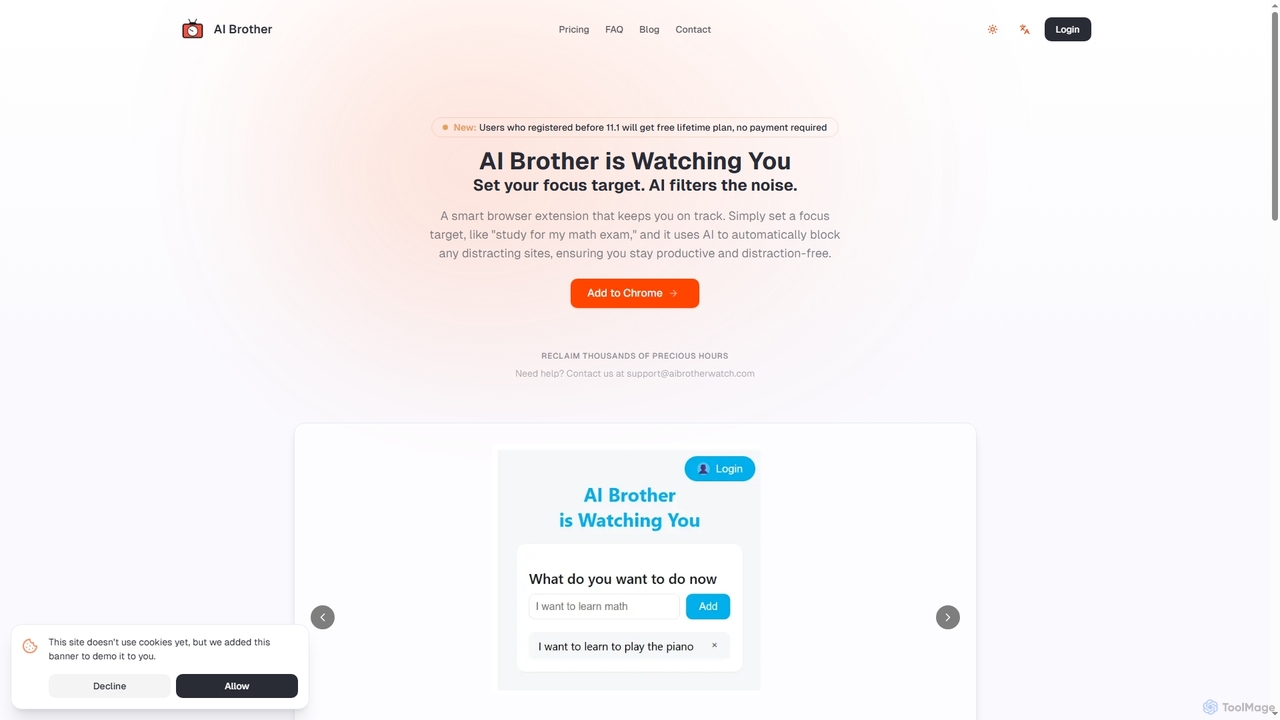
AI Brother is a smart browser extension that leverages artificial intelligence to eliminate online distractions and enhance productivity. By understanding your specific focus targets, it intelligently blocks irrelevant websites in real-time, ensuring you stay on track whether you're studying, working, or researching.

Productivity
Visits 4.8KFavorites 108Likes 98
Slumbr
Freemium

Slumbr

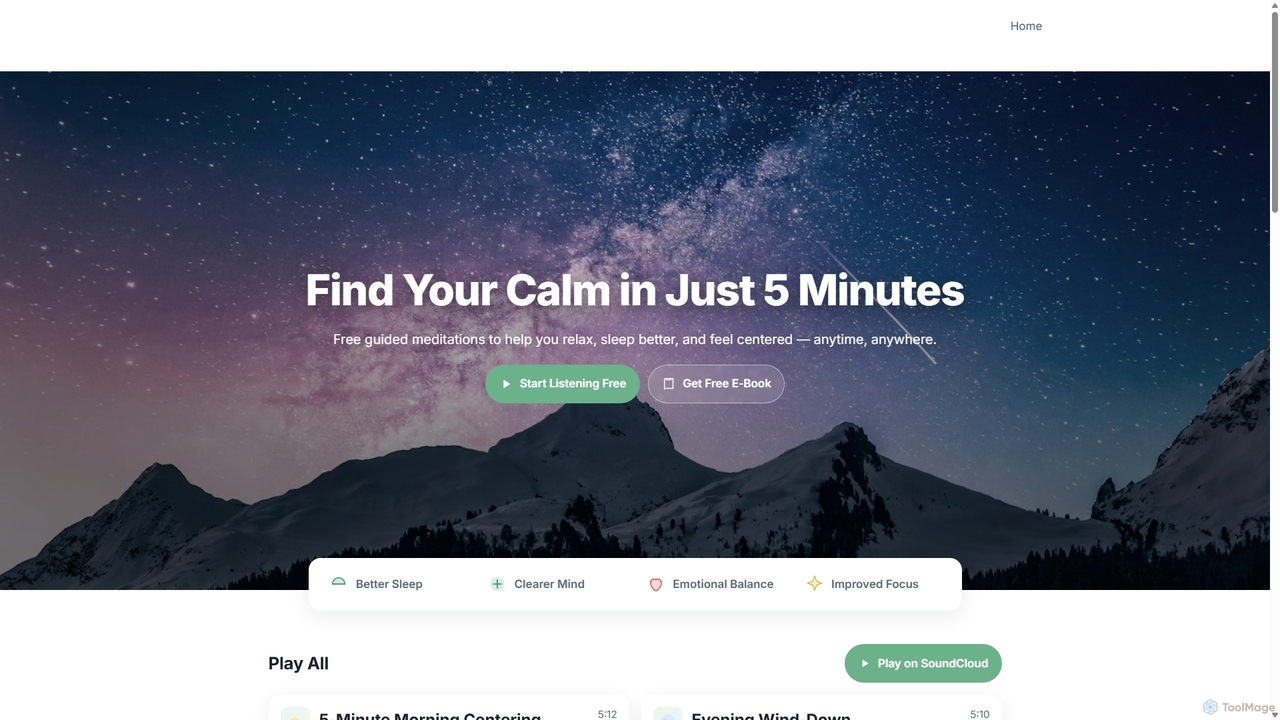
Slumbr is an AI-powered wellness tool that generates personalized bedtime stories, guided meditations, and calming soundscapes. It creates unique audio experiences tailored to your preferences to help you relax, reduce stress, and achieve better sleep.

3D
Visits 4KFavorites 126Likes 136
Magicflow
Freemium

Magicflow

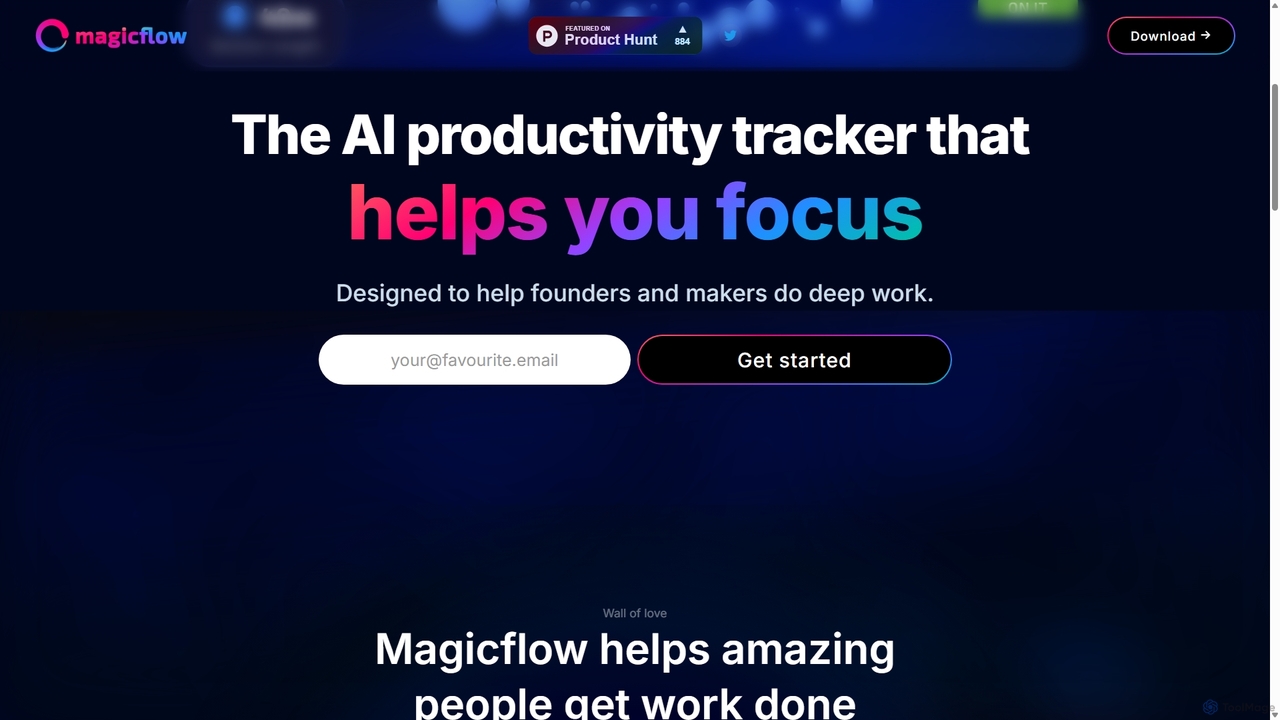
Magicflow is your personal AI productivity coach, designed to help you achieve deep focus and optimize your work habits. It goes beyond simple time tracking by analyzing your patterns, identifying distractions, and providing actionable insights to improve your efficiency, well-being, and help you enter a state of 'flow'.

Wellness Tracking
Visits 6.4KFavorites 90Likes 93
Ultra Attention
Paid

Ultra Attention

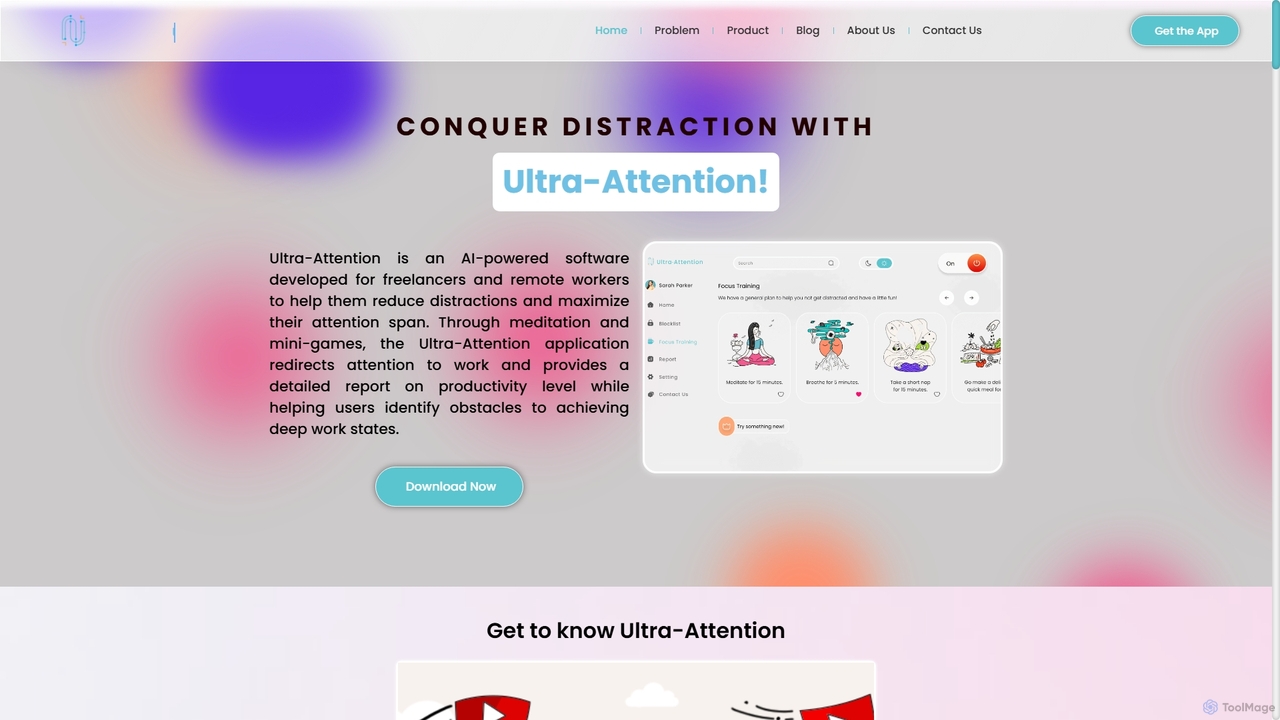
Ultra-Attention is an AI-powered desktop application designed for freelancers and remote workers to combat distractions. It uses webcam-based eye tracking and machine learning to detect loss of focus, providing real-time alerts, app blocking, and focus-training exercises to help users achieve deep work states and boost productivity.

Time Tracking
Visits 4.3KFavorites 114Likes 106
Clariti
Freemium

Clariti

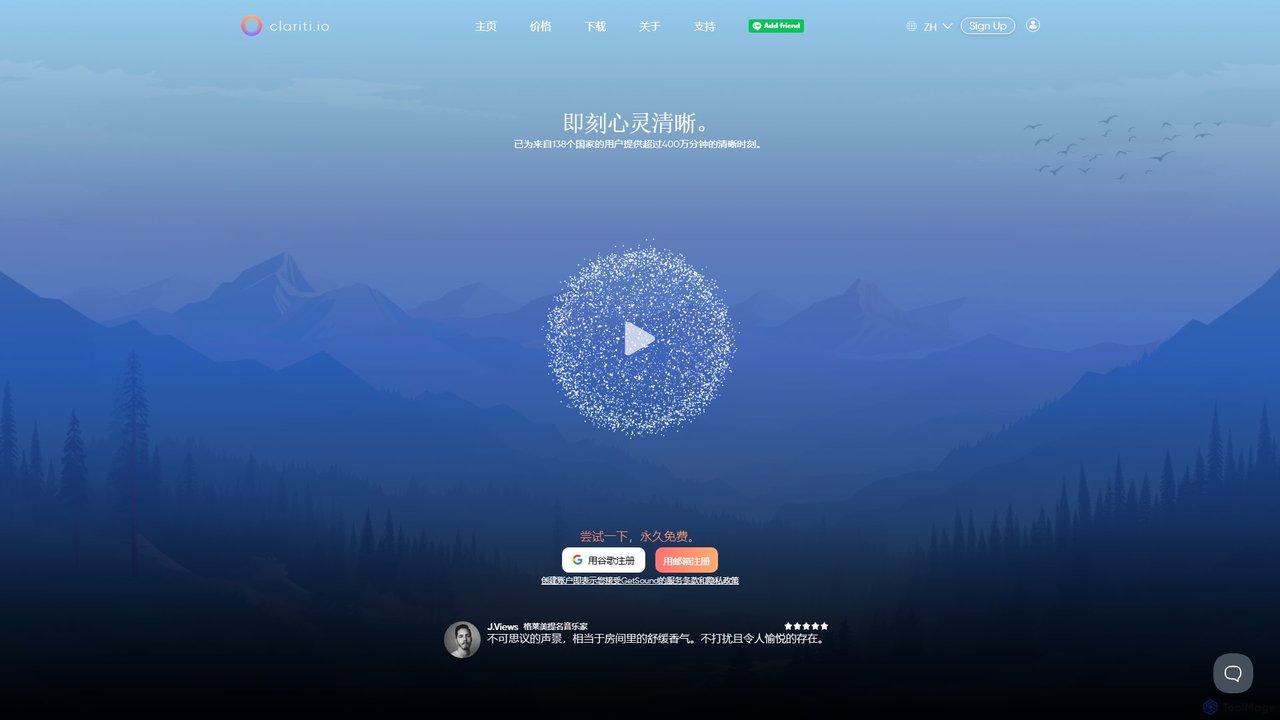
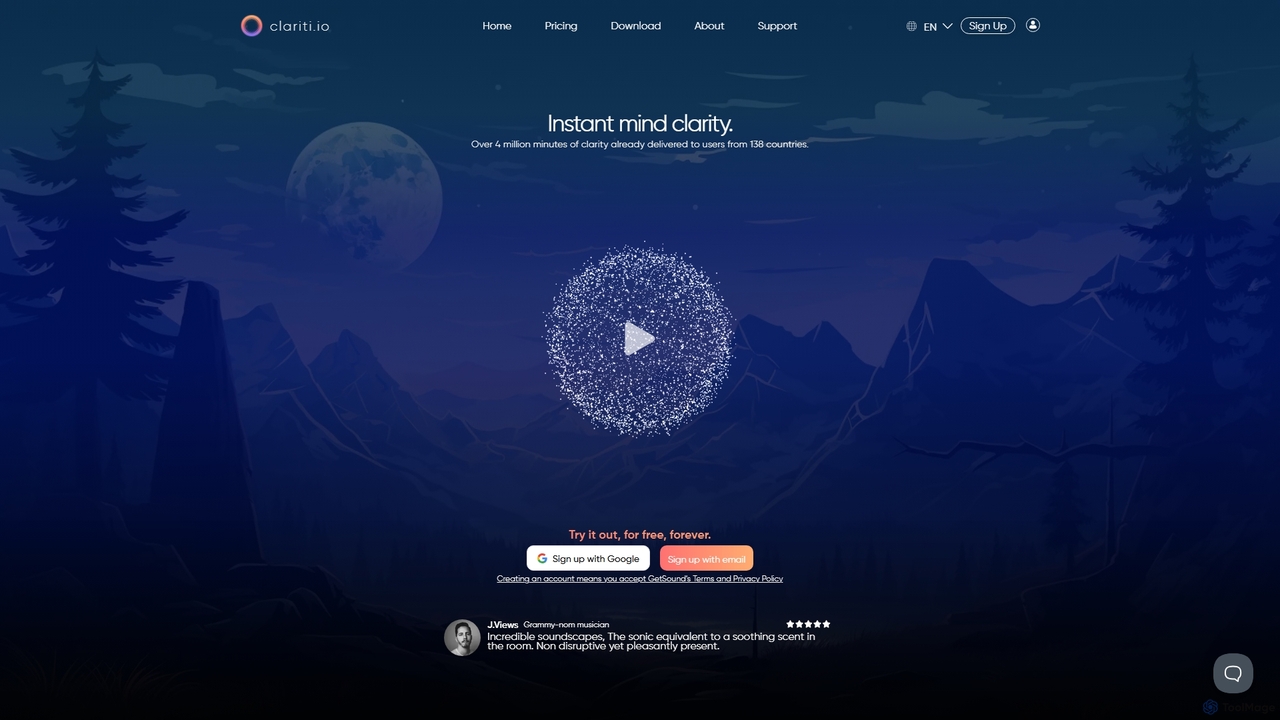
Clariti is an AI-powered soundscape generator that creates personalized ambient sounds to enhance focus, relaxation, and productivity. It dynamically adapts to your location, time of day, and local weather, providing a unique auditory environment to help you concentrate and block out distractions. Ideal for professionals, creatives, and students seeking mental clarity.

Sound Generation
Visits 5.2KFavorites 118Likes 122
Brain.fm
Freemium

Brain.fm

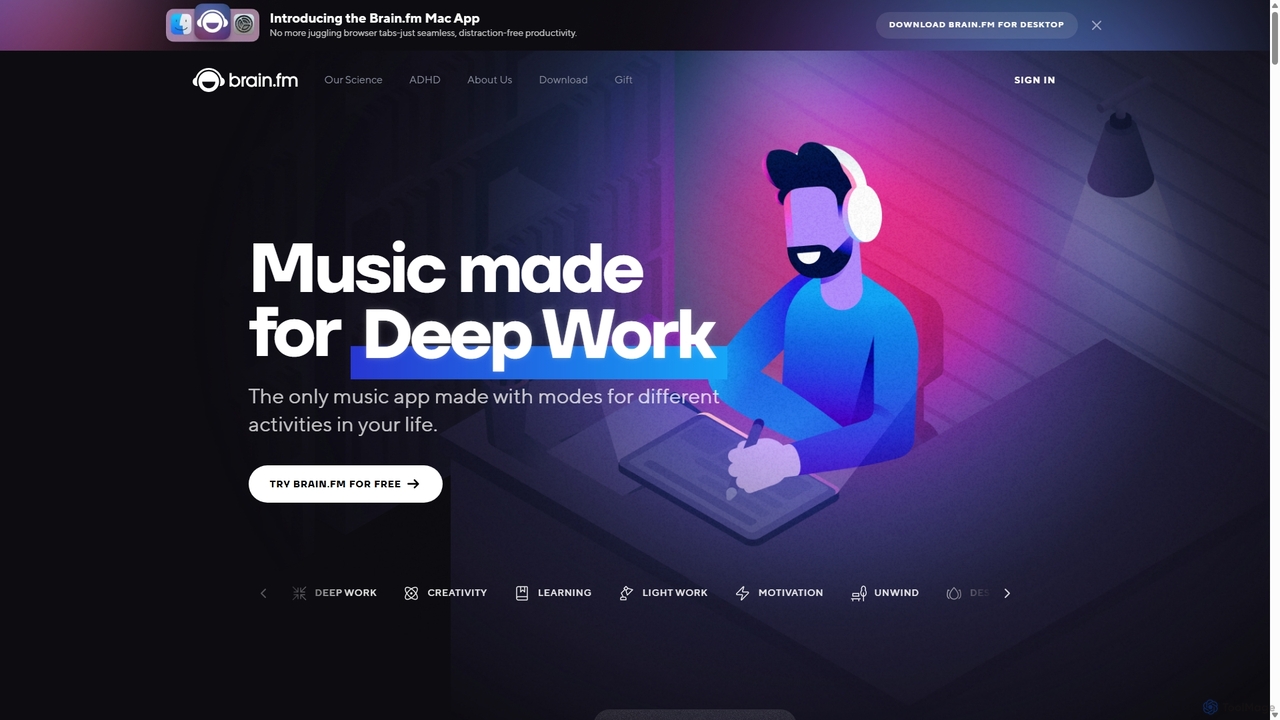
Brain.fm provides science-backed functional music designed to dramatically improve focus, sleep, and relaxation. Using patented AI technology, it creates audio that influences brainwaves, helping you enter desired mental states like deep work or restorative sleep in minutes. It's proven more effective than mainstream music playlists for productivity and is supported by the National Science Foundation.

Study
Visits 3.3MFavorites 144Likes 135
Artificial Intelligence Radio
Free

Artificial Intelligence Radio

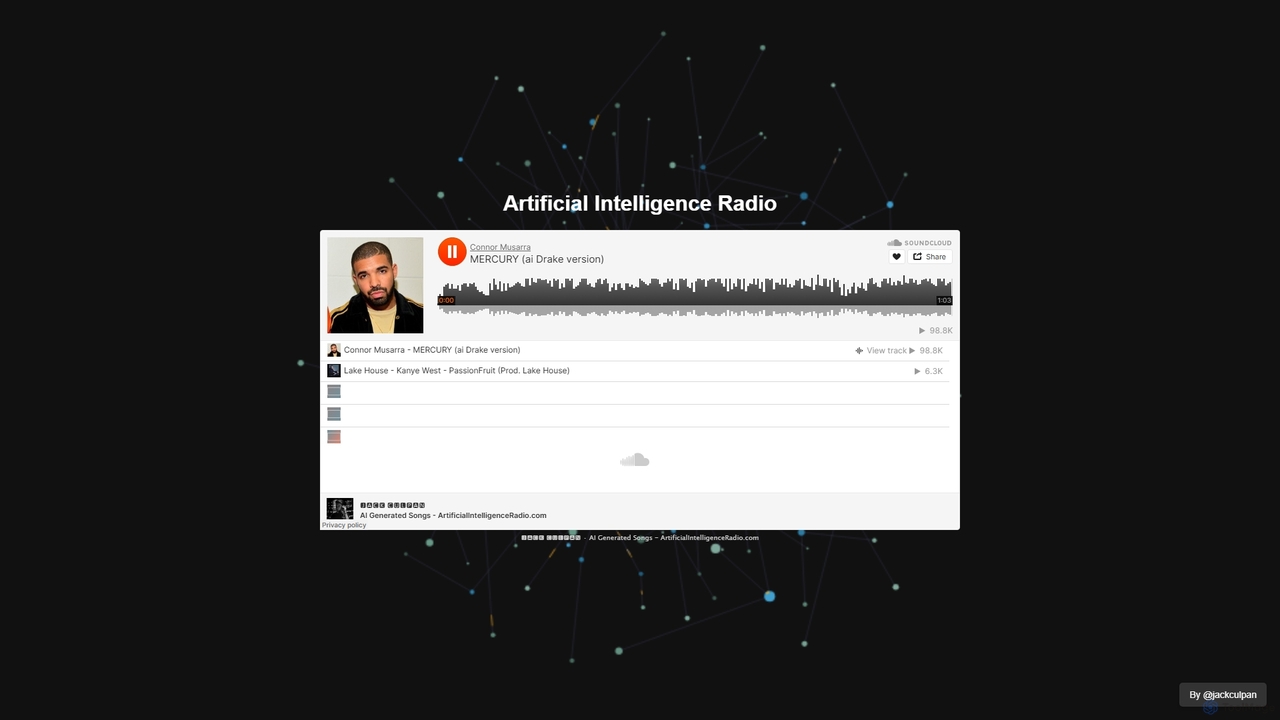
A platform offering a continuous, 24/7 stream of AI-generated music. Ideal for focus, relaxation, or as royalty-free background audio for content creators. Simply visit the site and enjoy an endless, non-repetitive soundscape created entirely by artificial intelligence.

Music Generation
Visits 4.2KFavorites 116Likes 126
Aihypnosisapp
Freemium

Aihypnosisapp

An AI-powered hypnosis and meditation app that generates personalized audio sessions to improve sleep, reduce stress, and enhance focus. Tailor sessions by goal, duration, voice, and background sounds for a unique wellness experience.

Mental Health
Visits 4KFavorites 146Likes 148
Getsound
Freemium

Getsound

Getsound is an AI-powered tool that generates personalized, real-time soundscapes to enhance focus, relaxation, and productivity. By adapting to your location, time of day, and local weather, it creates a unique and immersive audio environment designed to reduce distractions and promote mental clarity, making it ideal for work, study, and meditation.

Sound Generation
Visits 4.1KFavorites 90Likes 102
FlowTunes
Freemium

FlowTunes

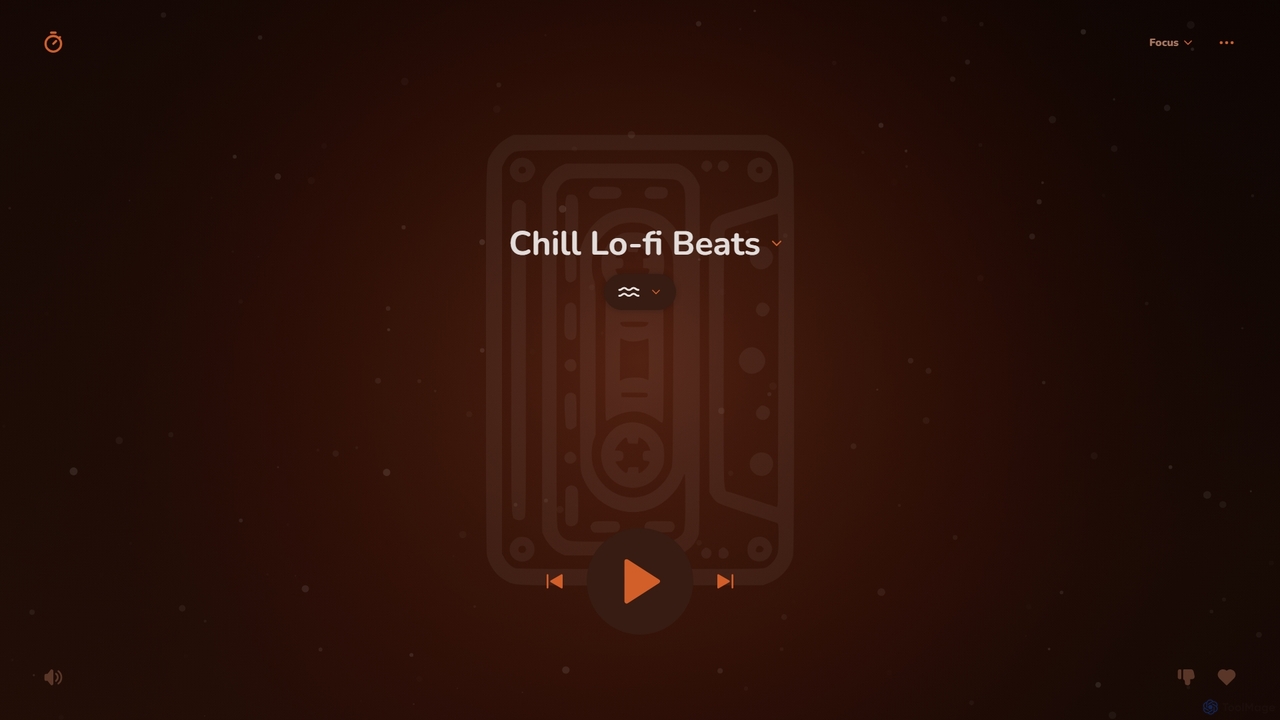
FlowTunes is an AI-powered music and soundscape generator designed to enhance focus, productivity, and relaxation. It provides endless, non-distracting lo-fi beats and ambient sounds scientifically crafted to help you enter a state of deep work or 'flow'. Ideal for studying, coding, writing, or any task requiring concentration.

Music Generation
Visits 111.5KFavorites 142Likes 133
mood2music
Freemium

mood2music

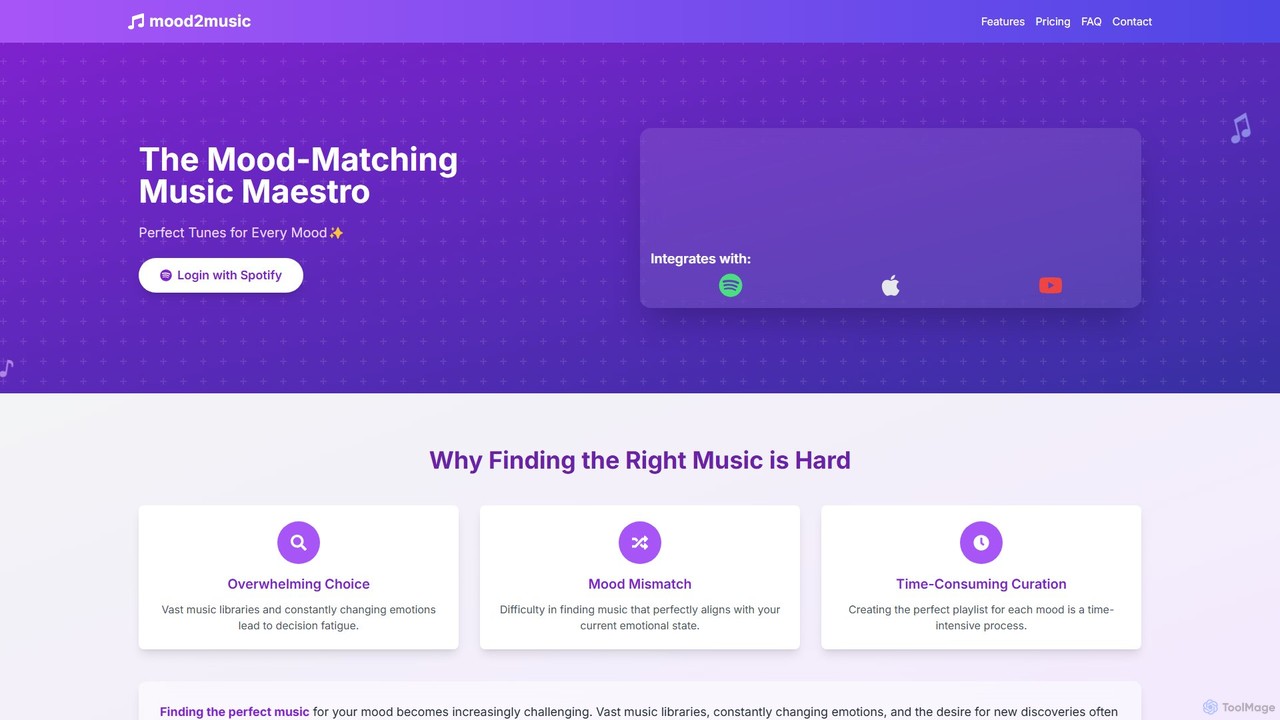
mood2music is an AI-powered music discovery tool that creates personalized playlists based on your current mood. By integrating with Spotify, it analyzes your emotional state to suggest the perfect tracks, helping you overcome decision fatigue and find new music for focus, relaxation, or any other activity.

Personalization
Visits 4KFavorites 131Likes 135
WiredVibe
Freemium

WiredVibe

WiredVibe is an AI-powered soundscape generator that uses scientifically-backed audio technology to enhance focus, productivity, and relaxation. It creates personalized music and ambient sounds adapted in real-time to your activity and environment, leveraging brainwave entrainment, 3D spatial audio, and frequency modulation to help you achieve your desired mental state, whether for deep work, meditation, or sleep.

Music Generation
Visits 4KFavorites 135Likes 128
melodio
Freemium

melodio

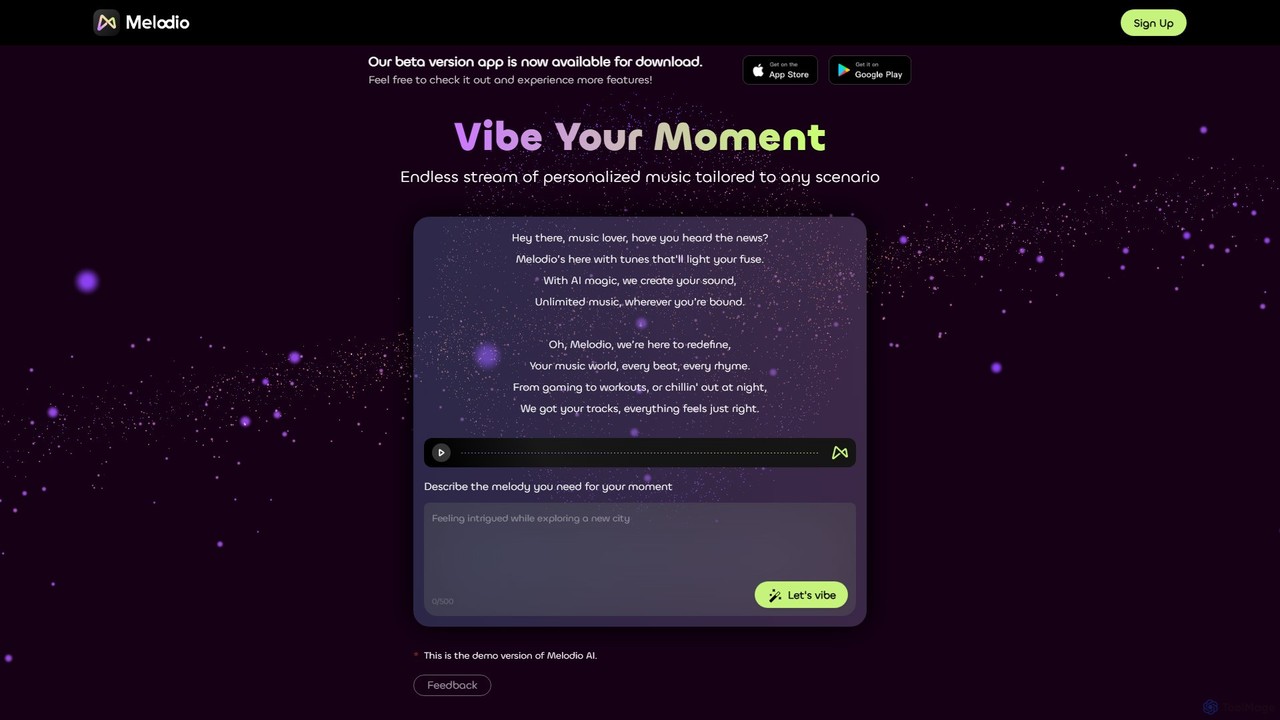
Melodio is an AI-powered music generator that creates endless streams of personalized music tailored to any mood, activity, or scenario. Simply describe the vibe you want, and Melodio instantly composes a unique, real-time soundtrack for focus, relaxation, workouts, or gaming. It offers dynamic visualizations and aims to provide royalty-free tracks for creators.

Entertainment
Visits 4.7KFavorites 130Likes 138
Twing

Twing

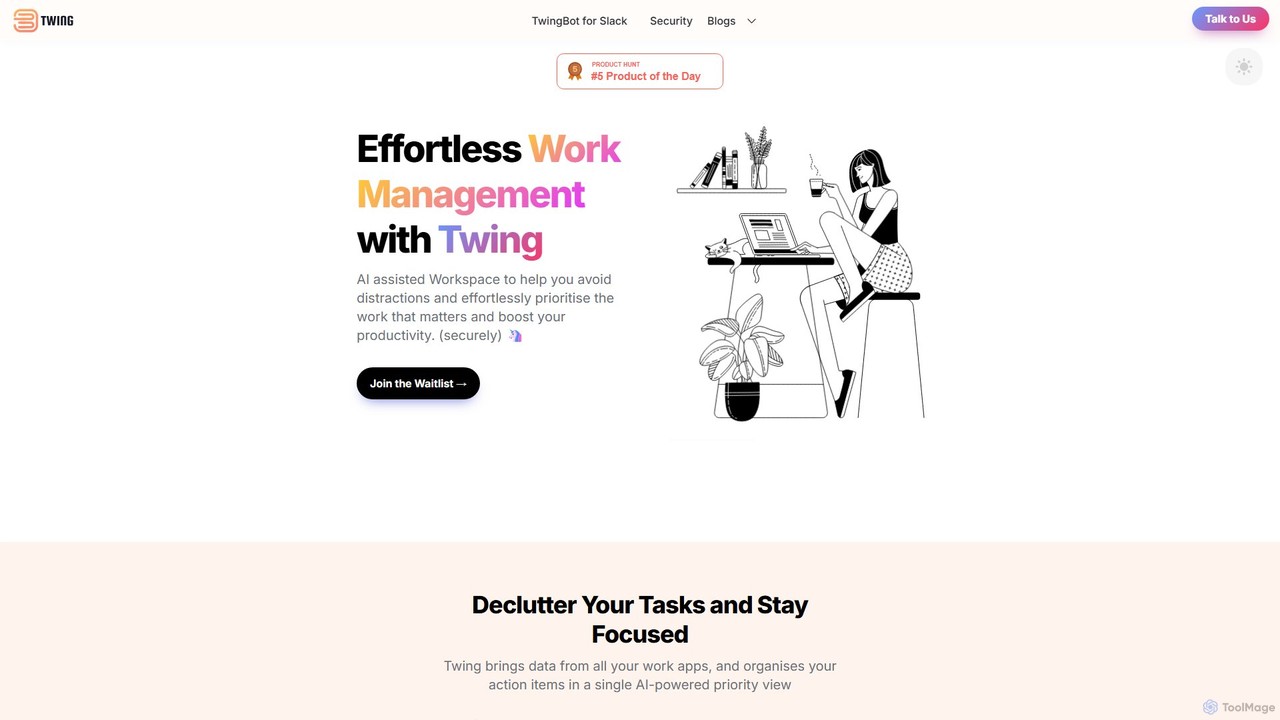
Twing is an AI-assisted workspace designed to combat information overload and distractions. It consolidates tasks, notifications, and communications from all your work apps into a single, intelligently prioritized view, helping you focus on what truly matters and boost your productivity.

Focus
Visits 5.8KFavorites 99Likes 97
MizanMe
Freemium

MizanMe

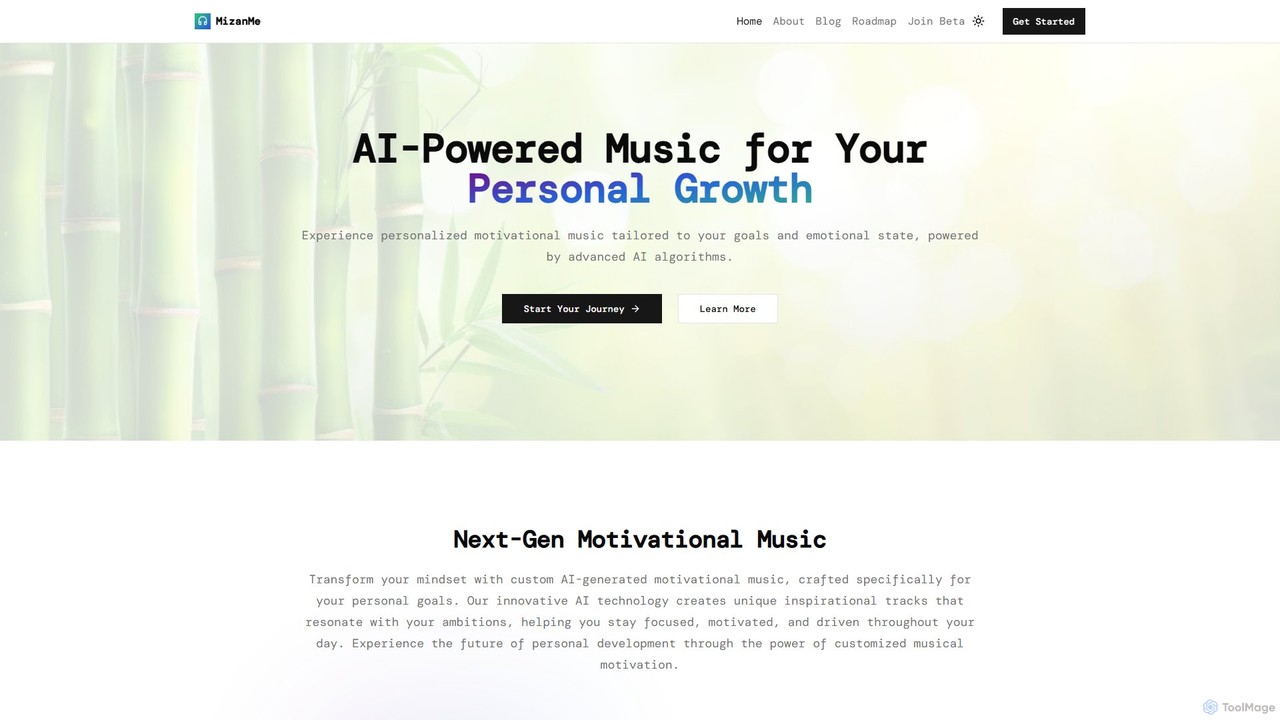
MizanMe is an AI-powered platform that generates personalized motivational music tailored to your goals and emotional state. Using advanced algorithms and neuroscience, it creates unique soundtracks for focus, meditation, relaxation, and personal growth, adapting to your journey in real-time.

Music Generation
Visits 4KFavorites 117Likes 127
timemaster
Freemium

timemaster

timemaster is an AI-powered, privacy-first time and productivity tracker for macOS. It automatically monitors your activities in the background, providing insightful analytics to help you understand your work habits, minimize distractions, and supercharge your focus to achieve more every day.

Analytics
Visits 5.1KFavorites 91Likes 89
centered
Freemium

centered

centered is an AI-powered focus and productivity app designed to help users achieve a 'flow state'. It combines a task manager, session timer, and distraction blocker with a unique AI coach named Noah, who guides users through their work. With curated music and community features, it's built for remote workers, students, and anyone looking to eliminate distractions and accomplish deep work.

Focus
Visits 27.2KFavorites 149Likes 145
Meaning
Freemium

Meaning

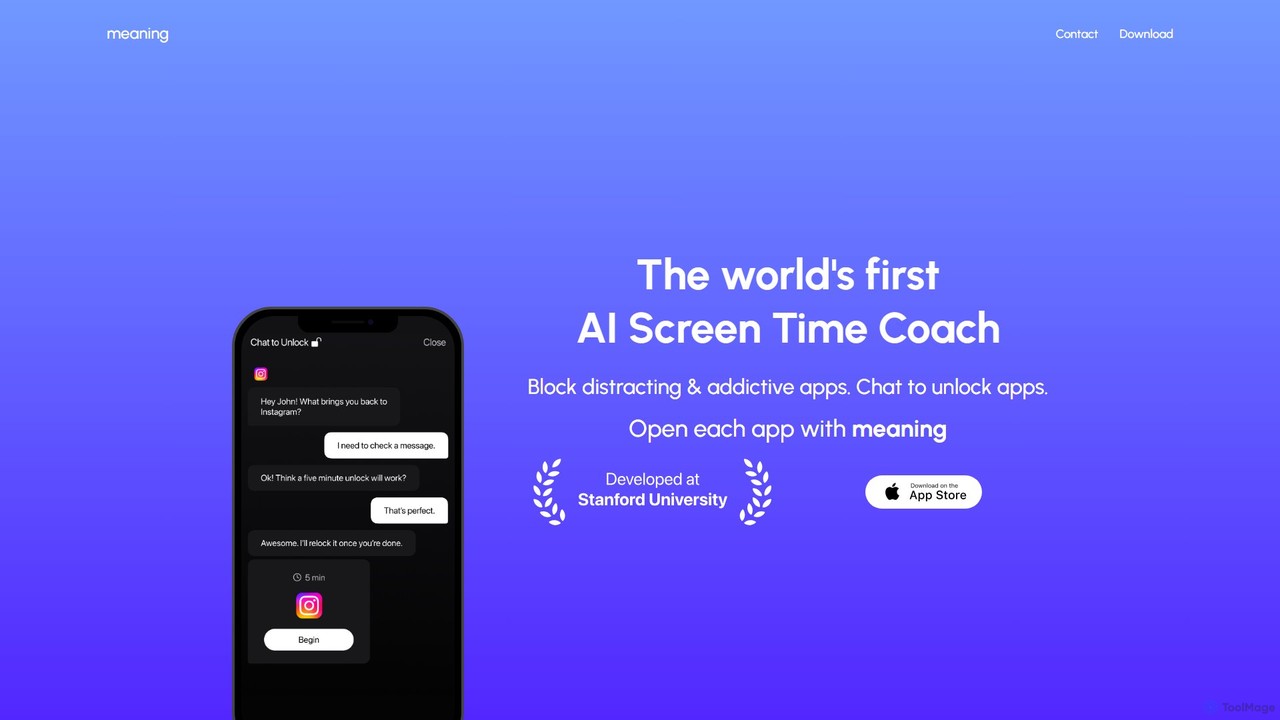
Meaning is the world's first AI Screen Time Coach for iOS. It helps you reclaim your time by blocking distracting apps and requiring you to chat with an AI to justify your use. This unique approach fosters mindful phone usage, reduces mindless scrolling, and boosts productivity.

Digital Wellbeing
Visits 4KFavorites 124Likes 101
getmolla
Freemium

getmolla

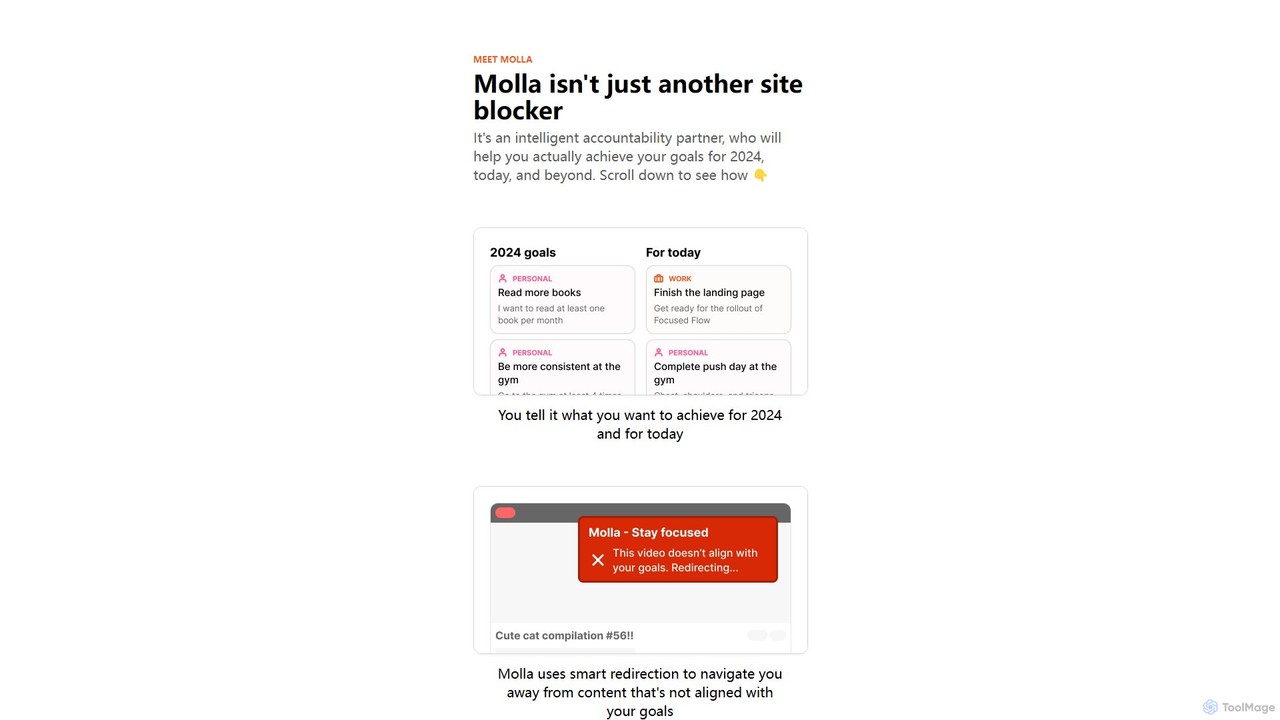
Molla is an intelligent accountability partner and smart site blocker designed to help you achieve your goals. It uses AI to understand your objectives, redirecting you from distracting content to productive alternatives, and offers an AI chat for motivation and guidance.

Chrome Extensions
Visits 4.1KFavorites 112Likes 106
Chillify
Freemium

Chillify

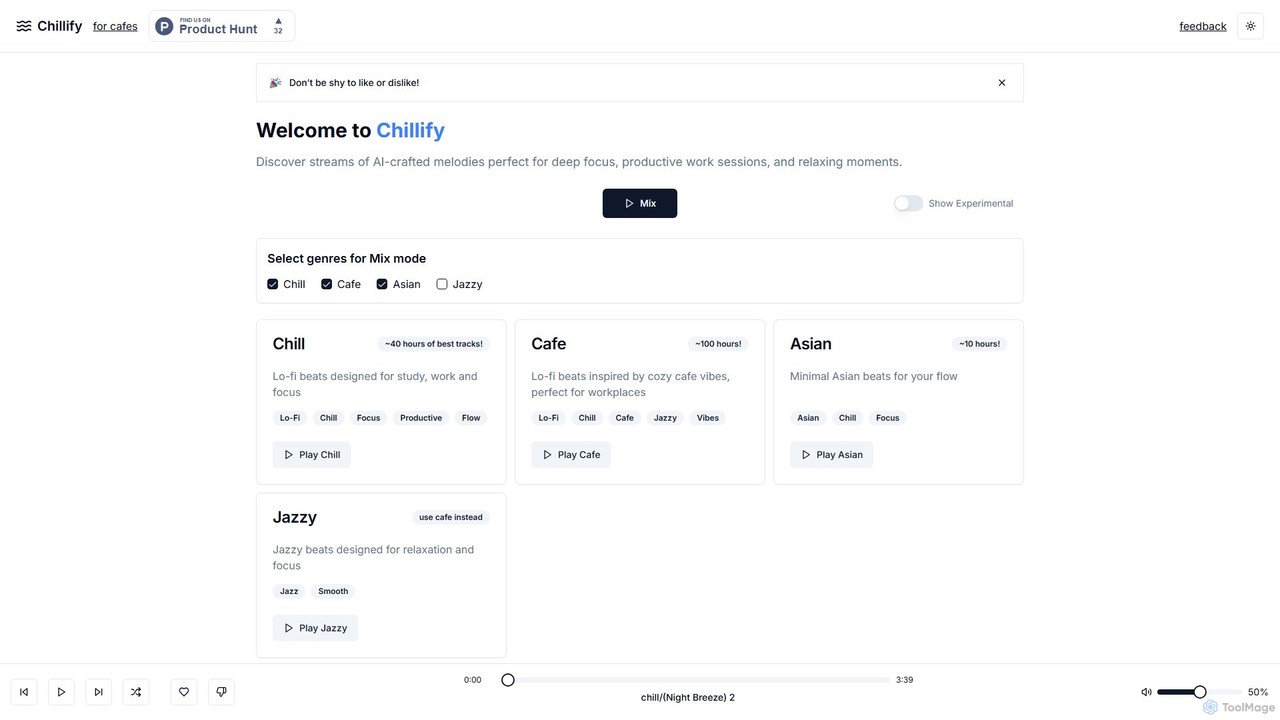
Chillify is an AI-powered music generator that creates endless streams of lo-fi beats. It's designed to enhance focus, boost productivity, and promote relaxation. Offering various themed channels and royalty-free music, it's perfect for personal study sessions, work environments, and creating a cozy ambiance in commercial spaces like cafes.

Relaxation
Visits 4KFavorites 109Likes 117
Lion Browser
Paid

Lion Browser

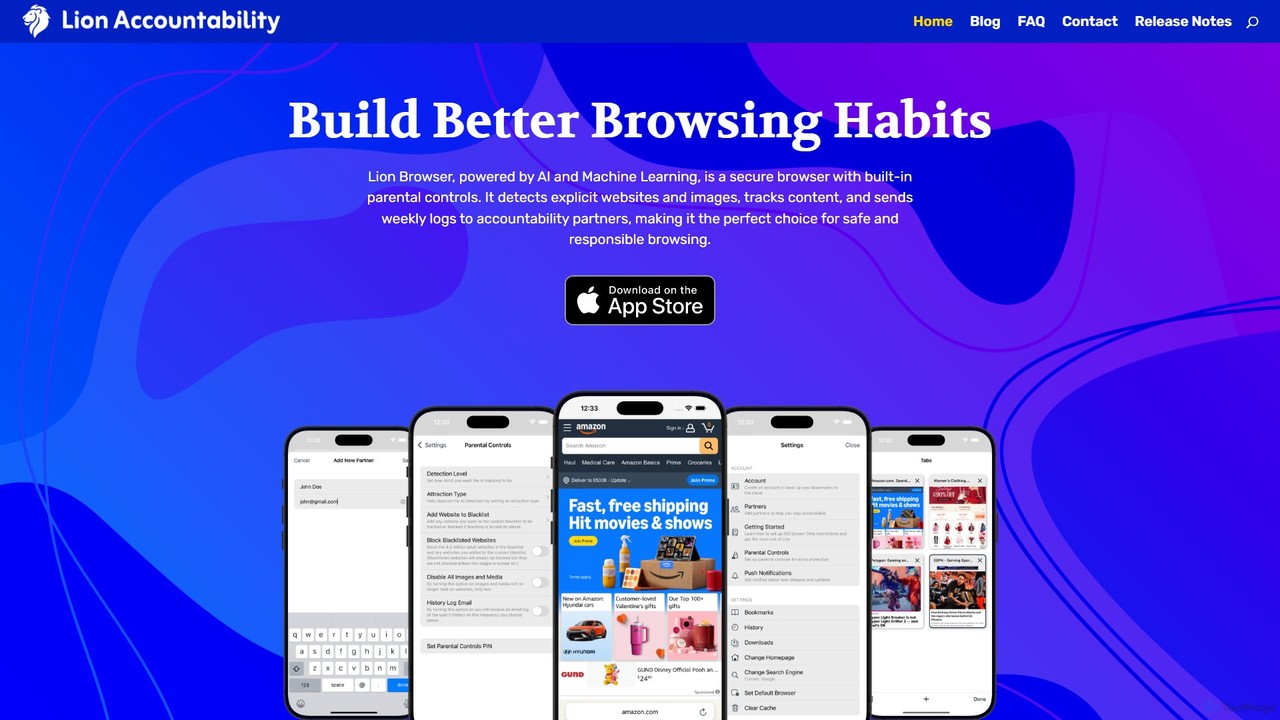
Lion Browser is a secure, AI-powered web browser for iOS designed to build better online habits. It features real-time explicit content detection, robust parental controls, and an accountability system that sends browsing reports to a partner. Focused on privacy and speed, it offers a safe and responsible browsing experience for individuals and families.

Focus
Visits 4.2KFavorites 140Likes 147
Meditaia
Freemium

Meditaia

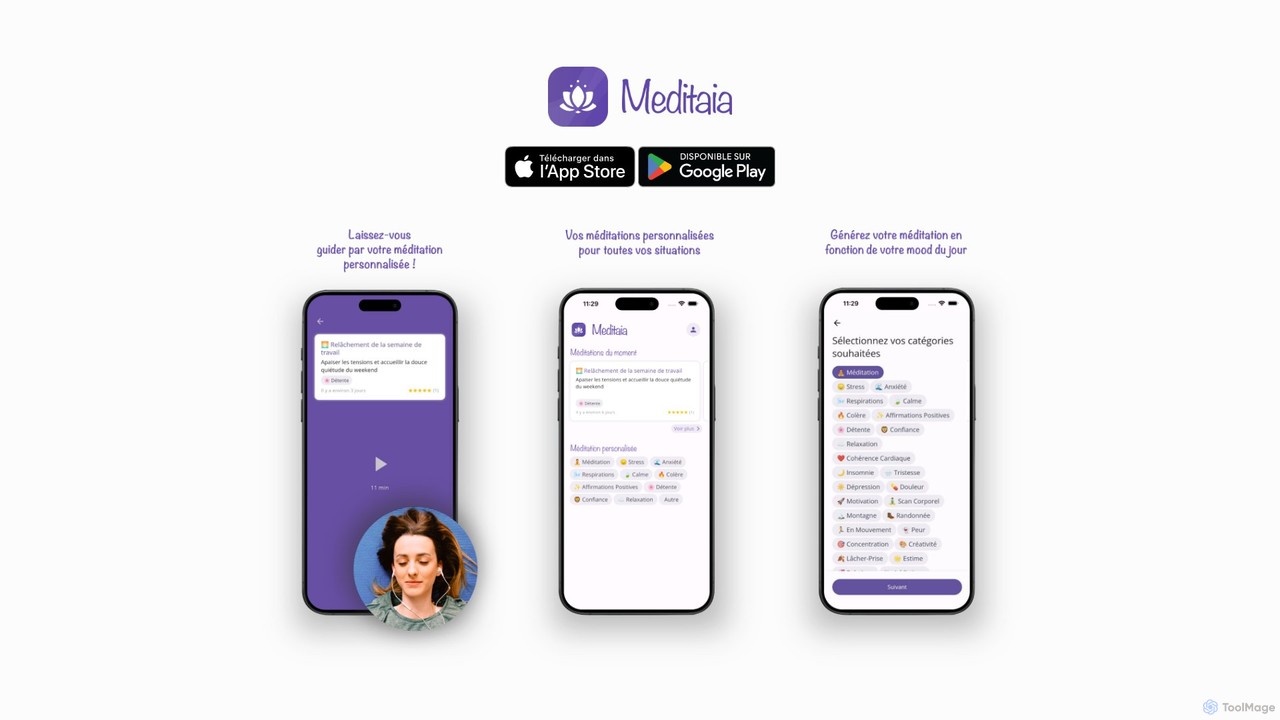
Meditaia is an AI-powered platform that generates hyper-personalized guided meditations. By analyzing your current mood, goals, and available time, it creates unique sessions to help you reduce stress, improve sleep, and enhance focus. Move beyond one-size-fits-all libraries and experience a mindfulness practice truly tailored to you.

Meditation
Visits 4KFavorites 91Likes 97
brain.fm
Freemium

brain.fm

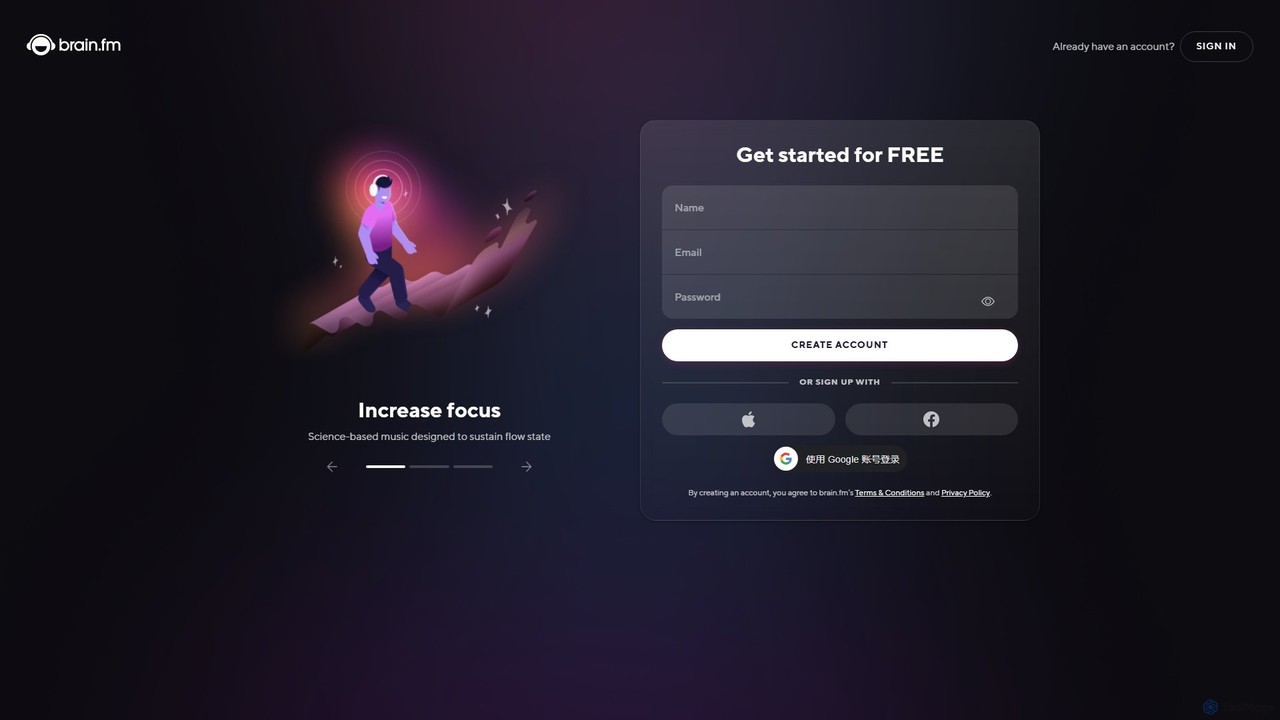
brain.fm provides science-backed, AI-generated functional music designed to dramatically improve focus, relaxation, and sleep. By creating soundscapes that gently steer your brain into a desired state, it helps you eliminate distractions, enhance productivity, and achieve deep rest without the interruptions of traditional music.

Music Generation
Visits 2.1MFavorites 128Likes 124
Endel
Freemium

Endel

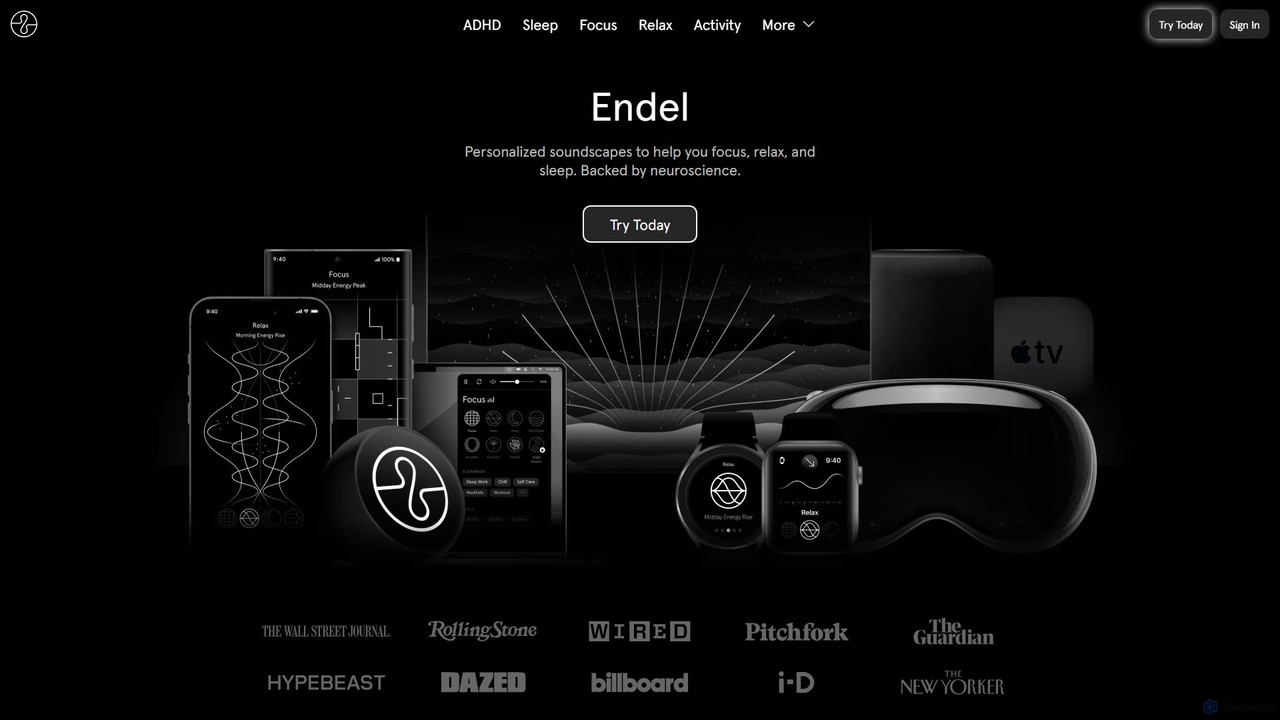
Endel is a wellness app that uses patented AI technology to create personalized, adaptive soundscapes. Backed by neuroscience, these sound environments are designed to help you focus, relax, and sleep better by reacting in real-time to inputs like your location, heart rate, and weather.

Meditation
Visits 296.6KFavorites 129Likes 140

About Focus

Focus tools are a specialized category of productivity software designed to minimize digital distractions and enhance concentration. They operate by creating a controlled digital environment, often using techniques like website blocking, notification management, and structured work timers. The primary goal is to help users enter and sustain a state of deep work, or 'flow', leading to higher-quality output and improved efficiency. Some advanced tools leverage AI to learn user habits and proactively suggest focus sessions or identify potential distractions.

Core Features

  • Distraction Blocking: Actively blocks access to user-defined websites, applications, and notifications during work sessions.
  • Structured Timers: Implements time management methods like the Pomodoro Technique, alternating focused work intervals with short breaks.
  • Ambient Soundscapes: Provides a library of background sounds (e.g., rain, white noise, coffee shop) to mask disruptive noises.
  • Usage Analytics: Generates reports on how time is spent, highlighting productive periods versus time on distracting sites.
  • Session Planning: Allows users to schedule dedicated focus blocks for specific tasks in advance.

Use Cases

These tools are widely used by students preparing for exams, writers drafting manuscripts, developers coding complex features, and any professional whose work requires sustained mental effort. They are particularly valuable in open-plan offices or remote work settings where digital and physical distractions are common.

How to Choose

When selecting a focus tool, consider its platform compatibility (desktop, mobile, browser), the strictness and customizability of its blocking features, and its integration capabilities with calendars or task managers. Also evaluate the quality of its analytics and whether you need additional features like ambient sounds or session planning tools.

Featured tool rankings

Focus use cases

1

Preparing for University Exams

A university student uses a focus tool to create a dedicated study environment on their laptop. Before each study session, they activate a 'Study Mode' that blocks access to social media sites, video streaming platforms, and online gaming for a pre-set duration of two hours. The tool's integrated Pomodoro timer reminds them to take a 10-minute break after every 50 minutes of intense study, preventing burnout. This structured approach helps them cover more material effectively and reduces last-minute cramming.

2

Deep Work for Software Development

A software developer working on a critical feature needs uninterrupted time to code. They use a focus application to start a 'Coding Session'. This session automatically silences notifications from email and team chat applications, plays a 'white noise' soundscape to drown out office noise, and blocks access to news sites and forums. The application's analytics later show that during these protected sessions, their coding output increases by over 30% compared to times without the tool, as context switching is virtually eliminated.

3

Drafting a Manuscript without Distractions

A novelist uses a focus tool in 'lockdown' mode to write a new chapter. This mode is extremely strict, preventing any new applications from being opened and blocking all internet access until a specific goal is met—in this case, writing 1,500 words. By creating this digital fortress, the writer eliminates the temptation of spontaneous research or checking social media, allowing them to fully immerse themselves in the creative process and maintain a consistent narrative flow.

4

Managing Remote Work Focus

A remote employee struggles with separating work and home life. They use a focus tool that integrates with their calendar to automatically start focus sessions during scheduled 'deep work' blocks. During these times, the tool not only blocks distracting websites on their computer but also syncs with their phone to silence non-critical notifications. This creates clear boundaries, helping them stay productive during work hours and fully disconnect afterward, improving their overall work-life balance.

5

Building Better Digital Habits

A user realizes they spend too much time mindlessly scrolling through social media. They install a focus tool primarily for its analytics feature. The tool runs in the background, tracking time spent on various apps and websites. After a week, the user reviews a detailed report that visualizes their digital habits, showing that over 10 hours were lost to non-productive sites. This data-driven insight motivates them to set up daily time limits for these distracting sites, gradually reclaiming their time and improving their focus.

6

Creating an Immersive Creative Environment

A graphic designer working on a complex illustration uses a focus tool to create a 'digital studio' environment. They activate a mode that not only blocks notifications but also plays a curated ambient soundscape of a 'rainy day'. This combination helps them tune out distracting household noises and enter a creative flow state more easily. The tool allows them to link the focus session to their design software, so the focus mode automatically ends when they close the application, ensuring a seamless transition back to normal computer use.

Focus FAQ

What are AI Focus tools?

AI Focus tools are applications designed to help you concentrate by minimizing digital distractions. They go beyond simple timers by actively blocking distracting websites and apps, managing notifications, and providing ambient sounds to create an optimal work environment. Many use principles like the Pomodoro Technique to structure work and break times, and some leverage AI to provide insights into your work habits and suggest ways to improve your focus over time.

How to choose the right focus tool?

Choosing the right focus tool depends on your specific needs and work style. Consider the following factors:

  • Platform Support: Ensure the tool works across all your devices (e.g., Windows, macOS, iOS, Android, browser extensions).
  • Blocking Flexibility: Do you need a strict 'lockdown' mode, or just gentle reminders? Check how customizable the blocking lists are.
  • Core Features: Decide if you need features like a Pomodoro timer, usage analytics, ambient sounds, or session planning.
  • Integrations: Look for integrations with your existing productivity stack, such as calendars or to-do list apps.
What's the difference between a Focus tool and a To-Do list app?

The primary difference lies in their purpose. A To-Do list app (like a task manager) helps you organize what you need to do. It's about planning and tracking tasks. A Focus tool, on the other hand, helps you manage how you do those tasks. It creates a distraction-free environment to perform deep work. The two are complementary: you use a to-do list to decide on a task, and then a focus tool to execute it without interruption.

Can focus tools genuinely improve productivity?

Yes, for many people, focus tools can significantly improve productivity. Their effectiveness comes from combating 'context switching'—the mental cost of shifting your attention between tasks. By blocking notifications and preventing access to distracting sites, these tools help you maintain a state of 'flow' for longer periods. This leads to higher quality work completed in less time. Furthermore, their analytics can help you build self-awareness about your digital habits, empowering you to make lasting changes.

Who are focus tools best suited for?

Focus tools are beneficial for anyone whose work requires sustained concentration. This includes a wide range of users:

  • Students: For studying, writing papers, and preparing for exams without digital distractions.
  • Writers and Creatives: To maintain creative flow when drafting, designing, or editing.
  • Developers and Programmers: To concentrate on complex code without interruptions from emails or chat messages.
  • Knowledge Workers: For anyone who needs to perform deep work, such as data analysis, research, or strategic planning.
  • Anyone looking to build better digital habits: To reduce time spent on social media and other non-productive activities.