ToolMage
Sign in

Best 42 Focus AI tools for Productivity

Popular Focus AI tools in Productivity include Brain.fm, brain.fm, Canopy, Endel, ImFeeling, FlowTunes, Focus Bear, centered, PlaylistRandomizer, and Tomo Cafe, helping you work more efficiently.

moodplaylist
Free

moodplaylist

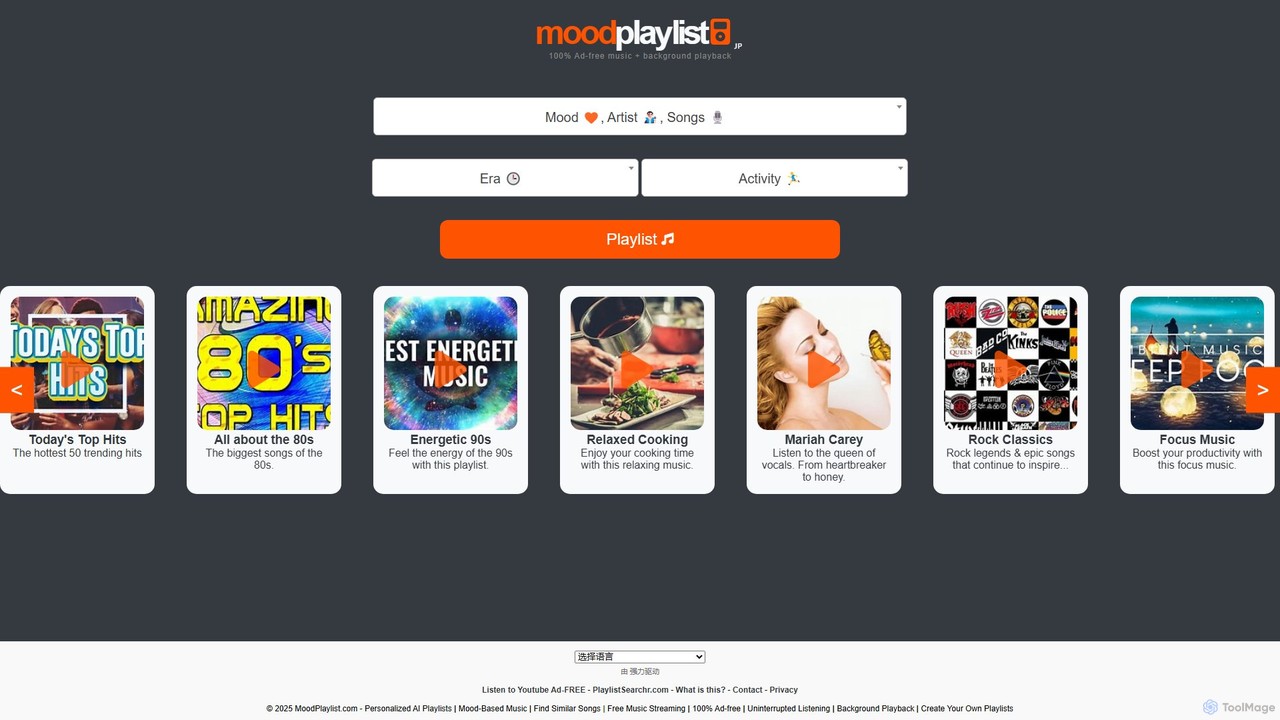
moodplaylist is a free, AI-powered music discovery tool that generates personalized playlists based on your mood, activity, genre, or era. Enjoy an uninterrupted, ad-free listening experience and discover new music perfectly tailored to any moment. Import and export playlists from services like Spotify.

Entertainment
Visits 7.8KFavorites 135Likes 137
BookTuning
Free

BookTuning

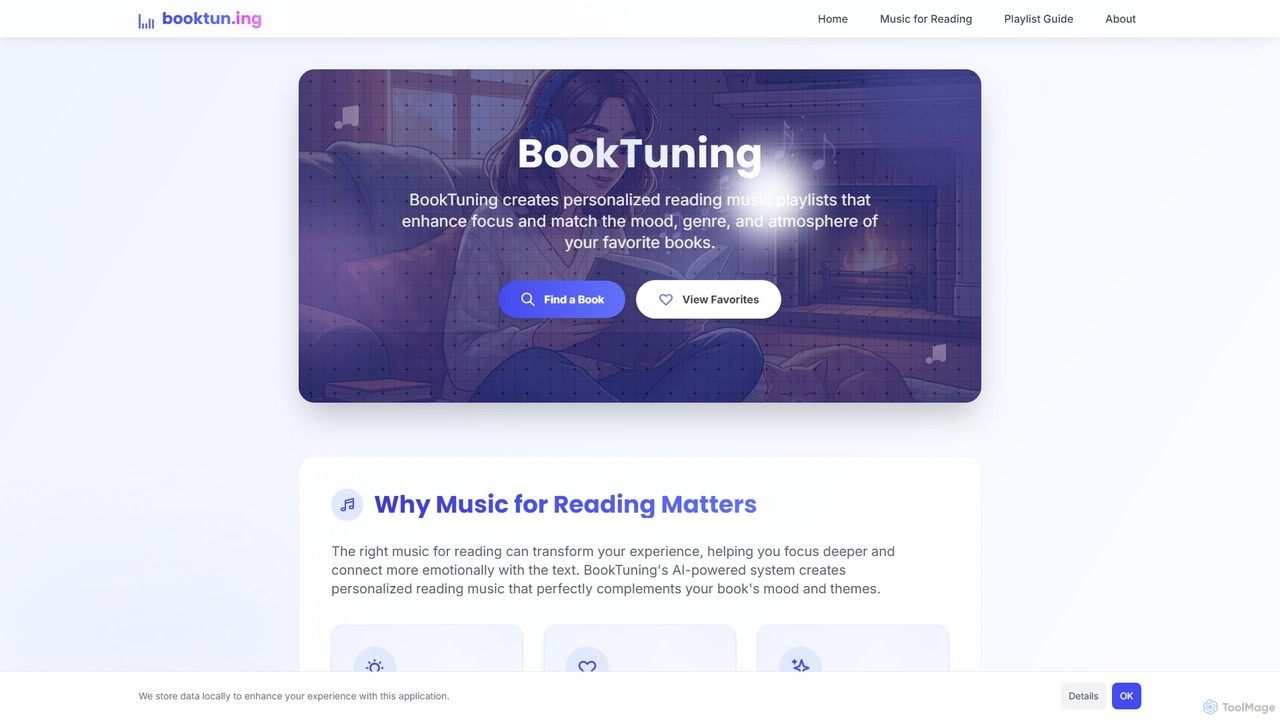
BookTuning is an AI-powered tool that creates personalized music playlists to enhance your reading experience. By analyzing the mood, genre, and themes of any book, it curates the perfect soundtrack to improve focus and deepen your emotional connection to the story. It's completely free and requires no Spotify account to use.

Reading
Visits 5.8KFavorites 120Likes 119
Moodify
Free

Moodify

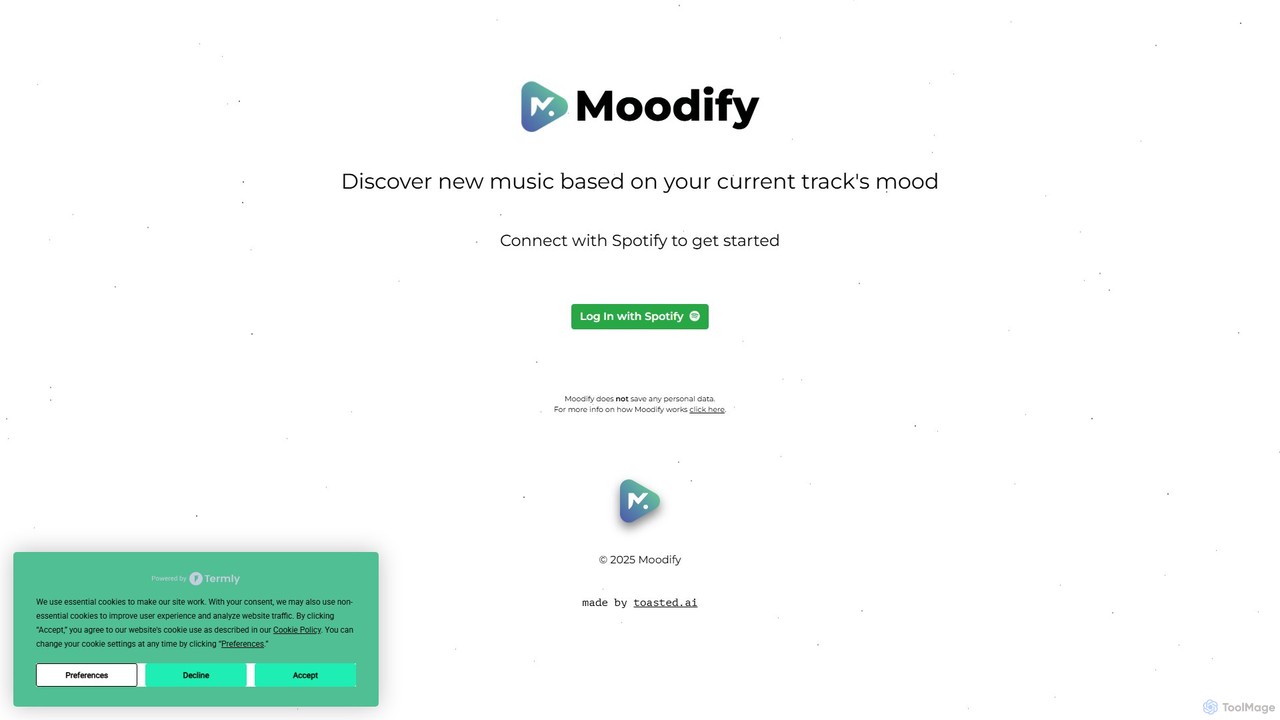
Moodify is an AI-powered music discovery tool that connects to your Spotify account. It analyzes the mood of the song you're currently listening to and generates a personalized list of new music with a similar vibe, helping you effortlessly find tracks that match your current emotional state.

Streaming
Visits 7.8KFavorites 133Likes 145
Focus Bear
Freemium

Focus Bear

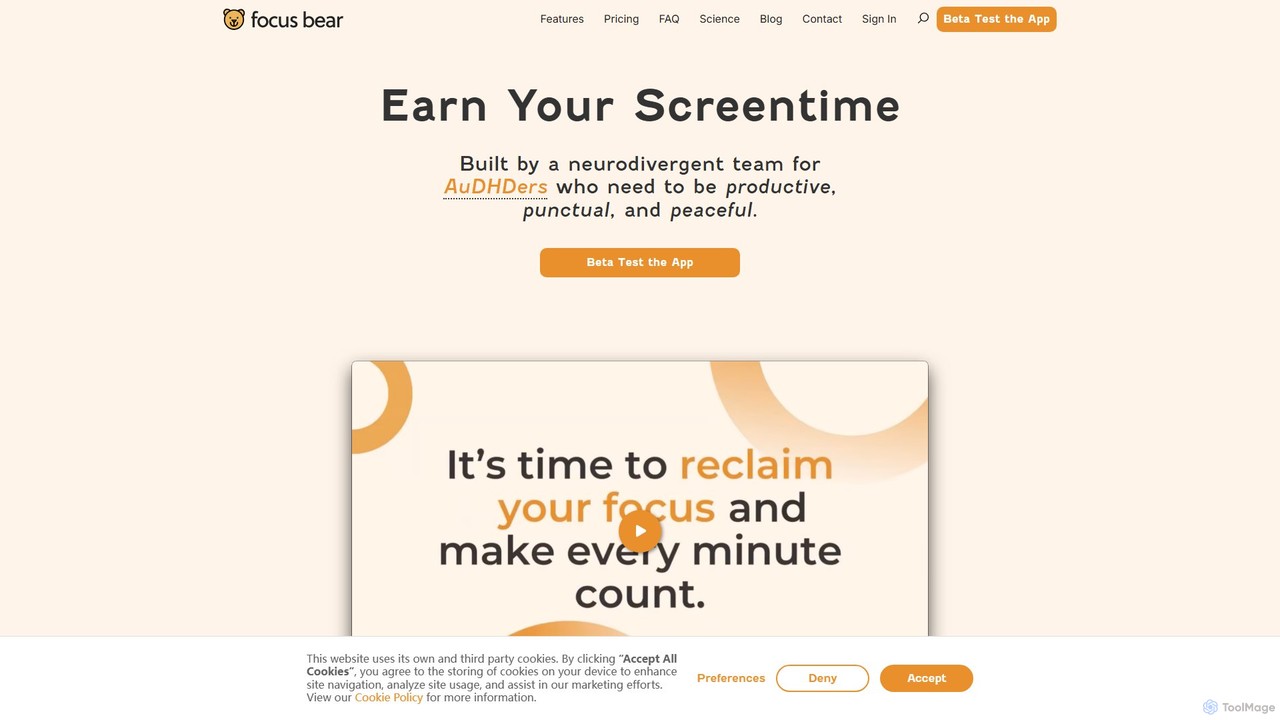
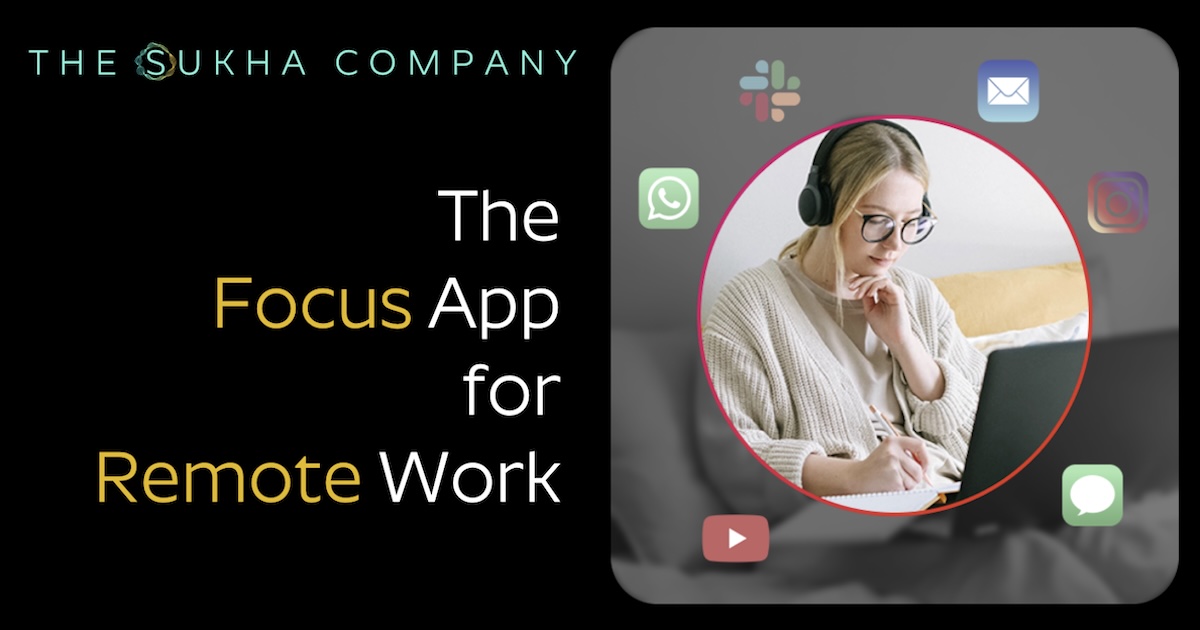
Focus Bear is a productivity and routine-building application specifically designed for the neurodivergent community, particularly individuals with AuDHD (Autism and ADHD). It helps users create structured daily routines, block distractions, and build healthy, lasting habits by making them the path of least resistance.

Mental Health
Visits 90.8KFavorites 105Likes 110
Ashdeck
Free

Ashdeck

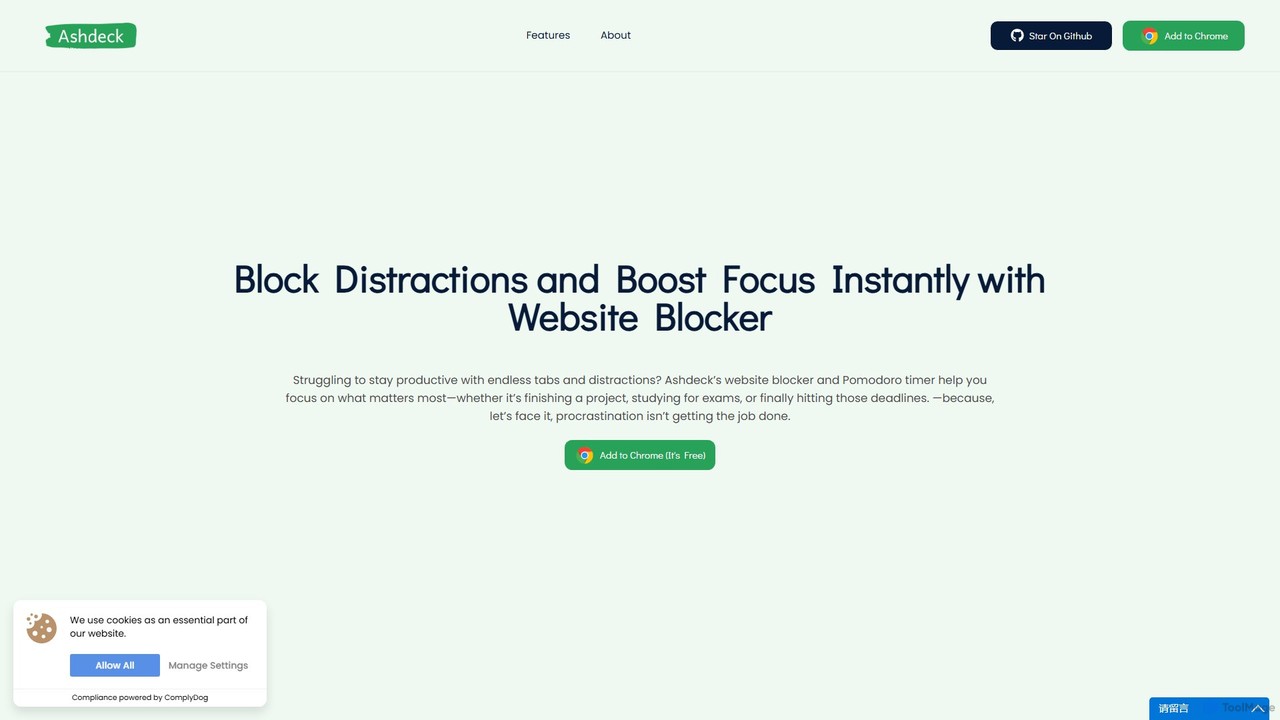
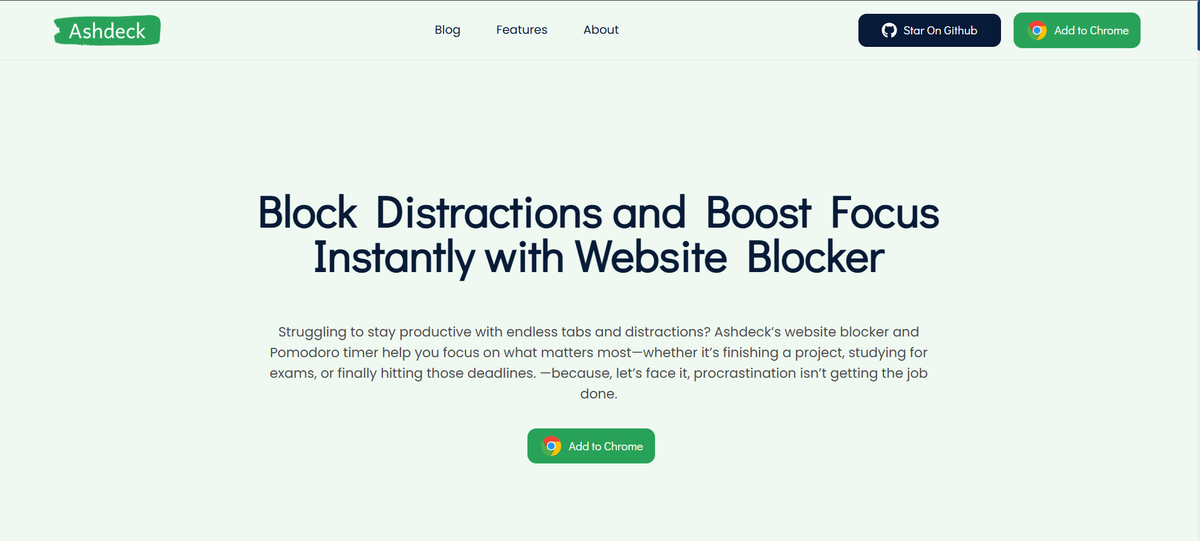
Ashdeck is a free, open-source Chrome extension designed to boost your focus and productivity. It combines a powerful website blocker with a Pomodoro timer to help you eliminate digital distractions, manage your time effectively, and stay on task. Ideal for students, professionals, and anyone looking to reclaim their attention from the endless pull of social media and other time-wasting sites.

Productivity
Visits 6.3KFavorites 142Likes 138
Canopy
Freemium

Canopy

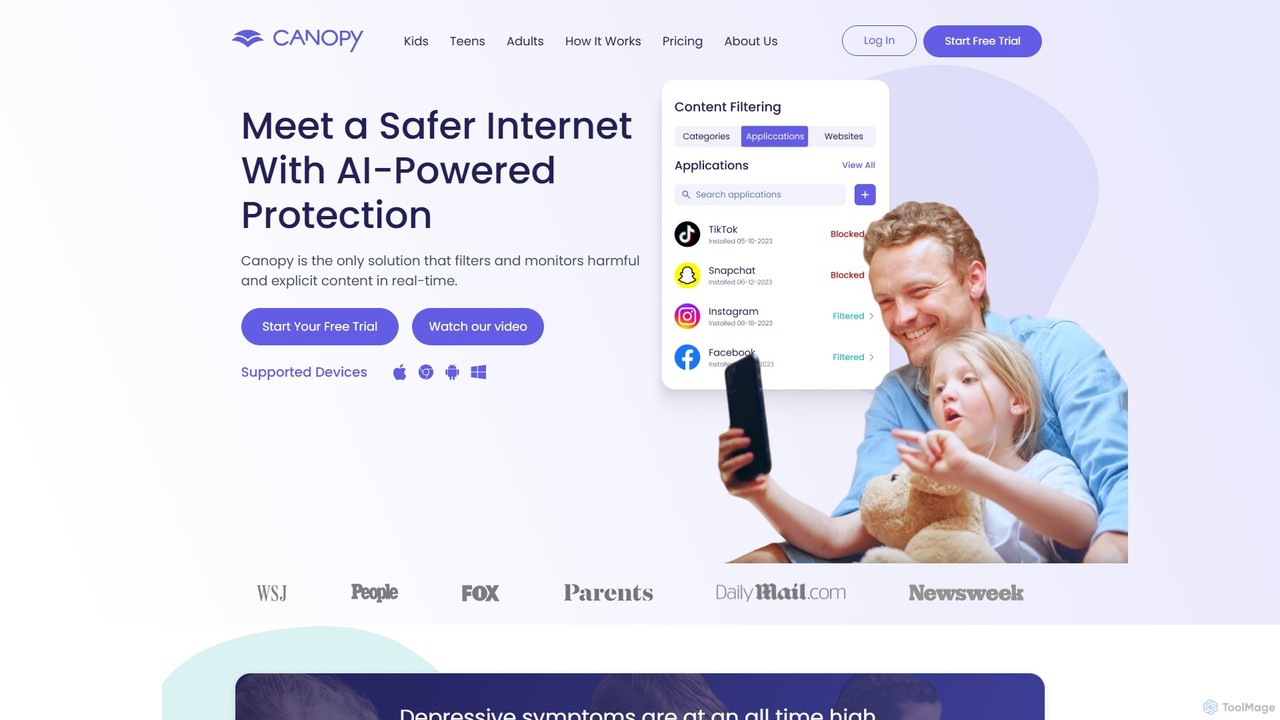
Canopy is an AI-powered digital parenting app designed to protect children online. It uses real-time AI technology to filter harmful and explicit content, including images and videos, within websites and social media apps. Key features include sexting prevention, screen time management, app blocking, and location alerts, providing a comprehensive solution for families to ensure a safer digital environment for their children across all devices.

Family
Visits 1.5MFavorites 123Likes 132
noporn
Paid

noporn

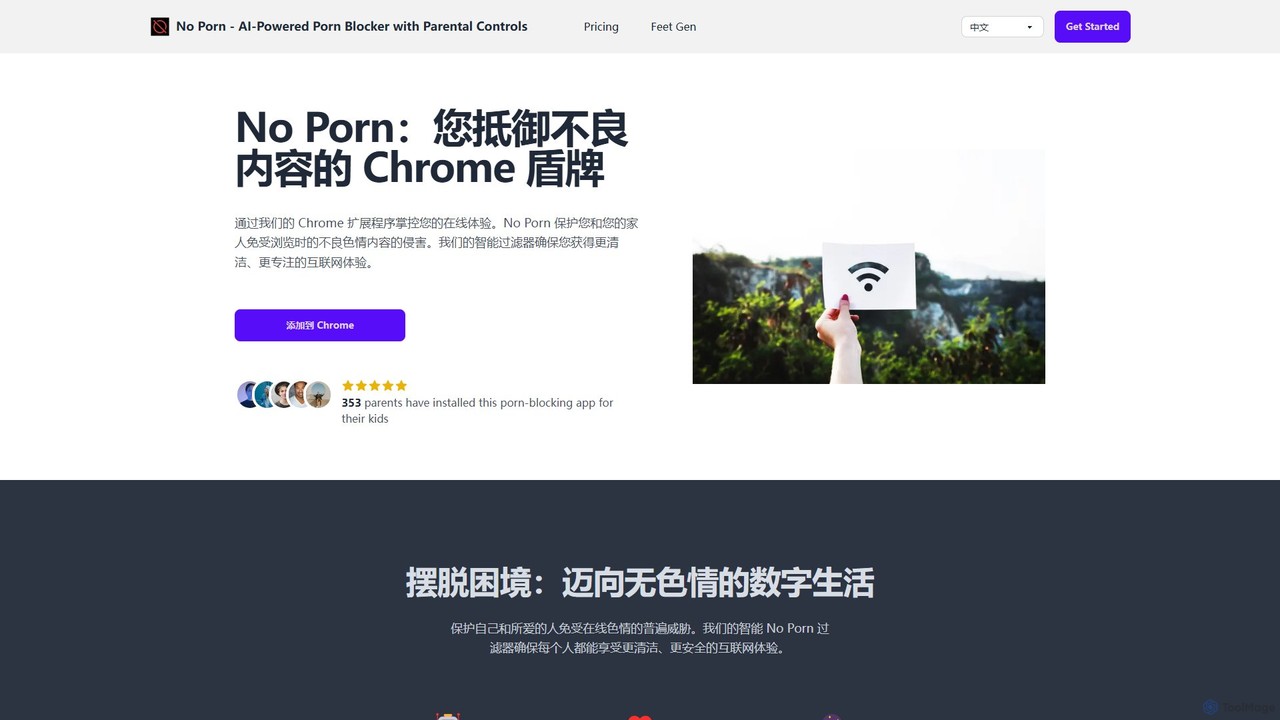
noporn is an AI-powered content blocker designed to protect users and families from explicit pornographic content online. Functioning as a Chrome extension, it uses advanced AI to detect and block inappropriate material in real-time. It offers customizable filtering, parental controls with activity reports, and a privacy-first approach, ensuring a cleaner, safer, and more focused browsing experience for all ages.

Digital Wellbeing
Visits 7.9KFavorites 142Likes 116
Cerebral AI
Freemium

Cerebral AI

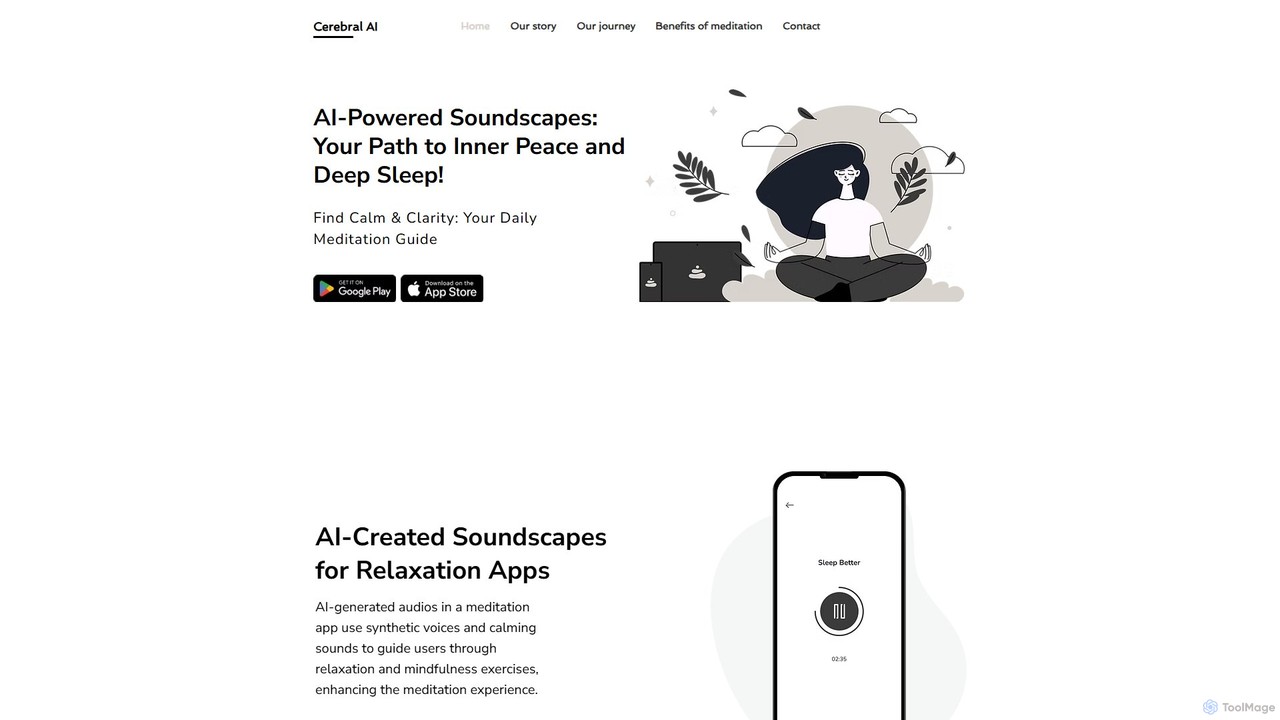
Cerebral AI is an AI-powered meditation and sleep application designed to create personalized wellness experiences. It generates unique soundscapes and tailored mindfulness recommendations to help users reduce stress, improve sleep quality, and enhance focus. With a minimalist design, it offers a calming and accessible path to inner peace.

Sound Generation
Visits 5.6KFavorites 101Likes 117
flowlist.io
Freemium

flowlist.io

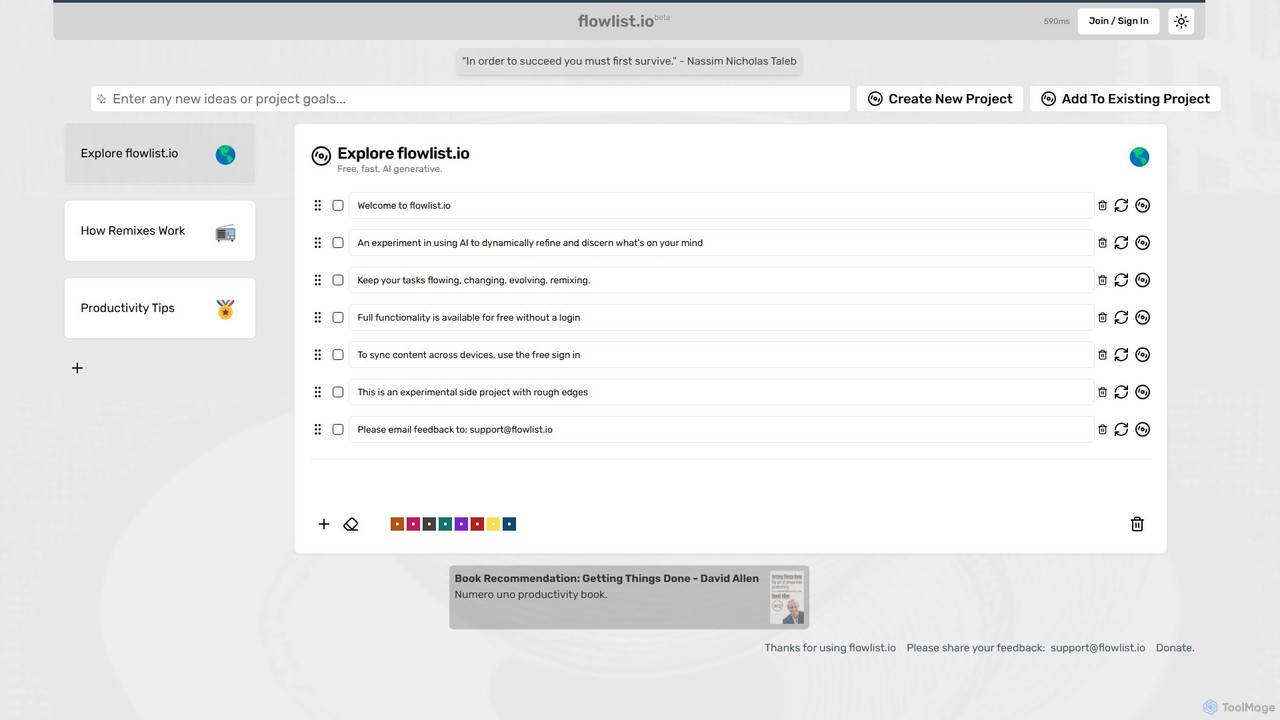
flowlist.io is a productivity music and soundscape platform designed to help creators, programmers, and designers achieve a state of deep work or 'flow'. It provides curated audio playlists scientifically engineered to enhance focus, block distractions, and maximize efficiency.

Music
Visits 6.1KFavorites 122Likes 105
PlaylistRandomizer
Free

PlaylistRandomizer

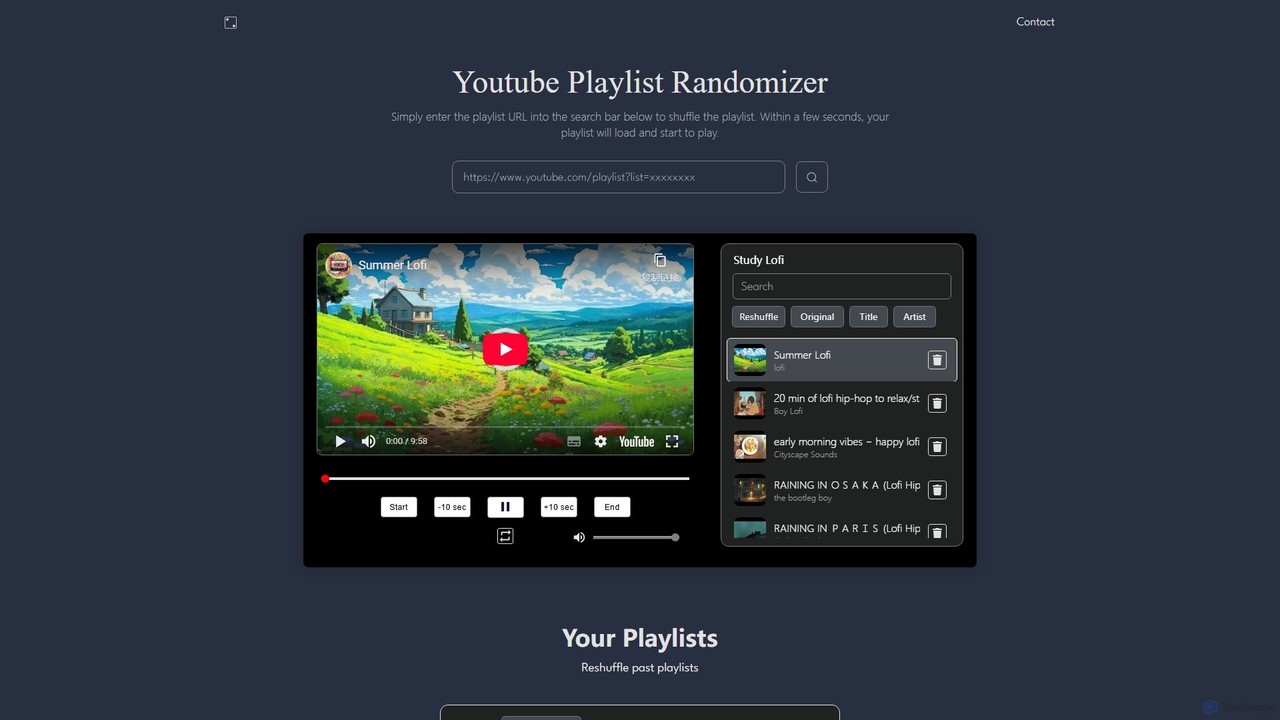
A powerful web tool that truly shuffles YouTube playlists of up to 20,000 videos. Users can search for playlists or create custom ones by combining multiple URLs. It provides a seamless playback experience with enhanced controls, overcoming the limitations of YouTube's native shuffle feature for a fresh and unpredictable listening or viewing session.

Playlist Tools
Visits 27.5KFavorites 117Likes 127
Prayetic
Freemium

Prayetic

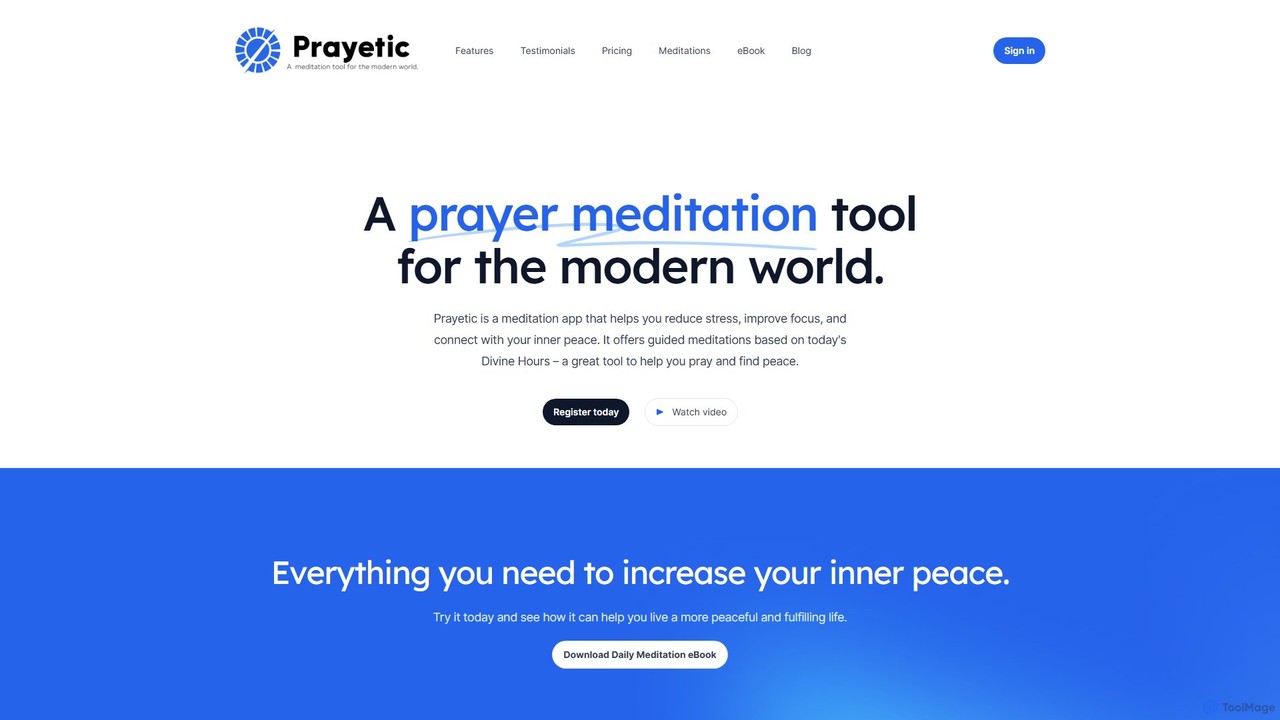
Prayetic is a prayer and meditation app designed for the modern world. It helps users reduce stress, improve focus, and connect with inner peace through guided meditations based on the Christian tradition of The Divine Hours. It combines audio meditations, breathwork, visualization, and beautiful daily imagery to support your spiritual and mindfulness journey.

Meditation
Visits 6.7KFavorites 130Likes 142
Kumo Study
Freemium

Kumo Study

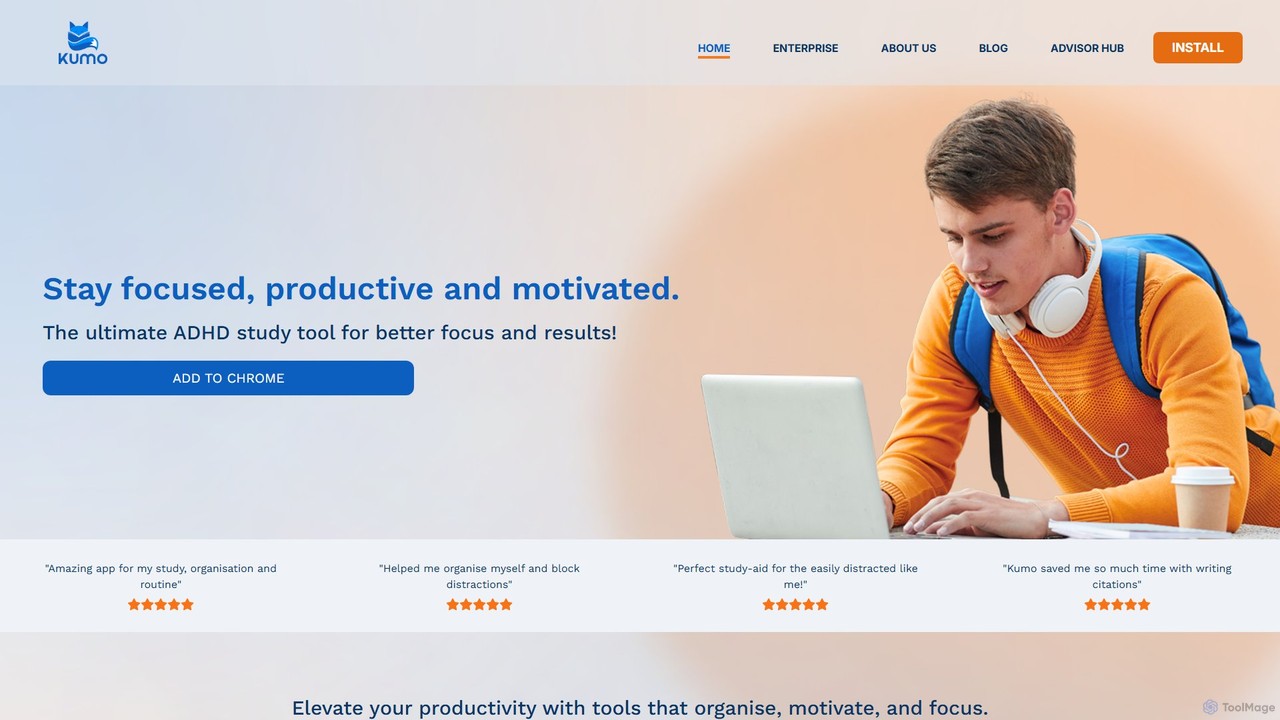
Kumo Study is the ultimate study tool specifically designed for students with ADHD. This Chrome extension helps improve focus, organization, and motivation through features like a task planner, a customizable timer, a site blocker, and a unique collaborative support system. It's built on neurodesign principles to combat executive dysfunction and boost academic success.

Study Tools
Visits 10.9KFavorites 123Likes 120
thesenpai
Free

thesenpai

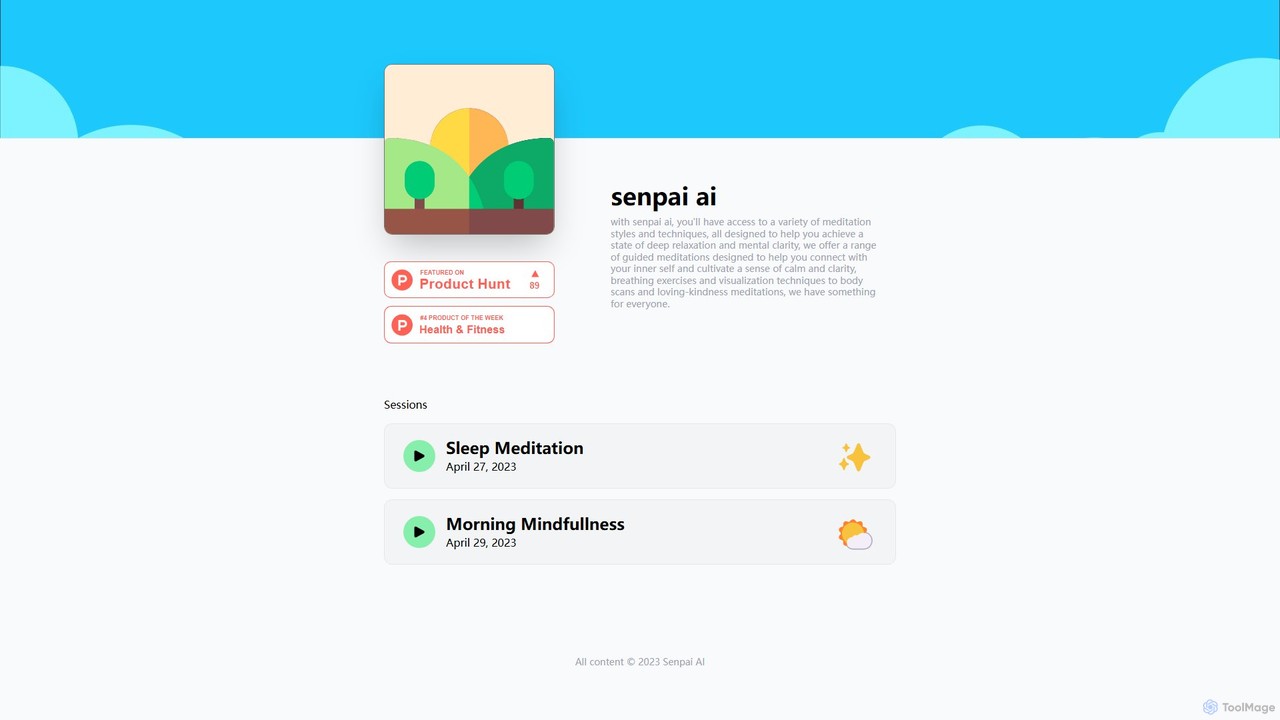
thesenpai is an AI-powered meditation guide designed to enhance mental well-being. It offers a diverse library of guided meditations, breathing exercises, and visualization techniques. Whether you're looking to reduce stress, improve sleep, or increase focus, thesenpai provides personalized sessions to help you achieve deep relaxation and mental clarity. Access a variety of styles, from body scans to loving-kindness meditations, and cultivate a sense of inner calm.

Meditation
Visits 5.7KFavorites 105Likes 95
CalmAlma
Freemium

CalmAlma

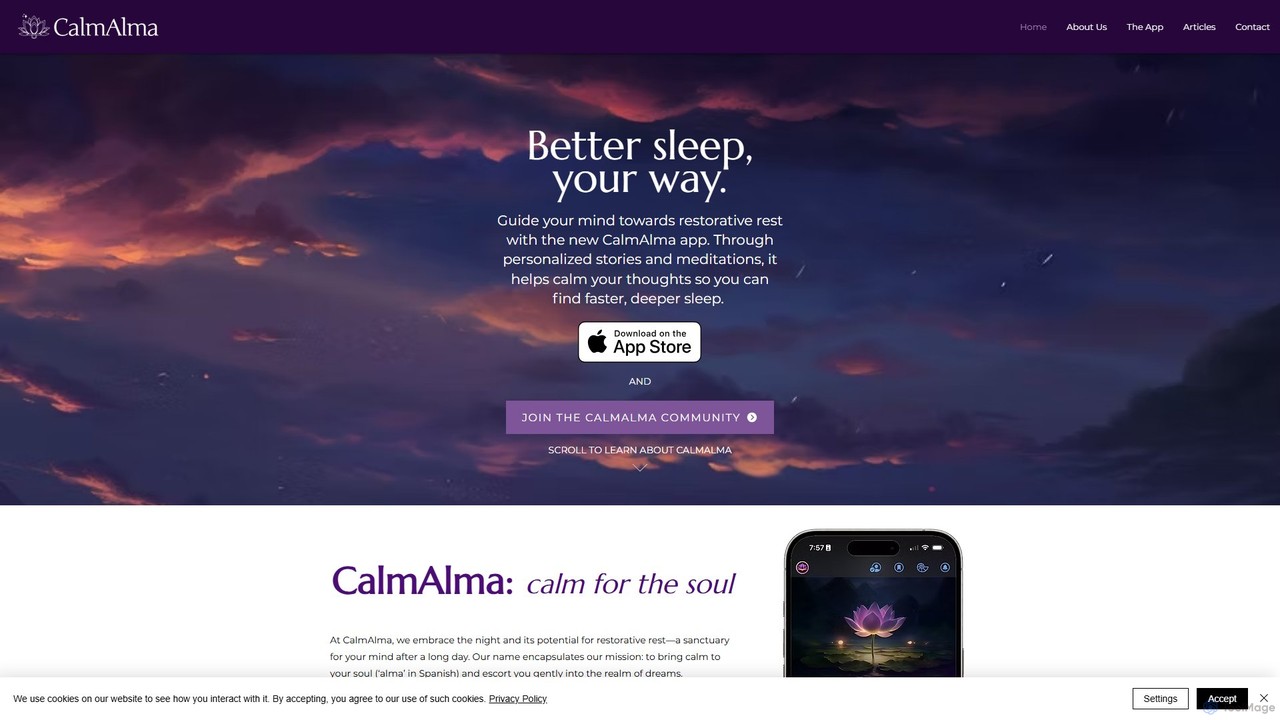
CalmAlma is an AI-powered sleep app that creates personalized stories and meditations to help you achieve restorative rest. By learning your preferences, it crafts unique audio journeys paired with calming art, guiding your mind away from stress and into a state of deep, peaceful sleep.

Mental Health
Visits 6.4KFavorites 117Likes 132
ImFeeling
Freemium

ImFeeling

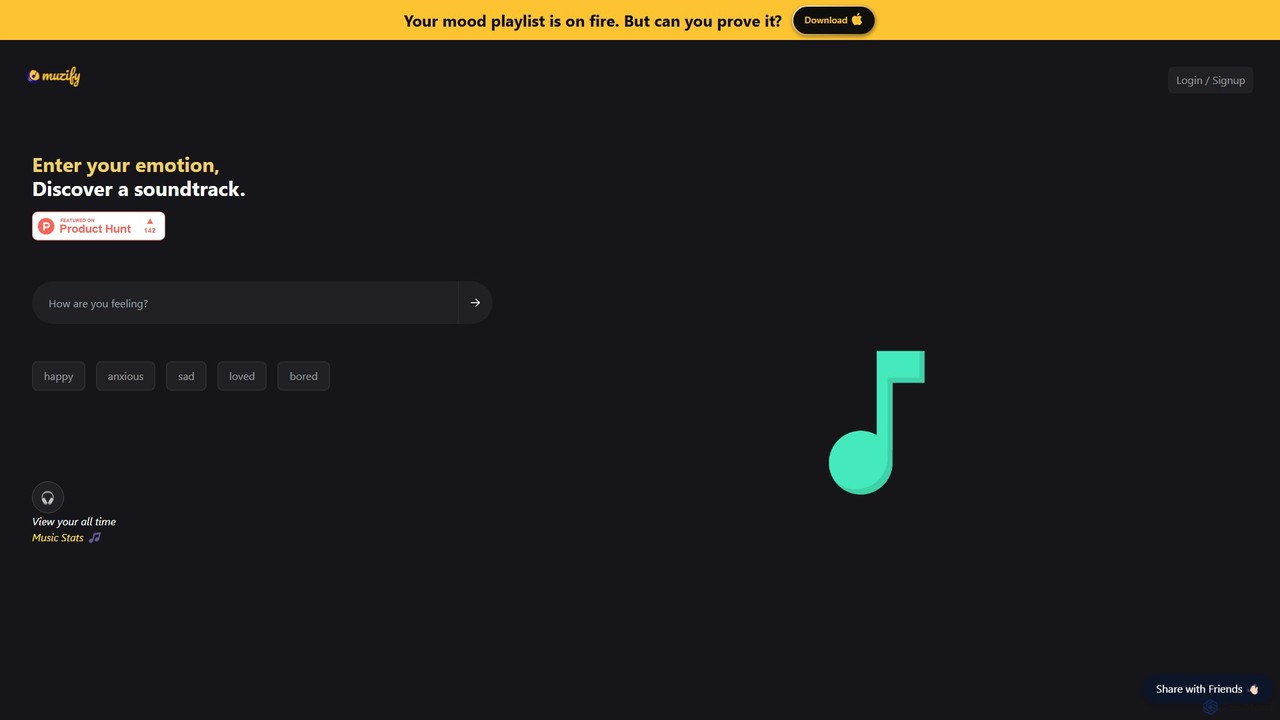
ImFeeling is an AI-powered music discovery tool that generates personalized playlists based on your emotions. Simply enter how you feel—happy, anxious, focused—and let the AI create the perfect soundtrack. It also features music stats and unique playlists for pets.

Entertainment
Visits 183.7KFavorites 109Likes 108
hootz
Freemium

hootz

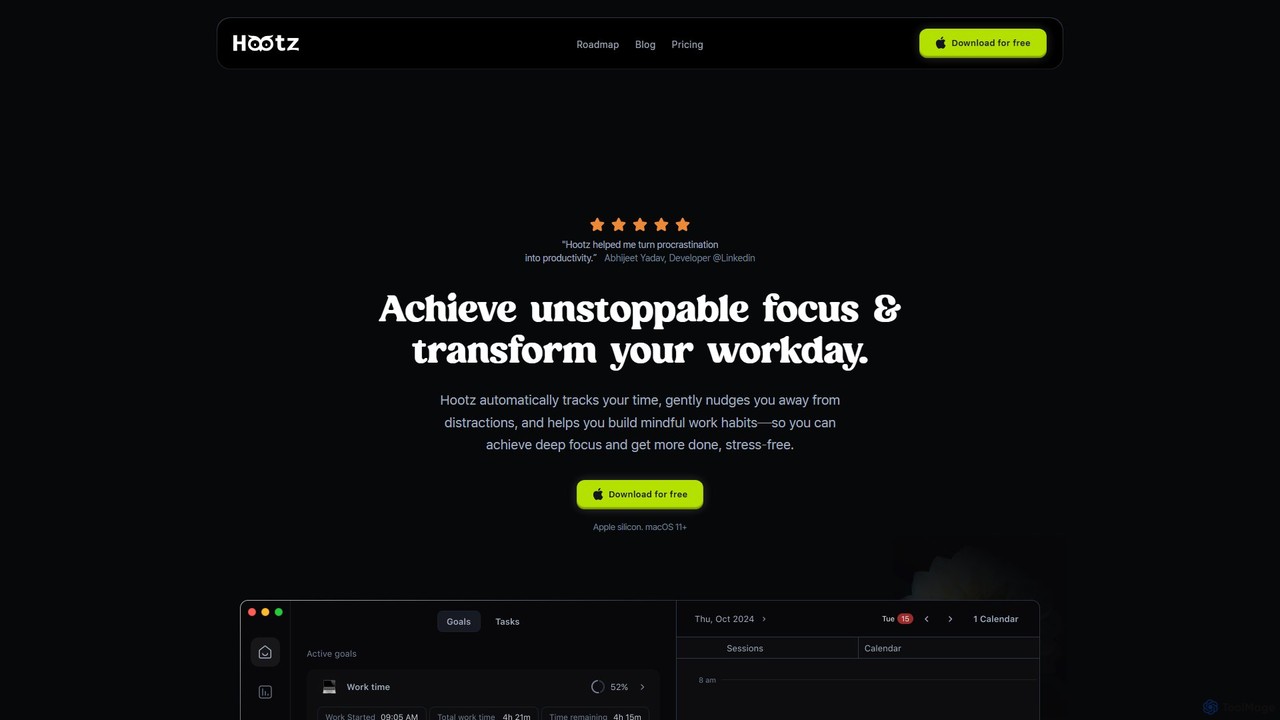
hootz is an AI-powered productivity companion for macOS designed to help users achieve deep focus. It automatically tracks time, blocks distractions, provides real-time nudges to stay on task, and integrates mindful practices to transform your workday and build better habits.

Focus
Visits 5.7KFavorites 135Likes 123
Tomo Cafe
Freemium

Tomo Cafe

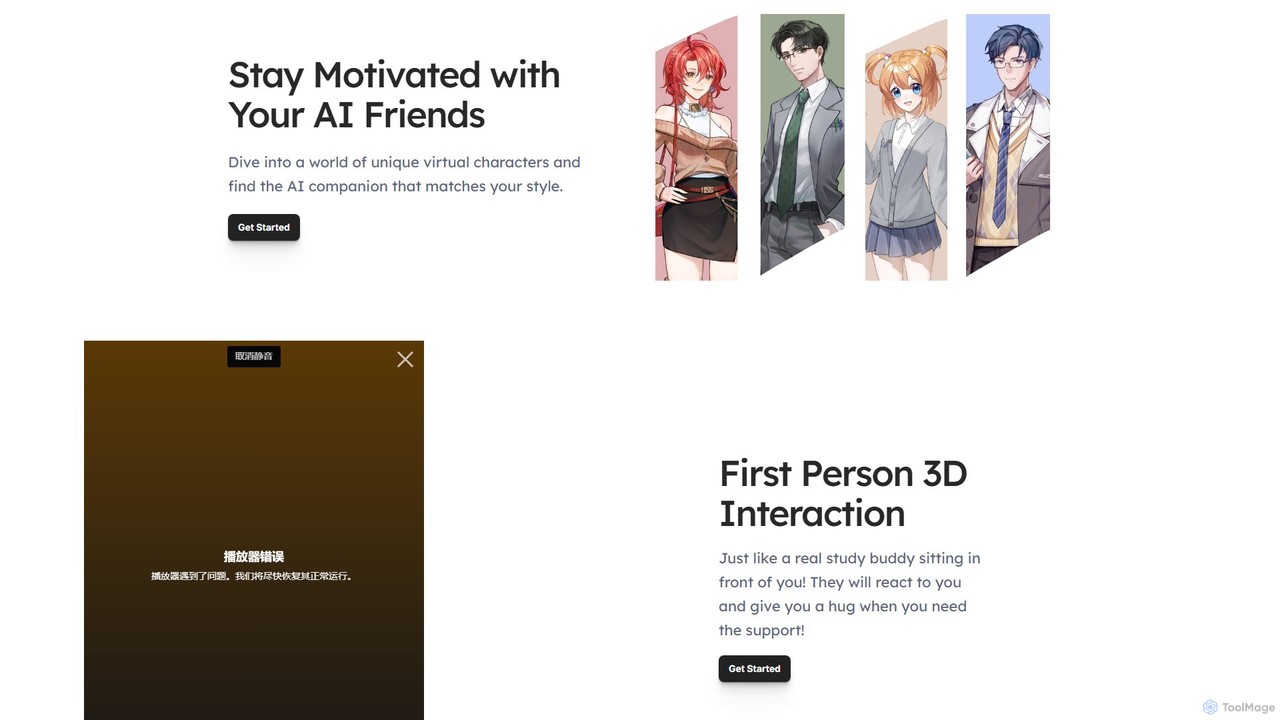
Tomo Cafe is an AI-powered productivity companion designed to make studying and working more engaging. It combines interactive 3D AI buddies, a Pomodoro timer, and gamification elements to help users stay focused, motivated, and accountable for their goals.

Study Tools
Visits 12.1KFavorites 140Likes 147
getfocusai
Free

getfocusai

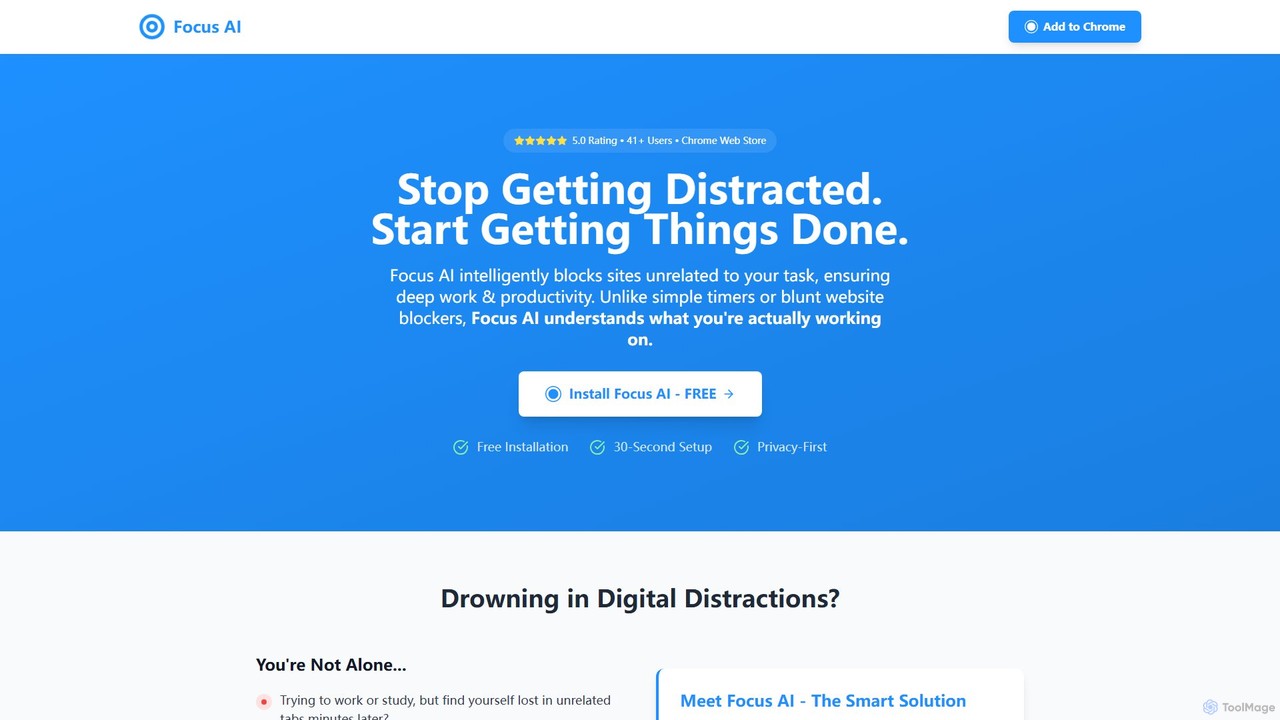
FocusAI is an AI-powered productivity coach and intelligent website blocker. It acts as a browser extension that understands your work context to block distracting sites, helping you achieve deep work and eliminate procrastination. Ideal for students, developers, and professionals.

Chrome Extensions
Visits 11.8KFavorites 126Likes 126

About Focus

Focus tools are a specialized category of productivity software designed to minimize digital distractions and enhance concentration. They operate by creating a controlled digital environment, often using techniques like website blocking, notification management, and structured work timers. The primary goal is to help users enter and sustain a state of deep work, or 'flow', leading to higher-quality output and improved efficiency. Some advanced tools leverage AI to learn user habits and proactively suggest focus sessions or identify potential distractions.

Core Features

  • Distraction Blocking: Actively blocks access to user-defined websites, applications, and notifications during work sessions.
  • Structured Timers: Implements time management methods like the Pomodoro Technique, alternating focused work intervals with short breaks.
  • Ambient Soundscapes: Provides a library of background sounds (e.g., rain, white noise, coffee shop) to mask disruptive noises.
  • Usage Analytics: Generates reports on how time is spent, highlighting productive periods versus time on distracting sites.
  • Session Planning: Allows users to schedule dedicated focus blocks for specific tasks in advance.

Use Cases

These tools are widely used by students preparing for exams, writers drafting manuscripts, developers coding complex features, and any professional whose work requires sustained mental effort. They are particularly valuable in open-plan offices or remote work settings where digital and physical distractions are common.

How to Choose

When selecting a focus tool, consider its platform compatibility (desktop, mobile, browser), the strictness and customizability of its blocking features, and its integration capabilities with calendars or task managers. Also evaluate the quality of its analytics and whether you need additional features like ambient sounds or session planning tools.

Featured tool rankings

Focus use cases

1

Preparing for University Exams

A university student uses a focus tool to create a dedicated study environment on their laptop. Before each study session, they activate a 'Study Mode' that blocks access to social media sites, video streaming platforms, and online gaming for a pre-set duration of two hours. The tool's integrated Pomodoro timer reminds them to take a 10-minute break after every 50 minutes of intense study, preventing burnout. This structured approach helps them cover more material effectively and reduces last-minute cramming.

2

Deep Work for Software Development

A software developer working on a critical feature needs uninterrupted time to code. They use a focus application to start a 'Coding Session'. This session automatically silences notifications from email and team chat applications, plays a 'white noise' soundscape to drown out office noise, and blocks access to news sites and forums. The application's analytics later show that during these protected sessions, their coding output increases by over 30% compared to times without the tool, as context switching is virtually eliminated.

3

Drafting a Manuscript without Distractions

A novelist uses a focus tool in 'lockdown' mode to write a new chapter. This mode is extremely strict, preventing any new applications from being opened and blocking all internet access until a specific goal is met—in this case, writing 1,500 words. By creating this digital fortress, the writer eliminates the temptation of spontaneous research or checking social media, allowing them to fully immerse themselves in the creative process and maintain a consistent narrative flow.

4

Managing Remote Work Focus

A remote employee struggles with separating work and home life. They use a focus tool that integrates with their calendar to automatically start focus sessions during scheduled 'deep work' blocks. During these times, the tool not only blocks distracting websites on their computer but also syncs with their phone to silence non-critical notifications. This creates clear boundaries, helping them stay productive during work hours and fully disconnect afterward, improving their overall work-life balance.

5

Building Better Digital Habits

A user realizes they spend too much time mindlessly scrolling through social media. They install a focus tool primarily for its analytics feature. The tool runs in the background, tracking time spent on various apps and websites. After a week, the user reviews a detailed report that visualizes their digital habits, showing that over 10 hours were lost to non-productive sites. This data-driven insight motivates them to set up daily time limits for these distracting sites, gradually reclaiming their time and improving their focus.

6

Creating an Immersive Creative Environment

A graphic designer working on a complex illustration uses a focus tool to create a 'digital studio' environment. They activate a mode that not only blocks notifications but also plays a curated ambient soundscape of a 'rainy day'. This combination helps them tune out distracting household noises and enter a creative flow state more easily. The tool allows them to link the focus session to their design software, so the focus mode automatically ends when they close the application, ensuring a seamless transition back to normal computer use.

Focus FAQ

What are AI Focus tools?

AI Focus tools are applications designed to help you concentrate by minimizing digital distractions. They go beyond simple timers by actively blocking distracting websites and apps, managing notifications, and providing ambient sounds to create an optimal work environment. Many use principles like the Pomodoro Technique to structure work and break times, and some leverage AI to provide insights into your work habits and suggest ways to improve your focus over time.

How to choose the right focus tool?

Choosing the right focus tool depends on your specific needs and work style. Consider the following factors:

  • Platform Support: Ensure the tool works across all your devices (e.g., Windows, macOS, iOS, Android, browser extensions).
  • Blocking Flexibility: Do you need a strict 'lockdown' mode, or just gentle reminders? Check how customizable the blocking lists are.
  • Core Features: Decide if you need features like a Pomodoro timer, usage analytics, ambient sounds, or session planning.
  • Integrations: Look for integrations with your existing productivity stack, such as calendars or to-do list apps.
What's the difference between a Focus tool and a To-Do list app?

The primary difference lies in their purpose. A To-Do list app (like a task manager) helps you organize what you need to do. It's about planning and tracking tasks. A Focus tool, on the other hand, helps you manage how you do those tasks. It creates a distraction-free environment to perform deep work. The two are complementary: you use a to-do list to decide on a task, and then a focus tool to execute it without interruption.

Can focus tools genuinely improve productivity?

Yes, for many people, focus tools can significantly improve productivity. Their effectiveness comes from combating 'context switching'—the mental cost of shifting your attention between tasks. By blocking notifications and preventing access to distracting sites, these tools help you maintain a state of 'flow' for longer periods. This leads to higher quality work completed in less time. Furthermore, their analytics can help you build self-awareness about your digital habits, empowering you to make lasting changes.

Who are focus tools best suited for?

Focus tools are beneficial for anyone whose work requires sustained concentration. This includes a wide range of users:

  • Students: For studying, writing papers, and preparing for exams without digital distractions.
  • Writers and Creatives: To maintain creative flow when drafting, designing, or editing.
  • Developers and Programmers: To concentrate on complex code without interruptions from emails or chat messages.
  • Knowledge Workers: For anyone who needs to perform deep work, such as data analysis, research, or strategic planning.
  • Anyone looking to build better digital habits: To reduce time spent on social media and other non-productive activities.