

Canopy Overview
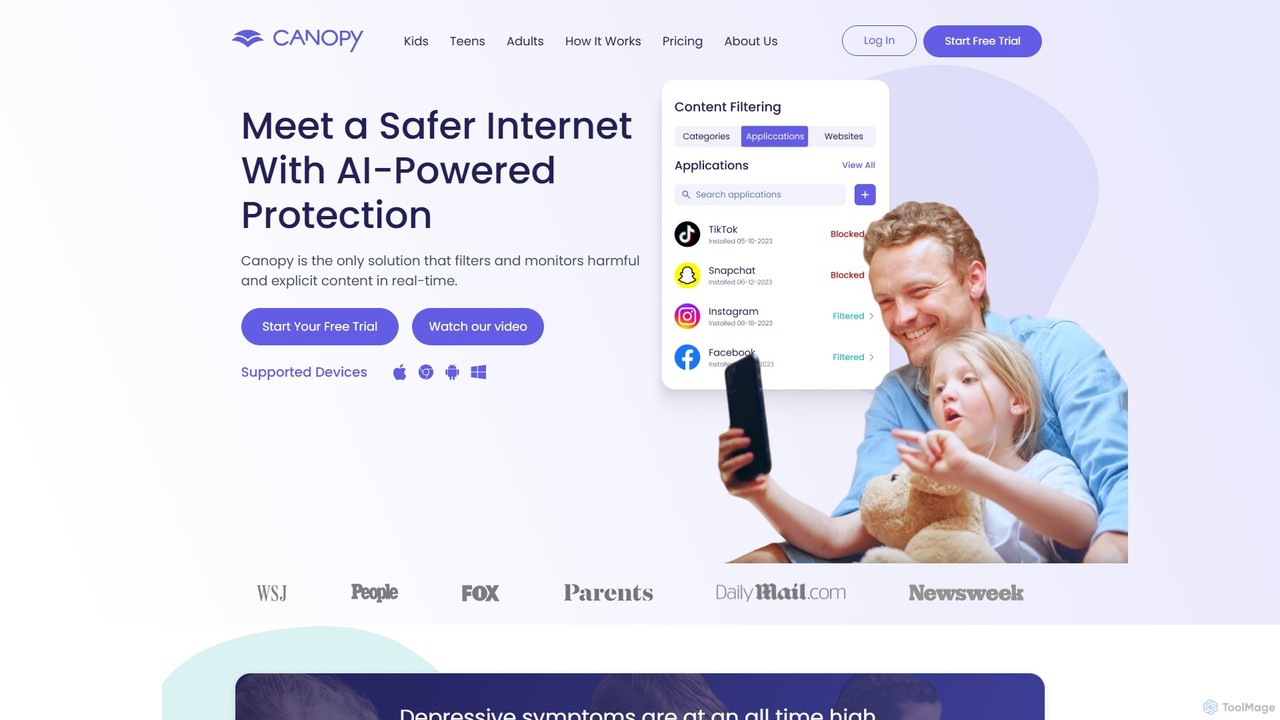
Canopy is a comprehensive digital safety solution designed for modern families, leveraging advanced AI to create a safer internet experience for children. In an age where online threats and exposure to inappropriate content are rampant, Canopy offers parents peace of mind by actively filtering and monitoring harmful material in real-time. Unlike traditional blockers that simply blacklist entire websites, Canopy's sophisticated AI technology can analyze and block specific explicit or suggestive images and videos within popular platforms like Instagram, TikTok, and web browsers, without restricting access to the entire site. This granular approach allows children to explore, learn, and socialize online in a protected environment.
The platform is more than just a content filter; it's an all-in-one digital parenting tool. It addresses critical issues such as cyberbullying, sexting, and excessive screen time, which are known to impact children's mental health. With over 200,000 families protected, Canopy has established itself as a trusted standard in digital protection, empowering parents to set healthy boundaries and foster responsible digital habits.
How to use Canopy
Getting started with Canopy is designed to be simple and straightforward, allowing parents to set up comprehensive protection in just a few minutes. The process involves three main steps:
- Sign Up & Create Your Account: Start by visiting the Canopy website and signing up for a free trial. Choose the plan that best fits your family's needs (Individual or Family). During this step, you will create your parent account.
- Download the Canopy Parent App: Install the main Canopy app on your own smartphone (iOS or Android). This app serves as your central control panel, where you can manage all settings, customize rules for each child, view alerts, and monitor activity remotely.
- Install the Shield App on Protected Devices: On each device you want to protect (your child's smartphone, tablet, or computer), download and install the Canopy Shield app. During installation, you'll link it to your parent account. The Shield app runs discreetly in the background, enforcing the rules you've set and cannot be easily removed by the child thanks to the Removal Prevention feature.
Once set up, you can personalize the experience for each child, adjusting filtering levels, setting screen time schedules, and blocking specific apps or websites from your parent dashboard.
Core Features of Canopy
- AI-Powered Smart Content Filtering: Canopy's core technology uses AI to detect and block inappropriate images and videos in real-time as they appear on a screen, even within social media feeds and websites. It can also filter suggestive content, such as lingerie and swimwear.
- Sexting Prevention: The AI can identify explicit images being taken or sent from the device's camera. It alerts the parent before the image is shared, providing a crucial intervention opportunity.
- Screen Time Management: Parents can set daily screen time limits and create schedules for internet access. The "Internet Downtime" feature allows you to pause internet access on your child's devices instantly, perfect for dinner time or homework.
- App & Website Blocking: Block specific applications or entire categories of apps (e.g., social media, games). You can also block specific websites or create custom lists of allowed/blocked URLs.
- Removal Prevention: This critical feature prevents children from uninstalling the Canopy Shield app from their devices without parental permission, ensuring protection is always active.
- Location Alerts: Keep track of your child's whereabouts with location tracking and receive alerts when they arrive at or leave designated places like school or home.
- Cross-Platform Compatibility: Canopy works seamlessly across a wide range of operating systems, including iOS, Android, Windows, and macOS, providing consistent protection on all family devices.
Use Cases for Canopy
Safe Social Media Exploration: Parents can allow their children to use popular apps like Instagram and TikTok, confident that Canopy's AI is working in the background to filter out any nudity or explicit content from their feeds without blocking the app entirely.
Building Healthy Digital Habits: A family can use the Screen Time and Internet Downtime features to establish a clear schedule, such as no internet access during homework hours (3-5 PM) and a complete device shutdown after 9 PM, promoting better sleep and focus.
Preventing Online Dangers: If a child attempts to access a pornographic website, it is instantly blocked. Furthermore, if they try to send or receive an explicit photo (sexting), the parent is immediately notified, allowing for a timely and educational conversation.
Safety for Homeschooling: Homeschooling parents can ensure their children can safely research topics online for their studies without the risk of stumbling upon distracting or harmful content.
Advantages of Canopy
Canopy stands out from other parental control solutions due to its intelligent and targeted approach. Its primary advantage is the AI-driven, real-time filtering that is more precise and effective than simple URL blacklisting. It promotes trust by allowing more digital freedom within safe boundaries, rather than imposing frustrating, blanket restrictions. The all-in-one nature of the app—combining content filtering, screen time management, location tracking, and sexting prevention—simplifies digital parenting. Finally, its robust Removal Prevention and outstanding customer support provide reliability and peace of mind for parents.
Pricing and Plans
Canopy offers simple, transparent pricing with all features included in every plan. A free trial is available to test the service.
- Individual Plan: $7.99 per month for up to 3 devices. An annual subscription is available for $95.90, offering significant savings.
- Family Plan (Best Value): $9.99 per month for up to 10 devices. An annual subscription is available for $119.90, providing the most cost-effective solution for families with multiple children and devices.
All plans come with full access to every feature, including Smart Content Filtering, App Blocking, Location Alerts, and more, plus phone and email support.
Traffic
Latest traffic
Status
Monthly traffic trend
- 2025-9: 1.5M
- 2026-1: 1.6M
- 2026-2: 1.3M
- 2026-3: 1.4M
- 2026-4: 1.3M
- 2026-5: 1.5M
Geography
Top 5 countries / regions
- 🇺🇸United States95.6%
- 🇨🇦Canada1.5%
- 🇬🇧United Kingdom1.1%
- 🇨🇭Switzerland1.1%
- 🇩🇪Germany0.7%
Traffic sources
| Source type | Percentage |
|---|---|
Direct | 76.6% |
Referral | 18.0% |
Email | 5.4% |
Top keywords
| Keyword | Cost per click |
|---|---|
| canopy | $0.81 |
| canopy app | $3.07 |
| canopy login | $4.78 |
| canopy porn blocker | $0.00 |
| website blocker | $1.25 |
Canopy Videos on YouTube

Canopy AI




Canopy Community
Canopy Community

Canopy Alternatives
noporn
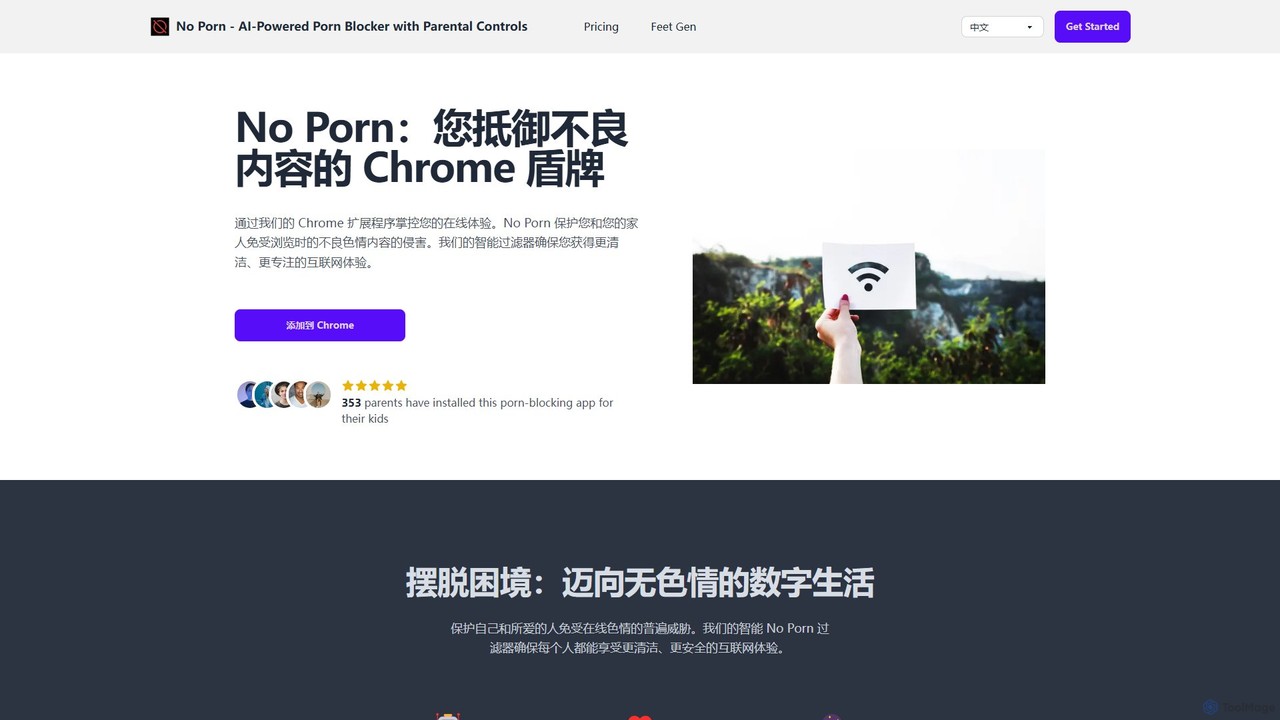
noporn is an AI-powered content blocker designed to protect users and families from explicit pornographic content online. Functioning as a Chrome extension, it uses advanced AI to detect and block inappropriate material in real-time. It offers customizable filtering, parental controls with activity reports, and a privacy-first approach, ensuring a cleaner, safer, and more focused browsing experience for all ages.
Digital Wellbeing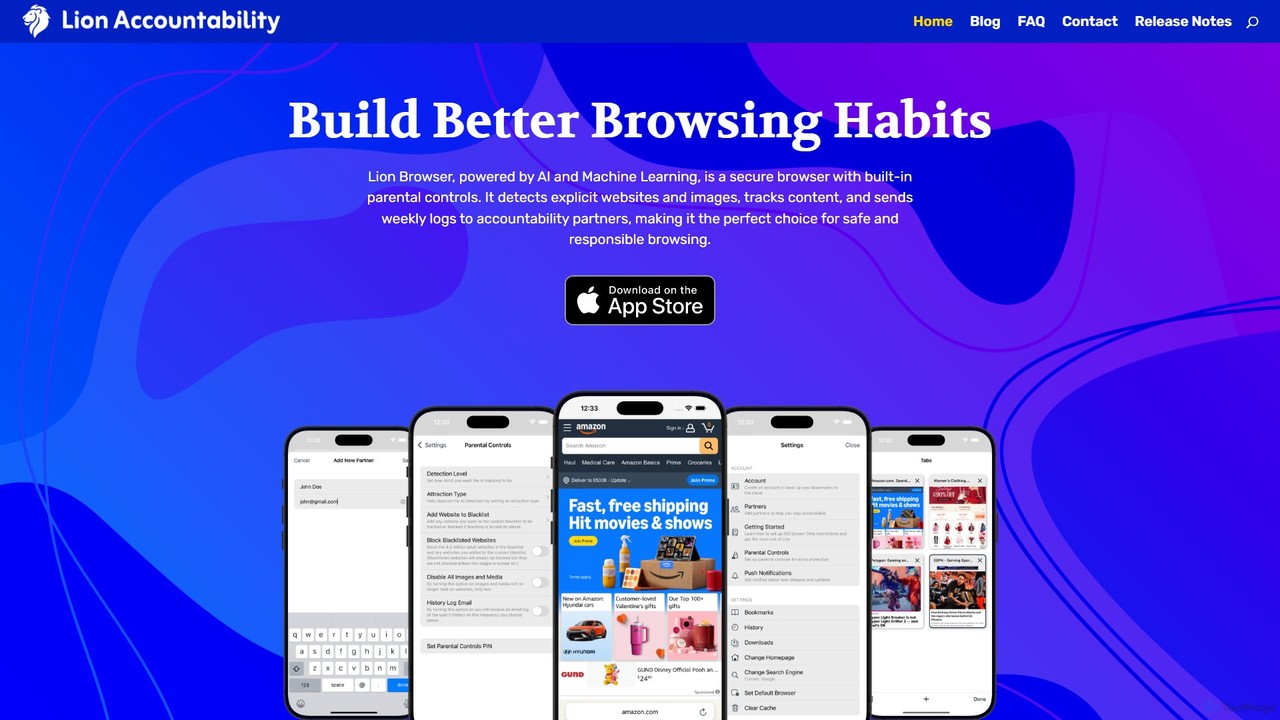
Lion Browser
Lion Browser is a secure, AI-powered web browser for iOS designed to build better online habits. It features real-time explicit content detection, robust parental controls, and an accountability system that sends browsing reports to a partner. Focused on privacy and speed, it offers a safe and responsible browsing experience for individuals and families.
Focus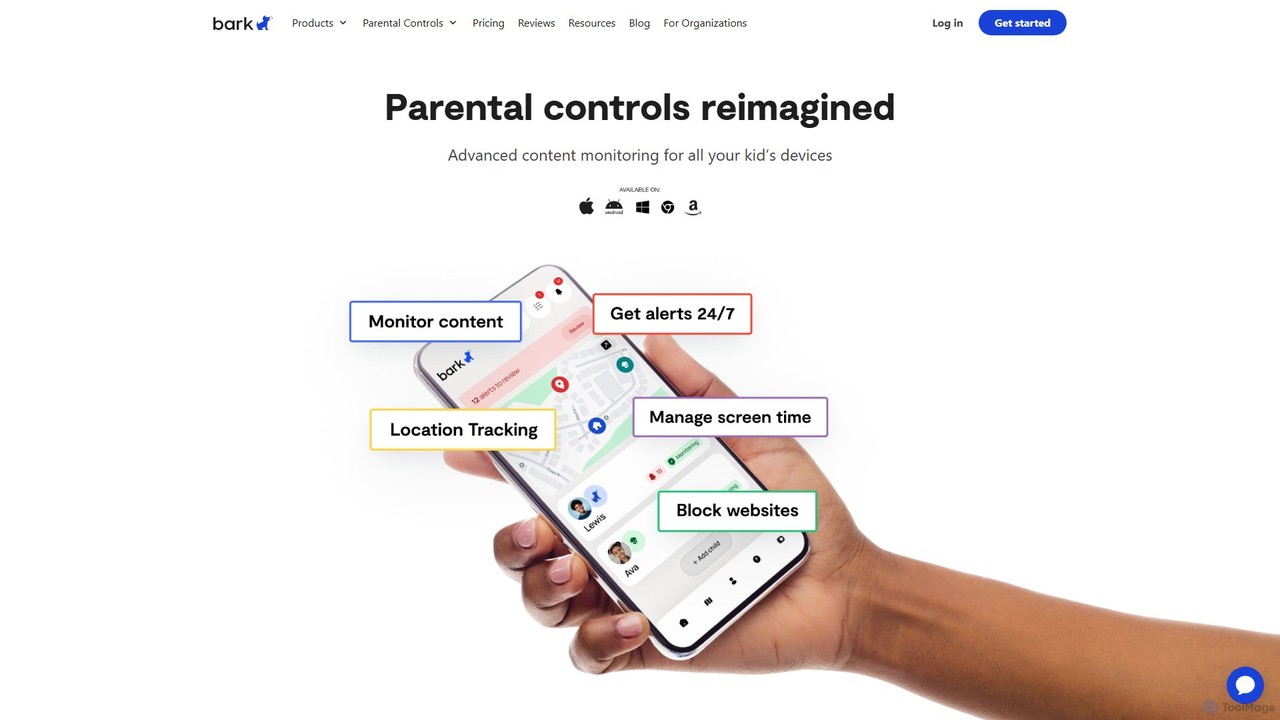
Bark
Bark is an AI-powered parental control service that helps families protect their children online. It monitors texts, social media, and emails for potential dangers like cyberbullying and self-harm, while also providing screen time management, web filtering, and location tracking to ensure comprehensive digital safety.
Family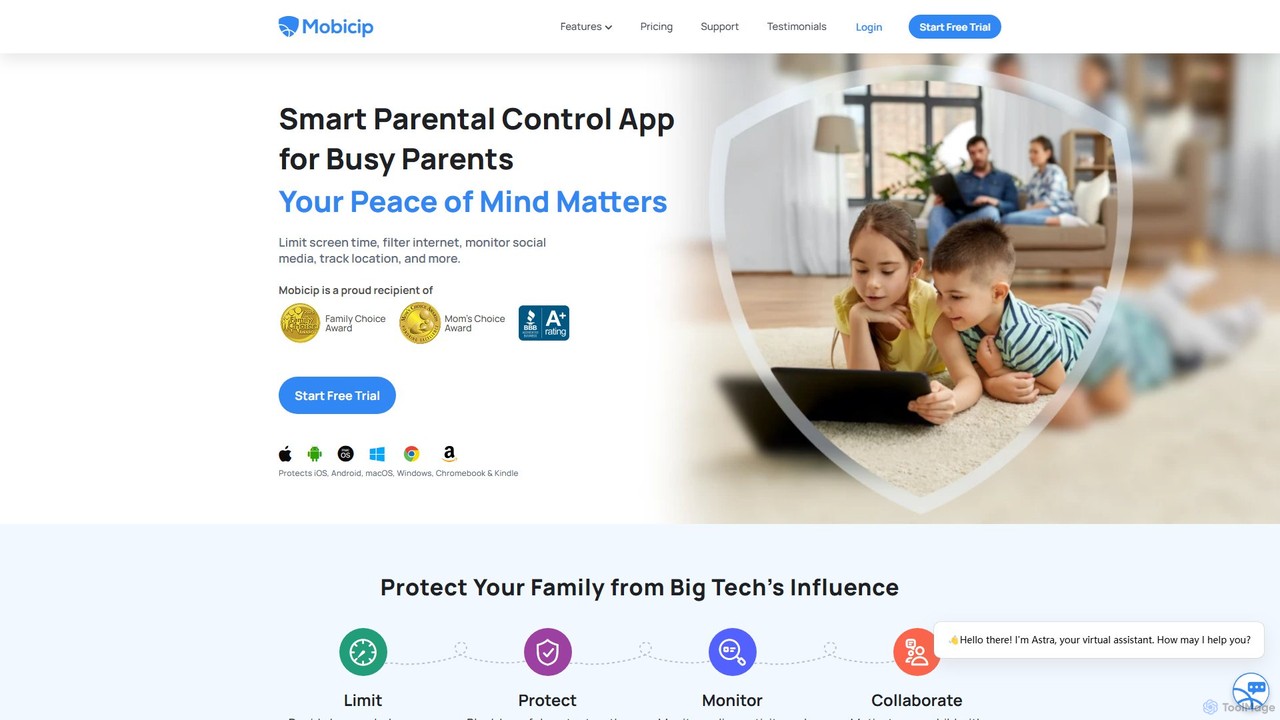
Mobicip
Mobicip is a comprehensive parental control app that uses AI to help parents manage screen time, filter web content, monitor social media, and track their children's location. It offers cross-platform support for iOS, Android, Windows, macOS, Chromebook, and Kindle, providing a unified solution for family digital safety.
Family
Kaspersky
Kaspersky offers comprehensive, AI-powered cybersecurity solutions for individuals and businesses. It provides multi-layered protection against viruses, malware, ransomware, and phishing attacks. Key features include real-time antivirus, a secure VPN, payment protection, performance optimization, and identity theft prevention. Compatible with Windows, macOS, Android, and iOS, Kaspersky ensures a safe, private, and fast digital experience across all your devices, backed by over 25 years of award-winning expertise in threat intelligence and cybersecurity.
System UtilitiesCanopy Categories
Canopy Embed Widget
Copy this embed code to place the badge on your blog, article, or product site and send readers directly to this ToolMage detail page.

Related AI tools
noporn
noporn is an AI-powered content blocker designed to protect users and families from explicit pornographic content online. Functioning as a Chrome extension, it uses advanced AI to detect and block inappropriate material in real-time. It offers customizable filtering, parental controls with activity reports, and a privacy-first approach, ensuring a cleaner, safer, and more focused browsing experience for all ages.
Digital WellbeingBark
Bark is an AI-powered parental control service that helps families protect their children online. It monitors texts, social media, and emails for potential dangers like cyberbullying and self-harm, while also providing screen time management, web filtering, and location tracking to ensure comprehensive digital safety.
FamilyMobicip
Mobicip is a comprehensive parental control app that uses AI to help parents manage screen time, filter web content, monitor social media, and track their children's location. It offers cross-platform support for iOS, Android, Windows, macOS, Chromebook, and Kindle, providing a unified solution for family digital safety.
FamilyLion Browser
Lion Browser is a secure, AI-powered web browser for iOS designed to build better online habits. It features real-time explicit content detection, robust parental controls, and an accountability system that sends browsing reports to a partner. Focused on privacy and speed, it offers a safe and responsible browsing experience for individuals and families.
FocusKaspersky
Kaspersky offers comprehensive, AI-powered cybersecurity solutions for individuals and businesses. It provides multi-layered protection against viruses, malware, ransomware, and phishing attacks. Key features include real-time antivirus, a secure VPN, payment protection, performance optimization, and identity theft prevention. Compatible with Windows, macOS, Android, and iOS, Kaspersky ensures a safe, private, and fast digital experience across all your devices, backed by over 25 years of award-winning expertise in threat intelligence and cybersecurity.
System Utilities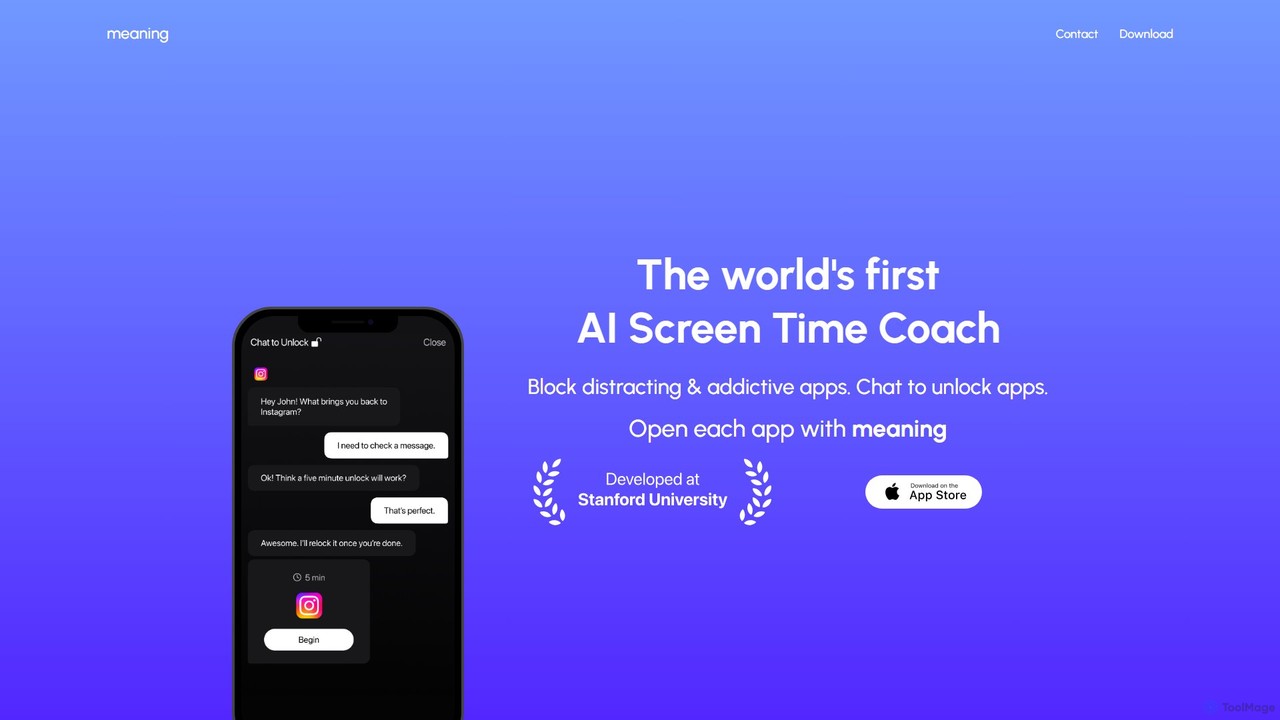
Meaning
Meaning is the world's first AI Screen Time Coach for iOS. It helps you reclaim your time by blocking distracting apps and requiring you to chat with an AI to justify your use. This unique approach fosters mindful phone usage, reduces mindless scrolling, and boosts productivity.
Digital Wellbeing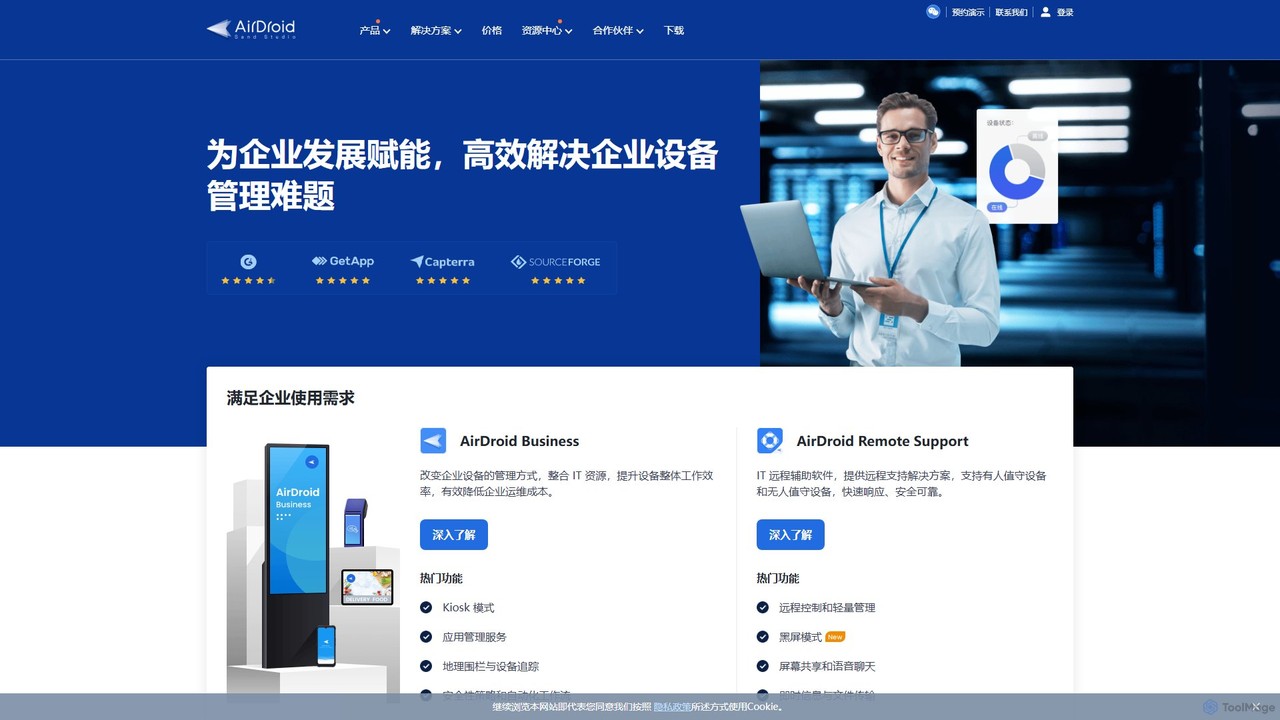
AirDroid
AirDroid is a comprehensive suite of tools for remote control, mobile device management (MDM), and remote support. It caters to both personal and enterprise users, enabling seamless file transfer, screen mirroring, notification management, and robust control over fleets of Android devices.
Device Management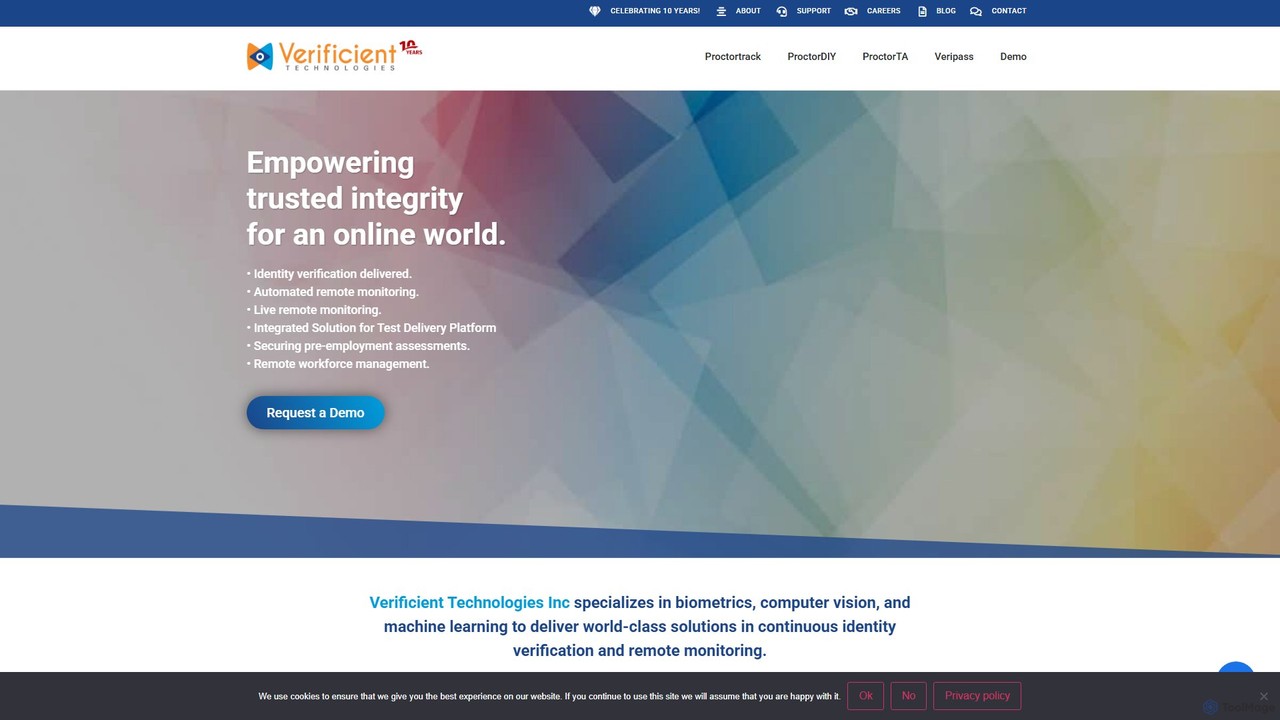
Verificient
Verificient is an AI-powered identity verification and remote proctoring platform. It leverages biometrics, computer vision, and machine learning to ensure the integrity of online assessments, pre-employment screening, and remote workforce management. Its suite of tools provides continuous, automated, and live monitoring to create a secure and trusted online environment.
Online Proctoring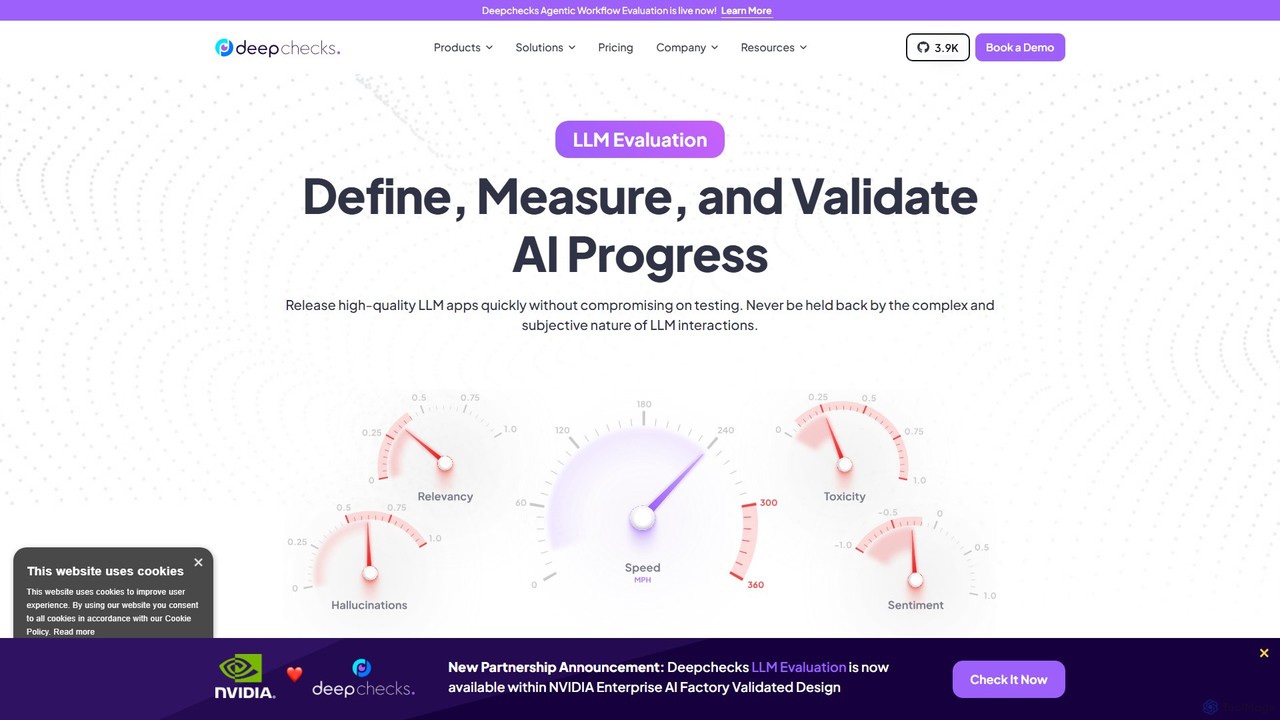
deepchecks
Deepchecks is an end-to-end platform for evaluating, validating, and monitoring LLM-based applications. It helps AI teams define, measure, and validate AI progress, ensuring the release of high-quality, reliable applications by streamlining testing from development through CI/CD to production.
Analytics
Adaline
Adaline is an end-to-end platform for product and engineering teams to iterate, evaluate, deploy, and monitor Large Language Models (LLMs). It streamlines the entire AI application lifecycle, enabling faster development, enhanced collaboration, and reliable deployment of AI-powered features.
Model Management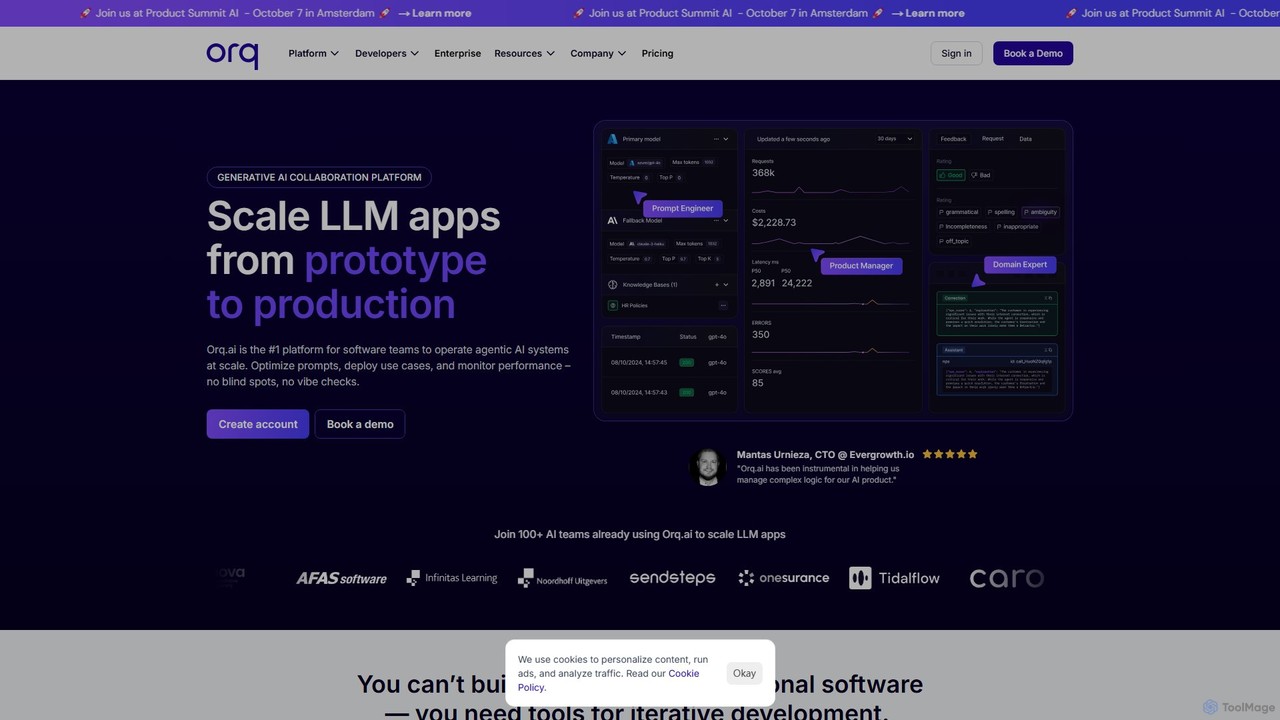
Orq.ai
Orq.ai is an end-to-end Generative AI Collaboration Platform designed for software teams to scale LLM applications from prototype to production. It provides tools for experimentation, deployment, and observability, enabling teams to build, monitor, and optimize agentic AI systems with confidence and control.
Model Deployment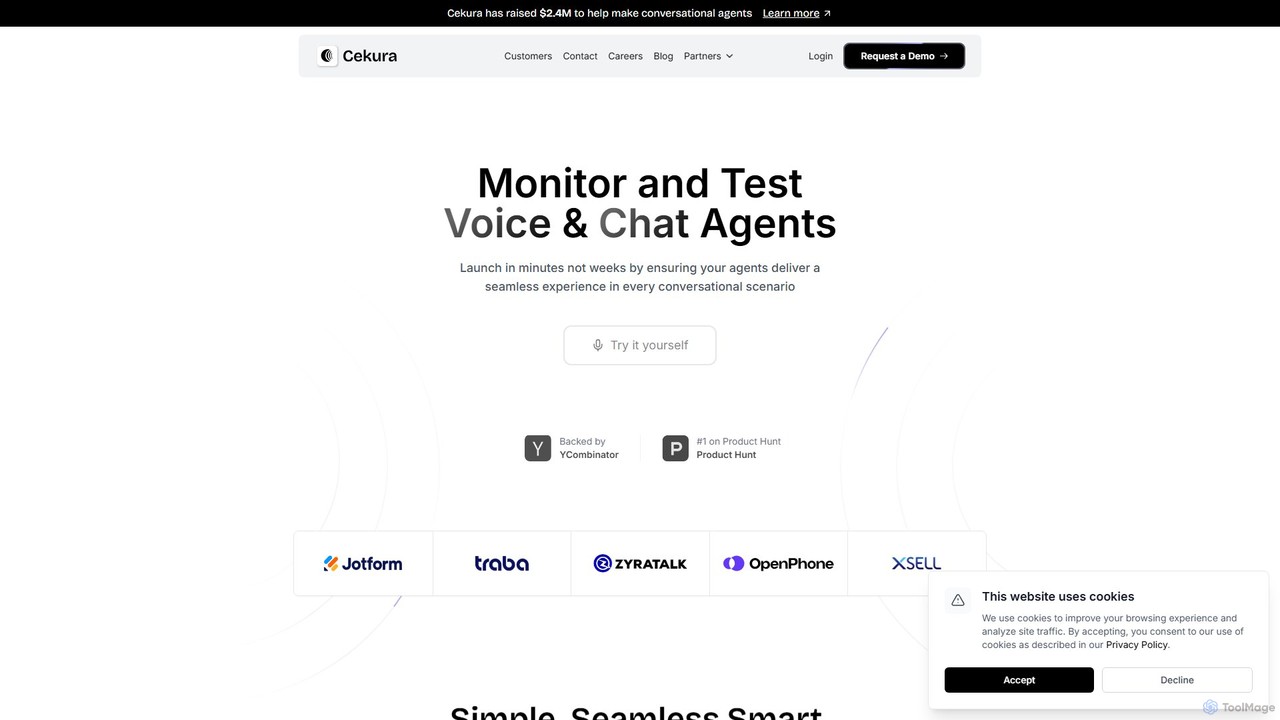
Cekura
Cekura is an AI-powered platform for testing and observability of conversational AI agents. It enables developers to automate the testing of voice and chat agents across thousands of scenarios, using various personas and real-world conditions to ensure reliability, prevent failures, and accelerate deployment.
Voice Assistant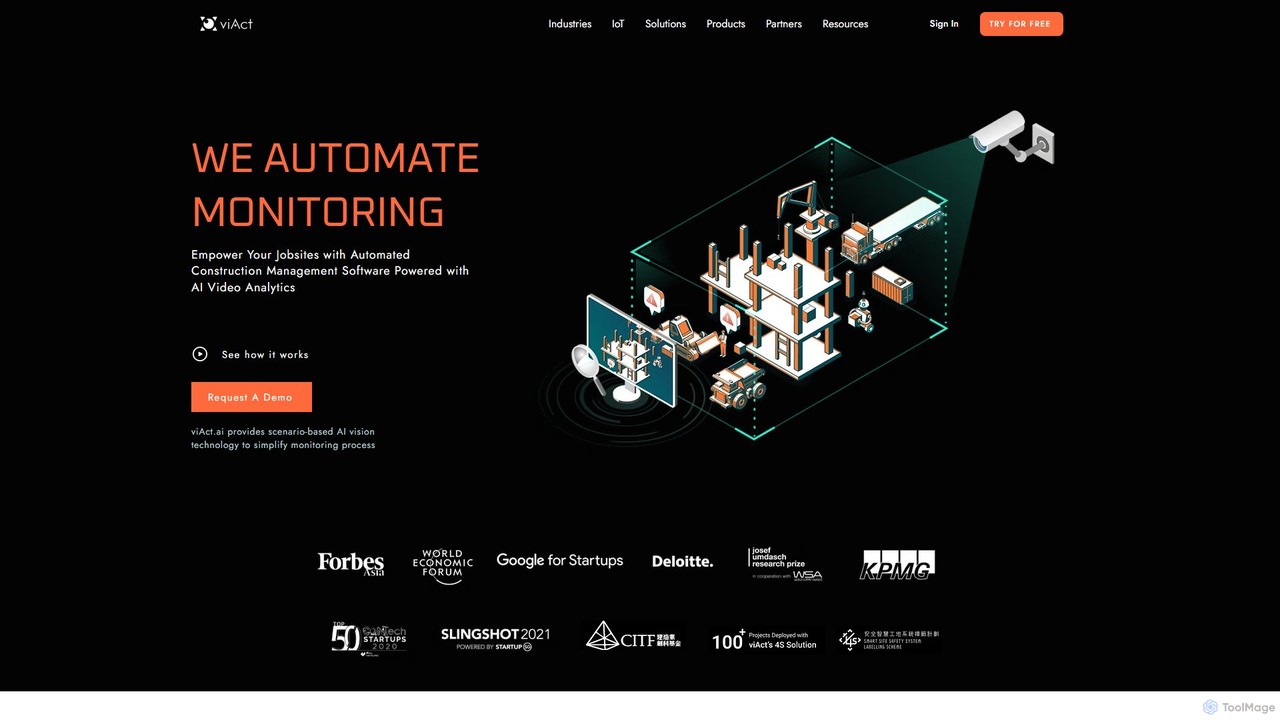
viact
viAct is an AI-powered video analytics platform designed for the construction industry. It automates worksite monitoring to enhance safety, productivity, and compliance. By leveraging existing CCTV cameras, viAct's computer vision technology detects safety hazards like PPE non-compliance and danger zone intrusions, providing real-time alerts and data-driven insights through a smart dashboard.
Site Management
monitup
monitup is an AI-powered employee time tracking and productivity software designed for modern teams. It provides managers with real-time insights into team activity, application usage, and overall efficiency. By offering automated time tracking, optional screenshots, and AI-driven productivity tips, monitup helps organizations boost performance, support remote work, and foster a transparent, data-driven work environment. It also includes features for parental control.
Employee Monitoring
Protex AI
Protex AI is an enterprise-grade platform that leverages computer vision and AI to enhance workplace safety. By connecting to existing CCTV infrastructure, it proactively detects unsafe behaviors and hazards 24/7, enabling EHS teams to make data-driven decisions and prevent incidents before they occur, significantly improving safety culture and operational efficiency.
Safety Management
Canopy Comments (0)
Sign in to comment.
Sign inNo comments yet.