
AirDroid Overview
AirDroid is a versatile and powerful device management suite developed by Sand Studio, designed to enhance productivity for both individuals and businesses. Since its launch in 2011, AirDroid has evolved into a comprehensive ecosystem of solutions that bridge the gap between your devices. It offers a range of products including AirDroid Personal, AirDroid Business (an enterprise-grade MDM solution), AirDroid Remote Support, AirDroid Cast, and AirDroid Parental Control, each tailored to specific needs.
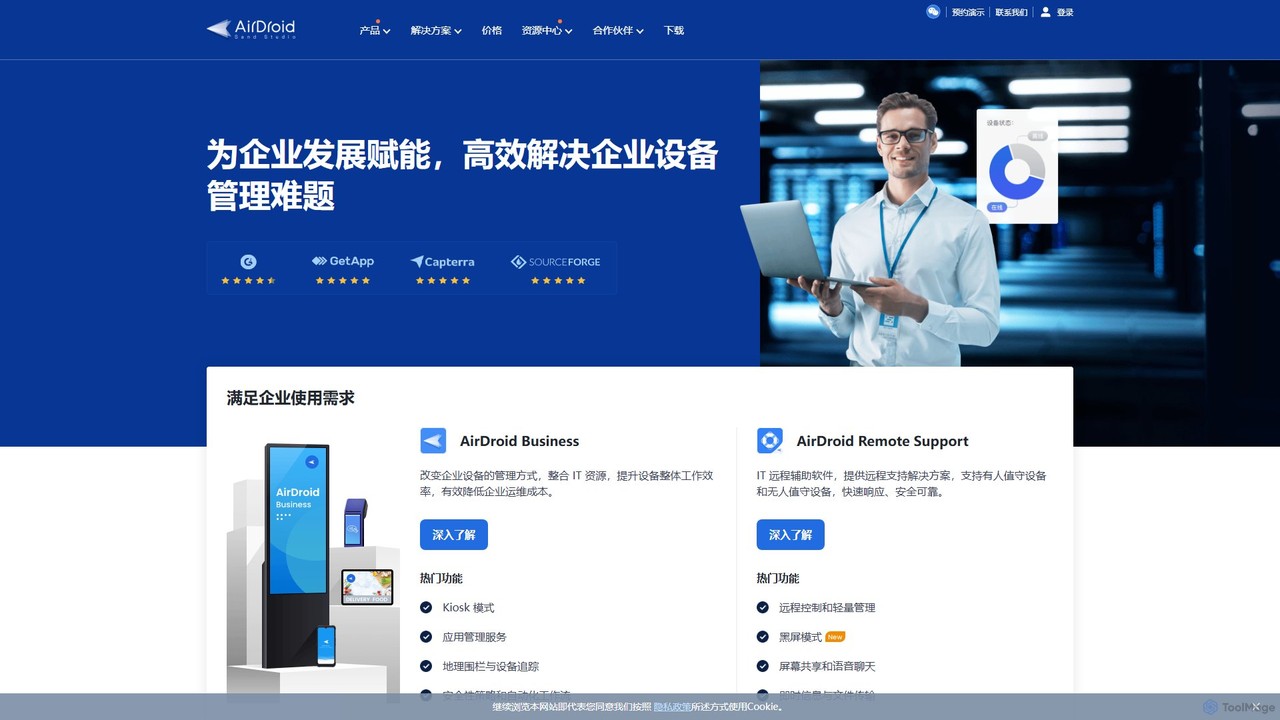
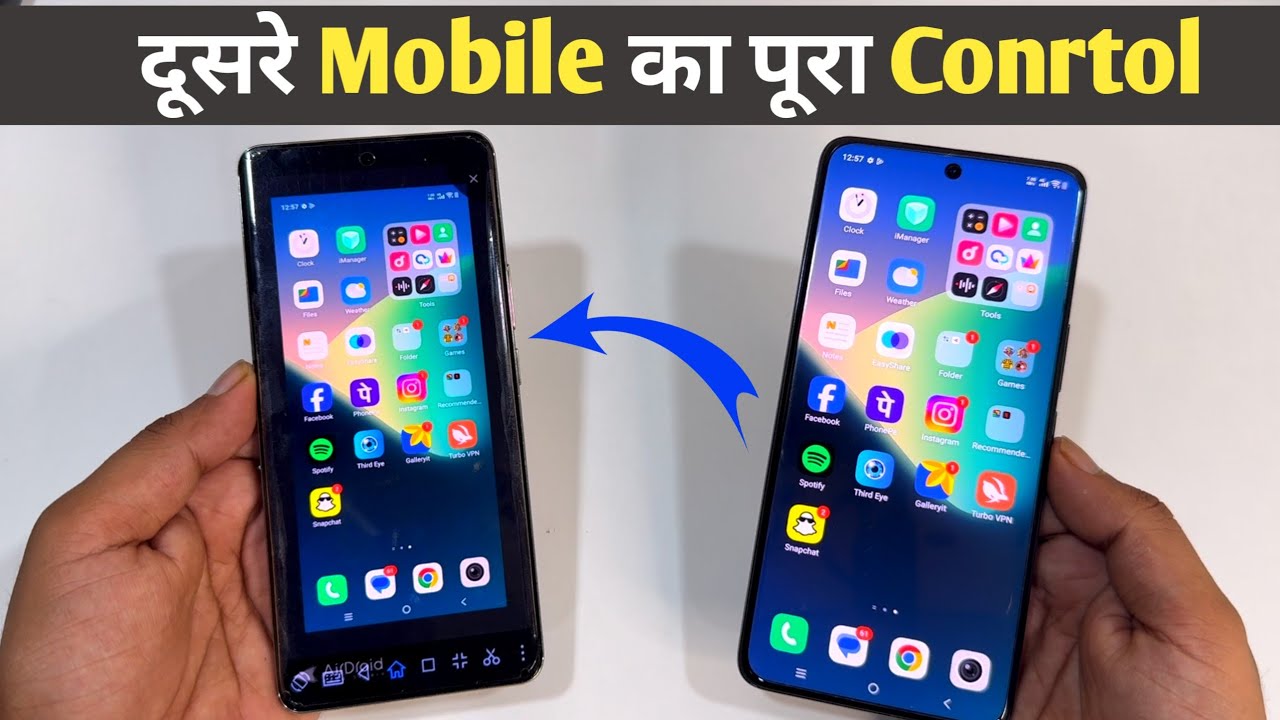
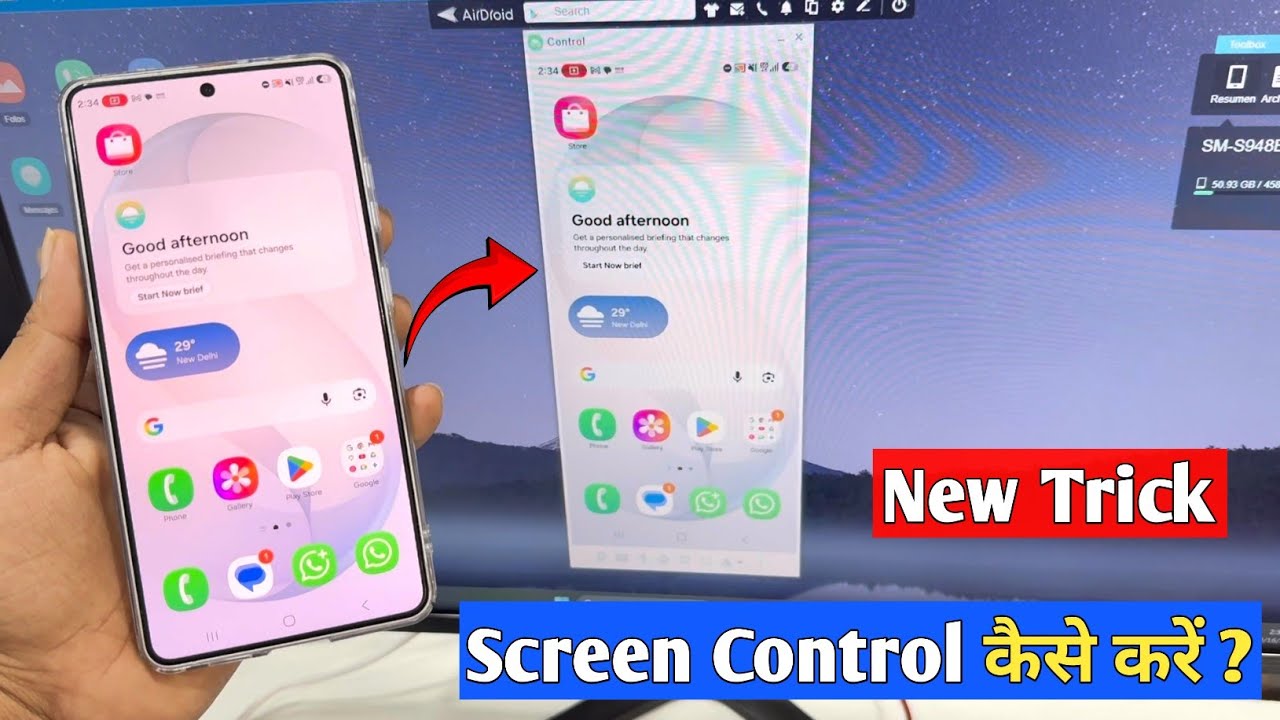
For personal users, AirDroid provides the ultimate convenience of managing an Android phone from a computer. You can transfer files across different platforms without a USB cable, remotely control your phone, mirror its screen to a larger display, and handle SMS messages and notifications directly from your desktop. For businesses, AirDroid Business offers a robust Mobile Device Management (MDM) solution, enabling IT administrators to securely monitor, manage, and support a large number of Android devices remotely, from digital signage and POS systems to rugged devices in the field.
How to use AirDroid
The usage of AirDroid varies depending on the specific product:
- For AirDroid Personal: Install the AirDroid app on your Android or iOS device and the client on your Windows or macOS computer, or simply use the web client (web.airdroid.com). Sign in with the same account on both ends to connect your devices for file transfer, remote control, and more.
- For AirDroid Business: The IT administrator enrolls devices by installing the AirDroid Biz Daemon on each Android device. These devices can then be managed and controlled remotely through a centralized web-based admin console. The console allows for bulk actions, policy setting, and monitoring.
- For AirDroid Remote Support: The support agent uses the AirDroid Remote Support client on their computer or mobile device. The end-user, who needs assistance, runs a lightweight AirDroid Remote Support app on their device and provides a 9-digit connection code to the agent to establish a secure session for screen sharing and remote assistance.
Core Features of AirDroid
- Remote Control: Full, unattended remote control of Android devices and remote access to Windows desktops.
- Mobile Device Management (MDM): A comprehensive feature set for businesses, including Kiosk Mode (locking devices to specific apps), application management services, geo-fencing and device tracking, and automated security policy enforcement.
- Remote Support & Troubleshooting: Features like screen sharing, voice chat, AR camera with 3D markers for pointing out issues, and session logging to assist customers or employees effectively.
- File Transfer and Management: Wirelessly transfer files, photos, and documents between your phone, tablet, and computer at high speed.
- Screen Mirroring & Casting: Share your device's screen to a larger display for presentations, demonstrations, or entertainment. AirDroid Cast allows casting between mobile devices and PCs.
- Notifications & SMS Management: Receive and reply to mobile notifications (like WhatsApp, WeChat) and SMS messages directly from your computer.
- Security and Privacy: All connections are protected with AES-256 bit end-to-end encryption. Features like Black Screen Mode ensure privacy during remote control sessions.
- Parental Control: A dedicated app to help parents monitor their children's online activities, track their location, and manage their device usage.
Use Cases for AirDroid
AirDroid serves a wide array of users and industries:
- Individuals: Effortlessly manage their smartphone from a PC, transfer files between devices, and back up photos and videos.
- IT Service Providers: Provide instant remote technical support to clients for troubleshooting on Android, iOS, and Windows devices.
- Enterprises: Manage and secure corporate-owned devices. This includes deploying and updating apps on digital signage, locking down POS systems, tracking logistics vehicles, and remotely maintaining unattended equipment.
- Healthcare: Securely manage medical devices, facilitate remote consultations, and provide IT support for healthcare technology.
- Parents: Ensure their children's digital safety by monitoring app usage, filtering content, and tracking their real-world location.
Advantages of AirDroid
AirDroid stands out due to its comprehensive and scalable solutions. It offers a unified platform that caters to a single user's convenience as well as a large enterprise's complex management needs. Its cross-platform compatibility (Android, iOS, Windows, macOS, Web) ensures seamless operation across any environment. The platform is built with security at its core, using industry-standard encryption to protect data. Furthermore, its specialized solutions for different industries and its reputation, backed by numerous awards and positive user reviews, make it a reliable and efficient choice for remote device management.
Pricing and Plans
AirDroid operates on a freemium model. AirDroid Personal offers a free basic plan with core features and data limits, along with a Premium subscription that unlocks unlimited remote data, larger file transfers, and advanced features. AirDroid Business and AirDroid Remote Support are subscription-based services tailored for enterprises. Their pricing typically depends on the number of devices to be managed and the specific features required. Prospective business customers can request a free trial or a personalized demo to evaluate the solution and receive a custom quote based on their needs.
Traffic
Latest traffic
Status
Monthly traffic trend
- 2025-9: 631.4K
- 2026-1: 377.7K
- 2026-2: 264.3K
- 2026-3: 253.2K
- 2026-4: 240.6K
- 2026-5: 180.3K
Geography
Top 5 countries / regions
- 🇨🇳China85.3%
- 🇺🇸United States7.0%
- 🇸🇬Singapore3.2%
- 🇭🇰Hong Kong SAR China2.4%
- 🇦🇺Australia2.1%
Traffic sources
| Source type | Percentage |
|---|---|
Referral | 49.1% |
Direct | 47.8% |
Email | 3.1% |
Top keywords
| Keyword | Cost per click |
|---|---|
| airdroid | $0.32 |
| airdroid cast | $0.31 |
| airdroid web | $0.20 |
| web airdroid.com | $0.72 |
| win10协助win11协助 | $0.00 |
AirDroid Videos on YouTube
![[2025 Updated!] Set Up Parental Controls on Kid's Android | AirDroid Parental Control Tutorial](https://i.ytimg.com/vi/p1fTmz6eGu0/maxresdefault.jpg)
AirDroidOfficial

Tech Aman
Tech Aman
Tech Aman
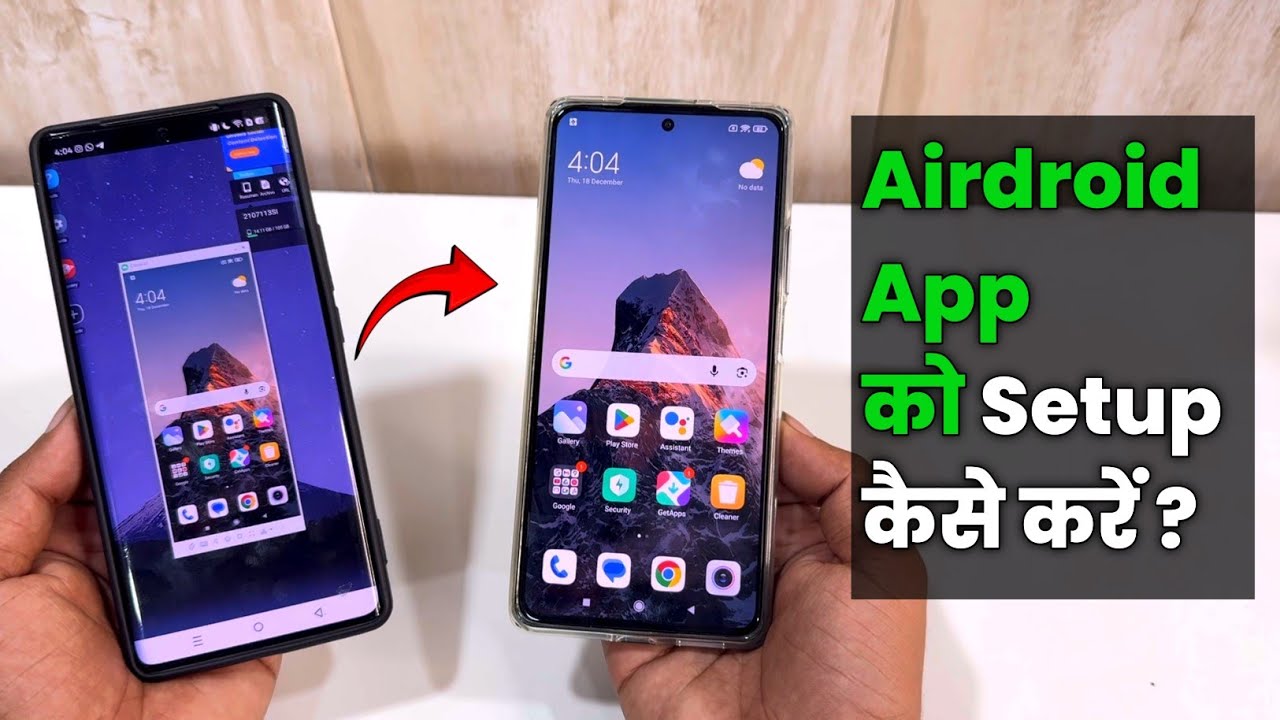
Tech Aman


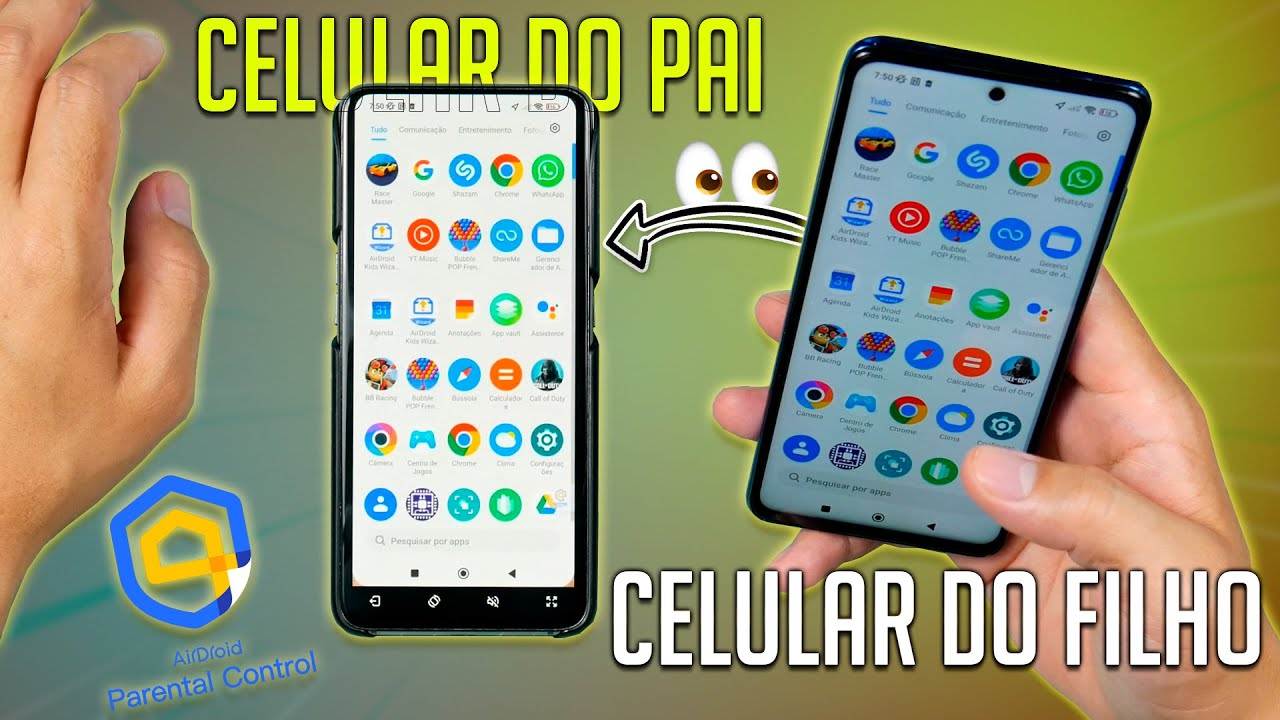
G. C .A Tutoriais
AirDroid Alternatives
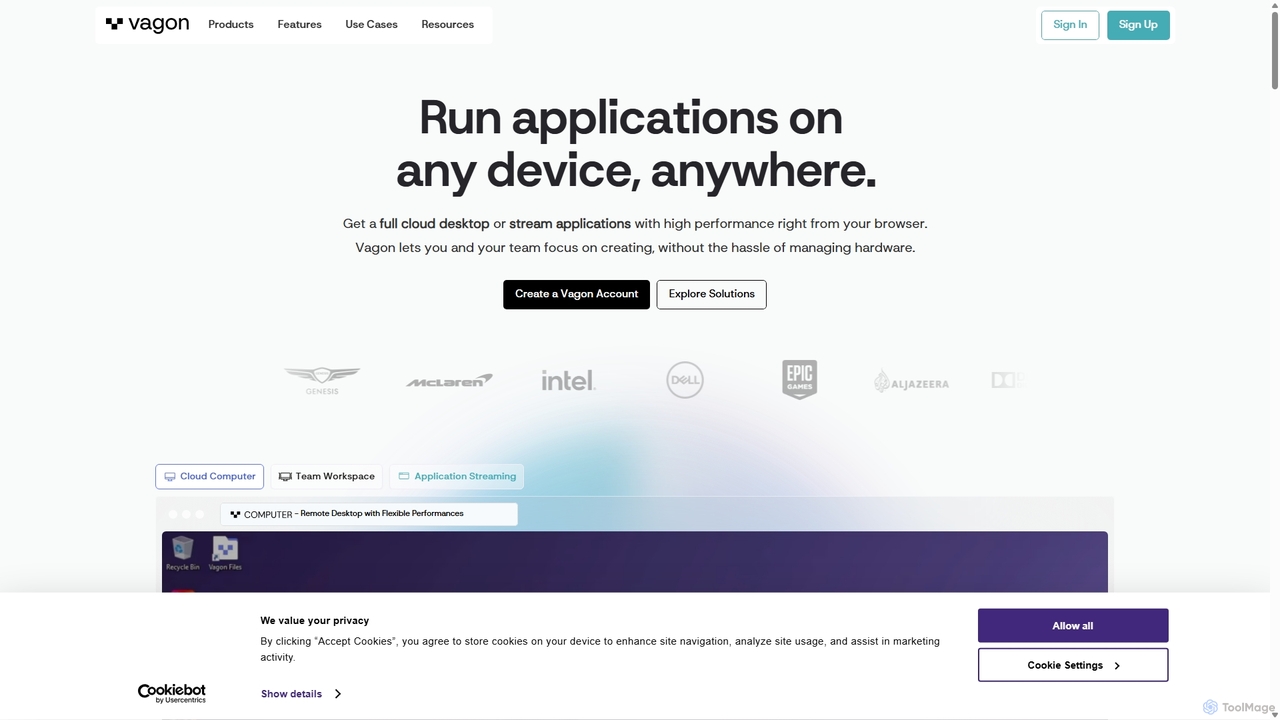
Vagon
Vagon is a high-performance cloud computing platform that provides users with powerful virtual desktops accessible from any device. It's designed for professionals like creatives, engineers, and developers to run demanding applications such as 3D rendering, video editing, and game development without needing expensive local hardware. Vagon offers scalable GPU, CPU, and storage options with a flexible pay-as-you-go model, enabling seamless remote work and collaboration.
Virtual Desktops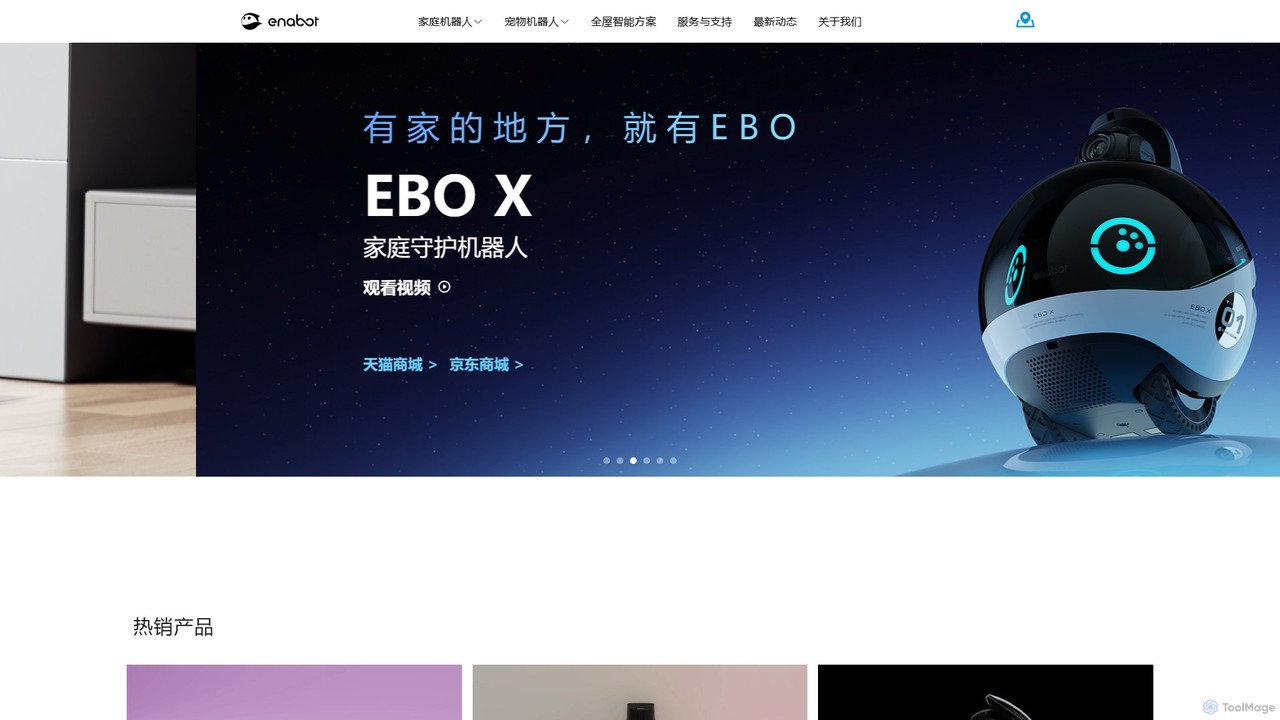
Enabot
Enabot develops AI-powered companion robots for family and pets. Products like the EBO and ROLA series offer mobile home monitoring, remote interaction, AI-driven pet entertainment, and advanced security features. Enabot aims to bridge distances and enhance family well-being through innovative, interactive robotic technology, ensuring you're 'Always Together' with your loved ones.
Pet Care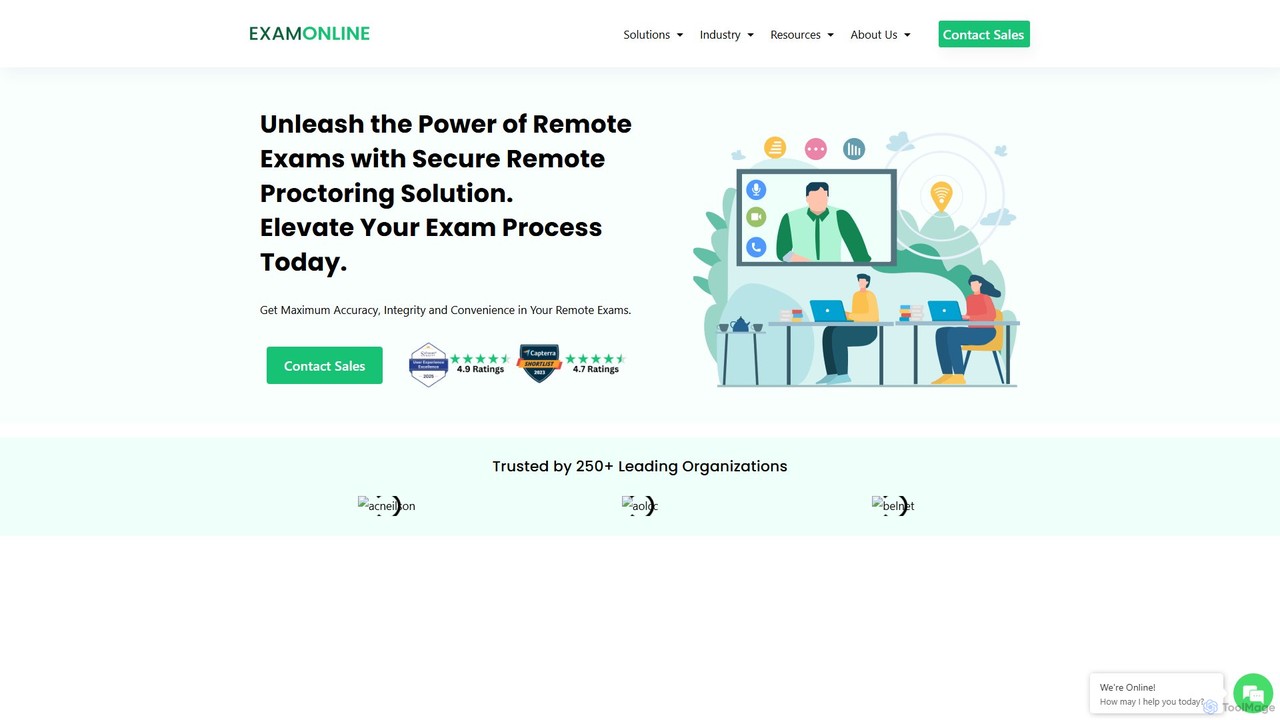
ExamOnline
ExamOnline is an AI-powered remote proctoring solution designed to ensure the integrity and security of online examinations. It offers real-time monitoring, a secure browser, and seamless LMS integration for educational institutions and corporations to conduct fair and reliable remote assessments.
Assessment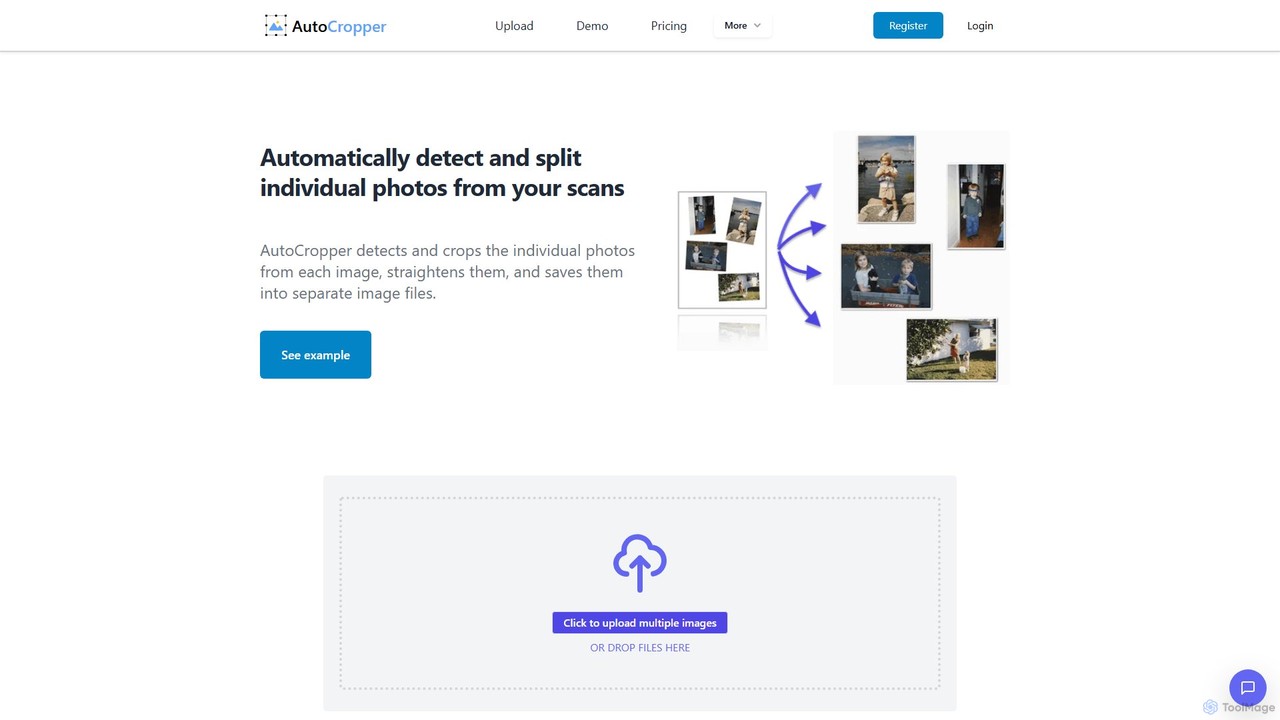
AutoCropper
AutoCropper is an intelligent online tool designed to automatically detect, crop, and split multiple photos from a single scanned image. It streamlines the process of digitizing photo collections by eliminating manual cropping, correcting rotation, and saving each photo as a separate, full-quality file. Ideal for digital archivists, card sellers, and anyone looking to preserve old photographs efficiently.
3D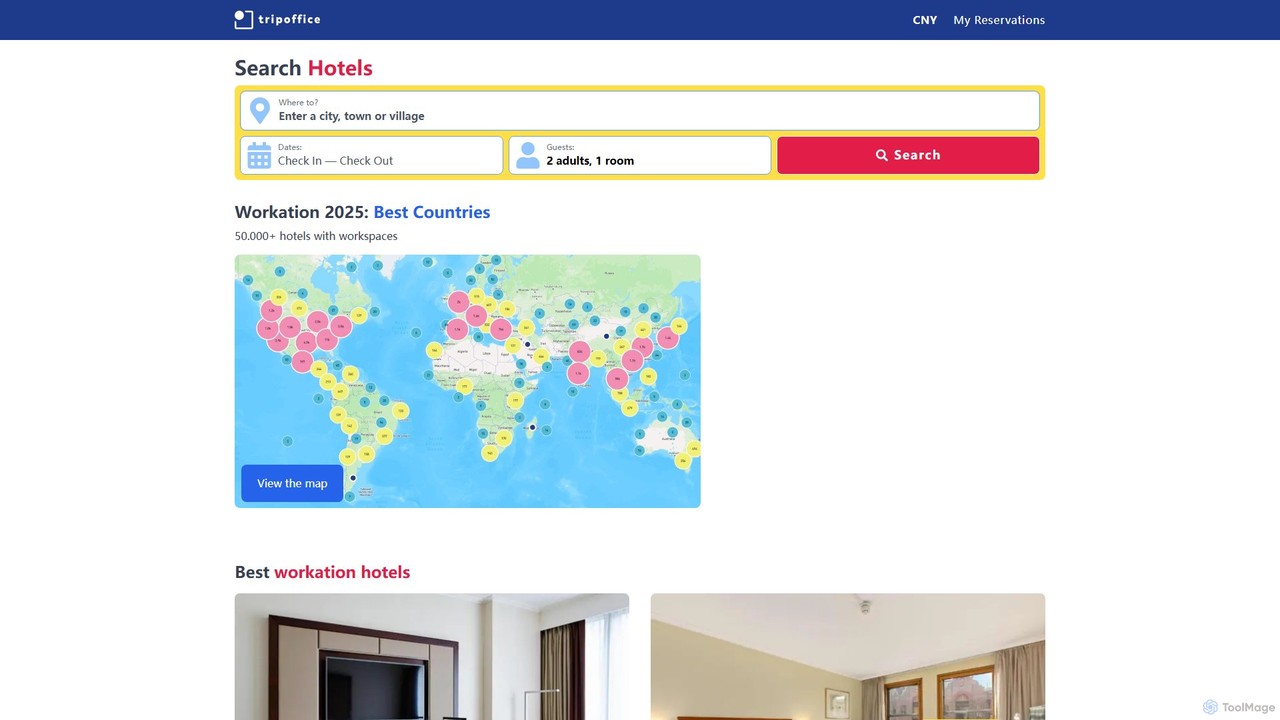
TripOffice
TripOffice is an AI-powered hotel booking platform for digital nomads and remote workers. It uses AI to analyze millions of hotel photos, identifying and verifying over 50,000 properties worldwide that have dedicated workspaces, ensuring you can work comfortably and productively from anywhere.
Digital NomadAirDroid Categories
AirDroid Embed Widget
Copy this embed code to place the badge on your blog, article, or product site and send readers directly to this ToolMage detail page.

Related AI tools
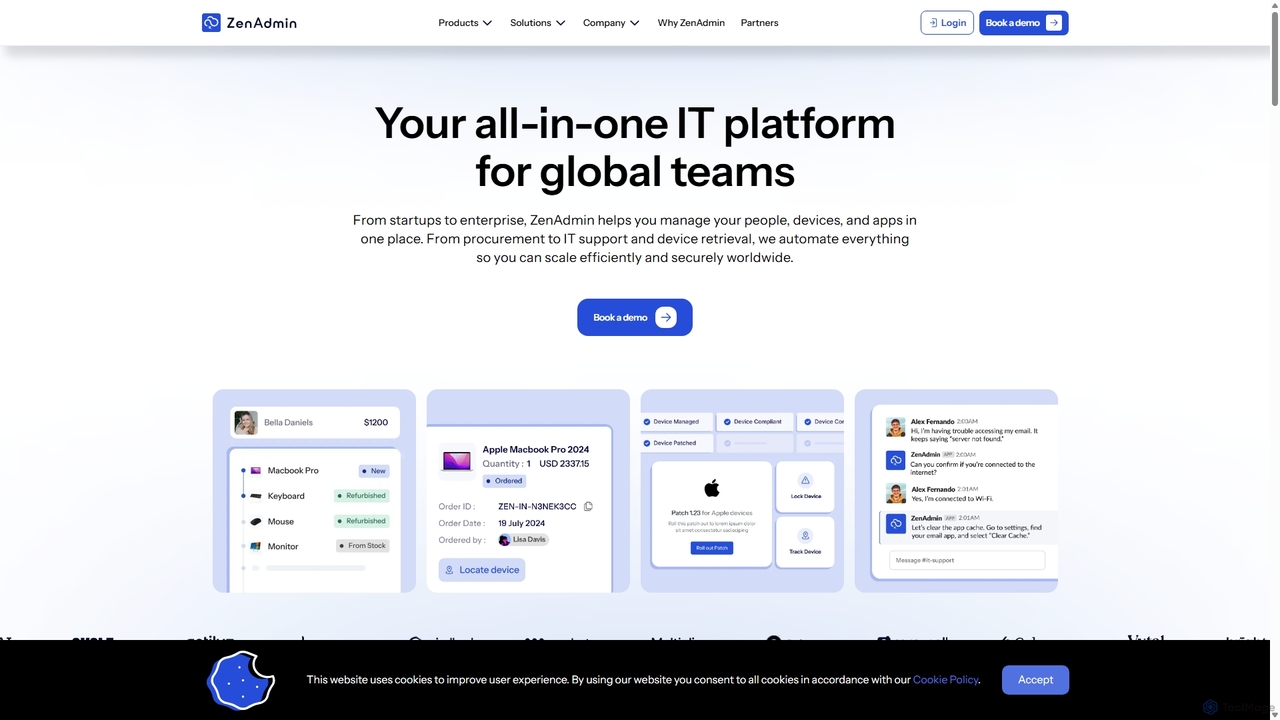
ZenAdmin
ZenAdmin is an all-in-one IT management platform designed for global teams. It automates the entire employee lifecycle, from device procurement and app provisioning to 24/7 IT support and secure offboarding. By unifying device management (MDM), SaaS management, and identity access control, ZenAdmin helps businesses scale efficiently and securely worldwide, reducing administrative overhead for IT and HR departments.
Operations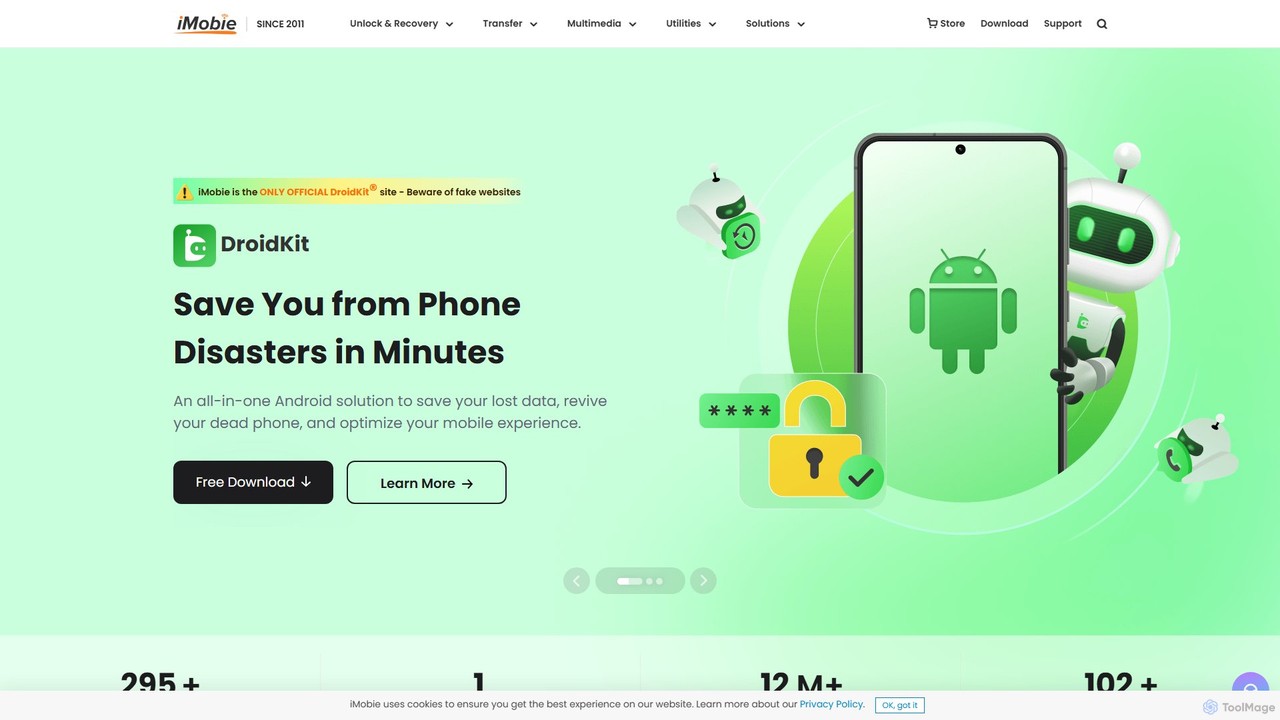
iMobie
iMobie offers a comprehensive suite of tools for iOS, Android, Windows, and Mac. It specializes in data recovery, device unlocking, system repair, and data management. Its latest AI-powered tool, FocuSee, automates video creation by intelligently tracking cursor movements and applying dynamic effects.
Utilities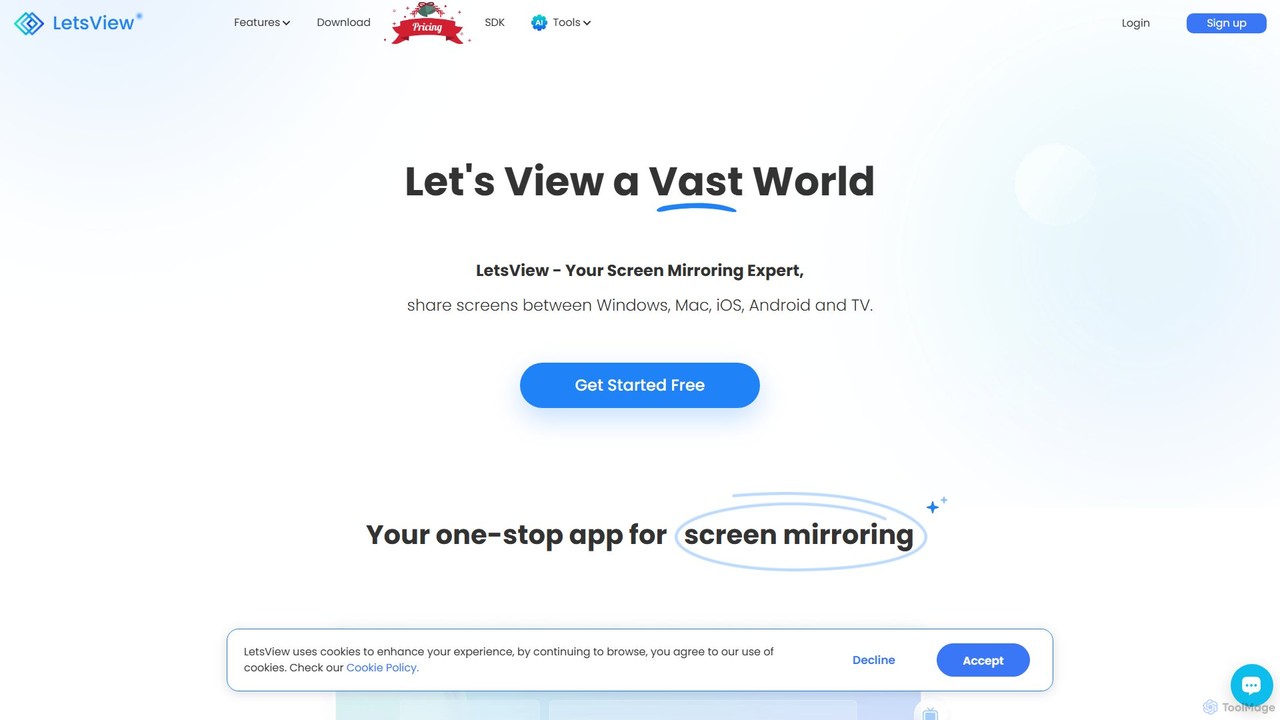
LetsView
A powerful and versatile screen mirroring and remote access tool. LetsView allows you to wirelessly cast your phone, tablet, or computer screen to a larger display like a PC or TV in high definition. It supports cross-platform mirroring, remote control, and even functions as a second monitor, making it ideal for presentations, entertainment, and remote collaboration.
Presentation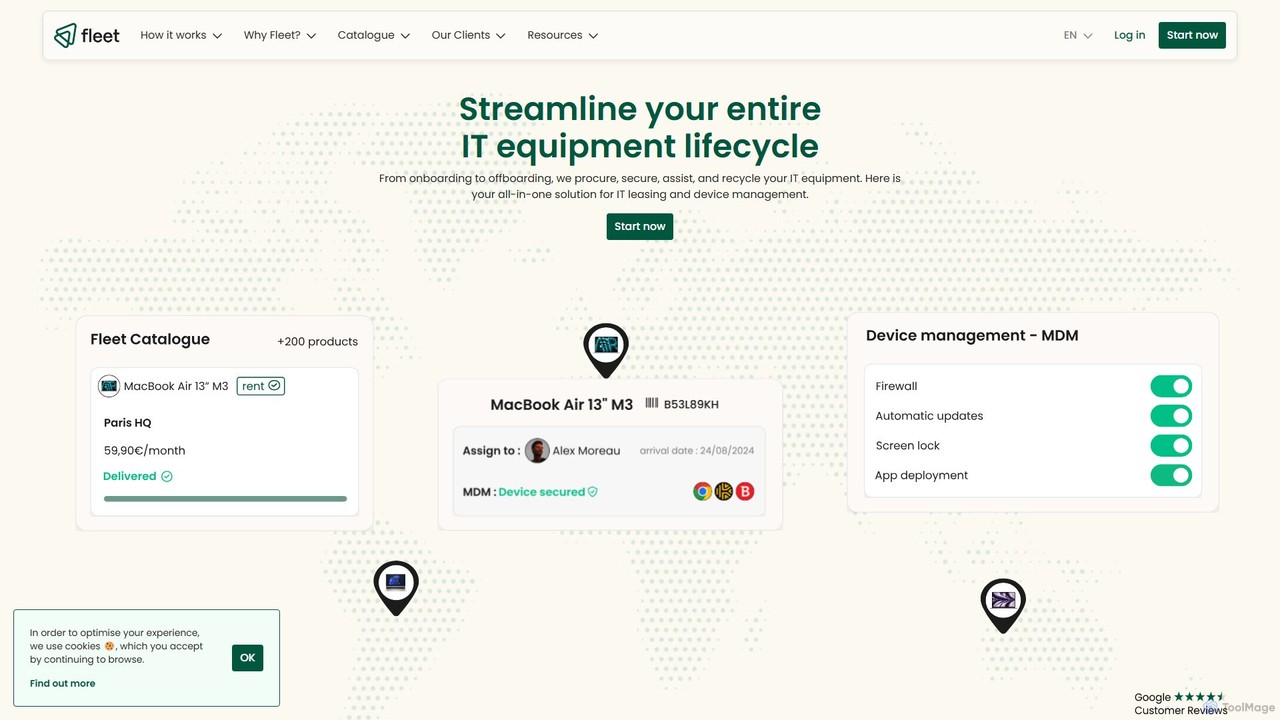
Fleet
Fleet is an all-in-one IT management platform that simplifies the entire device lifecycle for businesses. It offers equipment leasing, automated onboarding, premium support, and secure device management (MDM). By leveraging AI through its Copilot, Fleet helps companies optimize IT costs, enhance security, and manage their global hardware fleet efficiently from a single, intuitive interface, promoting a responsible and sustainable IT policy.
Operations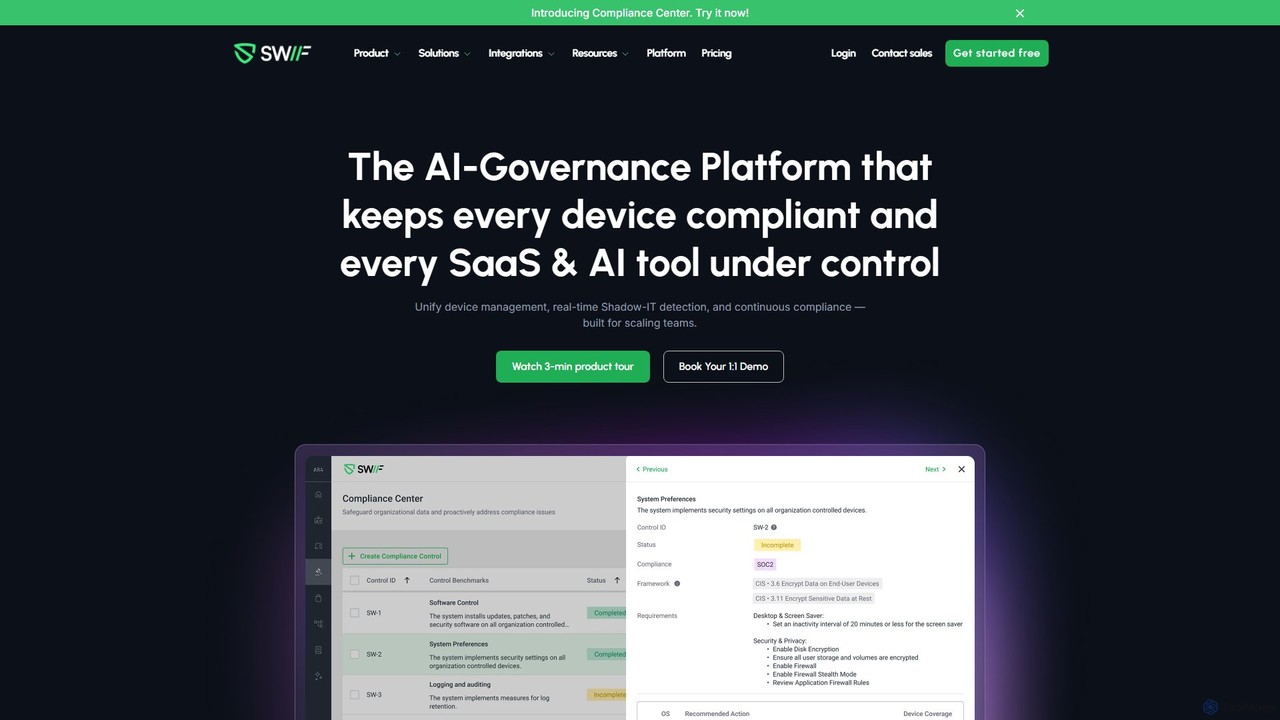
Swif.ai
Swif.ai is an AI-powered governance platform that unifies device management (MDM), continuous compliance, and Shadow IT detection. It's designed for scaling teams to secure every device and control all SaaS & AI tool usage, simplifying IT operations and audit readiness.
Compliance Management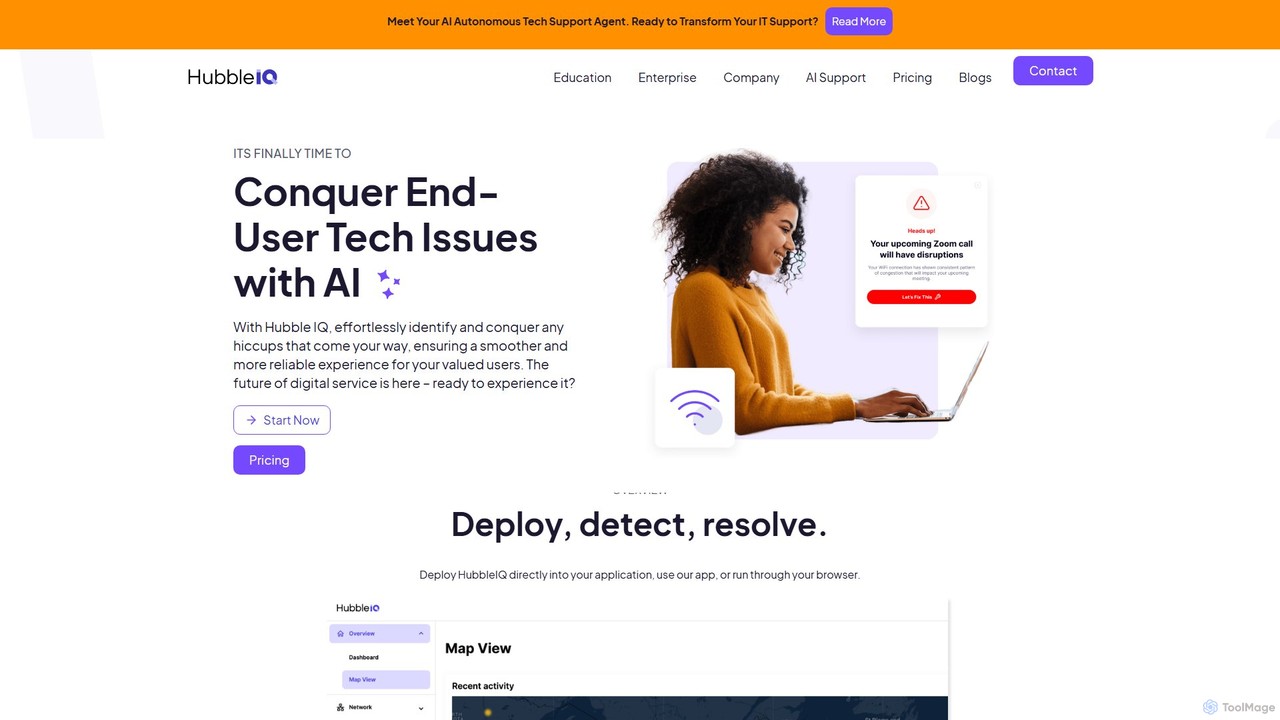
hubbleiq
HubbleIQ is an AI-powered IT support platform that proactively detects, diagnoses, and resolves technology issues for end-users. It automates troubleshooting for networks, devices, and applications, significantly reducing helpdesk tickets and resolution times for businesses, educational institutions, and telehealth providers.
Analytics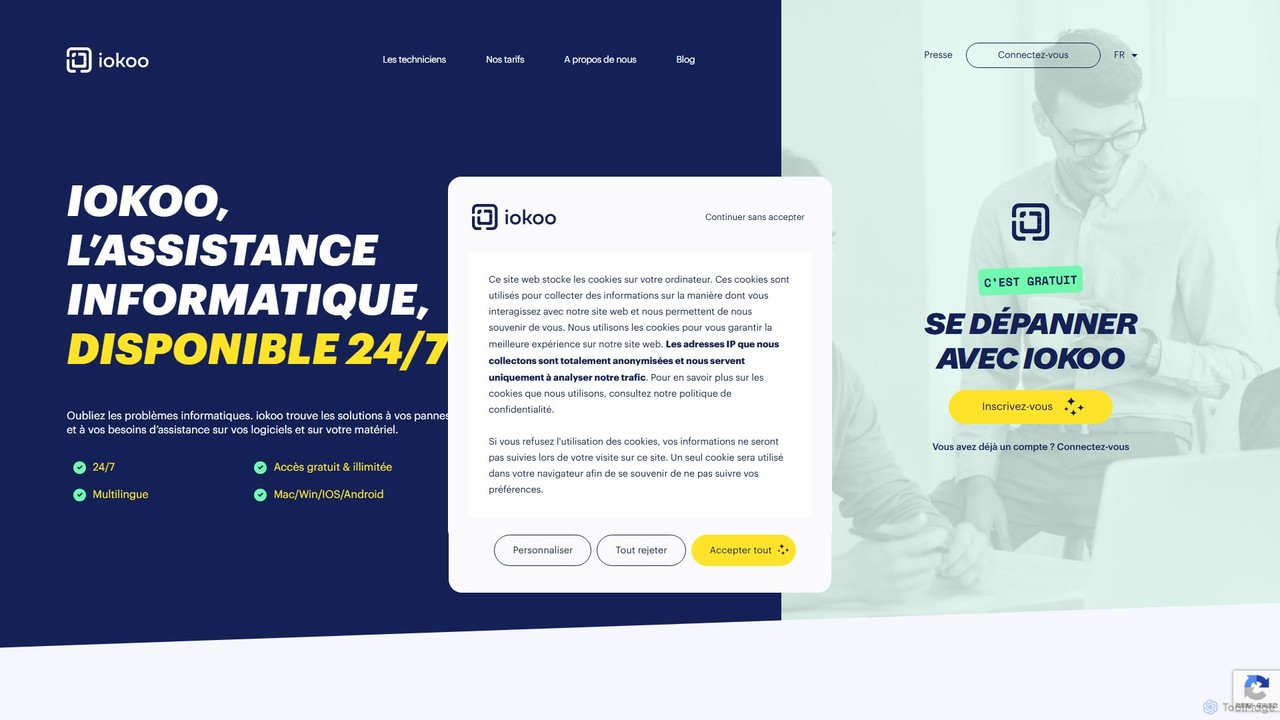
iokoo
iokoo is an AI-powered IT support assistant providing instant, 24/7 remote assistance for software and hardware issues. It offers free, step-by-step troubleshooting via an AI chat and provides an option to connect with professional human technicians for more complex problems. It supports multiple platforms and over 26 languages, making it ideal for individuals, remote workers, and businesses.
Operations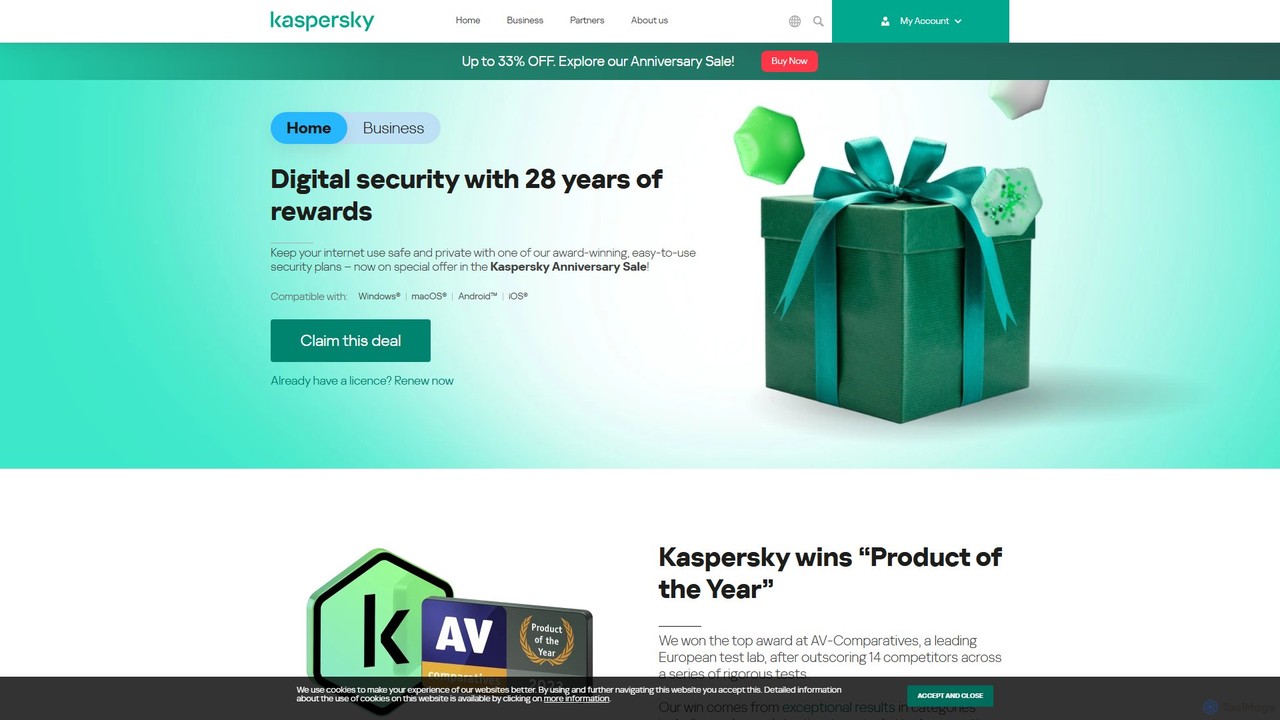
Kaspersky
Kaspersky offers comprehensive, AI-powered cybersecurity solutions for individuals and businesses. It provides multi-layered protection against viruses, malware, ransomware, and phishing attacks. Key features include real-time antivirus, a secure VPN, payment protection, performance optimization, and identity theft prevention. Compatible with Windows, macOS, Android, and iOS, Kaspersky ensures a safe, private, and fast digital experience across all your devices, backed by over 25 years of award-winning expertise in threat intelligence and cybersecurity.
System Utilities
CMF by Nothing
CMF by Nothing is a design-focused tech ecosystem offering affordable smart devices like smartwatches and earbuds. Managed through the CMF Watch app, it leverages AI for health tracking, call clarity, and providing a seamless, user-friendly experience. It combines minimalist aesthetics with essential, powerful technology.
Wearable Tech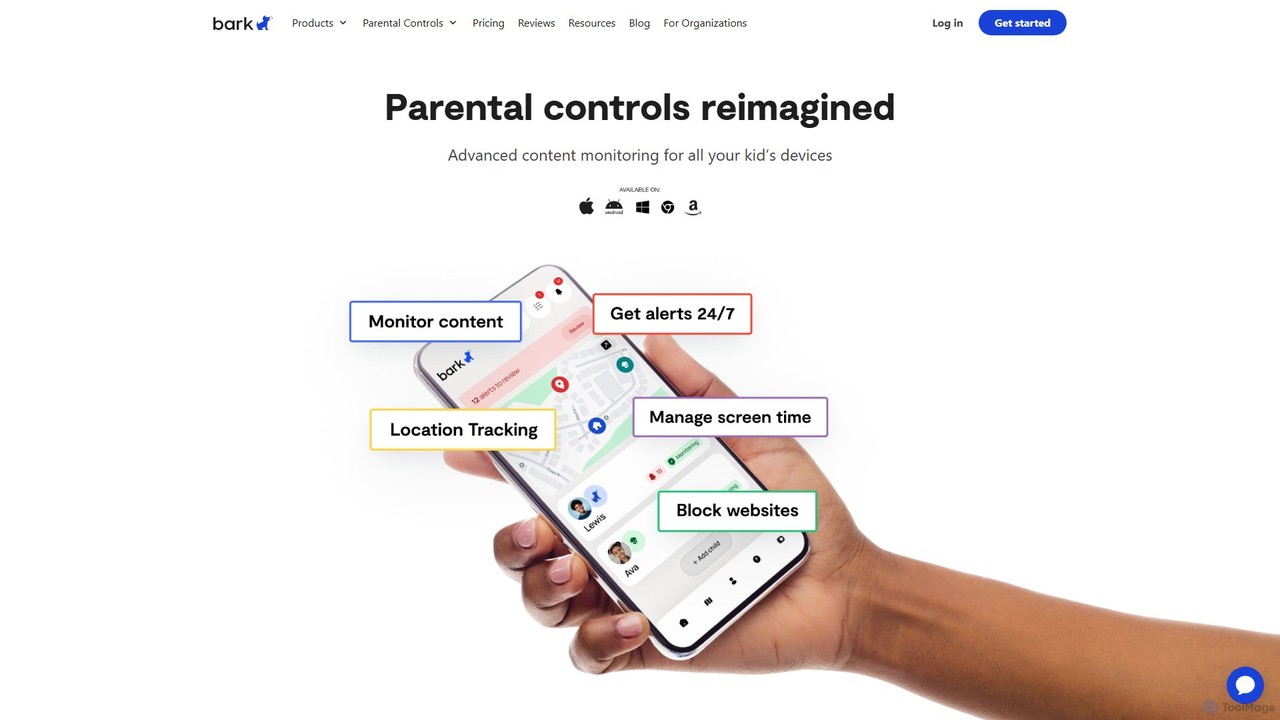
Bark
Bark is an AI-powered parental control service that helps families protect their children online. It monitors texts, social media, and emails for potential dangers like cyberbullying and self-harm, while also providing screen time management, web filtering, and location tracking to ensure comprehensive digital safety.
Family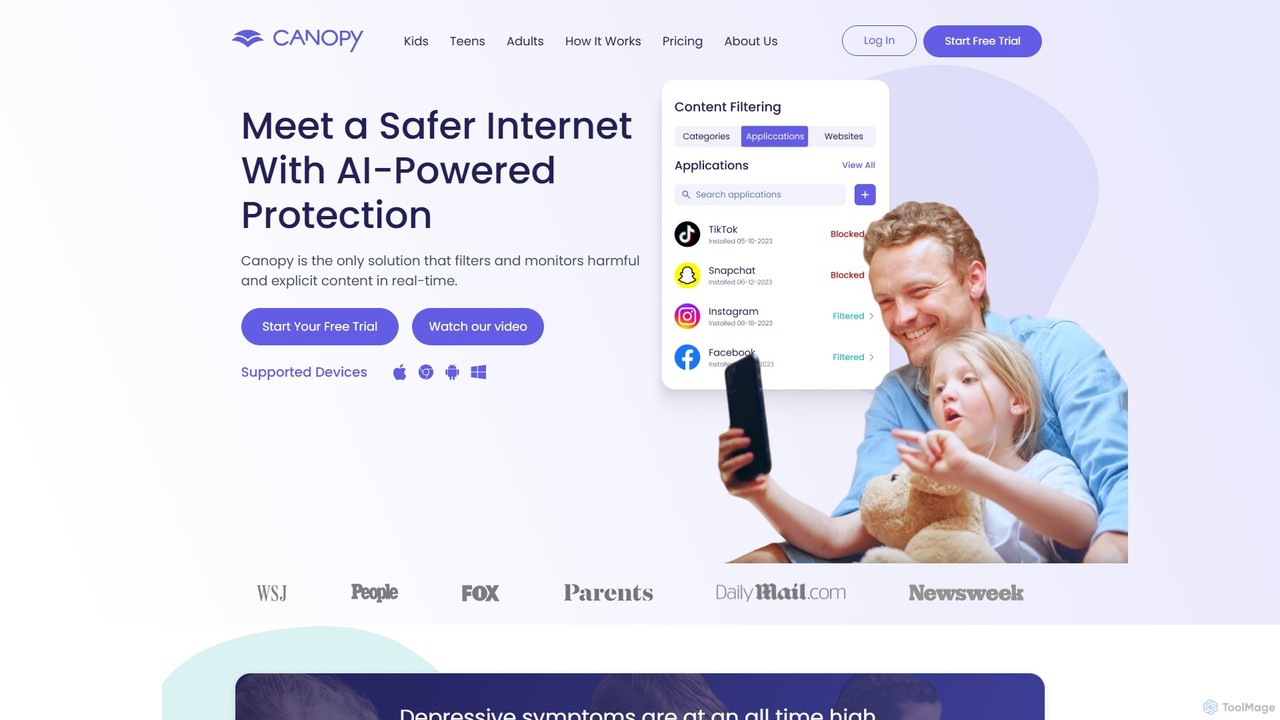
Canopy
Canopy is an AI-powered digital parenting app designed to protect children online. It uses real-time AI technology to filter harmful and explicit content, including images and videos, within websites and social media apps. Key features include sexting prevention, screen time management, app blocking, and location alerts, providing a comprehensive solution for families to ensure a safer digital environment for their children across all devices.
Family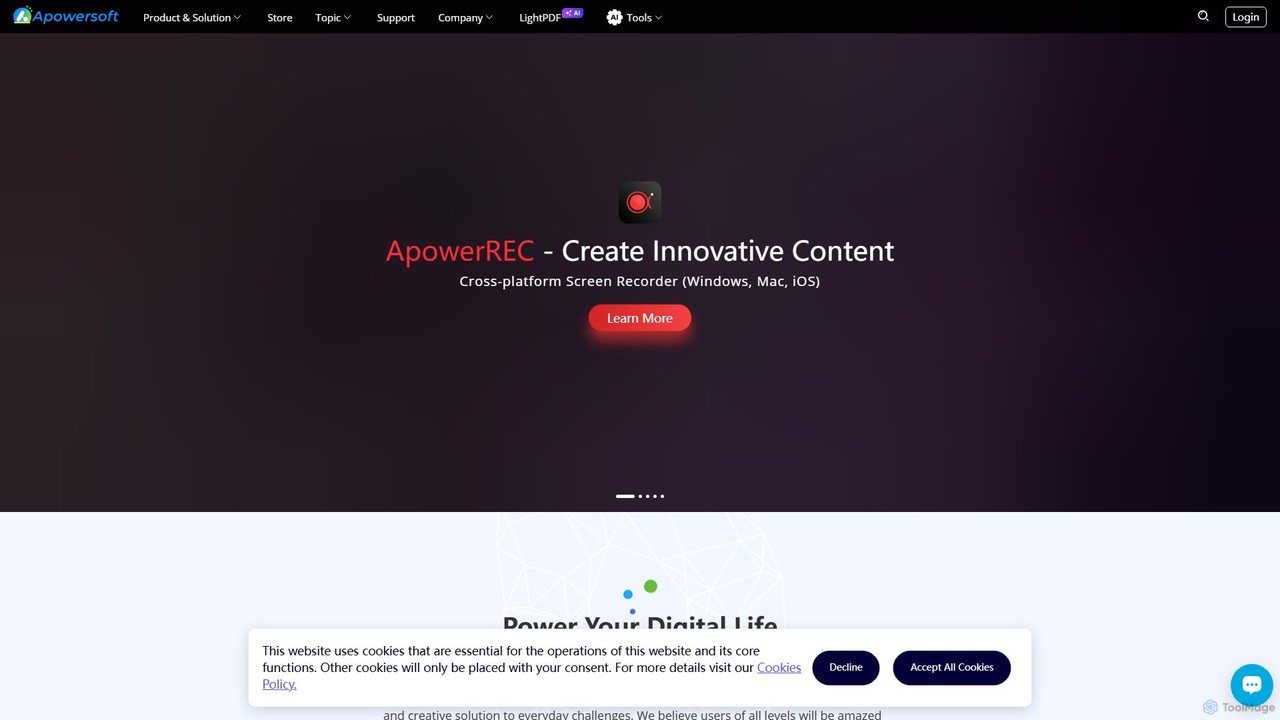
Apowersoft
Apowersoft offers a comprehensive suite of multimedia and utility software for business and daily use. It provides user-friendly solutions for video editing, screen recording, file conversion, PDF management, mobile device management, and data recovery. Integrating AI technology, Apowersoft delivers simple, high-quality, and efficient creative and data solutions across multiple platforms.
Video Editing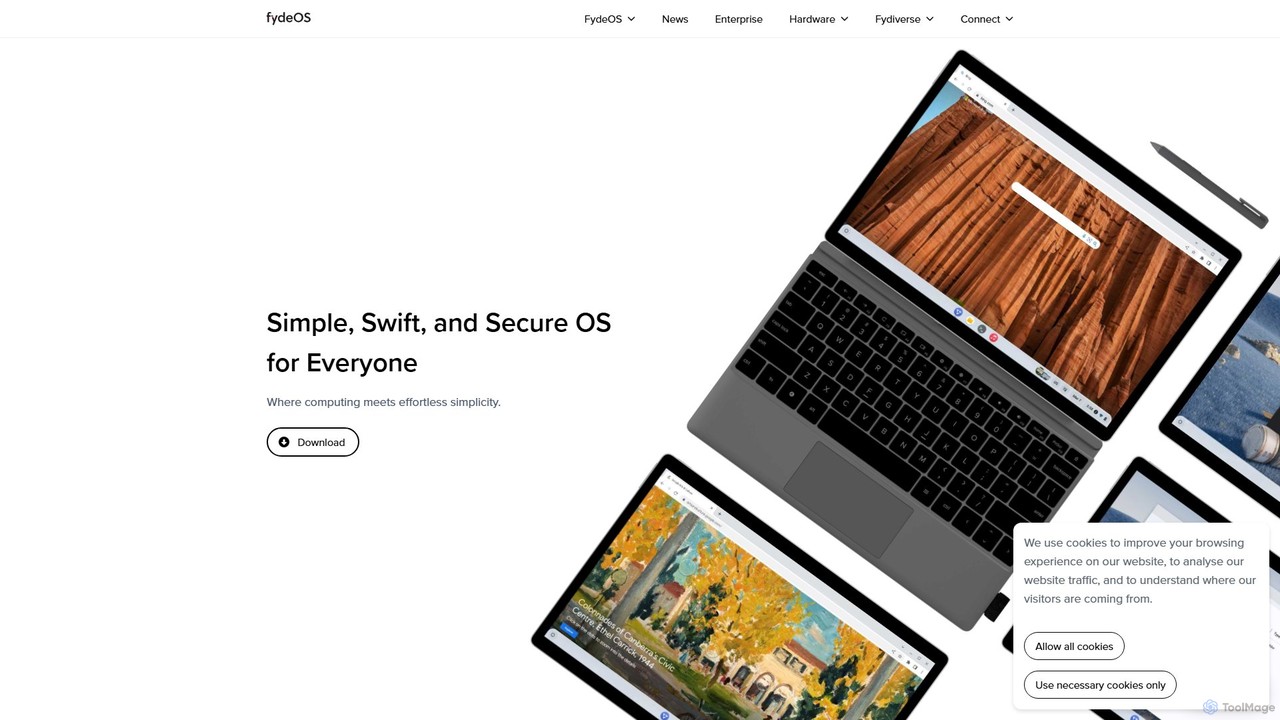
FydeOS
FydeOS is a fast, secure, and simple cloud-first operating system based on Chromium OS. It seamlessly integrates AI for a smarter user experience and supports Web, Android, and Linux applications. Ideal for revitalizing old hardware, enterprise device management, and privacy-conscious users seeking a ChromeOS alternative.
Device Management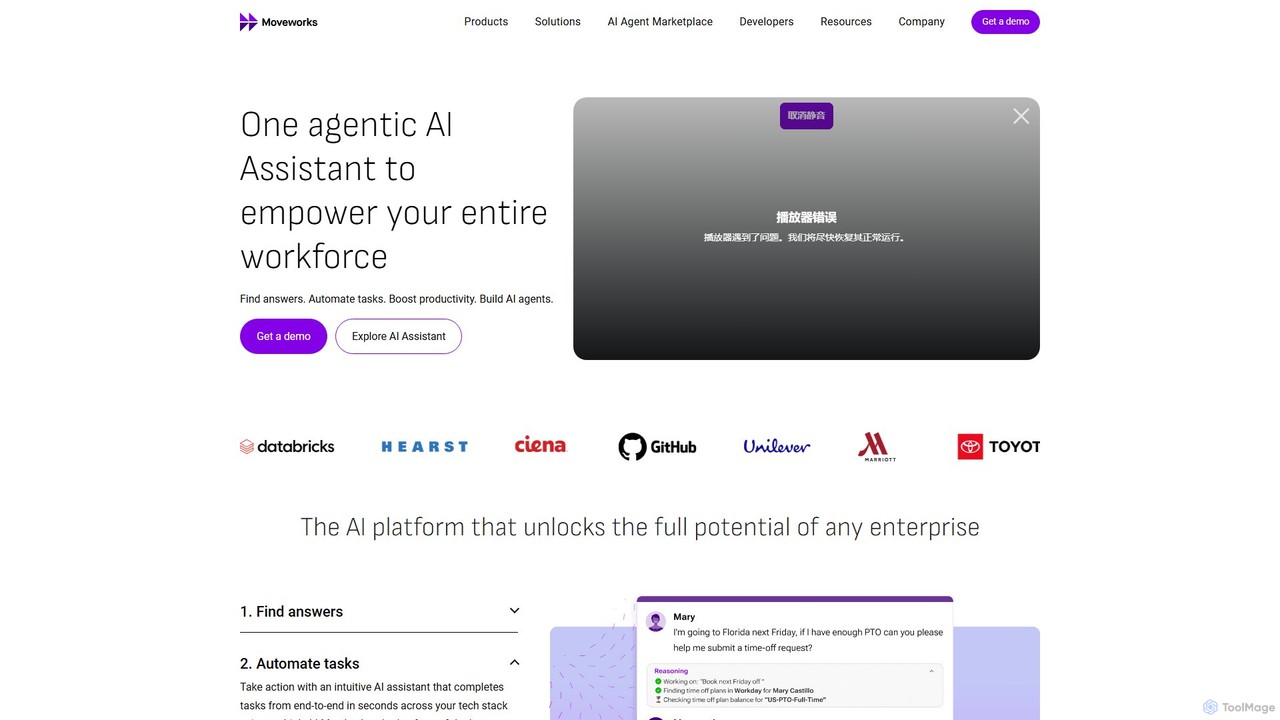
Moveworks
Moveworks is an enterprise-grade agentic AI platform that provides a single AI assistant for the entire workforce. It automates tasks, finds information, and boosts productivity across all departments, including IT, HR, Finance, and more, by integrating with hundreds of business applications.
Customer Support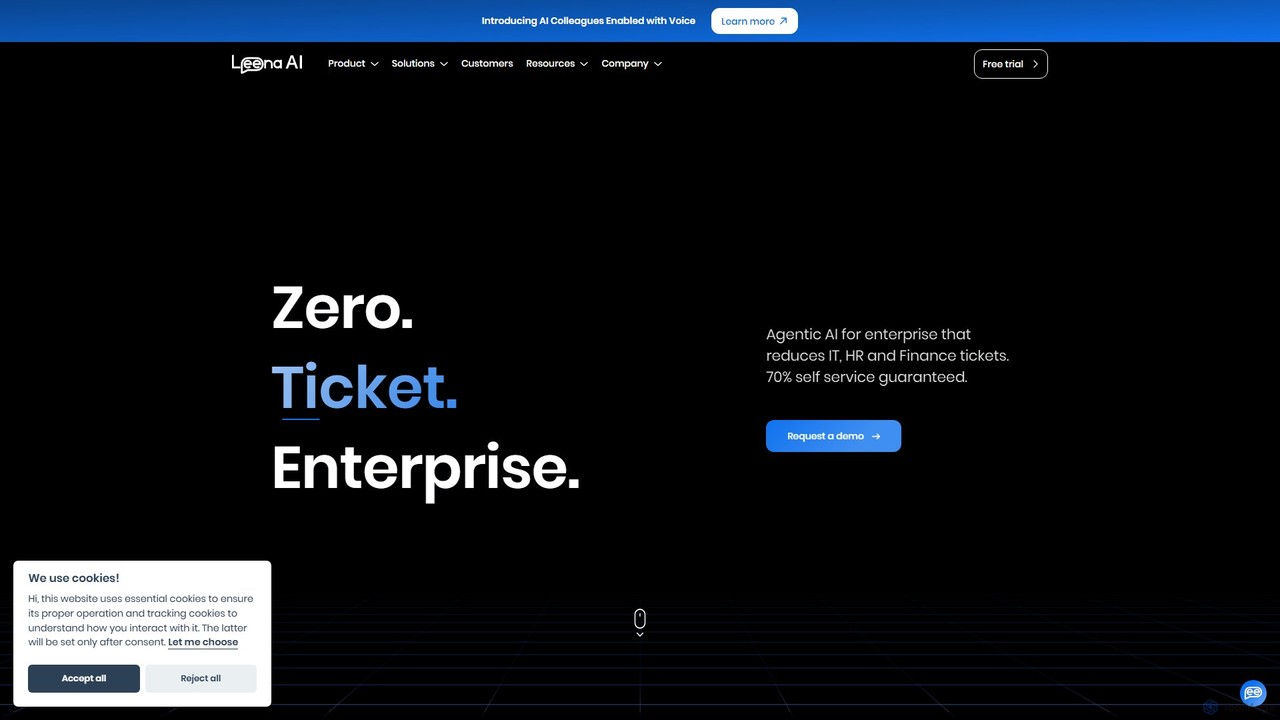
Leena AI
Leena AI is an advanced enterprise platform powered by Agentic AI, designed to create a "zero-ticket" environment. It deploys autonomous AI colleagues to automate support and workflows across HR, IT, Finance, and other departments, guaranteeing over 70% self-service and significantly enhancing employee experience.
Chatbot
AirDroid Comments (0)
Sign in to comment.
Sign inNo comments yet.