Productivity Best in category 1 results System Utilities AI Tool

Popular AI tools in the System Utilities field of Productivity include Kaspersky, etc., helping you quickly improve efficiency.

Kaspersky

Kaspersky

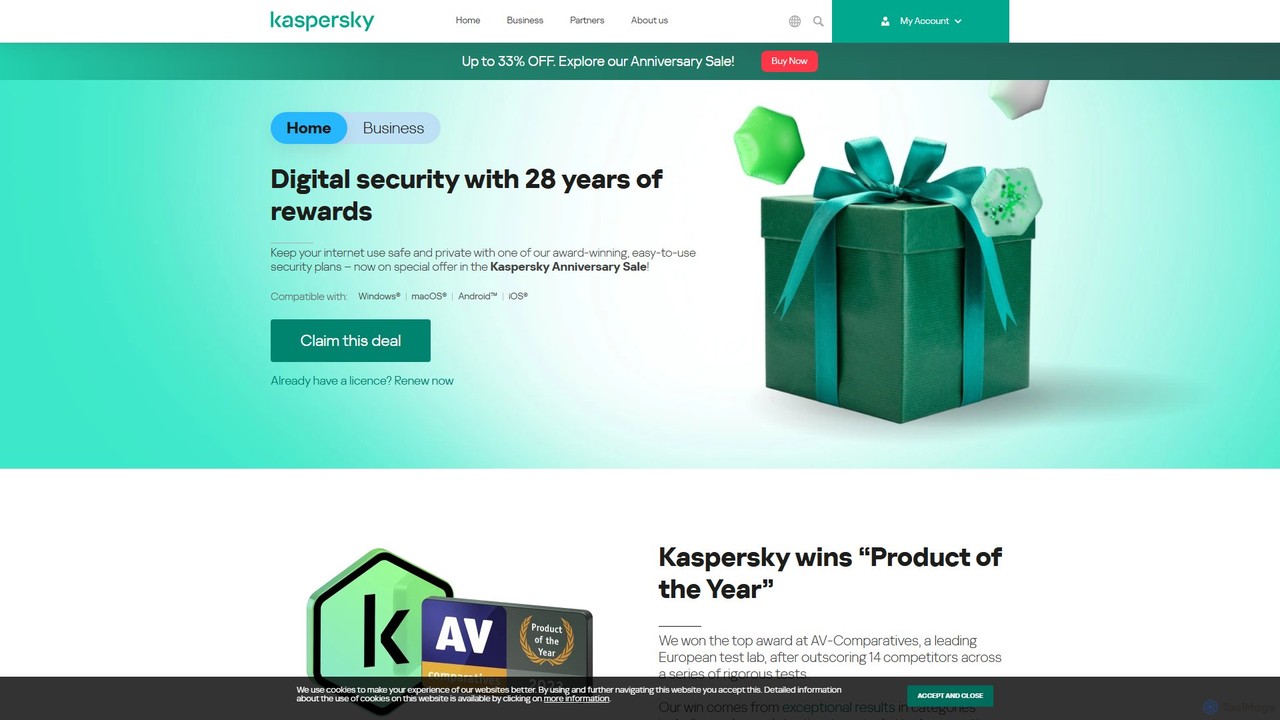
Kaspersky offers comprehensive, AI-powered cybersecurity solutions for individuals and businesses. It provides multi-layered protection against viruses, malware, ransomware, …

9.3M

About System Utilities

AI-powered System Utilities are tools that leverage artificial intelligence to optimize, secure, and manage computer systems more efficiently. These tools utilize machine learning algorithms to analyze system behavior, predict potential issues, and automate routine maintenance tasks. Their primary value lies in enhancing system performance, ensuring data integrity, and bolstering security, thereby significantly boosting overall user productivity within the broader productivity category.

Core Features

  • AI-driven Performance Optimization: Intelligently adjusts system resources like CPU and RAM based on usage patterns to maintain peak performance.
  • Predictive System Monitoring: Analyzes logs and performance metrics to anticipate hardware failures or software conflicts before they impact operations.
  • Intelligent File & Data Management: Automates organization, identifies duplicates, and suggests archiving or deletion of redundant files.
  • Automated Security & Threat Detection: Uses behavioral analysis to detect and neutralize novel threats, going beyond traditional signature-based methods.
  • Smart Resource Allocation: Dynamically allocates network bandwidth and power to critical applications for uninterrupted workflow.

Applicable Scenarios

These utilities are crucial for professionals requiring stable, high-performance systems, such as video editors or software developers. Businesses use them to ensure continuous operation and data security across their IT infrastructure. Individual users benefit from automated maintenance, keeping their devices running smoothly without manual intervention.

How to Choose

When selecting an AI System Utility, consider its specific optimization focus (e.g., performance, security, storage), compatibility with your operating system, and the level of automation offered. Evaluate its privacy policy regarding data collection and processing, and compare its integration capabilities with other tools you use.

System UtilitiesUse Cases

1

Proactive System Health Management

IT administrators and power users can deploy AI system utilities to continuously monitor server and workstation health. The AI analyzes performance trends, identifies anomalies, and predicts potential hardware failures or software conflicts, allowing for preventative maintenance before critical issues arise, minimizing downtime and data loss risks.

2

Optimizing Workstation Performance for Creative Professionals

Graphic designers, video editors, and 3D artists often require maximum system resources for demanding applications. AI utilities can intelligently prioritize CPU, RAM, and GPU allocation for active creative software, close unnecessary background processes, and optimize disk I/O, ensuring smooth, lag-free operation during intensive tasks.

3

Intelligent Data Organization and Storage Optimization

Individuals and businesses with vast digital archives can leverage AI system utilities to automatically categorize files, detect and remove duplicate or redundant data, and suggest optimal storage solutions. This streamlines file retrieval, frees up valuable disk space, and simplifies data backup and archiving processes, improving overall data hygiene.

4

Automated Security Monitoring and Anomaly Detection

Small businesses and individuals can use AI system utilities for enhanced cybersecurity. These tools continuously monitor network traffic and system behavior for unusual patterns indicative of malware or intrusion attempts. Upon detection, they can automatically quarantine threats or alert users, providing a proactive layer of defense against evolving cyber threats.

5

Efficient Resource Allocation for Gaming and High-Performance Computing

Gamers and users engaged in high-performance computing tasks (like scientific simulations) benefit from AI utilities that dynamically manage system resources. The AI can automatically boost clock speeds, optimize network latency, and allocate maximum power to the primary application, ensuring the best possible performance and responsiveness during critical operations.

6

Predictive Battery Life & Power Management for Laptops

Mobile professionals and students relying on laptops can utilize AI system utilities to intelligently manage power consumption. The AI learns usage patterns to predict remaining battery life more accurately, automatically adjusts power settings for background apps, and optimizes display brightness, extending battery longevity and ensuring uninterrupted work on the go.

System UtilitiesFrequently Asked Questions