ToolMage
Sign in

Best 3 Video Editing AI tools for Multimedia

Popular Video Editing AI tools in Multimedia include Nero, Apowersoft, and Swapdatface, helping you work more efficiently.

Swapdatface
Freemium

Swapdatface

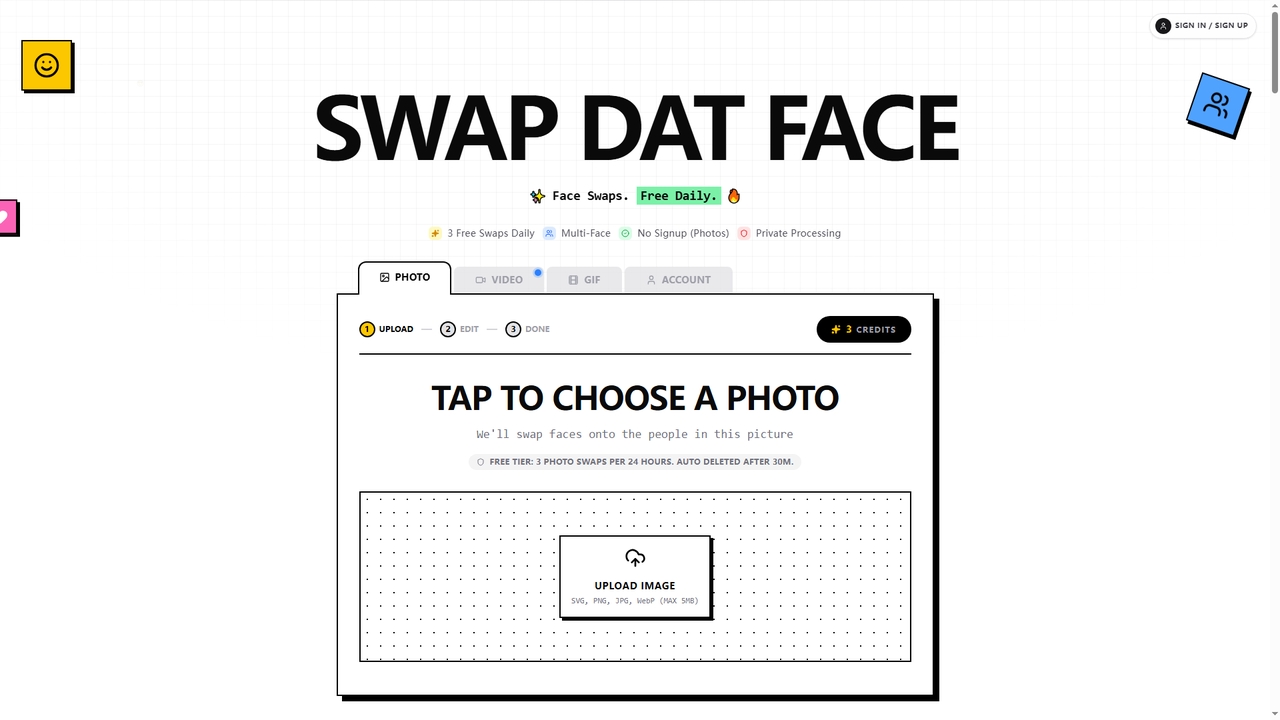
Swapdatface is a fast, free, and privacy-focused AI tool that allows you to seamlessly swap faces in photos, GIFs, and videos. It offers 3 free daily photo swaps without requiring an account, with an optional credit system for unlocking GIF/video swaps and extended retention. Processing is private, and files are auto-deleted by default after 30 minutes.

Fun
Visits 11KFavorites 33Likes 23
Apowersoft
Freemium

Apowersoft

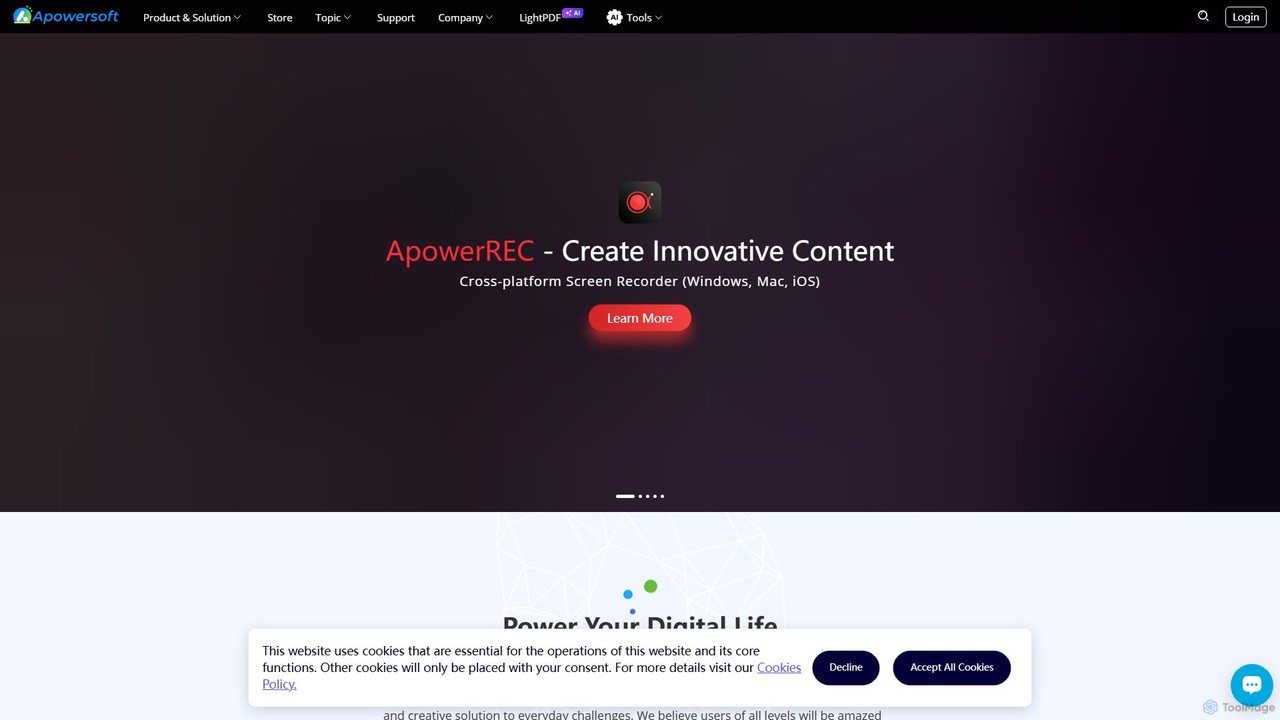
Apowersoft offers a comprehensive suite of multimedia and utility software for business and daily use. It provides user-friendly solutions for video editing, screen recording, file conversion, PDF management, mobile device management, and data recovery. Integrating AI technology, Apowersoft delivers simple, high-quality, and efficient creative and data solutions across multiple platforms.

Video Editing
Visits 616.1KFavorites 108Likes 99
Nero
Paid

Nero

Nero is a powerful, AI-enhanced multimedia suite for Windows. Evolving from its legendary CD/DVD burning roots, it now offers a comprehensive 7-in-1 solution for video editing, file conversion, media management, data backup, and AI-powered photo enhancement. It's an all-in-one toolkit for managing your entire digital life.

Photo Editing
Visits 1.6MFavorites 116Likes 113

About Video Editing

AI Video Editing tools are a category of software that leverage artificial intelligence to automate and enhance various aspects of video production. These tools utilize machine learning algorithms for tasks such as scene detection, object tracking, audio synchronization, and content generation. They significantly streamline workflows for content creators, marketers, and filmmakers, enabling faster and more efficient video creation, allowing users to focus on creative storytelling.

Core Features

  • Automated Editing: Intelligently cuts footage, selects best takes, and creates initial drafts based on user preferences.
  • Object Tracking & Removal: Automatically identifies and tracks objects or subjects, enabling easy effects application or removal.
  • Smart Audio Sync & Enhancement: Synchronizes audio to video, removes background noise, and enhances voice clarity with AI.
  • AI-Powered Color Grading: Analyzes footage to suggest and apply optimal color corrections and cinematic looks.
  • Generative Video & Effects: Creates new video segments, transitions, or special effects from text prompts or existing media.

Use Cases

Content creators quickly assembling social media videos from raw footage; marketing teams generating multiple ad variations with different cuts and music; and filmmakers automating tedious tasks like initial rough cuts or scene analysis.

How to Choose

Evaluate the specific AI capabilities offered (e.g., auto-cutting, object tracking, generative features), check integration with existing software, assess output quality and customization options, and consider the pricing model and scalability for your projects.

Featured tool rankings

Video Editing use cases

1

Rapidly Produce Social Media Videos

For content creators needing daily video posts, AI video editing tools can automatically select highlights from long footage, add captions, and apply trending music. This drastically reduces editing time from hours to minutes, enabling consistent and timely content delivery across platforms.

2

Generate Diverse Marketing Ad Variants

Marketing teams can use AI video editors to create numerous versions of a video ad for A/B testing. The AI can automatically re-edit footage, change music, adjust pacing, and even optimize calls-to-action to target different audience segments and maximize campaign effectiveness.

3

Automate Lecture and Webinar Editing

Educators or corporate trainers can upload raw recordings of lectures or webinars. AI tools can automatically remove pauses, identify key topics, generate chapter markers, and even create short highlight reels for promotion, making educational content more engaging and accessible.

4

Streamline Personal Vlog Editing

Individual vloggers or travelers can use AI to quickly transform raw phone footage into polished videos. The AI can stabilize shaky shots, automatically cut to the beat of music, suggest engaging transitions, and apply consistent visual styles, making professional-looking videos accessible to everyone.

5

Efficient Corporate Training Video Production

Companies producing internal training videos can leverage AI to speed up the process. AI can automatically transcribe dialogue, generate accurate subtitles, identify and highlight important sections, and ensure consistent branding across multiple videos, improving learning outcomes and reducing production costs.

6

Create Dynamic Event Highlight Reels

Event organizers or videographers can feed hours of event footage into AI editors. The AI can detect key moments, identify speakers, and automatically compile a concise, engaging highlight reel, perfect for post-event promotion, social media sharing, or archival purposes, capturing the essence of the event quickly.

Video Editing FAQ

What are AI Video Editing tools?

AI Video Editing tools use artificial intelligence to automate and enhance various aspects of video production. They leverage machine learning for functions like automated cutting, object tracking, and smart audio adjustments, significantly speeding up the editing process and making advanced techniques more accessible to a wider range of users.

How do I choose the best AI Video Editing tool for my needs?

When selecting an AI video editing tool, consider its core AI features (e.g., auto-cutting, object removal, generative capabilities), compatibility with your existing workflow, the quality and flexibility of its output, and its pricing model. Also, evaluate the learning curve, available support, and scalability for your specific project requirements.

What are the main benefits of using AI in video editing?

The primary benefits include significant time savings by automating repetitive tasks, enhanced creative possibilities through AI-generated effects and suggestions, improved consistency in editing styles, and increased accessibility for users without extensive editing experience. It allows creators to focus more on storytelling and high-level artistic direction.

What's the difference between AI Video Editing and traditional software?

Traditional video editing software relies entirely on manual input for every cut, effect, and adjustment. AI video editing, while often integrated into traditional tools, automates many of these tasks using algorithms, suggesting edits, tracking elements, or even generating content, thereby accelerating the workflow and simplifying complex processes compared to purely manual methods.

What common AI features are found in video editing tools?

Common AI features include automated scene detection and cutting, intelligent object tracking and removal, AI-powered color correction and grading, smart audio synchronization and noise reduction, automatic transcription and subtitle generation, and generative capabilities for effects or short video segments. These features aim to streamline and enhance the editing process.