


Nero Overview
Nero is a world-renowned software suite that has evolved far beyond its original, legendary disc burning capabilities. Today, the Nero Platinum Suite stands as a comprehensive, AI-powered 7-in-1 multimedia powerhouse for Windows users. It provides a complete ecosystem for managing, creating, converting, playing, and burning your digital media. By integrating cutting-edge artificial intelligence, Nero simplifies complex tasks like photo organization, image enhancement, and video editing, making professional-quality results accessible to everyone. Whether you're looking to preserve precious memories, create stunning video projects, or securely back up your critical data, Nero offers a robust and reliable set of tools to meet your needs.
How to use Nero
Using the Nero suite is streamlined through its central launcher, Nero Start. After installation, follow these general steps:
1. Launch Nero Start: This central hub gives you access to all the individual applications within the suite.
2. Select a Task: Choose the program that matches your goal. For example, select 'Nero Video' for video editing, 'Nero Burning ROM' for disc burning, or 'Nero Recode' for file conversion.
3. Import Your Media: Drag and drop your photos, videos, or audio files into the application, or use the built-in import functions.
4. Edit and Enhance: Utilize the powerful tools to edit your project. Cut and arrange video clips, add effects and text, enhance photos with AI, or set up your disc compilation.
5. Export or Burn: Once your project is complete, you can export it as a file in various formats, share it directly to social media, or burn it to a CD, DVD, or Blu-ray disc with industry-leading reliability.
Core Features of Nero
- AI Photo Tools: Includes Nero AI Image Upscaler to increase photo resolution without losing quality, and AI Photo Tagger for automatic categorization and organization of your photo library.
- Nero Burning ROM: The gold standard in disc burning. Securely burn and copy data, music, photos, and videos to CD, DVD, and Blu-ray Discs™, with SecurDisc 4.0 technology for enhanced data protection.
- Nero Video: A full-featured video editor that supports up to 8K resolution. It offers hundreds of templates, effects, and a multi-track timeline for creating professional-looking movies and slideshows.
- Nero Recode: A powerful and fast file converter. Rip non-copyrighted video DVDs and Blu-rays, and convert video and audio files to virtually any format for playback on any device.
- Nero BackItUp: A reliable backup solution to protect your data. Schedule automatic backups to external hard drives, optical media, or cloud storage to prevent data loss.
- Nero MediaHome: An all-in-one media organizer. Manage, sort, and play your photos, videos, and music in one place. Stream files to your TV for a big-screen experience.
Use Cases for Nero
For Digital Archivists: Use Nero Burning ROM to create long-lasting physical backups of important documents, family photos, and home videos on Blu-ray or M-DISC for archival purposes.
For Content Creators & Hobbyists: Leverage Nero Video to edit vlogs, travel videos, or family event compilations with professional effects and 8K support. Use Nero Recode to ensure videos are in the correct format for YouTube or Instagram.
For Photographers: Organize vast photo libraries automatically with the AI Photo Tagger. Use the AI Image Upscaler to improve the quality of older or low-resolution shots for printing or digital display.
For General Home Users: Digitize old music CD collections, create custom party playlists, make photo slideshows for family gatherings, and ensure all personal computer files are regularly backed up with Nero BackItUp.
Advantages of Nero
Nero's primary advantage is its comprehensive, all-in-one nature. Instead of purchasing and learning multiple different programs, users get a single, integrated suite that covers almost every multimedia need. The integration of modern AI technology automates and simplifies tasks that were once time-consuming and complex. The software is built on a legacy of reliability, particularly its burning engine, which is trusted by millions worldwide. The support for high-resolution formats like 8K and the perpetual license model (one-time purchase) make it a cost-effective and future-proof investment compared to subscription-only software.
Pricing and Plans
Nero is primarily offered as a paid software suite, with the flagship product being the Nero Platinum Suite. The typical pricing model is a one-time perpetual license, which grants you lifetime access to the version you purchase. This is often seen as a significant advantage over monthly or annual subscription models. Occasionally, Nero may offer different tiers or individual applications for sale. For the most current and accurate pricing, including any special promotions or upgrade offers, it is recommended to visit the official Nero website.
Traffic
Latest traffic
Status
Monthly traffic trend
- 2026-1: 2.1M
- 2026-2: 1.6M
- 2026-3: 1.6M
- 2026-4: 1.7M
- 2026-5: 1.6M
Geography
Top 5 countries / regions
- 🇺🇸United States29.6%
- 🇪🇸Spain21.0%
- 🇷🇺Russia20.0%
- 🇩🇪Germany14.9%
- 🇹🇷Türkiye14.5%
Traffic sources
| Source type | Percentage |
|---|---|
Direct | 78.4% |
Referral | 16.9% |
Email | 4.8% |
Top keywords
| Keyword | Cost per click |
|---|---|
| mejorar calidad de imagen | $0.15 |
| nero | $0.35 |
| nero ai | $0.48 |
| upscale image | $0.30 |
| улучшить качество фото | $0.22 |
Nero Videos on YouTube


Tech Ai


Nero Alternatives
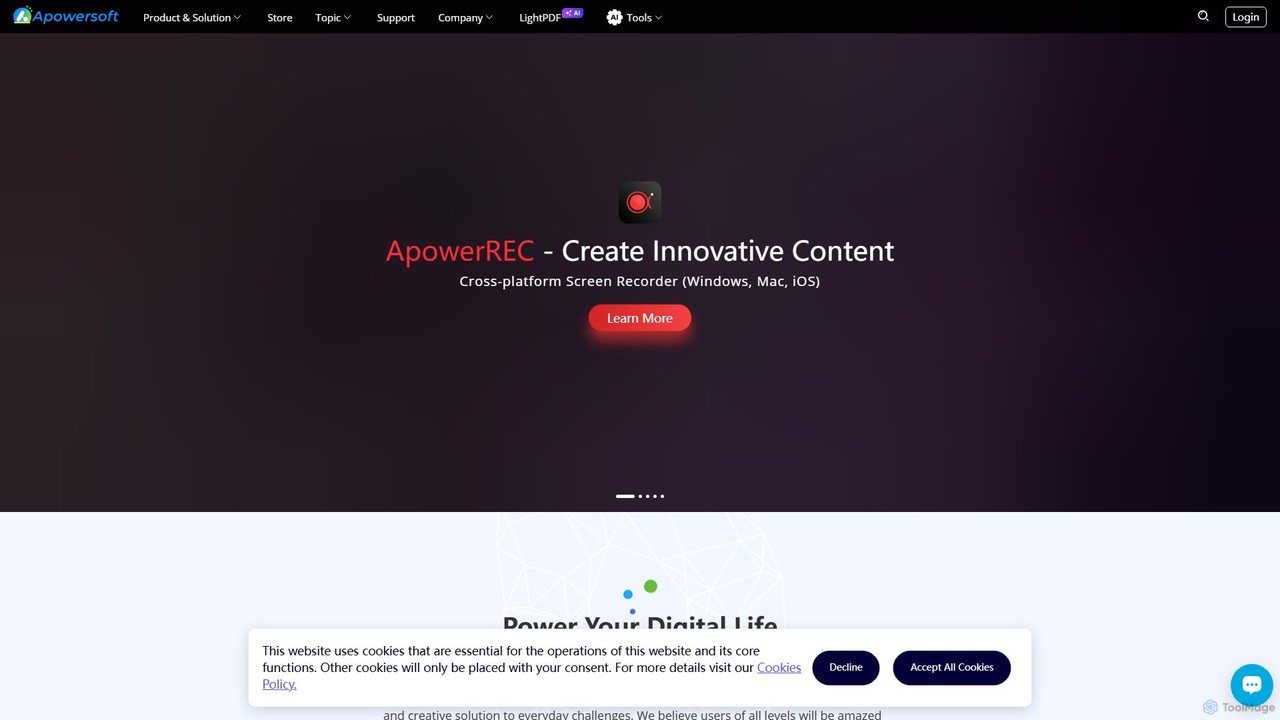
Apowersoft
Apowersoft offers a comprehensive suite of multimedia and utility software for business and daily use. It provides user-friendly solutions for video editing, screen recording, file conversion, PDF management, mobile device management, and data recovery. Integrating AI technology, Apowersoft delivers simple, high-quality, and efficient creative and data solutions across multiple platforms.
Video Editing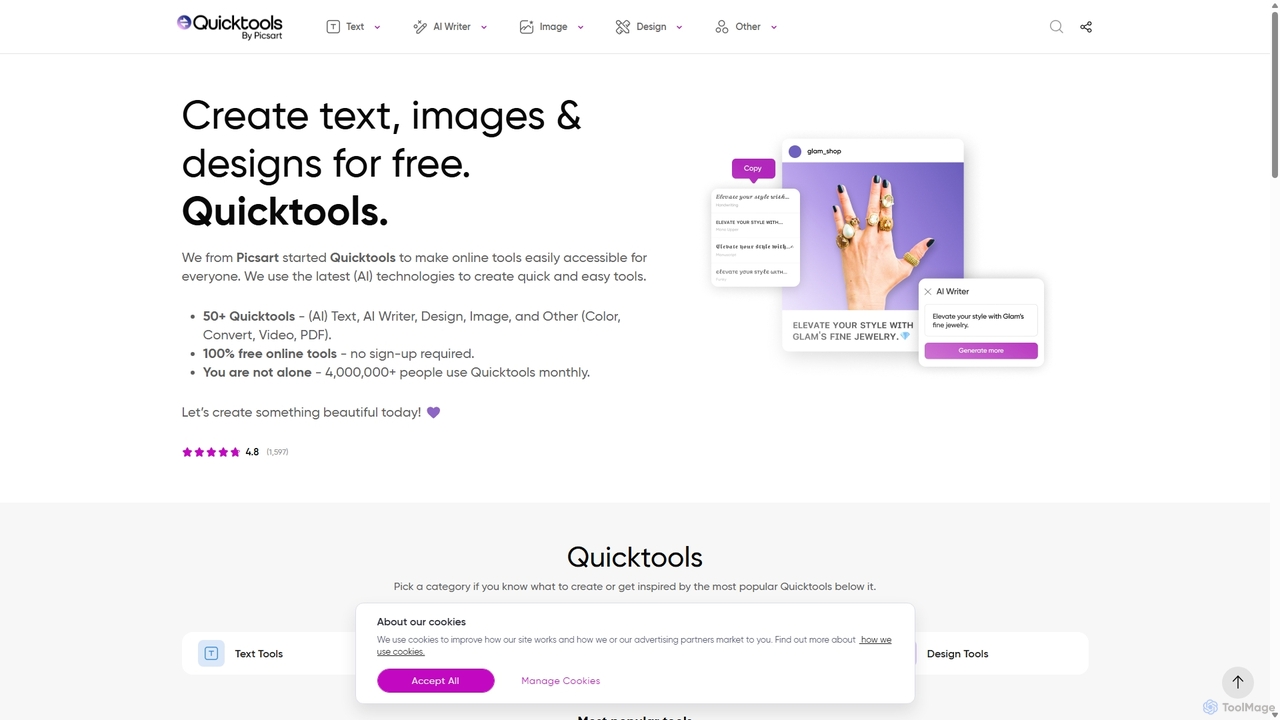
Quicktools by Picsart
Quicktools by Picsart is a comprehensive suite of over 50 free, AI-powered online tools for creative tasks. It offers a wide range of single-purpose utilities for image editing, text generation, design, and file conversion. Designed for speed and simplicity, it allows users to perform quick edits like background removal, image upscaling, and font generation without needing to sign up or use a complex editor.
Image Editing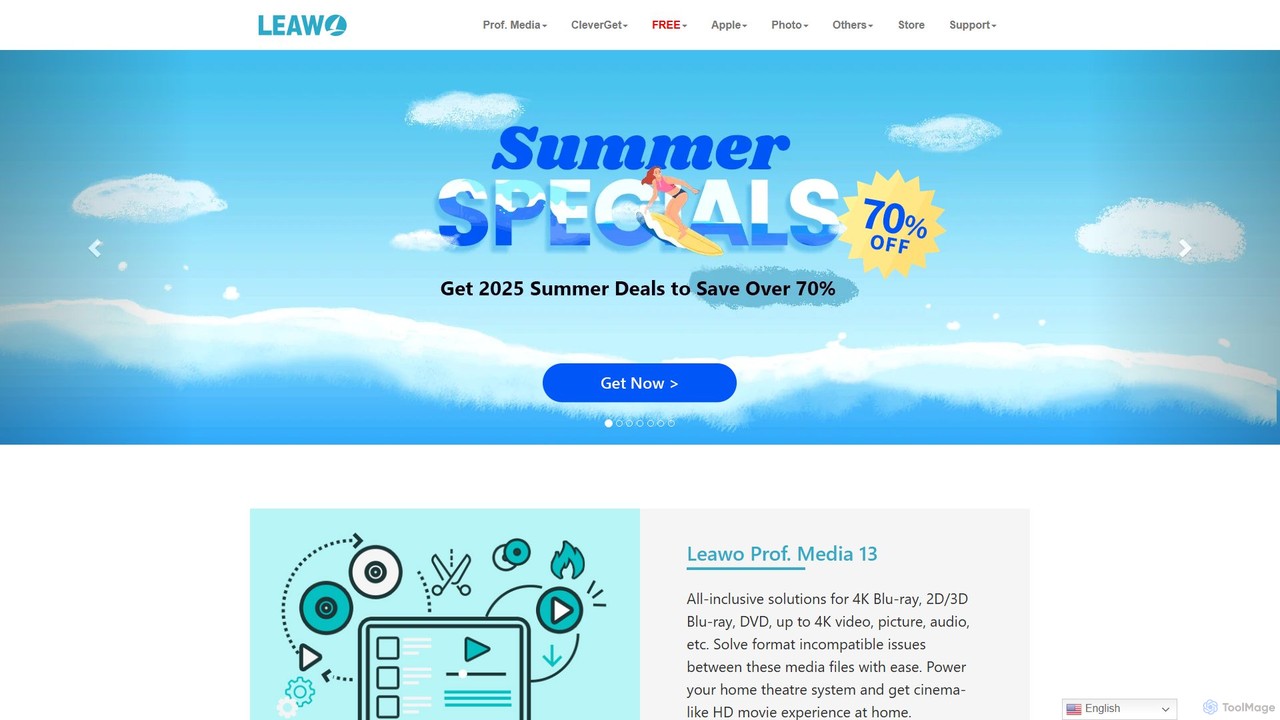
Leawo
Leawo is a comprehensive multimedia software suite for Windows and Mac. It offers a wide range of tools for managing, converting, copying, and downloading video, Blu-ray, DVD, and audio files. It also includes utilities for mobile data transfer and AI-powered photo enhancement.
File Management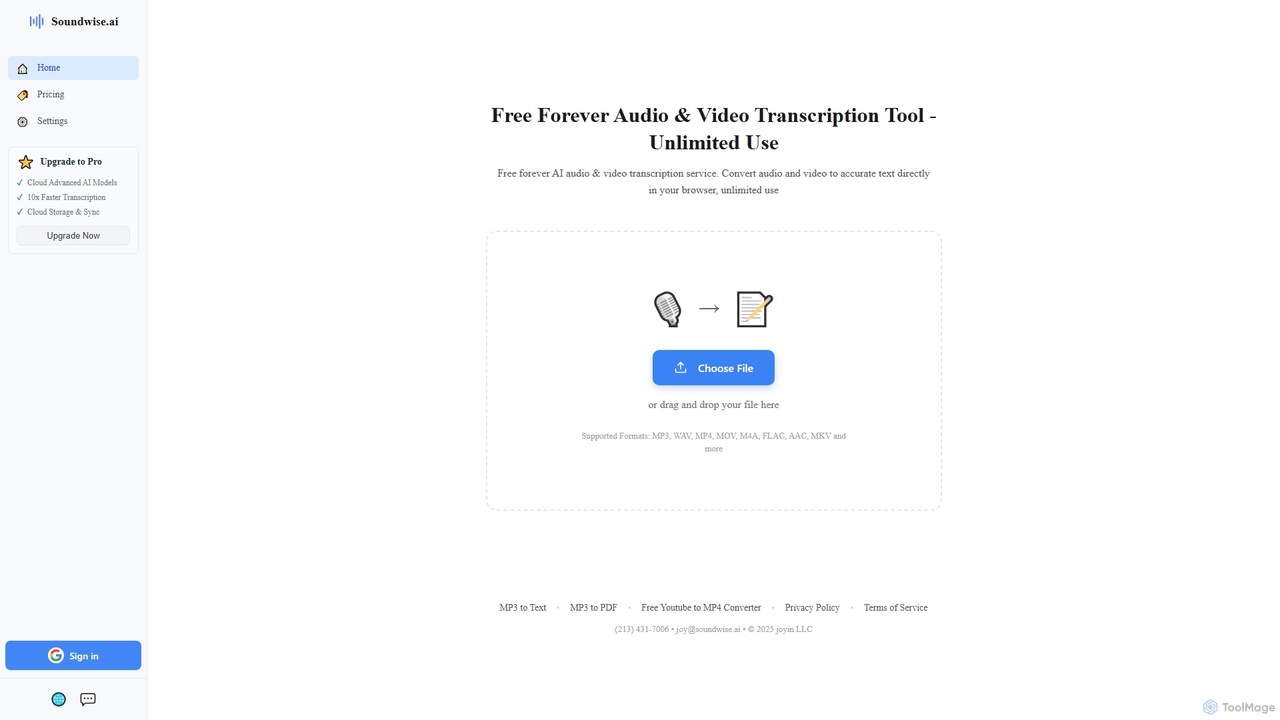
Soundwise
Soundwise is a free-forever AI-powered online tool designed for unlimited audio and video transcription. It accurately converts various media files into text directly within your web browser, offering a convenient solution for anyone needing quick and reliable transcriptions.
Transcription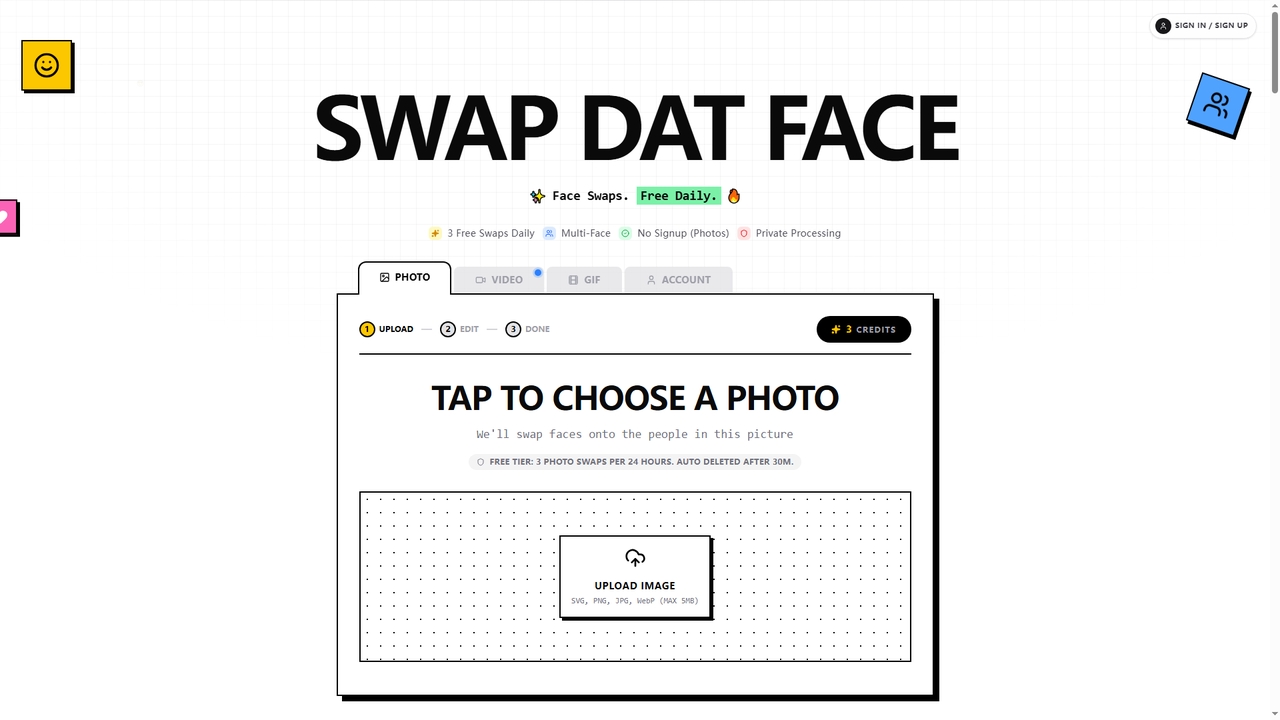
Swapdatface
Swapdatface is a fast, free, and privacy-focused AI tool that allows you to seamlessly swap faces in photos, GIFs, and videos. It offers 3 free daily photo swaps without requiring an account, with an optional credit system for unlocking GIF/video swaps and extended retention. Processing is private, and files are auto-deleted by default after 30 minutes.
FunNero Categories
Nero Embed Widget
Copy this embed code to place the badge on your blog, article, or product site and send readers directly to this ToolMage detail page.

Related AI tools
Apowersoft
Apowersoft offers a comprehensive suite of multimedia and utility software for business and daily use. It provides user-friendly solutions for video editing, screen recording, file conversion, PDF management, mobile device management, and data recovery. Integrating AI technology, Apowersoft delivers simple, high-quality, and efficient creative and data solutions across multiple platforms.
Video Editing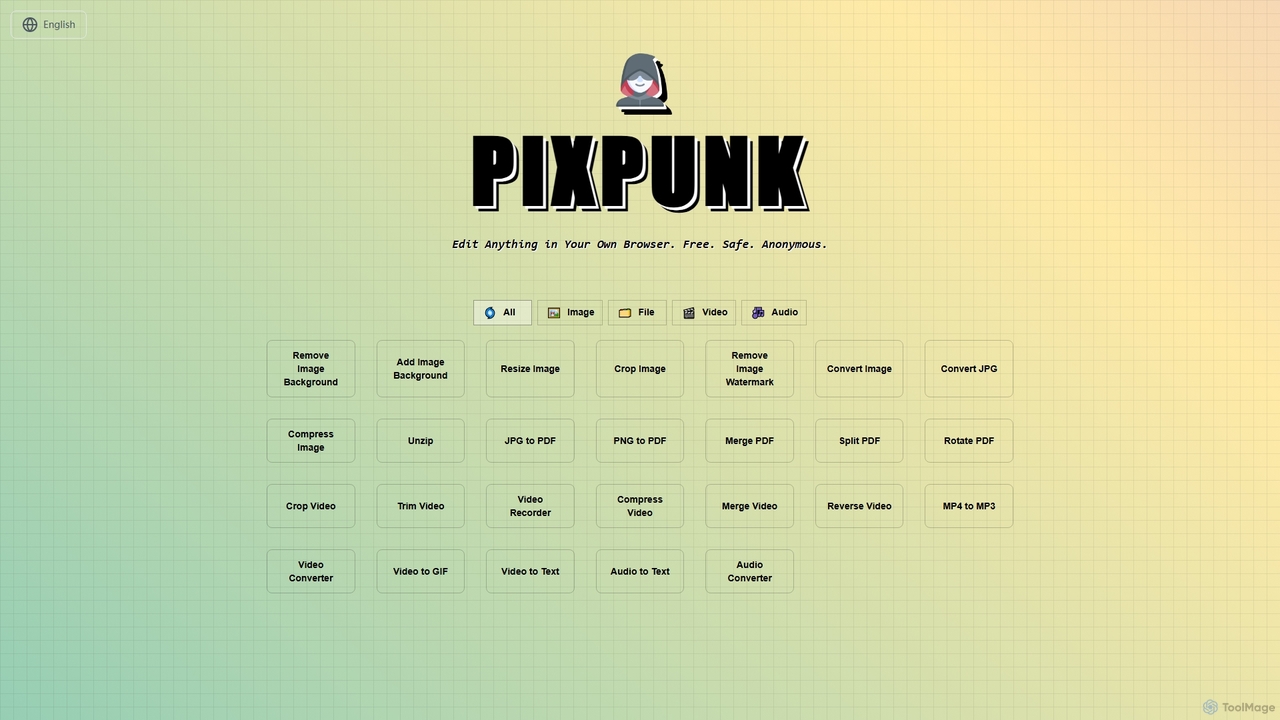
PixPunk
PixPunk is a free, safe, and anonymous online tool that allows users to edit images, convert files, and process videos and audio directly in their browser. It offers a suite of functionalities including background removal, image resizing, cropping, and format conversion, all without uploads or watermarks, ensuring maximum privacy.
Audio Converter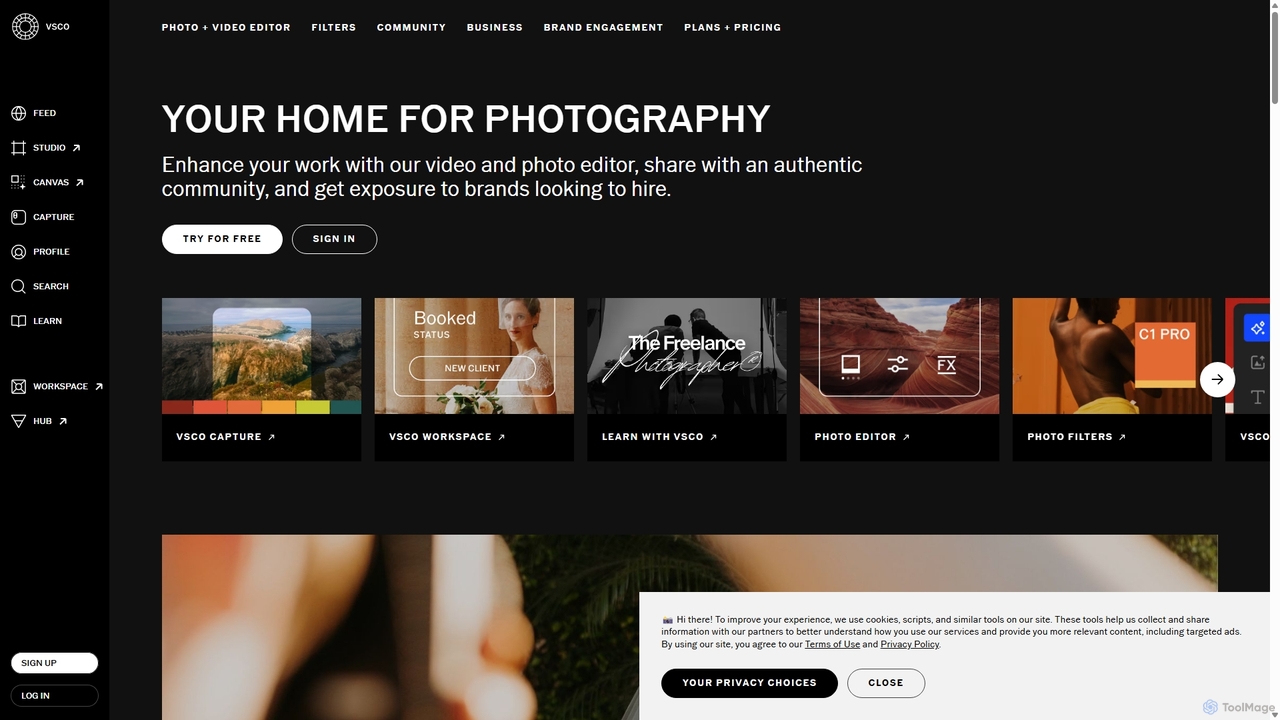
VSCO
VSCO is an all-in-one platform for photographers, offering a powerful photo and video editor with over 200 presets, AI-powered tools, and a vibrant creative community. It also provides professional tools like portfolio websites, studio management software, and opportunities to get hired, supporting creators at every stage of their journey.
3D
Picsart
Picsart is an all-in-one AI-powered creative platform for photo and video editing. It offers a comprehensive suite of tools, including AI image generation, background removal, photo enhancement, and a vast library of templates and stock content. Designed for everyone from beginners to professionals, Picsart simplifies the creation of stunning visuals for social media, marketing, and personal projects, accessible on both web and mobile.
3D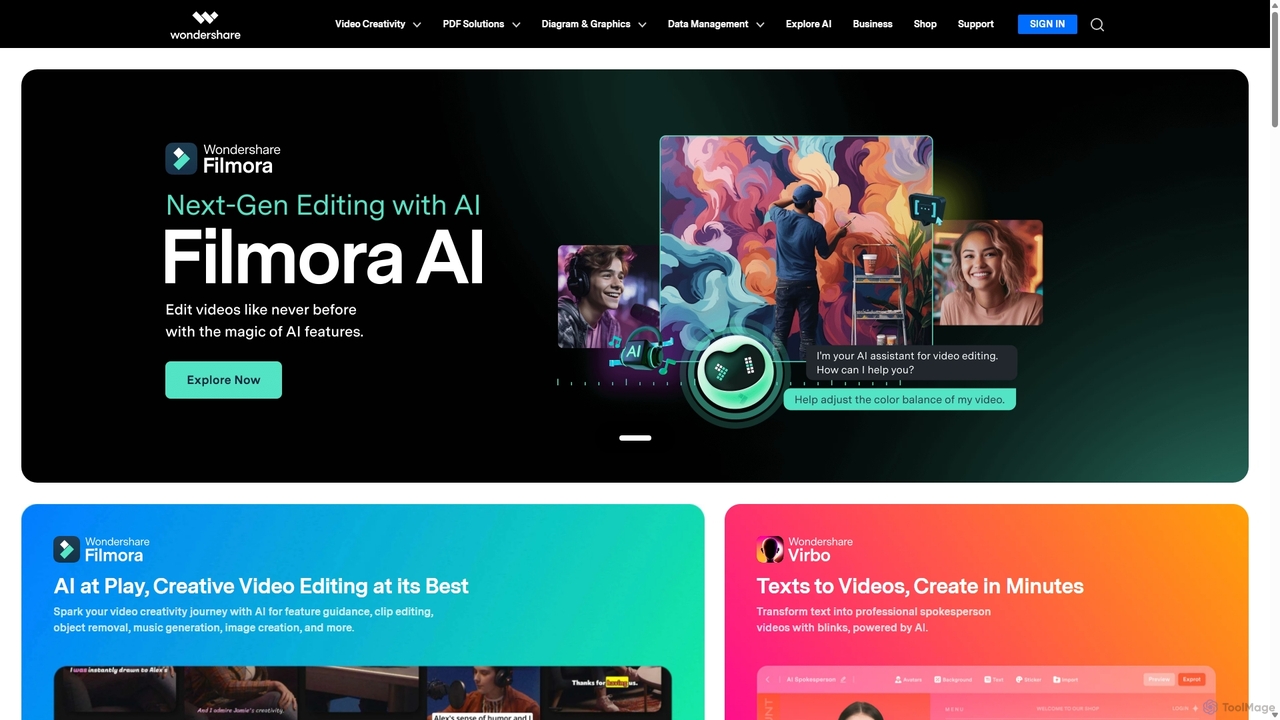
Wondershare
Wondershare offers a comprehensive suite of AI-powered software designed to enhance creativity, productivity, and utility. From advanced video editing and PDF management to data recovery and diagramming, Wondershare provides intuitive, powerful tools for individuals, businesses, and educators to simplify their digital life and creative workflows.
Graphic Design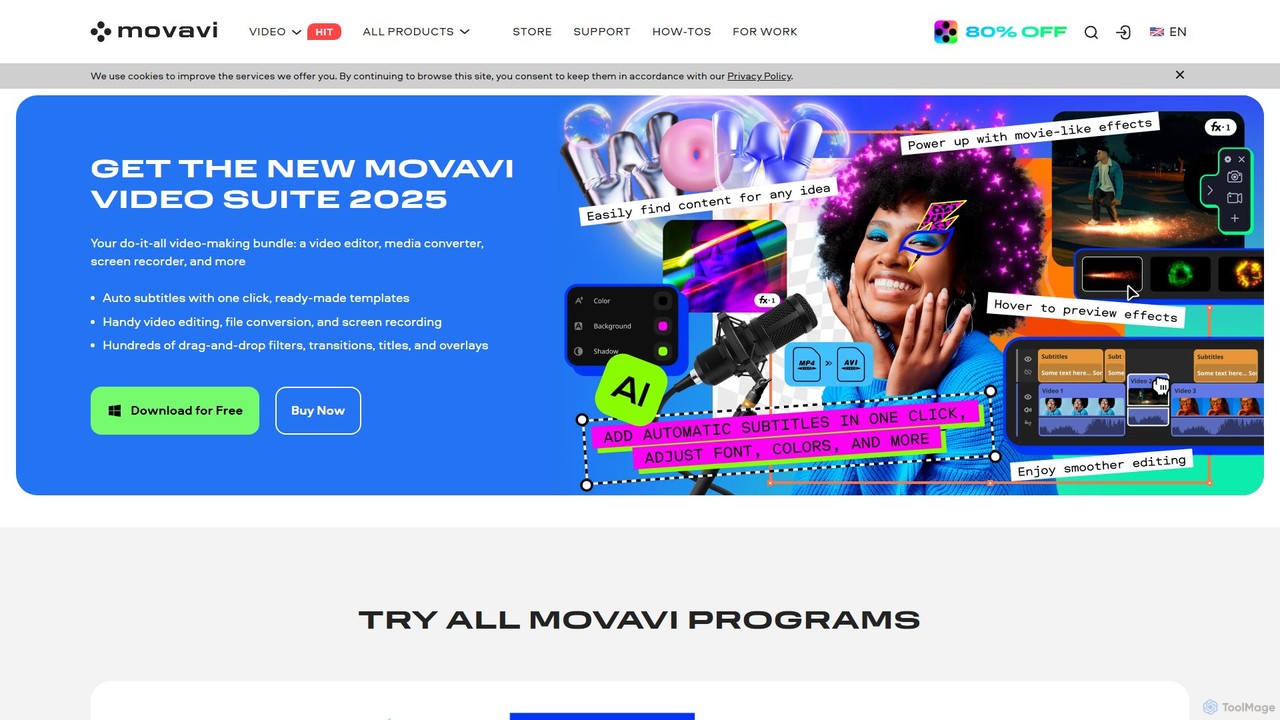
Movavi
Movavi is a comprehensive suite of multimedia programs, featuring a powerful yet user-friendly AI video editor, photo editor, screen recorder, and file converter. It's designed for everyone from beginners to seasoned creators, offering AI-driven features like background removal, motion tracking, and audio denoising to simplify the creative process. Create stunning videos, edit photos, and capture your screen with an intuitive drag-and-drop interface and a vast library of effects.
Screen Recording
BeautyPlus
BeautyPlus is an all-in-one AI-powered photo and video editor. It offers a vast suite of tools for selfie enhancement, virtual makeup, body reshaping, and creative editing. With features like AI filters, background removal, object eraser, and image enhancement, it allows users of all skill levels to create professional-quality visuals effortlessly on mobile and web.
Generative Art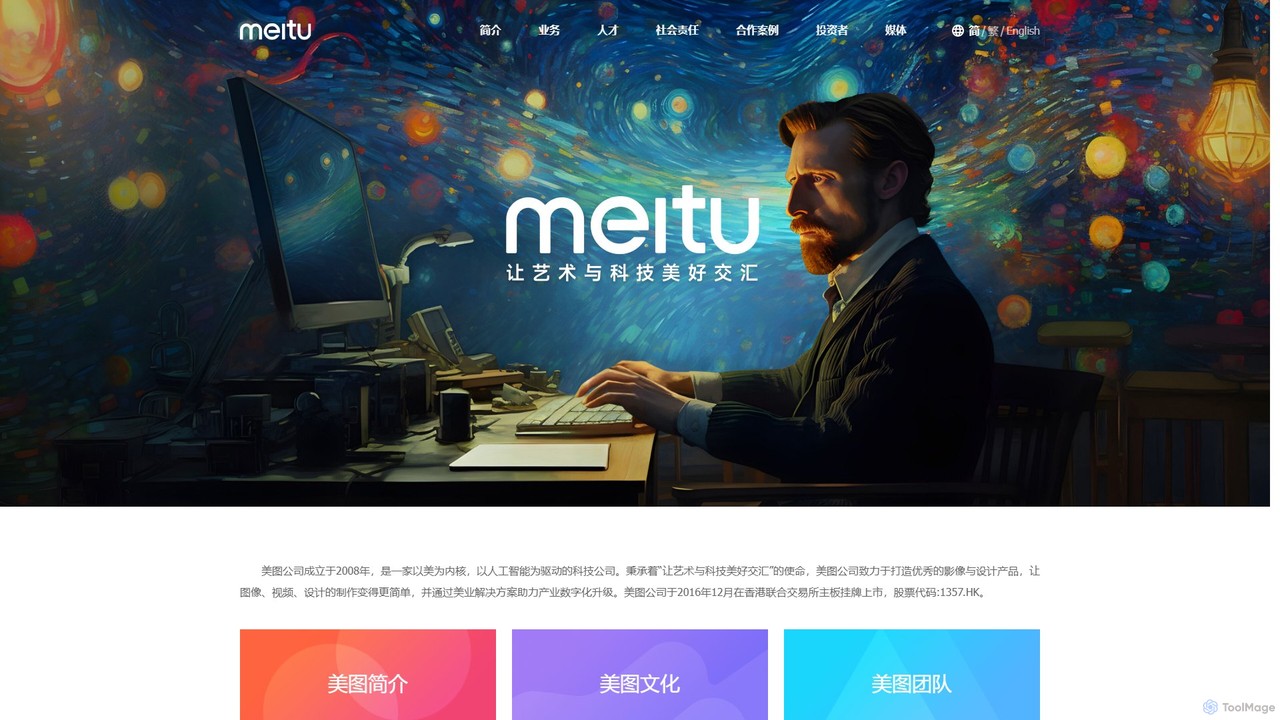
Meitu
Meitu is a comprehensive suite of AI-powered tools for photo and video editing, graphic design, and professional creative workflows. It simplifies complex tasks like photo retouching, video quality restoration, and content creation, making advanced editing accessible to everyone from casual users to businesses.
Graphic Design
RoboNeo
RoboNeo is an AI agent by Meitu, focused on visual productivity. It streamlines content creation by integrating AI-powered photo editing, graphic design, and video generation into a single, intuitive platform. Ideal for marketers, creators, and businesses to produce high-quality visuals effortlessly.
Graphic Design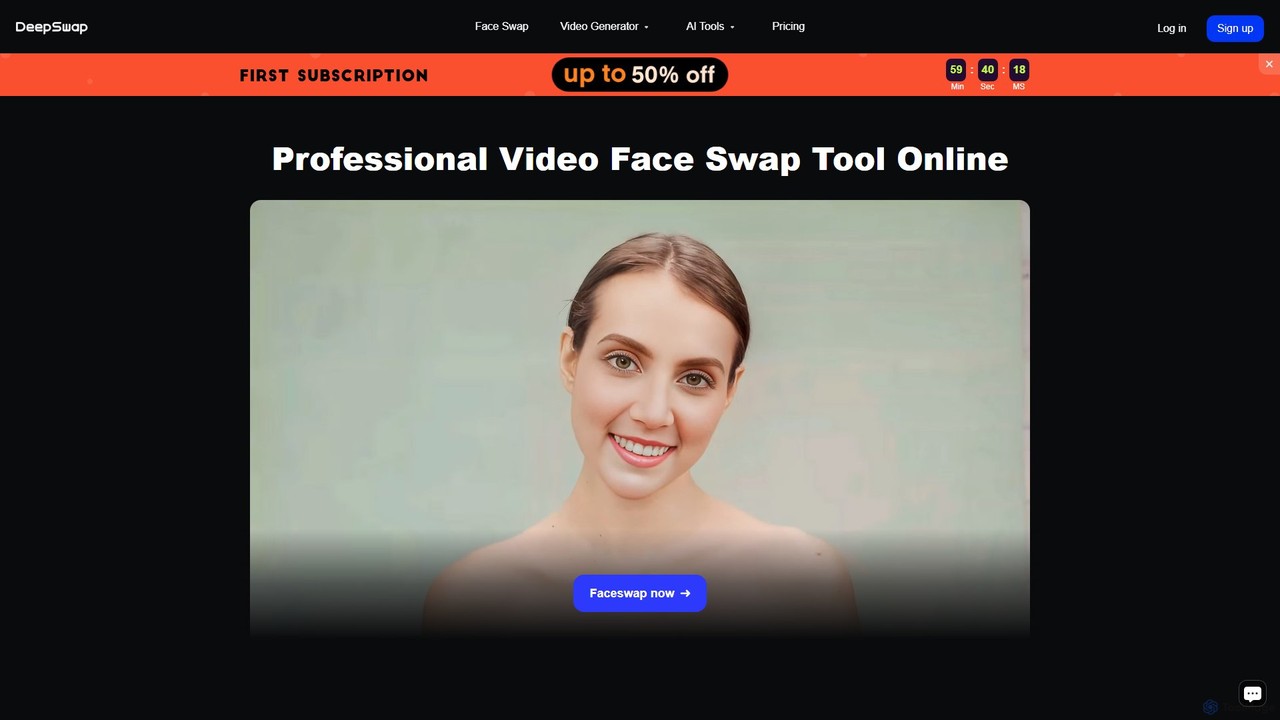
Deepswap
Deepswap is an advanced AI-powered online tool for creating hyper-realistic face swaps in videos, photos, and GIFs. It utilizes proprietary models to achieve over 90% similarity, supports up to 6 faces in a single clip, and offers 4K video output. Additional features include image enhancement, background removal, and a cartoonizer, making it a versatile tool for creators and professionals.
Meme Generator
InShot
InShot is a powerful all-in-one video and photo editor for mobile devices, packed with professional-grade features and AI-powered tools. It's designed for everyone from social media creators to beginners, offering an intuitive interface for easy editing, trimming, and enhancing videos. With features like AI auto-captions, advanced effects, a rich music library, and 4K export, InShot makes creating high-quality content for platforms like YouTube, Instagram, and TikTok simple and accessible.
Photo Editing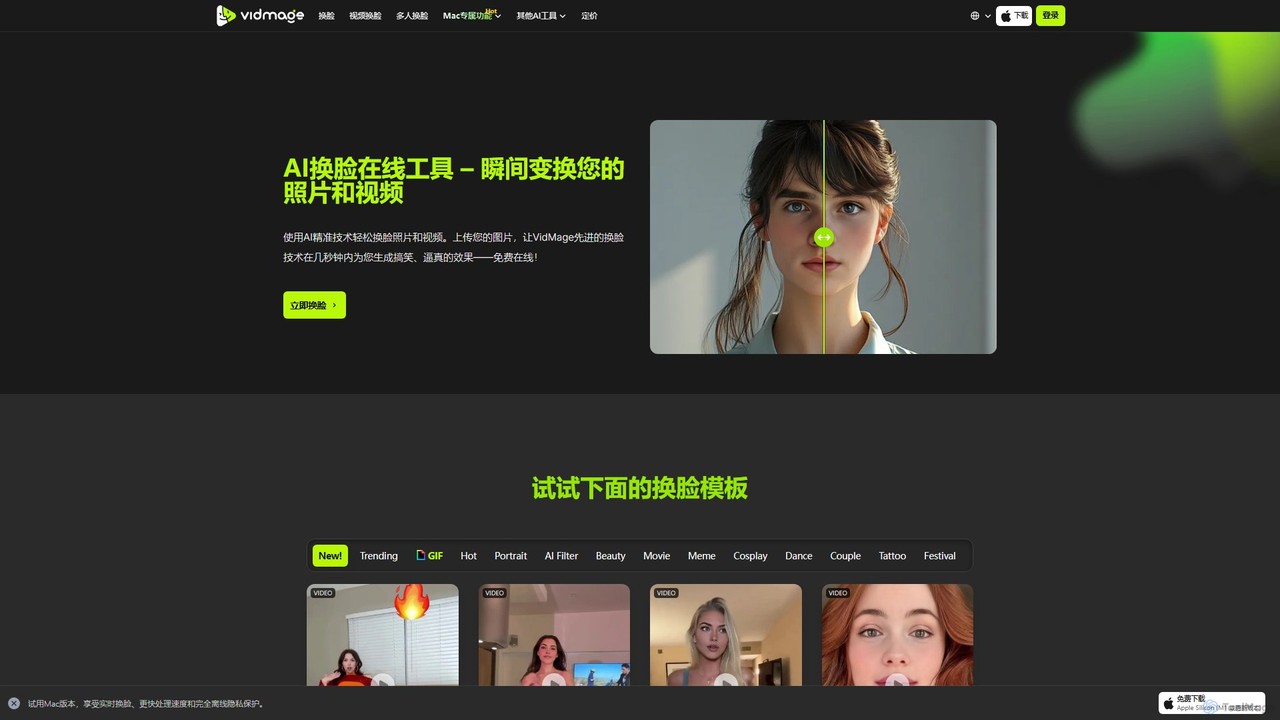
VidMage
VidMage is a powerful AI face swap tool that allows you to seamlessly exchange faces in photos, videos, and GIFs. Available as a free online tool and a dedicated Mac app, it offers high-quality, realistic results for entertainment, meme creation, and creative projects.
Meme Generator
Lightricks
Lightricks is an AI-first company that develops a powerful suite of creative applications for photo and video editing. Its flagship products, including Facetune, Photoleap, Videoleap, and the groundbreaking LTX Studio, empower creators and brands to produce stunning visual content using cutting-edge generative AI technology, bridging the gap between imagination and creation.
Image Editing
Undressbaby
Undressbaby is an AI-powered deepfake tool for image and video manipulation. It specializes in AI undressing, dressing, high-fidelity face swapping, and creative image generation, operating on a freemium points-based system.
Entertainment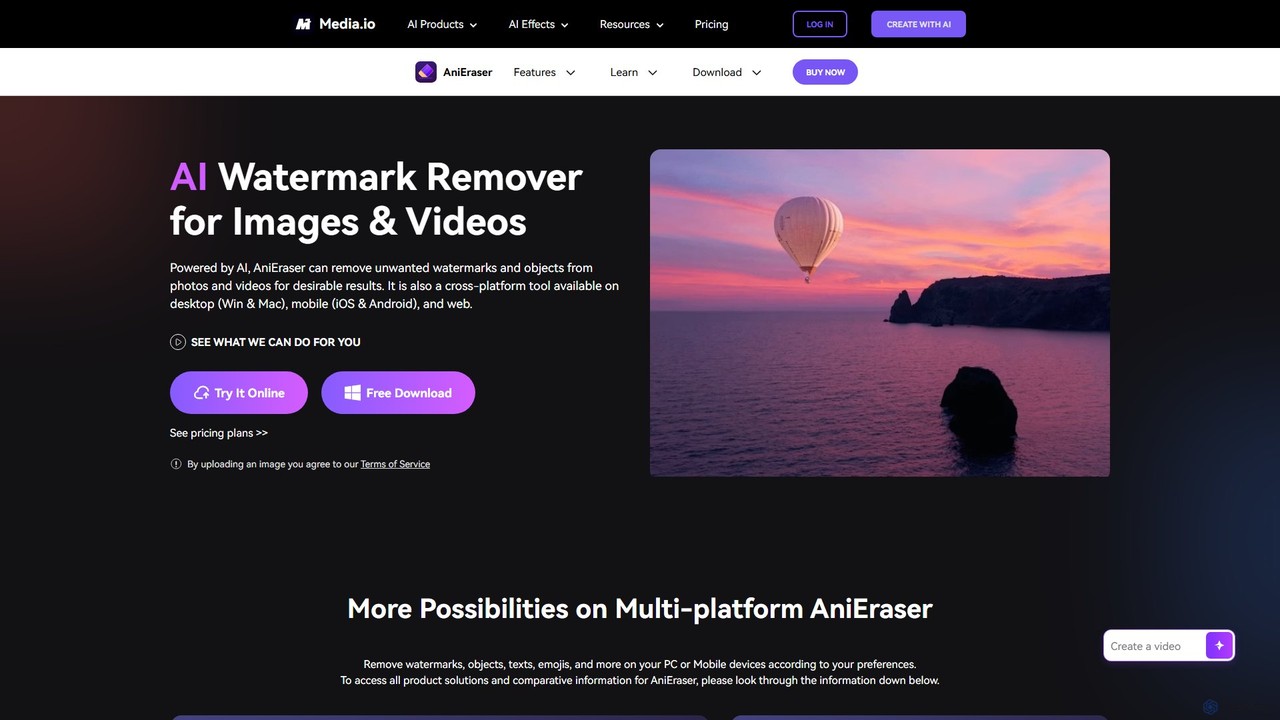
AniEraser
AniEraser is a powerful AI-driven tool for removing unwanted objects from photos and videos. Effortlessly erase watermarks, people, text, emojis, and blemishes with a simple brush stroke. It's a cross-platform solution, available on desktop (Windows/Mac), mobile (iOS/Android), and online, allowing you to edit your media anywhere with a single account.
3D
Nero Comments (0)
Sign in to comment.
Sign inNo comments yet.