

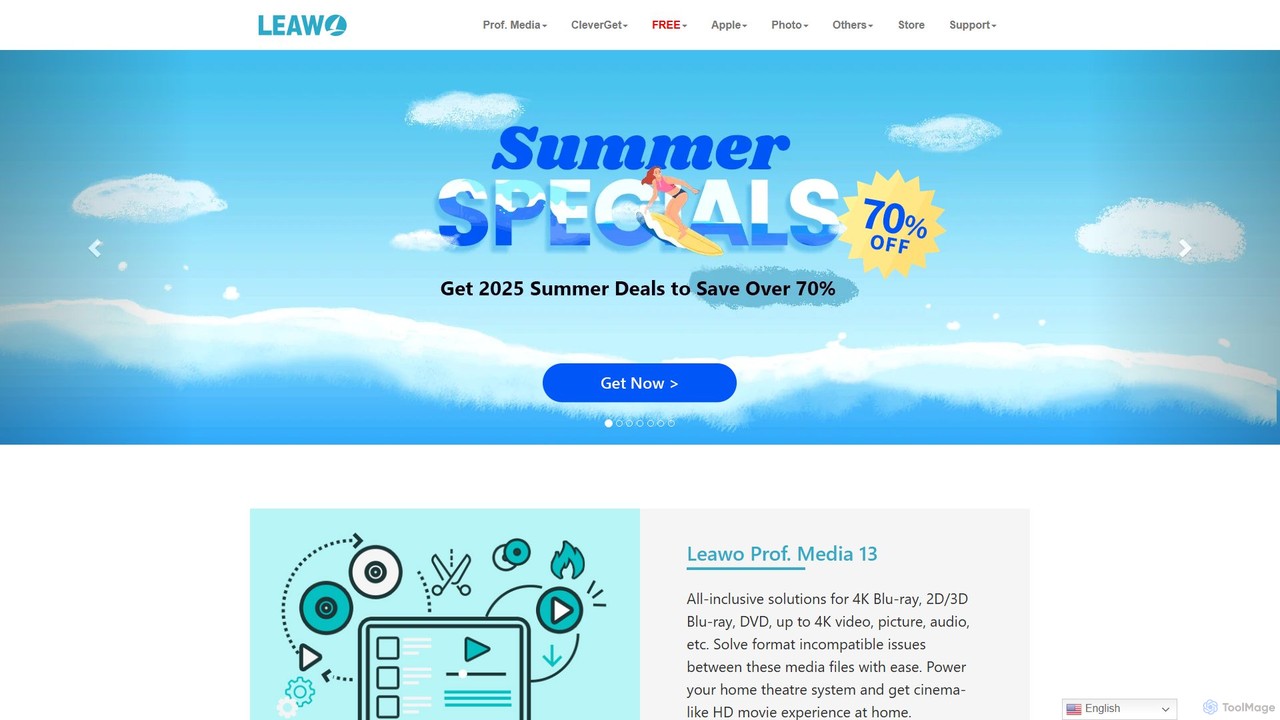
Leawo Overview
Established in 2007, Leawo Software is a leading developer of multimedia solutions, dedicated to providing powerful and user-friendly tools for both personal and professional use. The company offers a vast portfolio of products designed to handle nearly every aspect of digital media management, from high-definition video processing to mobile device data management. Leawo's flagship product, Prof. Media, is an all-in-one suite that integrates multiple functions into a single, cohesive interface, making it a one-stop shop for all multimedia needs.
Leawo's software is engineered to support a wide array of formats and sources. It can process everything from 4K Blu-ray discs and DVDs to online video streams and PowerPoint presentations. The company has gained a reputation for its robust performance, high-quality output, and consistent updates that keep pace with new technologies and copy protection schemes. With a focus on a clean user interface and excellent customer support, Leawo aims to make complex multimedia tasks accessible to users of all skill levels.
How to use Leawo
Using Leawo's suite of tools is designed to be straightforward. The general workflow is as follows:
- Select and Install: Download the specific Leawo product you need (e.g., Blu-ray Ripper, Video Downloader, iTransfer) or the all-in-one Prof. Media suite from the official website. Install it on your Windows or Mac computer.
- Load Source Media: Launch the application. Depending on the task, you will load your source files. This could involve inserting a Blu-ray/DVD disc, dragging and dropping video files into the program, or pasting the URL of an online video. For iTransfer, you would connect your iOS or Android device to the computer.
- Configure Output Settings: Choose your desired output format from a comprehensive list of profiles optimized for various devices and platforms. You can customize advanced parameters such as video/audio codec, resolution, bit rate, frame rate, and more.
- Process Your Media: Once all settings are configured, click the main 'Convert', 'Copy', 'Download', or 'Transfer' button to begin the process. The software will handle the task efficiently, providing progress updates along the way.
- Access Your Files: After the process is complete, you can find the converted files in your designated output folder or see the data successfully transferred to your device.
Core Features of Leawo
- Blu-ray/DVD Solutions: Full-featured tools to rip, convert, and copy Blu-ray/DVD discs (including 4K UHD Blu-ray). It can bypass protection and perform 1:1 disc clones, movie-only backups, or convert disc content to over 180 digital formats.
- Comprehensive Video/Audio Conversion: Convert video and audio files between virtually all popular formats, including MP4, MKV, AVI, MOV, FLV, MP3, AAC, and more, while preserving 100% of the original quality.
- Online Video Downloader: Download videos and music from over 1000 websites, including YouTube, Facebook, and streaming services like Netflix and Amazon Prime Video, in resolutions up to 8K.
- AI-Powered Photo Enhancement: The PhotoIns module uses artificial intelligence to automatically enhance photo quality, enlarge images without losing detail, and remove or change photo backgrounds with precision.
- Mobile Device Management (iTransfer): A powerful alternative to iTunes for transferring files (photos, music, videos, contacts, SMS) between iOS devices, Android devices, iTunes, and computers.
- PowerPoint to Video Converter: Convert PowerPoint presentations (PPT, PPTX) into various video formats for easy sharing and viewing on any device.
- iTunes Cleanup: Intelligently scan and clean up your iTunes music library by adding missing metadata, finding and deleting duplicate songs, and organizing your collection.
Use Cases for Leawo
Leawo's tools are versatile and cater to a wide range of users:
- Home Theater Enthusiasts: Digitize physical Blu-ray and DVD collections to create a personal media server (like Plex) for easy access and to protect discs from scratches or loss.
- Content Creators & Videographers: Convert raw footage from different cameras into a consistent format for editing in software like Adobe Premiere or Final Cut Pro.
- Frequent Travelers: Download movies and TV shows from streaming services for offline viewing on laptops, tablets, or smartphones during flights or commutes.
- Smartphone Users: Easily back up precious photos and videos from an iPhone or Android device to a computer, or migrate all data to a new phone seamlessly.
- Business Professionals & Educators: Convert important PowerPoint presentations into video format for online courses, marketing campaigns, or sharing on social media.
Advantages of Leawo
Leawo stands out in the market for several reasons:
- All-in-One Integration: The Prof. Media suite combines up to 11 different programs into one, offering incredible value and convenience.
- Cutting-Edge Technology: It provides support for the latest technologies, including 4K UHD Blu-ray, H.265 (HEVC) codec, and AI-driven photo processing.
- User-Friendly Design: Despite its powerful features, the software maintains a clean, intuitive, and easy-to-navigate interface.
- High-Quality, Lossless Output: Advanced encoding and decoding technology ensures that the output files retain the original source's quality.
- Cross-Platform Availability: All major products are available for both Windows and macOS.
- Reliable Customer Support: The company is known for its responsive and helpful customer service team.
Pricing and Plans
Leawo operates on a freemium model. Most products are available as a free trial, which allows users to test the core functionalities with certain limitations (e.g., time limit on conversions, watermarks). To unlock the full features, users can purchase a license. The pricing is typically structured with options for a 1-year license or a lifetime license for individual products. There are also bundles, like the Prof. Media suite, which offer significant savings compared to buying each tool separately. For the most accurate and up-to-date pricing, please visit the official Leawo website's purchase center.
Traffic
Latest traffic
Status
Monthly traffic trend
- 2025-9: 931.6K
- 2026-1: 960.2K
- 2026-2: 725.2K
- 2026-3: 748.8K
- 2026-4: 705.0K
- 2026-5: 818.4K
Geography
Top 5 countries / regions
- 🇯🇵Japan68.8%
- 🇺🇸United States12.7%
- 🇨🇳China8.3%
- 🇩🇪Germany5.6%
- 🇰🇷South Korea4.6%
Traffic sources
| Source type | Percentage |
|---|---|
Direct | 82.8% |
Referral | 17.0% |
Email | 0.3% |
Leawo Alternatives
DVDFab
DVDFab is a comprehensive multimedia toolkit for DVD/Blu-ray/4K UHD backup, ripping, and conversion. It features AI-powered video enhancement to upscale resolution up to 8K, convert SDR to HDR, and denoise footage. The suite also includes tools for downloading videos and music from over 1000 streaming services.
Audio Editing
HitPaw
HitPaw is a comprehensive AI-powered multimedia software suite designed for video, photo, and audio enhancement. It offers a range of tools for upscaling video to 8K, restoring old photos, changing voices in real-time, converting file formats, and more, catering to creators, professionals, and enthusiasts.
Voice Modulation
EaseUS Multimedia
EaseUS Multimedia is an all-in-one AI-powered toolkit for video and audio processing. It includes a video converter, editor, downloader, screen recorder, and AI voice changer. Ideal for content creators, gamers, and general users, it simplifies tasks like format conversion, audio extraction, noise removal, and creating AI song covers.
Transcription
Anvsoft
Anvsoft offers a suite of AI-powered multimedia software designed to enhance, convert, and edit videos and photos. Its flagship products, like AI Video Enhancer and AI Video Blur, use advanced algorithms for upscaling, colorization, face refinement, and automatic blurring, catering to both casual users and professionals.
Image Enhancement
mega
mega is an intelligent cloud storage and digital asset management platform. It uses powerful AI to automatically organize, tag, and search your files, transforming how you manage your digital life. Securely store, share, and collaborate with AI-driven features that streamline workflows and help you find what you need instantly.
Digital Asset ManagementLeawo Categories
Leawo Embed Widget
Copy this embed code to place the badge on your blog, article, or product site and send readers directly to this ToolMage detail page.

Related AI tools
DVDFab
DVDFab is a comprehensive multimedia toolkit for DVD/Blu-ray/4K UHD backup, ripping, and conversion. It features AI-powered video enhancement to upscale resolution up to 8K, convert SDR to HDR, and denoise footage. The suite also includes tools for downloading videos and music from over 1000 streaming services.
Audio EditingHitPaw
HitPaw is a comprehensive AI-powered multimedia software suite designed for video, photo, and audio enhancement. It offers a range of tools for upscaling video to 8K, restoring old photos, changing voices in real-time, converting file formats, and more, catering to creators, professionals, and enthusiasts.
Voice ModulationEaseUS Multimedia
EaseUS Multimedia is an all-in-one AI-powered toolkit for video and audio processing. It includes a video converter, editor, downloader, screen recorder, and AI voice changer. Ideal for content creators, gamers, and general users, it simplifies tasks like format conversion, audio extraction, noise removal, and creating AI song covers.
TranscriptionAnvsoft
Anvsoft offers a suite of AI-powered multimedia software designed to enhance, convert, and edit videos and photos. Its flagship products, like AI Video Enhancer and AI Video Blur, use advanced algorithms for upscaling, colorization, face refinement, and automatic blurring, catering to both casual users and professionals.
Image Enhancement
FliFlik
FliFlik offers a suite of AI-powered multimedia solutions to enhance, edit, and transform your photos, videos, and audio. Its user-friendly tools, including a photo/video enhancer, a real-time voice changer, and an object remover, make professional-grade editing accessible to everyone. Effortlessly upscale videos to 8K, restore old photos, remove unwanted objects, and customize your voice for gaming or streaming.
Voice Modulationmega
mega is an intelligent cloud storage and digital asset management platform. It uses powerful AI to automatically organize, tag, and search your files, transforming how you manage your digital life. Securely store, share, and collaborate with AI-driven features that streamline workflows and help you find what you need instantly.
Digital Asset Management
EaseUS
EaseUS offers a comprehensive suite of software for data management, recovery, and multimedia creation, enhanced with powerful AI. From AI-powered file repair and data recovery to creative tools like AI image generation and vocal removal, EaseUS provides reliable, user-friendly applications for both individual and enterprise users. It simplifies complex tasks like disk partitioning, system backup, and data transfer, making digital life easier and more secure.
Generative Art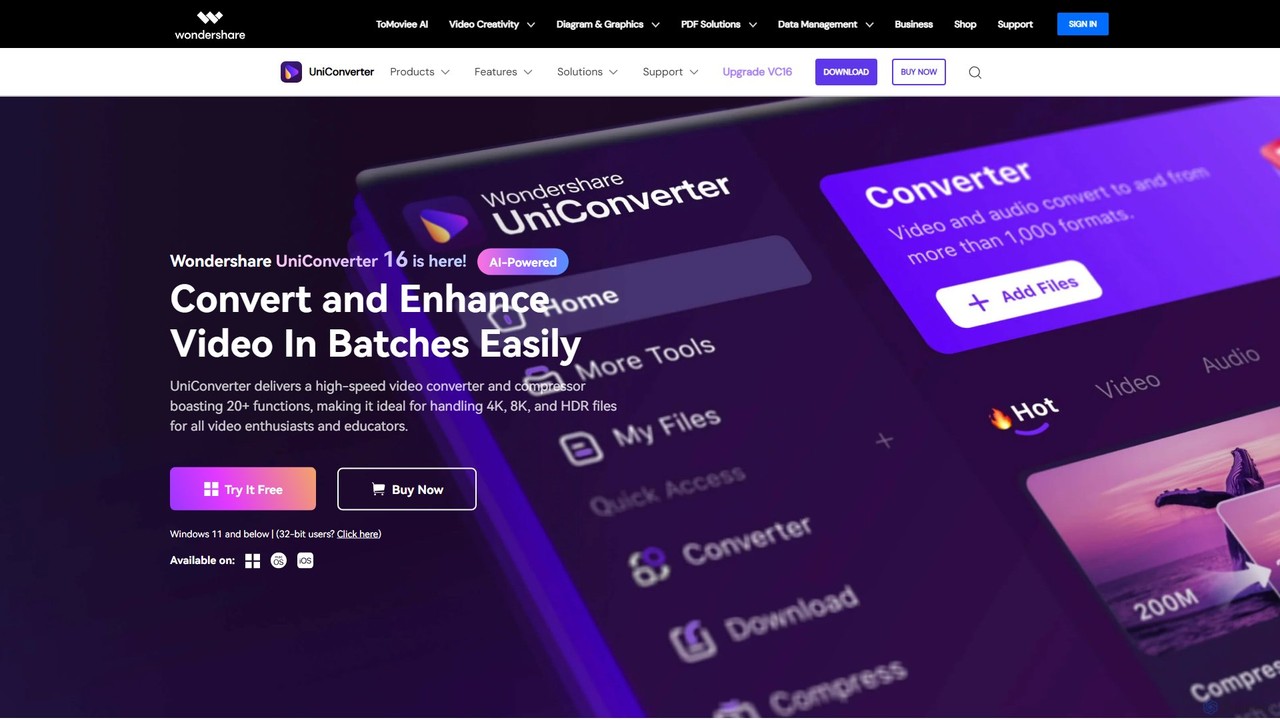
Wondershare UniConverter
Wondershare UniConverter is an all-in-one, AI-powered video toolbox designed for enthusiasts and professionals. It integrates a high-speed video converter, an efficient compressor, a versatile editor, and a suite of AI enhancement tools. Handle 4K/8K/HDR files, convert between 1000+ formats, and leverage AI to upscale video, remove noise, generate subtitles, and more, all within a single, user-friendly application.
Video Enhancement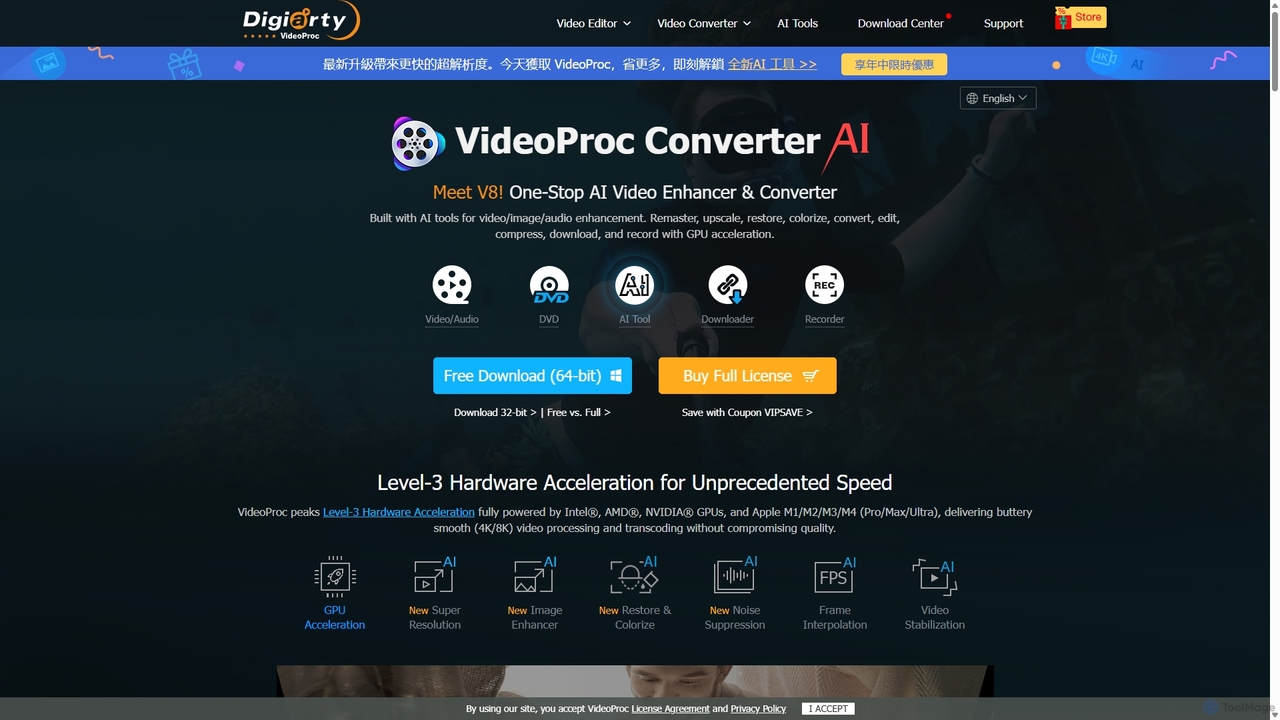
VideoProc
VideoProc is a one-stop, AI-powered media processing suite. It enhances, converts, edits, compresses, downloads, and records 4K/8K videos with full GPU acceleration. Its AI tools upscale video/images, stabilize shaky footage, interpolate frames for smooth motion, and remove background noise from audio.
Audio Editing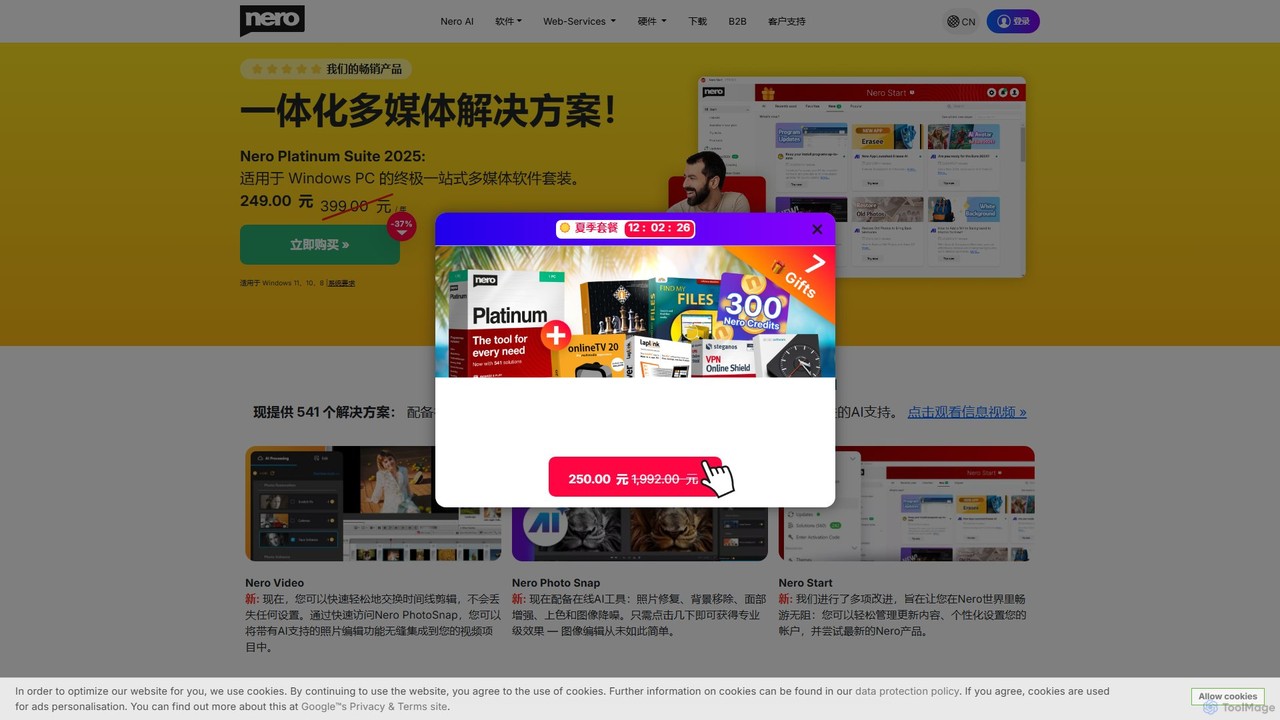
Nero
Nero is a powerful, AI-enhanced multimedia suite for Windows. Evolving from its legendary CD/DVD burning roots, it now offers a comprehensive 7-in-1 solution for video editing, file conversion, media management, data backup, and AI-powered photo enhancement. It's an all-in-one toolkit for managing your entire digital life.
Photo Editing
WinXDVD
WinXDVD is a comprehensive software suite featuring the AI-powered Winxvideo AI for video/image enhancement, conversion, and editing, alongside the renowned WinX DVD Ripper for fast digital backups. It leverages GPU acceleration to upscale videos to 4K, stabilize shaky footage, and rip DVDs with exceptional speed and quality, making it an all-in-one solution for modern media management.
File Management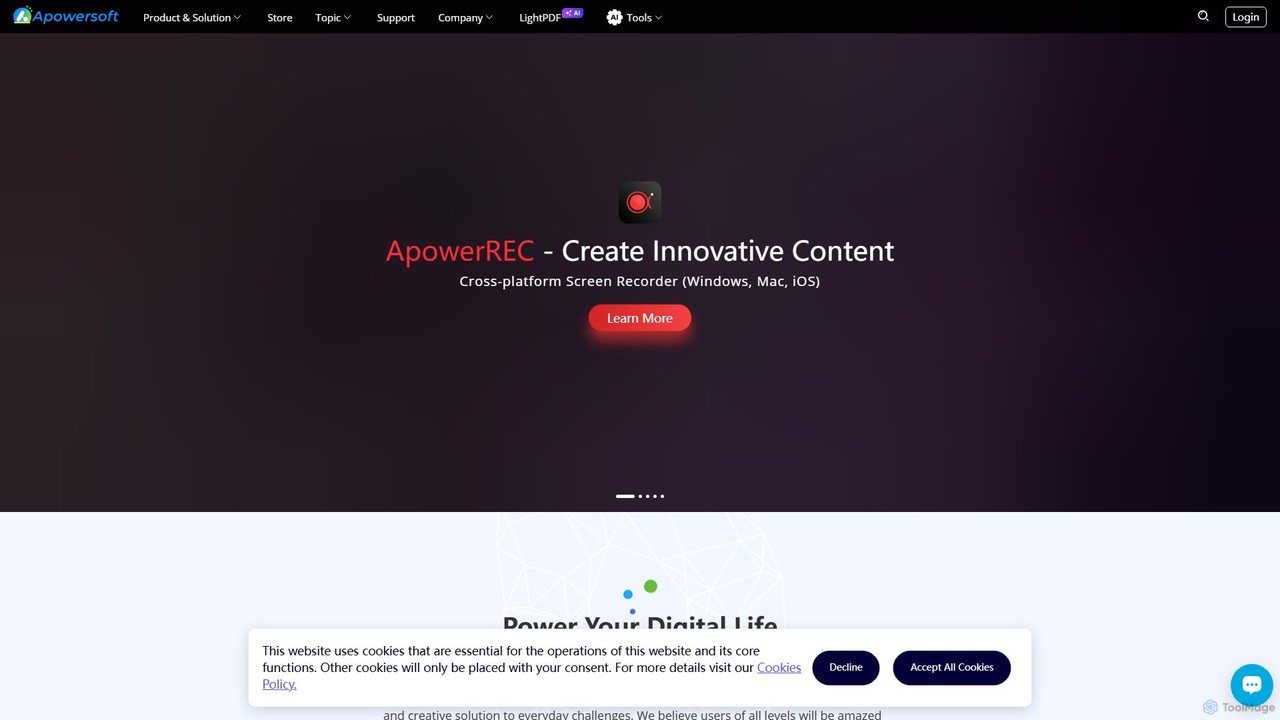
Apowersoft
Apowersoft offers a comprehensive suite of multimedia and utility software for business and daily use. It provides user-friendly solutions for video editing, screen recording, file conversion, PDF management, mobile device management, and data recovery. Integrating AI technology, Apowersoft delivers simple, high-quality, and efficient creative and data solutions across multiple platforms.
Video Editing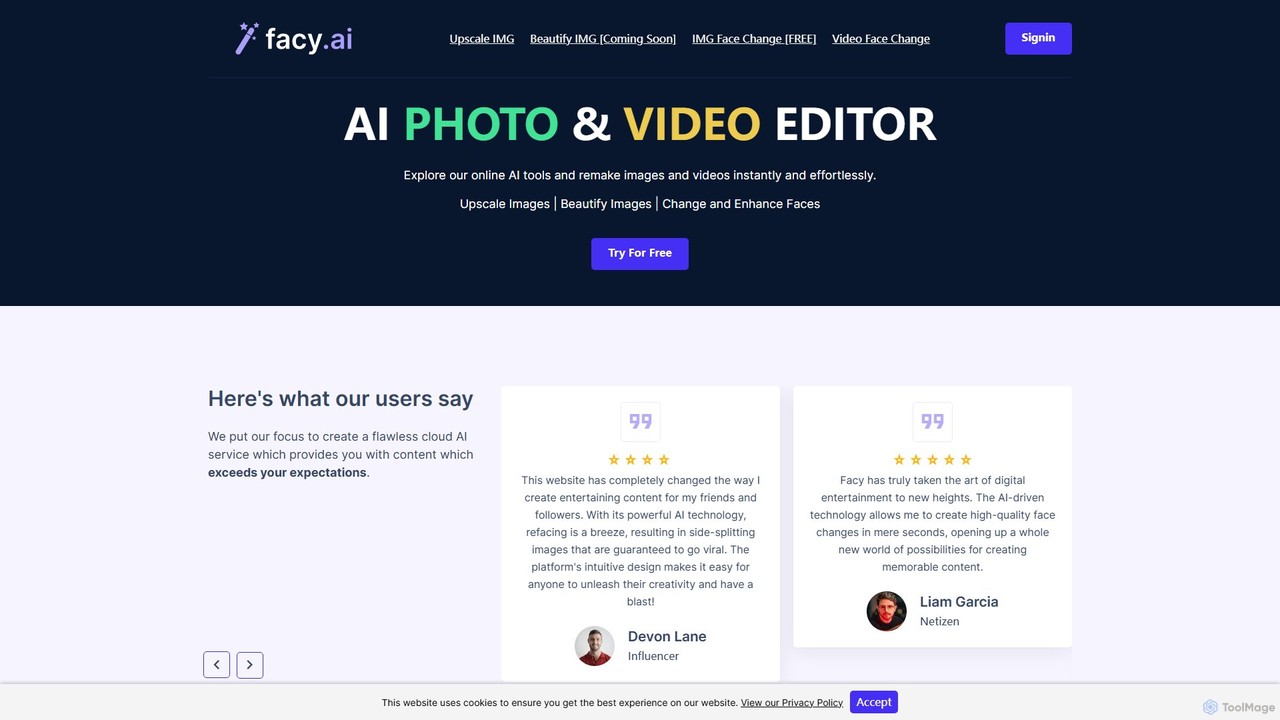
facy
facy is a user-friendly AI-powered platform specializing in high-quality face swapping for both images and videos. It also offers a powerful AI image upscaler to enhance photo resolution. Designed for content creators, social media users, and anyone looking for fun, facy allows you to create entertaining and viral-worthy content in seconds. The platform provides free image face swaps and a freemium model for advanced features like video swaps and 4x image upscaling, making it accessible to everyone.
Meme Generator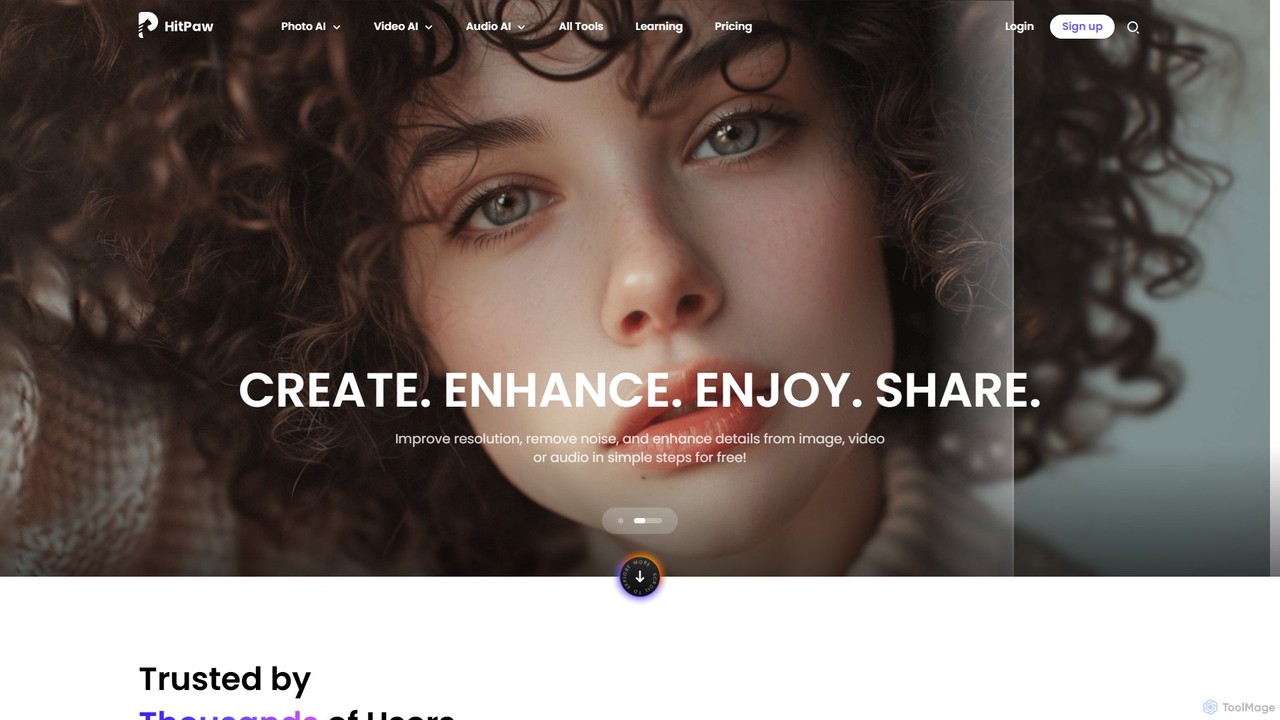
HitPaw Online
HitPaw Online is a comprehensive suite of AI-powered media editing tools. Accessible directly from your browser, it offers over 48 tools for enhancing photos, editing videos, and improving audio. Key features include an AI photo and video enhancer, background and watermark remover, and an AI video translator with voice cloning. It's designed for users of all levels, from social media creators to marketing professionals, providing a one-stop solution for all creative needs.
Audio Editing
PixNova AI
PixNova AI is a free, all-in-one online platform for AI-powered image and video creation. It offers a comprehensive suite of tools, including a photo generator, advanced image editor, seamless face swap for photos and videos, and various creative transformation tools.
Face Swap
Leawo Comments (0)
Sign in to comment.
Sign inNo comments yet.