ToolMage
Sign in

Best 2 Generative Art AI tools for Ai Tools

Popular Generative Art AI tools in Ai Tools include EaseUS and Fabrie, helping you work more efficiently.

EaseUS
Freemium

EaseUS

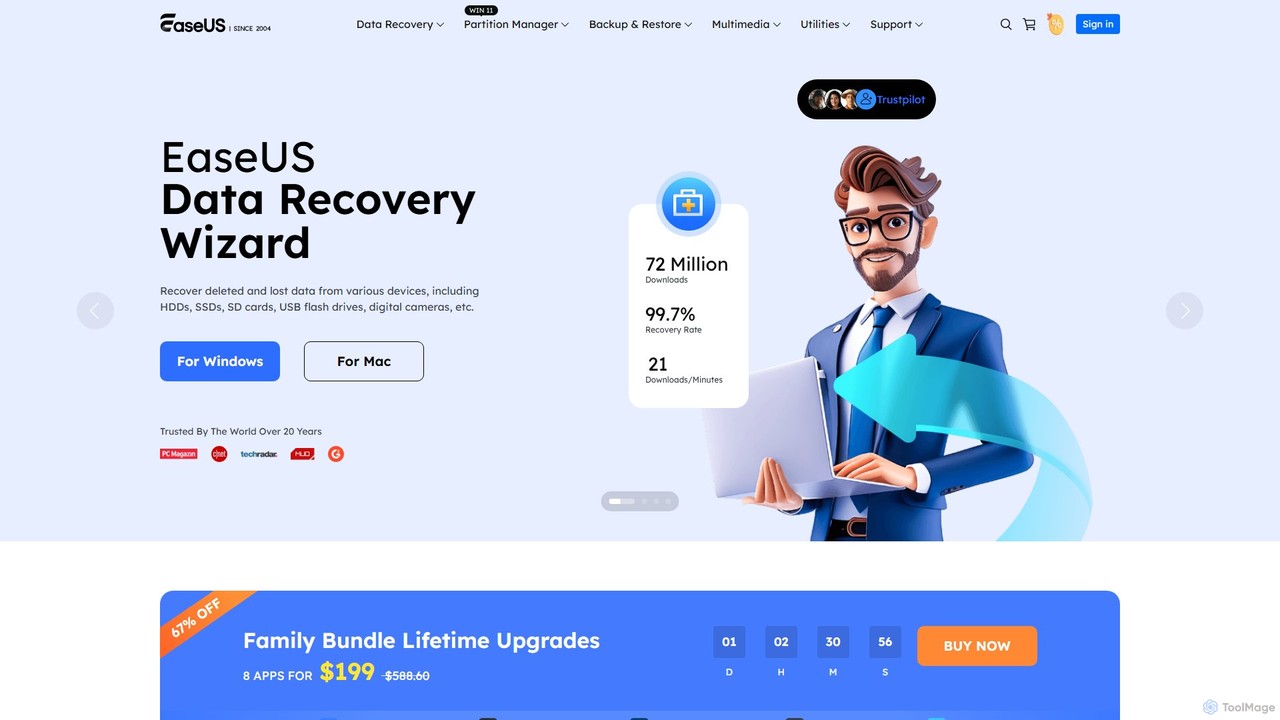
EaseUS offers a comprehensive suite of software for data management, recovery, and multimedia creation, enhanced with powerful AI. From AI-powered file repair and data recovery to creative tools like AI image generation and vocal removal, EaseUS provides reliable, user-friendly applications for both individual and enterprise users. It simplifies complex tasks like disk partitioning, system backup, and data transfer, making digital life easier and more secure.

Generative Art
Visits 5.4MFavorites 158Likes 151
Fabrie
Freemium

Fabrie

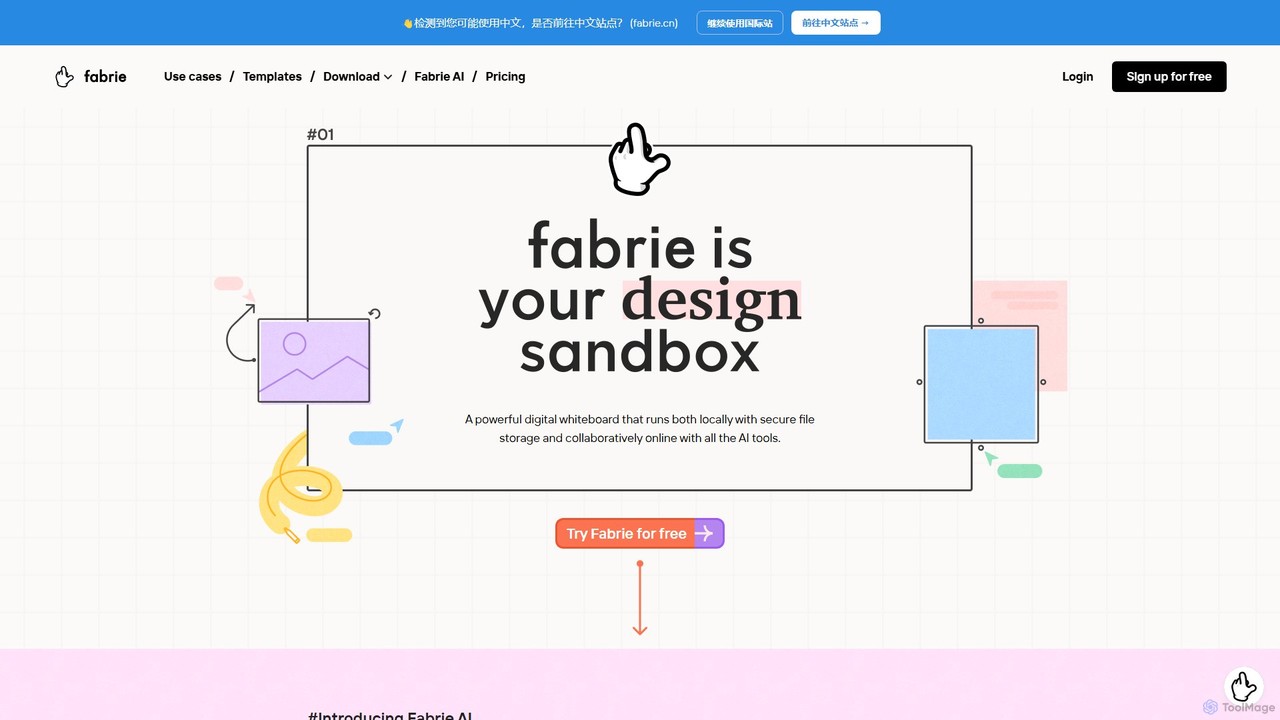
Fabrie is an AI-powered collaborative online whiteboard for creative teams. It integrates a flexible canvas, powerful databases, and generative AI tools to streamline the entire design workflow, from brainstorming and research to prototyping and presentation, creating a unified workspace for designers.

Generative Art
Visits 6.3KFavorites 140Likes 146

About Generative Art

Generative Art tools are AI-powered platforms that create unique artworks and visual content through algorithms and machine learning models. These tools leverage advanced neural networks to interpret prompts, styles, and parameters, transforming textual descriptions or input data into novel images, animations, or 3D models. They empower artists, designers, and creators to explore new aesthetic possibilities, rapidly prototype ideas, and produce diverse visual assets with unprecedented efficiency and creativity.

Core Features

  • Text-to-Image Generation: Transform descriptive text prompts into detailed visual artworks.
  • Style Transfer & Blending: Apply artistic styles from one image to another or combine multiple styles.
  • Algorithmic Composition: Generate abstract patterns, textures, and compositions based on mathematical rules or learned aesthetics.
  • Parameter Control & Iteration: Fine-tune generation parameters (e.g., seed, strength, guidance) to guide the creative process and iterate on designs.
  • Image-to-Image Transformation: Use an existing image as a base to generate variations or apply new styles.

Use Cases

Generative Art tools are widely adopted across creative industries. Digital artists use them to overcome creative blocks and explore diverse artistic directions. Game developers leverage them for rapid concept art generation, creating unique characters, environments, and textures. Marketing professionals utilize these tools to produce engaging and personalized visual content for campaigns, while architects and interior designers generate mood boards and conceptual visualizations.

How to Choose

When selecting a Generative Art tool, consider the quality and diversity of its output models, ensuring they align with your artistic vision. Evaluate the level of control and customization offered, such as parameter adjustments and style options. Assess the user interface for ease of use and workflow integration. Finally, consider the pricing model, community support, and the ability to export high-resolution outputs suitable for your intended use.

Generative Art use cases

1

Concept Art Generation for Game & Film Production

Game and film artists use generative art tools to rapidly prototype character designs, environmental concepts, and prop variations. By inputting textual descriptions or rough sketches, they can generate hundreds of unique visual ideas in minutes, significantly accelerating the pre-production phase and fostering creative exploration. This allows for quick iteration and visualization of diverse artistic directions.

2

Creating Unique Digital Collectibles (NFTs)

Digital artists and collectors leverage generative art platforms to produce one-of-a-kind NFTs. These tools can generate entire collections of unique artworks based on a set of traits and rarity parameters, offering a scalable way to create distinctive digital assets for the blockchain market. This enables artists to explore new revenue streams and engage with the crypto art community.

3

Personalized Marketing & Advertising Visuals

Marketing teams utilize generative art to create highly customized and engaging visuals for advertising campaigns, social media, and product promotions. By inputting brand guidelines, target audience demographics, and campaign themes, they can generate diverse image sets that resonate with specific segments, enhancing ad performance and brand recall without extensive manual design.

4

Architectural & Interior Design Visualization

Architects and interior designers employ generative art tools to quickly visualize design concepts, generate mood boards, and explore material palettes. They can input basic structural layouts or desired aesthetic styles to produce various conceptual renderings, helping clients envision spaces and facilitating early-stage design decisions with dynamic visual options.

5

Experimental Art Installations & Interactive Media

Contemporary artists and media creators use generative art for large-scale experimental installations and interactive digital experiences. The tools can generate dynamic, evolving visual patterns or responsive graphics that react to external stimuli, pushing the boundaries of traditional art forms and creating immersive environments for public engagement.

6

Automated Social Media Content & Blog Illustrations

Content creators and social media managers use generative art tools to quickly produce a constant stream of fresh and relevant visuals for their platforms. Instead of relying on stock photos or manual design, they can generate unique illustrations, banners, and post images tailored to specific topics or themes, maintaining visual engagement and consistency across their digital presence.

Generative Art FAQ

What is Generative Art?

Generative Art is an artistic practice where artists use autonomous systems, often AI algorithms and machine learning models, to create artworks. These systems are given a set of rules, parameters, or data, and they then generate unique visual outputs, such as images, animations, or 3D models, without direct human manipulation of every pixel or brushstroke. It explores the intersection of technology, creativity, and algorithmic design.

How do Generative Art tools work?

Generative Art tools typically work by employing various AI models, most commonly Generative Adversarial Networks (GANs) or Diffusion Models. Users provide input in the form of text prompts, reference images, or specific parameters. The AI model then processes this input, learning from vast datasets of existing art and images, to synthesize new, original visual content. The process often involves iterative refinement, allowing users to guide the AI towards desired aesthetic outcomes.

What's the difference between Generative Art and AI Image Editing?

Generative Art focuses on creating entirely new visual content from scratch based on prompts or algorithms, exploring novel aesthetics and forms. AI Image Editing, on the other hand, involves modifying or enhancing existing images using AI capabilities like background removal, upscaling, color correction, or object manipulation. While both use AI, generative tools are about creation, and editing tools are about transformation and refinement of existing visuals.

Who can benefit from using Generative Art tools?

A wide range of individuals and professionals can benefit. Digital artists and illustrators can overcome creative blocks and experiment with new styles. Graphic designers and marketers can rapidly generate diverse visual assets for campaigns. Game developers and animators can accelerate concept art and asset creation. Even hobbyists and enthusiasts can explore their creativity without needing extensive traditional art skills, making art creation more accessible.

What should I consider when choosing a Generative Art tool?

When selecting a Generative Art tool, evaluate the quality and style diversity of its output models to match your artistic needs. Consider the level of control it offers over parameters and customization options for fine-tuning results. Check the user-friendliness of its interface and its integration capabilities with other creative software. Also, assess the cost, community support, and the rights/licensing associated with the generated artworks for commercial or personal use.