

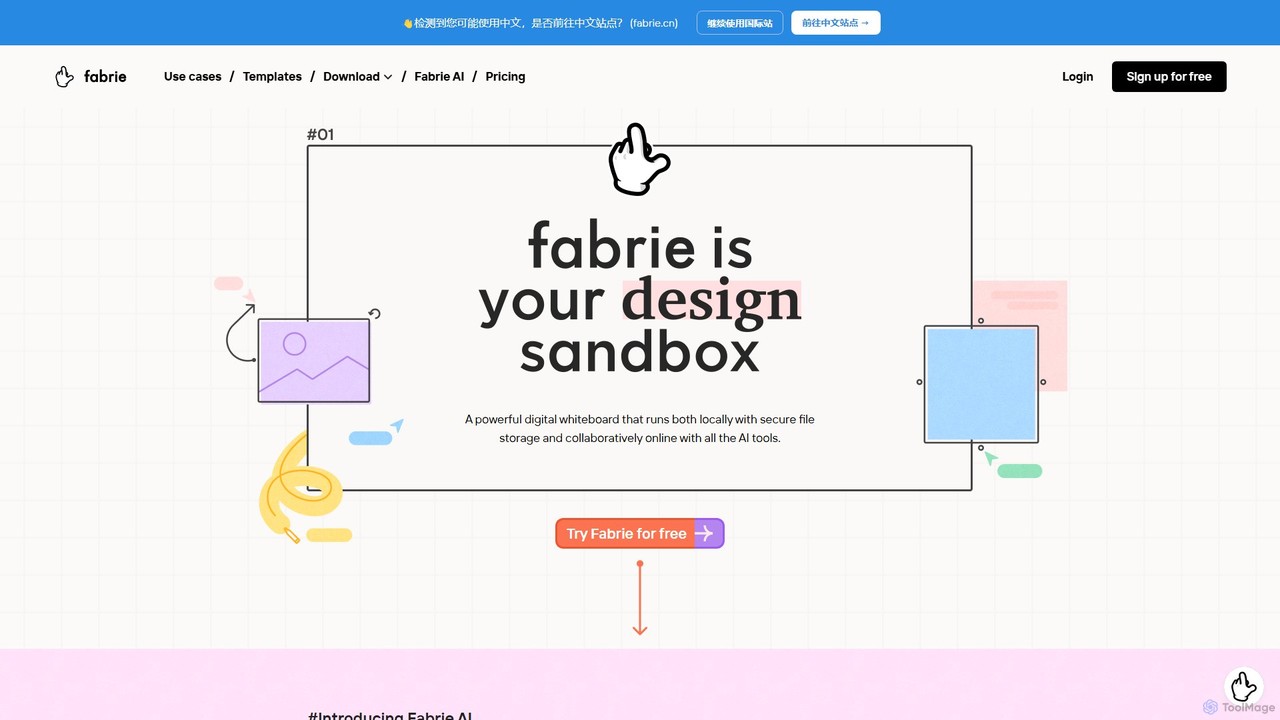
Fabrie Overview
Fabrie is a revolutionary collaborative platform and digital whiteboard built specifically for designers and creative teams. It reimagines the entire design workflow by merging an infinite visual canvas, powerful spreadsheet-like databases, and a suite of advanced AI tools into a single, cohesive workspace. Whether you're brainstorming initial concepts, managing complex projects, or presenting final designs, Fabrie provides the tools to keep your team aligned and your creative process fluid. It supports both real-time and asynchronous collaboration, allowing teams to work together seamlessly, regardless of their location. With its unique ability to handle everything from rough sketches and mood boards to detailed project plans and AI-generated renderings, Fabrie positions itself as the ultimate hub for modern design execution.
How to use Fabrie
Getting started with Fabrie involves embracing its visual-first workflow, which is designed to be intuitive for creatives. The process typically follows these steps:
- Research and Exploration: Begin by gathering all your research materials—images, links, notes, and documents—onto the infinite whiteboard. Use tools like mind maps, flowcharts, and sticky notes to visually organize information and uncover insights.
- Ideation and Brainstorming: Invite your team to a collaborative session. Use the digital whiteboard for brainstorming, sketching ideas, and evaluating concepts together in real-time or asynchronously. All contributions are automatically documented.
- File and Asset Management: Drag and drop your design files, including complex formats like Photoshop (.psd) and Procreate, directly onto the board. Fabrie renders them visually, eliminating the need to constantly export JPEGs and keeping source files accessible.
- Structured Planning with Databases: Create databases within your workspace to manage tasks, material libraries, or product ranges. Use the "Synced Record" feature to drag a database row onto the whiteboard, creating a visual card that stays synchronized with the table.
- AI-Powered Creation: Leverage Fabrie AI to accelerate your work. Use simple text prompts to generate mind maps, SWOT analyses, or business model canvases. With the Design Copilot plugin, you can transform rough sketches into polished, photorealistic renderings in seconds.
- Review and Iterate: Organize design iterations visually on the board. Use tables to track feedback, assign tasks, and document the decision-making process, ensuring clarity and accountability.
- Presentation: Use the "Frame" tool to define sections of your whiteboard. With a single click, these frames are converted into a clean, professional slideshow, allowing you to present your process and results effortlessly.
Core Features of Fabrie
- AI-Powered Whiteboard: An infinite canvas equipped with AI to generate diagrams, tables, and text (e.g., SWOT analysis, mind maps, brainstorms) from simple prompts.
- Design Copilot: An AI image generator that can render sketches into realistic visuals, modify image details, and combine different artistic styles based on text prompts.
- Integrated Databases: Create powerful, spreadsheet-like tables directly within your workspace. Features "Synced Records" that link table data to visual elements on the board for dynamic project management.
- Seamless File Integration: Natively supports and renders a wide range of file types, including .psd, .procreate, PDFs, and standard documents, keeping all project assets in one place.
- Real-time and Asynchronous Collaboration: Work with your team simultaneously on the same board or leave comments and updates for them to review later.
- One-Click Presentations: Instantly turn organized frames on your whiteboard into a polished slideshow, perfect for presenting your design journey and outcomes.
- Professional Templates: A library of editable, design-focused templates for various use cases like UX/UI design, fashion, and graphic design, which can also be generated by AI.
- Data Privacy and Security: Offers private workspaces, data encryption, and a commitment that user data is never used for AI model training. Users retain full intellectual property rights over their creations.
Use Cases for Fabrie
Fabrie is versatile and supports the entire design lifecycle across multiple industries:
- UX/UI & Product Design: Ideal for creating user flows, stakeholder maps, managing design sprints, documenting user research, and iterating on wireframes and mockups.
- Fashion and Industrial Design: Used for creating mood boards, managing material libraries and range plans, tracking prototyping, and visualizing product collections.
- Graphic Design & Branding: Facilitates brainstorming sessions, organizes brand assets, reviews design drafts with clients, and presents final concepts.
- Project Management: Teams can use Fabrie for visual project planning, creating timelines, tracking task progress with integrated databases, and centralizing all project-related communication and documentation.
- Education and Workshops: Teachers and facilitators can use the platform for real-time student feedback, collaborative exercises, and engaging remote learning sessions.
Advantages of Fabrie
Fabrie stands out by offering a unique combination of freedom and structure:
- Unified Workspace: It eliminates the need to juggle multiple applications (like Miro, Notion, and Midjourney) by integrating their core functionalities into one platform.
- Enhanced Creativity: The blend of a freeform canvas with powerful AI tools allows designers to explore ideas faster and visualize concepts with unprecedented speed.
- Streamlined Workflow: By covering the entire process from research to presentation, Fabrie reduces friction and ensures that valuable information is never lost between stages.
- Visual and Intuitive: The platform's design philosophy is centered around visual thinking, making it naturally intuitive for designers and other creative professionals.
- Scalable Collaboration: It's built for teams of all sizes, from individual freelancers to large design departments, with features that support both simple brainstorming and complex project management.
Pricing and Plans
Fabrie offers a freemium model with plans tailored to different needs:
- Free Plan: Ideal for new users to explore the platform. Includes 300 free AI credits, 300MB of cloud storage, 1 project, 3 editable files, and unlimited team members.
- Basic Plan: Designed for freelancers and small teams. Priced at $9 per seat/month (billed annually) or $15 per seat/month (billed monthly). It includes all Free features plus 100GB team cloud storage, unlimited projects and files, a team library, and HD exports. AI credits are available for purchase.
- Professional Plan: For teams that need extensive AI capabilities. Priced at $29 per seat/month (billed annually) or $48 per seat/month (billed monthly). It includes all Basic features plus unlimited AI credits for every seat, 100GB cloud storage per seat, private projects, and advanced permission controls.
- Fabrie Lite: A forthcoming version focused on local storage and performance for individual users who don't require real-time collaboration.
Traffic
Latest traffic
Status
Monthly traffic trend
- 2026-1: 2.5K
- 2026-2: 889
- 2026-3: 775
- 2026-4: 486
- 2026-5: 791
Geography
Top 5 countries / regions
- 🇮🇳India100.0%
Top keywords
| Keyword | Cost per click |
|---|---|
| fabrie | $0.00 |
Fabrie Alternatives
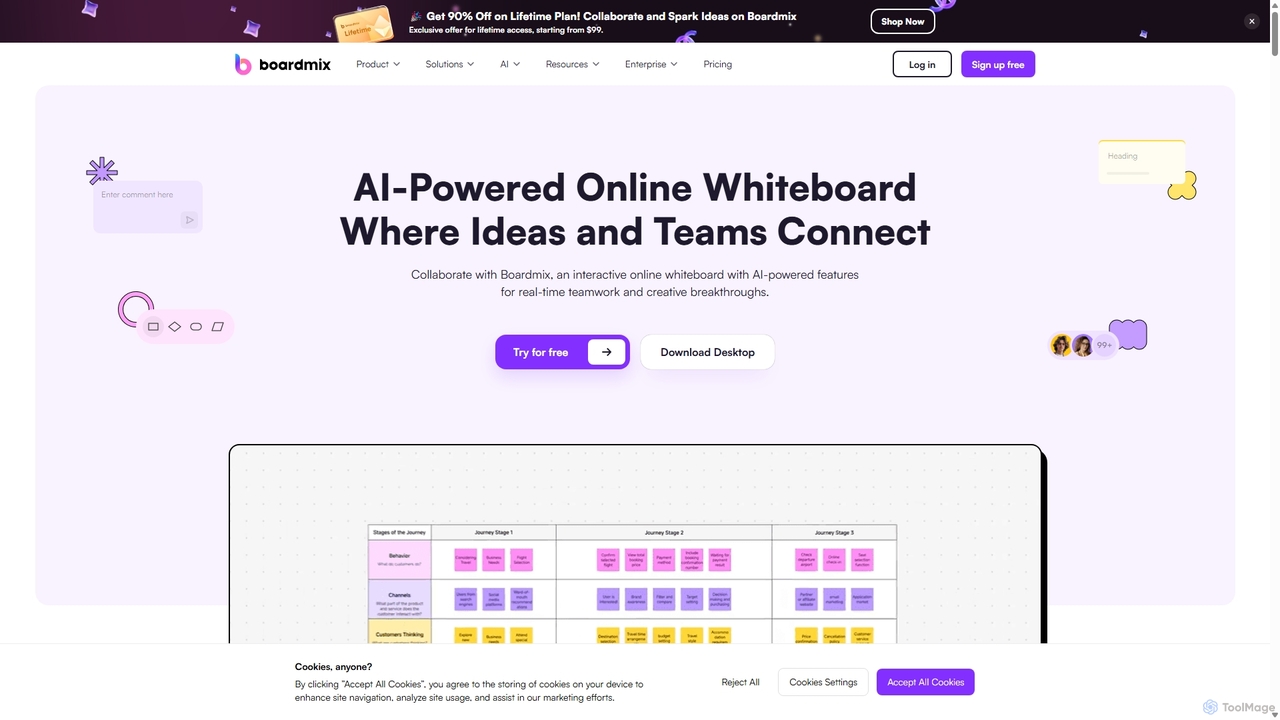
Boardmix
Boardmix is an AI-powered online collaborative whiteboard designed to connect ideas and teams. It integrates tools for mind mapping, diagramming, brainstorming, and project management into a single infinite canvas, facilitating real-time teamwork and creative breakthroughs for various professional teams.
Project Management
MindPlexa
MindPlexa is an AI-powered productivity platform that transforms ideas into actionable projects. It combines visual mind mapping with intelligent project management, allowing users to create, organize, and collaborate on ideas using intuitive canvases and smart nodes. The AI assistant helps generate project layouts, suggest tasks, and streamline workflows, making it an ideal tool for teams and individuals looking to boost creativity and efficiency.
Teamwork
boardmix
boardmix is an AI-powered collaborative online whiteboard designed to enhance team creativity and productivity. It integrates AIGC, mind mapping, flowcharts, and real-time collaboration tools into a single, infinite canvas, making it an all-in-one solution for brainstorming, project management, and visual communication.
Project Management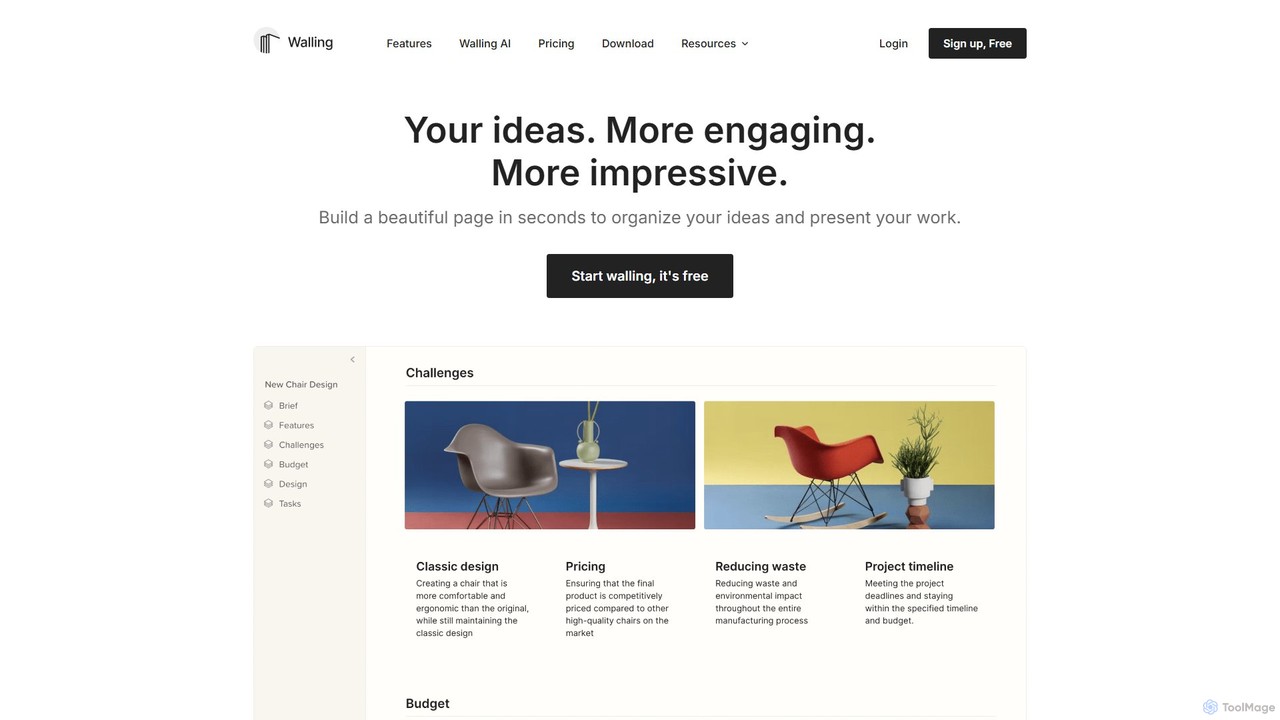
Walling
Walling is an AI-powered visual workspace designed to help you organize ideas, manage projects, and present your work in a more engaging and impressive way. It replaces boring documents with a flexible, interactive canvas called a 'wall' where you can centralize notes, tasks, images, and more.
Content Creation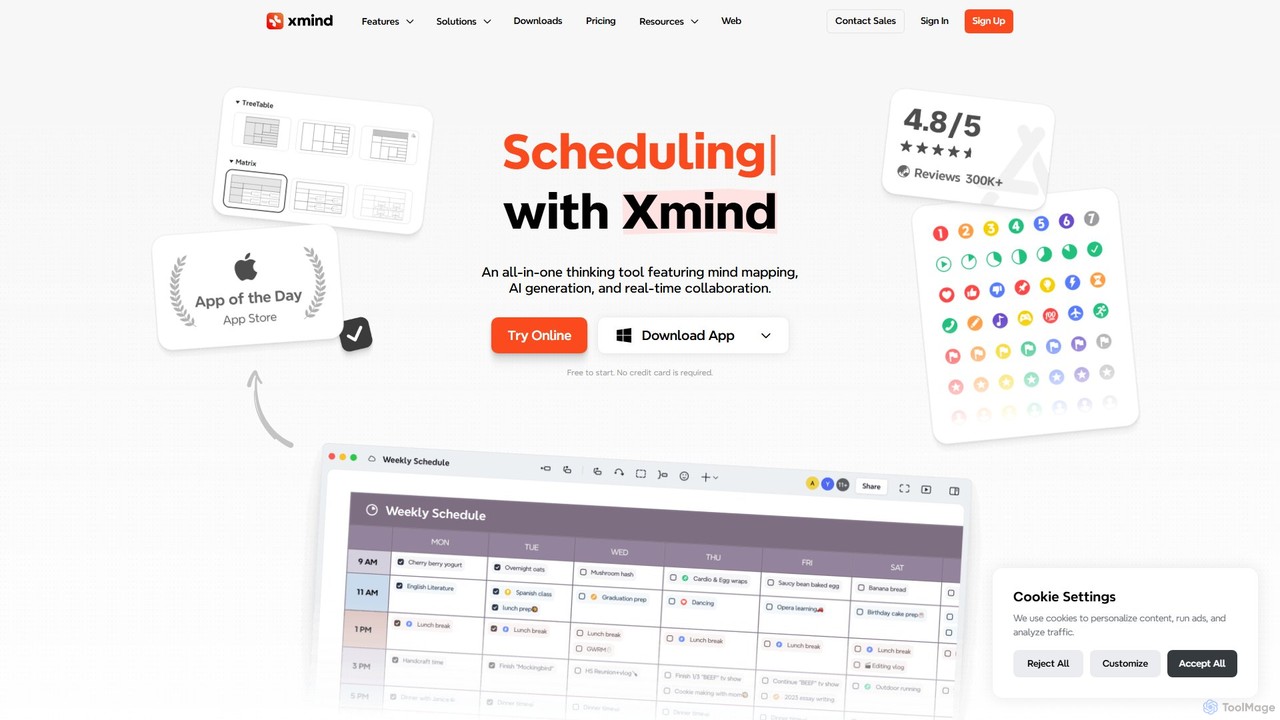
Fabrie Categories
Fabrie Embed Widget
Copy this embed code to place the badge on your blog, article, or product site and send readers directly to this ToolMage detail page.

Related AI tools
Boardmix
Boardmix is an AI-powered online collaborative whiteboard designed to connect ideas and teams. It integrates tools for mind mapping, diagramming, brainstorming, and project management into a single infinite canvas, facilitating real-time teamwork and creative breakthroughs for various professional teams.
Project Managementboardmix
boardmix is an AI-powered collaborative online whiteboard designed to enhance team creativity and productivity. It integrates AIGC, mind mapping, flowcharts, and real-time collaboration tools into a single, infinite canvas, making it an all-in-one solution for brainstorming, project management, and visual communication.
Project ManagementWalling
Walling is an AI-powered visual workspace designed to help you organize ideas, manage projects, and present your work in a more engaging and impressive way. It replaces boring documents with a flexible, interactive canvas called a 'wall' where you can centralize notes, tasks, images, and more.
Content Creation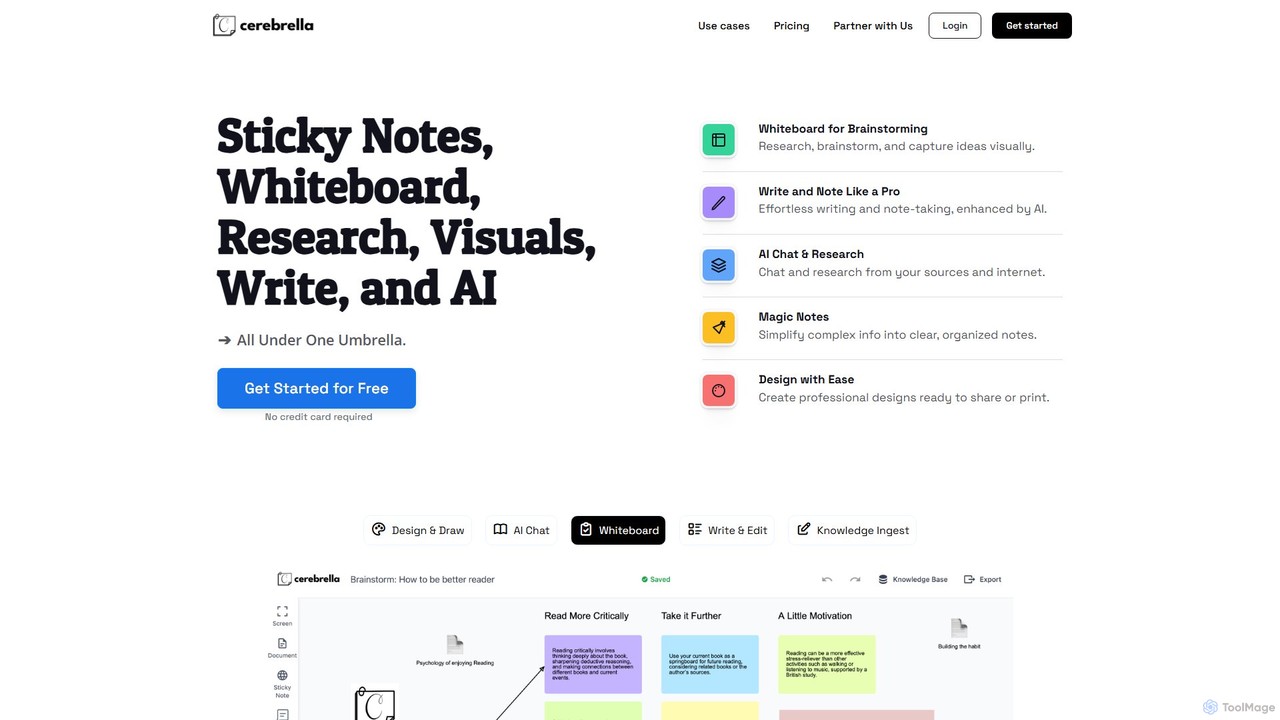
Cerebrella
Cerebrella is an all-in-one AI-powered workspace that integrates a visual whiteboard, sticky notes, research tools, and a document editor. It's designed to help users brainstorm, organize knowledge, write content, and create visuals seamlessly. By allowing you to upload your documents and chat with your data, Cerebrella centralizes your workflow and enhances productivity for students, professionals, and creators.
Presentation
Jyek
Jyek is an AI agent platform that understands objectives, creates execution plans, uses tools, and delivers verifiable results for complex, multi-step tasks.
AutomationMindPlexa
MindPlexa is an AI-powered productivity platform that transforms ideas into actionable projects. It combines visual mind mapping with intelligent project management, allowing users to create, organize, and collaborate on ideas using intuitive canvases and smart nodes. The AI assistant helps generate project layouts, suggest tasks, and streamline workflows, making it an ideal tool for teams and individuals looking to boost creativity and efficiency.
Teamwork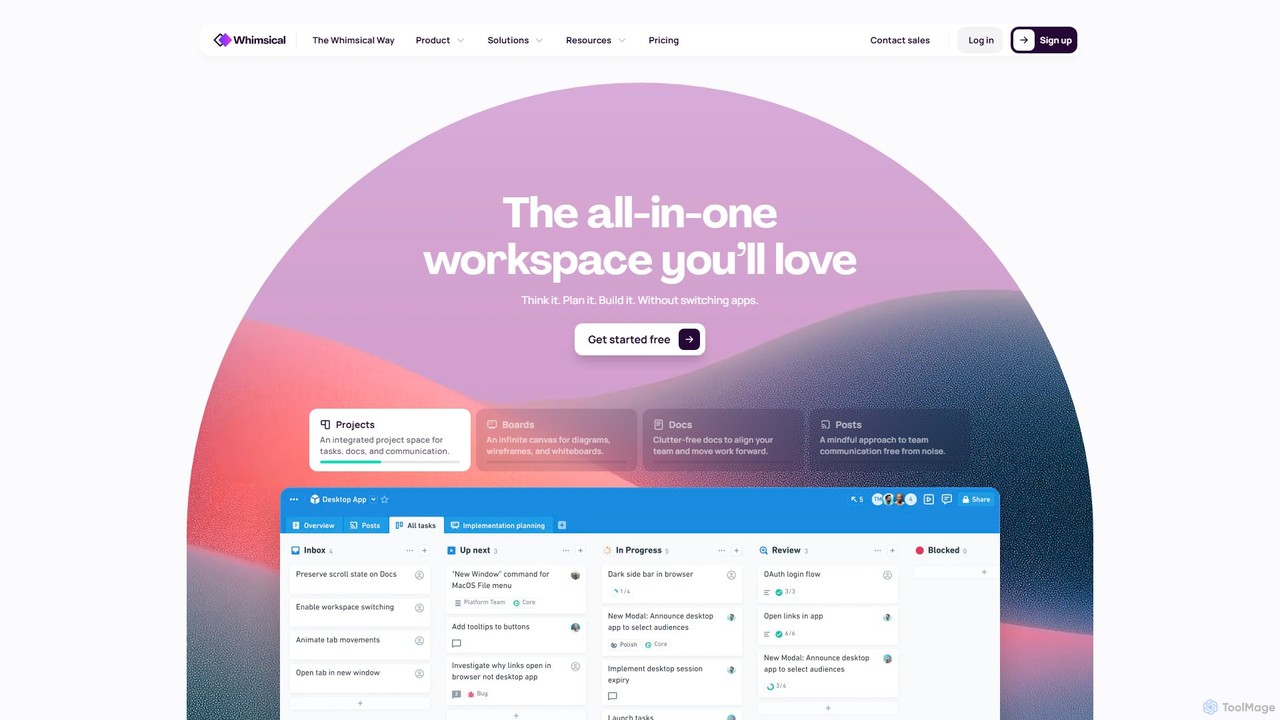
Whimsical
Whimsical is an all-in-one, AI-powered workspace that unifies visual collaboration, documentation, and project management. It combines whiteboards, mind maps, flowcharts, documents, and tasks to help teams streamline their entire workflow from initial idea to final execution in a single, interconnected platform.
Wireframing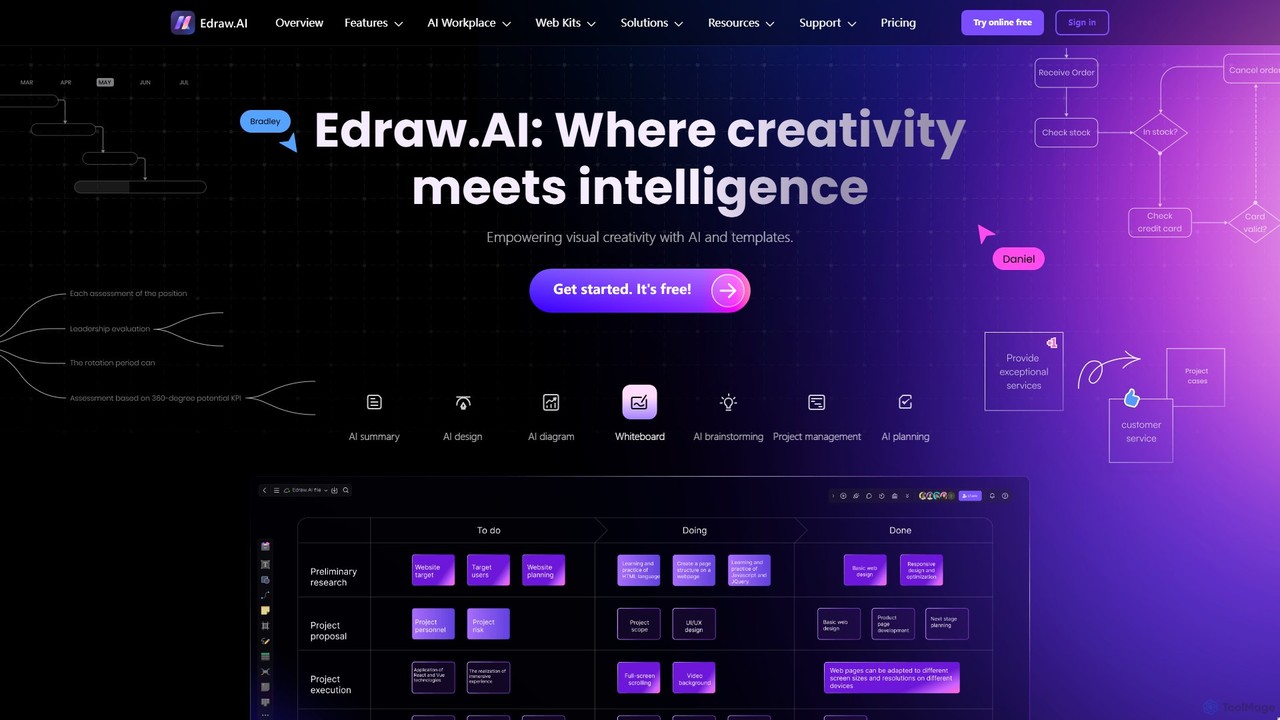
Edraw.AI
Edraw.AI is an AI-powered visual collaboration platform that enables users to create diagrams, mind maps, flowcharts, and other visuals with ease. It combines a user-friendly interface with powerful AI tools for generation, analysis, and design. Featuring real-time collaboration, an extensive library of templates and symbols, it's designed to boost productivity for teams in project management, IT, marketing, education, and more. Get started for free and transform your ideas into professional visuals.
Visualization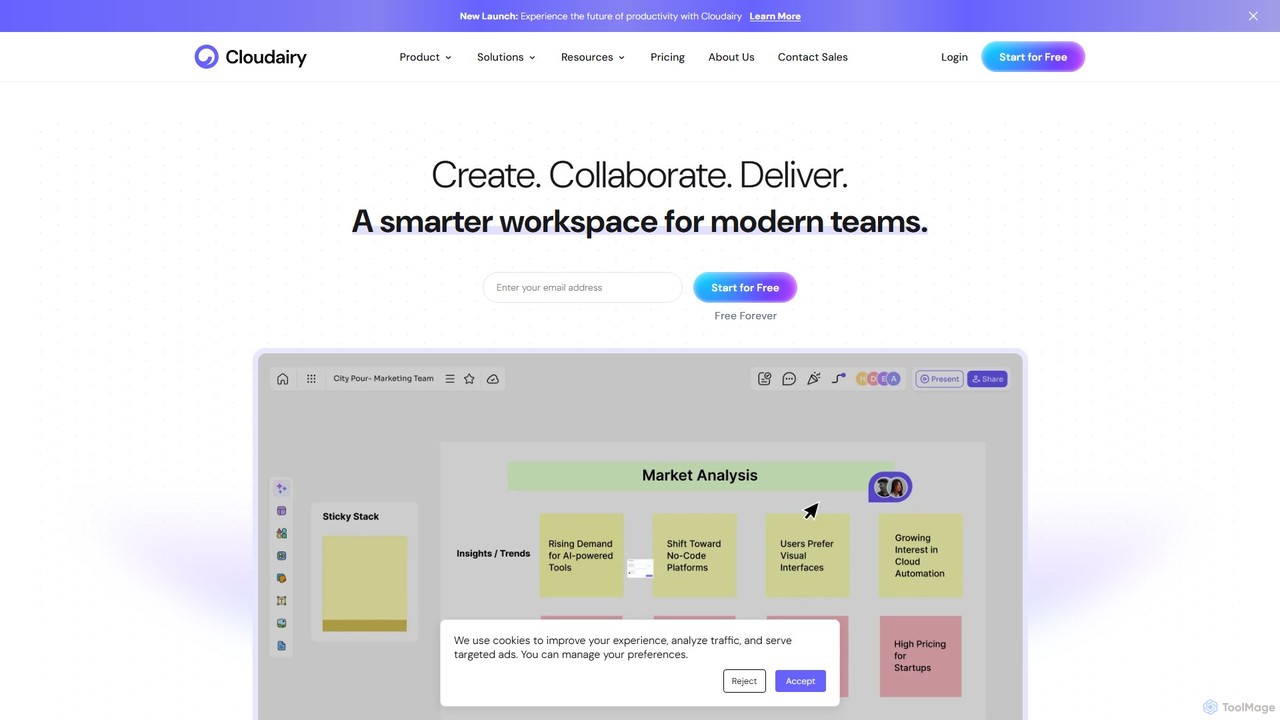
Cloudairy
Cloudairy is an AI-powered collaborative visual workspace designed for modern teams. It integrates AI-driven diagramming, mind mapping, image generation, and documentation tools into a single platform. It enables teams in engineering, sales, and project management to brainstorm, design, and deliver projects with enhanced efficiency and creativity.
Generative Art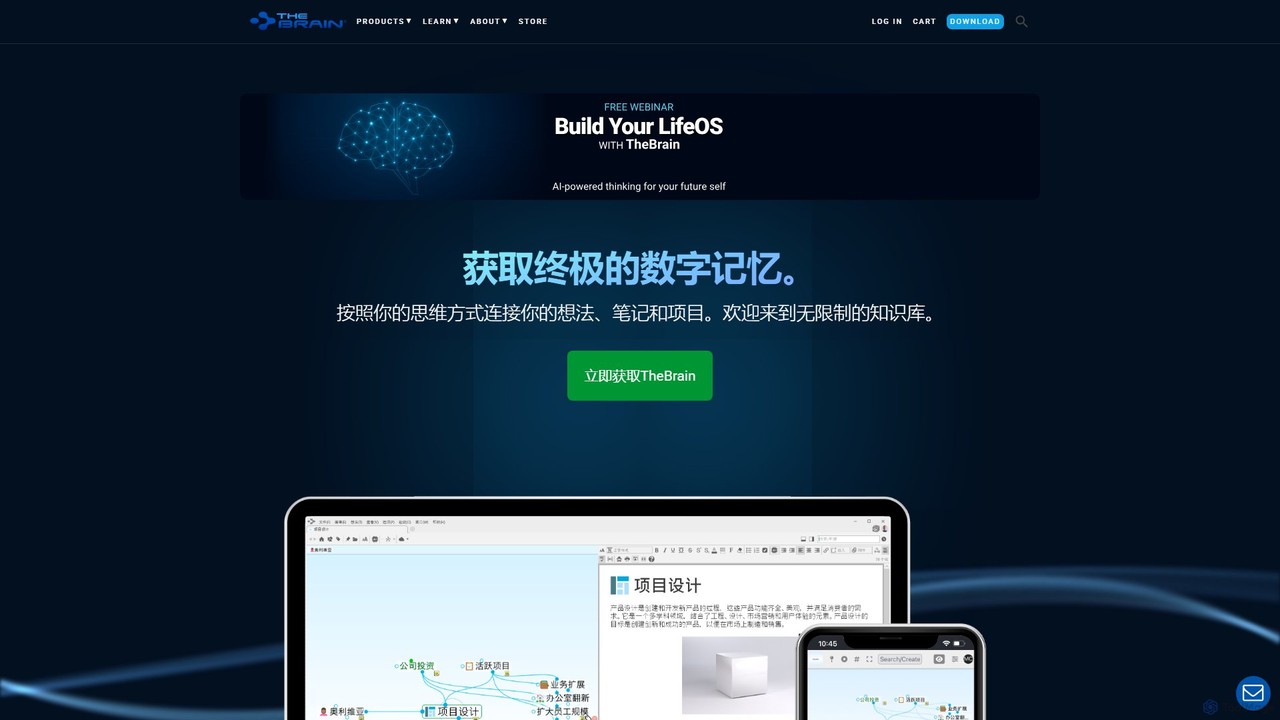
TheBrain
TheBrain is an ultimate digital memory and mind mapping software that uses AI to help you organize your thoughts, projects, and digital life. It moves beyond traditional folders and lists, allowing you to create a dynamic, interconnected network of information that mirrors how you think. Link any file, webpage, or note to create a visual context for all your knowledge.
Second Brain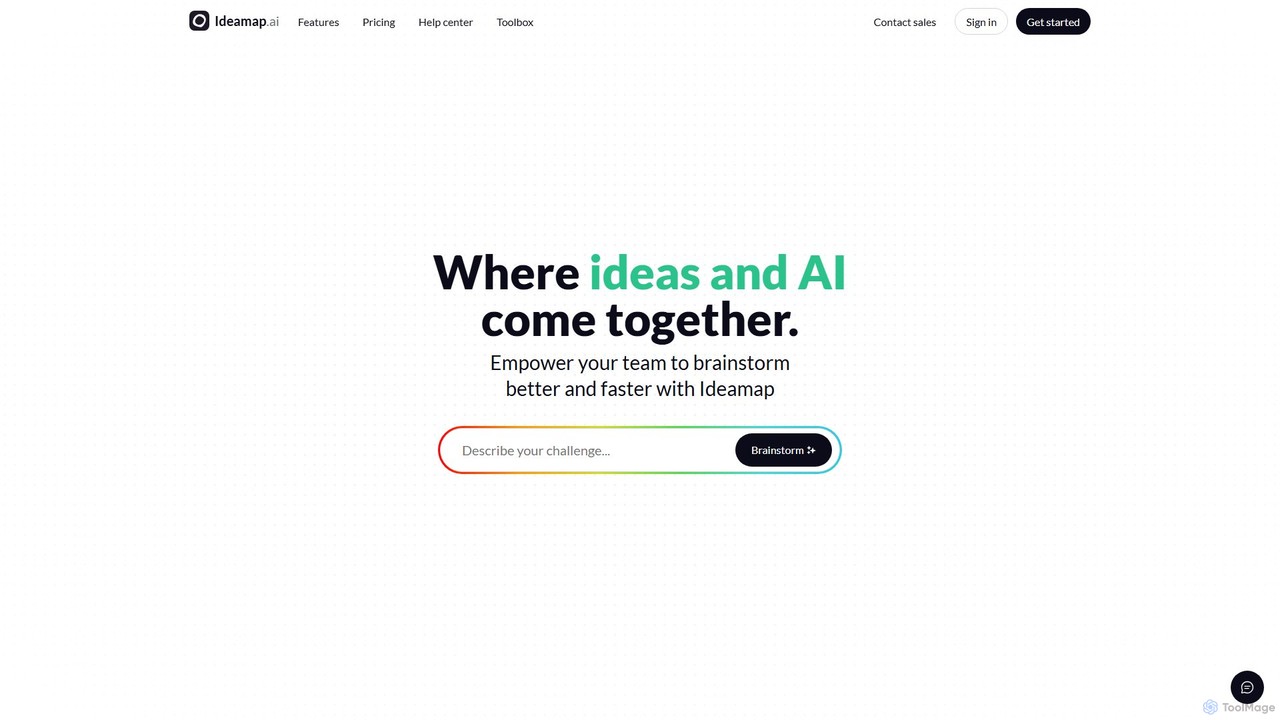
Ideamap
Ideamap is an AI-powered brainstorming and mind-mapping tool designed to transform your ideas into structured visual maps. It helps users generate, organize, and expand on concepts collaboratively. By leveraging AI, Ideamap accelerates the creative process, making it ideal for teams, strategists, and creators to unlock new insights and plan projects effectively.
Strategy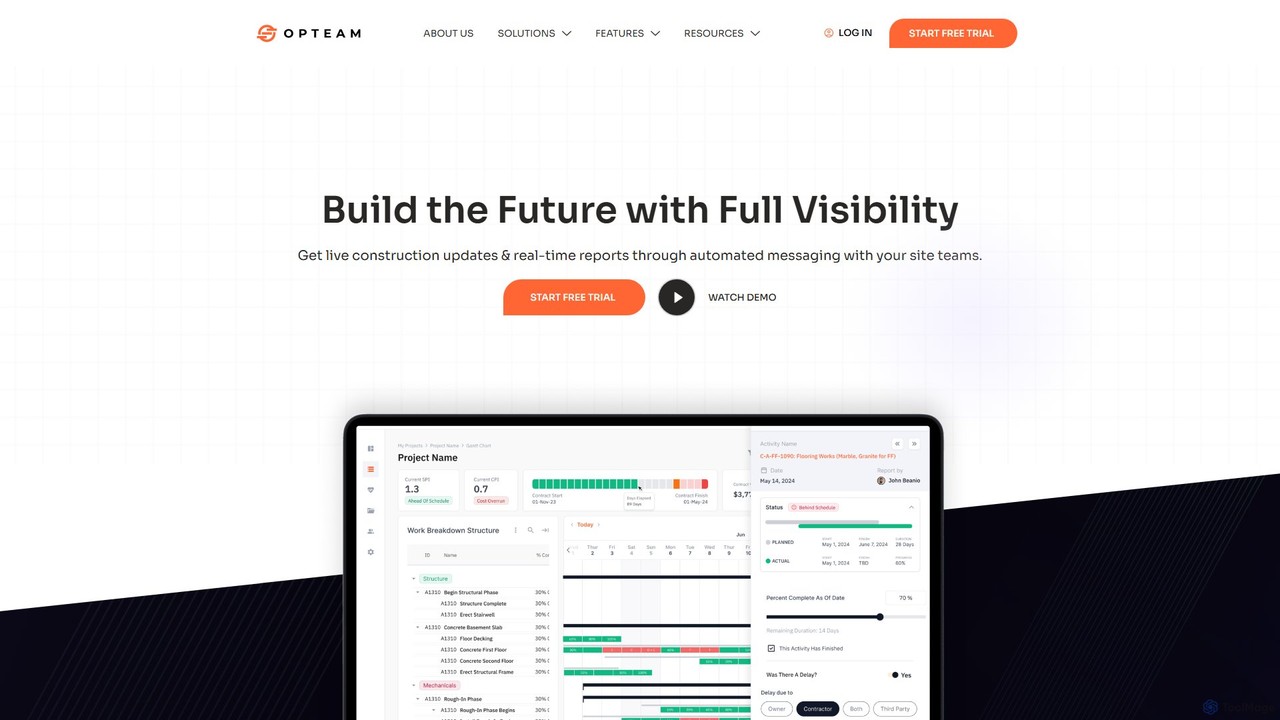
opteam
opteam is an AI-driven construction project management software designed to provide full visibility and real-time control over projects. It leverages AI for generative scheduling, automated progress tracking via messaging, and insightful reporting, aiming to significantly reduce infrastructure costs and project delays.
Construction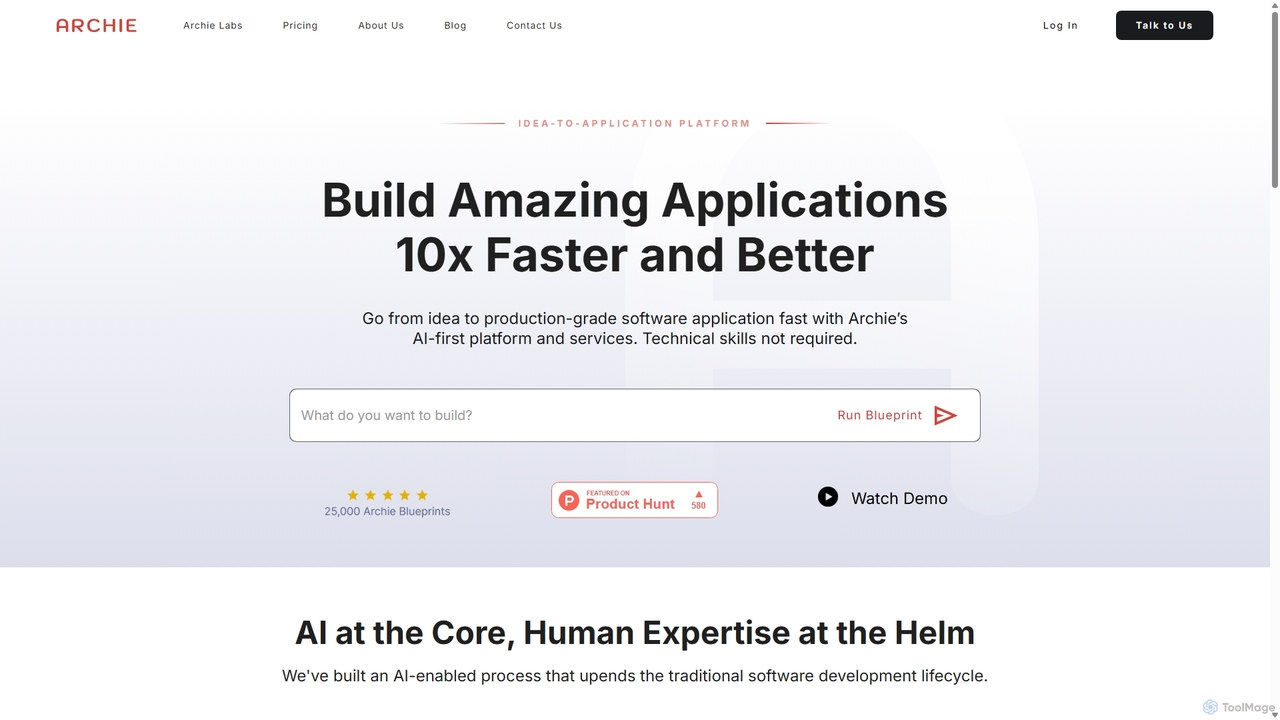
Archie Ai
Archie Ai is an AI-first platform that transforms ideas into production-grade software applications 10x faster. It combines AI-driven development with human expertise to automate the entire lifecycle, from ideation and planning to coding and deployment, making it accessible even for non-technical users.
Low Code No Code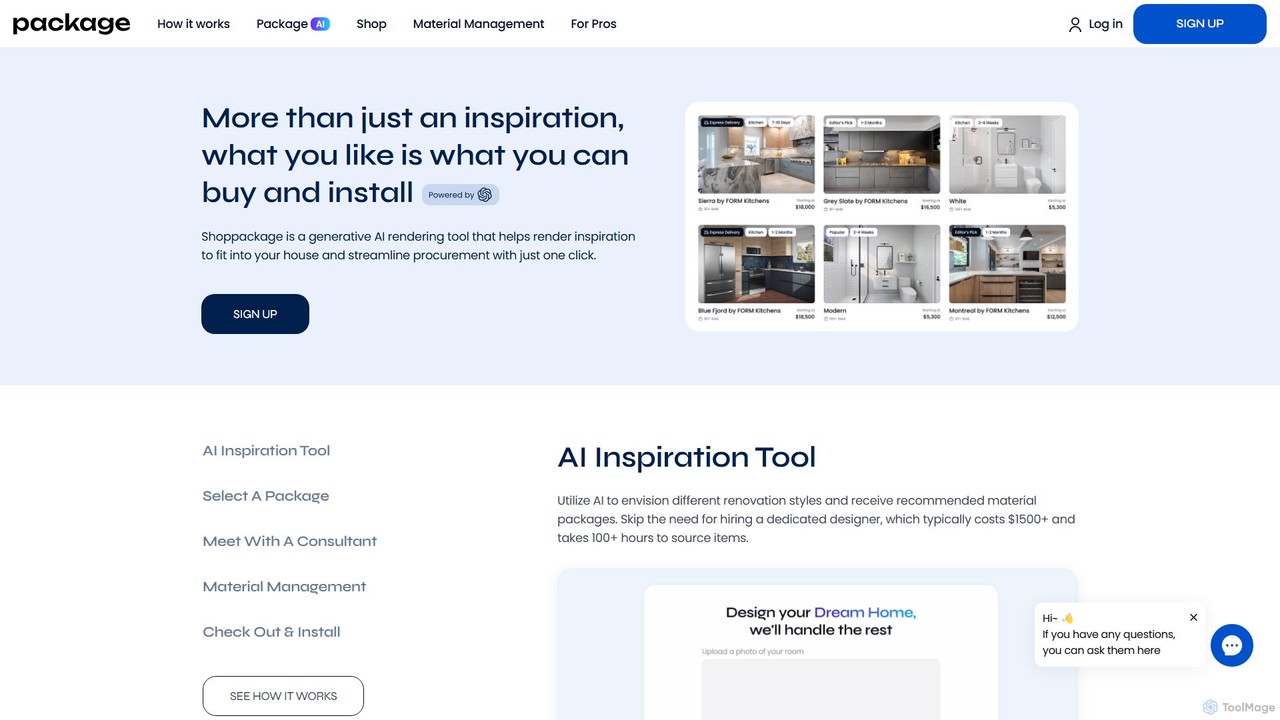
shoppackage
shoppackage is a generative AI platform that transforms home renovation. It allows users to visualize kitchen and bathroom designs, receive shoppable material packages, and manage the entire procurement and installation process in one place, saving time and money.
Interior Design
Fabrie Comments (0)
Sign in to comment.
Sign inNo comments yet.