Design Best in category 1 results Collaborative Whiteboard AI Tool

Popular AI tools in the Collaborative Whiteboard field of Design include Fabrie, etc., helping you quickly improve efficiency.

Fabrie

Fabrie

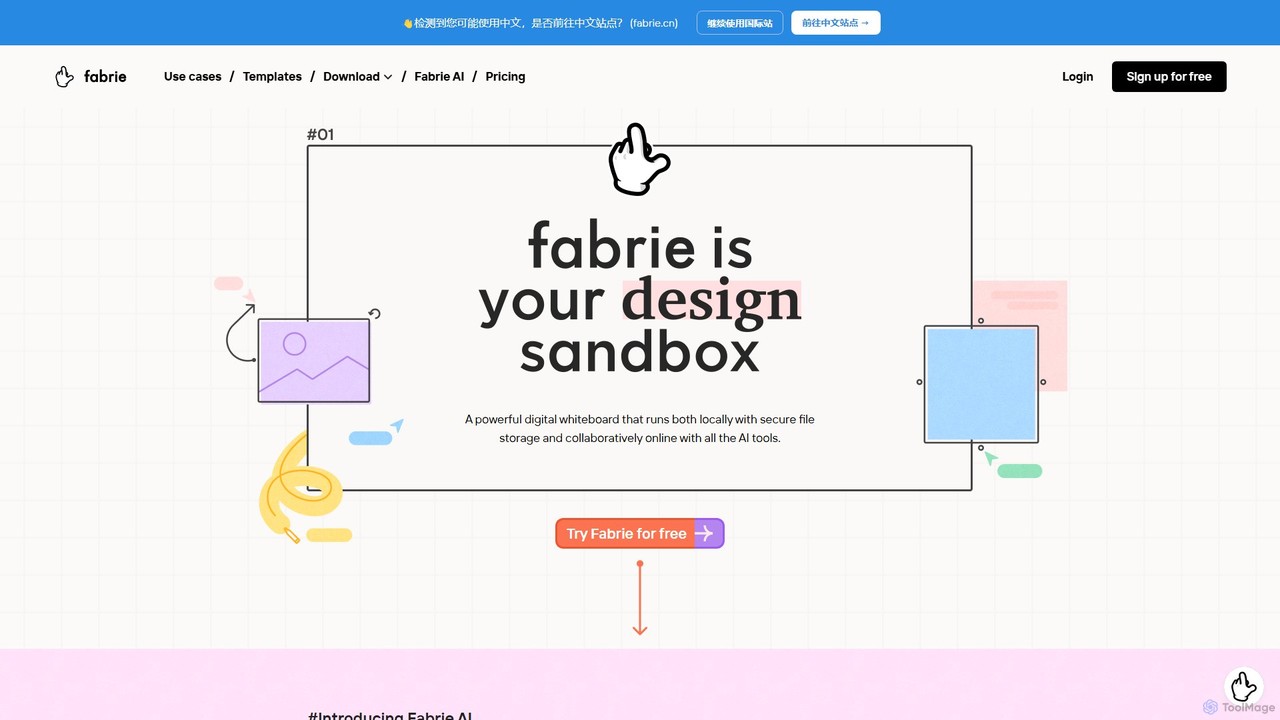
Fabrie is an AI-powered collaborative online whiteboard for creative teams. It integrates a flexible canvas, powerful databases, and …

3.1K

About Collaborative Whiteboard

Collaborative Whiteboards are digital canvases that enable multiple users to brainstorm, plan, and create together in real-time. They replicate the experience of a physical whiteboard in a limitless digital space, enhanced with powerful tools for visual thinking. These platforms are essential for remote and hybrid teams, facilitating dynamic workshops, agile planning sessions, and design sprints. Many modern whiteboards incorporate AI to automatically organize ideas, generate diagrams from text, and summarize brainstorming sessions, turning chaotic creativity into structured output.

Core Features

  • Real-time Collaboration: See team members' cursors and edits live, fostering simultaneous contribution and discussion.
  • Infinite Canvas: An endless workspace that expands as you add more content, removing physical space limitations.
  • Multimedia Integration: Embed images, videos, documents, web links, and sticky notes to create rich, contextual boards.
  • AI-Powered Assistance: Utilize AI to cluster sticky notes, generate mind maps, create flowcharts, and summarize content automatically.
  • Template Library: Start quickly with pre-built templates for common activities like brainstorming, SWOT analysis, and Kanban boards.

Use Cases

Collaborative Whiteboards are widely used by agile development teams for sprint planning and retrospectives, marketing teams for campaign brainstorming, and UX/UI designers for creating user flows and wireframes. They are also invaluable tools for educators conducting interactive online classes and for consultants facilitating strategic workshops with clients.

How to Choose

When selecting a tool, consider its integration capabilities with your existing workflow software like Jira, Slack, or Microsoft Teams. Evaluate the sophistication of its AI features, the size of its template library, and its user interface intuitiveness. Also, assess the pricing model based on your team size and the platform's security and permission controls for sensitive projects.

Collaborative WhiteboardUse Cases

1

Agile Sprint Planning and Retrospectives

An agile development team, distributed across different time zones, uses a collaborative whiteboard for their bi-weekly sprint planning. The Scrum Master selects a sprint planning template, and team members add user stories as digital sticky notes. They collectively drag these notes into priority columns, estimate effort, and identify dependencies in real-time. For retrospectives, the team uses a 'What Went Well/What Didn't' template, with AI features helping to group similar feedback points into actionable themes, ensuring every voice is heard and efficiently processed.

2

Remote Brainstorming and Ideation Workshops

A marketing team needs to generate ideas for a new product launch. Instead of a traditional video call, they gather on a collaborative whiteboard. Each participant adds ideas using text, sketches, and inspirational images on an infinite canvas. Anonymity features can encourage shyer team members to contribute freely. Afterwards, the team uses AI-powered clustering to automatically group related concepts, and a voting tool to identify the most promising ideas for further development, making the entire process more inclusive and efficient.

3

Collaborative UX/UI Wireframing and Flow Mapping

A UX designer and a product manager collaborate on mapping out a new feature's user journey. They use the whiteboard's basic shape and connector tools to quickly build a low-fidelity user flow diagram. Other stakeholders, like developers and marketers, are invited to the board to leave asynchronous feedback via comments and annotations directly on the wireframes. This visual collaboration ensures everyone is aligned on the user experience before any high-fidelity design work begins, saving significant revision time later.

4

Interactive Online Teaching and Tutoring

An online educator teaches a complex science topic to a virtual classroom. The teacher uses the whiteboard to draw diagrams, write formulas, and embed short video clips to explain concepts visually. Students are invited to the board to solve problems in designated areas, answer poll questions, or use sticky notes to ask questions. This transforms a passive lecture into an active, hands-on learning environment, boosting student engagement and knowledge retention.

5

Strategic Business Planning and Mind Mapping

A leadership team develops its annual strategic plan on a collaborative whiteboard. They start with the company's core mission at the center and use mind mapping tools to branch out into strategic pillars, key objectives, and specific initiatives. Each initiative is detailed on a card with assigned owners and deadlines. The infinite canvas allows them to visualize the entire strategy in one view, identify connections between different departments, and ensure company-wide alignment on goals.

6

Client Project Kickoffs and Feedback Sessions

A design agency uses a collaborative whiteboard to kick off a new project with a client. The project timeline, key deliverables, and initial mood boards are laid out visually. During the meeting, the client can directly add comments, drag and drop inspirational images, and use drawing tools to provide immediate feedback. This interactive process replaces static presentations and long email chains, fostering a more collaborative client relationship and ensuring clear understanding from day one.

Collaborative WhiteboardFrequently Asked Questions