ToolMage
Sign in

Best 6 Presentation AI tools for Design

Popular Presentation AI tools in Design include Quark, Visme, NextDocs, Artadum, wondrful, and Cerebrella, helping you work more efficiently.

Freemium

NextDocs

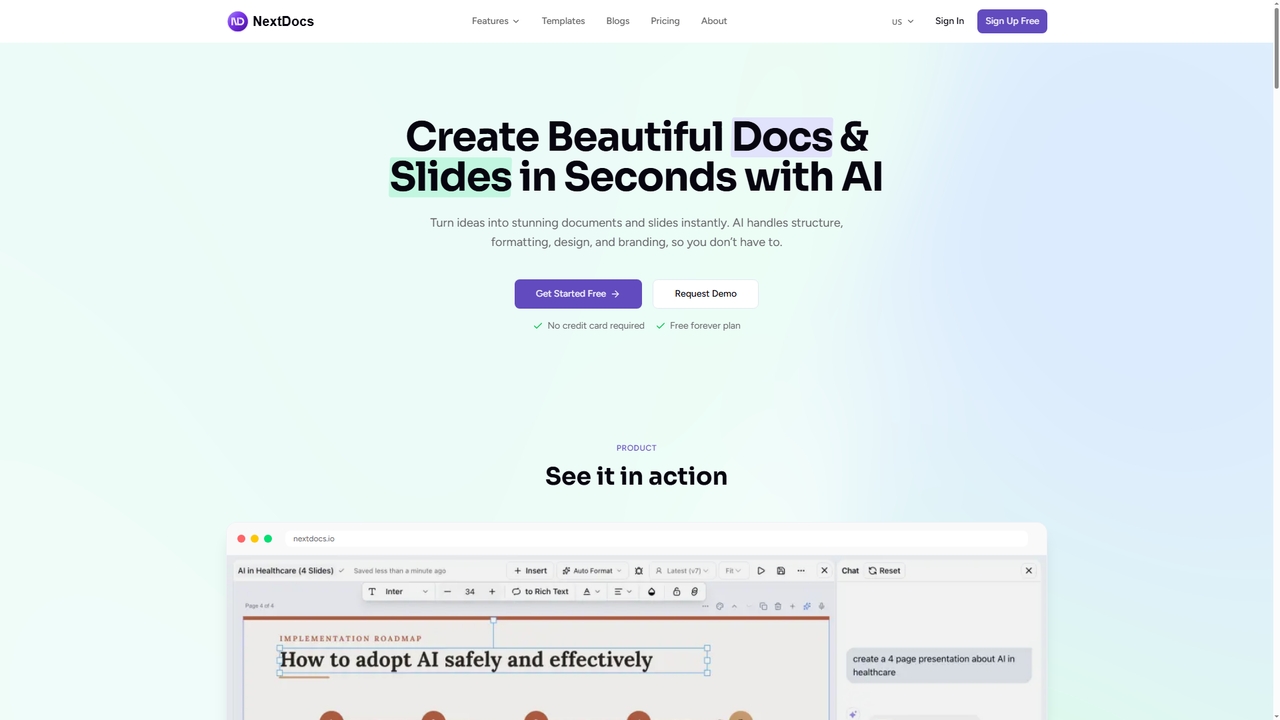
NextDocs is an AI-powered document and presentation generator that transforms ideas into polished documents and slides in seconds. It handles structure, formatting, and design automatically, supports multiple formats from a single prompt, and offers flexible editing and export options to fit any workflow.

Communication
Visits 92.1KFavorites 13Likes 15
Freemium

Quark

Quark is an all-in-one AI-powered suite from Alibaba, integrating a smart search engine, a fast browser, a massive cloud drive, and a suite of creative tools. It's designed to boost productivity for students and professionals with features like AI summarization, content generation, and seamless multi-device synchronization.

File Management
Visits 70.5MFavorites 109Likes 97
Freemium

wondrful

wondrful is an AI-powered creative suite that helps users generate stunning marketing content, social media posts, presentations, and short videos effortlessly. By simply inputting text prompts, users can create professional-quality visuals and written content in minutes, streamlining their creative workflow and enhancing brand engagement.

Presentation
Visits 4.1KFavorites 127Likes 150
Freemium

Cerebrella

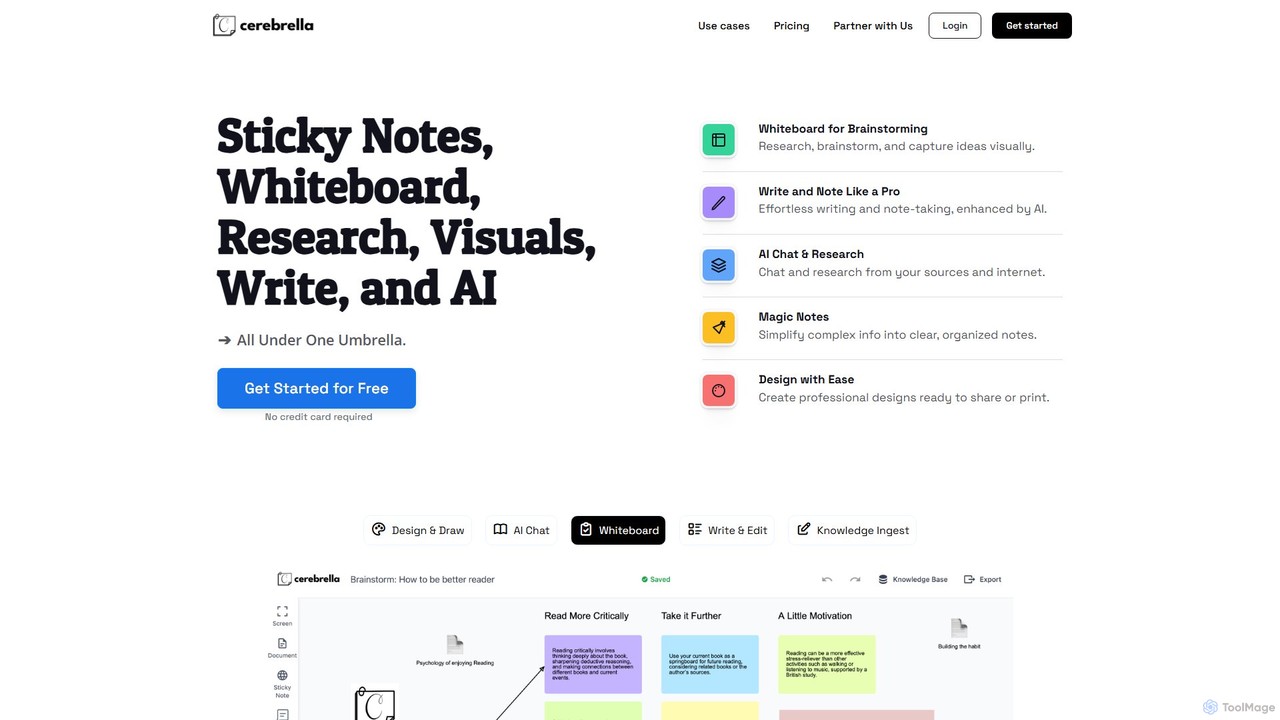
Cerebrella is an all-in-one AI-powered workspace that integrates a visual whiteboard, sticky notes, research tools, and a document editor. It's designed to help users brainstorm, organize knowledge, write content, and create visuals seamlessly. By allowing you to upload your documents and chat with your data, Cerebrella centralizes your workflow and enhances productivity for students, professionals, and creators.

Presentation
Visits 3.3KFavorites 113Likes 115
Freemium

Visme

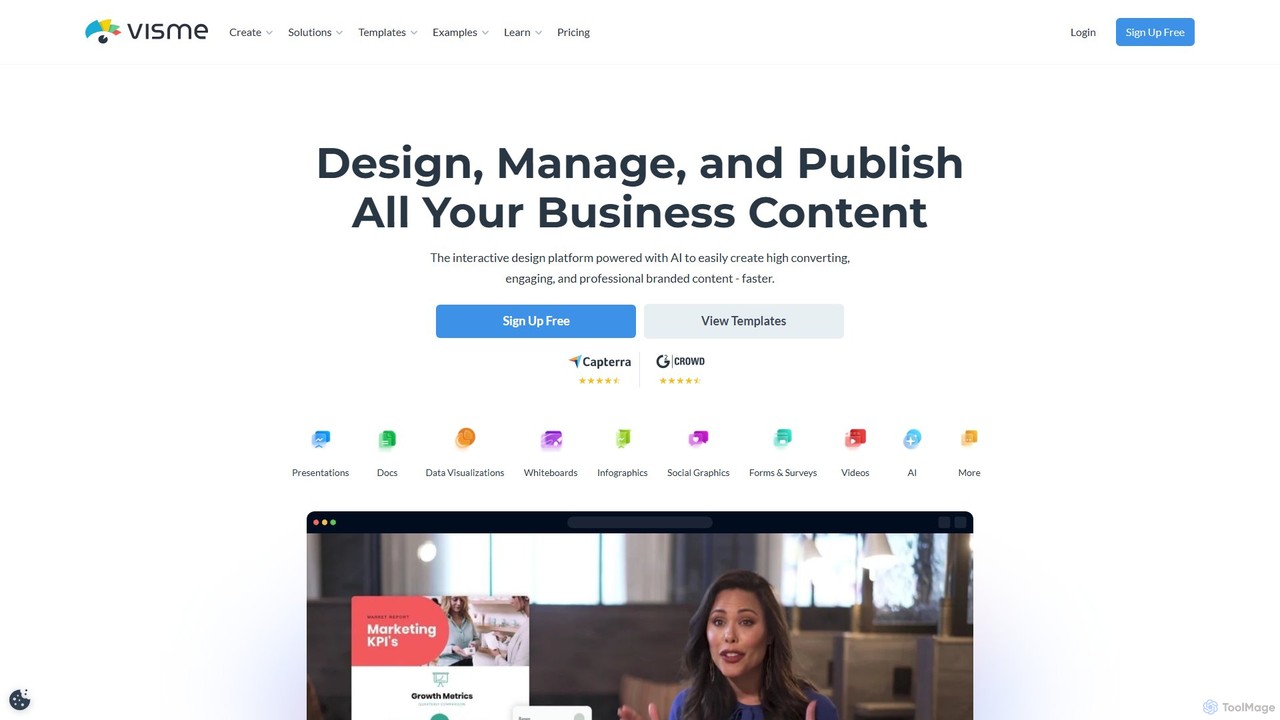
Visme is an all-in-one, AI-powered visual communication platform that enables users to create professional presentations, infographics, data visualizations, and other branded content. Designed for non-designers and experts alike, it combines a user-friendly drag-and-drop interface with powerful features like a brand kit, team collaboration, and a vast library of templates and assets to streamline the content creation process.

Data Visualization
Visits 1.2MFavorites 105Likes 111
Freemium

Artadum

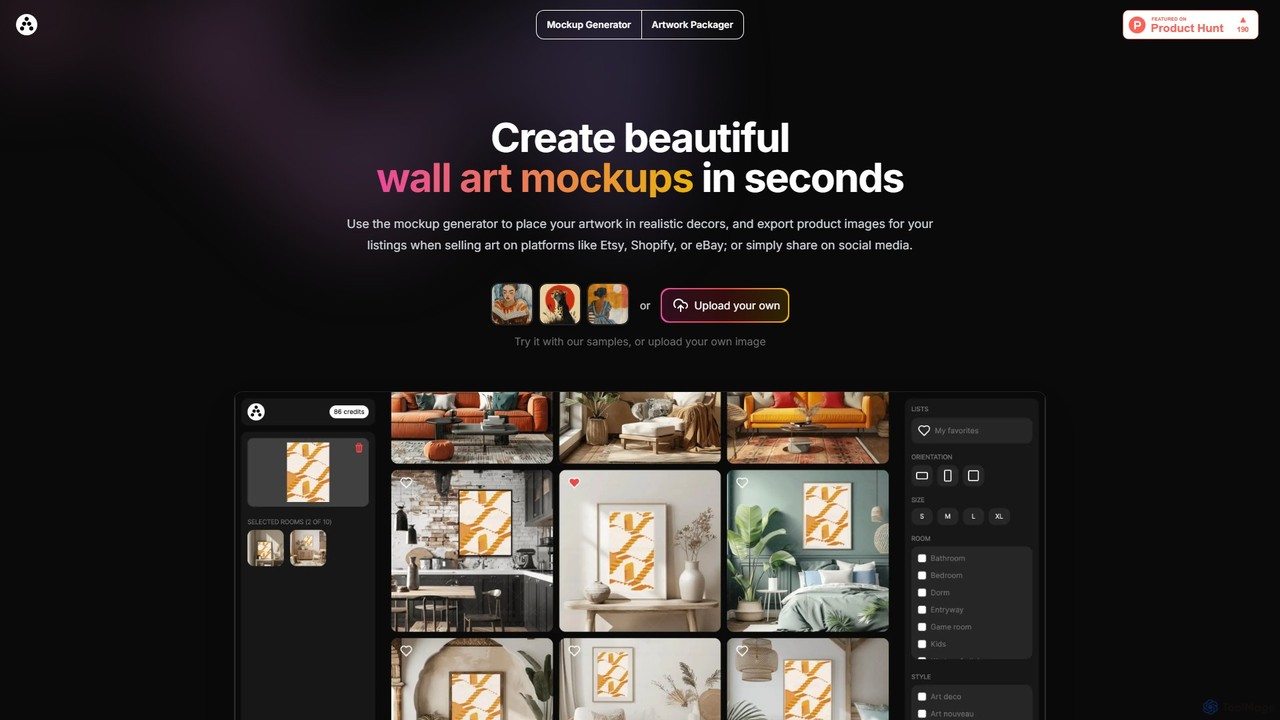
Artadum is an AI-powered mockup generator designed for artists and photographers. It allows users to instantly create beautiful, realistic wall art mockups by placing their artwork in hundreds of diverse room settings. Ideal for creating professional product listings for e-commerce platforms like Etsy, Shopify, and eBay, or for crafting engaging content for social media. The tool offers bulk generation, a wide variety of decor styles, and flexible pricing options to streamline the art promotion process.

Mockup Generation
Visits 5.5KFavorites 103Likes 101

About Presentation

AI Presentation tools are applications that use generative AI to automatically create complete, well-structured slide decks from a simple text prompt. These tools leverage large language models (LLMs) to generate outlines, write content, and suggest speaker notes, while also utilizing AI image models to create relevant visuals. Their primary value is in dramatically reducing the time and effort required for presentation creation, allowing users to focus on refining the core message rather than manual design and content writing. This approach transforms the creation process from manual construction to AI-assisted generation and editing.

Core Features

  • Prompt-to-Deck Generation: Instantly creates a full presentation, including text and visuals, from a single topic or detailed prompt.
  • AI Content Writing: Automatically generates slide titles, bullet points, summaries, and detailed speaker notes based on the provided topic.
  • Automated Visual Design: Intelligently selects appropriate layouts, color schemes, fonts, and generates or sources relevant images and icons for each slide.
  • Smart Reformatting & Editing: Allows for one-click redesigns of the entire deck, tone adjustments, or content summarization and expansion.
  • Data Integration & Visualization: Some tools can interpret raw data or text to automatically create charts, graphs, and infographics.

Use Cases

AI Presentation tools are widely used across various sectors. In business, sales and marketing teams use them to rapidly generate client pitches and campaign reports. Startups and entrepreneurs leverage them to quickly build investor pitch decks. In academia, educators and students create lecture materials and project presentations efficiently. Corporate trainers also use these tools to develop onboarding and training modules with consistent branding and structure.

How to Choose

When selecting an AI Presentation tool, first evaluate the quality and coherence of the AI-generated content and design. Consider the level of customization available after generation—can you easily edit layouts, text, and images? Check for essential export options, such as PPTX, PDF, or Google Slides compatibility. Finally, assess collaboration features if you work in a team, and compare pricing models to find one that aligns with your usage frequency and budget.

Featured tool rankings

Presentation use cases

1

Rapid Creation of Business Proposals

A sales manager needs to create a customized pitch deck for a potential client within an hour. Instead of starting from scratch, they input a prompt into an AI Presentation tool detailing the client's industry, pain points, and the proposed solution. The AI instantly generates a 12-slide presentation with a professional design, including an agenda, problem statement, solution overview, key benefits, and a call to action. The manager spends 20 minutes refining the AI-generated text and swapping a few images, completing a tailored, high-quality proposal in under 30 minutes, a task that would typically take over two hours.

2

Efficient Lecture and Course Material Preparation

An educator is preparing a new university course on 'Sustainable Urban Development'. To save preparation time, they use an AI Presentation tool for each lecture topic. For a lecture on 'Green Infrastructure', they input the key concepts: green roofs, permeable pavements, and urban wetlands. The AI generates a structured 20-slide presentation, complete with definitions, real-world examples, supporting images, and discussion questions. This provides a solid foundation, allowing the educator to focus on adding their own expert insights and case studies rather than spending hours on basic research and slide design.

3

Generating a Startup Investor Pitch Deck

An entrepreneur with a groundbreaking idea needs to create a compelling pitch deck to secure seed funding. Using an AI Presentation tool with a dedicated 'Investor Pitch' template, they are guided through the essential sections. They input their core business concept, target market, problem statement, and unique solution. The AI then populates the deck, generating slides for Market Size, Competitive Landscape, Business Model, and Financial Projections. It even suggests visuals and data points to strengthen their arguments. This structured, AI-assisted process ensures they cover all critical points investors look for, resulting in a professional and persuasive deck.

4

Content Repurposing for Social Media Marketing

A content marketer has written a detailed blog post and wants to repurpose it into a visual format for LinkedIn and Instagram. They paste the URL of the blog post into an AI Presentation tool. The AI analyzes the content, extracts key points, summaries, and statistics, and then automatically arranges them into a series of visually engaging slides or a carousel post. It selects a modern design template and finds relevant stock photos or icons. Within minutes, the marketer has a ready-to-publish social media asset, extending the reach of their original content without needing graphic design skills or significant time investment.

5

Automating Weekly Team Meeting Reports

A project manager is responsible for presenting a weekly progress report to stakeholders. Instead of manually compiling slides each week, she provides an AI Presentation tool with a bulleted list of updates: key accomplishments, challenges faced, and next week's priorities. The AI takes this raw text and formats it into a consistent, branded presentation template. It might even suggest creating a simple chart to visualize progress metrics. This automates a repetitive task, ensuring reports are always professional and delivered on time, freeing up the manager's time to focus on strategic project management.

6

Developing Corporate Training and Onboarding Materials

An HR department needs to create a standardized onboarding presentation for new hires. The training manager inputs the core topics into an AI tool: 'Company History & Values', 'Code of Conduct', and 'Key Department Overviews'. The AI generates a comprehensive deck, ensuring a logical flow and consistent tone. It suggests incorporating interactive elements like a short quiz after each section to check for understanding. The manager can then easily duplicate and slightly modify this master presentation for different departments, ensuring all new employees receive high-quality, consistent information while saving the HR team dozens of hours of work.

Presentation FAQ

What are AI Presentation tools?

AI Presentation tools are software applications that use artificial intelligence, particularly generative AI, to automate the creation of slide decks. Unlike traditional software like PowerPoint where you build everything manually, these tools can generate a complete presentation—including text, layout, and images—from a single text prompt or document. They are designed to significantly speed up the initial creation process, turning a rough idea into a structured, visually appealing presentation in minutes.

How do AI Presentation tools differ from PowerPoint or Google Slides?

The core difference lies in creation versus generation. Traditional tools like PowerPoint and Google Slides are manual editors; they provide a blank canvas and tools for you to design and write content slide by slide. AI Presentation tools are generators; they create the initial draft of the entire presentation for you based on a prompt.

  • Starting Point: Traditional tools start with a blank template. AI tools start with your topic or idea.
  • Content Creation: In traditional tools, you write all text. AI tools write the initial text for you.
  • Design: In traditional tools, you manually choose layouts and images. AI tools automate this process.
In essence, AI tools handle the first 80% of the work (structuring, writing, initial design), leaving you to focus on the final 20% (refining and customizing).

How to choose the right AI Presentation tool?

Choosing the right tool depends on your specific needs. Consider these factors:

  • Quality of Generation: Does the tool produce coherent, well-structured content and visually appealing designs from your prompts? Test a few with the same prompt to compare.
  • Customization and Control: How easy is it to edit the generated slides? Look for tools that allow you to easily change text, layouts, colors, and images after the initial generation.
  • Export Options: Ensure the tool can export to formats you need, such as PPTX for further editing in PowerPoint, PDF for sharing, or directly to Google Slides.
  • Specialized Features: Do you need features like data visualization (creating charts from data), brand consistency (using your company's branding), or interactive elements (quizzes, polls)?
  • Pricing: Compare free plans and paid tiers. Consider how many presentations you'll create per month to determine the best value.

Can AI Presentation tools create accurate content for any topic?

AI presentation tools can generate content on a very wide range of topics because they are powered by large language models (LLMs) trained on vast amounts of internet data. They are excellent for general business, academic, and creative topics. However, for highly specialized, technical, or recent topics (post-dating the AI's training data), the generated content may lack depth or contain inaccuracies. It is always critical for the user to act as an expert reviewer: verify all facts, data, and specific terminology to ensure the final presentation is accurate and reliable.

Who can benefit most from using AI Presentation tools?

While anyone can use these tools, certain groups benefit immensely:

  • Business Professionals: Sales, marketing, and consulting professionals who need to create high-quality presentations quickly for clients, reports, or internal meetings.
  • Students and Educators: For rapidly creating project presentations, lecture slides, and study materials, freeing up time for deeper learning and research.
  • Entrepreneurs and Startups: To quickly develop professional-looking investor pitch decks and business plans without hiring a designer.
  • Content Creators: To easily repurpose existing content like articles or videos into visually appealing slide-based formats for social media.
Essentially, anyone who values speed and efficiency and wants to overcome the 'blank page' problem will find these tools extremely helpful.