

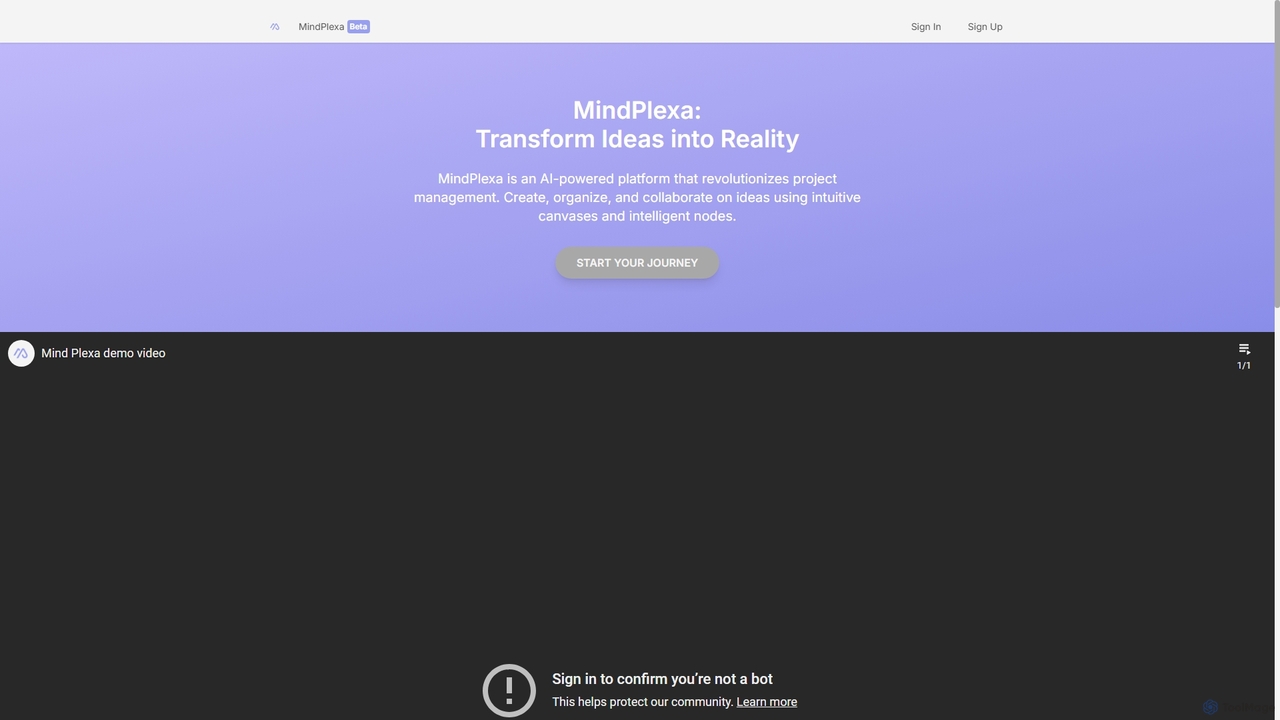
MindPlexa Overview
MindPlexa is a revolutionary AI-powered platform designed to serve as a comprehensive productivity playground, seamlessly bridging the gap between initial ideas and fully realized projects. It redefines project management and brainstorming by offering a dynamic, visual-first approach. At its core, MindPlexa provides users with interactive canvases—infinite digital workspaces where concepts can be mapped out, connected, and expanded upon without creative constraints. This visual environment is perfect for teams and individuals who think better visually and need to see the bigger picture of their projects.
The platform's power is amplified by its use of 'Intelligent Nodes'. These are not just simple text boxes; they are customizable, interconnected data points that can represent tasks, notes, files, deadlines, or any piece of information. The AI engine intelligently links these nodes, suggesting relationships and hierarchies, thus helping to build a logical and organized structure from a chaotic brainstorm. This transforms a simple mind map into a powerful, actionable project plan.
How to use MindPlexa
Getting started with MindPlexa is an intuitive process designed to get you from idea to execution quickly:
- Create a Canvas: Begin by starting a new project, which opens up a fresh, infinite canvas. This is your creative space.
- Plant the Seed Idea: Add your central concept or project goal as the first 'Intelligent Node' in the center of the canvas.
- Leverage the AI Assistant: Use the AI-powered assistance to brainstorm. Ask it to generate related sub-topics, break down the main goal into smaller tasks, or suggest a complete project layout. New nodes will be automatically generated and linked.
- Organize and Connect: Drag and drop nodes to rearrange your project's structure. Draw connections between related items to visualize dependencies and workflows.
- Enrich Your Nodes: Click on any node to add details. You can insert descriptions, attach files, set due dates, assign team members, and add status tags.
- Collaborate in Real-Time: Invite your team members to the canvas. Everyone can view, edit, and add to the project simultaneously, with changes appearing instantly.
- Track and Execute: Use the canvas as a living project board. Update node statuses as you complete tasks and use the visual overview to monitor progress and identify bottlenecks.
Core Features of MindPlexa
- Interactive Canvases: Infinite, zoomable workspaces that allow for unrestricted brainstorming and project visualization.
- Intelligent Nodes: Customizable nodes that can hold various types of information (tasks, notes, files) and are intelligently interconnected.
- AI-Powered Project Generation: An AI assistant that can automatically generate entire project structures, task breakdowns, and timelines from a simple prompt.
- Intelligent Suggestions: The AI provides contextual suggestions to help you identify next steps, potential risks, and optimization opportunities in your workflow.
- Real-Time Collaboration: Work with your team on the same canvas simultaneously, with live cursors and instant updates to foster seamless teamwork.
- Visual Workflow Management: Transform mind maps into Kanban-style boards or project timelines directly on the canvas.
- Template Library: Access a collection of pre-built templates for various use cases like marketing campaigns, software development sprints, and business strategy planning.
Use Cases for MindPlexa
MindPlexa is versatile and can be adapted for numerous professional scenarios:
- Project Managers: Visualize complex project scopes, break down work into manageable tasks, and track team progress in a single, shared view.
- Marketing Teams: Brainstorm campaign ideas, map out content calendars, and plan multi-channel marketing strategies.
- Product Developers: Outline product roadmaps, manage feature backlogs, and map user flows and system architecture.
- Consultants & Strategists: Conduct SWOT analyses, map business processes, and present complex strategies to clients in an easy-to-understand visual format.
- Content Creators: Plan out articles, video scripts, or entire online courses, from initial idea to final publication.
Advantages of MindPlexa
MindPlexa stands out by offering a unique combination of creativity and structure. Its primary advantage is the ability to maintain the creative flow of brainstorming while seamlessly transitioning into structured project management. Unlike traditional list-based tools, its visual nature helps teams better understand project context and dependencies. The integration of AI automates the most tedious parts of planning, saving valuable time and reducing manual effort. This allows teams to focus on high-value creative and strategic work, ultimately leading to faster innovation and more organized execution.
Pricing and Plans
MindPlexa operates on a freemium model, making it accessible for everyone from individuals to large enterprises.
- Free Plan: Ideal for individuals and personal projects, offering access to a limited number of canvases, basic AI features, and standard collaboration.
- Pro Plan: Designed for professionals and small teams, this plan includes unlimited canvases, advanced AI capabilities, priority support, and integrations with other productivity tools.
- Enterprise Plan: A custom solution for large organizations requiring advanced security features, team administration controls, dedicated onboarding, and premium support.
Specific pricing details for the paid plans are available on the MindPlexa website.
MindPlexa Alternatives
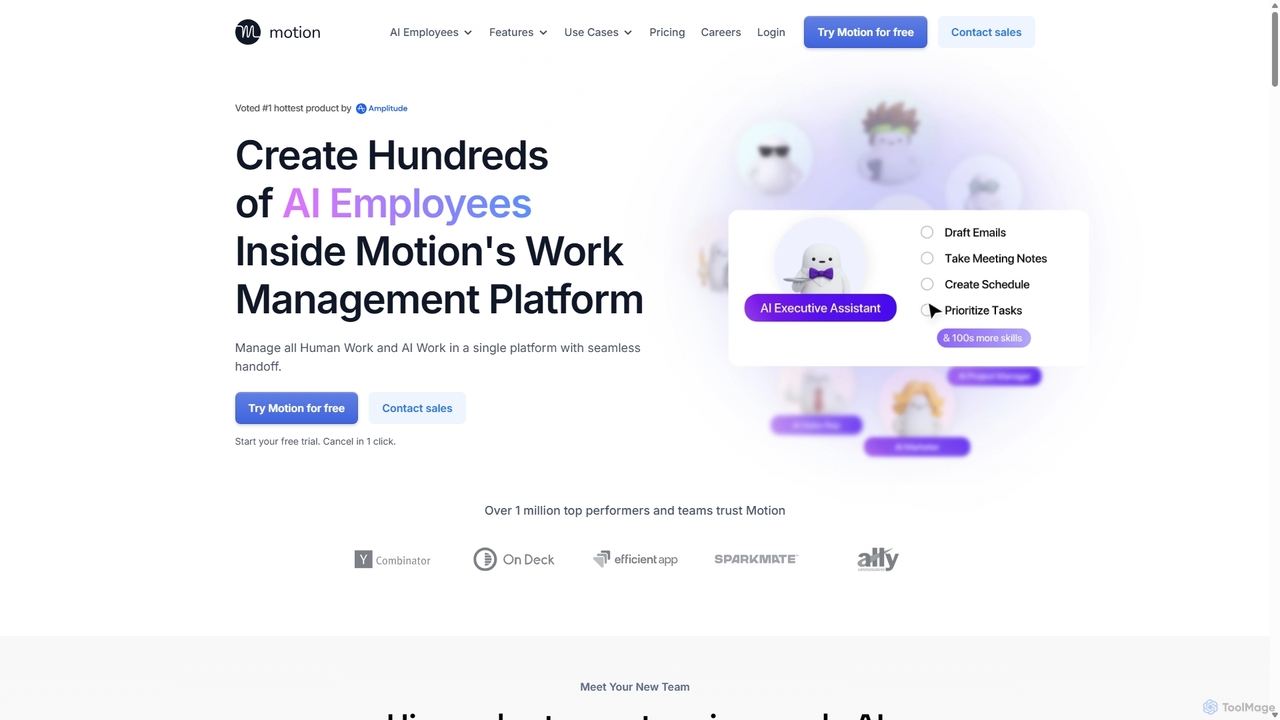
Motion
Motion is an AI-powered platform that provides a suite of AI Employees and productivity tools to automate tasks, manage projects, and organize schedules. It's designed to 10x your team's output by handling everything from calendar management and email replies to sales outreach and customer support, all within a single integrated workspace.
Virtual Assistant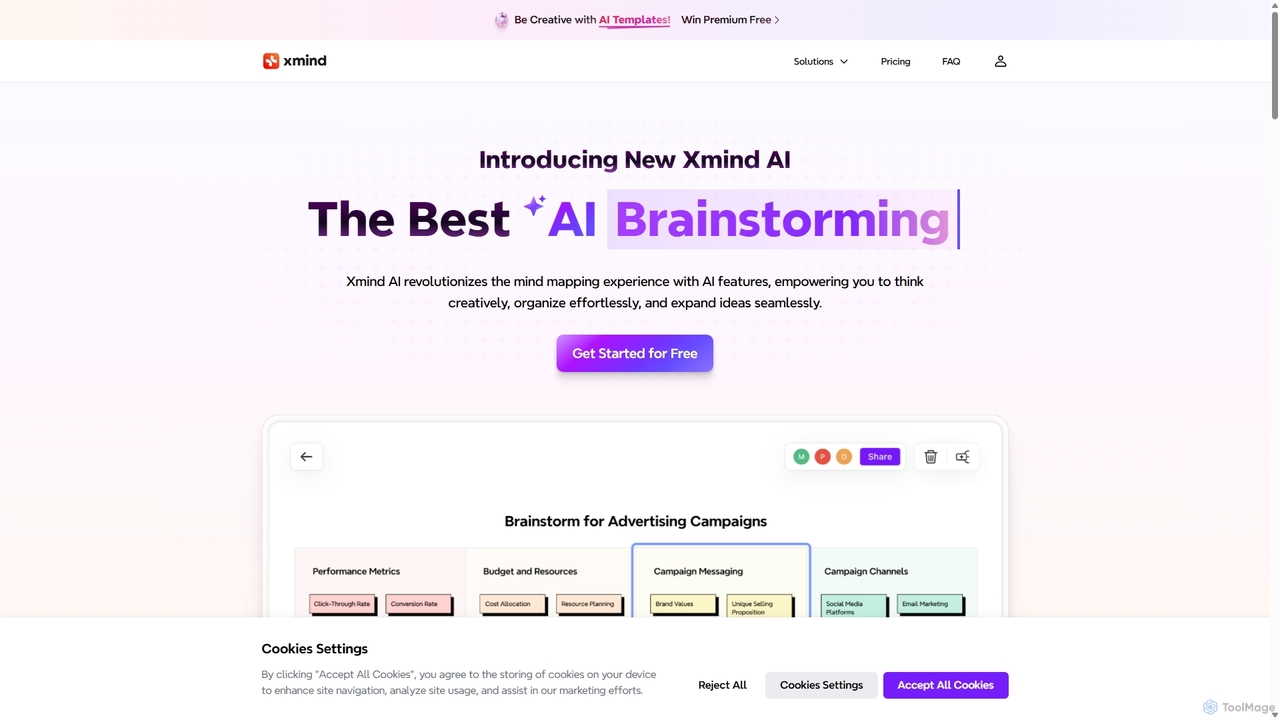
Xmind AI
Xmind AI is an advanced AI-powered mind mapping and brainstorming tool designed to enhance creativity and productivity. It helps users visualize thoughts, organize complex information, and collaborate with teams in real-time. With features like AI-driven idea generation, content summarization, and automated to-do lists, Xmind AI transforms abstract concepts into structured, actionable plans.
Teamwork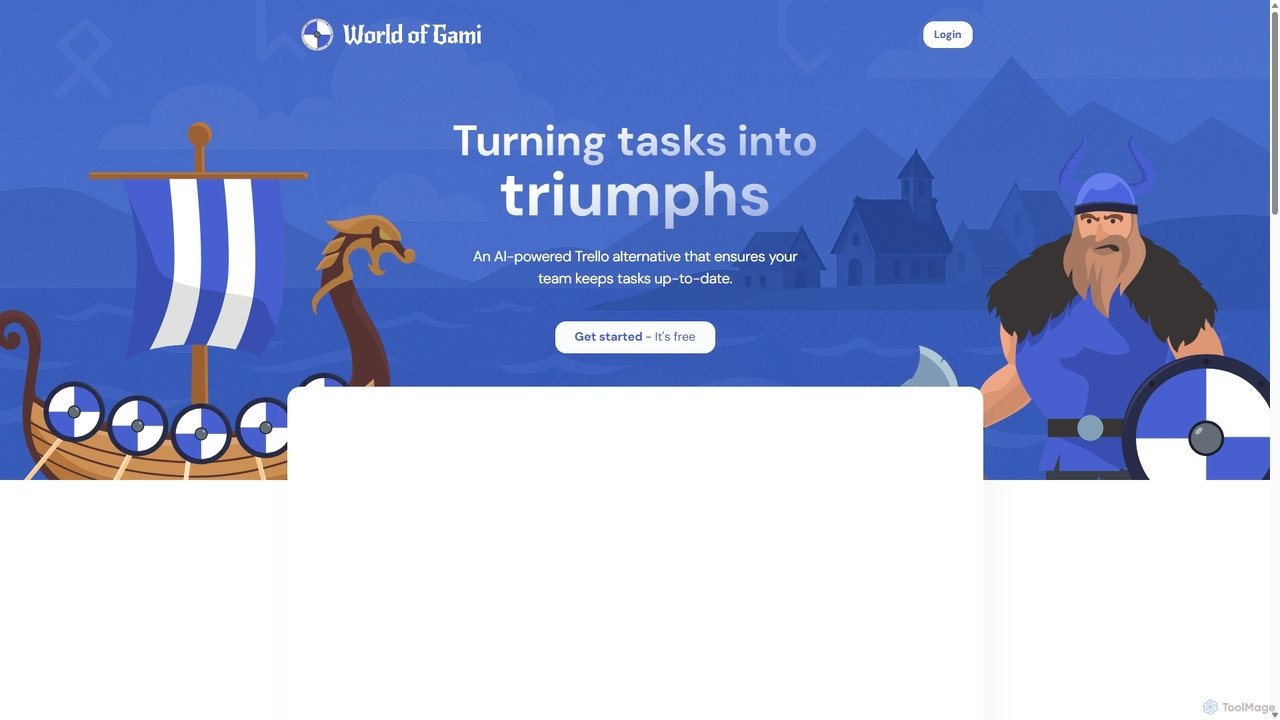
Worldofgami
World of Gami is an AI-powered project management tool and a Trello alternative that gamifies task management. It transforms workflows into an engaging game, encouraging teams to keep tasks updated through competitive sprints. Features include AI task generation, Kanban boards, and Notion-like documentation, all designed to boost motivation, collaboration, and productivity in a fun, interactive environment.
Project Management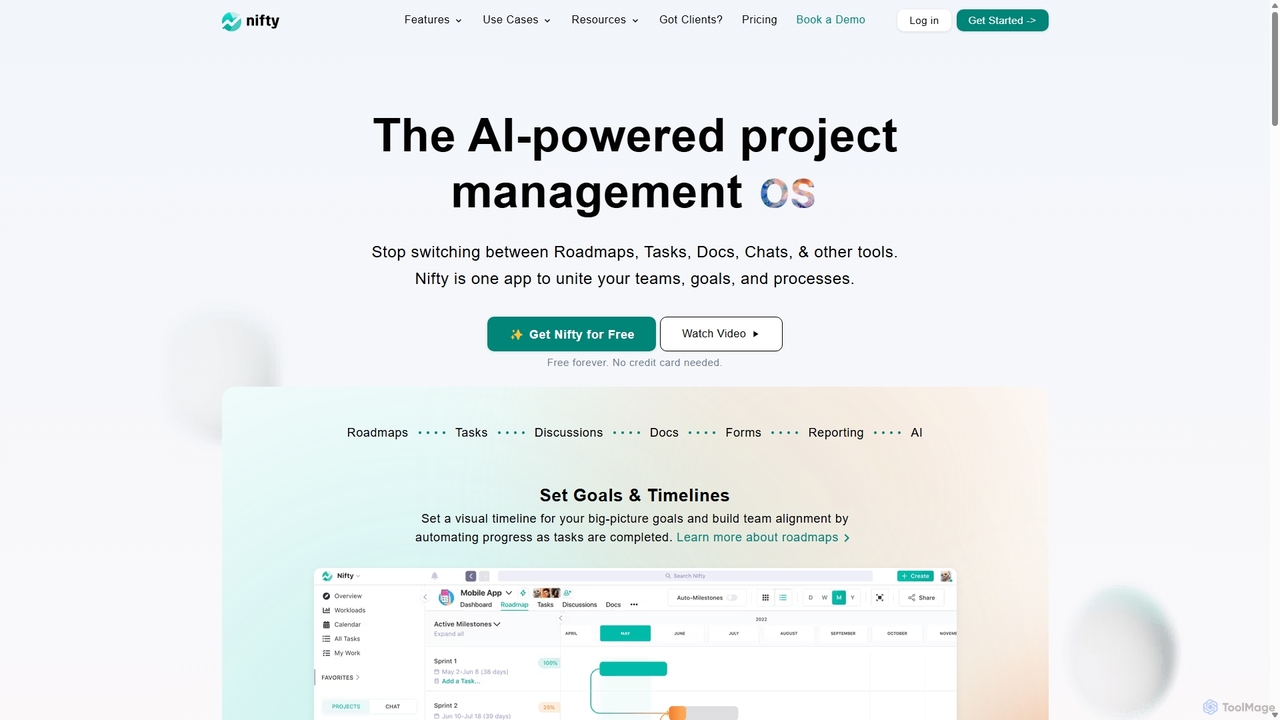
NiftyPM
NiftyPM is an AI-powered, all-in-one project management operating system designed to unite teams, goals, and processes. It consolidates roadmaps, tasks, documents, and team chat into a single collaborative workspace, eliminating the need to switch between multiple tools. With its Orbit AI, NiftyPM streamlines workflows, automates reporting, and enhances overall productivity for various teams, including engineering, marketing, and sales.
Collaboration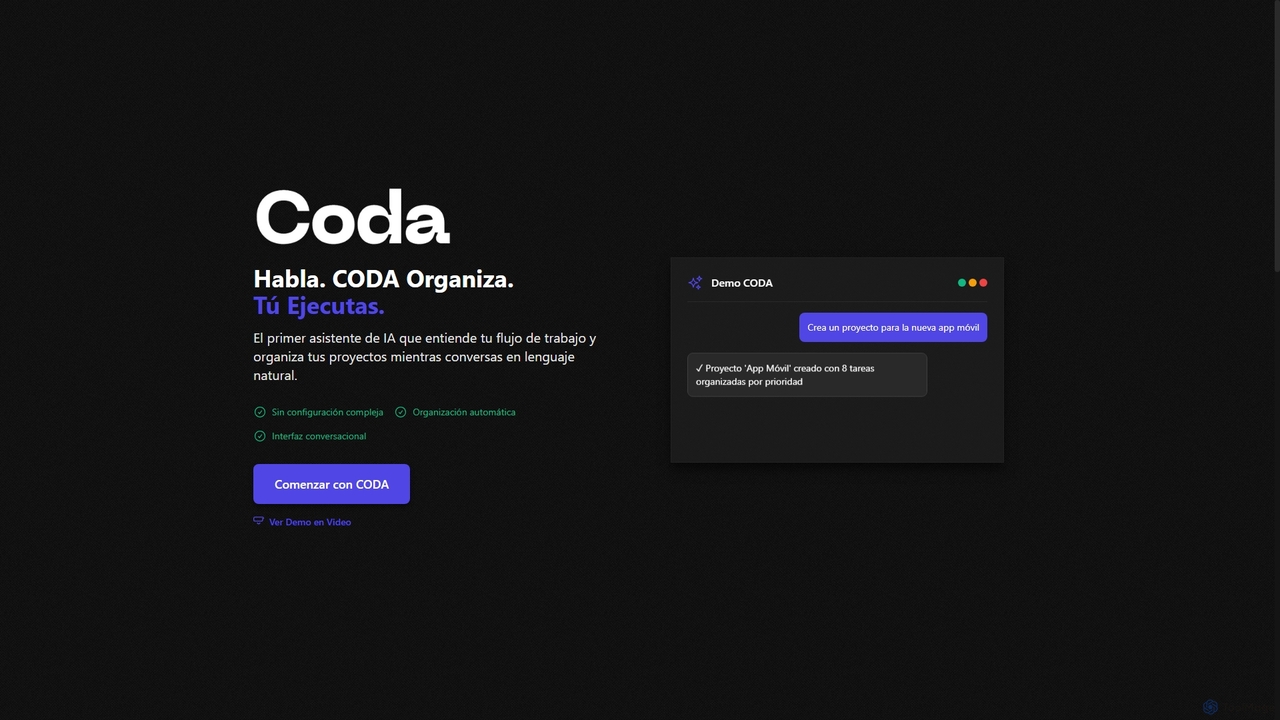
Coda
Coda is an intelligent AI assistant designed to streamline project management and task organization. It understands natural language commands, automatically structuring your projects and tasks without complex setups, allowing you to focus on execution rather than organization.
Natural Language ProcessingMindPlexa Categories
MindPlexa Jobs
MindPlexa Embed Widget
Copy this embed code to place the badge on your blog, article, or product site and send readers directly to this ToolMage detail page.

Related AI tools
Motion
Motion is an AI-powered platform that provides a suite of AI Employees and productivity tools to automate tasks, manage projects, and organize schedules. It's designed to 10x your team's output by handling everything from calendar management and email replies to sales outreach and customer support, all within a single integrated workspace.
Virtual AssistantCoda
Coda is an intelligent AI assistant designed to streamline project management and task organization. It understands natural language commands, automatically structuring your projects and tasks without complex setups, allowing you to focus on execution rather than organization.
Natural Language Processing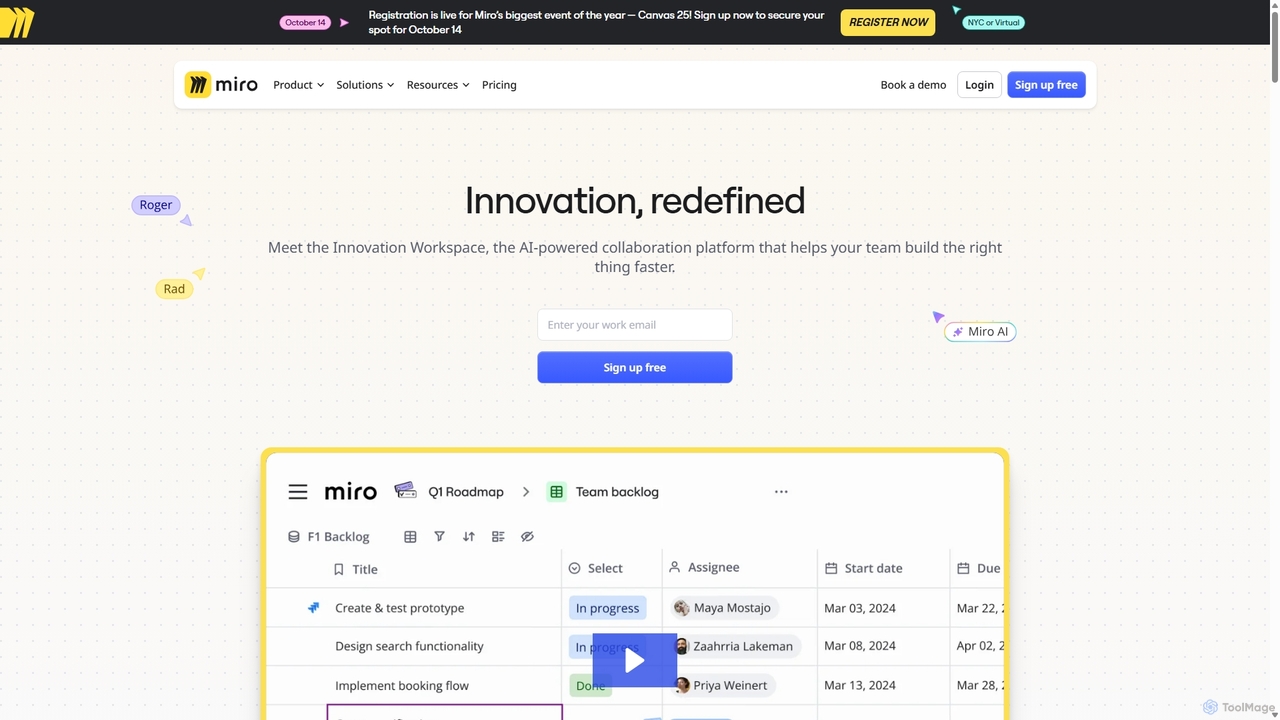
Miro
Miro is an AI-powered online collaborative whiteboard platform designed for modern teams. It provides an infinite canvas for brainstorming, planning, designing, and managing projects in real-time. With a vast template library, powerful integrations, and AI-driven features, Miro helps teams centralize communication and accelerate innovation from idea to execution.
Brainstorming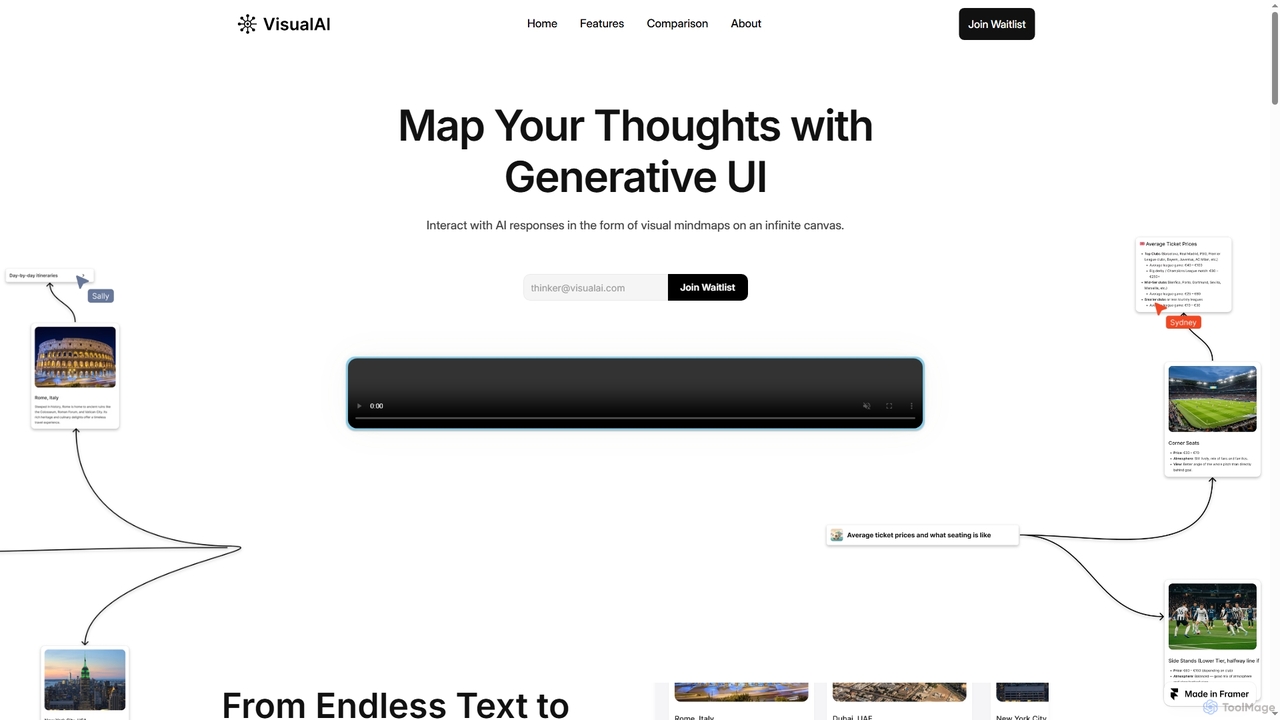
Visual AI
Visual AI is an innovative platform that transforms linear AI text responses into dynamic, visual clarity. It automatically structures information into interconnected nodes, enriching data with relevant visuals to enhance understanding and retention. Designed for non-linear thinkers, it offers an infinite collaborative workspace for brainstorming, prototyping, and evolving ideas.
Brainstorming
Omniverse
Omniverse is an all-in-one AI-powered productivity platform designed to centralize your workflow. It integrates a powerful writing assistant, task management, knowledge base, and data analysis into a single, intuitive workspace. Streamline your projects, automate repetitive tasks, and unlock new levels of efficiency by leveraging a unified AI that understands the full context of your work.
All In One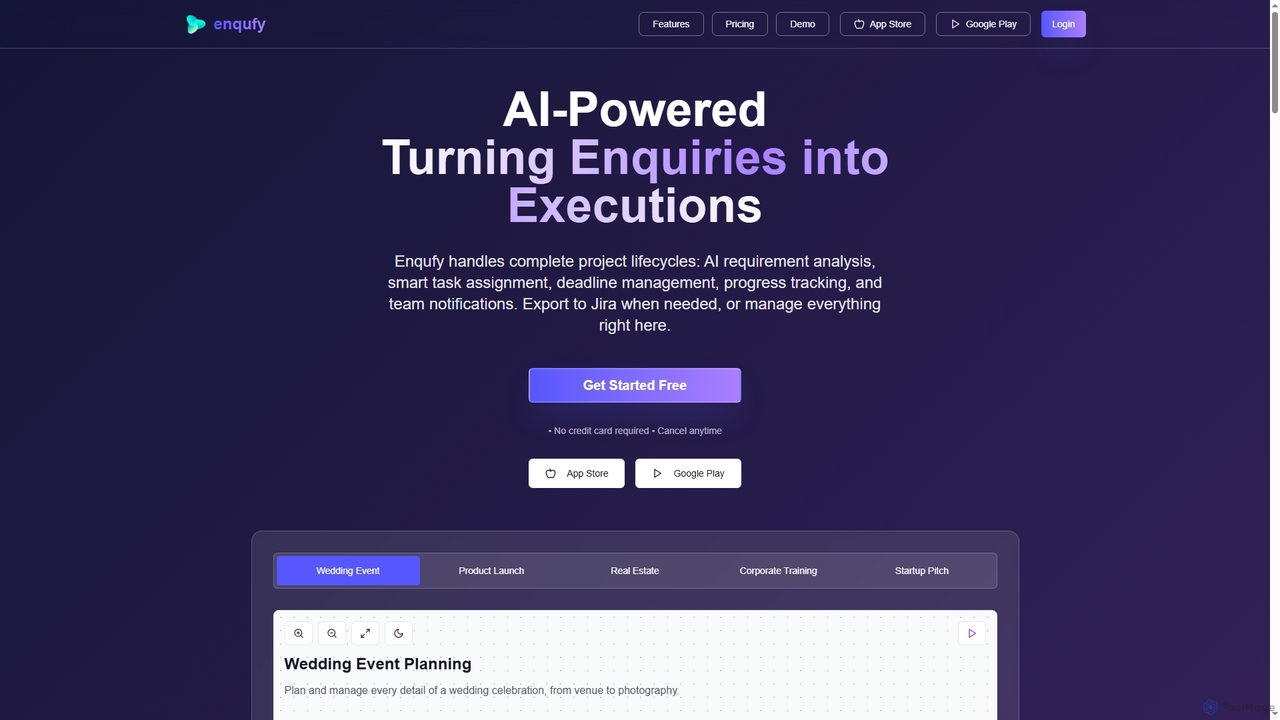
Enqufy
Enqufy is an AI-powered workflow automation platform designed to transform enquiries into structured, actionable project lifecycles. It streamlines task assignment, deadline management, and team collaboration, offering real-time progress tracking and performance analytics for businesses of all sizes. Available on web and mobile, it enhances efficiency and productivity across diverse industries.
Planning
Tingo.ai
Tingo.ai is an AI-powered productivity and workflow automation platform designed for modern teams. It integrates with your existing tools like Slack and Jira to automate meeting summaries, task management, and knowledge base creation, helping your team stay aligned and focus on what matters most.
Project ManagementXmind AI
Xmind AI is an advanced AI-powered mind mapping and brainstorming tool designed to enhance creativity and productivity. It helps users visualize thoughts, organize complex information, and collaborate with teams in real-time. With features like AI-driven idea generation, content summarization, and automated to-do lists, Xmind AI transforms abstract concepts into structured, actionable plans.
Teamwork
Jyek
Jyek is an AI agent platform that understands objectives, creates execution plans, uses tools, and delivers verifiable results for complex, multi-step tasks.
AutomationWorldofgami
World of Gami is an AI-powered project management tool and a Trello alternative that gamifies task management. It transforms workflows into an engaging game, encouraging teams to keep tasks updated through competitive sprints. Features include AI task generation, Kanban boards, and Notion-like documentation, all designed to boost motivation, collaboration, and productivity in a fun, interactive environment.
Project Management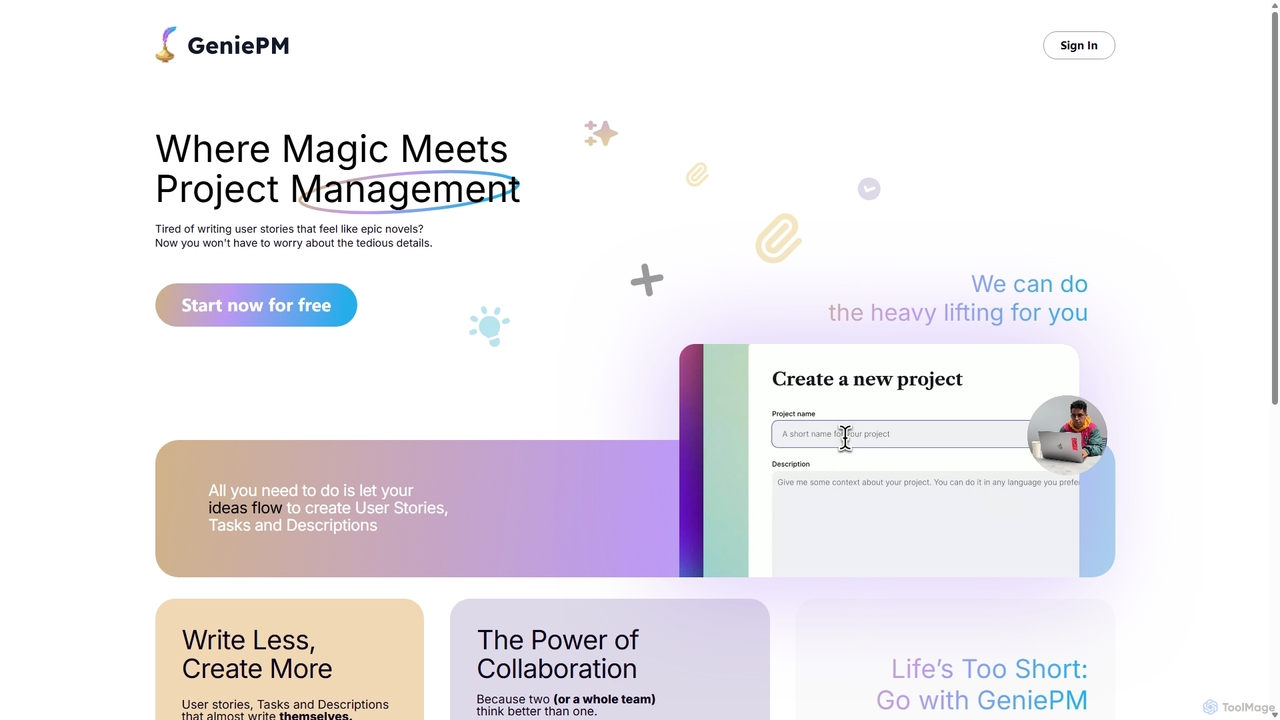
GeniePM
GeniePM is an AI-powered project management assistant designed to streamline the creation of user stories, tasks, and descriptions. By transforming simple ideas into detailed, structured project items, it eliminates tedious writing and allows teams to focus on collaboration and execution. It integrates with popular tools to fit seamlessly into your existing workflow.
Task Management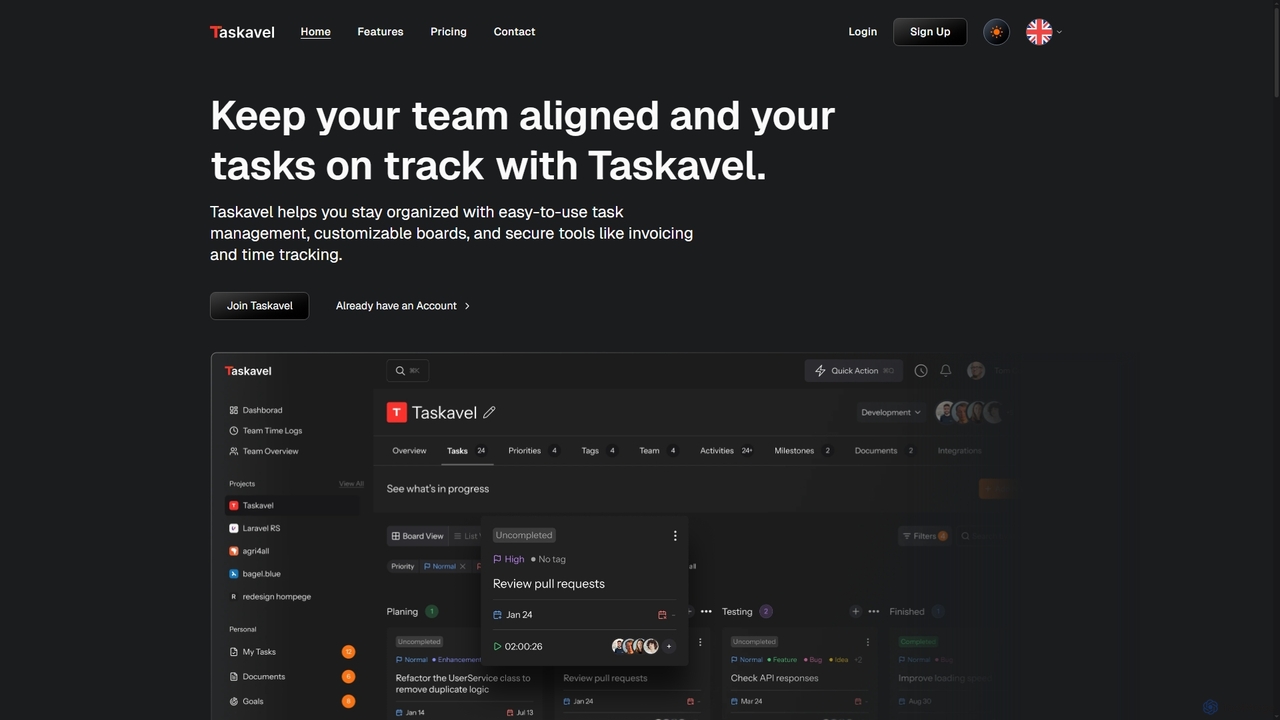
Taskavel
Taskavel is a comprehensive task and project management platform designed to keep teams aligned and tasks on track. It offers intuitive tools like customizable Kanban boards, integrated time tracking, invoicing, and robust collaboration features, especially tailored for developers and agile teams.
Workflow Automation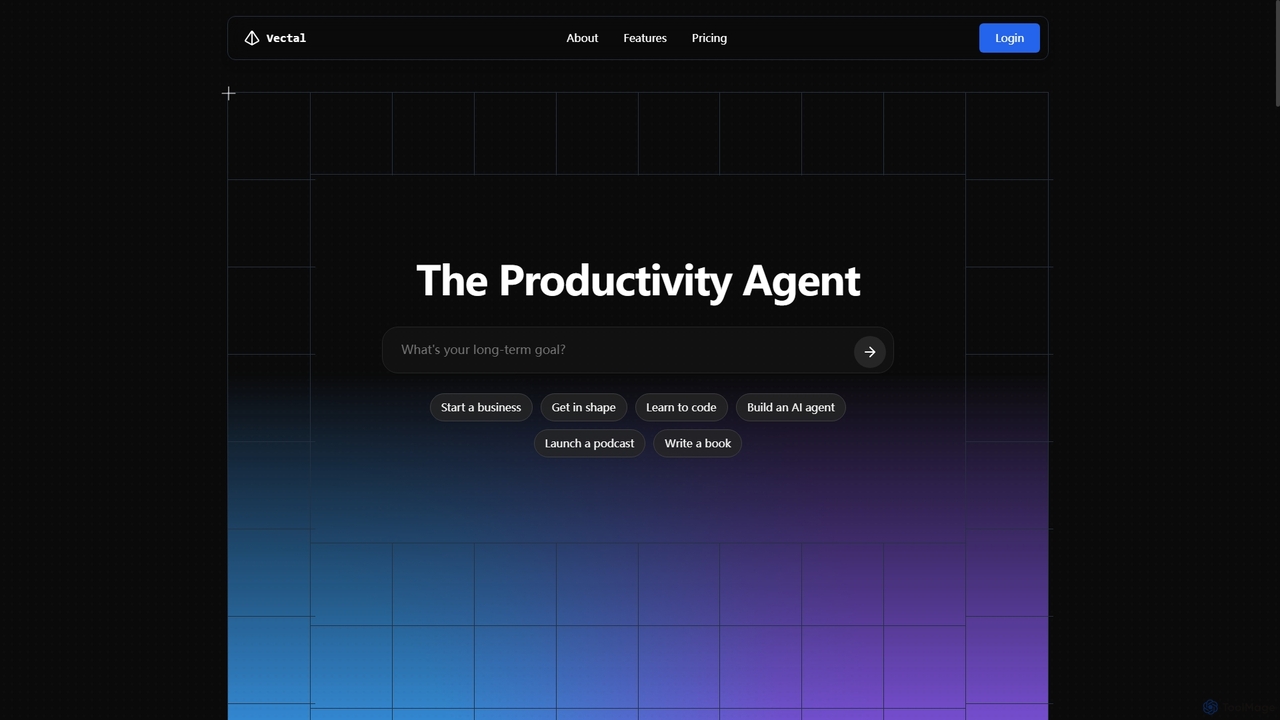
Vectal
Vectal is an AI-powered productivity agent that unifies tasks, notes, projects, and calendar events into a single, real-time synced workflow. It automates organization, prioritizes work, schedules intelligently, and facilitates team collaboration, enhancing overall efficiency and focus.
Ide Integration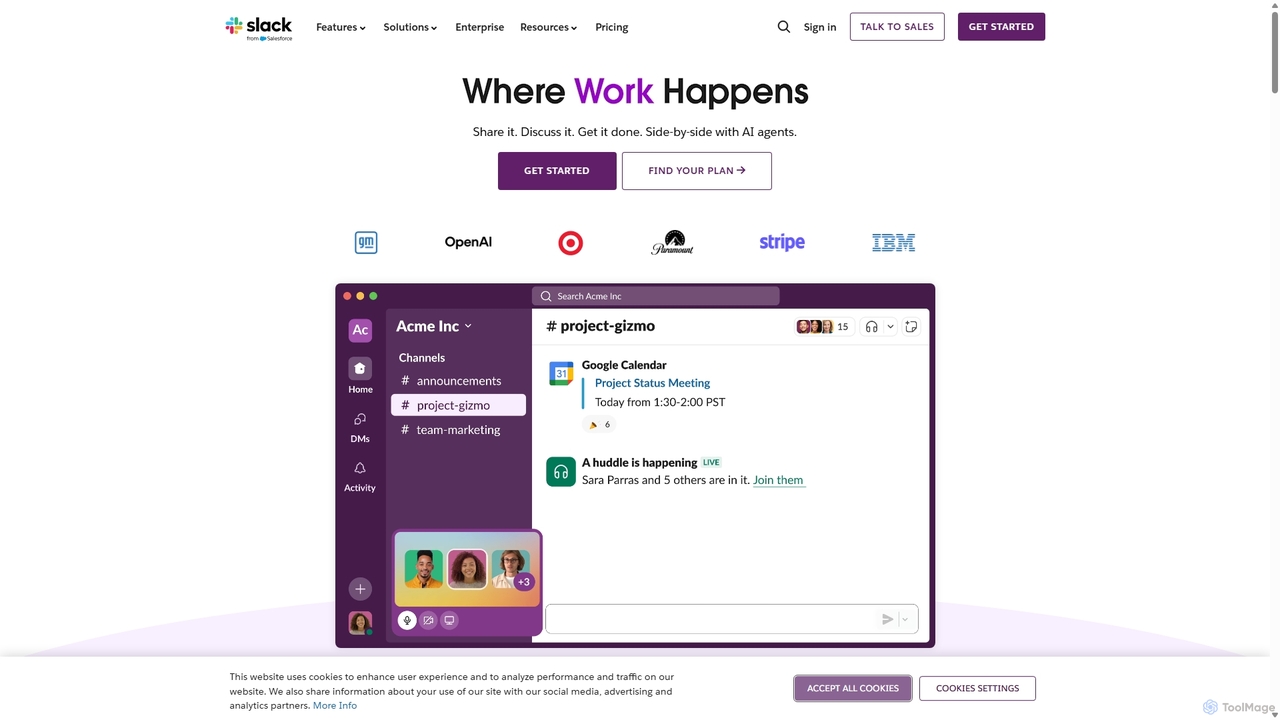
Slack
Slack is an AI-powered collaboration hub that connects your people, partners, and tools. It replaces email with faster, better-organized communication through channels. With integrated AI, workflow automation, and thousands of apps, Slack centralizes your work to boost productivity and streamline project management.
Project Management
Lula
Lula is an AI-powered workflow automation platform designed to enhance team productivity. It integrates seamlessly with your existing tools to automate repetitive tasks, summarize meetings and communications, generate content, and provide actionable insights, acting as a central intelligence hub for your team.
Team Collaboration
MindPlexa Comments (0)
Sign in to comment.
Sign inNo comments yet.