Vectal
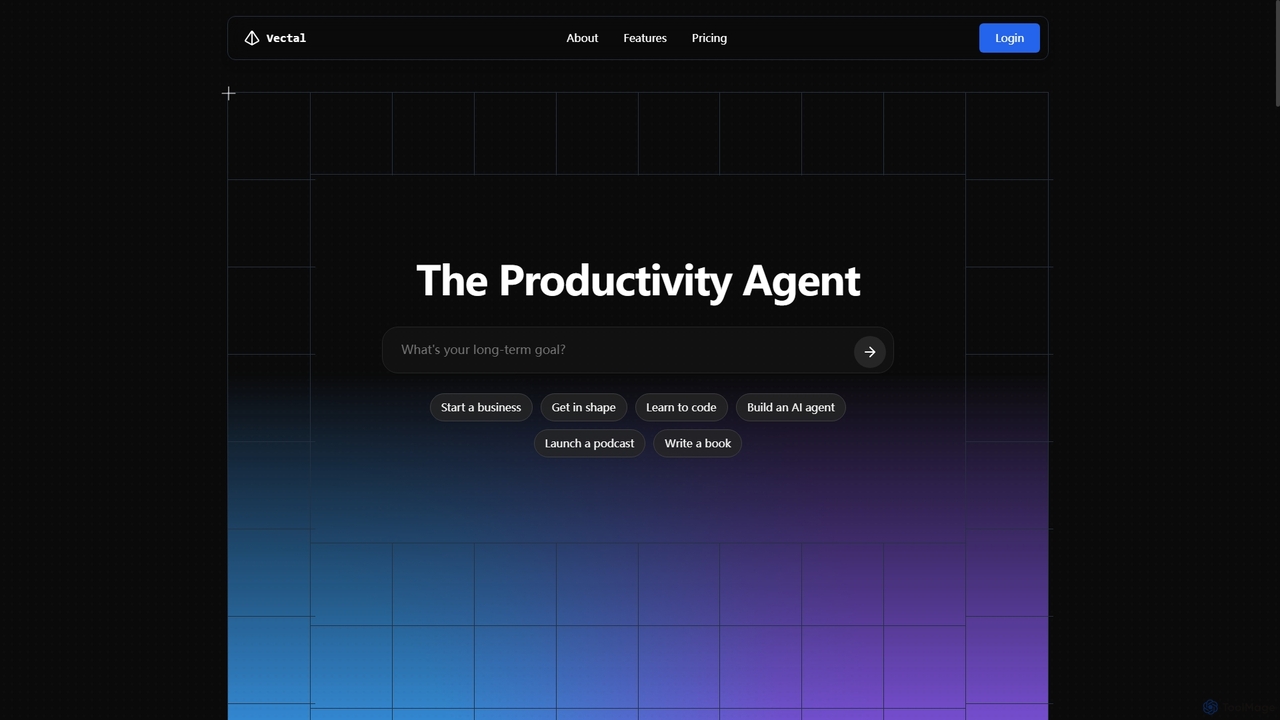
Vectal is an AI-powered productivity agent that unifies tasks, notes, projects, and calendar events into a single, real-time …
Vectal is an AI-powered productivity agent that unifies tasks, notes, projects, and calendar events into a single, real-time synced workflow. It automates organization, prioritizes work, schedules intelligently, and facilitates team collaboration, enhancing overall efficiency and focus.
About Ide Integration
AI IDE Integration tools are intelligent assistants that operate directly within your Integrated Development Environment (IDE). They leverage large language models (LLMs) to understand code context, providing real-time assistance for tasks like code generation, debugging, and refactoring. This deep integration streamlines the development workflow, allowing developers to write, test, and improve code faster without leaving their editor. These tools transform the IDE from a passive editor into an active, collaborative coding partner.
Core Features
- AI-Powered Code Completion: Generates entire functions or code blocks based on context and comments, not just single words.
- Natural Language to Code: Translates plain English descriptions or prompts into functional code snippets.
- Inline AI Chat & Debugging: Ask questions about your code or get explanations for errors directly in the editor.
- Automated Test Generation: Creates unit tests for your functions and methods to improve code coverage.
- Intelligent Refactoring: Suggests improvements to optimize code for performance, readability, and maintainability.
Use Cases
These tools are widely used by software developers, data scientists, and DevOps engineers. A web developer can use an AI assistant to quickly scaffold a new component, while a data scientist can get help debugging a complex algorithm in a Jupyter notebook integrated into their IDE. They are valuable for both rapid prototyping and maintaining large, complex codebases.
How to Choose
When selecting a tool, consider its compatibility with your specific IDE (e.g., VS Code, JetBrains) and programming languages. Evaluate the quality and relevance of its code suggestions, the intrusiveness of its UI, and its policy on code privacy and security. Pricing models, whether based on subscription or usage, are also a key factor in the decision-making process.

Ide IntegrationUse Cases
Accelerate API Endpoint Development
A backend developer is tasked with creating a new REST API endpoint for user authentication. Instead of writing boilerplate code from scratch, they type a comment like '// Create a POST endpoint /login that validates email and password'. The AI IDE integration tool instantly generates the complete function, including request handling, validation logic, and response structures, saving significant time and reducing the risk of manual errors.
Simplify Complex Code Debugging
A junior developer encounters a cryptic error message in a large codebase. They highlight the problematic code block and ask the inline AI assistant, 'Why am I getting this error here?'. The tool analyzes the call stack and variable states, explains that a specific object is not being initialized correctly, and suggests the exact line of code to fix the issue, turning a frustrating roadblock into a quick learning opportunity.
Master a New Programming Language
A Python developer is learning Rust for a new project. When they encounter unfamiliar syntax for error handling, they can ask the integrated AI, 'Explain Rust's Result enum and show me how to use it here.' The tool provides a concise explanation and a context-aware code example, turning the IDE into an interactive learning environment and accelerating the learning curve for new technologies.
Automate Unit Test Generation
To increase test coverage for a critical financial calculation module, a developer right-clicks on a function and selects 'Generate Unit Tests.' The AI tool analyzes the function's logic, identifies edge cases (such as zero, negative numbers, or null inputs), and automatically creates a suite of tests using the project's testing framework (e.g., Jest, PyTest), covering both successful paths and potential failure scenarios.
Refactor Legacy Code for Readability
A maintenance team is working on an old, complex codebase with long, hard-to-read functions. They use the AI's refactoring feature to analyze the code. The tool suggests breaking down large methods into smaller, more manageable ones, renaming variables for clarity, and simplifying nested conditional logic. With a single click, the developer can apply these improvements, enhancing code maintainability for the entire team.
Rapid Prototyping with Natural Language
A full-stack developer needs to create a quick proof-of-concept for a new feature. They open a new file and write prompts like '// Create a simple React component with an input field and a button that alerts the input value'. The AI generates the necessary JSX and CSS, allowing them to quickly build and visualize a functional user interface without getting bogged down in the specific syntax of the framework.