

Miro Overview
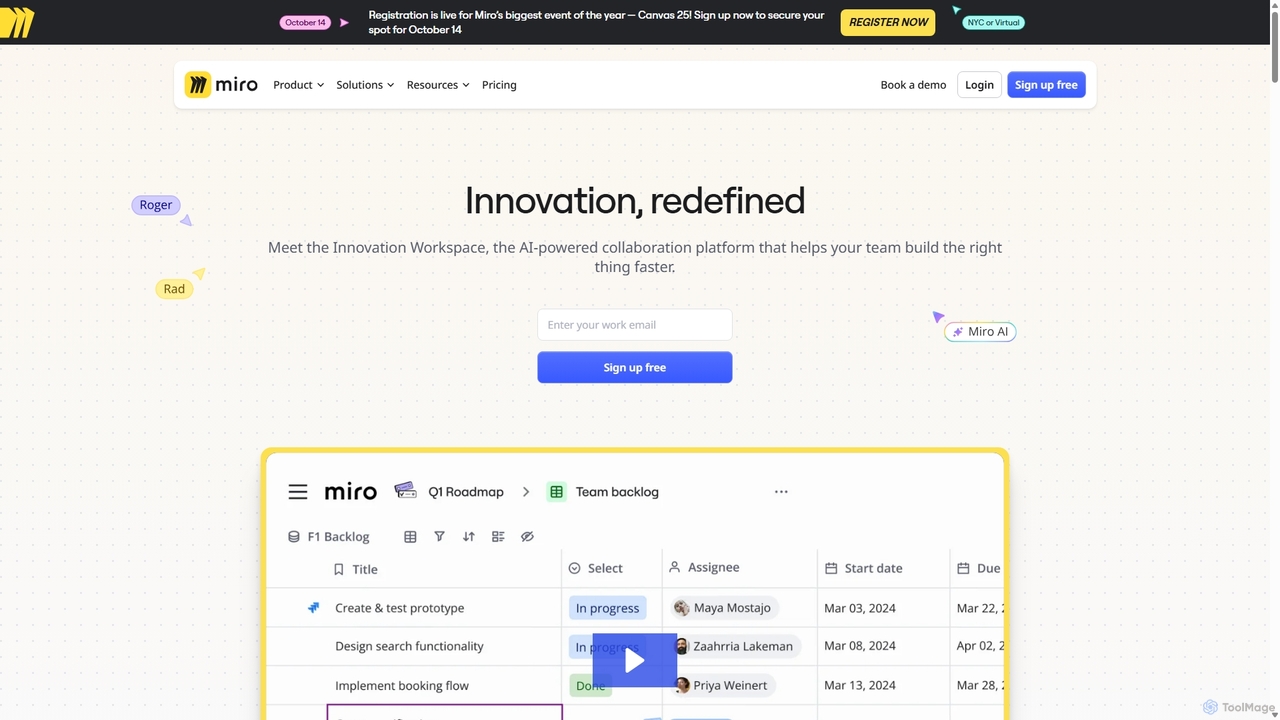
Miro is a comprehensive visual collaboration platform, branded as The Innovation Workspace, designed to empower remote, in-office, and hybrid teams to communicate and collaborate effectively. It offers a flexible and intuitive online whiteboard that serves as a single source of truth for team projects, from initial brainstorming sessions to final project delivery. With over 90 million users, Miro has established itself as a leading solution for teams looking to streamline workflows, foster creativity, and accelerate outcomes.
The platform's core is its infinite canvas, which allows teams to visualize complex ideas, systems, and strategies without limitations. This is enhanced by Miro AI, a suite of intelligent features that automate tedious tasks, generate new ideas, create diagrams from text, and summarize complex information, freeing up teams to focus on high-impact work. Miro is built for all types of teams, including product, UX & design, engineering, marketing, and project management, providing specialized tools and templates for each.
How to use Miro
Getting started with Miro is straightforward. First, sign up for a free account using your work email. You can then create a new board from scratch or choose from over 5,000 pre-built templates in the Miroverse community library to kickstart your project. Invite your teammates to the board to collaborate in real-time, where everyone can add sticky notes, draw concepts, upload files, and leave comments. For asynchronous collaboration, use the Talktrack feature to record a video walkthrough of your board. Leverage Miro AI by simply typing a prompt to generate mind maps, sequence diagrams, or summarize existing content. To integrate Miro into your existing ecosystem, connect it with over 160 apps like Jira, Asana, Slack, Google Drive, and Microsoft Teams to create a seamless workflow.
Core Features of Miro
- Miro AI: An AI-powered assistant to generate ideas, summarize content, create diagrams, and automate repetitive tasks.
- Infinite Canvas: A limitless digital whiteboard for brainstorming, diagramming, and visualizing workflows.
- Real-time Collaboration: Work simultaneously with teammates, see their cursors, and communicate via comments, mentions, and built-in video chat.
- Extensive Template Library: Access thousands of templates for various use cases, including agile workflows, design thinking, strategy planning, and more.
- Advanced Diagramming: Create professional diagrams, flowcharts, mind maps, and system architecture visuals with a vast library of shape packs (UML, AWS, Azure).
- Workshop & Facilitation Tools: Engage participants with features like a timer, voting, private mode, and interactive presentation tools.
- Powerful Integrations: Connect with over 160 popular tools, including Atlassian (Jira), Microsoft 365, Google Workspace, Slack, and Zoom.
- Enterprise-Grade Security: Features like Single Sign-On (SSO), data residency options (EU/US), and advanced governance controls ensure your data is secure.
Use Cases for Miro
Miro is versatile and supports a wide range of professional activities:
- Product Management: Building product roadmaps, conducting sprint planning, and creating user story maps.
- UX & Design Research: Creating customer journey maps, wireframing, building interactive prototypes, and synthesizing user research.
- Engineering: Visualizing cloud architecture, mapping out complex systems, and facilitating agile ceremonies like retrospectives.
- Program & Project Management: Centralizing project plans, tracking progress, managing dependencies, and aligning stakeholders.
- Marketing: Planning campaigns, developing content strategies, and brainstorming creative concepts.
- Strategy & Planning: Facilitating strategic planning sessions, conducting SWOT analysis, and creating business model canvases.
Advantages of Miro
Miro's primary advantage is its ability to serve as a centralized hub for all team collaboration, reducing the need to switch between multiple tools. Its AI capabilities significantly boost productivity by automating routine tasks and sparking creativity. The platform is highly flexible, catering to diverse team needs with customizable templates and a robust developer platform. For organizations, Miro offers scalability and enterprise-level security, ensuring that it can grow with the company while protecting sensitive information. The intuitive, visual interface makes it easy for anyone to contribute, fostering a more inclusive and engaging collaborative environment.
Pricing and Plans
Miro offers a freemium model with several tiers to suit different needs:
- Free Plan: $0. Includes unlimited team members, 3 editable boards, and access to core templates and integrations. Miro AI is available with 10 credits/month per team.
- Starter Plan: Starts at $8 per member/month (billed annually). Includes everything in Free, plus unlimited editable boards, private boards, high-resolution exports, and version history. Miro AI credits increase to 25/month per member.
- Business Plan: Starts at $16 per member/month (billed annually). Best for teams and companies, it adds unlimited guests, Single Sign-On (SSO), advanced diagramming, and two-way sync with Jira/Azure. Miro AI credits increase to 50/month per member.
- Enterprise Plan: Custom pricing. Designed for large organizations, this plan offers advanced security, centralized management, flexible licensing, dedicated support, and 100 Miro AI credits/month per member.
Add-ons like Miro Prototyping and Enterprise Guard are also available for specific plans.
Traffic
Latest traffic
Status
Monthly traffic trend
- 2025-9: 31.9M
- 2026-1: 29.8M
- 2026-2: 30.0M
- 2026-3: 34.4M
- 2026-4: 32.7M
- 2026-5: 31.0M
Geography
Top 5 countries / regions
- 🇺🇸United States32.3%
- 🇷🇺Russia26.4%
- 🇩🇪Germany15.4%
- 🇬🇧United Kingdom13.3%
- 🇧🇷Brazil12.6%
Traffic sources
| Source type | Percentage |
|---|---|
Direct | 85.8% |
Referral | 9.8% |
Email | 4.4% |
Top keywords
| Keyword | Cost per click |
|---|---|
| mapa conceptual | $0.29 |
| mapa mental | $0.29 |
| miro | $1.09 |
| miro board | $2.74 |
| миро | $0.18 |
Miro Videos on YouTube





Miro Alternatives
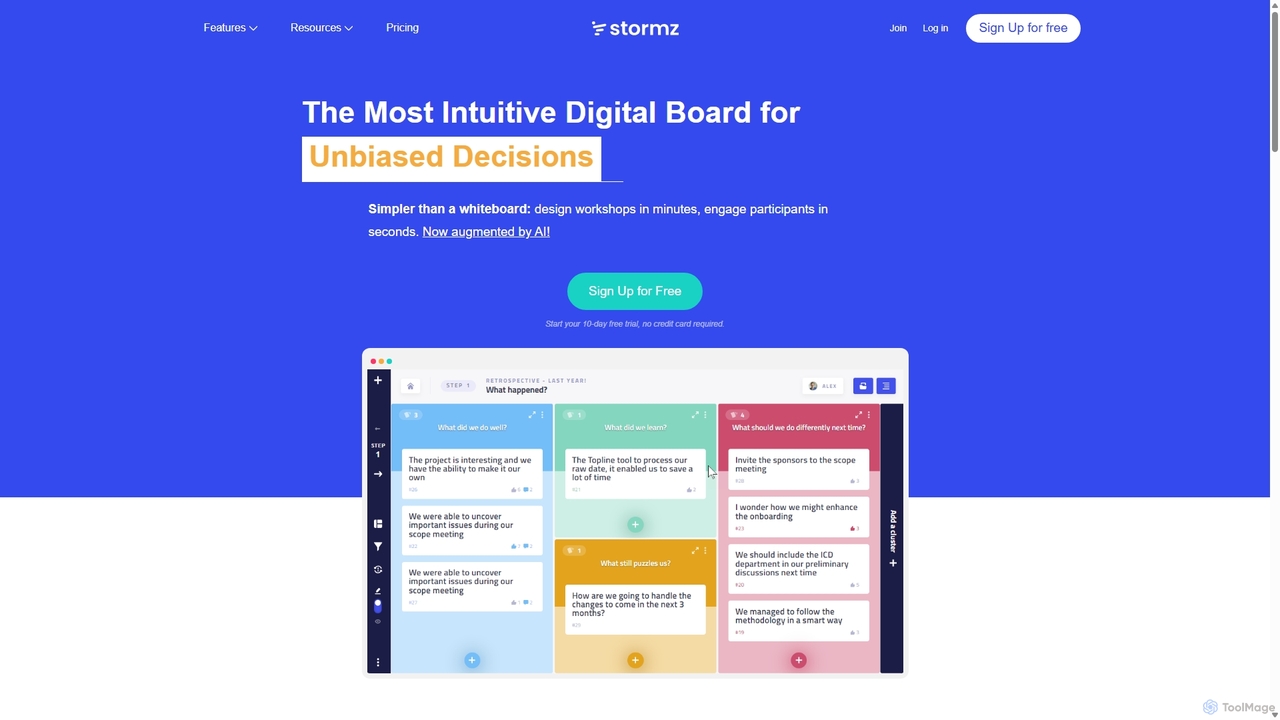
Stormz
Stormz is an AI-augmented digital platform designed for facilitators to run highly engaging and productive collaborative workshops. It simplifies brainstorming, decision-making, and retrospectives for in-person, remote, or hybrid teams. With its intuitive interface and powerful features, Stormz ensures full participation and helps groups achieve unbiased, high-quality outcomes efficiently.
Meeting Management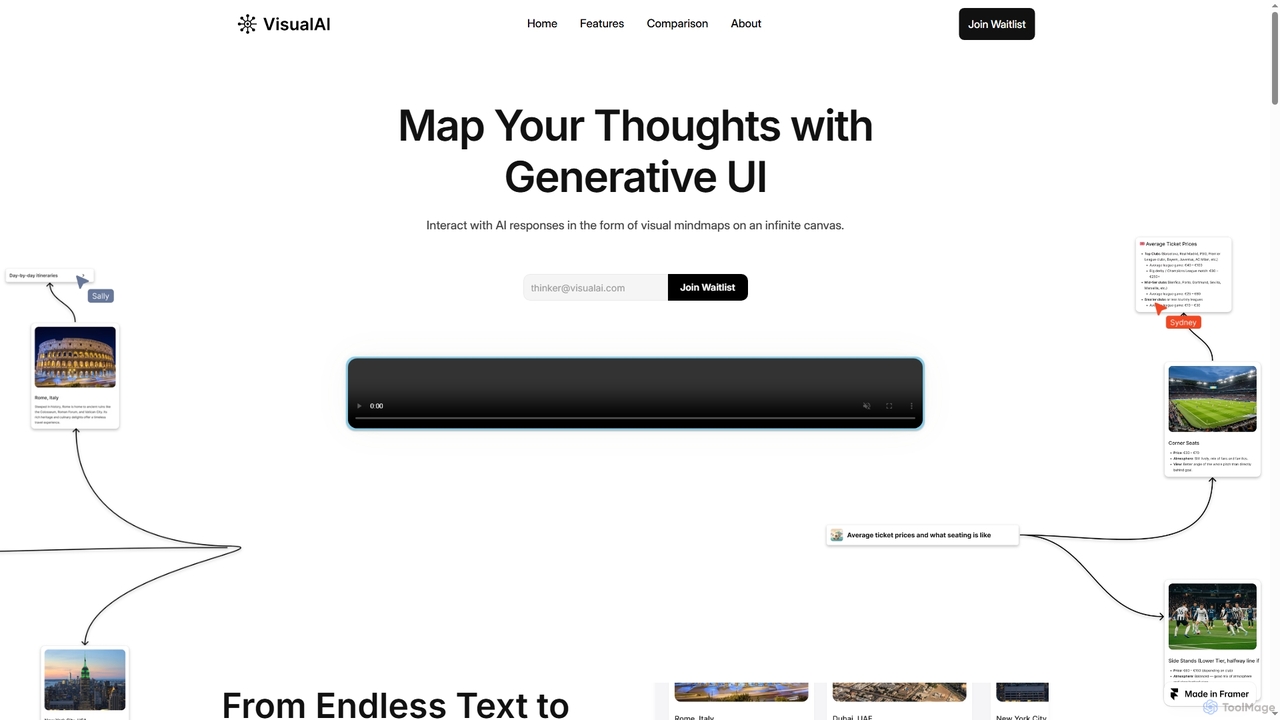
Visual AI
Visual AI is an innovative platform that transforms linear AI text responses into dynamic, visual clarity. It automatically structures information into interconnected nodes, enriching data with relevant visuals to enhance understanding and retention. Designed for non-linear thinkers, it offers an infinite collaborative workspace for brainstorming, prototyping, and evolving ideas.
Brainstorming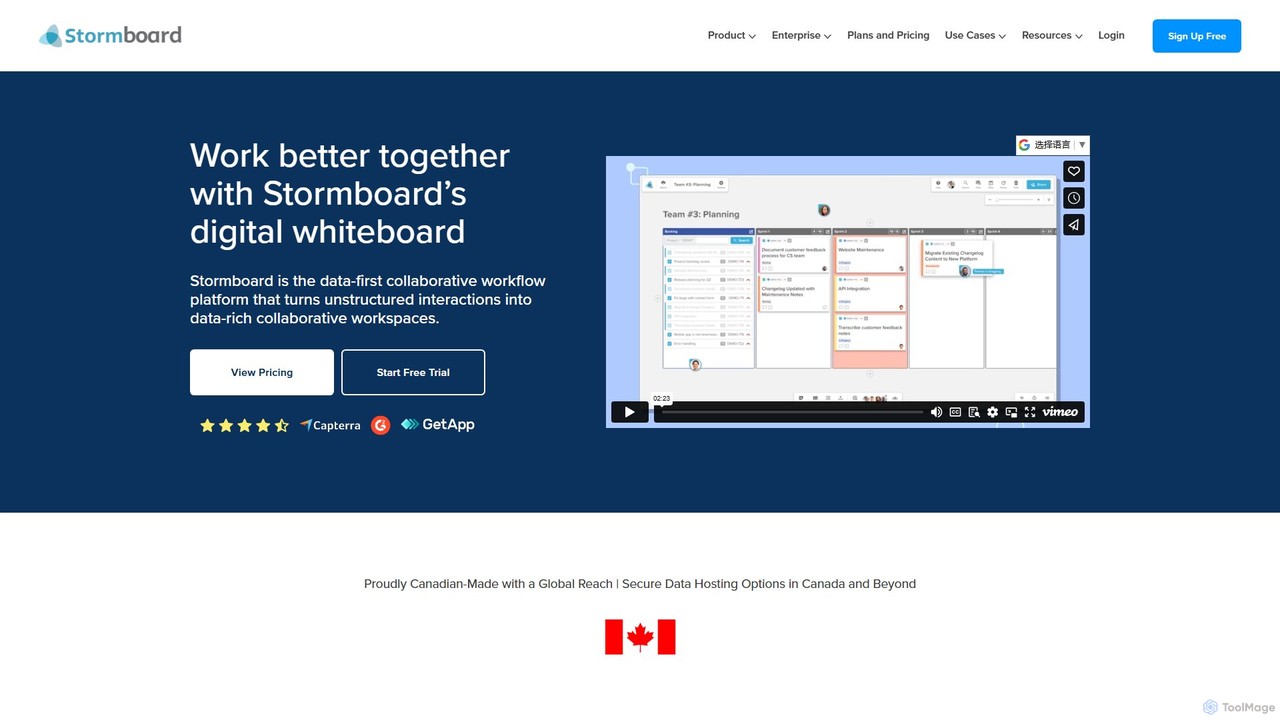
Stormboard
Stormboard is a data-first, AI-powered digital whiteboard and collaborative workflow platform. It transforms unstructured team interactions into organized, data-rich workspaces, enhancing brainstorming, agile planning, and decision-making for remote, hybrid, and in-office teams with powerful integrations and enterprise-grade security.
Brainstorming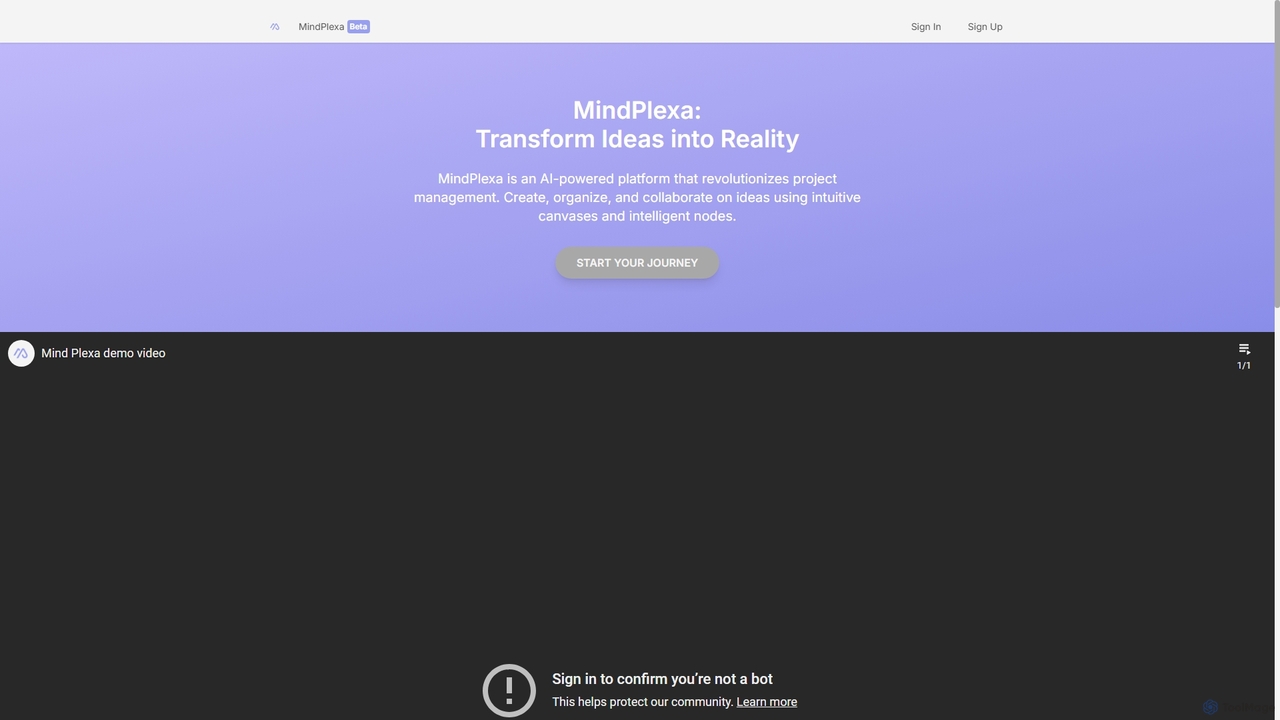
MindPlexa
MindPlexa is an AI-powered productivity platform that transforms ideas into actionable projects. It combines visual mind mapping with intelligent project management, allowing users to create, organize, and collaborate on ideas using intuitive canvases and smart nodes. The AI assistant helps generate project layouts, suggest tasks, and streamline workflows, making it an ideal tool for teams and individuals looking to boost creativity and efficiency.
Teamwork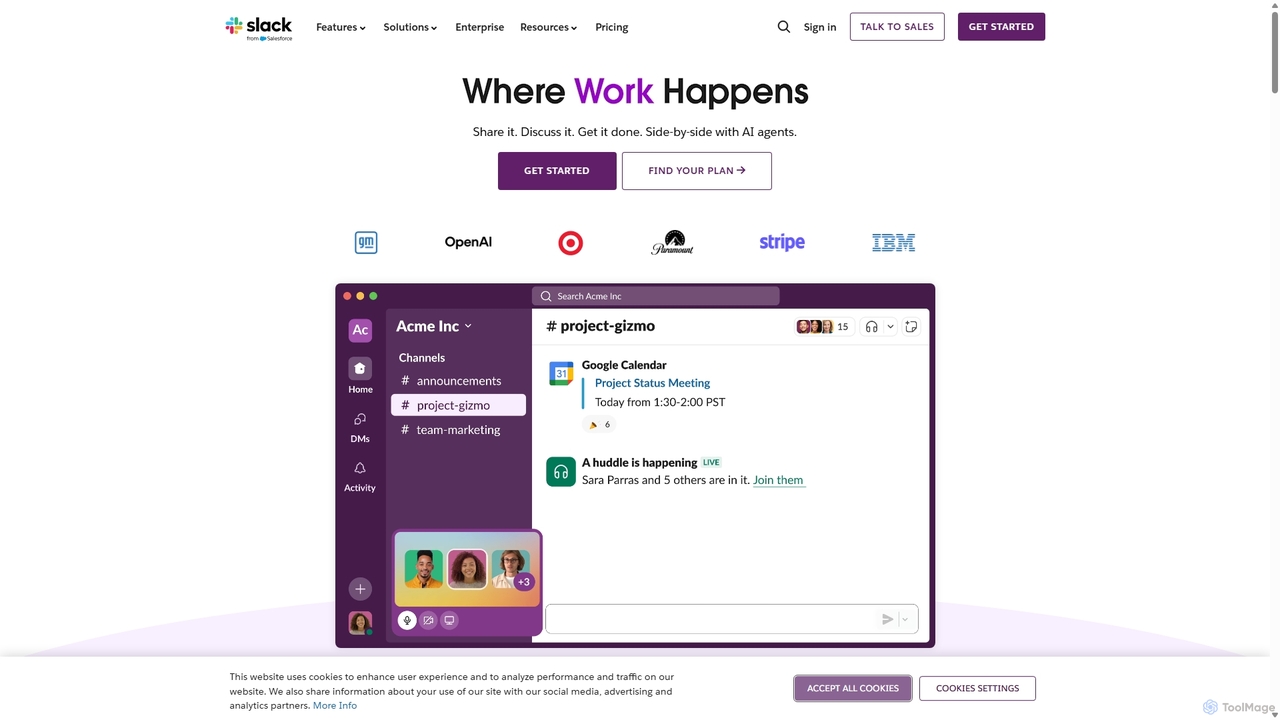
Slack
Slack is an AI-powered collaboration hub that connects your people, partners, and tools. It replaces email with faster, better-organized communication through channels. With integrated AI, workflow automation, and thousands of apps, Slack centralizes your work to boost productivity and streamline project management.
Project ManagementMiro Categories
Miro Jobs
Miro Embed Widget
Copy this embed code to place the badge on your blog, article, or product site and send readers directly to this ToolMage detail page.

Related AI tools
Stormz
Stormz is an AI-augmented digital platform designed for facilitators to run highly engaging and productive collaborative workshops. It simplifies brainstorming, decision-making, and retrospectives for in-person, remote, or hybrid teams. With its intuitive interface and powerful features, Stormz ensures full participation and helps groups achieve unbiased, high-quality outcomes efficiently.
Meeting ManagementMindPlexa
MindPlexa is an AI-powered productivity platform that transforms ideas into actionable projects. It combines visual mind mapping with intelligent project management, allowing users to create, organize, and collaborate on ideas using intuitive canvases and smart nodes. The AI assistant helps generate project layouts, suggest tasks, and streamline workflows, making it an ideal tool for teams and individuals looking to boost creativity and efficiency.
TeamworkVisual AI
Visual AI is an innovative platform that transforms linear AI text responses into dynamic, visual clarity. It automatically structures information into interconnected nodes, enriching data with relevant visuals to enhance understanding and retention. Designed for non-linear thinkers, it offers an infinite collaborative workspace for brainstorming, prototyping, and evolving ideas.
Brainstorming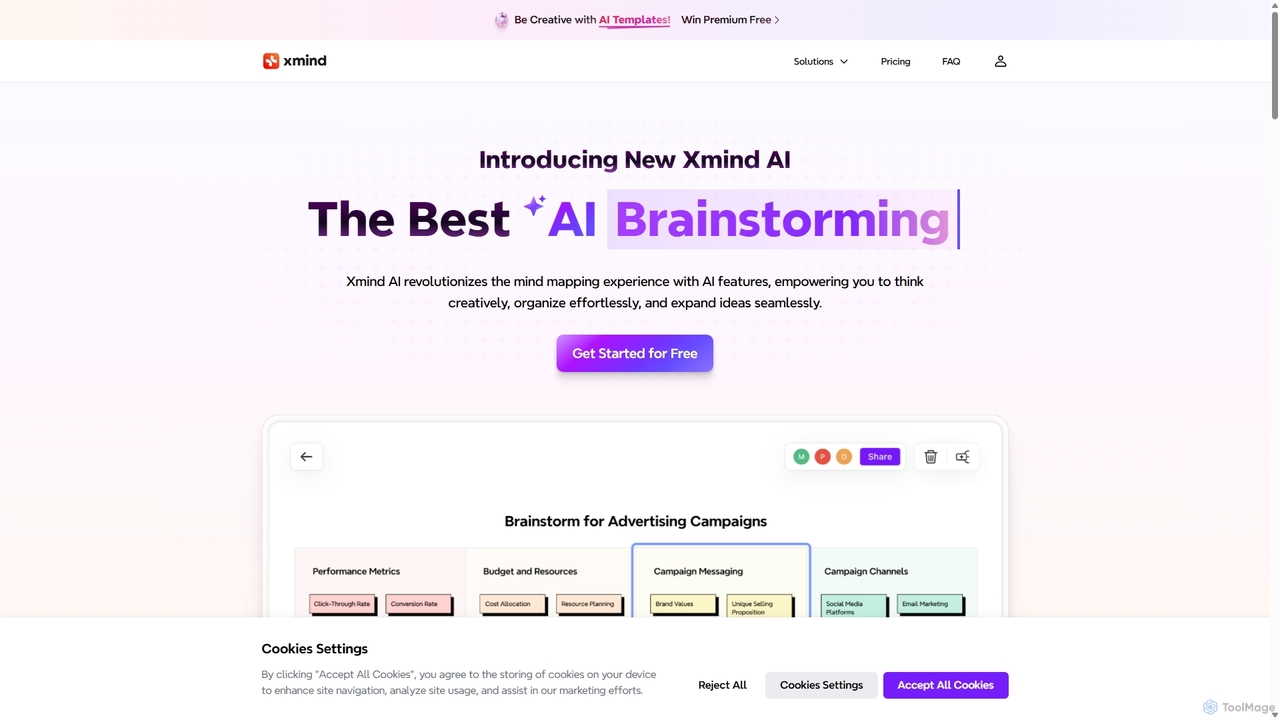
Xmind AI
Xmind AI is an advanced AI-powered mind mapping and brainstorming tool designed to enhance creativity and productivity. It helps users visualize thoughts, organize complex information, and collaborate with teams in real-time. With features like AI-driven idea generation, content summarization, and automated to-do lists, Xmind AI transforms abstract concepts into structured, actionable plans.
TeamworkSlack
Slack is an AI-powered collaboration hub that connects your people, partners, and tools. It replaces email with faster, better-organized communication through channels. With integrated AI, workflow automation, and thousands of apps, Slack centralizes your work to boost productivity and streamline project management.
Project ManagementStormboard
Stormboard is a data-first, AI-powered digital whiteboard and collaborative workflow platform. It transforms unstructured team interactions into organized, data-rich workspaces, enhancing brainstorming, agile planning, and decision-making for remote, hybrid, and in-office teams with powerful integrations and enterprise-grade security.
Brainstorming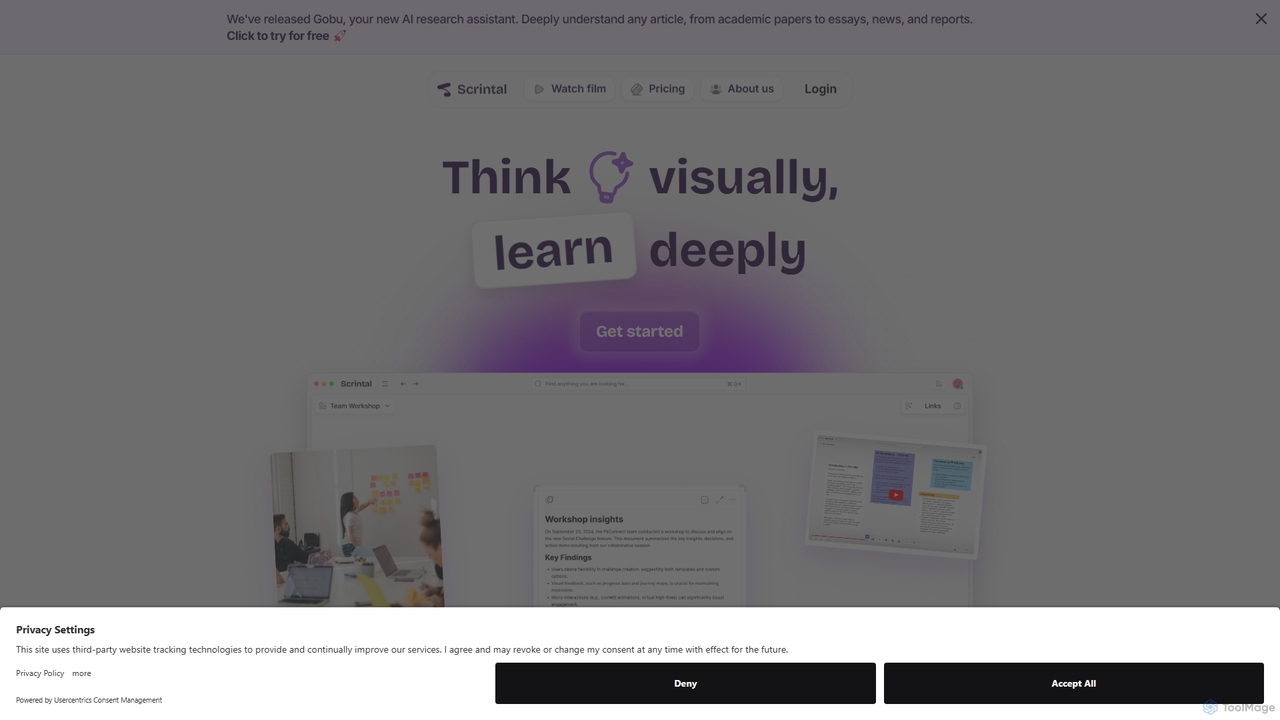
Scrintal
Scrintal is an AI-powered visual note-taking and research tool designed for thinkers, researchers, and students. It combines an infinite canvas for brainstorming with a powerful block-based editor and an AI assistant, Gobu. Organize ideas, connect concepts with bi-directional links, and seamlessly turn your visual thoughts into structured written documents.
Research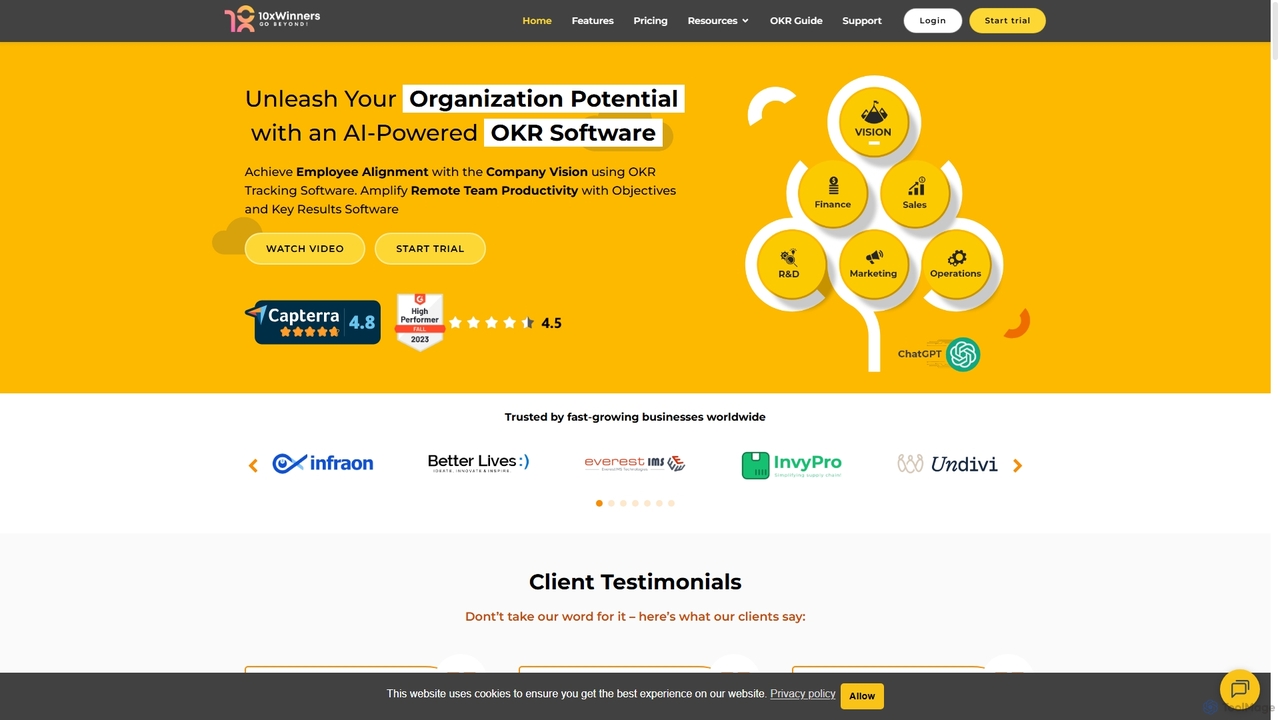
10xwinners
10xwinners is an AI-powered OKR (Objectives and Key Results) software designed to align teams, enhance productivity, and drive business growth. It helps organizations set, track, and manage goals transparently, fostering a culture of collaboration and accountability. With features like AI-driven suggestions, intuitive dashboards, and seamless integrations, it's built for fast-growing businesses of all sizes.
Project Management
MindmapAI
MindmapAI is an advanced AI-powered platform that transforms ideas, PDFs, YouTube videos, and web URLs into structured, visual mind maps. It automates information analysis and organization, enabling users to quickly grasp complex topics, brainstorm effectively, and collaborate with teams in real-time. Ideal for students, professionals, and creators looking to enhance productivity and clarity.
Project Management
Slite
Slite is an AI-powered knowledge base and team collaboration tool. It serves as a single source of truth, helping teams organize their documents, share knowledge, and make decisions asynchronously. Its core AI feature, 'Ask', allows users to find answers from across the entire workspace using natural language questions, making information instantly accessible.
Internal Communication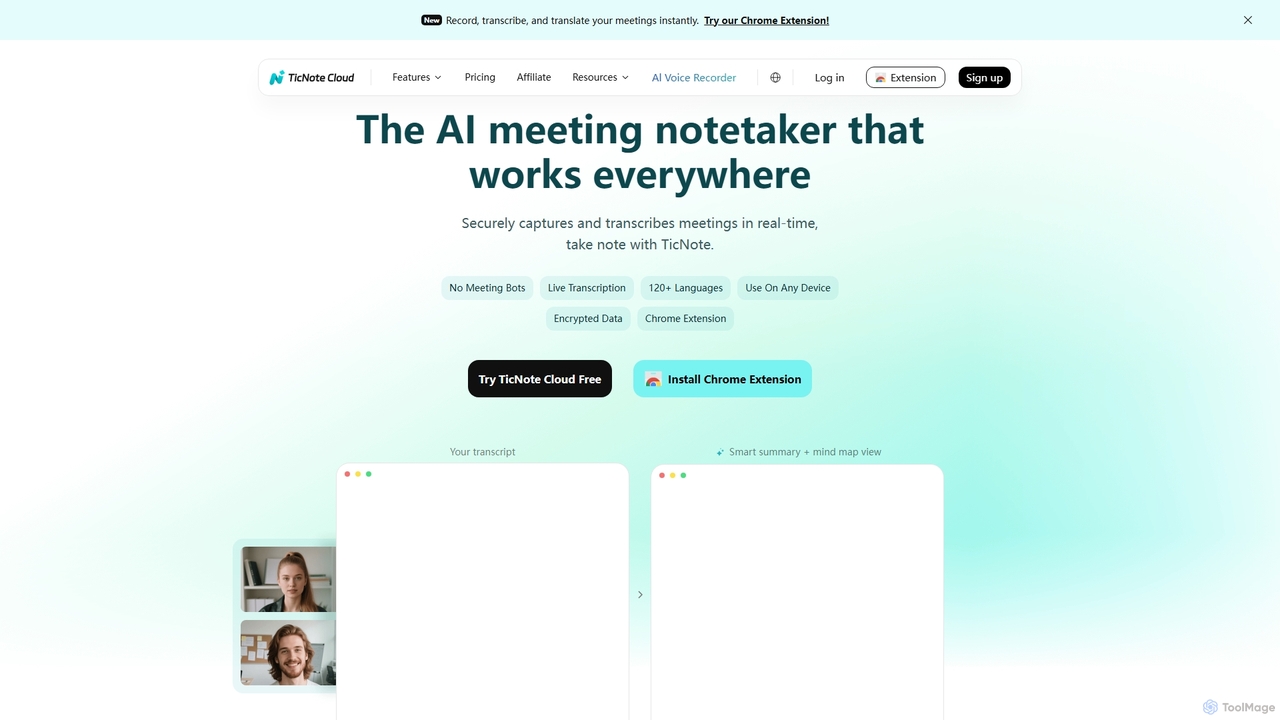
TicNote
TicNote is an AI-powered meeting notetaker that transcribes, summarizes, and organizes conversations in real-time across 120+ languages. It uses on-device AI to generate smart summaries, mind maps, and action items without meeting bots, enhancing productivity and knowledge management for professionals.
Language Processing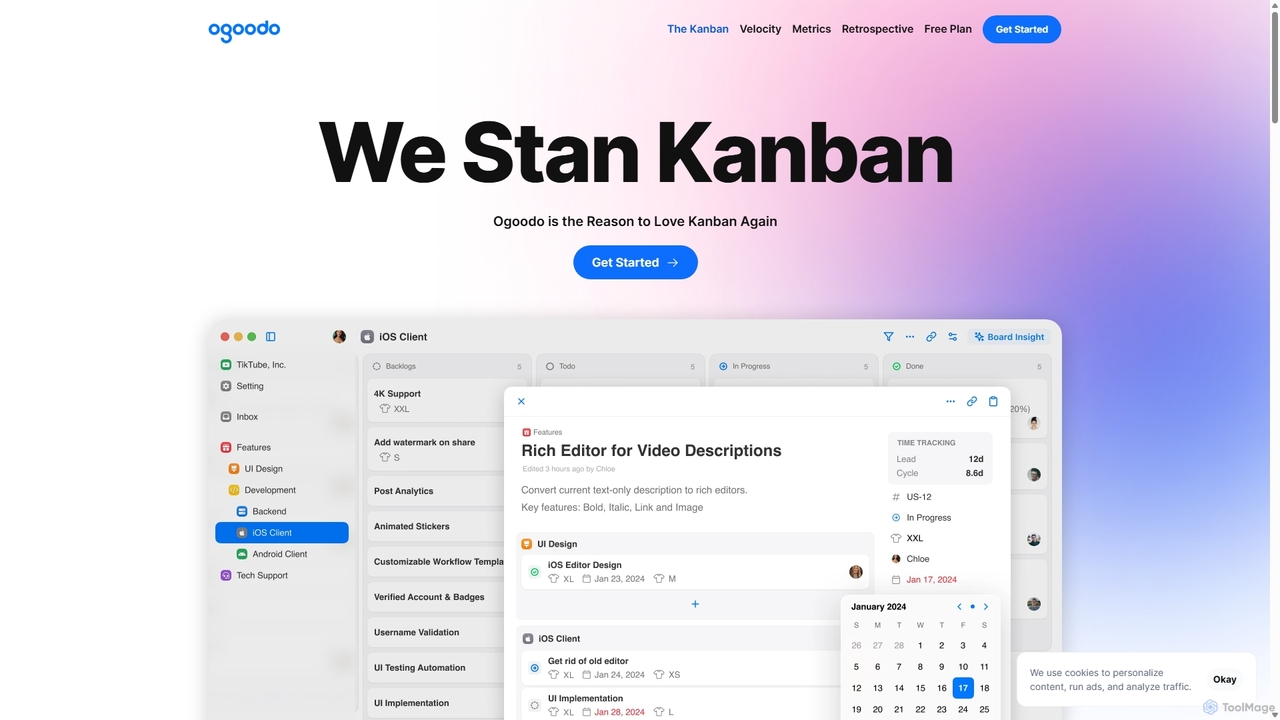
Ogoodo
Ogoodo is an AI-powered Kanban tool designed to enhance agile workflows. It goes beyond traditional boards by offering automatic time tracking for lead and cycle times, AI-driven timeline predictions, and in-depth analytics. This helps teams make data-driven decisions, improve predictability, and foster continuous improvement through insightful retrospectives, all within a single, intuitive platform.
Predictive Analytics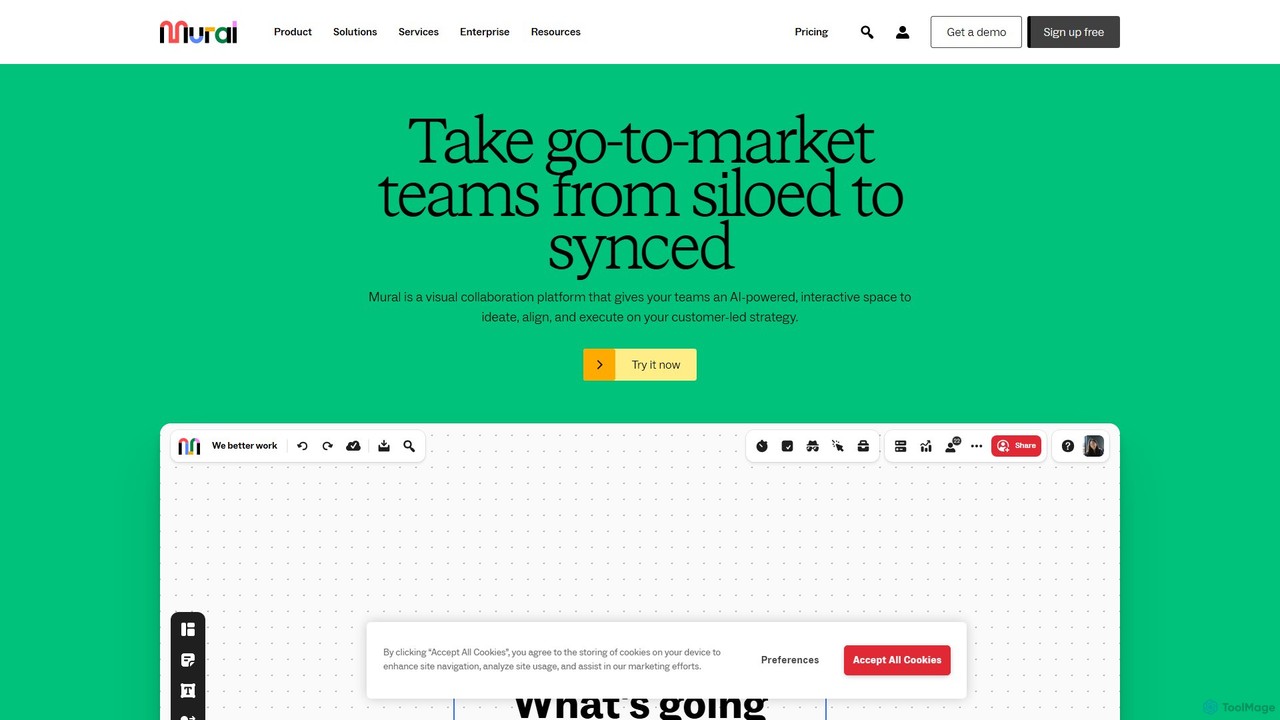
Mural
Mural is an AI-powered visual collaboration platform and digital whiteboard designed for teams. It provides an interactive space to brainstorm ideas, align on strategies, and execute projects, enhancing productivity and breaking down communication silos.
Brainstorming
Jyek
Jyek is an AI agent platform that understands objectives, creates execution plans, uses tools, and delivers verifiable results for complex, multi-step tasks.
Automation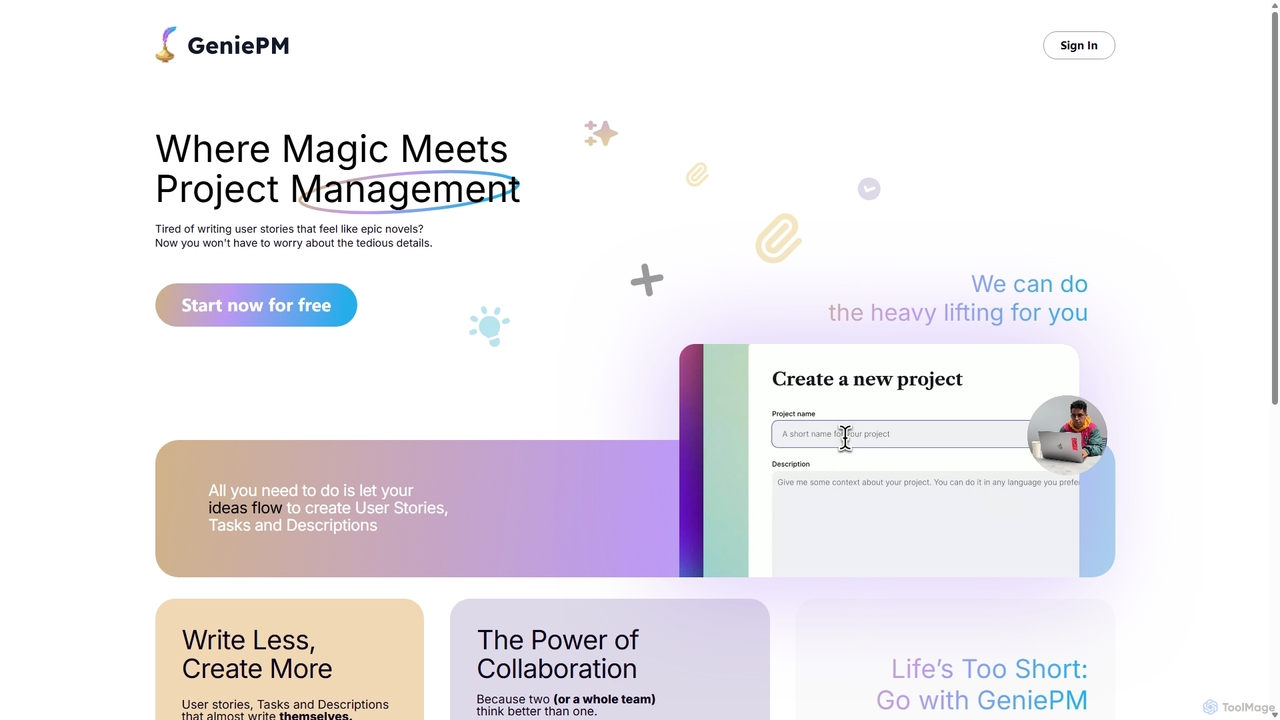
GeniePM
GeniePM is an AI-powered project management assistant designed to streamline the creation of user stories, tasks, and descriptions. By transforming simple ideas into detailed, structured project items, it eliminates tedious writing and allows teams to focus on collaboration and execution. It integrates with popular tools to fit seamlessly into your existing workflow.
Task Management
Miro Comments (0)
Sign in to comment.
Sign inNo comments yet.