


MindmapAI Overview
MindmapAI is a cutting-edge tool designed to revolutionize how we organize and visualize information. By leveraging advanced artificial intelligence, it automates the creation of detailed mind maps from a wide range of sources. Whether you're starting with a simple idea, a dense PDF document, an informative YouTube video, or a content-rich webpage, MindmapAI can analyze the content, extract key concepts, and present them in an intuitive, interconnected visual format. This process significantly reduces manual effort and accelerates learning, planning, and brainstorming cycles.
The platform is built for both individual and collaborative use. Its intuitive interface allows for easy customization, enabling users to personalize their mind maps with notes, icons, links, and custom themes to better suit their needs. Real-time collaboration features make it an excellent tool for teams working on projects, allowing multiple users to contribute and edit a mind map simultaneously. With powerful export options and sharing capabilities, MindmapAI ensures your visual insights can be easily integrated into presentations, reports, or study materials.
How to use MindmapAI
Using MindmapAI is a straightforward, three-step process designed for maximum efficiency:
- Provide Your Content: Begin by choosing your source of information. You can type in a simple idea or a complex topic, upload a PDF file (like a research paper or a business report), paste the URL of a YouTube video, or enter the link to any webpage.
- Let AI Do the Work: Once the content is provided, MindmapAI's intelligent algorithms get to work. The AI analyzes the text, audio, or web content to identify main topics, sub-points, and the relationships between them. It then automatically structures this information into a logical mind map hierarchy.
- Customize and Share: Within moments, you will receive a fully generated mind map. You can then refine and personalize it. Add custom notes, attach icons for visual cues, link nodes to external resources, and apply custom tags for better organization. When you're ready, you can share your mind map with a public link for real-time viewing or export it as a PDF, PNG, or JPEG file for use in other documents or presentations.
Core Features of MindmapAI
- Multi-Source Mind Map Generation: Create mind maps automatically from ideas, PDF documents, YouTube videos, and web page URLs.
- Advanced AI Analysis: Utilizes state-of-the-art AI to accurately extract key concepts and structure information logically.
- Rich Customization: Personalize maps with custom notes, icons, multimedia, node linking, and custom tags. Choose from various themes to match your style.
- Real-Time Collaboration: Share mind maps with team members and collaborate simultaneously, making it perfect for group projects and brainstorming sessions.
- Multiple Export Formats: Export your finished mind maps as high-quality PDF, PNG, or JPEG files.
- Presentation Mode: Turn your mind maps into dynamic presentations to effectively communicate your ideas.
- Keyboard Shortcuts: A comprehensive set of keyboard shortcuts allows for rapid creation and navigation, boosting your workflow speed by up to 10x.
- Public Sharing: Generate a public link to share a live, interactive version of your mind map with anyone.
Use Cases for MindmapAI
MindmapAI is a versatile tool suitable for a wide range of users:
- Students and Researchers: Quickly summarize academic papers, online articles, and video lectures to create comprehensive study guides and revision notes.
- Project Managers: Brainstorm project ideas, outline project scope and deliverables, and create visual roadmaps to share with stakeholders and team members.
- Content Creators and Marketers: Structure blog posts, video scripts, and marketing campaigns by mapping out key themes, talking points, and content flows.
- Business Professionals: Analyze business reports, summarize meeting minutes, and develop strategic plans in a clear, visual format.
- Educators and Trainers: Design course curricula, explain complex topics visually, and create engaging learning materials for students.
Advantages of MindmapAI
MindmapAI offers significant advantages over traditional mind-mapping methods:
- Time-Saving Automation: Drastically reduces the time and effort required to distill and organize information from various sources.
- Enhanced Comprehension: Transforms complex, linear information into a visual format that is easier to understand and remember.
- Increased Productivity: Streamlines workflows for brainstorming, planning, and studying, allowing users to focus on insights rather than manual organization.
- Seamless Collaboration: Fosters better teamwork by providing a shared visual space for ideas and plans.
- Flexibility and Versatility: Supports a wide variety of content inputs, making it a single tool for diverse information processing needs.
Pricing and Plans
MindmapAI operates on a freemium model, making it accessible to everyone. There is a free plan that allows users to experience the core features with certain limitations. For users requiring more advanced capabilities, unlimited creations, and enhanced collaboration, MindmapAI offers premium subscription plans. These paid tiers typically include features like unlimited PDF and video processing, advanced export options, and priority support. For the most up-to-date and detailed pricing information, please visit the official MindmapAI website.
Traffic
Latest traffic
Status
Monthly traffic trend
- 2025-9: 1.7K
- 2026-1: 923
- 2026-2: 620
- 2026-3: 466
- 2026-4: 1.5K
- 2026-5: 1.1K
Geography
Top 5 countries / regions
- 🇻🇳Vietnam76.3%
- 🇨🇭Switzerland23.8%
Top keywords
| Keyword | Cost per click |
|---|---|
| mindmapai | $0.15 |
MindmapAI Alternatives
Xmind AI
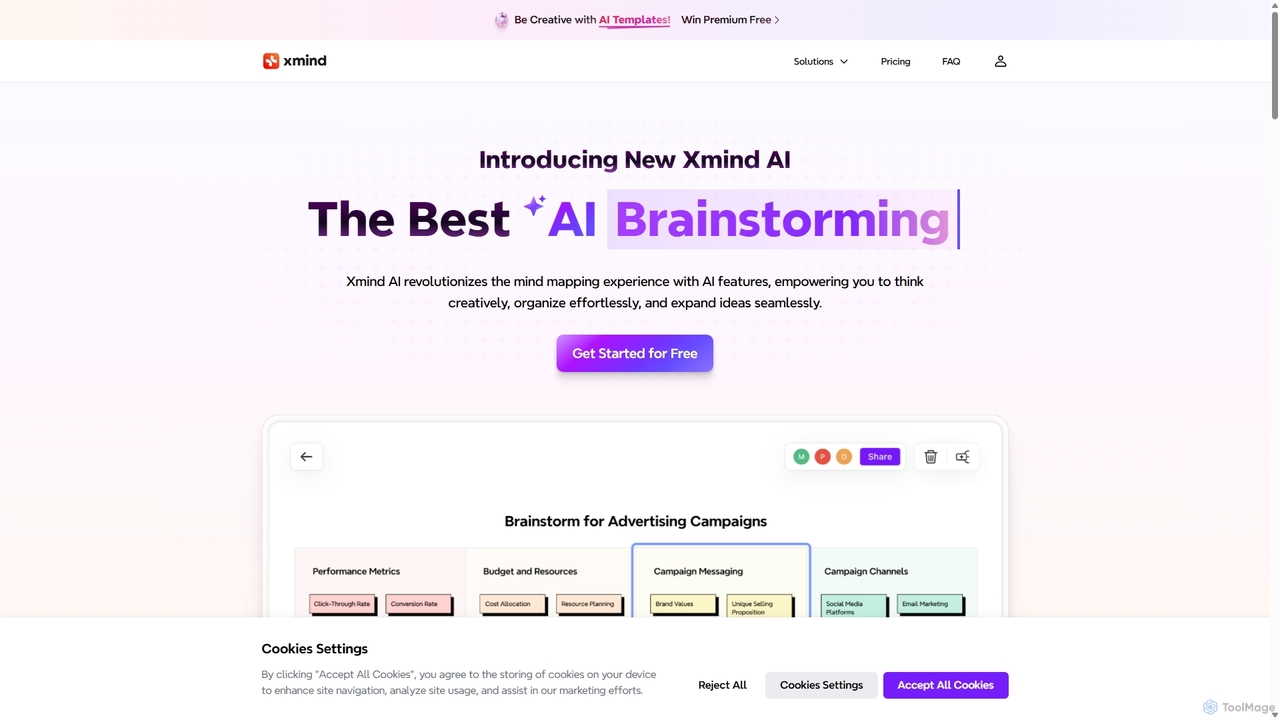
Xmind AI is an advanced AI-powered mind mapping and brainstorming tool designed to enhance creativity and productivity. It helps users visualize thoughts, organize complex information, and collaborate with teams in real-time. With features like AI-driven idea generation, content summarization, and automated to-do lists, Xmind AI transforms abstract concepts into structured, actionable plans.
Teamwork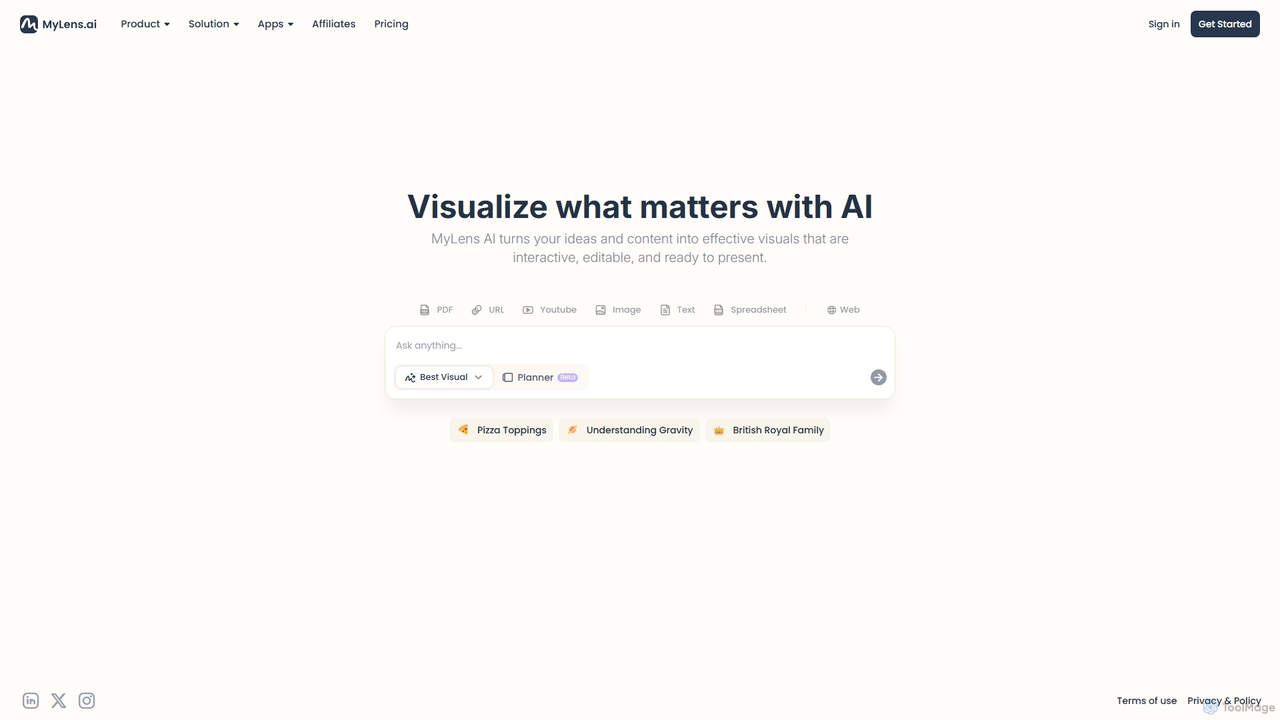
MyLens
MyLens is an AI-powered visualization tool that transforms your ideas and various content formats—like PDFs, URLs, text, and videos—into clear, interactive, and editable diagrams. With a single click, it helps you understand complex information, brainstorm effectively, and create presentation-ready visuals, acting as your personal visual planner.
Visualization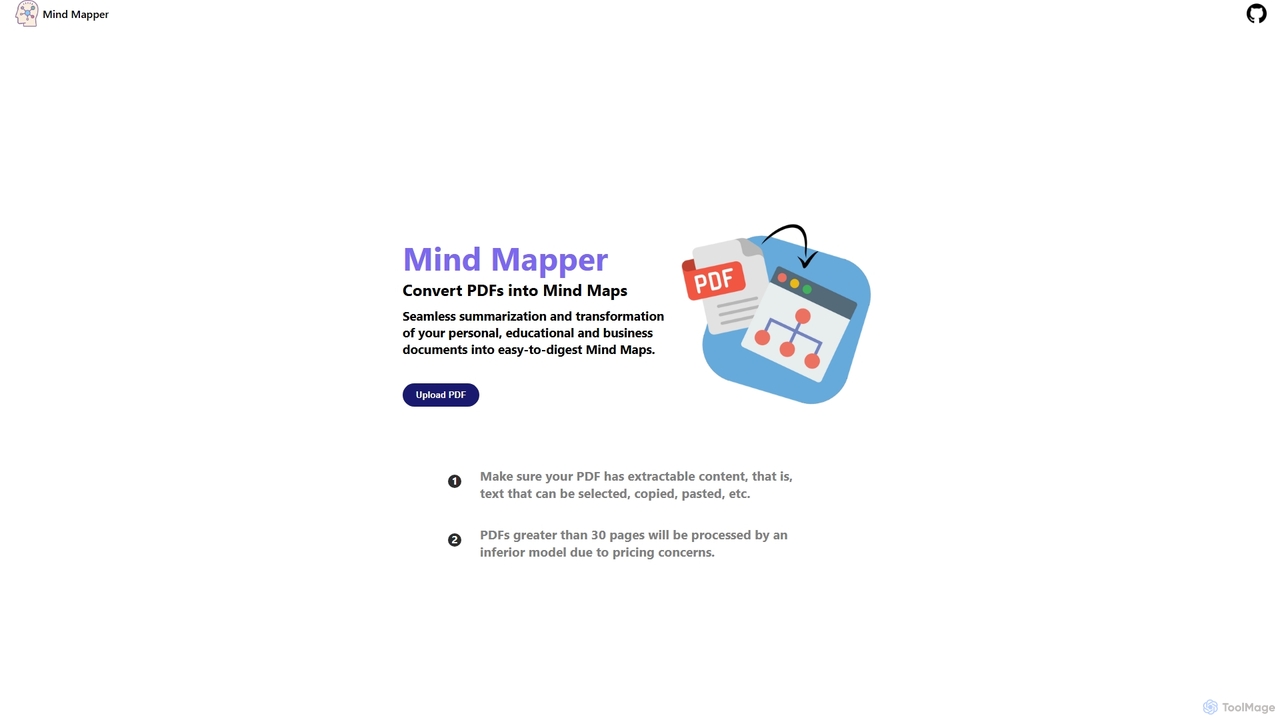
MindmapAI
MindmapAI is an AI-powered tool that transforms PDF documents into clear, structured mind maps. Using Google's Gemini AI, it automatically summarizes and visualizes complex information, making it ideal for students, researchers, and professionals to quickly grasp key concepts from dense texts.
Document Management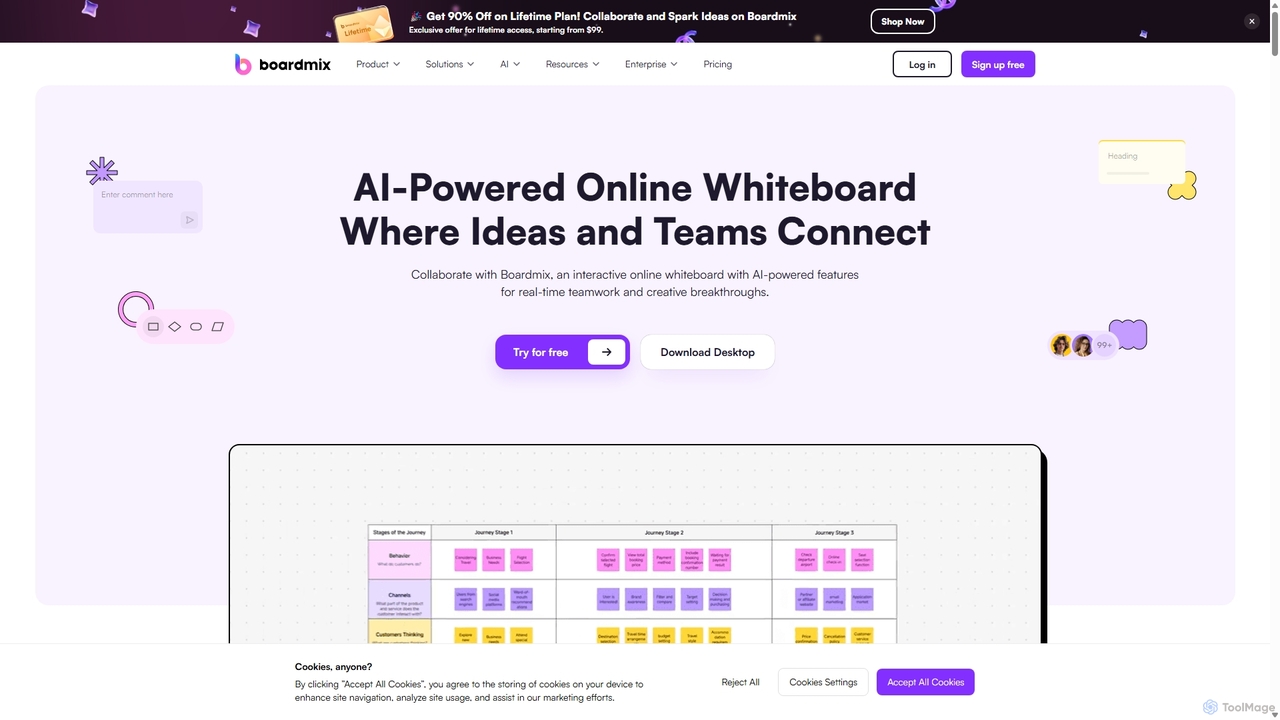
Boardmix
Boardmix is an AI-powered online collaborative whiteboard designed to connect ideas and teams. It integrates tools for mind mapping, diagramming, brainstorming, and project management into a single infinite canvas, facilitating real-time teamwork and creative breakthroughs for various professional teams.
Project Management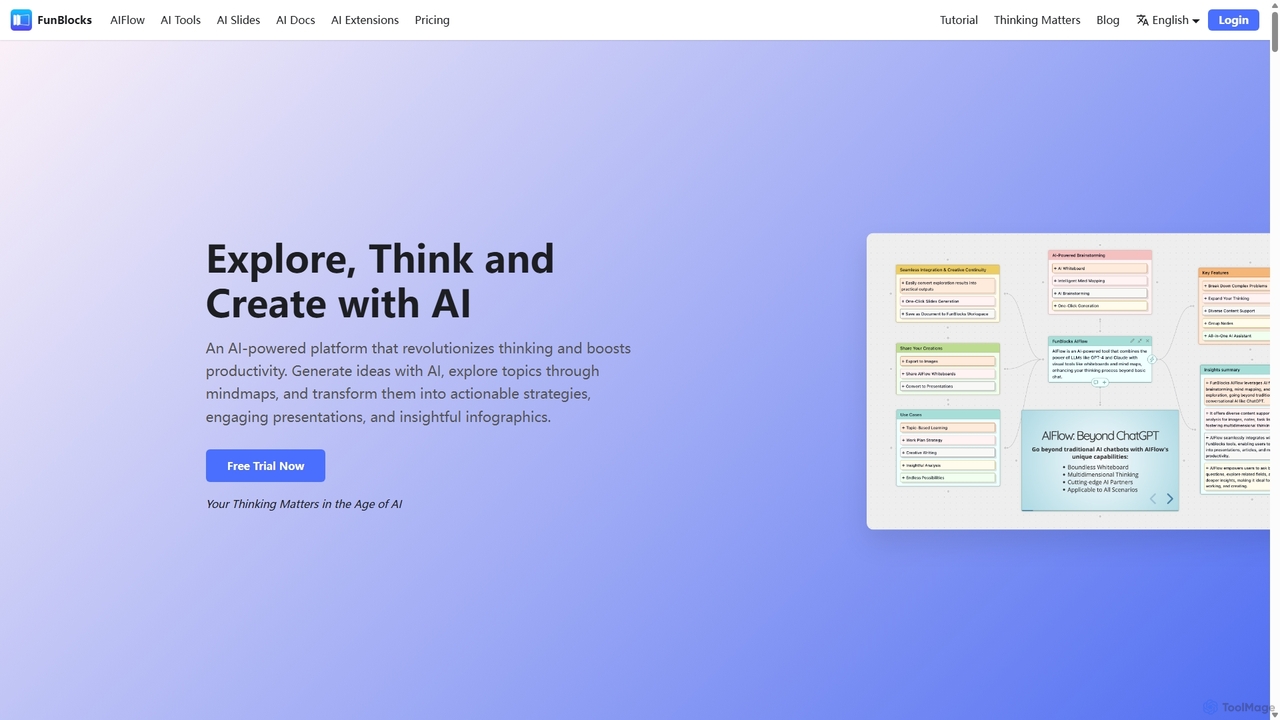
FunBlocks
FunBlocks is an all-in-one AI workspace designed to revolutionize thinking and boost productivity. It seamlessly integrates AI-powered tools for mind mapping (AIFlow), document creation (AI Docs), slide generation (AI Slides), and web research (Browser Extension). From brainstorming complex ideas visually to producing polished documents and presentations with a single click, FunBlocks supports the entire knowledge workflow, enhancing creativity and critical thinking for students, professionals, and teams.
PresentationsMindmapAI Categories
MindmapAI Jobs
MindmapAI Embed Widget
Copy this embed code to place the badge on your blog, article, or product site and send readers directly to this ToolMage detail page.

Related AI tools
Xmind AI
Xmind AI is an advanced AI-powered mind mapping and brainstorming tool designed to enhance creativity and productivity. It helps users visualize thoughts, organize complex information, and collaborate with teams in real-time. With features like AI-driven idea generation, content summarization, and automated to-do lists, Xmind AI transforms abstract concepts into structured, actionable plans.
TeamworkMyLens
MyLens is an AI-powered visualization tool that transforms your ideas and various content formats—like PDFs, URLs, text, and videos—into clear, interactive, and editable diagrams. With a single click, it helps you understand complex information, brainstorm effectively, and create presentation-ready visuals, acting as your personal visual planner.
VisualizationMindmapAI
MindmapAI is an AI-powered tool that transforms PDF documents into clear, structured mind maps. Using Google's Gemini AI, it automatically summarizes and visualizes complex information, making it ideal for students, researchers, and professionals to quickly grasp key concepts from dense texts.
Document Management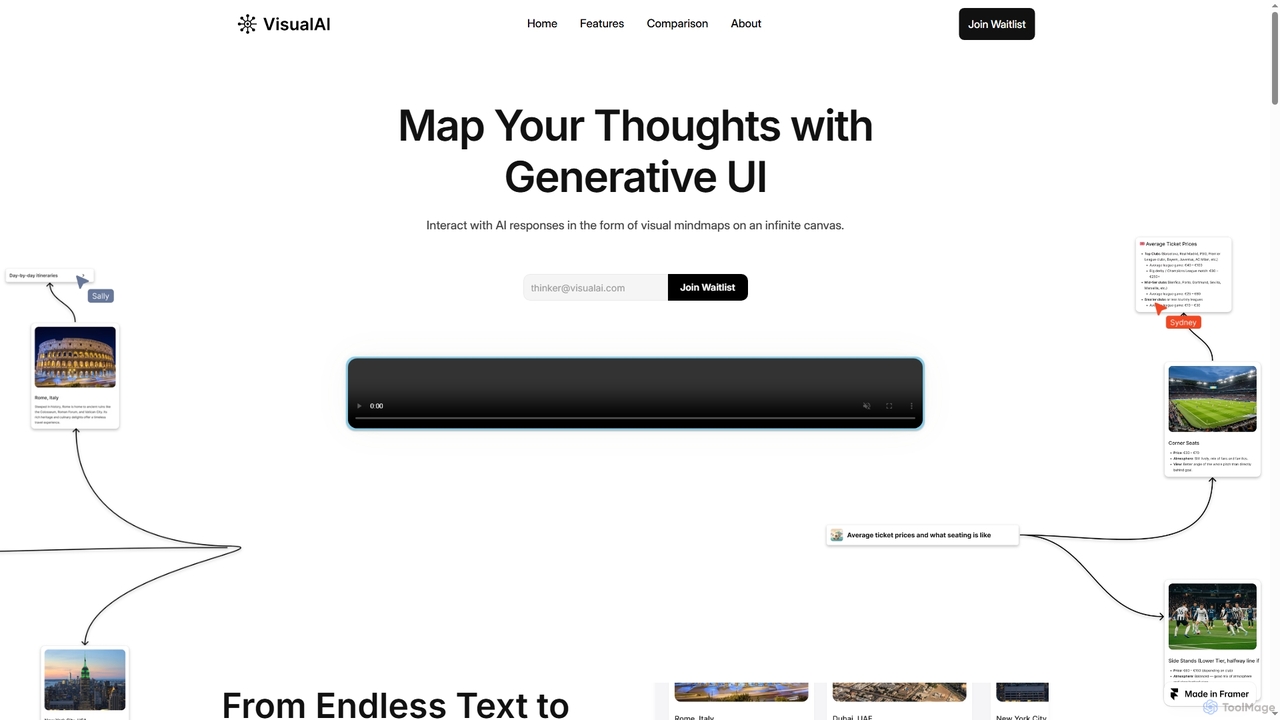
Visual AI
Visual AI is an innovative platform that transforms linear AI text responses into dynamic, visual clarity. It automatically structures information into interconnected nodes, enriching data with relevant visuals to enhance understanding and retention. Designed for non-linear thinkers, it offers an infinite collaborative workspace for brainstorming, prototyping, and evolving ideas.
Brainstorming
PDF Summarizer
PDF Summarizer is an AI-powered tool that instantly condenses any PDF document into a concise summary. Supporting over 90 languages, it helps students, researchers, and professionals save hours of reading time. Features include generating outlines, creating study guides, and an interactive Q&A with source-linked citations, boosting productivity and comprehension.
Study Tools
YouLearn
YouLearn is a Y Combinator-backed AI tutor that transforms any learning material—like PDFs, YouTube videos, and lectures—into interactive study tools. It creates summaries, flashcards, and quizzes, and offers an AI chat feature to simplify complex topics, helping over a million students and professionals learn smarter and faster.
Learning AssistantFunBlocks
FunBlocks is an all-in-one AI workspace designed to revolutionize thinking and boost productivity. It seamlessly integrates AI-powered tools for mind mapping (AIFlow), document creation (AI Docs), slide generation (AI Slides), and web research (Browser Extension). From brainstorming complex ideas visually to producing polished documents and presentations with a single click, FunBlocks supports the entire knowledge workflow, enhancing creativity and critical thinking for students, professionals, and teams.
Presentations
MindPlexa
MindPlexa is an AI-powered productivity platform that transforms ideas into actionable projects. It combines visual mind mapping with intelligent project management, allowing users to create, organize, and collaborate on ideas using intuitive canvases and smart nodes. The AI assistant helps generate project layouts, suggest tasks, and streamline workflows, making it an ideal tool for teams and individuals looking to boost creativity and efficiency.
Teamwork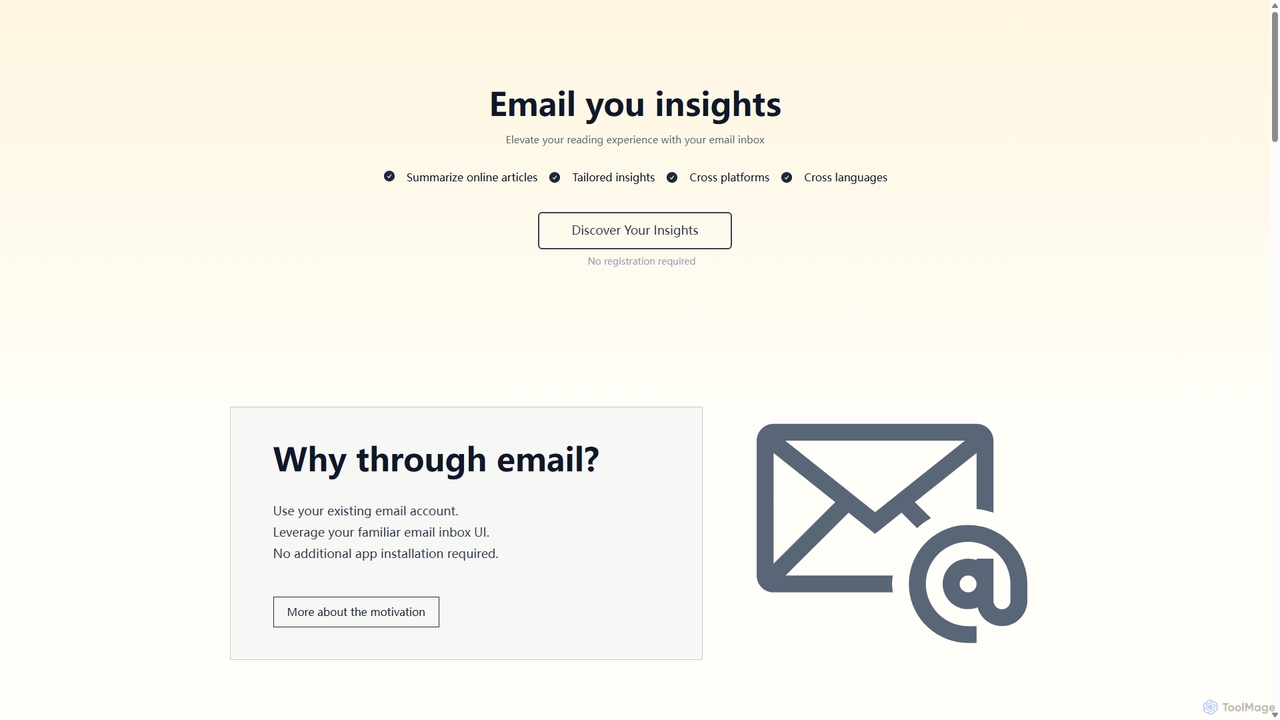
Wuko
Wuko is an AI-powered insight engine that works entirely through your email. Send any URL—articles, PDFs, or YouTube videos—to receive an instant summary. Dive deeper by replying with questions to get tailored insights, all without leaving your inbox. No registration or new apps needed.
Learning Assistant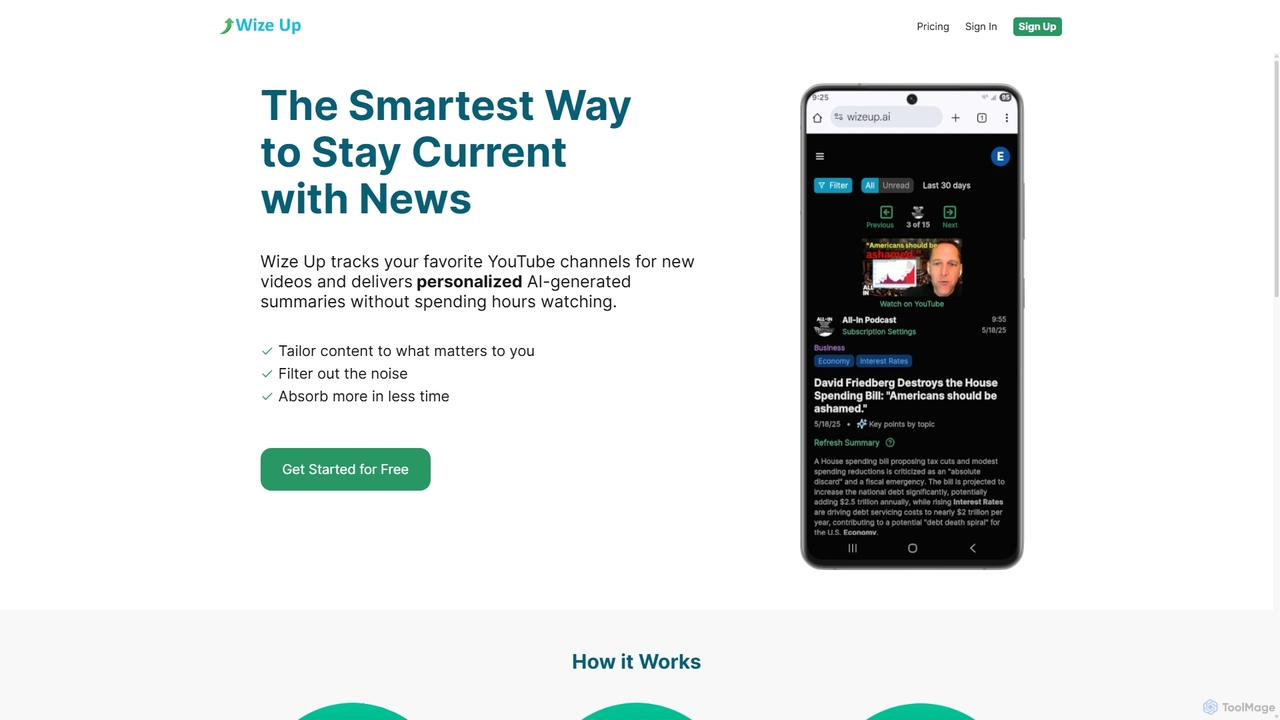
Wize Up
Wize Up is an AI-powered tool that transforms your YouTube experience by summarizing videos from your favorite channels. It delivers personalized, AI-generated summaries and daily digests to your email or in-app, saving you hours of watch time. Customize summary length, style, and language to focus on what matters most. With features like timestamped key moments and advanced filtering, Wize Up helps you absorb more information in less time and stay current with news, podcasts, and educational content effortlessly.
Learning
Turbo
Turbo is an advanced AI note-taker and study tool designed to transform various content formats like lectures, PDFs, videos, and audio into editable notes, flashcards, quizzes, and podcasts. It helps students and professionals study smarter, organize information, and collaborate efficiently, leveraging AI for enhanced learning and productivity.
Transcription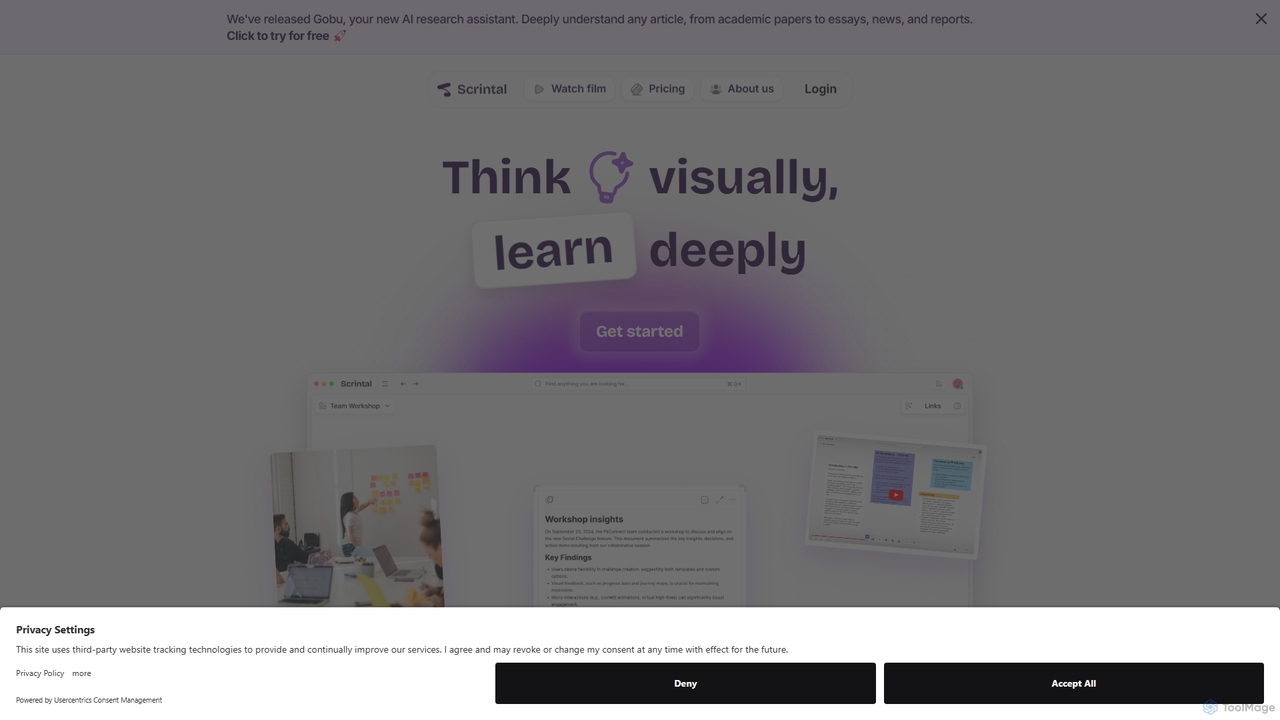
Scrintal
Scrintal is an AI-powered visual note-taking and research tool designed for thinkers, researchers, and students. It combines an infinite canvas for brainstorming with a powerful block-based editor and an AI assistant, Gobu. Organize ideas, connect concepts with bi-directional links, and seamlessly turn your visual thoughts into structured written documents.
Research
Feishu Base
Feishu Base is an AI-powered no-code platform that combines the flexibility of a spreadsheet with the power of a database. It enables teams to build custom business systems, automate workflows, and analyze data through intuitive dashboards without writing any code. It's designed for seamless collaboration and data management.
Data Analysis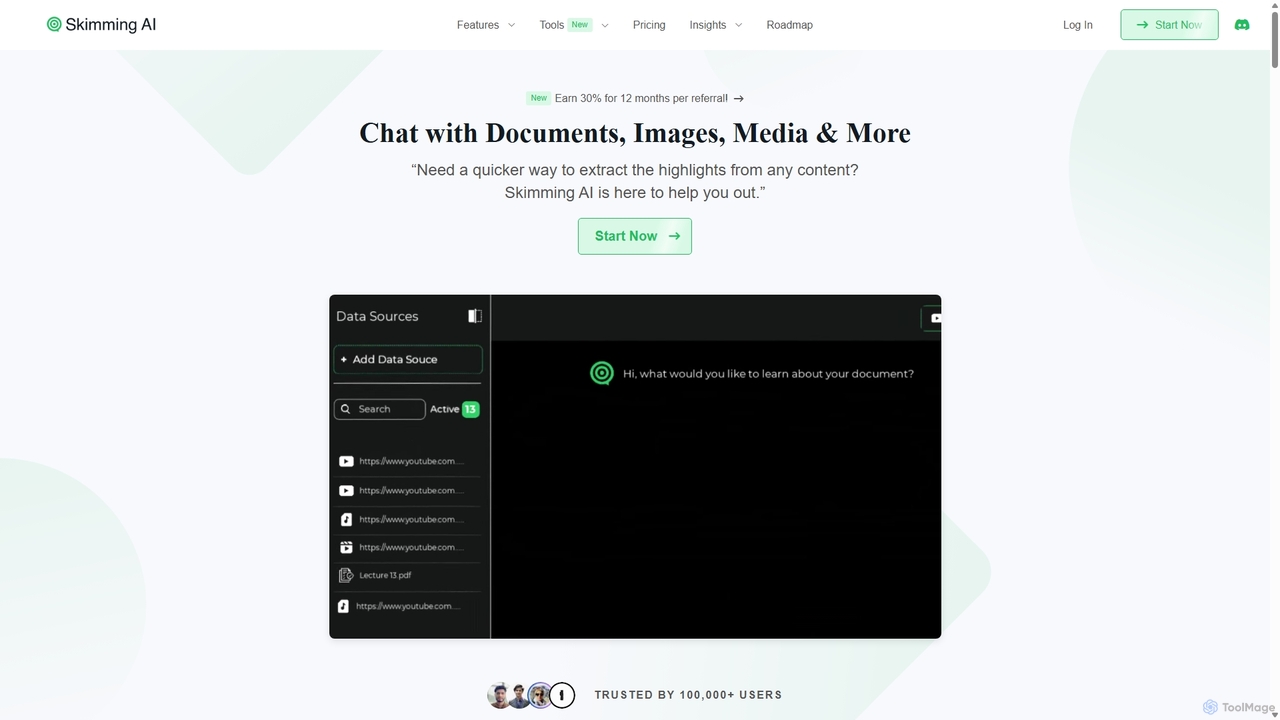
Skimming AI
Skimming AI is a versatile AI-powered platform that allows you to chat with and summarize a wide range of content, including documents, PDFs, YouTube videos, audio, images, and social media posts. Instantly extract key insights, ask questions, and get accurate answers without sifting through hours of material. It's designed to boost productivity for students, researchers, and professionals by making information consumption faster and more efficient across multiple formats and languages.
Analysis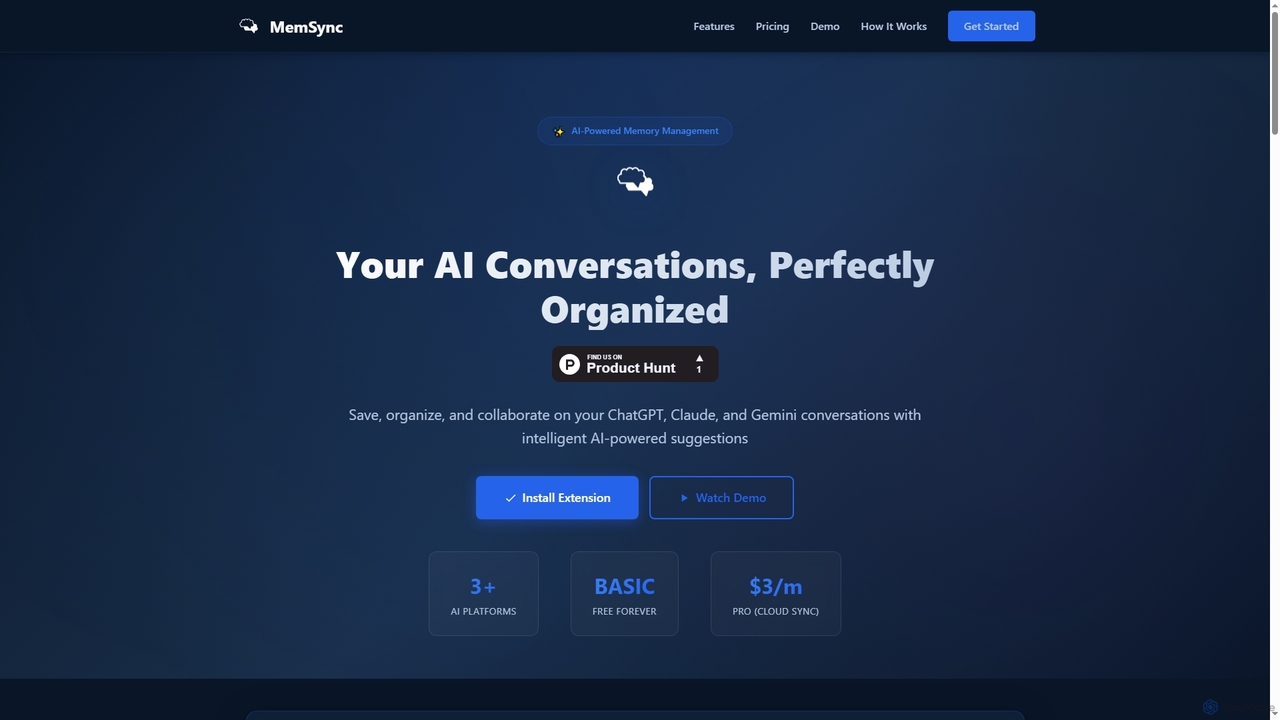
MemSync
MemSync is an AI-powered browser extension designed to effortlessly save, organize, and collaborate on your AI conversations from platforms like ChatGPT, Claude, and Gemini. It offers smart memory saving, AI-driven organization suggestions, and seamless cloud synchronization.
Conversation Tools
MindmapAI Comments (0)
Sign in to comment.
Sign inNo comments yet.