

Wuko Overview
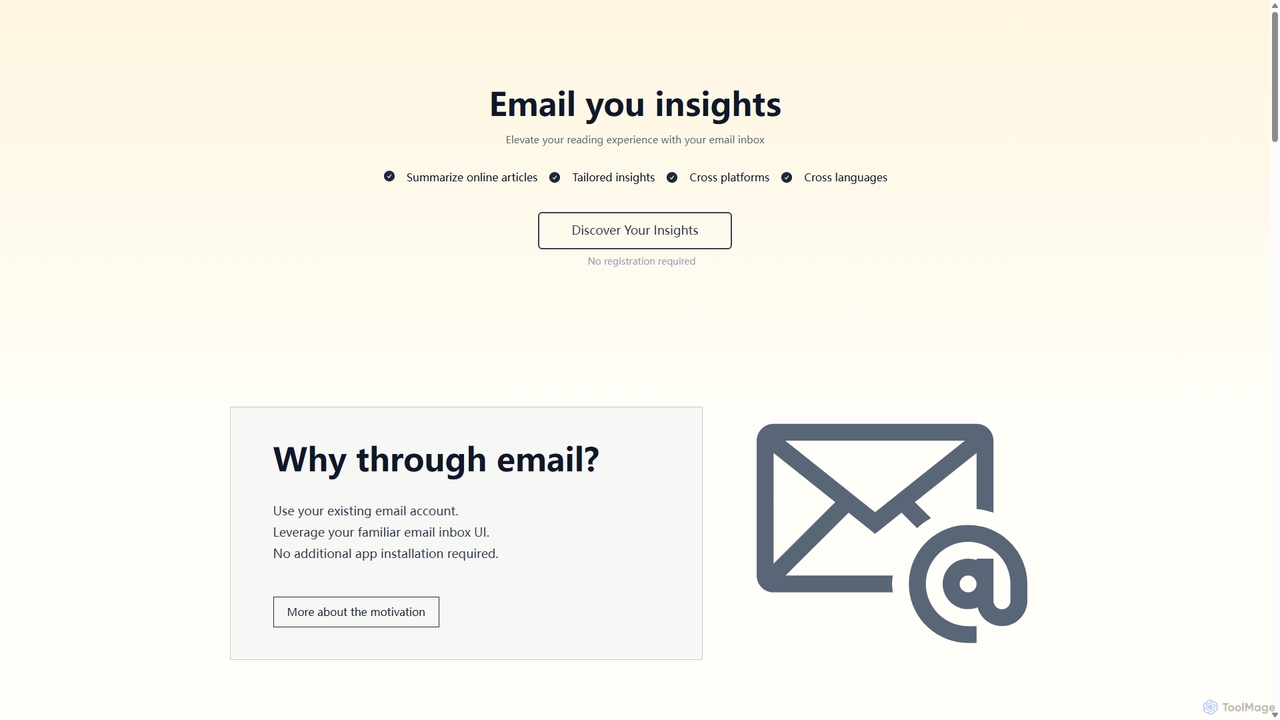
Wuko introduces a revolutionary way to consume and understand digital content by transforming your email inbox into a powerful AI-driven research assistant. It is designed for individuals who value efficiency and prefer to work within their existing digital habits. By eliminating the need for new software installations or account registrations, Wuko offers a frictionless experience for obtaining summaries and deep insights from a wide range of online sources, including articles, research papers, online PDFs, and even YouTube videos.
The core philosophy behind Wuko is simplicity and accessibility. It leverages the most ubiquitous communication tool—email—to deliver its service. This unique approach means that if you can send an email, you can use Wuko. It's a cross-platform solution that works seamlessly on your phone, tablet, or computer, anywhere you can access your email. This makes it an incredibly versatile tool for professionals, students, researchers, and anyone curious to learn more effectively.
How to use Wuko
Getting started with Wuko is incredibly straightforward and involves just a few simple steps. There's no sign-up process, no password to remember, and no app to download.
- Copy a URL: Find an online article, a link to a PDF document, or a YouTube video that you want to understand better. Simply copy its web address (URL).
- Send an Email: Open your preferred email client. Create a new email addressed to [email protected]. Paste the copied URL into the body of the email and send it. For even faster access, you can use the Wuko Chrome extension, which automatically drafts the email for you with the recipient and URL pre-filled.
- Receive Summary: Within seconds, you will receive an email back from Wuko containing a concise summary of the content from the URL you sent. This summary provides a quick overview and context.
- Ask Follow-up Questions: This is where Wuko's true power lies. After reading the summary, you can simply reply to the same email with any questions you have about the content. Ask for explanations of complex concepts, request information in a different format (like a poem or bullet points), or inquire about specific details. Wuko will respond with tailored insights based on your queries, creating an interactive learning conversation.
Core Features of Wuko
- Email-Based Interface: The entire service operates within your email inbox. No need to learn a new interface or install additional applications.
- Multi-Format Content Summarization: Wuko can process and summarize various types of content, including standard web articles, online PDF documents without needing to upload them, and the spoken content of YouTube videos.
- Interactive Q&A for Deeper Insights: Go beyond static summaries. Engage in a conversational Q&A by replying to the summary email to explore topics in greater depth and get personalized explanations.
- Cross-Language Capabilities: You can ask questions in your preferred language (e.g., French, Spanish, Japanese), and Wuko will respond in that same language, even if the original content was in English.
- Cross-Platform Accessibility: Since it's based on email, Wuko works on any device—desktop, laptop, smartphone, or tablet—that has an email client.
- No Registration Required: Start using the service immediately without the hassle of creating an account, ensuring privacy and ease of use.
- Easy Sharing: Forward the insightful email threads to colleagues, friends, or save them in your own knowledge base for future reference.
- Integrations: Enhance your workflow with a Chrome Extension for quick sending, and connect with other services like Pocket through Zapier or IFTTT to automate your reading and summarization process.
Use Cases for Wuko
Wuko is a versatile tool that caters to a wide range of users:
- Students and Researchers: Quickly get the gist of dense academic papers or articles. Ask specific questions to clarify complex theories or find supporting evidence for their work without having to read every single word.
- Busy Professionals: Stay updated on industry news and reports. Summarize long articles or competitor analyses before a meeting and ask for key takeaways to be well-prepared.
- Content Creators and Journalists: Efficiently research topics by summarizing multiple sources. Use the Q&A feature to quickly find specific data points, quotes, or explanations for their articles or videos.
- Lifelong Learners: Explore new interests without a huge time commitment. Send a link to a YouTube lecture or a complex blog post and have a conversation with the content to truly understand it.
Advantages of Wuko
The primary advantage of Wuko is its seamless integration into existing workflows. By avoiding the 'new app fatigue', it provides a powerful service without adding complexity. Its email-centric design is not just a feature but a core benefit, ensuring universal accessibility and a zero learning curve. The cross-language conversational ability breaks down information barriers, making knowledge more accessible globally. Furthermore, the lack of a registration process respects user privacy and provides an immediate, hassle-free experience.
Pricing and Plans
Wuko is currently in its beta phase and is available for free. The creators are actively seeking user feedback to help shape the future development and potential pricing plans for the tool. This beta period offers a fantastic opportunity for users to experience the full capabilities of Wuko at no cost.
Traffic
Latest traffic
Status
Monthly traffic trend
- 2025-9: 571
- 2026-1: 0
- 2026-2: 0
- 2026-3: 10.2K
- 2026-4: 6.6K
- 2026-5: 2.6K
Geography
Top 5 countries / regions
- 🇨🇳China100.0%
Traffic sources
| Source type | Percentage |
|---|---|
Direct | 67.5% |
Referral | 32.5% |
Top keywords
| Keyword | Cost per click |
|---|---|
| wuko. | $0.00 |
| wuko in login | $0.00 |
| 悟空ai | $0.00 |
Wuko Alternatives

Nex
Nex is an AI Knowledge Copilot, a Chrome extension that summarizes long YouTube videos and articles. It extracts key takeaways, creates interactive timelines for videos, and highlights essential text, helping you absorb information up to 10x faster and build a personal knowledge base.
Chrome Extensions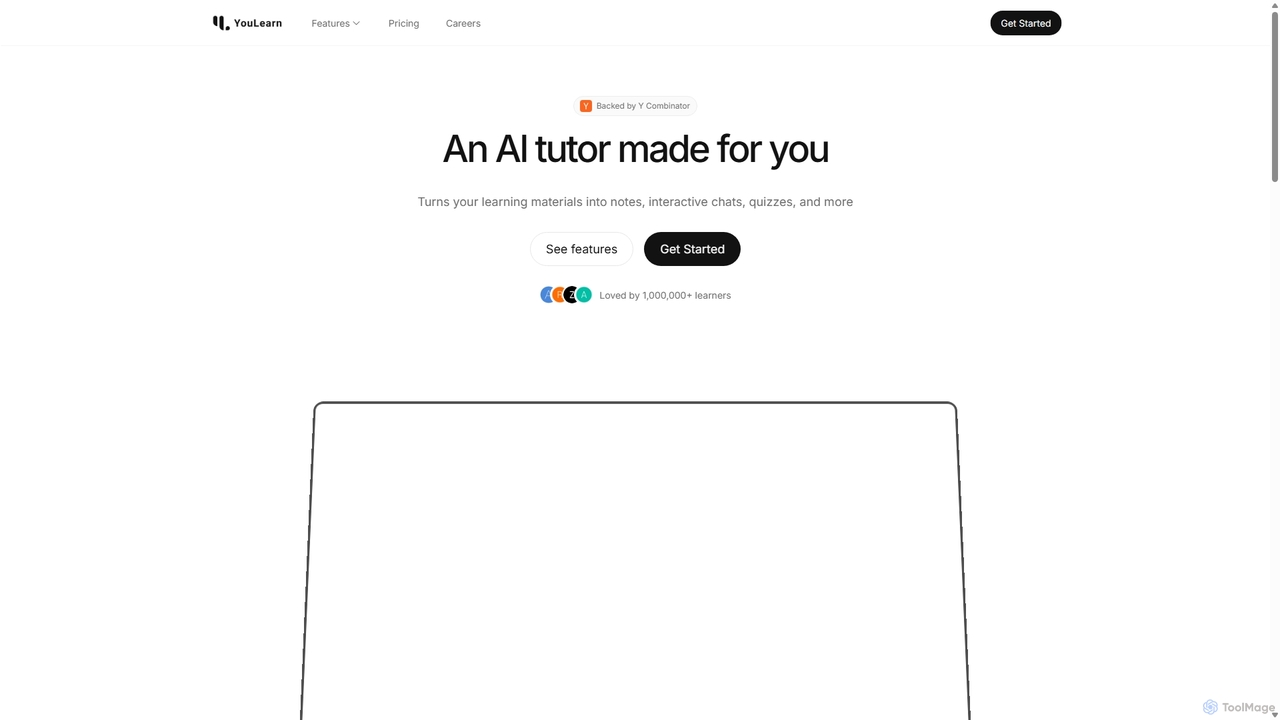
YouLearn
YouLearn is a Y Combinator-backed AI tutor that transforms any learning material—like PDFs, YouTube videos, and lectures—into interactive study tools. It creates summaries, flashcards, and quizzes, and offers an AI chat feature to simplify complex topics, helping over a million students and professionals learn smarter and faster.
Learning Assistant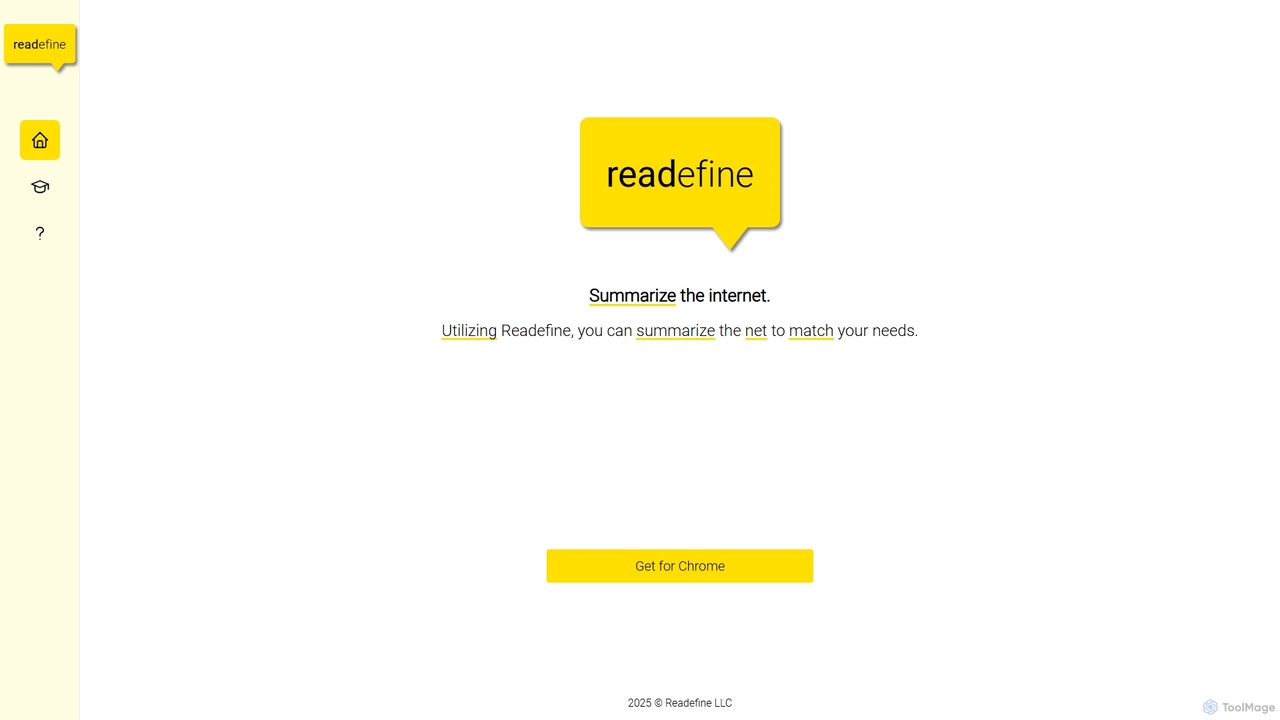
Readefine
Readefine is an AI-powered Chrome extension that summarizes any webpage, article, or report in seconds. It helps you quickly grasp the core ideas of long texts, saving time and boosting productivity. Customize summary length and format to fit your specific needs.
Research
PDF Summarizer
PDF Summarizer is an AI-powered tool that instantly condenses any PDF document into a concise summary. Supporting over 90 languages, it helps students, researchers, and professionals save hours of reading time. Features include generating outlines, creating study guides, and an interactive Q&A with source-linked citations, boosting productivity and comprehension.
Study Tools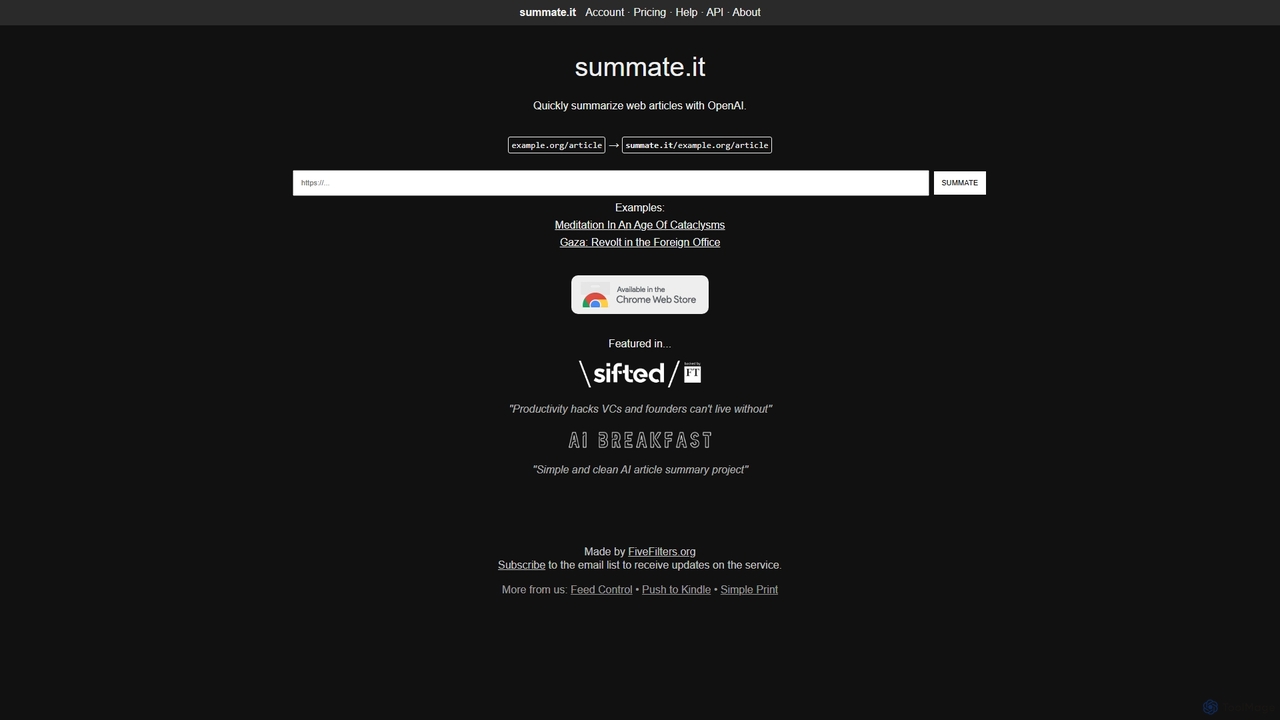
Summate.it
Summate.it is an AI-powered tool that quickly summarizes web articles. Simply provide a URL, and it uses OpenAI to generate concise, easy-to-understand summaries, helping you absorb key information in a fraction of the time. It also offers a Chrome extension, API access, and summary translation.
ResearchWuko Categories
Wuko Jobs
Wuko Embed Widget
Copy this embed code to place the badge on your blog, article, or product site and send readers directly to this ToolMage detail page.

Related AI tools
Nex
Nex is an AI Knowledge Copilot, a Chrome extension that summarizes long YouTube videos and articles. It extracts key takeaways, creates interactive timelines for videos, and highlights essential text, helping you absorb information up to 10x faster and build a personal knowledge base.
Chrome ExtensionsReadefine
Readefine is an AI-powered Chrome extension that summarizes any webpage, article, or report in seconds. It helps you quickly grasp the core ideas of long texts, saving time and boosting productivity. Customize summary length and format to fit your specific needs.
ResearchSummate.it
Summate.it is an AI-powered tool that quickly summarizes web articles. Simply provide a URL, and it uses OpenAI to generate concise, easy-to-understand summaries, helping you absorb key information in a fraction of the time. It also offers a Chrome extension, API access, and summary translation.
ResearchPDF Summarizer
PDF Summarizer is an AI-powered tool that instantly condenses any PDF document into a concise summary. Supporting over 90 languages, it helps students, researchers, and professionals save hours of reading time. Features include generating outlines, creating study guides, and an interactive Q&A with source-linked citations, boosting productivity and comprehension.
Study Tools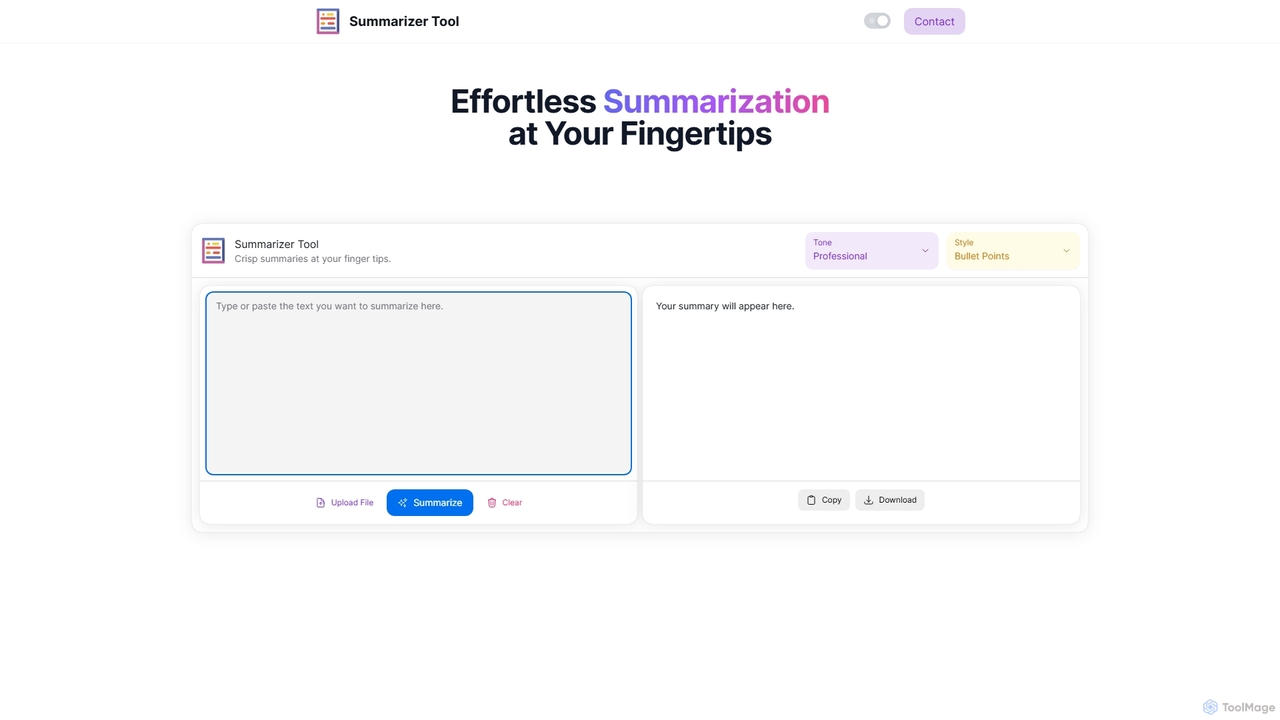
Summarizer Tool
Summarizer Tool is an AI-powered online platform that instantly condenses long texts, articles, or documents into concise, easy-to-digest summaries. It offers customization options for tone (Professional, Friendly, Sarcastic) and format (Paragraph, Bullet Points), supporting both text input and file uploads to enhance productivity for students, professionals, and writers.
Research
Gimmesummary
Gimmesummary is an AI-powered summarization tool that instantly condenses long articles, documents, and web pages into concise, easy-to-digest summaries. It helps you save time, absorb key information faster, and boost your productivity. Ideal for students, researchers, and professionals dealing with information overload. Simply paste text or enter a URL to get an instant summary.
Research
Recaply
Recaply is an AI-powered summarization tool that transforms long-form content like YouTube videos, articles, and audio files into concise, digestible summaries. It extracts key insights, main points, and action items in seconds, helping users save time and boost productivity. Ideal for students, researchers, and professionals who need to quickly grasp the essence of content without consuming it in its entirety.
Note Taking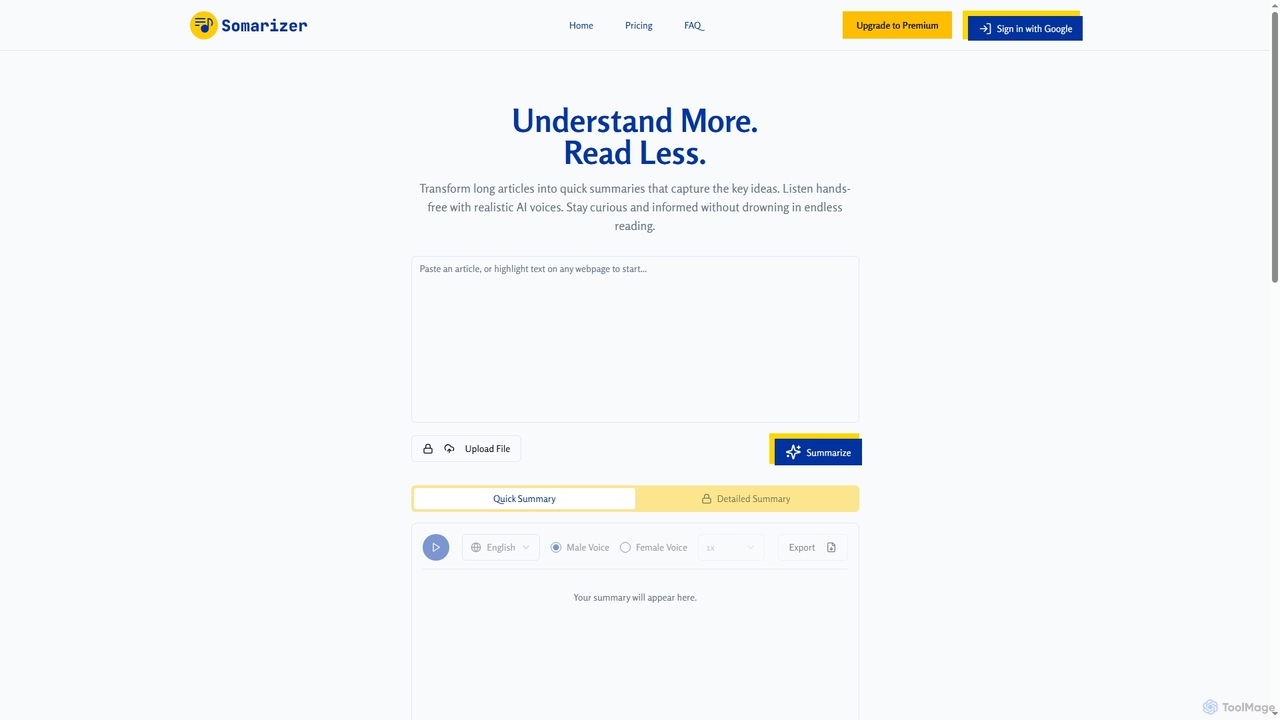
Somarizer
Somarizer is an AI-powered tool that transforms long articles and documents into concise summaries. It offers both quick and detailed summarization, text-to-speech with realistic AI voices, and supports various file formats like PDF, image, and text. Ideal for students, researchers, and professionals to save time and absorb information efficiently.
Text To Speech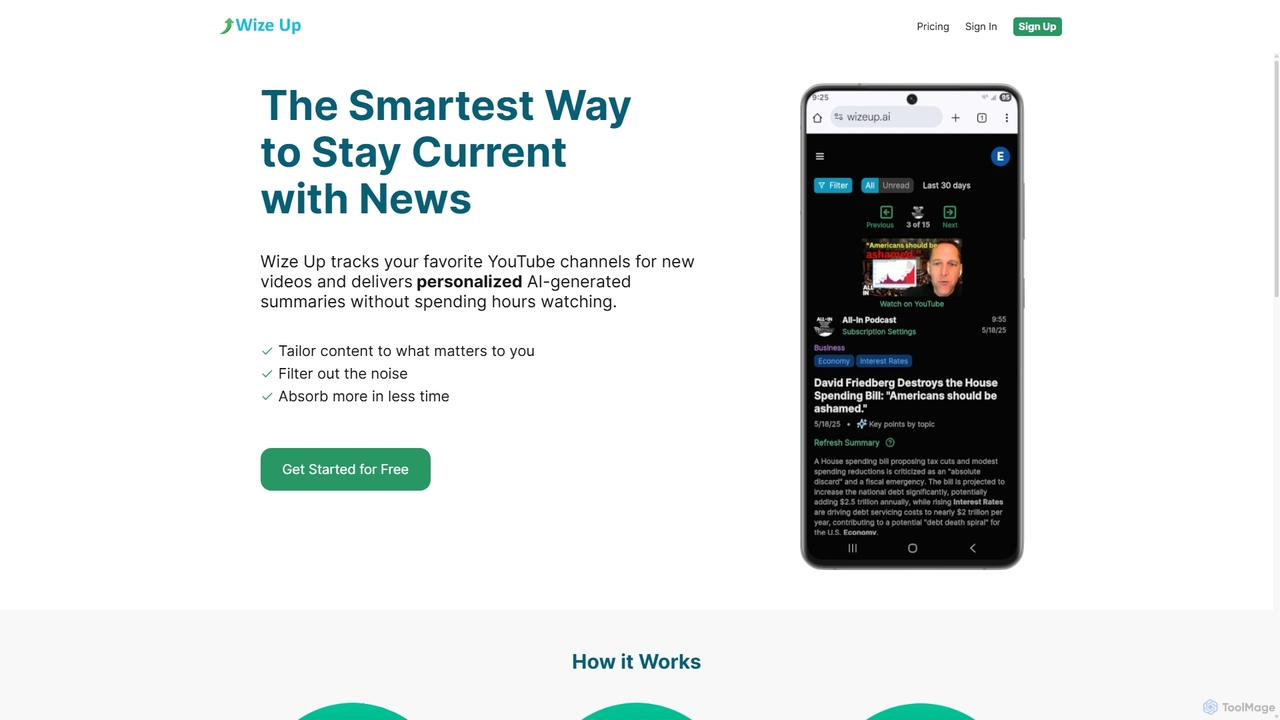
Wize Up
Wize Up is an AI-powered tool that transforms your YouTube experience by summarizing videos from your favorite channels. It delivers personalized, AI-generated summaries and daily digests to your email or in-app, saving you hours of watch time. Customize summary length, style, and language to focus on what matters most. With features like timestamped key moments and advanced filtering, Wize Up helps you absorb more information in less time and stay current with news, podcasts, and educational content effortlessly.
Learning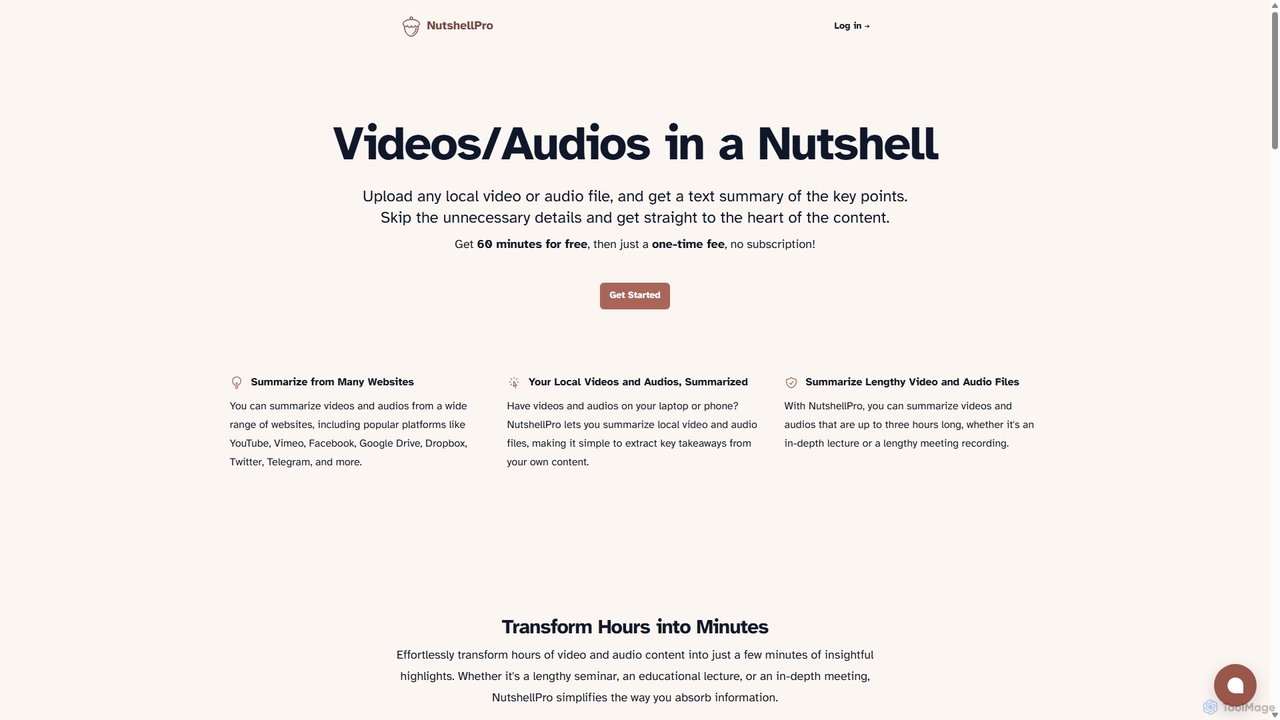
NutshellPro
NutshellPro is an AI-powered tool that efficiently summarizes any video or audio file. It supports both local files and content from various websites like YouTube, Vimeo, and Google Drive. By extracting key points, it transforms hours of content into concise text summaries, saving you significant time and effort. It offers a free trial and flexible, one-time payment plans without a subscription.
Note Taking
SummarizeYT
SummarizeYT is an AI-powered browser extension that uses ChatGPT to generate concise summaries of YouTube videos. It helps you save time by quickly grasping the key points of any video without watching it in its entirety, integrating seamlessly into the YouTube interface.
Learning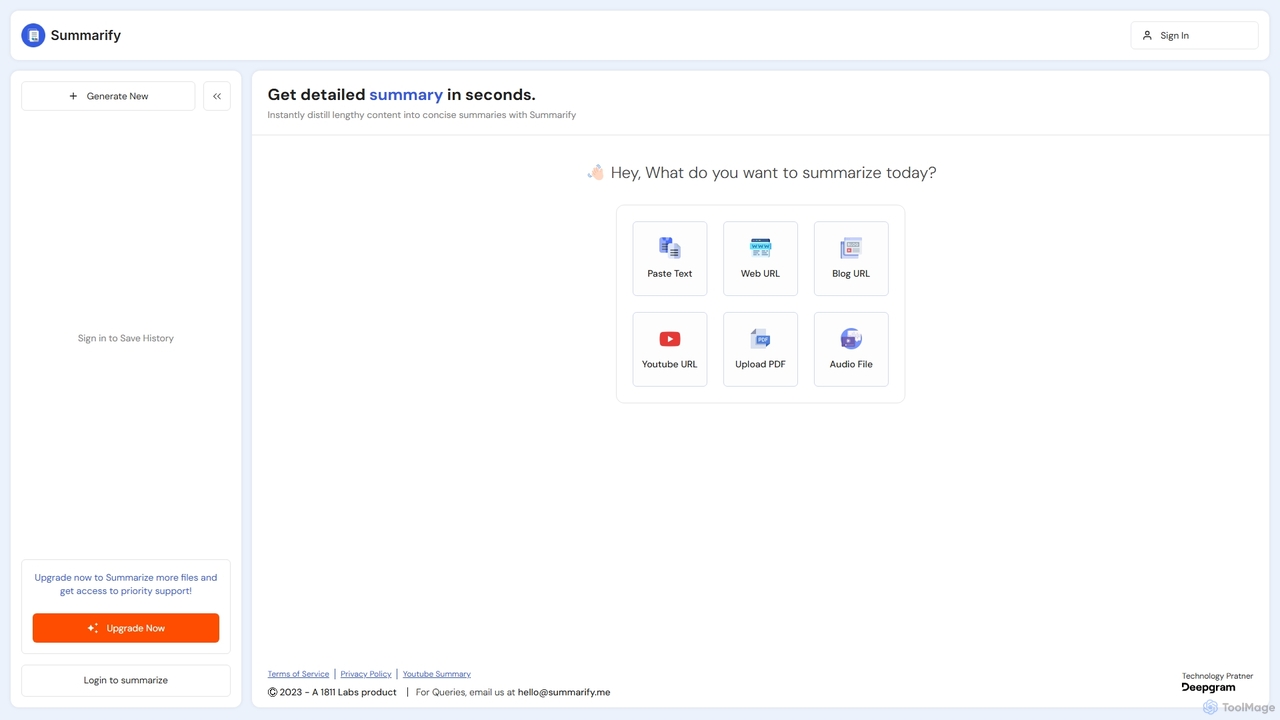
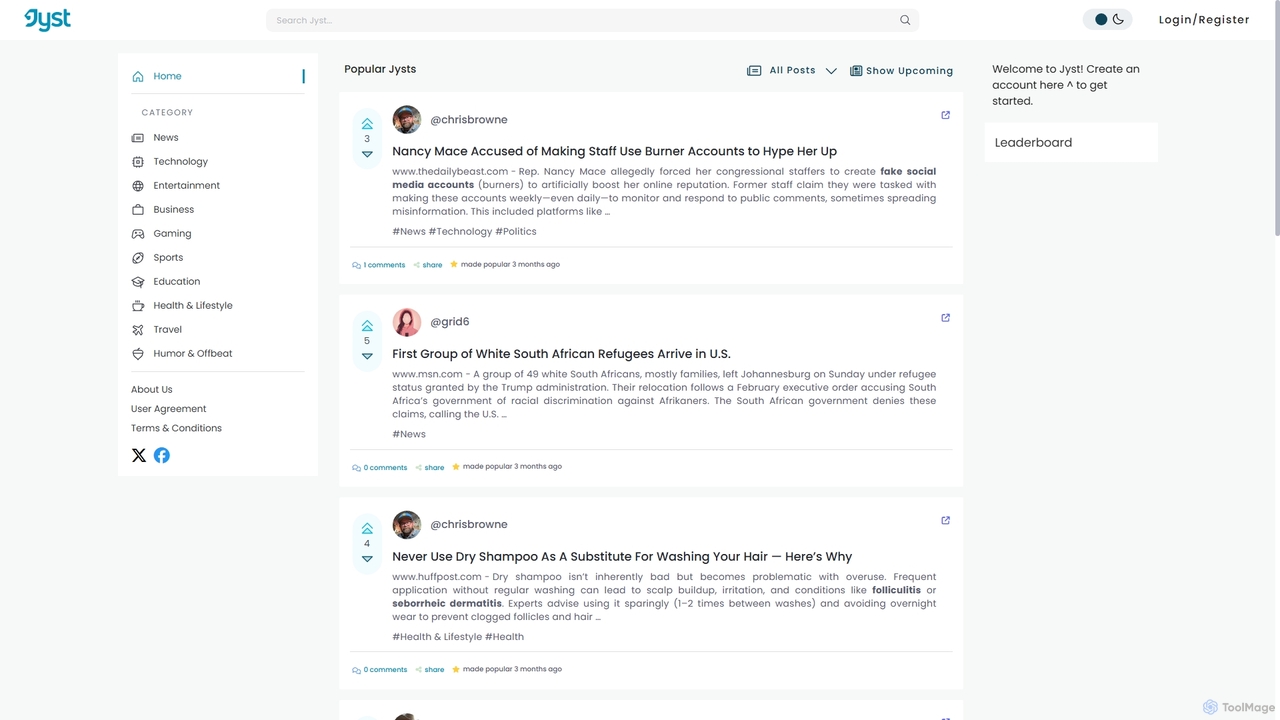
Jyst AI
Jyst AI is an intelligent platform that combines AI-powered summarization with a community-driven discovery system. It distills articles, videos, and PDFs into concise summaries, helping you combat information overload. Discover, share, and discuss high-quality content curated by a community, not just algorithms.
Chrome Extensions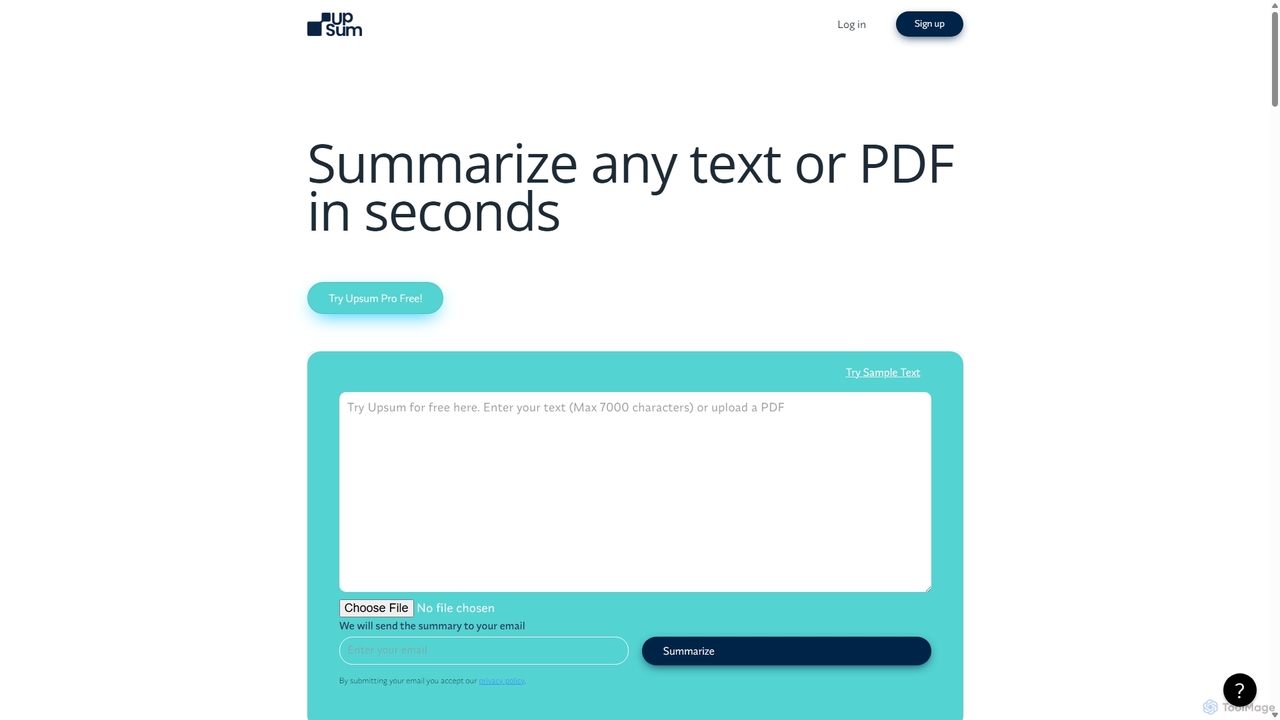
Upsum
Upsum is an AI-powered tool that summarizes any text or PDF in seconds. It features an interactive 'Chat to PDF' function, allowing users to ask questions and extract key information from their documents. It's designed for academics, consultants, and marketers to enhance productivity and accelerate research.
Document Analysis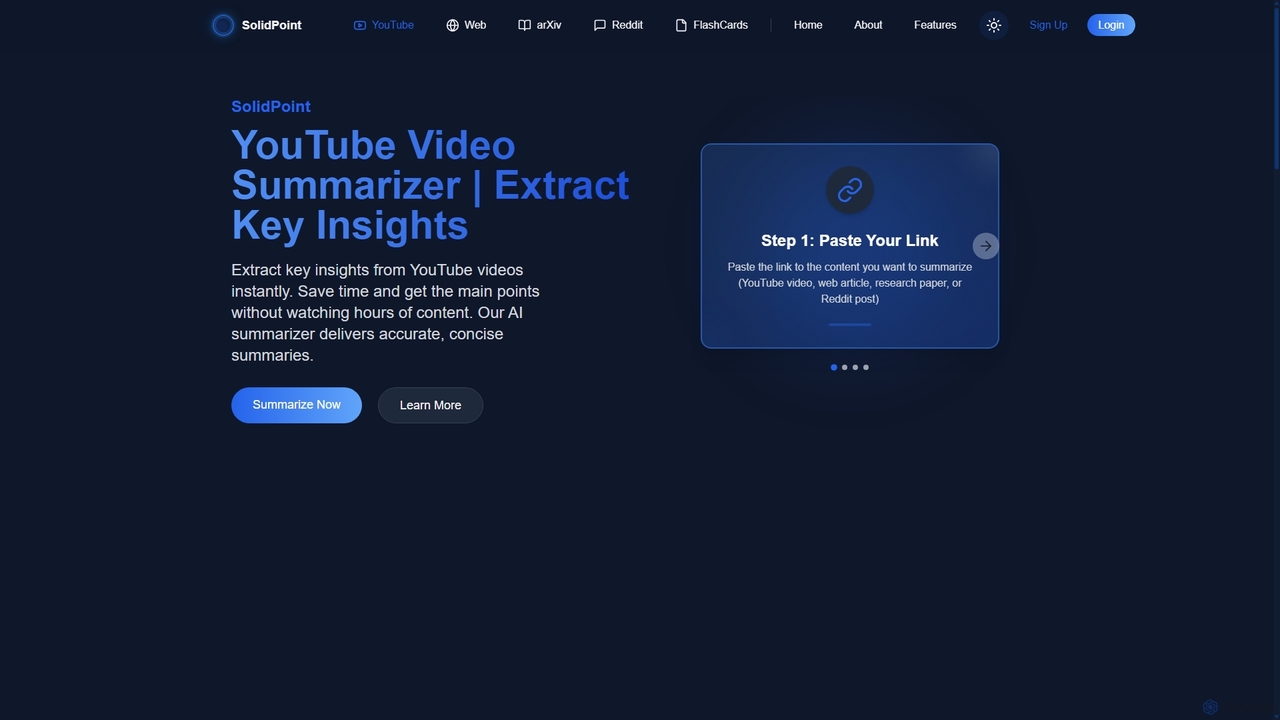
SolidPoint
SolidPoint is an AI-powered summarization tool that instantly extracts key insights from various content types, including YouTube videos, web articles, arXiv research papers, and Reddit threads. It helps students, researchers, and professionals save time, increase productivity, and retain information more effectively.
Research
Wuko Comments (0)
Sign in to comment.
Sign inNo comments yet.