Accessibility Best in category 3 results Text To Speech AI Tool

Popular AI tools in the Text To Speech field of Accessibility include Audeus、Somarizer、newsletter2podcast, etc., helping you quickly improve efficiency.

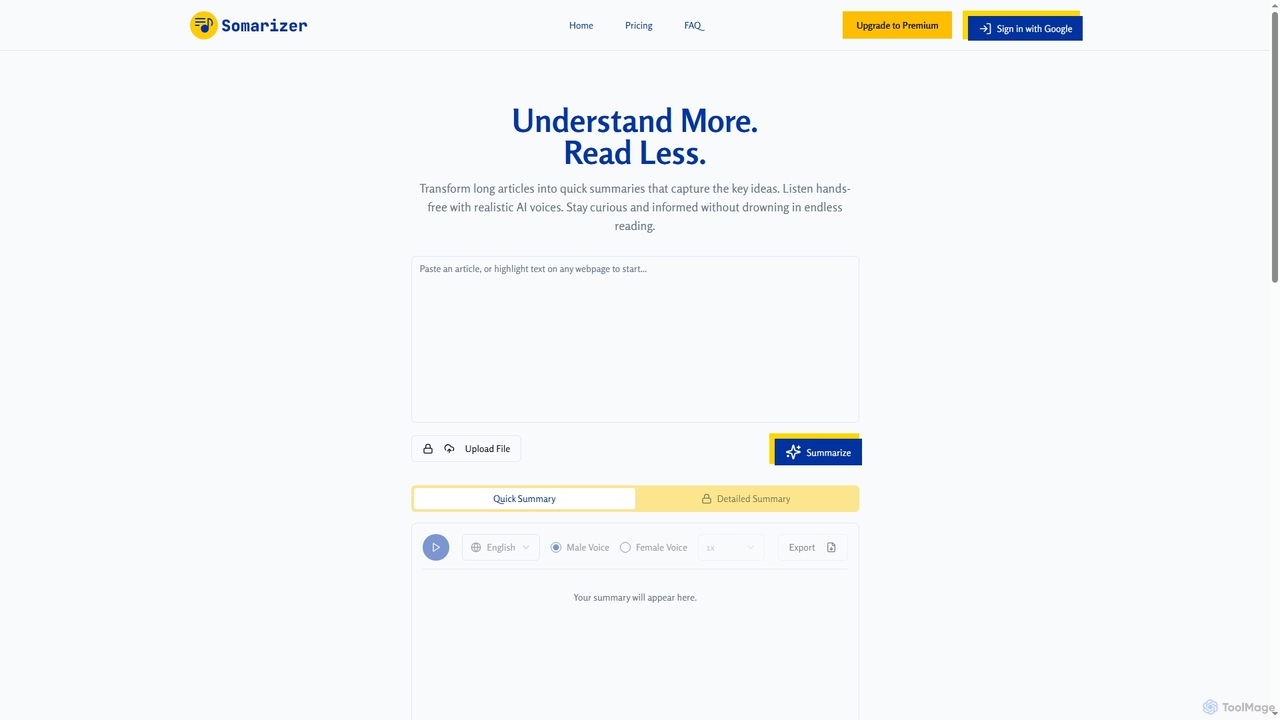
Somarizer

Somarizer

Somarizer is an AI-powered tool that transforms long articles and documents into concise summaries. It offers both quick …

5.7K
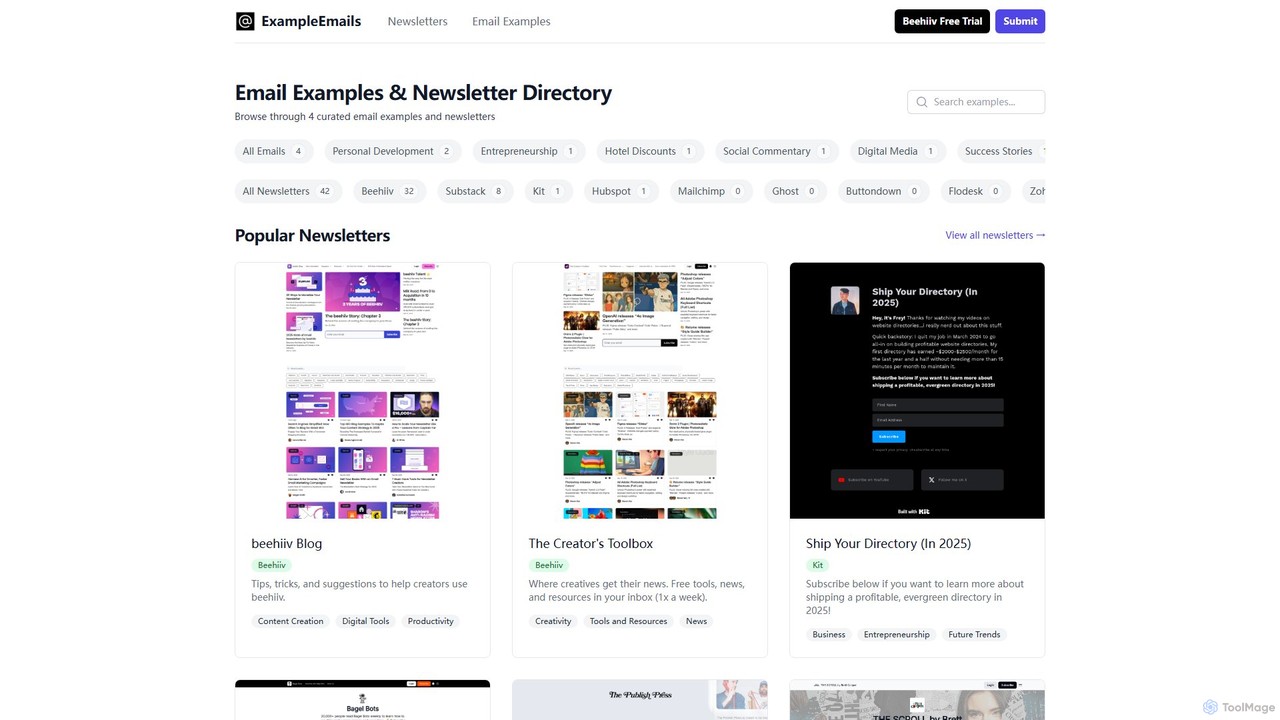
newsletter2podcast

newsletter2podcast

Effortlessly convert your favorite email newsletters into engaging podcasts. Using advanced AI-powered text-to-speech, newsletter2podcast transforms written content into …

2.7K
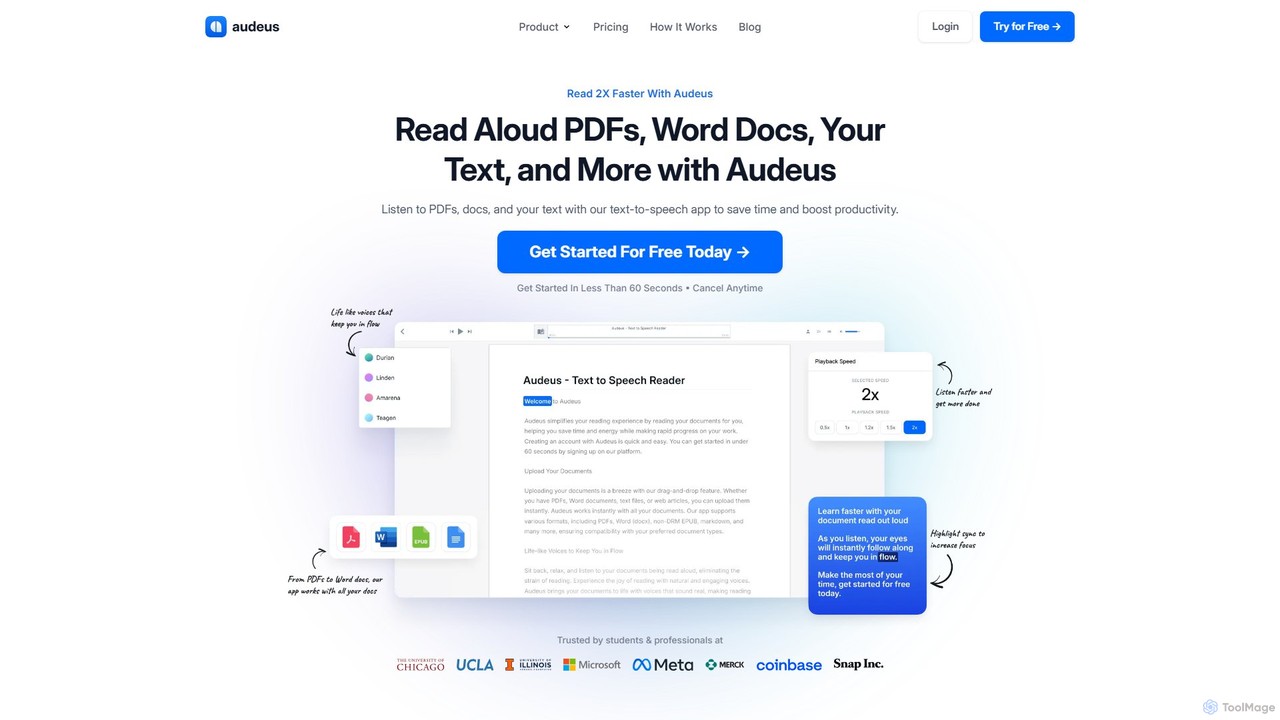
Audeus

Audeus

Audeus is an advanced AI-powered text-to-speech (TTS) reader that transforms documents, web articles, and text into natural-sounding audio. …

68.7K

About Text To Speech

Text To Speech (TTS) tools are a class of AI software that convert written text into natural-sounding spoken audio. They utilize advanced neural networks and deep learning models to synthesize human-like voices, complete with realistic intonation and emotion. This technology is fundamental for creating accessible content, producing audio materials like podcasts and audiobooks, and integrating voice interfaces into applications. Modern TTS systems offer a wide range of voices, languages, and customization options, moving far beyond robotic monotones.

Core Features

  • Natural Voice Synthesis: Generates human-like speech with realistic pitch, tone, and pacing, often indistinguishable from a human speaker.
  • Multiple Languages & Accents: Supports a vast library of global languages and regional accents, enabling content creation for a worldwide audience.
  • Voice Customization (SSML): Allows fine-tuning of pronunciation, speed, volume, and emotion using Speech Synthesis Markup Language for precise control.
  • Voice Cloning: Creates a digital replica of a specific person's voice from a short audio sample, enabling personalized and consistent narration.
  • API Access: Provides programmatic access for developers to integrate TTS capabilities directly into websites, applications, and other software.

Use Cases

These tools are widely used by content creators for producing YouTube video voiceovers and podcasts, by educators for creating engaging e-learning materials, and by developers for building voice-enabled apps. They are also a cornerstone of accessibility, empowering visually impaired users to consume digital content through screen readers.

How to Choose

When selecting a Text To Speech tool, consider the naturalness and quality of the voices, the range of available languages and accents, and the level of customization offered (e.g., SSML support). Also evaluate the ease of use of the interface, API availability and documentation for integration, and the pricing model (e.g., per-character, subscription-based).

Text To SpeechUse Cases

1

Creating Voiceovers for Video Content

Content creators, such as YouTubers and marketing teams, use Text To Speech tools to generate high-quality voiceovers for their videos. Instead of hiring voice actors or using their own voice, they can simply input a script, select a preferred voice style, gender, and accent, and generate the audio file within minutes. This process significantly reduces production time and costs, allows for easy script edits and re-generation, and ensures a consistent audio brand across all video content.

2

Producing Audiobooks and E-Learning Materials

Publishers, authors, and corporate trainers leverage TTS technology to convert long-form text content like books and training manuals into audio formats. This makes the content accessible to visually impaired individuals and caters to auditory learners. Using a TTS tool, they can produce an entire audiobook or a series of e-learning modules with a consistent narrator's voice without the logistical challenges and high costs of a recording studio and voice talent. Advanced features allow for adjustments in pacing and tone to suit different chapters or topics.

3

Developing Interactive Voice Response (IVR) Systems

Businesses and call centers use TTS APIs to create dynamic and natural-sounding voice prompts for their IVR systems. Instead of pre-recording every possible message, which is inflexible and costly, developers can generate responses in real-time. For example, an IVR can read out a customer's specific account balance or order status by feeding that text data to the TTS API. This allows for highly personalized customer interactions and enables easy updates to system messages without needing new recordings.

4

Enhancing Accessibility with Screen Readers

As a core component of accessibility, TTS technology powers screen readers for visually impaired users. These applications read aloud digital text from websites, documents, and application interfaces, enabling users to navigate computers and smartphones independently. Developers integrating accessibility features into their products use high-quality TTS engines to provide a more pleasant and less fatiguing listening experience than older, robotic voices. This application is critical for digital inclusion and ensuring equal access to information for everyone.

5

Prototyping Voice User Interfaces (VUI)

UX/UI designers and developers working on voice-enabled products like smart speakers, in-car assistants, or mobile apps use TTS for rapid prototyping. Instead of recording placeholder audio, they can use a TTS API to instantly generate voice feedback for user commands. This allows for quick iteration on conversational flows, testing different voice personas, and conducting user testing with realistic interactions early in the design process, saving significant time and resources before committing to final voice talent.

6

Generating Real-Time Audio for Dynamic Content

News organizations, financial data providers, and social media platforms use TTS to automatically convert dynamic, text-based updates into audio streams. For example, a news app can offer a 'Listen to this article' feature that generates an audio version on the fly. A stock market application can provide real-time audio updates of price changes. This automated process allows for the instant creation of audio content for information that changes frequently, making it accessible to users who are driving, exercising, or otherwise unable to look at a screen.

Text To SpeechFrequently Asked Questions