ToolMage
Sign in

Best 7 Transcription AI tools for Content Creation

Popular Transcription AI tools in Content Creation include Turbo, tomedes, Waveroom, Podhome, Podverse, voicetoblogs, and ExpoReader, helping you work more efficiently.

Turbo
Freemium

Turbo

Turbo is an advanced AI note-taker and study tool designed to transform various content formats like lectures, PDFs, videos, and audio into editable notes, flashcards, quizzes, and podcasts. It helps students and professionals study smarter, organize information, and collaborate efficiently, leveraging AI for enhanced learning and productivity.

Transcription
Visits 2.8MFavorites 132Likes 105
Podhome
Paid

Podhome

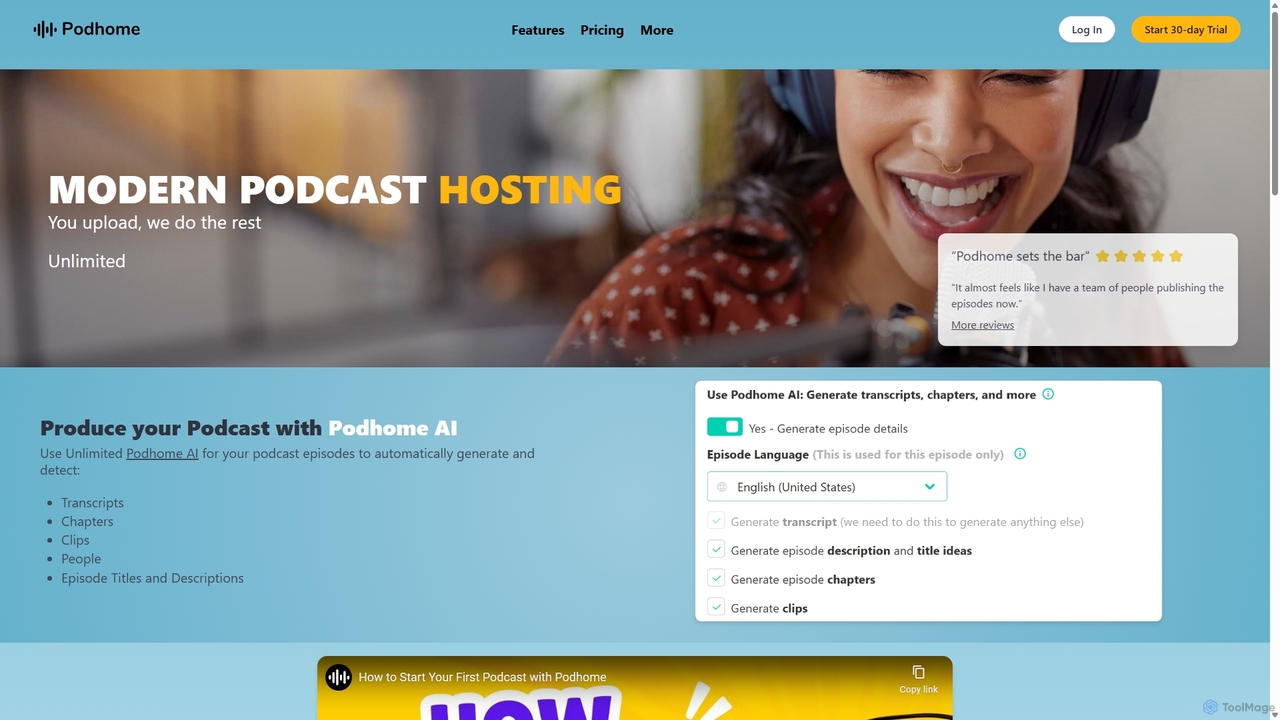
Podhome is an all-in-one, AI-powered podcast hosting and distribution platform. It offers unlimited shows, episodes, and downloads for a flat monthly fee. Key features include automatic transcription, chapter generation, clip creation, and extensive Podcasting 2.0 support to automate workflows and enhance the listener experience, allowing creators to focus on their content.

Podcasting
Visits 10.2KFavorites 147Likes 143
ExpoReader
Freemium

ExpoReader

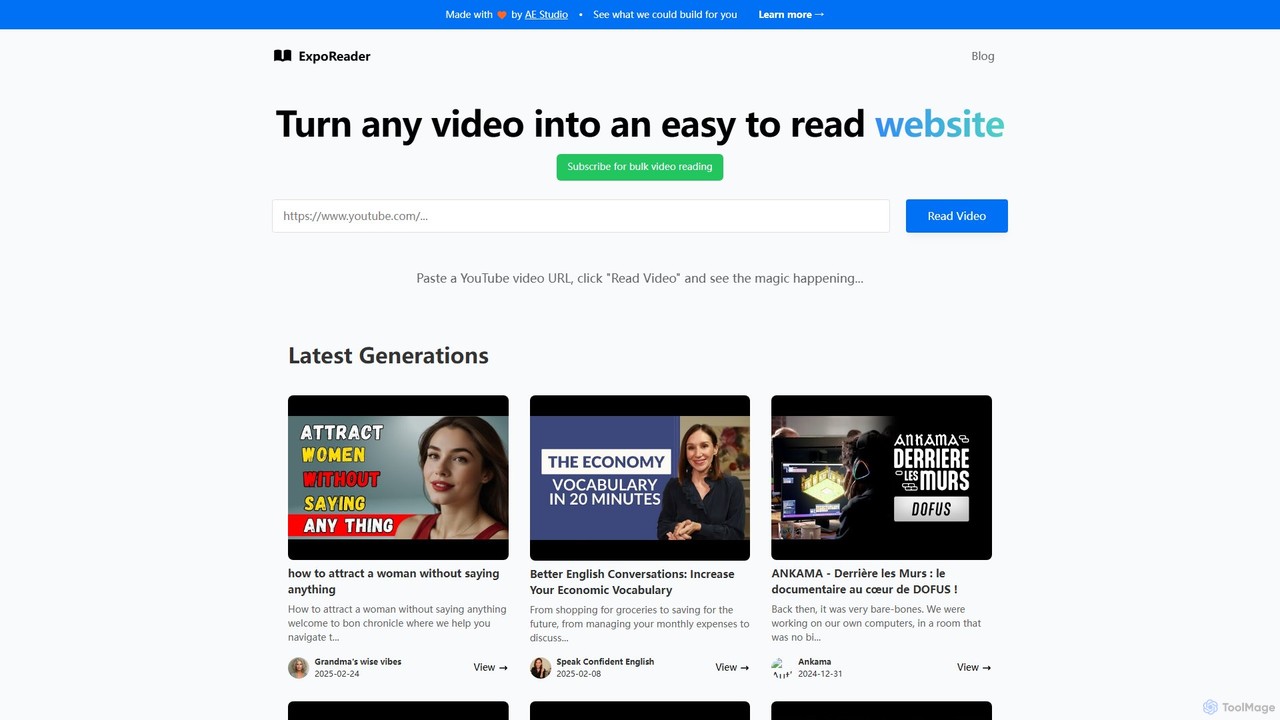
An AI-powered tool that transforms any YouTube video into a well-structured, easy-to-read article. Simply paste a video URL to get an instant text version, making it perfect for quick information consumption, research, and content repurposing. It saves time by allowing you to read instead of watch.

Transcription
Visits 5.4KFavorites 152Likes 145
voicetoblogs
Freemium

voicetoblogs

An AI-powered platform that effortlessly transforms your audio and video content into well-structured, SEO-optimized blog posts. Simply upload your voice notes, podcasts, or webinars, and voicetoblogs will transcribe, format, and enhance the content, saving you hours of manual work. Ideal for content creators, marketers, and podcasters looking to repurpose their spoken ideas into engaging written articles.

Transcription
Visits 5.6KFavorites 115Likes 131
Waveroom
Freemium

Waveroom

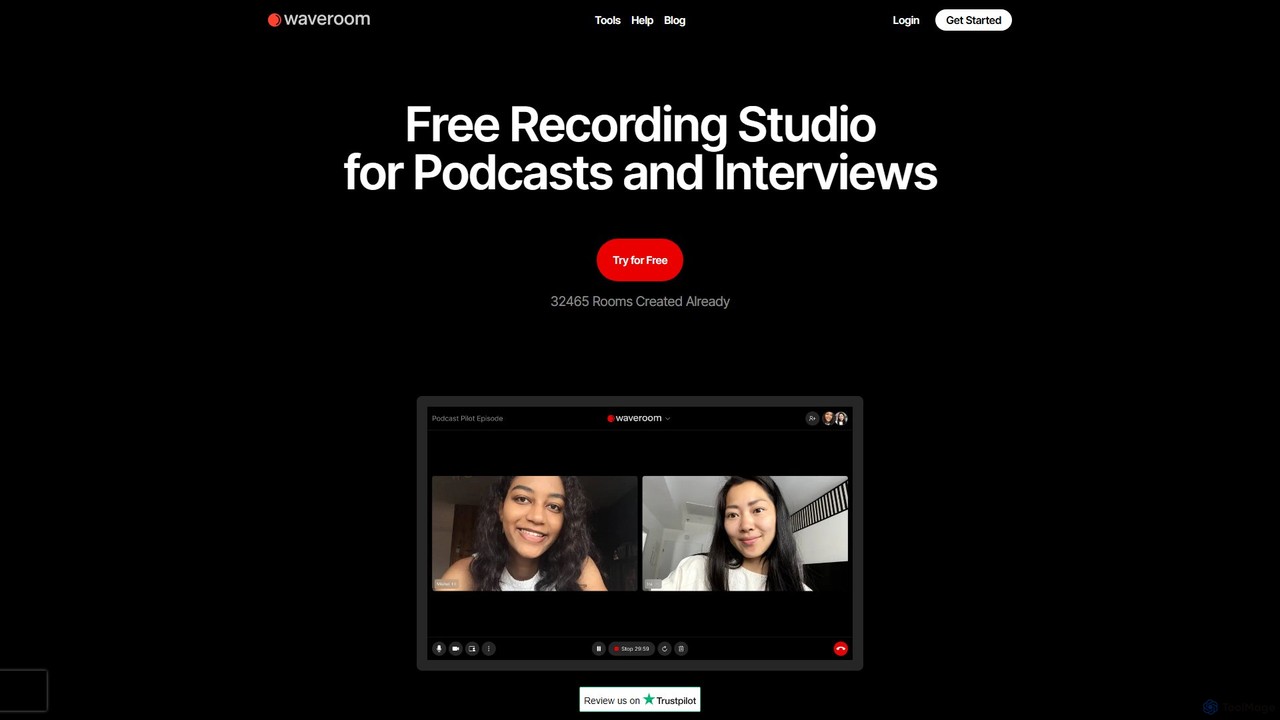
Waveroom is a free, browser-based online recording studio designed for high-quality remote podcasts and video interviews. It uses local recording technology to capture crystal-clear, multi-track audio and video from each participant, ensuring top-notch quality regardless of internet connection stability. Key features include AI noise removal, transcription, and support for up to 2K video and uncompressed WAV audio.

Podcast Recording
Visits 90.4KFavorites 114Likes 105
tomedes
Freemium

tomedes

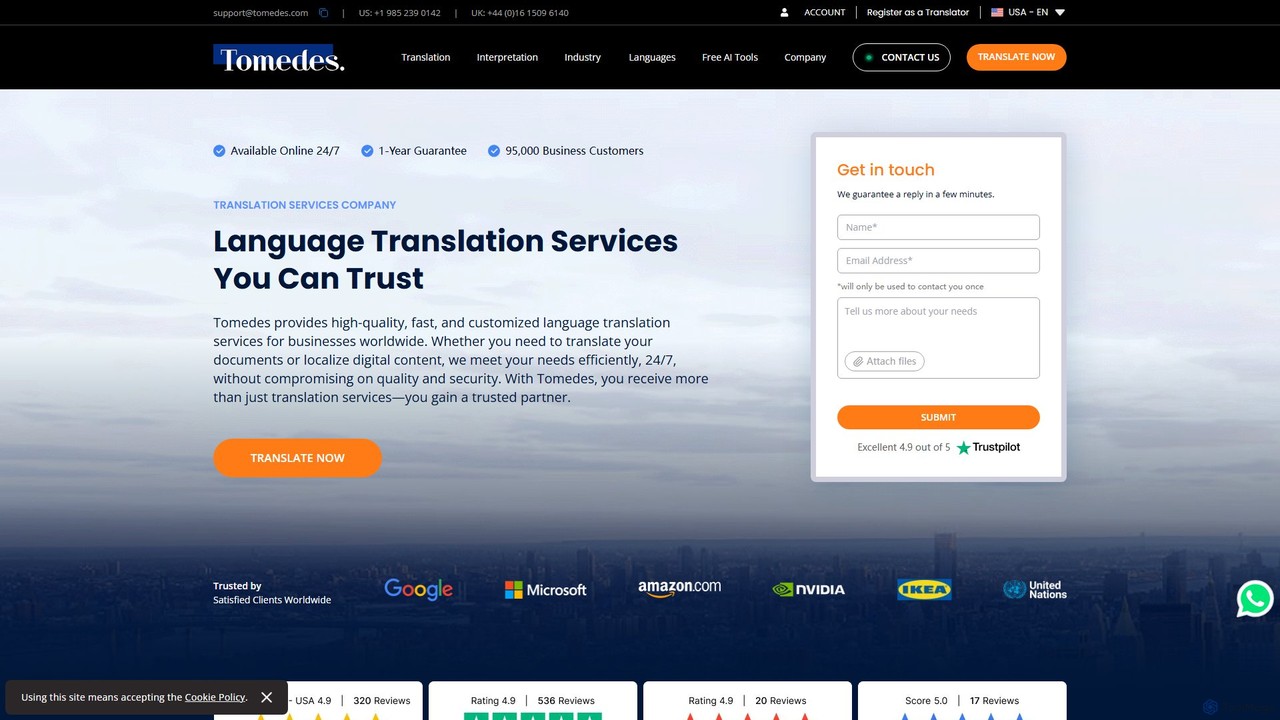
Tomedes is a global language service provider that combines advanced AI technology with a network of over 20,000 human translators. It offers professional translation, localization, and interpretation services in over 150 languages for businesses worldwide. Specializing in various industries, Tomedes ensures high-quality, fast, and secure language solutions with 24/7 support and a one-year accuracy guarantee.

Localization
Visits 176.1KFavorites 150Likes 150
Podverse
Freemium

Podverse

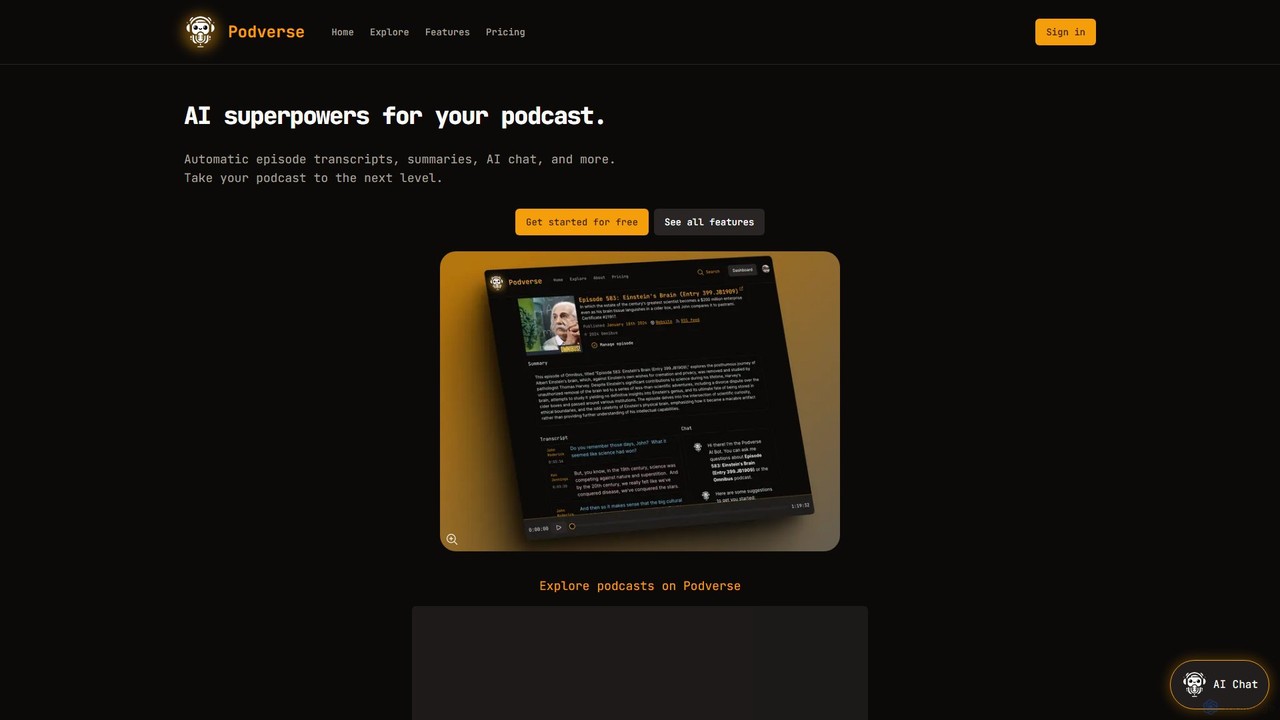
Podverse equips your podcast with AI superpowers, including automatic transcripts with speaker identification, AI-generated summaries, and an interactive chatbot. It makes your content fully searchable and embeddable on your site, enhancing listener engagement and discoverability. Get started for free to transform your podcast into an interactive experience.

Podcasting
Visits 6.1KFavorites 123Likes 125

About Transcription

AI Transcription tools automatically convert spoken language from audio or video files into written text. These tools utilize advanced Automatic Speech Recognition (ASR) and Natural Language Processing (NLP) to achieve high accuracy and speed. They transform interviews, meetings, and podcasts into searchable, editable documents, forming a crucial part of the content creation workflow. Key advantages include significant time savings over manual transcription and advanced features like speaker identification and timestamping.

Core Features

  • Automatic Speech Recognition (ASR): Accurately converts audio and video streams into text, handling various accents and dialects.
  • Speaker Identification (Diarization): Distinguishes between different speakers in a recording and labels their respective dialogue.
  • Timestamping: Aligns specific words or phrases with their exact timing in the original media file for easy reference and editing.
  • Multi-Language Support: Transcribes content in numerous languages and can often detect different languages within the same file.
  • Custom Vocabulary: Allows users to add specific names, jargon, or technical terms to a dictionary to improve recognition accuracy.

Use Cases

AI Transcription tools are widely used by journalists and researchers for analyzing interviews, content creators for producing subtitles and show notes, and businesses for documenting meeting minutes and analyzing customer service calls. In legal and medical fields, they are used for dictation and record-keeping.

How to Choose

When selecting an AI Transcription tool, evaluate its accuracy rate for your specific language and audio quality. Consider essential features like speaker identification and real-time transcription capabilities. Also, assess its integration options with other software, its data security policies, and whether its pricing model (per-minute or subscription) aligns with your usage volume.

Transcription use cases

1

Transcribing Interviews for Journalism and Research

A journalist or academic researcher conducts hours of interviews and needs an accurate written record for analysis, fact-checking, and quoting sources. Instead of spending days manually typing, they upload the audio files to an AI transcription tool. Within minutes, they receive a full text transcript, complete with speaker labels and timestamps. This allows them to quickly search for key phrases, identify important quotes, and organize their findings, accelerating their research and writing process significantly.

2

Creating Subtitles and Captions for Videos

A video creator wants to make their content more accessible and engaging on social media, where many users watch videos without sound. They upload their finished video to an AI transcription service. The tool generates a time-coded transcript of all spoken dialogue. The creator can then easily review and edit the text for accuracy and export it in a standard subtitle format like SRT or VTT. This file can be directly uploaded to platforms like YouTube or embedded into the video, improving viewer retention and SEO.

3

Generating Actionable Meeting Minutes

A project manager needs to document key decisions and action items from a weekly team meeting. Instead of manually taking notes and risking missing important details, they record the meeting and upload the audio to a transcription tool. The service provides a full transcript with speakers identified. This creates an objective record of the discussion, which can be searched for keywords. Some advanced tools can even automatically summarize the meeting and highlight action items, making it easy to distribute clear, concise minutes and ensure team accountability.

4

Repurposing Podcasts into Blog Posts and Articles

A content marketer or podcaster wants to maximize the reach of their audio content. By transcribing a podcast episode, they instantly create a long-form text document. This transcript can be edited and reformatted into a detailed blog post, complete with headings and images. It can also be broken down into smaller pieces for social media posts, newsletters, or quotes. This strategy not only makes the content accessible to a wider audience (including those who prefer reading) but also significantly improves the content's SEO value by making it indexable by search engines.

5

Analyzing Customer Feedback from Call Center Recordings

A customer experience manager wants to understand common pain points and sentiment from thousands of hours of support call recordings. Manually listening to these calls is impossible. By using an AI transcription API, the company can batch-process all recordings into text. This text data can then be fed into sentiment analysis or topic modeling tools to identify trends, recurring issues, and customer satisfaction levels at scale. This provides actionable insights for improving products, services, and agent training without manual effort.

6

Assisting Legal and Medical Professionals with Dictation

A lawyer needs to draft a complex legal brief, or a doctor needs to document a patient encounter. They use a dictation app connected to an AI transcription service. As they speak, their words are converted into text in real-time or from an uploaded recording. These tools often support custom vocabularies for specialized legal or medical terminology, ensuring high accuracy. This process significantly speeds up documentation, reduces the reliance on manual typists, and allows professionals to create detailed, accurate records more efficiently.

Transcription FAQ

What is AI Transcription?

AI Transcription is the process of using artificial intelligence, specifically Automatic Speech Recognition (ASR) technology, to convert audio and video files into written text automatically. Unlike manual transcription, which requires a human to listen and type, AI tools can produce a transcript in minutes. They often include features like speaker identification, timestamping, and support for multiple languages, making them a fast and cost-effective solution for content creators, researchers, and businesses.

How to choose the right AI Transcription tool?

To choose the right tool, consider these factors:

  • Accuracy: Check reviews and tests for accuracy, especially for your specific language, accent, or industry jargon.
  • Features: Determine if you need speaker identification, timestamping, custom vocabulary, or real-time transcription.
  • Ease of Use: Look for a user-friendly interface and a simple workflow for uploading files and editing transcripts.
  • Integrations: Check if it connects with your existing tools, like cloud storage (Google Drive, Dropbox) or video editors.
  • Pricing: Compare models—per-minute/hour rates versus monthly subscriptions—to find what best suits your usage volume.
What is the difference between AI and manual transcription?

The main differences are speed, cost, and accuracy. AI transcription is significantly faster (minutes vs. hours or days) and more affordable. Manual transcription, performed by a human, can achieve higher accuracy (often 99%+) especially with poor audio quality, multiple speakers, or heavy accents. However, AI accuracy is constantly improving and is often sufficient for most use cases with clear audio. AI also offers scalability that is difficult to match with manual services.

How accurate are AI Transcription tools?

The accuracy of AI transcription tools has improved dramatically, often reaching 90-95% or higher under ideal conditions. Accuracy is highest with clear, high-quality audio, a single speaker, and minimal background noise. It can be lower with heavy accents, technical jargon (unless a custom vocabulary is used), overlapping speech, or poor recording quality. Most professional tools provide an editor that allows users to quickly review and correct any errors in the transcript.

Who can benefit from using AI Transcription tools?

A wide range of professionals and individuals can benefit from AI transcription. This includes:

  • Content Creators: Podcasters, YouTubers, and marketers who need transcripts for show notes, subtitles, and blog posts.
  • Journalists & Researchers: For quickly analyzing interviews and focus groups.
  • Students: To transcribe lectures and study notes for easier review.
  • Business Professionals: For documenting meetings, webinars, and conference calls to ensure no detail is missed.
  • Legal and Medical Professionals: To efficiently create accurate records from dictations and client sessions.