

Scrintal Overview
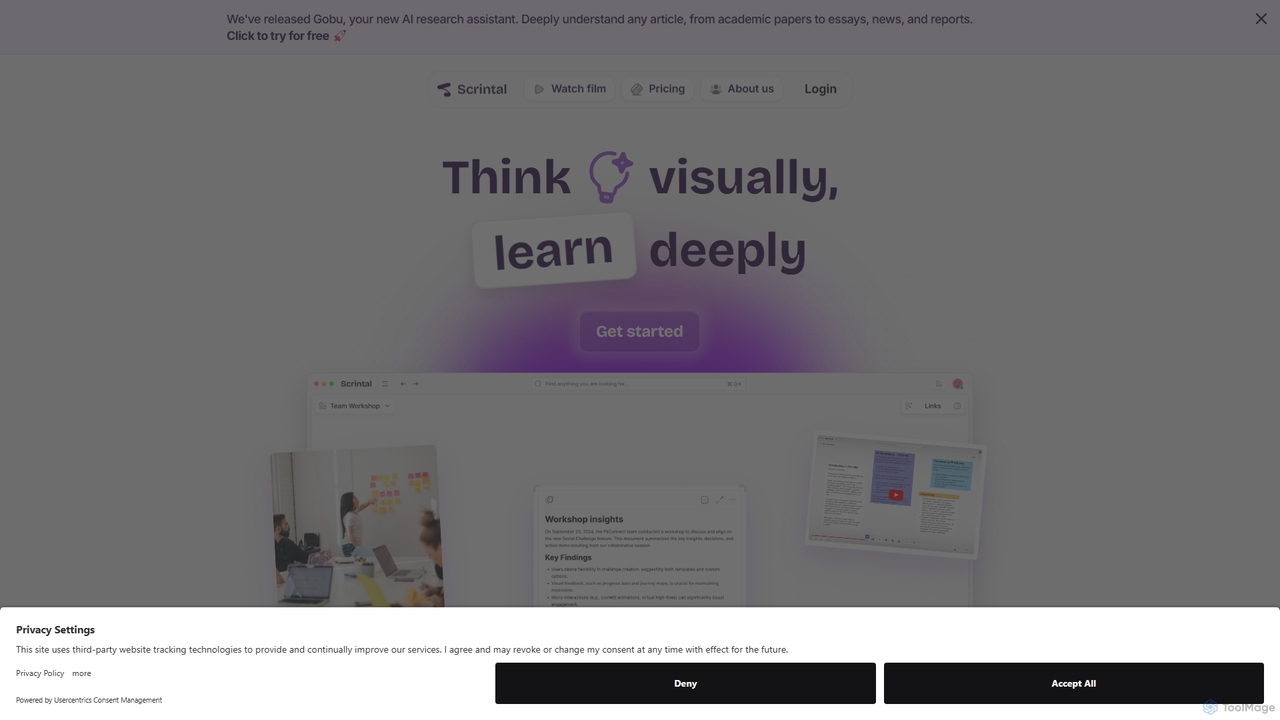
Scrintal is a dynamic and intuitive platform that revolutionizes the way you think, research, and write. Built on the philosophy that our brains are wired for visual thinking, Scrintal provides a "playground for the mind" where ideas can be shaped and connected spatially. It's an all-in-one solution that merges the flexibility of a mind map, the power of a note-taking app, and the structure of a writing tool. At its core is an infinite canvas where you can place notes, PDFs, images, and videos, creating a rich, visual tapestry of your knowledge. With the recent introduction of Gobu, its AI research assistant, Scrintal streamlines complex tasks, allowing you to focus on deep thinking and creativity.
How to use Scrintal
Getting started with Scrintal is a seamless process designed to enhance your natural thinking flow:
- Capture Ideas: Begin by creating "blocks" on the infinite canvas. Each block can contain a single idea, a paragraph, an image, a PDF document, or a video link. This modular approach allows you to capture thoughts as they come.
- Visualize & Organize: Freely move your blocks around the canvas to visually structure your thoughts. Group related ideas, create clusters, and see the bigger picture of your project or research topic.
- Connect Knowledge: Use arrows and bi-directional links to establish relationships between different blocks. This helps you build a personal knowledge graph, revealing connections and fostering deeper understanding.
- Leverage AI: Utilize Gobu, the integrated AI assistant, to analyze articles, summarize academic papers, and automate time-consuming research tasks. Gobu helps you deeply understand any text and trace information back to its source, enhancing your research efficiency.
- From Blocks to Docs: When your ideas are organized, simply select a series of connected blocks and convert them into a linear, structured document with a single click. This makes the transition from brainstorming to writing effortless.
- Collaborate: Invite colleagues or friends to your board for real-time collaboration. Work together on brainstorming, research, and writing in a shared visual space.
Core Features of Scrintal
- Infinite Visual Canvas: A limitless space to brainstorm, organize notes, PDFs, images, and videos without constraints, allowing your ideas to grow organically.
- Gobu AI Research Assistant: An AI-powered assistant to analyze articles, provide smart summaries, and streamline your research workflow, saving you hours of manual work.
- Block-Based Editor: Capture every piece of information in a modular block, which can be easily manipulated, linked, and combined into larger documents.
- Bi-Directional Linking: Create a network of your thoughts by linking notes, helping you discover hidden connections and navigate your knowledge base effortlessly.
- One-Click Document Creation: Seamlessly convert your visual mind maps and collections of blocks into structured, writable documents, bridging the gap between thinking and writing.
- Real-Time Collaboration: Work with your team on the same canvas simultaneously, making it perfect for group projects, academic collaboration, and corporate brainstorming sessions.
- PKM Templates: Access pre-built templates designed for effective study techniques and research methodologies like the Zettelkasten (Smart Notes) method.
Use Cases for Scrintal
Scrintal is versatile and caters to a wide range of professionals and learners:
- Academic Researchers & PhD Students: Map out literature reviews, connect theories from different papers, organize research data, and draft manuscripts—all in one place.
- Students: Visually organize notes for complex subjects, create interactive study guides, and collaborate on group projects more effectively.
- Writers & Content Creators: Brainstorm plot points, outline articles, organize research, and see the structure of your story or piece before you start writing.
- Strategists & Consultants: Develop business strategies, map out user flows, and present complex ideas to clients in a clear, visual format.
- Teams: Conduct collaborative brainstorming sessions, plan projects, and create a shared knowledge base for creative processes.
Advantages of Scrintal
- Intuitive and Natural: The visual interface feels like a digital whiteboard, making it easy to get started and organize thoughts in a way that feels natural.
- Reduces Tool Switching: Combines brainstorming, note-taking, research, and writing, eliminating the need to jump between multiple applications like Miro, Notion, and Evernote.
- Enhances Creativity: The limitless canvas encourages free-form thinking and helps you see connections you might miss in a traditional linear note-taker.
- Streamlines Workflow: The seamless transition from visual blocks to a structured document significantly speeds up the process from initial idea to final draft.
- AI-Powered Efficiency: Gobu, the AI assistant, automates tedious research tasks, allowing you to focus on higher-level thinking, analysis, and insight generation.
Pricing and Plans
Scrintal offers a straightforward and valuable plan for its users:
- Plan: Scrintal Pro
- Price: $9 per month, billed annually (totaling $108 per year).
- Features: The Pro plan includes unlimited documents and boards, unlimited file uploads, real-time collaboration features, priority customer support, and access to exclusive community calls with the Scrintal team.
- Trial: A free trial is available, allowing users to experience the full capabilities of the platform before committing to a subscription. The platform also features Gobu.ai, the AI research assistant, to further enhance productivity.
Traffic
Latest traffic
Status
Monthly traffic trend
- 2025-9: 56.8K
- 2026-1: 47.0K
- 2026-2: 48.1K
- 2026-3: 46.3K
- 2026-4: 42.2K
- 2026-5: 47.1K
Geography
Top 5 countries / regions
- 🇺🇸United States47.2%
- 🇻🇳Vietnam17.6%
- 🇹🇭Thailand12.1%
- 🇮🇳India11.6%
- 🇦🇺Australia11.5%
Traffic sources
| Source type | Percentage |
|---|---|
Direct | 92.5% |
Referral | 6.7% |
Email | 0.9% |
Top keywords
| Keyword | Cost per click |
|---|---|
| medium the complete guide to conducting researching interviews | $0.00 |
| scintal | $0.00 |
| scrintal | $4.44 |
| scrintal$ | $0.00 |
| scrintal note | $0.00 |
Scrintal Videos on YouTube

Learning and Technology with Frank

Learning and Technology with Frank

Learning and Technology with Frank

Learning and Technology with Frank
Learning and Technology with Frank

Learning and Technology with Frank
Scrintal Alternatives
Wikiwand
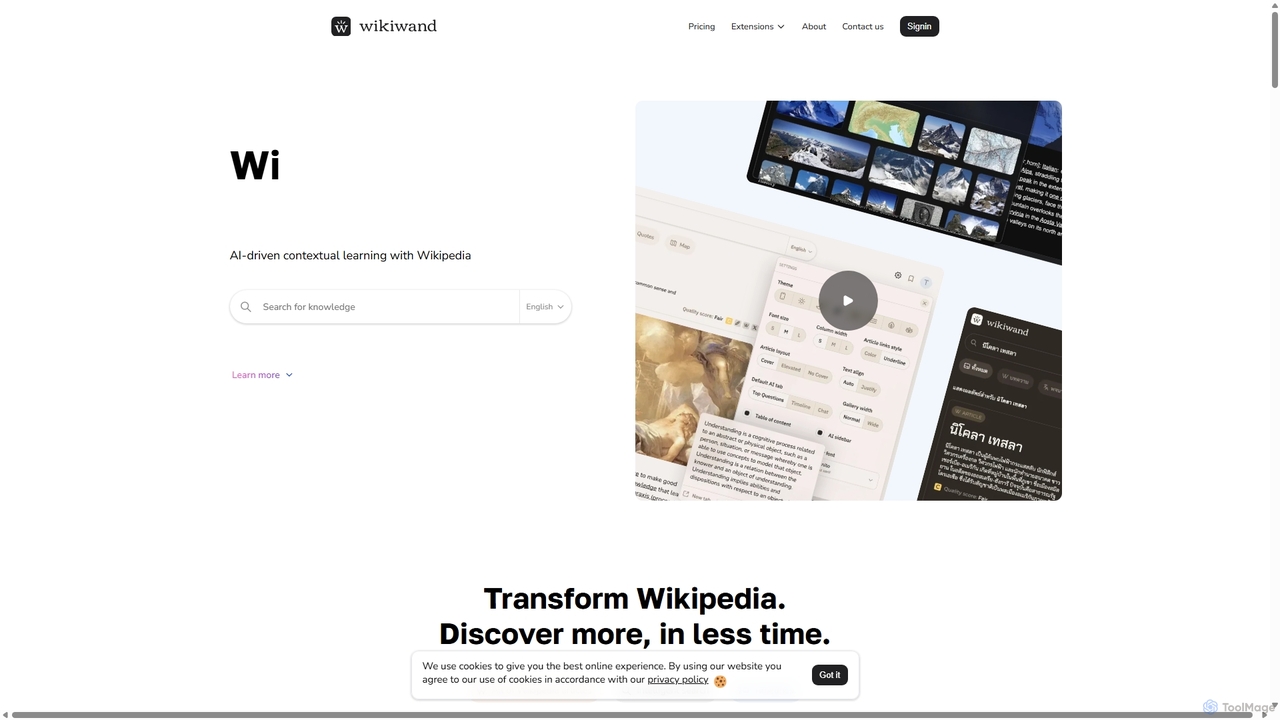
Wikiwand is an AI-powered platform that modernizes the Wikipedia reading experience. It offers a sleek, user-friendly interface and integrates AI tools like article summaries, interactive timelines, and a contextual chat assistant to help users discover and understand information faster. By combining Wikipedia's vast knowledge with advanced design and AI features, Wikiwand streamlines research and learning, making knowledge consumption more efficient and enjoyable.
Research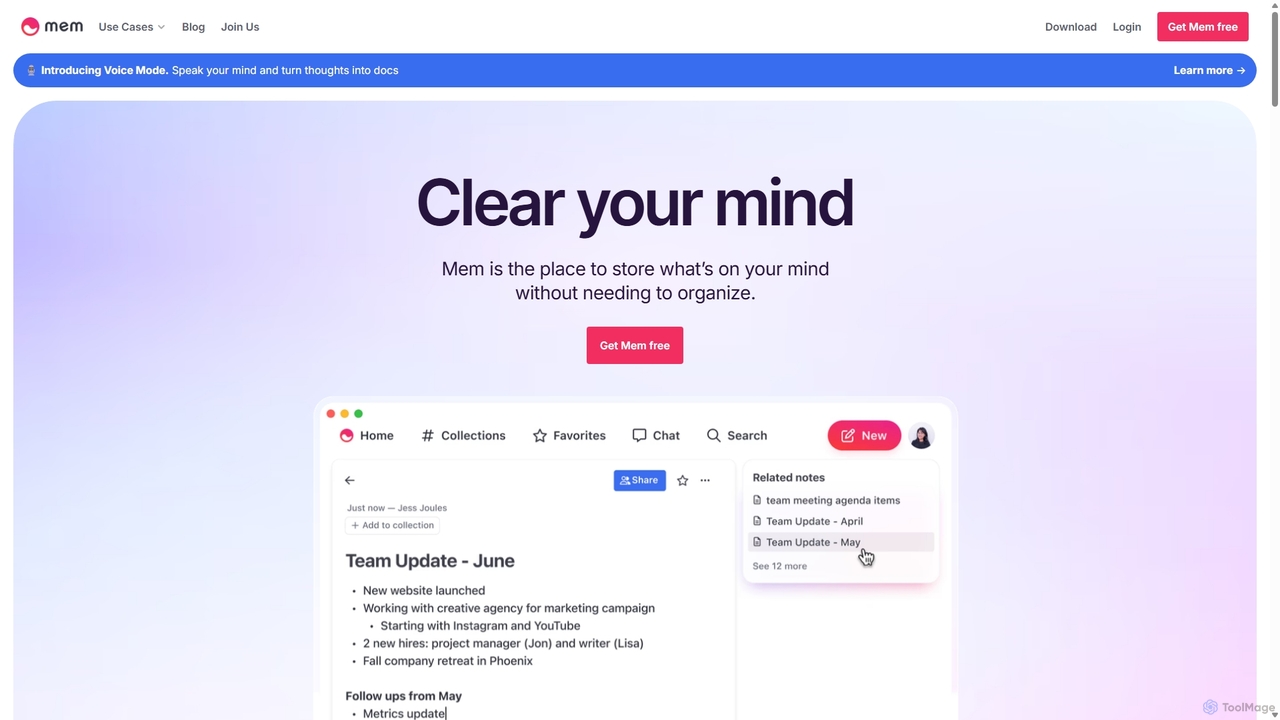
Mem
Mem is a self-organizing workspace powered by AI, designed to act as your personal second brain. It captures, connects, and resurfaces your notes automatically, eliminating the need for manual organization. With its integrated AI chat, you can search, summarize, and generate content from your own knowledge base.
Personal Assistant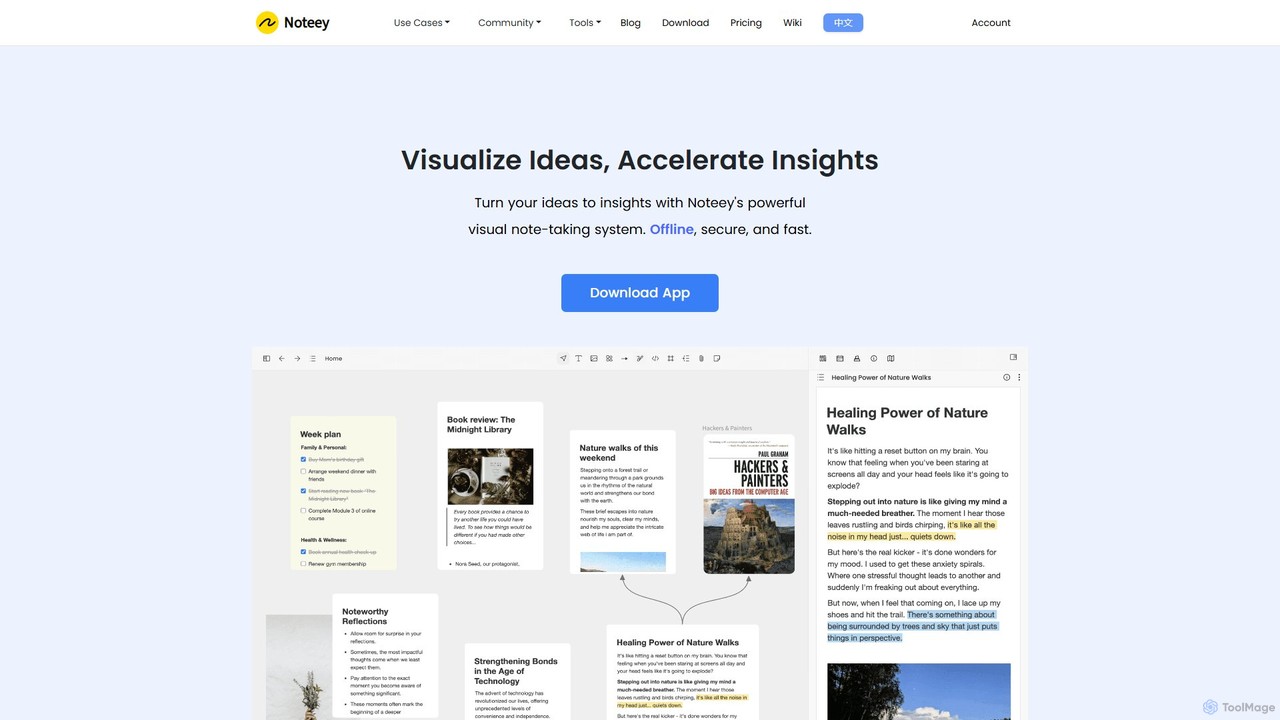
noteey
Noteey is an offline-first visual note-taking and knowledge management app for Mac & Windows. It features an infinite canvas to visually organize ideas, notes, PDFs, videos, and mind maps, helping you turn fragmented information into structured insights. Ideal for researchers, students, and creative thinkers.
Research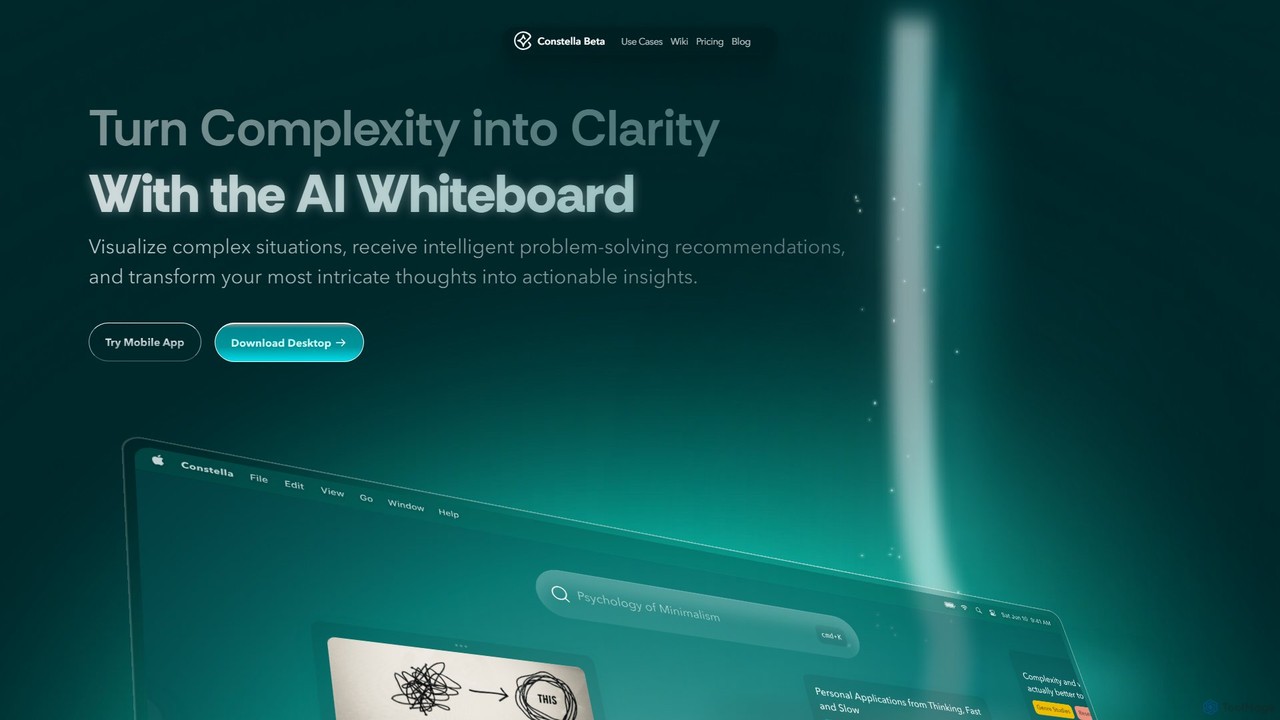
Constella
Constella is an AI-powered second brain application that uses a visual infinite graph to help you capture, connect, and visualize your thoughts. It moves beyond traditional folders, allowing you to organize ideas non-linearly, uncover hidden patterns, and receive intelligent problem-solving recommendations. Ideal for personal knowledge management, research, and creative thinking.
Knowledge Management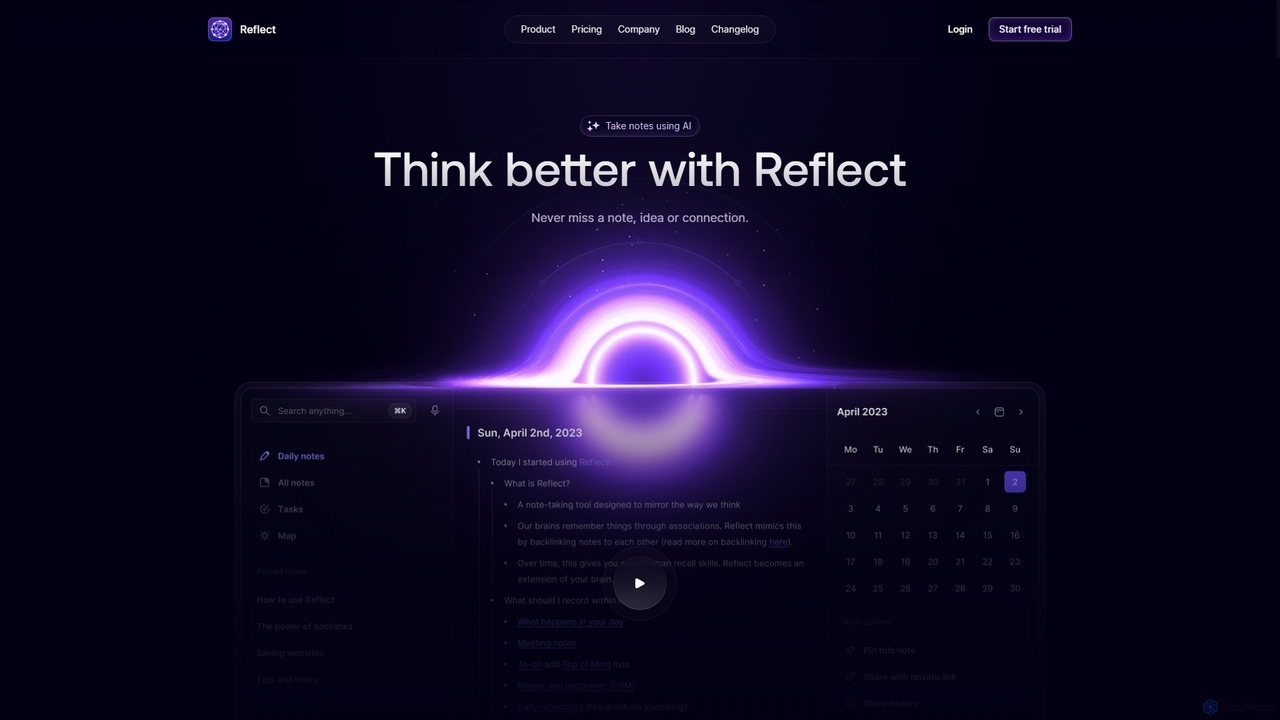
Reflect
Reflect is an AI-powered, networked note-taking app designed to help you think better. It acts as a 'second brain' by connecting your notes through backlinks, creating a graph of your ideas. With features like AI-driven transcription, summarization, end-to-end encryption, and seamless cross-device sync, it's built for speed, security, and frictionless thought capture.
Personal AssistantScrintal Categories
Scrintal Jobs
Scrintal Embed Widget
Copy this embed code to place the badge on your blog, article, or product site and send readers directly to this ToolMage detail page.

Related AI tools
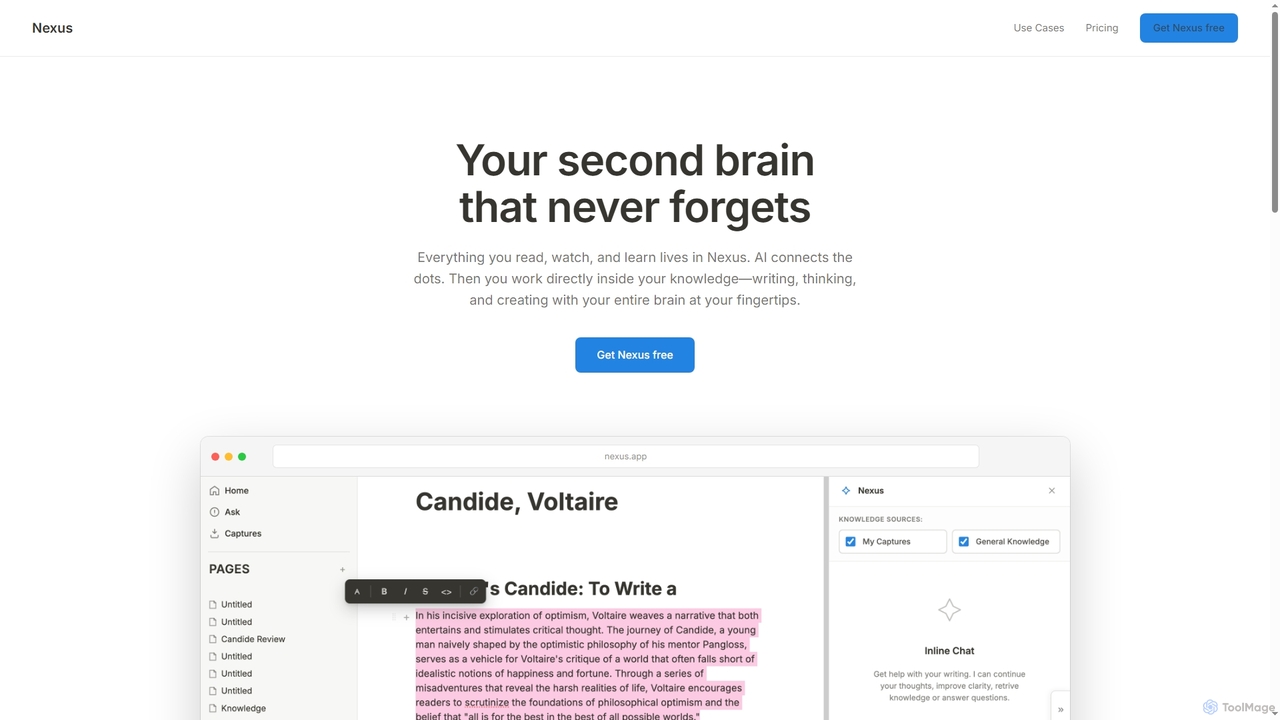
Reflect
Reflect is an AI-powered, networked note-taking app designed to help you think better. It acts as a 'second brain' by connecting your notes through backlinks, creating a graph of your ideas. With features like AI-driven transcription, summarization, end-to-end encryption, and seamless cross-device sync, it's built for speed, security, and frictionless thought capture.
Personal Assistant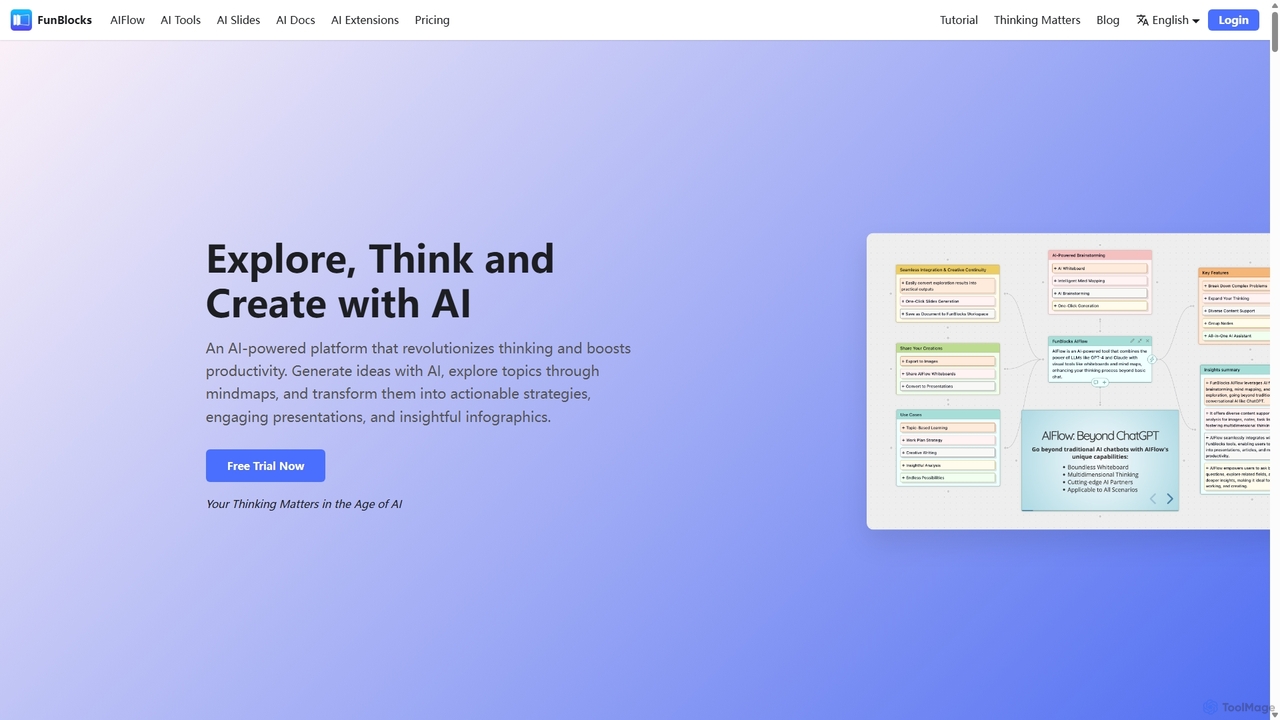
FunBlocks
FunBlocks is an all-in-one AI workspace designed to revolutionize thinking and boost productivity. It seamlessly integrates AI-powered tools for mind mapping (AIFlow), document creation (AI Docs), slide generation (AI Slides), and web research (Browser Extension). From brainstorming complex ideas visually to producing polished documents and presentations with a single click, FunBlocks supports the entire knowledge workflow, enhancing creativity and critical thinking for students, professionals, and teams.
Presentations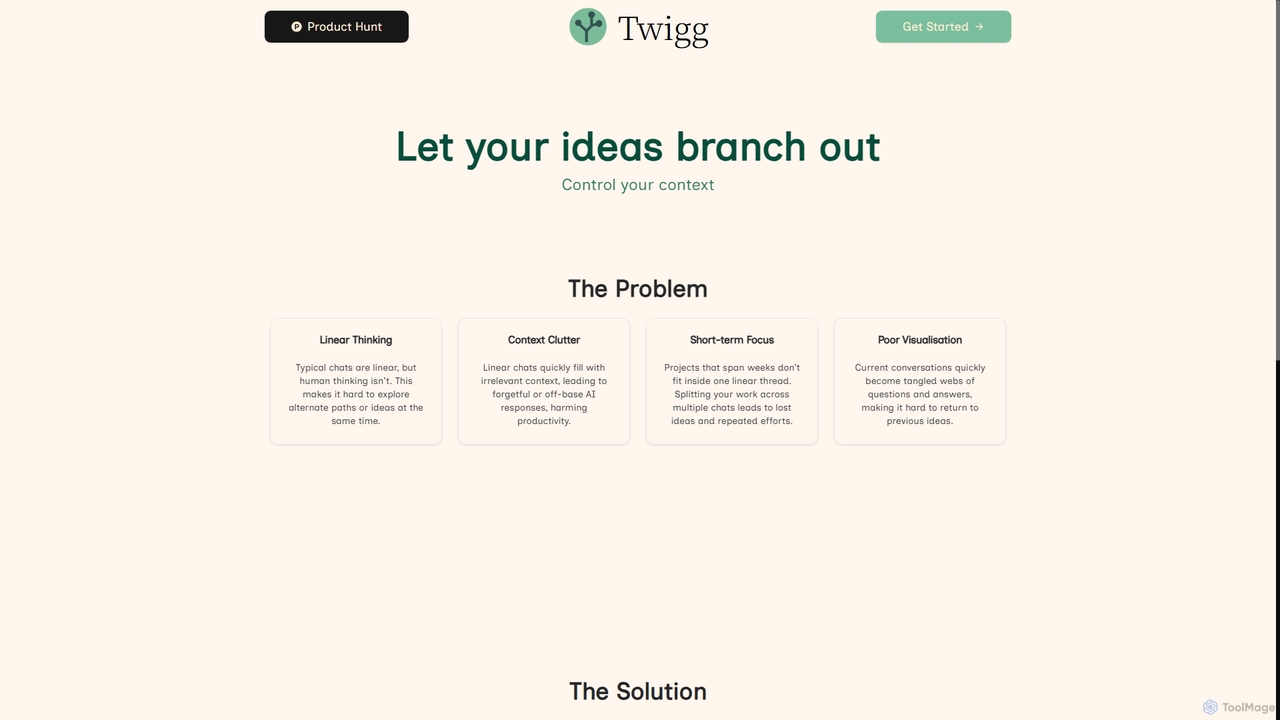
Twigg
Twigg is an innovative AI chat interface that transforms linear conversations into interactive, branching idea trees. It helps users manage context, explore tangents, and visualize complex projects, making long-term collaboration with LLMs more efficient and intuitive.
Context Management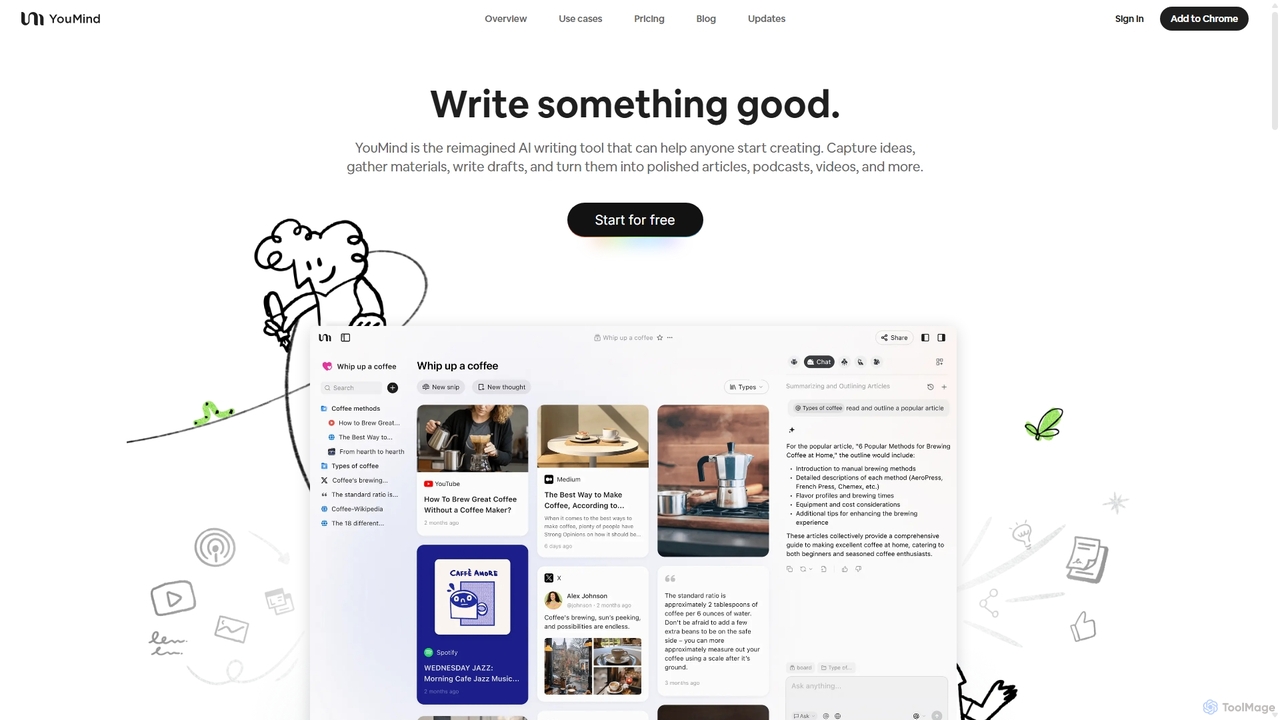
YouMind
YouMind is an AI-powered creation studio designed to streamline the entire content creation workflow. It integrates material collection from various sources like YouTube, podcasts, and articles into a unified workspace. Users can research, organize, and collaborate with top AI models to transform their ideas into polished articles, videos, and more, all within a single, project-based environment.
Knowledge Management
MindmapAI
MindmapAI is an advanced AI-powered platform that transforms ideas, PDFs, YouTube videos, and web URLs into structured, visual mind maps. It automates information analysis and organization, enabling users to quickly grasp complex topics, brainstorm effectively, and collaborate with teams in real-time. Ideal for students, professionals, and creators looking to enhance productivity and clarity.
Project Management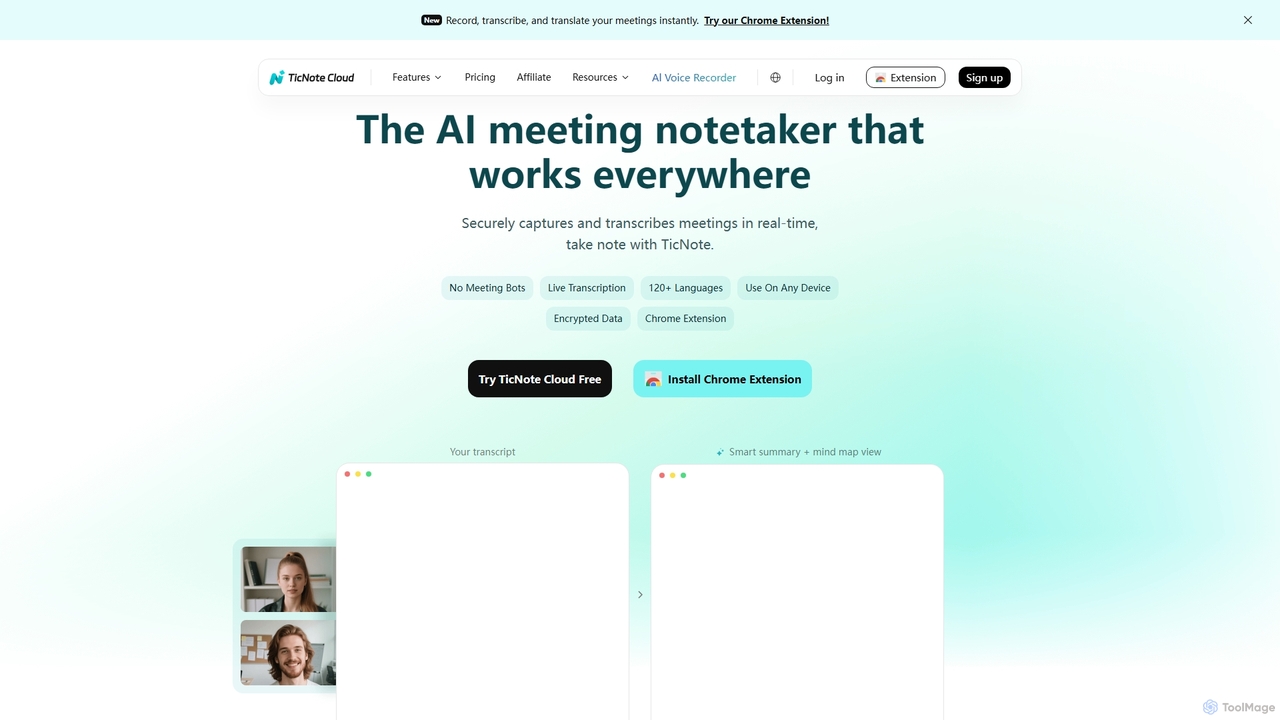
TicNote
TicNote is an AI-powered meeting notetaker that transcribes, summarizes, and organizes conversations in real-time across 120+ languages. It uses on-device AI to generate smart summaries, mind maps, and action items without meeting bots, enhancing productivity and knowledge management for professionals.
Language Processing
MindPlexa
MindPlexa is an AI-powered productivity platform that transforms ideas into actionable projects. It combines visual mind mapping with intelligent project management, allowing users to create, organize, and collaborate on ideas using intuitive canvases and smart nodes. The AI assistant helps generate project layouts, suggest tasks, and streamline workflows, making it an ideal tool for teams and individuals looking to boost creativity and efficiency.
TeamworkWikiwand
Wikiwand is an AI-powered platform that modernizes the Wikipedia reading experience. It offers a sleek, user-friendly interface and integrates AI tools like article summaries, interactive timelines, and a contextual chat assistant to help users discover and understand information faster. By combining Wikipedia's vast knowledge with advanced design and AI features, Wikiwand streamlines research and learning, making knowledge consumption more efficient and enjoyable.
ResearchMem
Mem is a self-organizing workspace powered by AI, designed to act as your personal second brain. It captures, connects, and resurfaces your notes automatically, eliminating the need for manual organization. With its integrated AI chat, you can search, summarize, and generate content from your own knowledge base.
Personal Assistant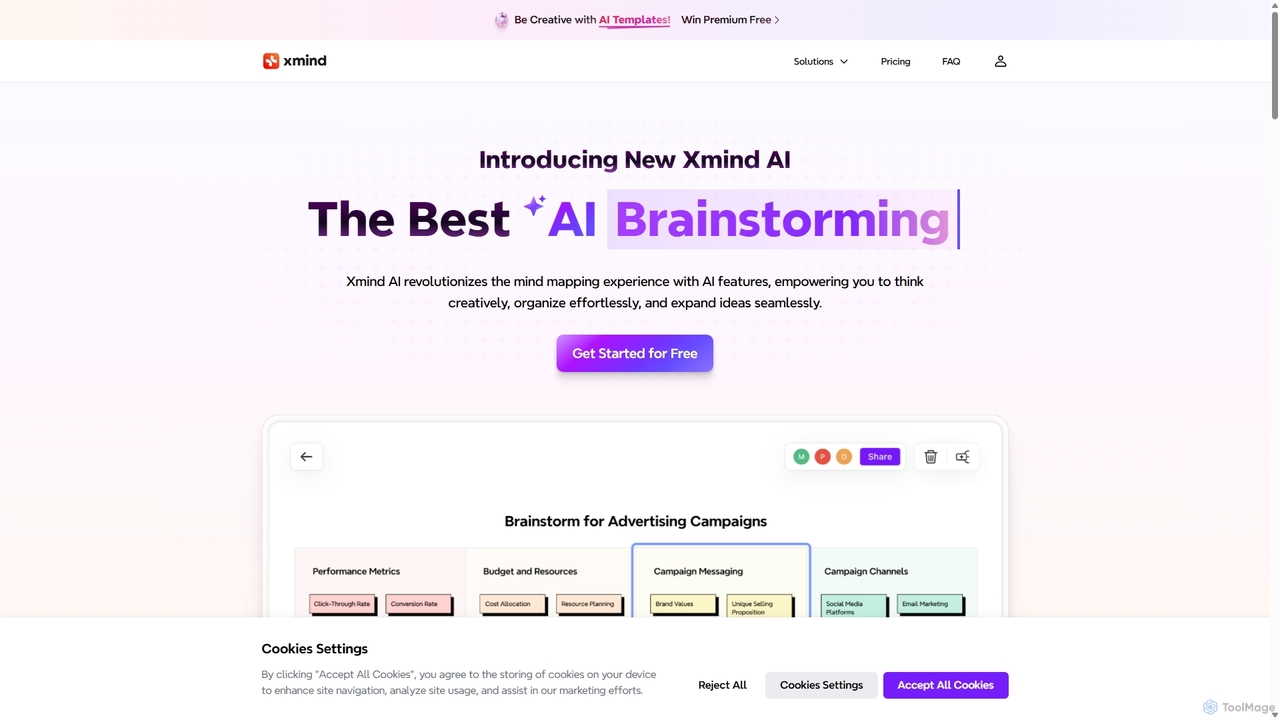
Xmind AI
Xmind AI is an advanced AI-powered mind mapping and brainstorming tool designed to enhance creativity and productivity. It helps users visualize thoughts, organize complex information, and collaborate with teams in real-time. With features like AI-driven idea generation, content summarization, and automated to-do lists, Xmind AI transforms abstract concepts into structured, actionable plans.
Teamwork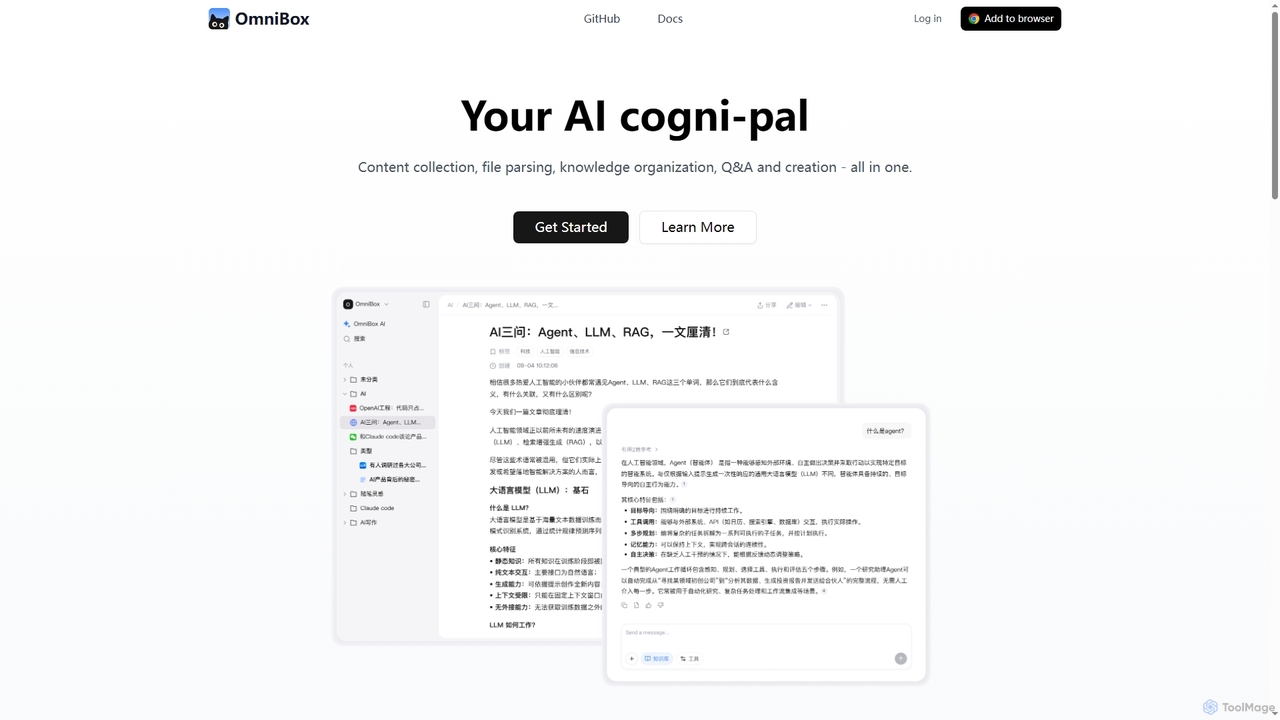
Omnibox
Omnibox is an AI-powered knowledge companion designed to streamline your information workflow. It helps you collect web content and local files, parse them into editable documents, and build a centralized, searchable knowledge base. Ask questions and get traceable answers from your own data.
Knowledge Management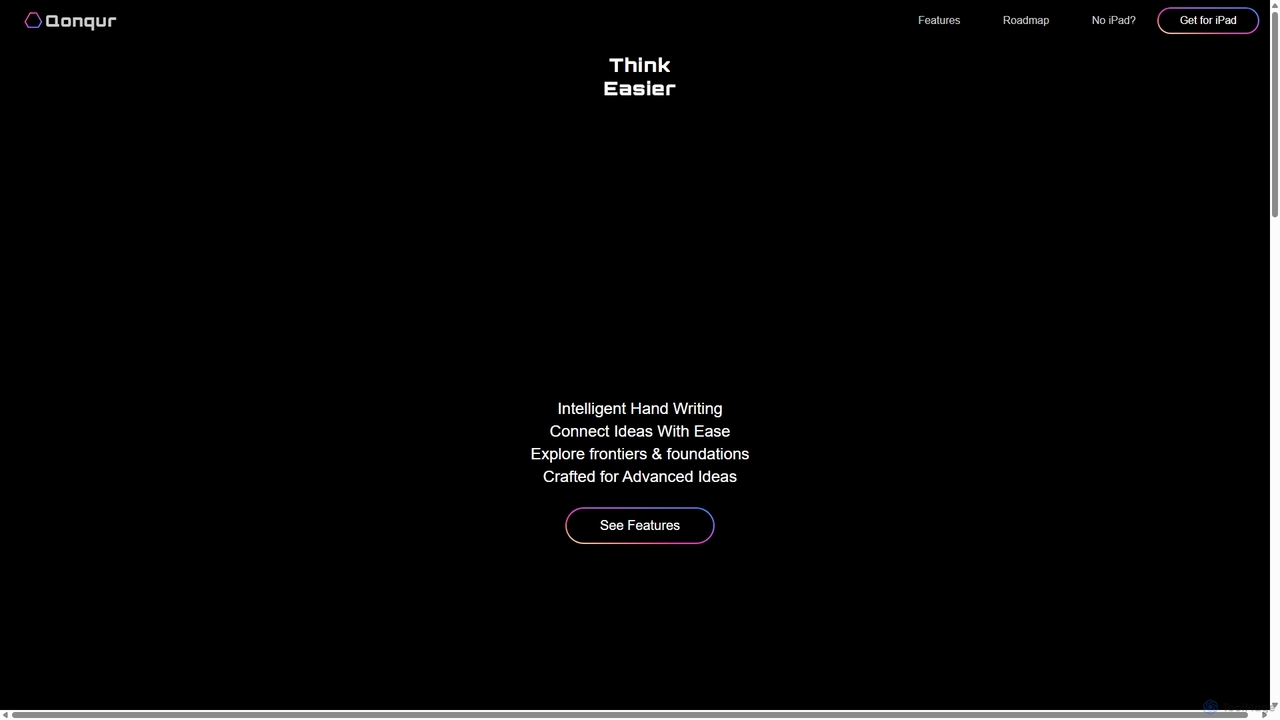
Qonqur
Qonqur is an AI-powered digital canvas for iPad that intelligently understands your handwriting and drawings. It's designed for students, researchers, and thinkers to seamlessly connect ideas, solve complex problems, and explore concepts in a unified, intuitive workspace without switching between apps.
Learning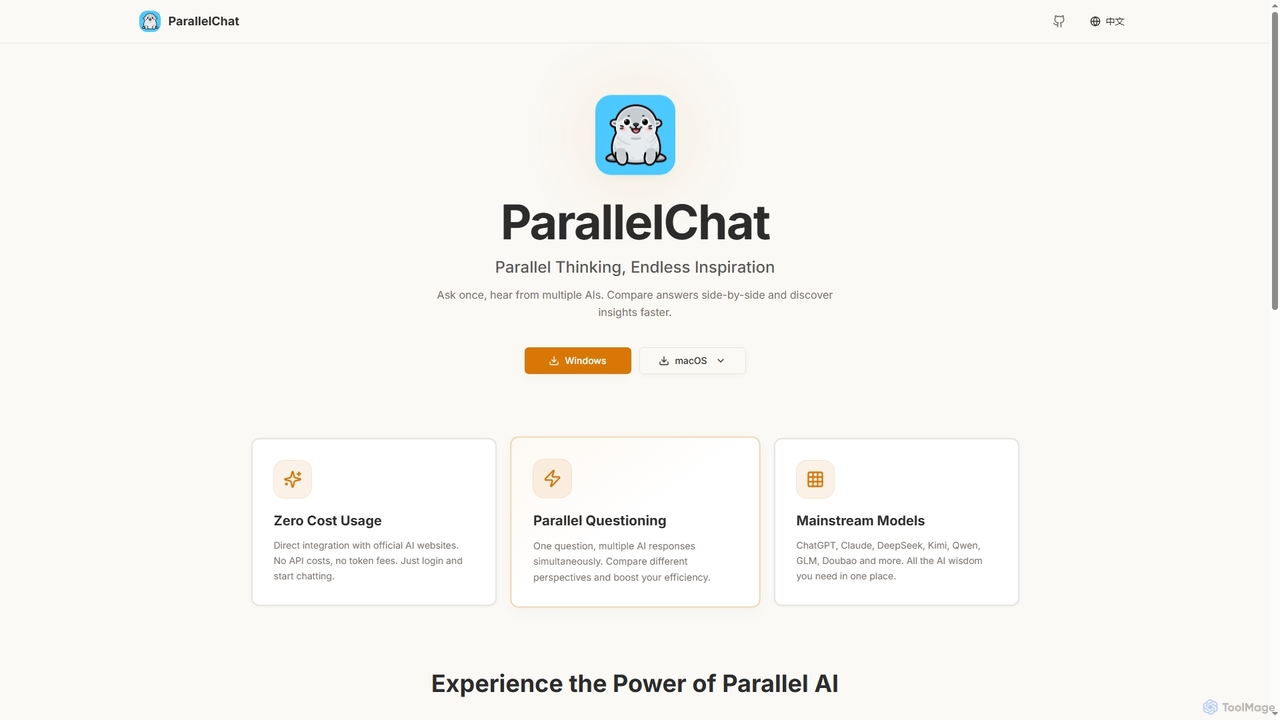
ParallelChat
ParallelChat is a desktop application for Windows and macOS that allows users to query multiple AI models simultaneously and compare their responses side-by-side. It integrates popular AIs like ChatGPT, Claude, and DeepSeek, offering diverse perspectives to boost efficiency and find better answers faster.
Writing Assistant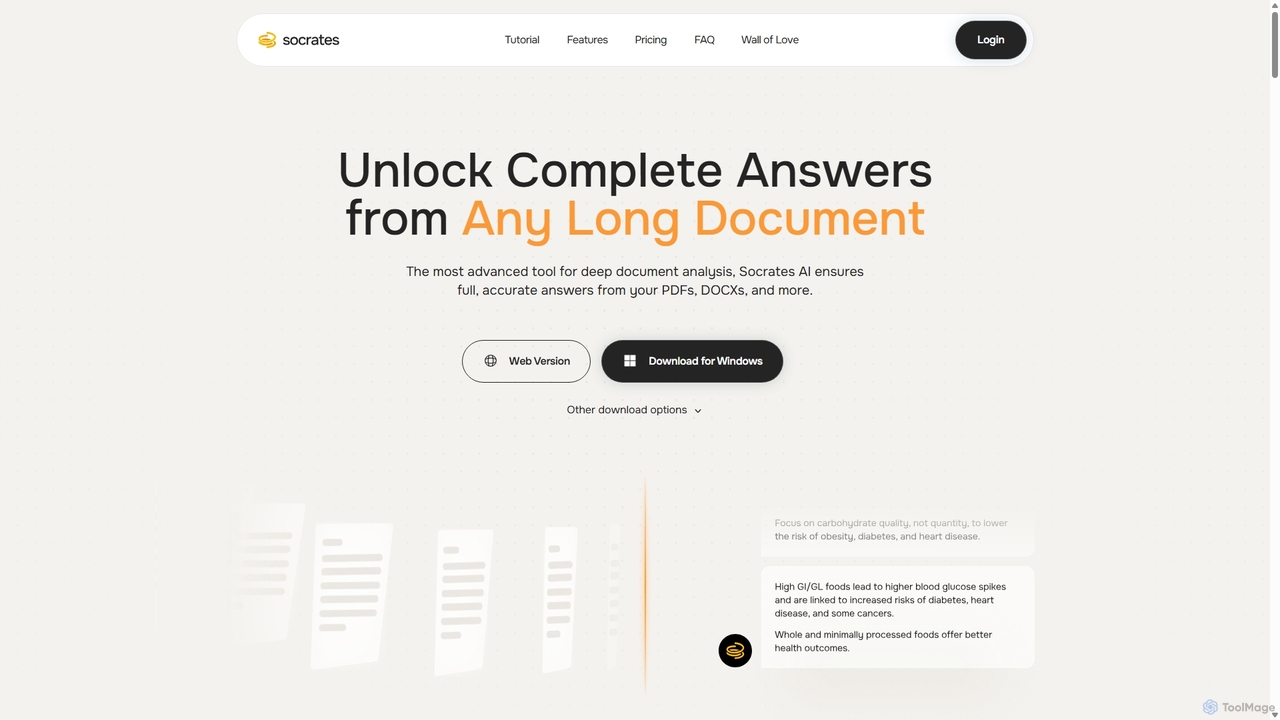
Socrates
Socrates is an advanced AI tool for deep document analysis. It allows users to upload long documents like PDFs and DOCX to get complete, accurate answers. Its unique 'Deep Dive' feature provides thorough analysis, while features like Table AI and Local LLM support cater to researchers, legal professionals, and students seeking detailed insights with enhanced data privacy.
Data Analysis
Scrintal Comments (0)
Sign in to comment.
Sign inNo comments yet.