

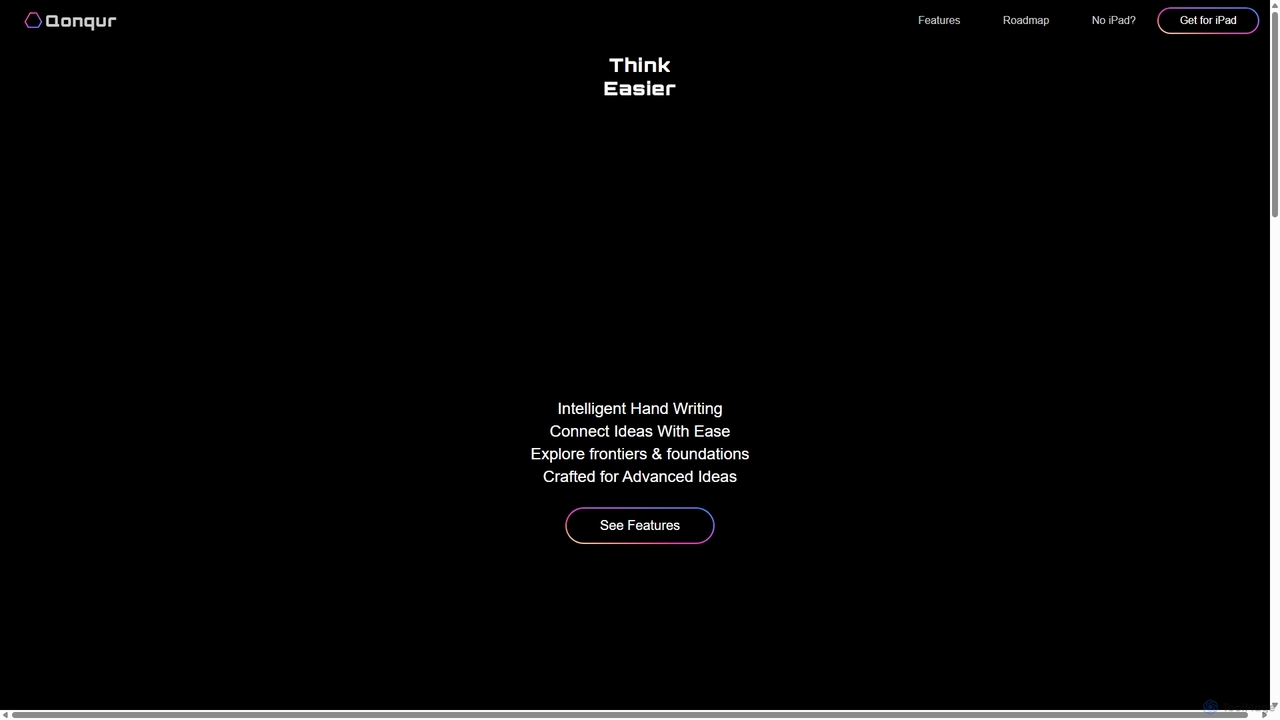
Qonqur Overview
Qonqur is a revolutionary application for iPad and Apple Pencil, designed to transform the way we think, learn, and create. It merges the natural, tactile experience of handwriting and drawing with the power of advanced artificial intelligence, creating a single, boundless canvas for your ideas. Qonqur's mission is to liberate intellect and creativity by providing a tool that enhances human intelligence rather than replacing it. It eliminates the constant need to switch between note-taking apps, AI chatbots, and search engines, offering a fluid and integrated environment for deep thinking and complex problem-solving.
The core philosophy of Qonqur is to facilitate a non-linear thinking process. Unlike traditional documents or linear chat threads, Qonqur allows you to visually map out your thoughts, connect disparate concepts with ease, and explore multiple lines of inquiry simultaneously. The AI is not just a passive assistant; it actively understands the context of your handwritten notes, mathematical equations, scientific diagrams, and even shorthand, providing relevant insights and solutions directly on your canvas.
How to use Qonqur
Using Qonqur is designed to be intuitive, following a simple three-step process to augment your workflow:
- Write and Draw Freely: Start by using your Apple Pencil to write or draw anything on the infinite canvas. This can be anything from complex mathematical equations and chemical structures to rough sketches, diagrams, or simple text notes. The platform is built to capture your thoughts as they flow, without constraints.
- Connect Your Ideas: As your canvas fills up, you can visually link related elements. Draw lines to connect different notes, group sketches together, or create mind maps that show the relationships between various concepts. This helps in building a comprehensive understanding of your subject.
- Engage the AI: Simply tap on any element or group of elements to activate the AI. You can ask it to solve an equation, explain a diagram, expand on a concept, or generate new ideas based on your existing notes. The AI provides responses in context, and you can even split AI chats into multiple threads to explore different angles without losing your main train of thought.
Core Features of Qonqur
- Intelligent Handwriting Recognition: The AI understands your handwriting, including complex notations, equations, and shorthand, allowing for natural interaction.
- Integrated AI on an Infinite Canvas: A limitless digital space where you can write, draw, and interact with a powerful AI assistant without ever leaving the app.
- Multi-Threaded AI Conversations: Break free from linear chatbot interactions. Split AI conversations into multiple branches to explore different ideas in parallel.
- Visual Idea Connection: Tools to visually link and organize your thoughts, creating dynamic mind maps and concept webs.
- STEM and Research Optimized: Advanced capabilities for handling and solving mathematical problems, scientific diagrams, and technical sketches, making it ideal for learners and researchers in STEM fields.
- Unified Workspace: Replaces the need for separate note-taking apps, whiteboards, calculators, and AI assistants by combining all their functionalities into one seamless interface.
Use Cases for Qonqur
Qonqur is built for anyone engaged in deep thinking and complex problem-solving:
- Students and Learners: Ideal for tackling homework in subjects like math, science, and engineering. Students can write down problems, have the AI explain the steps, and visualize complex concepts.
- Researchers: A powerful tool for brainstorming, mapping out research frameworks, and exploring connections between different theories or data points in fields like Artificial Intelligence and Quantum Computation.
- Thinkers and Creatives: Perfect for mind mapping, strategic planning, and developing new ideas. The unconstrained canvas allows for free-form exploration of any topic.
- Professionals: Engineers, architects, and designers can use it for sketching initial concepts, annotating plans, and collaborating with AI on technical challenges.
Advantages of Qonqur
Qonqur offers a significant advantage by creating a synergistic relationship between the user and the AI. It enhances your natural cognitive processes, allowing for a more intuitive and powerful way to work with information. By keeping you in a single, focused environment, it minimizes distractions and cognitive load, enabling you to do the work that truly matters. The emphasis on visual, non-linear thinking helps unlock new insights and fosters a deeper understanding of complex subjects.
Pricing and Plans
Qonqur is available as an application for the iPad. For the most current pricing and plan details, please visit the Apple App Store. The website encourages users of other devices to register their interest for future platform support.
Qonqur Alternatives
Scrintal
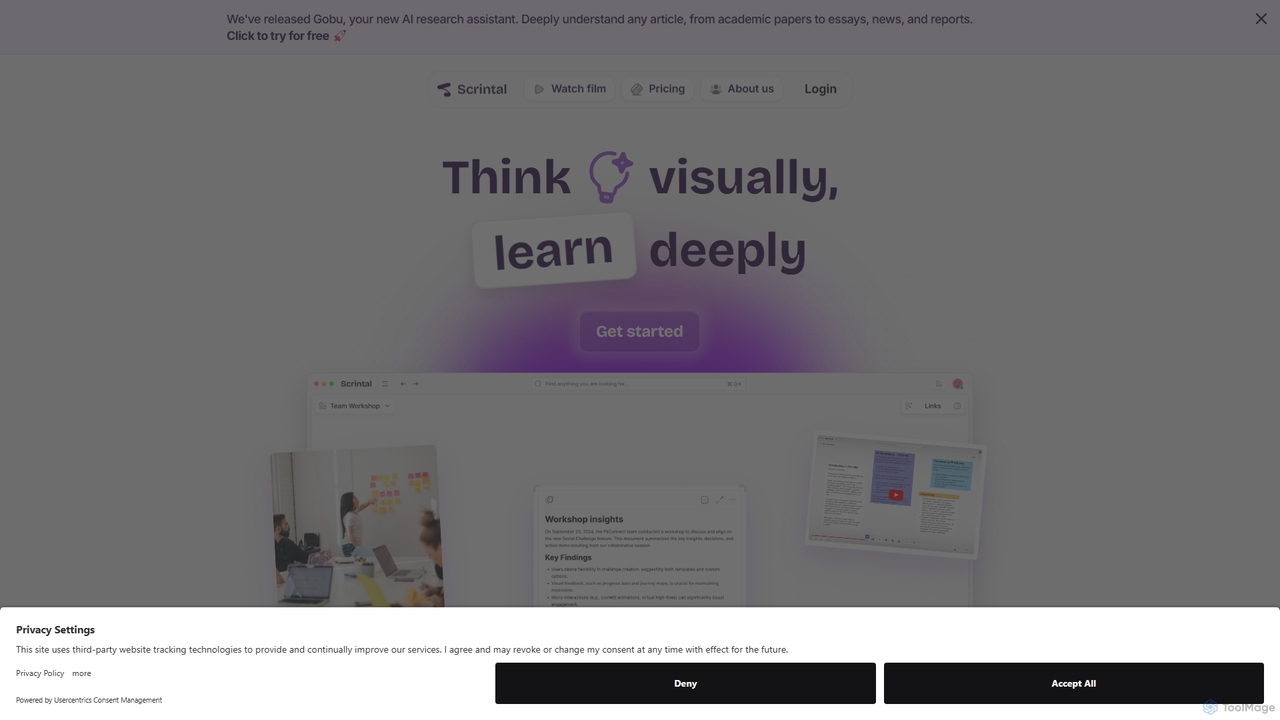
Scrintal is an AI-powered visual note-taking and research tool designed for thinkers, researchers, and students. It combines an infinite canvas for brainstorming with a powerful block-based editor and an AI assistant, Gobu. Organize ideas, connect concepts with bi-directional links, and seamlessly turn your visual thoughts into structured written documents.
Research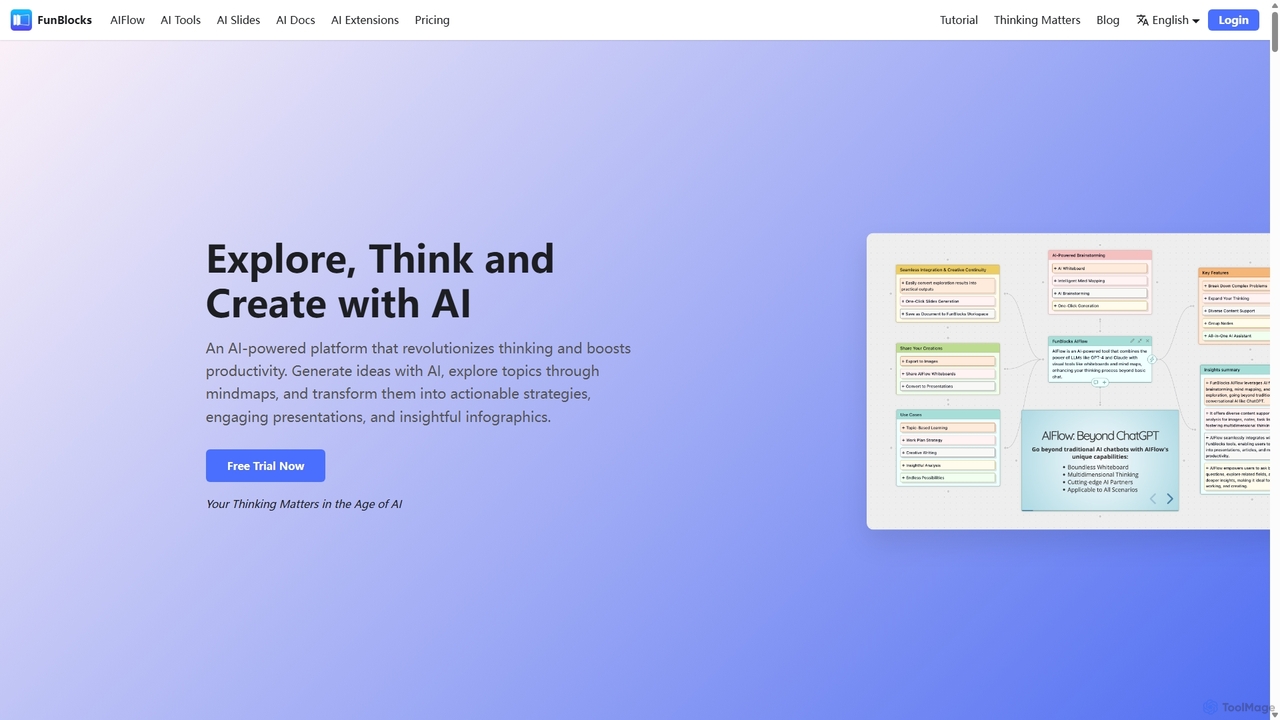
FunBlocks
FunBlocks is an all-in-one AI workspace designed to revolutionize thinking and boost productivity. It seamlessly integrates AI-powered tools for mind mapping (AIFlow), document creation (AI Docs), slide generation (AI Slides), and web research (Browser Extension). From brainstorming complex ideas visually to producing polished documents and presentations with a single click, FunBlocks supports the entire knowledge workflow, enhancing creativity and critical thinking for students, professionals, and teams.
Presentations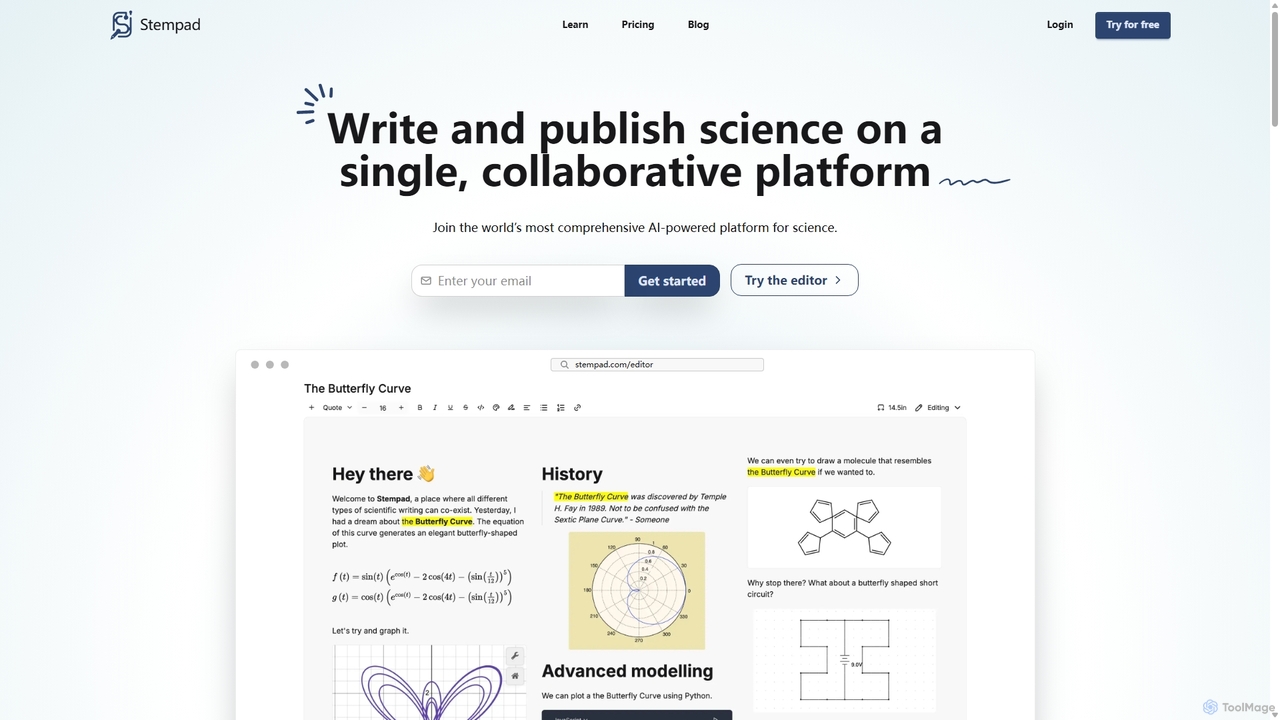
Stempad
Stempad is an AI-powered, collaborative platform designed for scientific writing and note-taking. It streamlines the process of creating technical documents by integrating intuitive tools for math equations, chemical structures, graphs, and diagrams into a single, fast online editor, making it ideal for students, educators, and researchers in STEM fields.
Student Tools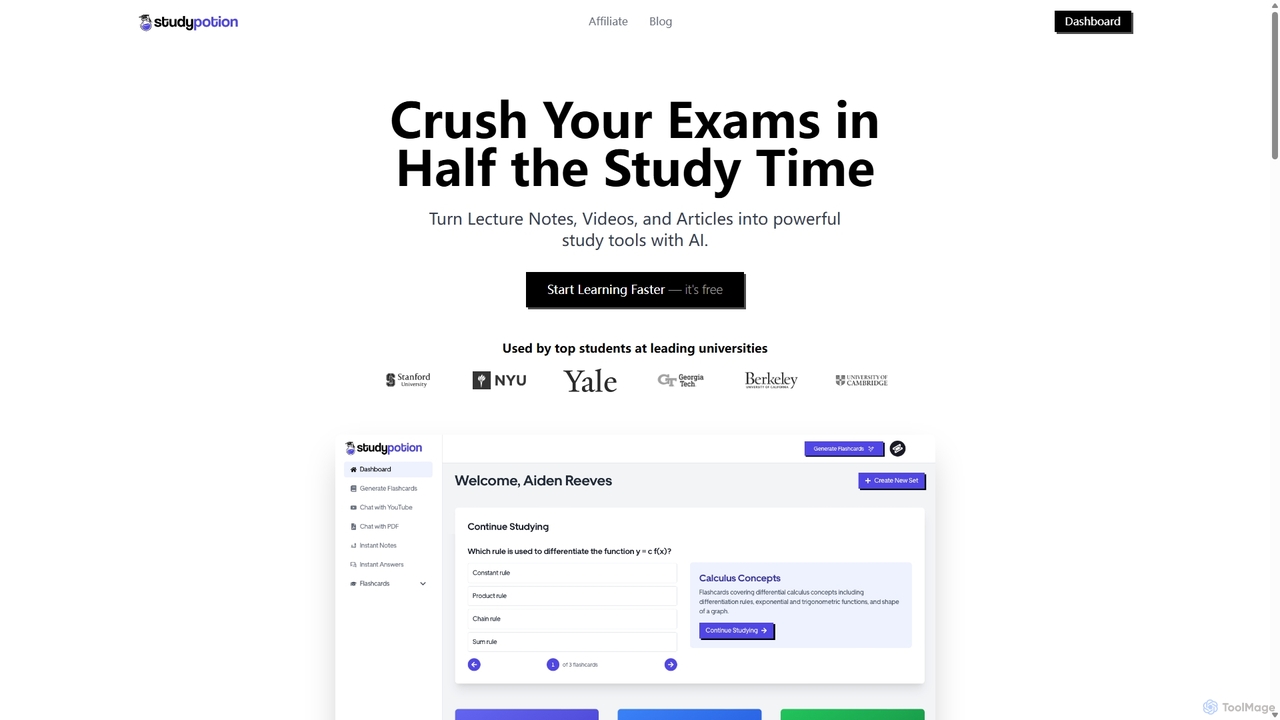
StudyPotion
StudyPotion is an AI-powered learning platform that transforms your study materials—like lecture notes, videos, and articles—into interactive study tools. Instantly generate flashcards, chat with your documents to deepen understanding, and get summarized AI notes to streamline your revision process. It's designed for students to learn faster and more effectively, helping you ace exams with less stress.
Summarizer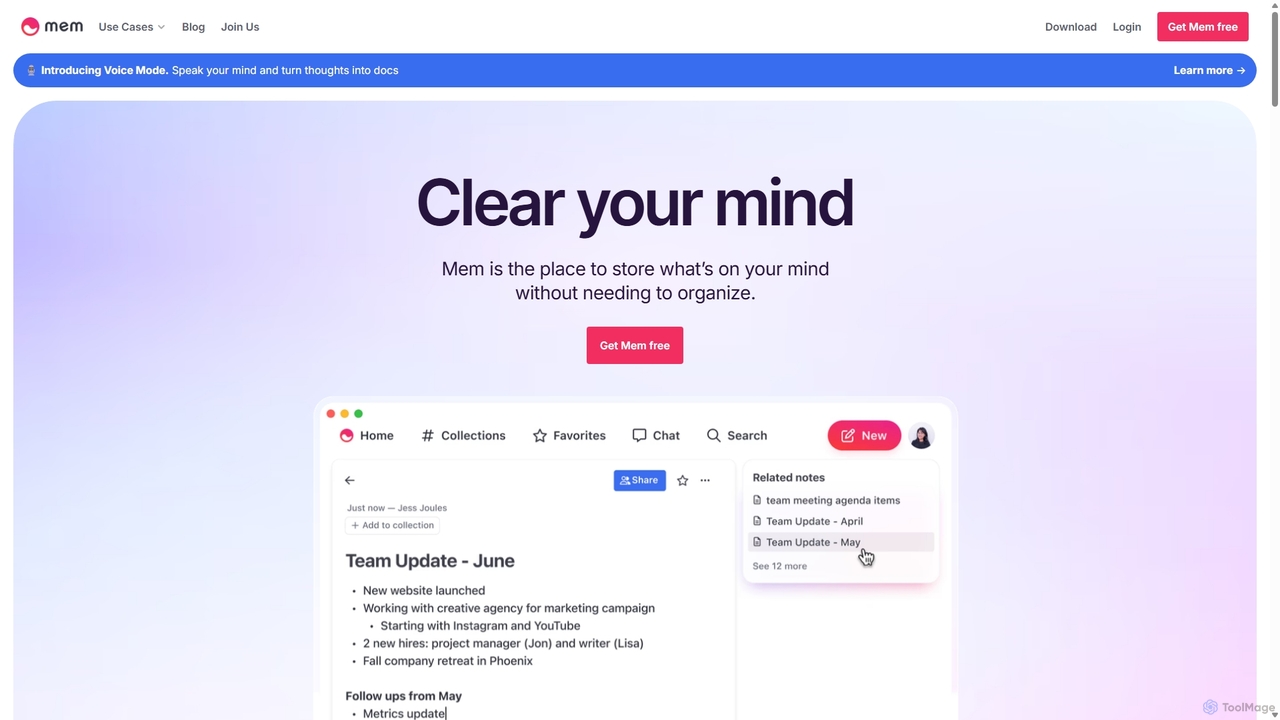
Mem
Mem is a self-organizing workspace powered by AI, designed to act as your personal second brain. It captures, connects, and resurfaces your notes automatically, eliminating the need for manual organization. With its integrated AI chat, you can search, summarize, and generate content from your own knowledge base.
Personal AssistantQonqur Categories
Qonqur Jobs
Qonqur Embed Widget
Copy this embed code to place the badge on your blog, article, or product site and send readers directly to this ToolMage detail page.

Related AI tools
Scrintal
Scrintal is an AI-powered visual note-taking and research tool designed for thinkers, researchers, and students. It combines an infinite canvas for brainstorming with a powerful block-based editor and an AI assistant, Gobu. Organize ideas, connect concepts with bi-directional links, and seamlessly turn your visual thoughts into structured written documents.
ResearchFunBlocks
FunBlocks is an all-in-one AI workspace designed to revolutionize thinking and boost productivity. It seamlessly integrates AI-powered tools for mind mapping (AIFlow), document creation (AI Docs), slide generation (AI Slides), and web research (Browser Extension). From brainstorming complex ideas visually to producing polished documents and presentations with a single click, FunBlocks supports the entire knowledge workflow, enhancing creativity and critical thinking for students, professionals, and teams.
PresentationsStempad
Stempad is an AI-powered, collaborative platform designed for scientific writing and note-taking. It streamlines the process of creating technical documents by integrating intuitive tools for math equations, chemical structures, graphs, and diagrams into a single, fast online editor, making it ideal for students, educators, and researchers in STEM fields.
Student Tools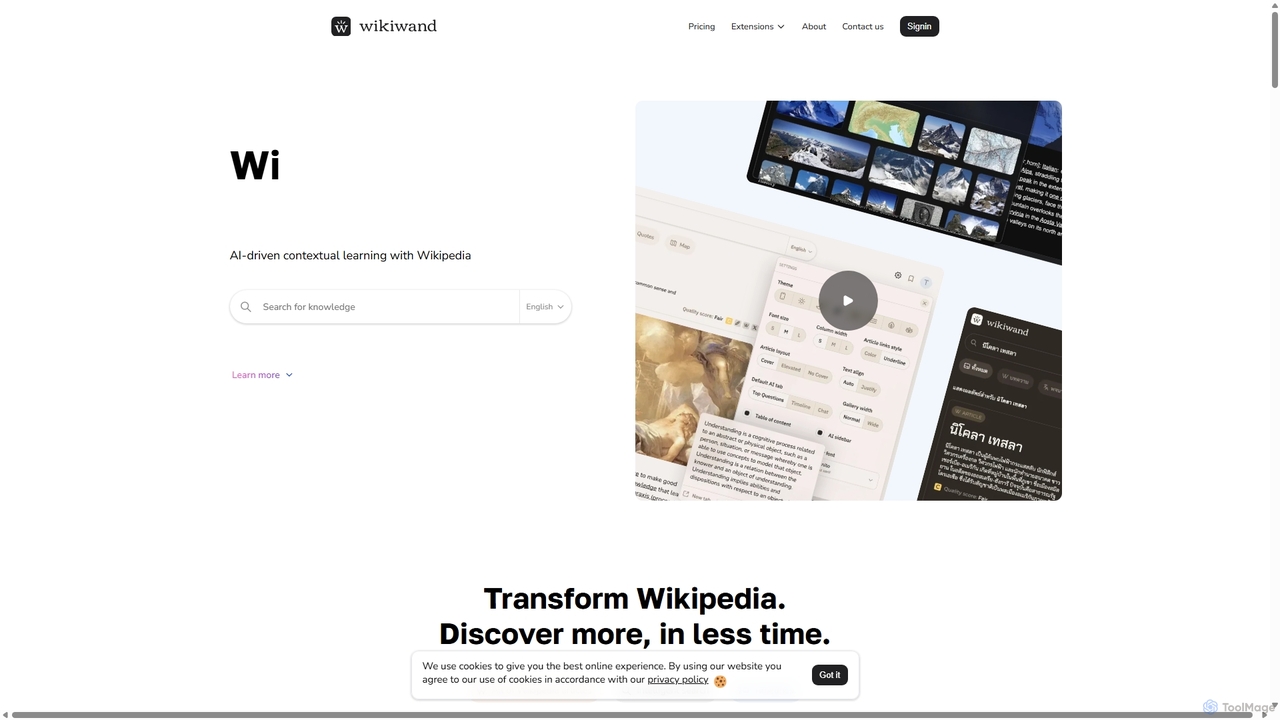
Wikiwand
Wikiwand is an AI-powered platform that modernizes the Wikipedia reading experience. It offers a sleek, user-friendly interface and integrates AI tools like article summaries, interactive timelines, and a contextual chat assistant to help users discover and understand information faster. By combining Wikipedia's vast knowledge with advanced design and AI features, Wikiwand streamlines research and learning, making knowledge consumption more efficient and enjoyable.
Research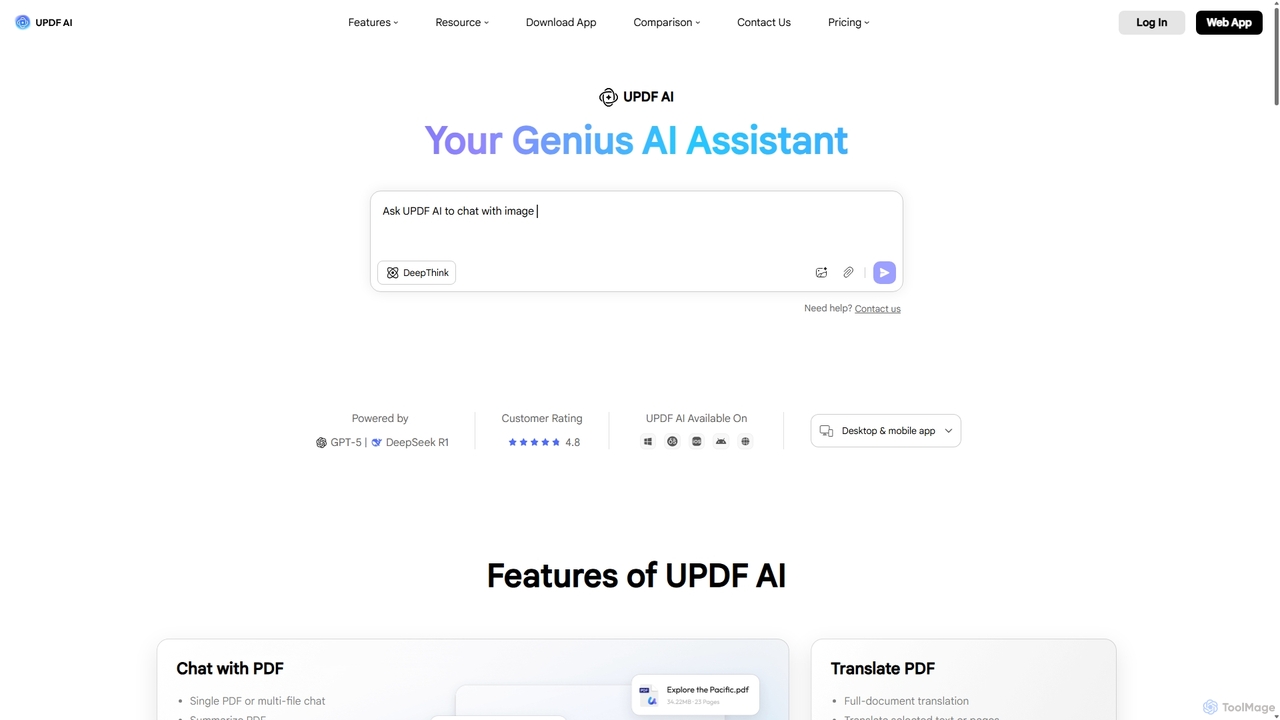
UPDF AI
UPDF AI is a powerful AI assistant integrated into the UPDF editor, designed to revolutionize how you interact with PDF documents. It allows you to chat with your PDFs, get instant summaries, translate entire documents or selected text, explain complex data, and even convert dense content into visual mind maps. Available on Windows, macOS, iOS, Android, and the web, it streamlines workflows for students, researchers, and professionals by making document comprehension and analysis faster and more efficient.
Research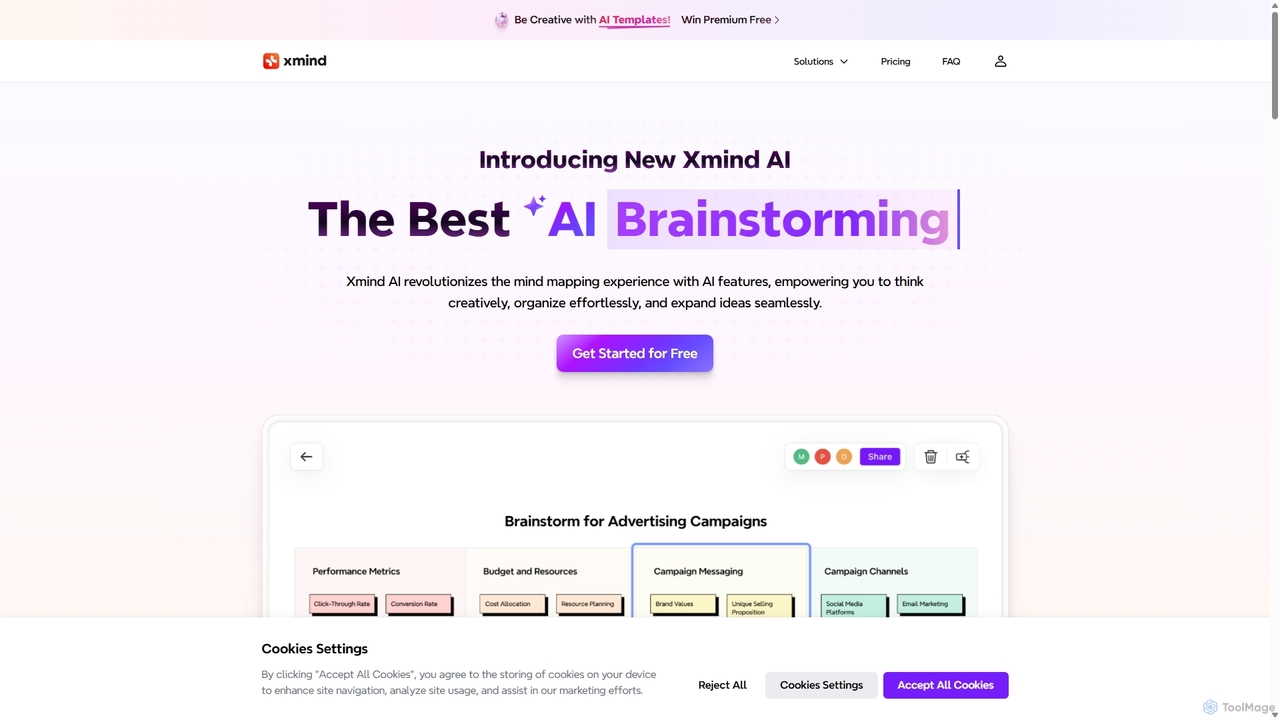
Xmind AI
Xmind AI is an advanced AI-powered mind mapping and brainstorming tool designed to enhance creativity and productivity. It helps users visualize thoughts, organize complex information, and collaborate with teams in real-time. With features like AI-driven idea generation, content summarization, and automated to-do lists, Xmind AI transforms abstract concepts into structured, actionable plans.
Teamwork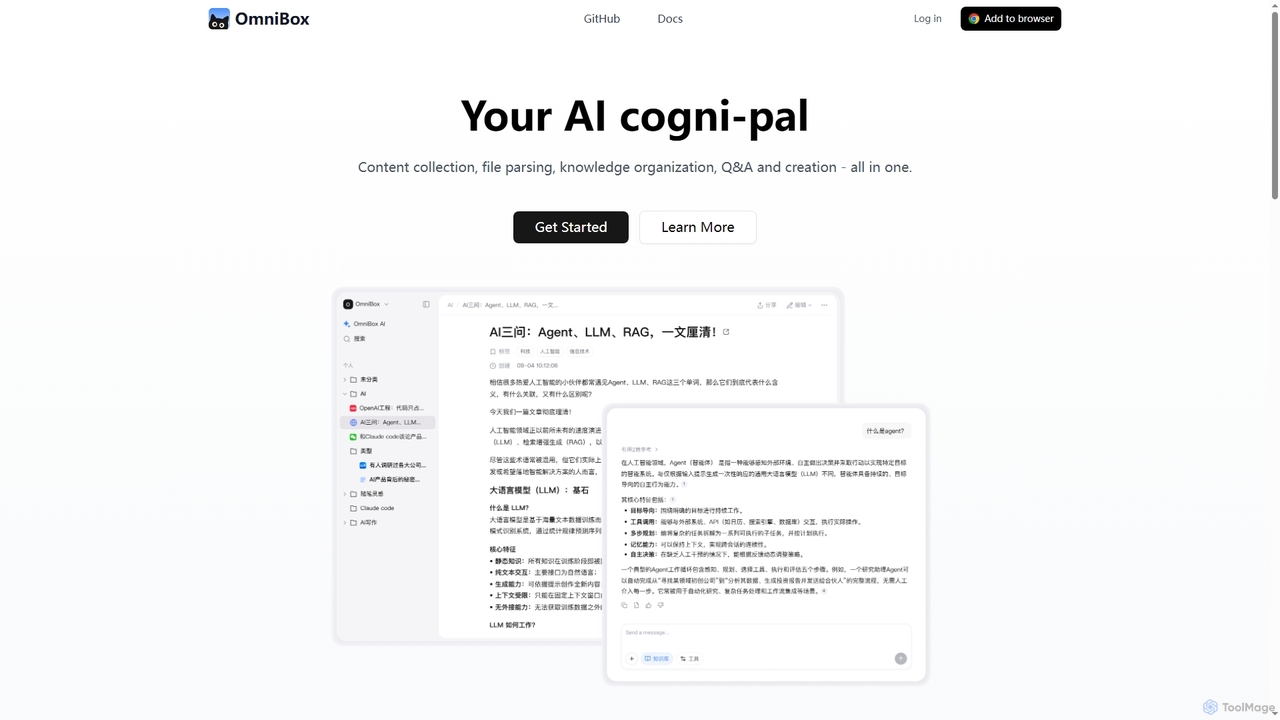
Omnibox
Omnibox is an AI-powered knowledge companion designed to streamline your information workflow. It helps you collect web content and local files, parse them into editable documents, and build a centralized, searchable knowledge base. Ask questions and get traceable answers from your own data.
Knowledge Management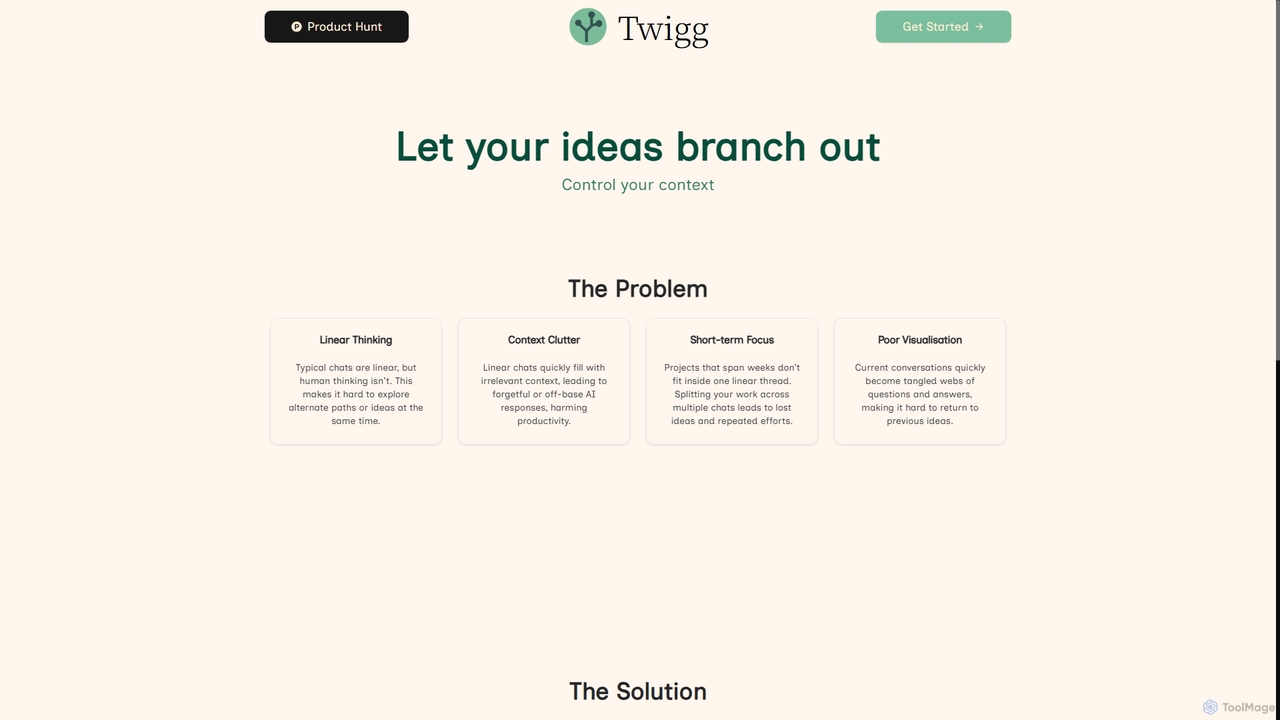
Twigg
Twigg is an innovative AI chat interface that transforms linear conversations into interactive, branching idea trees. It helps users manage context, explore tangents, and visualize complex projects, making long-term collaboration with LLMs more efficient and intuitive.
Context Management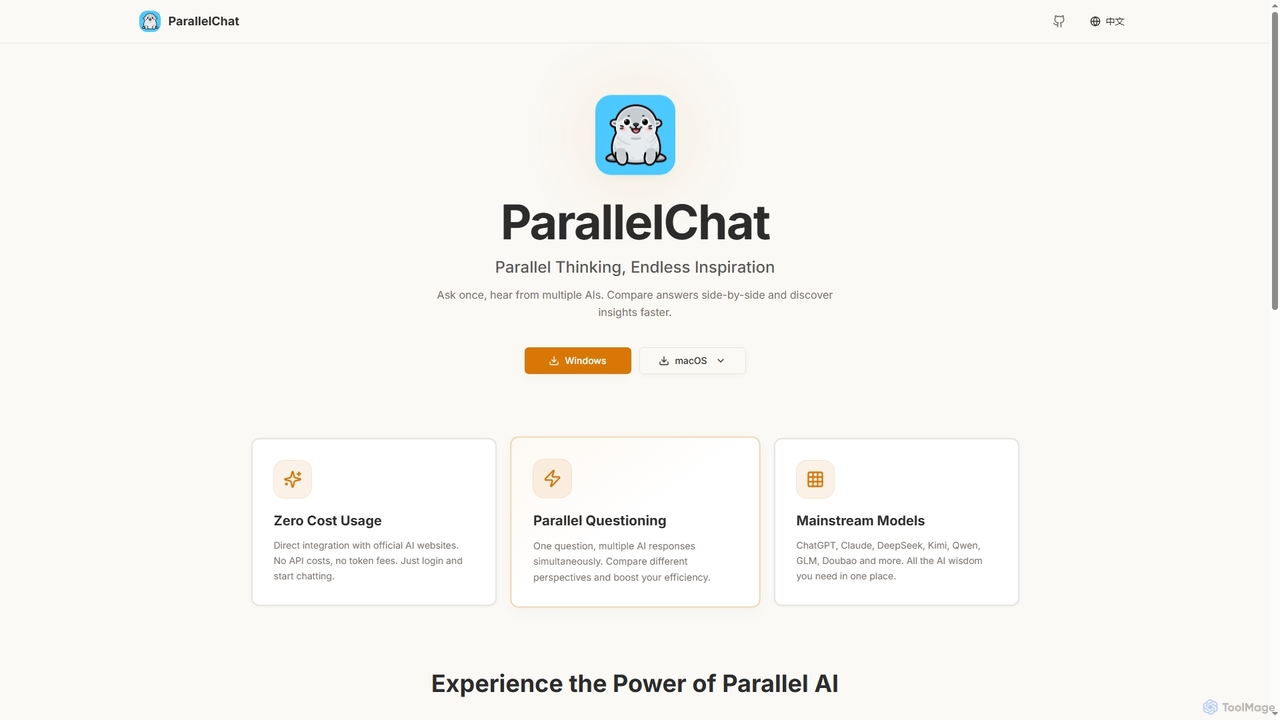
ParallelChat
ParallelChat is a desktop application for Windows and macOS that allows users to query multiple AI models simultaneously and compare their responses side-by-side. It integrates popular AIs like ChatGPT, Claude, and DeepSeek, offering diverse perspectives to boost efficiency and find better answers faster.
Writing Assistant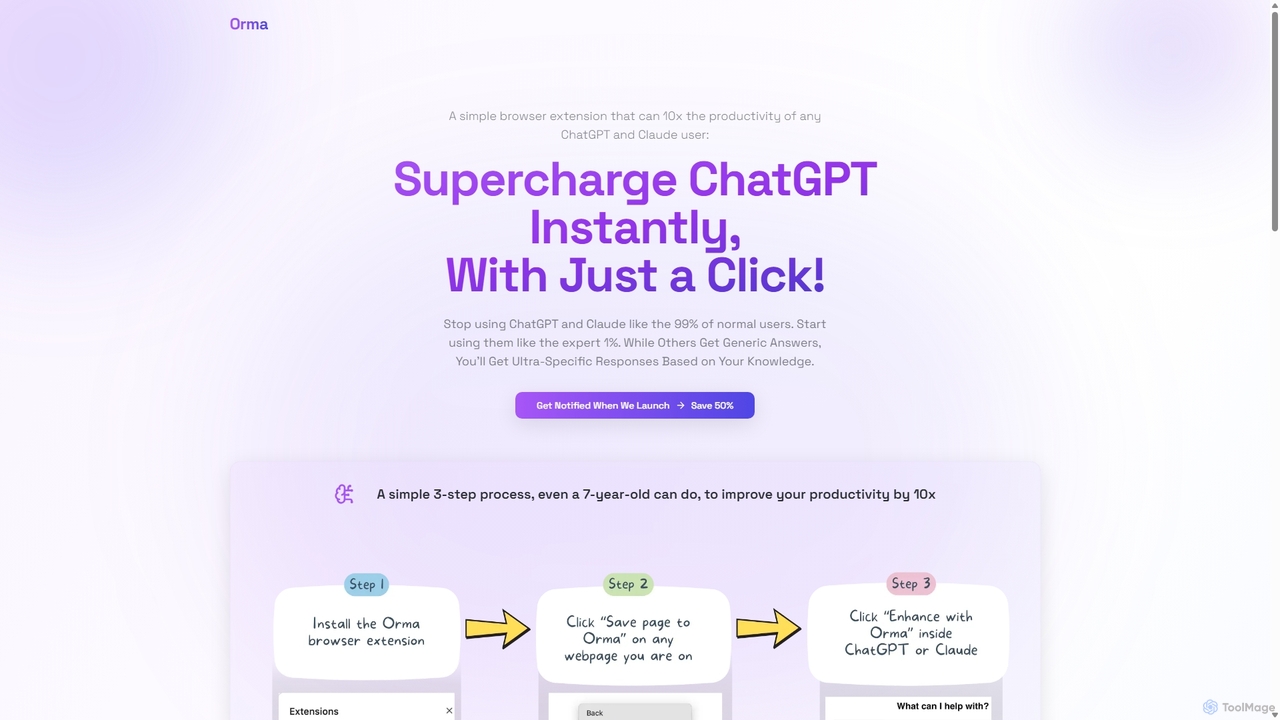
Orma
Orma is a browser extension that transforms your web browsing into a personal knowledge base, or 'digital memory layer'. It allows you to intelligently capture web content and seamlessly integrate it with AI models like ChatGPT and Claude. This turns generic AI responses into highly specific, personalized insights based on your own curated knowledge, boosting productivity by up to 10x.
Search Tools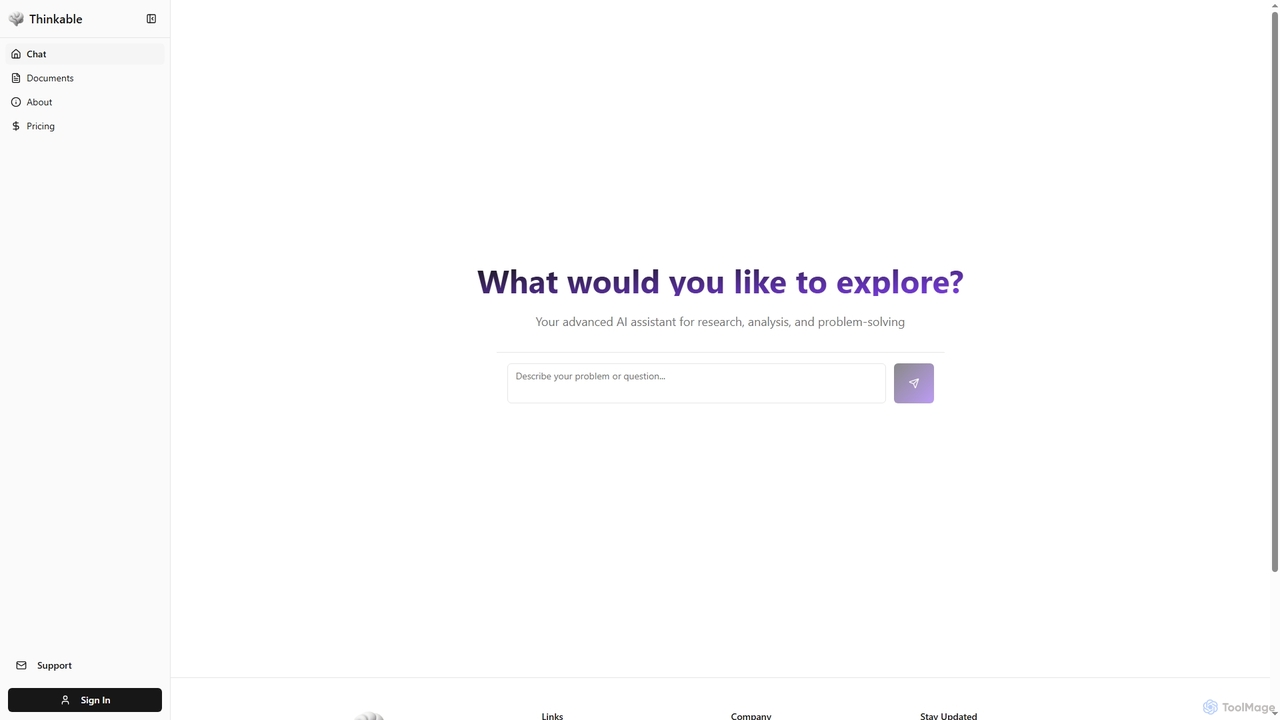
Thinkable
Thinkable is an advanced AI thinking companion designed to enhance human intelligence through deep research, analysis, and problem-solving. It leverages cognitive science principles to foster active learning, personal growth, and critical thinking, adapting to your unique learning style for effective information absorption and retention.
Critical Thinking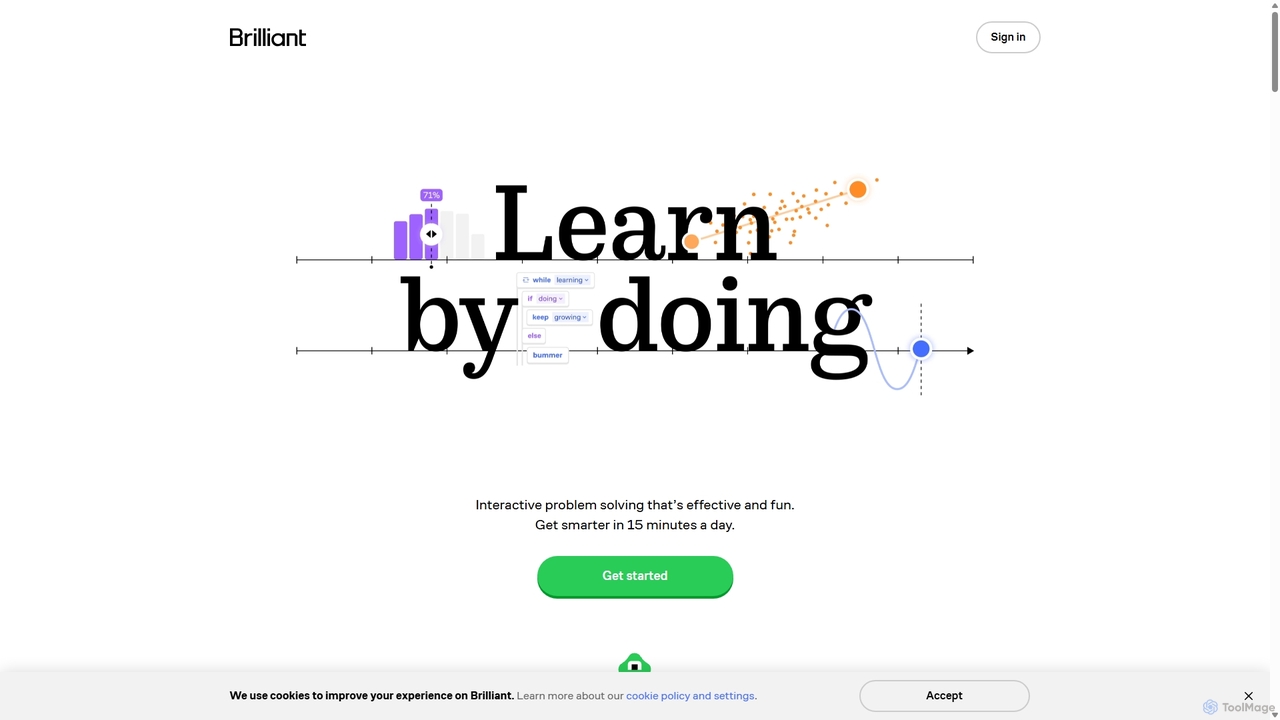
Brilliant
Brilliant is an interactive learning platform that helps you master concepts in math, science, computer science, and AI through hands-on problem-solving. It replaces traditional video lectures with engaging, bite-sized lessons designed to build your critical thinking and quantitative skills in just 15 minutes a day.
Learning Platform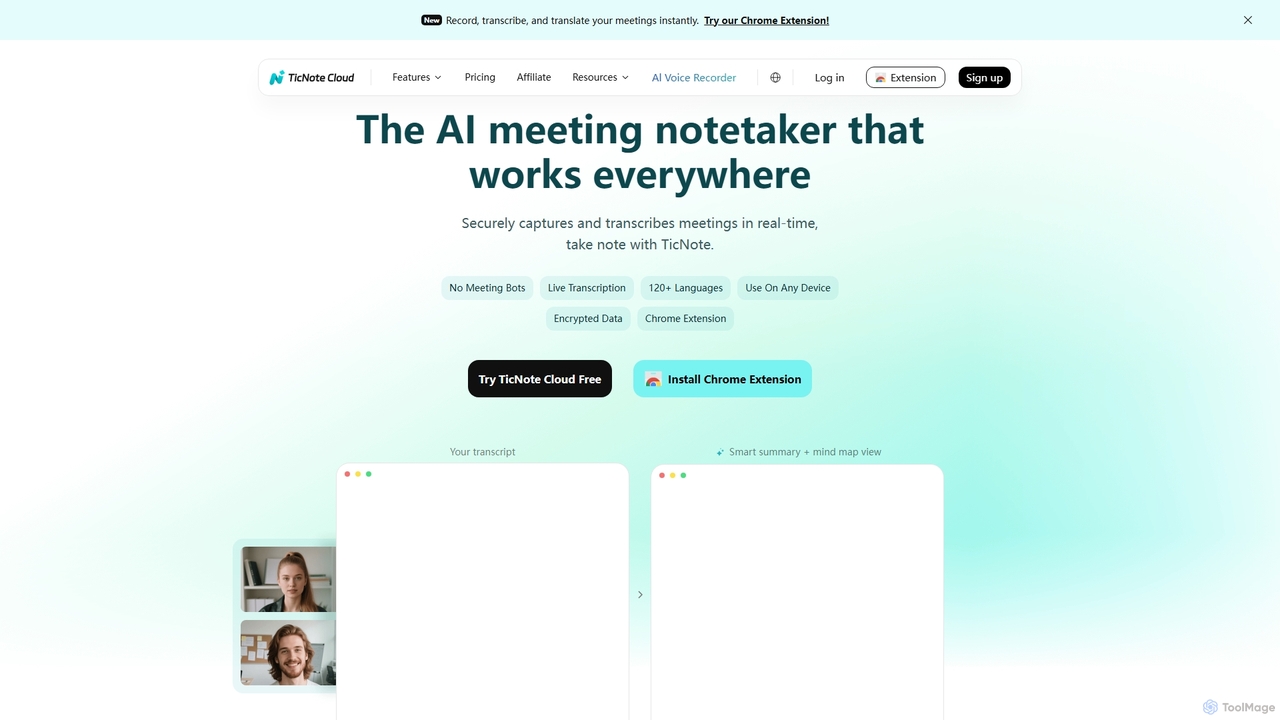
TicNote
TicNote is an AI-powered meeting notetaker that transcribes, summarizes, and organizes conversations in real-time across 120+ languages. It uses on-device AI to generate smart summaries, mind maps, and action items without meeting bots, enhancing productivity and knowledge management for professionals.
Language Processing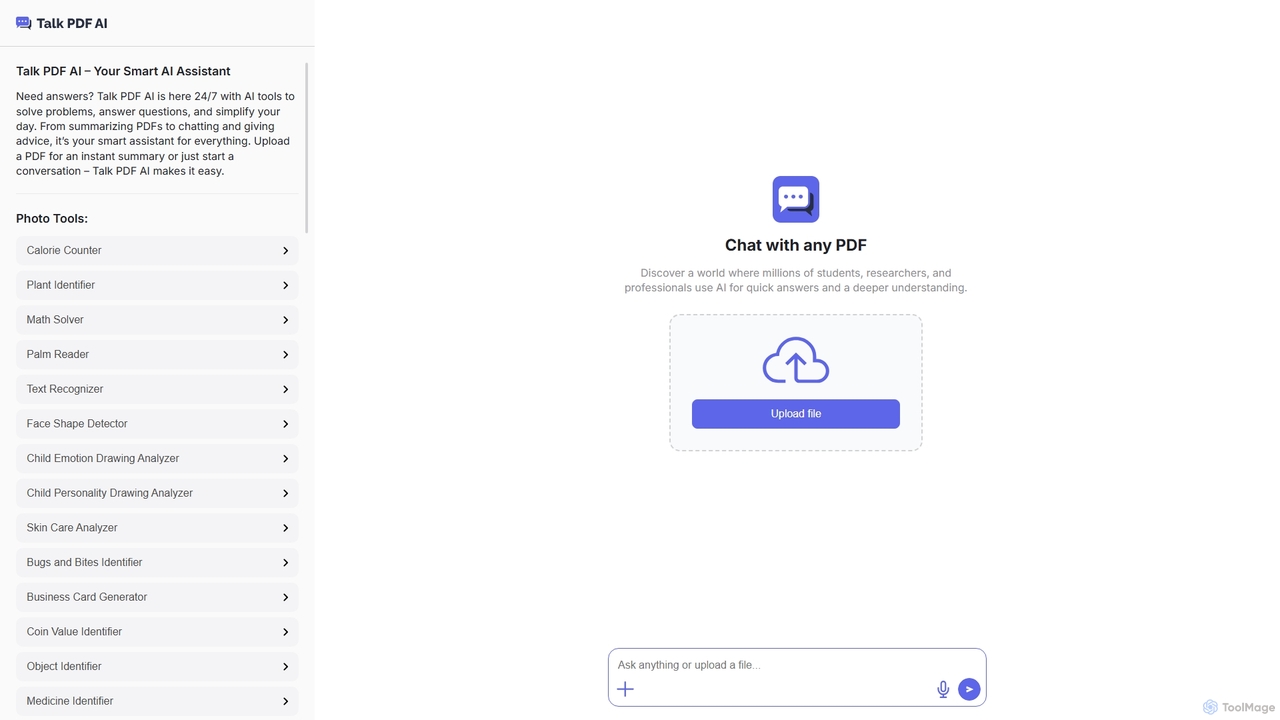
TalkPDF
TalkPDF is an intelligent AI assistant designed to simplify daily tasks by offering a wide array of tools. It excels at interacting with PDFs, providing instant summaries, answering questions, and facilitating conversations. Beyond PDF capabilities, it integrates numerous AI-powered photo, text, and audio tools for diverse needs.
Writing Assistant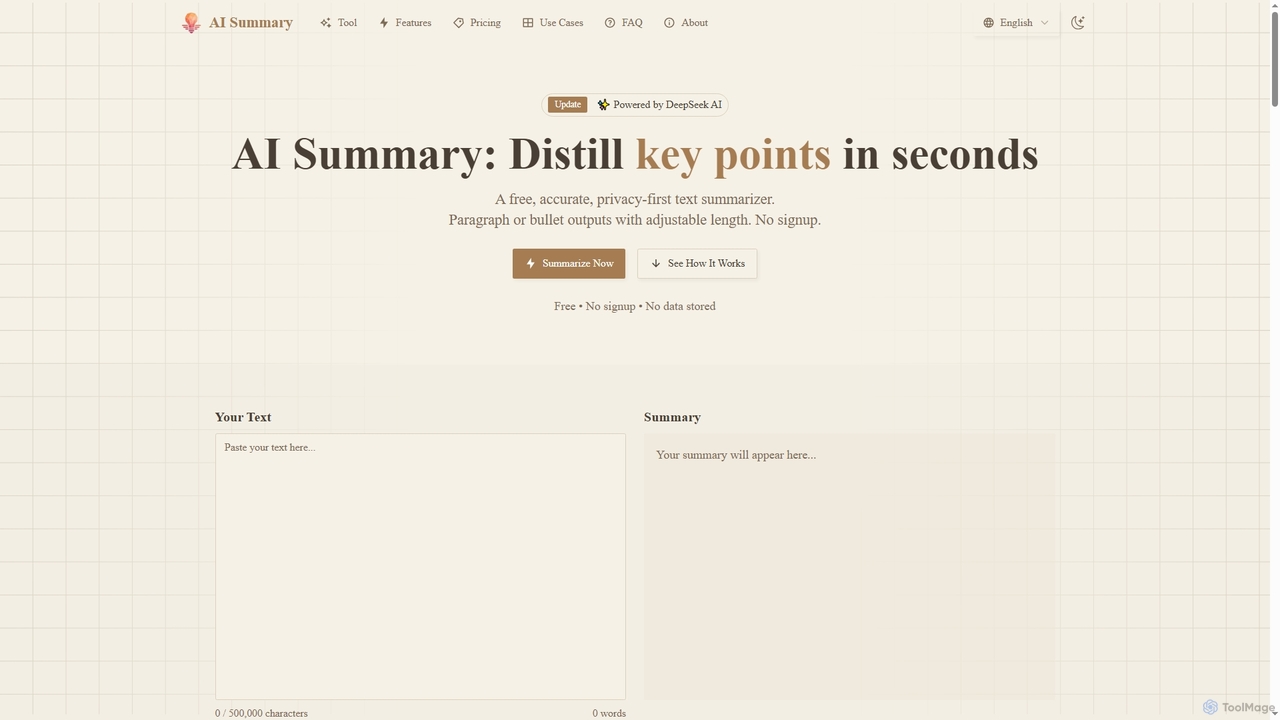
Aisummary
A free, privacy-first AI text summarizer powered by DeepSeek AI. It quickly condenses long articles, reports, and documents into key points. Users can customize summary length, choose between paragraph or bullet point formats, and export results to DOCX without signing up.
Research
Qonqur Comments (0)
Sign in to comment.
Sign inNo comments yet.