


UPDF AI Overview
UPDF AI is an intelligent AI assistant seamlessly integrated within the UPDF ecosystem, engineered to transform the way users interact with PDF documents. Powered by advanced large language models like GPT-5 and DeepSeek R1, it goes far beyond traditional PDF editing. UPDF AI acts as your personal document expert, enabling you to comprehend, analyze, and manipulate complex information with unprecedented efficiency. Whether you need to quickly summarize a lengthy report, translate a foreign-language document, or extract key insights for a project, UPDF AI provides the tools to do so instantly. It is designed for a wide range of users, from students and researchers to legal, financial, and government professionals, enhancing productivity across the board.
How to use UPDF AI
UPDF AI is designed for accessibility and ease of use across multiple platforms. Here’s how you can get started:
- Online Access: Simply visit ai.updf.com in your web browser. You can drag and drop your PDF files (single or multiple) directly onto the page to start interacting with them. The web interface allows you to upload files and immediately begin asking questions, requesting summaries, or performing translations.
- Desktop & Mobile App: For a more integrated experience, download the UPDF application on your Windows, macOS, iOS, or Android device. Once installed, open any PDF document. You will find the AI icon in the interface (typically in the upper-right or a side panel). Clicking this icon launches the AI Assistant, allowing you to use all its features directly alongside UPDF's powerful editing and annotation tools.
- Interacting with the AI: Once the AI panel is open, you can type your requests in the chatbox. For example, you can ask it to "summarize this document," "translate page 5 to Spanish," "explain the main arguments in this research paper," or "create a mind map of the key concepts." For visual content, you can take a screenshot and paste it into the chat to ask questions about charts, graphs, or images.
Core Features of UPDF AI
- Chat with PDF: Engage in a conversational dialogue with your documents. Ask specific questions about the content and receive instant, accurate answers. This feature works with single or multiple PDFs at once, allowing you to synthesize information across various sources.
- AI-Powered Summarization: Instantly generate concise summaries of entire documents, specific pages, or selected text. The AI can differentiate between standard documents and research papers, providing structured summaries for academic content that include authors, keywords, and key findings.
- Multilingual Translation: Translate full PDF documents or specific sections of text into your preferred language while preserving the original formatting. This breaks down language barriers for global collaboration and research.
- PDF to Mind Map: Transform dense, text-heavy documents into clear, visual mind maps. This feature helps in understanding complex relationships between concepts and is perfect for brainstorming and studying. Mind maps can be shared via a link or saved within the PDF.
- Multi-Modal Chat with Images: Go beyond text by interacting with the visual elements in your PDFs. UPDF AI can recognize objects, answer questions about charts and diagrams (Visual Question Answering), and extract text from images.
- Advanced Data Explanation: Ask the AI to explain complex tables, charts, and data within your documents in simple, easy-to-understand language.
Use Cases for UPDF AI
UPDF AI is a versatile tool that caters to the needs of various professionals and individuals:
- Students & Educators: Quickly summarize textbooks, extract key information from research articles, and translate academic papers to accelerate learning and research.
- Researchers: Streamline literature reviews by rapidly finding, summarizing, and understanding complex research papers, enabling greater productivity and more informed decisions.
- Legal & Financial Professionals: Analyze and summarize long contracts, financial reports, and legal documents in minutes. Extract critical data points and explain complex clauses to improve decision-making.
- Government Employees: Enhance administrative workflows by summarizing large policy documents, translating official communications, and generating concise reports from dense texts.
- Writers & Content Creators: Generate fresh ideas, assist in drafting content, and use powerful editing and proofreading tools to improve the clarity and accuracy of their work.
Advantages of UPDF AI
UPDF AI stands out from other document tools with several key advantages:
- Cross-Platform Availability: Use a single license across Windows, Mac, iOS, Android, and the web, ensuring a seamless workflow no matter what device you are on.
- Multi-Language Support: Interact with the AI and translate documents in numerous languages, making it a truly global tool.
- High Security and Privacy: Your documents are never shared with third parties or used to train AI models, ensuring your sensitive information remains confidential.
- Unlimited Usage (Paid Plan): The paid plans offer unlimited questions and document analysis, allowing you to work without restrictions.
- Advanced AI Integration: Powered by a combination of GPT-5 and DeepSeek R1, it offers both creative, fast responses and deep, accurate logical analysis.
Pricing and Plans
UPDF AI offers a freemium model to suit different user needs.
- Free Plan: Ideal for trying out the service. It includes the ability to upload up to 5 PDFs (max 10MB and 100 pages each) and ask up to 100 questions.
- Paid Plan: Unlocks the full potential of UPDF AI. This plan offers unlimited PDF uploads, a much larger file size limit (2GB per file on the app, 100MB online), unlimited pages, unlimited questions, and 100GB of dedicated cloud storage. Paid plans are available as subscriptions, with various tiers and billing cycles (e.g., quarterly) to provide flexibility.
Traffic
Latest traffic
Status
Monthly traffic trend
- 2025-9: 113.7K
- 2026-1: 239.6K
- 2026-2: 204.2K
- 2026-3: 158.8K
- 2026-4: 209.1K
- 2026-5: 188.4K
Geography
Top 5 countries / regions
- 🇧🇷Brazil34.7%
- 🇮🇩Indonesia24.9%
- 🇫🇷France14.1%
- 🇮🇹Italy13.2%
- 🇰🇷South Korea13.0%
Traffic sources
| Source type | Percentage |
|---|---|
Direct | 69.6% |
Referral | 29.8% |
Email | 0.6% |
Top keywords
| Keyword | Cost per click |
|---|---|
| deepseek | $0.45 |
| deepseek chat | $0.32 |
| parafrase ai | $0.11 |
| updf | $1.32 |
| updf ai | $1.10 |
UPDF AI Videos on YouTube



Elesha Naomi
Federico Zappaterra, PhD
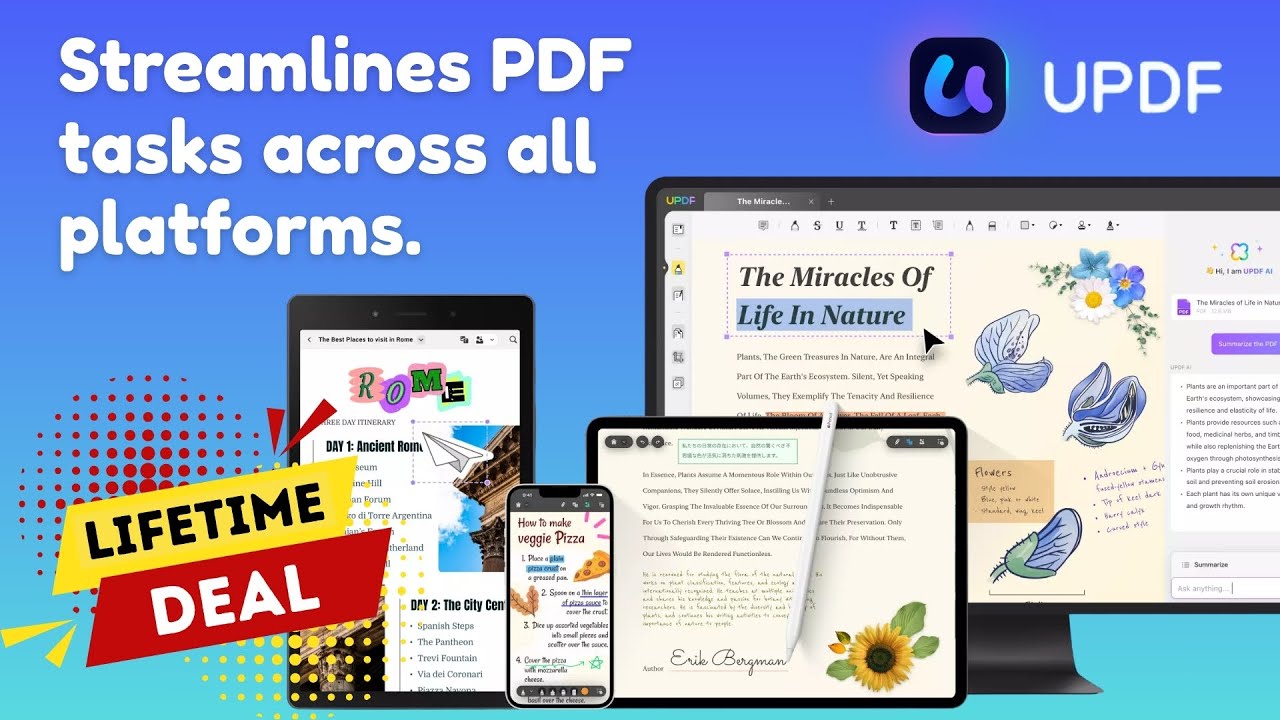
The Deals Review
UPDF AI Alternatives
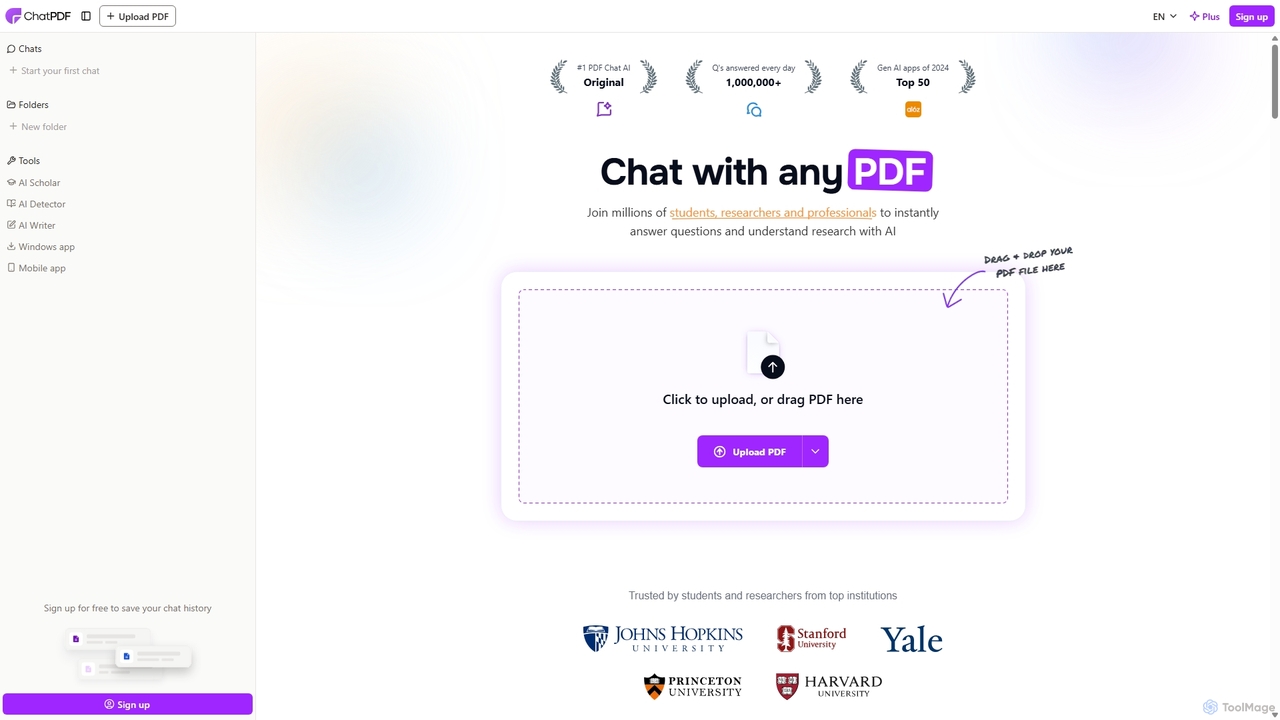
ChatPDF
ChatPDF is an AI-powered platform that allows you to interact with your documents as if you were having a conversation. Simply upload a PDF, and the AI will help you summarize content, answer specific questions, and extract key information in seconds. It's designed for students, researchers, and professionals to enhance productivity and understanding.
Research
Pdfai
Pdfai is an AI-powered document assistant that allows you to chat with your PDF files. Instantly get summaries, ask complex questions, and extract key information from research papers, reports, and contracts. Boost your productivity and unlock insights from your documents in seconds.
Data Analysis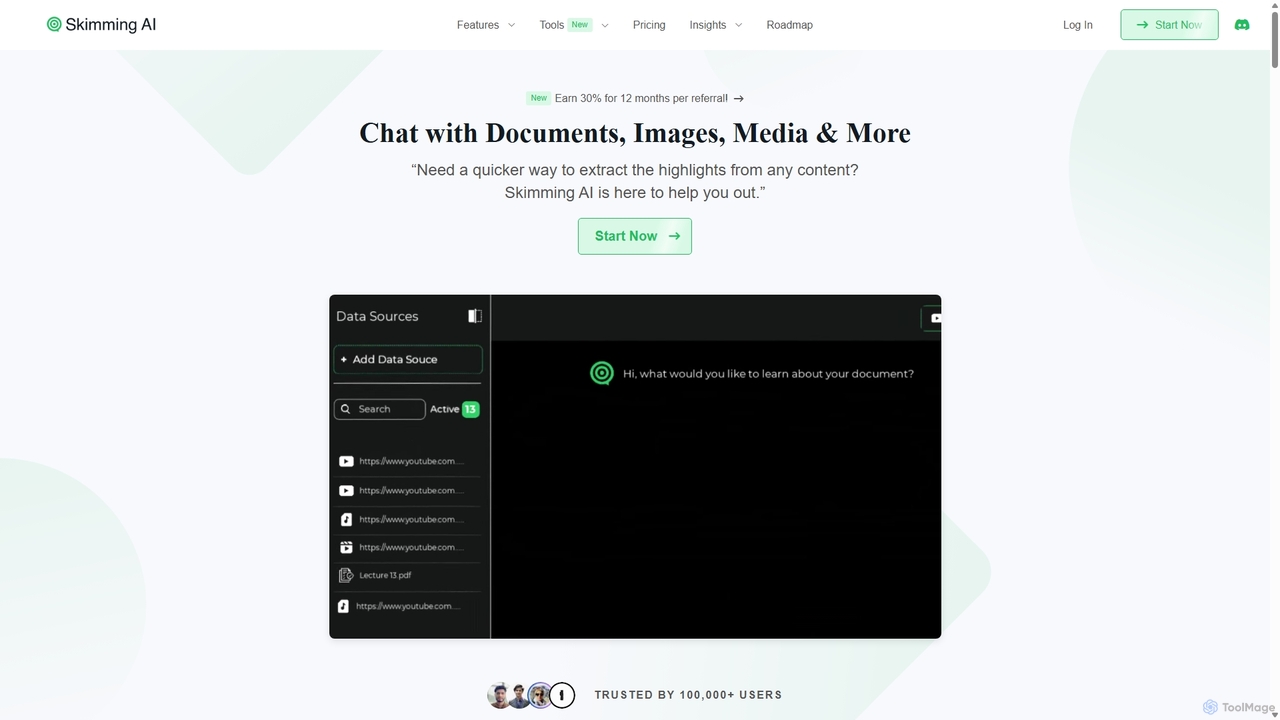
Skimming AI
Skimming AI is a versatile AI-powered platform that allows you to chat with and summarize a wide range of content, including documents, PDFs, YouTube videos, audio, images, and social media posts. Instantly extract key insights, ask questions, and get accurate answers without sifting through hours of material. It's designed to boost productivity for students, researchers, and professionals by making information consumption faster and more efficient across multiple formats and languages.
Analysis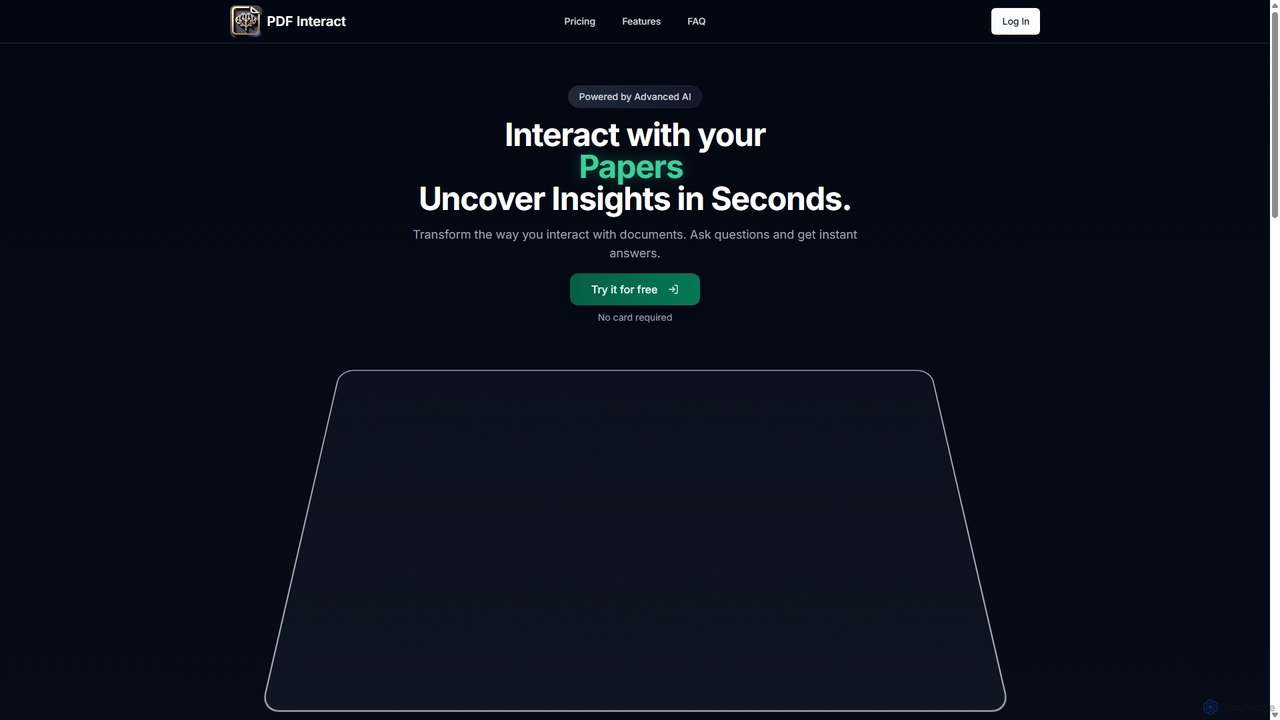
PDF Interact
PDF Interact is an AI-powered chat assistant that transforms how you engage with your documents. Simply upload a PDF and ask questions in natural language to get instant answers, summaries, and key insights. Ideal for students, researchers, and professionals looking to save time and analyze complex information efficiently.
Data Analysis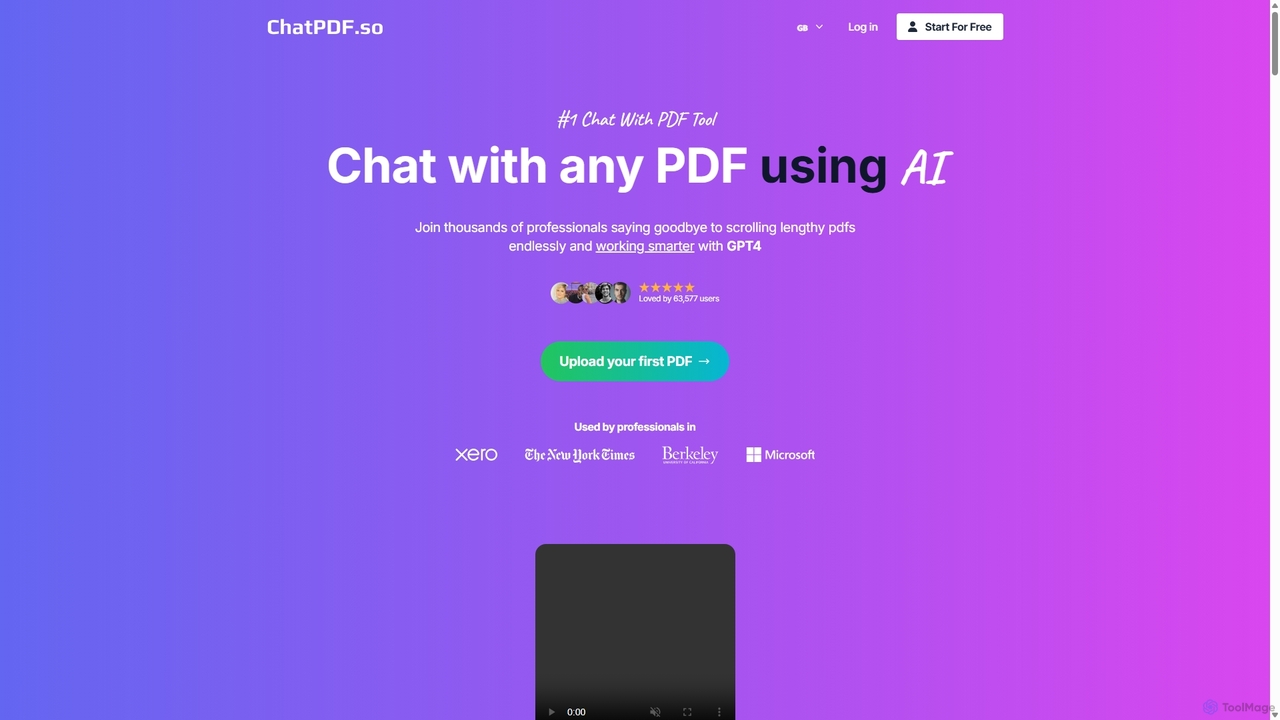
ChatPDF.so
ChatPDF.so is an AI-powered tool that allows you to chat with any PDF document. Instantly get answers, summaries, and insights from textbooks, research papers, legal contracts, and more. Supports bulk uploads, multi-document conversations, and chatbot creation.
ChatbotUPDF AI Categories
UPDF AI Jobs
UPDF AI Embed Widget
Copy this embed code to place the badge on your blog, article, or product site and send readers directly to this ToolMage detail page.

Related AI tools
Skimming AI
Skimming AI is a versatile AI-powered platform that allows you to chat with and summarize a wide range of content, including documents, PDFs, YouTube videos, audio, images, and social media posts. Instantly extract key insights, ask questions, and get accurate answers without sifting through hours of material. It's designed to boost productivity for students, researchers, and professionals by making information consumption faster and more efficient across multiple formats and languages.
AnalysisPDF Interact
PDF Interact is an AI-powered chat assistant that transforms how you engage with your documents. Simply upload a PDF and ask questions in natural language to get instant answers, summaries, and key insights. Ideal for students, researchers, and professionals looking to save time and analyze complex information efficiently.
Data Analysis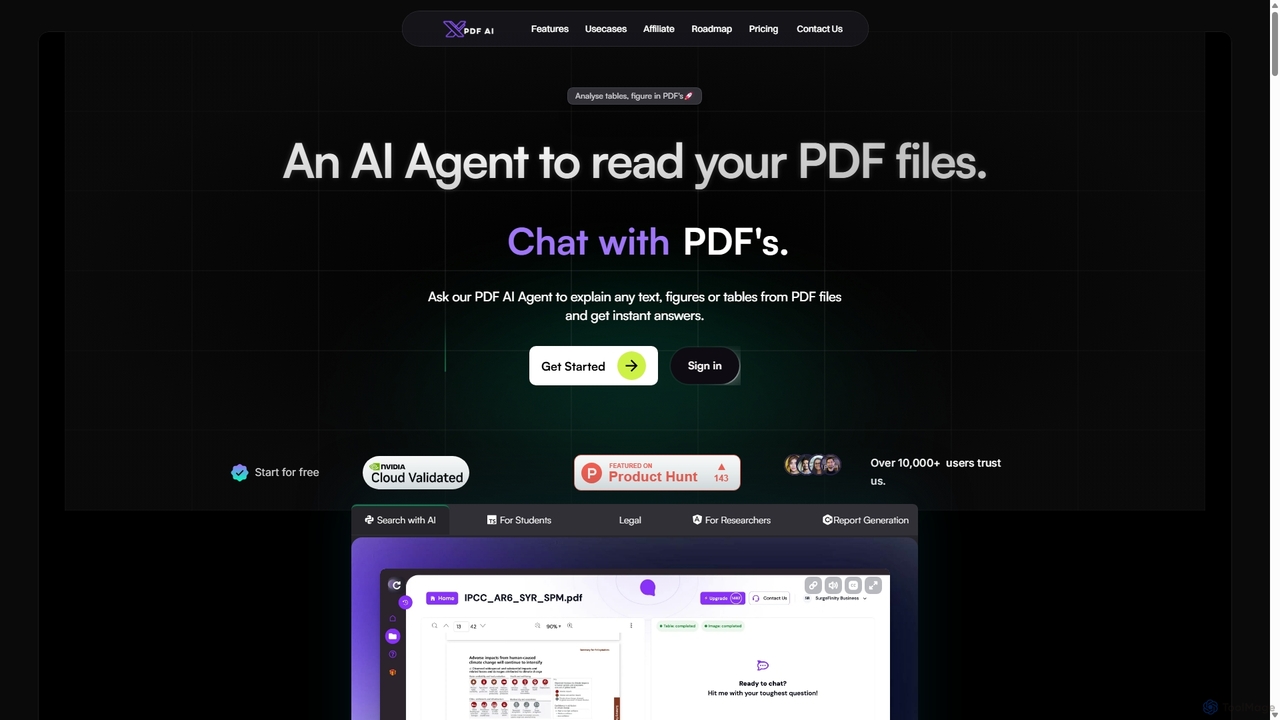
XPDF AI
xPDF AI is a personal AI assistant that transforms your interaction with PDF documents. Chat with any PDF, ask questions, and get instant answers from text, tables, and figures. It features multimodal analysis, an AI summarizer, report generation, and a voice-activated interface, making it an essential tool for students, researchers, and professionals to quickly extract insights and boost productivity.
Data ExtractionPdfai
Pdfai is an AI-powered document assistant that allows you to chat with your PDF files. Instantly get summaries, ask complex questions, and extract key information from research papers, reports, and contracts. Boost your productivity and unlock insights from your documents in seconds.
Data AnalysisChatPDF
ChatPDF is an AI-powered platform that allows you to interact with your documents as if you were having a conversation. Simply upload a PDF, and the AI will help you summarize content, answer specific questions, and extract key information in seconds. It's designed for students, researchers, and professionals to enhance productivity and understanding.
Research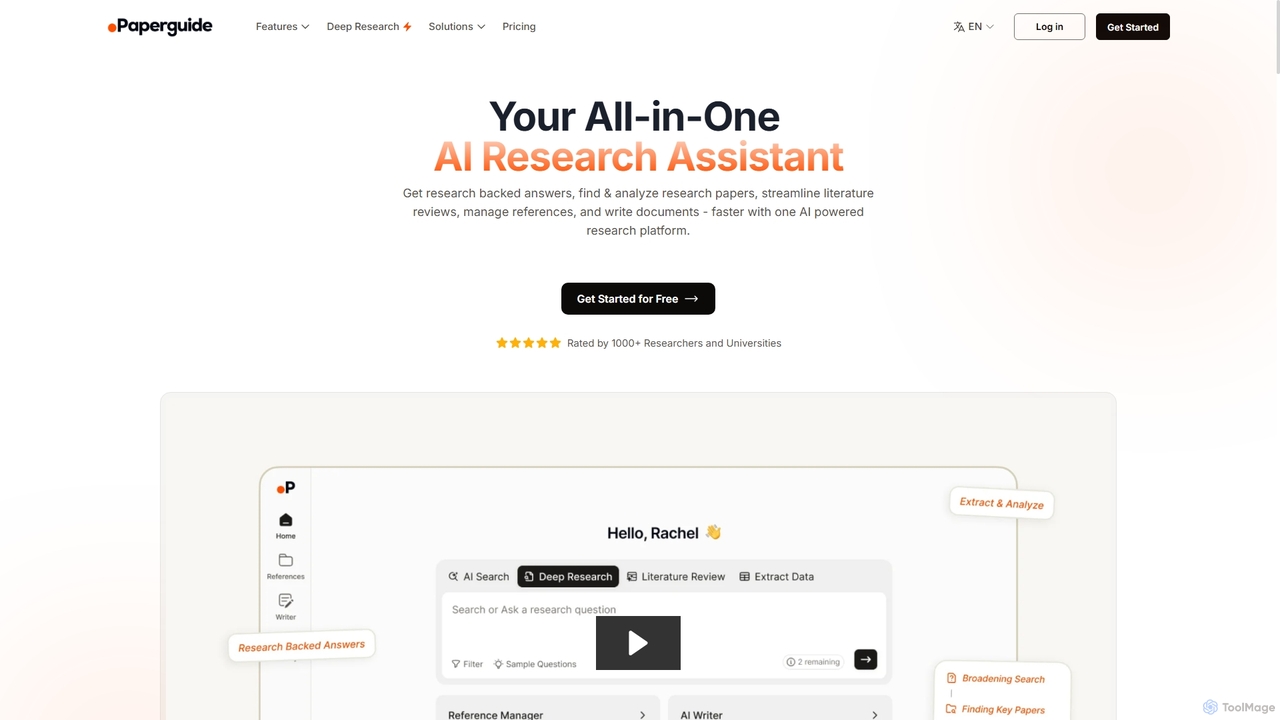
Chatwithpdf
Chatwithpdf is an AI-powered tool that allows you to interact with your PDF documents conversationally. Simply upload a file and start asking questions, get summaries, and extract key information instantly. It's designed for students, researchers, and professionals to analyze documents faster and more efficiently.
Data Extraction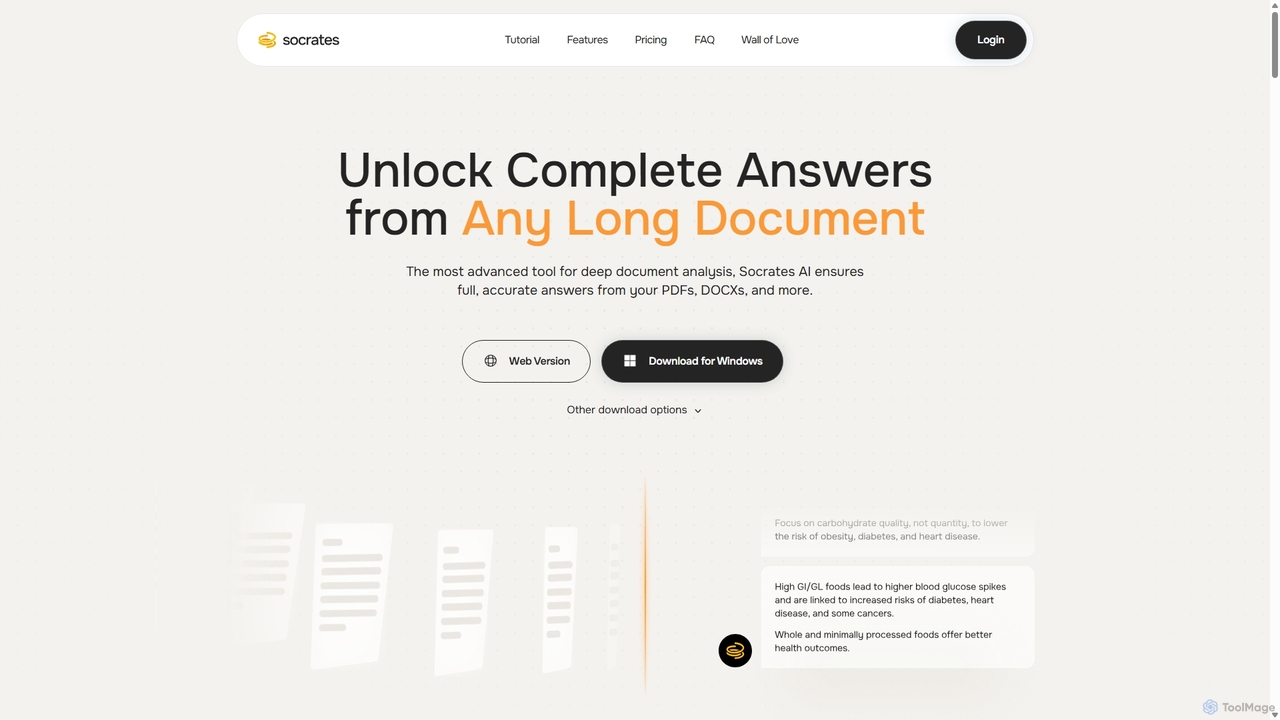
Socrates
Socrates is an advanced AI tool for deep document analysis. It allows users to upload long documents like PDFs and DOCX to get complete, accurate answers. Its unique 'Deep Dive' feature provides thorough analysis, while features like Table AI and Local LLM support cater to researchers, legal professionals, and students seeking detailed insights with enhanced data privacy.
Data Analysis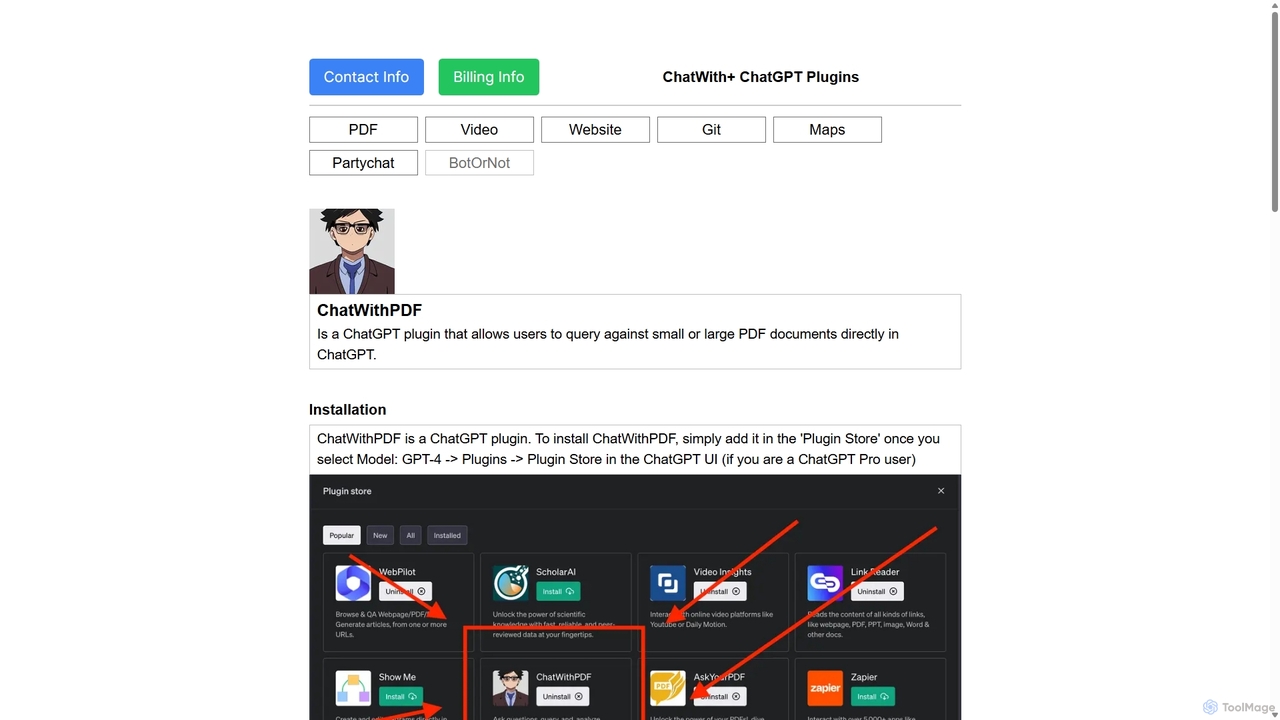
ChatWithPDF
A powerful ChatGPT plugin that allows you to have interactive conversations with any PDF document. Simply provide a public URL to a PDF, and you can ask questions, request summaries, and extract specific information directly within the ChatGPT interface. Ideal for students, researchers, and professionals.
Data Extraction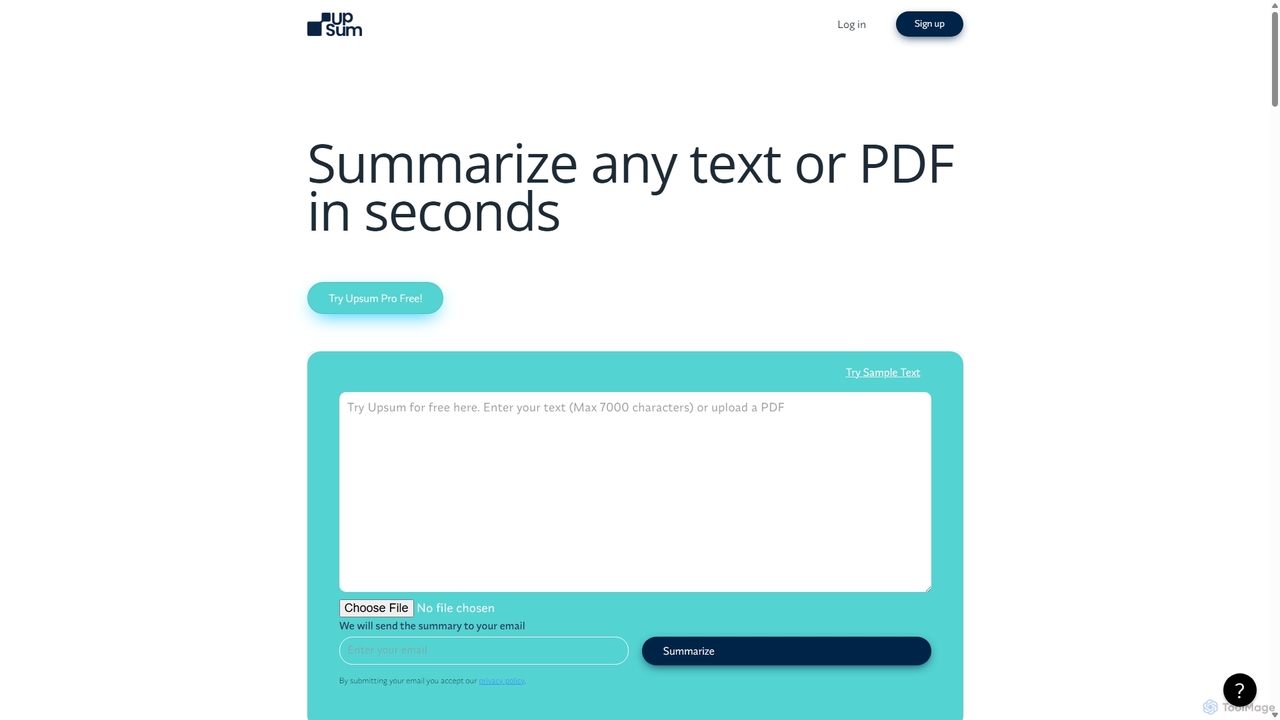
Upsum
Upsum is an AI-powered tool that summarizes any text or PDF in seconds. It features an interactive 'Chat to PDF' function, allowing users to ask questions and extract key information from their documents. It's designed for academics, consultants, and marketers to enhance productivity and accelerate research.
Document Analysis
docubro
docubro is an AI-powered document intelligence platform designed to help users instantly summarize, query, and extract key information from complex documents. Upload PDFs, reports, or articles and interact with them through a conversational AI to boost productivity and accelerate research.
Data AnalysisChatPDF.so
ChatPDF.so is an AI-powered tool that allows you to chat with any PDF document. Instantly get answers, summaries, and insights from textbooks, research papers, legal contracts, and more. Supports bulk uploads, multi-document conversations, and chatbot creation.
Chatbot
ChatDox
ChatDox is an advanced AI-powered document intelligence platform that transforms how you interact with your files. Upload documents like PDFs, DOCX, and more, and instantly get answers, summaries, and insights through a simple chat interface. It's designed for professionals, researchers, and students to quickly extract information and enhance productivity.
Knowledge Management
pdfai.io
pdfai.io is an AI-powered document assistant that lets you chat with your PDF files. Instantly summarize complex documents, ask questions, and extract key information effortlessly. It's designed to boost productivity for students, researchers, and professionals by turning static PDFs into interactive knowledge bases.
Data Extraction
Jyek
Jyek is an AI agent platform that understands objectives, creates execution plans, uses tools, and delivers verifiable results for complex, multi-step tasks.
Automation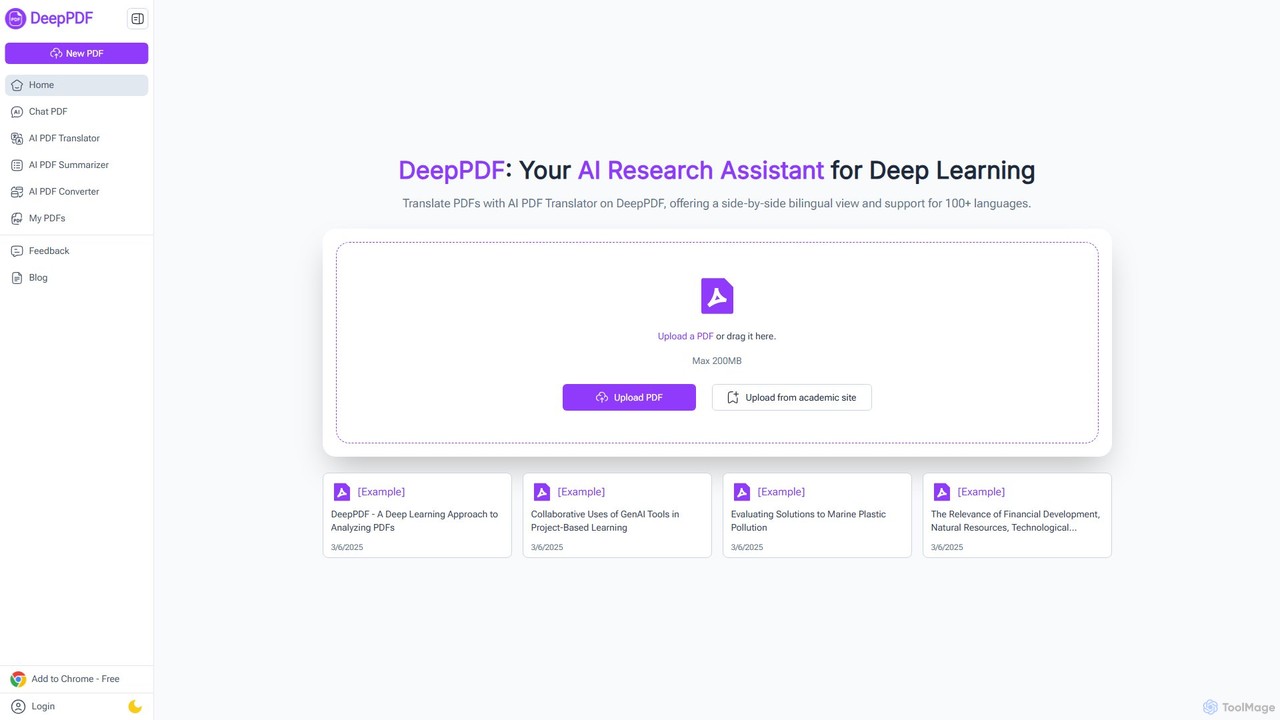
DeepPDF
DeepPDF is an AI-powered research assistant for deep interaction with PDF documents. It allows users to chat with their PDFs, get instant summaries, translate content into over 100 languages with a side-by-side view, and convert files. Featuring OCR, image analysis, and academic search integration, it's designed to enhance productivity for students, researchers, and professionals by making complex documents easy to understand and manage.
Document Management
UPDF AI Comments (0)
Sign in to comment.
Sign inNo comments yet.