

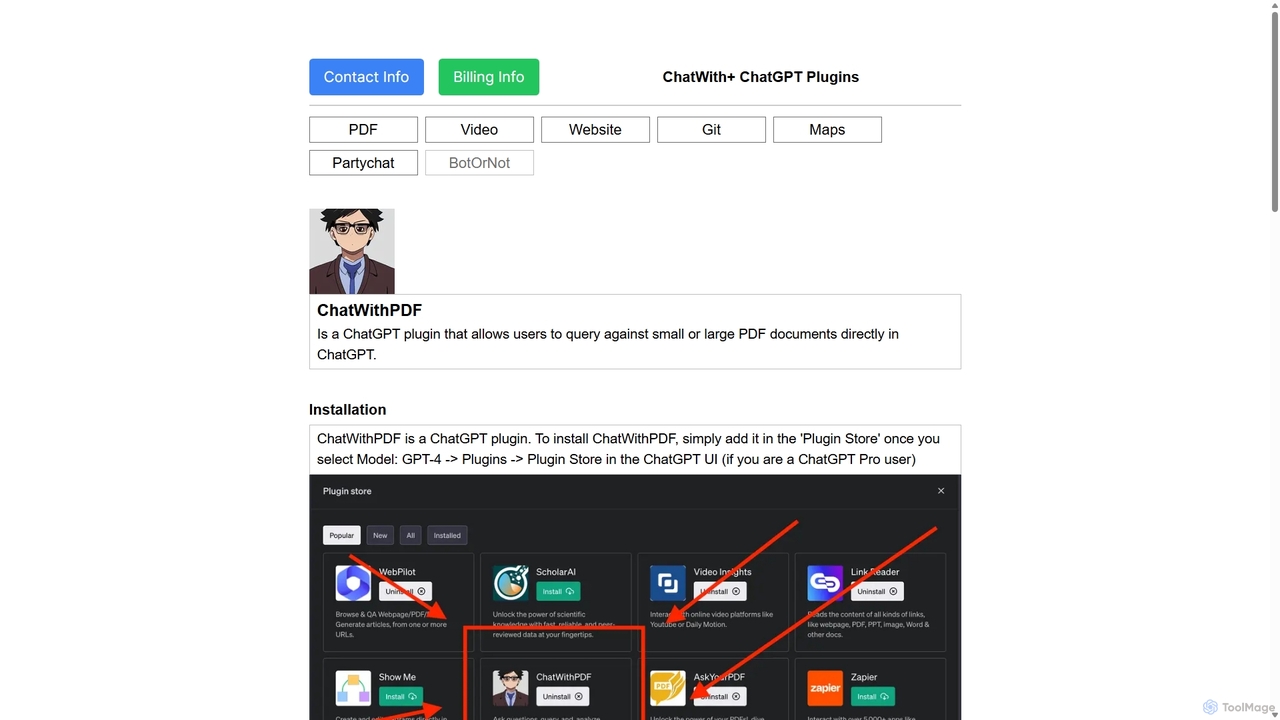
ChatWithPDF Overview
ChatWithPDF is an innovative ChatGPT plugin designed to revolutionize how users interact with PDF documents. Instead of manually sifting through pages of text, this tool allows you to 'talk' to your documents. By providing a publicly accessible URL to a PDF, ChatWithPDF integrates the document's content into your ChatGPT session, enabling you to query it using natural language. This makes the process of information retrieval incredibly efficient and intuitive, transforming dense reports, academic papers, and technical manuals into interactive conversational partners.
The plugin is built for anyone who regularly works with PDFs and needs to find information quickly. Whether you're a student trying to understand a complex lecture note, a researcher extracting data from multiple papers, or a legal professional reviewing contracts, ChatWithPDF streamlines your workflow. It leverages advanced semantic search capabilities to understand the context of your questions and provide the most relevant answers from the document, complete with context.
How to use ChatWithPDF
Using ChatWithPDF is straightforward, but it requires a ChatGPT Plus subscription to access the plugin feature. Here’s a step-by-step guide:
- Installation: First, ensure you are using the GPT-4 model in ChatGPT. Navigate to the 'Plugins' section and open the 'Plugin Store'. Search for 'ChatWithPDF' and click 'Install'.
- Activation: Once installed, make sure the ChatWithPDF plugin is enabled (checked) in your list of active plugins for a new chat session.
- Provide a PDF URL: Find a publicly accessible URL for the PDF you want to analyze. This can be a direct link to a file or a shareable link from services like Google Drive (ensure it's public) or a temporary file hosting service like tmpfiles.org.
- Start Chatting: In your chat prompt, simply state your question or request and include the PDF URL. For example: "Can you summarize the key findings from this report? [URL to PDF]".
- Interact: The plugin will process the document and provide an answer based on its contents. You can then ask follow-up questions, request specific data points, or ask for explanations of complex topics within the document.
Core Features of ChatWithPDF
- Direct ChatGPT Integration: Operates seamlessly within the ChatGPT environment, eliminating the need to switch between different applications.
- Semantic Search: Goes beyond simple keyword matching. It understands the context and meaning of your queries to provide highly relevant information from the PDF.
- Supports All PDF Types: The plugin can handle PDFs of any size, length, language, or topic, making it a versatile tool for various needs.
- URL-Based Loading: Works with any publicly accessible PDF URL, allowing you to analyze documents from across the web without manual uploads.
- Privacy-Focused: The service does not permanently store user data or documents. Embeddings are temporarily cached for performance and are regularly purged to protect user privacy.
Use Cases for ChatWithPDF
ChatWithPDF is valuable across numerous fields and professions:
- Academic Research: Students and researchers can quickly summarize lengthy academic papers, find specific citations, or compare theories across multiple documents.
- Business & Finance: Analysts can extract key figures from financial reports, summarize market research, or quickly understand the terms of a business proposal.
- Legal Professionals: Lawyers and paralegals can use it to search for specific clauses in contracts, review case law, or find precedents in legal documents.
- Technical Support & Engineering: Engineers can query technical manuals and documentation to find specifications or troubleshooting steps without reading the entire document.
- Content Creation: Writers and marketers can use it to research topics by extracting key points and statistics from various reports and whitepapers.
Advantages of ChatWithPDF
The primary advantage of ChatWithPDF is its incredible efficiency. It transforms a time-consuming, manual task into a quick, conversational exchange. Its seamless integration with ChatGPT provides a familiar and powerful interface. The tool's versatility in handling any type of PDF and its commitment to user privacy make it a reliable and secure choice for processing sensitive or complex information.
Pricing and Plans
ChatWithPDF is a free-to-install plugin. However, its use is dependent on a ChatGPT Plus subscription, which is a paid service from OpenAI. There are no separate fees or pricing tiers for the ChatWithPDF plugin itself. Therefore, anyone with a ChatGPT Plus account can install and use it without additional cost.
ChatWithPDF Alternatives
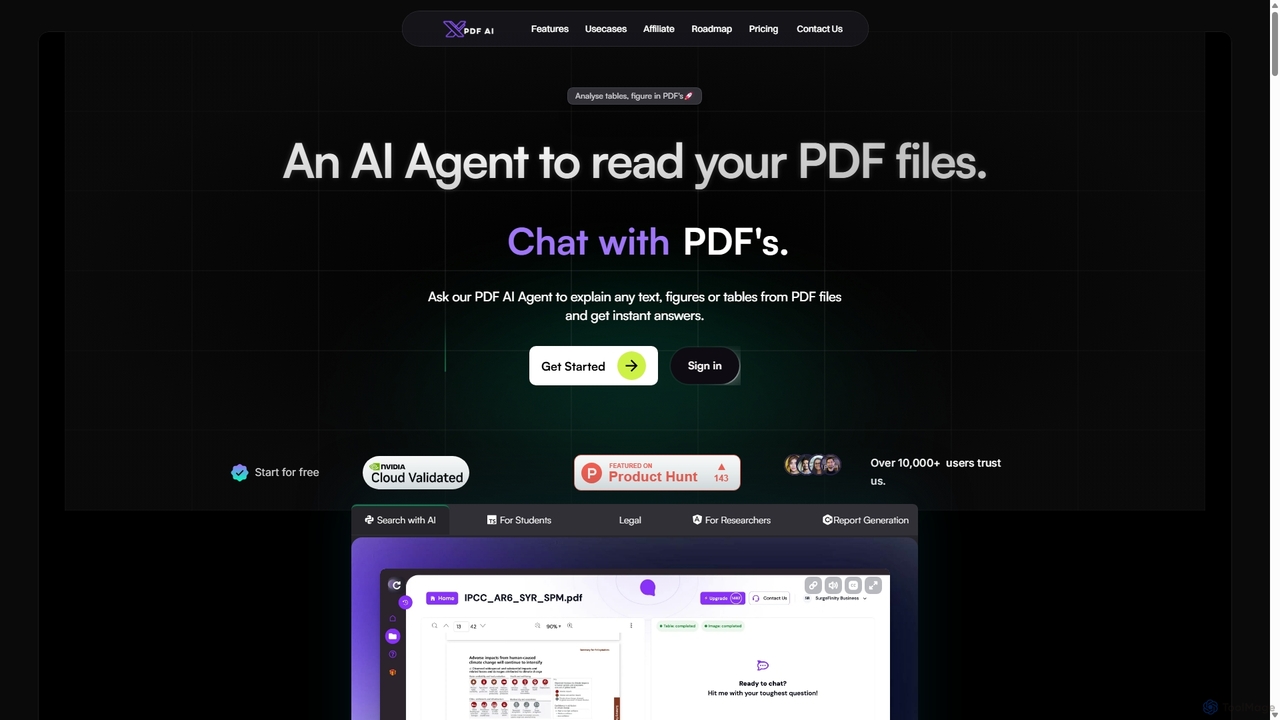
XPDF AI
xPDF AI is a personal AI assistant that transforms your interaction with PDF documents. Chat with any PDF, ask questions, and get instant answers from text, tables, and figures. It features multimodal analysis, an AI summarizer, report generation, and a voice-activated interface, making it an essential tool for students, researchers, and professionals to quickly extract insights and boost productivity.
Data Extraction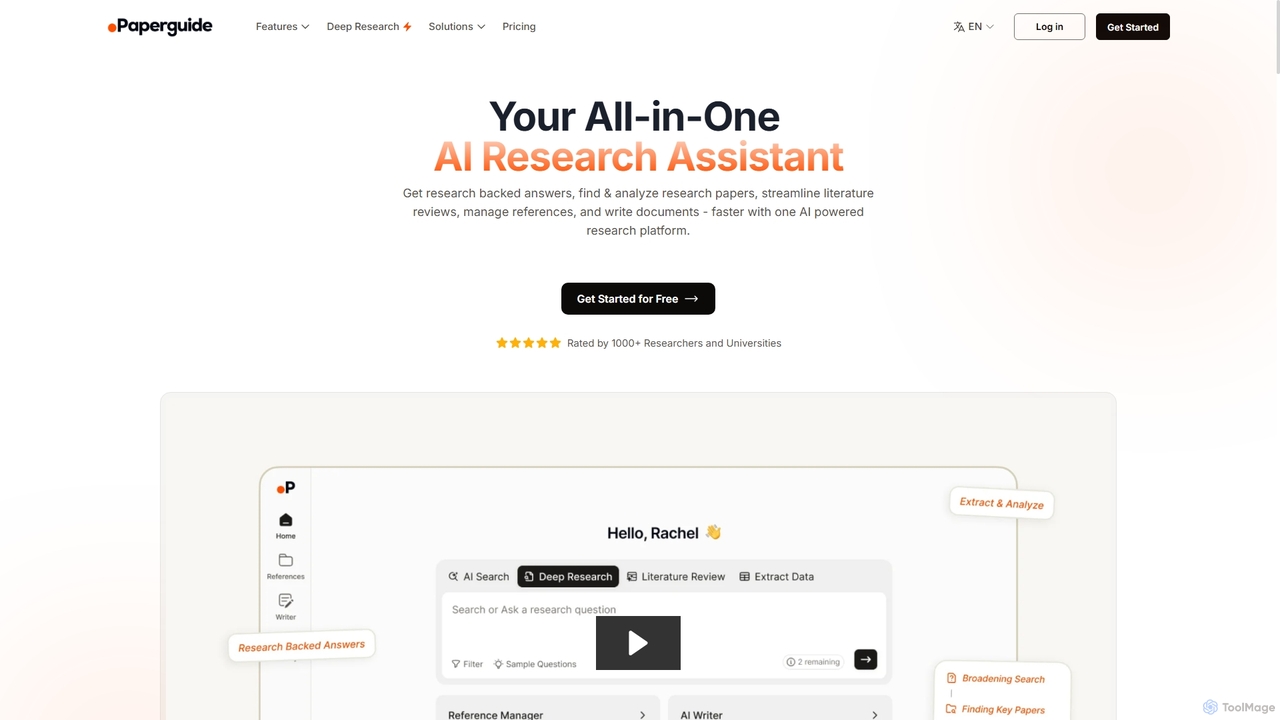
Chatwithpdf
Chatwithpdf is an AI-powered tool that allows you to interact with your PDF documents conversationally. Simply upload a file and start asking questions, get summaries, and extract key information instantly. It's designed for students, researchers, and professionals to analyze documents faster and more efficiently.
Data Extraction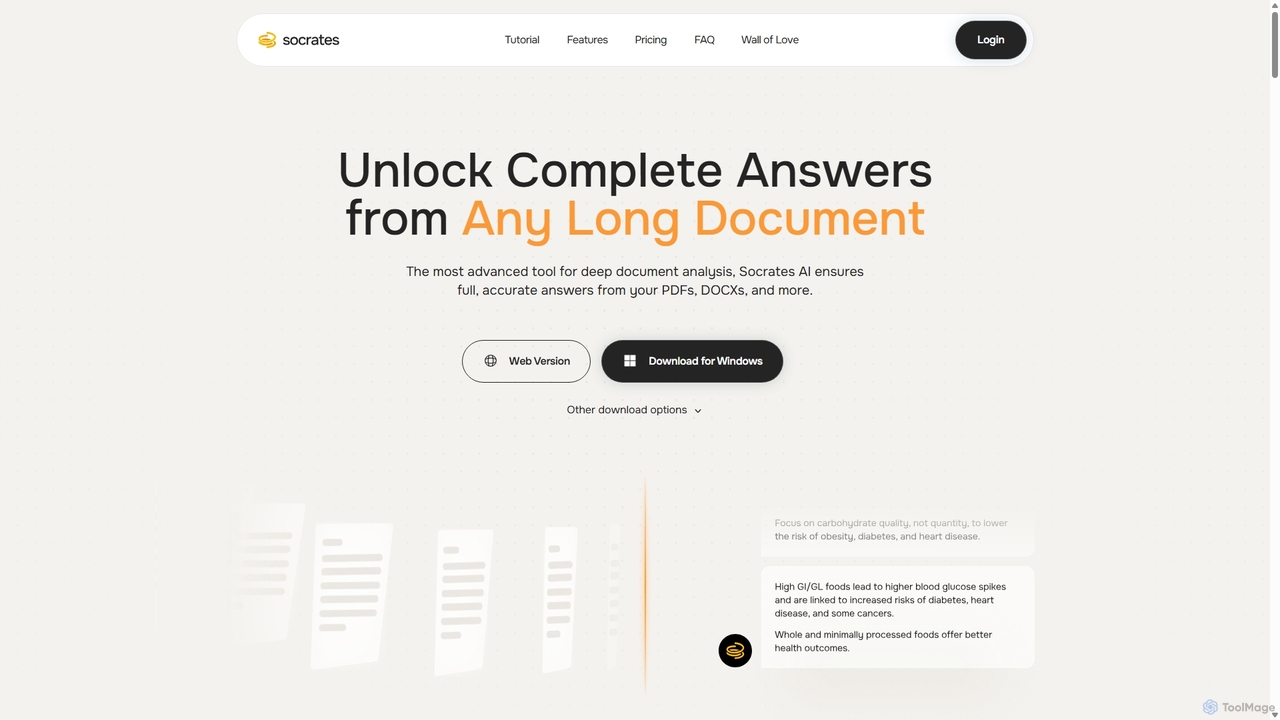
Socrates
Socrates is an advanced AI tool for deep document analysis. It allows users to upload long documents like PDFs and DOCX to get complete, accurate answers. Its unique 'Deep Dive' feature provides thorough analysis, while features like Table AI and Local LLM support cater to researchers, legal professionals, and students seeking detailed insights with enhanced data privacy.
Data Analysis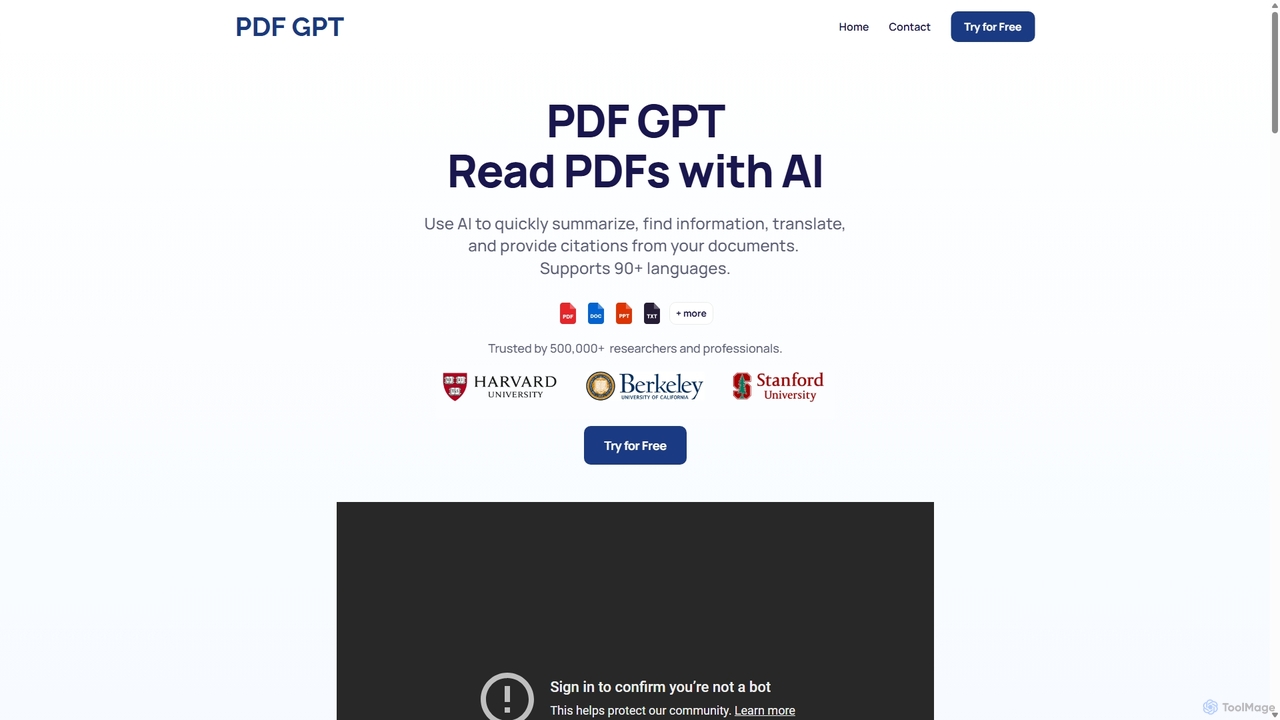
PDF GPT
PDF GPT is an AI-powered tool that lets you chat with your PDF documents. Instantly summarize long reports, find specific information, get answers with citations, and search across multiple files. It supports over 90 languages, making it ideal for researchers, students, and professionals to enhance productivity and document comprehension.
Data Management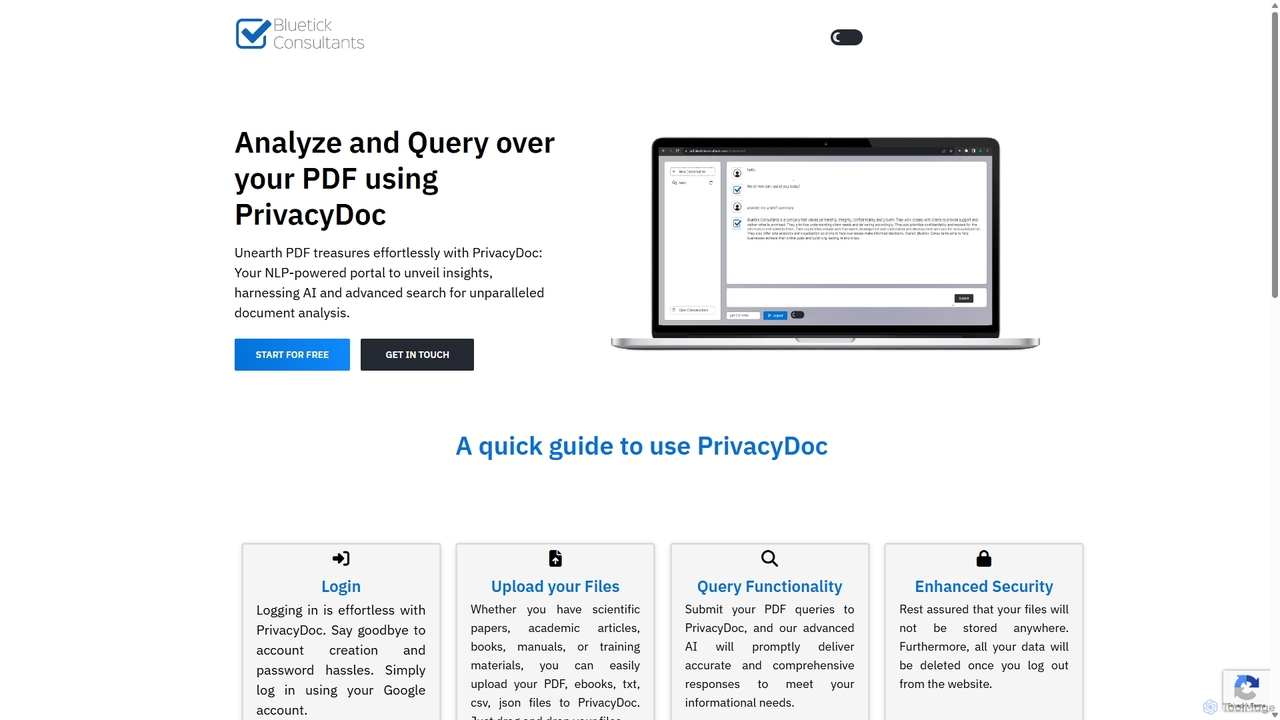
PrivacyDoc
PrivacyDoc is a free, AI-powered tool for securely analyzing and querying PDF files, ebooks, and other documents. It uses advanced NLP to extract insights, summarize text, and answer your questions without storing your files, ensuring complete data privacy. Ideal for students, researchers, and professionals handling sensitive information.
ResearchChatWithPDF Categories
ChatWithPDF Jobs
ChatWithPDF Embed Widget
Copy this embed code to place the badge on your blog, article, or product site and send readers directly to this ToolMage detail page.

Related AI tools
XPDF AI
xPDF AI is a personal AI assistant that transforms your interaction with PDF documents. Chat with any PDF, ask questions, and get instant answers from text, tables, and figures. It features multimodal analysis, an AI summarizer, report generation, and a voice-activated interface, making it an essential tool for students, researchers, and professionals to quickly extract insights and boost productivity.
Data Extraction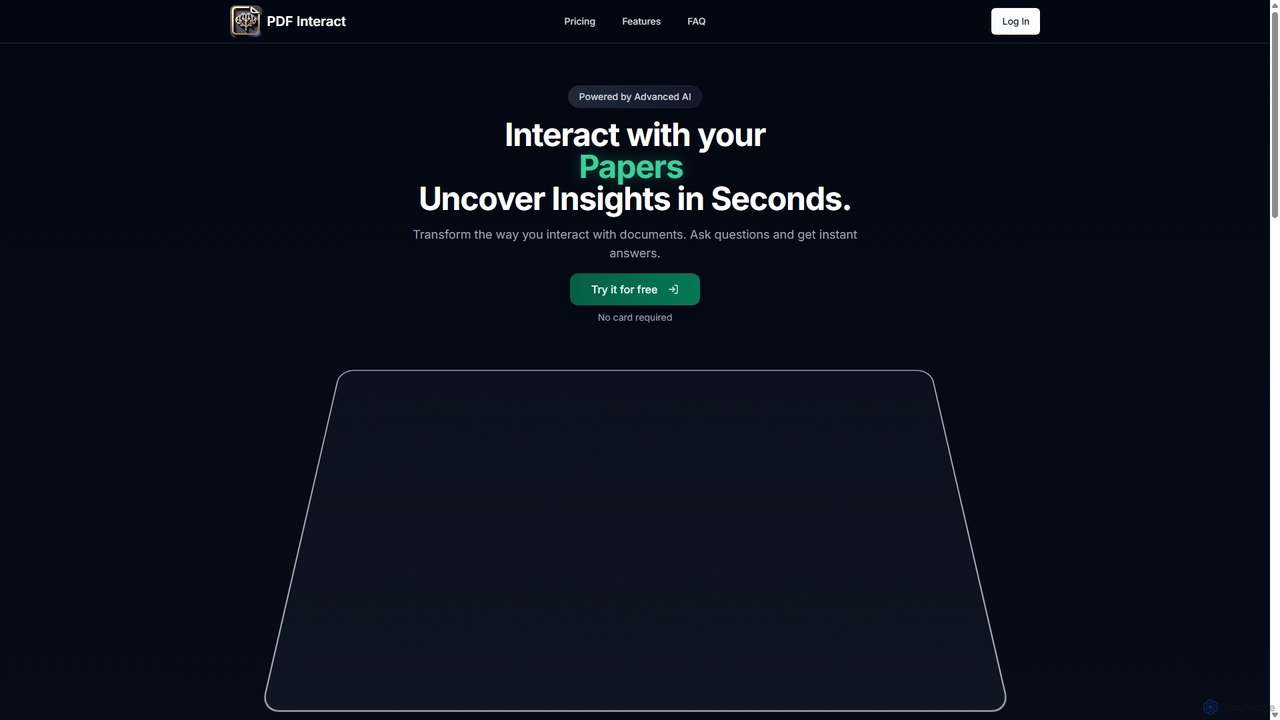
PDF Interact
PDF Interact is an AI-powered chat assistant that transforms how you engage with your documents. Simply upload a PDF and ask questions in natural language to get instant answers, summaries, and key insights. Ideal for students, researchers, and professionals looking to save time and analyze complex information efficiently.
Data Analysis
Pdfai
Pdfai is an AI-powered document assistant that allows you to chat with your PDF files. Instantly get summaries, ask complex questions, and extract key information from research papers, reports, and contracts. Boost your productivity and unlock insights from your documents in seconds.
Data Analysis
ChatDox
ChatDox is an advanced AI-powered document intelligence platform that transforms how you interact with your files. Upload documents like PDFs, DOCX, and more, and instantly get answers, summaries, and insights through a simple chat interface. It's designed for professionals, researchers, and students to quickly extract information and enhance productivity.
Knowledge ManagementSocrates
Socrates is an advanced AI tool for deep document analysis. It allows users to upload long documents like PDFs and DOCX to get complete, accurate answers. Its unique 'Deep Dive' feature provides thorough analysis, while features like Table AI and Local LLM support cater to researchers, legal professionals, and students seeking detailed insights with enhanced data privacy.
Data AnalysisPDF GPT
PDF GPT is an AI-powered tool that lets you chat with your PDF documents. Instantly summarize long reports, find specific information, get answers with citations, and search across multiple files. It supports over 90 languages, making it ideal for researchers, students, and professionals to enhance productivity and document comprehension.
Data ManagementChatwithpdf
Chatwithpdf is an AI-powered tool that allows you to interact with your PDF documents conversationally. Simply upload a file and start asking questions, get summaries, and extract key information instantly. It's designed for students, researchers, and professionals to analyze documents faster and more efficiently.
Data ExtractionPrivacyDoc
PrivacyDoc is a free, AI-powered tool for securely analyzing and querying PDF files, ebooks, and other documents. It uses advanced NLP to extract insights, summarize text, and answer your questions without storing your files, ensuring complete data privacy. Ideal for students, researchers, and professionals handling sensitive information.
Research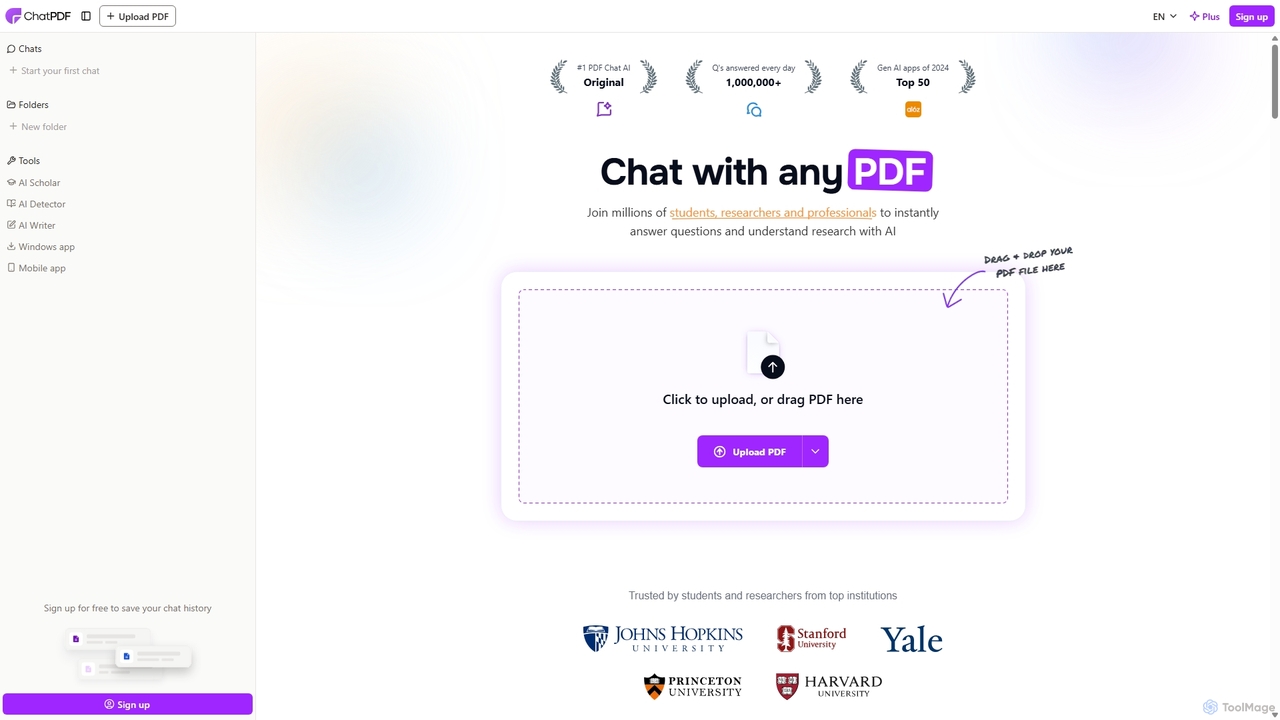
ChatPDF
ChatPDF is an AI-powered platform that allows you to interact with your documents as if you were having a conversation. Simply upload a PDF, and the AI will help you summarize content, answer specific questions, and extract key information in seconds. It's designed for students, researchers, and professionals to enhance productivity and understanding.
Research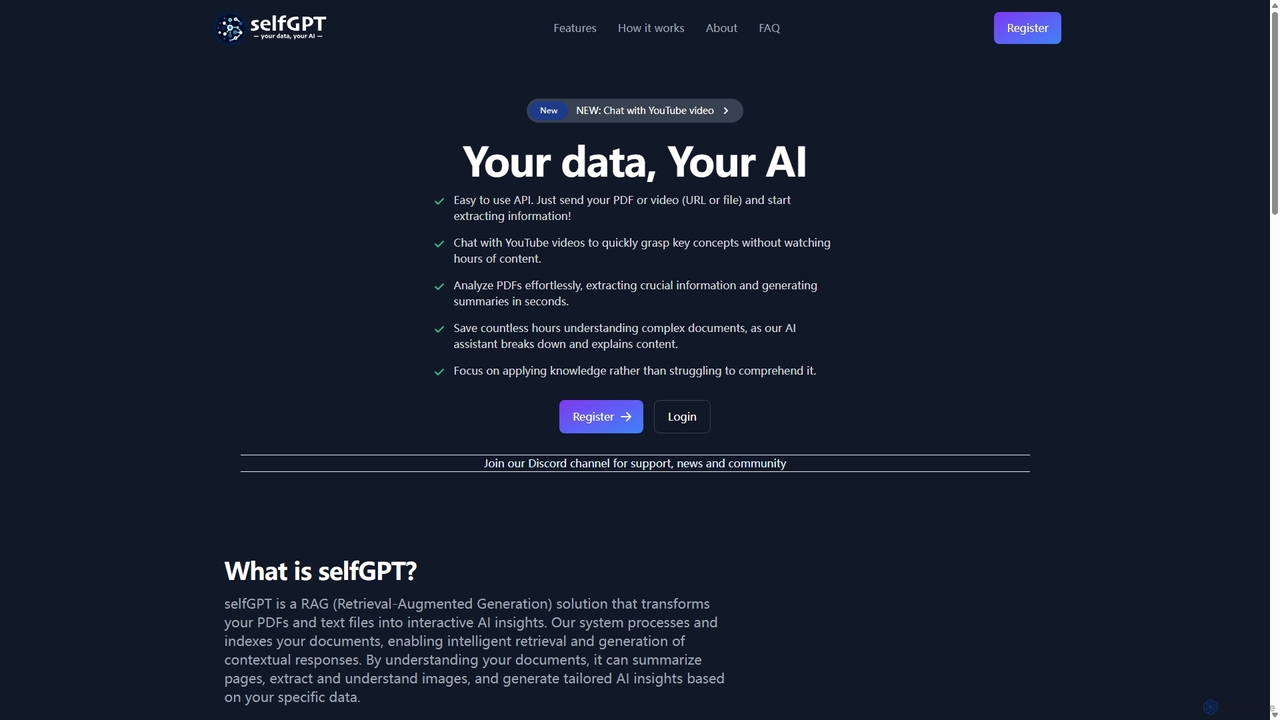
SelfGPT
selfGPT is a privacy-focused AI assistant that transforms your documents and videos into an interactive knowledge base. Using RAG technology, it allows you to chat with PDFs, text files, and YouTube videos to extract key insights, generate summaries, and get answers based solely on your data. It offers a developer-friendly API and a transparent pay-as-you-go pricing model, ensuring your data remains secure.
Api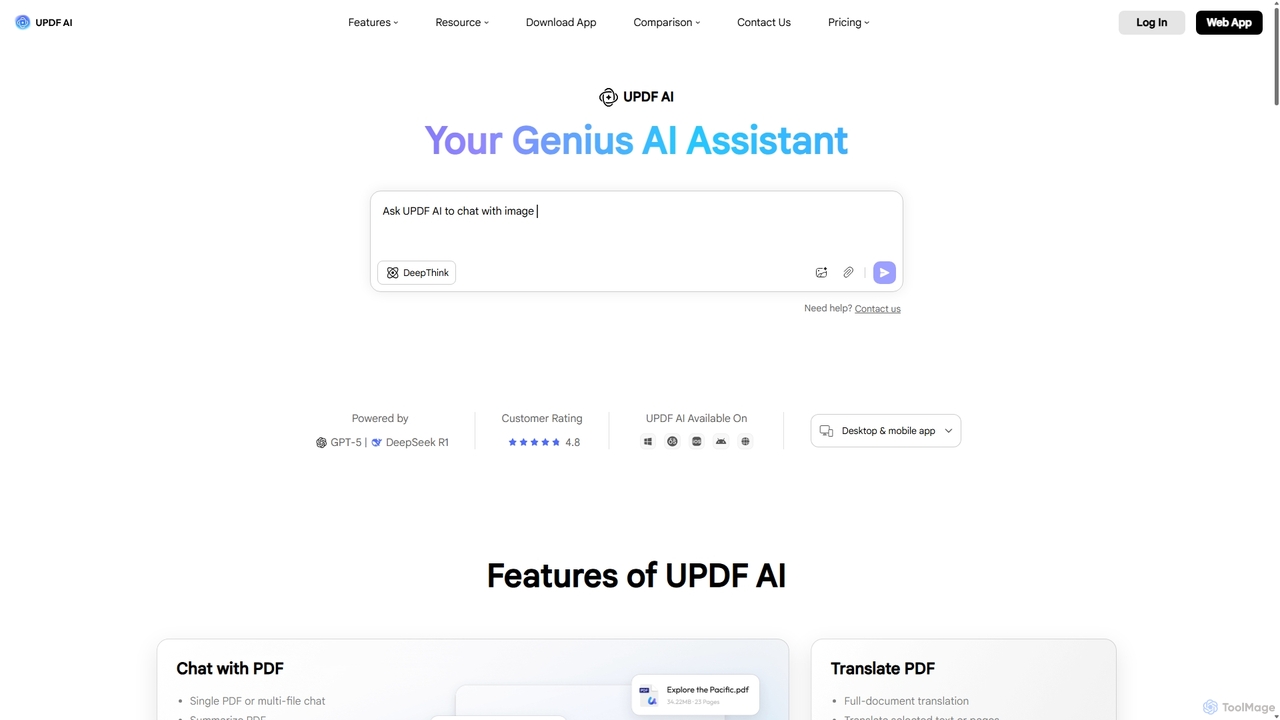
UPDF AI
UPDF AI is a powerful AI assistant integrated into the UPDF editor, designed to revolutionize how you interact with PDF documents. It allows you to chat with your PDFs, get instant summaries, translate entire documents or selected text, explain complex data, and even convert dense content into visual mind maps. Available on Windows, macOS, iOS, Android, and the web, it streamlines workflows for students, researchers, and professionals by making document comprehension and analysis faster and more efficient.
Research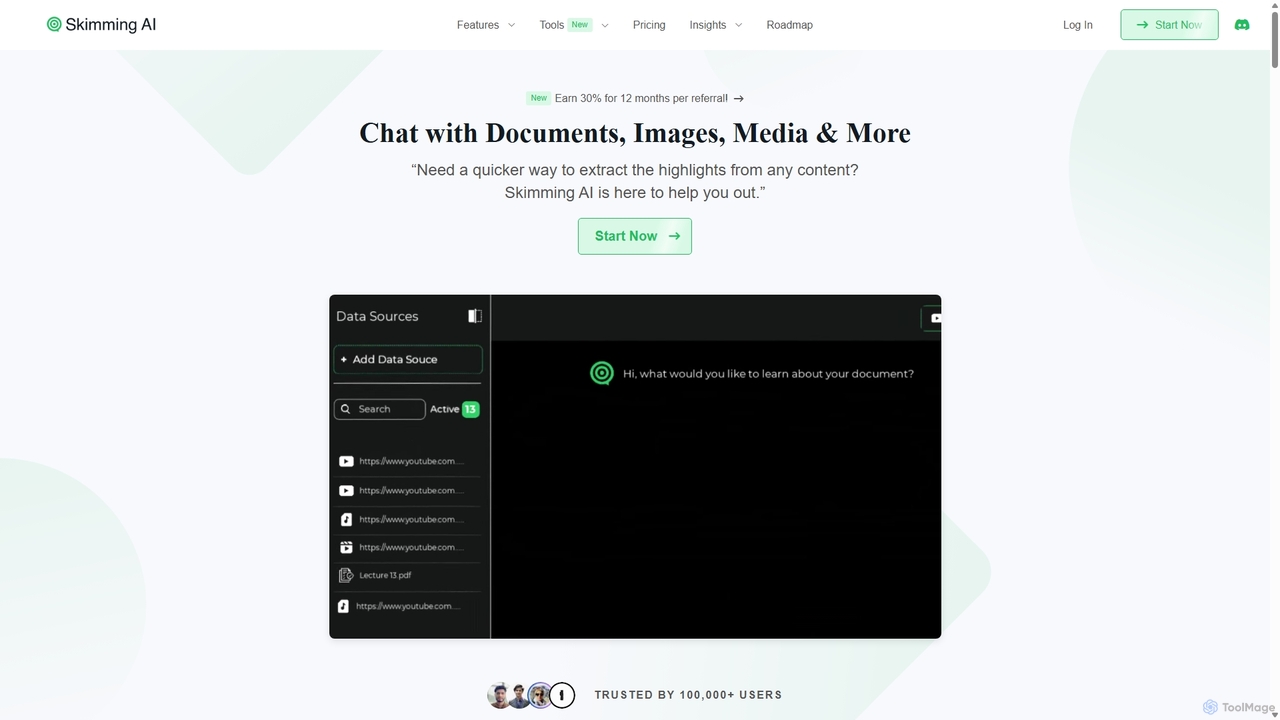
Skimming AI
Skimming AI is a versatile AI-powered platform that allows you to chat with and summarize a wide range of content, including documents, PDFs, YouTube videos, audio, images, and social media posts. Instantly extract key insights, ask questions, and get accurate answers without sifting through hours of material. It's designed to boost productivity for students, researchers, and professionals by making information consumption faster and more efficient across multiple formats and languages.
Analysis
Jyek
Jyek is an AI agent platform that understands objectives, creates execution plans, uses tools, and delivers verifiable results for complex, multi-step tasks.
Automation
PDF AI Sheet
A Google Sheet add-on that allows you to chat with and extract information from multiple PDF documents in bulk directly within your spreadsheets. Automate data analysis and research by asking questions to your PDFs using a simple formula.
Extraction
pdfai.io
pdfai.io is an AI-powered document assistant that lets you chat with your PDF files. Instantly summarize complex documents, ask questions, and extract key information effortlessly. It's designed to boost productivity for students, researchers, and professionals by turning static PDFs into interactive knowledge bases.
Data Extraction
ChatWithPDF Comments (0)
Sign in to comment.
Sign inNo comments yet.