

PDF GPT Overview
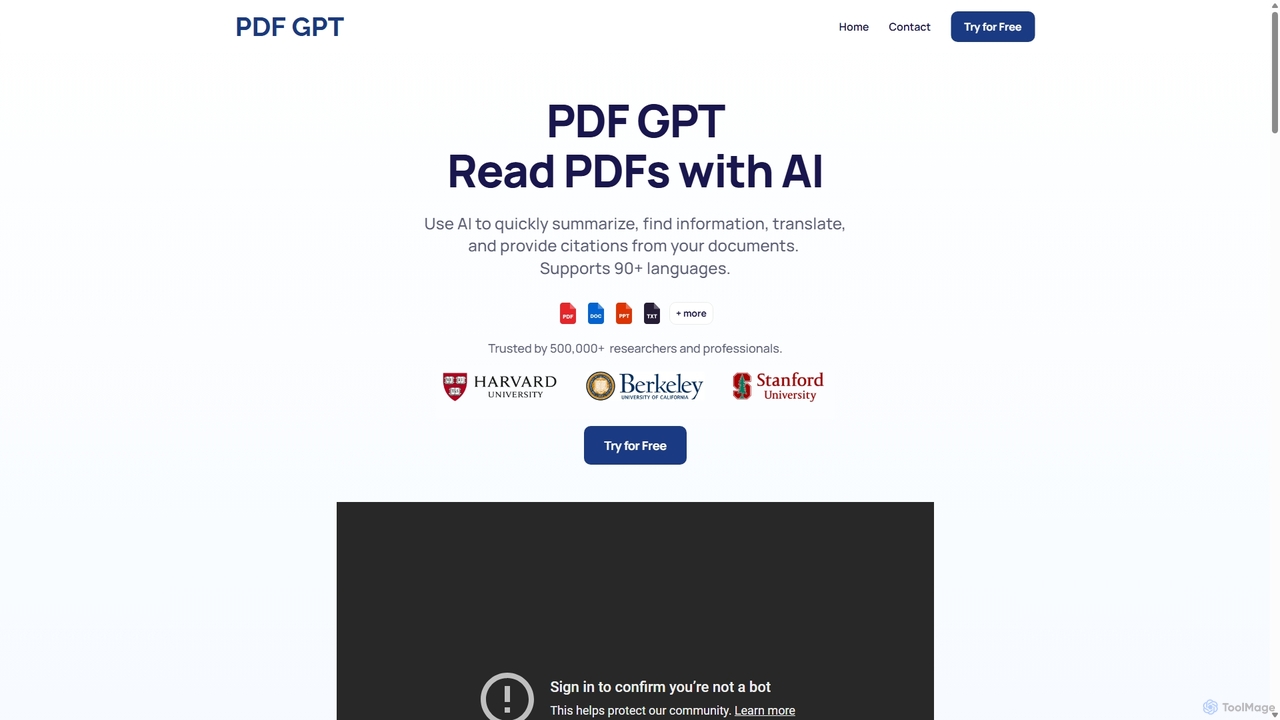
PDF GPT is a revolutionary AI-powered platform designed to transform how you interact with your PDF documents. In an era of information overload, wading through dense reports, academic papers, or legal contracts can be a time-consuming and arduous task. PDF GPT addresses this challenge by providing an intuitive chat interface that allows you to 'talk' to your documents. You can ask complex questions, request summaries, extract key data, and even translate content in seconds. Trusted by over 500,000 users, it serves as an indispensable assistant for anyone who works extensively with documents, from researchers and students to legal and business professionals.
The platform's core strength lies in its ability to not just retrieve information but to comprehend and synthesize it. When you ask a question, the AI doesn't just perform a keyword search; it understands the context and provides a coherent answer, complete with clickable citations that link directly to the source page in the PDF. This feature is invaluable for academic integrity and professional fact-checking, ensuring that every piece of information is verifiable and trustworthy.
How to use PDF GPT
Using PDF GPT is designed to be a seamless and straightforward experience, requiring no technical expertise. The process can be broken down into three simple steps:
- Upload Your PDFs: Begin by uploading one or more PDF documents to the platform. You can drag and drop files directly into the interface. The system securely processes your documents, preparing them for analysis.
- Ask Questions: Once your document is uploaded, a chat window appears. You can start asking questions in natural language, just as you would with a human assistant. For example, you could ask, "Summarize the key findings of this report," "What are the main arguments in chapter 3?" or "Find all clauses related to termination in this contract."
- Get Instant Answers with Citations: The AI will process your query and provide a detailed answer within seconds. Crucially, each answer is accompanied by page citations. You can click on these references to be taken to the exact location in the PDF where the information was found, with the relevant text highlighted. This allows for quick verification and deeper context.
Core Features of PDF GPT
- AI-Powered Summarization: Instantly generate concise summaries of lengthy documents, saving you hours of reading time.
- Interactive Q&A: Engage in a natural conversation with your documents. Ask follow-up questions and explore topics in depth.
- Source-Cited Answers: Every answer is backed by a clickable page reference, ensuring accuracy and allowing for easy fact-checking.
- Multi-Document Search: Upload multiple documents and ask questions across the entire collection to synthesize information from various sources.
- Document Tagging and Organization: Apply tags to your documents to categorize them. You can then choose to chat with specific groups of documents based on their tags, streamlining your research workflow.
- Multi-Language Support: The tool supports over 90 languages, allowing you to upload and ask questions in your native tongue. It can also be used for translation purposes.
- Content Generation: Use the information within your PDFs as a basis to generate new content, such as study guides, presentation outlines, email drafts, and more.
Use Cases for PDF GPT
PDF GPT is a versatile tool with applications across various fields:
- For Students & Researchers: Quickly digest dense academic papers, create literature reviews by searching across dozens of articles, and generate study guides from textbooks.
- For Legal Professionals: Analyze contracts, case files, and legal precedents to find specific clauses, identify risks, or build case arguments efficiently.
- For Business Professionals: Summarize market research reports, financial statements, and business plans to make informed decisions faster.
- For Financial Analysts: Extract key figures, trends, and insights from annual reports, prospectuses, and market analyses.
- For Content Creators & Marketers: Pull statistics, quotes, and key information from source materials to create accurate and well-researched content.
Advantages of PDF GPT
The primary advantage of PDF GPT is its ability to dramatically increase productivity. By automating the process of reading, summarizing, and information retrieval, it saves users countless hours per week. The high accuracy of its answers, combined with verifiable citations, builds trust and ensures reliability. Its support for multiple documents and languages makes it a powerful, all-in-one solution for global professionals and researchers, breaking down language barriers and enabling cross-source analysis with ease.
Pricing and Plans
PDF GPT operates on a freemium model, making it accessible to everyone.
- Free Plan: Ideal for casual users, this plan typically includes a limited number of PDF uploads per month, a maximum file size, and a cap on the number of questions you can ask.
- Pro Plan (Paid): Designed for professionals and power users, this plan offers significantly higher limits on uploads and file sizes, unlimited questions, the ability to search across multiple documents, and priority customer support.
- Team/Enterprise Plan (Paid): For businesses and academic institutions, this plan provides custom limits, collaborative features for teams, enhanced security protocols, and dedicated account management.
(Note: Specific pricing details can be found on the official website.)
PDF GPT Alternatives
Chatwithpdf
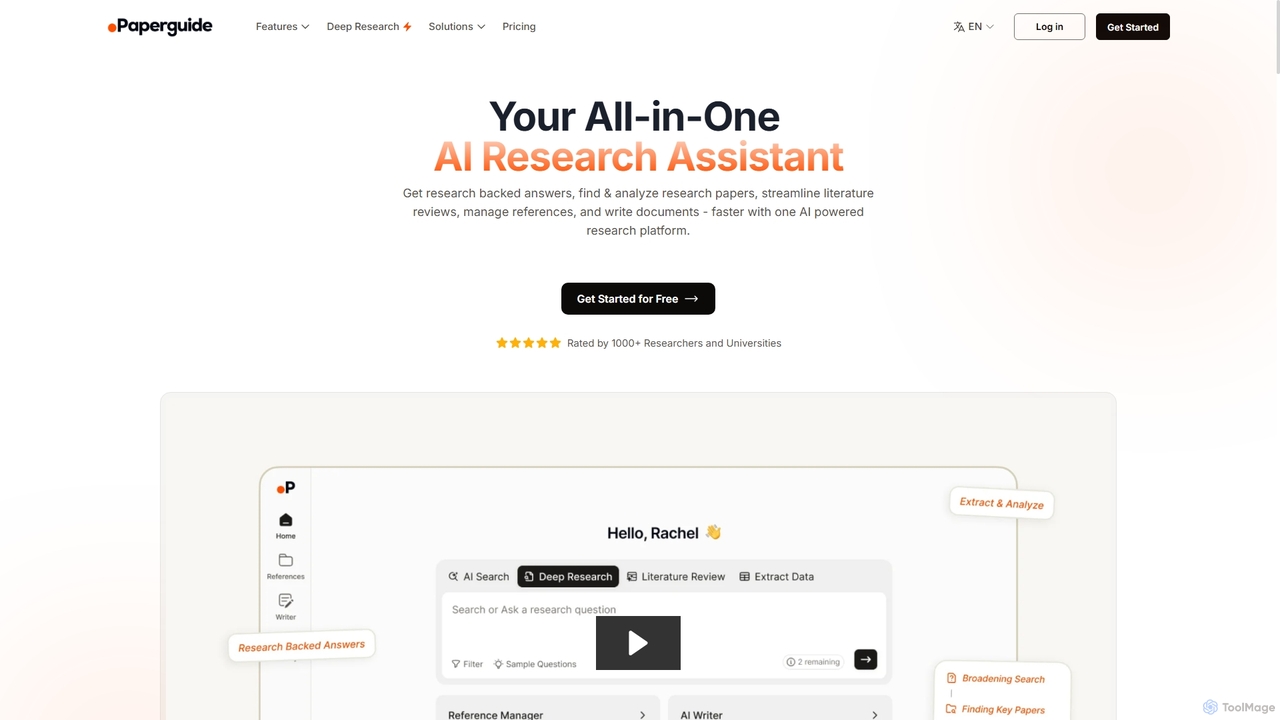
Chatwithpdf is an AI-powered tool that allows you to interact with your PDF documents conversationally. Simply upload a file and start asking questions, get summaries, and extract key information instantly. It's designed for students, researchers, and professionals to analyze documents faster and more efficiently.
Data Extraction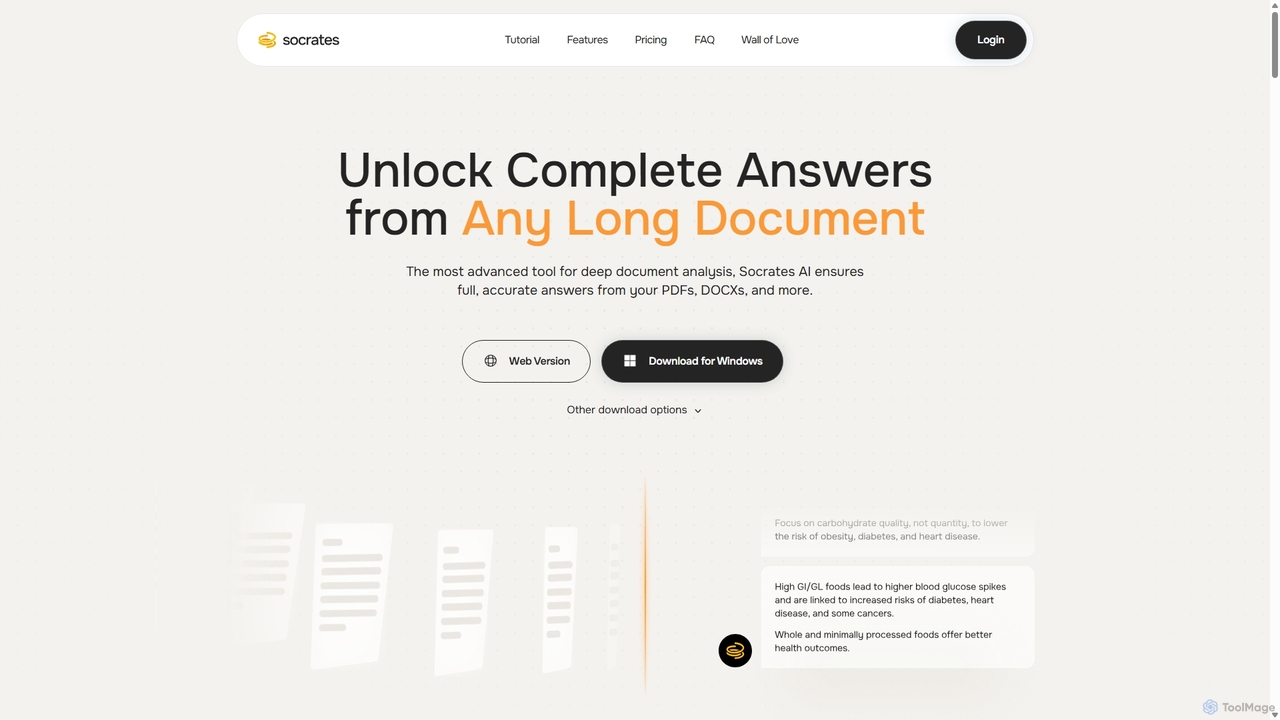
Socrates
Socrates is an advanced AI tool for deep document analysis. It allows users to upload long documents like PDFs and DOCX to get complete, accurate answers. Its unique 'Deep Dive' feature provides thorough analysis, while features like Table AI and Local LLM support cater to researchers, legal professionals, and students seeking detailed insights with enhanced data privacy.
Data Analysis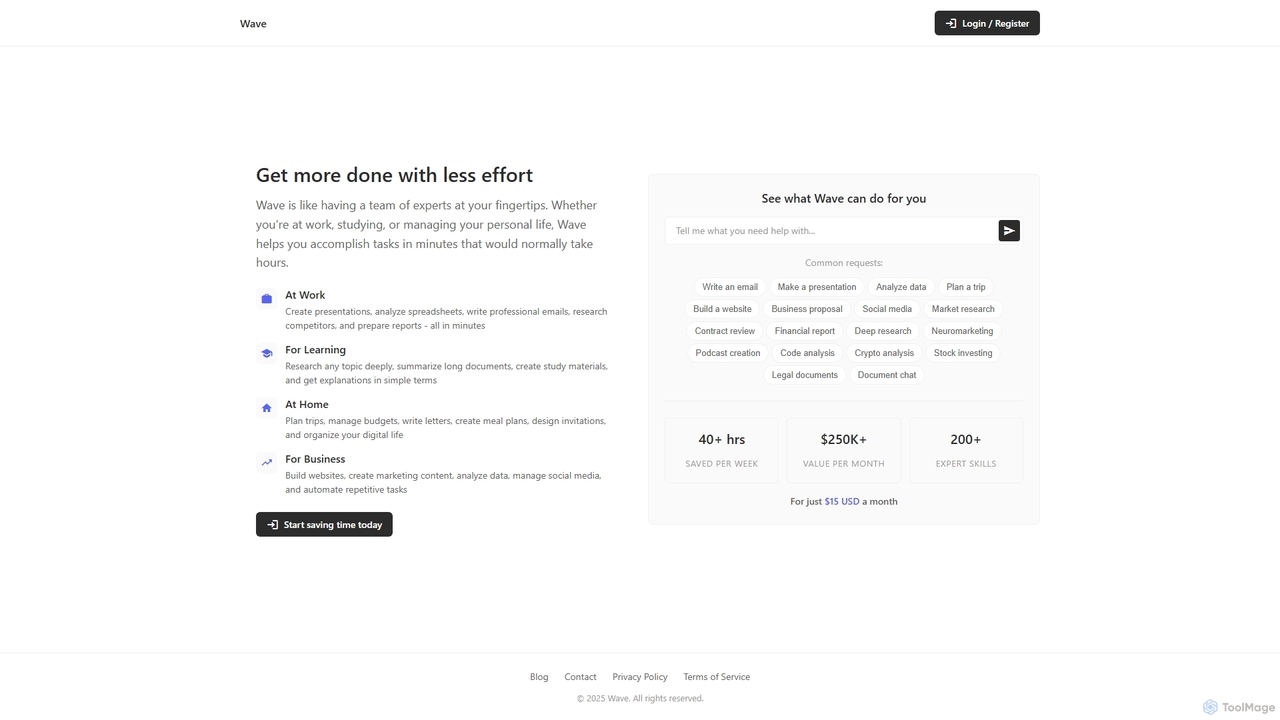
ChatDocuments
ChatDocuments is an AI-powered platform that allows you to interact with your documents through a conversational chat interface. Upload PDFs, Word files, and other formats to ask questions, get instant summaries, extract key information, and gain insights without manually reading through pages. It's designed to boost productivity for students, researchers, and professionals.
Data Analysis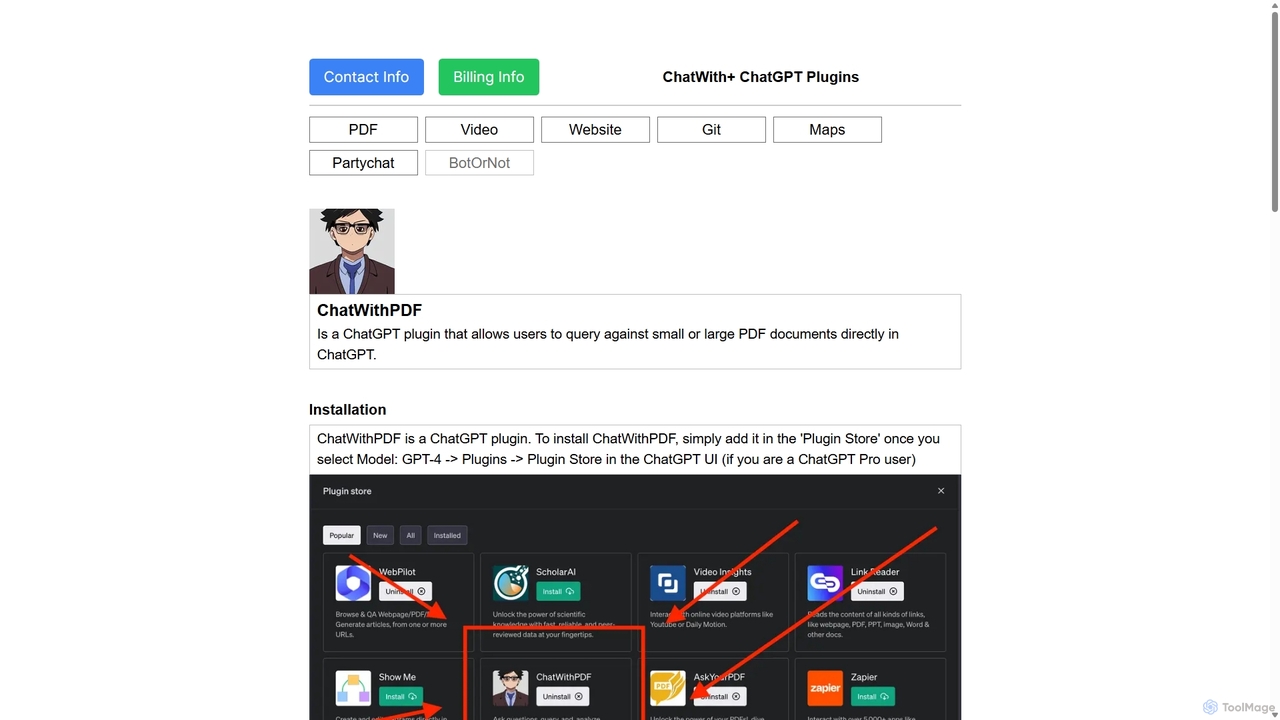
ChatWithPDF
A powerful ChatGPT plugin that allows you to have interactive conversations with any PDF document. Simply provide a public URL to a PDF, and you can ask questions, request summaries, and extract specific information directly within the ChatGPT interface. Ideal for students, researchers, and professionals.
Data Extraction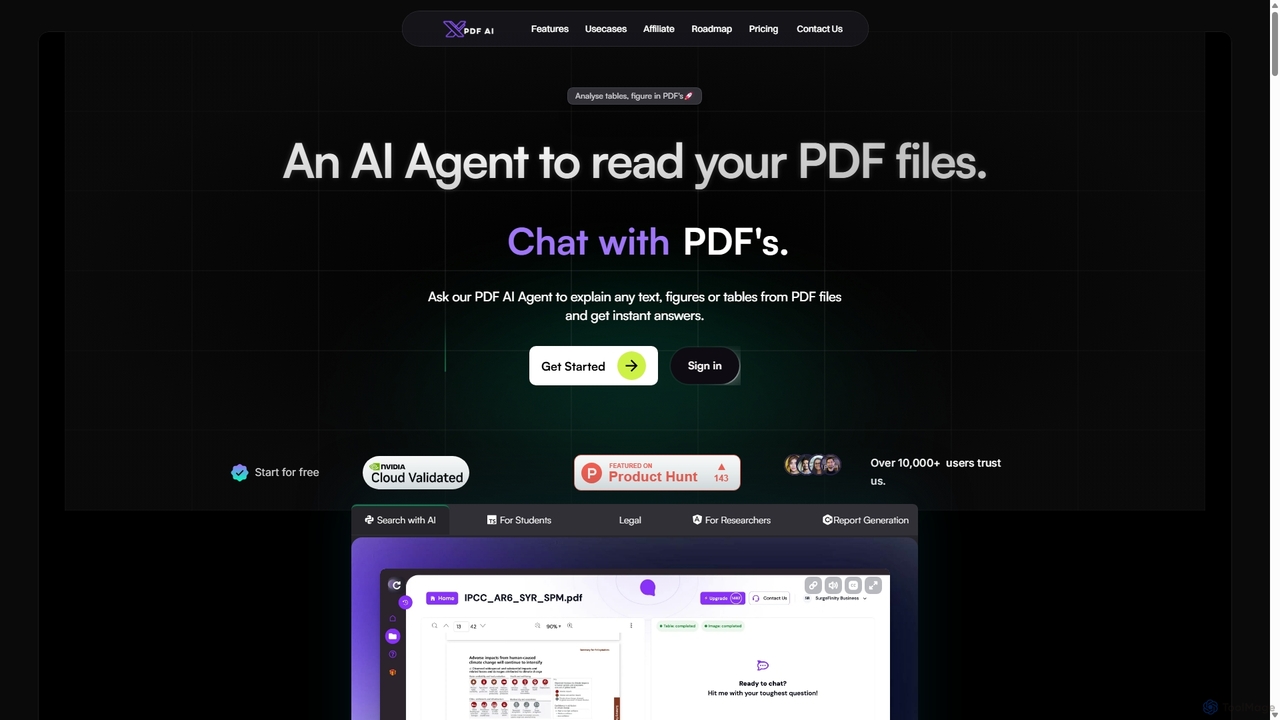
XPDF AI
xPDF AI is a personal AI assistant that transforms your interaction with PDF documents. Chat with any PDF, ask questions, and get instant answers from text, tables, and figures. It features multimodal analysis, an AI summarizer, report generation, and a voice-activated interface, making it an essential tool for students, researchers, and professionals to quickly extract insights and boost productivity.
Data ExtractionPDF GPT Categories
PDF GPT Jobs
PDF GPT Embed Widget
Copy this embed code to place the badge on your blog, article, or product site and send readers directly to this ToolMage detail page.

Related AI tools
ChatDocuments
ChatDocuments is an AI-powered platform that allows you to interact with your documents through a conversational chat interface. Upload PDFs, Word files, and other formats to ask questions, get instant summaries, extract key information, and gain insights without manually reading through pages. It's designed to boost productivity for students, researchers, and professionals.
Data AnalysisChatwithpdf
Chatwithpdf is an AI-powered tool that allows you to interact with your PDF documents conversationally. Simply upload a file and start asking questions, get summaries, and extract key information instantly. It's designed for students, researchers, and professionals to analyze documents faster and more efficiently.
Data ExtractionXPDF AI
xPDF AI is a personal AI assistant that transforms your interaction with PDF documents. Chat with any PDF, ask questions, and get instant answers from text, tables, and figures. It features multimodal analysis, an AI summarizer, report generation, and a voice-activated interface, making it an essential tool for students, researchers, and professionals to quickly extract insights and boost productivity.
Data Extraction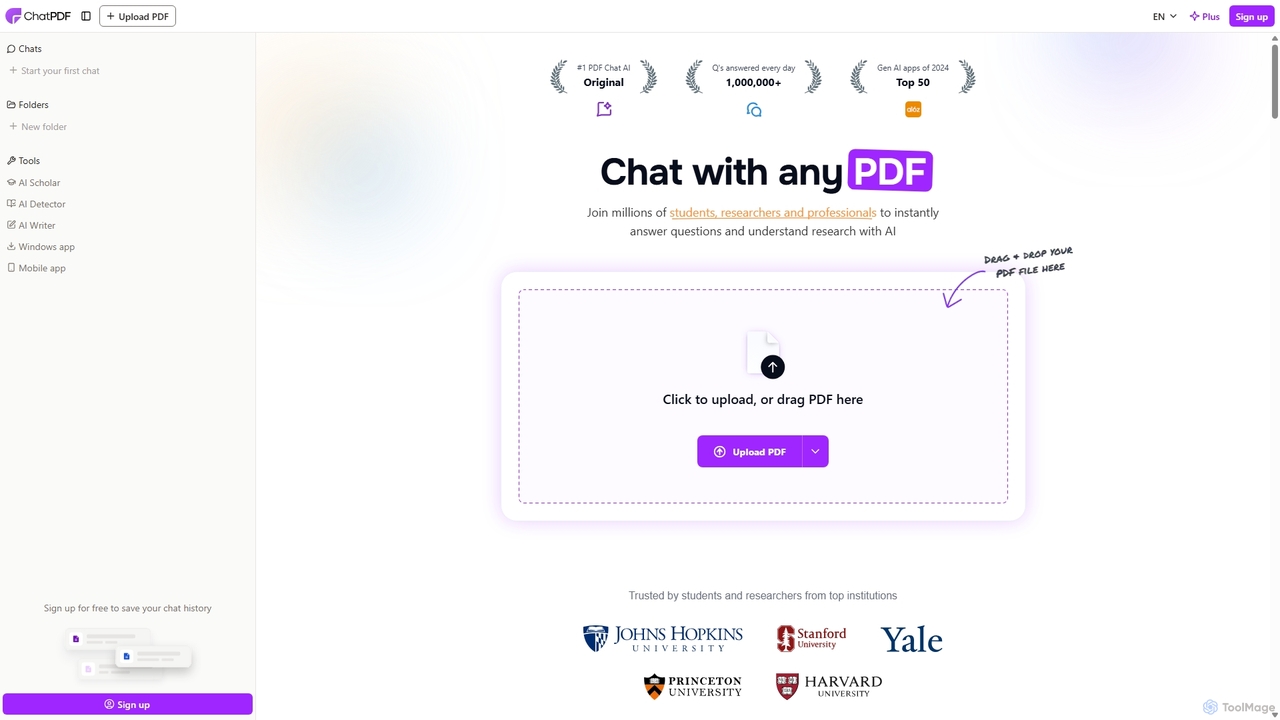
ChatPDF
ChatPDF is an AI-powered platform that allows you to interact with your documents as if you were having a conversation. Simply upload a PDF, and the AI will help you summarize content, answer specific questions, and extract key information in seconds. It's designed for students, researchers, and professionals to enhance productivity and understanding.
Research
Pdfai
Pdfai is an AI-powered document assistant that allows you to chat with your PDF files. Instantly get summaries, ask complex questions, and extract key information from research papers, reports, and contracts. Boost your productivity and unlock insights from your documents in seconds.
Data AnalysisSocrates
Socrates is an advanced AI tool for deep document analysis. It allows users to upload long documents like PDFs and DOCX to get complete, accurate answers. Its unique 'Deep Dive' feature provides thorough analysis, while features like Table AI and Local LLM support cater to researchers, legal professionals, and students seeking detailed insights with enhanced data privacy.
Data Analysis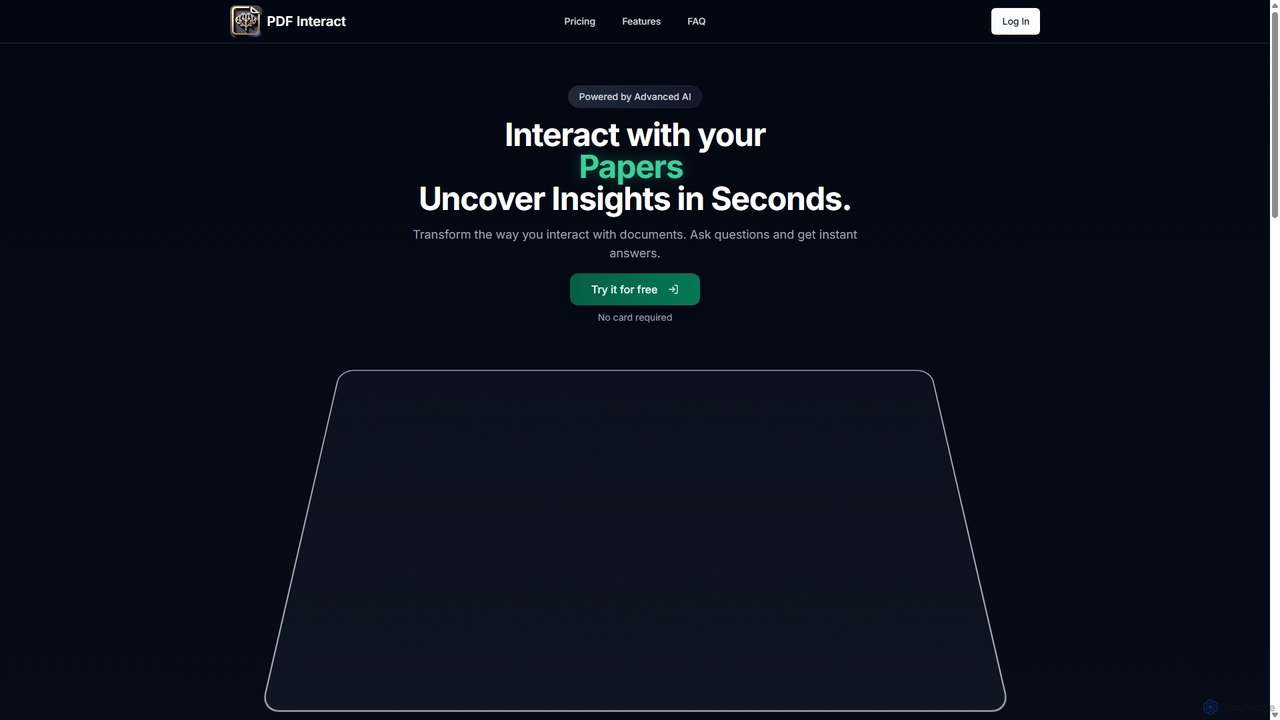
PDF Interact
PDF Interact is an AI-powered chat assistant that transforms how you engage with your documents. Simply upload a PDF and ask questions in natural language to get instant answers, summaries, and key insights. Ideal for students, researchers, and professionals looking to save time and analyze complex information efficiently.
Data Analysis
PDF Summarizer
PDF Summarizer is an AI-powered tool that instantly condenses any PDF document into a concise summary. Supporting over 90 languages, it helps students, researchers, and professionals save hours of reading time. Features include generating outlines, creating study guides, and an interactive Q&A with source-linked citations, boosting productivity and comprehension.
Study ToolsChatWithPDF
A powerful ChatGPT plugin that allows you to have interactive conversations with any PDF document. Simply provide a public URL to a PDF, and you can ask questions, request summaries, and extract specific information directly within the ChatGPT interface. Ideal for students, researchers, and professionals.
Data Extraction
PDF Summarizer
PDF Summarizer is an AI-powered tool that lets you understand documents in seconds. Upload PDFs, Word files, or PowerPoints, and instantly get summaries or ask specific questions. It supports multi-file chats for comprehensive research, works with any language, and provides source-linked answers for easy verification. Ideal for students, researchers, and professionals looking to save time and extract key information efficiently.
Analysis
Jyek
Jyek is an AI agent platform that understands objectives, creates execution plans, uses tools, and delivers verifiable results for complex, multi-step tasks.
Automation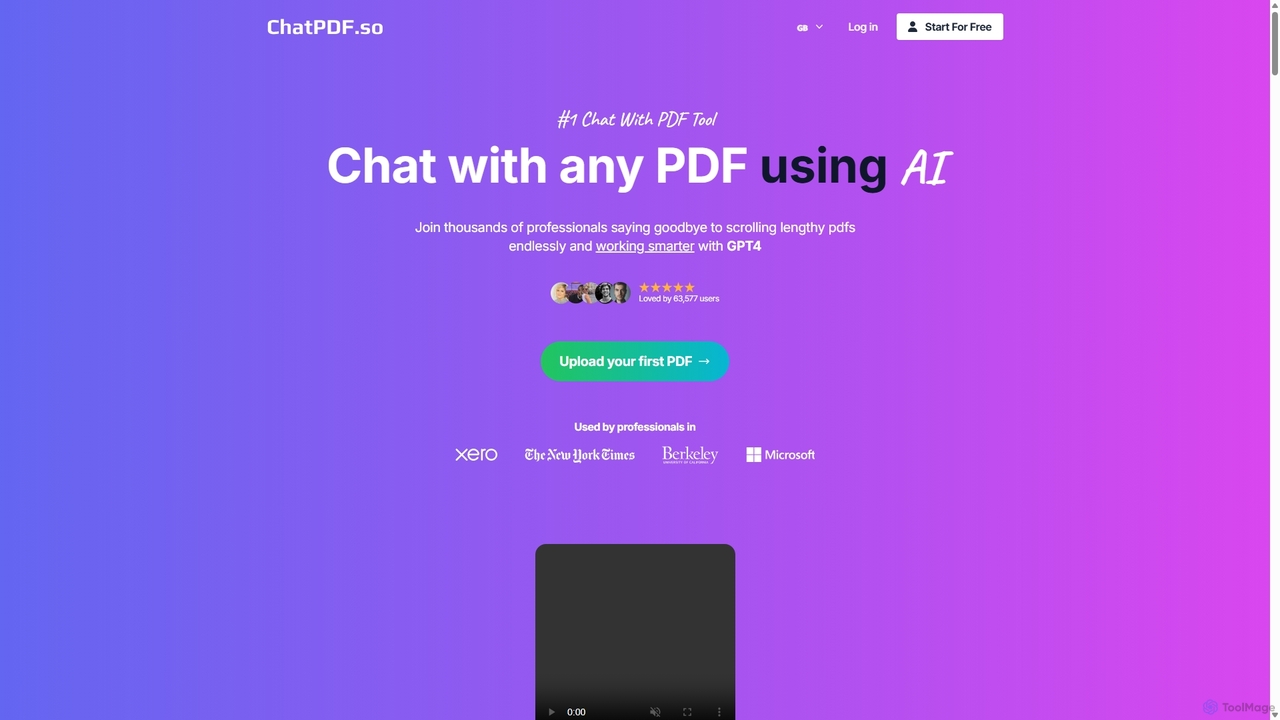
ChatPDF.so
ChatPDF.so is an AI-powered tool that allows you to chat with any PDF document. Instantly get answers, summaries, and insights from textbooks, research papers, legal contracts, and more. Supports bulk uploads, multi-document conversations, and chatbot creation.
Chatbot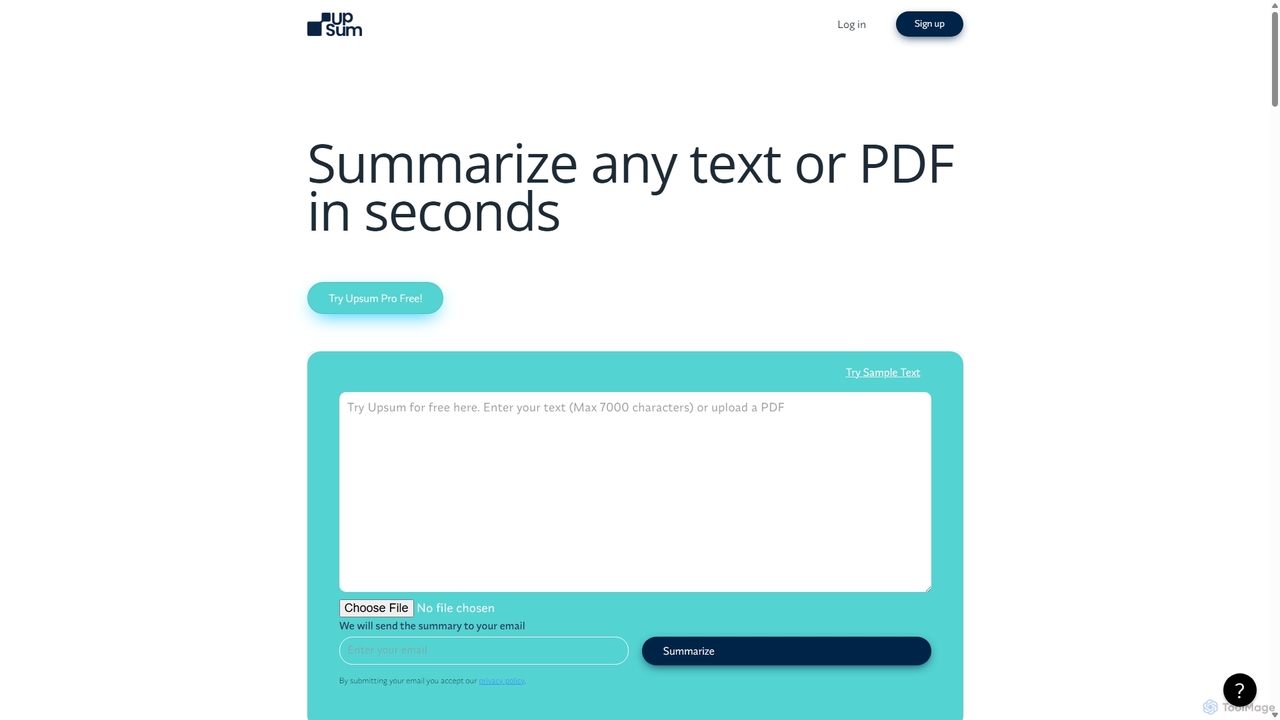
Upsum
Upsum is an AI-powered tool that summarizes any text or PDF in seconds. It features an interactive 'Chat to PDF' function, allowing users to ask questions and extract key information from their documents. It's designed for academics, consultants, and marketers to enhance productivity and accelerate research.
Document Analysis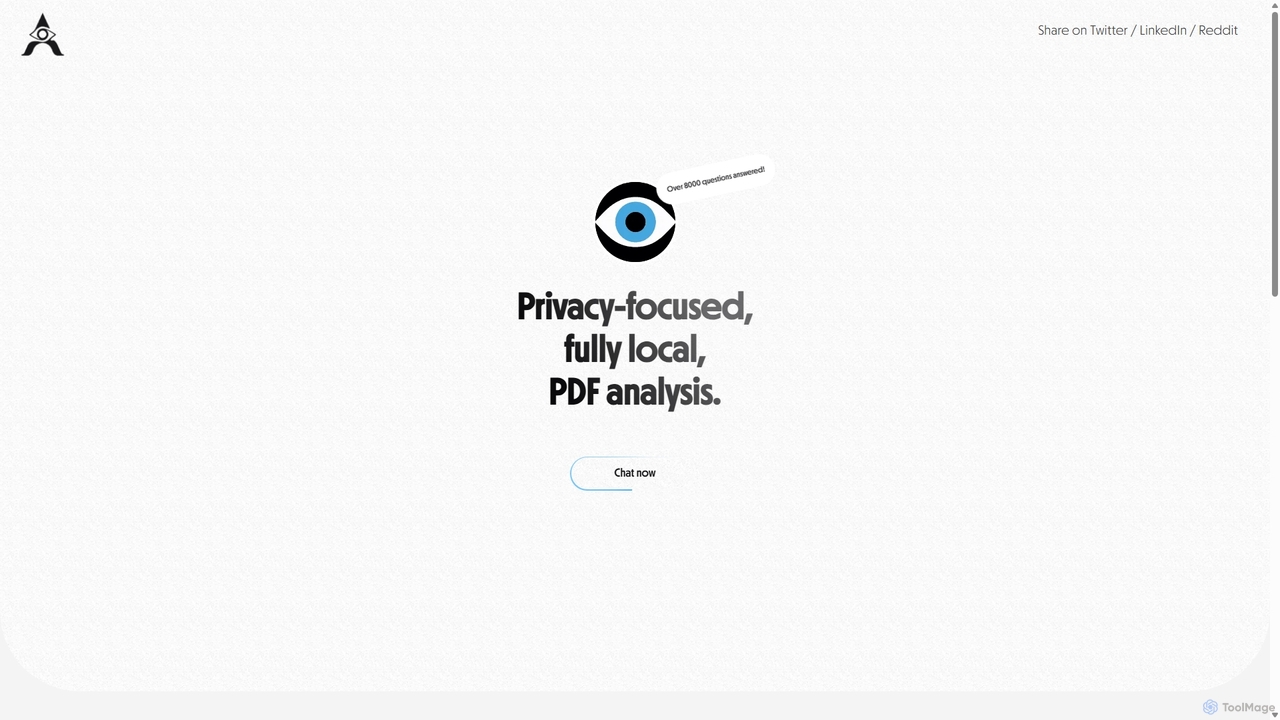
AetheriumAI
AetheriumAI is a secure, privacy-focused AI tool that allows you to chat with your PDF documents. It operates entirely on your local machine, ensuring no data is ever uploaded to a server. Supports multiple PDF uploads for comprehensive, cross-document analysis and insights.
Data Extraction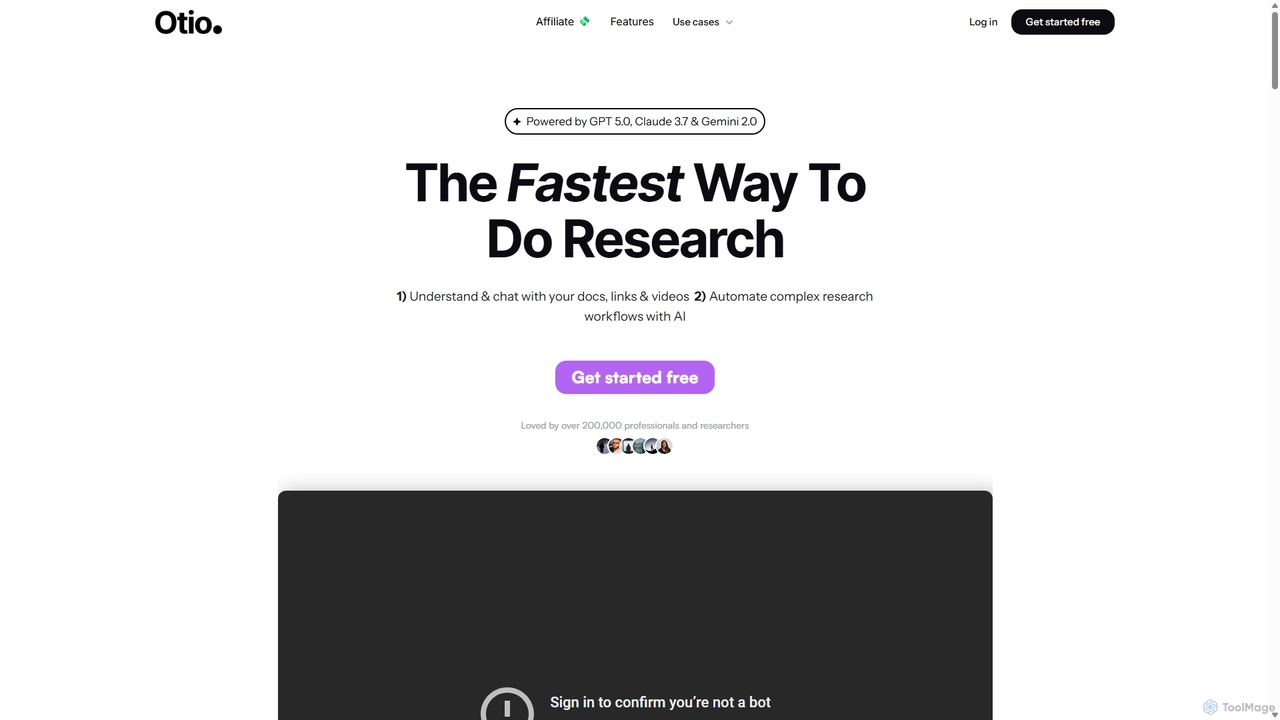
Otio
Otio is an AI-powered research and writing partner that streamlines your workflow. It allows you to understand and chat with documents, links, and videos, automate complex research tasks, and draft reports in an integrated AI editor. It's designed for students, researchers, and professionals to extract insights and produce high-quality written content efficiently.
Workflow
PDF GPT Comments (0)
Sign in to comment.
Sign inNo comments yet.