ToolMage
Sign in

Best 34 Data Extraction AI tools for Business

Popular Data Extraction AI tools in Business include pdfai.io, OCR.space, docanalyzer.ai, Adept, Affinda, super.ai, Tennr, FileGPT, Cradl AI, and alphamoon, helping you work more efficiently.

Bluelita
Paid

Bluelita

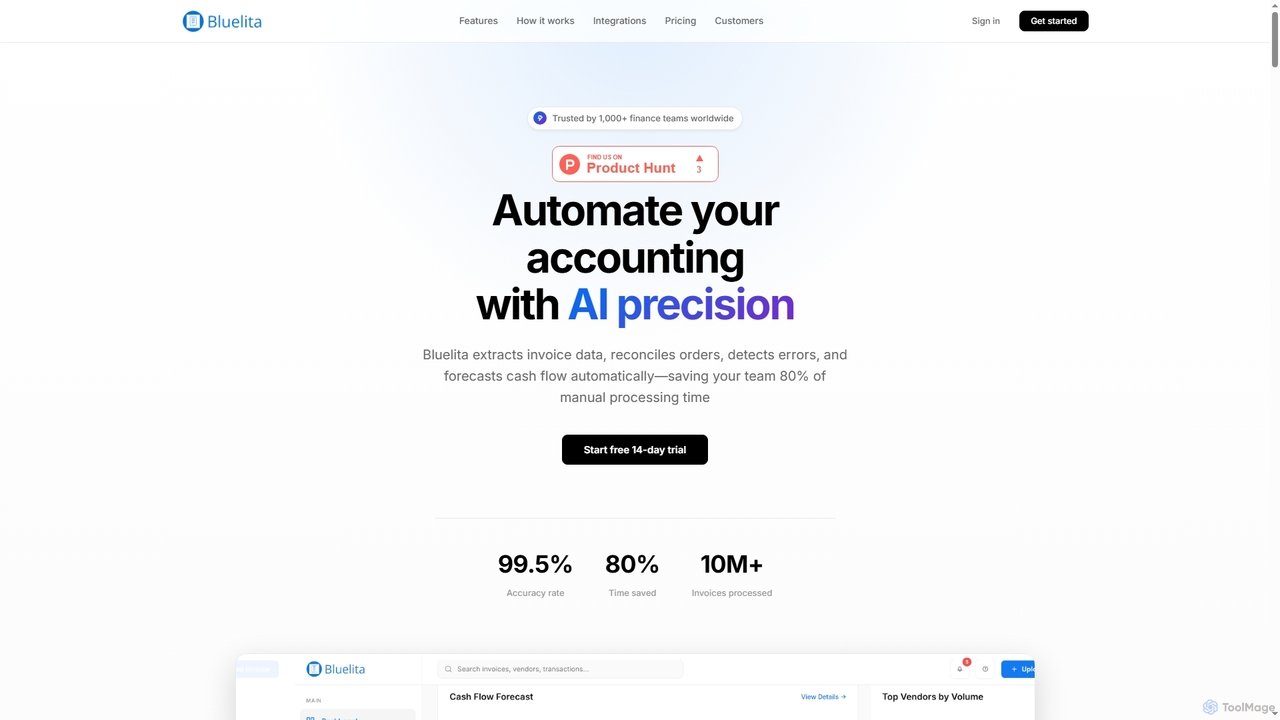
Bluelita is an AI-powered platform that automates accounting and invoice management. It extracts invoice data with 99.5% accuracy, reconciles orders, detects errors, and forecasts cash flow, saving finance teams up to 80% of manual processing time. It supports multiple formats and languages, integrates with existing ERP and accounting software, and ensures enterprise-grade security.

Data Extraction
Visits 4KFavorites 114Likes 116
Xtractpdfai
Freemium

Xtractpdfai

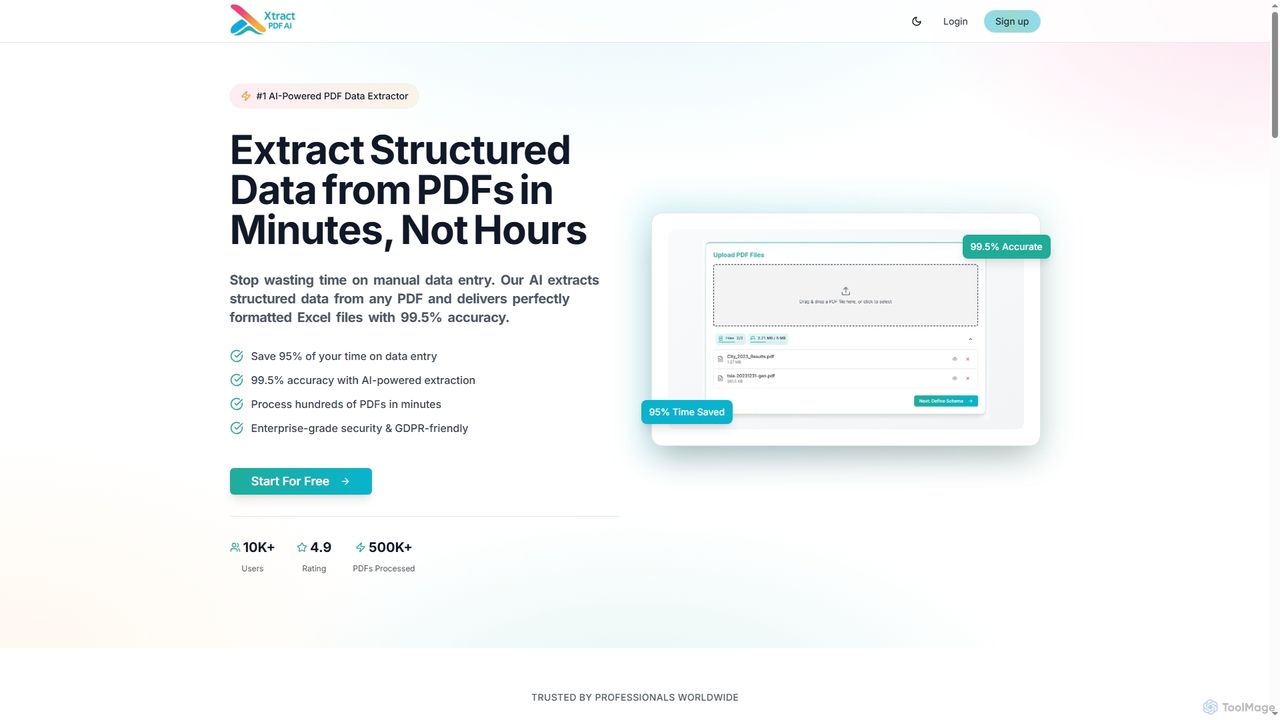
Xtractpdfai is an AI-powered tool designed to extract structured data from PDF documents and convert them into perfectly formatted Excel, CSV, or JSON files. It boasts 99.5% accuracy and significantly reduces manual data entry time, making document processing efficient and secure for professionals.

Data Automation
Visits 5.4KFavorites 118Likes 102
XPDF AI
Freemium

XPDF AI

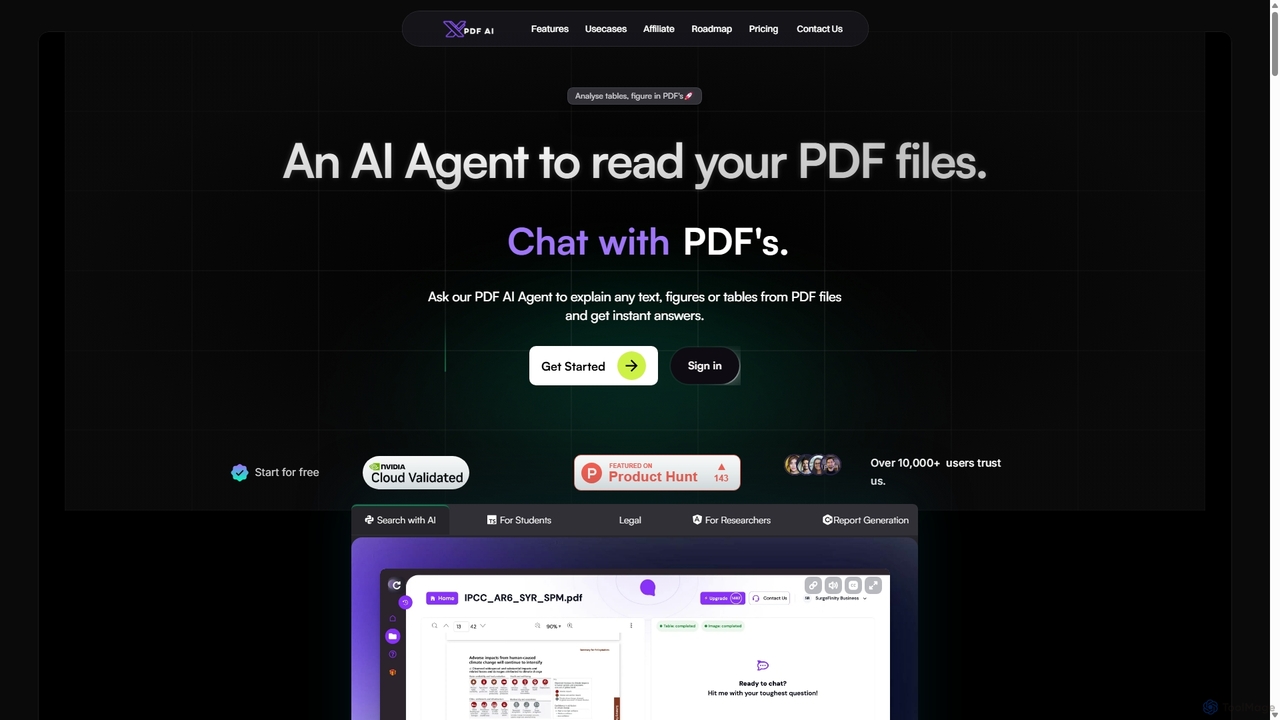
xPDF AI is a personal AI assistant that transforms your interaction with PDF documents. Chat with any PDF, ask questions, and get instant answers from text, tables, and figures. It features multimodal analysis, an AI summarizer, report generation, and a voice-activated interface, making it an essential tool for students, researchers, and professionals to quickly extract insights and boost productivity.

Data Extraction
Visits 4.1KFavorites 106Likes 117
Chatwithpdf
Freemium

Chatwithpdf

Chatwithpdf is an AI-powered tool that allows you to interact with your PDF documents conversationally. Simply upload a file and start asking questions, get summaries, and extract key information instantly. It's designed for students, researchers, and professionals to analyze documents faster and more efficiently.

Data Extraction
Visits 4.7KFavorites 94Likes 90
DocsLoop
Freemium

DocsLoop

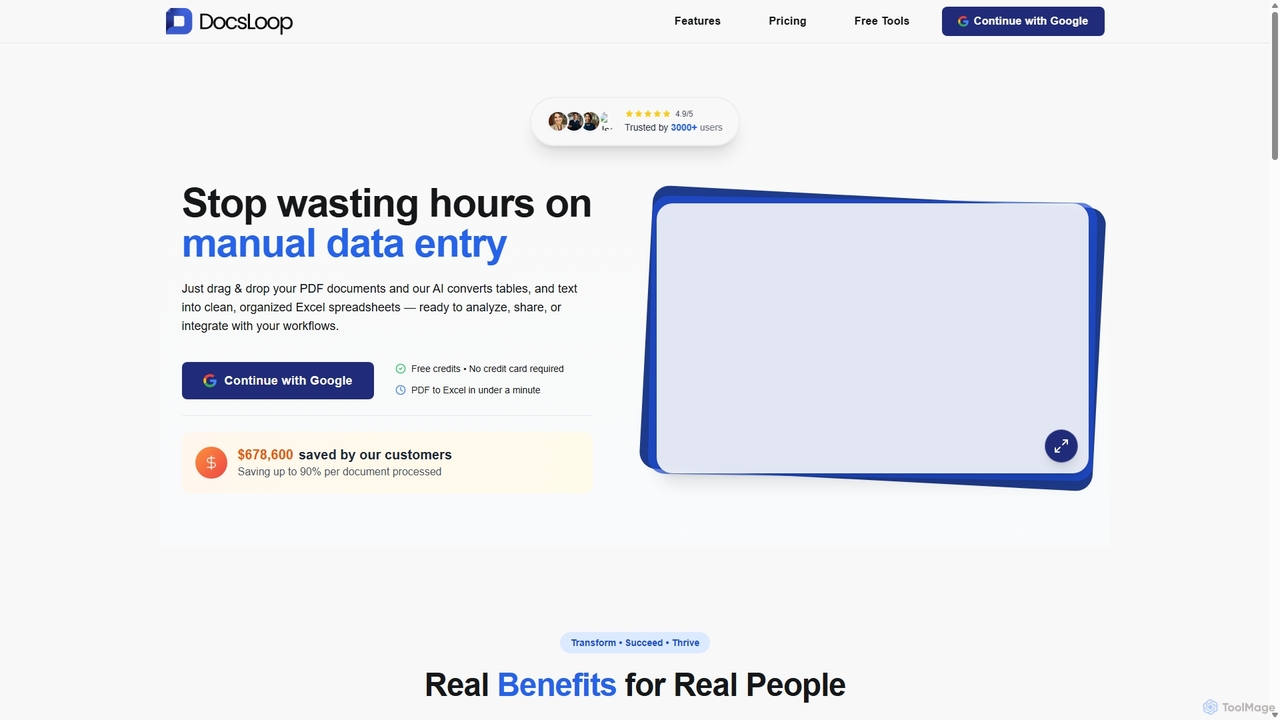
DocsLoop is an AI-powered document processing tool that automates data extraction from PDF documents. Simply drag and drop files like invoices, bank statements, and receipts, and DocsLoop converts tables and text into clean, organized Excel spreadsheets with 99% accuracy. It eliminates manual data entry, saving hours of work and reducing costs for businesses and individuals.

Data Extraction
Visits 4.8KFavorites 125Likes 102
ChatWithPDF
Freemium

ChatWithPDF

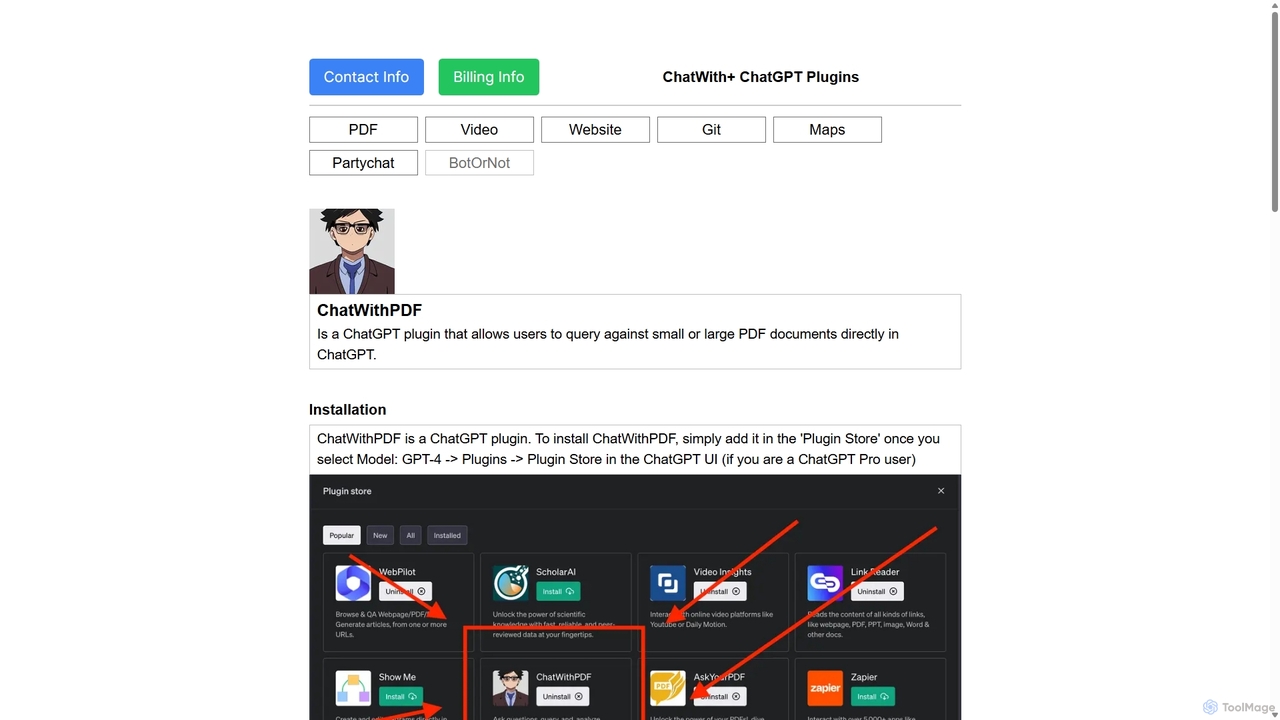
A powerful ChatGPT plugin that allows you to have interactive conversations with any PDF document. Simply provide a public URL to a PDF, and you can ask questions, request summaries, and extract specific information directly within the ChatGPT interface. Ideal for students, researchers, and professionals.

Data Extraction
Visits 4.2KFavorites 101Likes 105
AetheriumAI
Free

AetheriumAI

AetheriumAI is a secure, privacy-focused AI tool that allows you to chat with your PDF documents. It operates entirely on your local machine, ensuring no data is ever uploaded to a server. Supports multiple PDF uploads for comprehensive, cross-document analysis and insights.

Data Extraction
Visits 4KFavorites 115Likes 118
Tennr
Paid

Tennr

Tennr is an AI-powered platform that automates complex back-office workflows. It uses AI agents to read, understand, and process unstructured documents like PDFs, faxes, and emails, eliminating manual data entry and streamlining operations in sectors like healthcare and logistics.

Data Extraction
Visits 42.3KFavorites 118Likes 94
Parseflow
Freemium

Parseflow

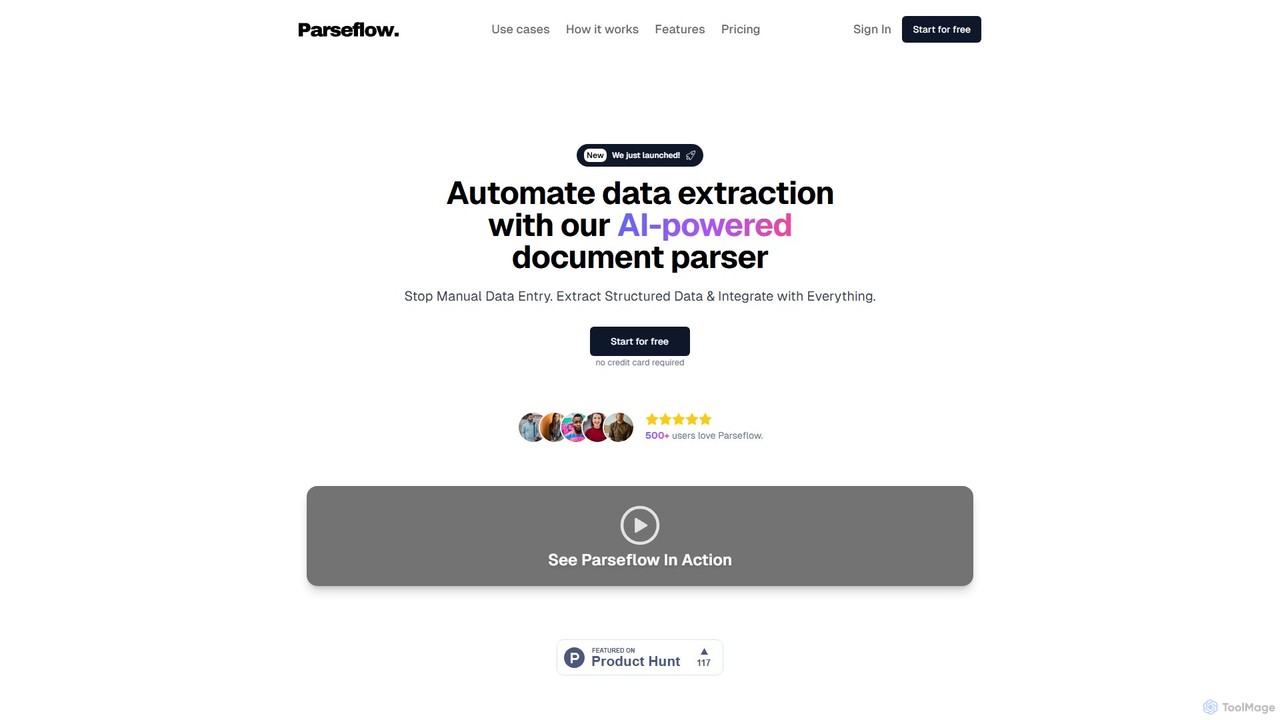
Parseflow is an AI-powered platform for automated data extraction from various documents like invoices, receipts, contracts, and resumes. It uses advanced OCR and NLP to parse structured and unstructured data, helping businesses streamline workflows, reduce manual entry, and lower operational costs.

Data Extraction
Visits 4.1KFavorites 150Likes 144
bunni
Freemium

bunni

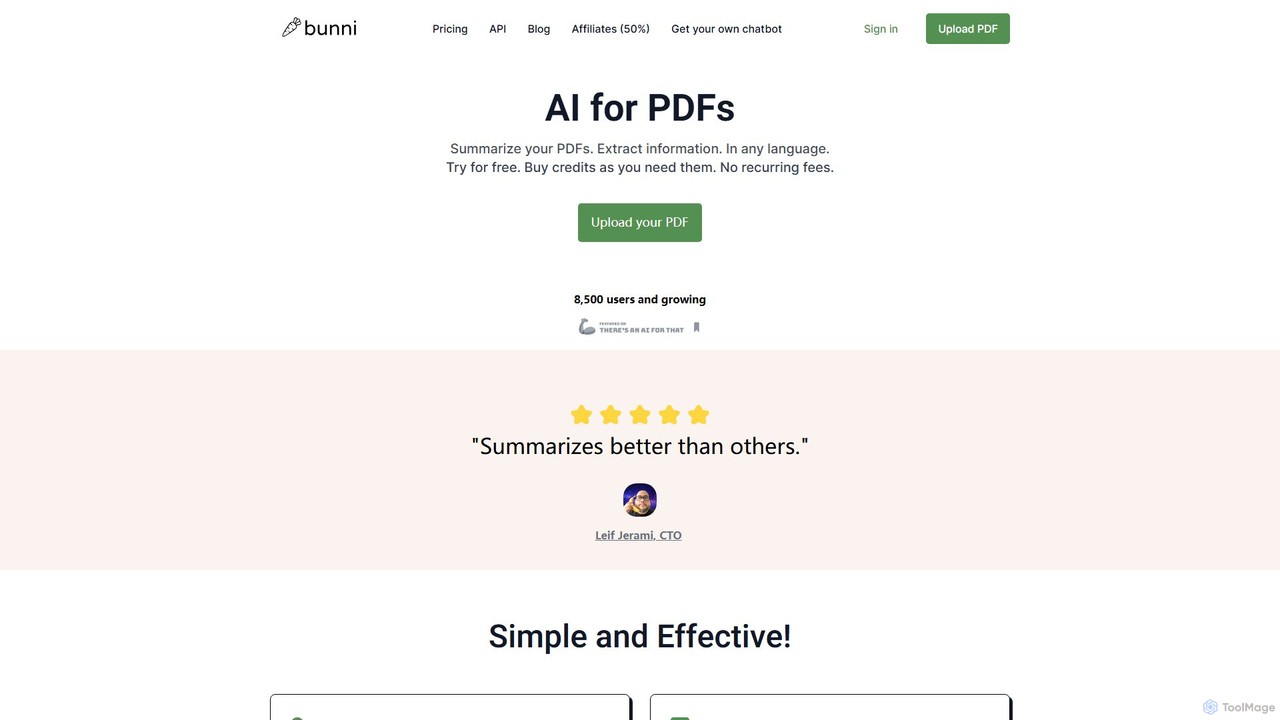
Bunni is an AI-powered tool that allows you to chat with your PDF documents. Simply upload a file to summarize its content, extract key information, and ask specific questions in any language. It supports large files, multiple document chats, and offers a flexible pay-as-you-go pricing model, making it ideal for researchers, students, and professionals who need to quickly analyze and understand dense documents.

Data Extraction
Visits 6.7KFavorites 121Likes 121
ClarifyPDF
Freemium

ClarifyPDF

ClarifyPDF is an AI-powered tool for interacting with your PDF documents. Simply upload one or more PDFs to summarize content, extract key information, and ask specific questions in any language. It supports large files and offers a shareable chat interface, making it ideal for students, researchers, and professionals to quickly understand complex documents without recurring subscription fees.

Data Extraction
Visits 6.7KFavorites 129Likes 136
Bitskout
Paid

Bitskout

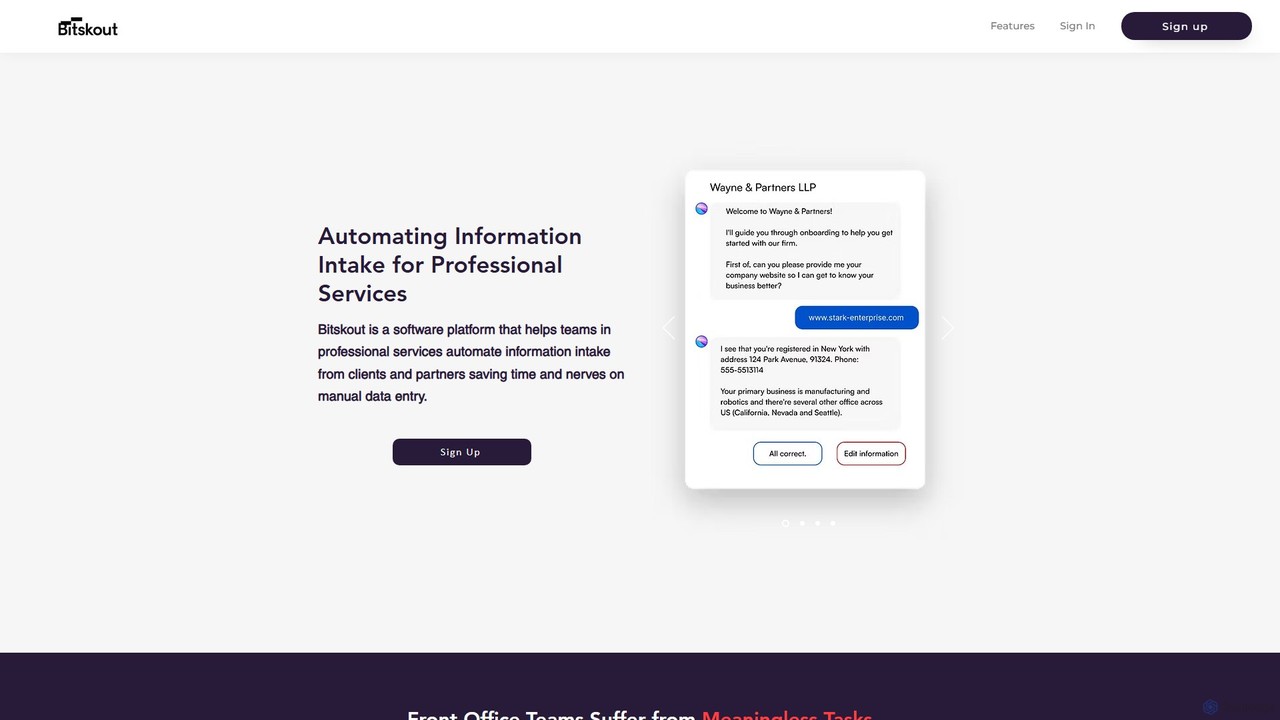
Bitskout is an AI-powered platform designed for professional services like CPAs and law firms to automate information intake. It extracts data from various documents, emails, and images, eliminating manual data entry. By integrating with tools like monday.com, Asana, and Zapier, it streamlines workflows, increases team bandwidth, and accelerates client onboarding and processing.

Data Extraction
Visits 6.9KFavorites 138Likes 126
mlnative
Paid

mlnative

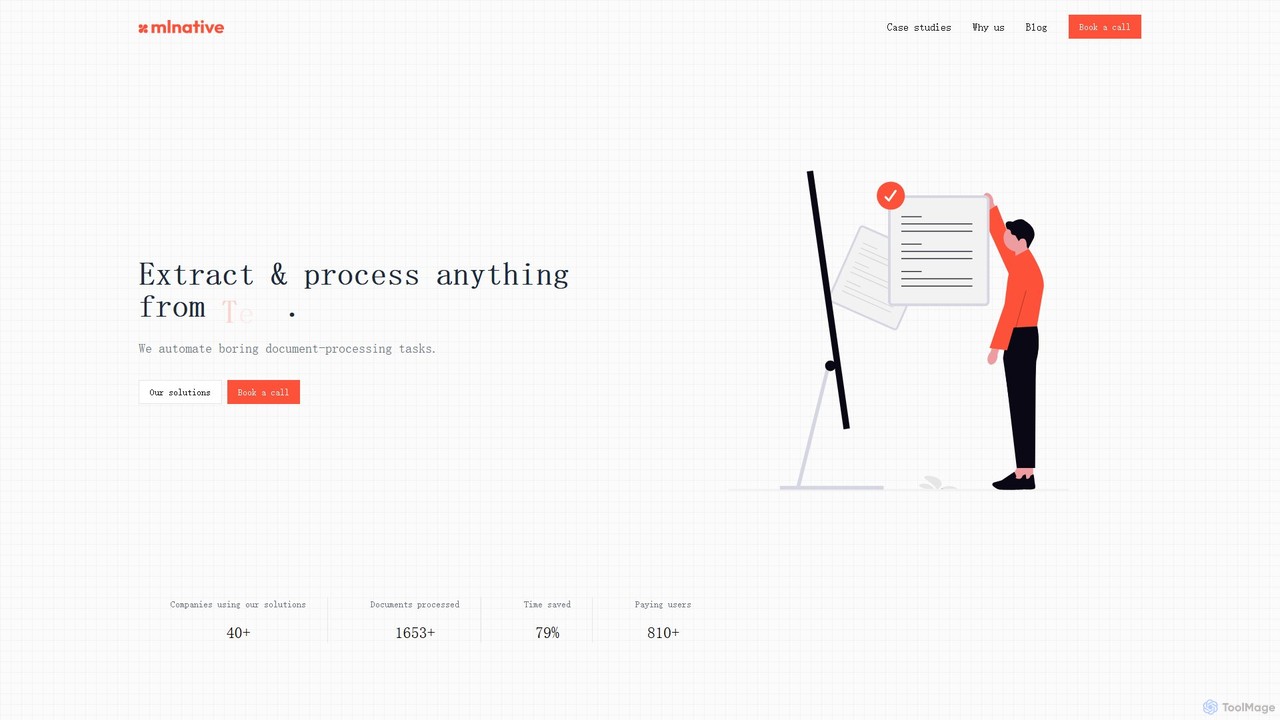
mlnative provides custom AI solutions to automate complex document processing tasks and build production-ready AI agents. They specialize in creating tailored models for data extraction, workflow automation, and industry-specific challenges, focusing on ROI and data privacy.

Data Extraction
Visits 6.2KFavorites 106Likes 105
FileGPT
Freemium

FileGPT

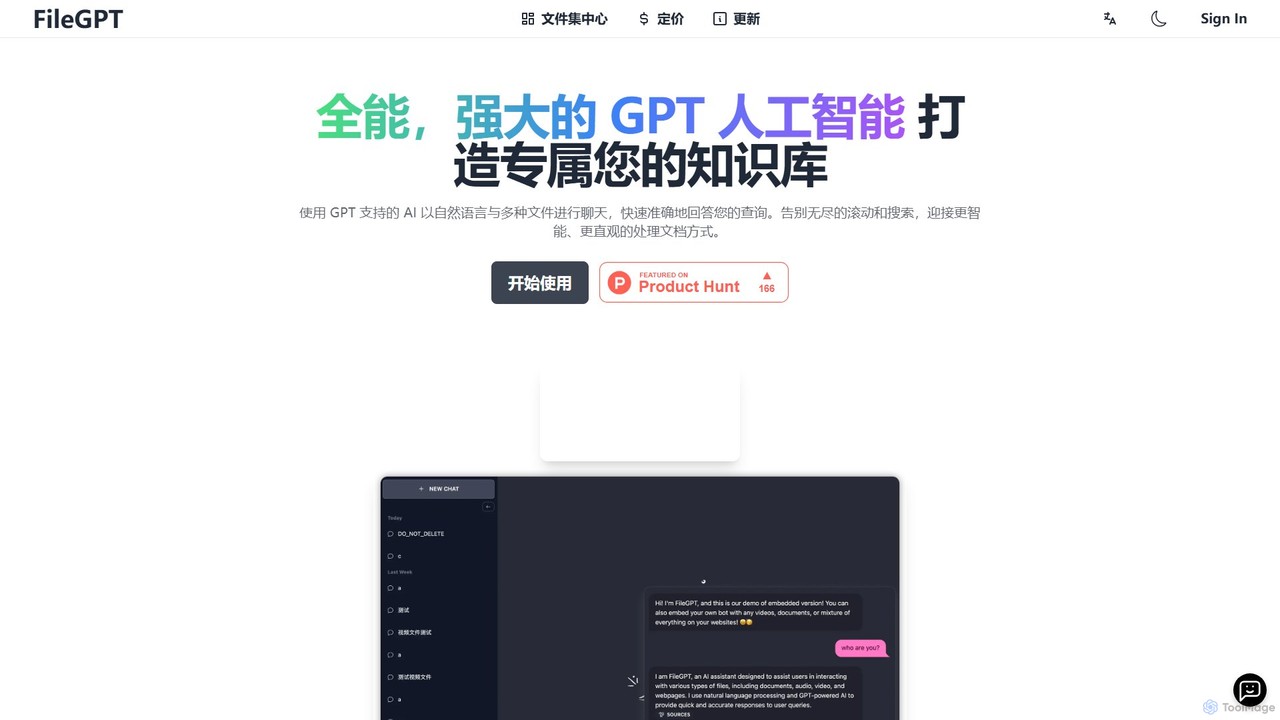
FileGPT is a powerful AI assistant that allows you to create a personalized knowledge base by chatting with your files. It supports a wide range of formats, including documents, audio, video, and web pages, enabling you to get instant, accurate answers and insights from your content without endless searching.

Data Extraction
Visits 11.8KFavorites 97Likes 99
ikapture
Paid

ikapture

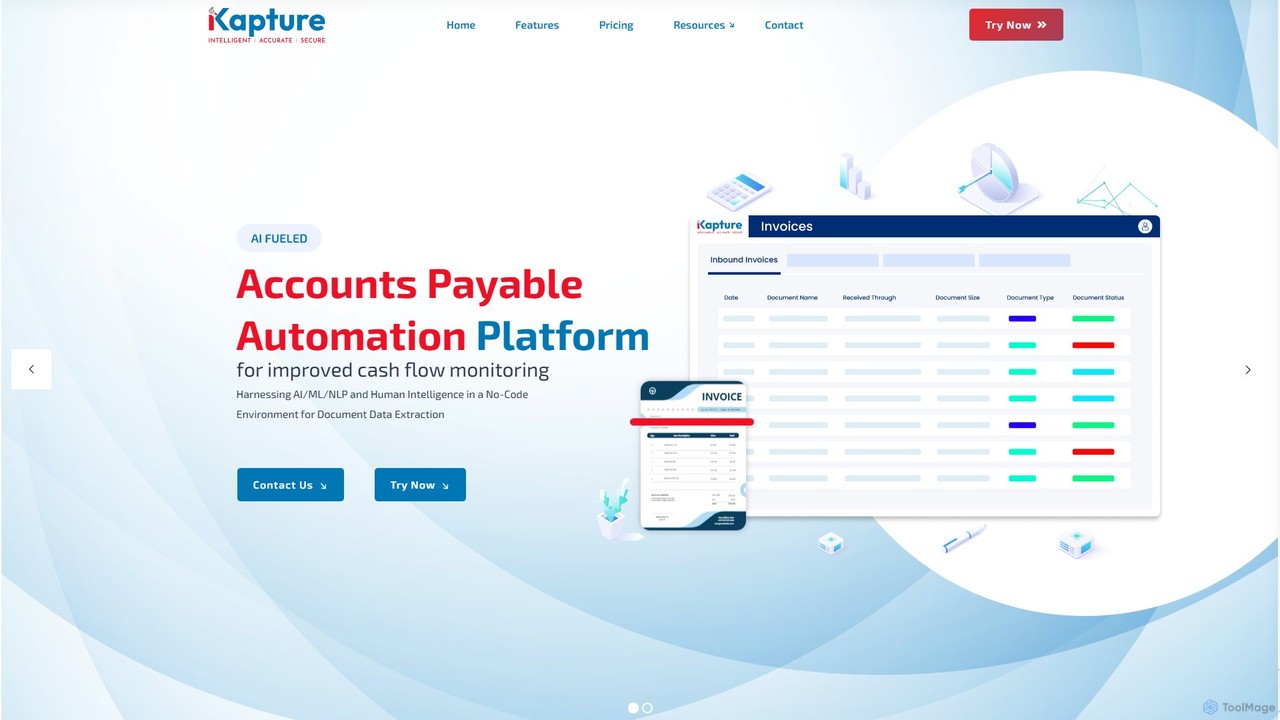
ikapture is an AI-powered accounts payable (AP) automation platform designed to streamline financial workflows. It leverages AI, ML, and NLP to extract data from invoices and other documents, reducing manual entry, minimizing errors, and improving cash flow monitoring. The no-code environment allows businesses to easily automate their AP processes, enhance efficiency, and gain better control over their finances.

Data Extraction
Visits 5.1KFavorites 92Likes 115
GPTOCR
Paid

GPTOCR

GPTOCR is an AI-powered data extraction tool that transforms documents, such as PDFs, into structured JSON files. It automates manual data entry, reduces human error, and streamlines workflows, enabling teams to focus on higher-value tasks by providing accurate, ready-to-use data.

Data Extraction
Visits 4.1KFavorites 106Likes 121
pdfai.io
Freemium

pdfai.io

pdfai.io is an AI-powered document assistant that lets you chat with your PDF files. Instantly summarize complex documents, ask questions, and extract key information effortlessly. It's designed to boost productivity for students, researchers, and professionals by turning static PDFs into interactive knowledge bases.

Data Extraction
Visits 1.7MFavorites 100Likes 119
Powder
Paid

Powder

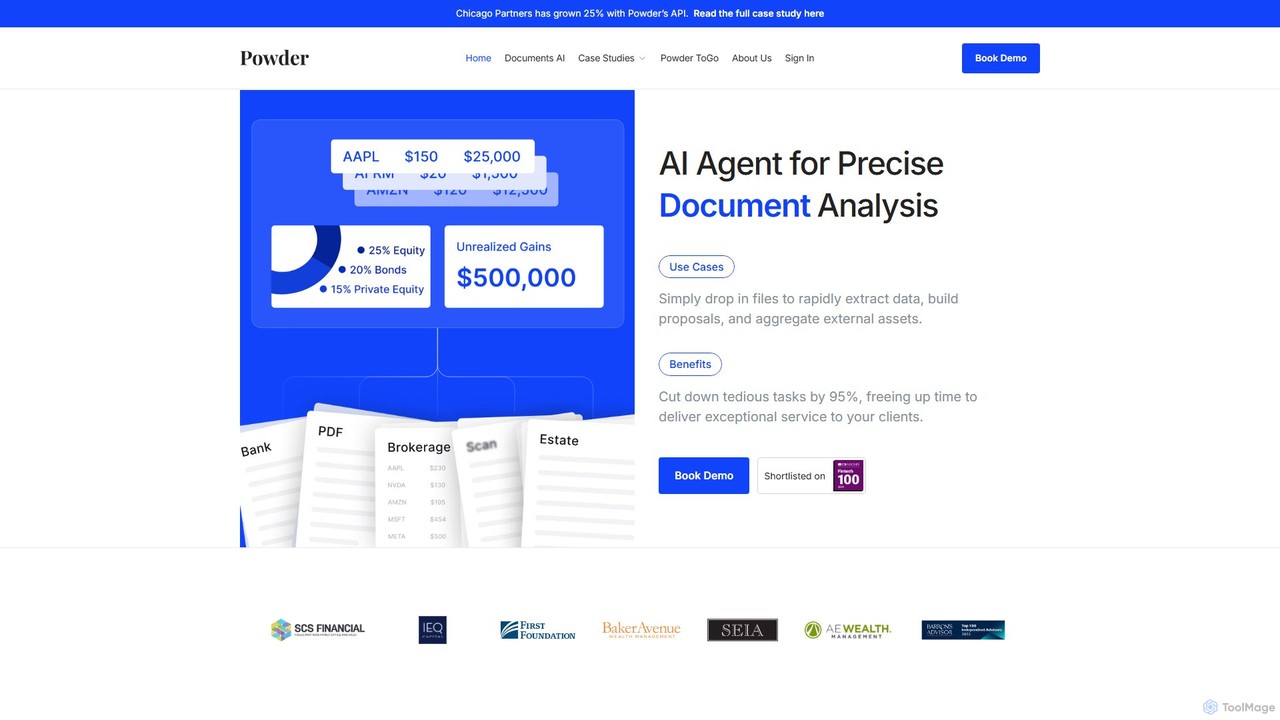
Powder is an AI-powered platform for wealth management firms, designed to automate document analysis. It extracts data from financial statements and other documents to rapidly build proposals, analyze portfolios, and enhance client service, saving up to 95% of manual processing time.

Data Extraction
Visits 6.2KFavorites 103Likes 110
OCR.space
Freemium

OCR.space

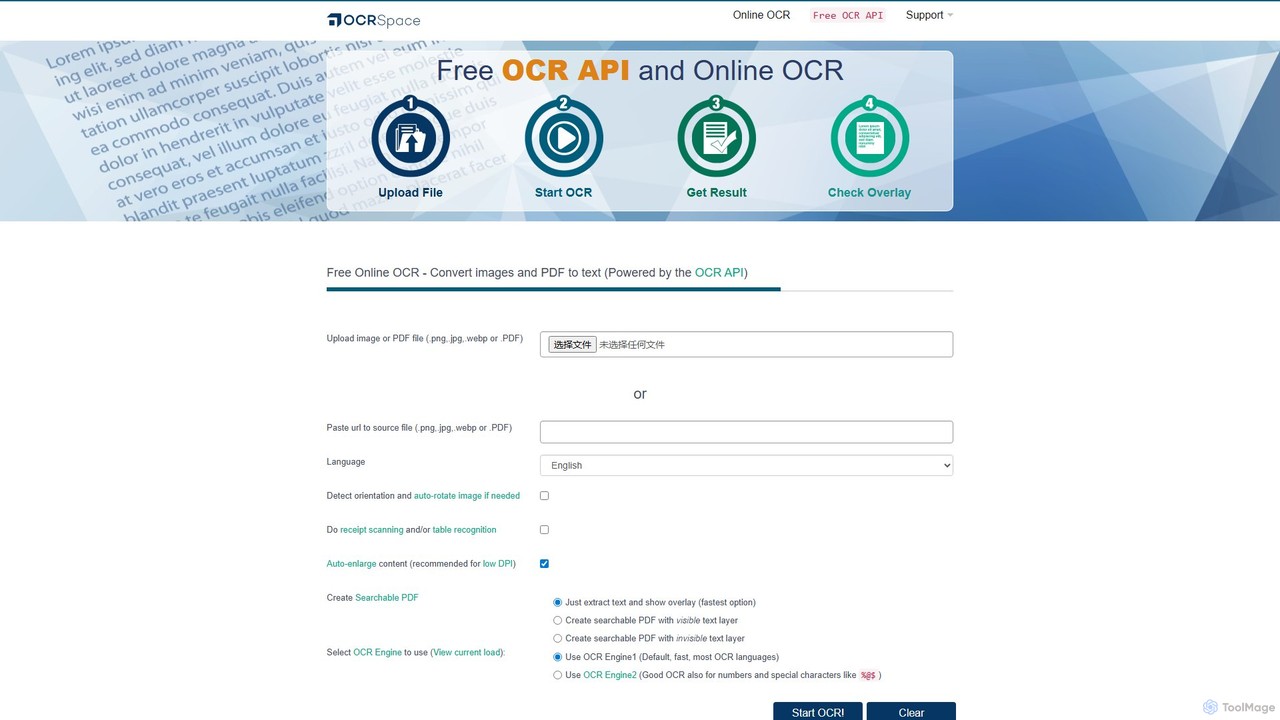
A powerful and free online OCR service and API that converts images and PDFs into editable text. It supports over 25 languages, creates searchable PDFs, and offers multiple OCR engines for optimal accuracy. Ideal for both individual use and developer integration, with a strong focus on privacy.

Data Extraction
Visits 482.8KFavorites 114Likes 101
Affinda
Freemium

Affinda

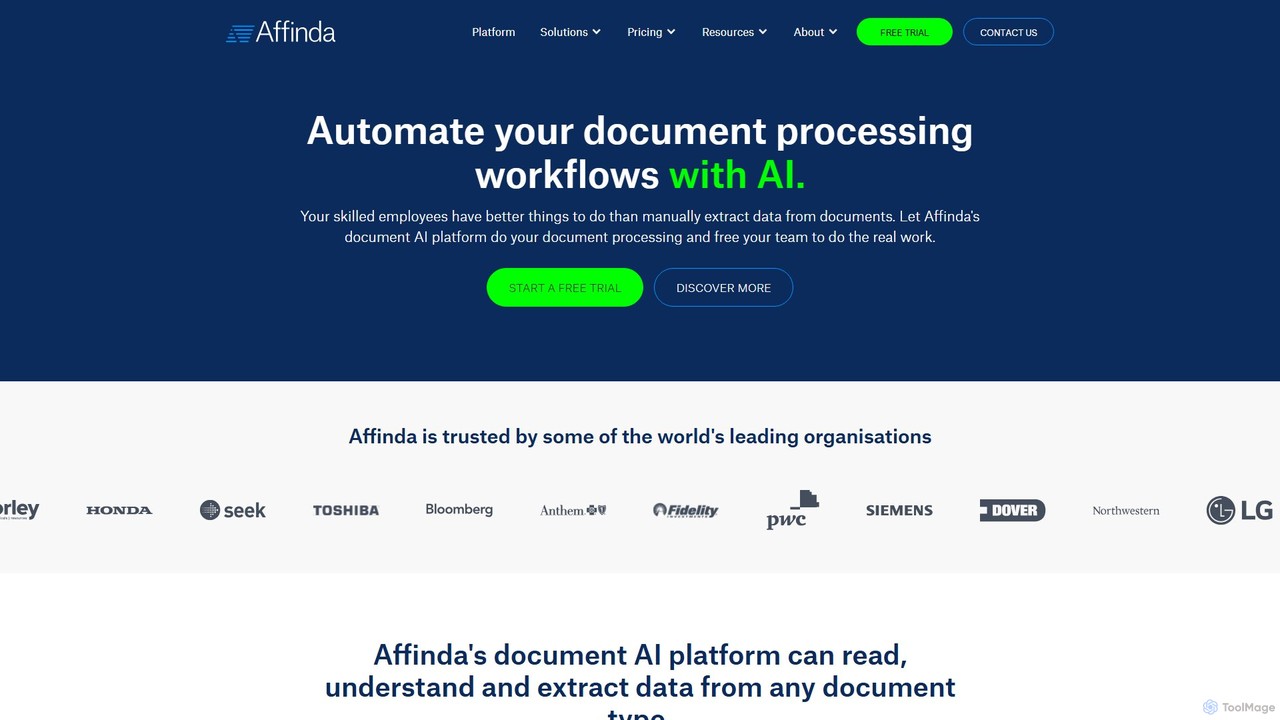
A powerful AI-driven document processing platform that automates data extraction from any document type. Affinda uses advanced computer vision and NLP to read, understand, and structure data from invoices, resumes, contracts, and more, supporting over 50 languages. It helps businesses increase efficiency, reduce manual tasks, and improve data accuracy through seamless API integration.

Data Extraction
Visits 47.7KFavorites 147Likes 133
alphamoon
Freemium

alphamoon

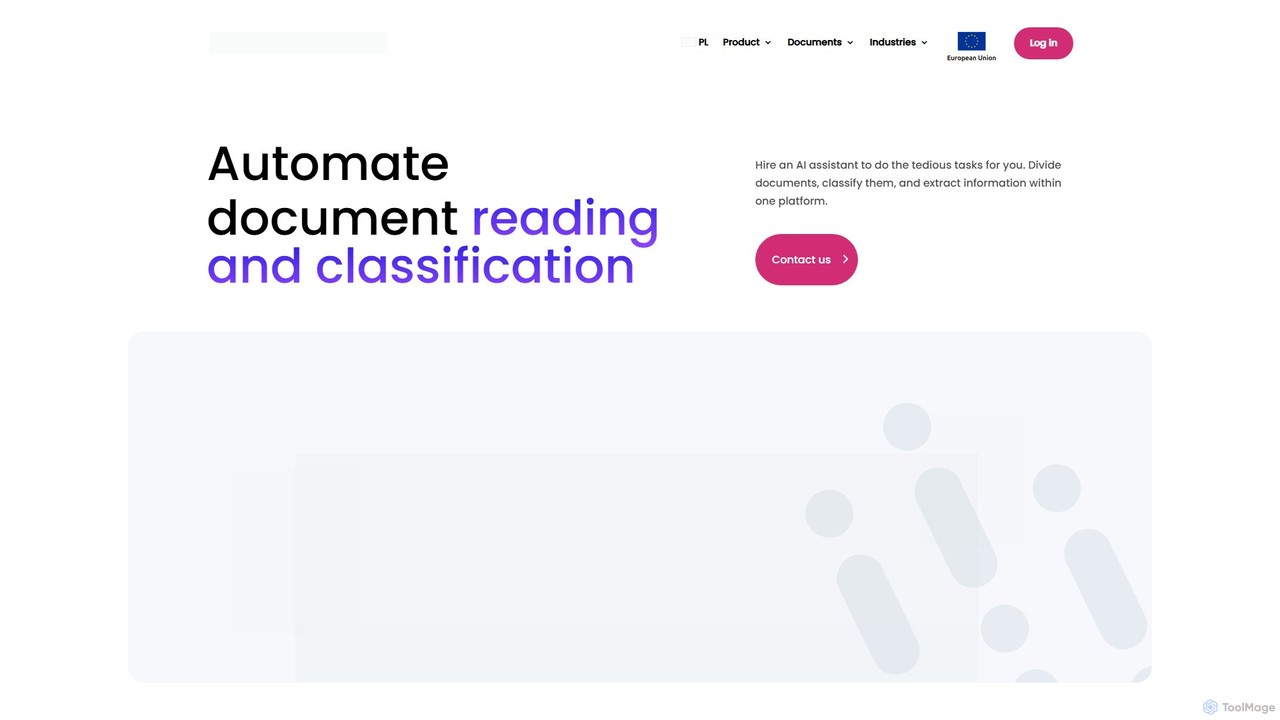
Alphamoon is an AI-powered Intelligent Document Processing (IDP) platform that automates document reading, classification, and data extraction. It transforms unstructured documents like invoices, legal files, and financial statements into structured, actionable data. With advanced OCR, customizable workflows, and seamless integrations, Alphamoon helps businesses in finance, legal, and debt recovery to reduce manual work, improve accuracy, and streamline operations.

Data Extraction
Visits 7.7KFavorites 143Likes 138
DocumentPro
Freemium

DocumentPro

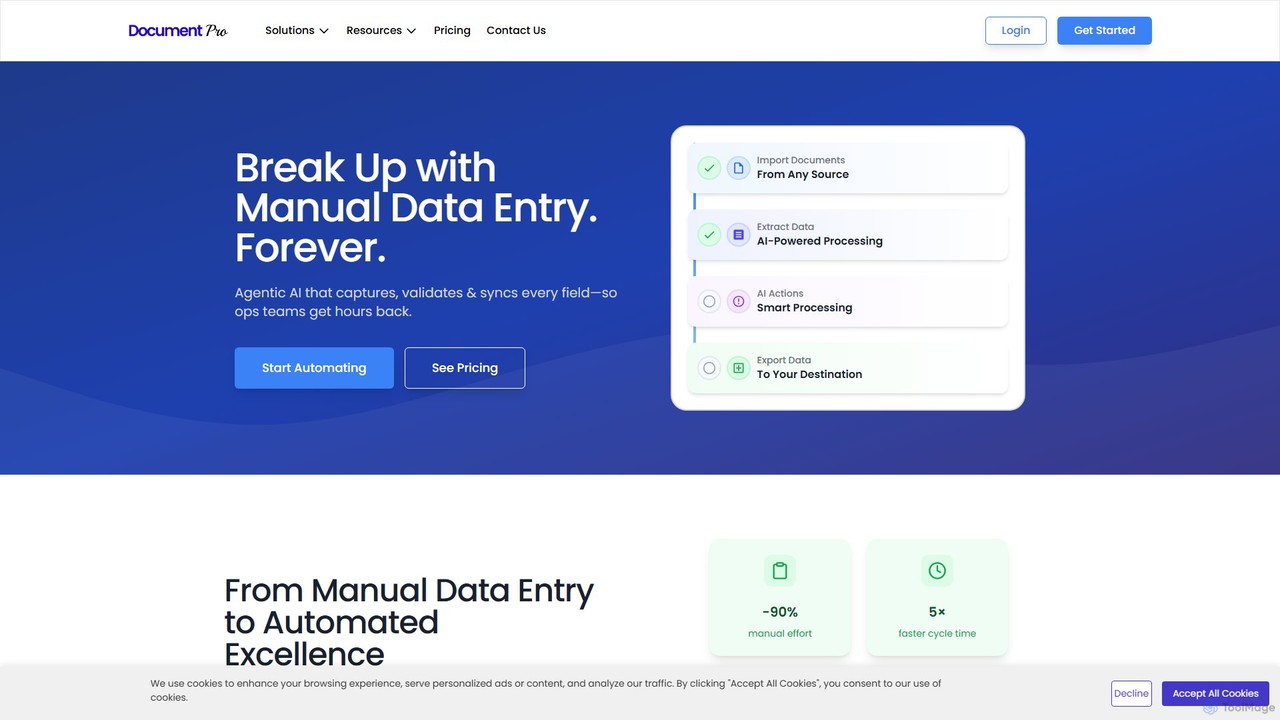
DocumentPro is an AI-powered platform that automates document processing and data extraction. It uses agentic AI and leading LLMs to capture, validate, and sync data from various documents like invoices and purchase orders, aiming to eliminate manual data entry, reduce errors by 90%, and accelerate workflows by 5x.

Data Extraction
Visits 4.5KFavorites 141Likes 140
Magic Documents
Paid

Magic Documents

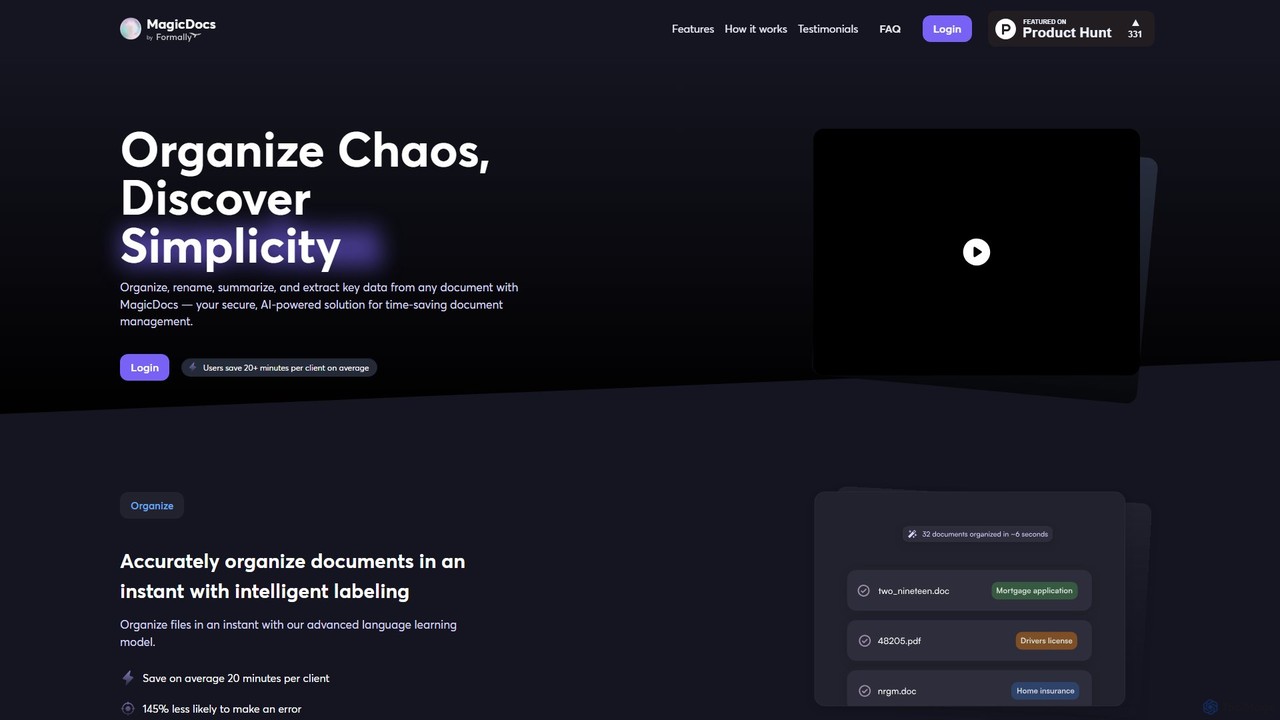
Magic Documents is a secure, AI-powered solution that transforms chaotic document management. It automatically organizes, renames, summarizes, and extracts key data from any document, saving professionals significant time and reducing errors. Ideal for legal, financial, and business teams, it streamlines workflows and enhances collaboration with enterprise-grade security.

Data Extraction
Visits 4.1KFavorites 113Likes 99
Cradl AI
Freemium

Cradl AI

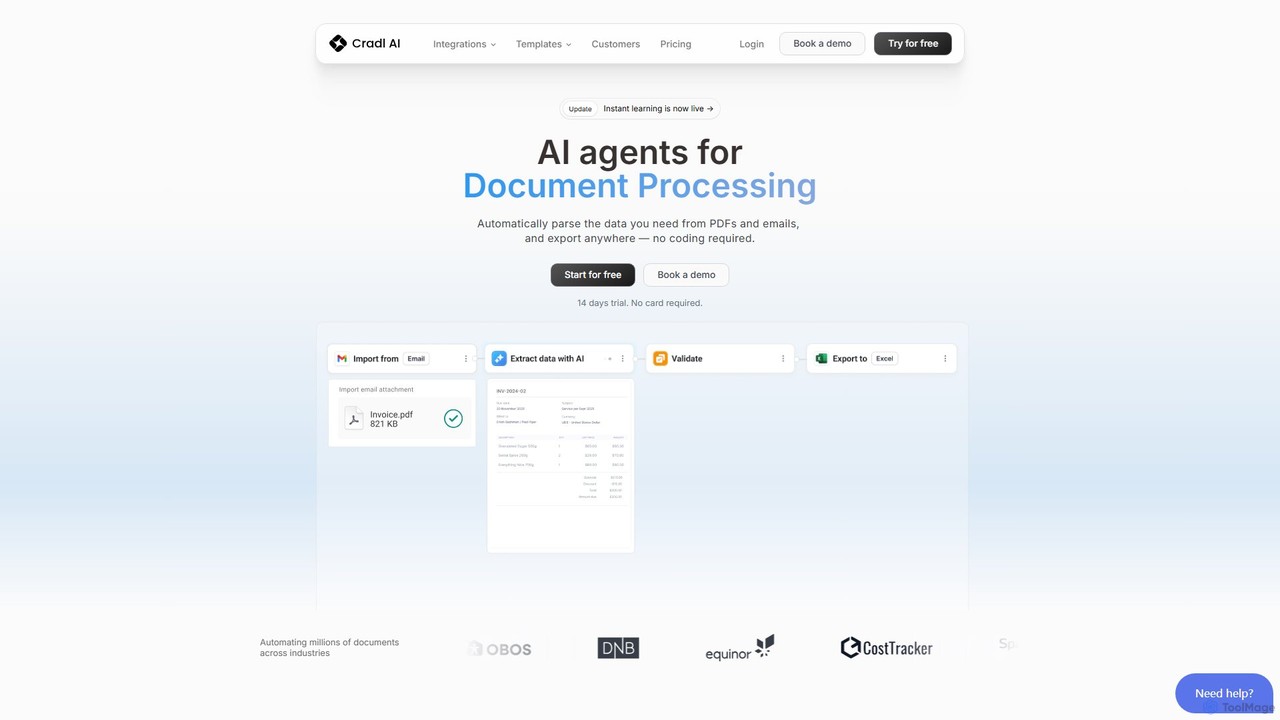
Cradl AI is a no-code platform that uses AI agents to automate document data extraction and workflows. Easily parse data from PDFs, emails, and other documents like invoices and bills of lading, and export it anywhere without writing a single line of code. It features a human-in-the-loop review system for maximum accuracy.

Workflow
Visits 7.9KFavorites 100Likes 110

About Data Extraction

Data Extraction tools are AI-powered applications designed to automatically identify and pull specific information from unstructured or semi-structured sources. They utilize technologies like Optical Character Recognition (OCR) and Natural Language Processing (NLP) to parse websites, PDFs, images, and documents. This automation transforms the tedious process of manual data collection, enabling businesses to efficiently gather market intelligence, financial data, or customer feedback for analysis. Unlike traditional scrapers, these AI tools can understand context and adapt to complex or changing data layouts with higher accuracy.

Core Features

  • Automated Web Scraping: Extracts data from dynamic websites, handling logins, pagination, and complex JavaScript elements.
  • Document Processing (OCR): Recognizes and extracts text, tables, and key-value pairs from scanned documents, PDFs, and images.
  • Structured Data Output: Converts unstructured extracted data into organized formats like JSON, CSV, or Excel for easy analysis.
  • Natural Language Processing (NLP): Identifies and extracts specific entities such as names, dates, locations, or sentiment from blocks of text.
  • Scheduled & Scalable Extraction: Allows users to set up recurring extraction tasks and process large volumes of data sources in parallel.

Use Cases

These tools are widely used in market research for competitor price monitoring, in sales for automated lead generation from online directories, and in finance for extracting data from invoices and financial reports. They are also valuable for content aggregation, academic research, and any workflow that requires converting large amounts of unstructured information into actionable, structured data.

How to Choose

When selecting a Data Extraction tool, consider the types of data sources you need to process (websites, PDFs, APIs). Evaluate the user interface—whether it's a no-code, point-and-click solution or requires programming knowledge. Assess its scalability for handling large volumes of data and check the available output formats (e.g., CSV, JSON, API integration). Finally, consider the tool's ability to handle complex scenarios like anti-scraping measures or irregular document layouts.

Featured tool rankings

Data Extraction use cases

1

E-commerce Competitor Price Monitoring

An e-commerce manager needs to maintain competitive pricing. They use a data extraction tool to automatically scrape product prices, stock availability, and customer reviews from dozens of competitor websites daily. The tool is scheduled to run every morning, and the extracted data is exported directly into a CSV file. This allows the pricing team to analyze the market landscape in a dashboard and adjust their own prices dynamically, maximizing sales and profit margins without hours of manual research.

2

Automated Invoice Data Entry

An accounting department receives hundreds of invoices in PDF format via email each week. Manually entering data from these invoices into their accounting software is time-consuming and prone to errors. They implement a data extraction tool with OCR capabilities. The tool automatically monitors an email inbox, extracts key information like invoice number, vendor name, amount due, and date from each PDF attachment, and then uses an API to push this structured data directly into the accounting system. This reduces manual data entry by over 90% and improves accuracy.

3

Lead Generation for Sales Teams

A B2B sales team needs to build a list of potential clients in the manufacturing industry. Instead of manually browsing through online business directories and professional networks, they use a data extraction tool. They configure it to crawl specific websites, searching for companies that match their criteria (e.g., location, size, industry). The tool extracts company names, websites, phone numbers, and contact persons' names and job titles. The resulting structured list is then imported into their CRM, providing the sales team with a rich source of qualified leads and saving dozens of hours of prospecting time each week.

4

Aggregating Real Estate Listings

A real estate analyst wants to create a comprehensive database of property listings in a specific city. They use a data extraction tool to scrape information from multiple real estate websites. The tool is configured to extract details for each listing, including address, price, number of bedrooms, square footage, and agent contact information. By scheduling the tool to run daily, the analyst maintains an up-to-date database, which they use to identify market trends, generate valuation reports, and provide clients with the most current property information available.

5

Market Research and Sentiment Analysis

A product marketing team is launching a new product and wants to understand public perception. They use a data extraction tool with NLP capabilities to gather thousands of customer reviews, social media comments, and forum posts related to similar products. The tool not only extracts the raw text but also analyzes the sentiment (positive, negative, neutral) and identifies key topics being discussed (e.g., 'battery life', 'price', 'customer service'). This provides the team with structured, actionable insights into consumer needs and pain points, helping them refine their marketing message and product strategy.

6

Academic Research Data Collection

A university researcher is conducting a meta-analysis that requires data from hundreds of published scientific papers. Manually finding and extracting specific data points (like sample sizes, statistical results, and methodologies) from each paper's PDF is a monumental task. By using a data extraction tool, the researcher can batch-process the entire collection of PDFs. The tool's OCR and pattern recognition capabilities are trained to identify and pull the required data into a structured spreadsheet. This automates the most labor-intensive part of the research, allowing the researcher to focus on analysis and interpretation.

Data Extraction FAQ

What are AI Data Extraction tools?

AI Data Extraction tools are software applications that use artificial intelligence, including machine learning, OCR, and NLP, to automatically pull structured data from various unstructured sources. Unlike manual copying or simple scrapers, they can interpret complex formats like PDFs, websites, and images to accurately identify and extract specific information such as names, invoice amounts, or product details, converting it into a usable, organized format like a spreadsheet or JSON file.

How to choose the right Data Extraction tool?

To choose the right tool, consider these factors:

  • Source Type: Ensure the tool supports the sources you need, whether they are websites, PDFs, images, or emails.
  • Ease of Use: Decide if you need a user-friendly, no-code interface for non-technical users or a more powerful, code-based tool for developers.
  • Scalability: Assess if the tool can handle the volume of data you need to process, from a few pages to millions.
  • Data Output: Check if it can export data in the formats you require (e.g., CSV, JSON, Excel) or integrate directly with your other software via API.
What's the difference between AI Data Extraction and traditional web scraping?

Traditional web scraping relies on fixed rules, such as specific HTML tags or CSS selectors, to find data. This method is fragile and breaks whenever a website's layout changes. AI Data Extraction is more advanced; it uses machine learning and computer vision to understand the structure and context of a page, much like a human does. This allows it to adapt to layout changes, extract data from complex documents like PDFs and images (which traditional scrapers can't do), and identify data points with much higher accuracy.

What kind of data can be extracted?

Virtually any visible information can be extracted. Common examples include:

  • Textual Data: Product descriptions, customer reviews, news articles, contact information.
  • Numerical Data: Prices, stock quantities, financial figures, ratings.
  • Tabular Data: Data from tables on websites or in PDF documents.
  • Metadata: Timestamps, URLs, author names.
  • Visual Data: Extracting text from images or logos using OCR.

The key capability is transforming this varied information into a consistent, structured format for analysis.

Is using Data Extraction tools legal?

The legality of data extraction depends on the data source and how the data is used. It is generally legal to extract publicly available data. However, it is important to respect the website's terms of service, privacy policies, and copyright restrictions. Extracting personal data may be subject to regulations like GDPR or CCPA. Always ensure your data extraction activities are ethical and compliant with relevant laws and website policies. Avoid overloading a website's servers with excessive requests.