

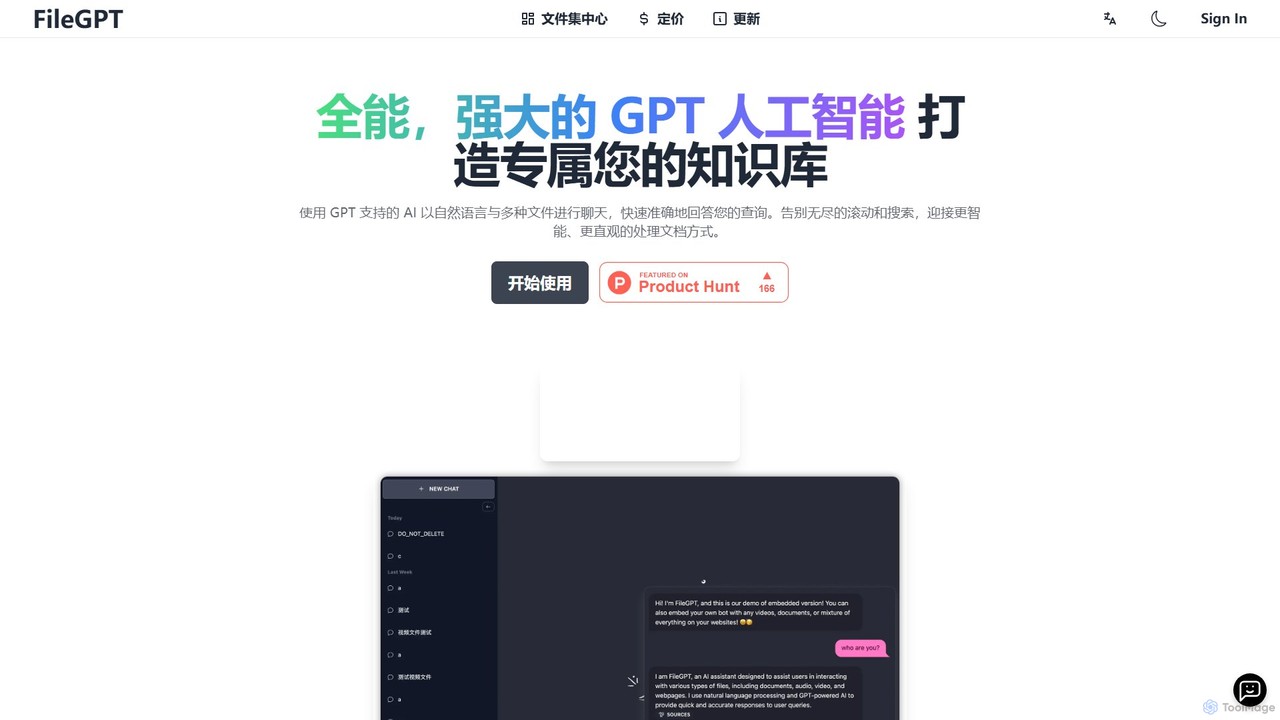
FileGPT Overview
FileGPT is an advanced AI-powered application designed to revolutionize how you interact with information. It acts as a versatile personal assistant, allowing you to build a comprehensive knowledge base from a multitude of sources and converse with it using natural language. Say goodbye to the tedious process of scrolling through lengthy documents or scrubbing through video timelines. With FileGPT, you can simply upload your content and ask questions to receive quick, precise, and context-aware answers.
The platform is built on a powerful large language model (LLM) that can understand complex queries and synthesize information from various file types. Whether you're a student trying to digest dense academic papers, a professional analyzing business reports, or a researcher compiling data from multiple sources, FileGPT streamlines your workflow, boosts productivity, and helps you uncover valuable insights that might otherwise be missed.
How to use FileGPT
Using FileGPT is an intuitive and straightforward process designed for users of all technical levels:
- Sign Up & Create a Fileset: Start by creating a free account. Once logged in, you can create a 'fileset,' which acts as a dedicated knowledge base or project folder.
- Upload Your Content: Add your sources to the fileset. You can upload various file types directly, such as PDF, DOC, and TXT. You can also add content by providing URLs for YouTube videos or web pages. The system also supports audio and video file uploads.
- AI Processing: FileGPT's AI will automatically process and index all the content you've added. This includes transcribing audio/video, extracting text from documents (even scanned ones with OCR), and parsing web content.
- Start Chatting: Once processing is complete, open the chat interface. You can now ask questions in plain English (or other supported languages) related to the content in your fileset.
- Receive Instant Answers: The AI will analyze your query, search across all relevant files in the fileset, and provide a consolidated, easy-to-understand answer. For enhanced reliability, answers often include citations pointing back to the specific source document or timestamp.
Core Features of FileGPT
- Multi-Format Support: Interact with a wide array of content types, including PDF, TXT, DOC, audio files (MP3, WAV), video files (MP4), YouTube videos, and live web pages.
- Cross-File Querying: Ask a single question and get a synthesized answer from all the files in your knowledge base simultaneously, enabling comprehensive analysis.
- Large File & Long Text Support: Engineered to handle large documents and extensive texts, making it superior for in-depth research and analysis of complex materials.
- Intelligent Content Parsing: Utilizes advanced OCR to extract text from scanned and even handwritten documents, as well as sophisticated transcription for audio and video content.
- Conversational AI Interaction: Engage with your data through a natural, intuitive chat interface, as if you were talking to a human expert on the subject.
- Source-Cited Responses: Build trust and verify information easily, as the AI provides references to the original sources for its answers.
Use Cases for FileGPT
FileGPT is a versatile tool with applications across various fields:
- For Students & Academics: Quickly summarize research papers, create study guides from lecture notes and videos, and find specific information within textbooks for writing essays and reports.
- For Business Professionals: Analyze legal contracts, financial reports, and market research documents. Extract key data points and insights from multiple business-critical files at once.
- For Content Creators & Marketers: Repurpose content by summarizing videos into blog posts, gather research from multiple web pages, and ensure factual consistency across marketing materials.
- For Developers & Technical Writers: Create a searchable knowledge base from technical documentation, user manuals, and code repositories to quickly find solutions and code snippets.
Advantages of FileGPT
Compared to other tools like ChatPDF or ChatDOC, FileGPT offers significant advantages. Its ability to handle a much wider variety of file formats (including audio and video) and its powerful cross-file query engine set it apart. This creates a truly unified knowledge hub, saving immense time and effort. The support for large files ensures that you are not limited in the scope of your research. Ultimately, FileGPT provides a smarter, more efficient, and more intuitive way to work with your information.
Pricing and Plans
FileGPT operates on a freemium model, making it accessible to everyone.
- Free Trial: Users can start for free to test the core functionalities. This plan typically includes a limited number of file uploads, a cap on file size, and a certain number of questions per month.
- Pro Plan: For individuals and power users, a paid subscription unlocks higher limits on file uploads, larger file size capacity, more questions, and access to premium features like advanced OCR and priority support.
- Team/Business Plan: For organizations, custom plans are available that offer collaborative features, increased capacity, and dedicated support to meet enterprise needs.
For the most current and detailed pricing information, please visit the official pricing page on the FileGPT website.
Traffic
Latest traffic
Status
Monthly traffic trend
- 2026-1: 7.7K
- 2026-2: 5.9K
- 2026-3: 5.9K
- 2026-4: 9.9K
- 2026-5: 7.7K
Geography
Top 5 countries / regions
- 🇺🇸United States36.1%
- 🇮🇩Indonesia27.8%
- 🇮🇳India15.6%
- 🇬🇧United Kingdom13.9%
- 🇦🇺Australia6.6%
Top keywords
| Keyword | Cost per click |
|---|---|
| ai that can take long messages | $0.00 |
| chatbot with the largest file upload | $0.00 |
| filegpt | $0.00 |
| гпт с файлами | $0.00 |
| какая бесплатная ии дает бесконечное количество загрузок файлов или фото | $0.00 |
FileGPT Alternatives
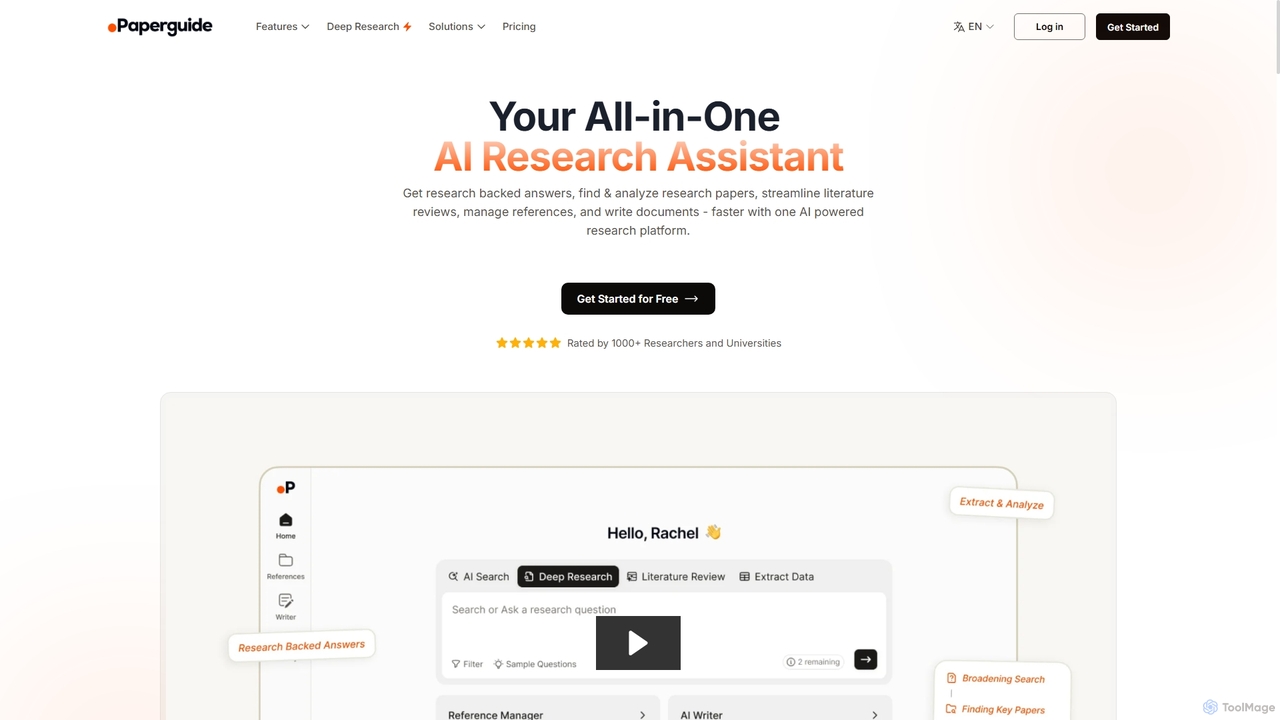
Chatwithpdf
Chatwithpdf is an AI-powered tool that allows you to interact with your PDF documents conversationally. Simply upload a file and start asking questions, get summaries, and extract key information instantly. It's designed for students, researchers, and professionals to analyze documents faster and more efficiently.
Data Extraction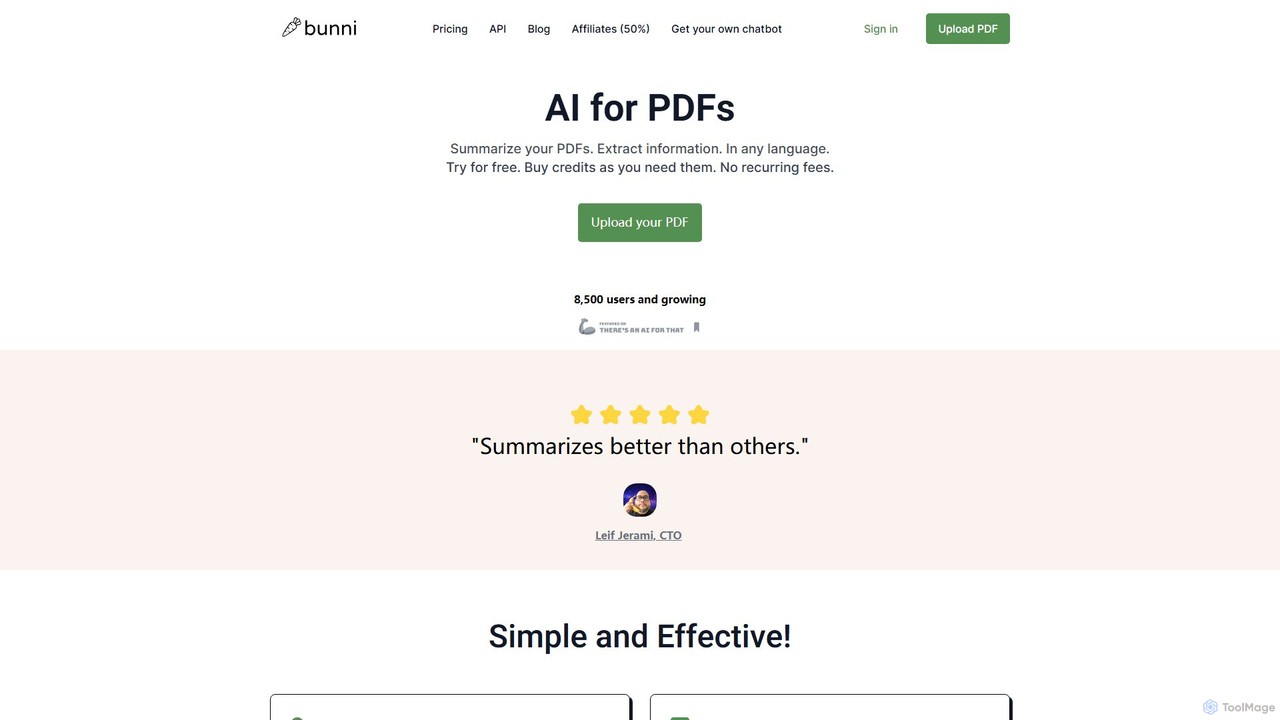
ClarifyPDF
ClarifyPDF is an AI-powered tool for interacting with your PDF documents. Simply upload one or more PDFs to summarize content, extract key information, and ask specific questions in any language. It supports large files and offers a shareable chat interface, making it ideal for students, researchers, and professionals to quickly understand complex documents without recurring subscription fees.
Data Extraction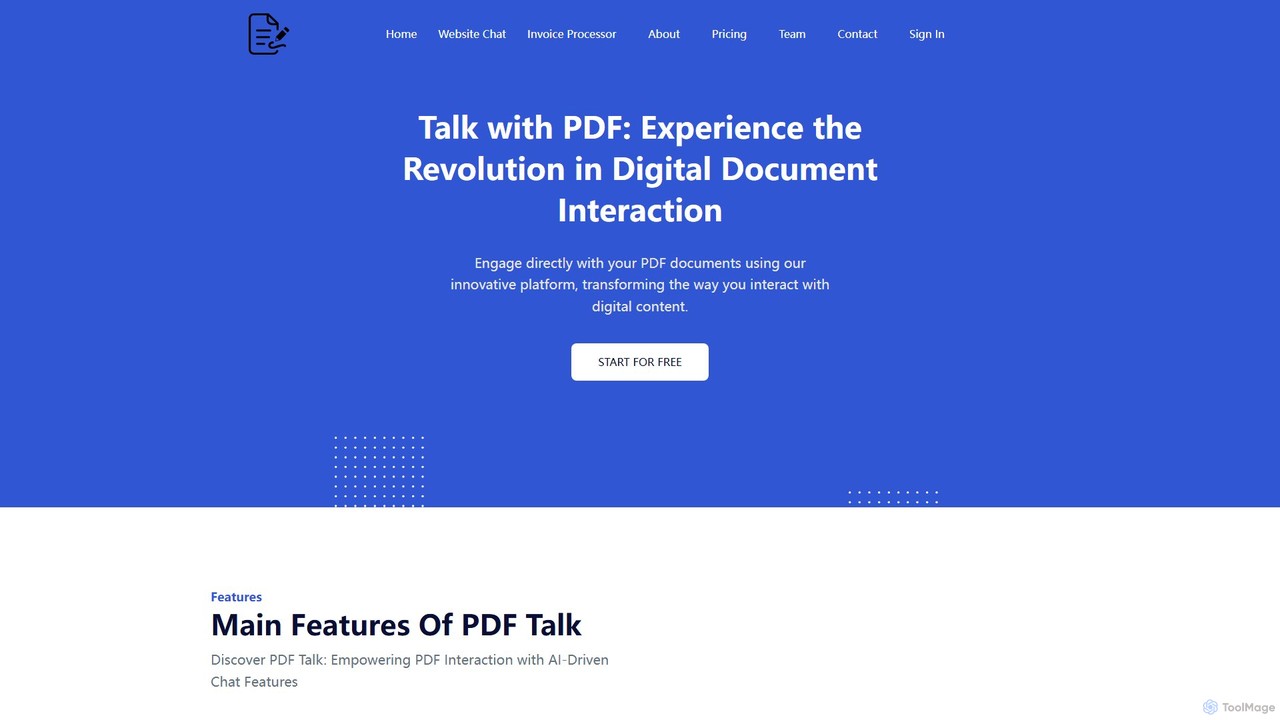
pdf_talk
pdf_talk is an AI-powered platform that revolutionizes how you interact with documents. Simply upload your PDF files and start a conversation. Ask questions, request summaries, and extract key information instantly. It supports querying across multiple documents, making it ideal for students, researchers, and professionals.
Data Extraction
pdfai.io
pdfai.io is an AI-powered document assistant that lets you chat with your PDF files. Instantly summarize complex documents, ask questions, and extract key information effortlessly. It's designed to boost productivity for students, researchers, and professionals by turning static PDFs into interactive knowledge bases.
Data Extraction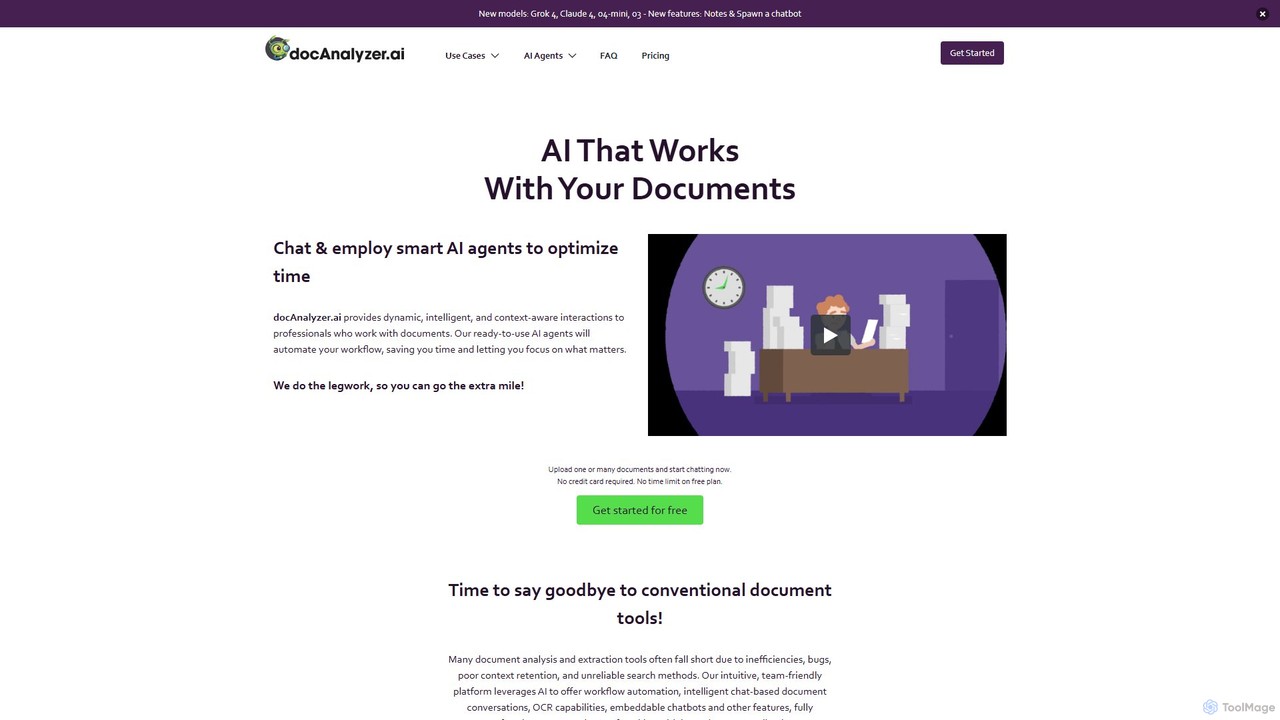
docanalyzer.ai
An advanced AI platform that enables dynamic conversations with your documents. Utilize intelligent agents to automate workflows, extract data, and gain insights from various file formats like PDF, DOCX, and more. It supports multiple top-tier AI models and offers features for individual and team collaboration.
Data ExtractionFileGPT Categories
FileGPT Embed Widget
Copy this embed code to place the badge on your blog, article, or product site and send readers directly to this ToolMage detail page.

Related AI tools

pdfy.ai
pdfy.ai is an AI-powered chat assistant that allows you to interact with various content formats, including PDFs, audio files, YouTube videos, and websites. Simply upload or link your source and ask questions in natural language to get instant, accurate answers and summaries, complete with source citations.
Research
Jyek
Jyek is an AI agent platform that understands objectives, creates execution plans, uses tools, and delivers verifiable results for complex, multi-step tasks.
Automation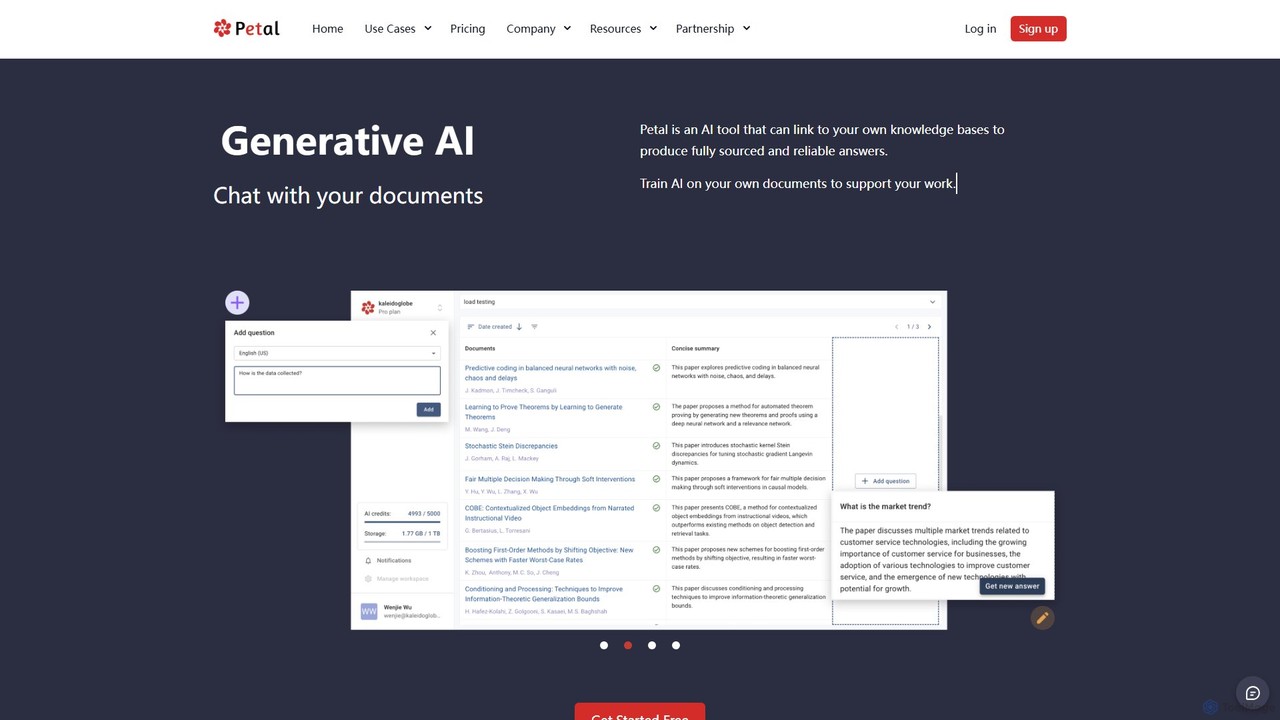
Petal
Petal is an AI-powered document analysis platform that transforms your documents into an interactive knowledge base. Chat with your research papers, reports, and books to get instant, sourced answers. Ideal for researchers, academics, and students, it features a reference manager, collaboration tools, and a secure cloud drive.
ChatChatwithpdf
Chatwithpdf is an AI-powered tool that allows you to interact with your PDF documents conversationally. Simply upload a file and start asking questions, get summaries, and extract key information instantly. It's designed for students, researchers, and professionals to analyze documents faster and more efficiently.
Data Extraction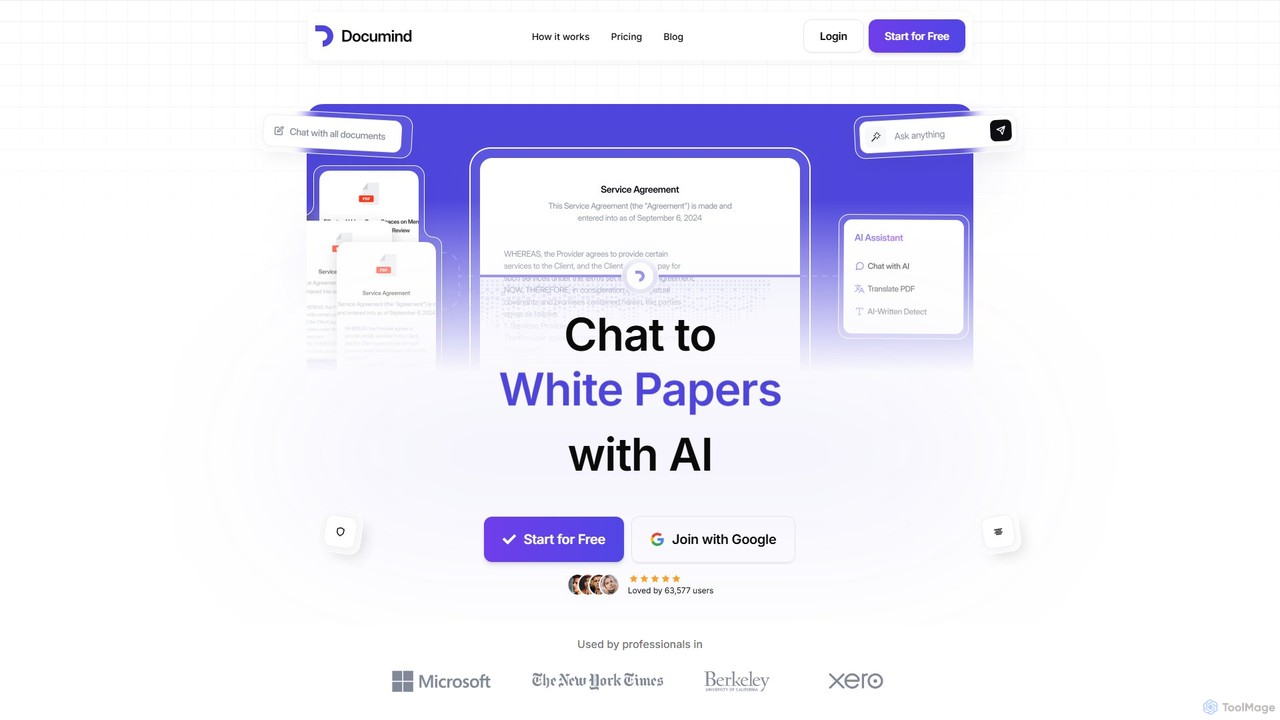
Documind
Documind is an AI-powered tool that allows you to chat with your PDF documents. Instantly get answers, summaries, and insights from textbooks, research papers, legal contracts, and more. It supports bulk uploads, multi-document conversations, and lets you create custom AI chatbots from your files to share or embed on your website, streamlining your workflow and boosting productivity.
Customer Support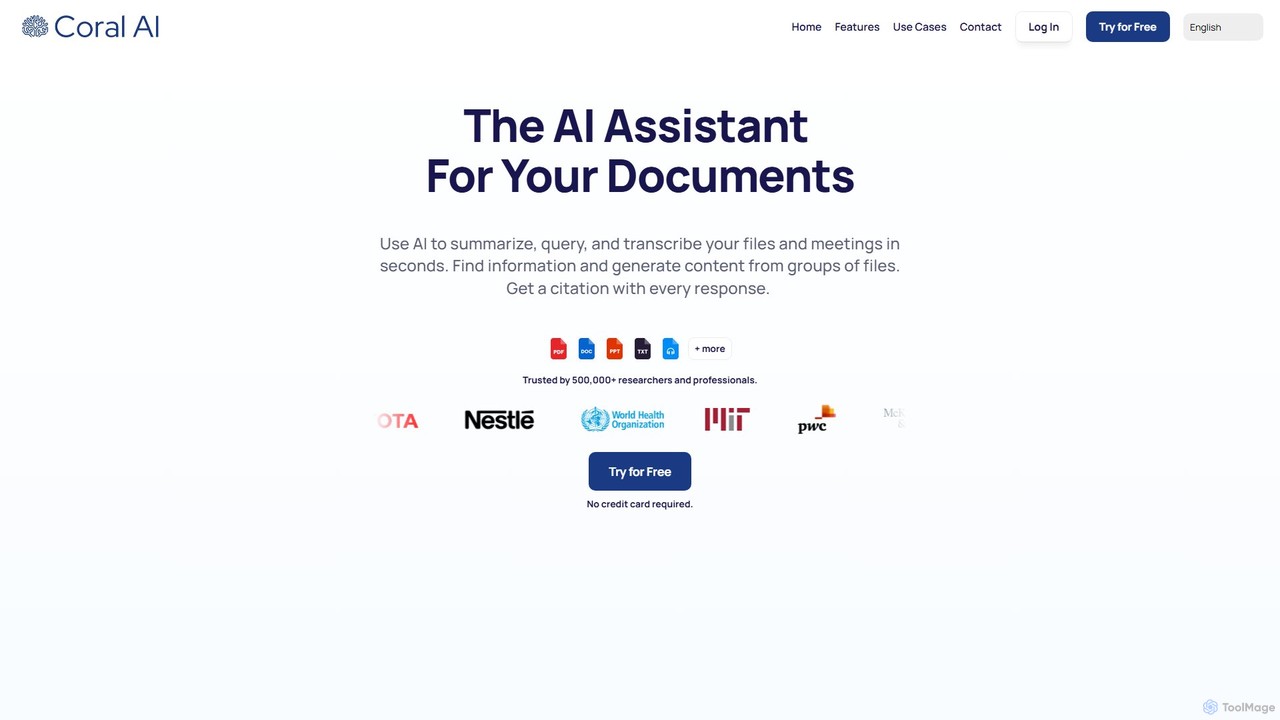
Coral AI
Coral AI is an intelligent assistant that transforms your documents, audio, and video files into interactive resources. Upload your files to summarize content, ask specific questions, extract key information, and transcribe media in seconds. It provides precise, citable answers, making it an essential tool for students, researchers, and professionals to enhance productivity and understanding.
Transcription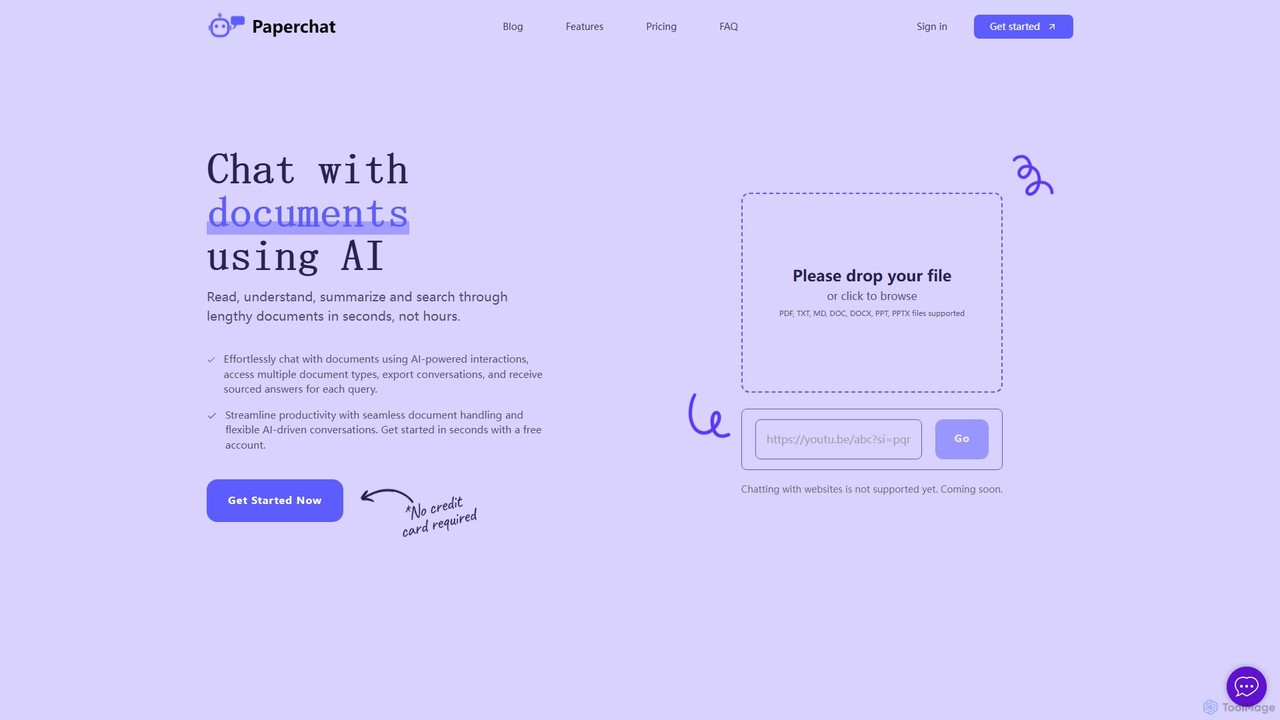
PaperChat
PaperChat is an AI-powered platform that lets you chat with your documents. Instantly read, understand, summarize, and search through lengthy files like PDFs, Word docs, and PowerPoints. Simply upload your document and start asking questions to get sourced answers in seconds. It's designed to boost productivity for students, researchers, lawyers, and professionals by transforming how they interact with information, saving hours of manual reading.
Study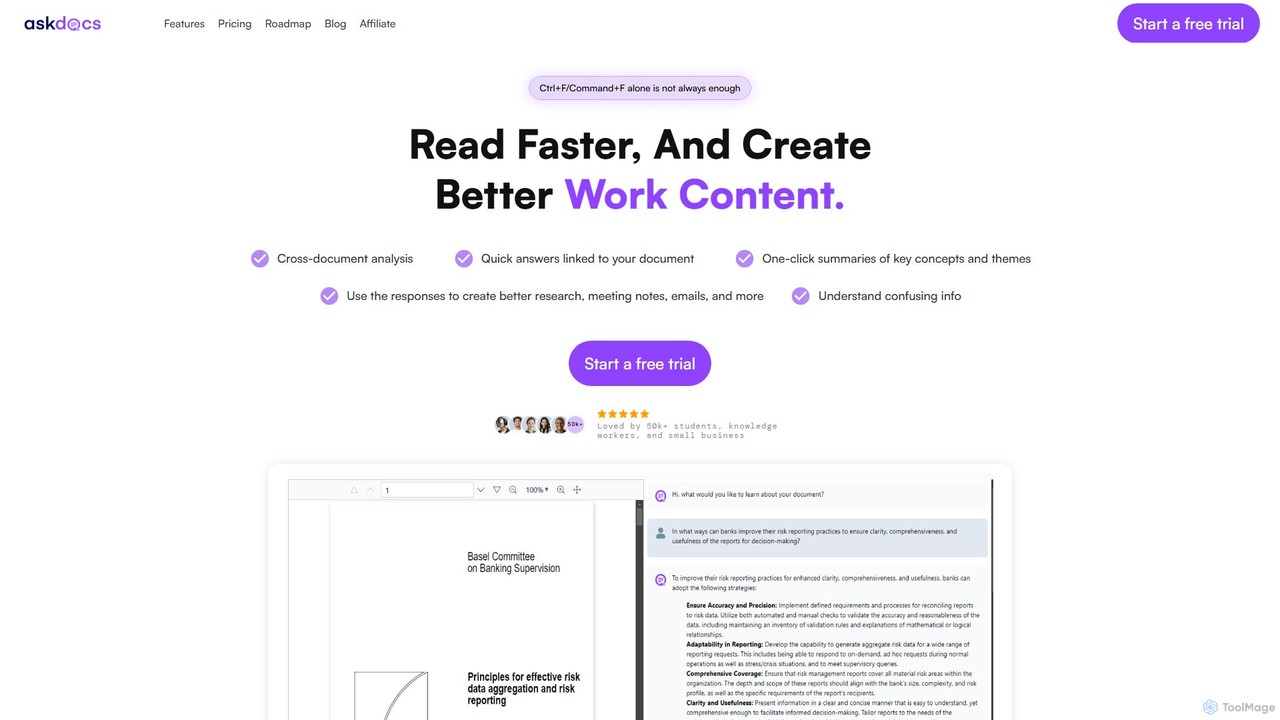
AskDocs
AskDocs is an AI-powered document assistant designed to help you quickly read, understand, and extract information from your files. Chat with single or multiple documents (PDF, DOCX, CSV, etc.), get instant summaries, and receive answers with precise source citations. It's an ideal tool for students, researchers, and professionals looking to accelerate their research and analysis workflows.
Data Analysis
ClarityDocs
ClarityDocs is an AI-powered assistant for document analysis. It allows users to chat with single or multiple documents, extract instant insights from text and visuals, and collaborate with teams. It's designed to boost productivity for researchers, students, and professionals by simplifying information retrieval and synthesis.
Study
pdfbff
pdfbff is an AI chat tool, like ChatGPT, designed for your PDF documents. Interact with files by asking questions, get instant summaries, and extract key insights in any language. It helps students, researchers, and professionals save time, understand complex information, and streamline their workflow with features like automatic citations and document highlights.
Study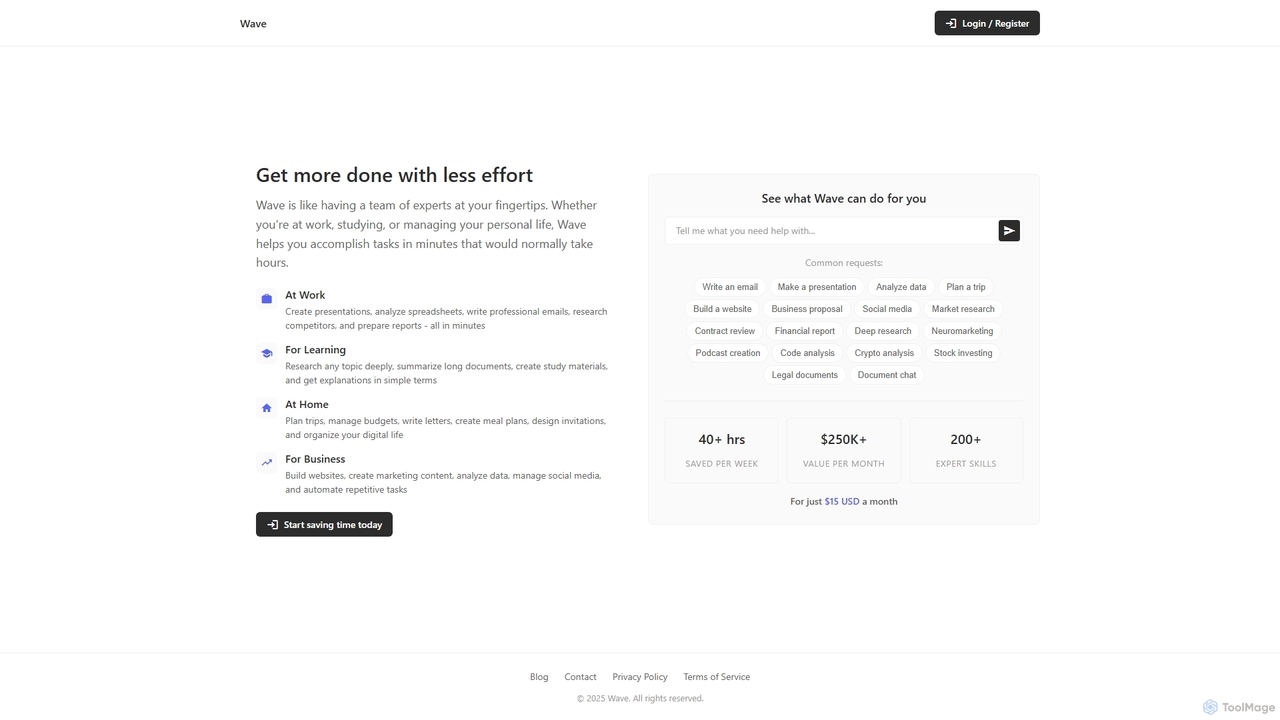
ChatDocuments
ChatDocuments is an AI-powered platform that allows you to interact with your documents through a conversational chat interface. Upload PDFs, Word files, and other formats to ask questions, get instant summaries, extract key information, and gain insights without manually reading through pages. It's designed to boost productivity for students, researchers, and professionals.
Data Analysis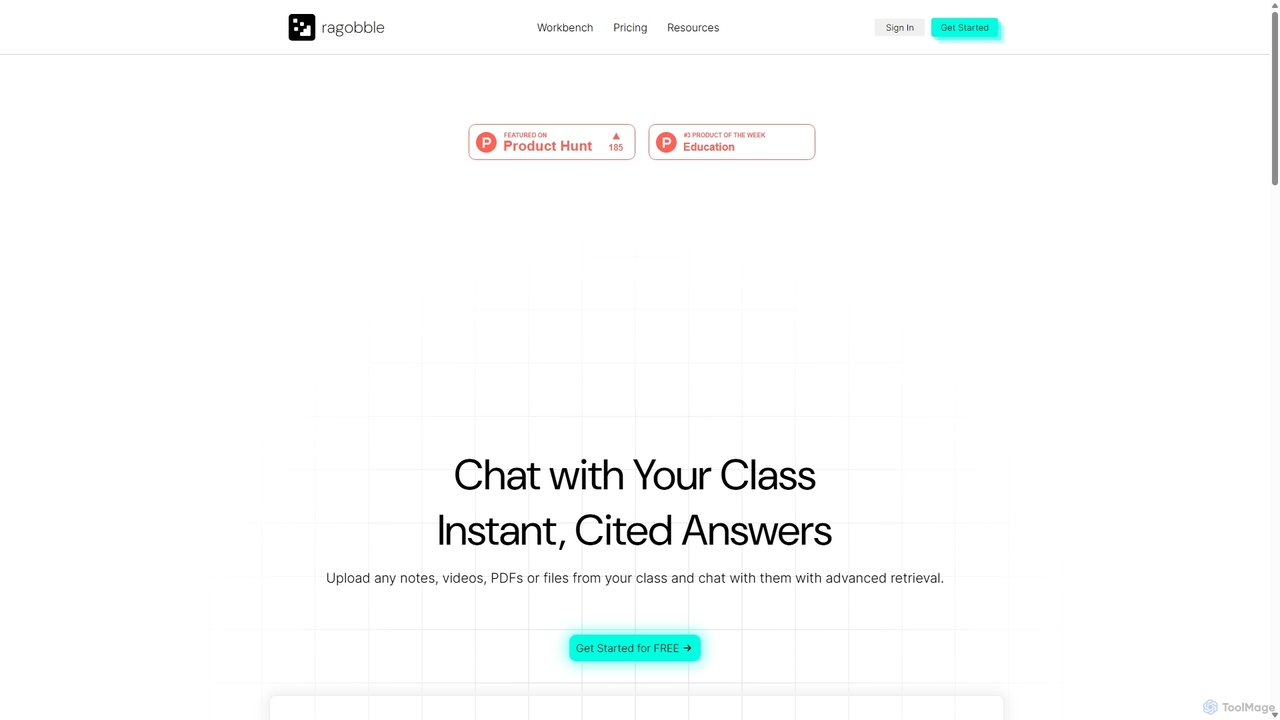
Ragobble
Ragobble is an AI-powered RAG platform designed for students and researchers. It allows users to create centralized knowledge bases from their course materials, including documents, videos, and links. By conversing with their own data, users can get quick, accurate answers, generate summaries, and streamline their study and research process, making learning more interactive and efficient.
ResearchClarifyPDF
ClarifyPDF is an AI-powered tool for interacting with your PDF documents. Simply upload one or more PDFs to summarize content, extract key information, and ask specific questions in any language. It supports large files and offers a shareable chat interface, making it ideal for students, researchers, and professionals to quickly understand complex documents without recurring subscription fees.
Data Extractionpdf_talk
pdf_talk is an AI-powered platform that revolutionizes how you interact with documents. Simply upload your PDF files and start a conversation. Ask questions, request summaries, and extract key information instantly. It supports querying across multiple documents, making it ideal for students, researchers, and professionals.
Data Extraction
PDFGPT.IO
PDFGPT.IO is an advanced AI platform that allows you to chat with your PDF documents. Instantly get summaries, ask complex questions, and extract key information from research papers, textbooks, and reports. It supports multiple documents, image and table interpretation, and offers a full suite of PDF management tools, powered by models like GPT-4o and Claude, to revolutionize your document workflow.
Document Management
FileGPT Comments (0)
Sign in to comment.
Sign inNo comments yet.