Document Best in category 2 results Chat AI Tool

Popular AI tools in the Chat field of Document include Petal、getbooknotes, etc., helping you quickly improve efficiency.

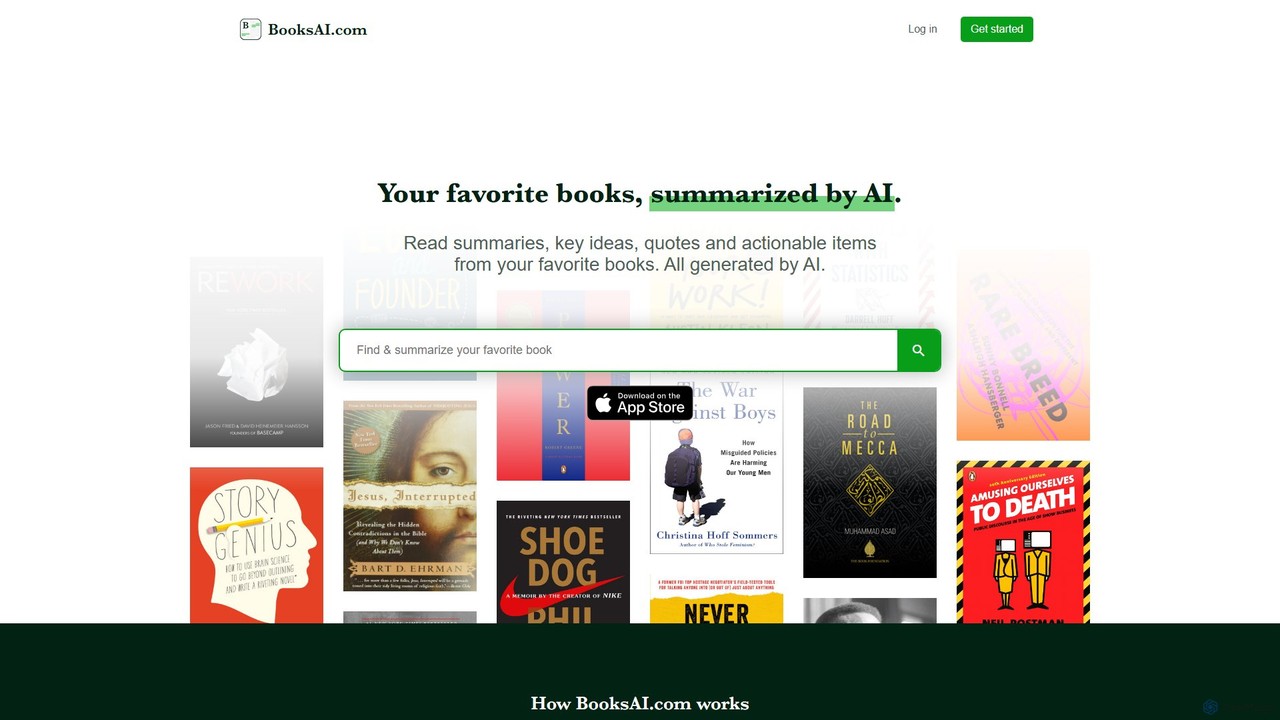
getbooknotes

getbooknotes

getbooknotes (BooksAI.com) is an AI-powered platform that transforms your reading experience. It generates concise summaries, key ideas, quotes, …

4.3K
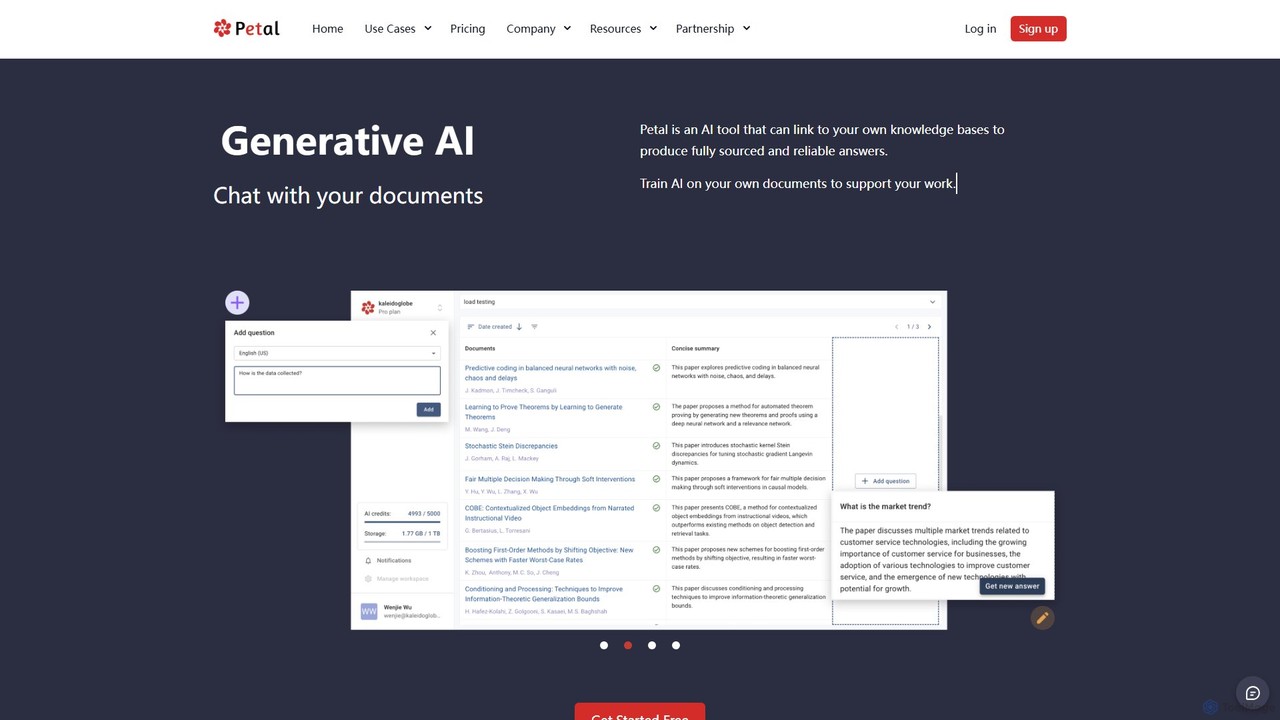
Petal

Petal

Petal is an AI-powered document analysis platform that transforms your documents into an interactive knowledge base. Chat with …

21.2K

About Chat

Chat AI tools are conversational interfaces that enable users to interact with and extract information from documents using natural language. As a specialized sub-category within Document AI tools, they leverage advanced Natural Language Processing (NLP) and large language models (LLMs) to understand complex queries, retrieve relevant data, and synthesize coherent responses directly from textual content. These intelligent assistants transform static documents—like reports, manuals, or legal texts—into dynamic, queryable knowledge bases, significantly streamlining information access and analysis.

Core Features

  • Document Q&A: Directly answer user questions based on the content of uploaded or linked documents.
  • Information Extraction: Automatically identify and pull specific data points, entities, or facts from unstructured text.
  • Content Summarization: Generate concise summaries of entire documents or specific sections, saving reading time.
  • Semantic Search: Understand the meaning behind queries to find relevant information, even without exact keyword matches.
  • Multi-Document Query: Process and respond to queries by drawing information from a collection of multiple documents.

Use Cases

These tools are invaluable for professionals across various sectors. For instance, legal teams can quickly find specific clauses in contracts, and researchers can extract key findings from academic papers. Customer support departments can also automate responses by drawing answers directly from product manuals and FAQs, enhancing service efficiency.

How to Choose

When selecting a Chat AI tool for document interaction, consider its accuracy in understanding complex queries and retrieving precise information. Evaluate the range of document formats it supports, its integration capabilities with existing workflows, and the security measures for sensitive data. User-friendliness and scalability for your specific document volume are also crucial factors.

ChatUse Cases

1

Accelerate Research & Analysis

Researchers and analysts can upload vast amounts of academic papers, market reports, or internal documents and ask specific questions to quickly extract key findings, methodologies, or data points. This significantly reduces manual review time, allowing for faster insights and more informed decision-making.

2

Enhance Customer Self-Service

Businesses can deploy AI chat tools to power their customer support portals, enabling users to ask natural language questions about product manuals, FAQs, or troubleshooting guides. The AI instantly retrieves and presents relevant answers, reducing call volumes and improving customer satisfaction through immediate assistance.

3

Streamline Employee Onboarding & Training

HR departments and training managers can use these tools to create interactive knowledge bases from company policies, training modules, and HR documents. New hires can ask questions about benefits, procedures, or company culture, receiving instant, accurate information without needing to consult colleagues.

4

Automate Legal Document Review

Legal professionals can leverage AI chat to query large volumes of contracts, case files, or regulatory documents. The tool can identify specific clauses, summarize agreements, or highlight potential risks, drastically cutting down the time spent on manual review and due diligence processes.

5

Facilitate Technical Support & Troubleshooting

IT professionals and end-users can interact with technical documentation, software manuals, or system logs via chat. They can describe a problem or ask how to perform a specific task, and the AI will pinpoint the exact solution or relevant section within the complex documentation.

6

Personalized Learning & Education

Students can upload textbooks, lecture notes, or study guides and engage in a conversational Q&A session with the AI. This allows for personalized learning, clarification of complex concepts, and quick revision, transforming passive reading into active, interactive study.

ChatFrequently Asked Questions