
SearchMyDocs.ai
SearchMyDocs.ai is an AI-powered search engine that allows you to chat with your private documents. Upload files like …
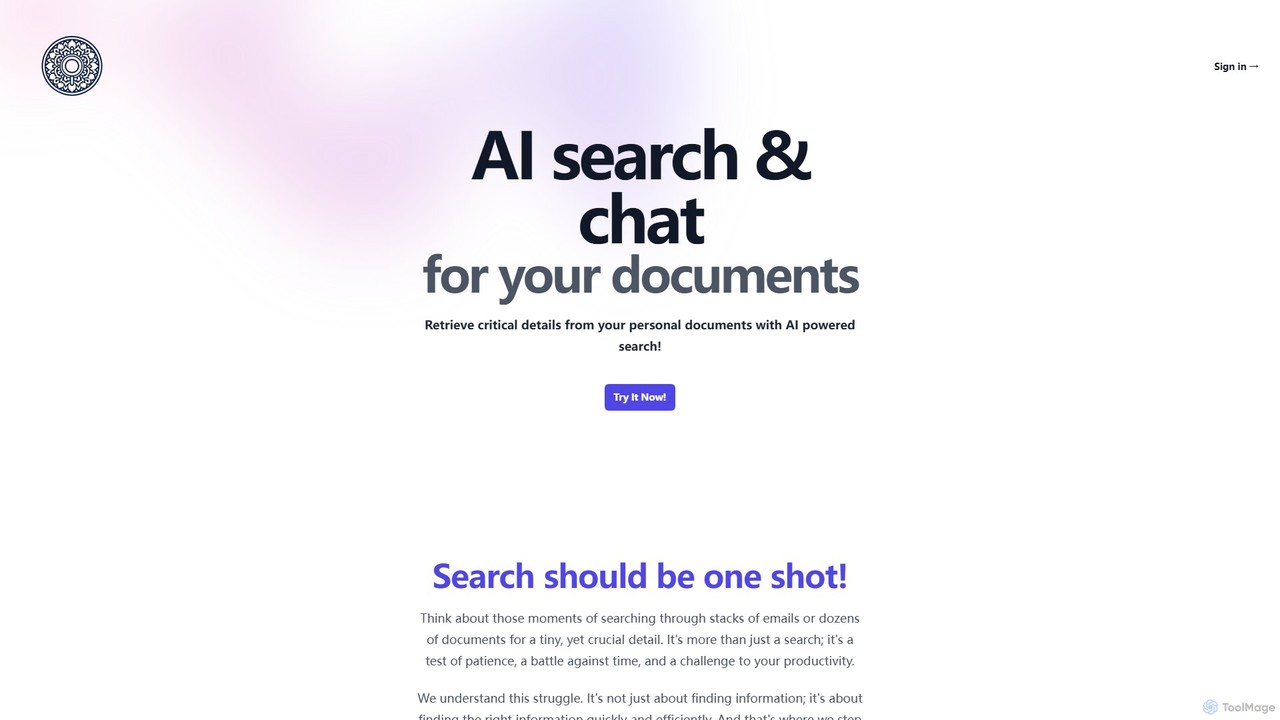
SearchMyDocs.ai is an AI-powered search engine that allows you to chat with your private documents. Upload files like PDFs, Word docs, and images, and ask questions to retrieve specific information instantly. It acts as a secure, private ChatGPT for your personal document library, ensuring quick and precise answers while prioritizing data privacy with robust encryption.
About Chat With Pdf
Chat With Pdf tools are AI applications that enable users to have interactive, conversational dialogues with their PDF documents. These tools utilize Large Language Models (LLMs) and Retrieval-Augmented Generation (RAG) to understand questions and retrieve relevant information directly from the text. This allows for rapid information extraction, summarization, and analysis without needing to read the entire document manually. As a specialized category within Document tools, they transform static PDFs into dynamic knowledge bases.
Core Features
- Conversational Q&A: Ask questions in natural language and receive precise answers sourced from the document's content.
- Intelligent Summarization: Generate concise summaries of the entire PDF or specific sections on demand.
- Information Extraction: Pinpoint and pull specific data, figures, names, or quotes from dense text.
- Source Citation: Provide references to the exact page and paragraph where the information was found, ensuring verifiability.
- Multi-Document Analysis: Interact with multiple PDFs simultaneously to synthesize information across different sources.
Use Cases
These tools are widely used by researchers for literature reviews, lawyers for contract analysis, financial analysts for dissecting reports, and students for studying textbooks. Any role that involves extracting insights from long-form documents can benefit significantly from this technology, turning hours of reading into minutes of targeted conversation.
How to Choose
When selecting a Chat With Pdf tool, consider the accuracy of its answers and the reliability of its source citations. Evaluate its limitations on file size, page count, and the number of documents you can upload. For sensitive information, carefully review the tool's security and privacy policies. Also, consider its language support and whether it offers integrations with other platforms like cloud storage or reference managers.
Chat With PdfUse Cases
Accelerate Academic Research
A postgraduate researcher needs to review over 50 academic papers for a literature review. Instead of spending weeks reading each one, they upload the papers to a multi-document Chat With Pdf tool. They ask targeted questions like, 'Summarize the methodology of these papers regarding topic X' and 'Which papers cite author Y's 2020 study?'. The AI provides synthesized answers with direct citations, allowing the researcher to identify the most relevant papers and grasp key themes in a fraction of the time.
Efficient Legal Contract Review
A paralegal is tasked with reviewing a 150-page service agreement to identify all clauses related to liability, termination, and data privacy. They upload the PDF and ask, 'List all clauses that mention "limitation of liability"' and 'Summarize the termination conditions for both parties.' The tool instantly extracts the relevant sections and provides a concise summary, reducing the manual review time from hours to minutes and minimizing the risk of overlooking critical details.
Analyzing Financial Reports
A financial analyst needs to quickly understand the performance of a competitor by analyzing their 80-page annual report. They use a Chat With Pdf tool to ask, 'What was the reported net revenue for the last fiscal year?', 'Find the section on market risks and summarize the key points,' and 'Extract all mentions of Q4 growth figures.' The AI provides direct answers and data points, enabling the analyst to build a financial summary and risk assessment profile swiftly without manually scanning the document.
Student Study and Learning Aid
A university student is preparing for an exam and has a dense, 60-page textbook chapter to study. They upload the PDF and use it as a virtual tutor, asking, 'Can you explain the concept of quantum entanglement in simple terms?', 'Generate five potential exam questions based on this chapter,' and 'Create a bullet-point summary of the key historical dates mentioned.' This interactive approach helps the student engage with the material more deeply, clarify complex topics, and test their knowledge effectively.
Troubleshooting with Technical Manuals
An IT technician is on-site trying to fix a complex network server. Instead of manually searching through a 500-page technical manual, they upload it to a Chat With Pdf app on their tablet. They type, 'What are the steps to resolve error code 50.2F.00?' and 'Show me the wiring diagram for the main power unit.' The AI instantly navigates the document to provide precise, step-by-step instructions and relevant diagrams, dramatically speeding up the troubleshooting and repair process.
Synthesizing Market Research Reports
A product manager has gathered five different market research reports on a new product category. To quickly synthesize the findings, they upload all PDFs to a tool that supports multi-document chat. They ask comparative questions like, 'Across all reports, what are the top three requested features by customers?' and 'What is the consensus on the market size for 2025?'. The tool analyzes all documents to provide a consolidated answer, saving the manager from having to cross-reference information manually and enabling faster strategic decision-making.