ToolMage
Sign in

Best 1 Presentation AI tools for Document

Popular Presentation AI tools in Document include Onnix, helping you work more efficiently.

Paid

Onnix

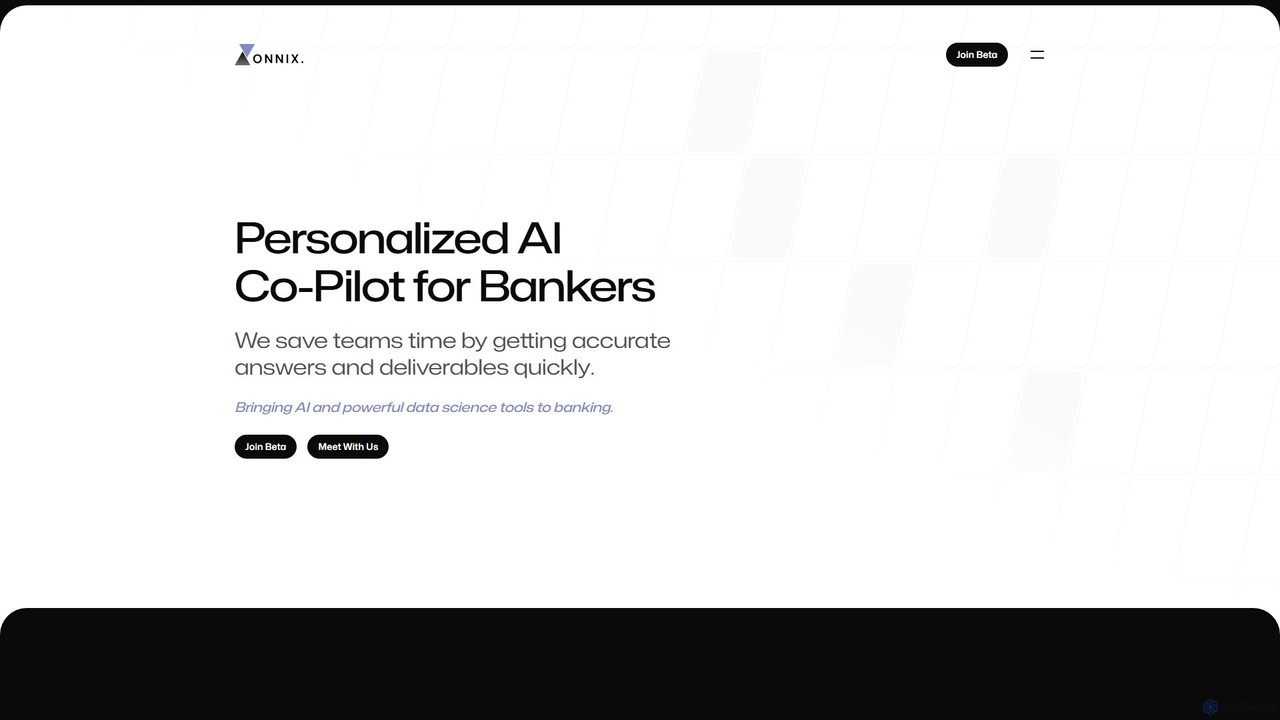
Onnix is a personalized AI co-pilot designed for bankers. It streamlines financial workflows by enabling users to create customized slide decks, perform complex data analysis in Excel, and query data sources like FactSet and CapIQ using simple text prompts. Built by bankers for bankers, this no-code platform significantly accelerates productivity, improves accuracy with auditable outputs, and makes advanced data science accessible to all team members.

Presentation
Visits 6.6KFavorites 124Likes 117

About Presentation

AI Presentation tools are a class of software that uses artificial intelligence to automate the creation and design of slideshows. These tools leverage generative AI to produce text, select images, and apply professional layouts based on simple text prompts. They significantly accelerate the process of building compelling presentations, allowing users to focus on the core message rather than manual formatting. This makes creating visually consistent and engaging decks more accessible to everyone, regardless of design skill.

Core Features

  • AI Content Generation: Automatically creates slide headlines, body text, and speaker notes from a topic or document.
  • Automated Slide Design: Intelligently suggests layouts, color schemes, fonts, and images that match the content's tone.
  • Smart Template Customization: Adapts pre-built templates to user content, ensuring brand consistency and visual appeal.
  • Text-to-Presentation Conversion: Transforms long-form documents, articles, or simple outlines into structured slide decks instantly.
  • AI Speaker Coach: Provides real-time feedback on pacing, filler words, and delivery during practice sessions.

Use Cases

These tools are widely used by business professionals, marketers, educators, and students. For instance, a sales manager can generate a client pitch deck in minutes, an educator can convert a lesson plan into engaging lecture slides, and a student can quickly summarize a research paper into a presentation format.

How to Choose

When selecting an AI Presentation tool, consider the quality of its content generation and design suggestions. Evaluate the variety and customizability of its templates, its ability to integrate with data sources or other applications, and its collaboration features for team-based projects. Finally, assess the user interface's ease of use to ensure it aligns with your workflow.

Featured tool rankings

Presentation use cases

1

Generate a Sales Pitch Deck in Minutes

A sales manager needs to create a customized 15-slide presentation for a potential high-value client meeting tomorrow. Instead of spending hours designing slides, they input key information into an AI Presentation tool: the client's industry, pain points, proposed solutions, and product benefits. The AI instantly generates a complete, professionally designed deck with relevant text, stock imagery, and data visualizations, structured for maximum impact. This process reduces preparation time by over 80%, allowing the manager to focus on refining the sales strategy and practicing their delivery.

2

Transform a Research Paper into Lecture Slides

An educator needs to prepare a lecture based on a dense, 20-page academic paper. They upload the document to an AI Presentation tool. The AI analyzes the text, identifies key concepts, summaries, and data points, and then structures this information into a logical sequence of slides. It suggests titles, bullet points, and even finds relevant diagrams or charts to illustrate complex ideas. The educator can then easily review and edit the generated slides, saving hours of manual summarization and content creation, ensuring the lecture is both informative and easy for students to follow.

3

Develop a Startup Investor Pitch Deck

A startup founder is preparing for a crucial funding round and needs a compelling pitch deck. Using an AI Presentation tool with specialized investor deck templates, they follow a guided process. They input their business model, market analysis, team information, and financial projections into structured prompts. The AI then populates a standard 10-12 slide pitch deck structure (Problem, Solution, Market Size, etc.), writes concise and persuasive copy for each slide, and suggests professional visuals. This ensures the final presentation is polished, comprehensive, and adheres to venture capital industry standards, increasing the founder's confidence and credibility.

4

Create Marketing Campaign Reports

A marketing team needs to present the results of a quarterly campaign to stakeholders. They have raw data in spreadsheets and various analytics dashboards. They use an AI Presentation tool that integrates with their data sources. The tool automatically pulls key metrics like ROI, conversion rates, and customer acquisition cost, then generates charts and graphs to visualize the data. The AI also writes summary text for each slide, explaining the trends and outcomes. This automates the tedious process of data compilation and visualization, allowing the team to produce insightful and data-driven reports quickly and efficiently.

5

Design Onboarding Materials for New Hires

An HR manager is tasked with creating a comprehensive onboarding presentation for new employees. They provide the AI tool with key documents, such as the company handbook, mission statement, and departmental overviews. The AI processes this information and generates a multi-module presentation covering company culture, policies, benefits, and team introductions. It ensures a consistent and professional design throughout, incorporates the company's branding, and suggests interactive elements like quizzes to improve engagement. This streamlines the creation of training materials, ensuring every new hire receives a high-quality and standardized introduction to the company.

6

Brainstorm and Outline a Workshop

A consultant needs to develop a full-day workshop but is facing a creative block. They use an AI Presentation tool as a brainstorming partner. By entering the workshop's main theme, 'Effective Team Communication', and target audience, 'Mid-level Managers', the AI generates a potential presentation outline. This includes modules for 'Active Listening', 'Conflict Resolution', and 'Giving Feedback', complete with key talking points and activity ideas for each section. This initial structure provides a strong foundation, helping the consultant overcome the blank page, organize their thoughts, and quickly move to developing detailed content for the workshop.

Presentation FAQ

What are AI Presentation tools?

AI Presentation tools are software applications that use artificial intelligence to automate and enhance the process of creating slideshows. Unlike traditional manual software, they can generate content, suggest designs, and structure an entire presentation from a simple text prompt or document. Their primary goal is to save time, improve design quality, and help users create more effective and engaging presentations with minimal effort.

How do AI Presentation tools differ from PowerPoint or Google Slides?

The key difference lies in automation and content generation. Traditional tools like PowerPoint and Google Slides are manual canvases; you are responsible for writing all text, finding images, and designing each slide's layout. AI Presentation tools act as a creative partner. You provide a prompt or a document, and the AI generates the initial draft of the entire presentation—including text, images, and layout. This shifts the user's role from creator to editor, significantly speeding up the workflow.

How to choose the right AI Presentation tool?

To choose the best tool for your needs, consider the following factors:

  • Content Quality: Assess how well the AI generates relevant and coherent text for your topics.
  • Design Flexibility: Check if you can easily customize the AI-suggested designs, colors, and fonts to match your brand.
  • Input Options: Look for tools that can create presentations from various inputs, such as text prompts, documents, or websites.
  • Integration: Consider if the tool connects with other software you use, like data visualization platforms or collaboration tools.
  • Ease of Use: The interface should be intuitive, allowing you to generate and refine presentations quickly without a steep learning curve.
Can I edit the presentations generated by AI?

Yes, absolutely. AI Presentation tools are designed to provide a strong first draft, not a final, unchangeable product. All generated content, including text, images, and layouts, is fully editable. You can rewrite sentences, swap images, change colors, and rearrange slides just as you would in traditional presentation software. The AI's role is to handle the initial heavy lifting, allowing you to focus on refining and personalizing the presentation to perfection.

Who are AI Presentation tools best suited for?

AI Presentation tools are ideal for a wide range of users, particularly those who need to create presentations frequently but may lack time or advanced design skills. This includes:

  • Business Professionals: For creating sales pitches, internal reports, and client updates quickly.
  • Marketers: For developing campaign proposals, social media content, and webinar slides.
  • Educators and Students: For turning lesson plans or research into engaging visual aids.
  • Consultants and Entrepreneurs: For producing polished, professional decks for clients and investors without hiring a designer.