
Petal Overview
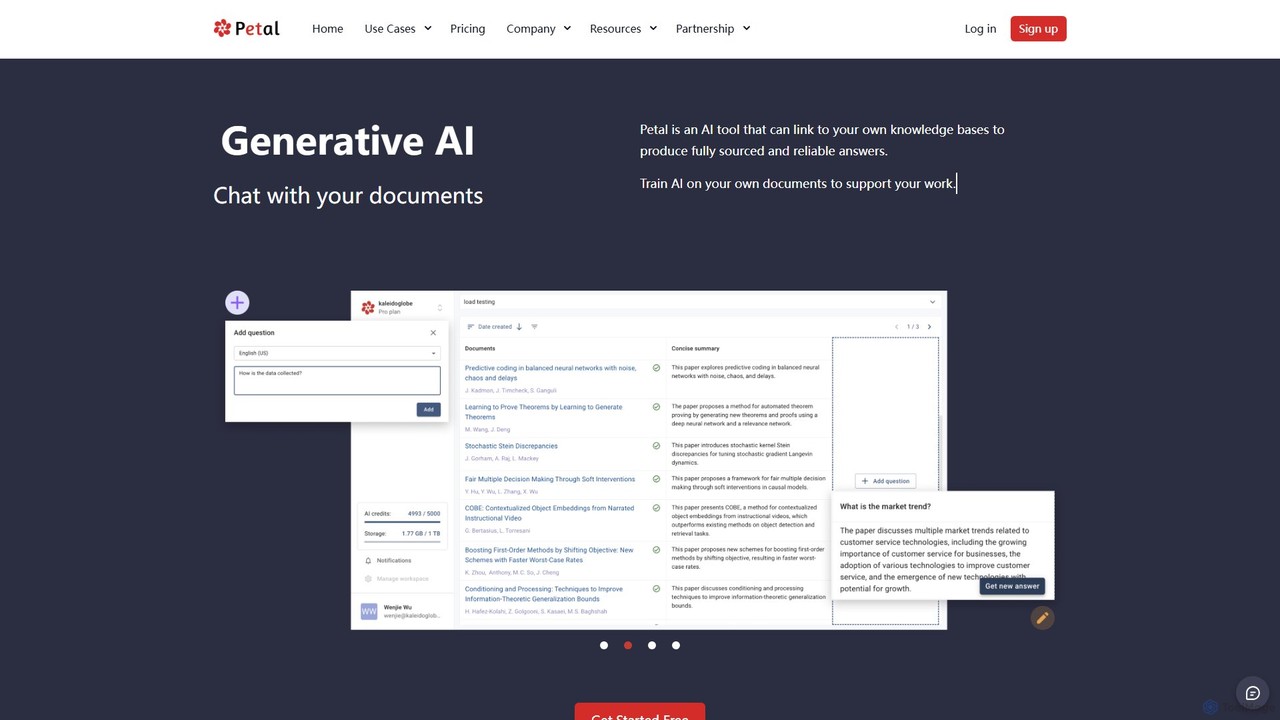
Petal is a sophisticated document analysis and knowledge management platform powered by generative AI. Designed primarily for academia, corporate R&D, and industry experts, it transforms static documents into a dynamic, interactive knowledge base. By linking to your own trusted sources, Petal allows you to chat with your documents and receive fully sourced, reliable answers, effectively creating a digital expert trained on your specific content. This eliminates the time-consuming process of manually searching and scanning through files, streamlining research and analysis workflows.
The platform provides a centralized, secure cloud drive to serve as a single source of truth for all your important documents. It intelligently manages your library with features like automatic metadata extraction, file deduplication, and specialized support for technical and scientific documents. Trusted by over 20,000 users and recognized by institutions like MIT, Petal is built to enhance productivity and foster deep understanding.
How to use Petal
Getting started with Petal is a straightforward process designed to integrate seamlessly into your workflow:
- Sign Up & Upload: Create an account and begin uploading your documents—such as PDFs, research papers, reports, or lecture notes—to your personal cloud drive.
- Automatic Processing: Petal automatically processes each file, extracting key metadata (like author, title, year) and identifying duplicates to keep your library organized.
- Engage with AI Chat: Open the chat interface to start asking questions. You can query a single document for specific details or use the multi-document chat feature to synthesize information across your entire knowledge base.
- Get Sourced Answers: The AI provides accurate, context-aware answers, complete with citations and direct links to the source passages in your documents, ensuring reliability and traceability.
- Annotate and Collaborate: Use the built-in tools to highlight key points, add comments, and share insights with colleagues or team members. You can generate a shareable link to a document, eliminating the need for email attachments.
- Manage References: Utilize the integrated reference manager and citation generator to effortlessly create bibliographies and manage citations for your academic writing.
Core Features of Petal
- Context-Aware Generative AI: Chat with your documents to get instant, accurate, and fully sourced answers. The AI understands the context of your library to provide relevant information.
- Centralized Cloud Knowledge Base: A secure cloud drive acts as a single, synchronized home for all your documents, accessible from anywhere.
- Intelligent Document Management: Features automatic metadata extraction, file deduplication, and robust support for complex technical and scientific documents.
- Annotation and Collaboration: Highlight text, add comments, and share documents with a simple link to facilitate teamwork and shared understanding.
- Integrated Reference Manager: Manage your research sources and generate citations in various formats, streamlining the academic writing process.
- Multi-Document Chat: Ask complex questions that require synthesizing information from multiple sources within your library.
- AI Create & AI Table: Advanced features that help generate new content and extract structured data from your documents into tables.
- Security and Reliability: Ensures your documents are always synchronized and secure, providing a trustworthy platform for sensitive information.
Use Cases for Petal
Petal is a versatile tool tailored for various professional and academic needs:
- Academic Researchers & Students: Conduct literature reviews, analyze research papers, write theses, and study for exams by quickly finding information and managing citations.
- Corporate R&D Teams: Analyze vast libraries of technical reports, patents, and internal documentation to accelerate innovation and decision-making.
- Industry Experts & Consultants: Build a personal, searchable knowledge base from articles, books, and reports to provide data-driven insights and expert opinions.
- Legal Professionals: Quickly review case files, legal precedents, and contracts to find critical information and evidence.
Advantages of Petal
Petal offers a distinct advantage over traditional document management systems:
- Efficiency: Drastically reduces the time spent searching for information, allowing users to focus on analysis and insight generation.
- Trustworthiness: By providing answers with direct source citations, it builds confidence and ensures academic and professional integrity.
- Centralization: Creates a single source of truth, preventing version control issues and ensuring all team members work with the same information.
- Enhanced Collaboration: Simplifies the process of sharing and discussing documents, making teamwork more fluid and productive.
- Specialized for Research: Built from the ground up with the needs of researchers in mind, offering features that standard document tools lack.
Pricing and Plans
Petal offers a freemium model with plans for individuals and teams, available with a 15% discount for annual billing.
- Free Plan: $0/month. Includes 1 GB storage, 400 one-time AI credits, limited annotations, and single-doc chat. A great way to try out the core features.
- Plus Plan: Starts at $2.55/month (with .edu discount). Offers 2 GB storage, 400 AI credits/month, unlimited annotations, and AI Table functionality.
- Advanced Plan: Starts at $8.49/month (with .edu discount). Provides 10 GB storage, 1200 AI credits/month, and unlocks multi-document chat and AI Create features.
- Premium Plan: $25.49/month. Designed for heavy users, with 25 GB storage, 2000 AI credits/month, and all features included.
*Prices are subject to change. Educational discounts are available for users with a .edu email address.
Traffic
Latest traffic
Status
Monthly traffic trend
- 2025-9: 30.3K
- 2026-1: 26.8K
- 2026-2: 18.0K
- 2026-3: 16.7K
- 2026-4: 19.1K
- 2026-5: 23.9K
Geography
Top 5 countries / regions
- 🇺🇸United States36.3%
- 🇻🇳Vietnam20.9%
- 🇮🇳India17.3%
- 🇬🇧United Kingdom13.5%
- 🇩🇪Germany12.0%
Top keywords
| Keyword | Cost per click |
|---|---|
| petal | $1.54 |
| petal ai | $0.00 |
| petal ia | $0.00 |
| rog petal | $0.00 |
| secure document analysis | $0.00 |
Petal Videos on YouTube

ThesisAI


Ok Studio

Ariana Grande - Topic


Extended Songs (Experimentation)
Petal Alternatives
PaperChat
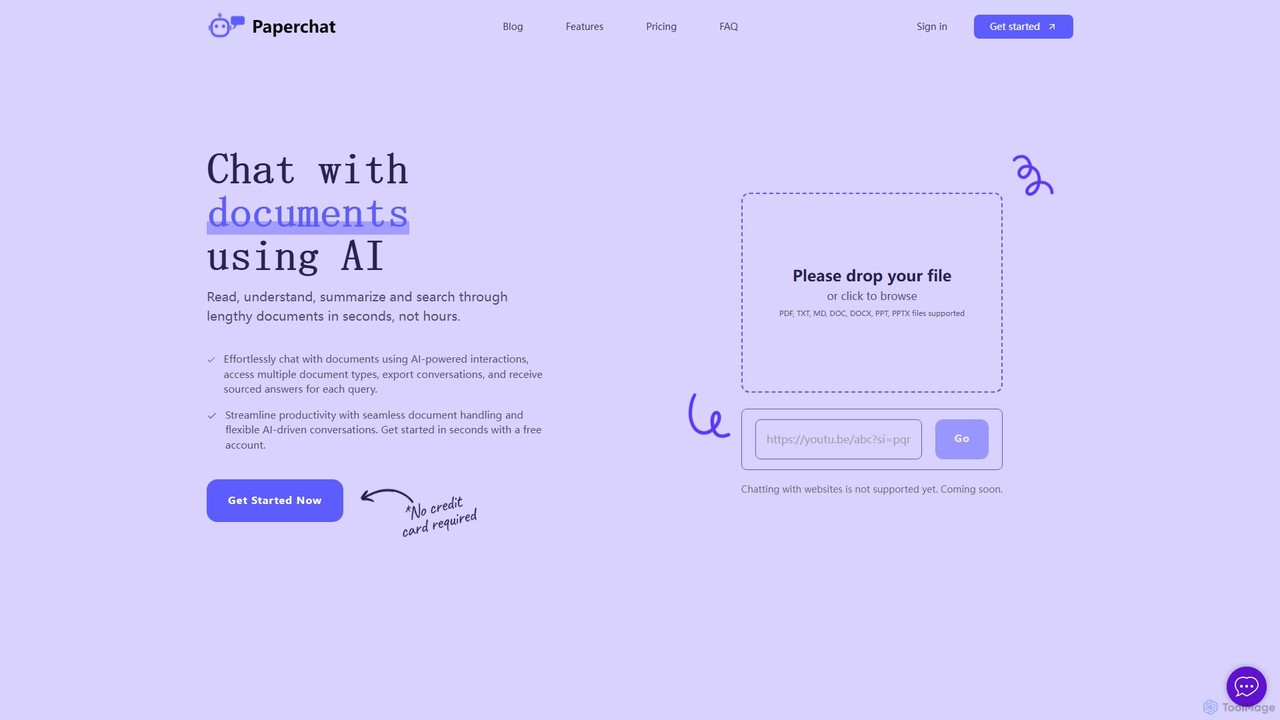
PaperChat is an AI-powered platform that lets you chat with your documents. Instantly read, understand, summarize, and search through lengthy files like PDFs, Word docs, and PowerPoints. Simply upload your document and start asking questions to get sourced answers in seconds. It's designed to boost productivity for students, researchers, lawyers, and professionals by transforming how they interact with information, saving hours of manual reading.
Study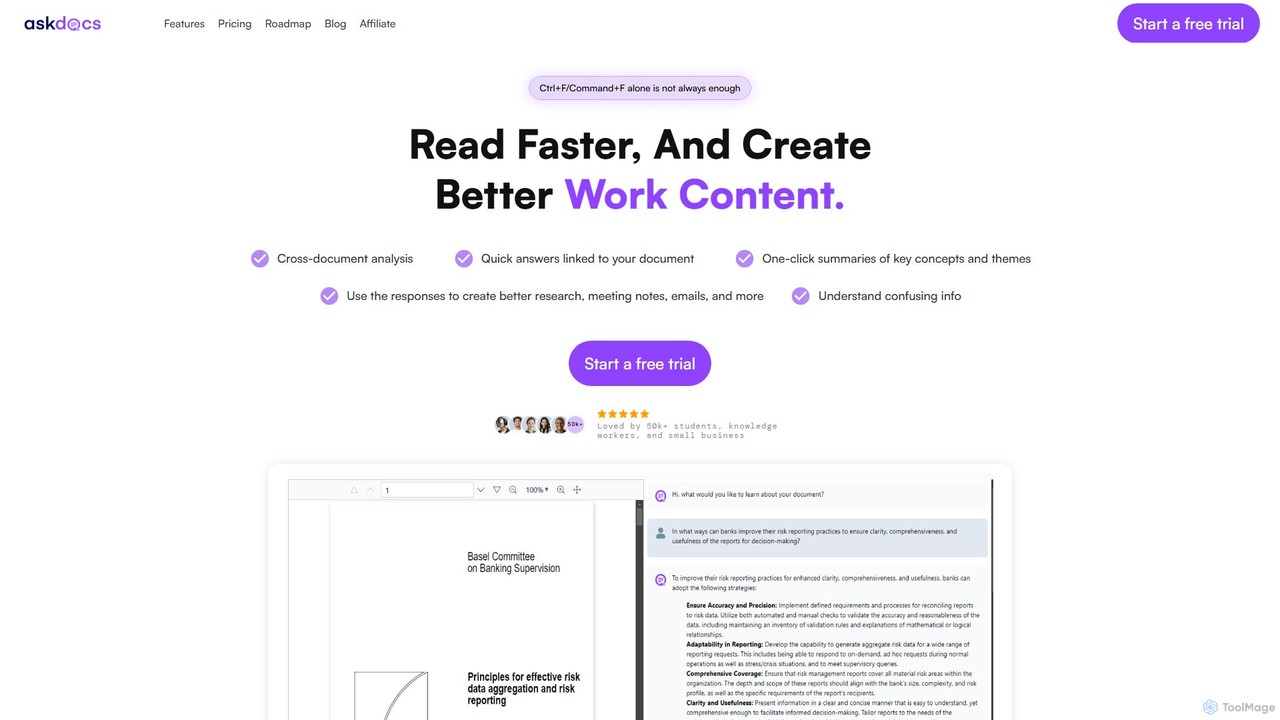
AskDocs
AskDocs is an AI-powered document assistant designed to help you quickly read, understand, and extract information from your files. Chat with single or multiple documents (PDF, DOCX, CSV, etc.), get instant summaries, and receive answers with precise source citations. It's an ideal tool for students, researchers, and professionals looking to accelerate their research and analysis workflows.
Data Analysis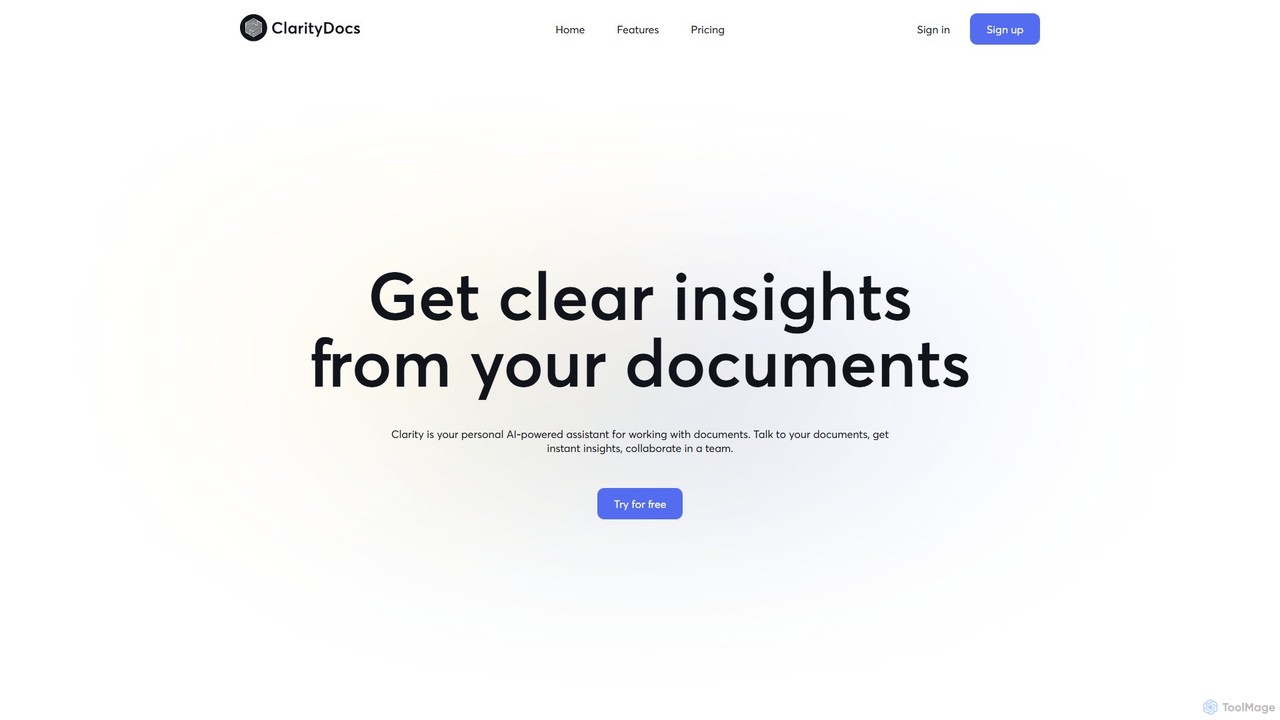
ClarityDocs
ClarityDocs is an AI-powered assistant for document analysis. It allows users to chat with single or multiple documents, extract instant insights from text and visuals, and collaborate with teams. It's designed to boost productivity for researchers, students, and professionals by simplifying information retrieval and synthesis.
Study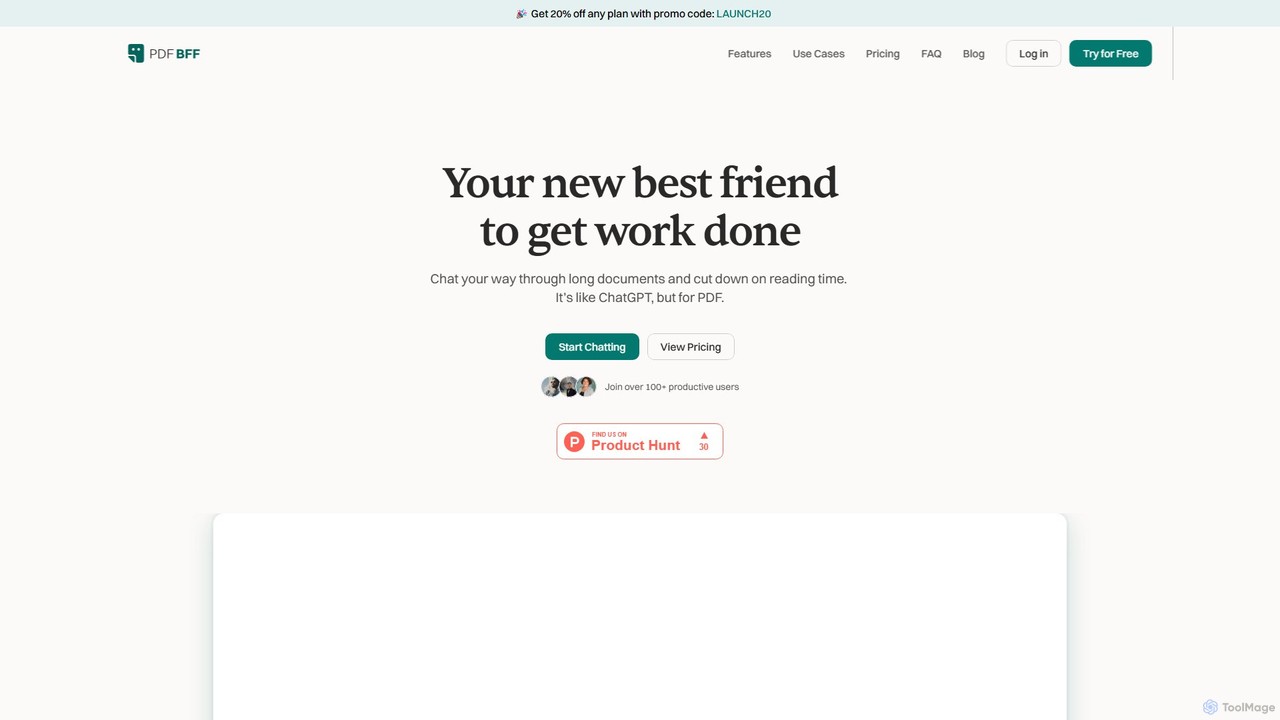
pdfbff
pdfbff is an AI chat tool, like ChatGPT, designed for your PDF documents. Interact with files by asking questions, get instant summaries, and extract key insights in any language. It helps students, researchers, and professionals save time, understand complex information, and streamline their workflow with features like automatic citations and document highlights.
Study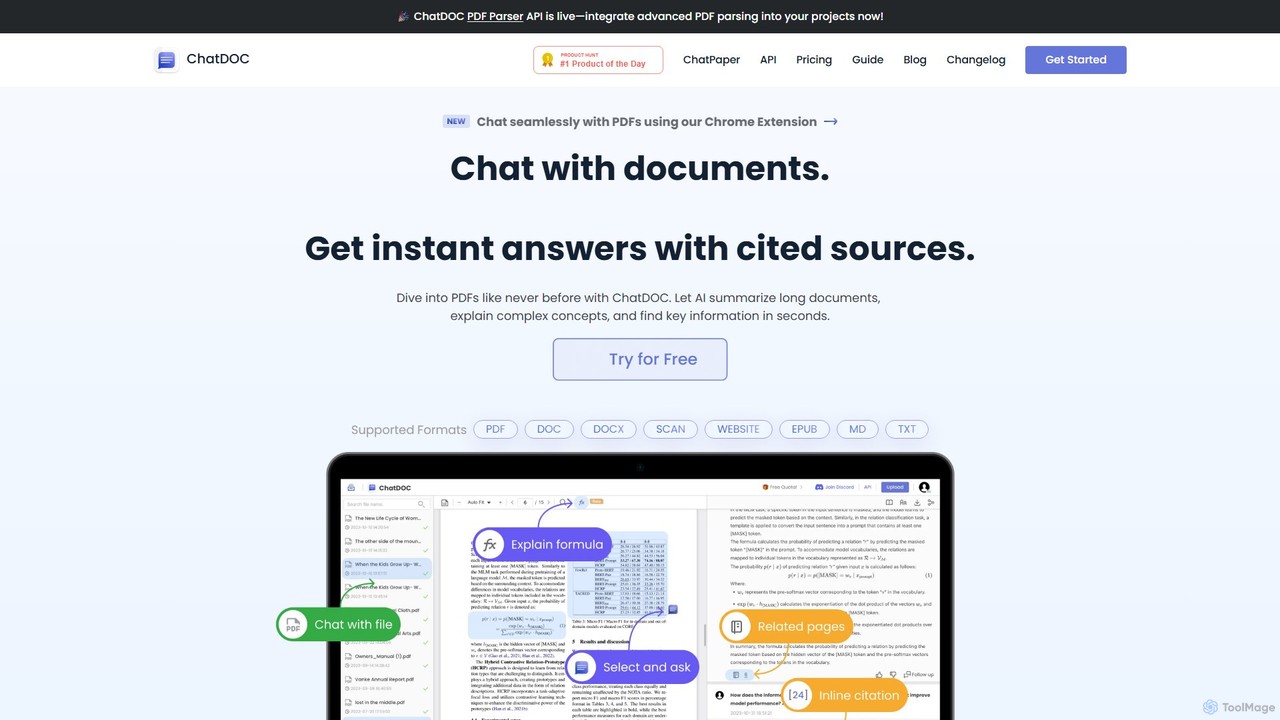
ChatDOC
ChatDOC is an AI-powered document reading assistant that lets you chat with your files. Instantly extract, summarize, and analyze information from PDFs, DOCs, websites, and more. Get answers with cited sources, making it ideal for researchers, students, and professionals to quickly understand complex documents.
StudyPetal Categories
Petal Embed Widget
Copy this embed code to place the badge on your blog, article, or product site and send readers directly to this ToolMage detail page.

Related AI tools
FileGPT
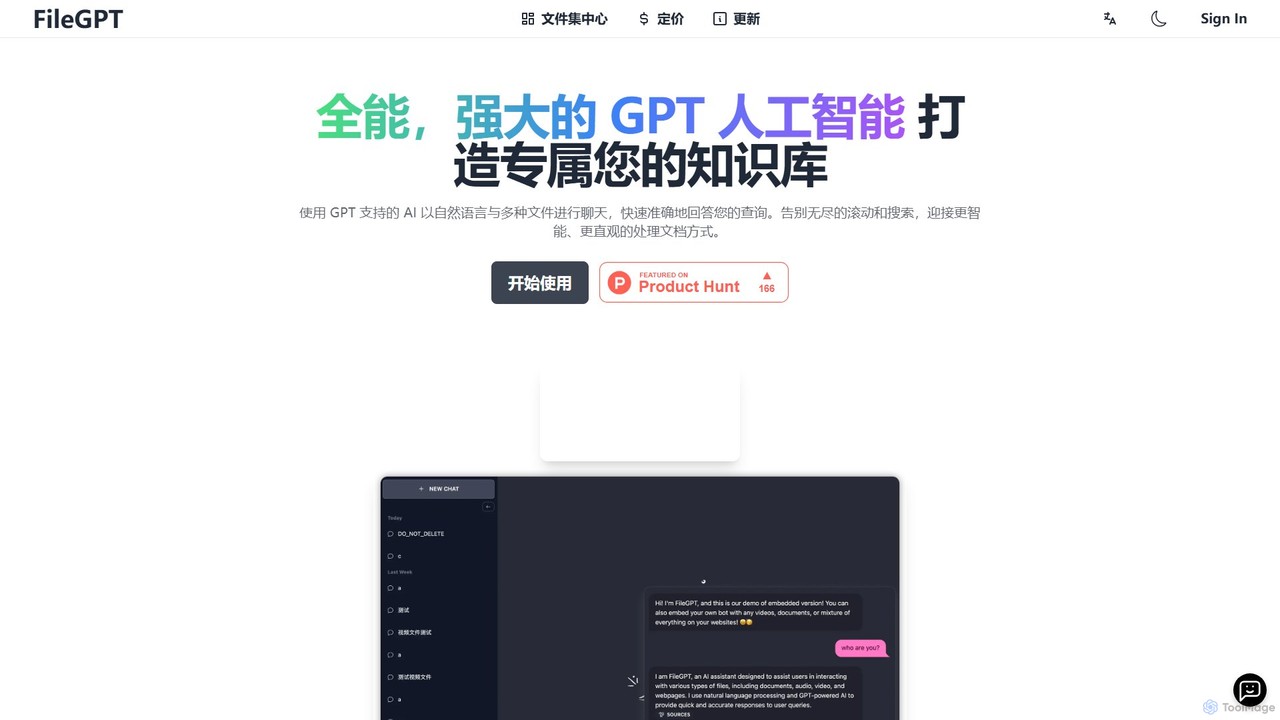
FileGPT is a powerful AI assistant that allows you to create a personalized knowledge base by chatting with your files. It supports a wide range of formats, including documents, audio, video, and web pages, enabling you to get instant, accurate answers and insights from your content without endless searching.
Data ExtractionPaperChat
PaperChat is an AI-powered platform that lets you chat with your documents. Instantly read, understand, summarize, and search through lengthy files like PDFs, Word docs, and PowerPoints. Simply upload your document and start asking questions to get sourced answers in seconds. It's designed to boost productivity for students, researchers, lawyers, and professionals by transforming how they interact with information, saving hours of manual reading.
StudyAskDocs
AskDocs is an AI-powered document assistant designed to help you quickly read, understand, and extract information from your files. Chat with single or multiple documents (PDF, DOCX, CSV, etc.), get instant summaries, and receive answers with precise source citations. It's an ideal tool for students, researchers, and professionals looking to accelerate their research and analysis workflows.
Data AnalysisClarityDocs
ClarityDocs is an AI-powered assistant for document analysis. It allows users to chat with single or multiple documents, extract instant insights from text and visuals, and collaborate with teams. It's designed to boost productivity for researchers, students, and professionals by simplifying information retrieval and synthesis.
Studypdfbff
pdfbff is an AI chat tool, like ChatGPT, designed for your PDF documents. Interact with files by asking questions, get instant summaries, and extract key insights in any language. It helps students, researchers, and professionals save time, understand complex information, and streamline their workflow with features like automatic citations and document highlights.
Study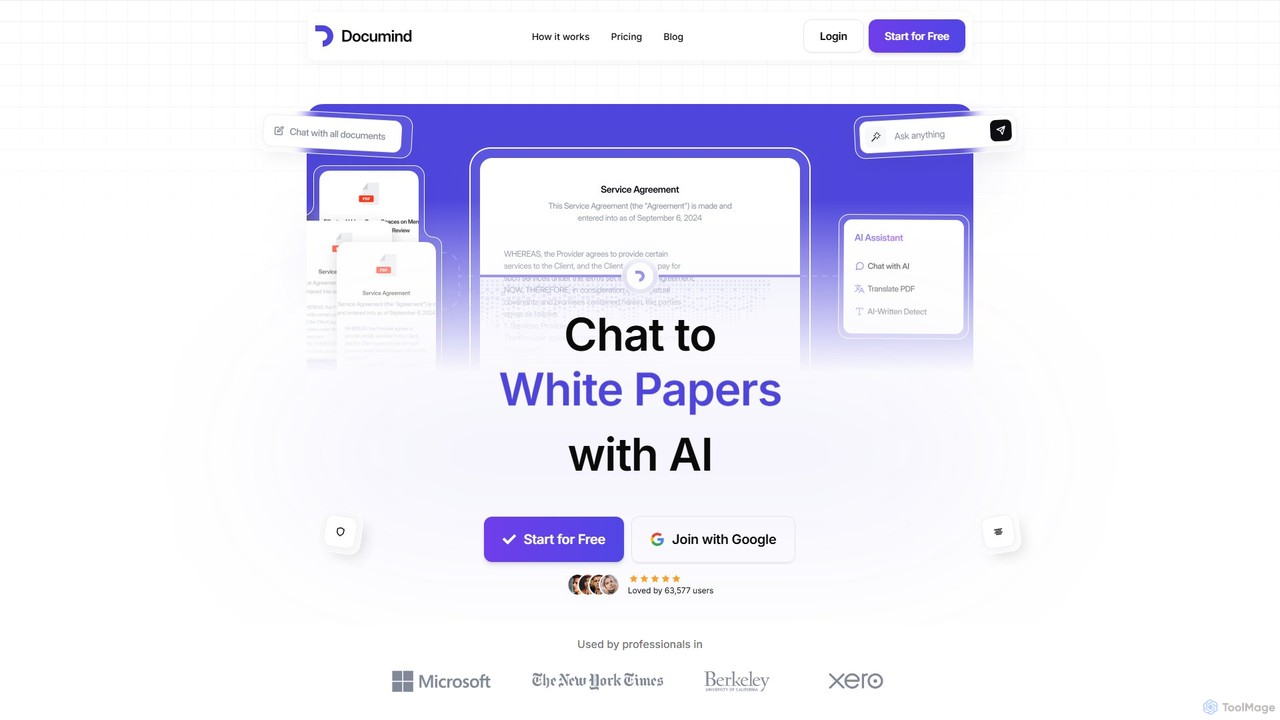
Documind
Documind is an AI-powered tool that allows you to chat with your PDF documents. Instantly get answers, summaries, and insights from textbooks, research papers, legal contracts, and more. It supports bulk uploads, multi-document conversations, and lets you create custom AI chatbots from your files to share or embed on your website, streamlining your workflow and boosting productivity.
Customer Support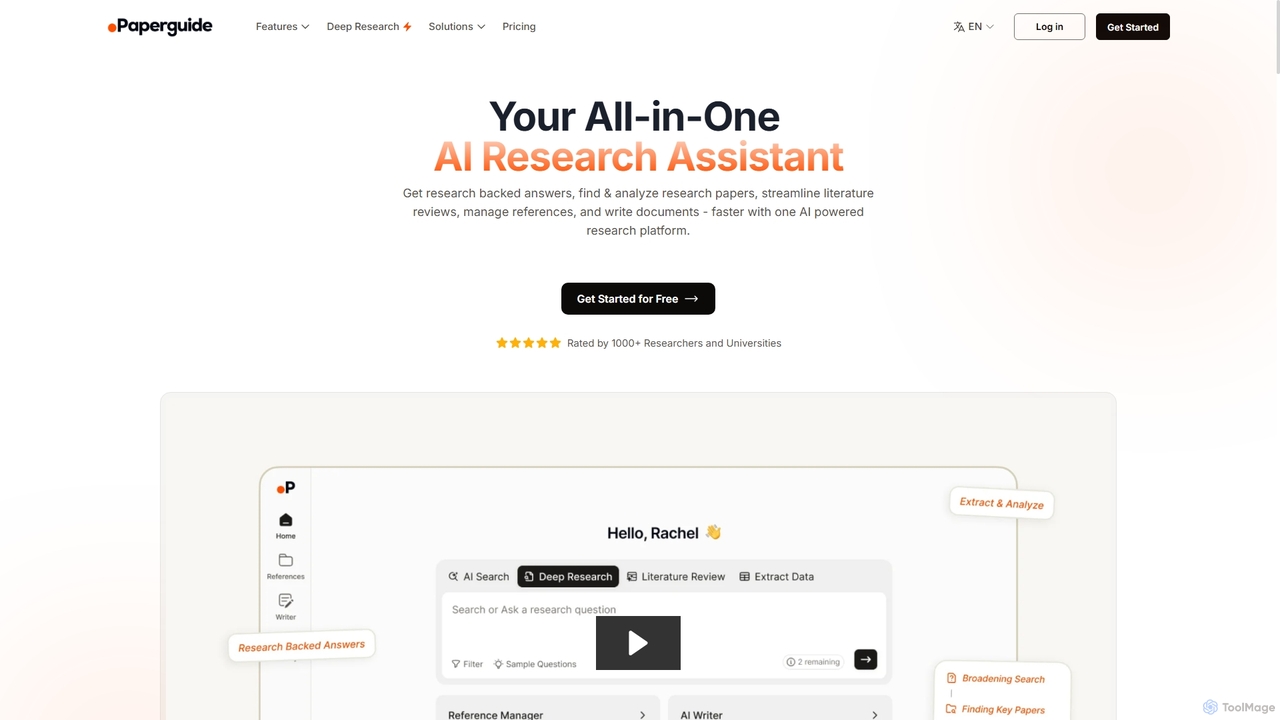
Chatwithpdf
Chatwithpdf is an AI-powered tool that allows you to interact with your PDF documents conversationally. Simply upload a file and start asking questions, get summaries, and extract key information instantly. It's designed for students, researchers, and professionals to analyze documents faster and more efficiently.
Data Extraction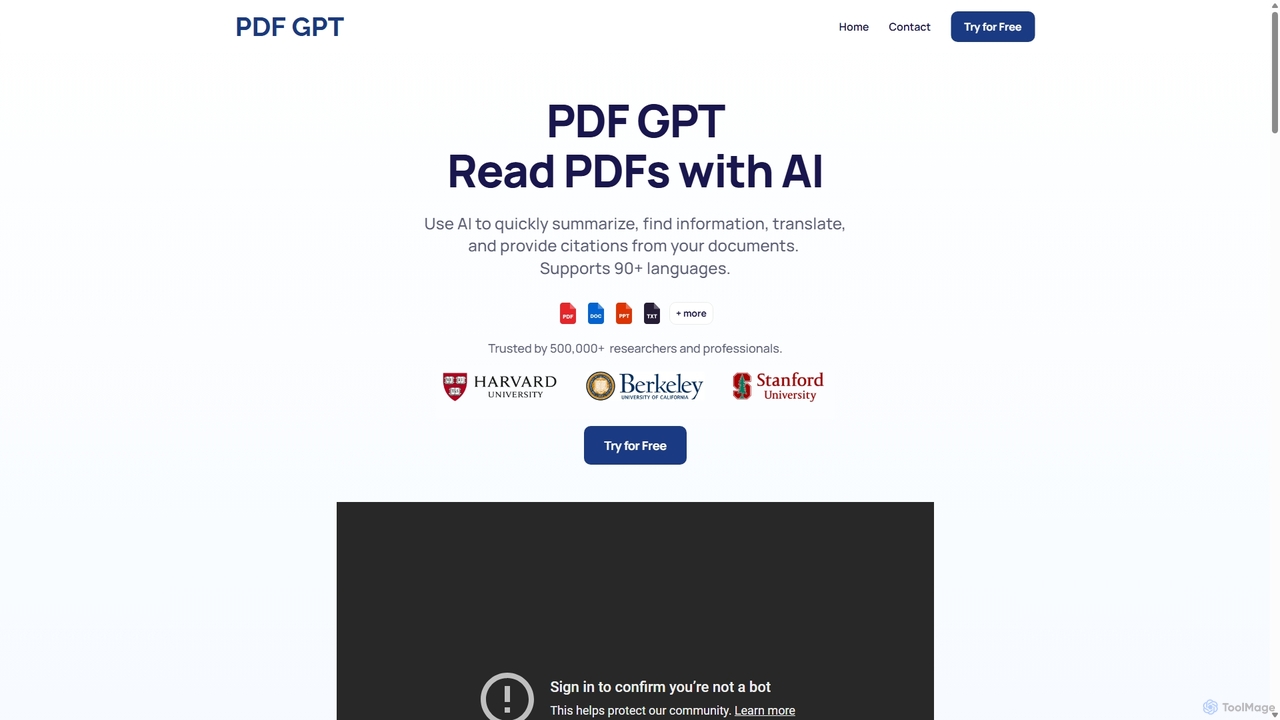
PDF GPT
PDF GPT is an AI-powered tool that lets you chat with your PDF documents. Instantly summarize long reports, find specific information, get answers with citations, and search across multiple files. It supports over 90 languages, making it ideal for researchers, students, and professionals to enhance productivity and document comprehension.
Data Management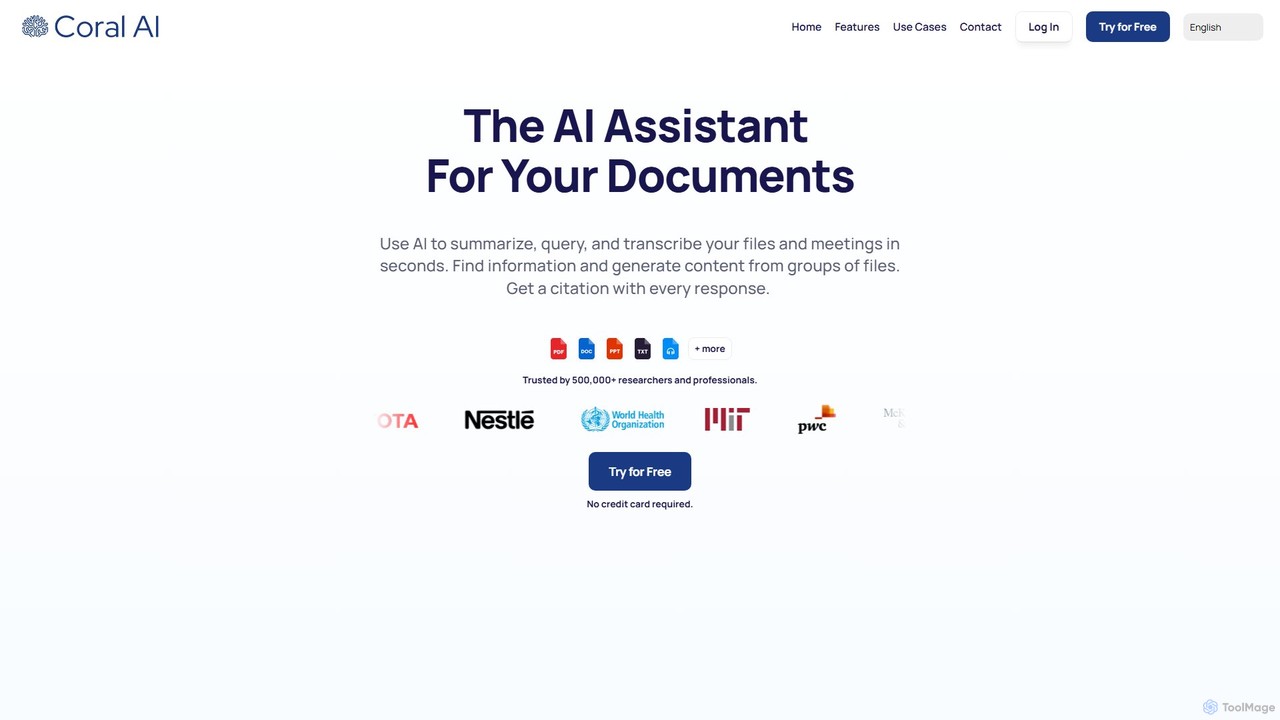
Coral AI
Coral AI is an intelligent assistant that transforms your documents, audio, and video files into interactive resources. Upload your files to summarize content, ask specific questions, extract key information, and transcribe media in seconds. It provides precise, citable answers, making it an essential tool for students, researchers, and professionals to enhance productivity and understanding.
Transcription
pdfy.ai
pdfy.ai is an AI-powered chat assistant that allows you to interact with various content formats, including PDFs, audio files, YouTube videos, and websites. Simply upload or link your source and ask questions in natural language to get instant, accurate answers and summaries, complete with source citations.
Research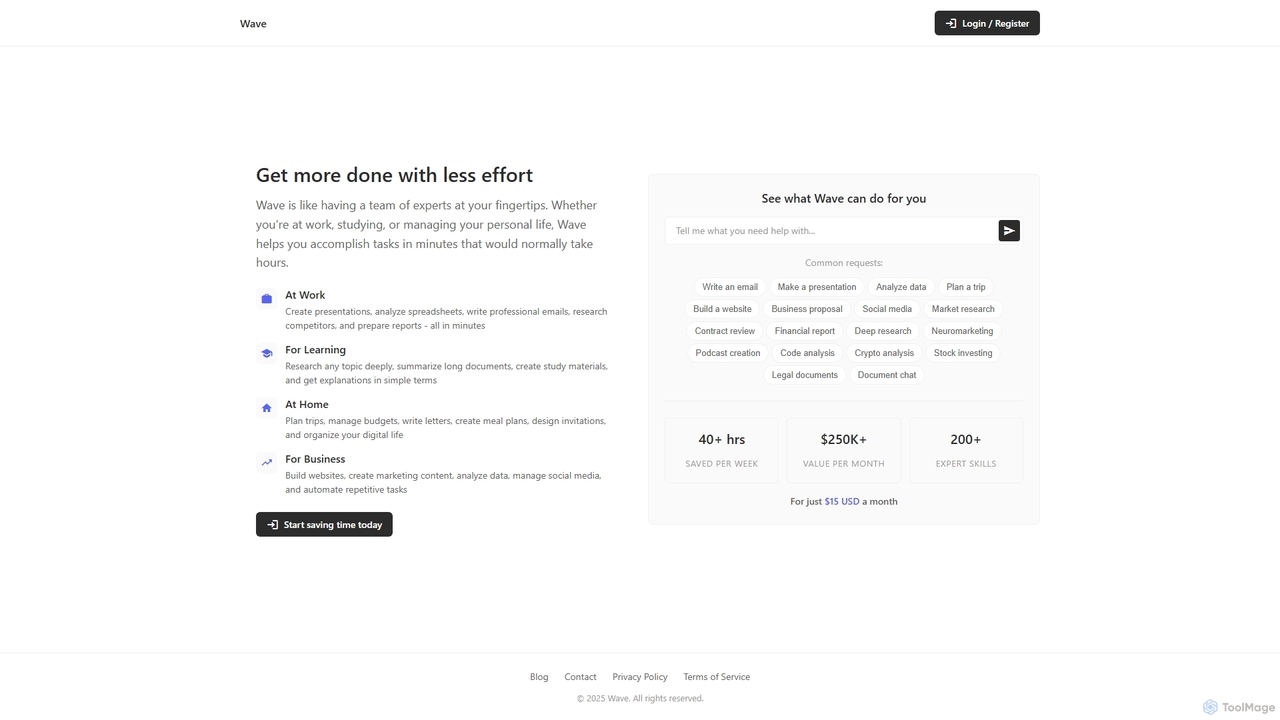
ChatDocuments
ChatDocuments is an AI-powered platform that allows you to interact with your documents through a conversational chat interface. Upload PDFs, Word files, and other formats to ask questions, get instant summaries, extract key information, and gain insights without manually reading through pages. It's designed to boost productivity for students, researchers, and professionals.
Data AnalysisChatDOC
ChatDOC is an AI-powered document reading assistant that lets you chat with your files. Instantly extract, summarize, and analyze information from PDFs, DOCs, websites, and more. Get answers with cited sources, making it ideal for researchers, students, and professionals to quickly understand complex documents.
Study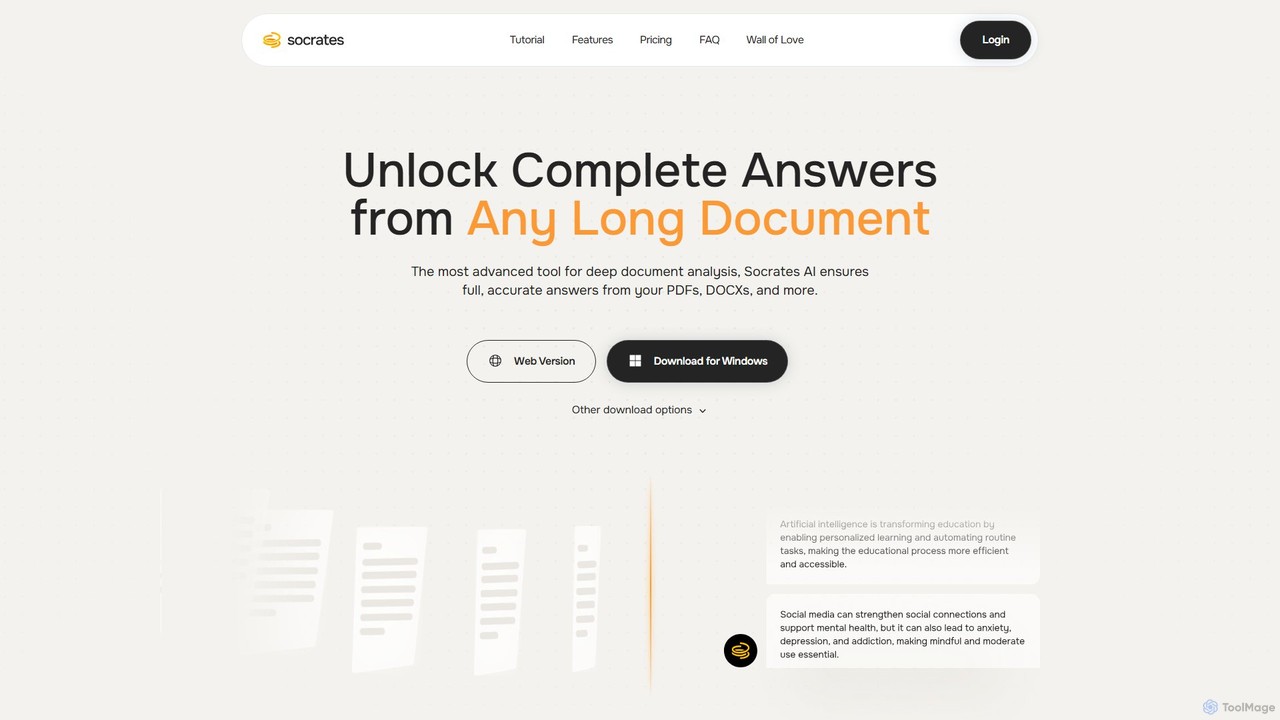
Socrates
Socrates is an advanced AI tool for deep document analysis. Upload PDFs, DOCX, and more to get complete, accurate answers instantly. Features like Deep Dive, Table AI, and local LLM support provide unparalleled insights while ensuring data privacy. Ideal for researchers, professionals, and anyone needing to understand long documents quickly.
Study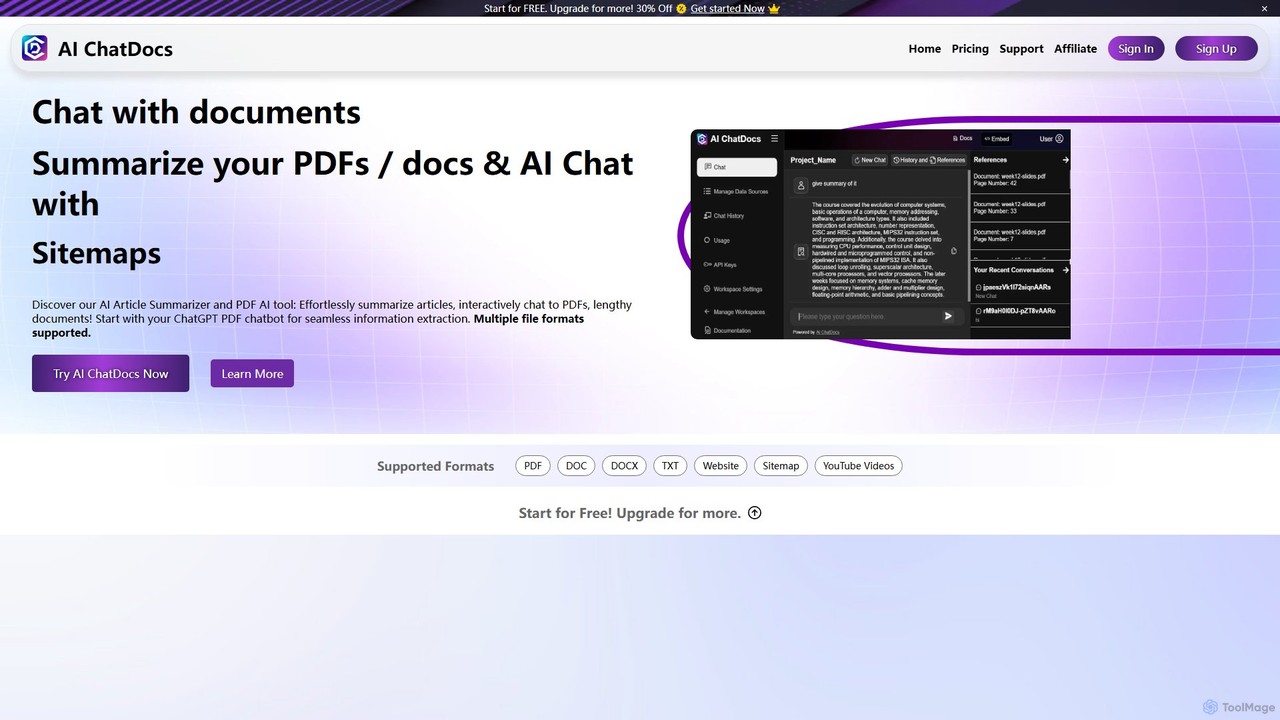
AI ChatDocs
AI ChatDocs is a GPT-4 powered platform that allows you to chat interactively with your documents, websites, and YouTube videos. Instantly summarize long files, extract key insights, and get accurate answers from PDFs, DOCX, and more, streamlining research and analysis for professionals and academics.
Study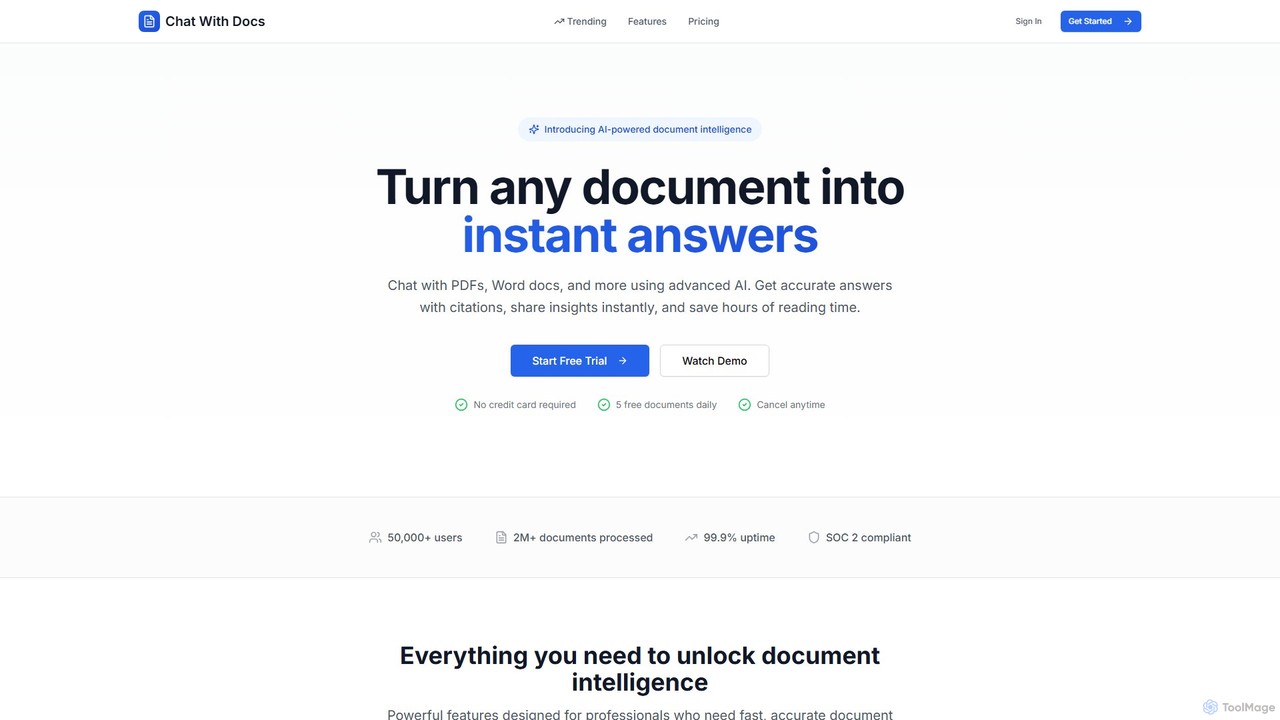
Chat With Docs
Chat With Docs is an AI-powered tool that transforms your documents into interactive chatbots. Upload PDFs, Word docs, and more to ask questions in natural language and receive instant, accurate answers with citations. It's designed for professionals, researchers, and students to save time, enhance productivity, and share insights effortlessly.
Contract Management
Petal Comments (0)
Sign in to comment.
Sign inNo comments yet.